


Here's how to log in to an Airlink101 router.
Step 1: Connect
Connect to the router's WiFi or plug a computer into one of its LAN ports with a network cable.
Step 2: Open the Login Page
Type http://192.168.1.1 into your browser's address bar. Some models use a different address. See the Airlink101 IP address page.
Step 3: Sign In
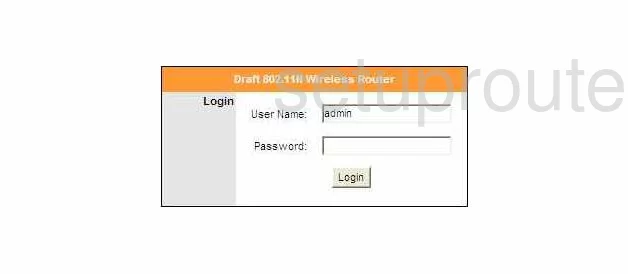
- admin / admin: most Airlink101 routers.
- blank / admin: some models (leave the username empty).
See every known default on the Airlink101 passwords page.
Airlink101 Login Problems
The page won't load. Check that you're connected to the Airlink101 router (not a second router or extender), and run ipconfig to see its real address.
The password is rejected. Try each default above and the password on the label. If nothing works, reset the router.
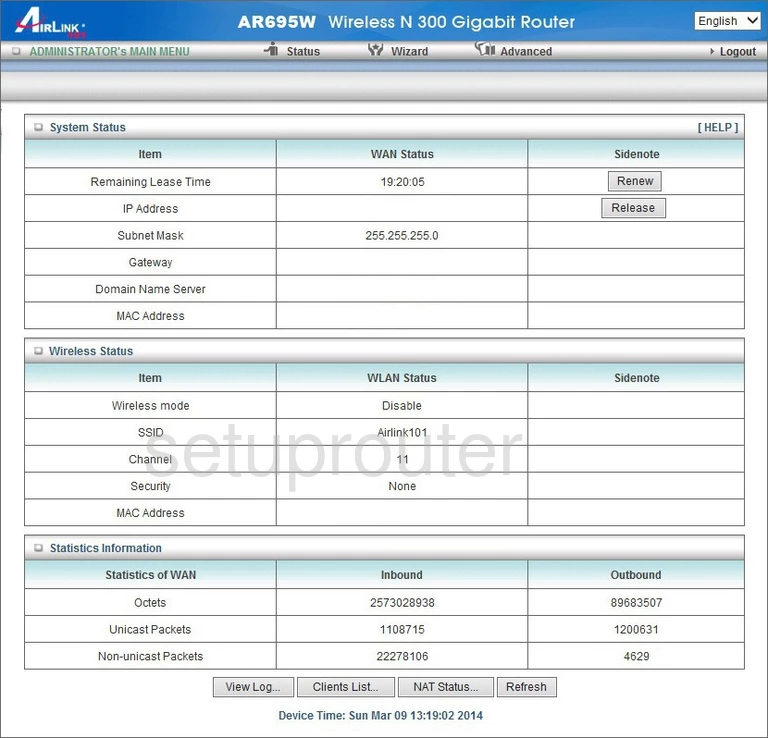
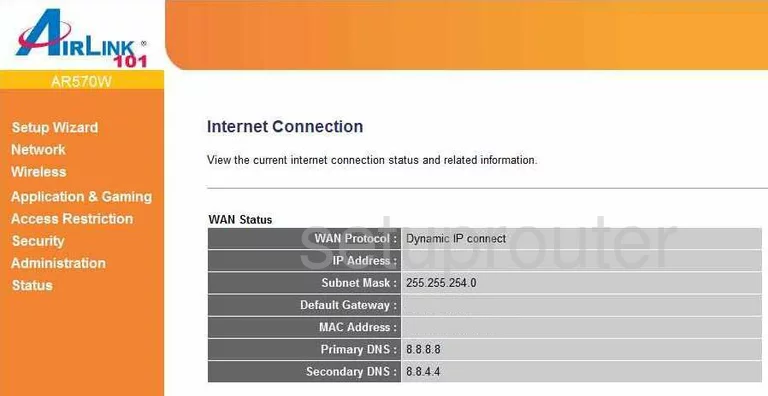
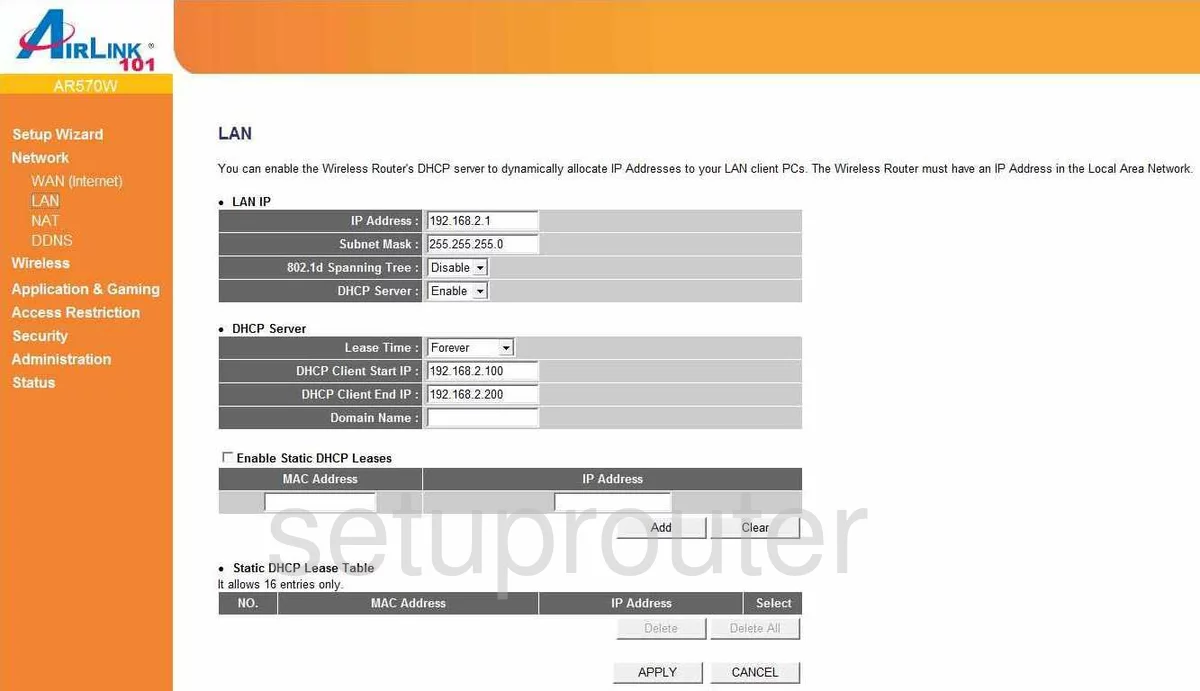
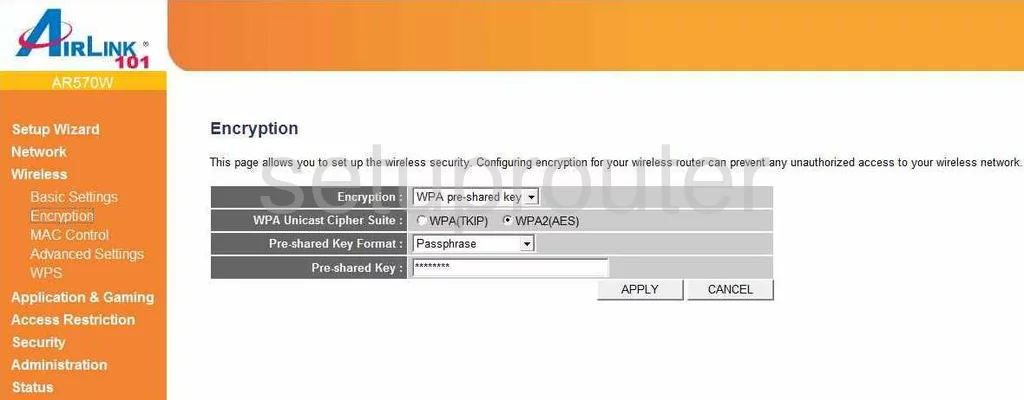
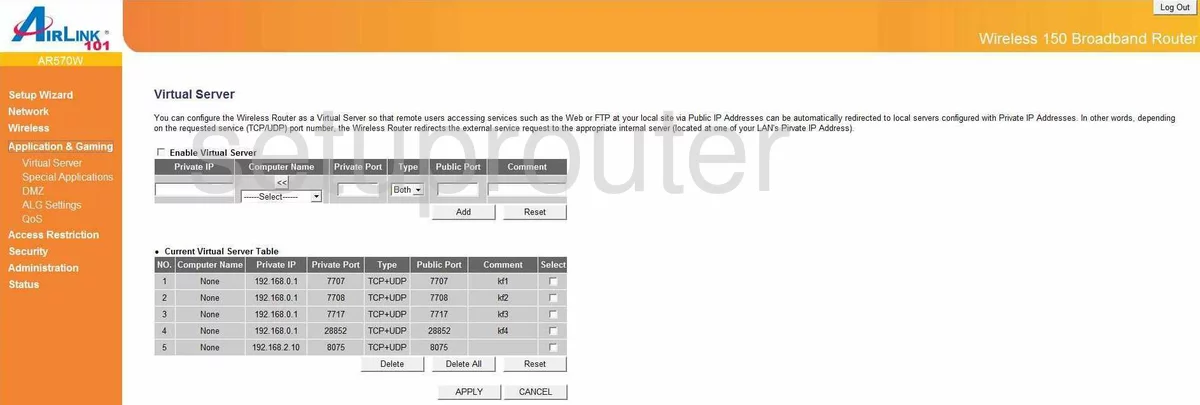
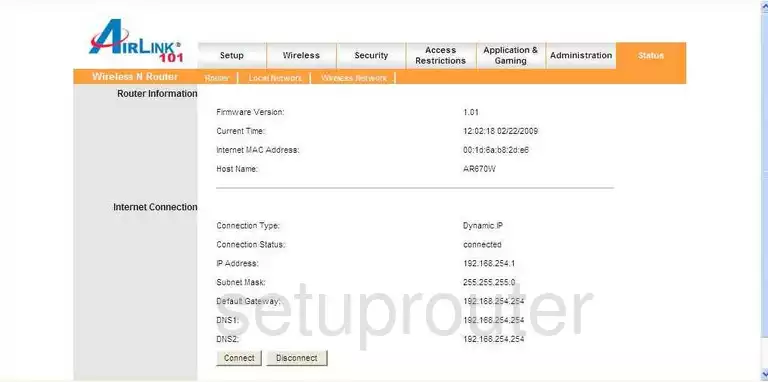
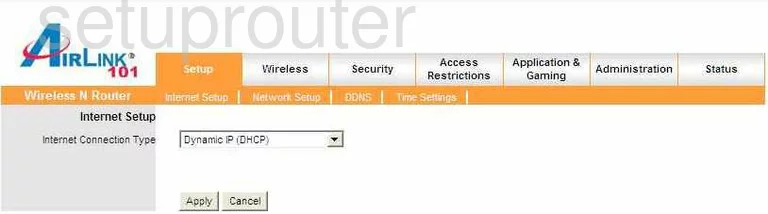
Airlink 101 Router Screenshots
Screens from the Airlink 101 routers we have. Click a model to open it.
AR570W (4 screens)
AR670W (4 screens)
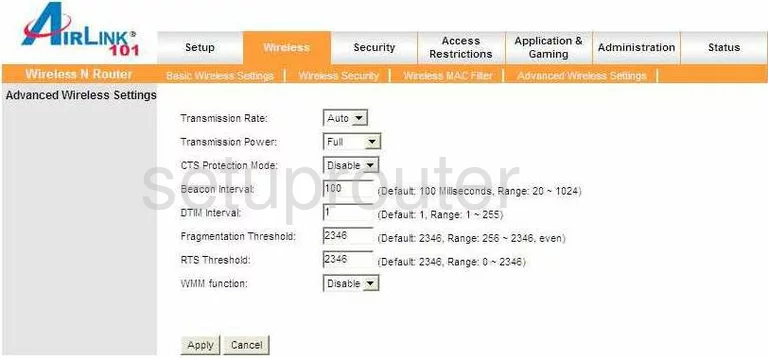
AR695W (4 screens)
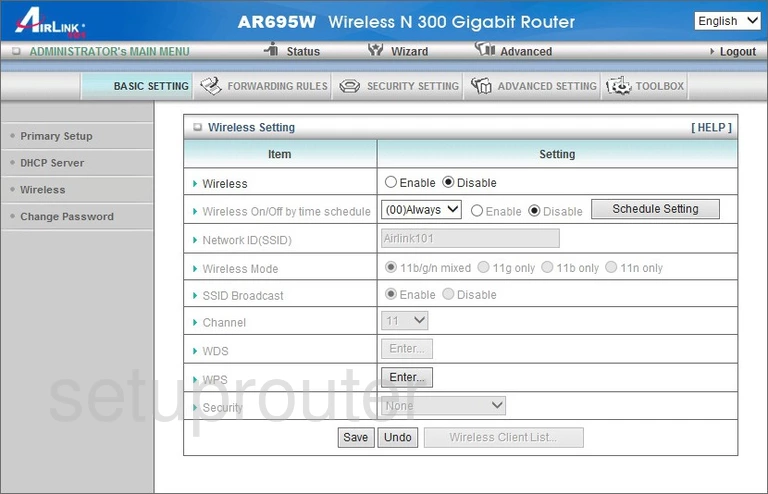
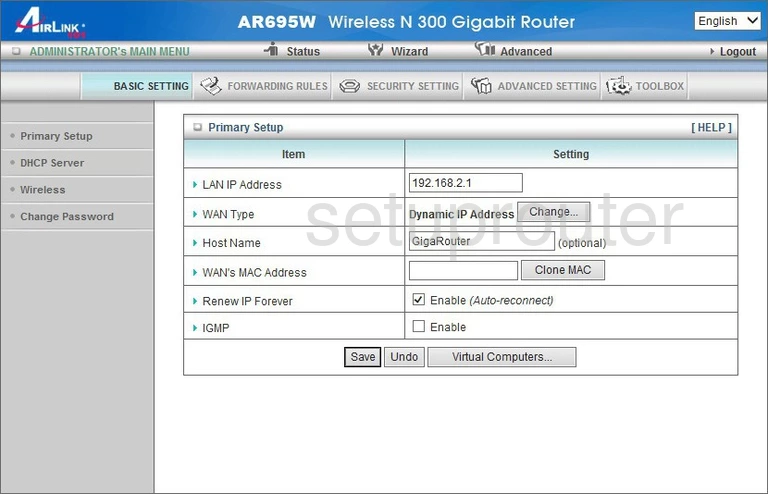
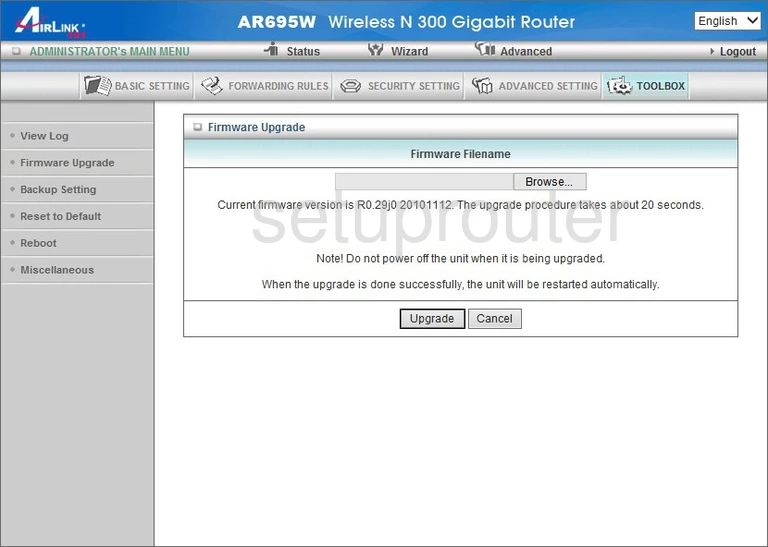
Airlink 101 Router Manuals
- Airlink 101 AR570W user manual (manual-961)
- Airlink 101 AR670W user manual (manual-962)
- Airlink 101 AR695W user manual (manual-1702)