


Cisco small business and home routers use 192.168.1.1. Cisco cable gateways use 192.168.0.1, or 10.0.0.1 for Xfinity versions.
Every Known Cisco Default IP Address
| Cisco Model | IP Address |
| 870 Series | 192.168.1.1 |
| 870 Series | 192.168.1.254 |
| CVR100W | 192.168.1.1 |
| DDR2200 | 192.168.1.254 |
| DDR2201v1 | 10.0.0.2 |
| DDR2201v1 | 192.168.1.254 |
| DPC2320 | 192.168.0.1 |
| DPC2325 | 192.168.0.1 |
| DPC3825 | 192.168.0.1 |
| DPC3828D | 192.168.0.1 |
| DPC3828S | 192.168.0.1 |
| DPC3848 | 192.168.0.1 |
| DPC3848V | 192.168.0.1 |
| DPC3848VM | 192.168.0.1 |
| DPC3914B | 10.1.10.1 |
| DPC3925 | 192.168.0.1 |
| DPC3939 XFINITY | 10.0.0.1 |
| DPC3941B | 10.1.10.1 |
| DPC3941T | 10.0.0.1 |
| DPQ3925 | 192.168.0.1 |
| EA2700 | 192.168.1.1 |
| ECP3940ADL | 192.168.0.1 |
| EPC2425 | 192.168.1.1 |
| EPC3825 | 192.168.0.1 |
| EPC3828D | 192.168.0.1 |
| EPC3925 | 192.168.0.1 |
| EPC3928AD | 192.168.0.1 |
| EPC3928S | 192.168.0.1 |
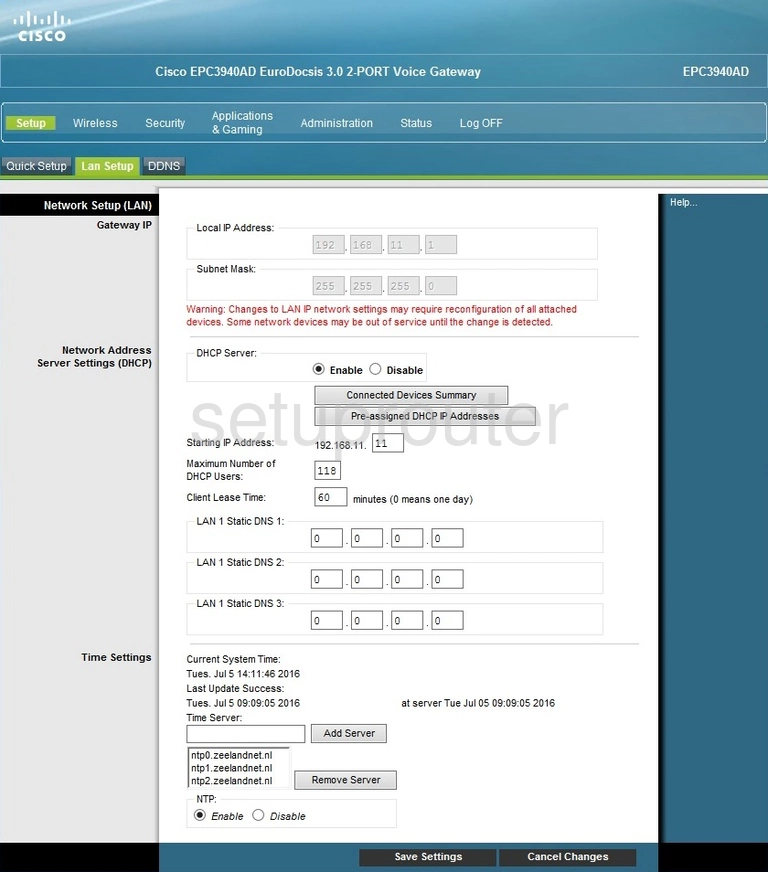
| EPC3940AD | 192.168.0.1 |
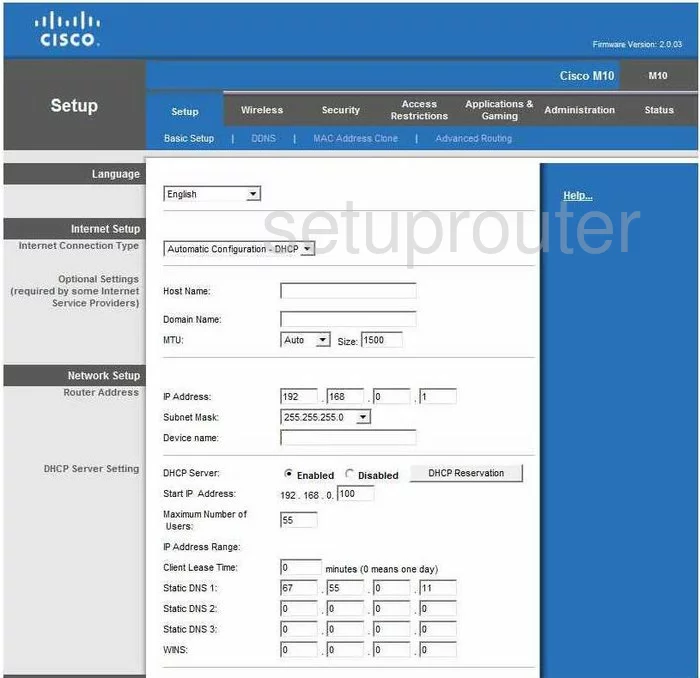
| M10 | 192.168.1.1 |
| M20 | 192.168.1.1 |
| RV042G | 192.168.1.1 |
| RV110W | 192.168.1.1 |
| RV120W | 192.168.1.1 |
| RV130 | 192.168.1.1 |
| RV180 | 192.168.1.1 |
| RV180W | 192.168.1.1 |
| RV320 | 192.168.0.1 |
| RV320 | 192.168.1.1 |
| RV325 | 192.168.1.1 |
| RVS4000 | 192.168.1.1 |
| WRVS4400N | 192.168.1.1 |
| WRVS4400N | 196.172.17.1 |
| X3000 | 192.168.1.1 |
Find Your Router's IP Address
Run ipconfig on Windows and read Default Gateway, or check Router in your WiFi network's details. See How To Find Your Router's IP Address.
Change the Router's IP Address
Log in, then:
- Small business routers: Networking > LAN > LAN Configuration (IPv4). Change the Local IP Address and click Save.
- Cable gateways and home routers: Setup > Basic Setup. Under Network Setup, change the Local IP Address and click Save Settings.
Log back in at the new address.