


Here's how to log in to a Comtrend router.
Step 1: Connect
Connect to the router's WiFi or plug a computer into one of its LAN ports with a network cable.
Step 2: Open the Login Page
Type http://192.168.1.1 into your browser's address bar. Some models use a different address. See the Comtrend IP address page.
Step 3: Sign In
- admin / admin: most Comtrend gateways.
- root / 12345: many older CT-536 and CT-5361 units.
- 1234 / 1234: some Spanish ISP versions.
- user / user: limited user access.
Many newer Comtrend gateways print the admin password on the label. ISP versions often have their own password.
See every known default on the Comtrend passwords page.
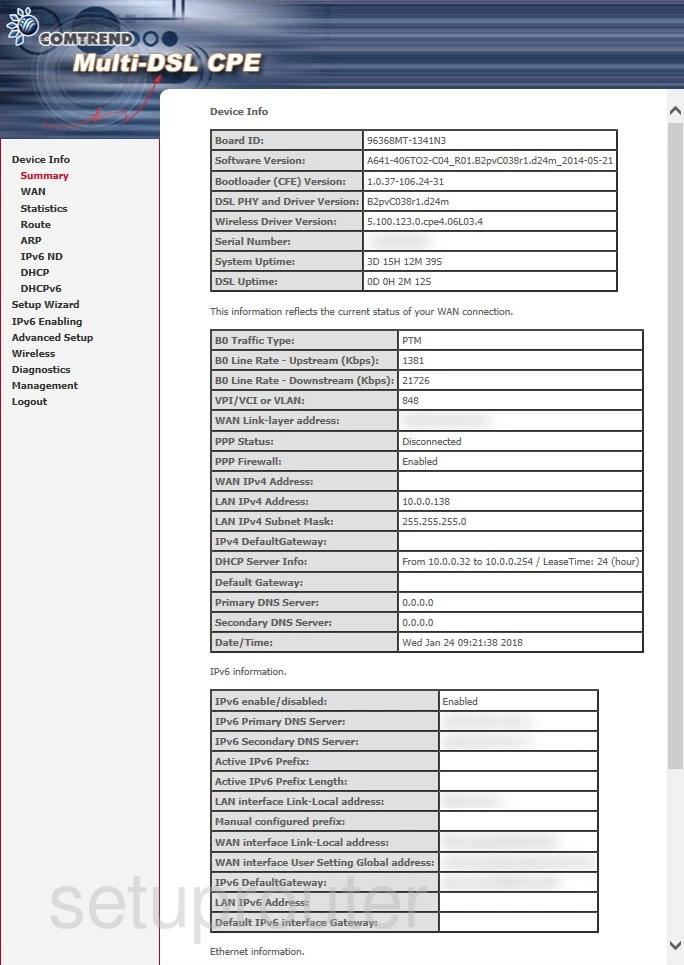
Step 4: You're In
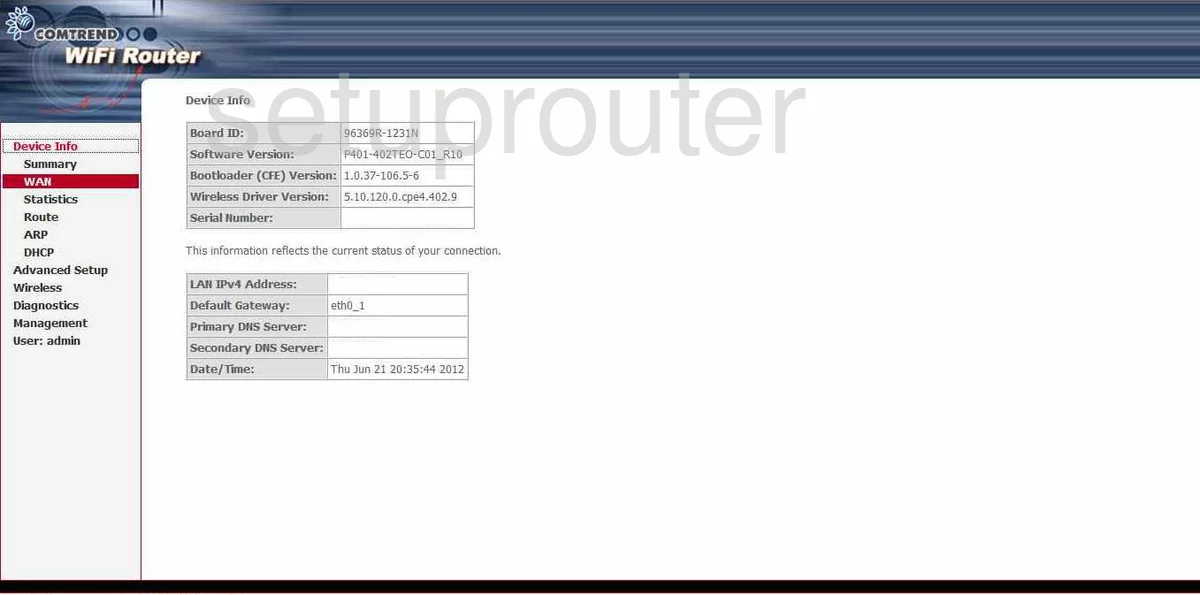
Comtrend gateways open on a Device Info page, with Basic Setup, Advanced Setup, Wireless, Diagnostics and Management menus down the left.
Comtrend Login Problems
The page won't load. Check that you're connected to the Comtrend router (not a second router or extender), and run ipconfig to see its real address.
The password is rejected. Try each default above and the password on the label. Your ISP may have changed it, so check with them. If nothing works, reset the router.
Comtrend Router Screenshots
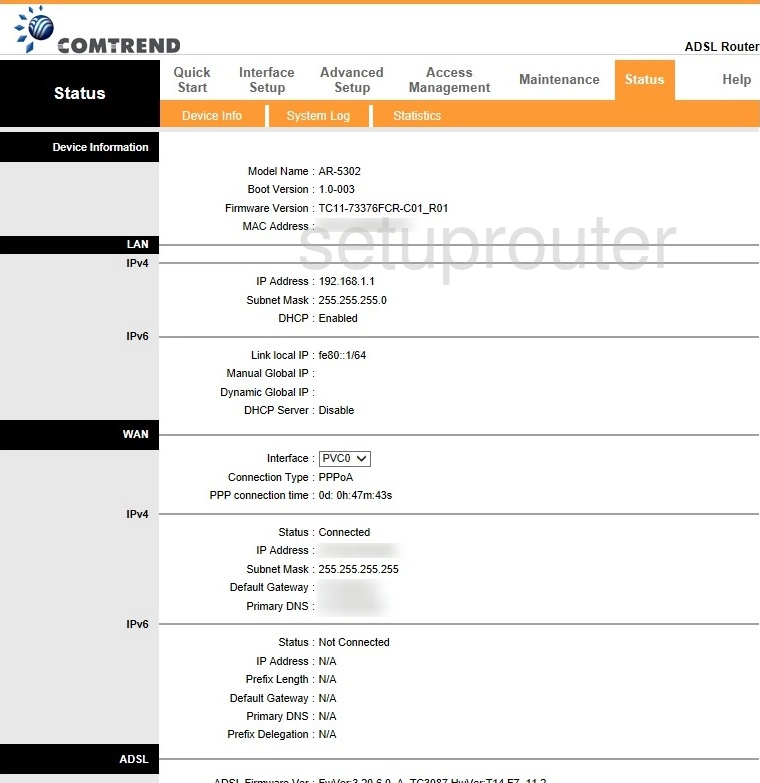
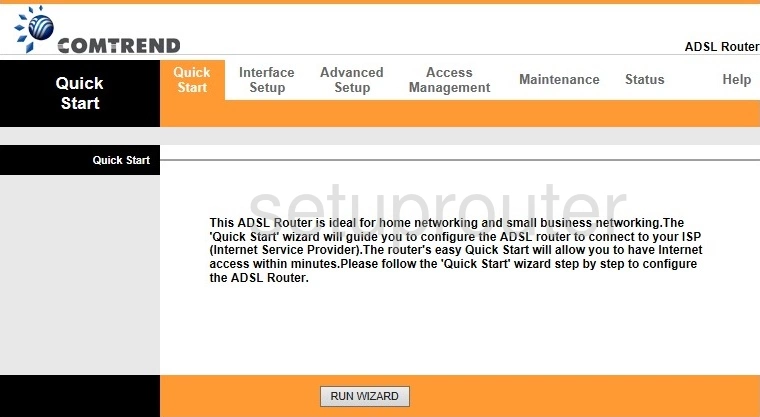
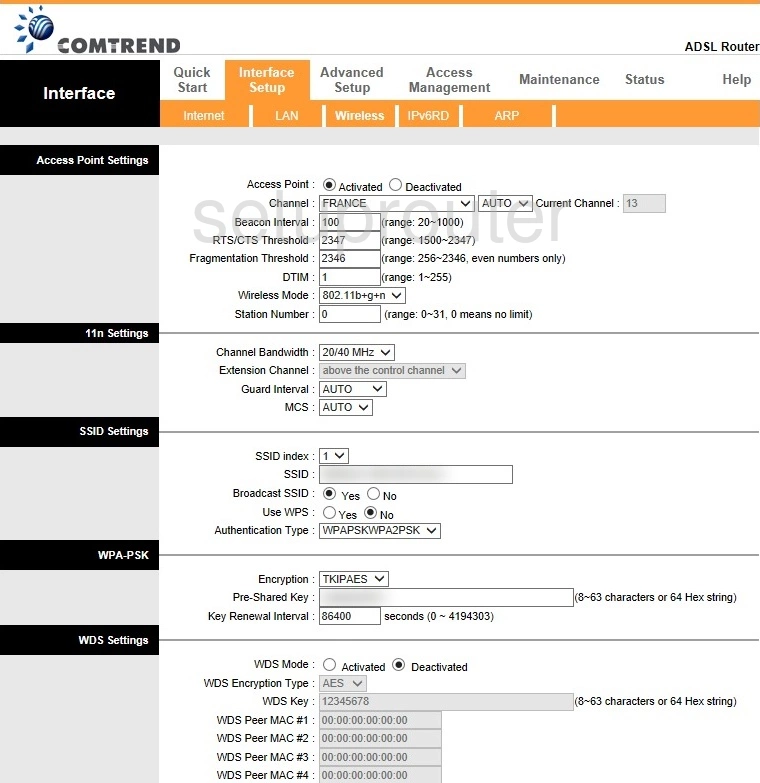
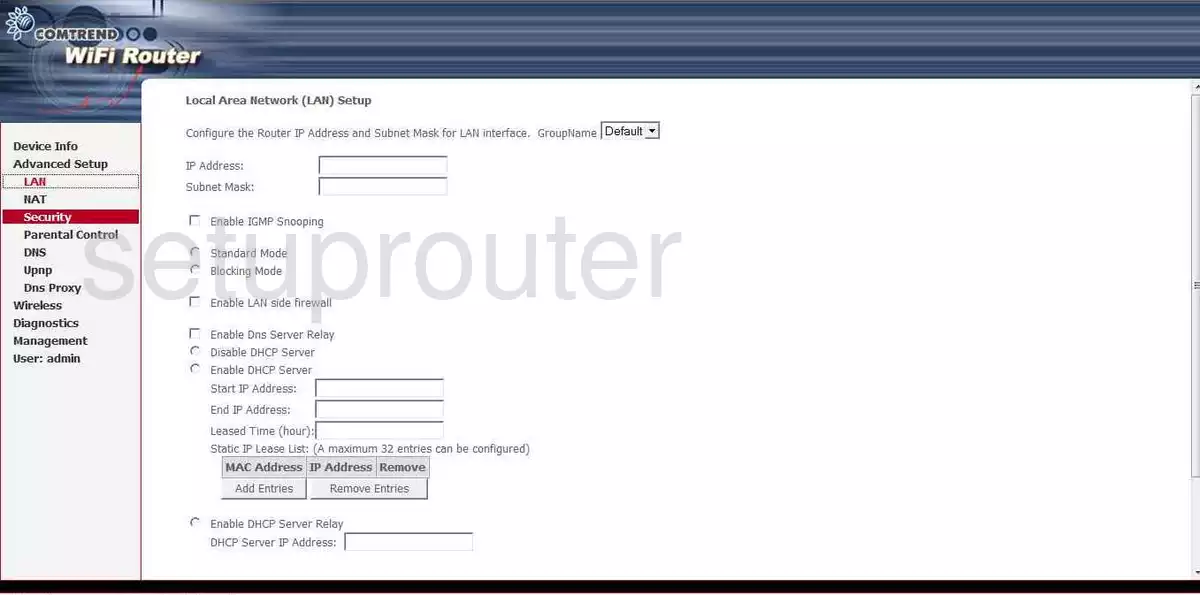
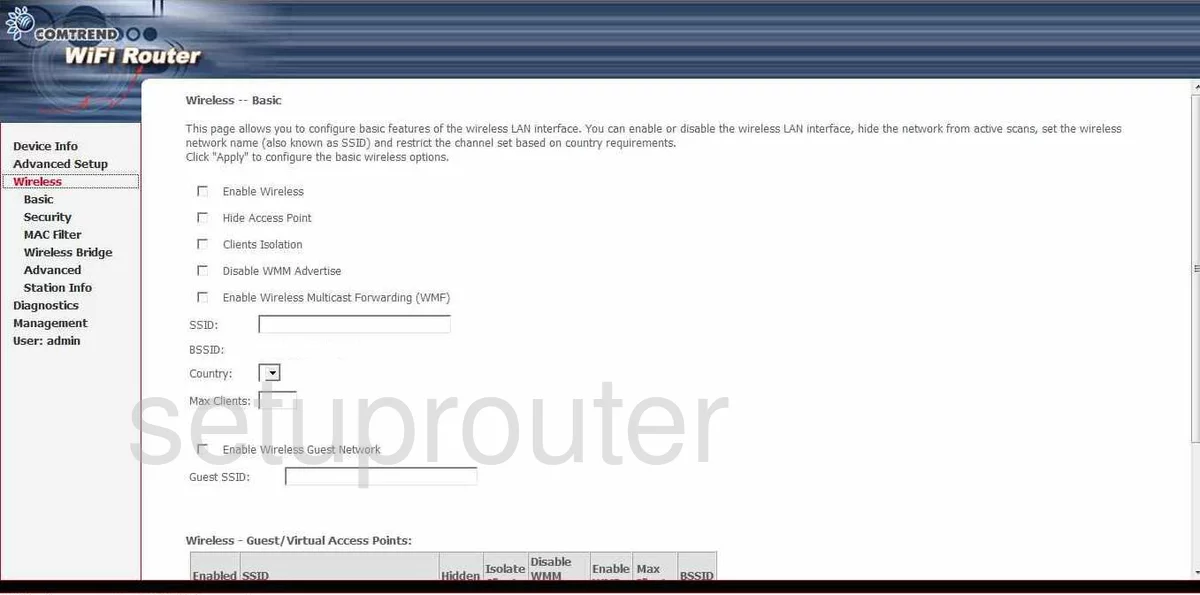
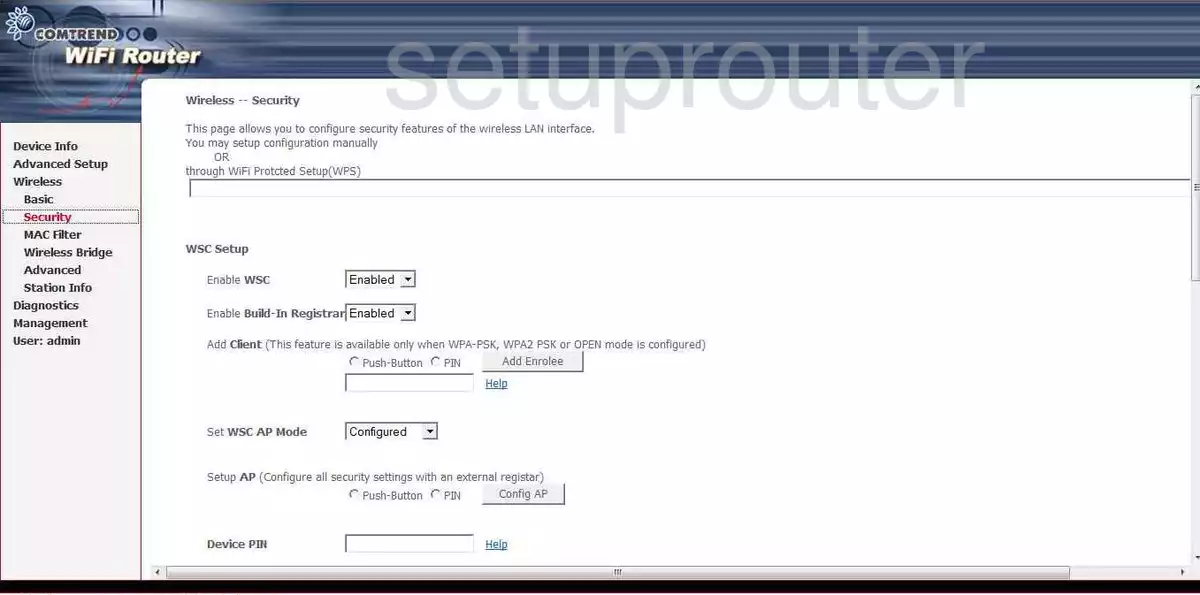
Screens from the Comtrend routers we have. Click a model to open it.
AR-5302 (4 screens)
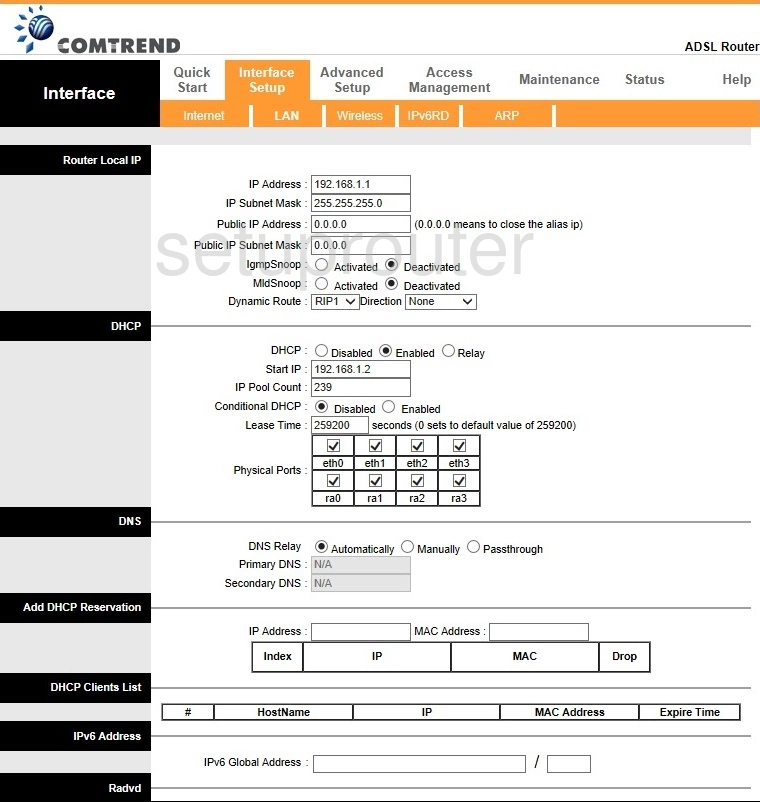
AR-5319 (4 screens)
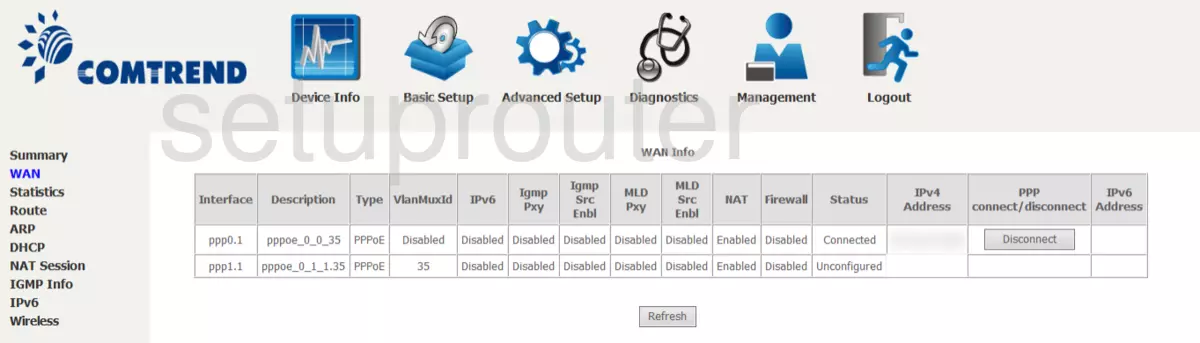
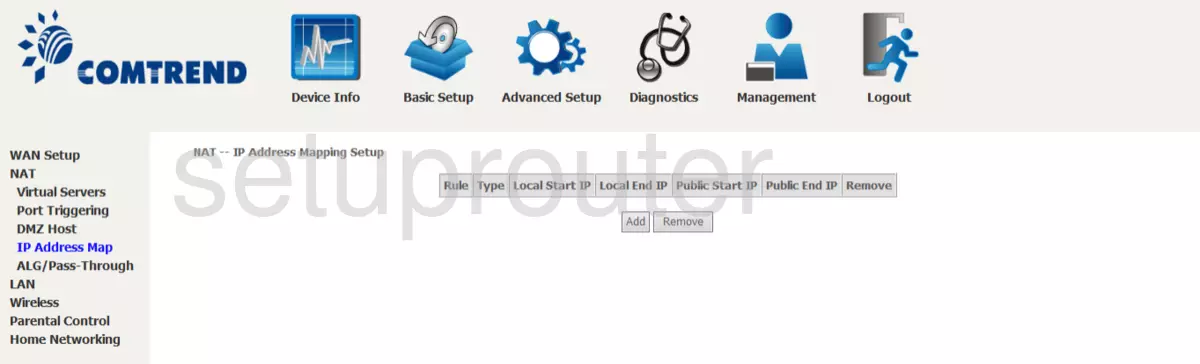
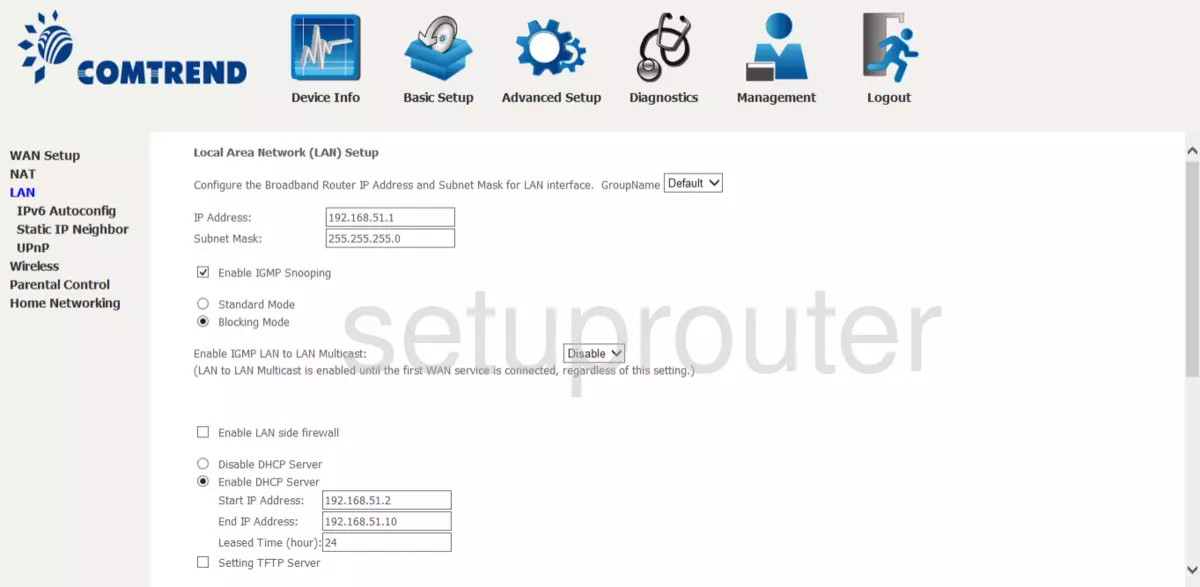
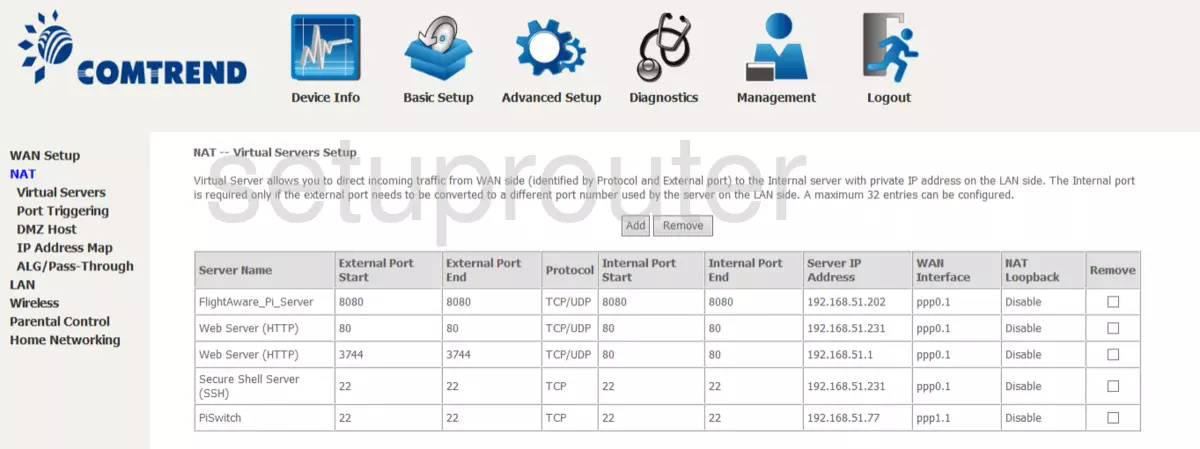
AR-5381u (4 screens)
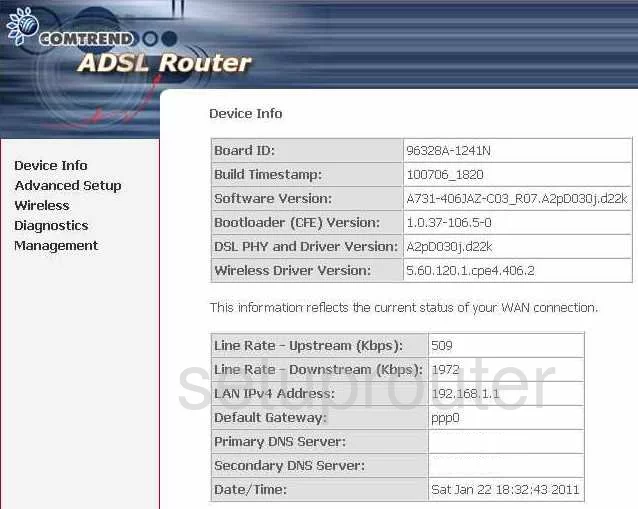
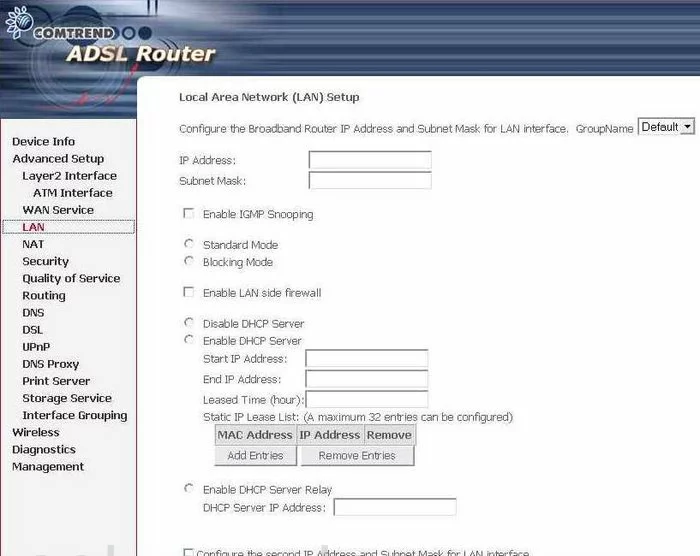
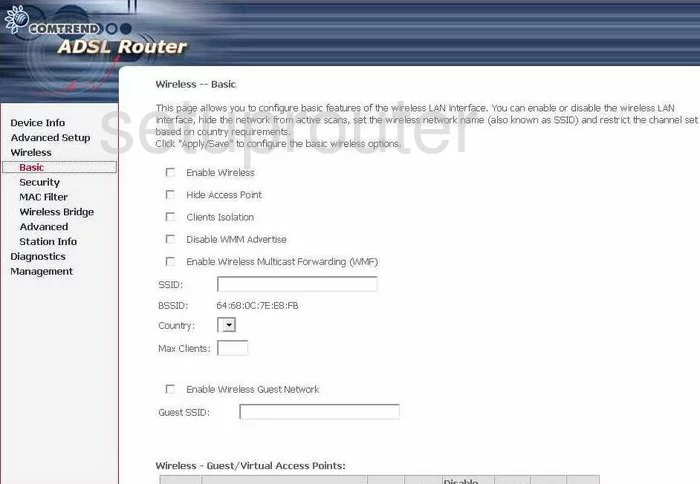
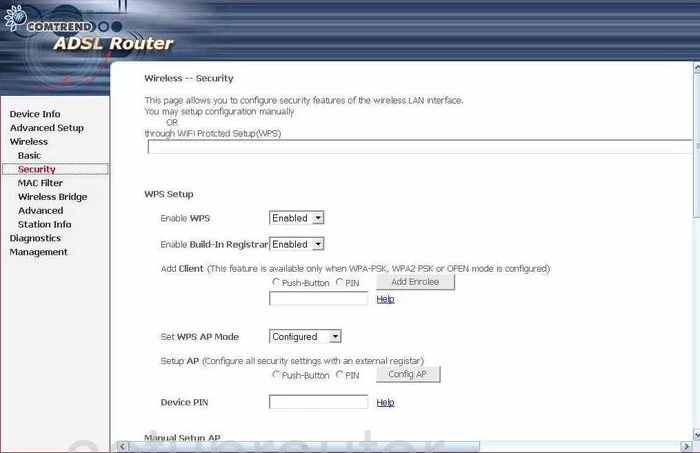
CT-5071T (3 screens)
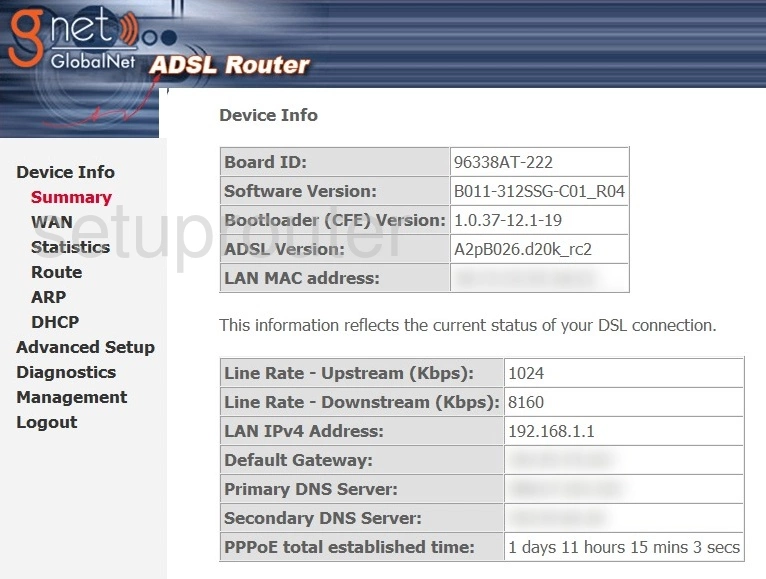
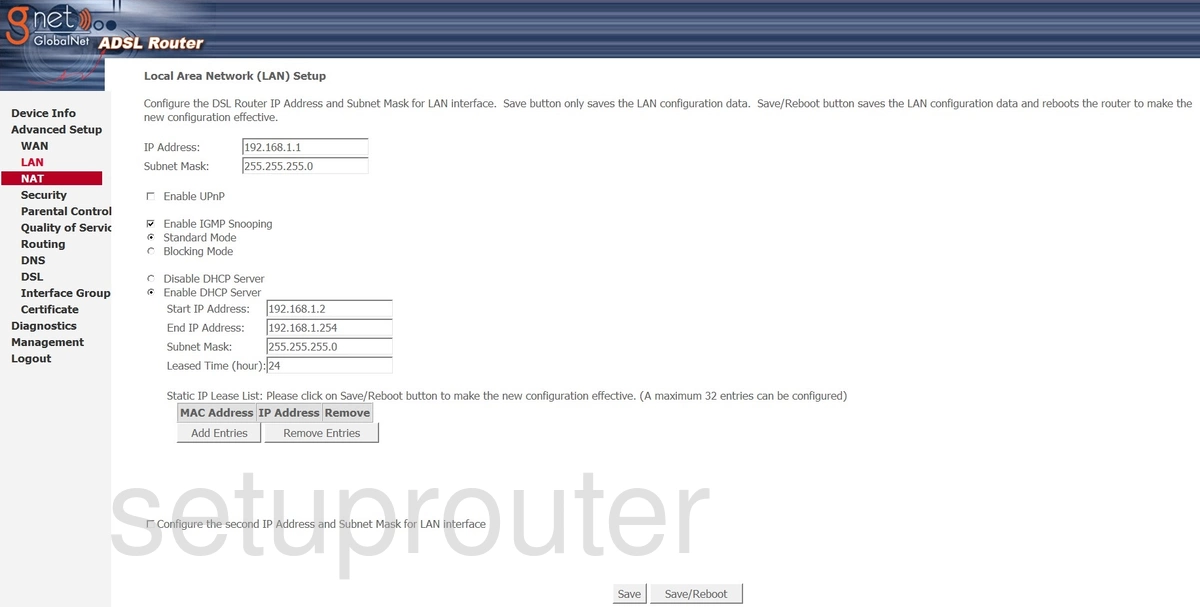
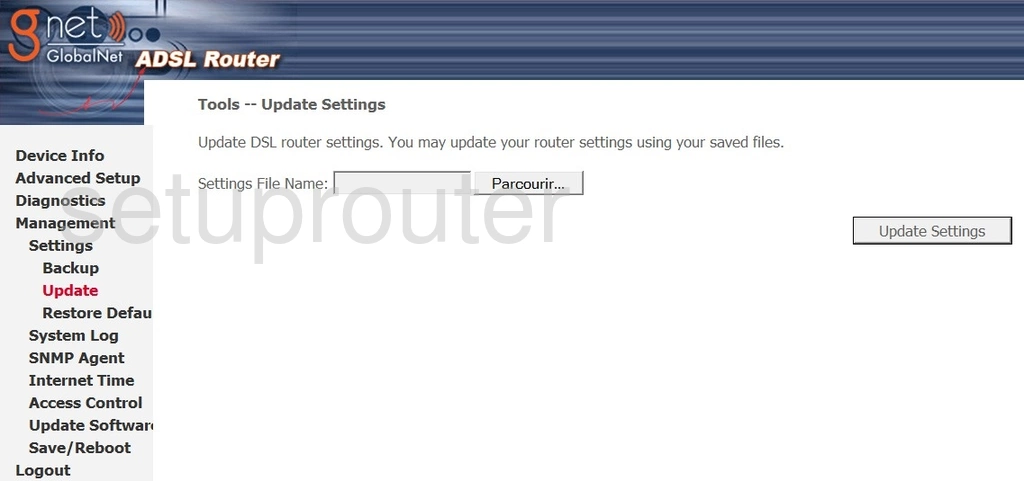
CT-5367 (4 screens)
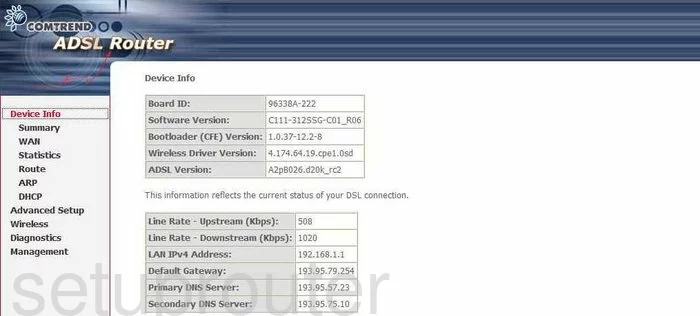
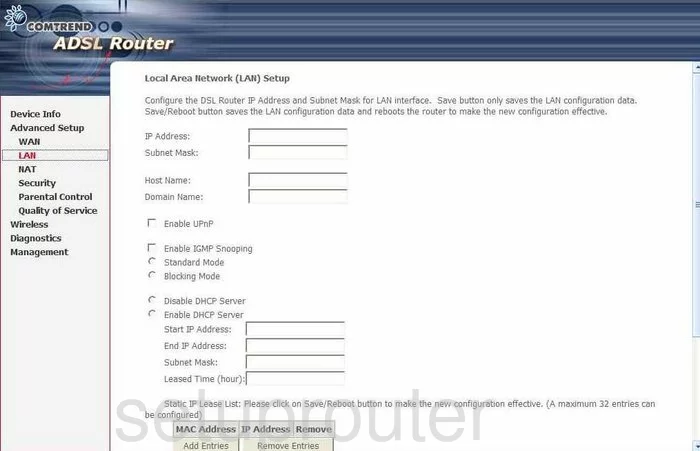
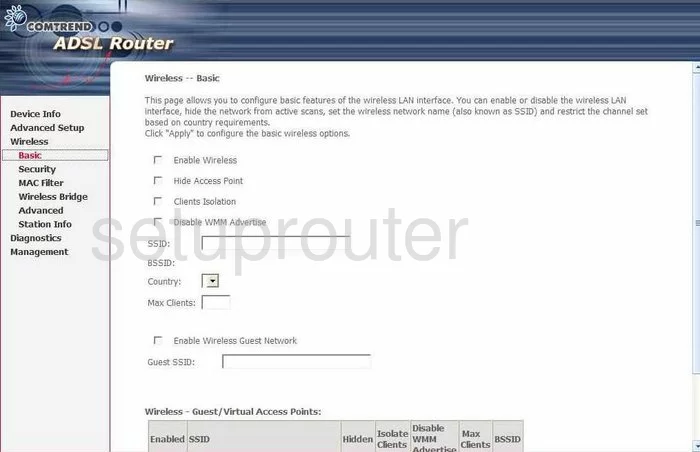
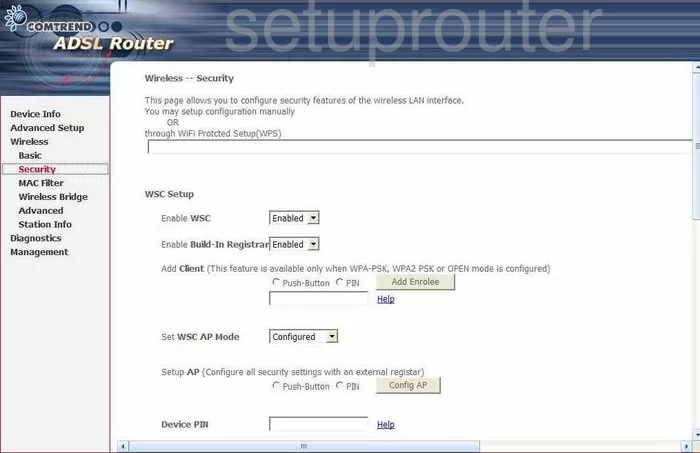
CT-5372 (4 screens)
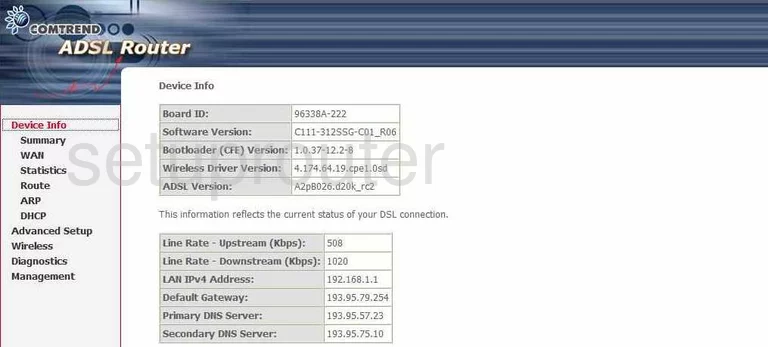
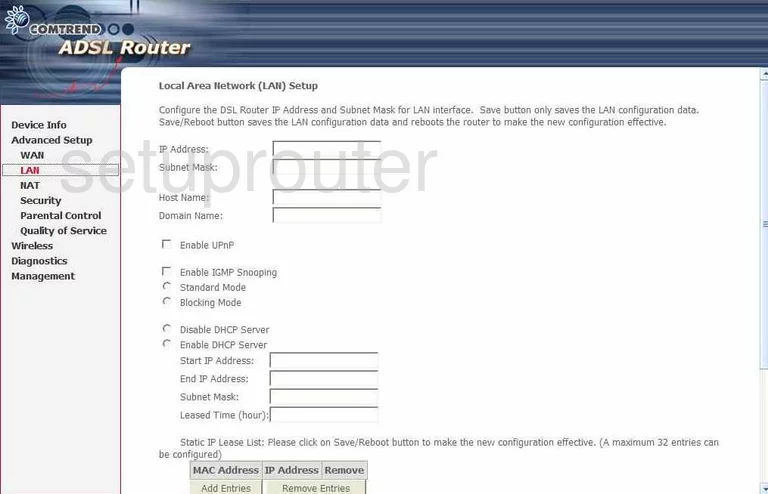
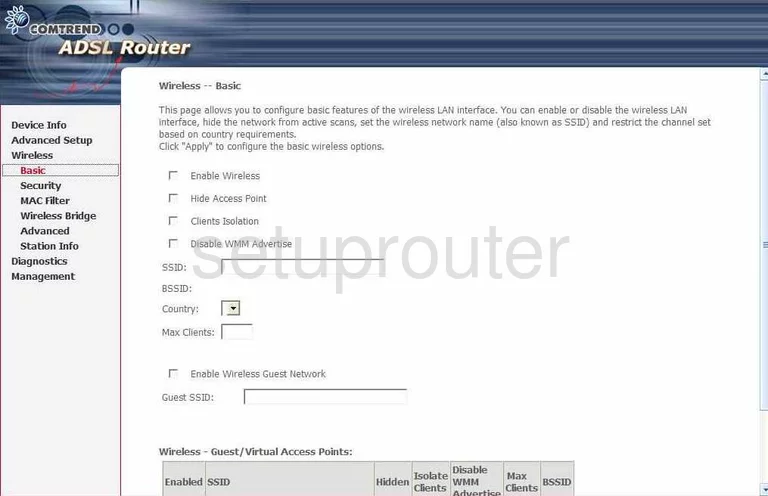
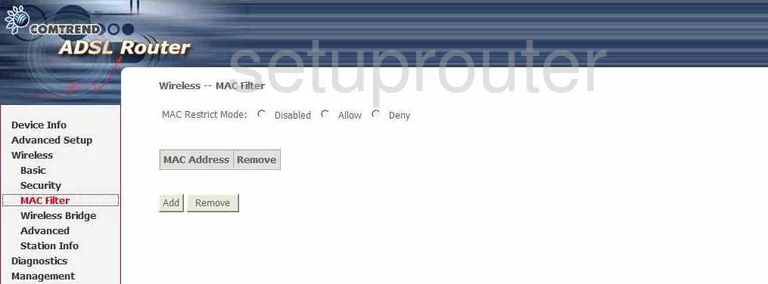
CT-5386 (3 screens)
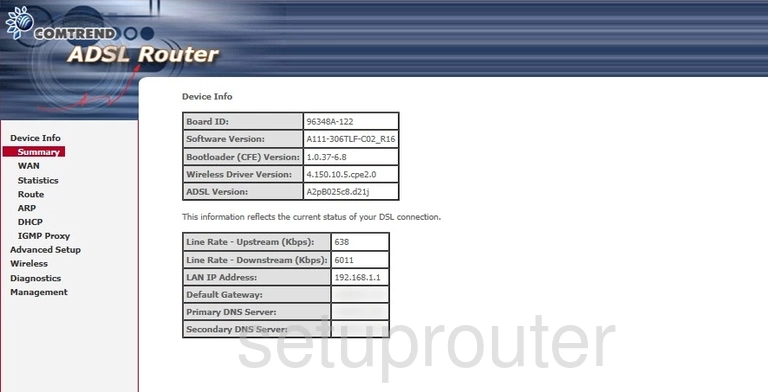
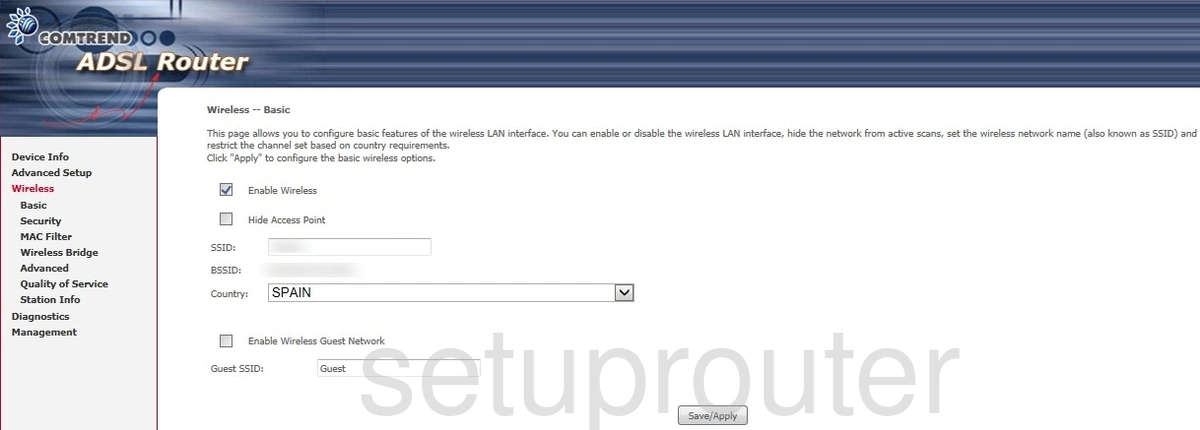
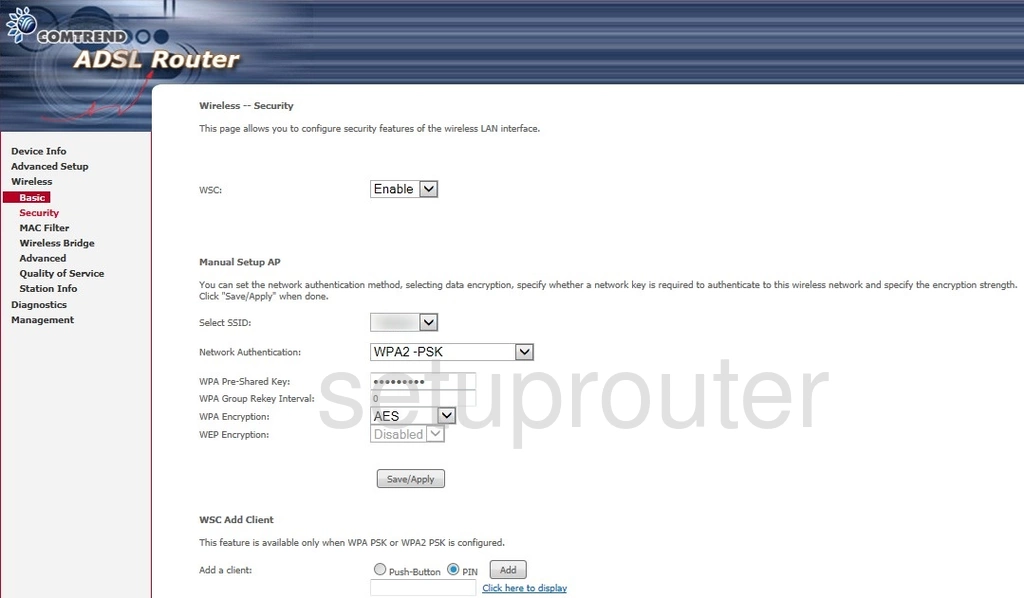
NexusLink 5631 (4 screens)
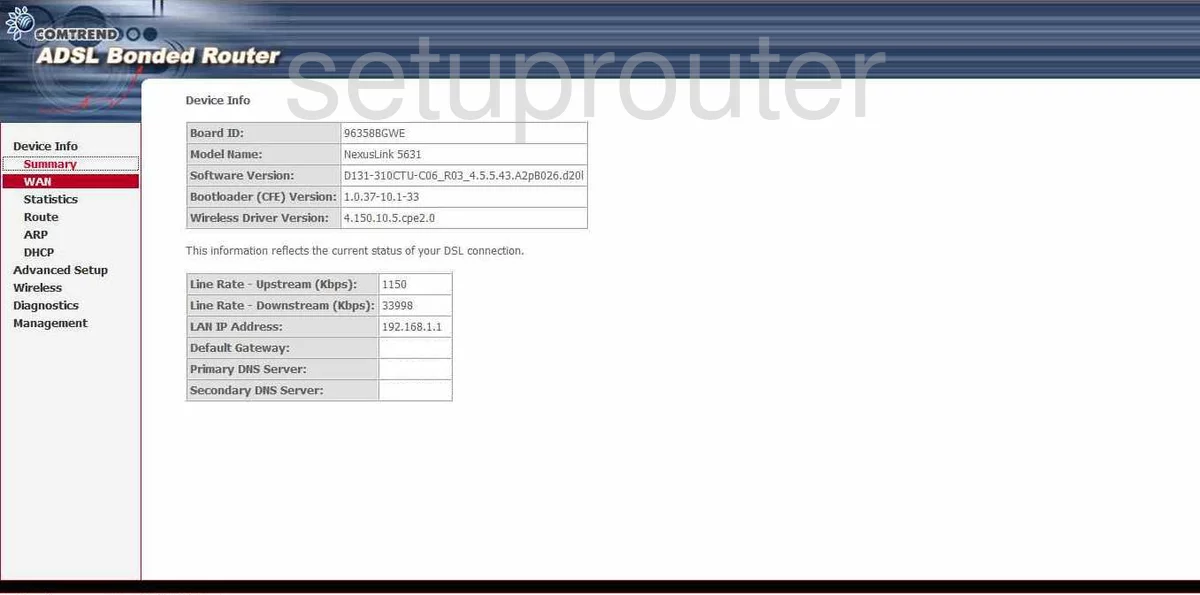
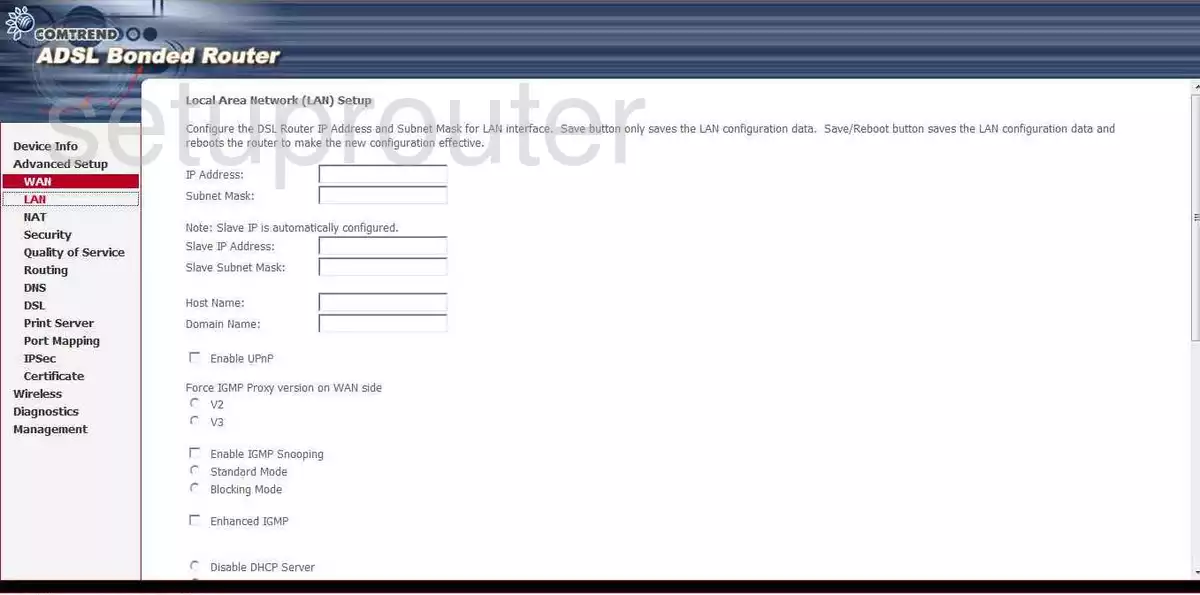
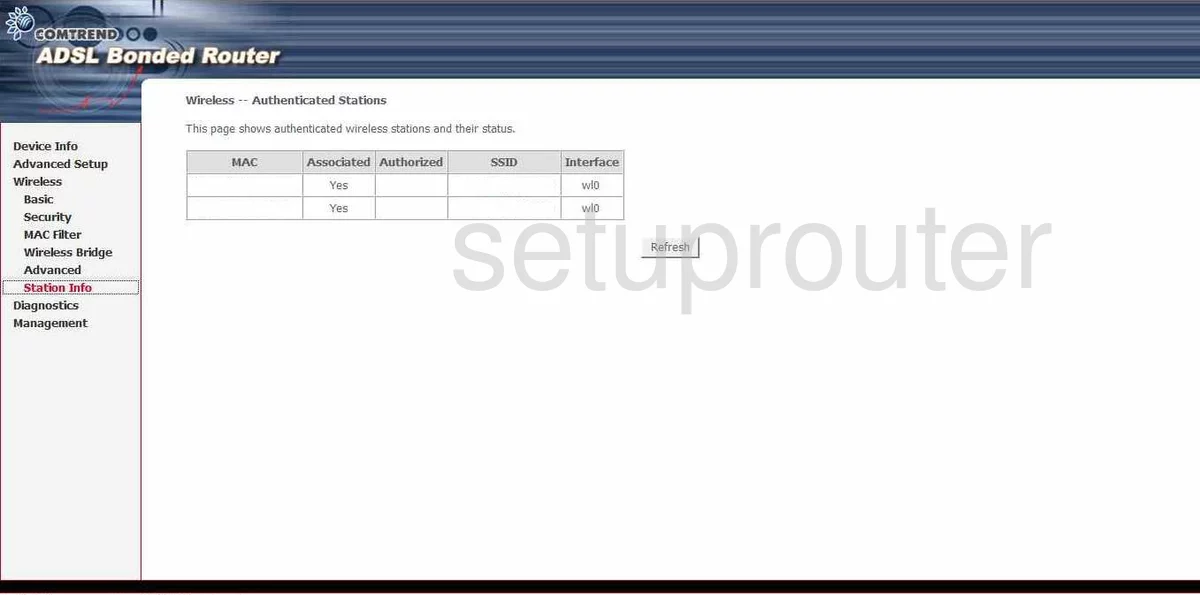
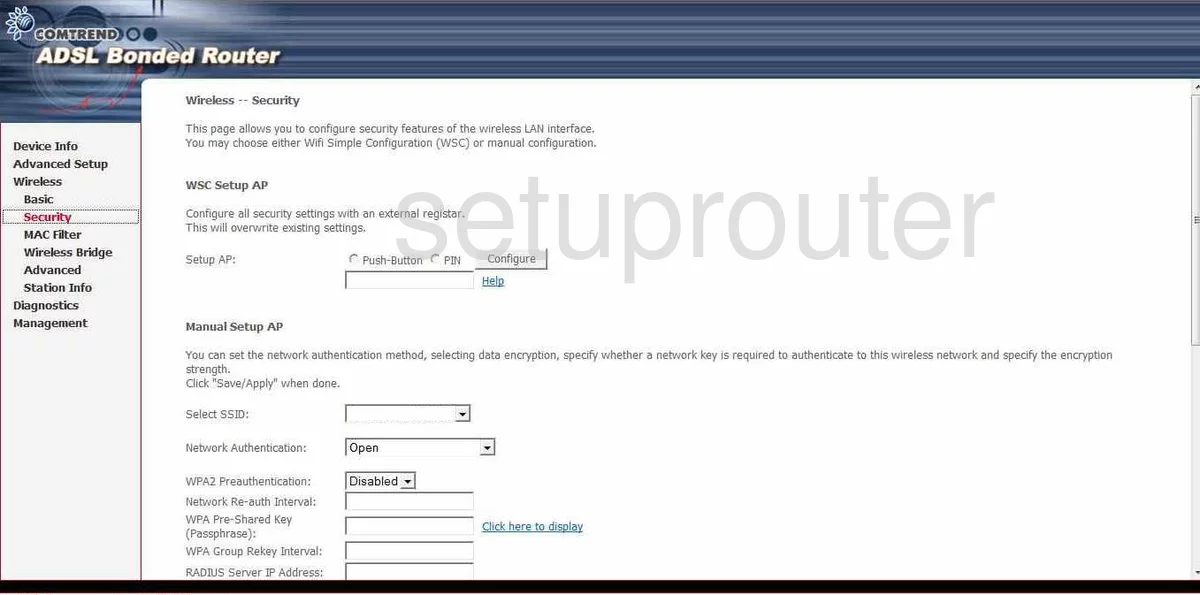
VR-2035UN (4 screens)
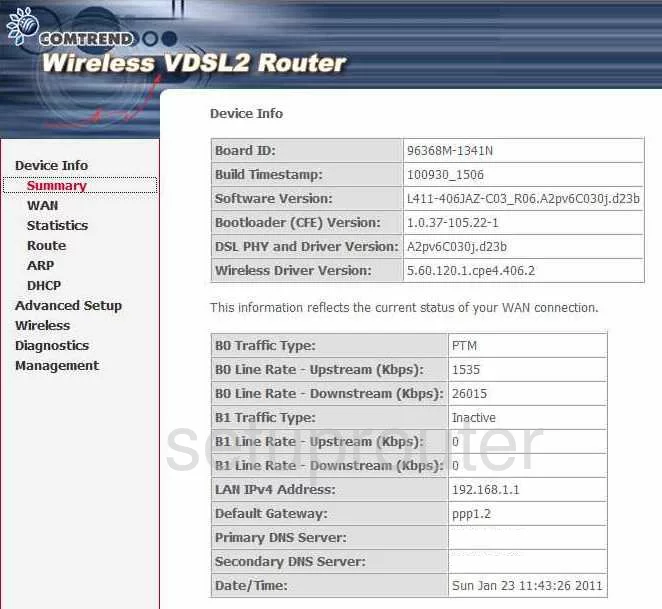
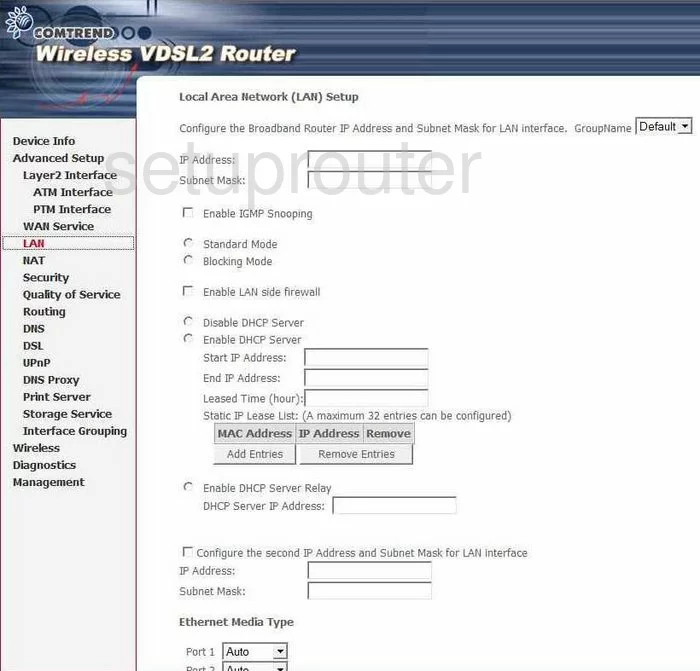
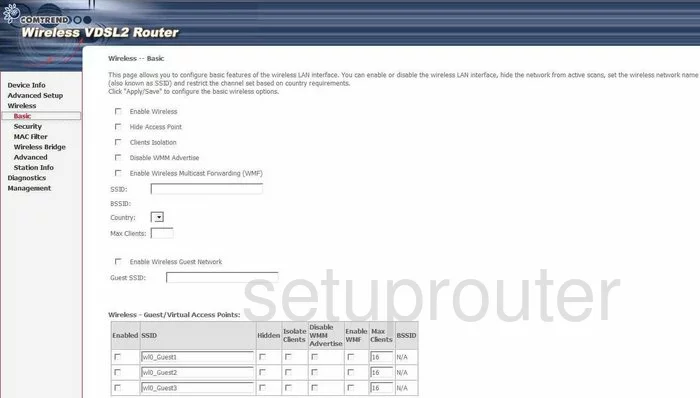
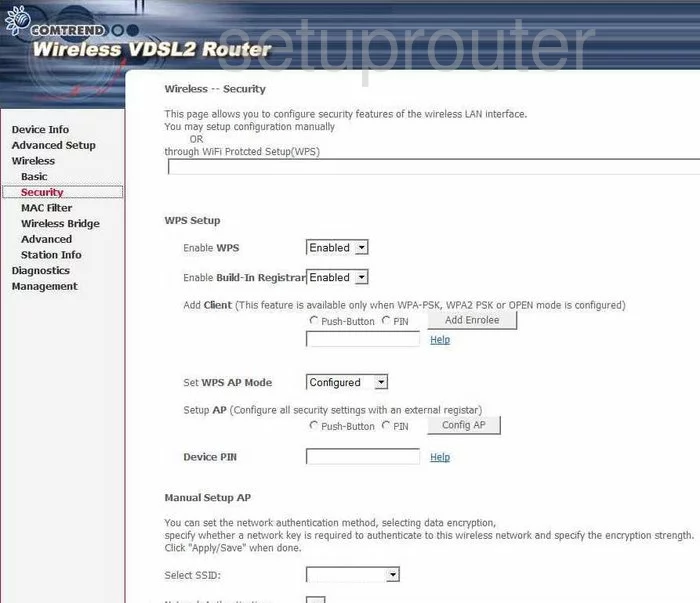
VR-3026e v2 (4 screens)
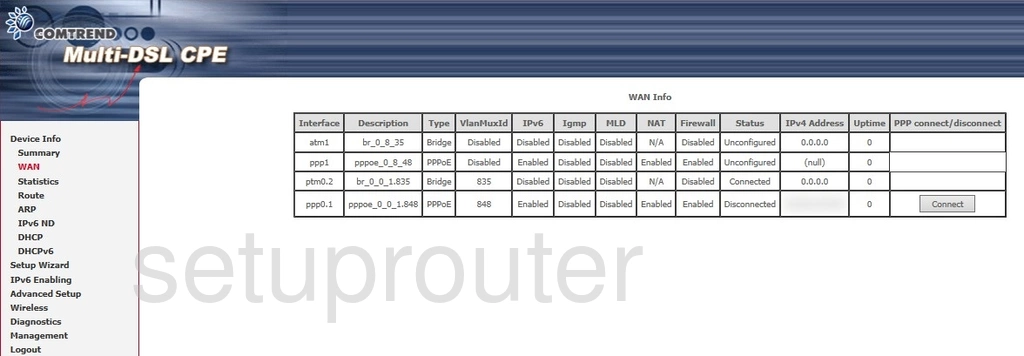
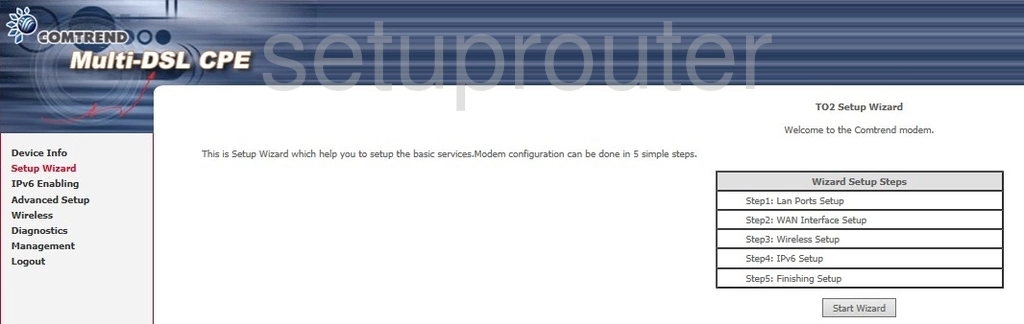
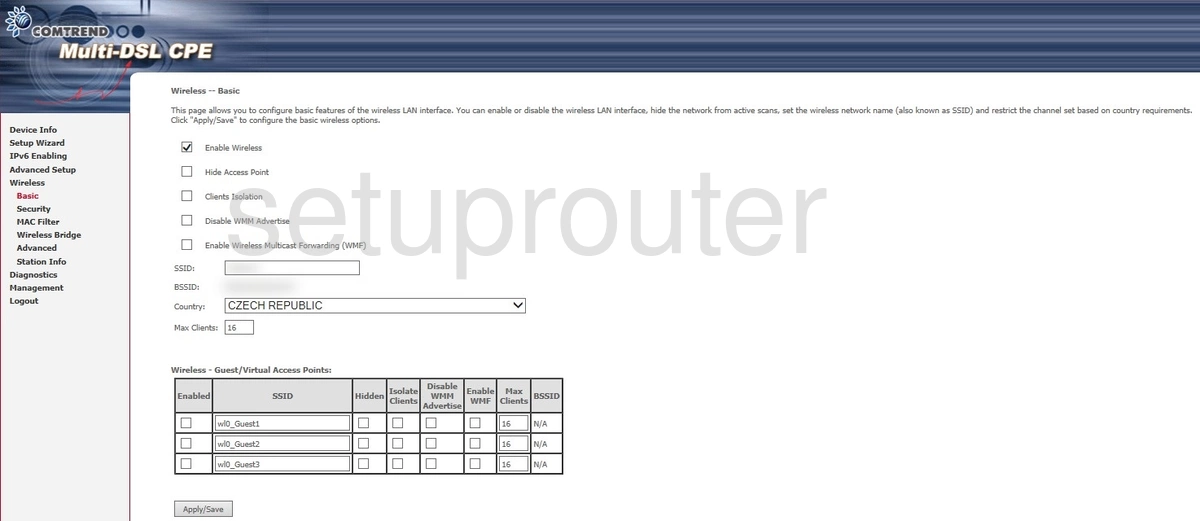
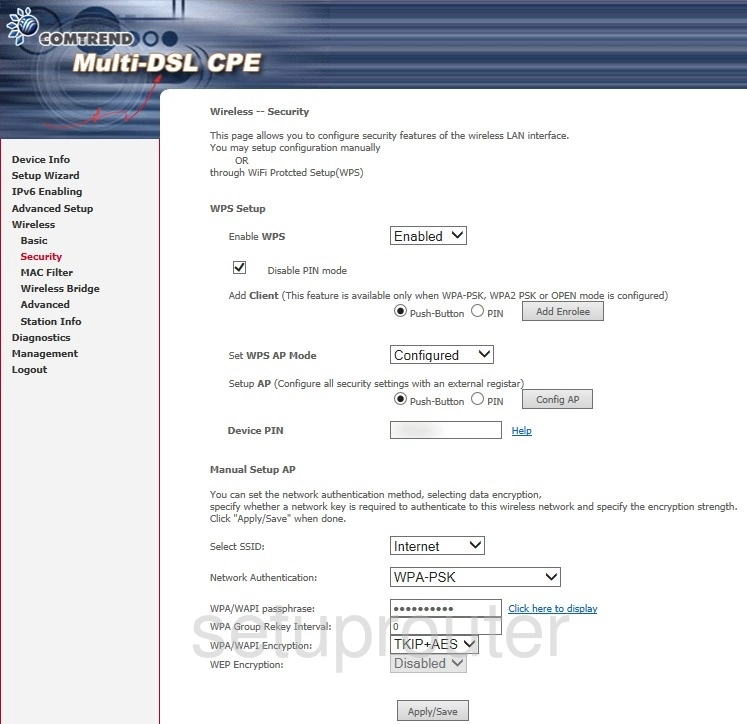
VR-3031u (4 screens)
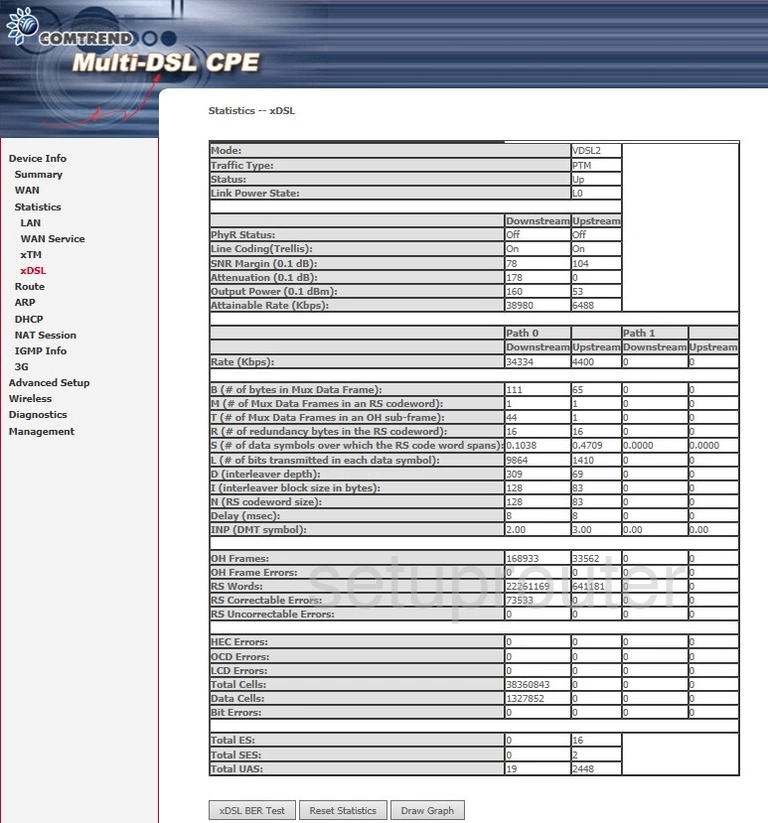
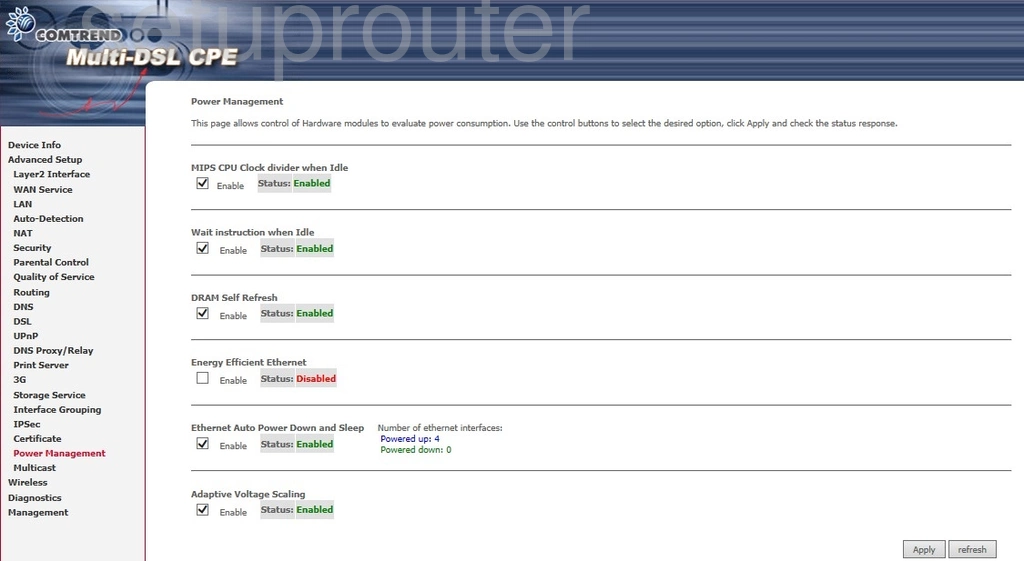
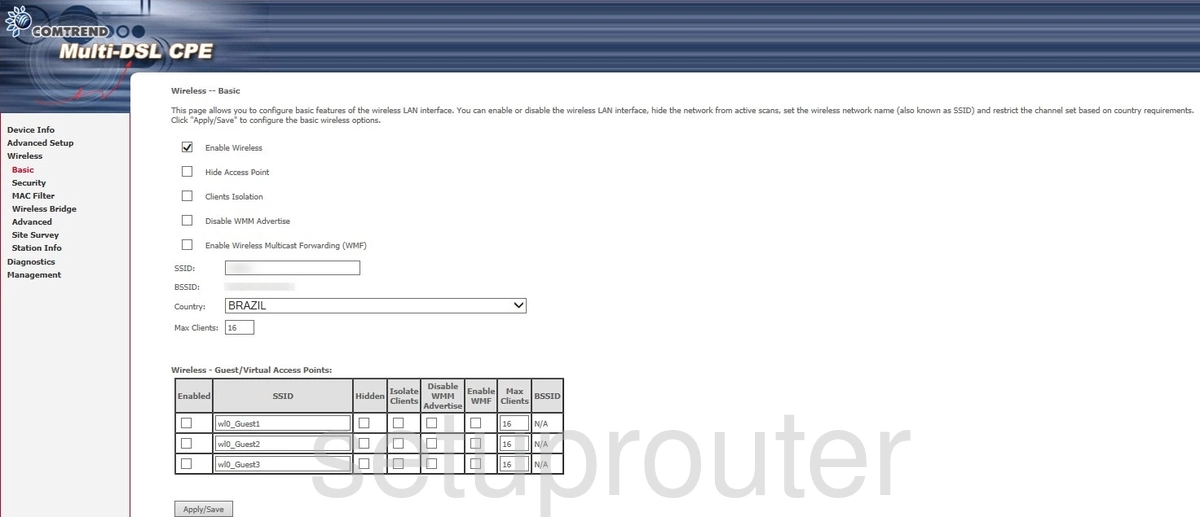
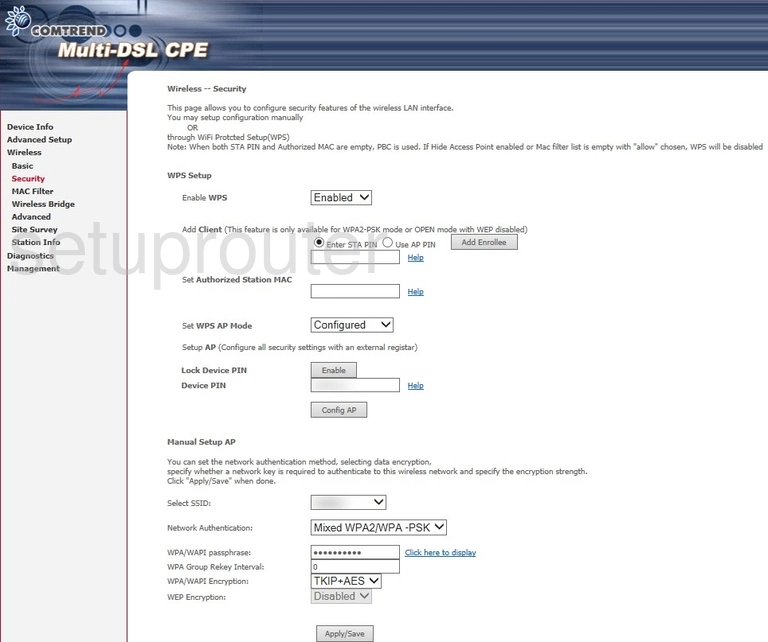
VR-3033 (1 screens)
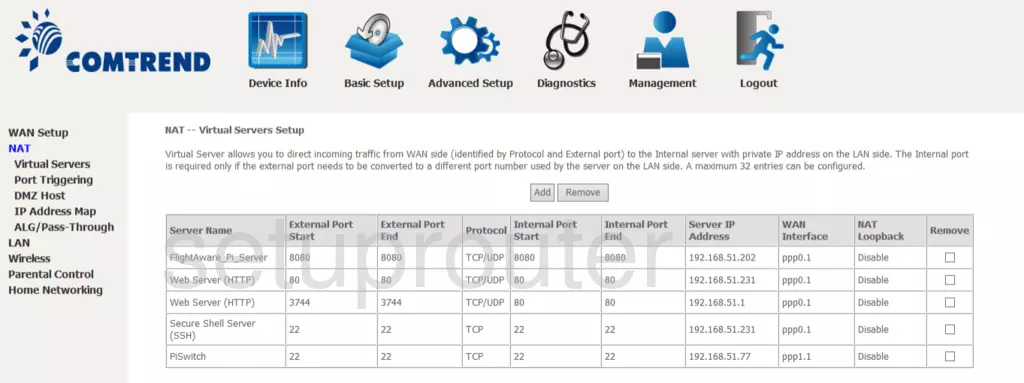
WAP5813n (4 screens)
Comtrend Router Manuals
- Comtrend AR-5381u user manual (manual-1499)
- Comtrend CT-5071T user manual (manual-2381)
- Comtrend CT-5367 user manual (manual-1500)
- Comtrend CT-5372 user manual (manual-1147)
- Comtrend NexusLink 5631 user manual (manual-1013)
- Comtrend VR-2035UN user manual (manual-1501)
- Comtrend VR-3031u user manual (manual-2382)
- Comtrend WAP5813n user manual (manual-1502)