


A factory reset puts your Motorola device back to its default settings and default password.
Before You Reset
Write down your WiFi details and port forwards. Cable modems get their Internet settings from your ISP and reconnect by themselves. DSL gateways may need your ISP login. A restart (power off for 30 seconds) doesn't erase anything.
Method 1: The Reset Button
- With the device on, press and hold the Reset button on the back for about 15 seconds, until the lights flash.
- Let go and wait up to 5 minutes.
Method 2: Reset From the Web Interface
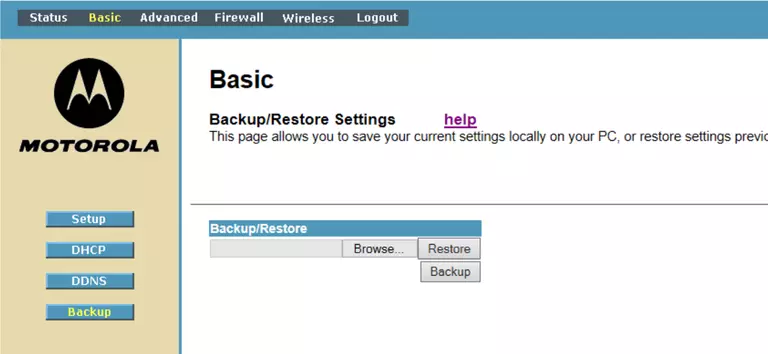
- Cable modem routers: Advanced > Status (or Basic > Status), then Factory Reset. On some models it's under Advanced > Configuration.
- MR routers: ADMIN > Reset, then Factory Reset.
- DSL gateways: Diagnostics > Resets, then Reset to Factory Default.
After the Reset
Log in with the defaults (see the Motorola login guide), then set up your WiFi and change the admin password.