


This guide shows you exactly how to login to the Netgate 2100 router.
Other Netgate 2100 Guides
This is the login guide for the Netgate 2100 2.5.1. We also have the following guides for the same router:
Find Your Netgate 2100 Router IP Address
In order to login to the Netgate 2100 router, we need to know it's internal IP address.
| Known 2100 IP Addresses |
|---|
| 192.168.1.1 |
You may have to try using a few different IP addresses from the list above. Just pick one and then follow the rest of this guide.
If the IP address you picked does not seem to work, then simply try a different one. It should be completely harmless to try different IP addresses.
If, after trying all of the above IP addresses, you still cannot find your router, then try the following:
- Check our out Find Your Router's Internal IP Address guide.
- Use our free Router Detector software.
Once you have the internal IP Address of your router, you can log in to it.
Login to the Netgate 2100 Router
The Netgate 2100 is managed through a web-based interface. In order to log in to it, you need to use a web browser, such as Chrome, Firefox, or Edge.
Enter Netgate 2100 Internal IP Address
Either copy/paste or type the internal IP address of your Netgate 2100 router into the address bar of your web browser. Your address bar should look something like this:
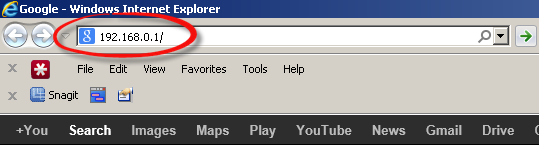
Press the Enter key on your keyboard. You should see a window asking for your Netgate 2100 password.
Netgate 2100 Default Username and Password
In order to login to your Netgate 2100 you are going to need to know your username and password. Just in case the router's username and password have never been changed, you may want to try the factory defaults. All of the default usernames and passwords for the Netgate 2100 are listed below.
| Netgate 2100 Default Usernames and Passwords | |
|---|---|
| Username | Password |
| admin | pfsense |
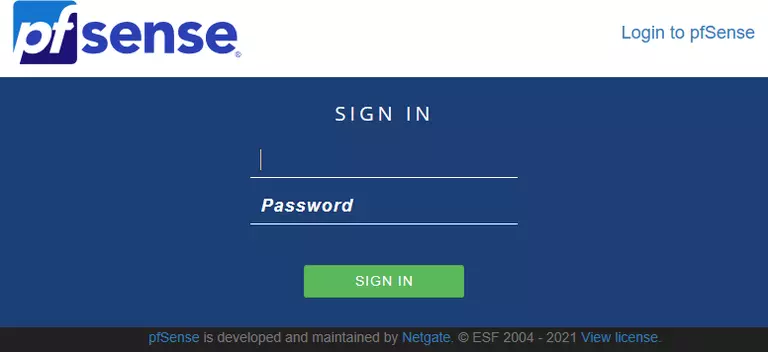
Enter your username and password in the dialog box that pops up. Put your username and password in the appropriate boxes.
Netgate 2100 Home Screen
After you get logged in you should see the Netgate 2100 home screen, which looks like this:
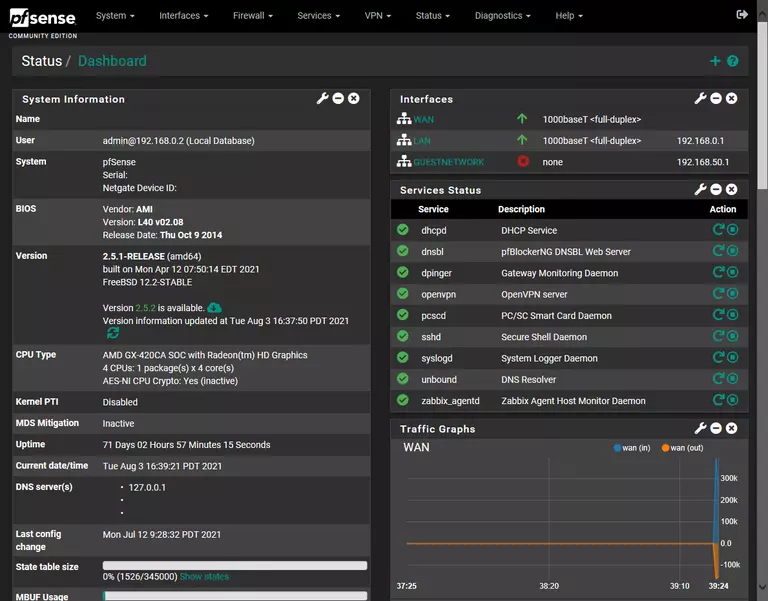
If you see this screen, then congratulations, you are now logged in to your Netgate 2100. At this point, you can follow any of our other guides for this router.
Solutions To Netgate 2100 Login Problems
If you are having problems getting logged in to your router, here are a few ideas for you to try.
Netgate 2100 Password Doesn't Work
Your router's factory default password might be different than what we have listed here. Be sure to try other Netgate passwords. Here is our list of all Netgate Passwords.
Forgot Password to Netgate 2100 Router
If your ISP provided your router, then you may have to call them and ask them if they know how to login to your router. Sometimes they will have your password on file.
How to Reset the Netgate 2100 Router To Default Settings
As a last resort, you can reset your router to factory defaults. Your last option when you are unable to get logged in is to reset your router to factory default settings.
Other Netgate 2100 Guides
Here are some of our other Netgate 2100 info that you might be interested in.
This is the login guide for the Netgate 2100 2.5.1. We also have the following guides for the same router: