


Here's how to log in to a SonicWall router.
Step 1: Connect
Connect to the router's WiFi or plug a computer into one of its LAN ports with a network cable.
Step 2: Open the Login Page
Type http://192.168.168.168 into your browser's address bar. Some models use a different address. See the SonicWall IP address page.
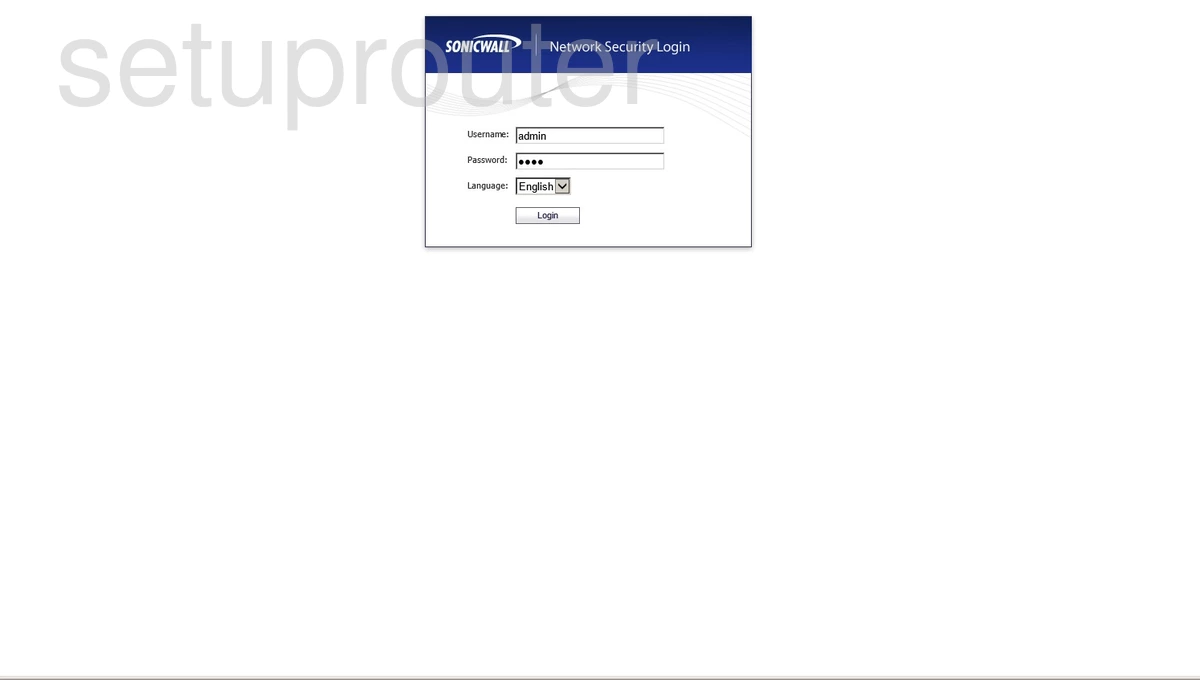
Step 3: Sign In
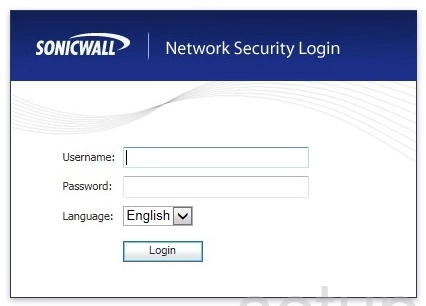
- admin / password: most SonicWall firewalls.
SonicWall firewalls use https, with a self-signed certificate, so your browser will warn you the first time.
See every known default on the SonicWall passwords page.
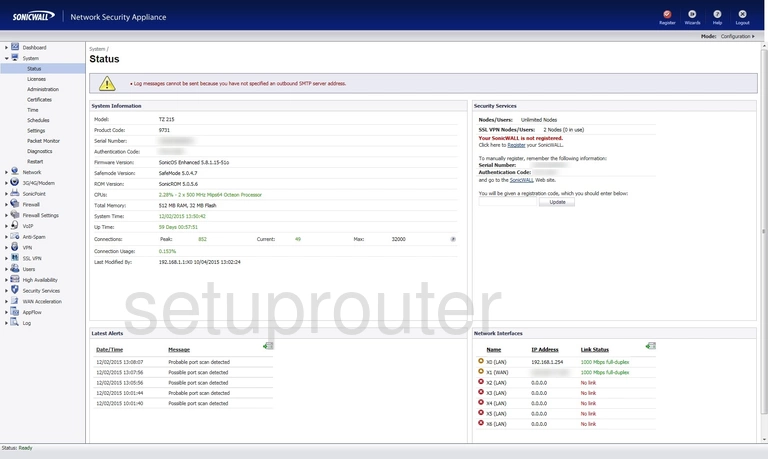
SonicWall Login Problems
The page won't load. Check that you're connected to the SonicWall router (not a second router or extender), and run ipconfig to see its real address.
The password is rejected. Try each default above and the password on the label. If nothing works, reset the router.
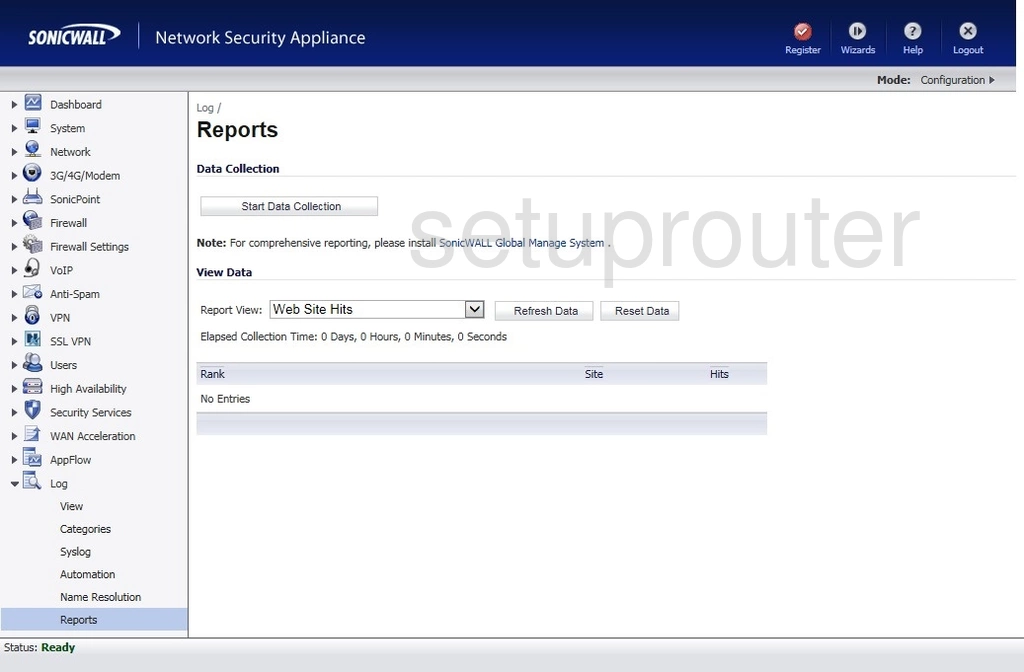
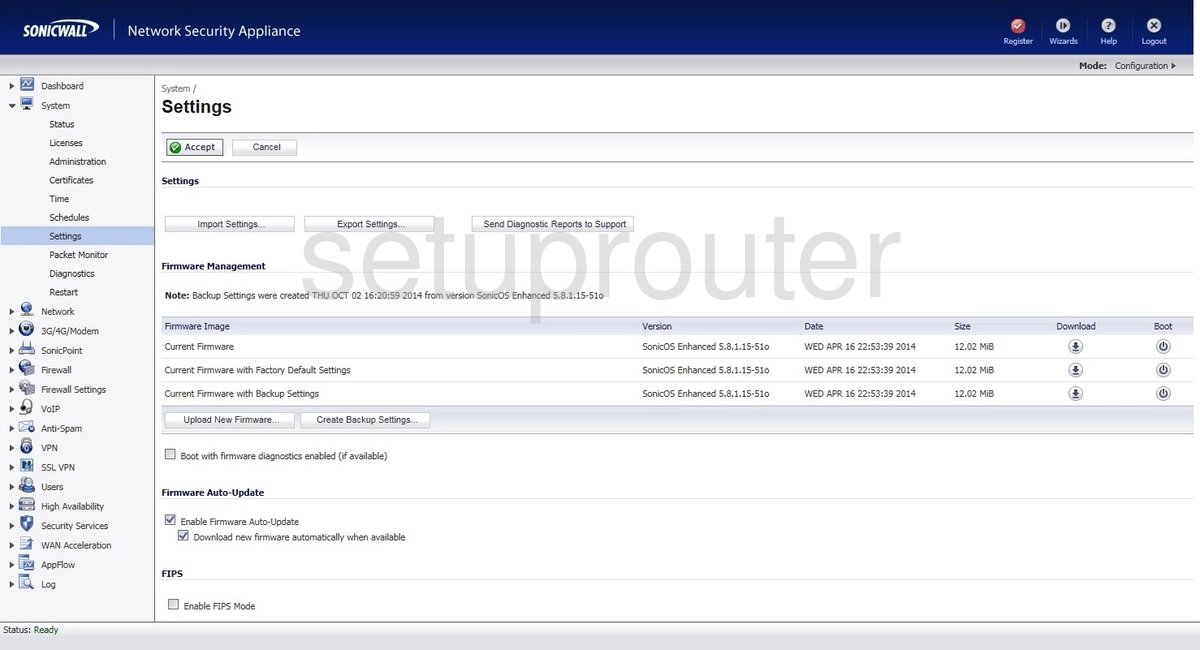
Sonicwall Router Screenshots
Screens from the Sonicwall routers we have. Click a model to open it.
SOHO 3 (4 screens)
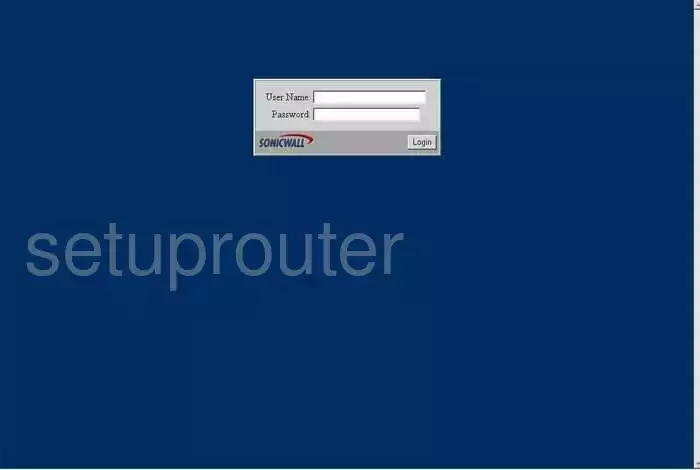
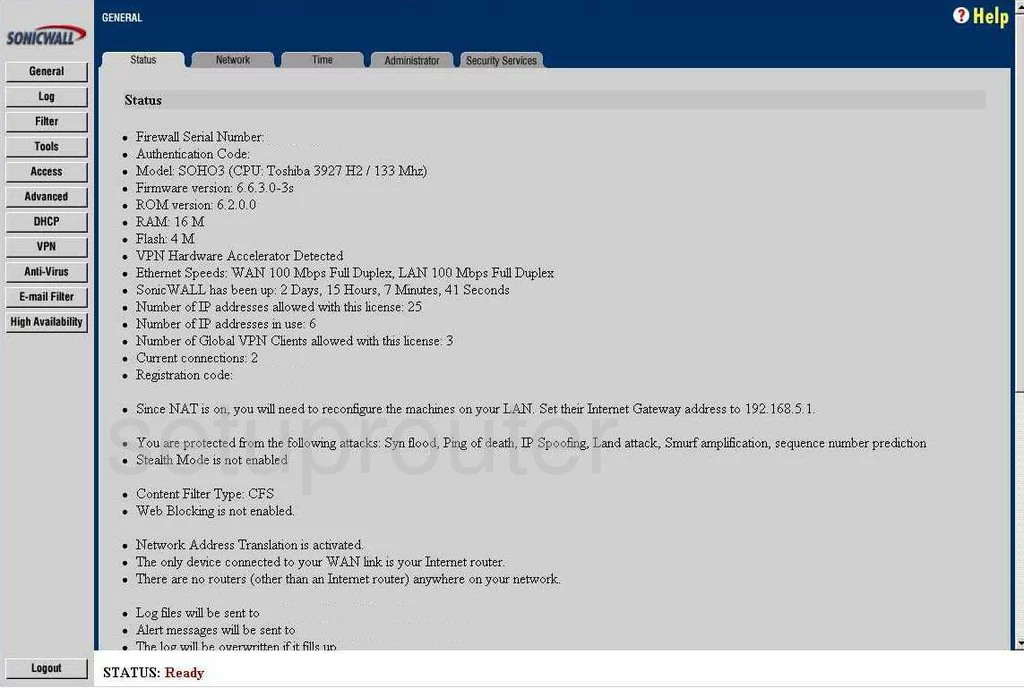
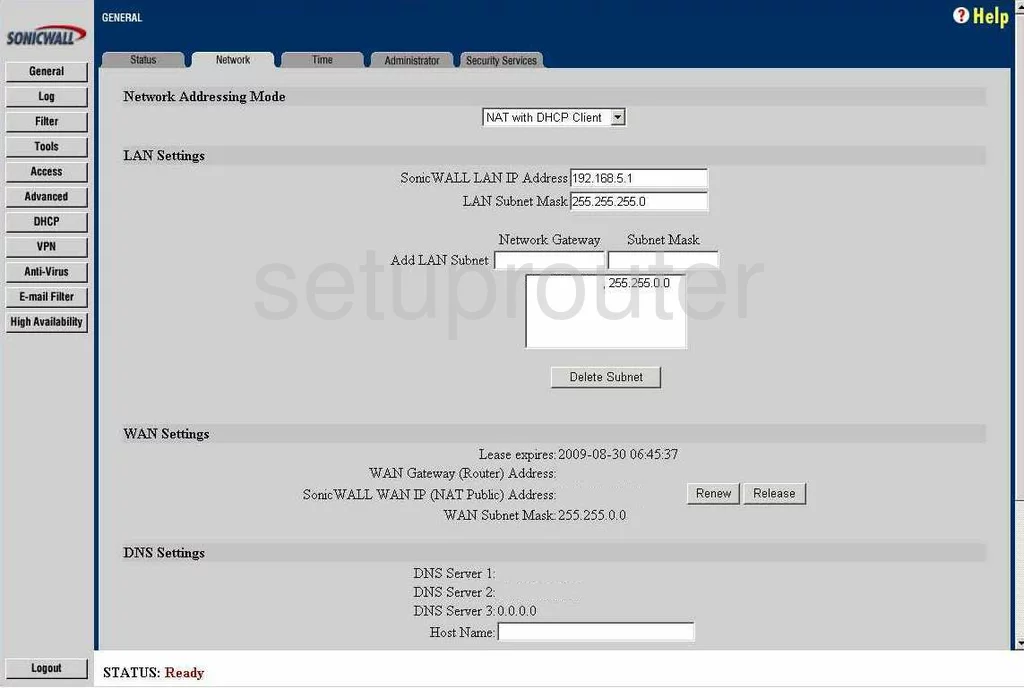
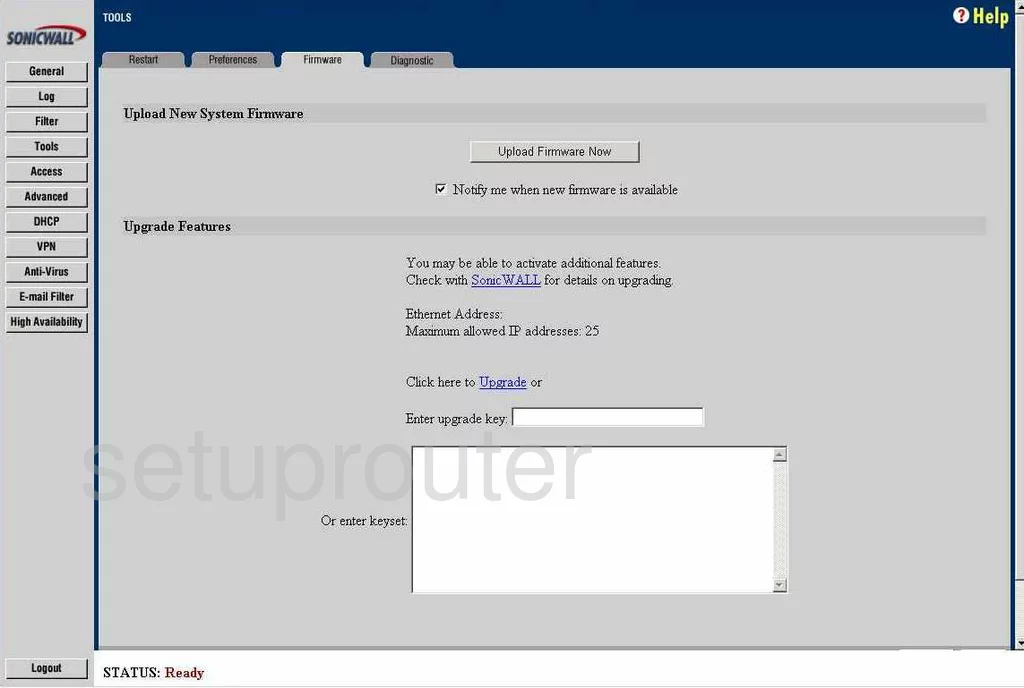
TZ-205 (3 screens)
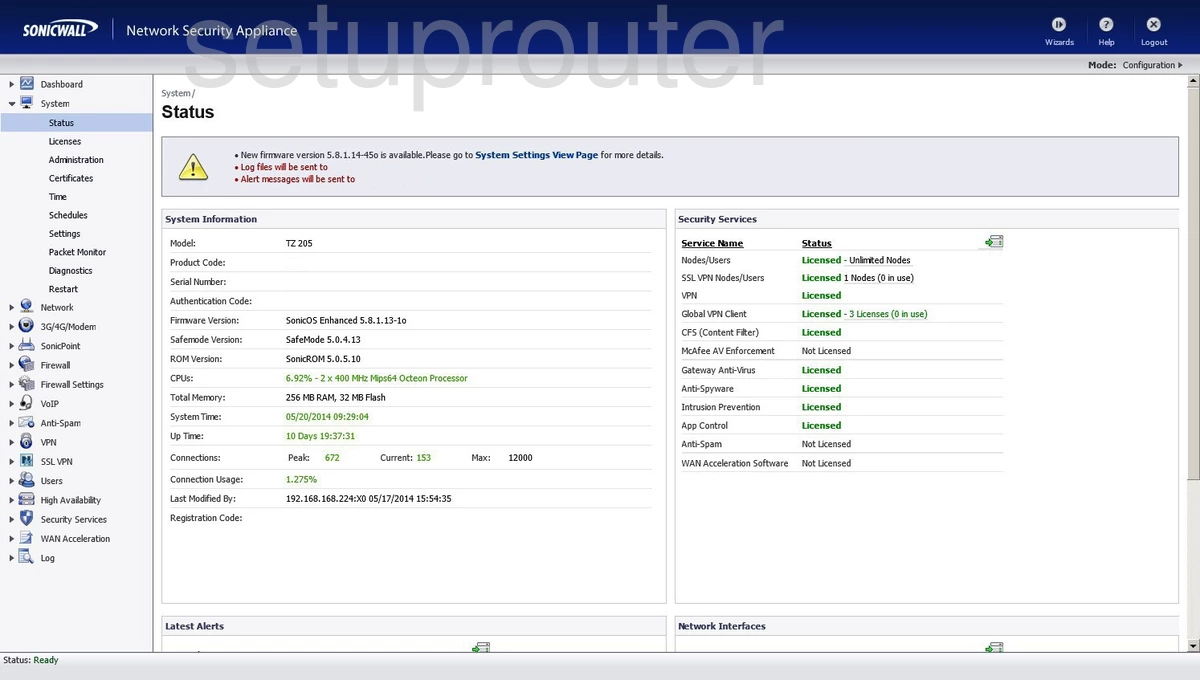
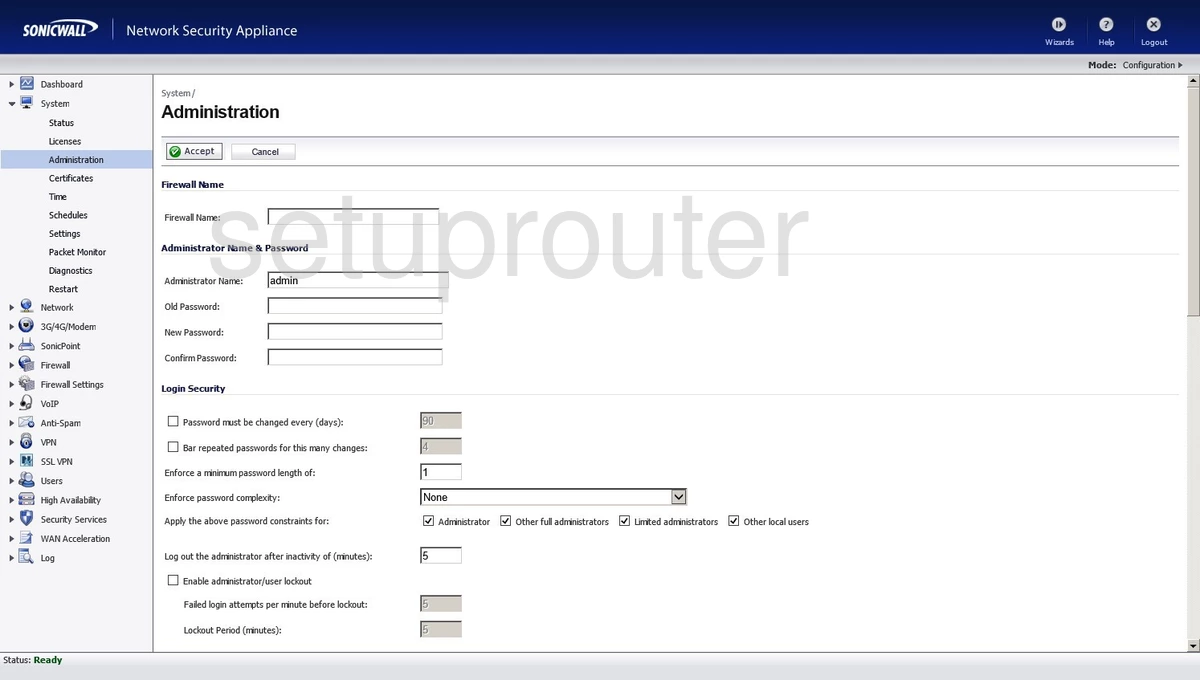
TZ-210 (2 screens)
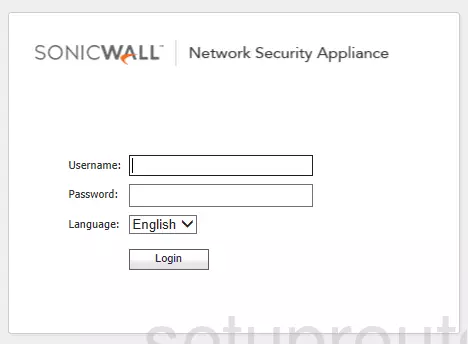
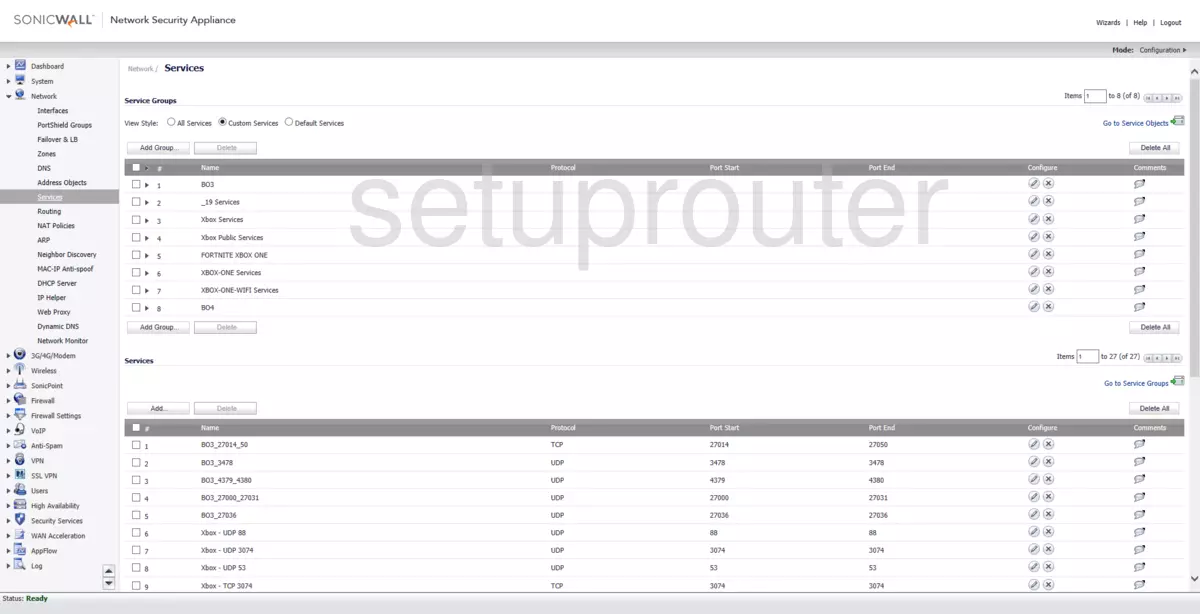
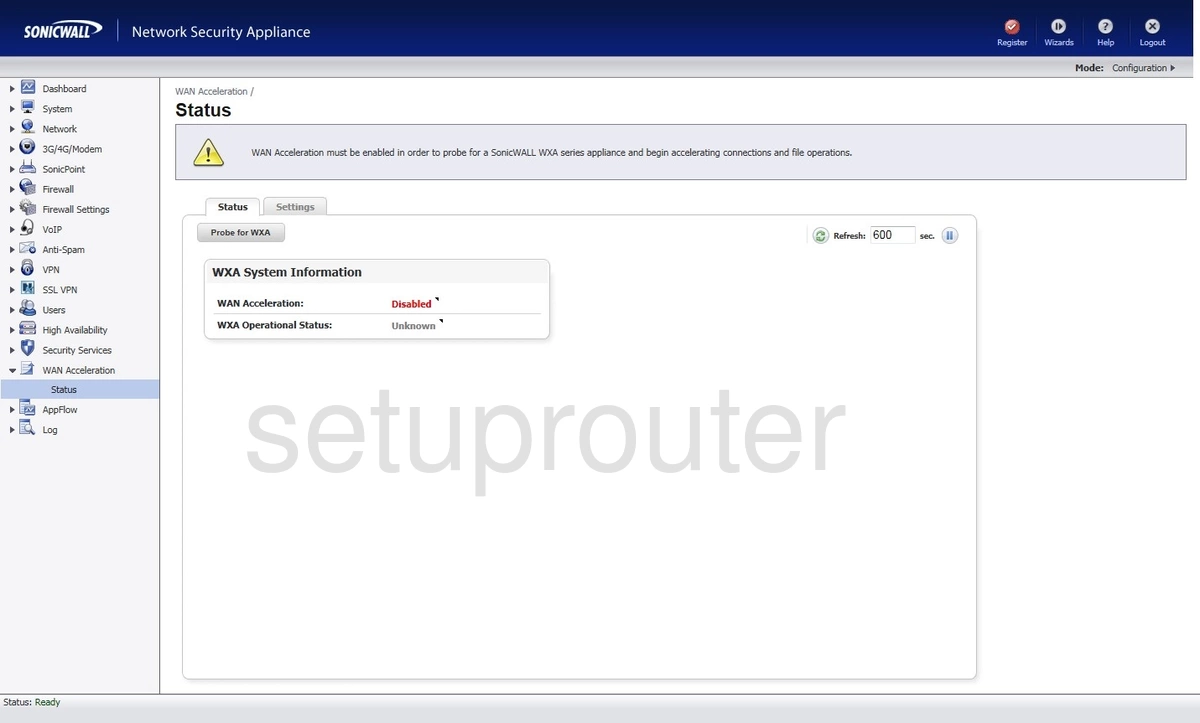
TZ-215 (4 screens)
Sonicwall Router Manuals
- Sonicwall SOHO 3 user manual (manual-669)
- Sonicwall TZ-205 user manual (manual-1779)
- Sonicwall TZ-215 user manual (manual-2066)