


Here's how to log in to an Arcadyan gateway, whichever ISP it came from.
Step 1: Connect
Connect to the gateway's WiFi (the defaults are on the label) or plug in a network cable.
Step 2: Open the Login Page
Try http://192.168.1.1 first. If that doesn't work:
- Verizon Fios: http://mynetworksettings.com
- Vodafone EasyBox: http://192.168.2.1
- Telstra and Sky: http://192.168.0.1
- Vivo: http://192.168.15.1
- Salt: https://salt.box
See the Arcadyan IP address page.
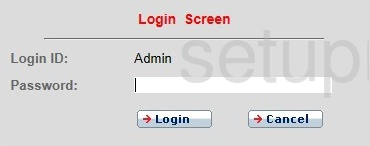
Step 3: Sign In
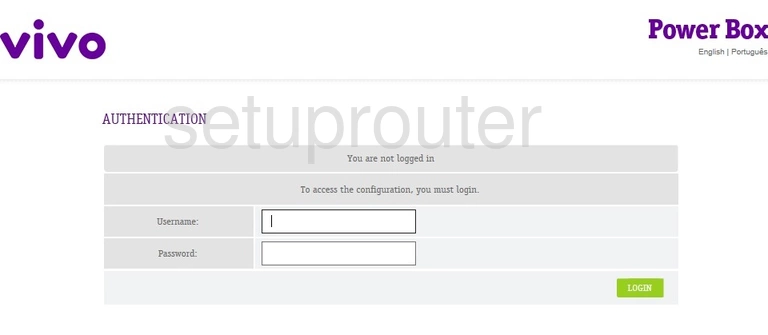
Most Arcadyan gateways use the username admin and a unique password printed on the label (on some, the same as the WiFi key). Older versions use admin / admin, or an ISP default such as telstra, sky or kpn-adsl.
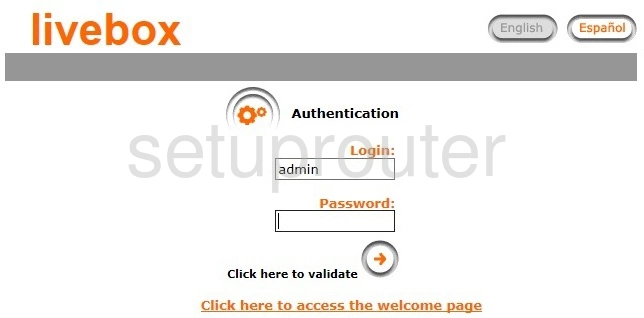
See all defaults on the Arcadyan passwords page.
Login Problems
If the label password doesn't work, ask your ISP, or check their app. Many ISPs let you manage the gateway there. As a last resort, reset the gateway.
Arcadyan Router Screenshots
Screens from the Arcadyan routers we have. Click a model to open it.
ARV7519 (4 screens)
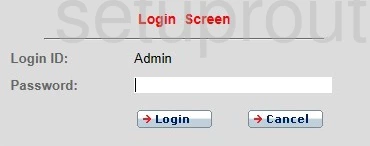
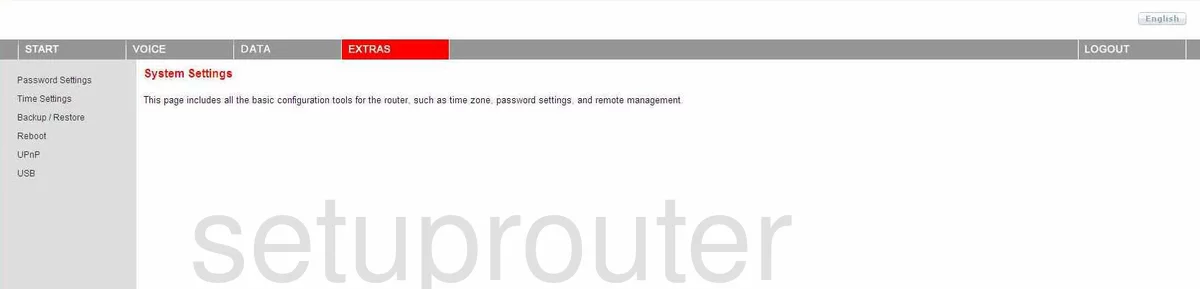

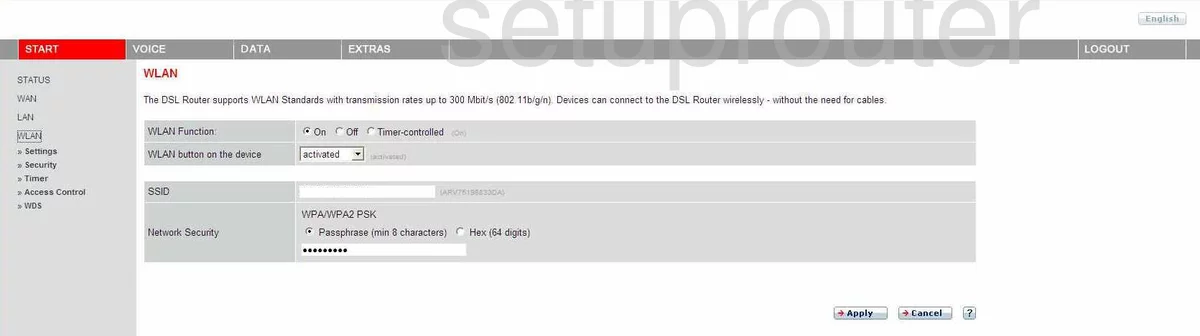
ARV7519RW22-A-LT (3 screens)
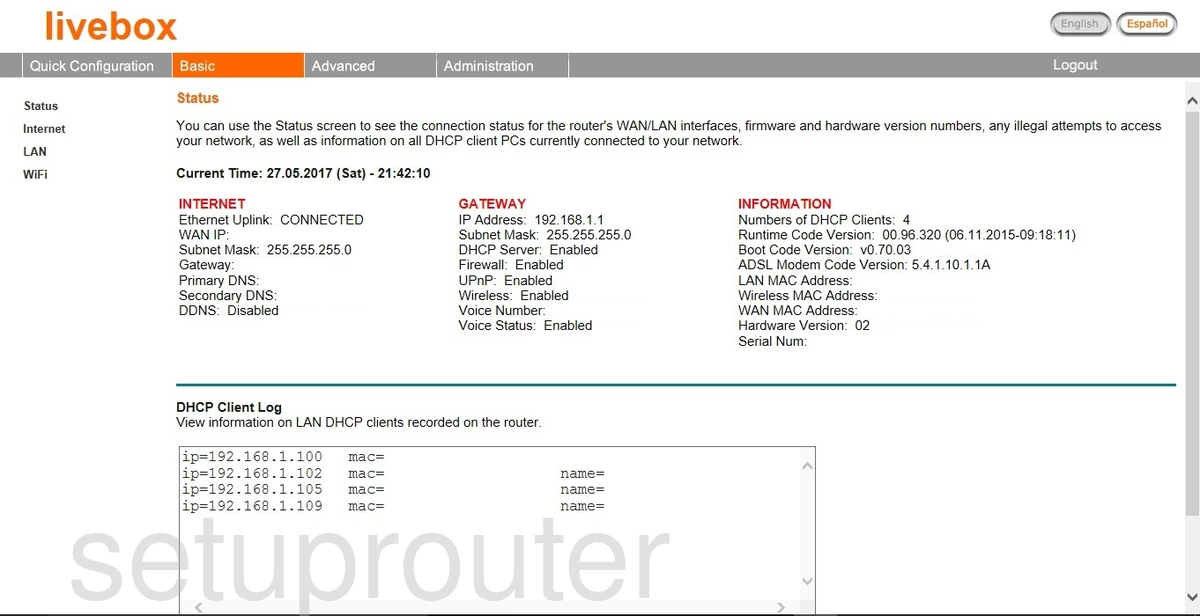
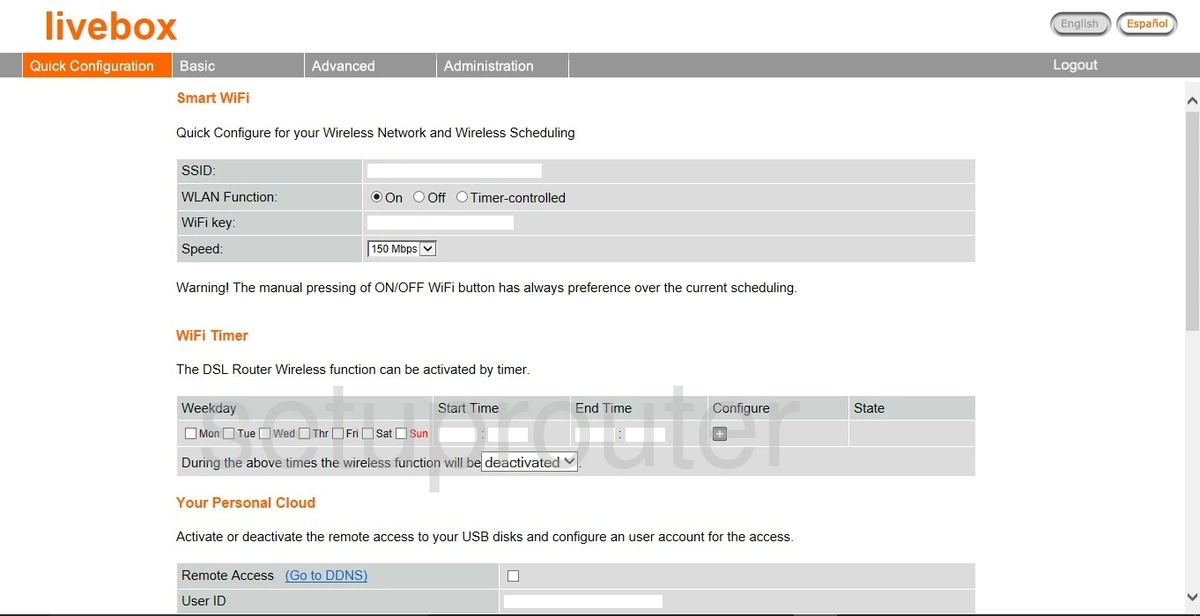
Fiber Box (1 screens)
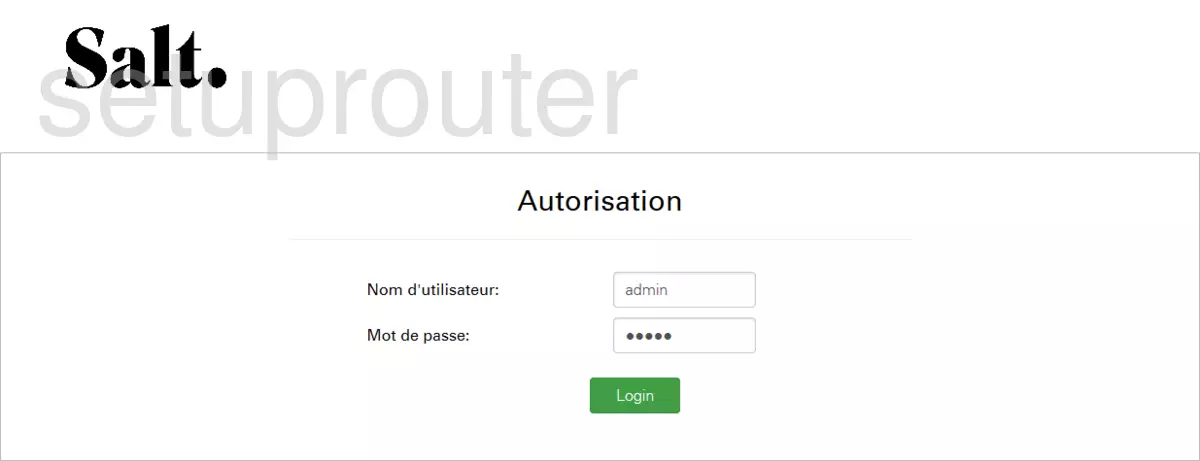
LH1000 (4 screens)
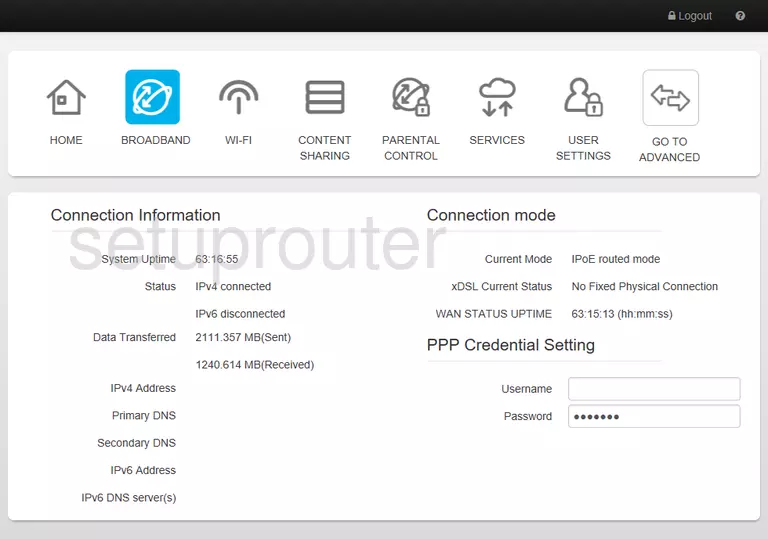
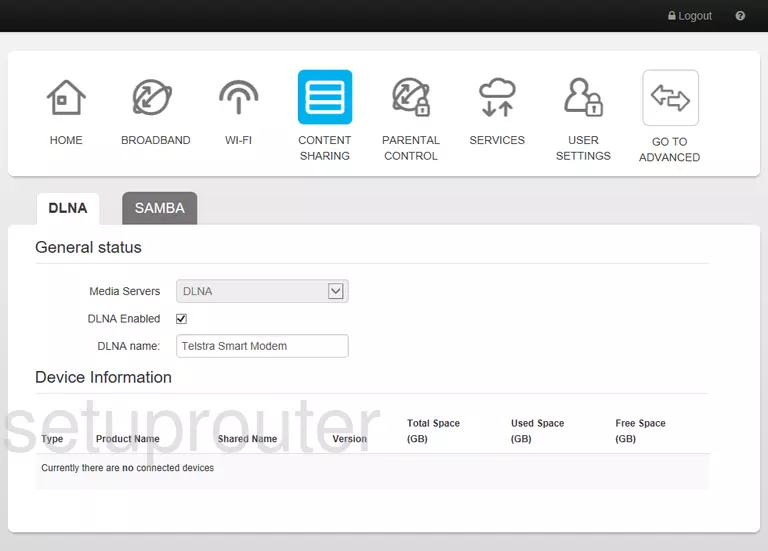
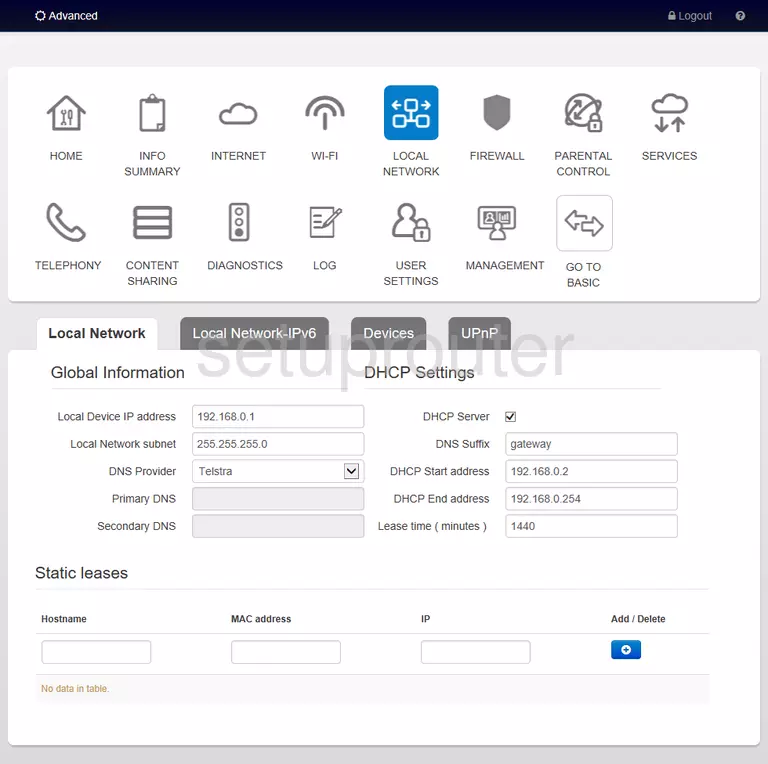
PRV3399B (4 screens)
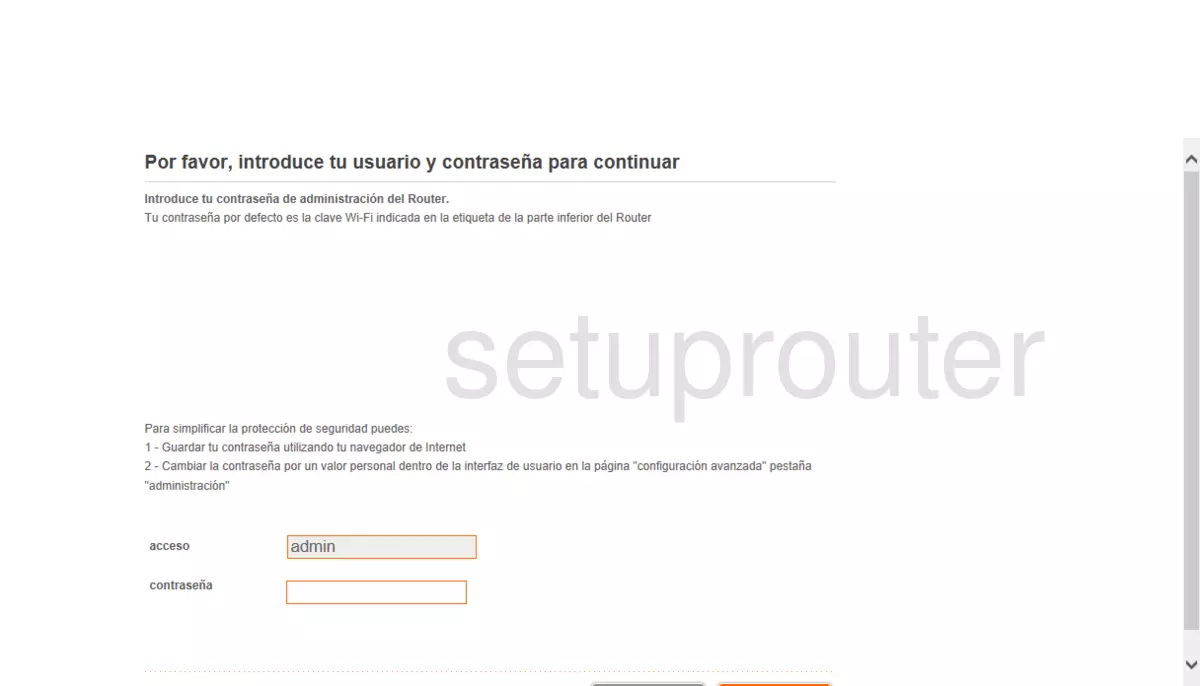
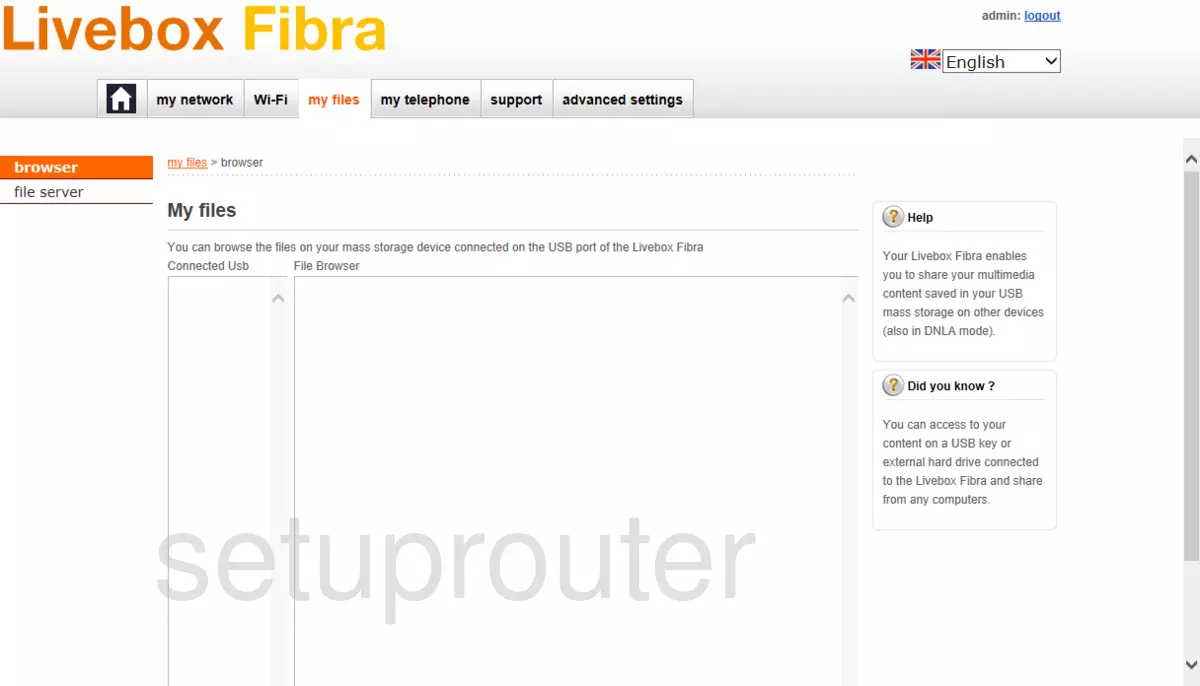
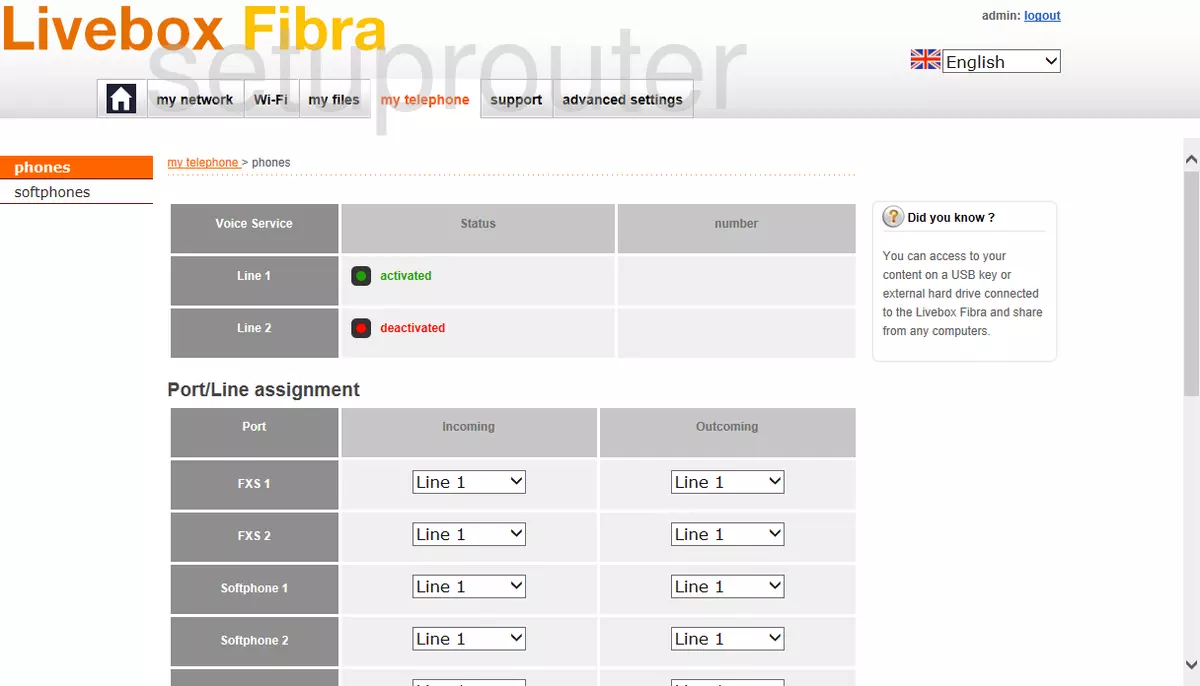
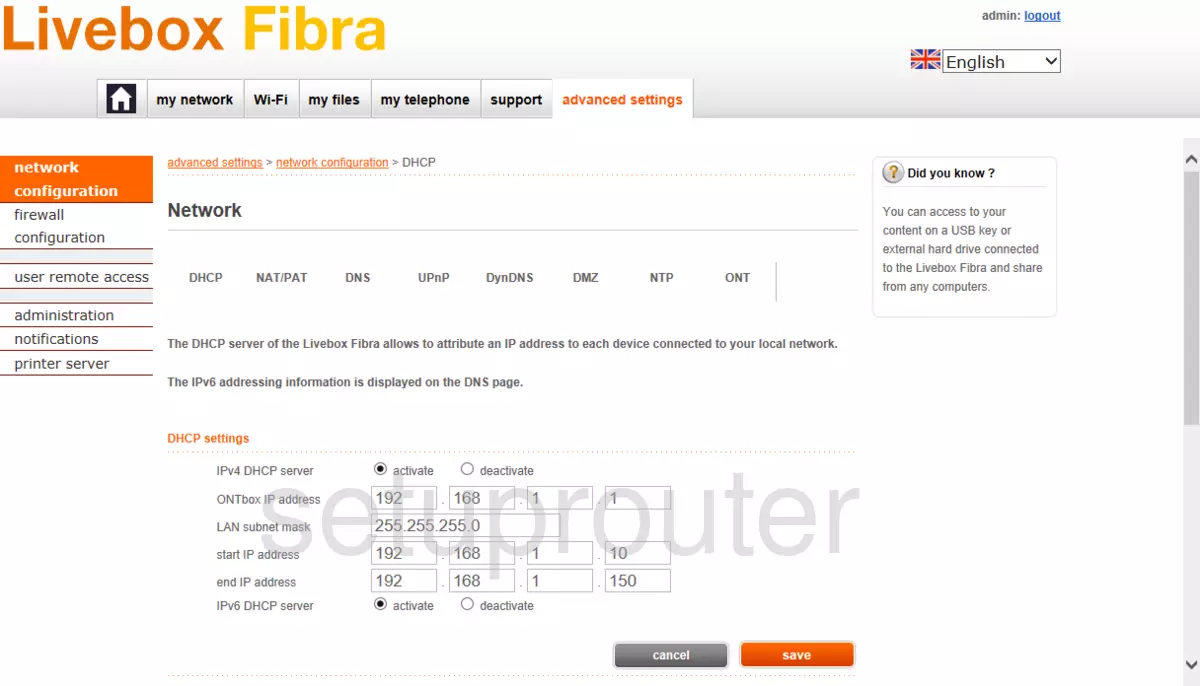
VGV7518 (4 screens)
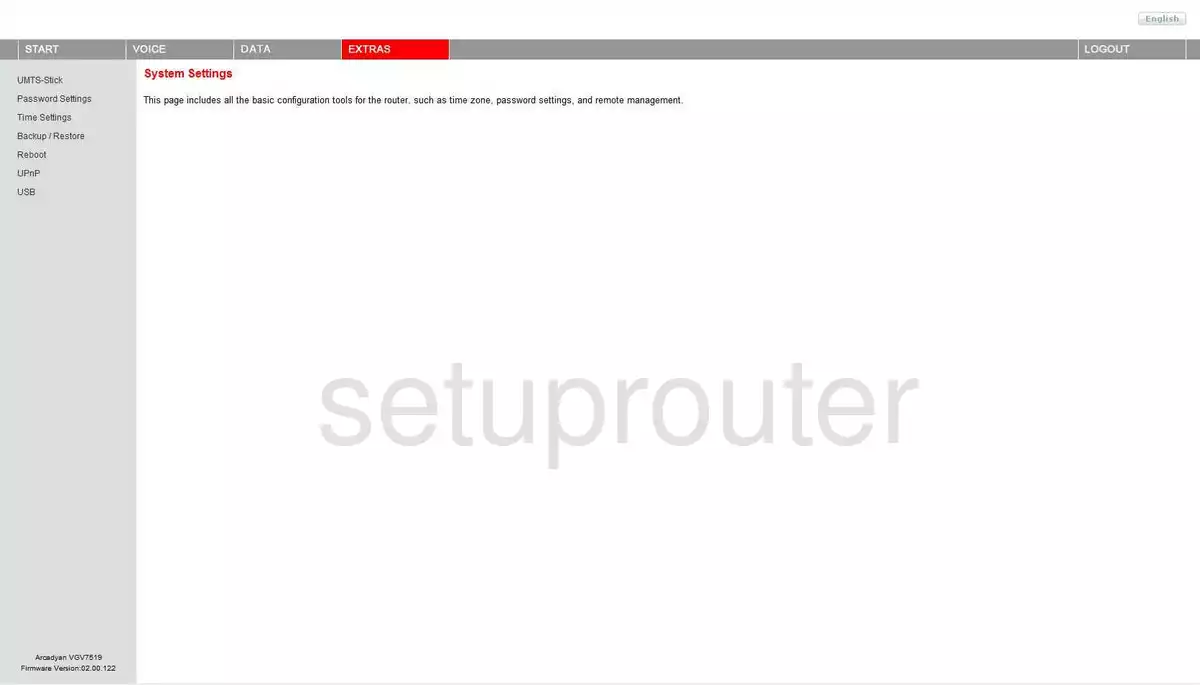
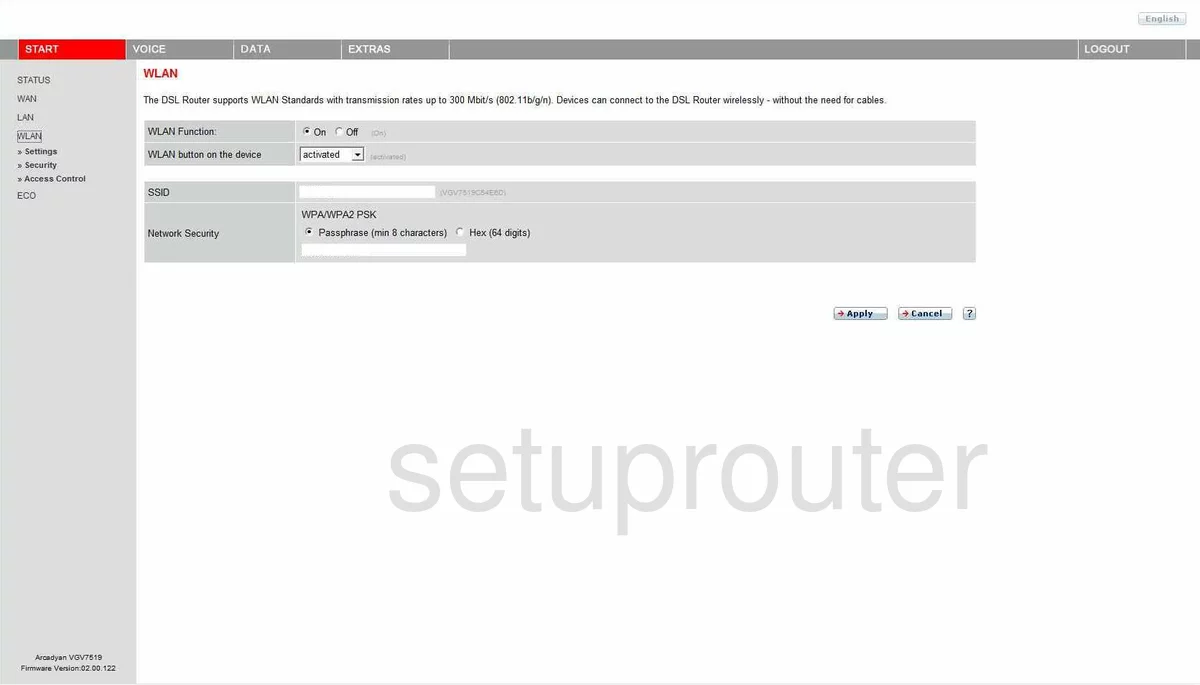
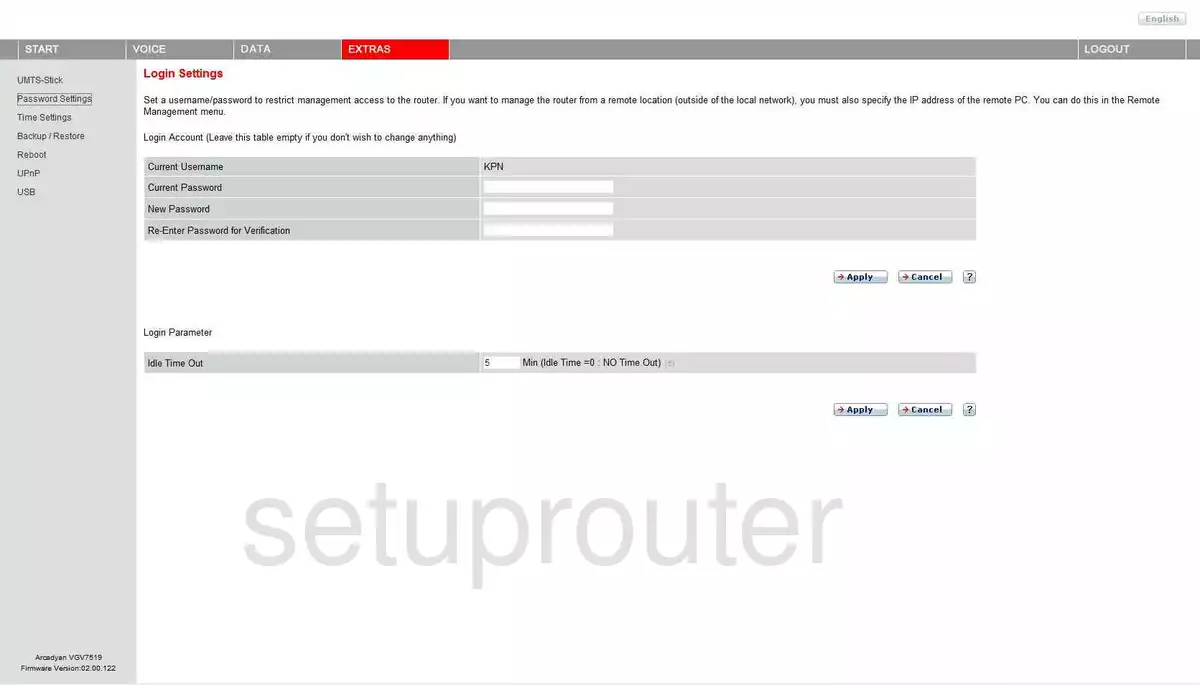
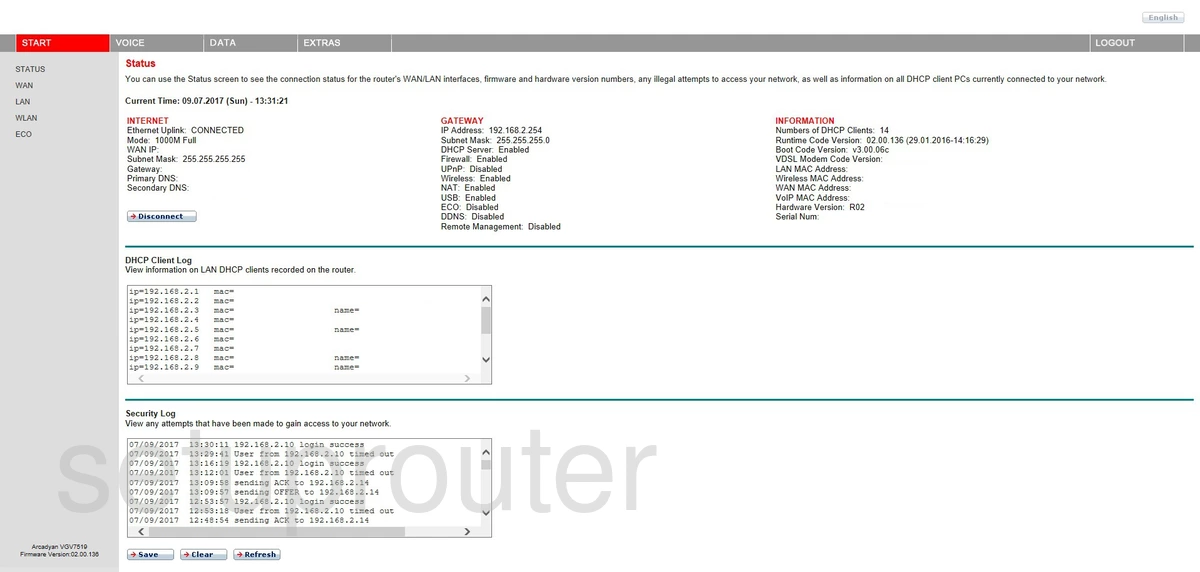
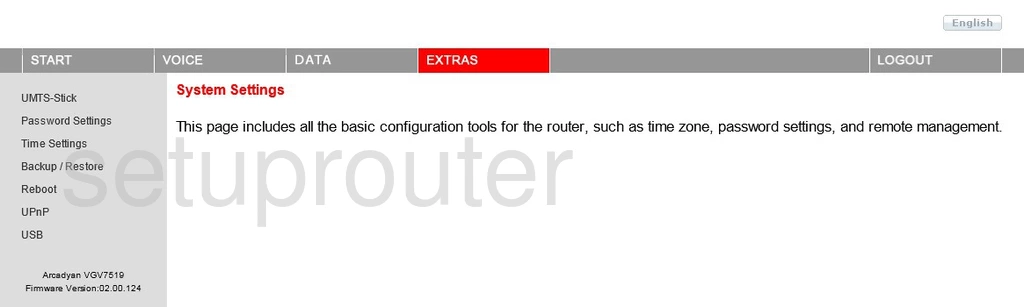
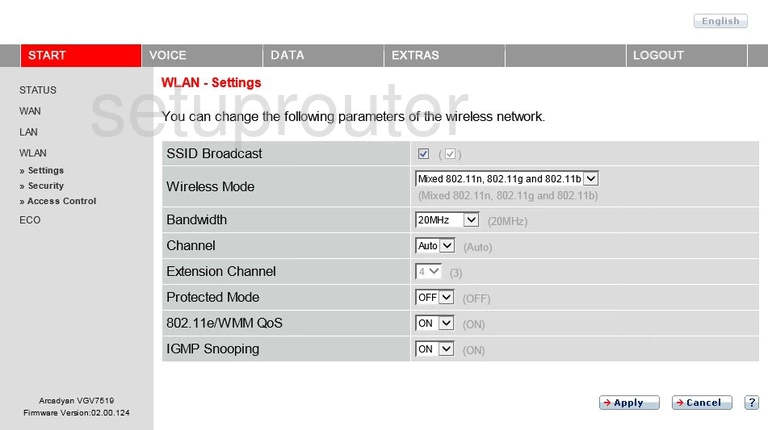
VGV7519 (4 screens)
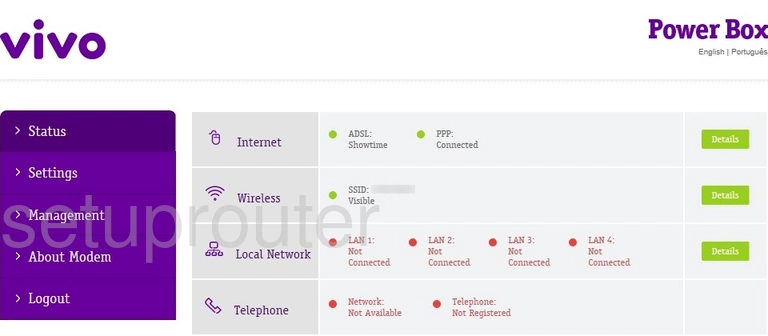
VRV7006AW22-A-GR Vivo (4 screens)
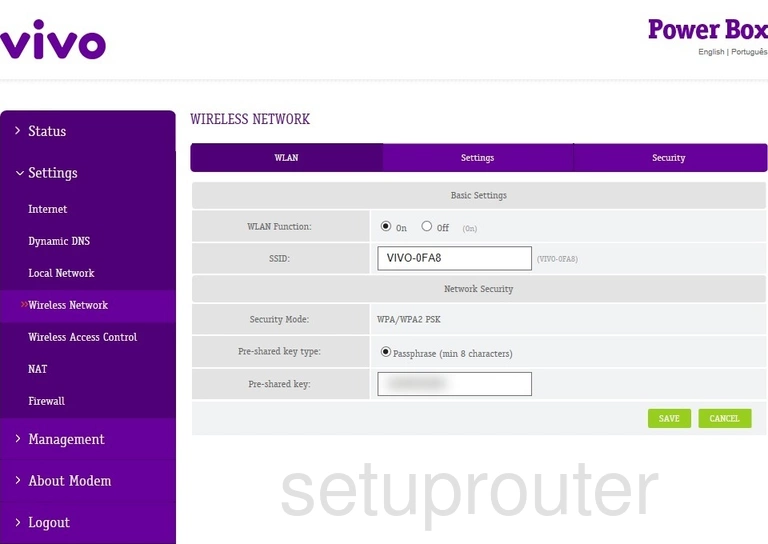
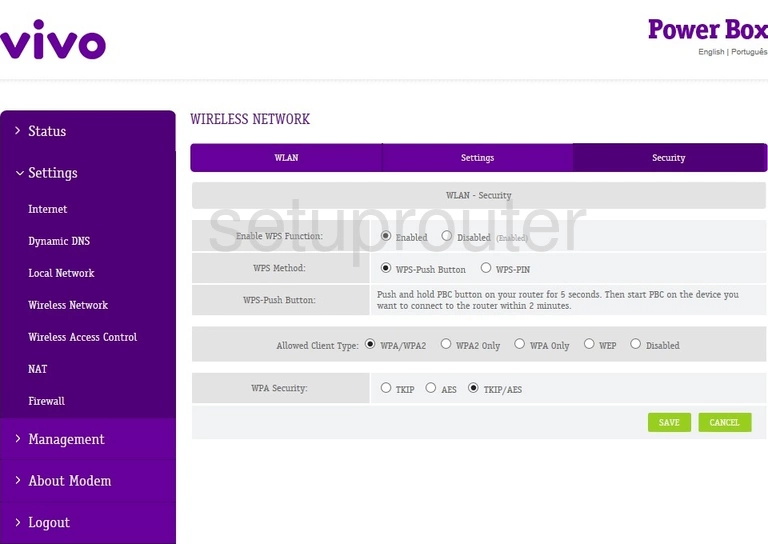
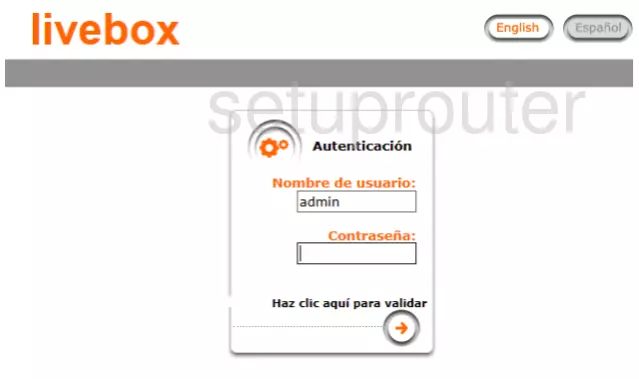
VRV9510KWAC23 (2 screens)

Arcadyan Router Manuals
- Arcadyan ARV7519 user manual (manual-1353)
- Arcadyan VGV7518 user manual (manual-1354)
- Arcadyan VGV7519 user manual (manual-1355)