


Comtrend is a Taiwanese maker of DSL modem routers and gateways (the CT, AR, VR and NexusLink series) that Internet providers supply in Spain, the UK, Latin America and elsewhere. Many carry the ISP's name instead of Comtrend's.
Comtrend Guides
- How to Login to A Comtrend Router
- How to Reset A Comtrend Router
- Comtrend Router Passwords
- Comtrend Router IP Addresses
Default Comtrend Login Details
Most Comtrend routers are at http://192.168.1.1. The most common login is admin / admin. Other models use root / 12345 or 1234 / 1234. See the Comtrend passwords and Comtrend IP address pages.
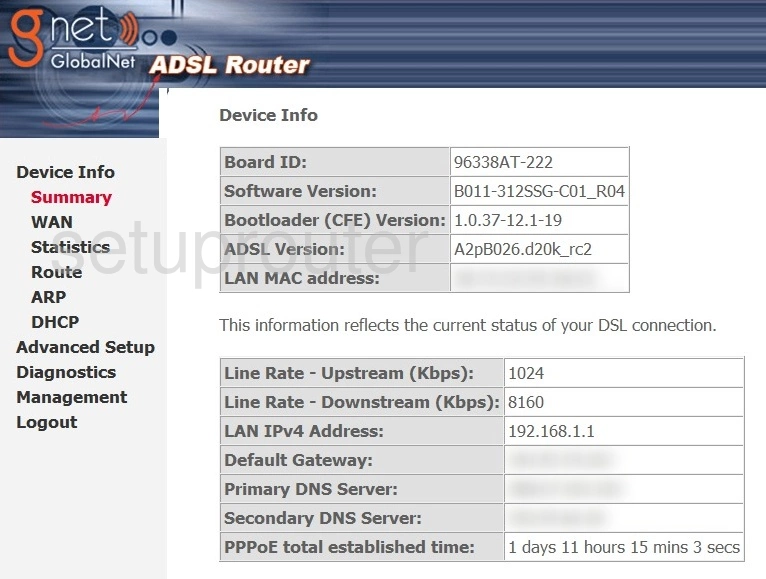
Comtrend gateways open on a Device Info page, with Basic Setup, Advanced Setup, Wireless, Diagnostics and Management menus down the left.
Most Comtrend devices are supplied by an Internet provider, so some settings may be locked, and a factory reset can remove the ISP's settings.
More Than Router Guides
To forward ports on a Comtrend router, see our sister site: Comtrend port forwarding guides on Portforward.com.
Comtrend Models We Cover
AR-5302, AR-5319, AR-5381u, CT-5071, CT-5071T, CT-535, CT-536, CT-5361, CT-5367, CT-5372, CT-5386, CT-560, CT-561, CT-562, CT-562+, CT-5621, CT-600, NexusLink 5631, VR-2035UN, VR-3026e v2, VR-3031u, VR-3033, WAP5813n, WR-6895