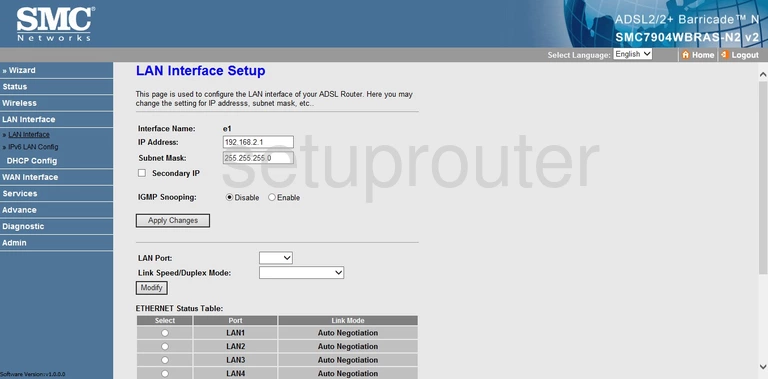
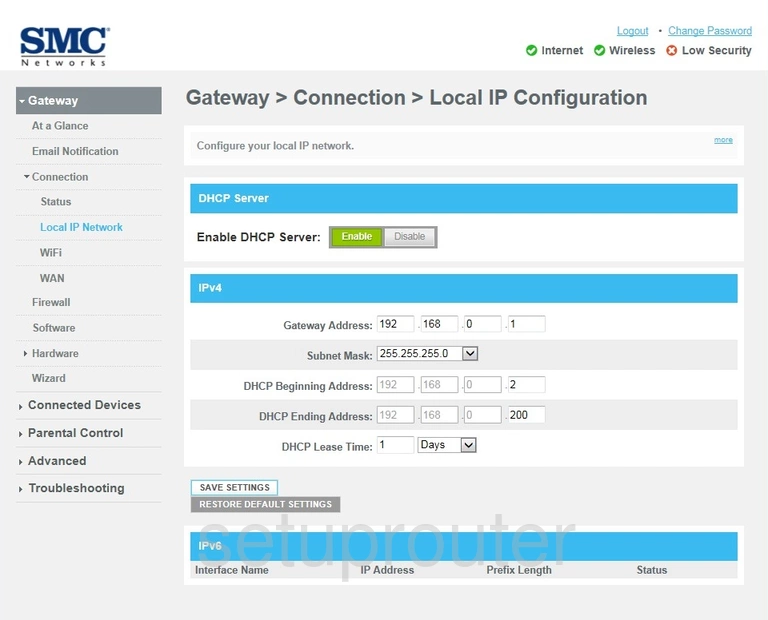
SMC Barricade routers use 192.168.2.1 (some on port 88). Comcast Business gateways use 10.1.10.1.
Every Known SMC Default IP Address
| SMC Model | IP Address |
| D3G0804W | 192.168.0.1 |
| SMC1244TX | 192.168.2.1:88 |
| SMC2404WBR | 192.168.2.1:88 |
| SMC2804WBR | 192.168.1.1 |
| SMC2804WBR | 192.168.1.2 |
| SMC2804WBRP-G | 192.168.2.1 |
| SMC7004ABR | 192.168.2.1 |
| SMC7004ABR | 192.168.2.1:88 |
| SMC7004AWBR | 192.168.2.1:88 |
| SMC7004BR | 192.168.123.254 |
| SMC7004FW | 192.168.2.1:88 |
| SMC7004VBR | 192.168.2.1 |
| SMC7004VBR | 192.168.2.1:88 |
| SMC7004VWBR | 192.168.2.1 |
| SMC7004WBR | 192.168.123.254 |
| SMC7004WFW | 192.168.2.1:88 |
| SMC7008ABR | 192.168.2.1 |
| SMC7008ABR | 192.168.2.1:88 |
| SMC7008BR | 192.168.123.254 |
| SMC7204BRA | 192.168.1.1 |
| SMC7401BRA | 192.168.1.1 |
| SMC7804WBRB | 192.168.2.1 |
| SMC7901BRA-A2 | 192.168.2.1 |
| SMC7904BRA | 192.168.2.1 |
| SMC7904WBRA-N | 192.168.2.1 |
| SMC7904WBRA2 | 192.168.2.1 |
| SMC7904WBRAS-N2 | 192.168.2.1 |
| SMC7908VoWBRB | 192.168.2.1 |
| SMC8014 | 10.1.10.1 |
| SMC8014-CCR | 10.1.10.1 |
| SMC8014-CCR | 192.168.2.1 |
| SMC8014WG | 192.168.0.1 |
| SMC8014WG-SI | 192.168.0.1 |
| SMC8014WG-TWC | 192.168.0.1 |
| SMC8014WN | 192.168.0.1 |
| SMCBR14UP | 192.168.2.1 |
| SMCD3G-CCR | 10.1.10.1 |
| SMCD3G-CCR | 192.168.0.1 |
| SMCD3GN | 192.168.0.1 |
| SMCD3GN2-RES | 192.168.0.1 |
| SMCD3GNV | 10.0.0.1 |
| SMCD3GNV | 192.168.0.1 |
| SMCG3G-CCR | 10.1.10.1 |
| SMCG3G-CCR | 192.168.0.1 |
| SMCG3G-CCR | 192.168.2.1 |
| SMCWBR14-G | 192.168.2.1 |
| SMCWBR14-G2 | 192.168.1.1 |
| SMCWBR14-G2 | 192.168.2.1 |
| SMCWBR14-GM | 192.168.2.1 |
| SMCWBR14-N | 192.168.2.1 |
| SMCWBR14S-N | 192.168.2.1 |
| SMCWBR14S-N2 | 192.168.0.1 |
| SMCWBR14S-N3 | 192.168.2.1 |
| SMCWBR14S-N4 | 192.168.2.1 |
| SMCWBR14T-G | 192.168.2.1 |
| SMCWGBR14-N | 192.168.2.1 |
| SMCWHSG44G | 192.168.2.1 |
Find Your Router's IP Address
Run ipconfig on Windows and read Default Gateway, or see How To Find Your Router's IP Address.
Change the Router's IP Address
Log in and go to LAN (or Setup > LAN). Change the IP Address, then click Apply or Save.