


Here's how to log in to an SMC router or gateway.
Step 1: Connect
Plug a computer into one of the LAN ports, or connect to the router's WiFi.
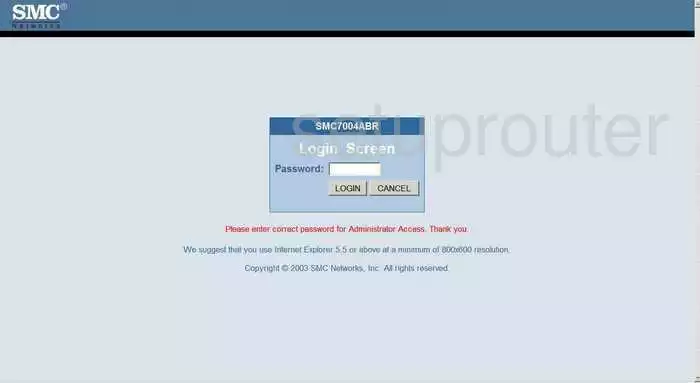
Step 2: Open the Login Page
- Barricade routers: http://192.168.2.1. If that doesn't load, try http://192.168.2.1:88.
- Comcast Business gateways: http://10.1.10.1.
- Xfinity gateways: http://10.0.0.1.
See the SMC IP address page.
Step 3: Sign In
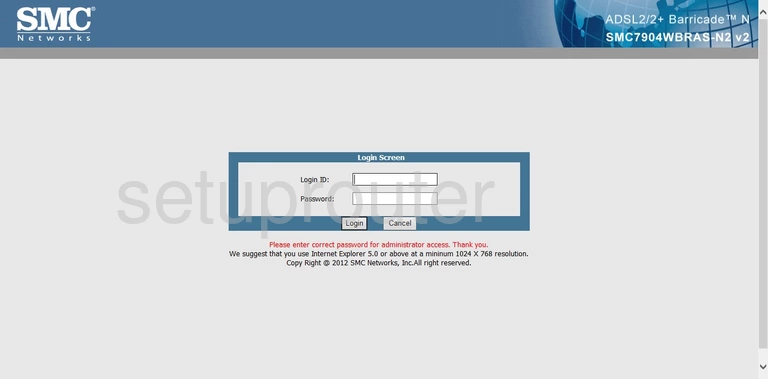
- Barricade routers: enter the password smcadmin. There's no username on most models.
- Comcast Business gateways: username cusadmin, password highspeed (or password on some units).
- Xfinity gateways: username admin, password password.
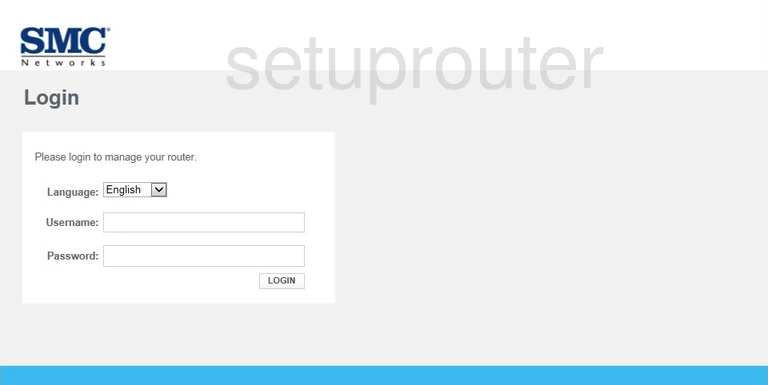
See all defaults on the SMC passwords page.
SMC Login Problems
If the password is rejected, try each default for your type of device. If someone changed it, reset the router. For Comcast gateways, call Comcast first.
SMC Router Screenshots
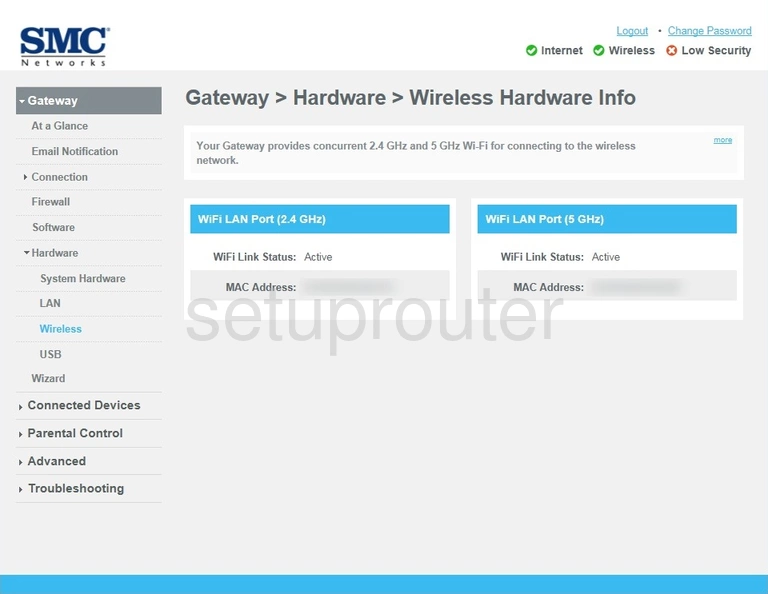
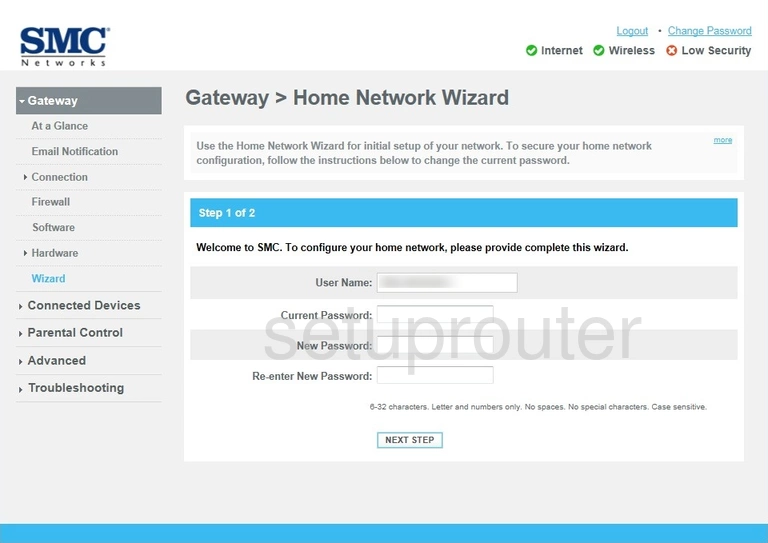
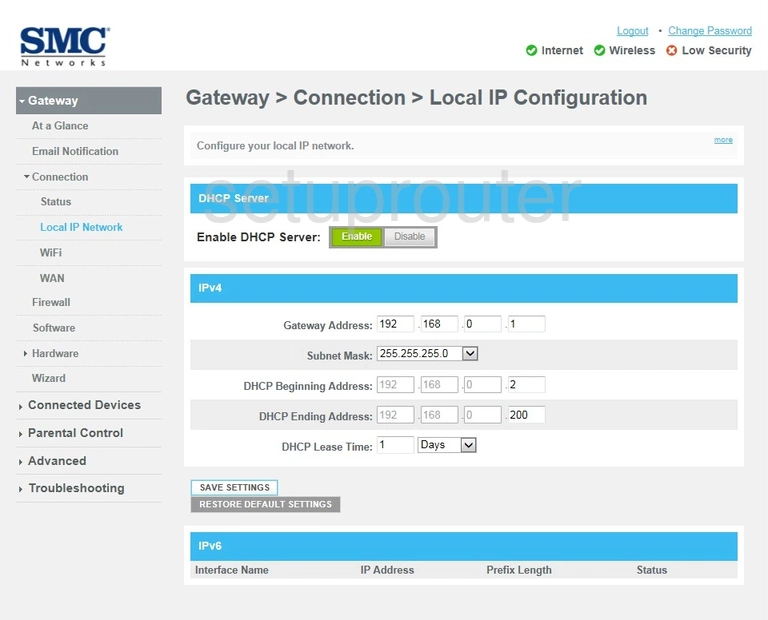
Screens from the SMC routers we have. Click a model to open it.
D3G0804W (4 screens)
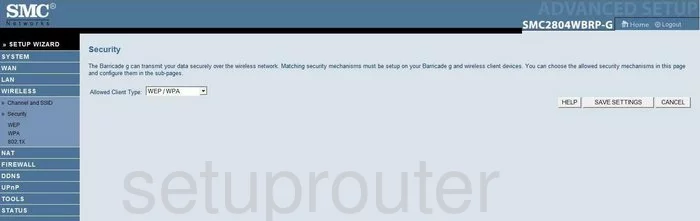
SMC2804WBRP-G (4 screens)
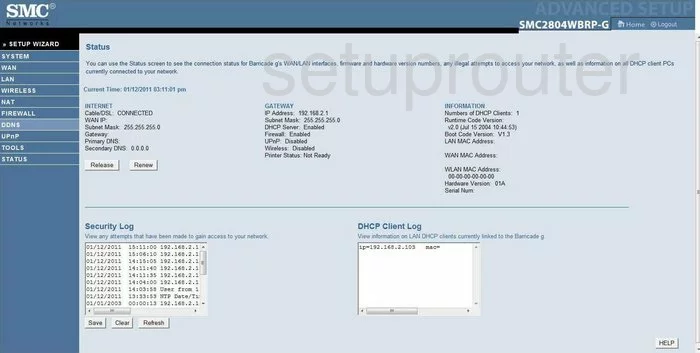
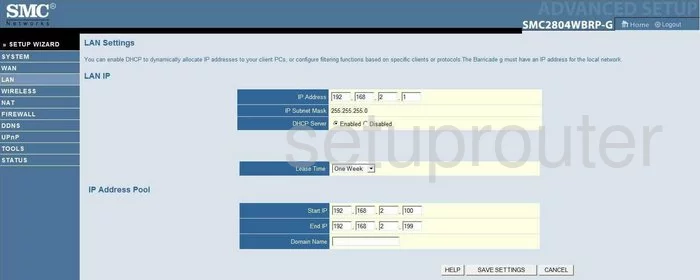
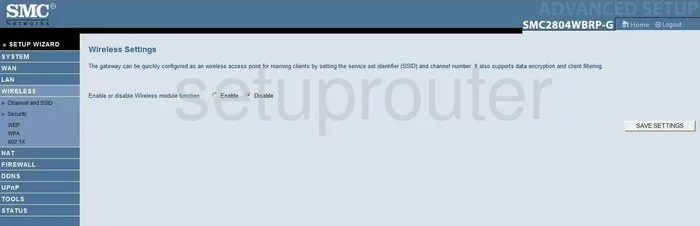
SMC7004ABR (4 screens)
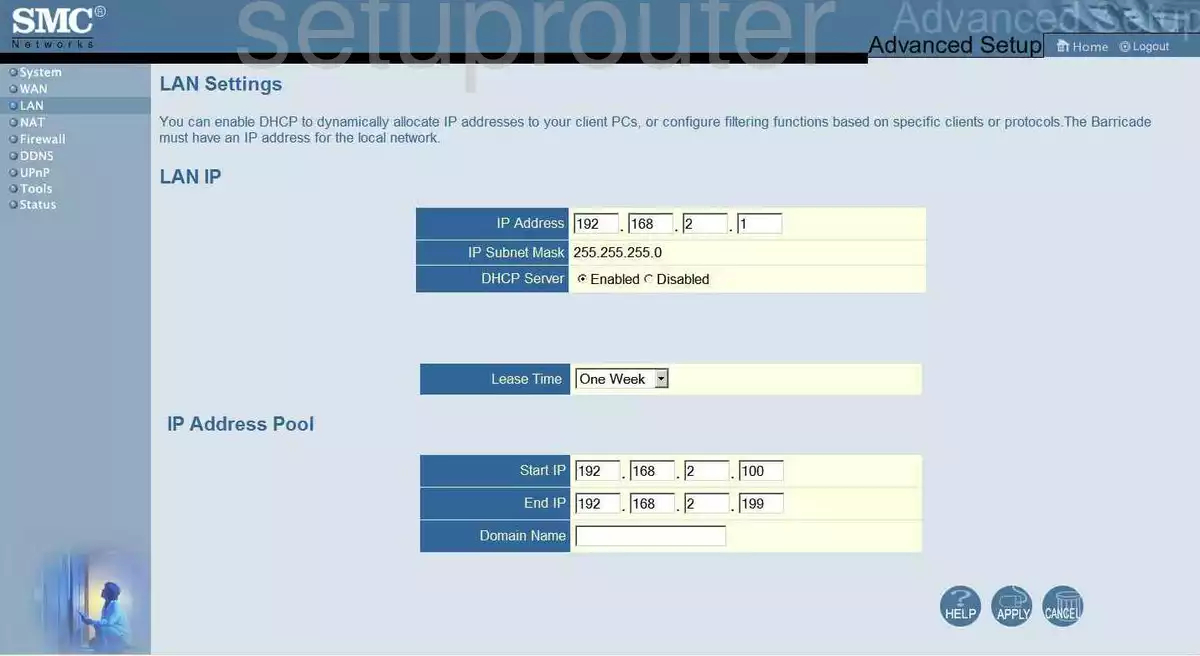
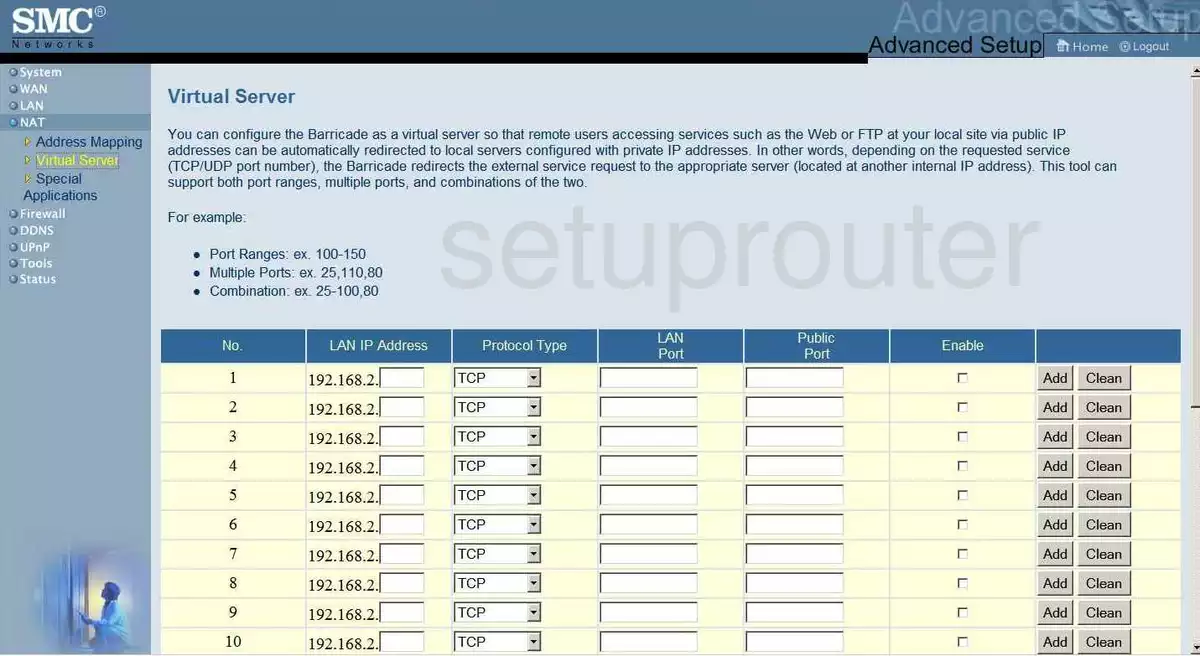
SMC7008ABR (4 screens)
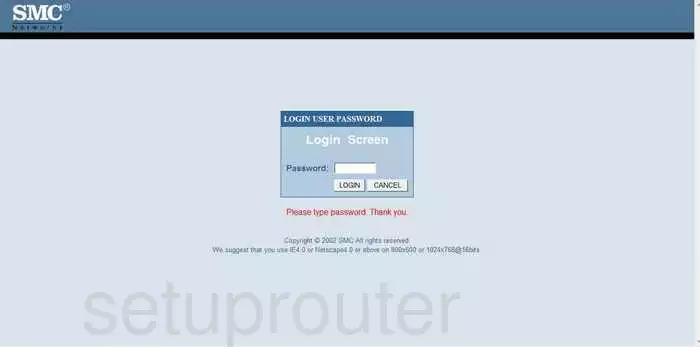
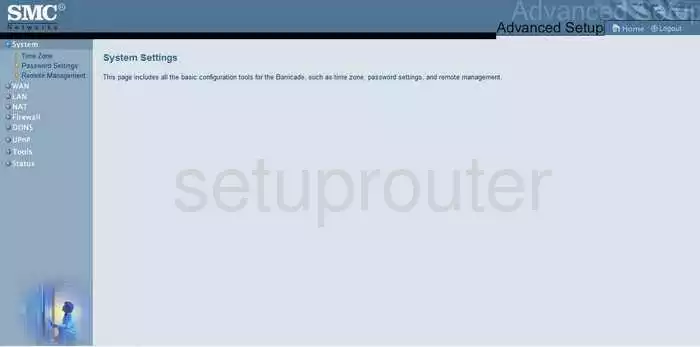
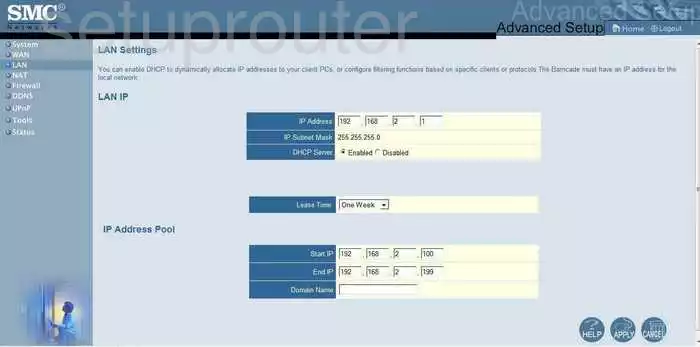
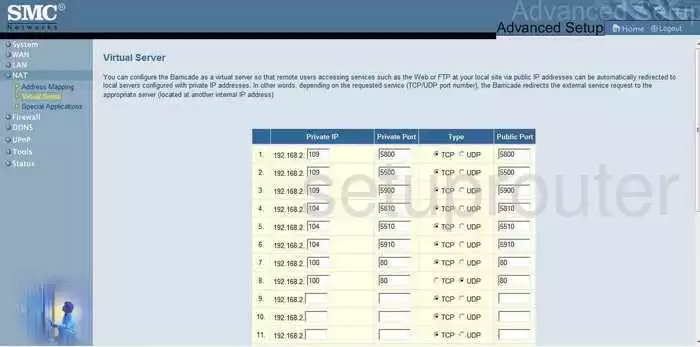
SMC7904WBRA-N (4 screens)
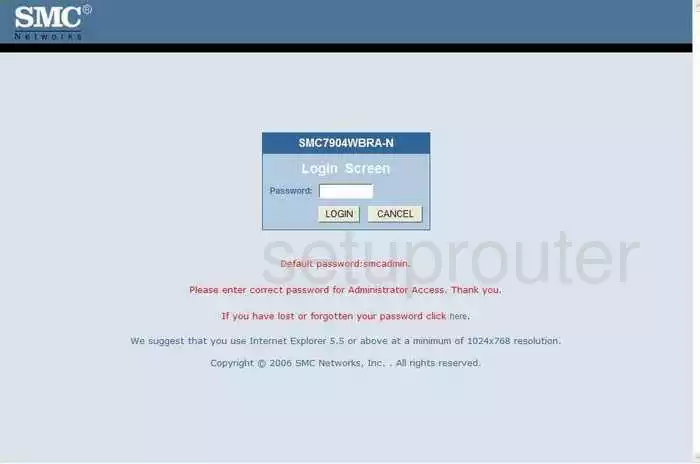
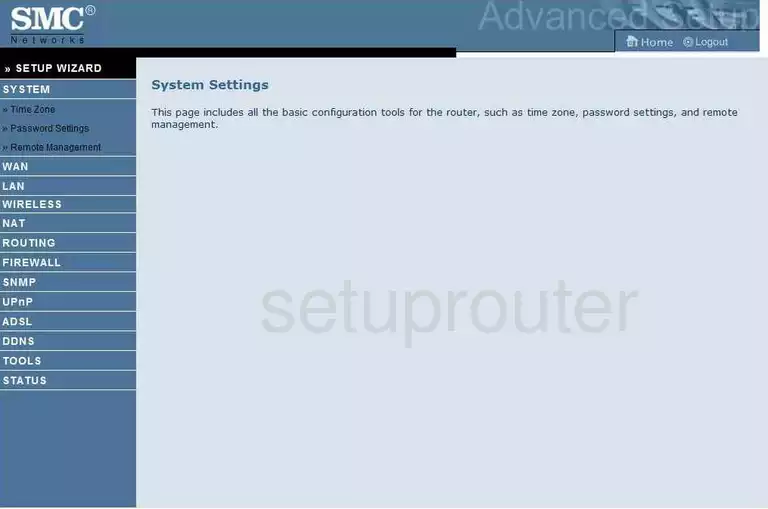
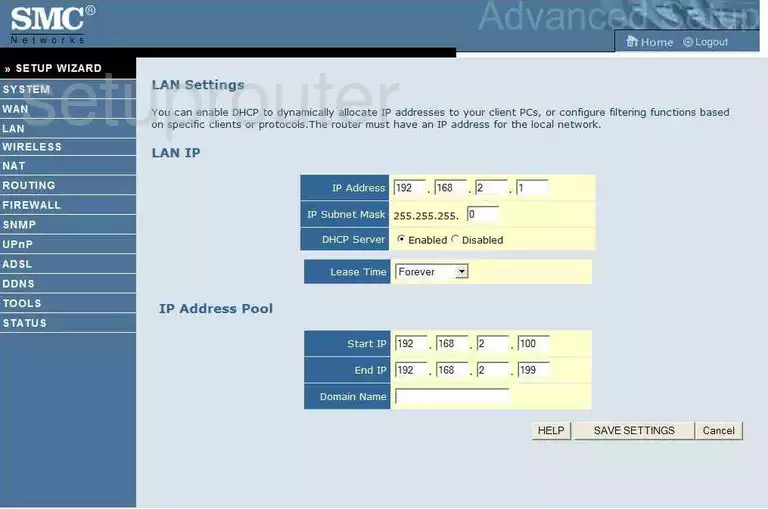
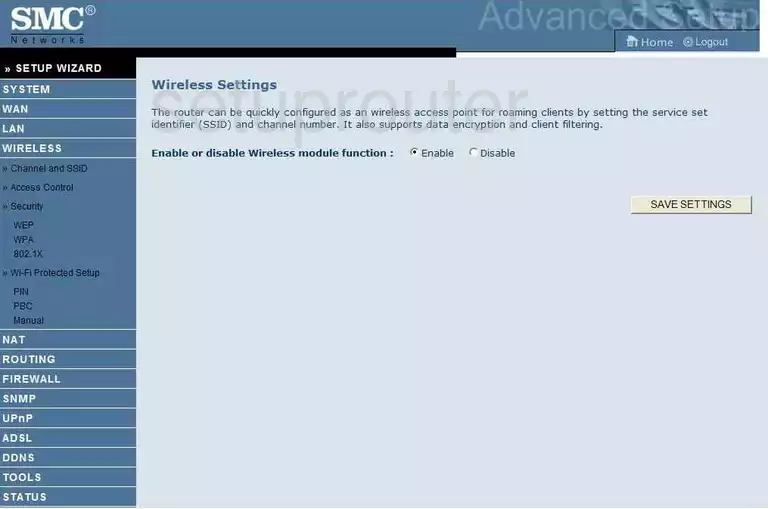
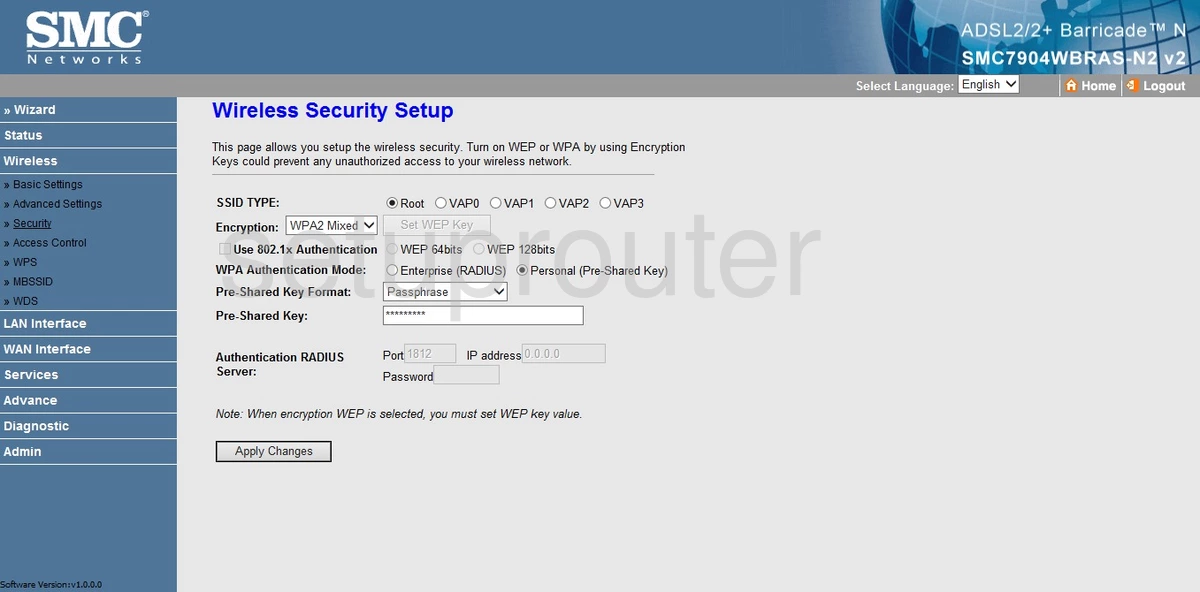
SMC7904WBRAS-N2 (4 screens)
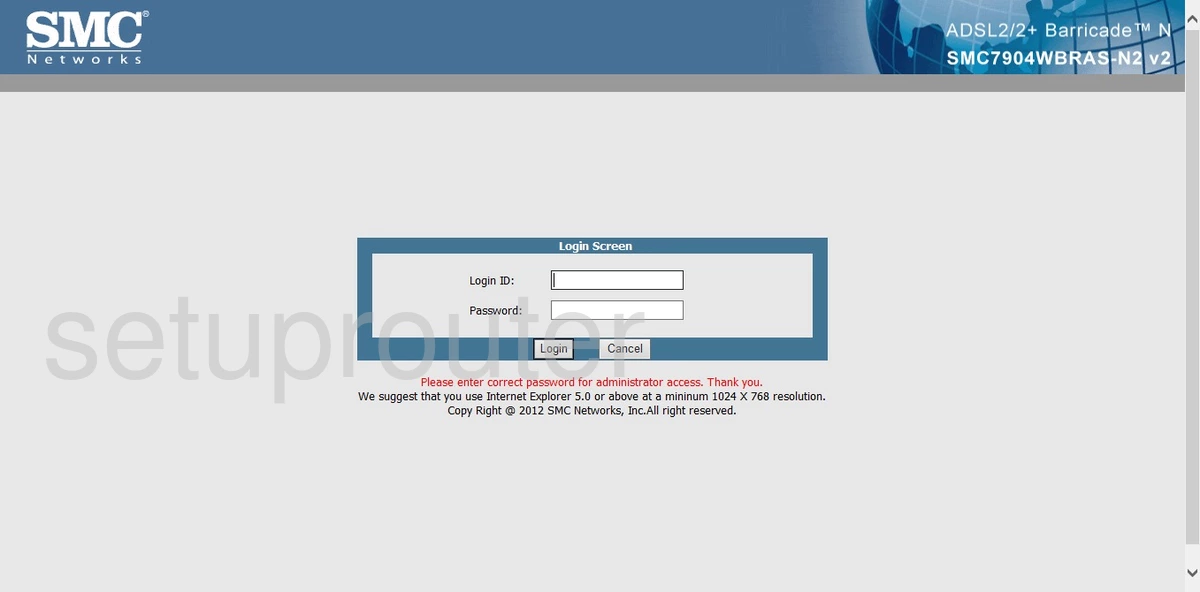
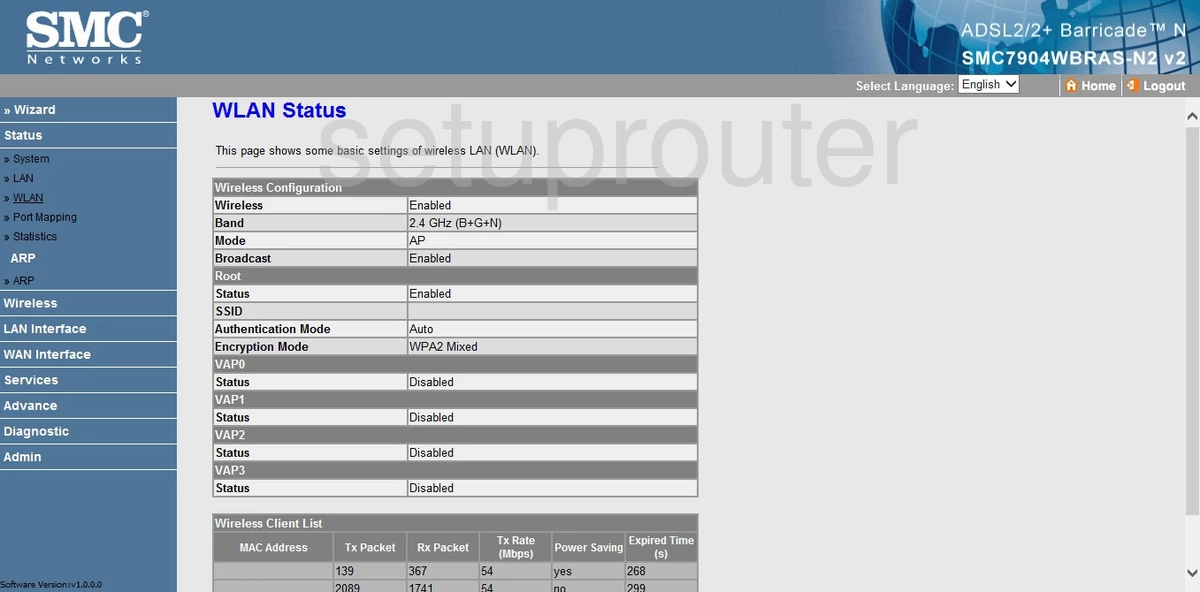
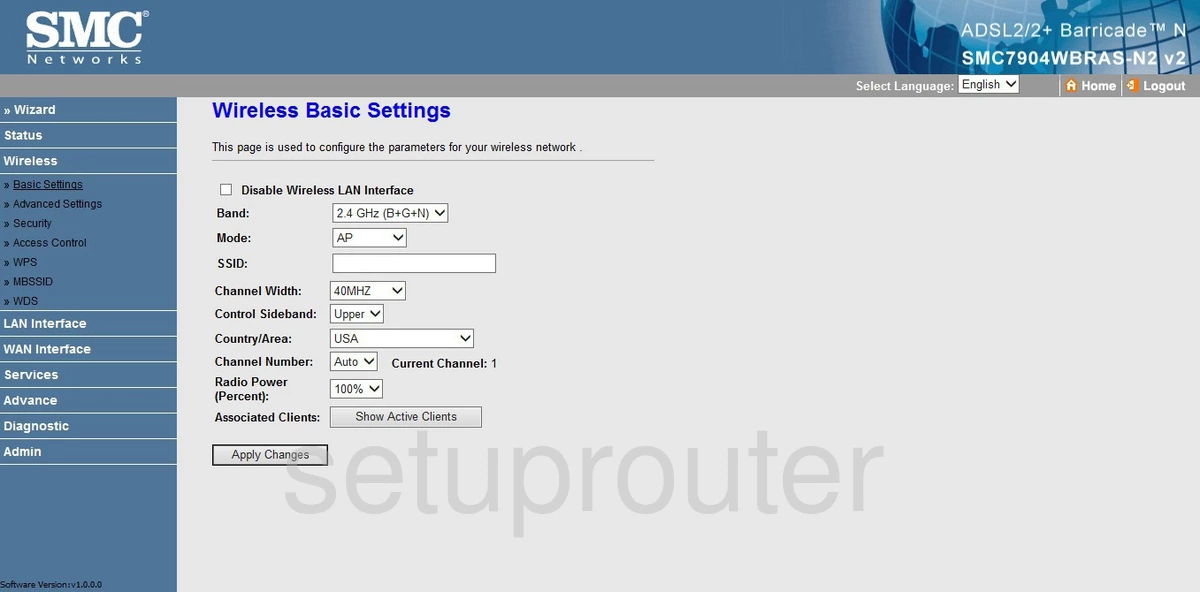
SMC8014-CCR (4 screens)
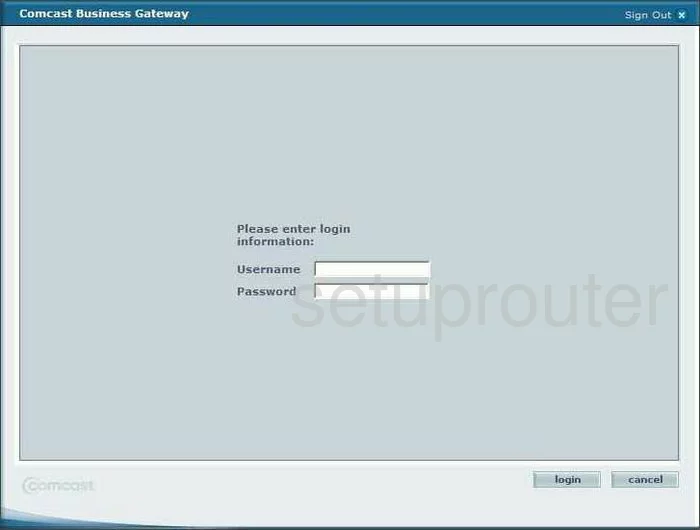
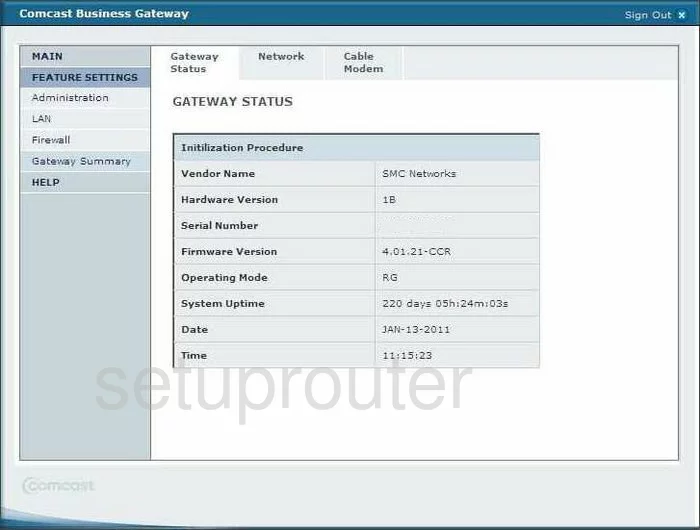
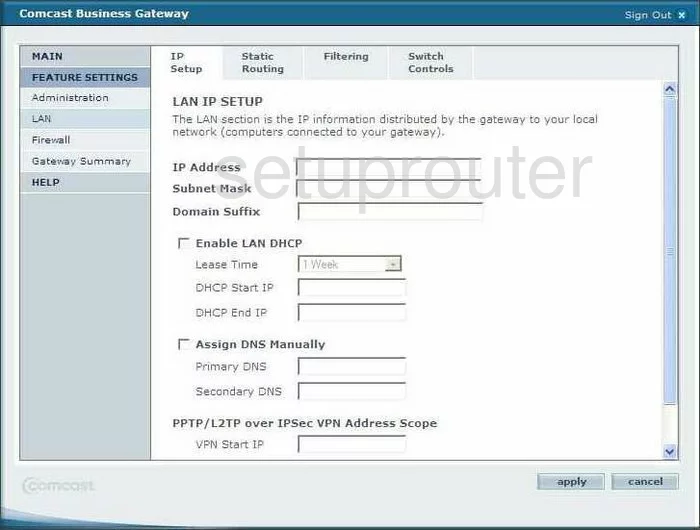
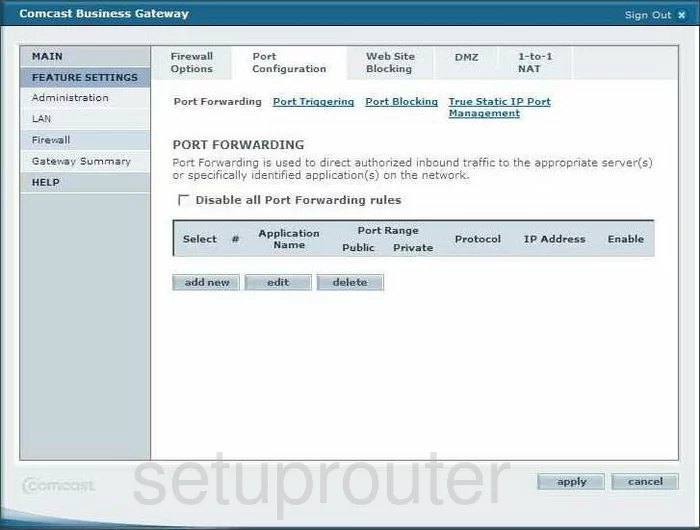
SMC8014WG (4 screens)
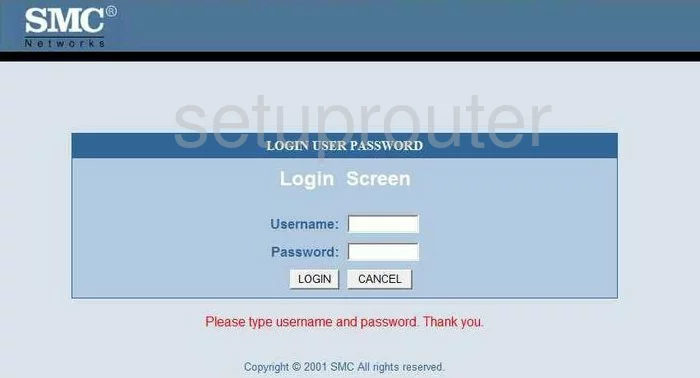
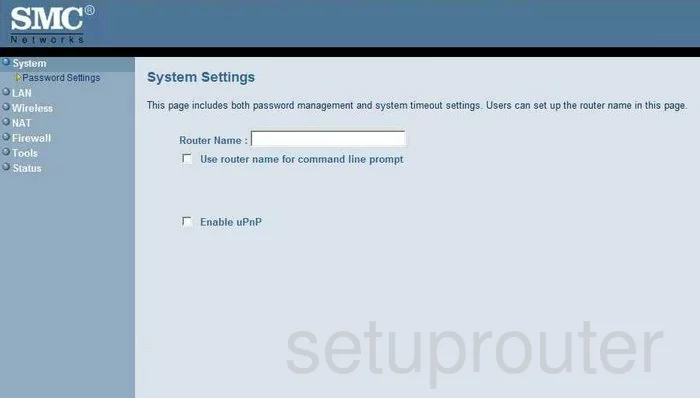
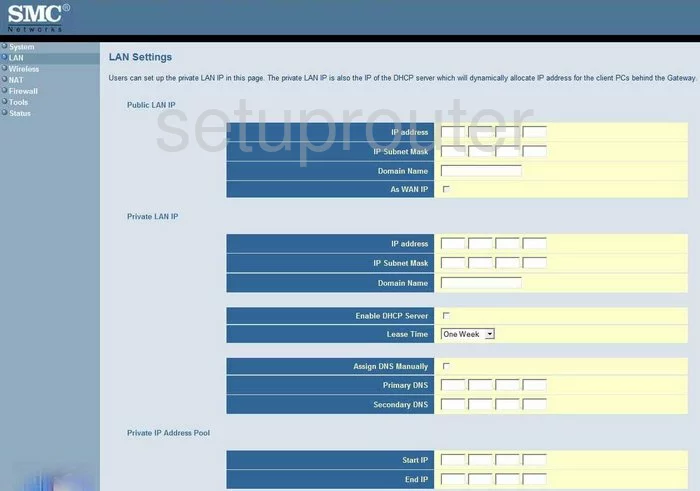

SMC8014WG-TWC (4 screens)
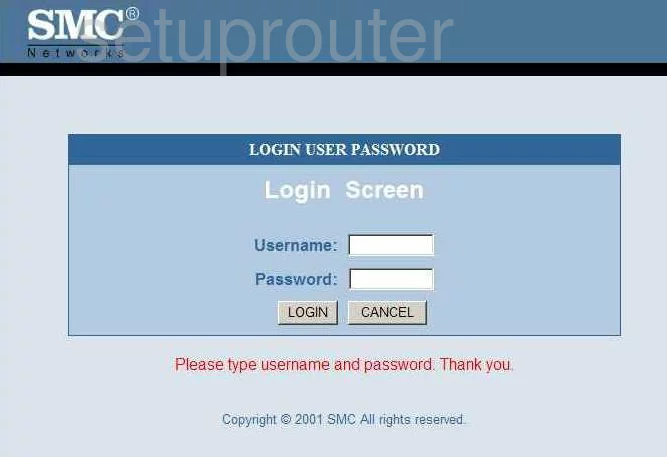
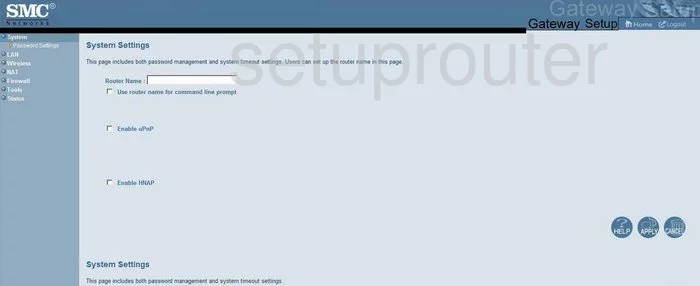
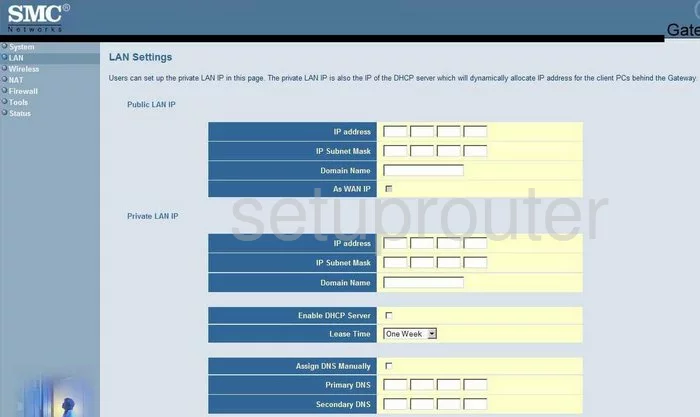
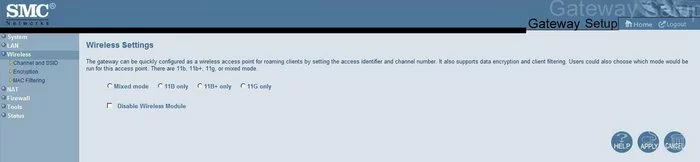
SMC8014WN (4 screens)
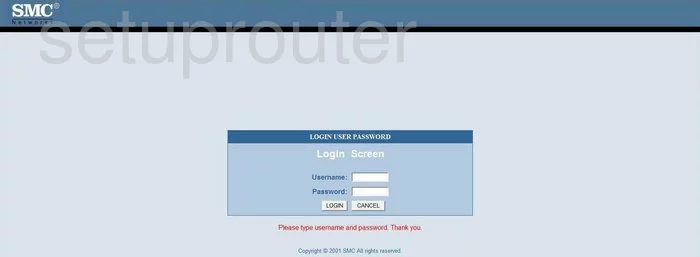
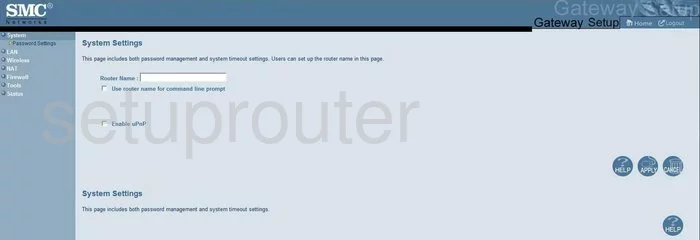
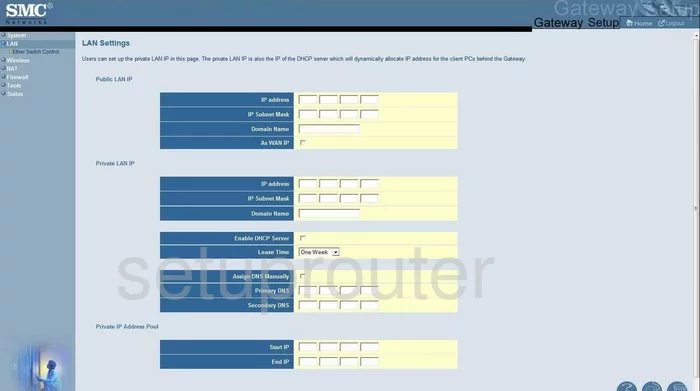
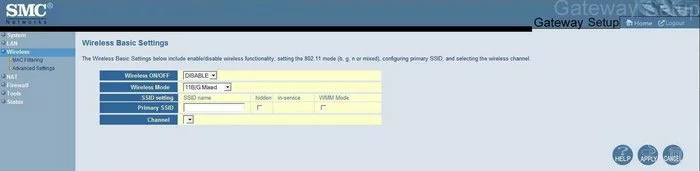
SMCD3G-CCR (4 screens)
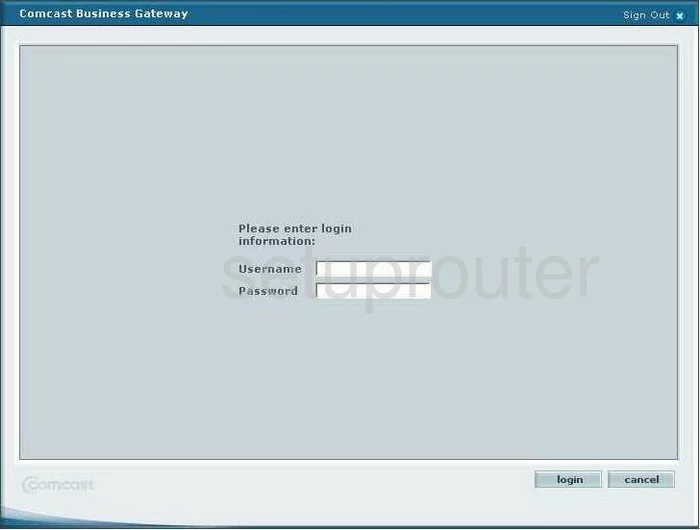
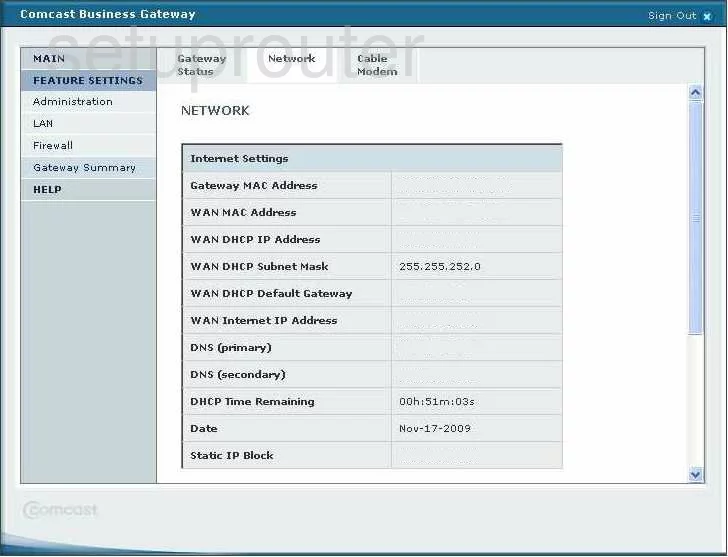
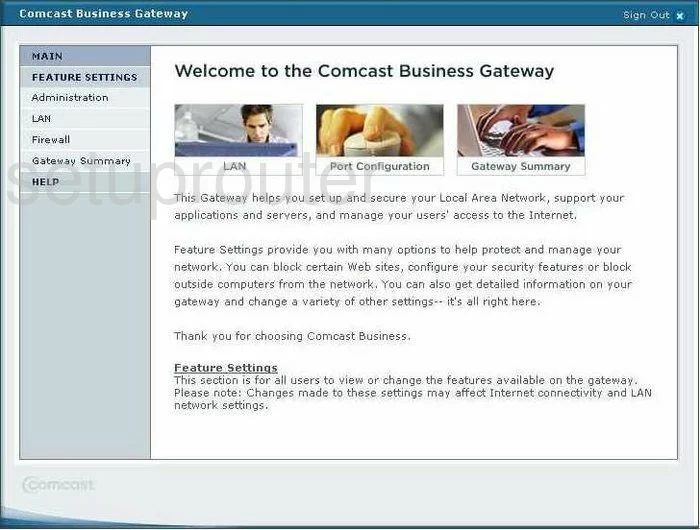
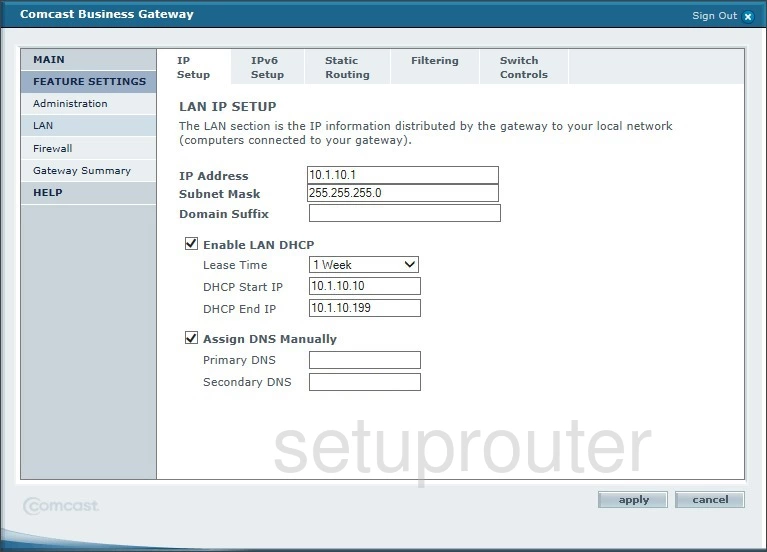
SMCD3GN (4 screens)
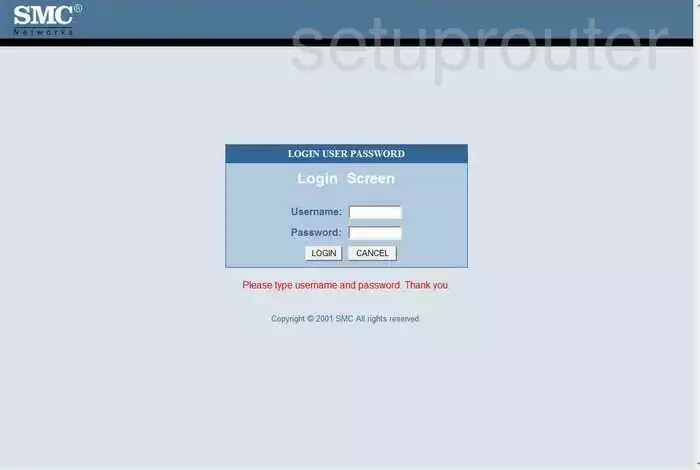
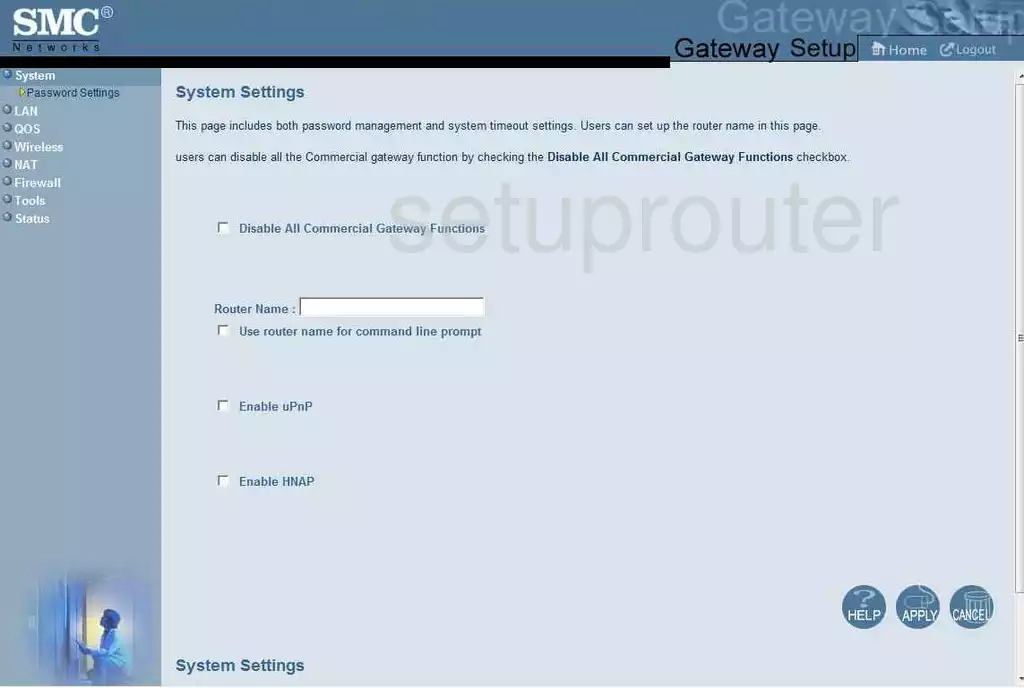
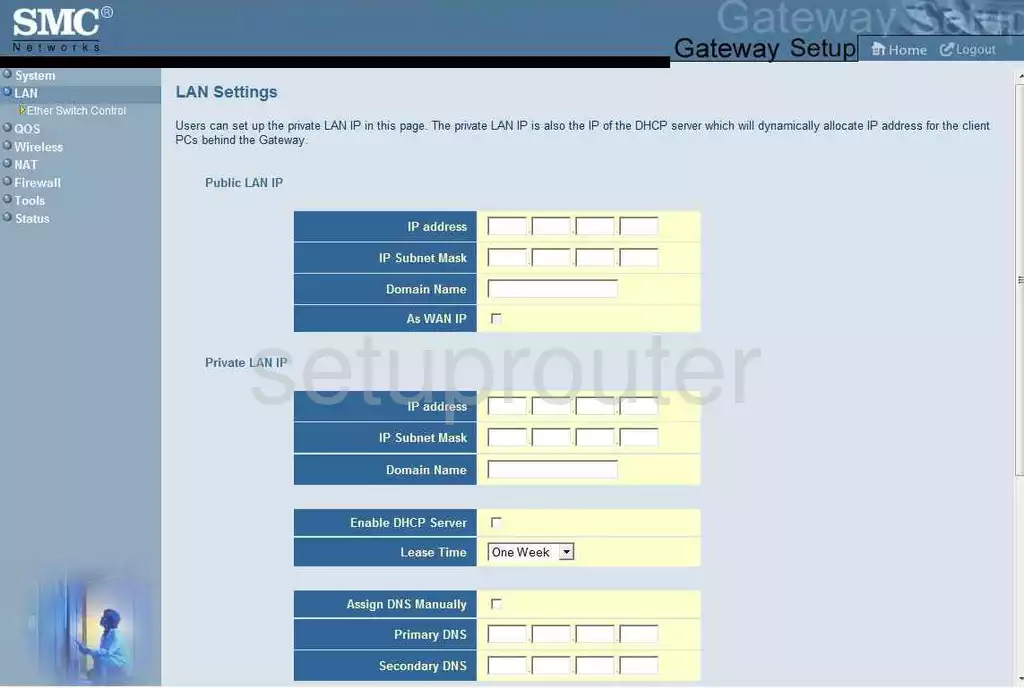
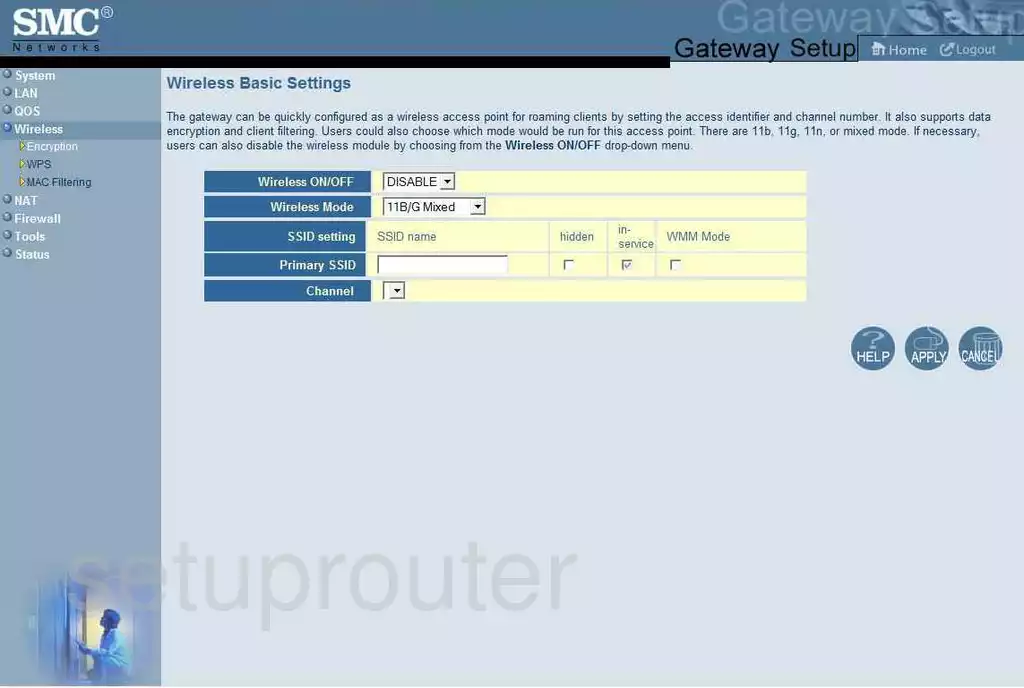
SMCD3GN2-RES (4 screens)
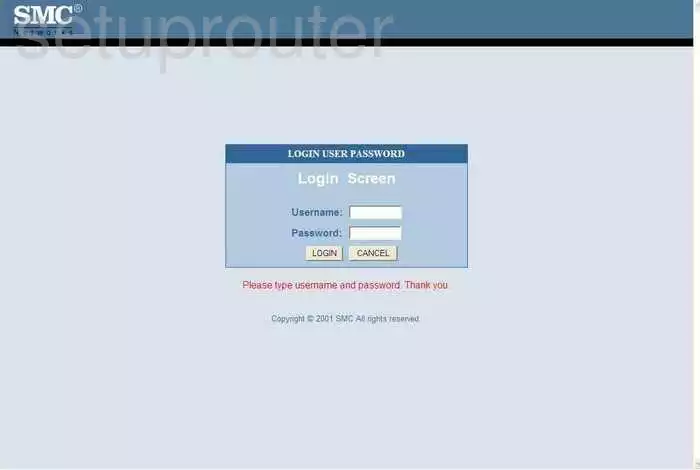
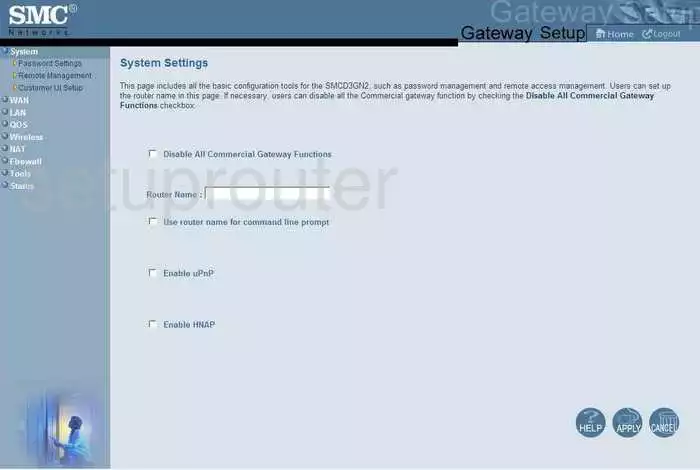
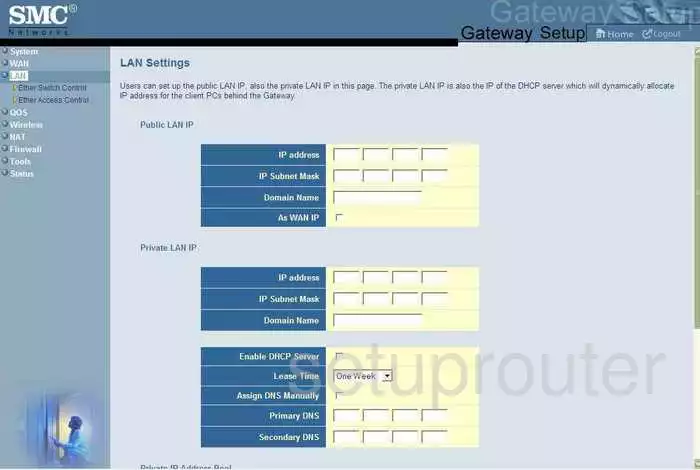
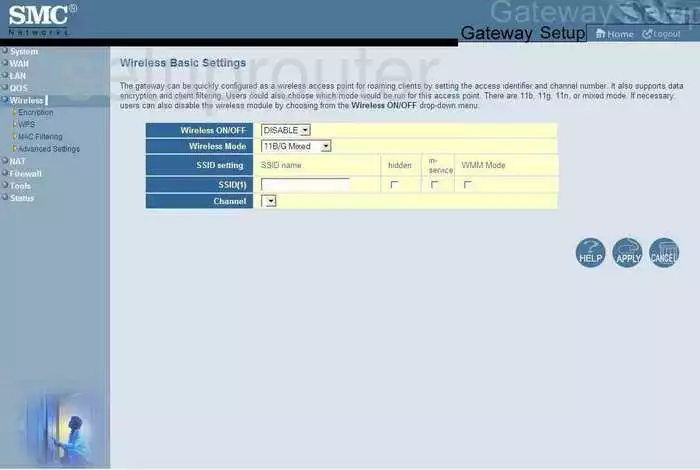
SMCD3GNV (4 screens)
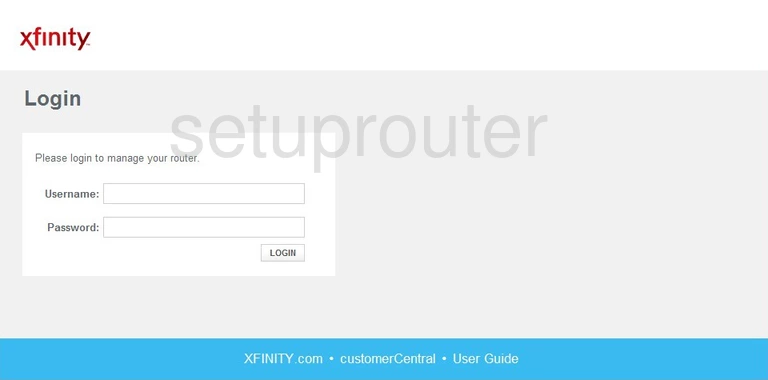
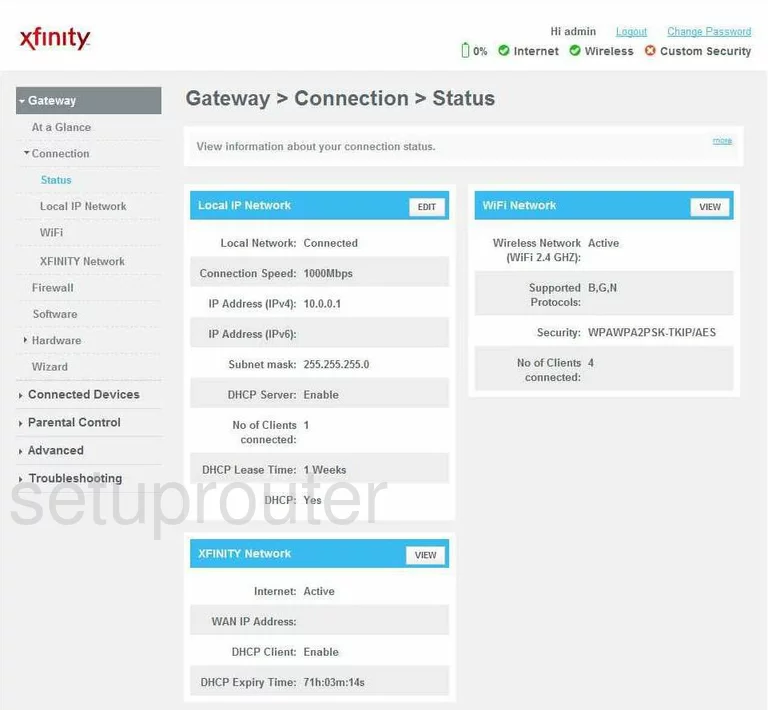
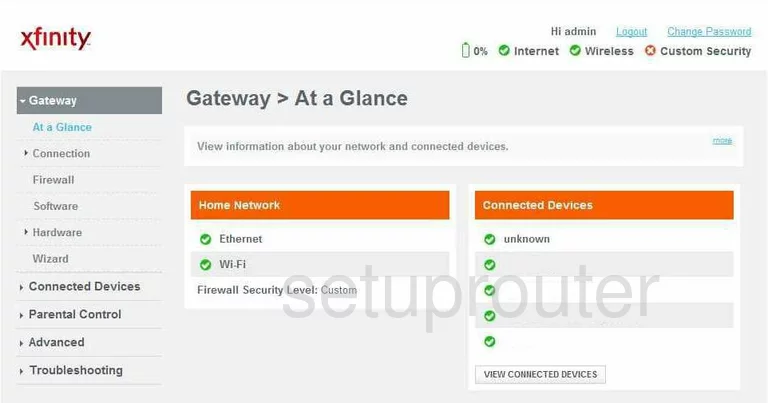
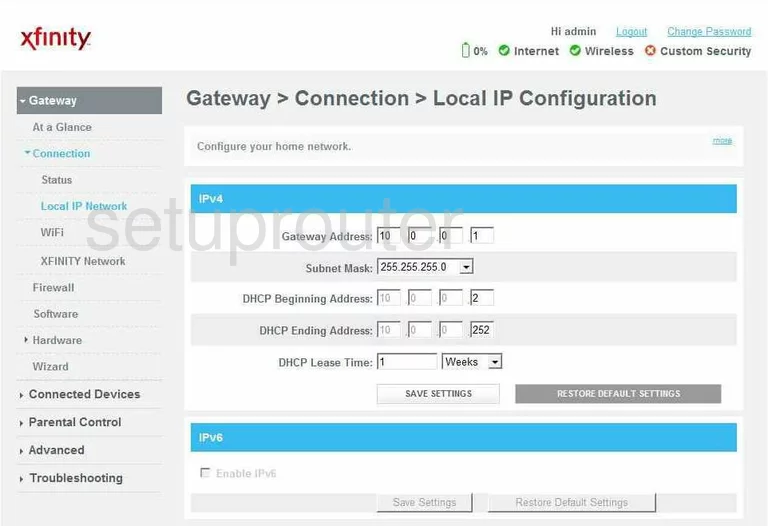
SMCG3G-CCR (4 screens)
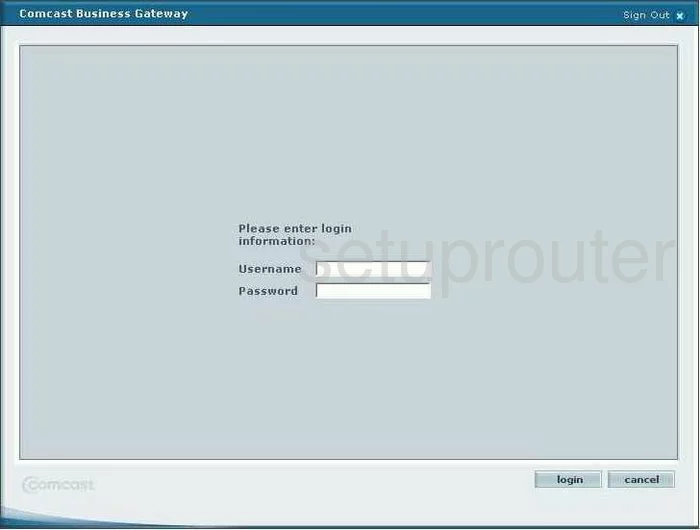
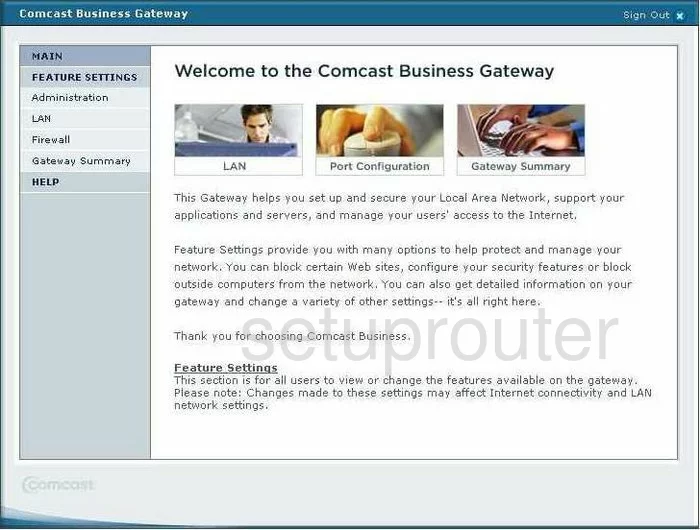
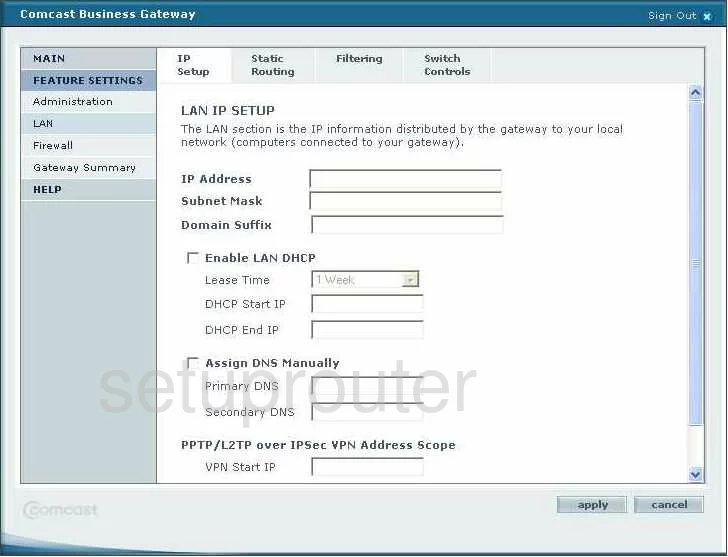
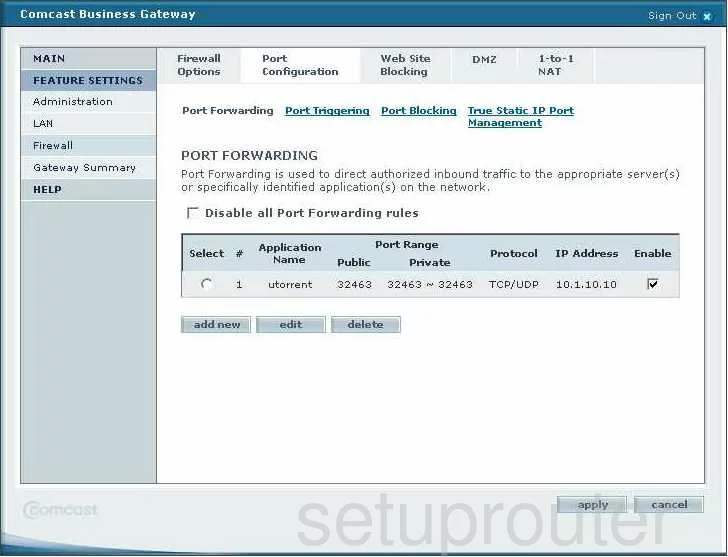
SMCWBR14-G2 (4 screens)
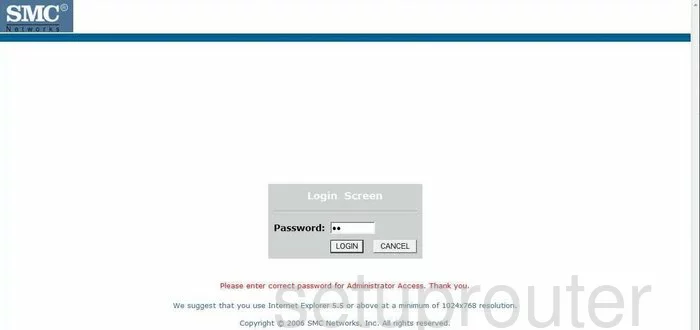
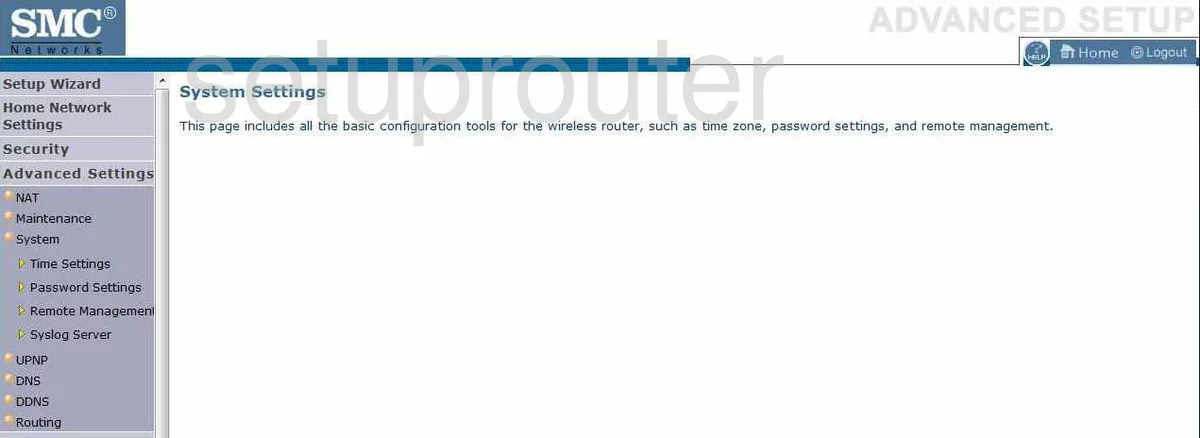
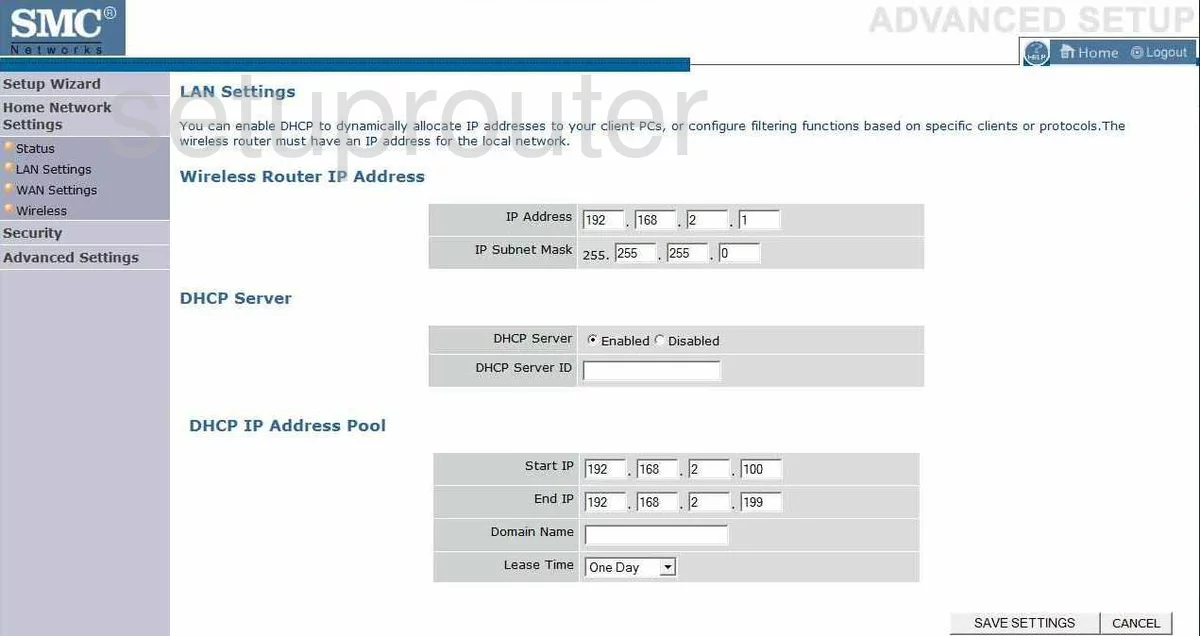
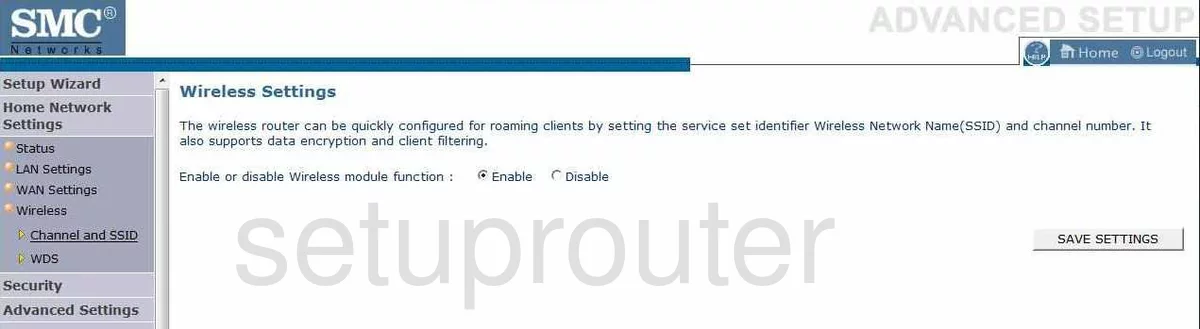
SMCWBR14S-N (4 screens)
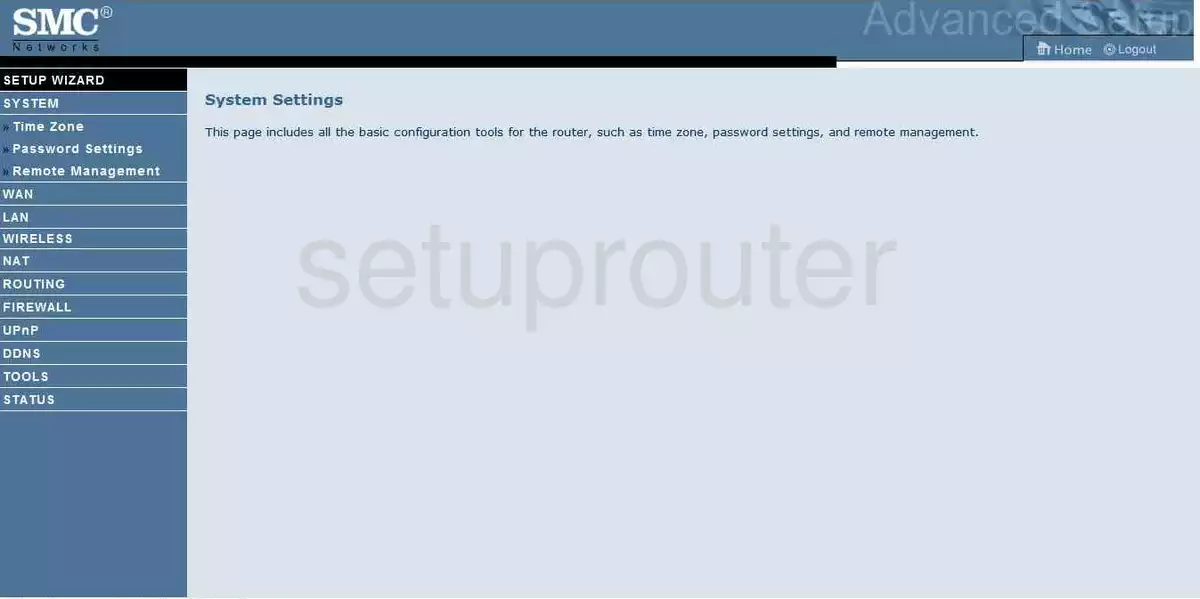
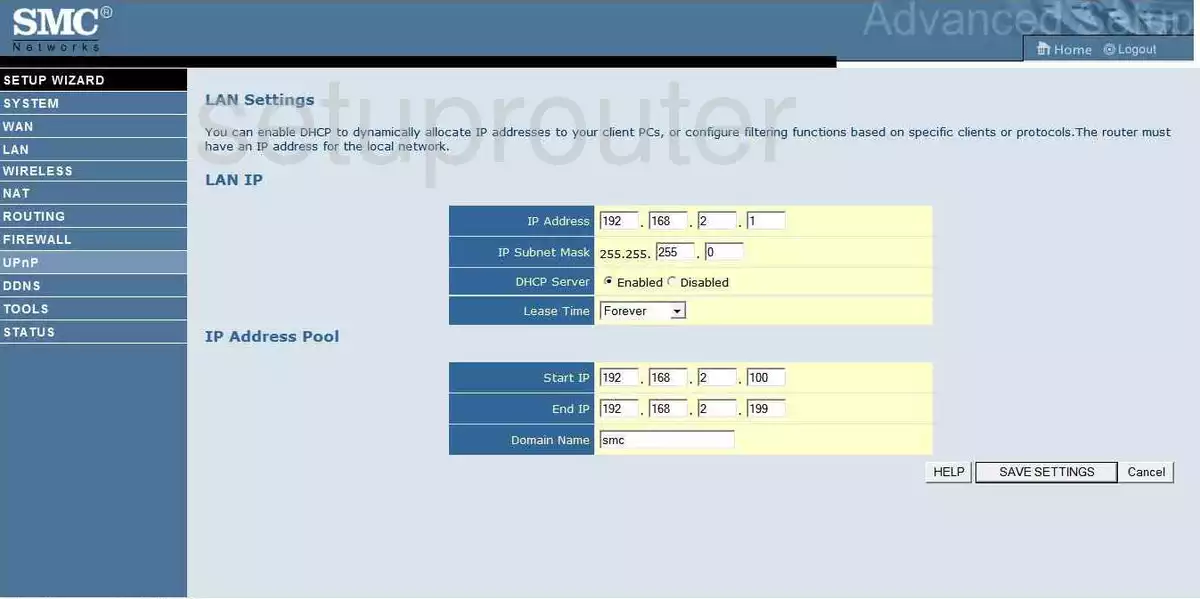
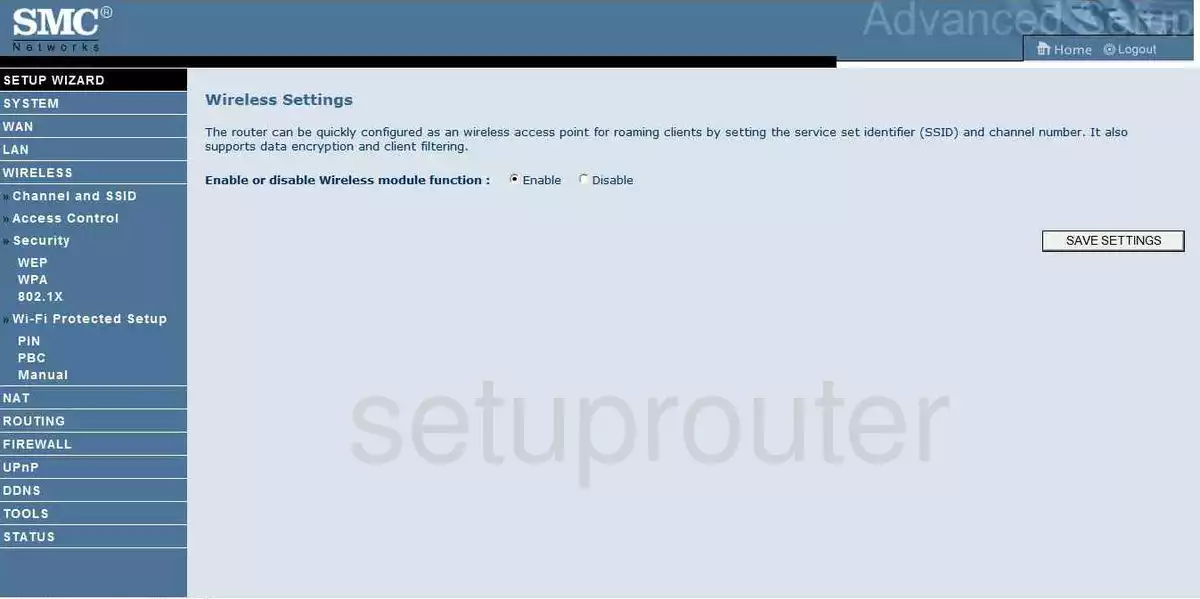
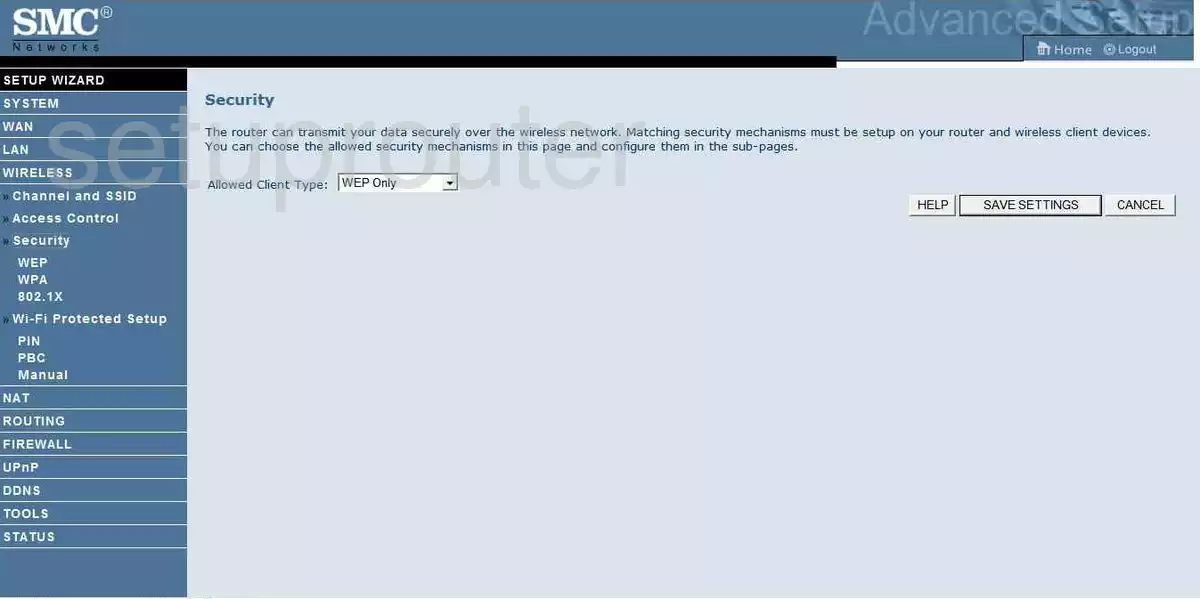
SMCWBR14S-N3 (4 screens)
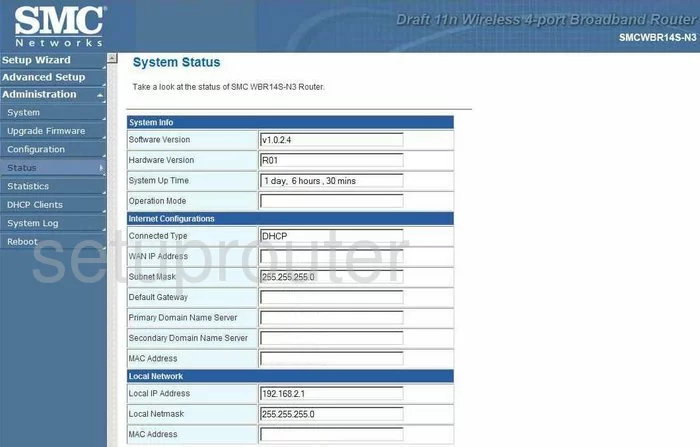
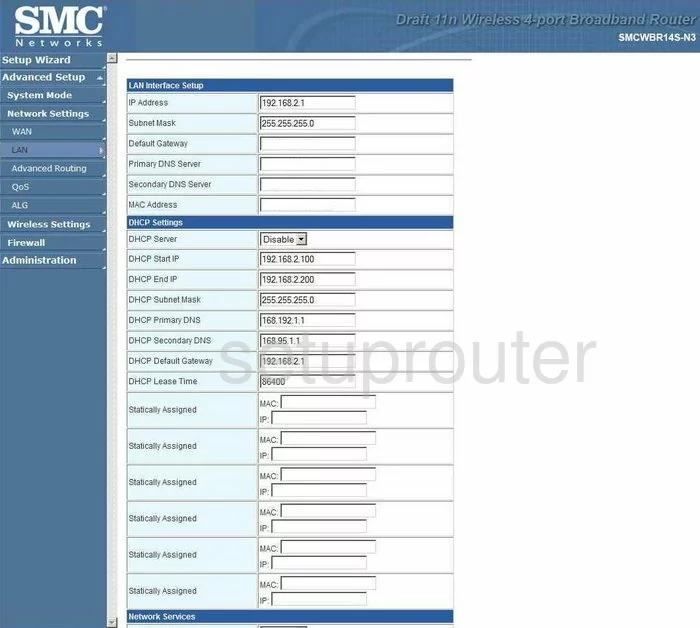
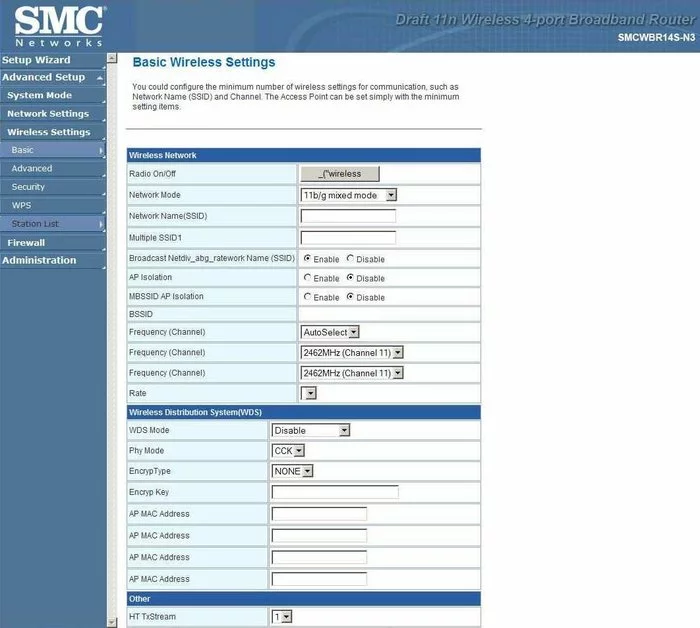
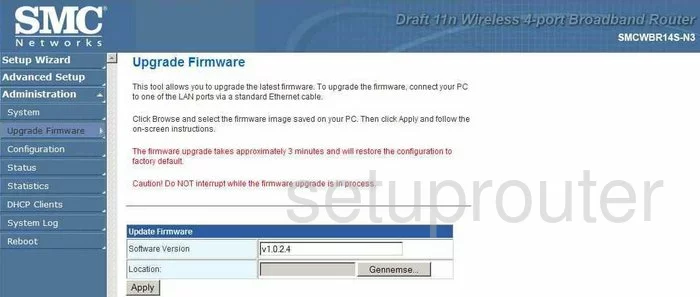
SMCWBR14S-N4 (4 screens)
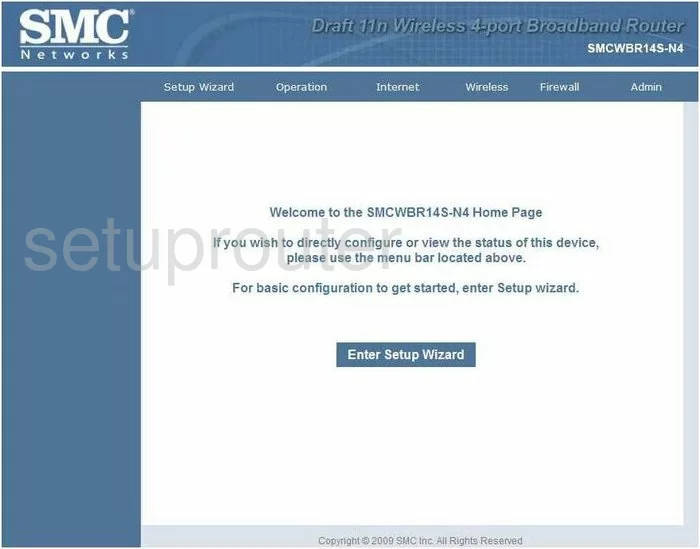
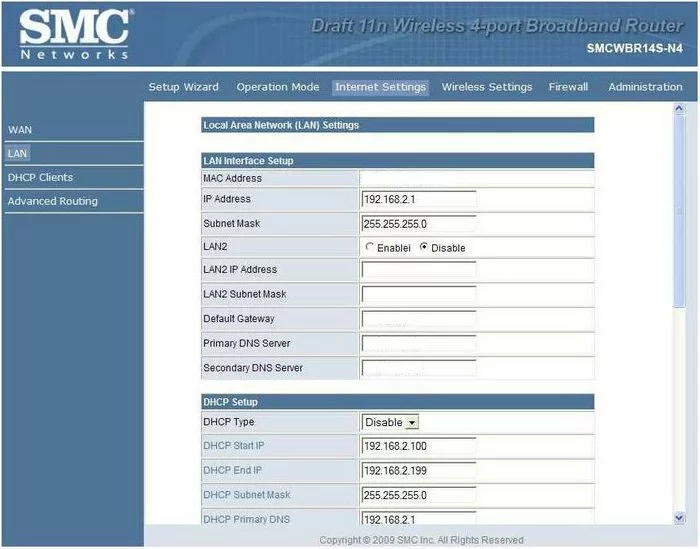
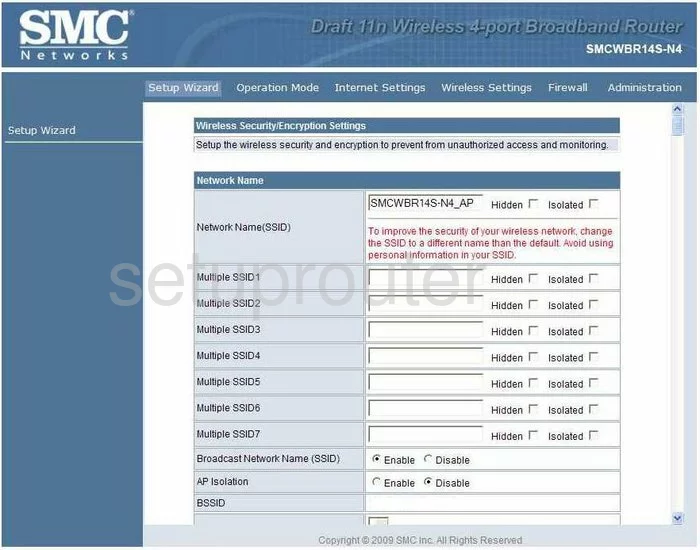
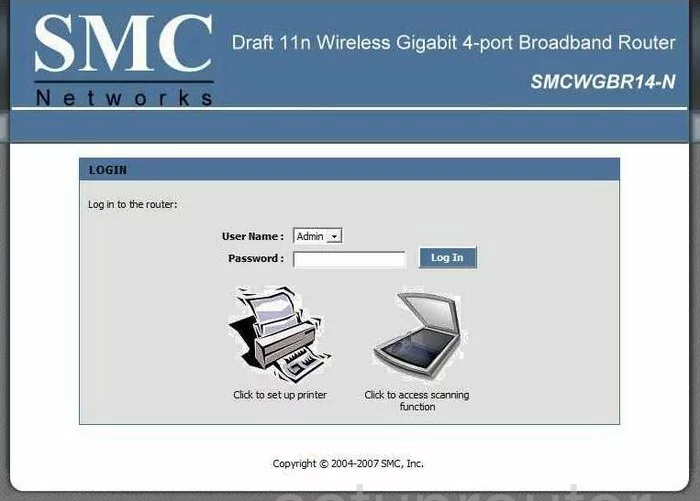
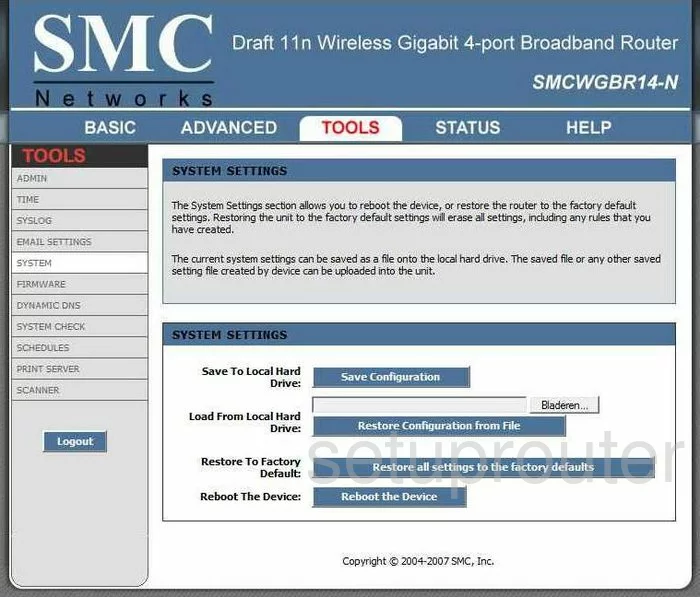
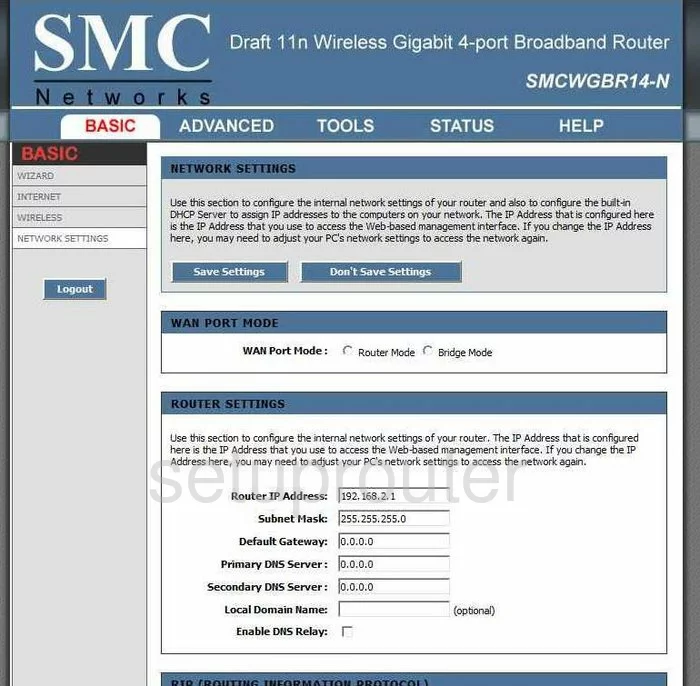
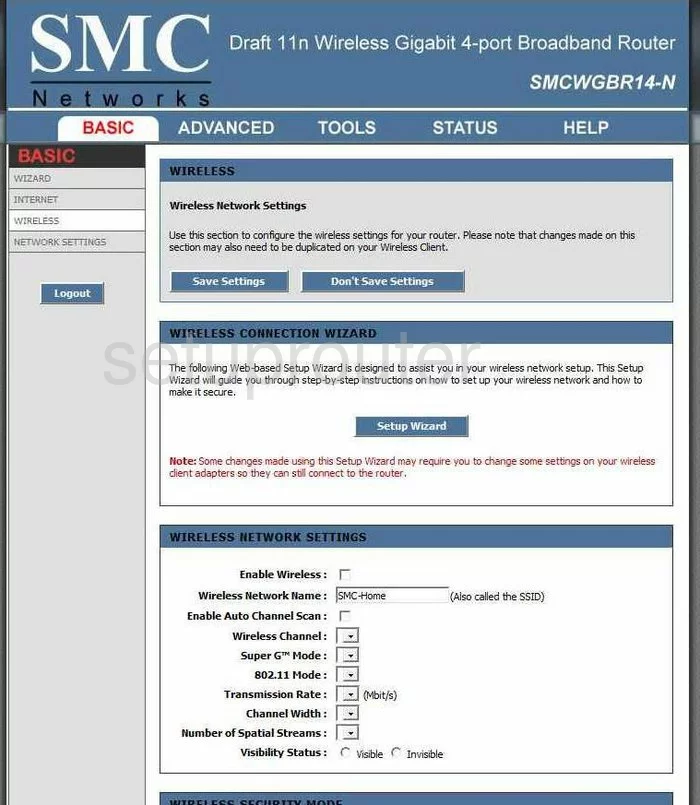
SMCWGBR14-N (4 screens)
SMC Router Manuals
- SMC D3G0804W user manual (manual-1911)
- SMC SMC2804WBRP-G user manual (manual-649)
- SMC SMC7004ABR user manual (manual-650)
- SMC SMC7008ABR user manual (manual-648)
- SMC SMC7904WBRA-N user manual (manual-652)
- SMC SMC8014WG user manual (manual-653)
- SMC SMC8014WG-TWC user manual (manual-654)
- SMC SMC8014WN user manual (manual-655)
- SMC SMCD3G-CCR user manual (manual-656)
- SMC SMCD3GN user manual (manual-657)
- SMC SMCD3GN2-RES user manual (manual-658)
- SMC SMCD3GNV user manual (manual-659)
- SMC SMCG3G-CCR user manual (manual-660)
- SMC SMCWBR14-G2 user manual (manual-661)
- SMC SMCWBR14-G2 user manual (manual-663)
- SMC SMCWBR14S-N3 user manual (manual-664)
- SMC SMCWBR14S-N4 user manual (manual-665)
- SMC SMCWGBR14-N user manual (manual-666)