


Here's how to log in to a Tenda router.
Step 1: Connect
Connect to the router's WiFi (the default name is on the label, usually Tenda_XXXXXX) or plug in a network cable.
Step 2: Open the Login Page
Type http://192.168.0.1 or http://tendawifi.com into your browser's address bar. Tenda ADSL modem routers use 192.168.1.1. See the Tenda IP address page.
Step 3: Sign In
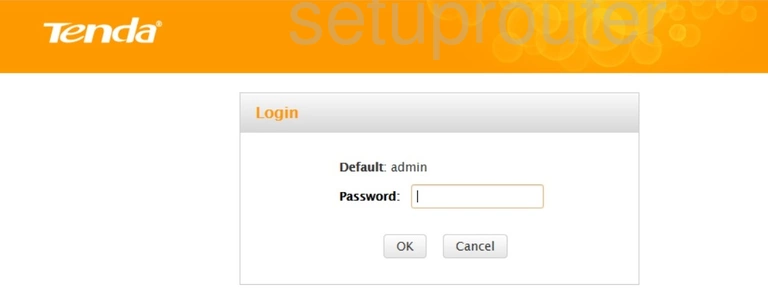
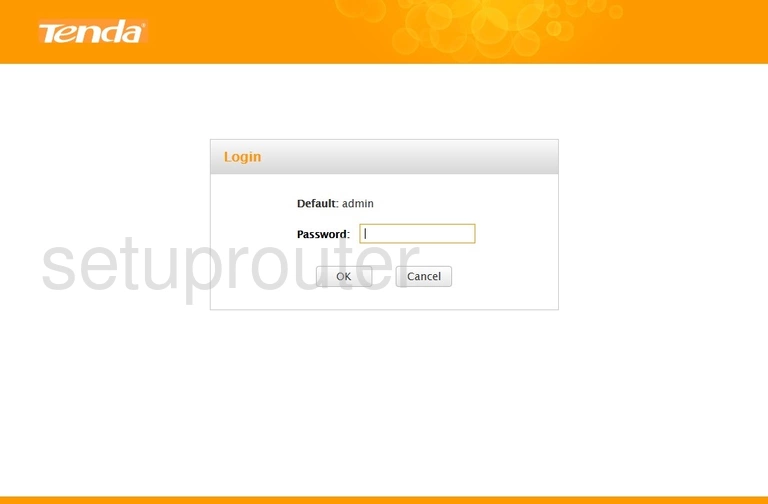
- Older routers: enter the password admin. There's no username.
- Newer routers: the first time you log in, there's no password and a setup wizard opens. Afterwards, use the login password you created. On some models it's the same as the WiFi password.
- ADSL modem routers: username admin, password admin.
See all defaults on the Tenda passwords page.
Tenda Login Problems
tendawifi.com doesn't load. Make sure you're connected to the Tenda, then try http://192.168.0.1.
Forgot the password? Reset the router and run the setup wizard again.
Tenda Router Screenshots
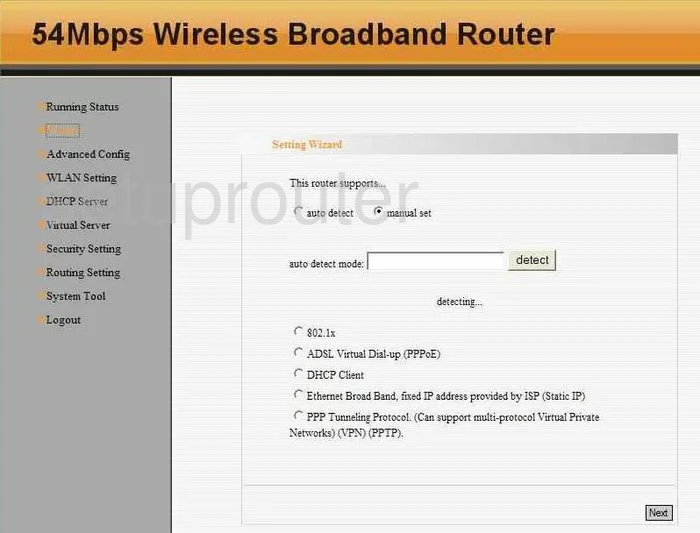
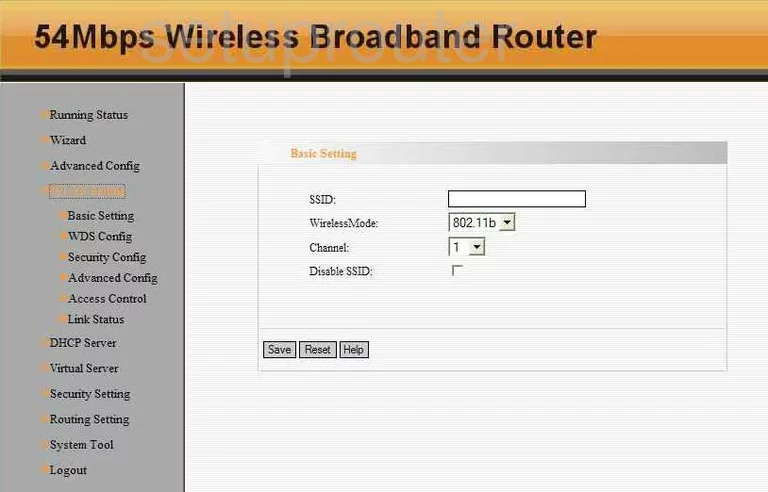
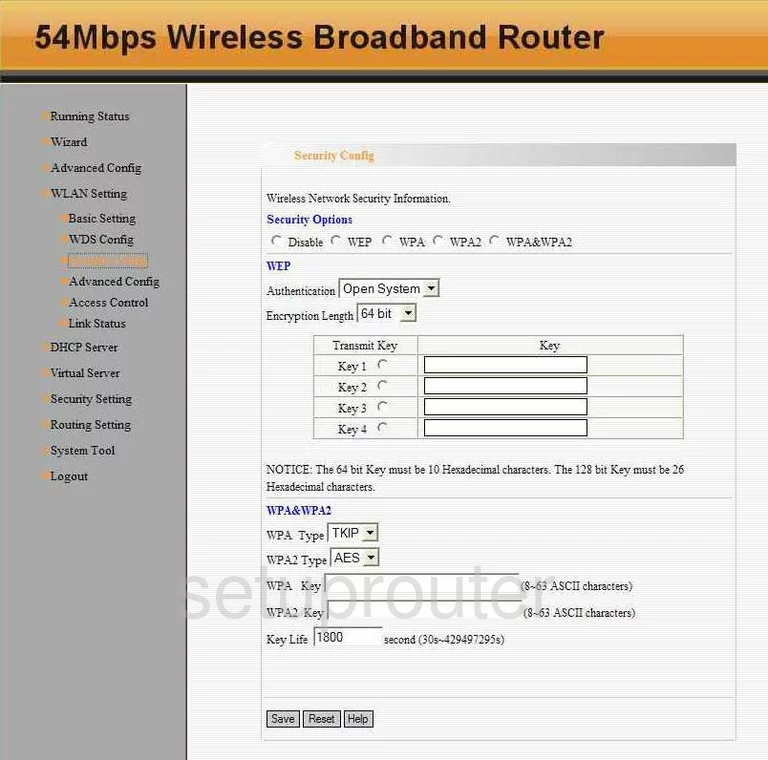
Screens from the Tenda routers we have. Click a model to open it.
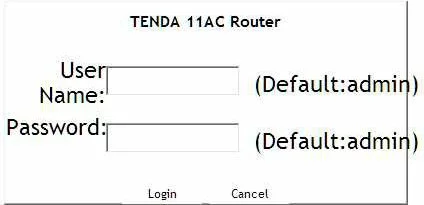
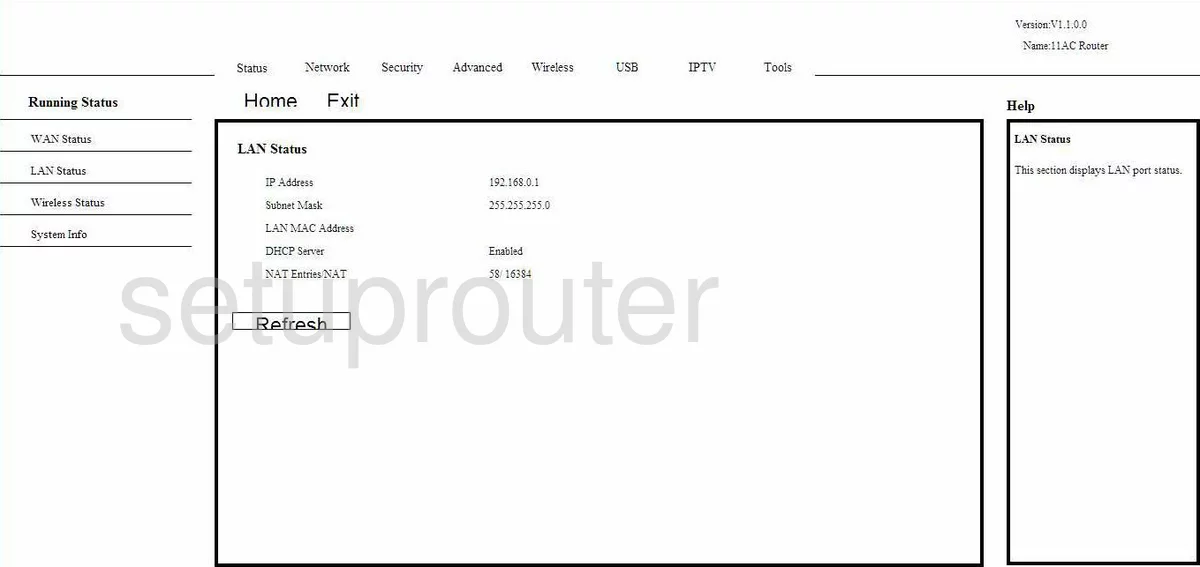
11AC (4 screens)
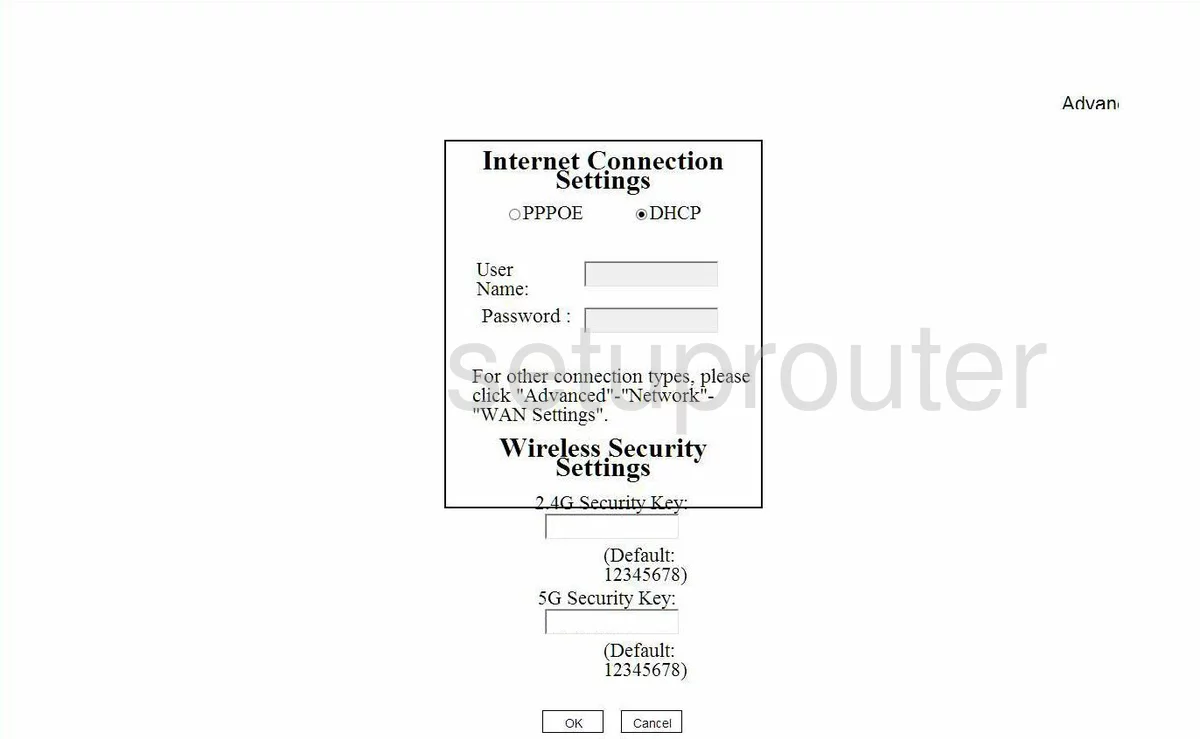
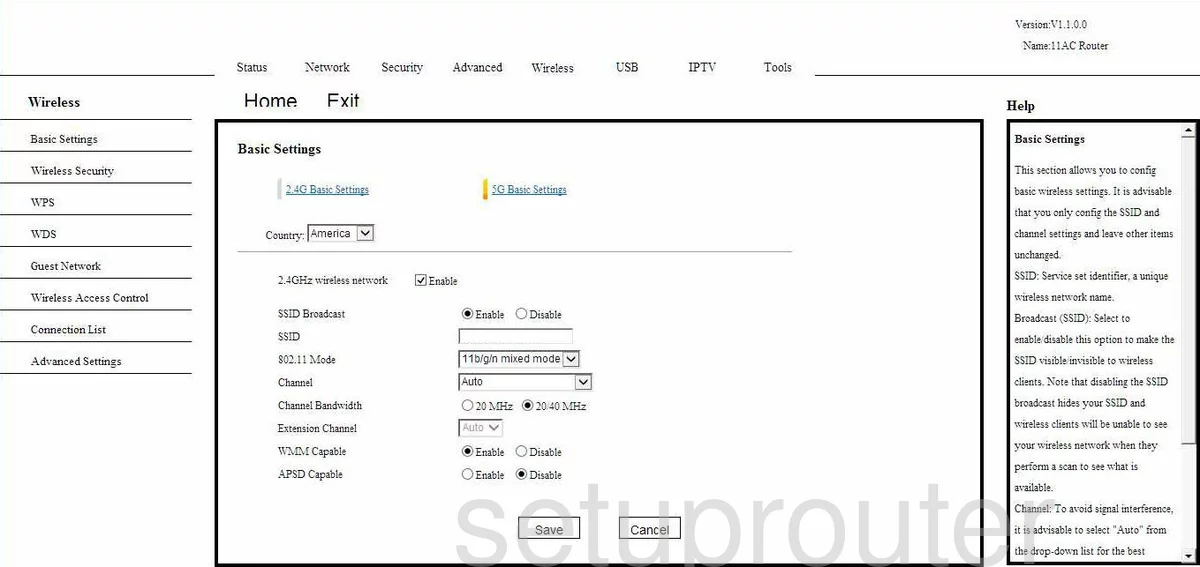
11N (4 screens)
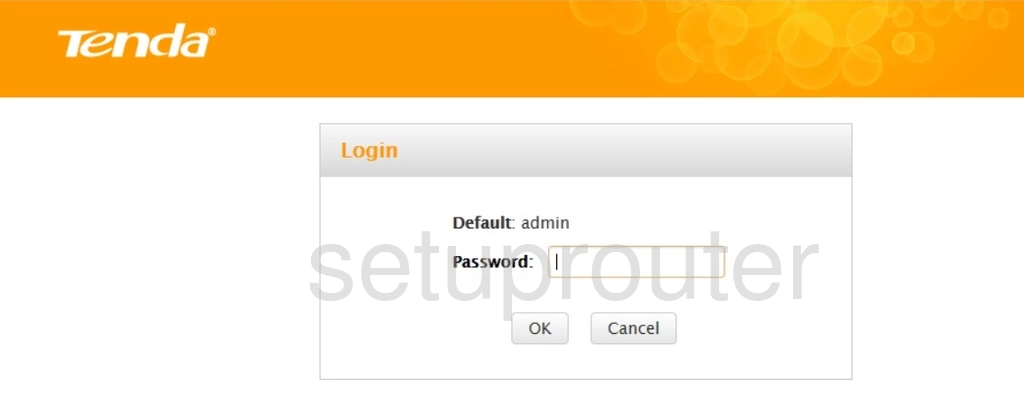
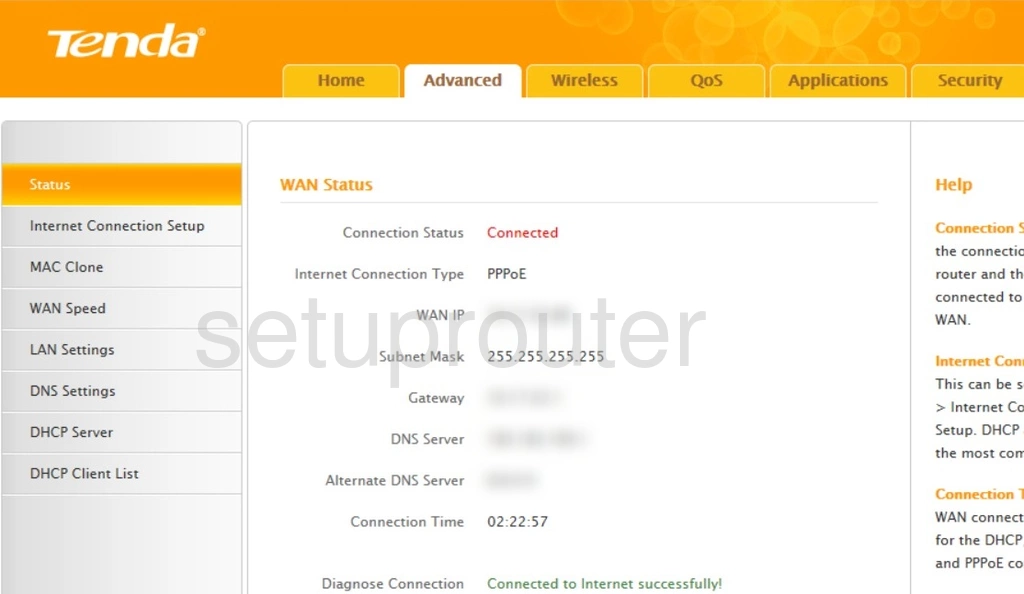
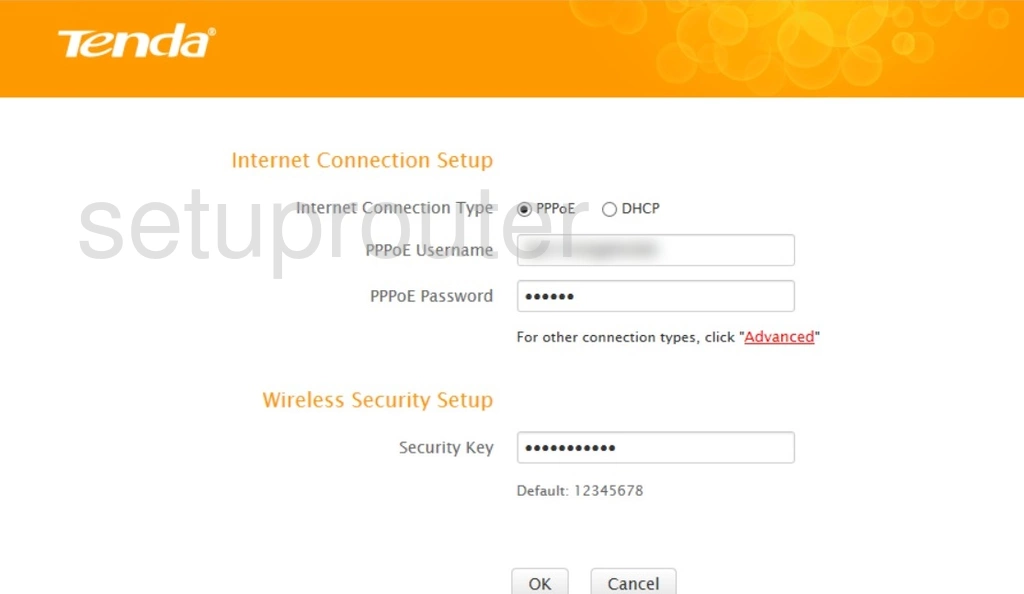
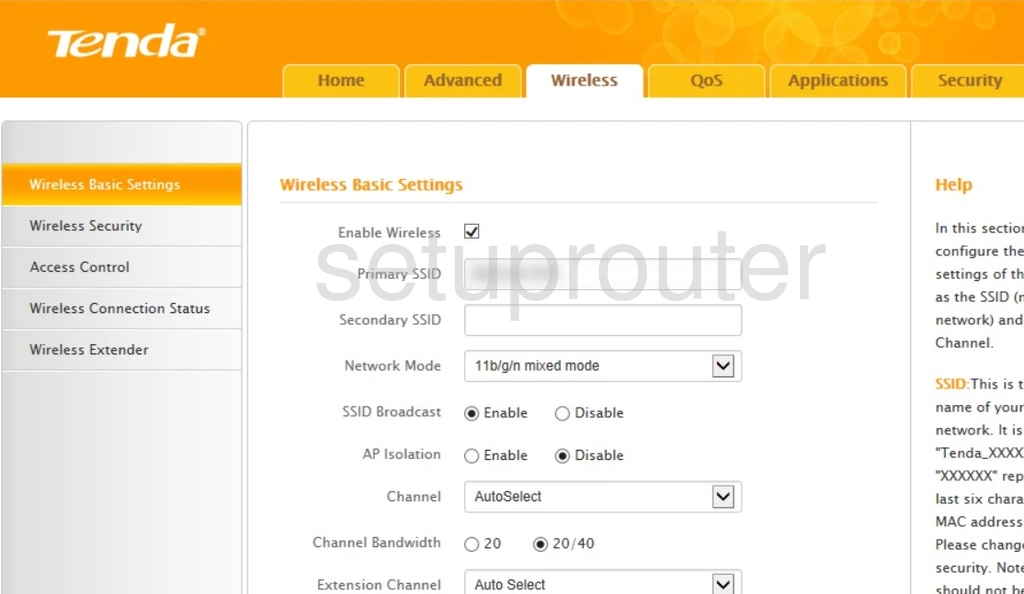
831N (1 screens)
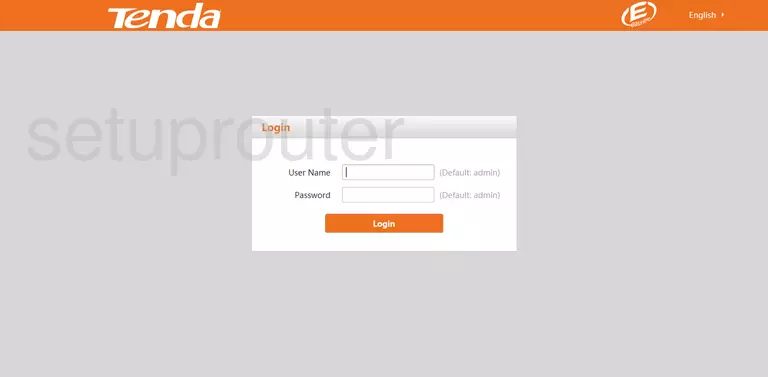
AC6 (2 screens)
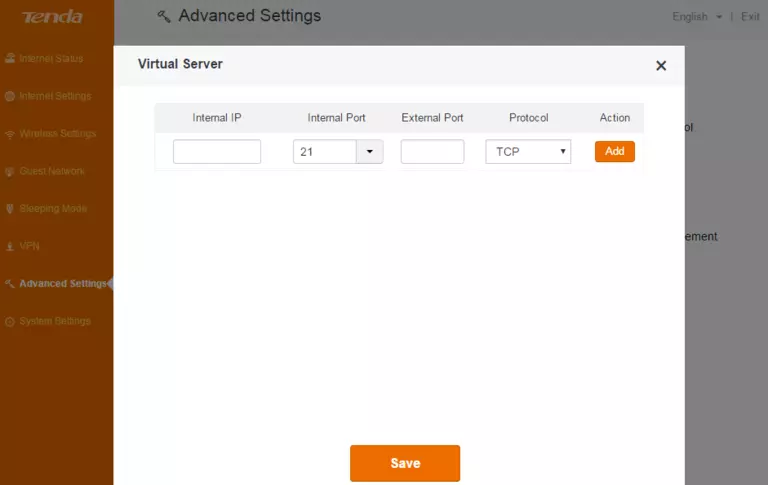
D301 (2 screens)
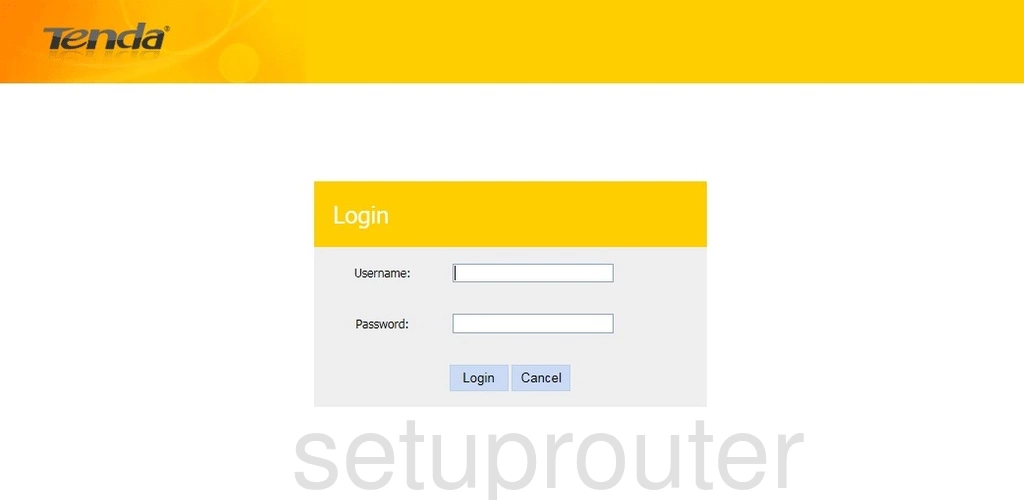
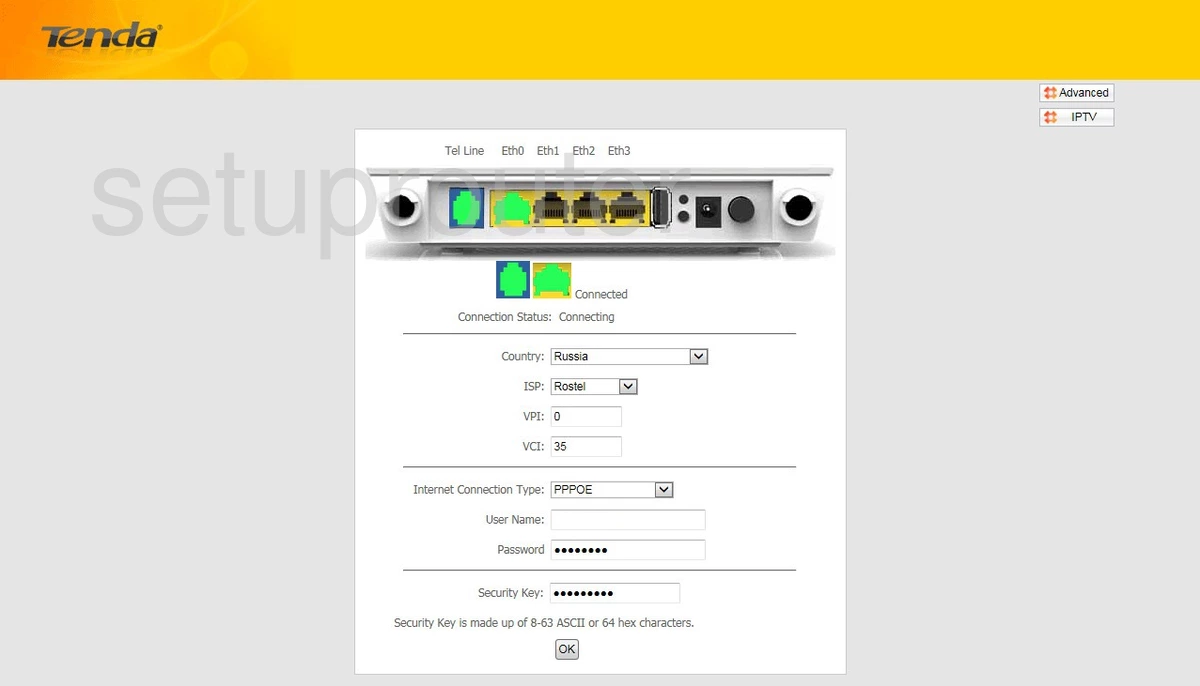
D810R (4 screens)
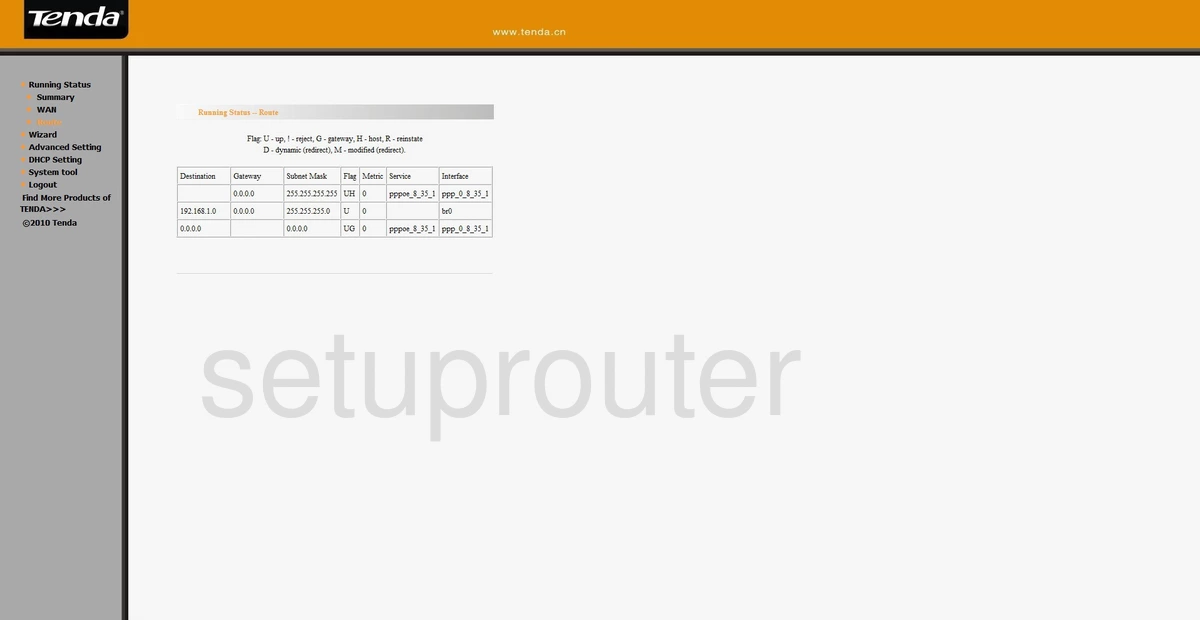
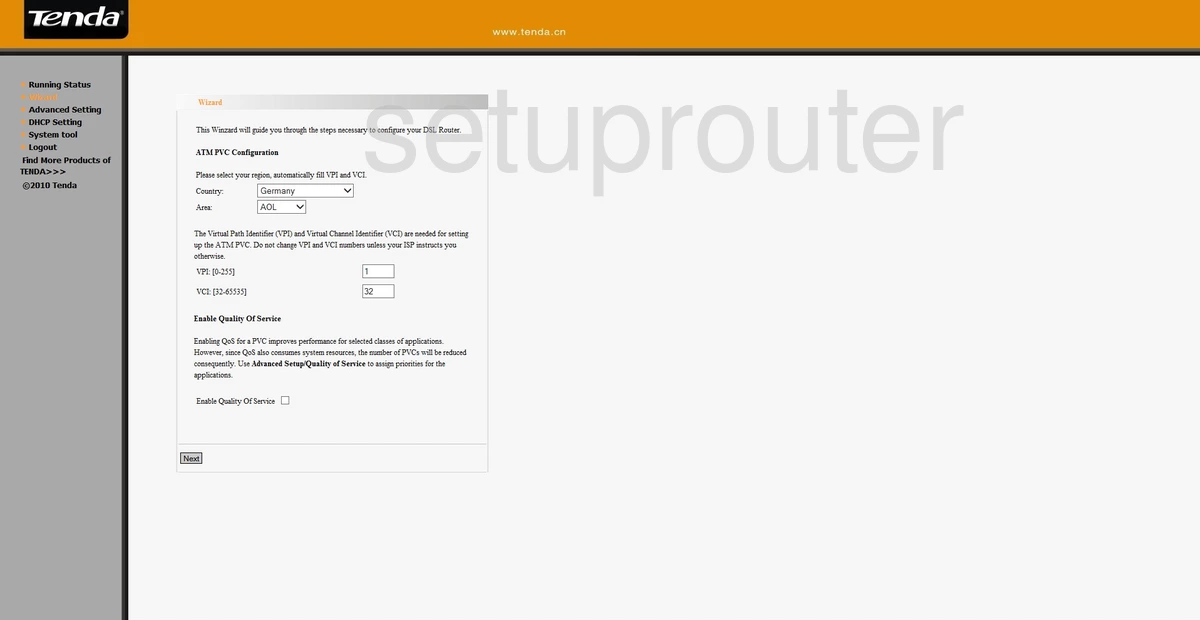
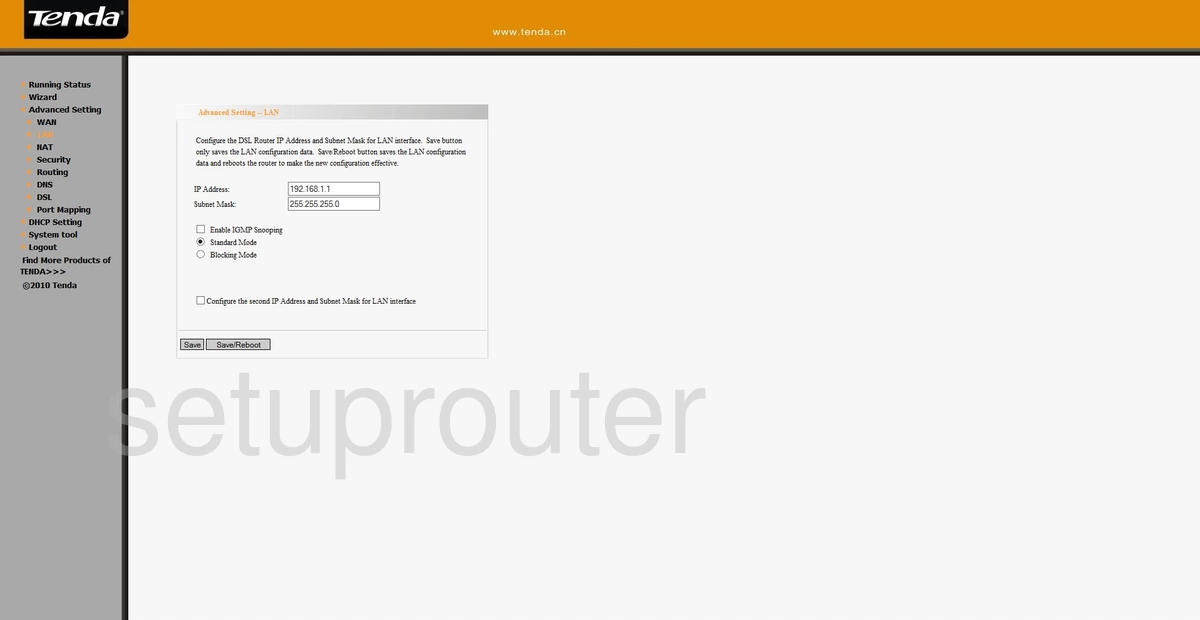
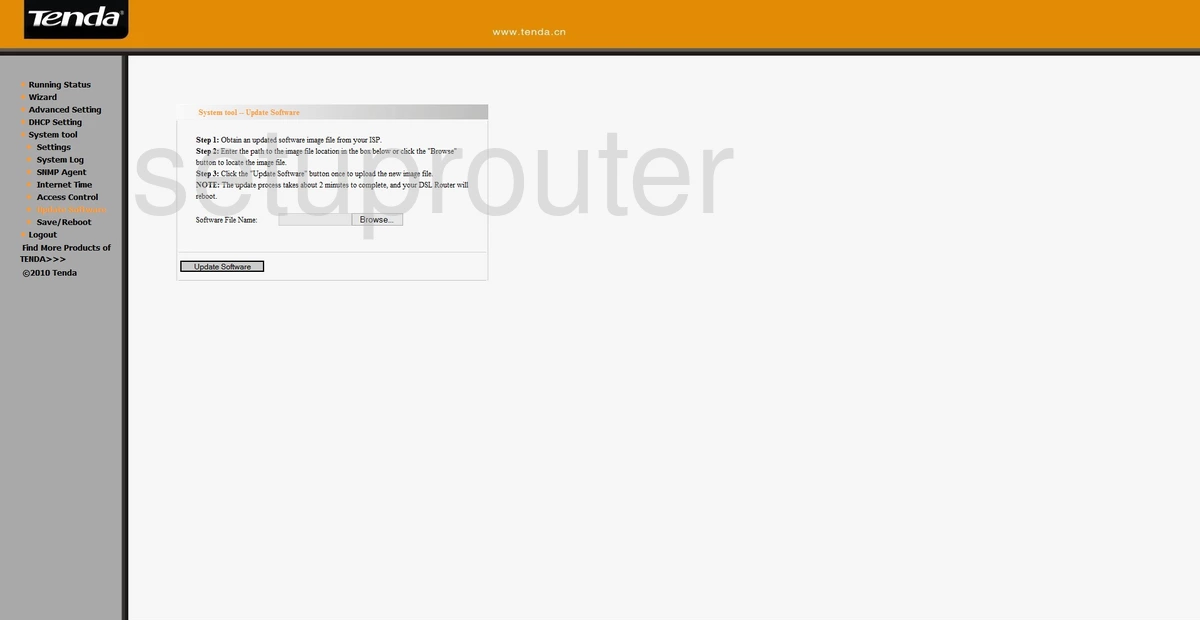
D840R (3 screens)
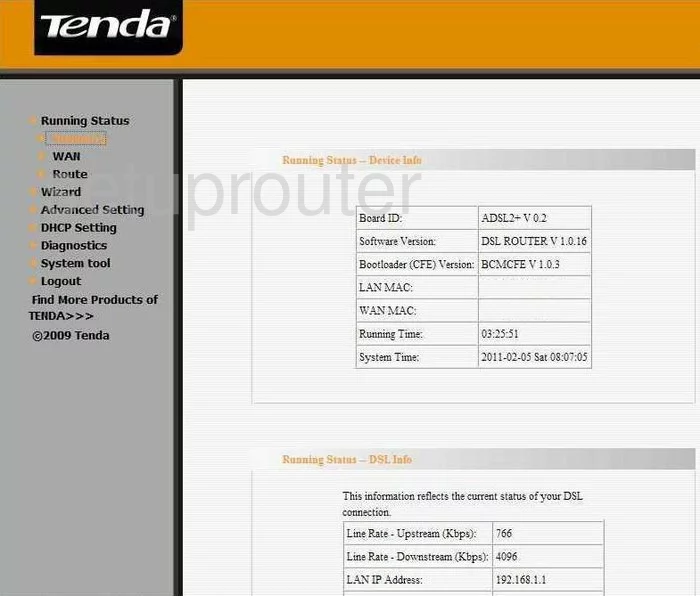
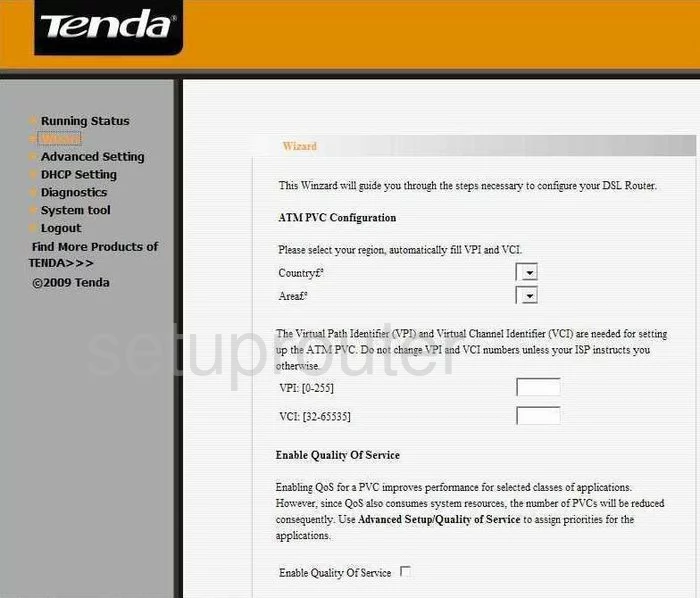
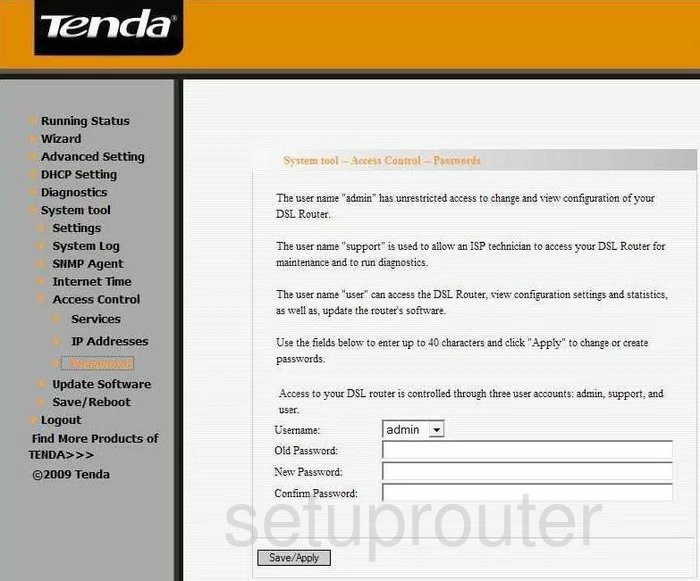
EasyLife (2 screens)
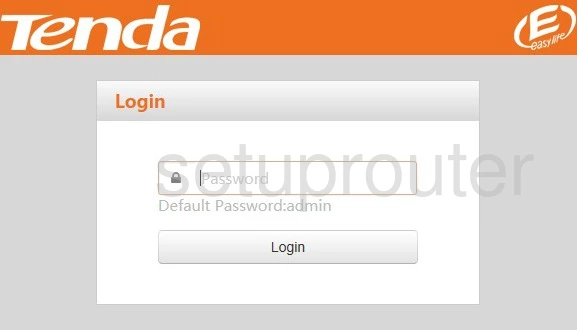
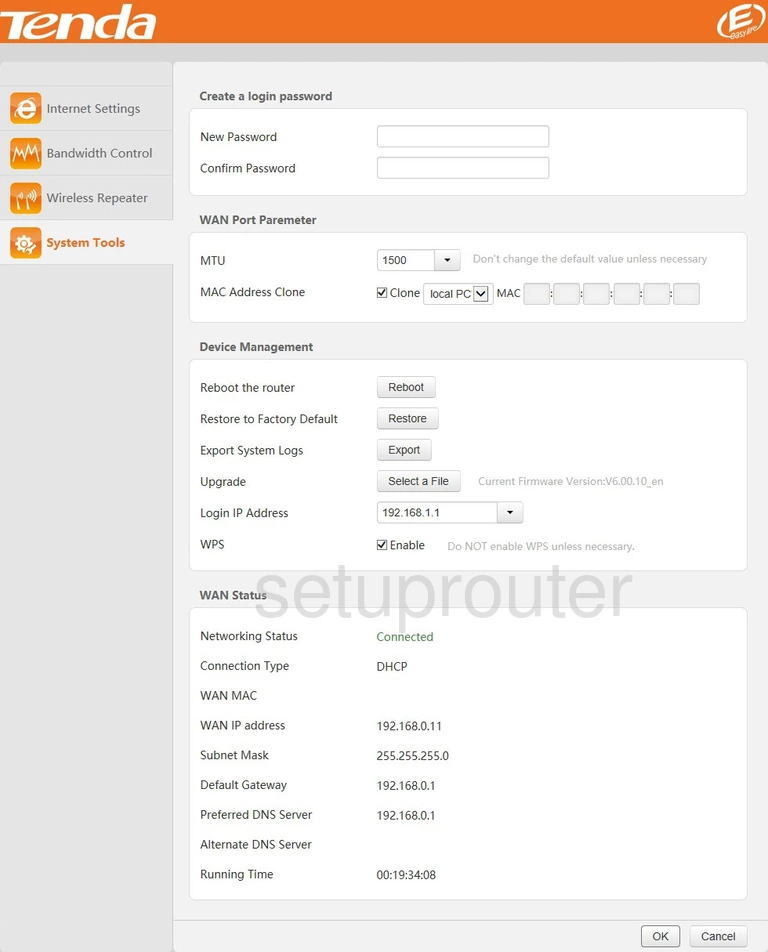
FH303 (3 screens)
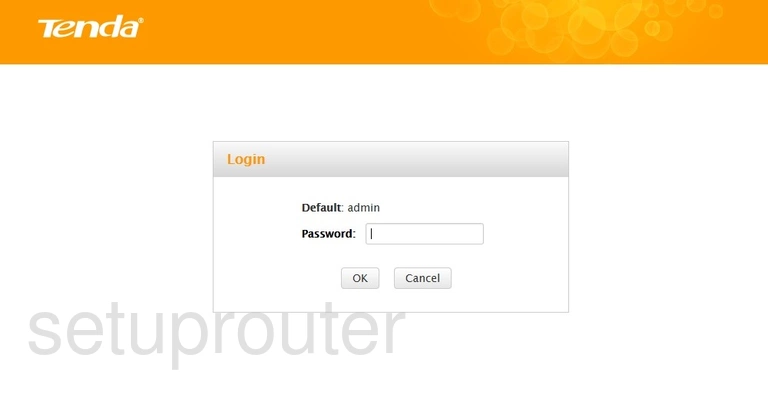
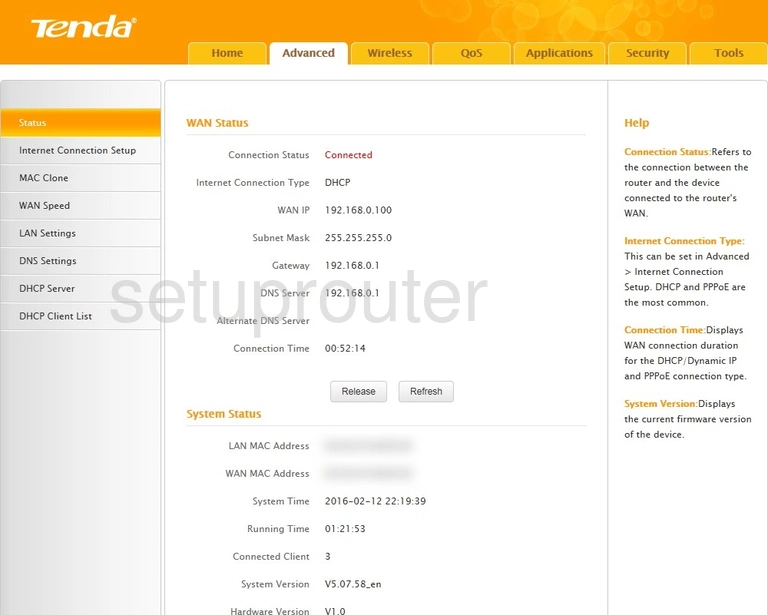
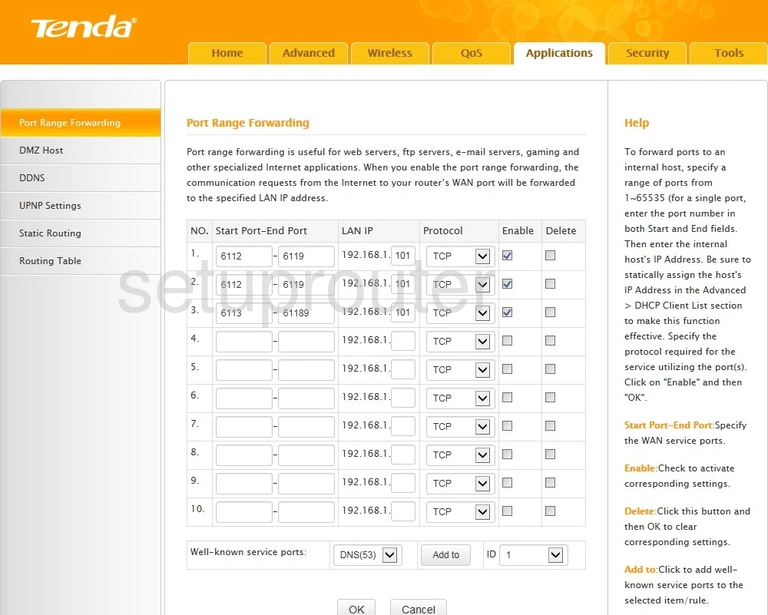
N301 (1 screens)
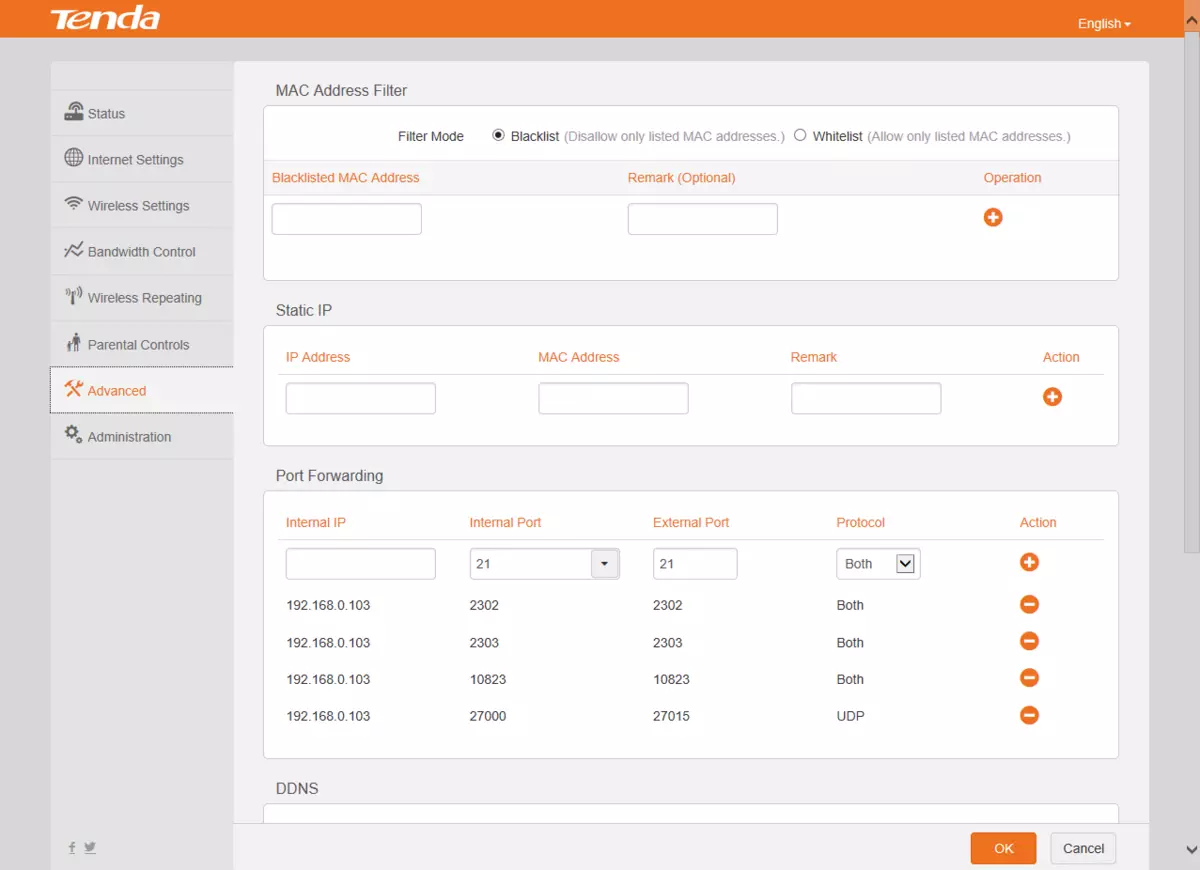
N60 (4 screens)
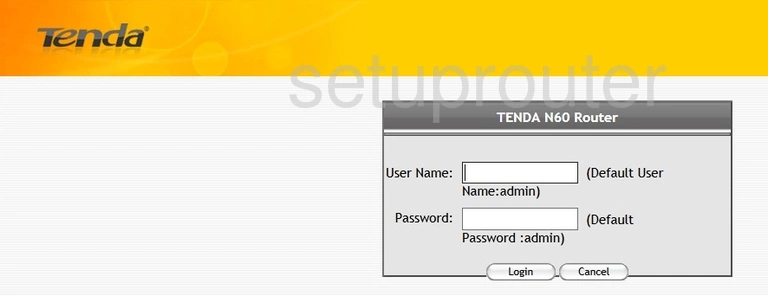
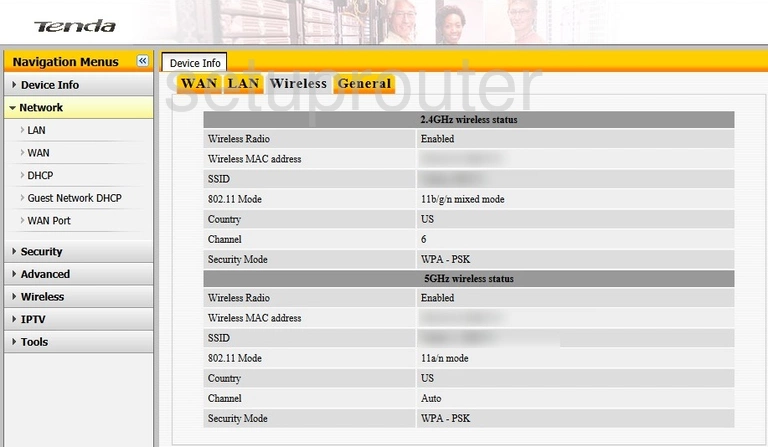
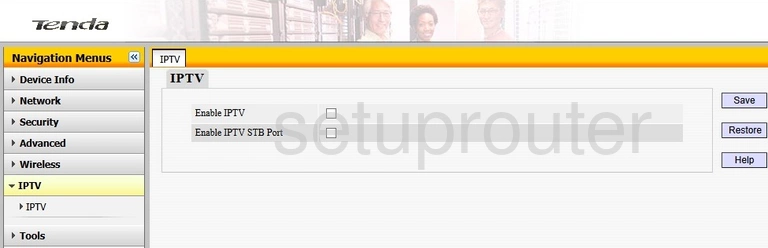
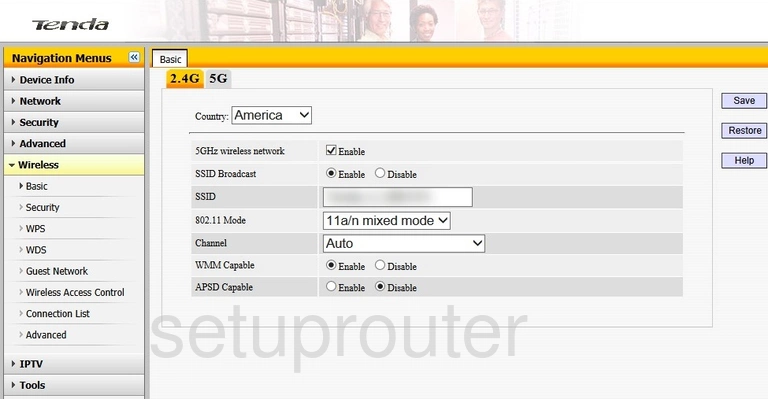
R360 (4 screens)
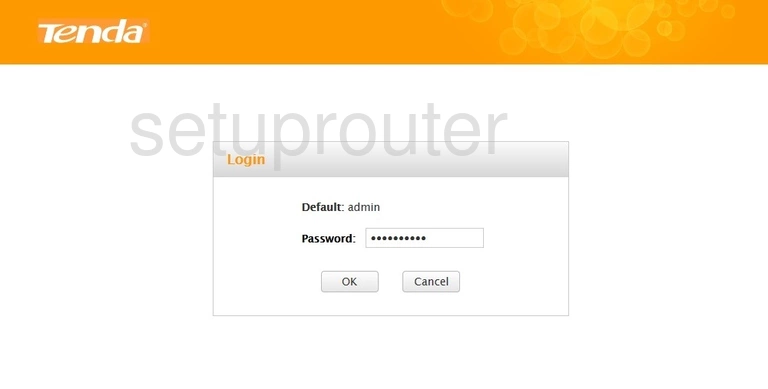
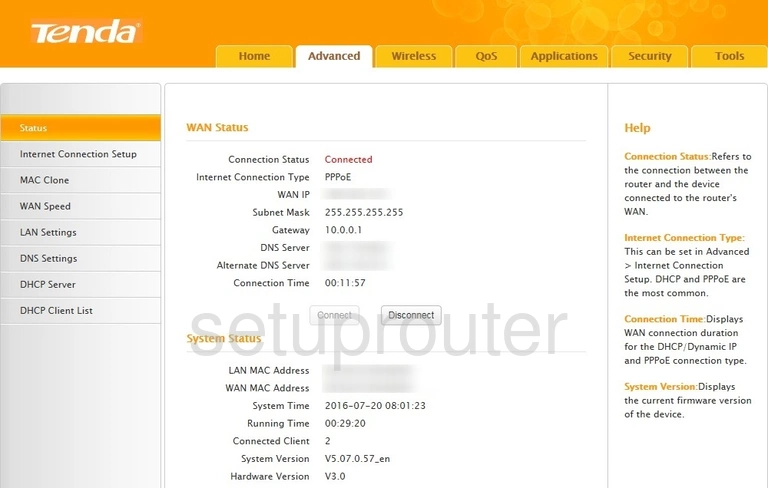
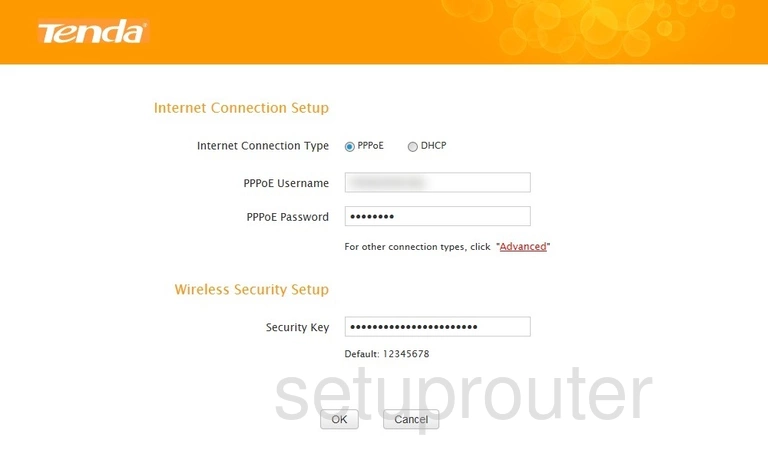
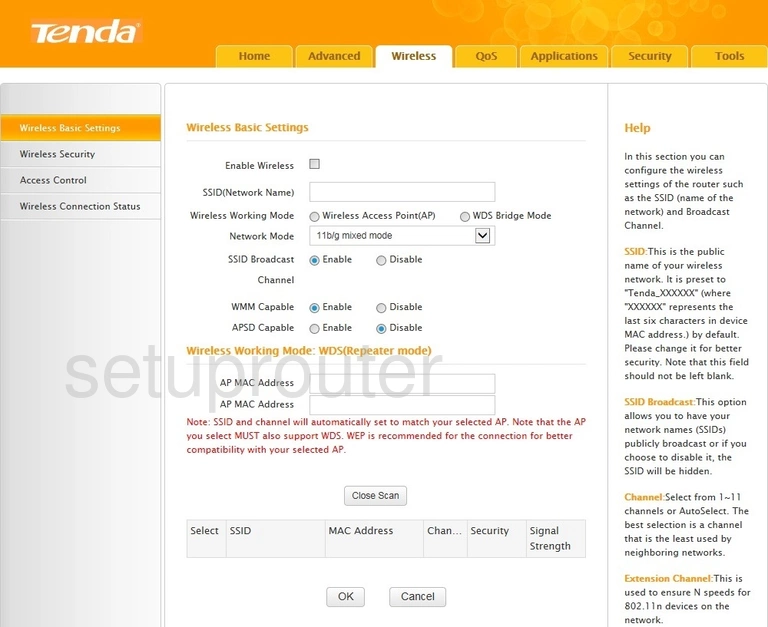
V300 (2 screens)
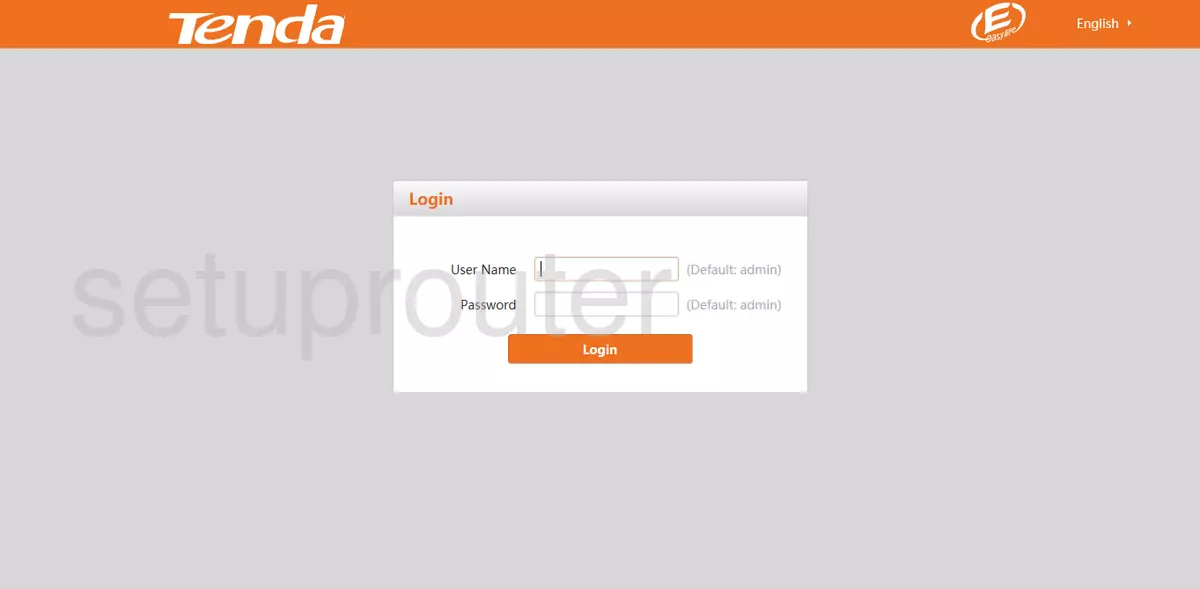
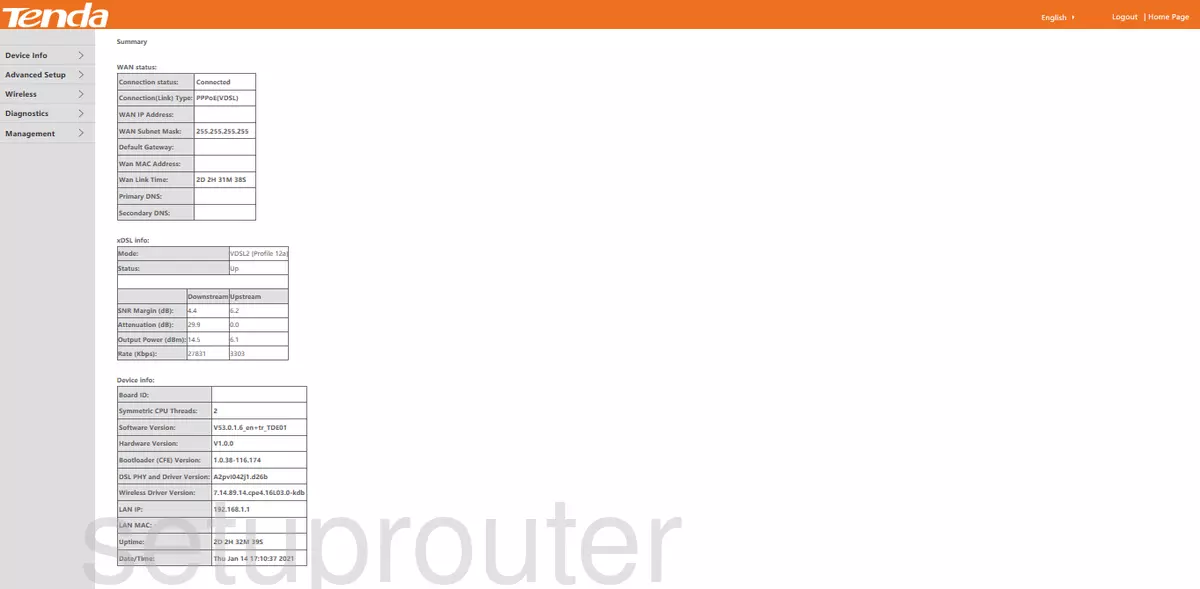
W150D (4 screens)
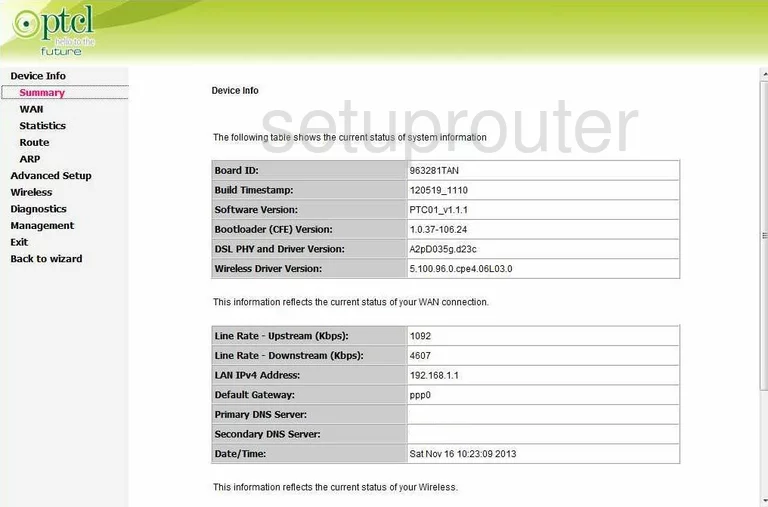
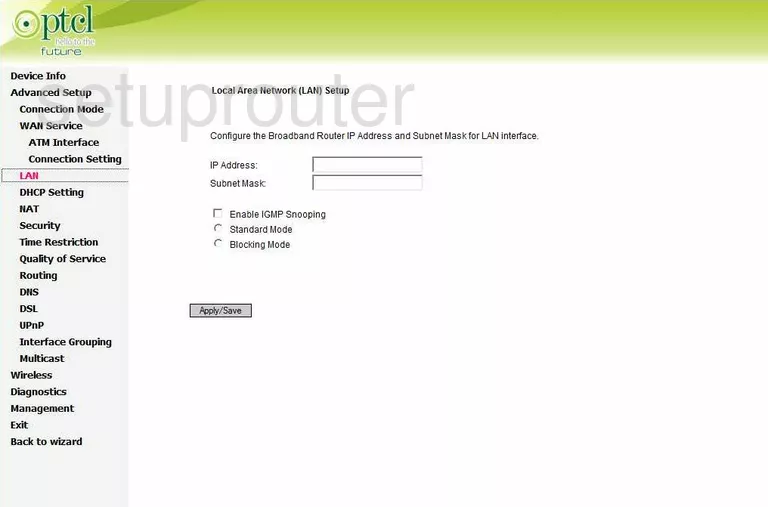
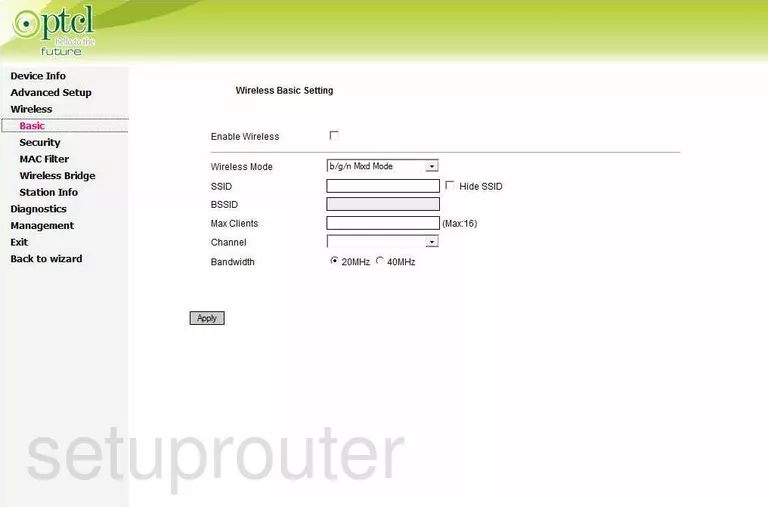
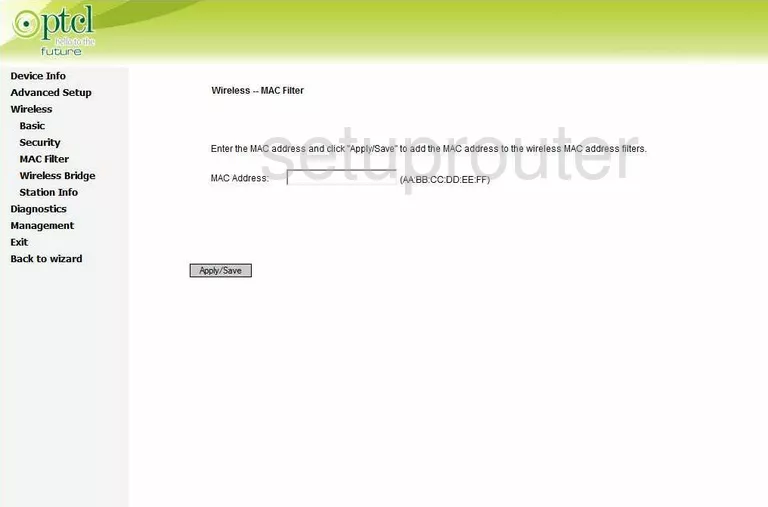
W3002R (2 screens)
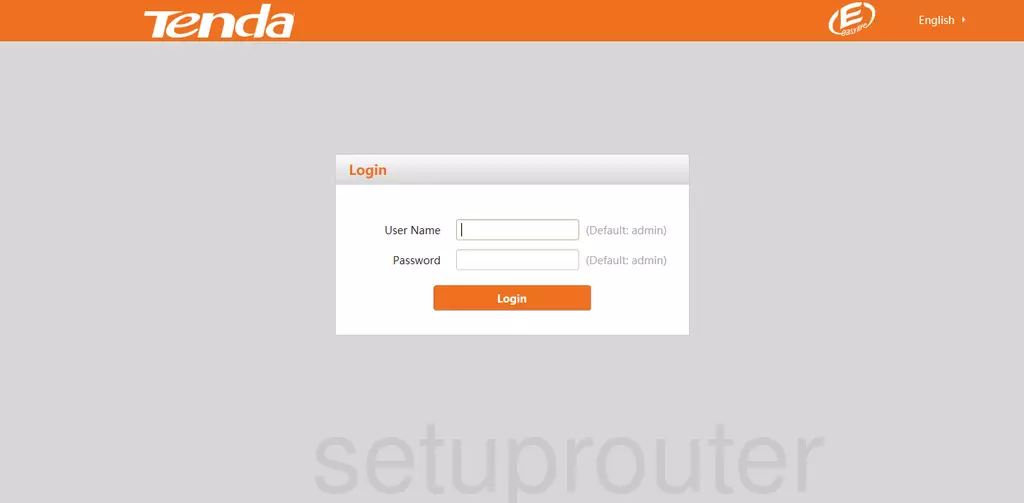
W300D (4 screens)
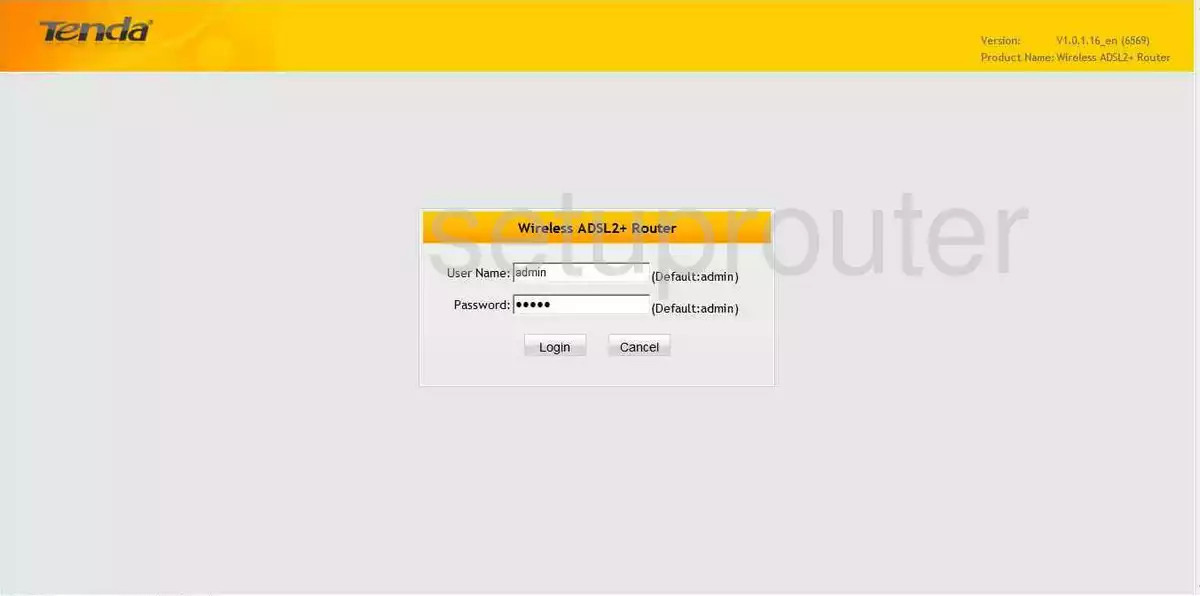
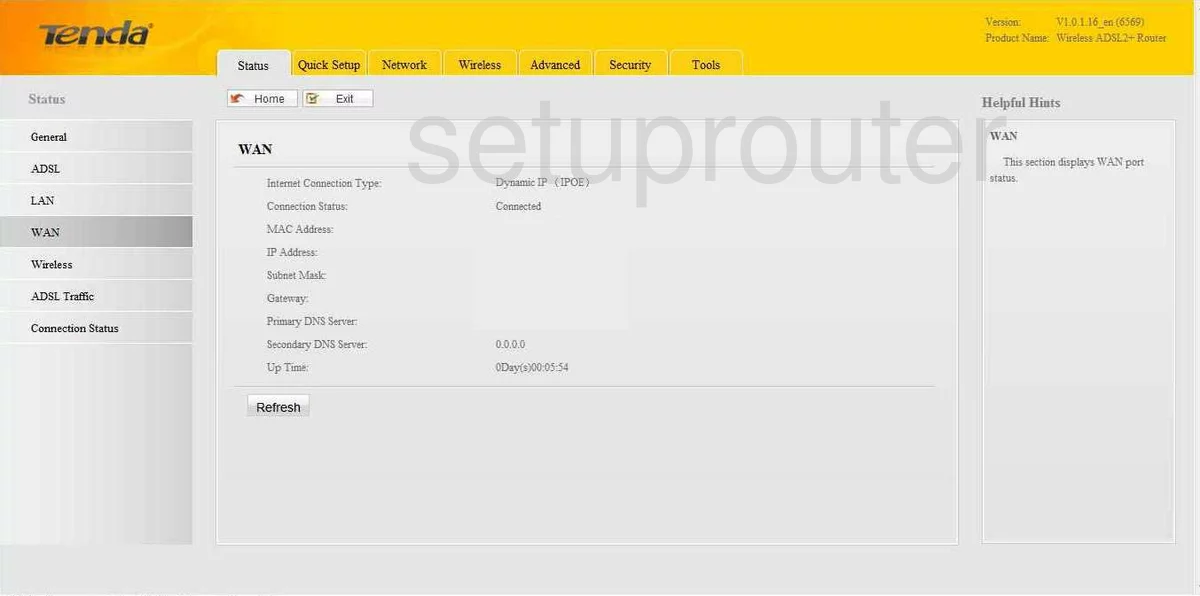
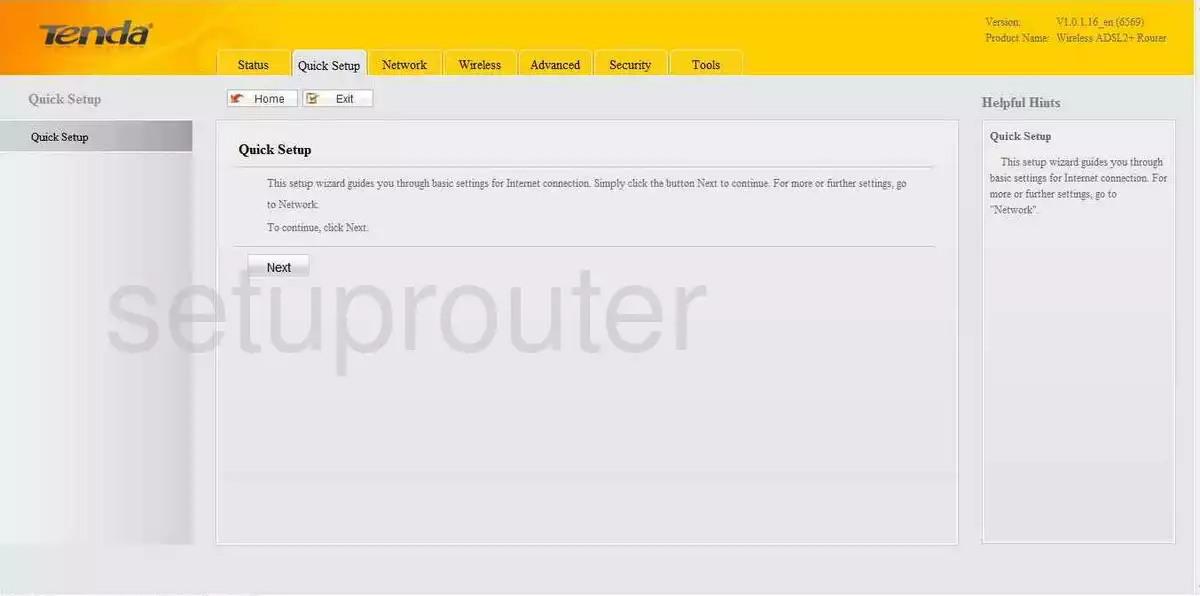
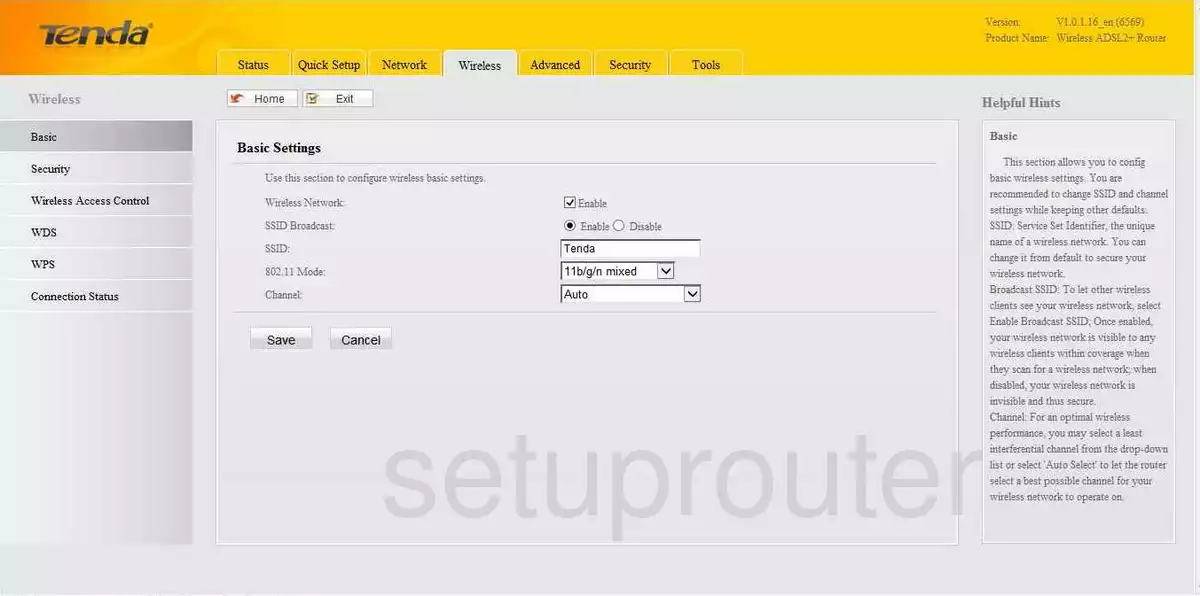
W302R (4 screens)
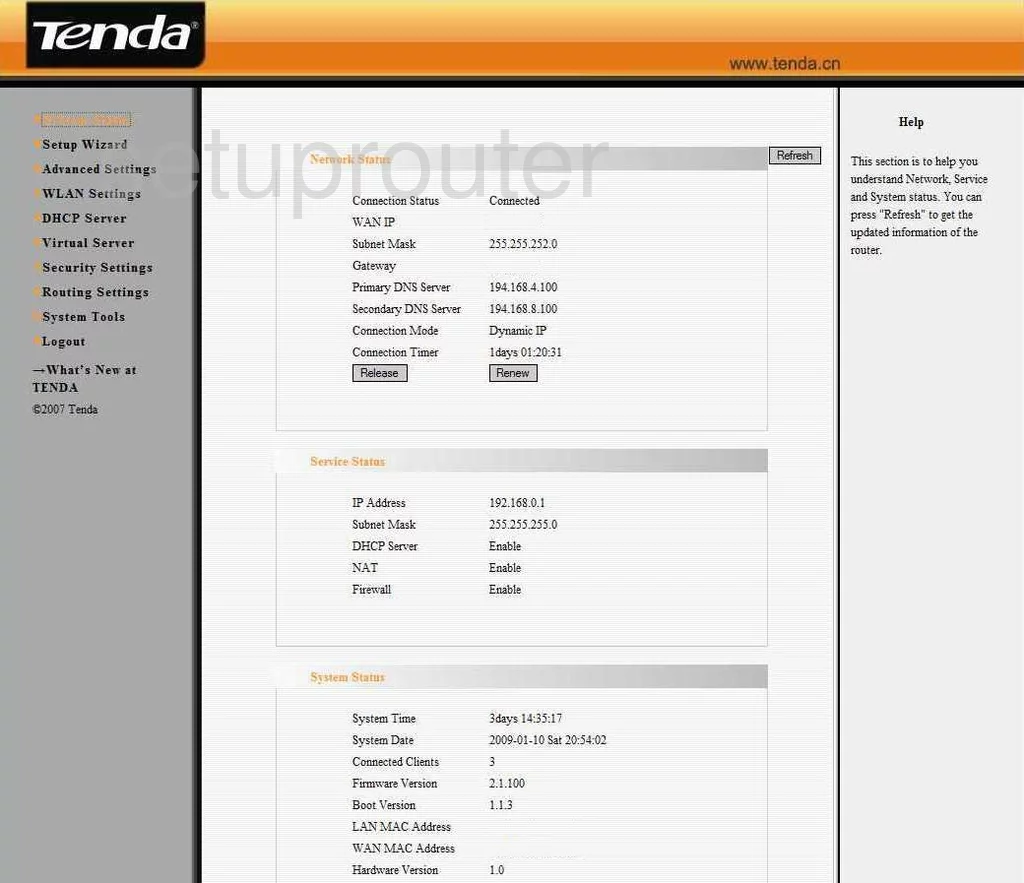
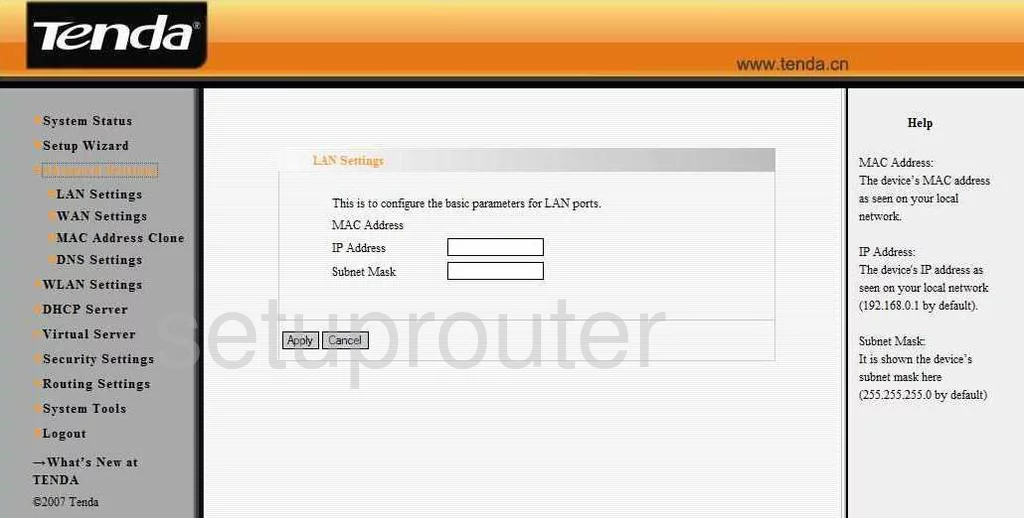
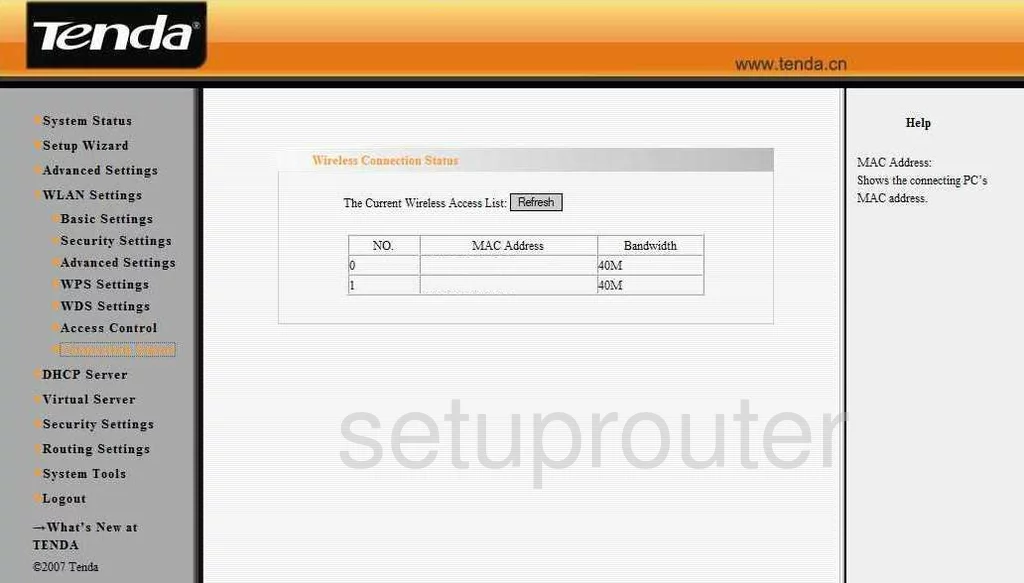
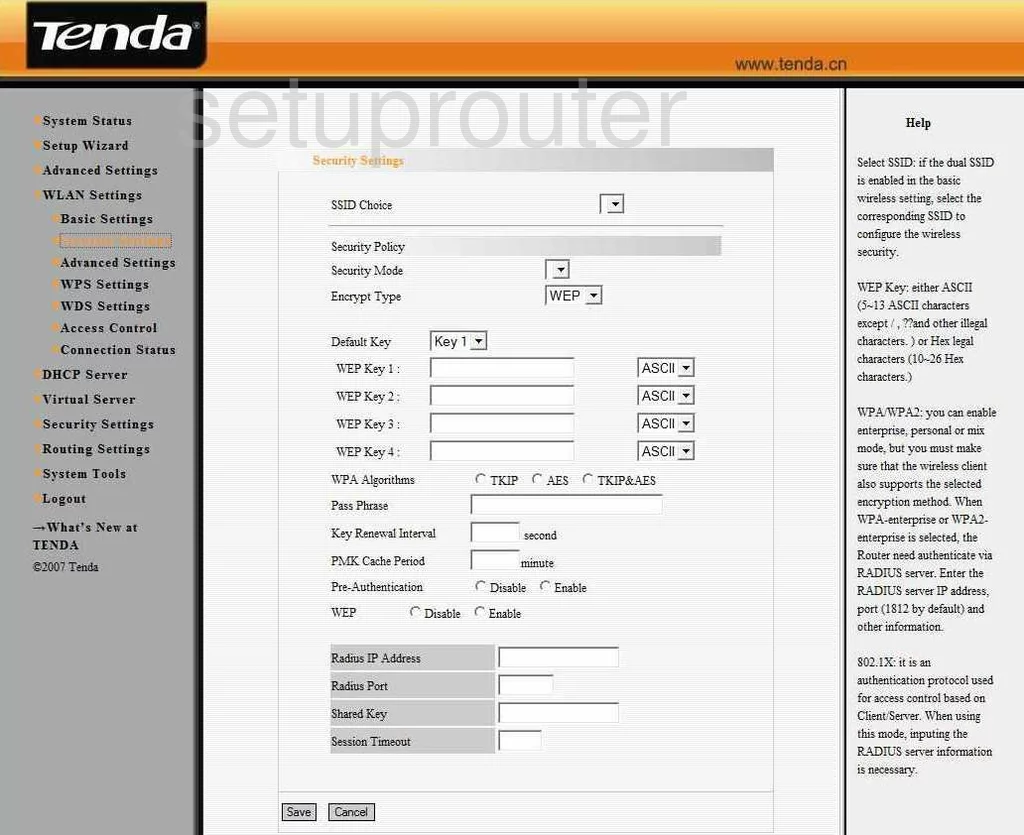
W303R (4 screens)
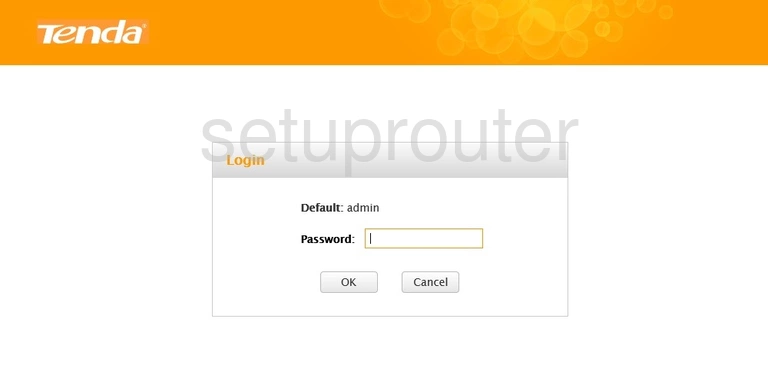
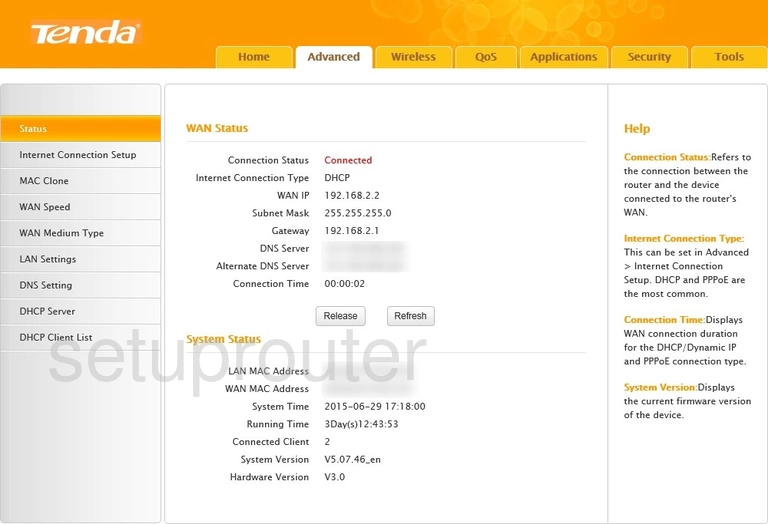
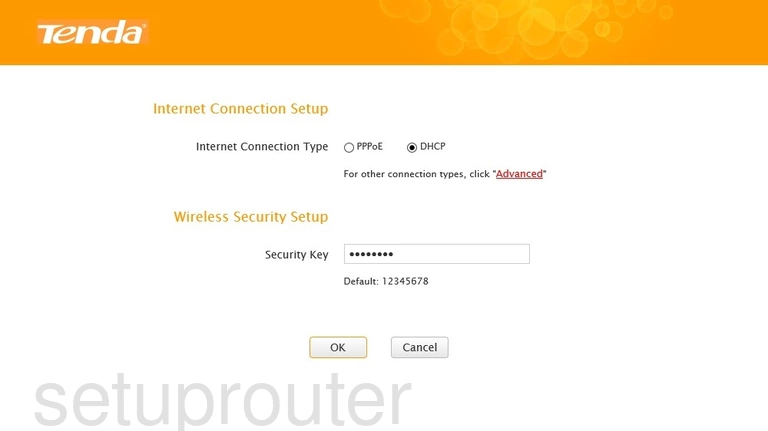
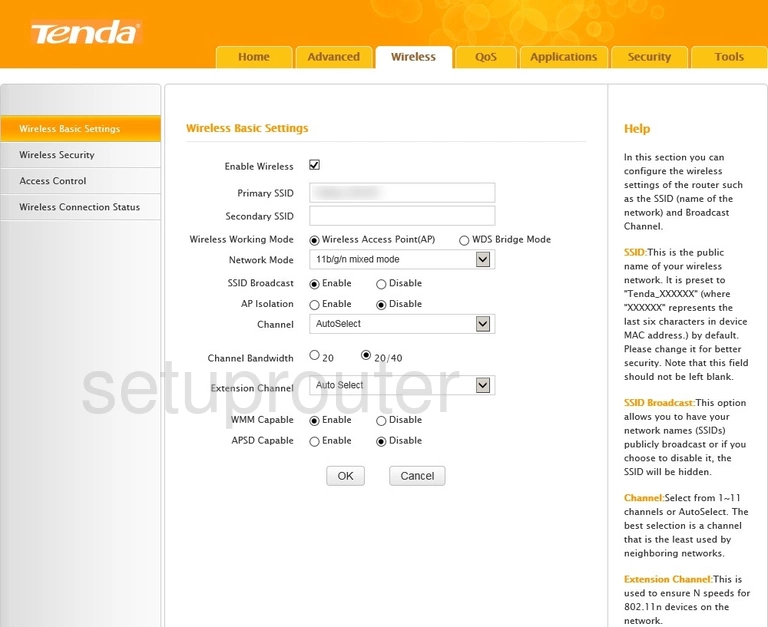
W306R (4 screens)
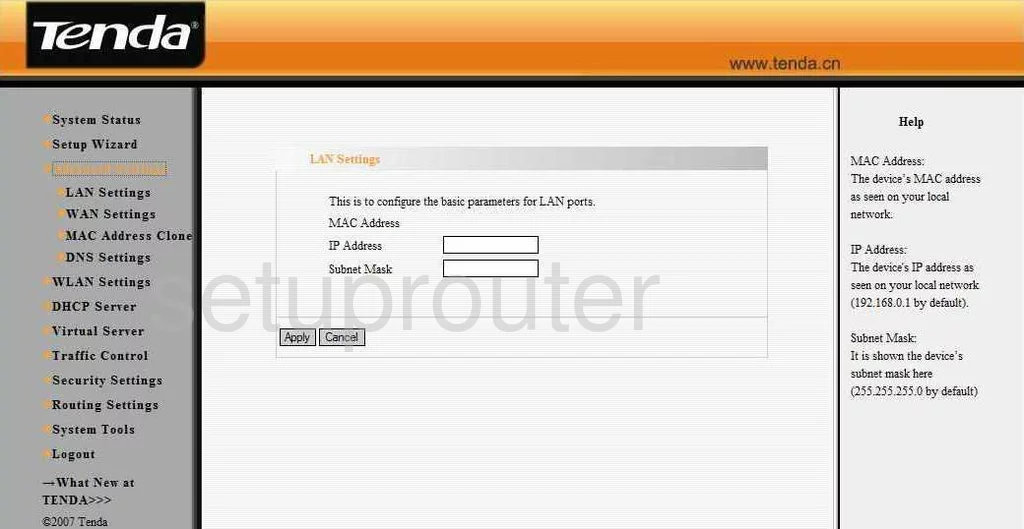
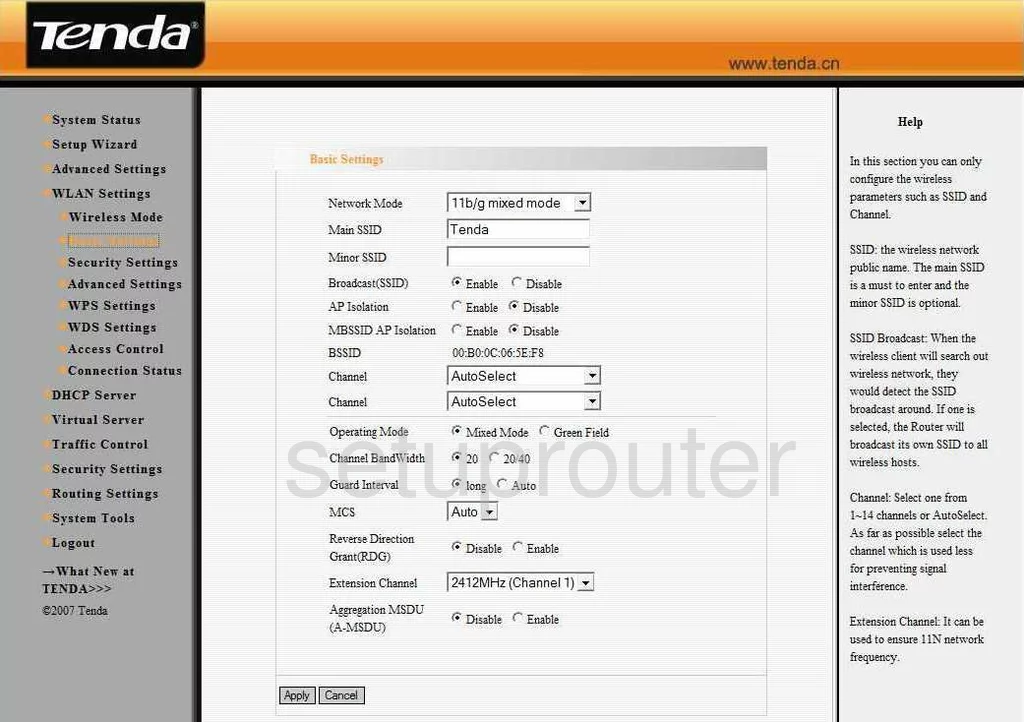
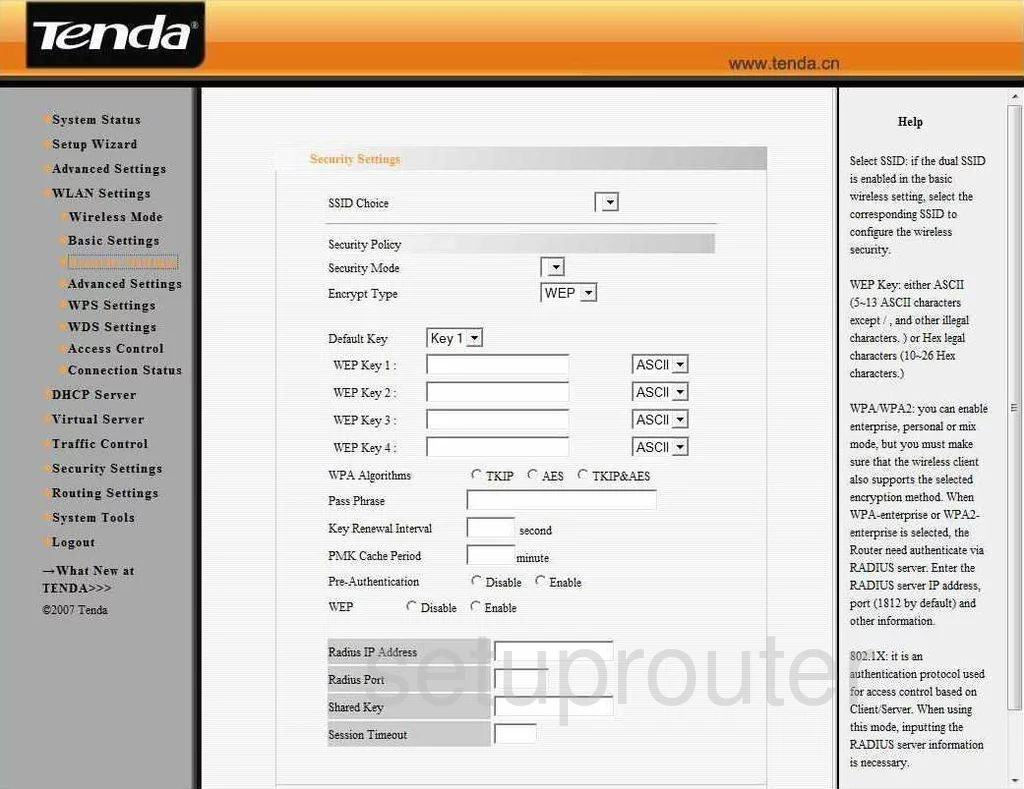
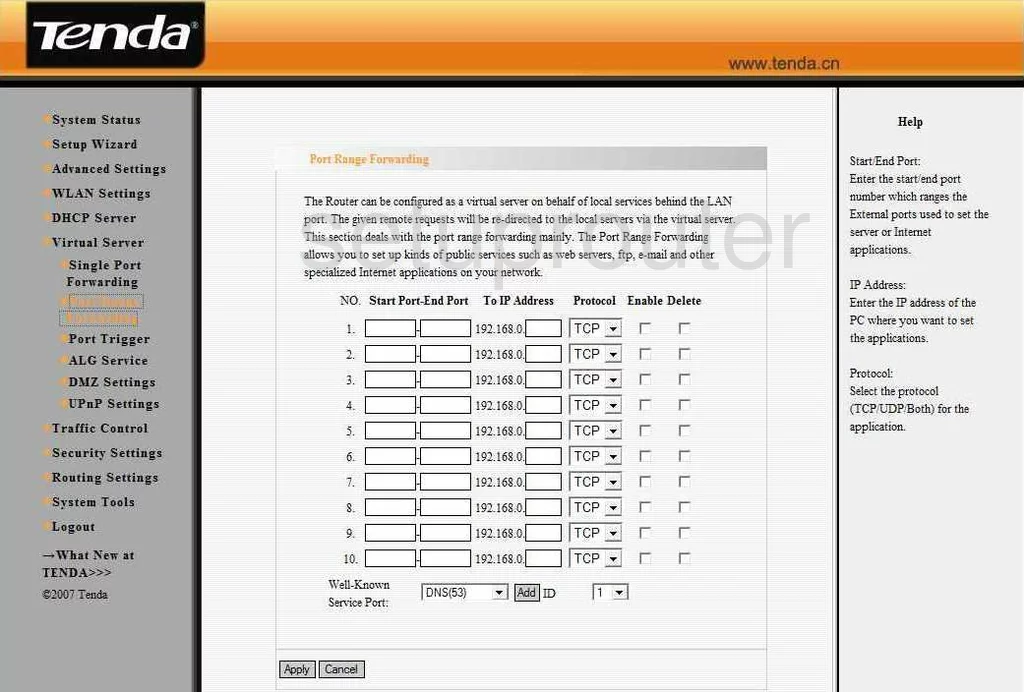
W308R (4 screens)
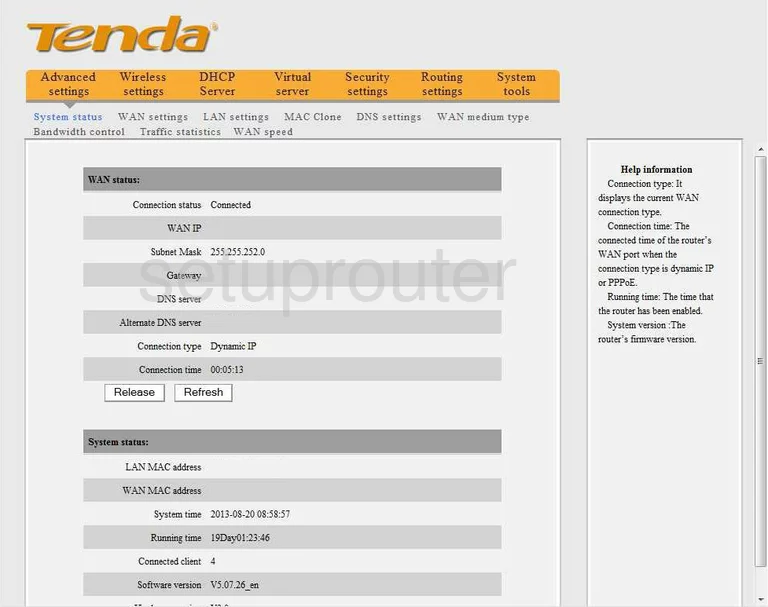
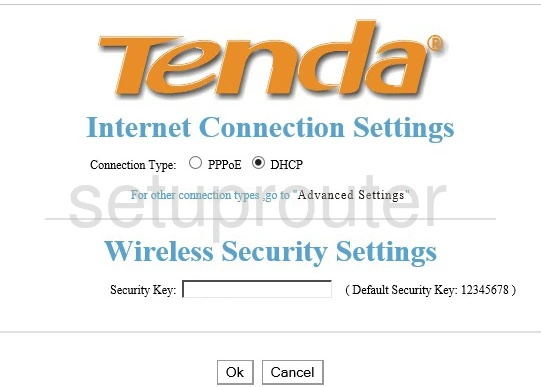
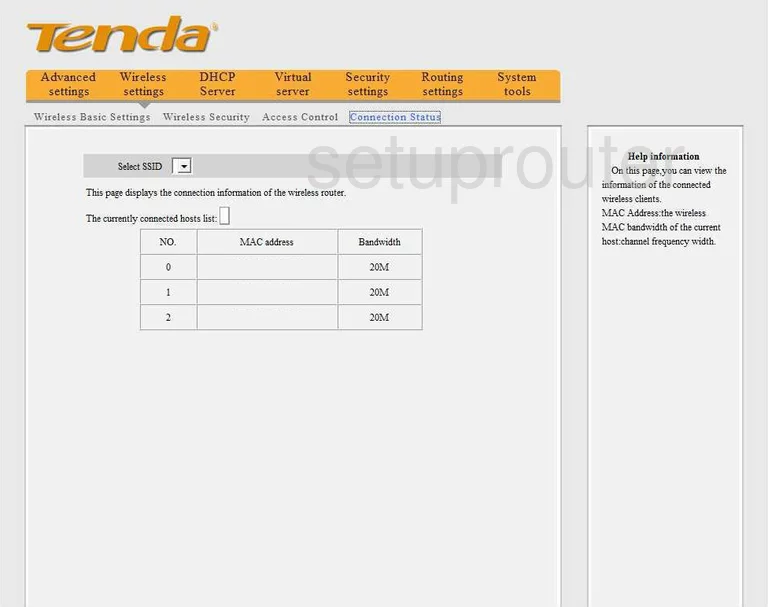
W309R (3 screens)

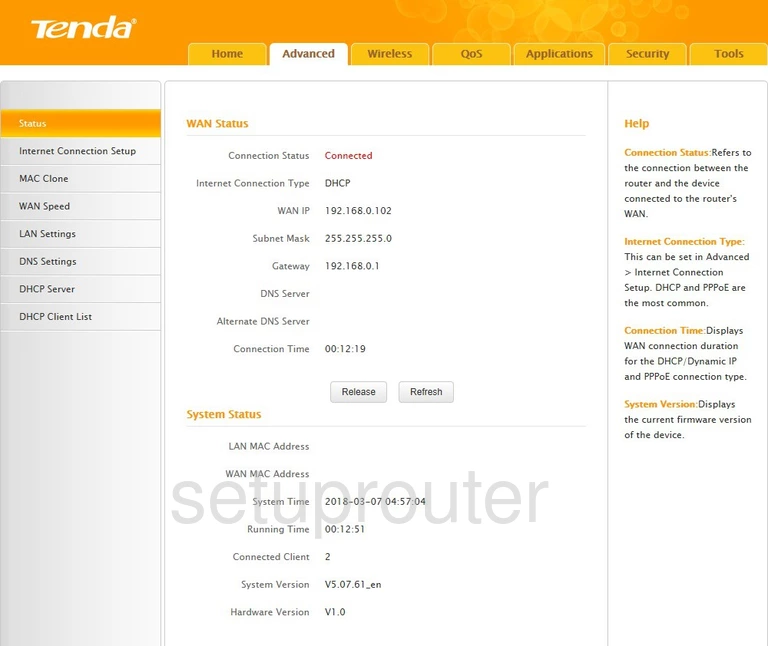
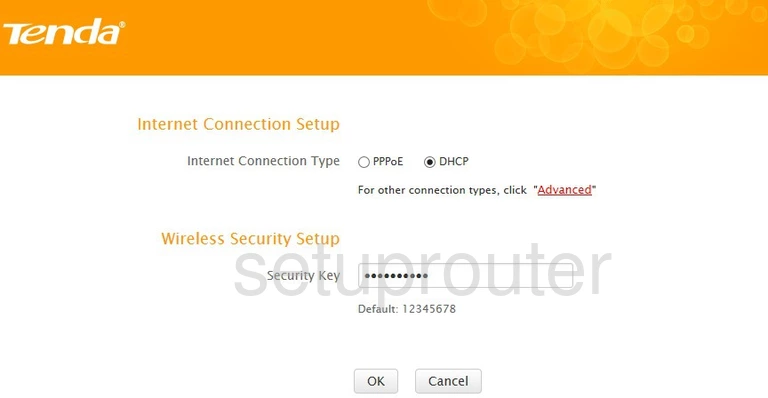
W311R+ (4 screens)
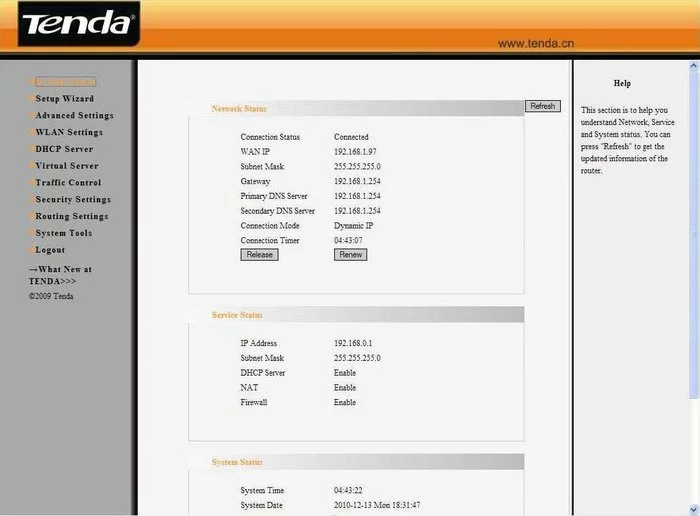
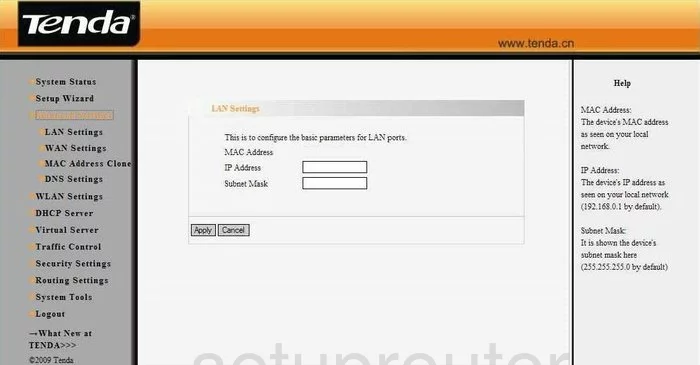
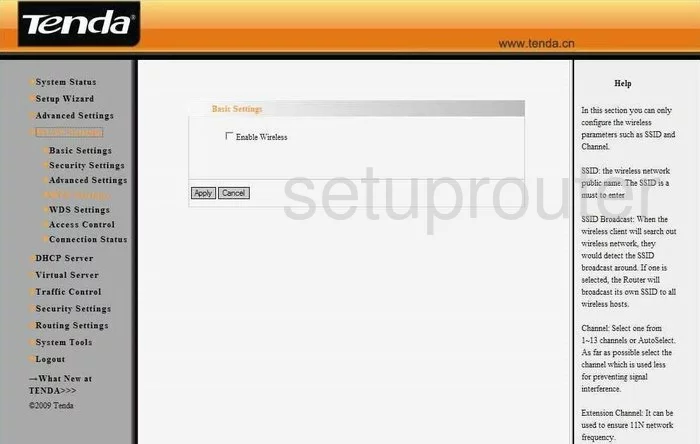
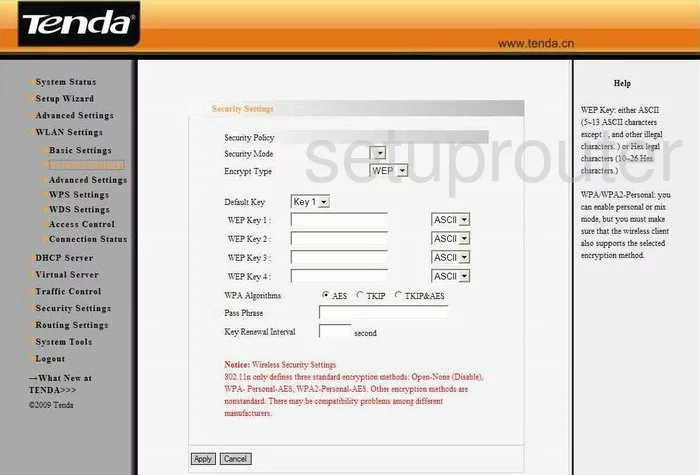
W541R (4 screens)
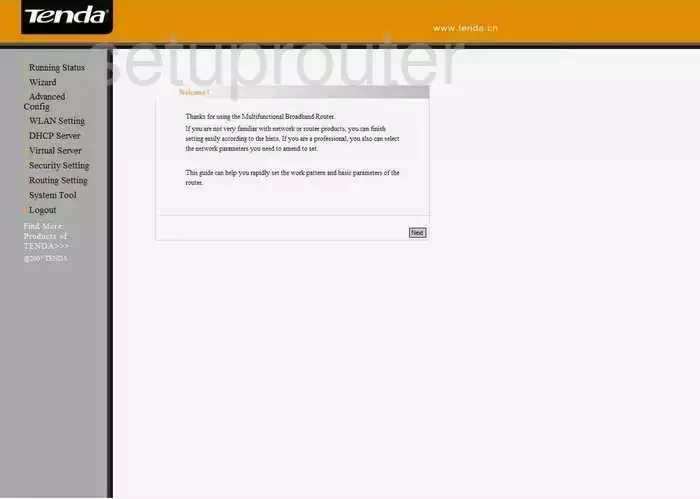
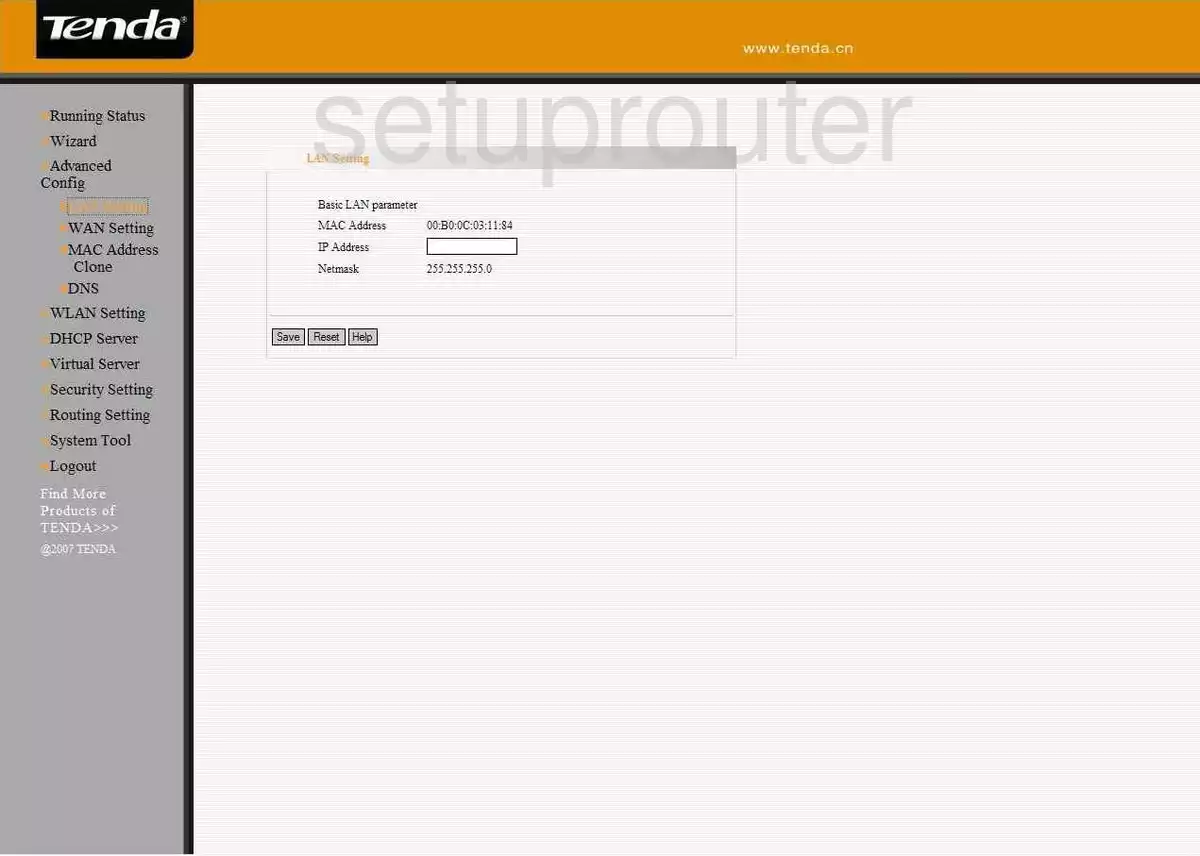
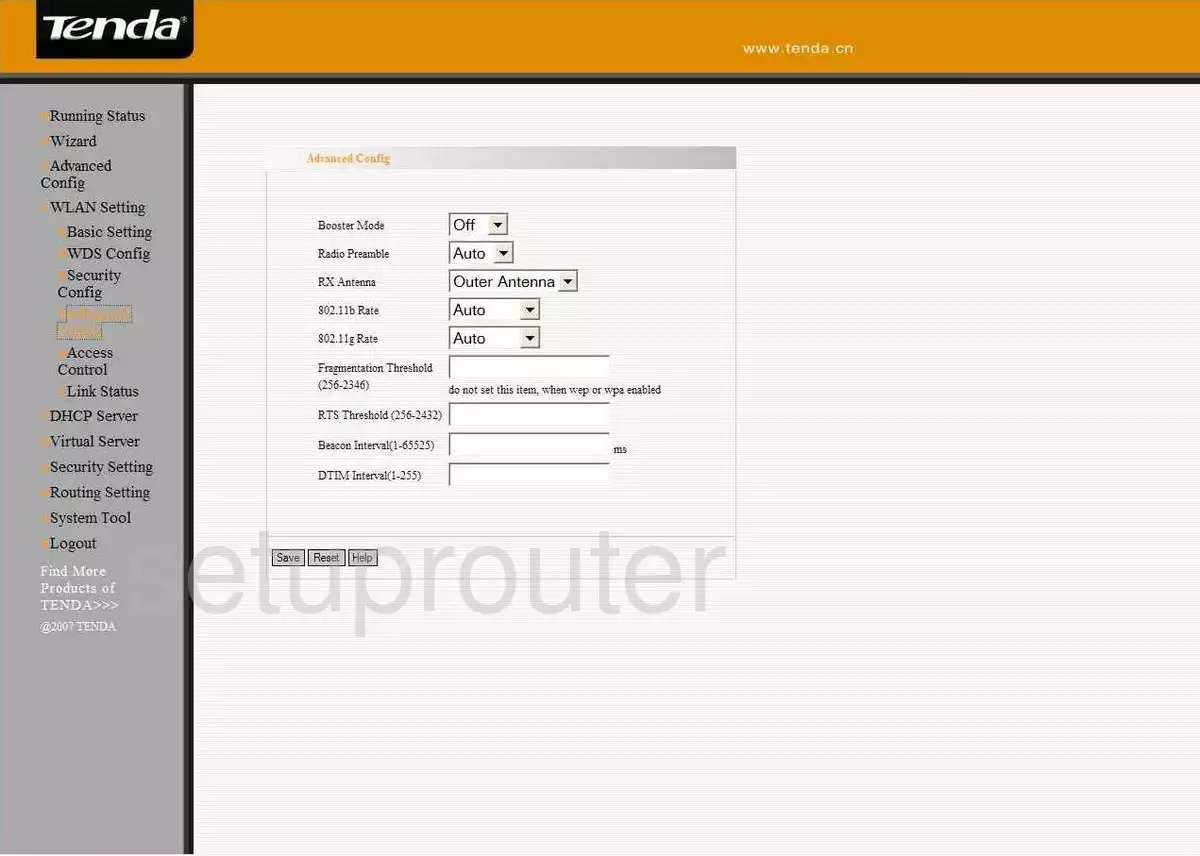
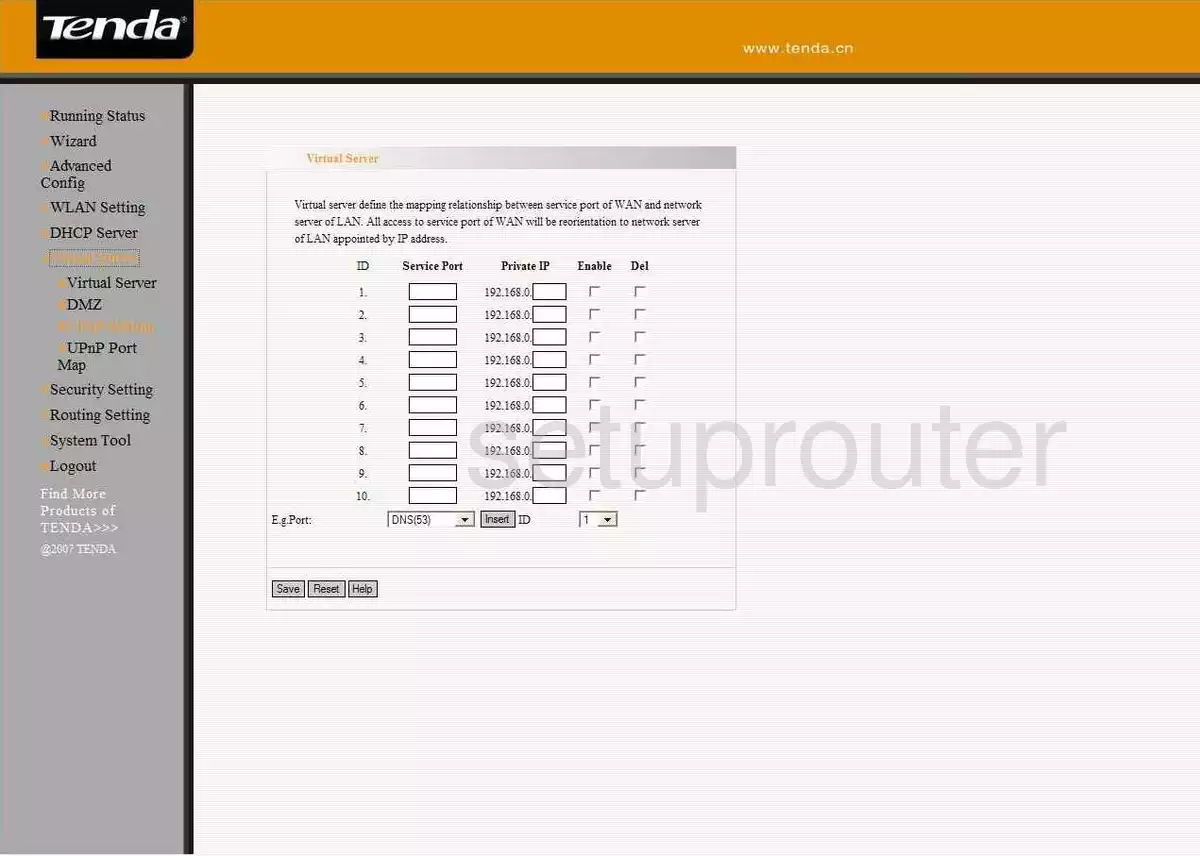
W548D (4 screens)
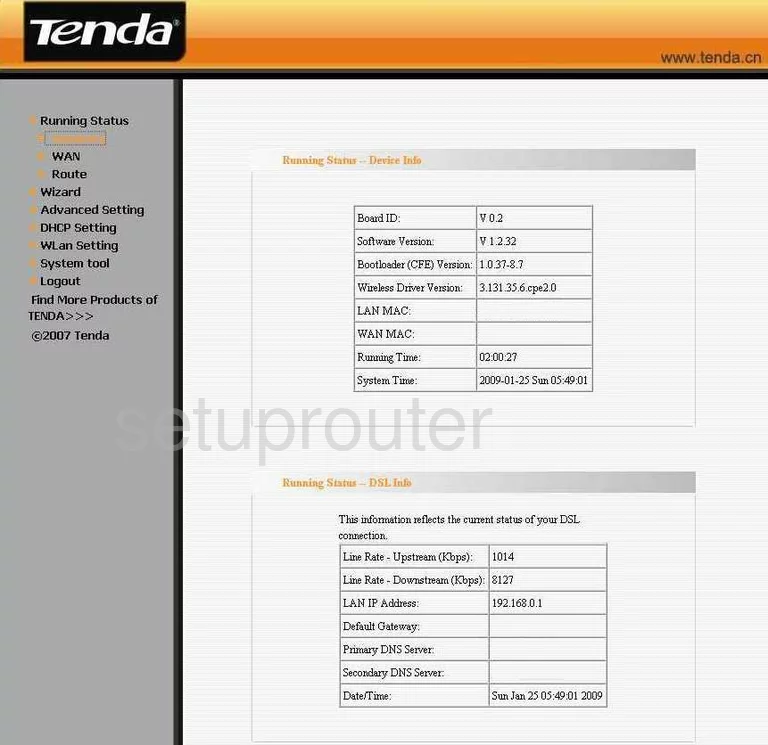
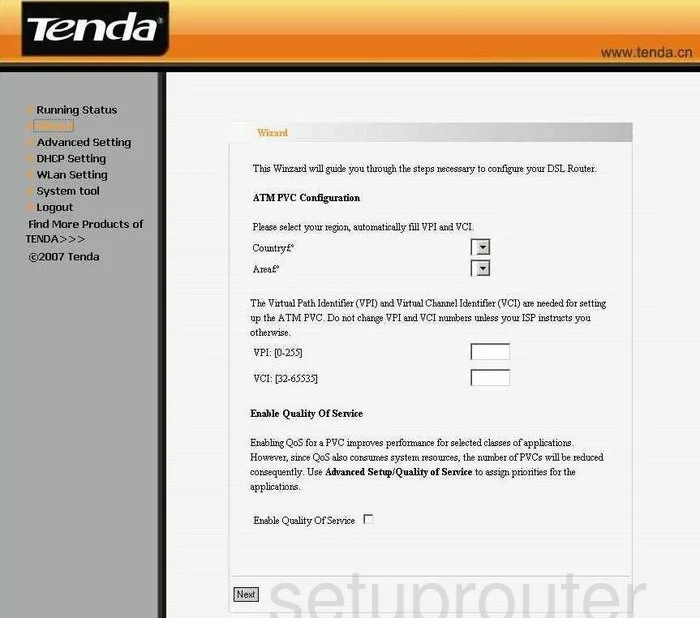
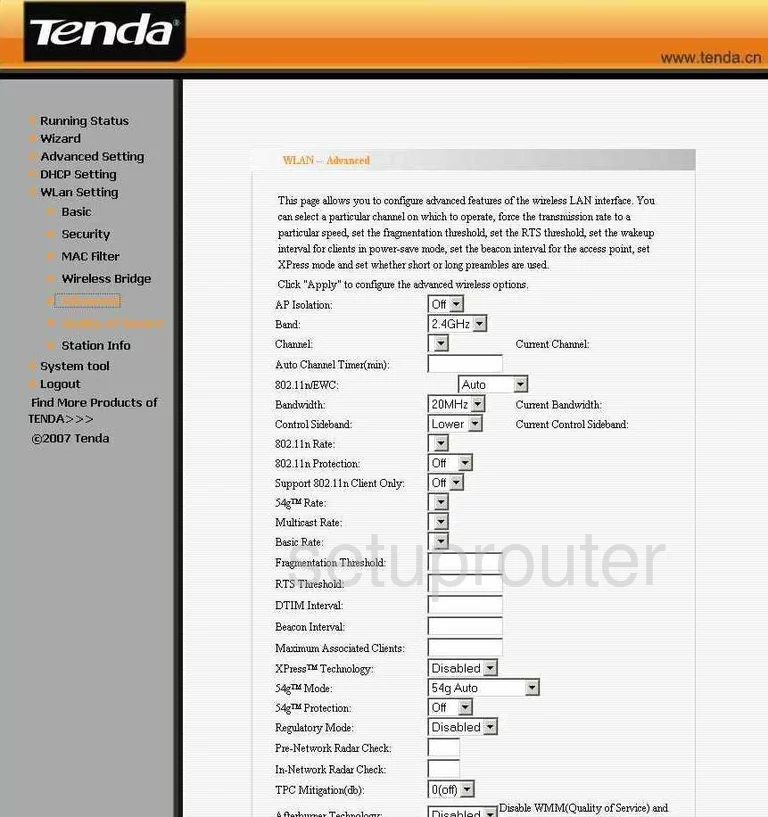
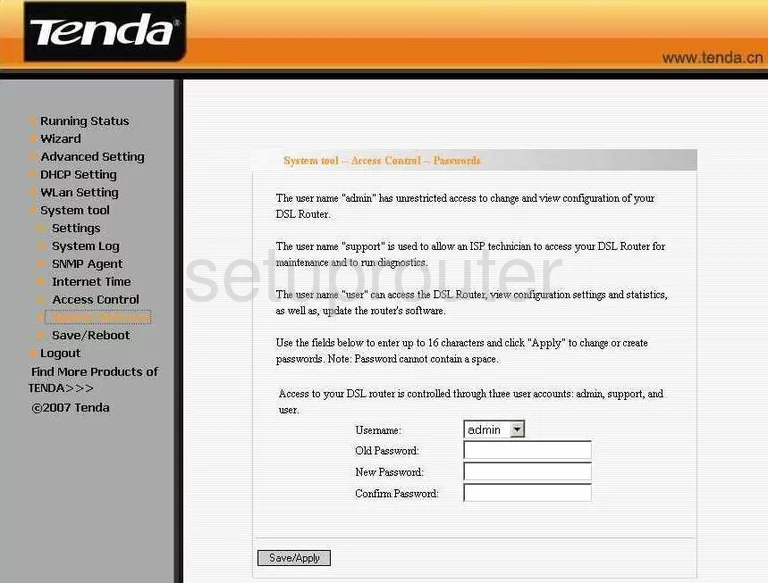
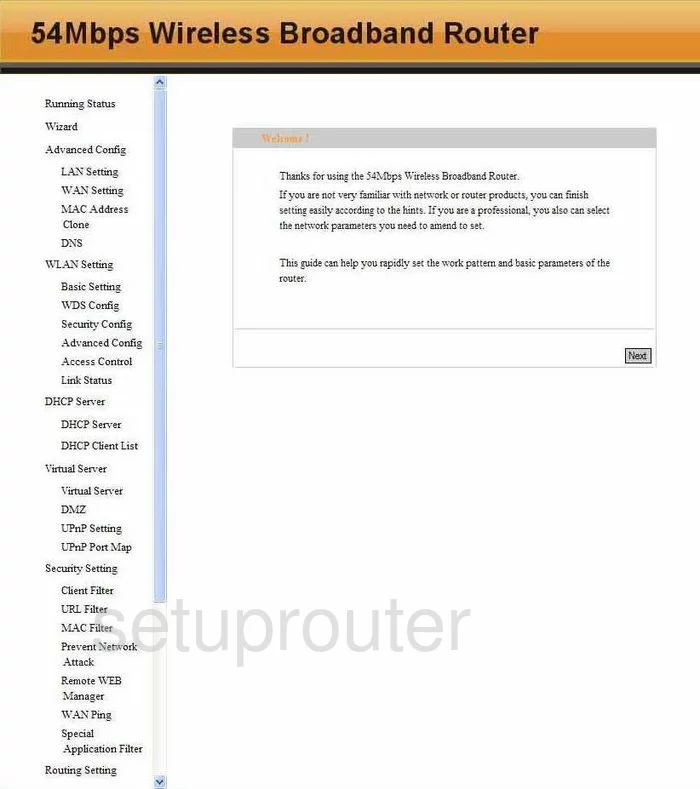
WBR-T3 (4 screens)
Tenda Router Manuals
- Tenda 11AC user manual (manual-1785)
- Tenda 11N user manual (manual-2458)
- Tenda D301 user manual (manual-1914)
- Tenda D810R user manual (manual-1783)
- Tenda D840R user manual (manual-690)
- Tenda FH303 user manual (manual-2127)
- Tenda N60 user manual (manual-2308)
- Tenda W150D user manual (manual-1257)
- Tenda W300D user manual (manual-1784)
- Tenda W302R user manual (manual-691)
- Tenda W303R user manual (manual-1875)
- Tenda W306R user manual (manual-692)
- Tenda W308R user manual (manual-1786)
- Tenda W308R user manual (manual-2459)
- Tenda W311R+ user manual (manual-693)
- Tenda W541R user manual (manual-694)
- Tenda W548D user manual (manual-1787)
- Tenda WBR-T3 user manual (manual-696)