


Here's how to log in to a Zhone gateway or ZNID.
Step 1: Connect
Connect to the gateway's WiFi or plug a computer into one of its LAN ports.
Step 2: Open the Login Page
Type http://192.168.1.1 into your browser's address bar. See the Zhone IP address page.
Step 3: Sign In
- DSL gateways: username admin, password admin (or user / user for limited access).
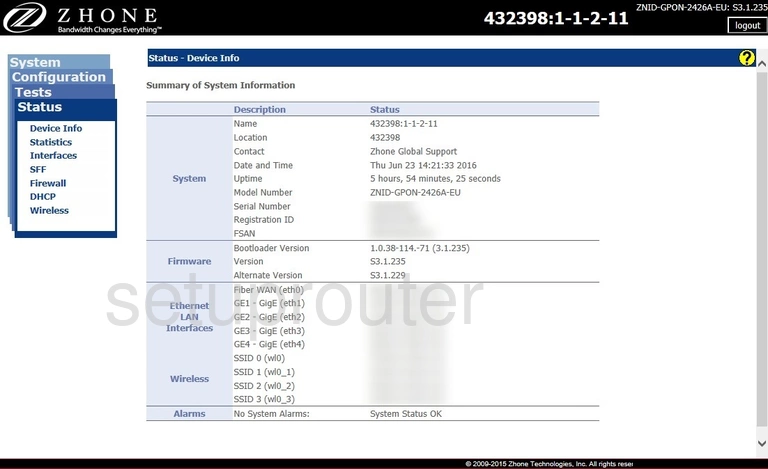
- ZNID fiber units: username admin, password zhone.
- ISP versions: the password may be on the label, or set by your ISP (for example cciadmin).
See all defaults on the Zhone passwords page.
Zhone Login Problems
If none of the defaults work, your ISP has probably changed the password. Call them before you reset the gateway, because a reset can remove their settings.
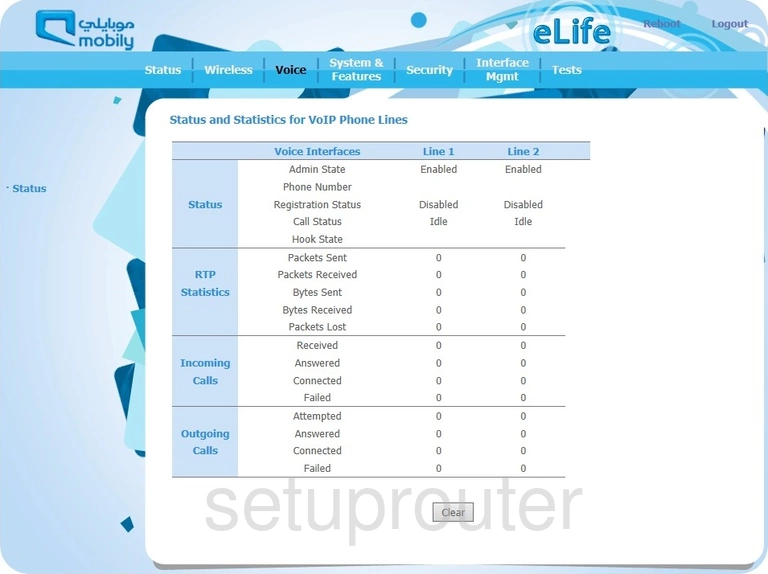
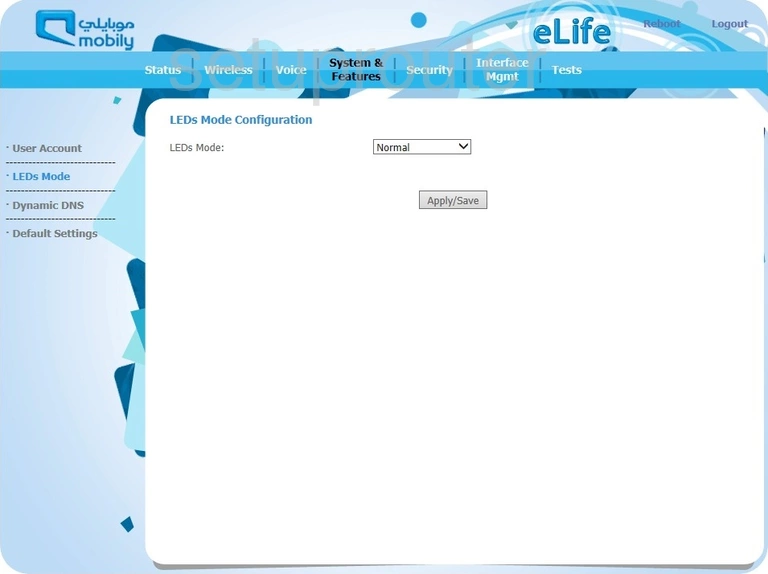
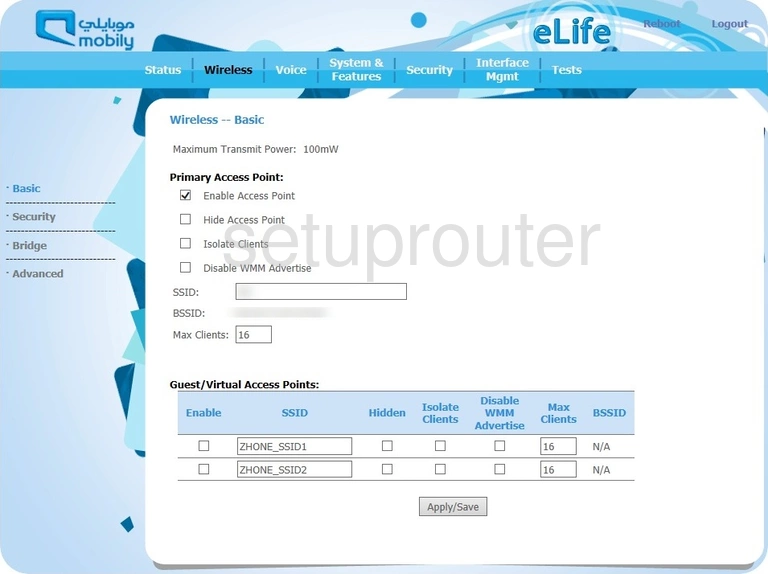
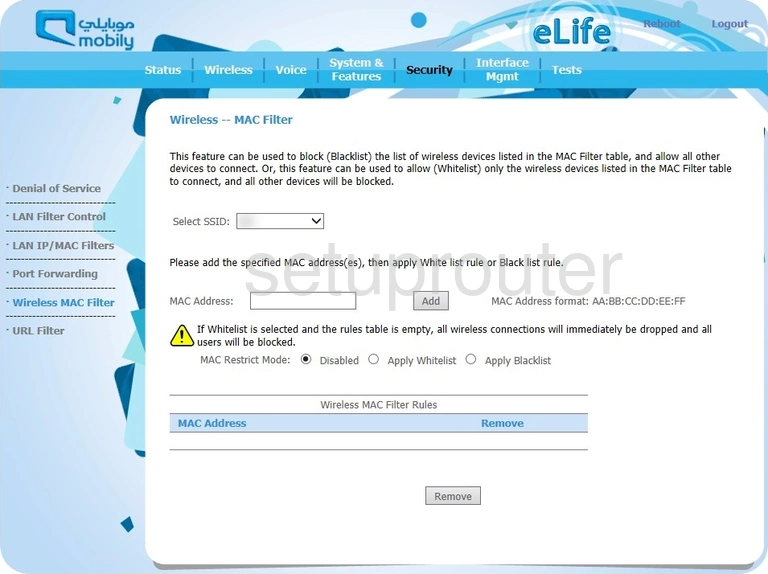
Zhone Router Screenshots
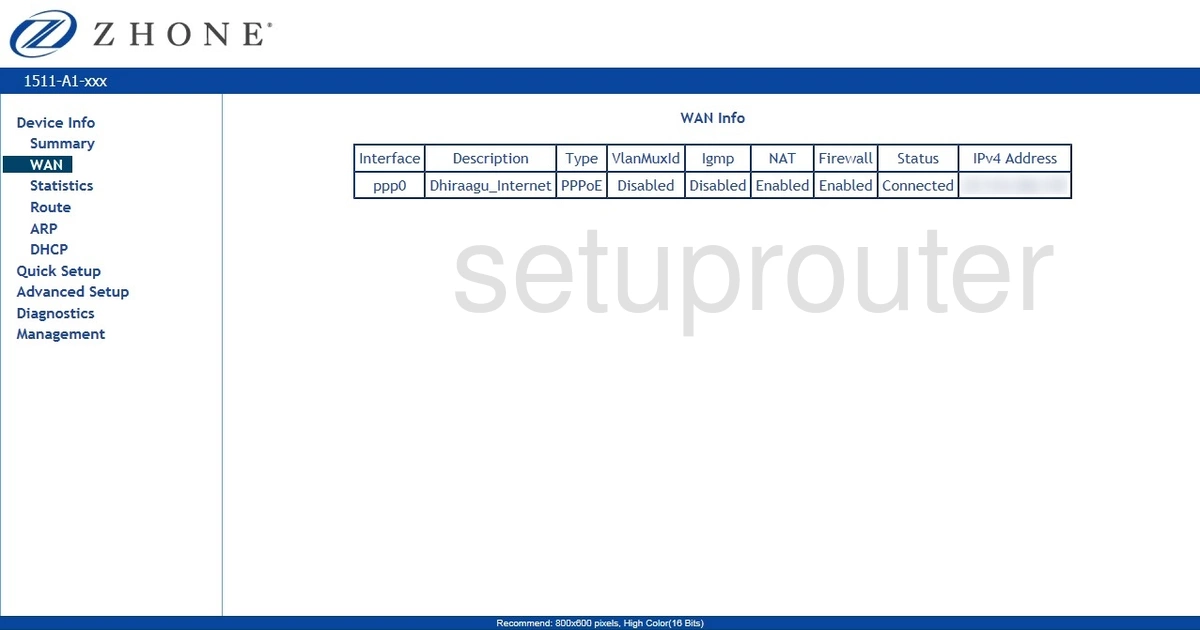
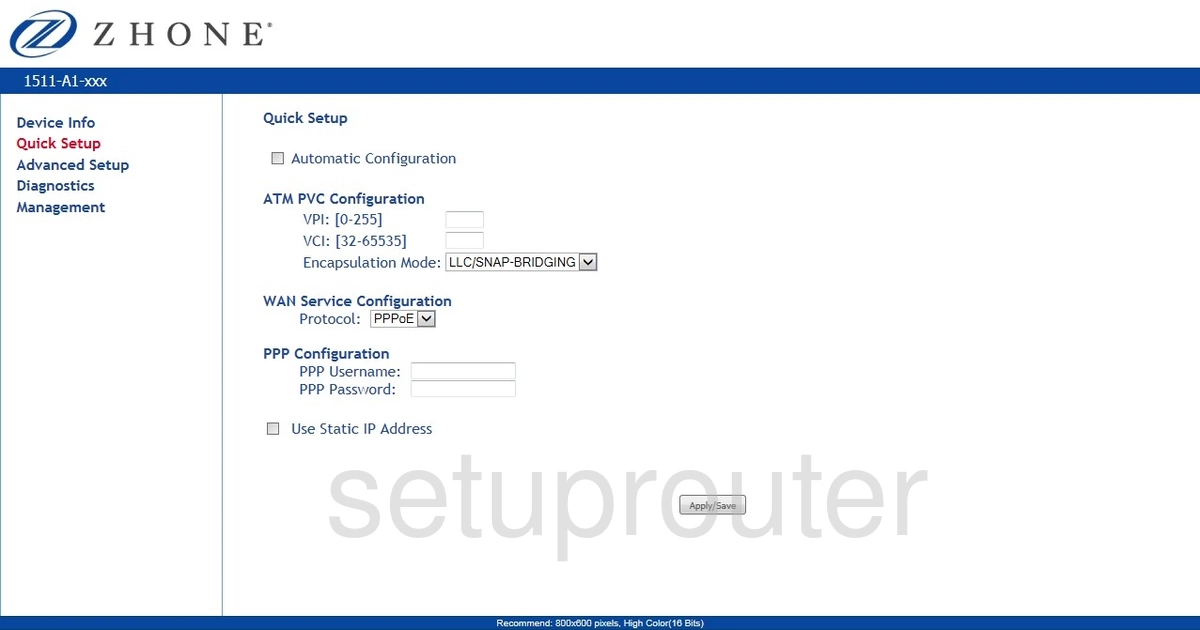
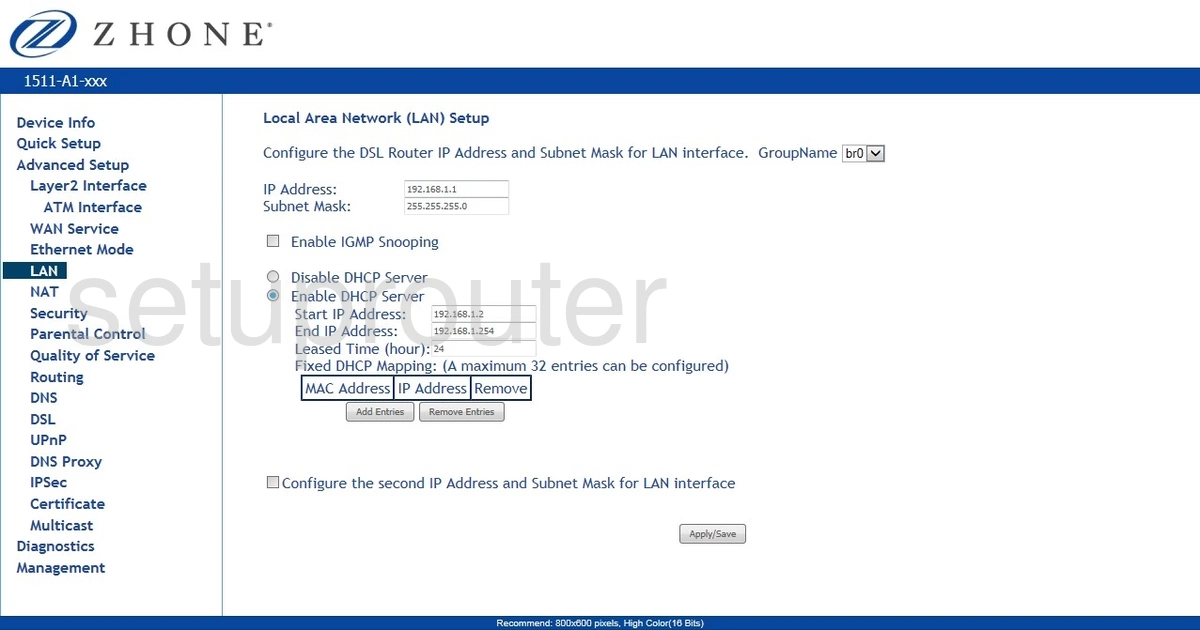
Screens from the Zhone routers we have. Click a model to open it.
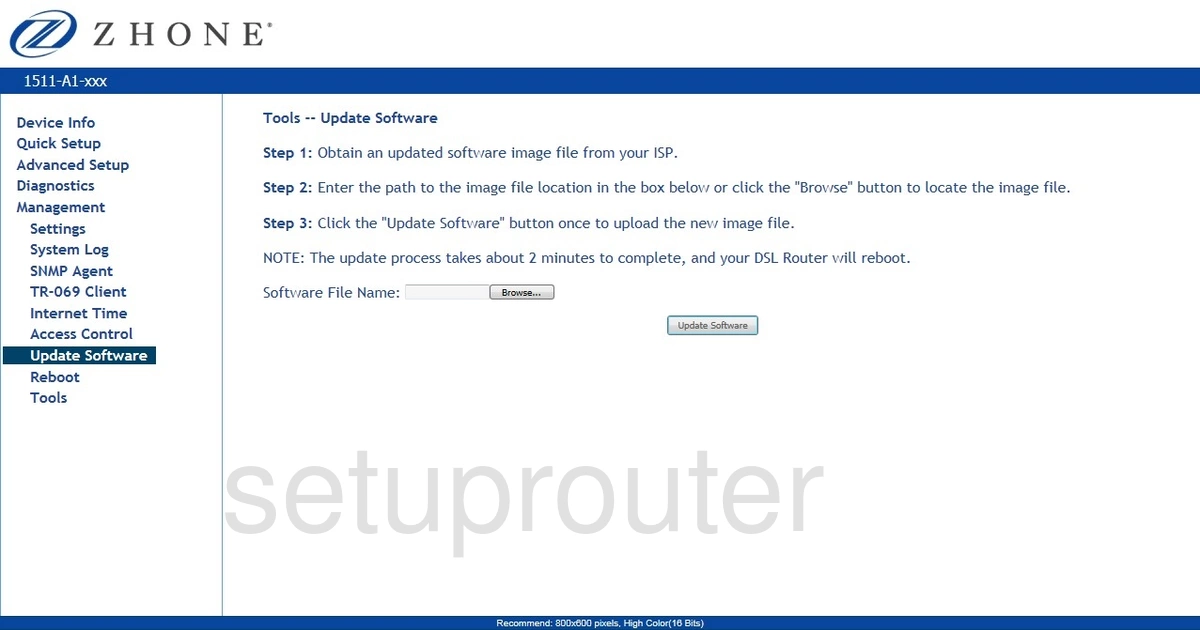
1511-A1 (4 screens)
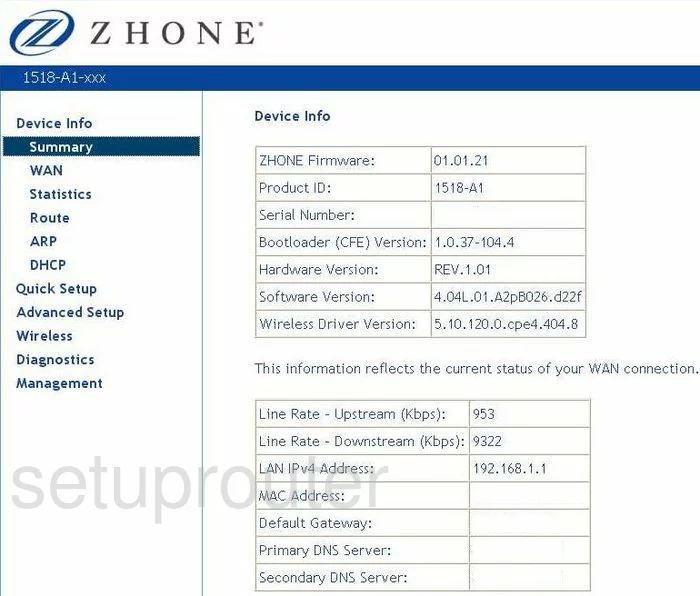
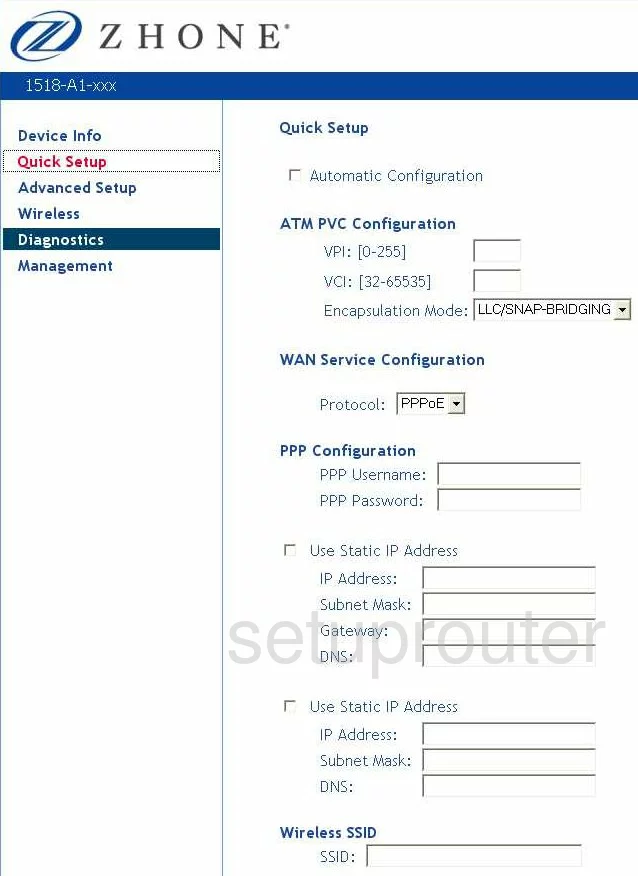
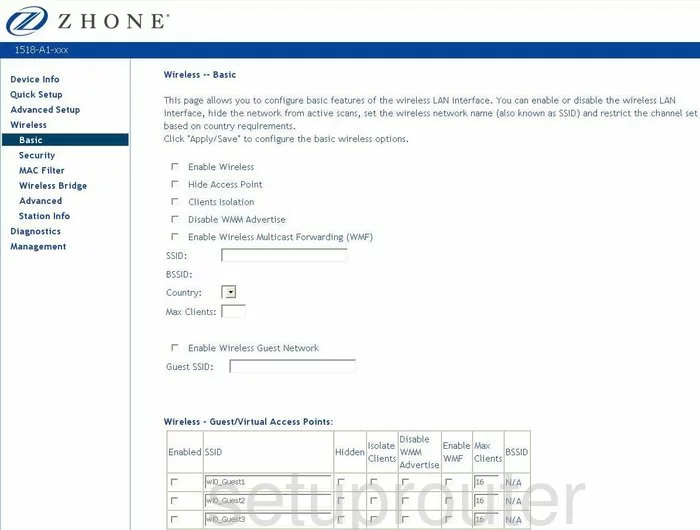
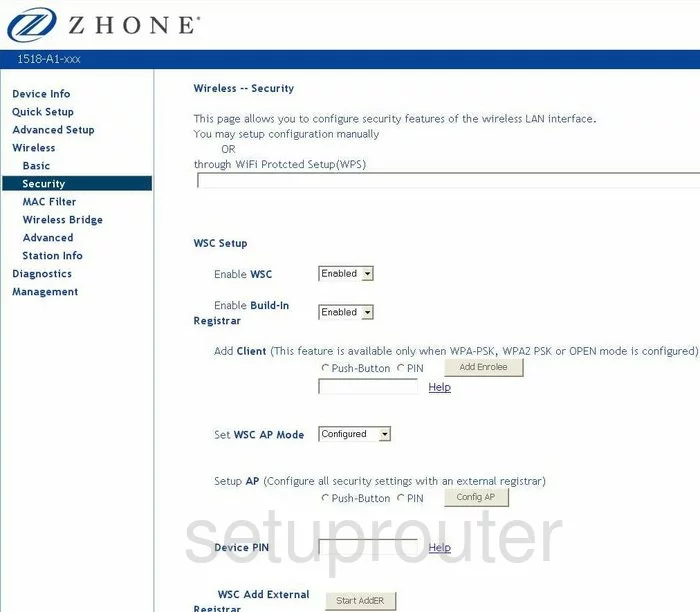
1518-A1 (4 screens)
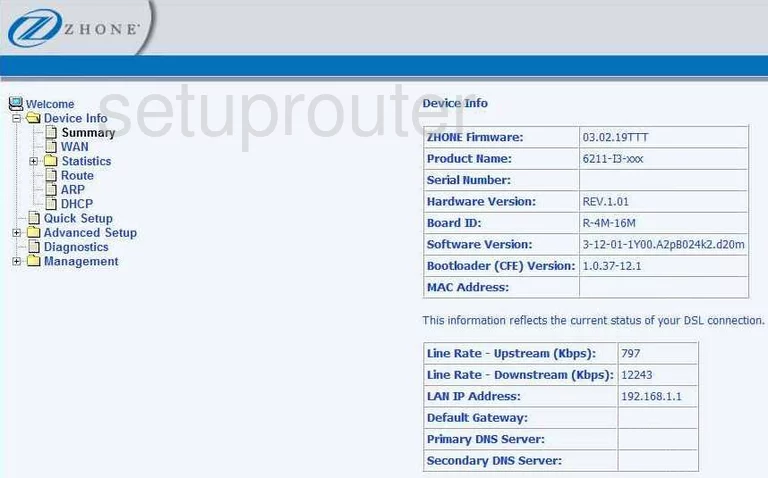
6211-I3 (4 screens)
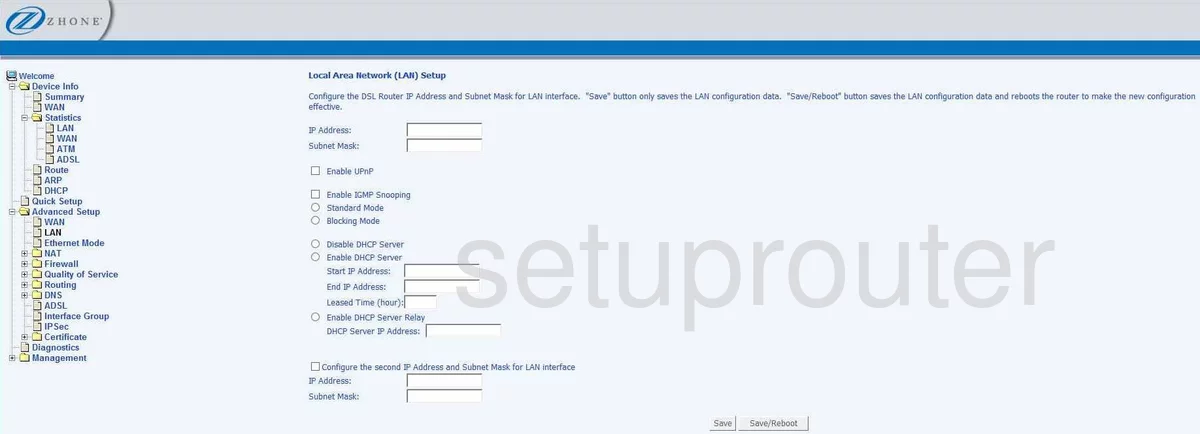
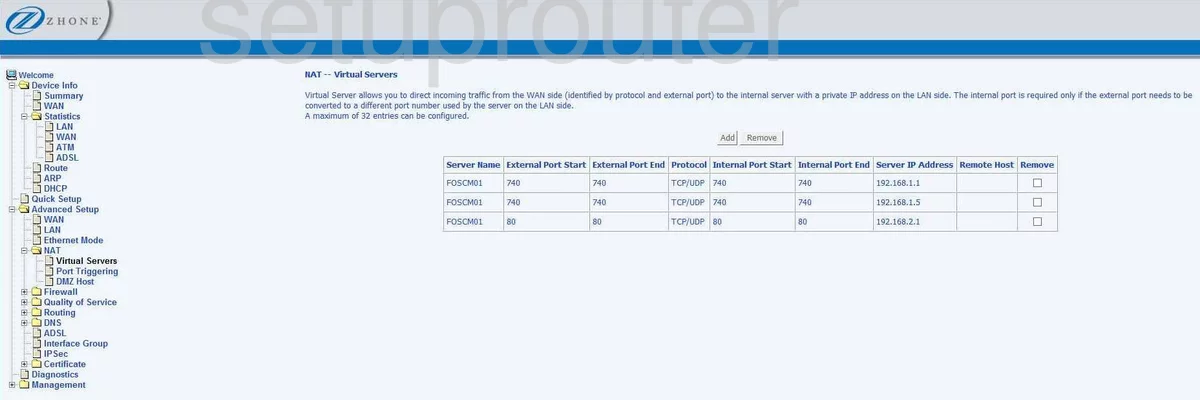
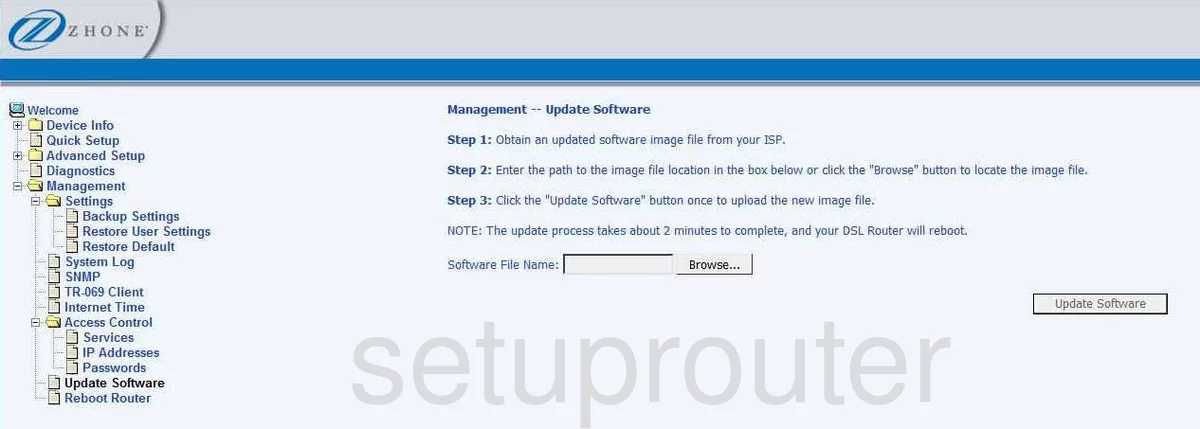
6219-x1 (4 screens)
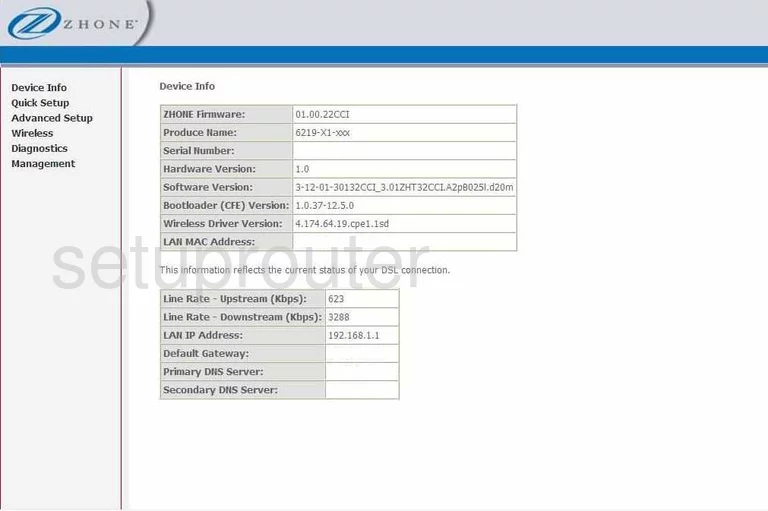
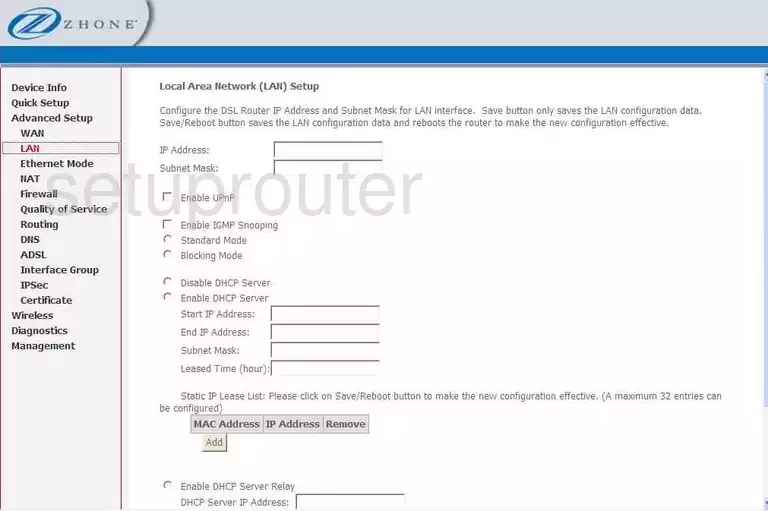
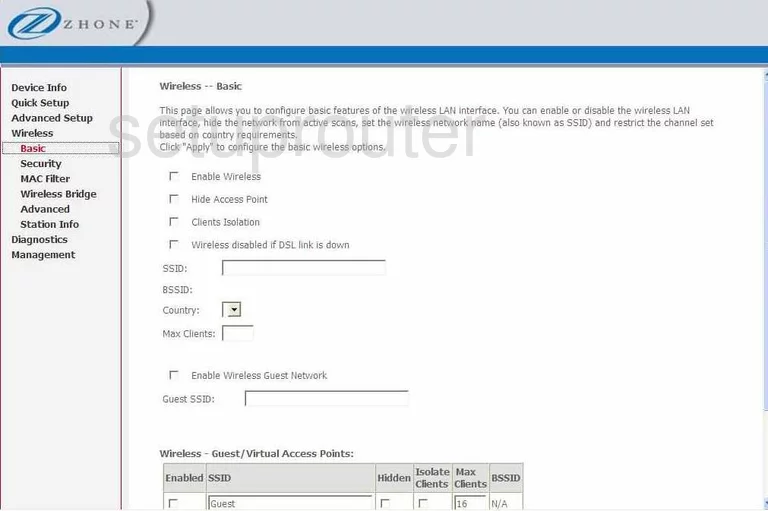
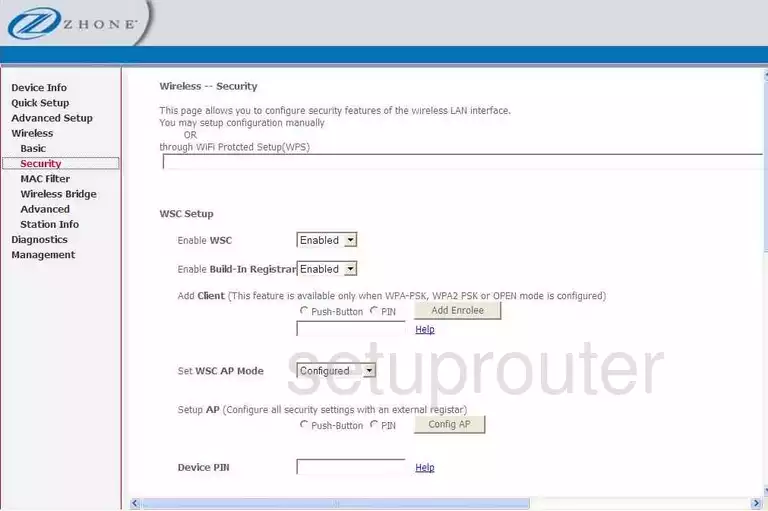
6219-X1-NA-0CC (4 screens)
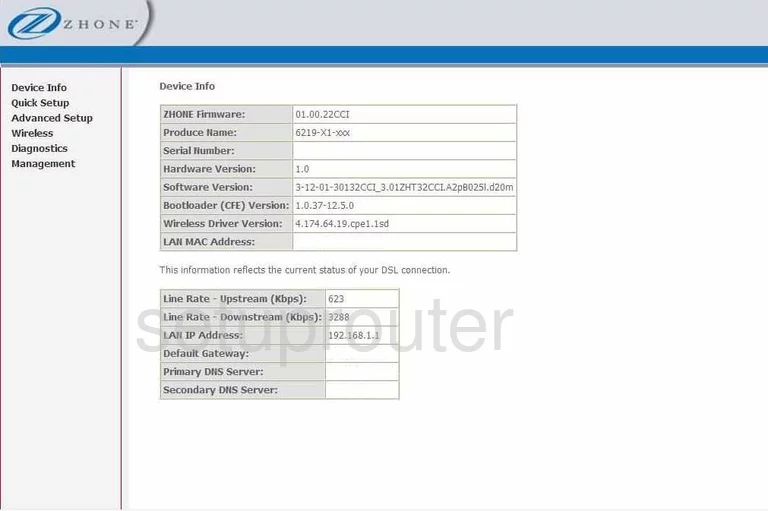
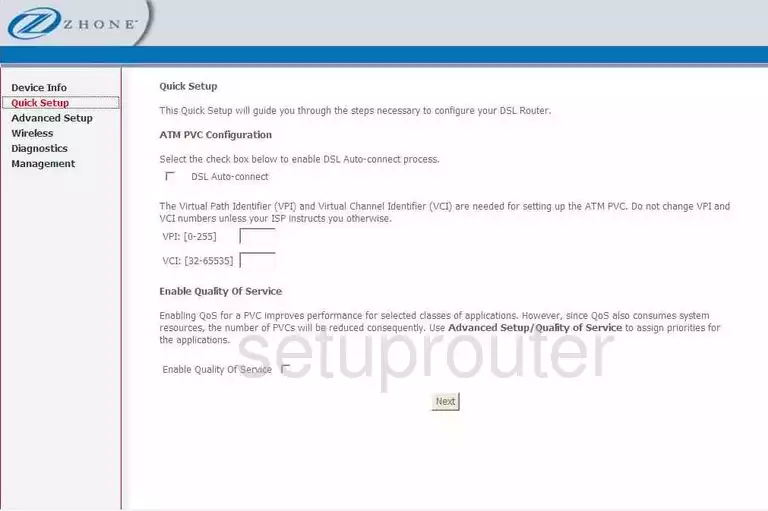
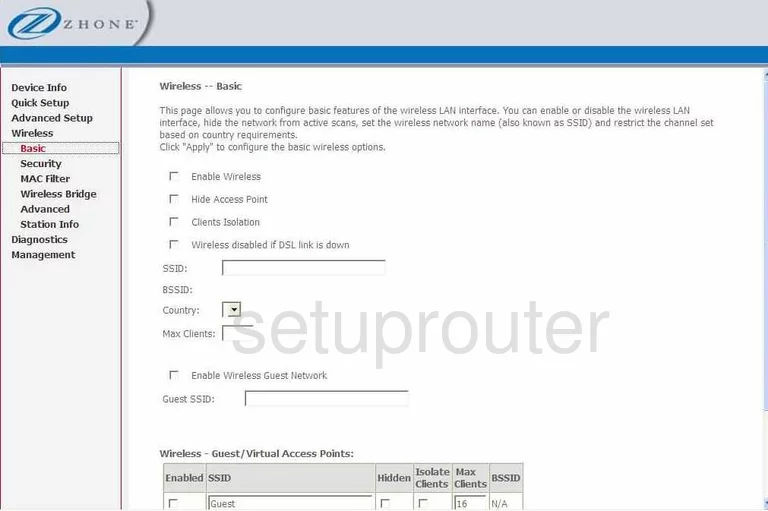
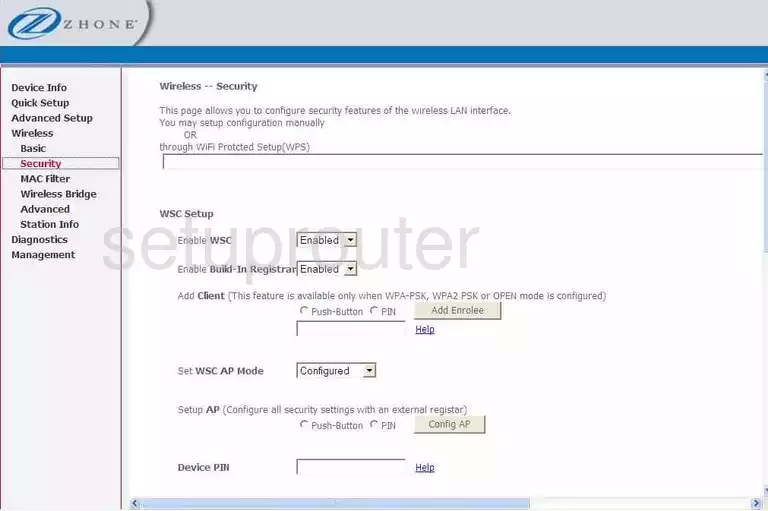
6381-A4-200-1PR (4 screens)
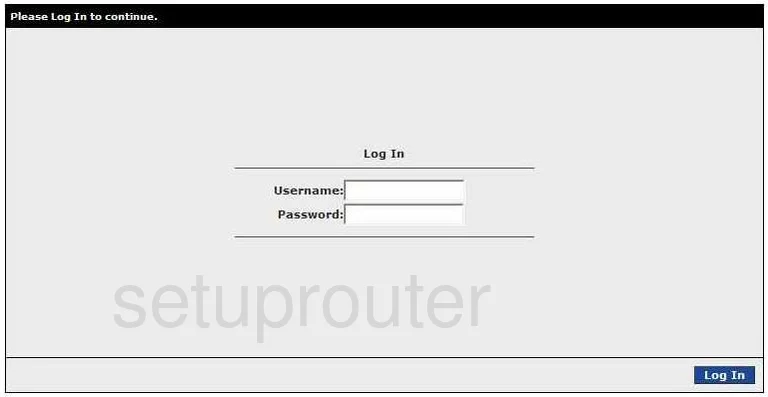
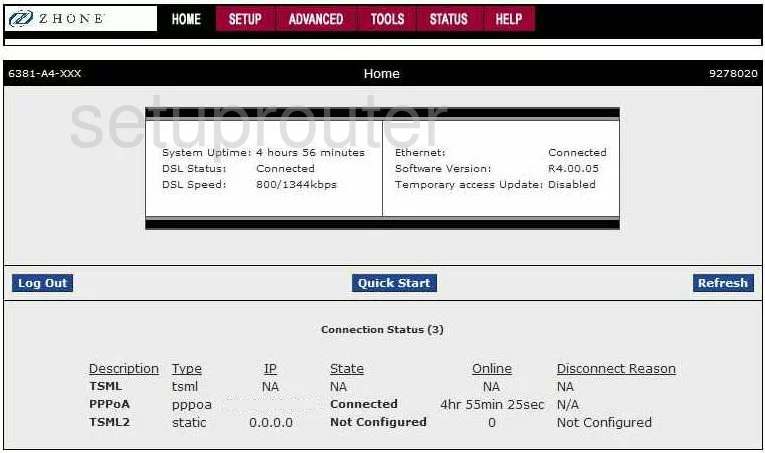
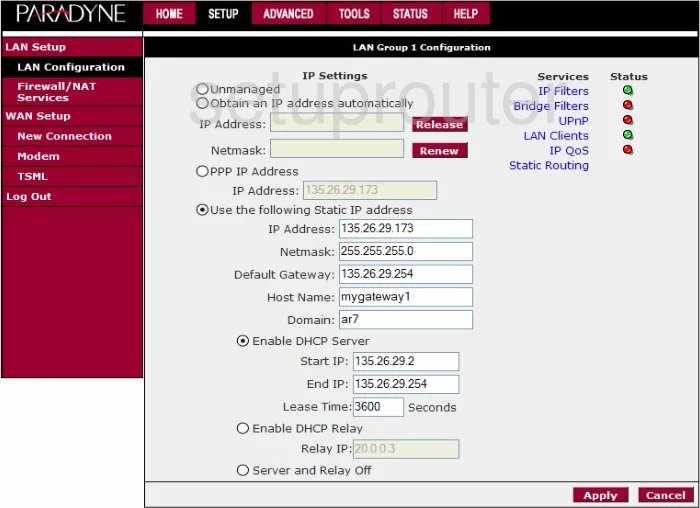
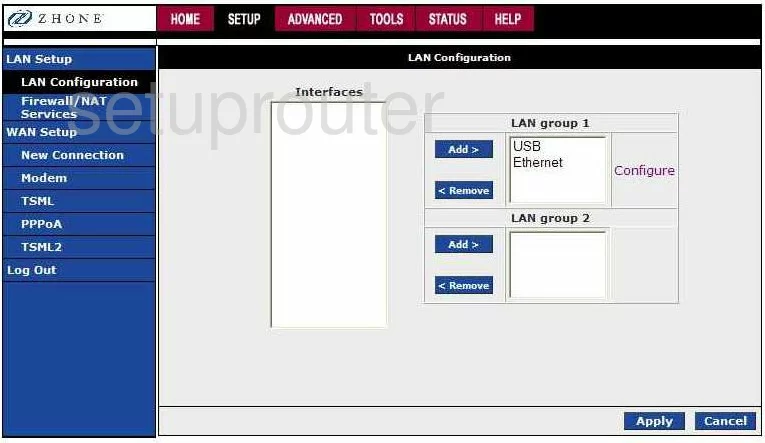
6518-A1 (4 screens)
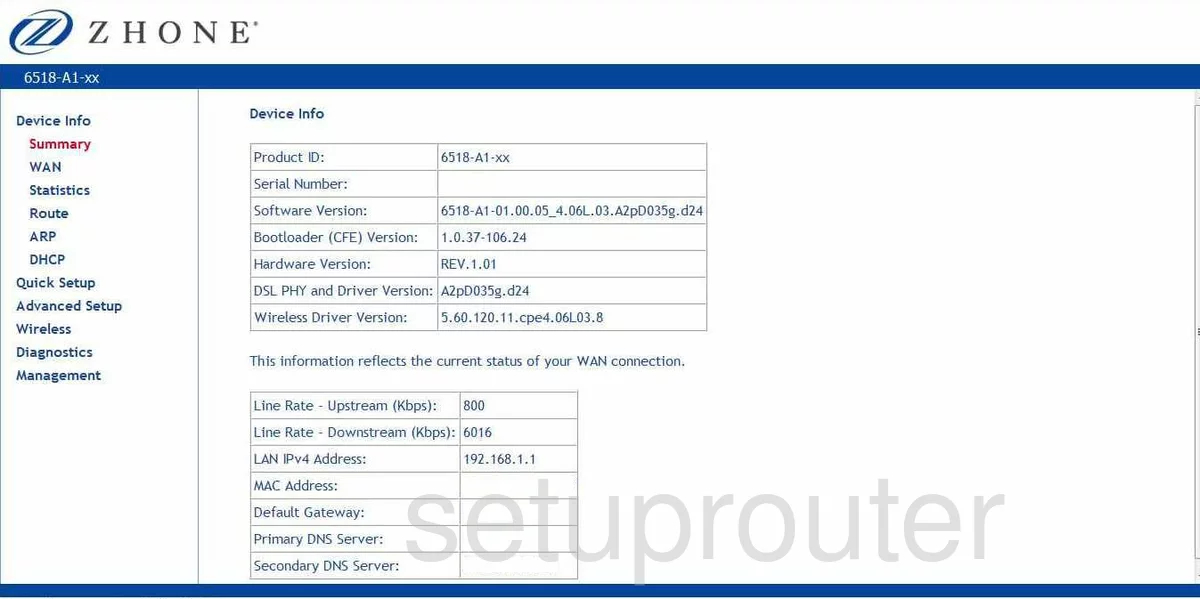
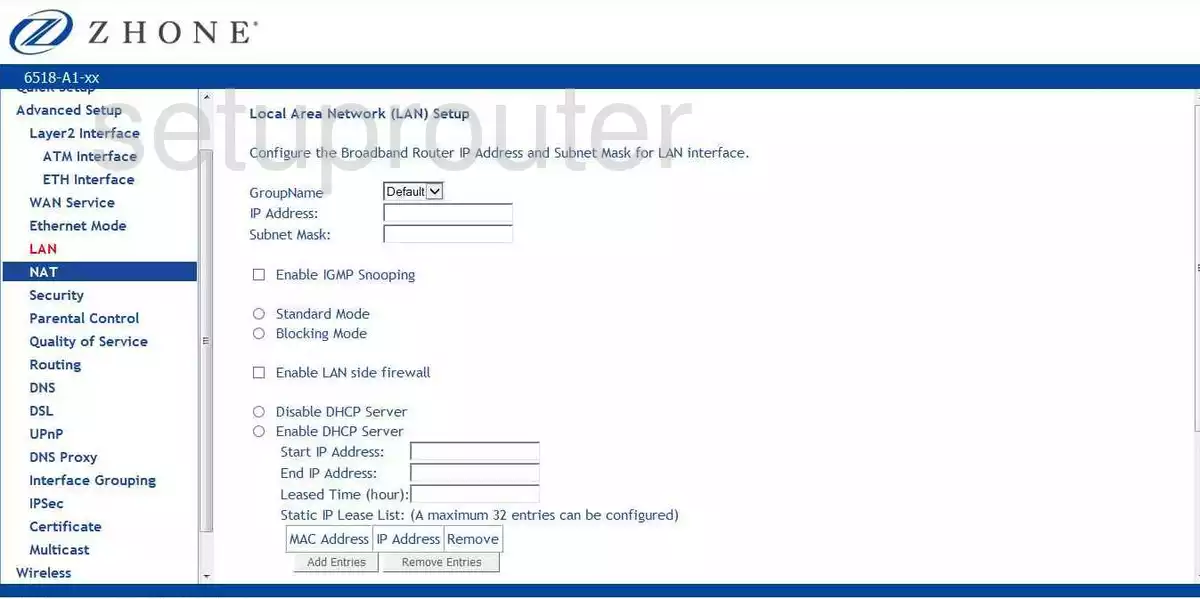
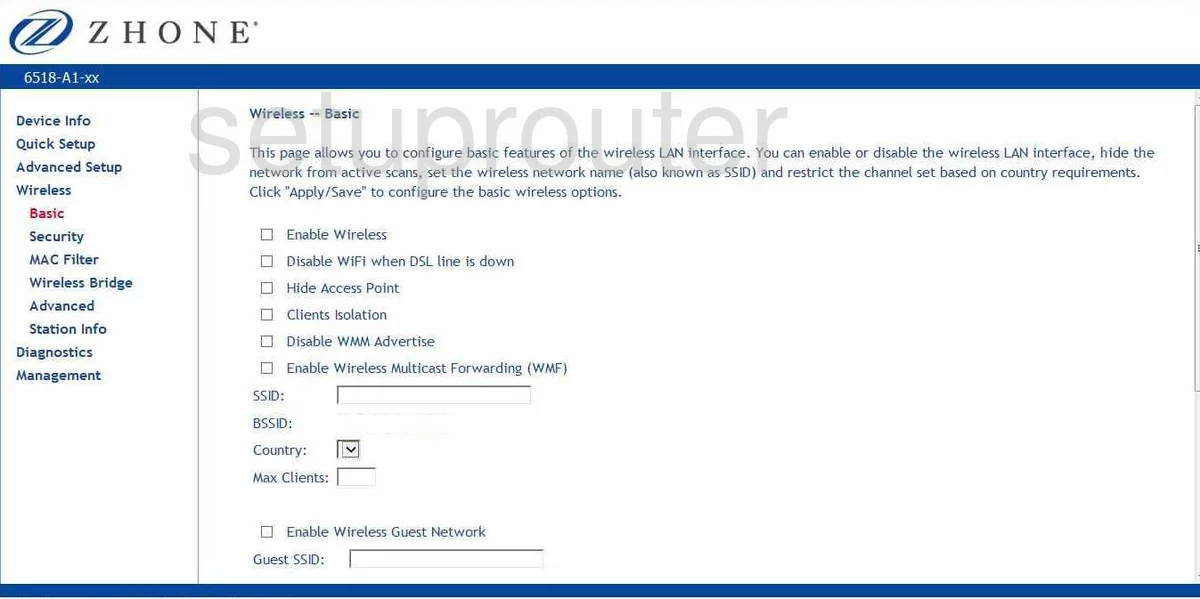
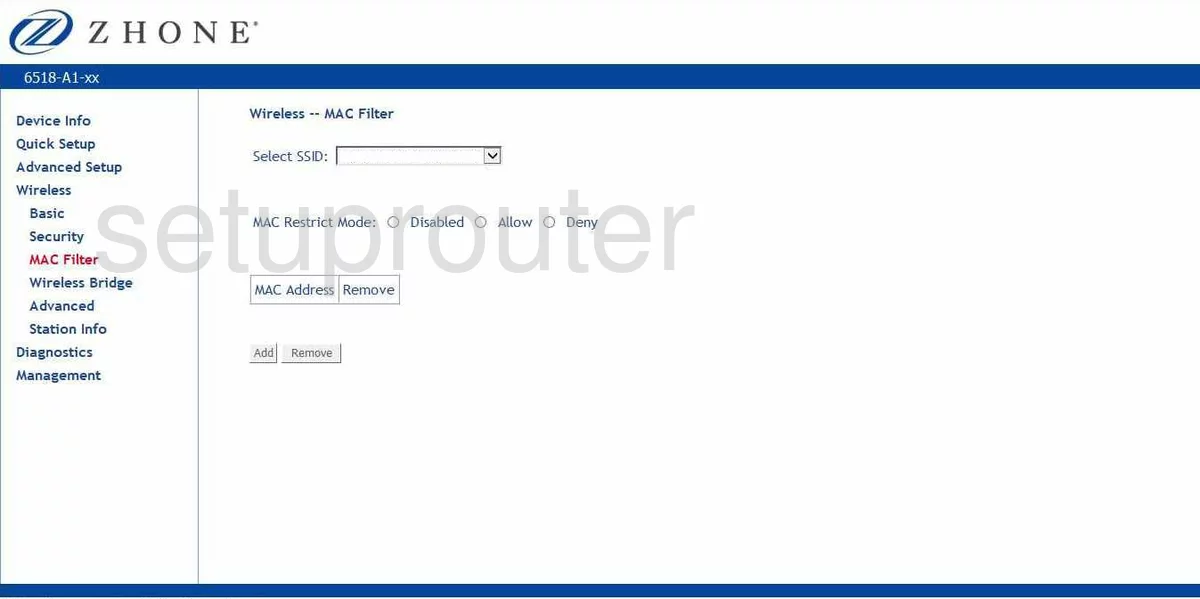
6519-A2 (4 screens)
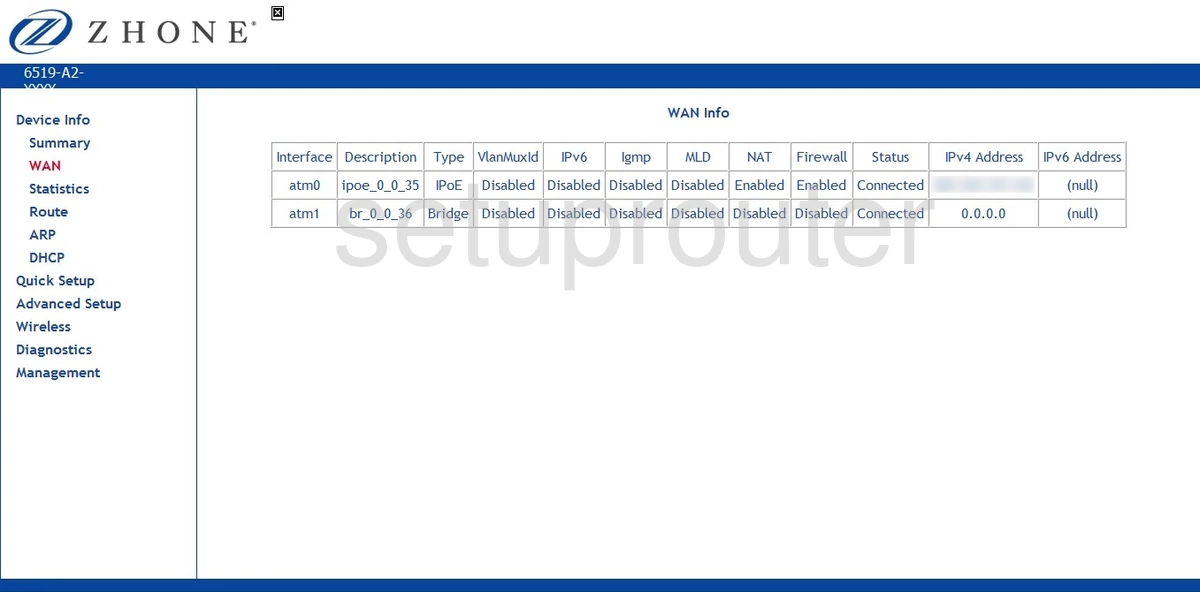
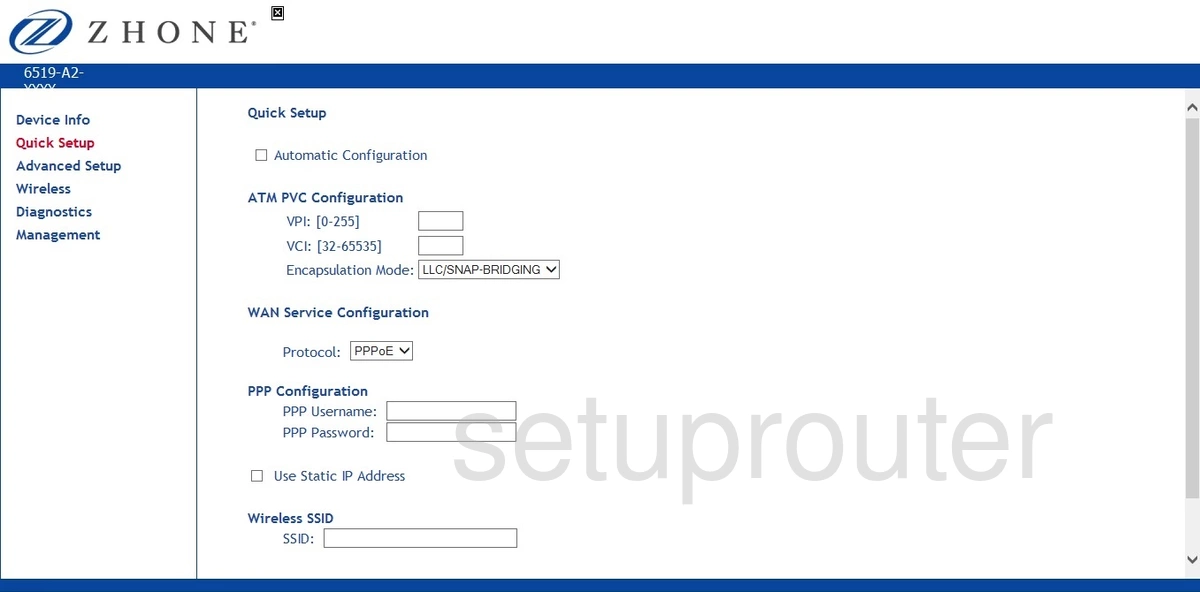
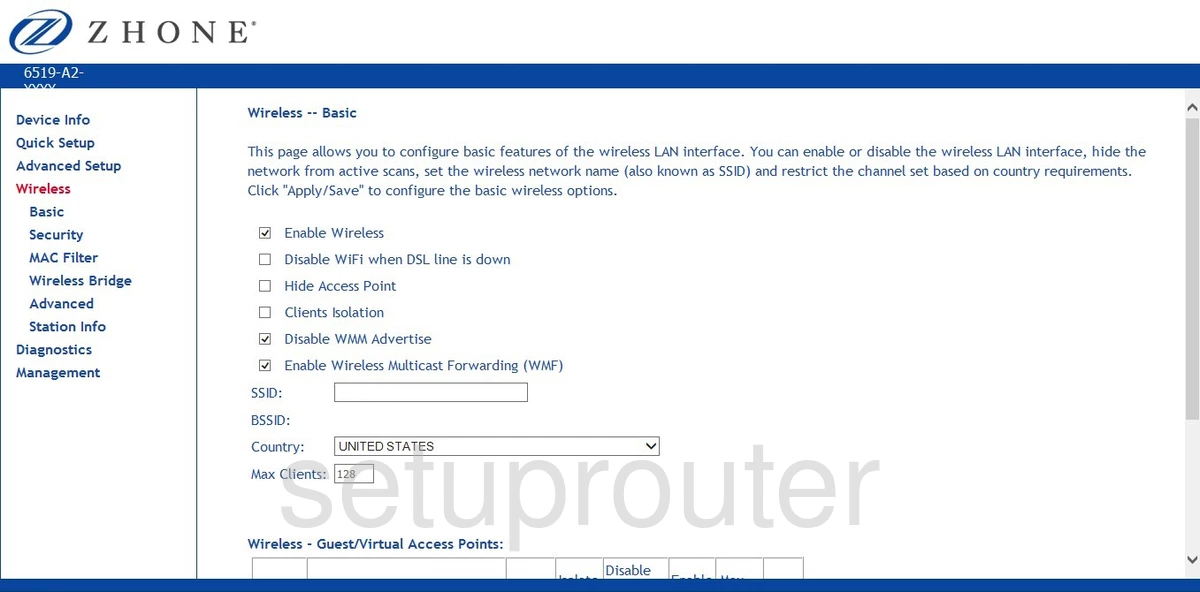
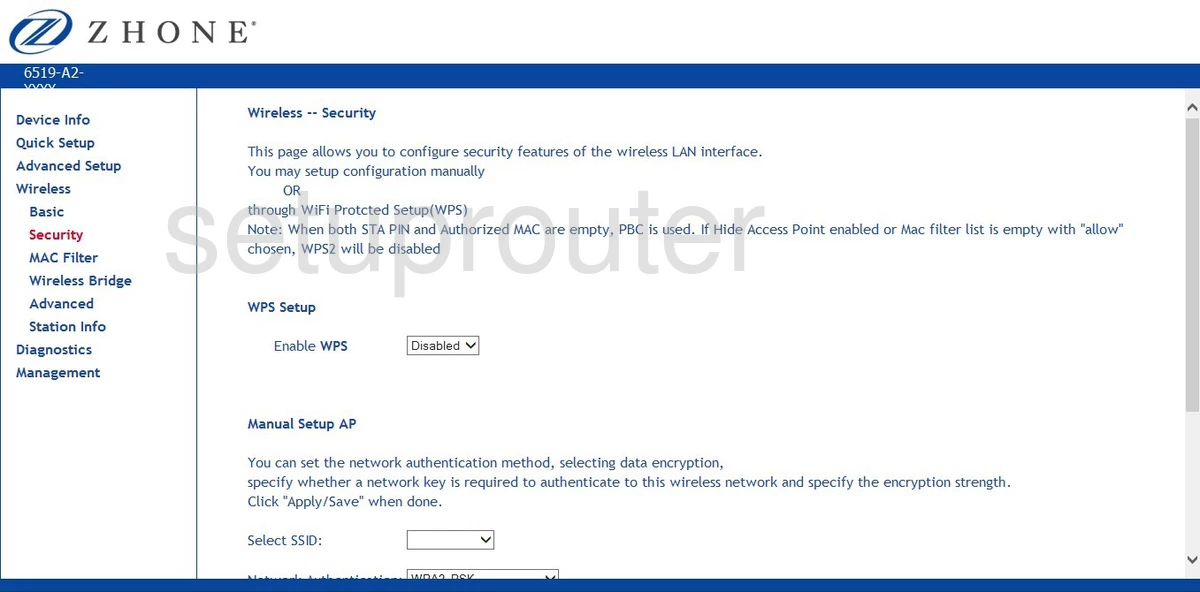
6519-W1 (1 screens)
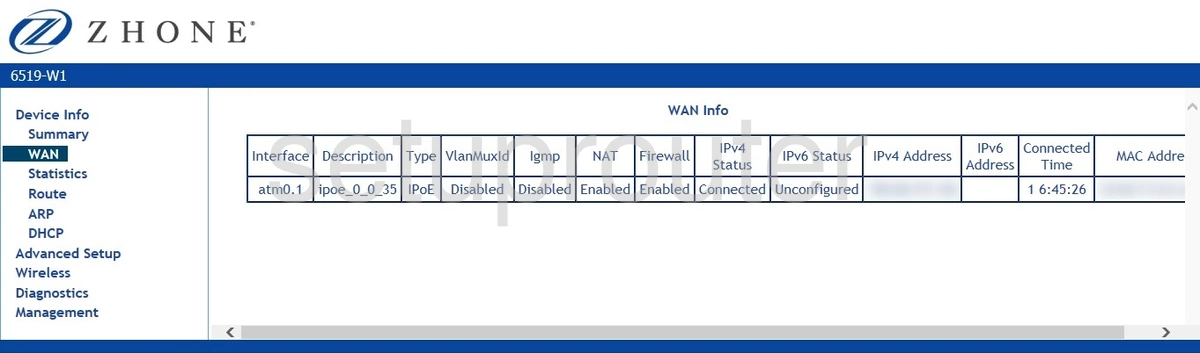
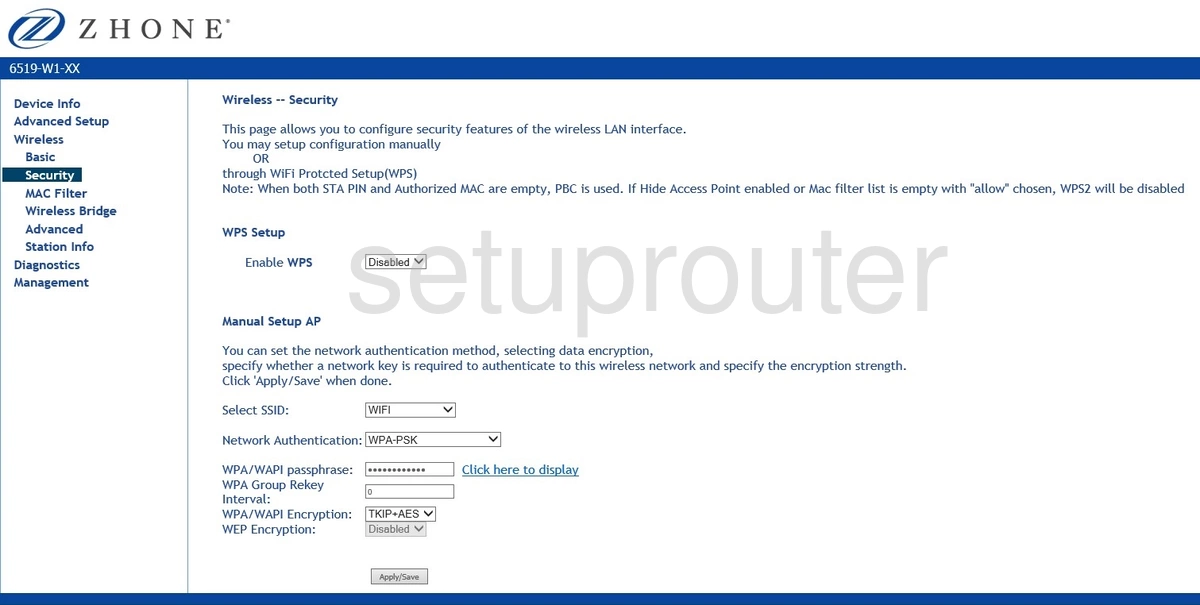
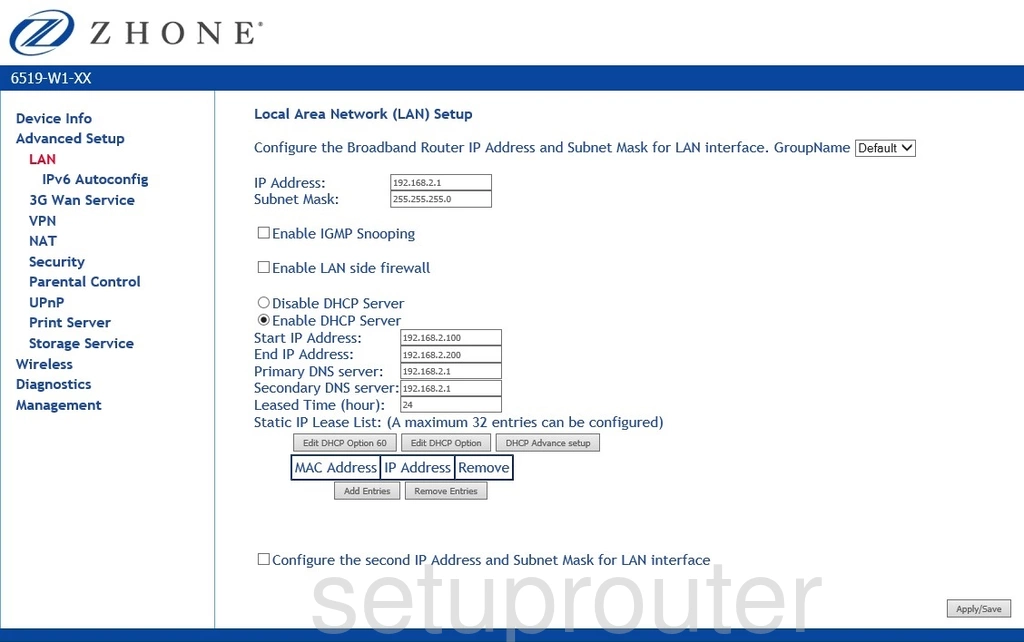
6519-W1-XX (4 screens)
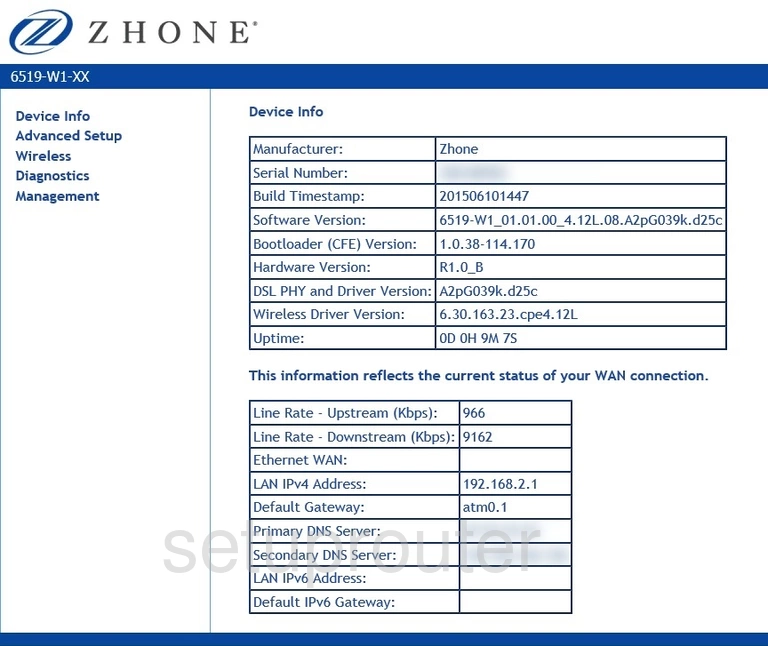
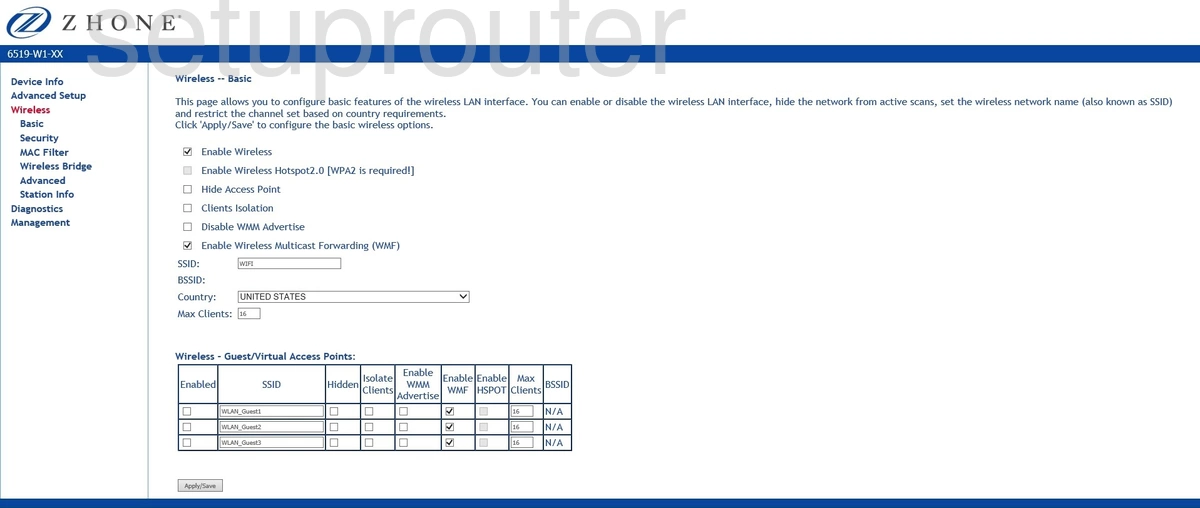
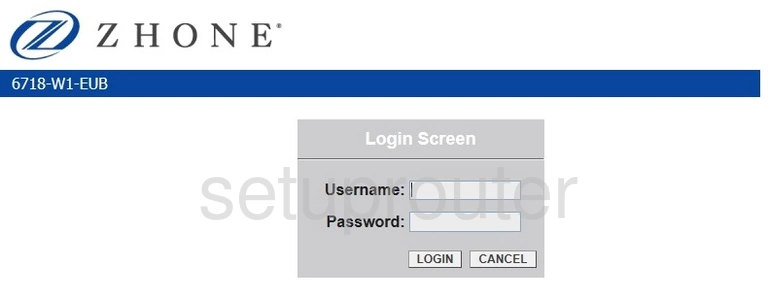
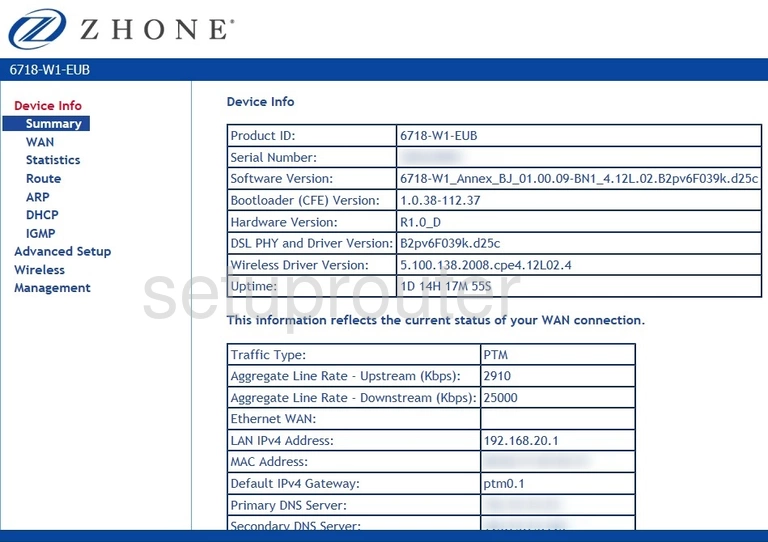
6718-W1-EUB (2 screens)
6729-W1 (4 screens)
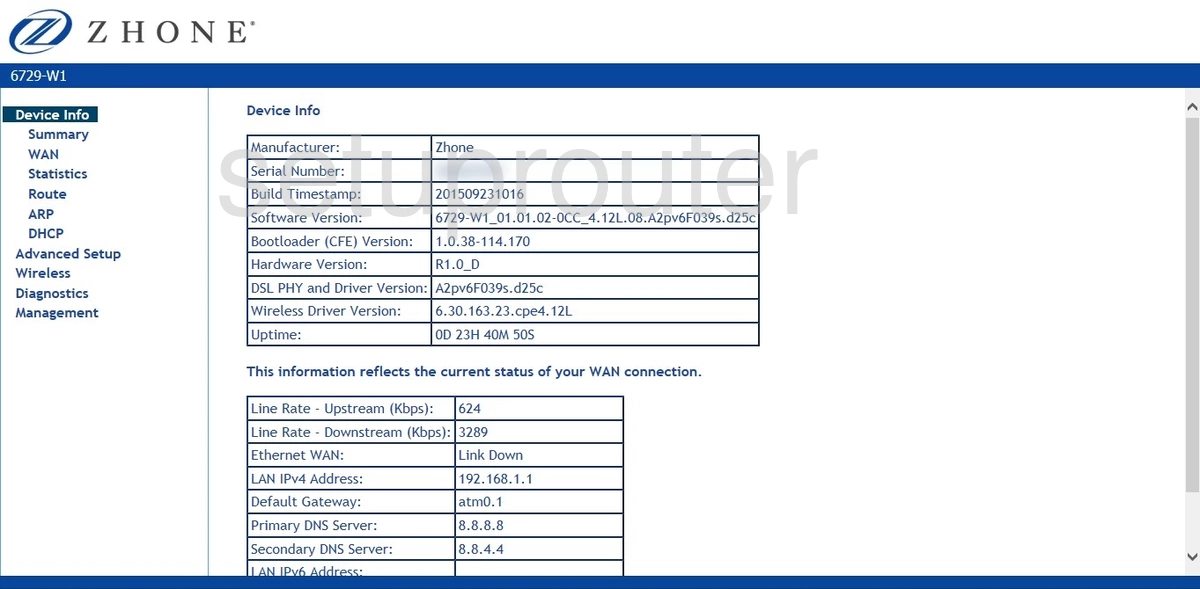
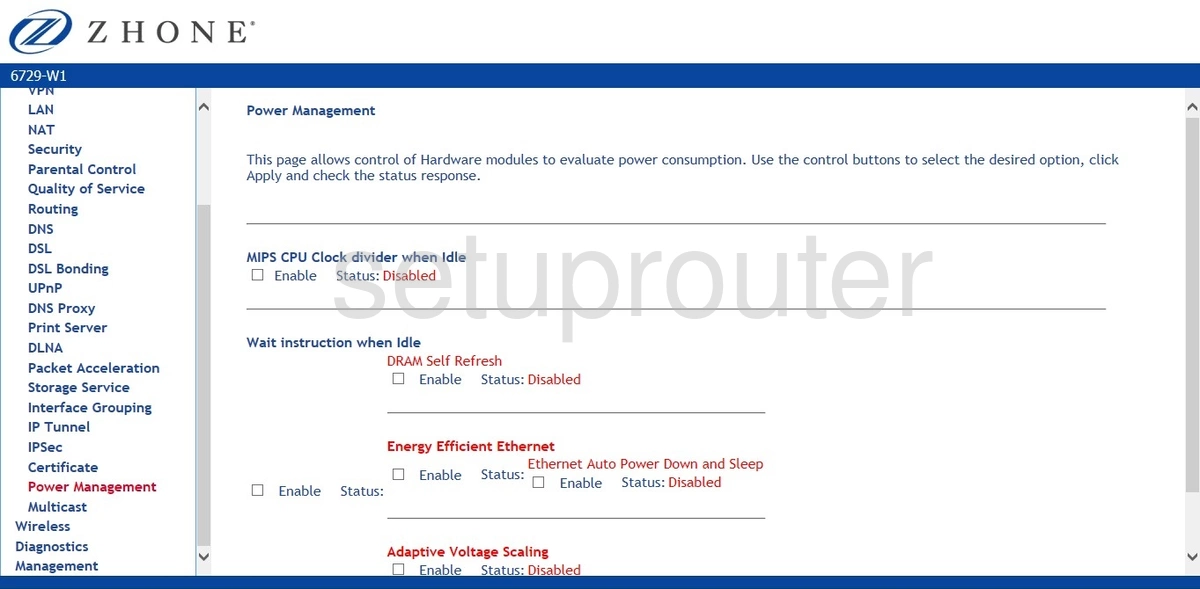
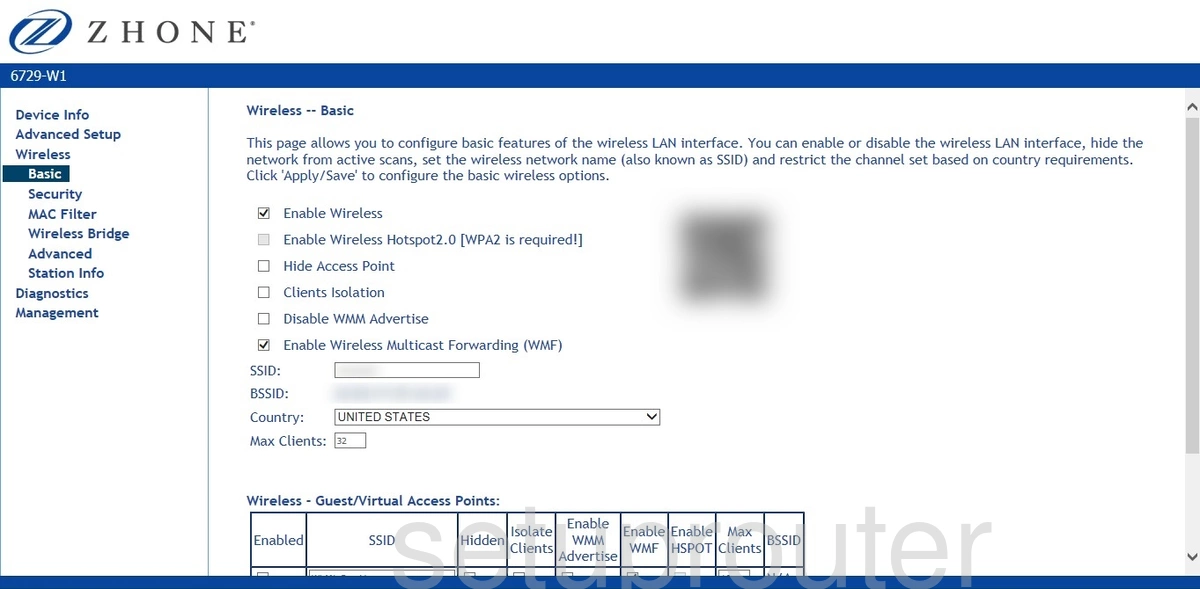
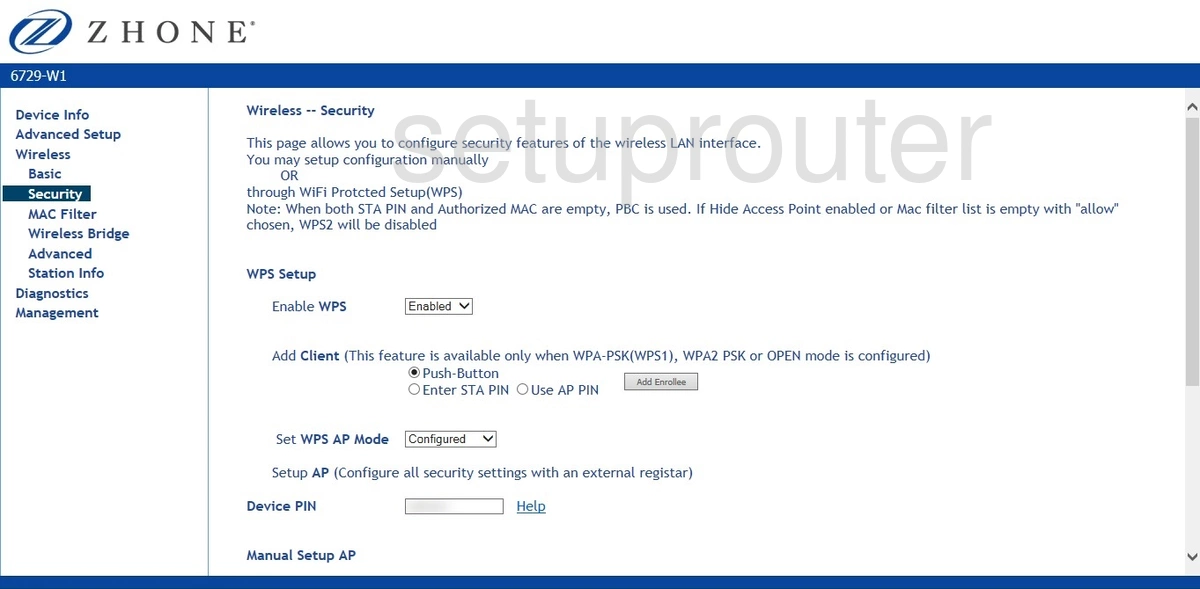
6748-W1 (4 screens)
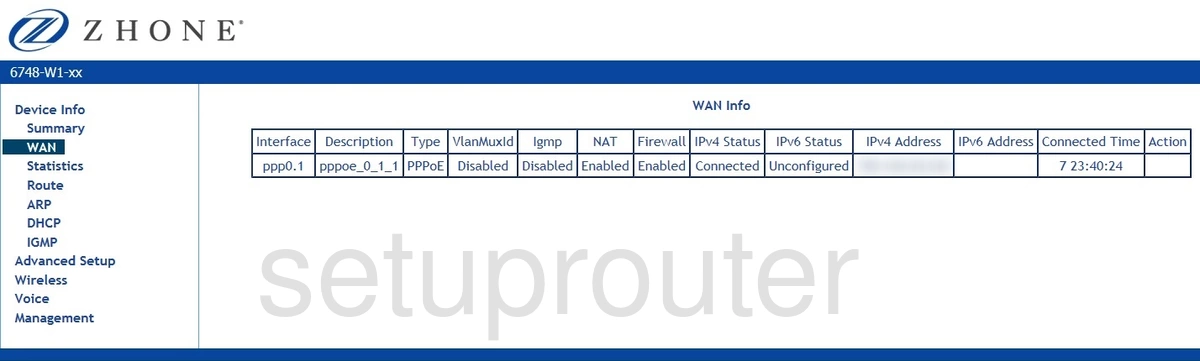
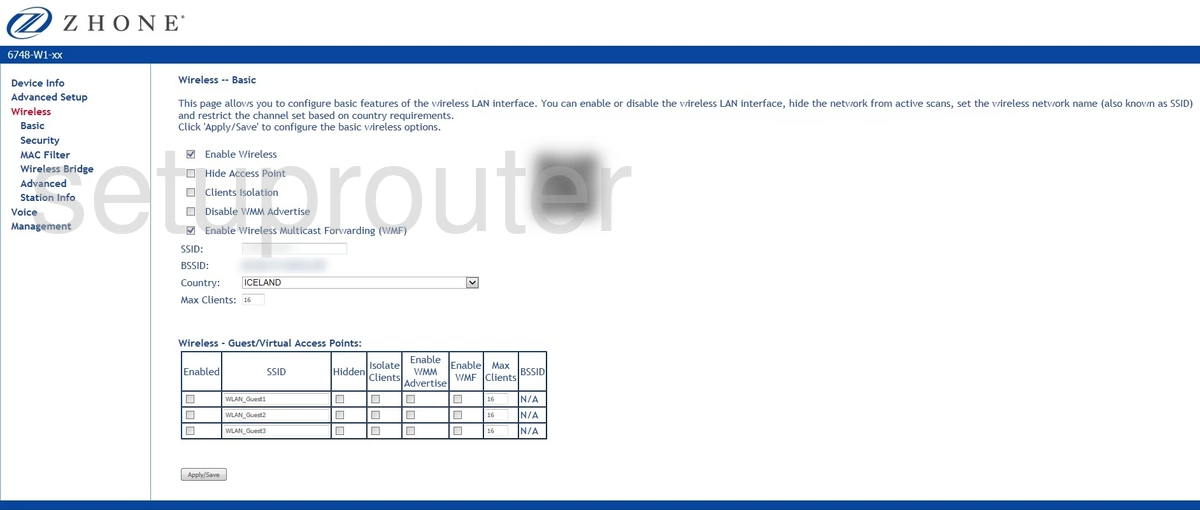
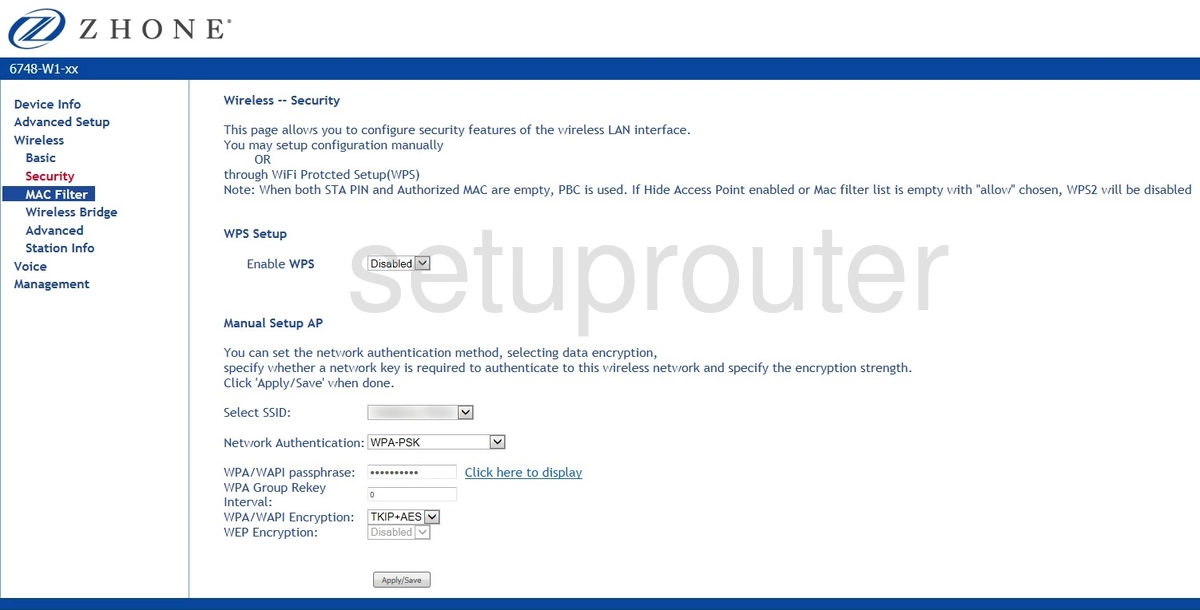
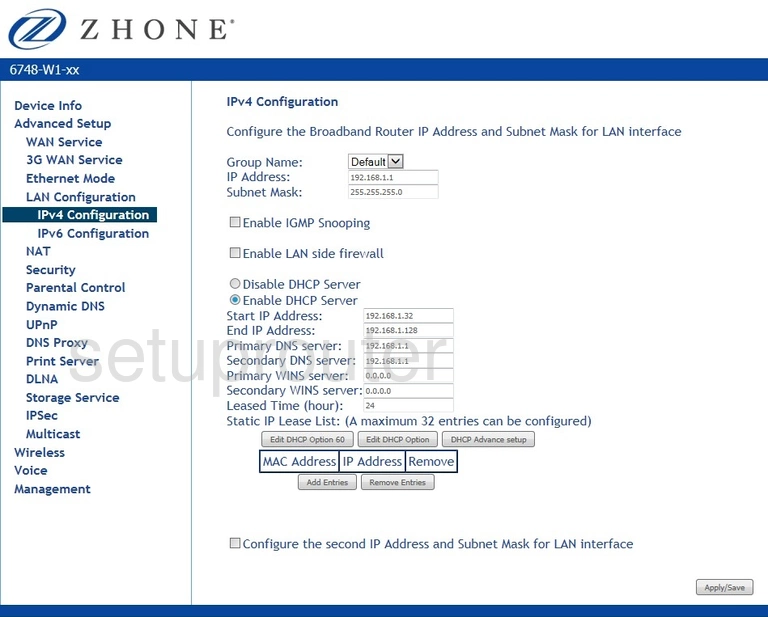
ZNID-GPON-2426-UK (4 screens)
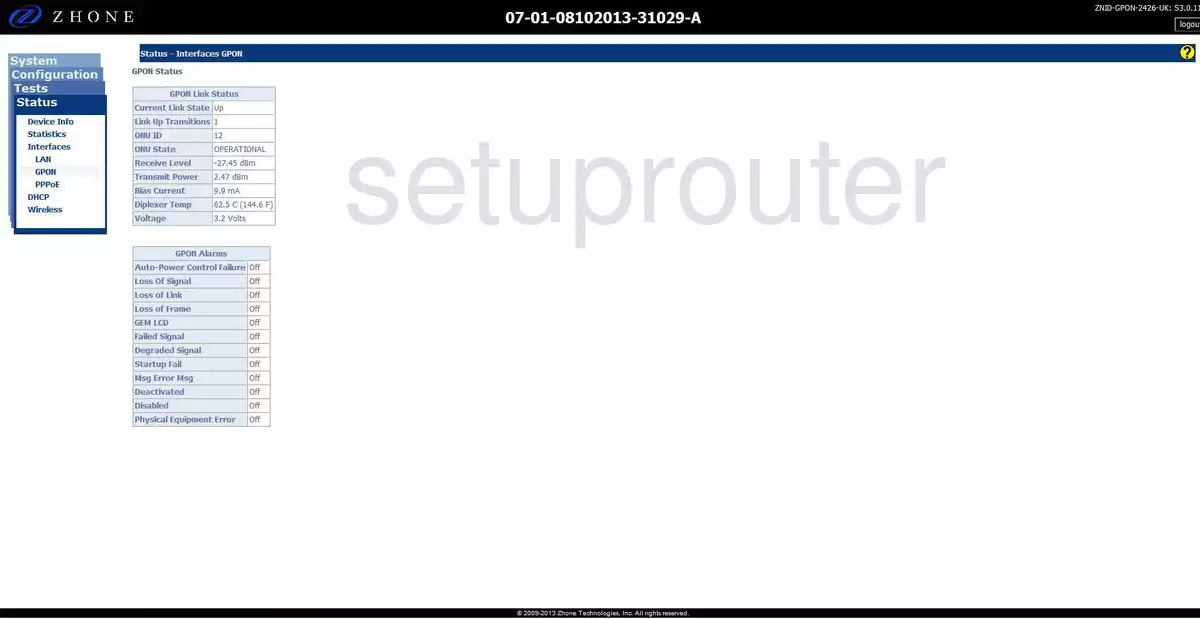
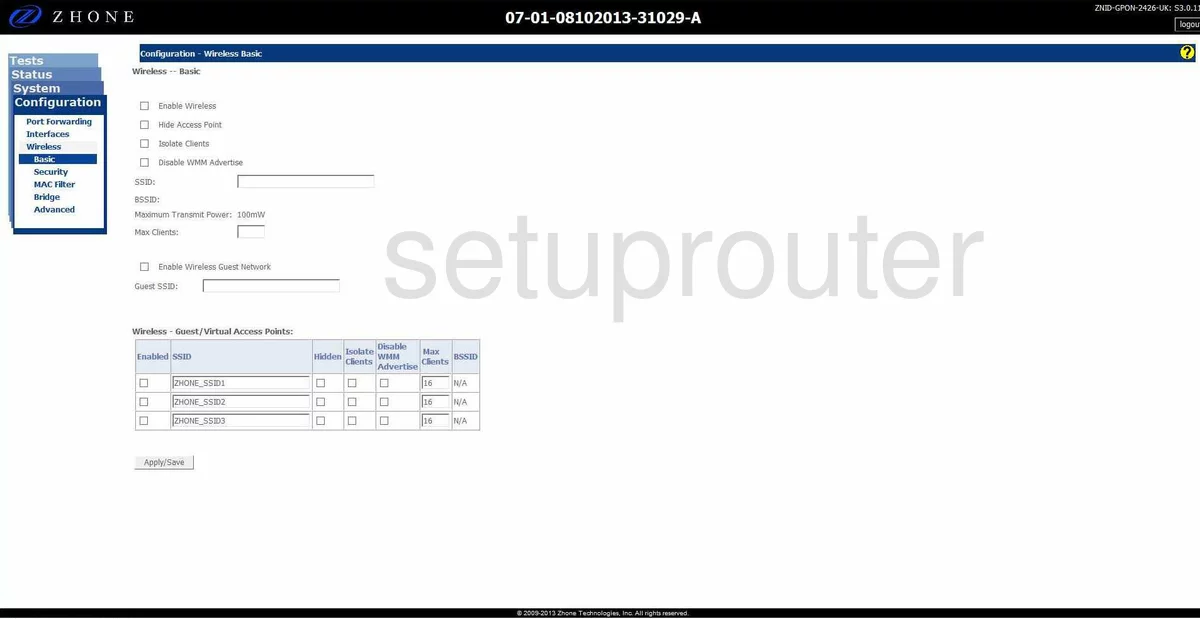
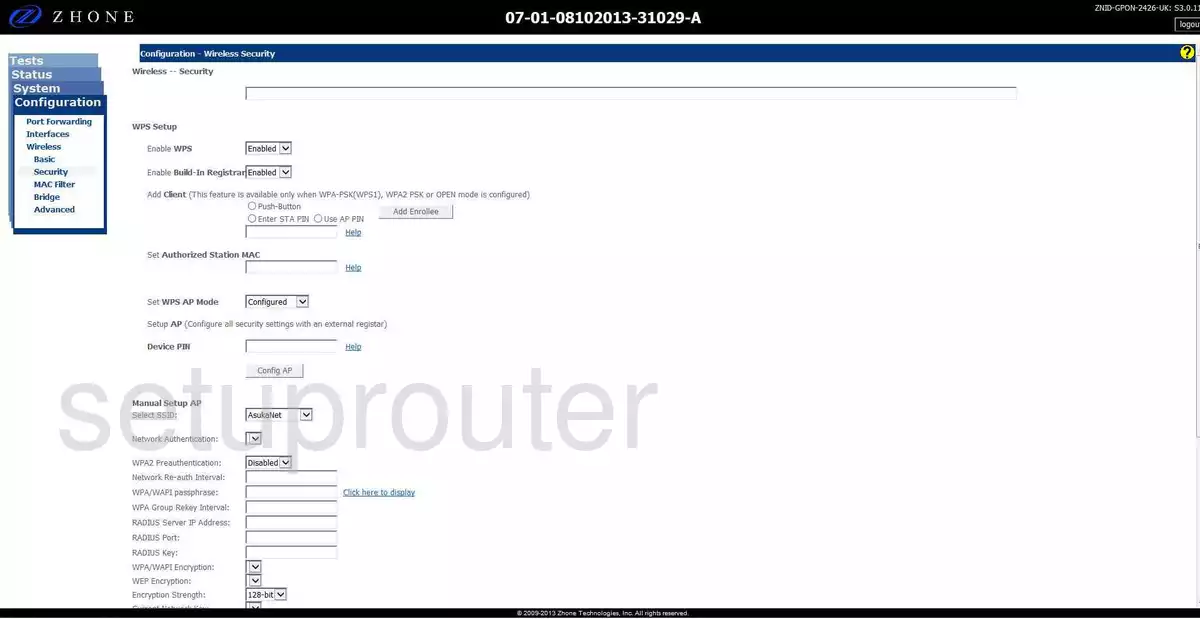
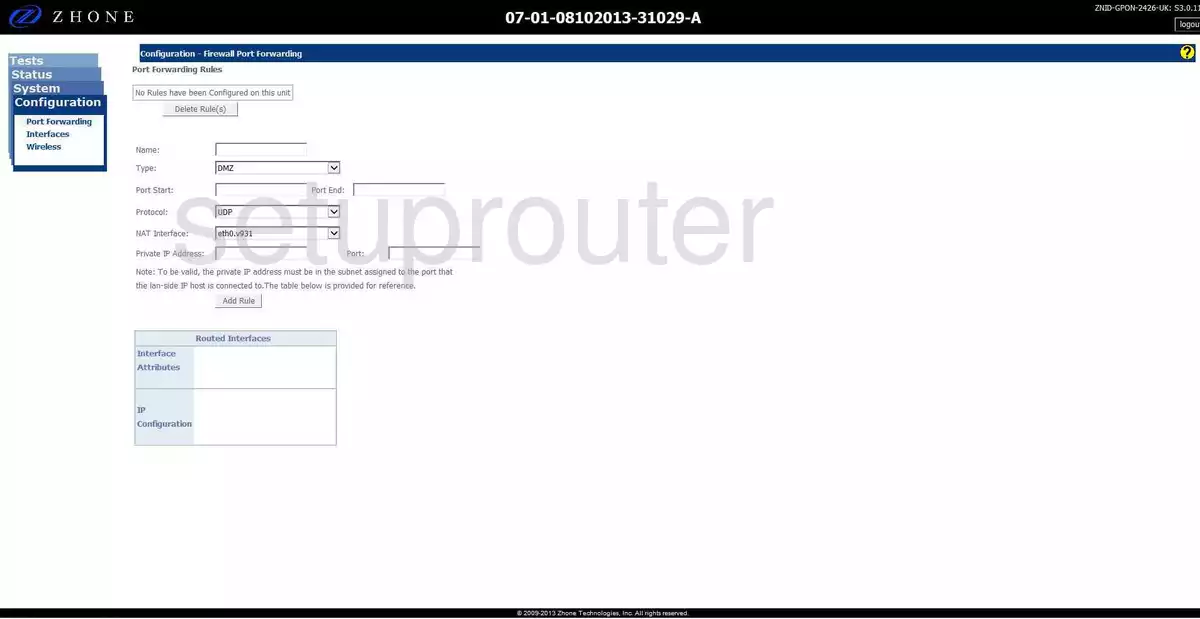
ZNID-GPON-2426A-1MB (4 screens)
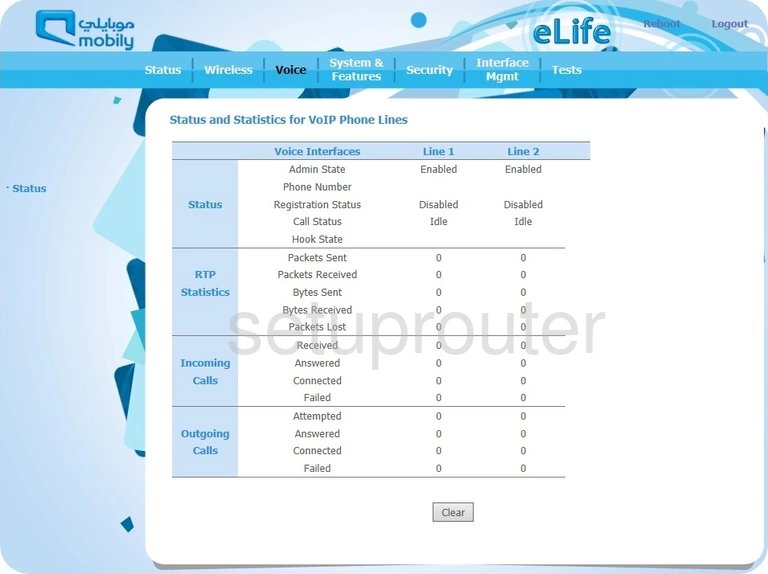
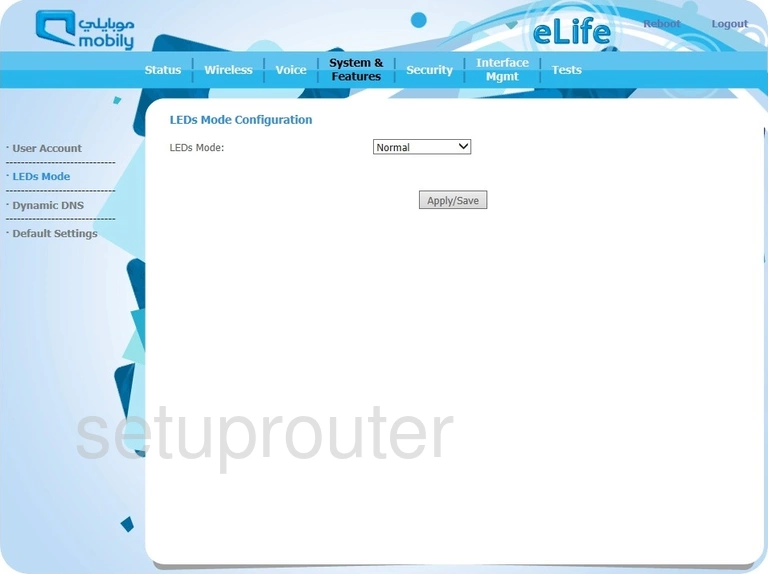
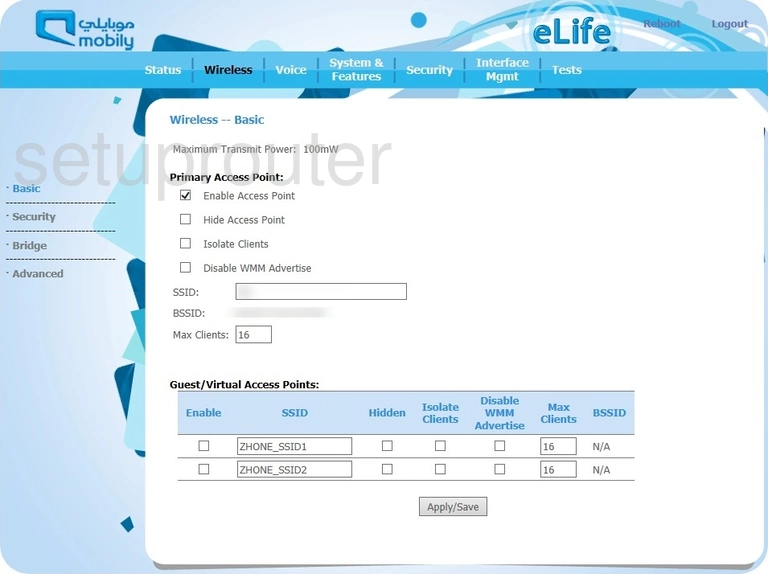
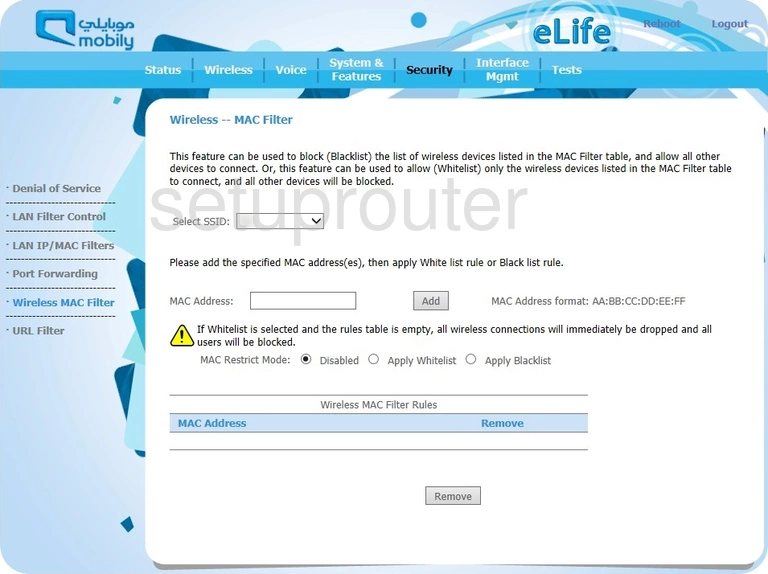
ZNID-GPON-2426A-EU (1 screens)
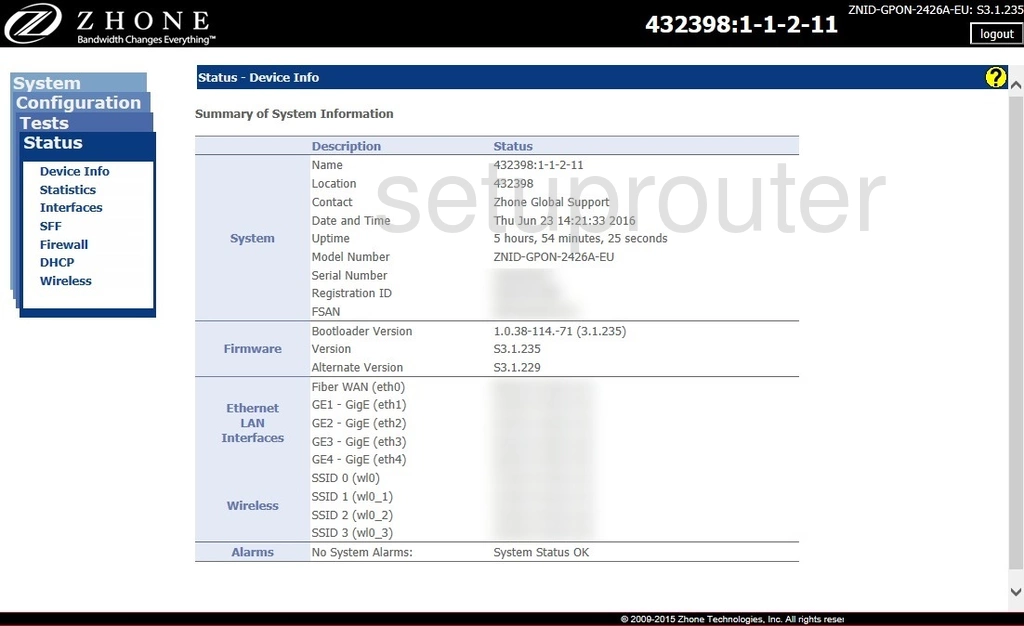
ZNID-GPON-2427A-EU (4 screens)
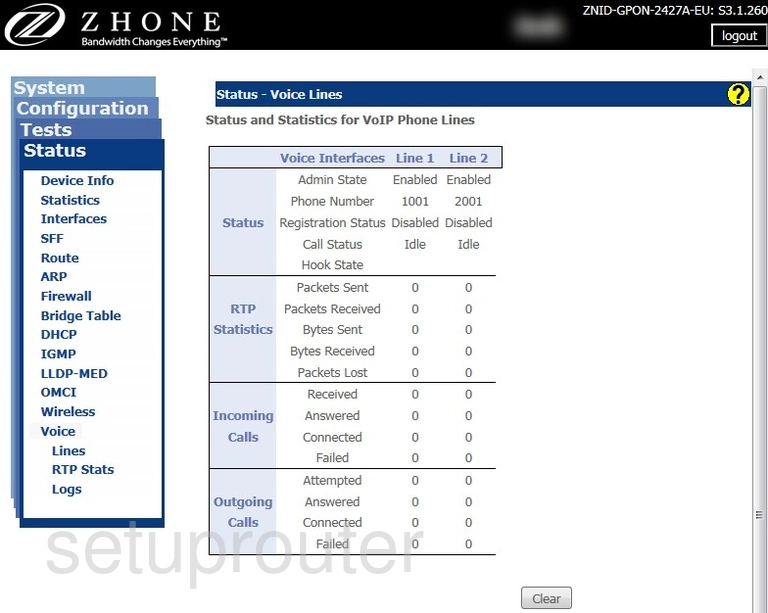
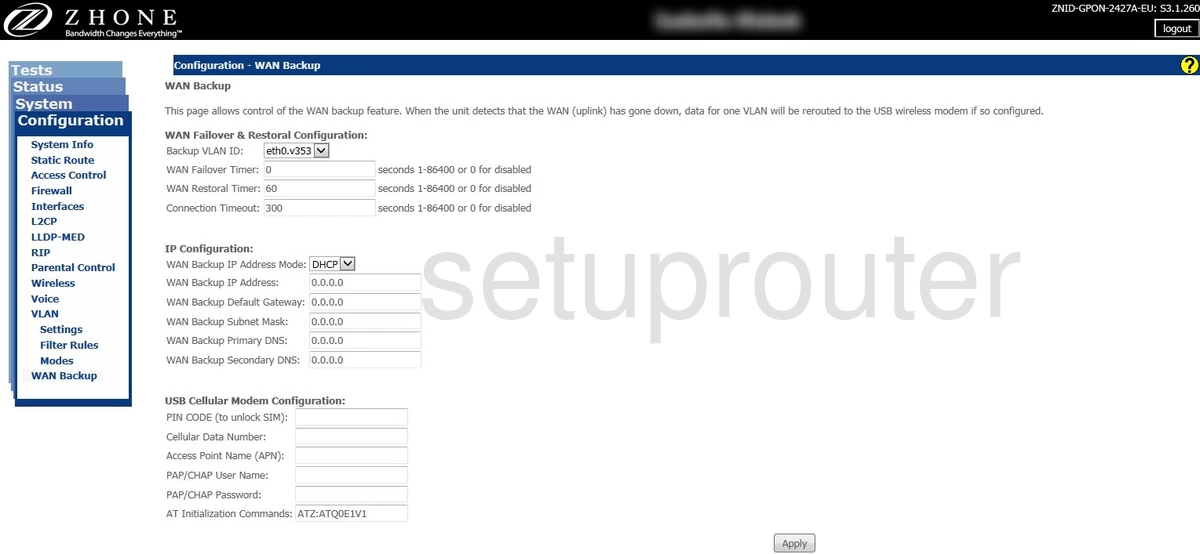
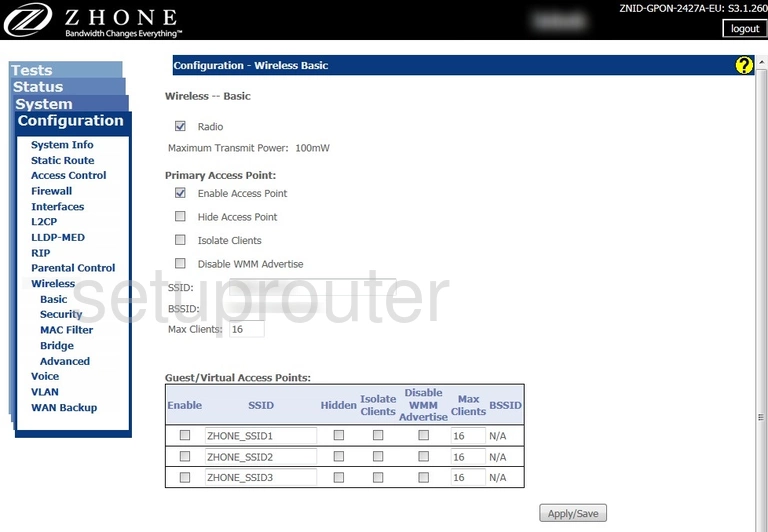
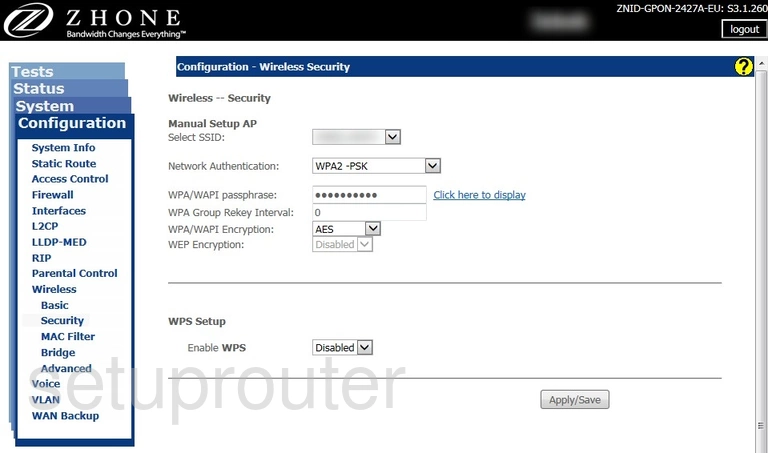
ZNID-GPON-2727A1-EU (4 screens)
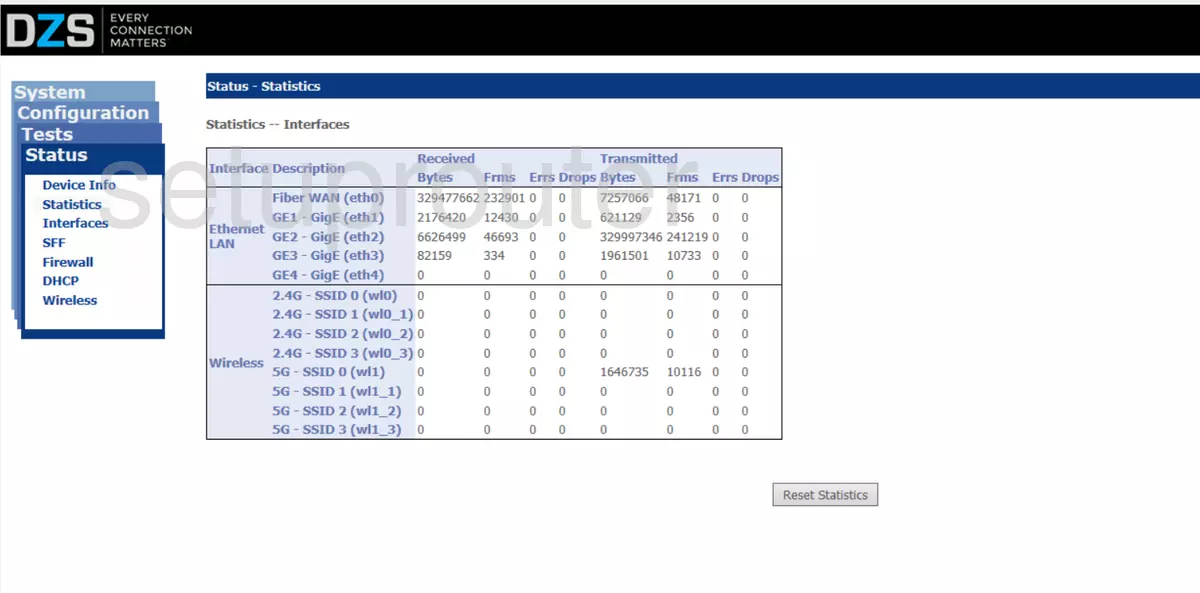
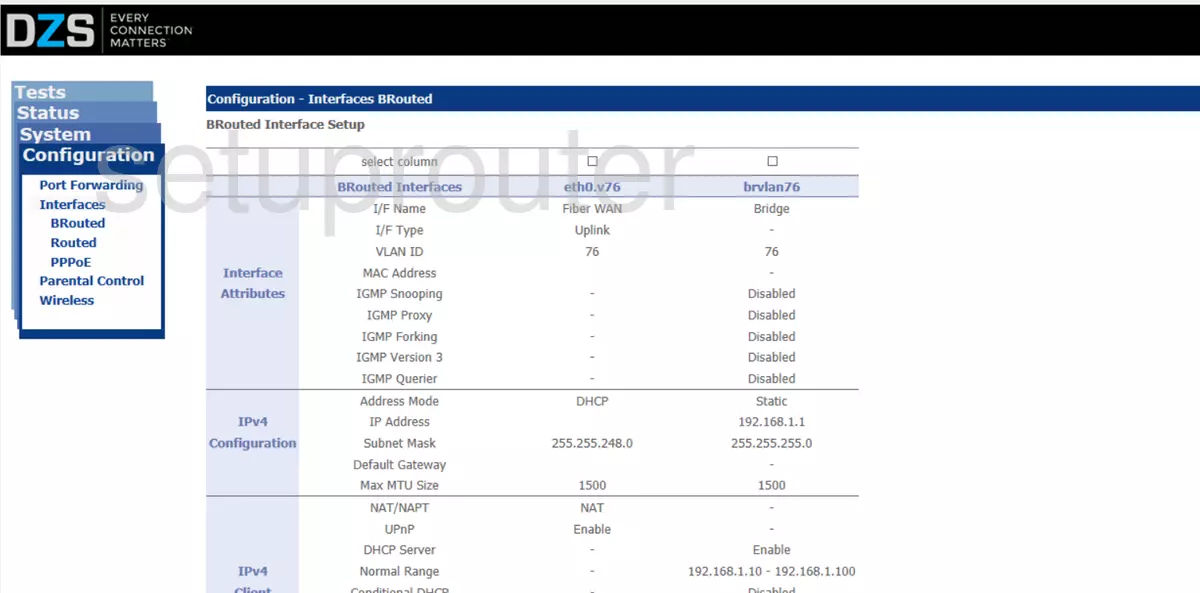
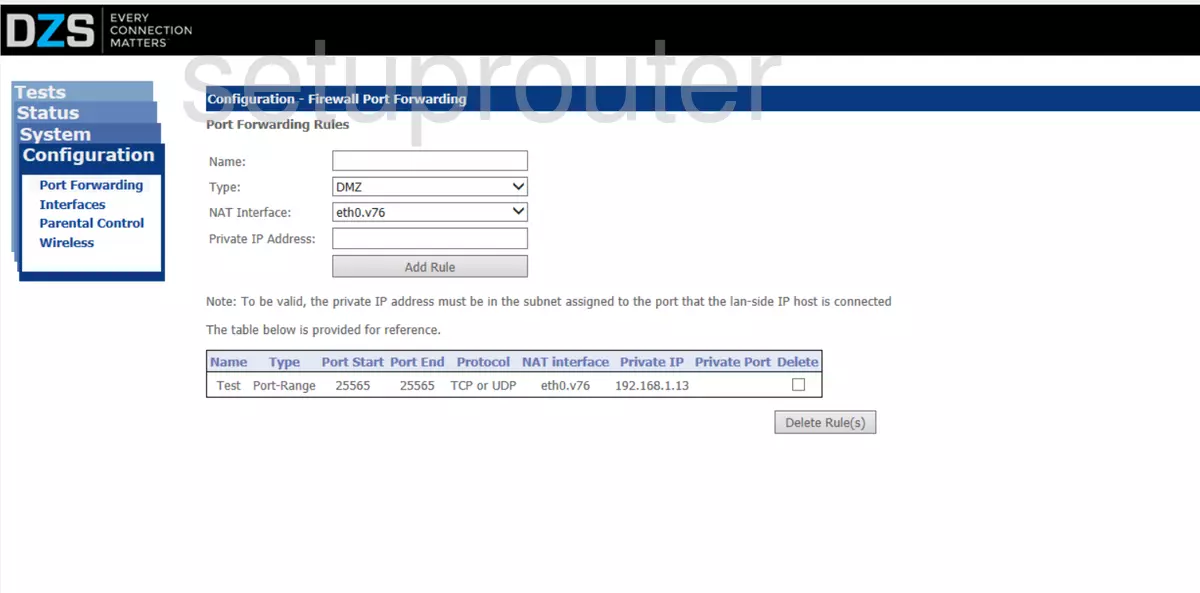
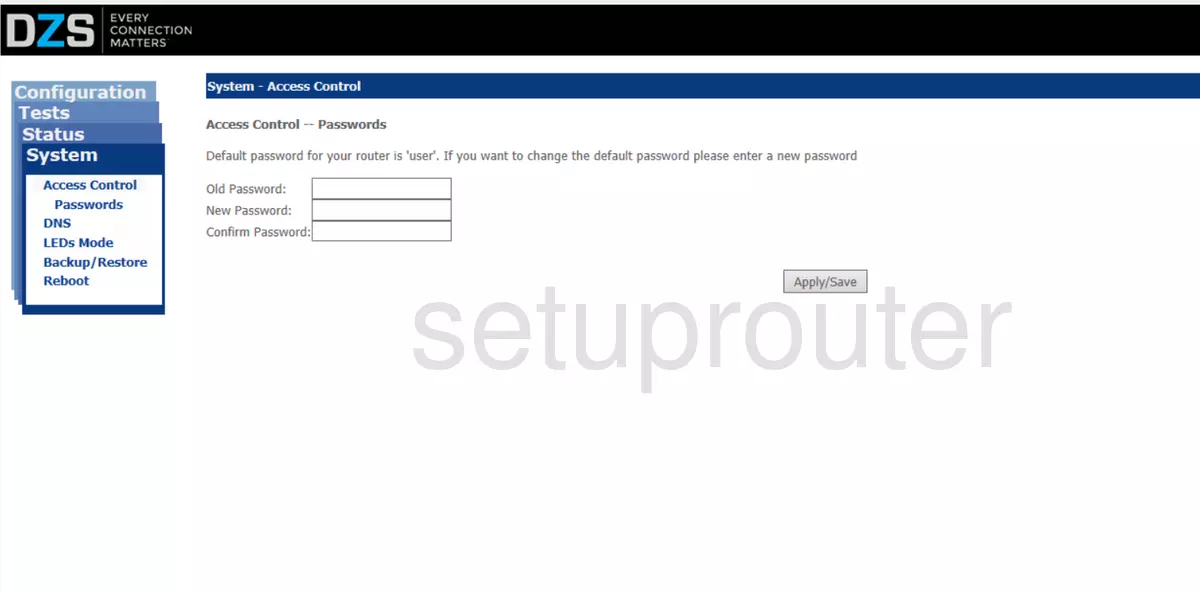
ZNID24xxA (4 screens)
Zhone Router Manuals
- Zhone 1518-A1 user manual (manual-907)
- Zhone 1518-A1 user manual (manual-908)
- Zhone 1518-A1 user manual (manual-909)
- Zhone 6211-I3 user manual (manual-1296)
- Zhone 6219-x1 user manual (manual-1295)
- Zhone 6219-X1-NA-0CC user manual (manual-2032)
- Zhone 6381-A4-200-1PR user manual (manual-910)
- Zhone 6518-A1 user manual (manual-1297)
- Zhone 6519-A2 user manual (manual-1929)
- Zhone 6519-A2 user manual (manual-2045)
- Zhone ZNID-GPON-2426-UK user manual (manual-1298)
- Zhone ZNID-GPON-2426A-1MB user manual (manual-2238)
- Zhone ZNID-GPON-2426A-EU user manual (manual-2213)
- Zhone ZNID-GPON-2427A-EU user manual (manual-2214)
- Zhone ZNID24xxA user manual (manual-2239)