


To log in to a ZTE router you need its address and the default login. Both depend on whether it's a fiber or DSL gateway or a 4G device.
Step 1: Connect
Join the router's WiFi or plug in a network cable. The default WiFi name and password are on the label, along with the admin login on many models.
Step 2: Open the Login Page
- Fiber ONTs and DSL gateways: http://192.168.1.1. Some use 192.168.0.1, 192.168.1.254 or 192.168.2.254.
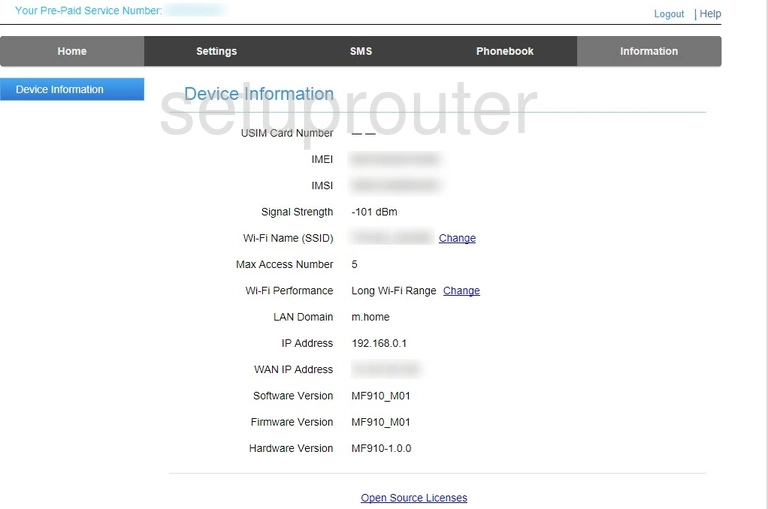
- 4G / 5G mobile WiFi and routers (MF series): http://192.168.0.1. Some models use 192.168.32.1 or 192.168.1.1.
- TELUS SmartHub: http://telus.ztesmarthub.
Find your model on the ZTE IP address page.
Step 3: Sign In
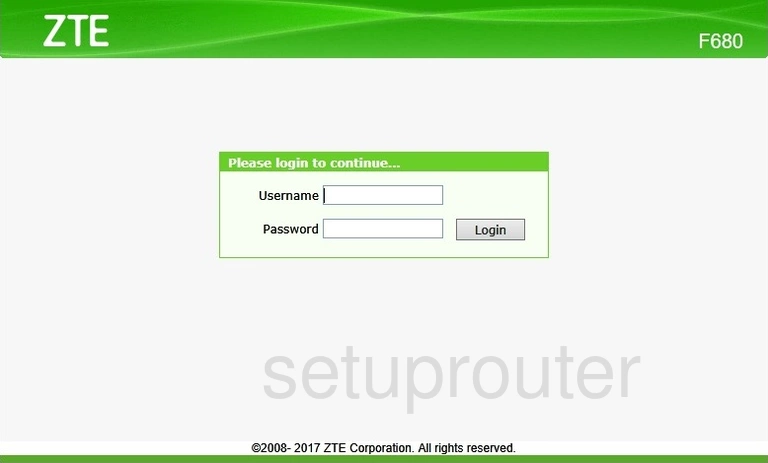
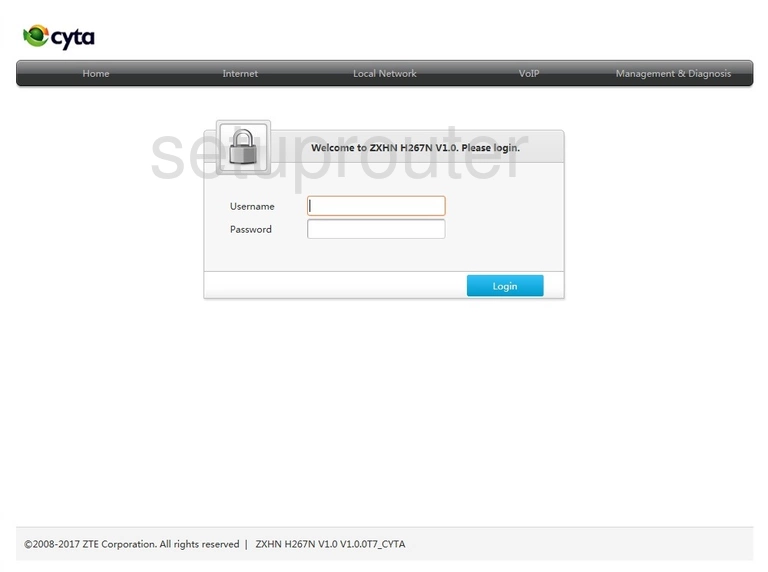
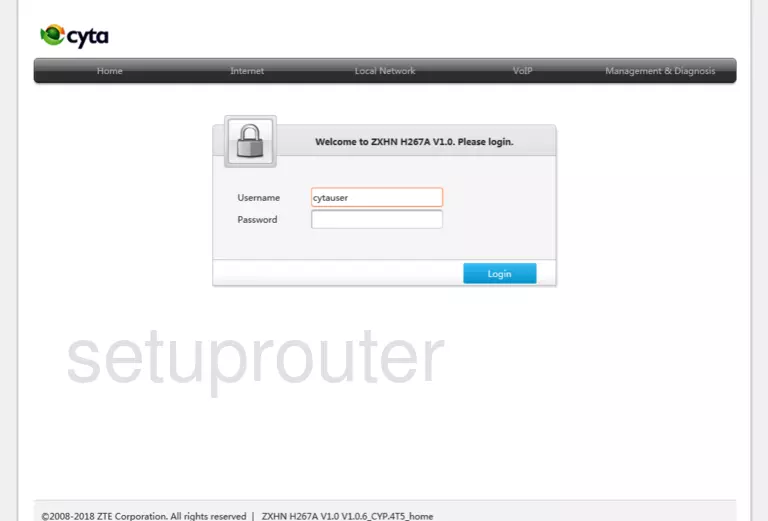
- Fiber ONTs and DSL gateways: try admin / admin, then user / user. Many ISPs print a unique password on the label, or use their own defaults (for example cytauser / cytauser for Cyta).
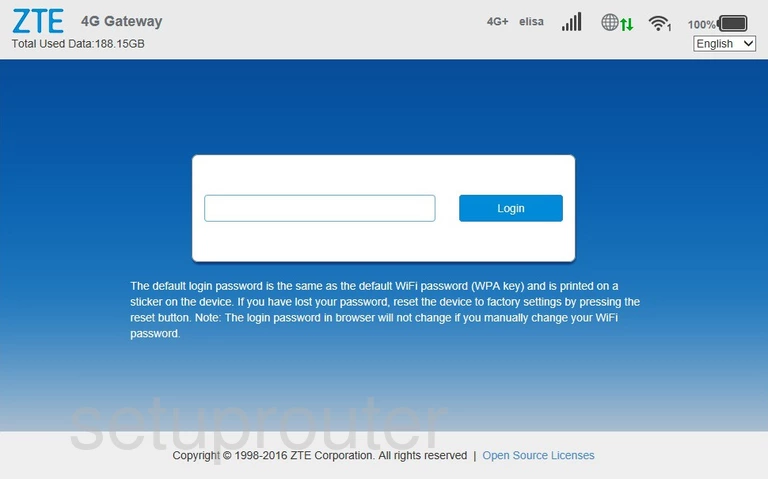
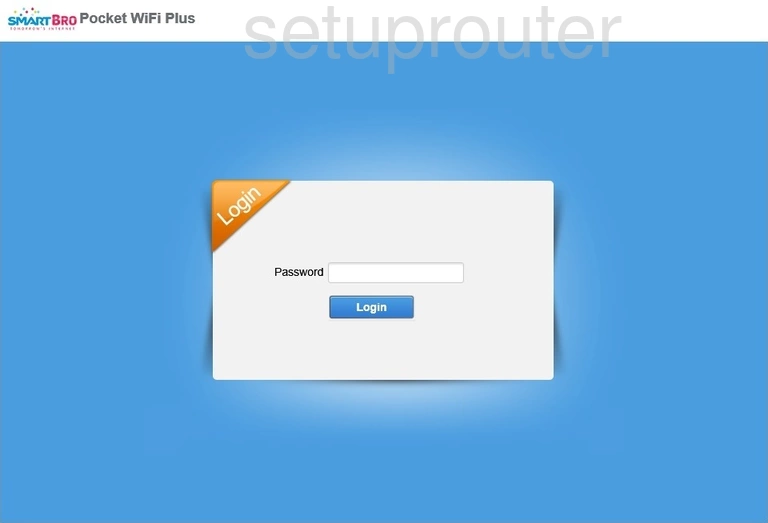
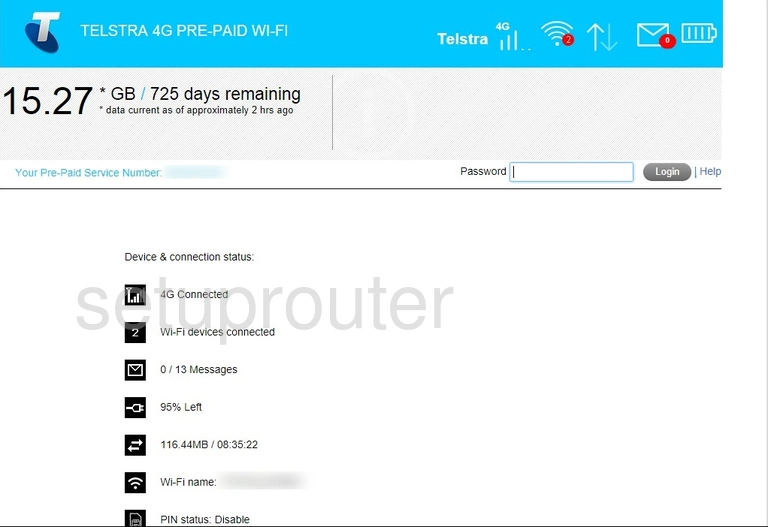
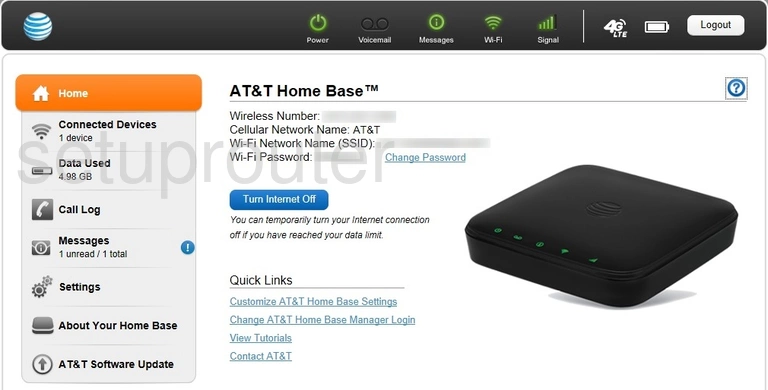
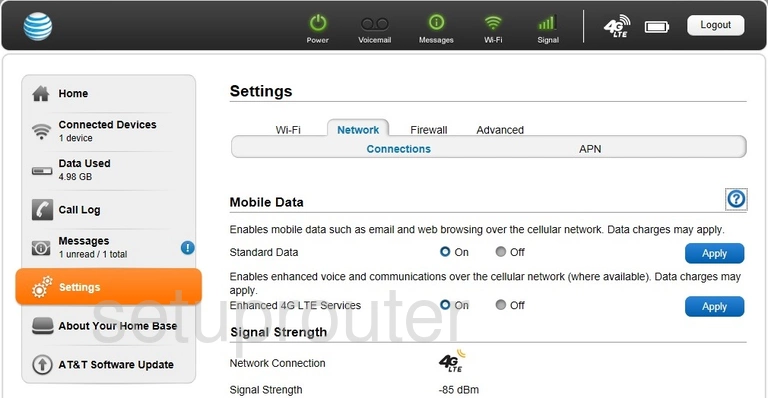
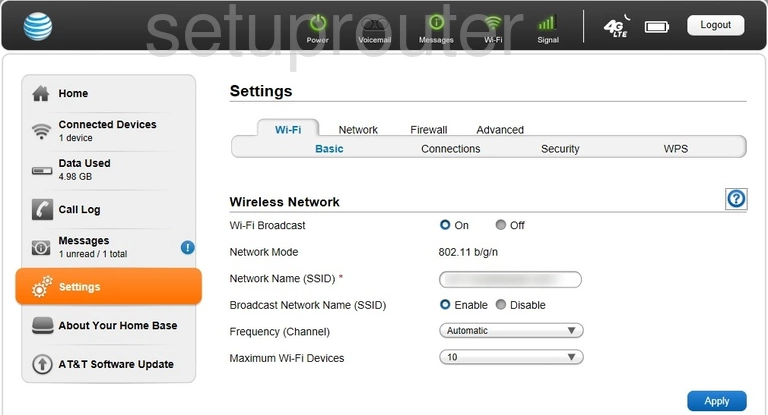
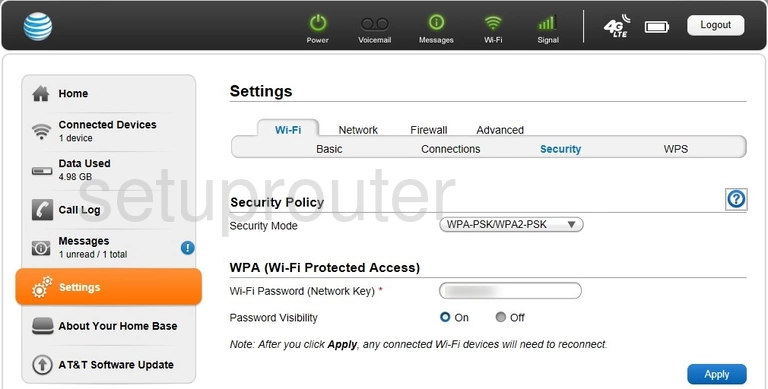
- 4G / 5G devices: there's usually only a password box. Try admin, or the password on the label (on AT&T devices, attadmin).
See the full list on the ZTE passwords page.
Step 4: You're In
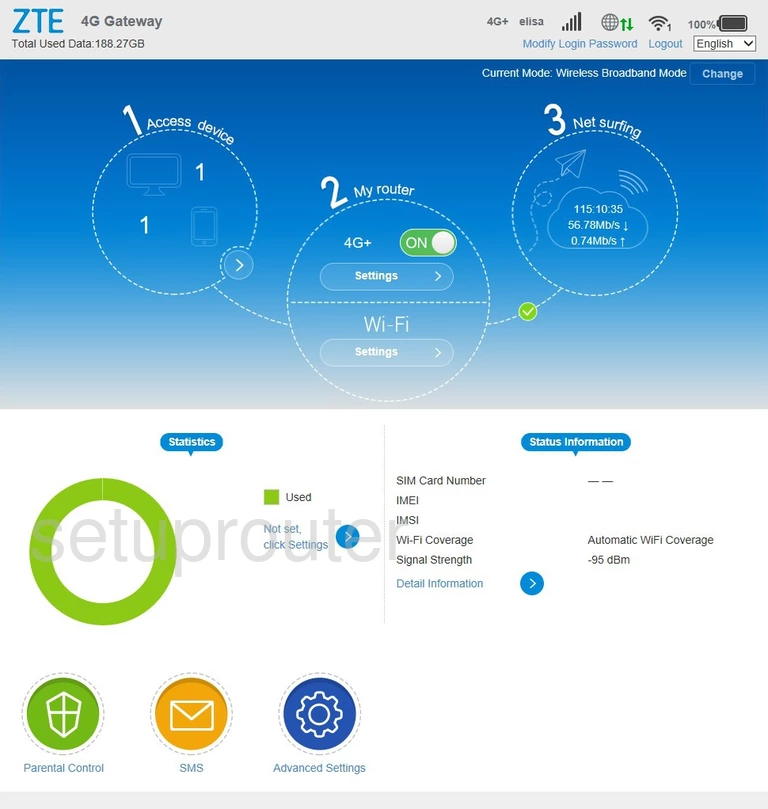
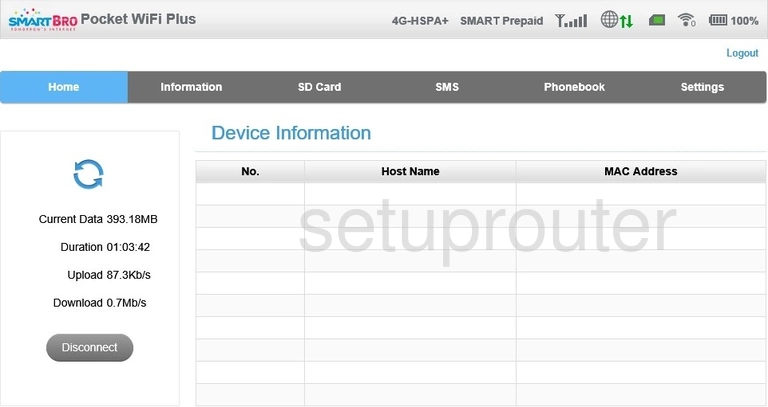
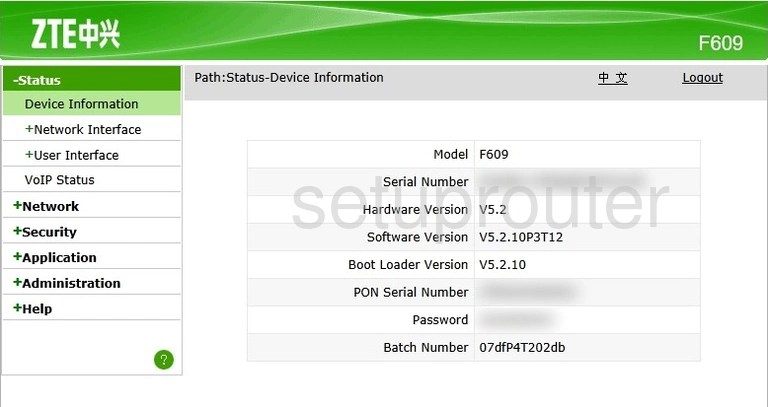
Gateways open on Status > Device Information. 4G devices open on the Home page. Next you can change the router's IP address.
ZTE Login Problems
Wrong password. ISPs often change the ZTE defaults. Try the label, then the other defaults for your model. After several failures ZTE gateways lock the login for a minute or more.
You can log in, but the settings are limited. The user account on ISP gateways only shows some pages. The full admin account is often kept by the ISP, so you may need to ask them.
The page won't load. Make sure you're connected to the ZTE device. Mobile WiFi devices only show the page to devices connected to them. If nothing works, reset the router, but ask your ISP first.
ZTE Router Screenshots
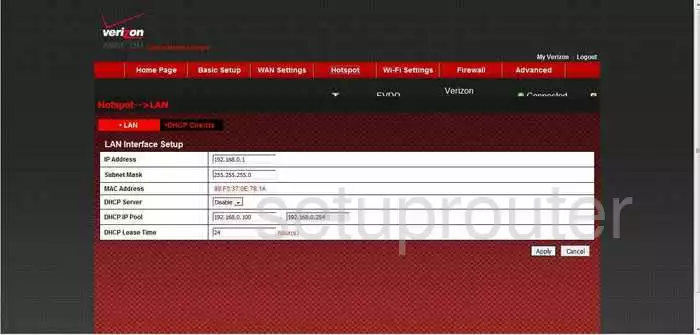
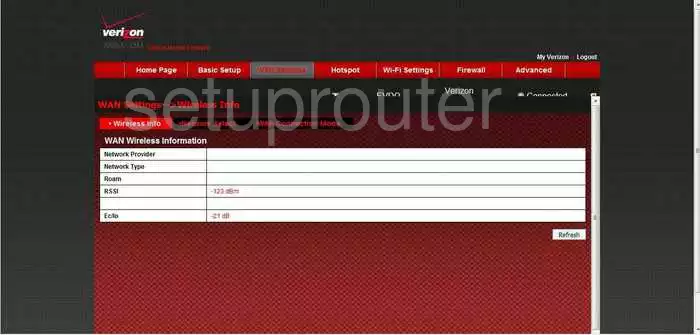
Screens from the ZTE routers we have. Click a model to open it.
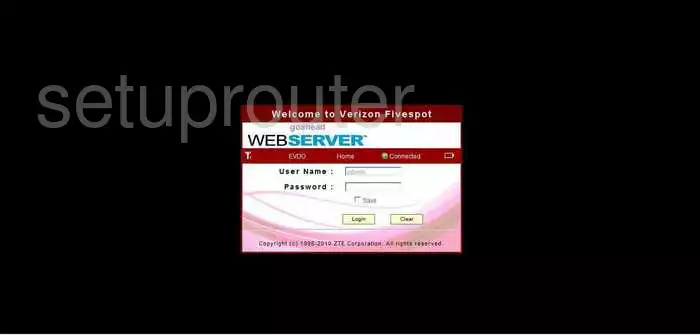
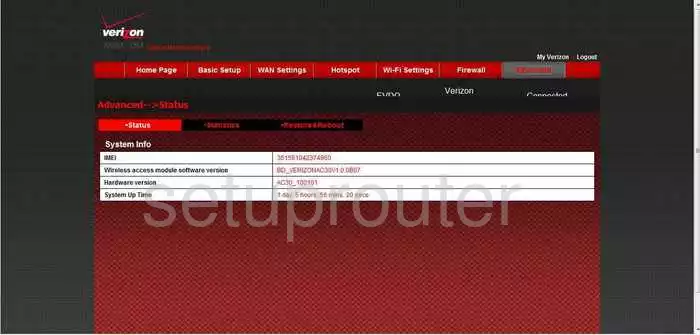
AC30 (4 screens)
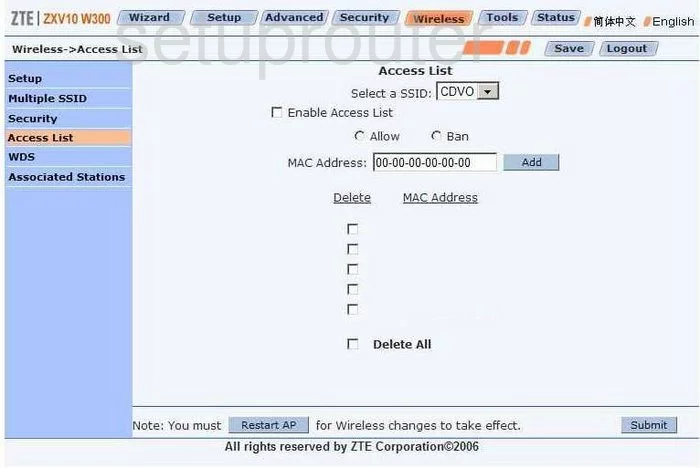
Bavo ZXV10-W300 (4 screens)
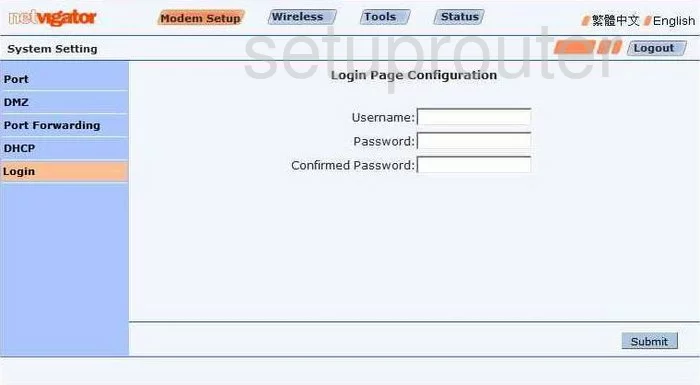
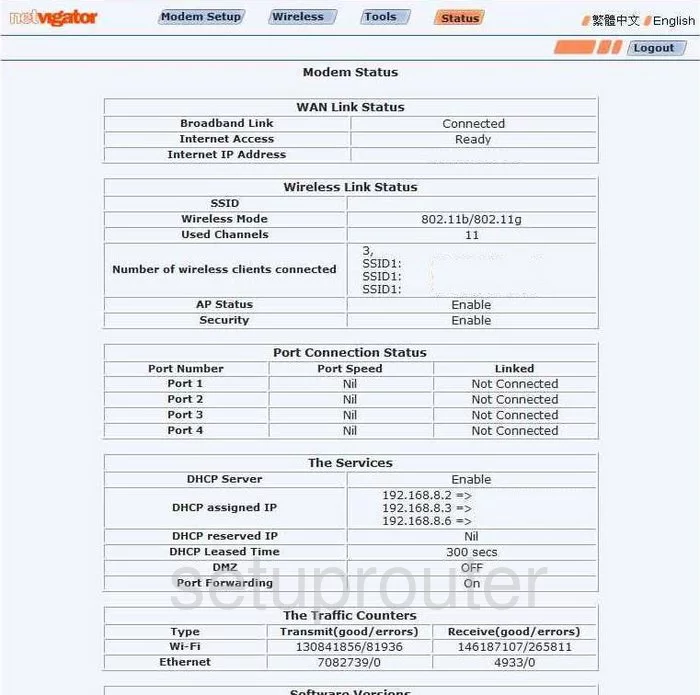
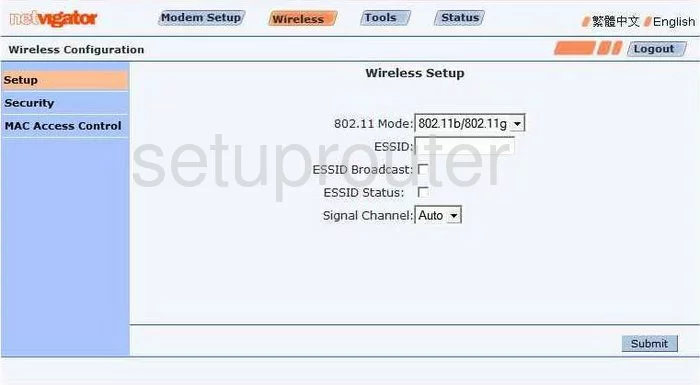
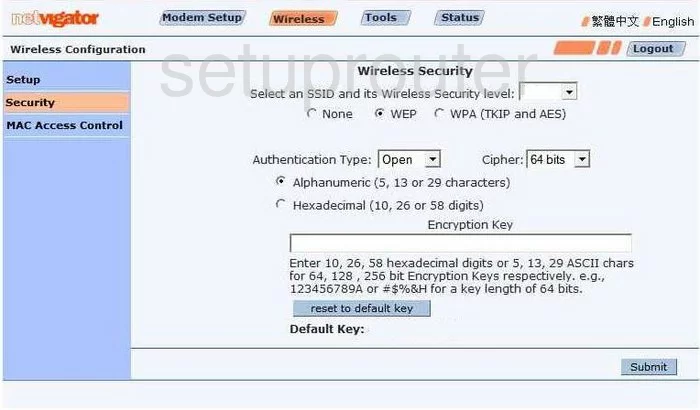
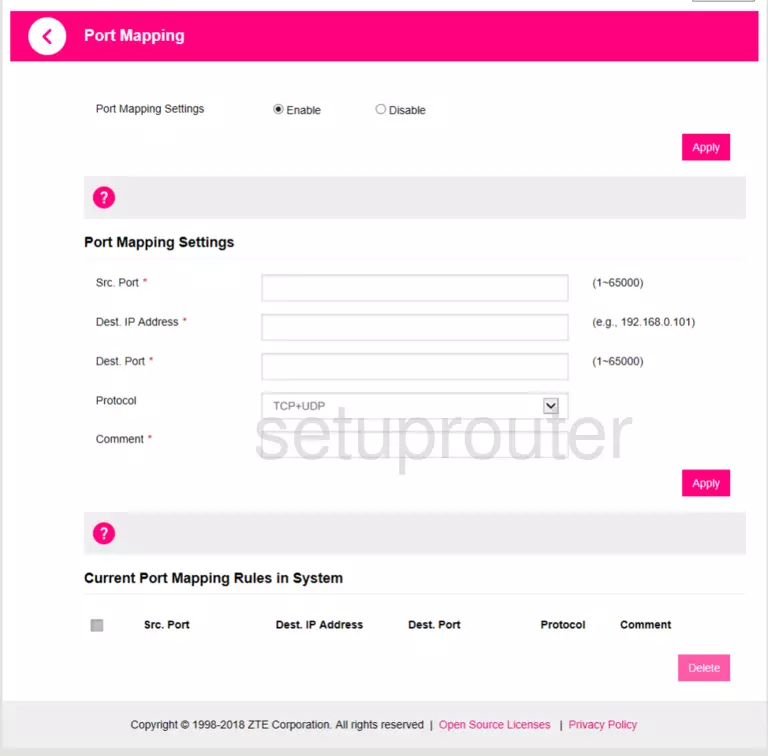
DNA Mokkula 4G MF920V (1 screens)
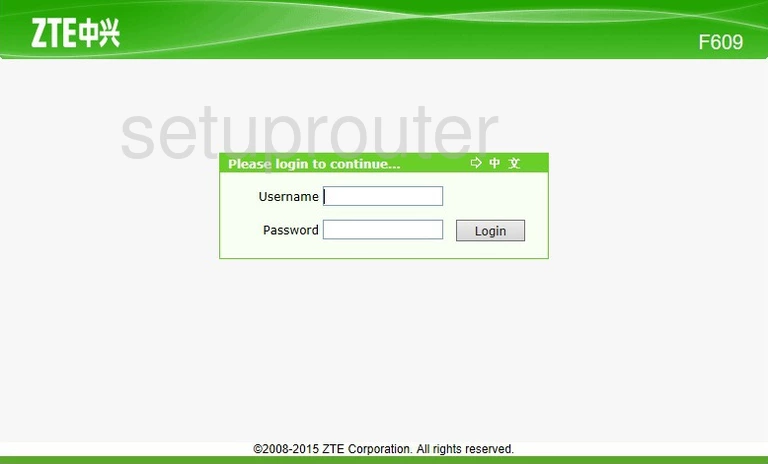
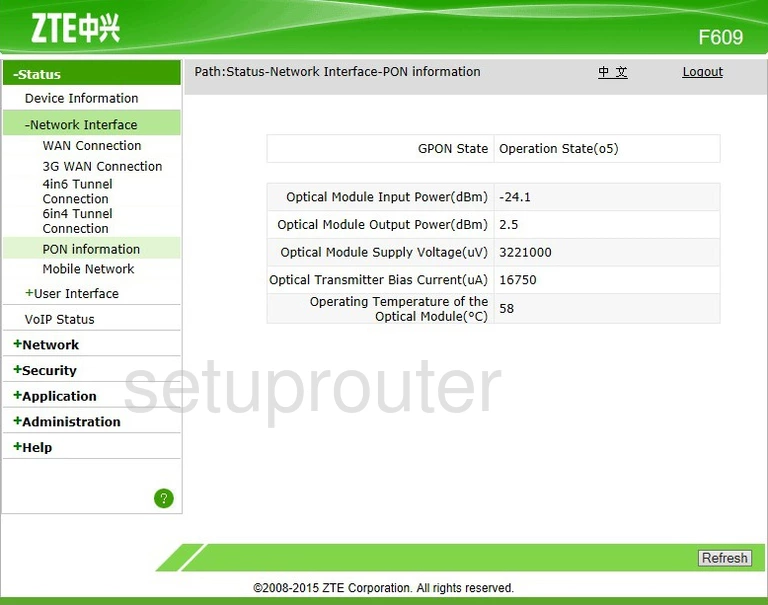
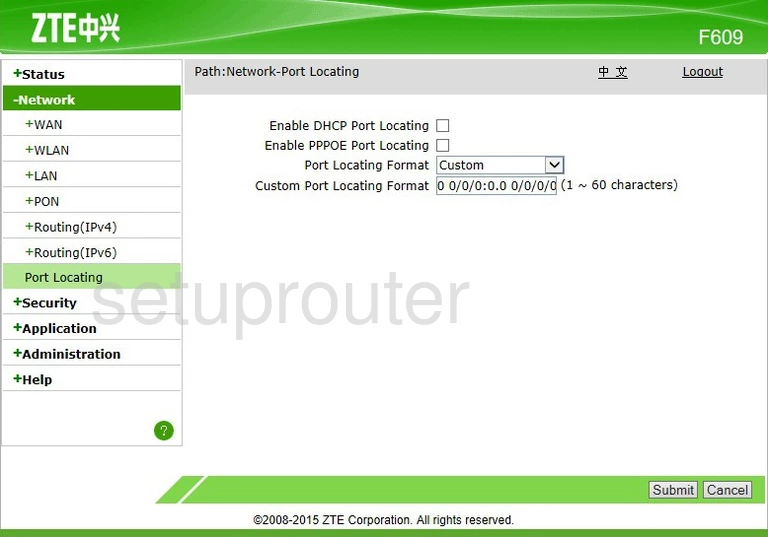
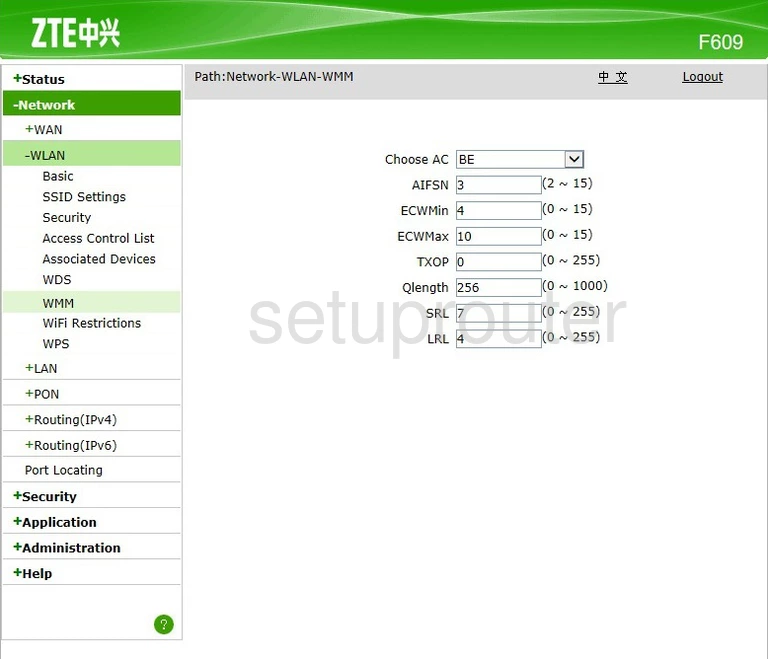
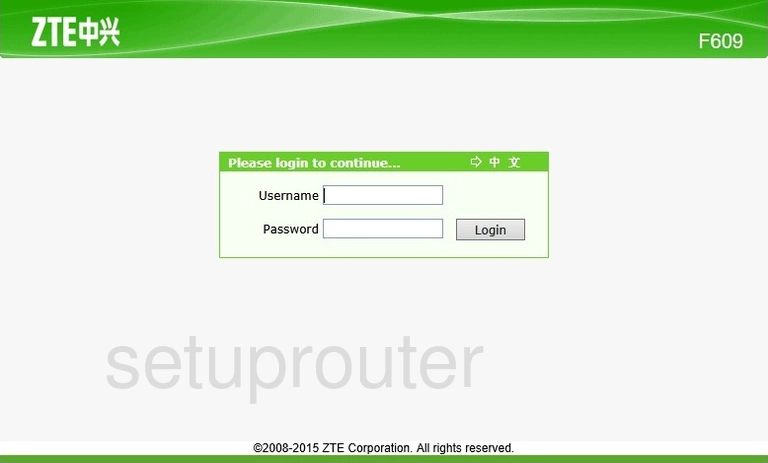
F609 (4 screens)
F612W (2 screens)
F620 (4 screens)
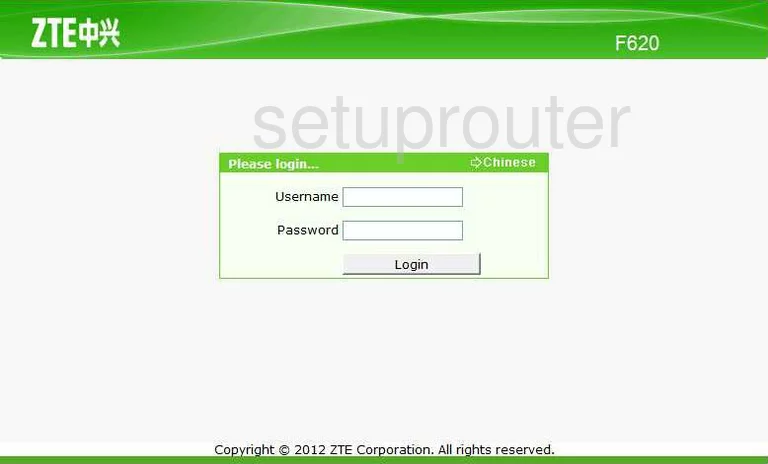
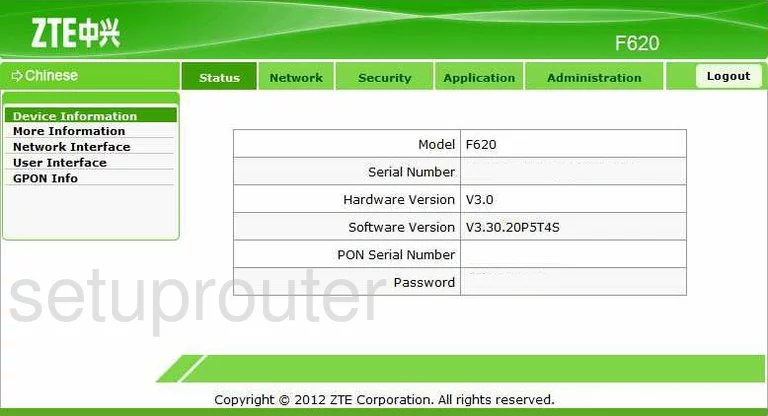
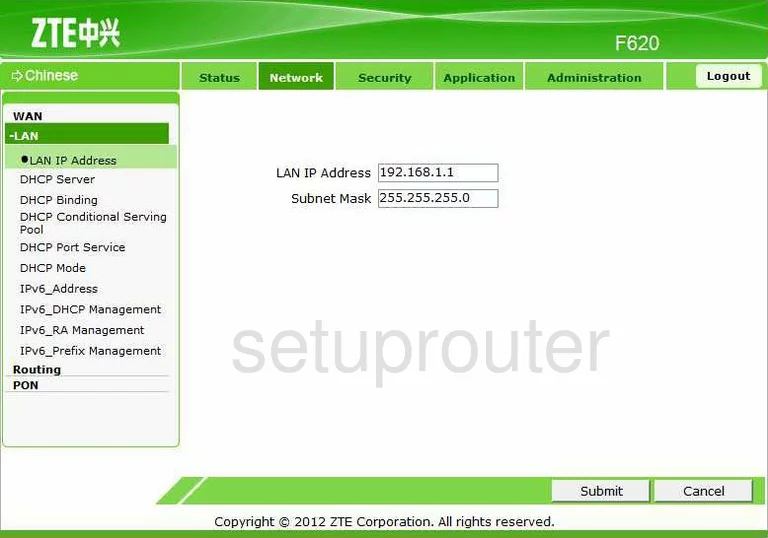
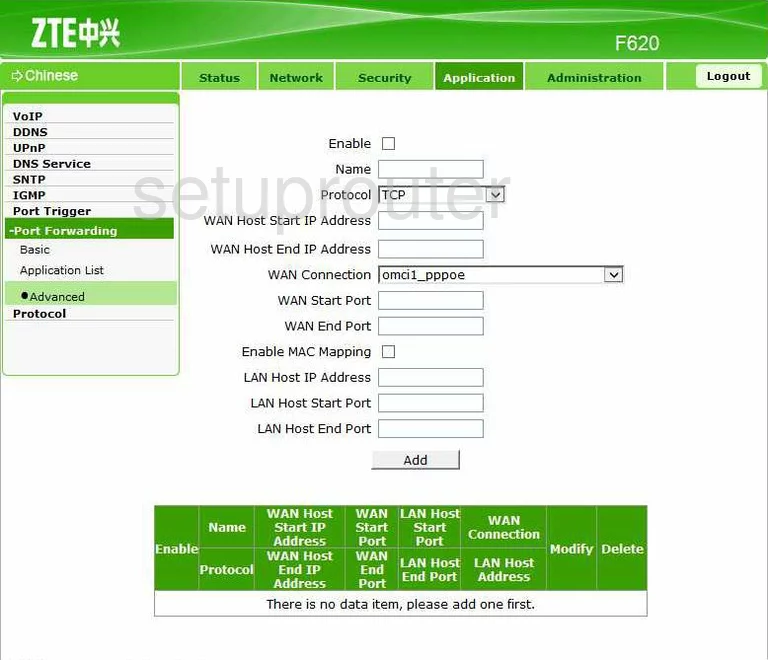
F660 (4 screens)
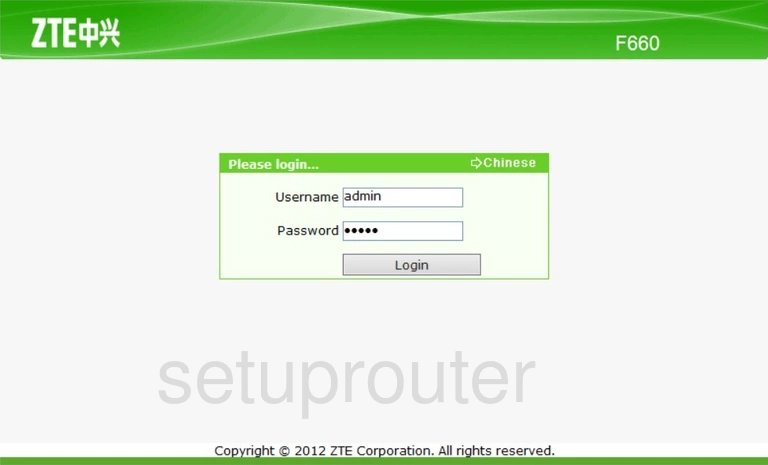
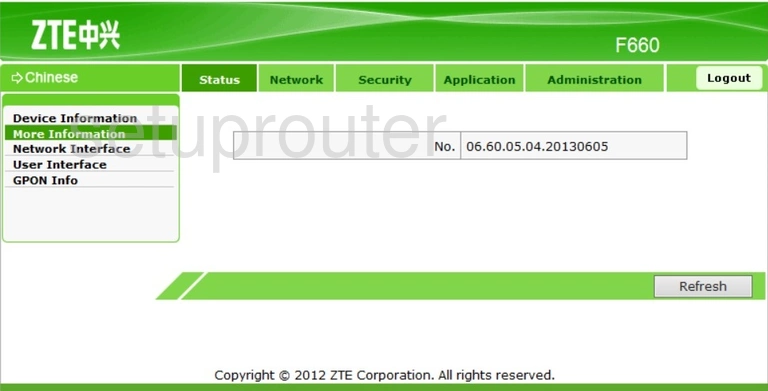
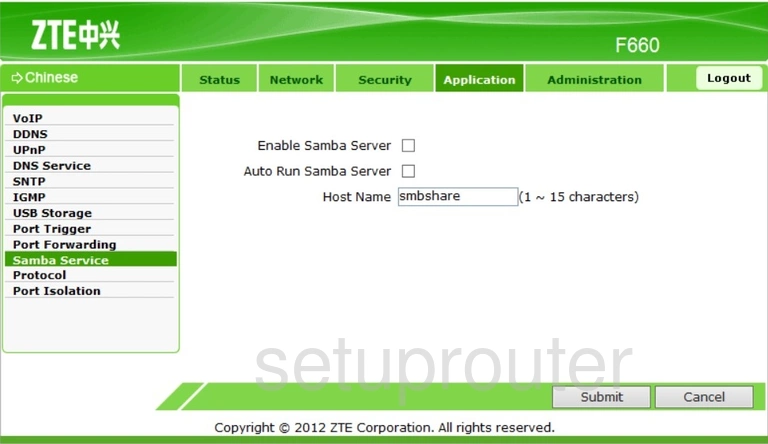
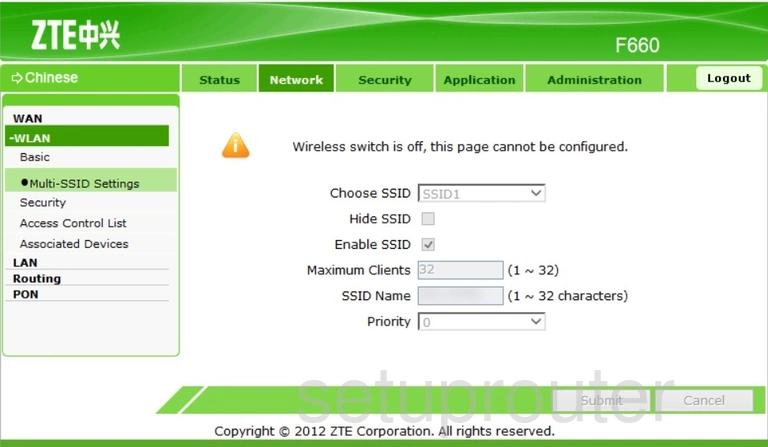
F668 (4 screens)
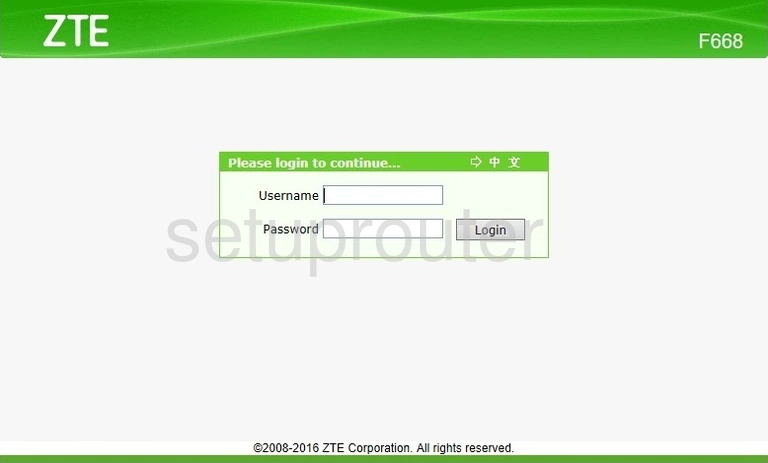
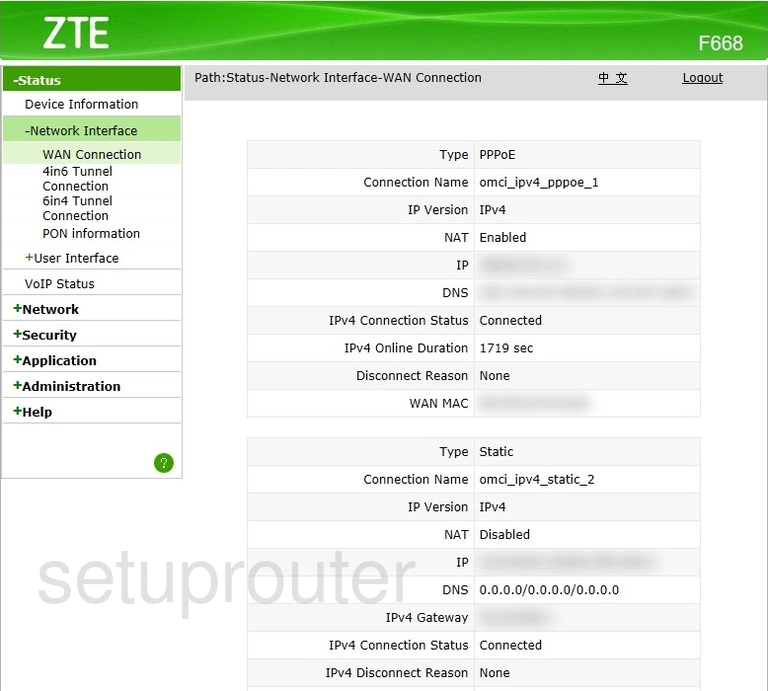
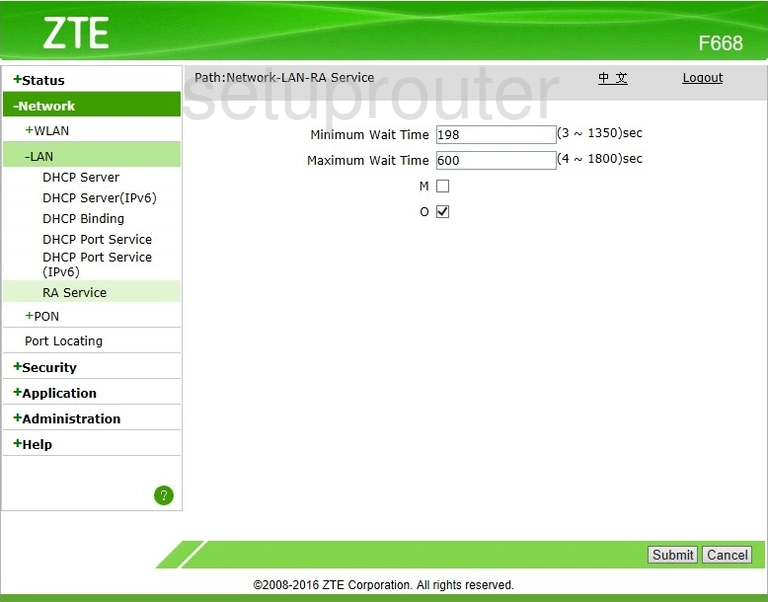
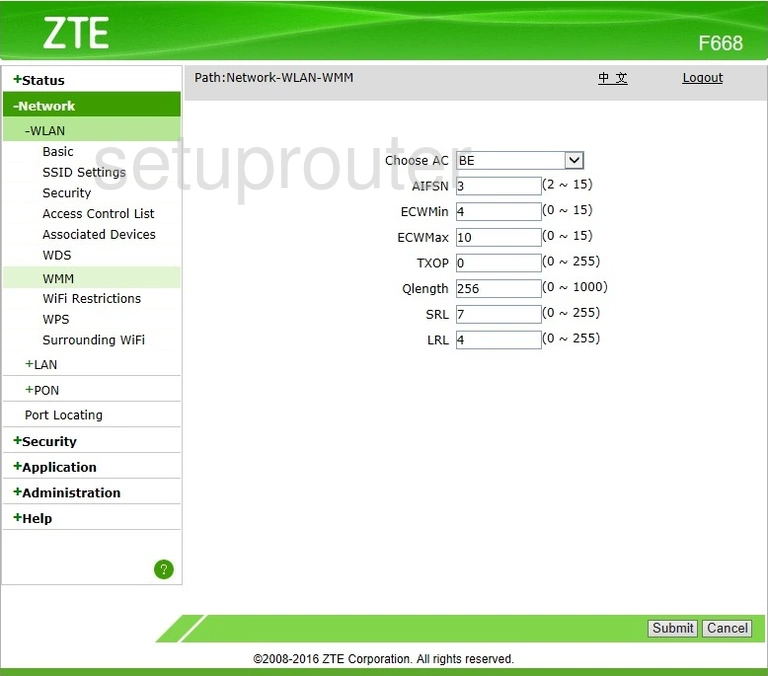
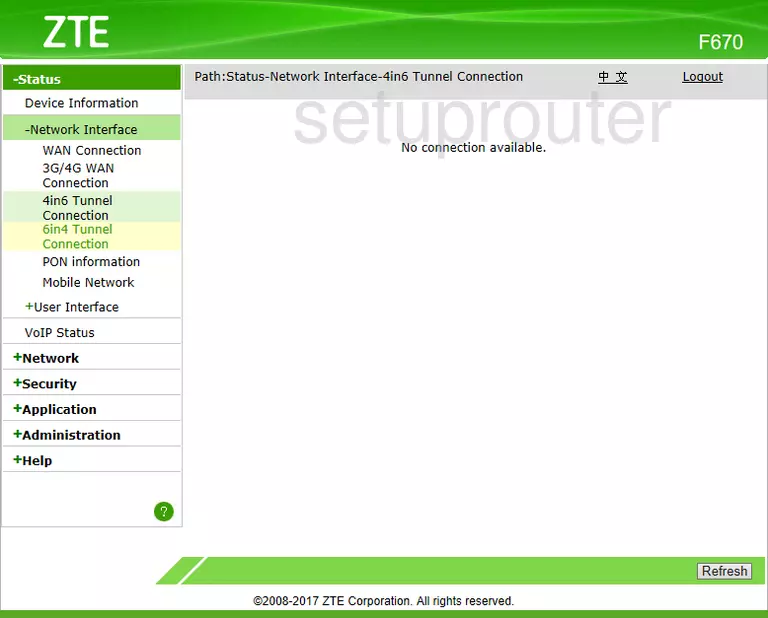
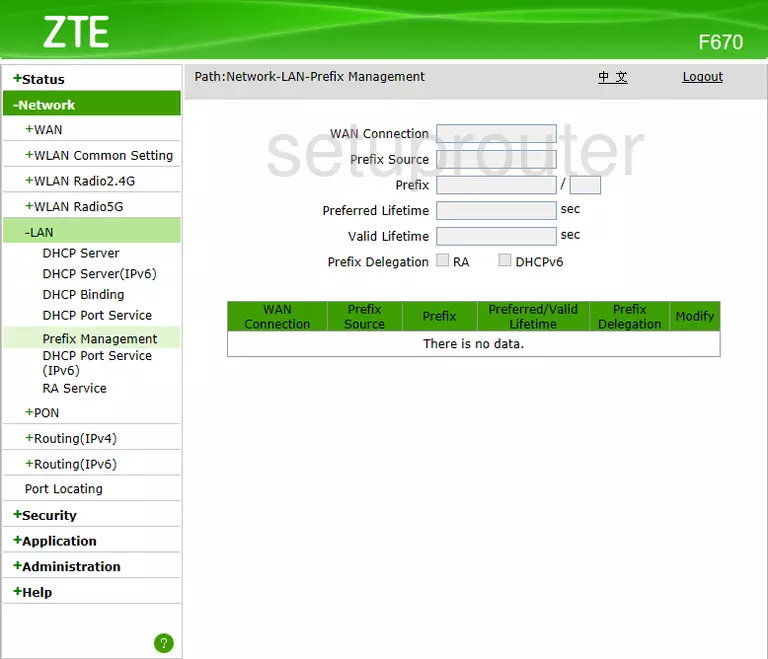
F670 (4 screens)
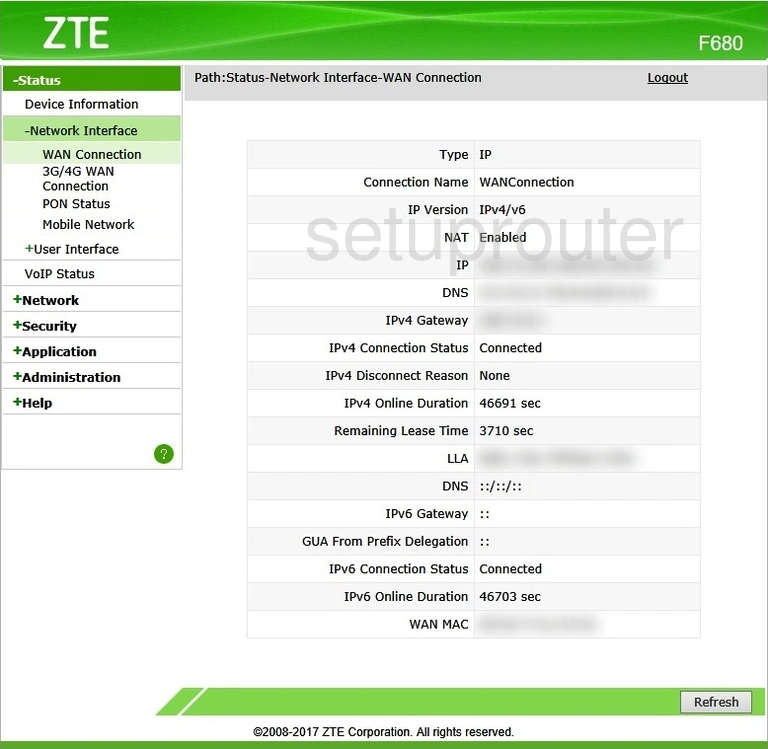
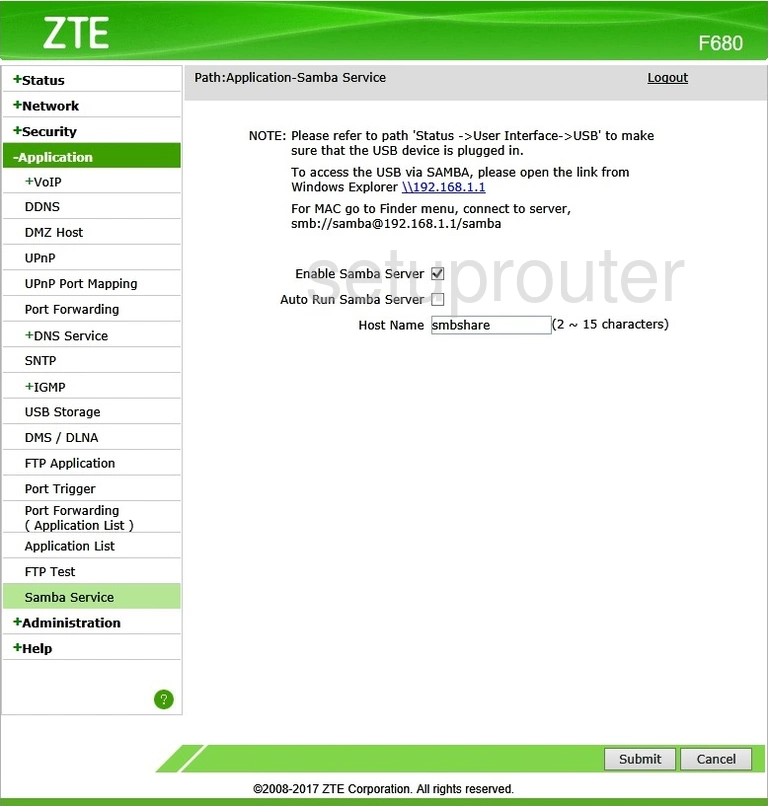
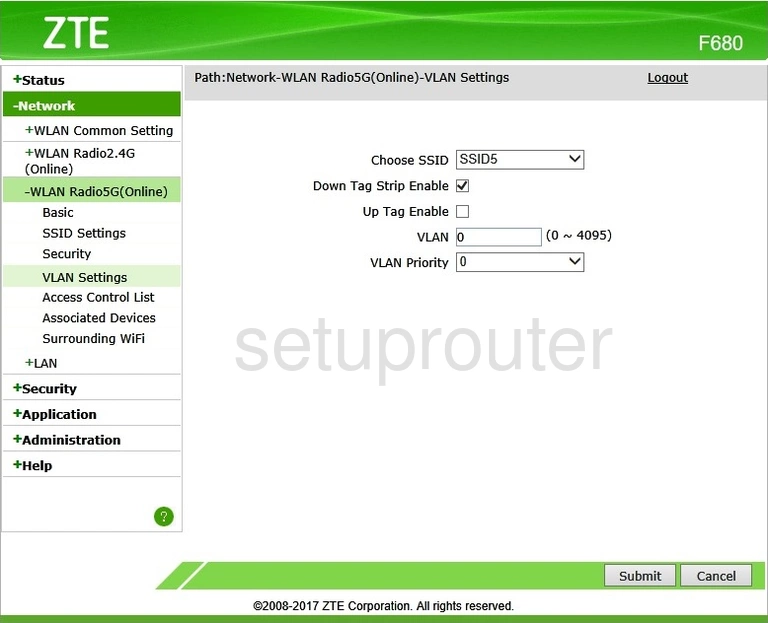
F680 (4 screens)
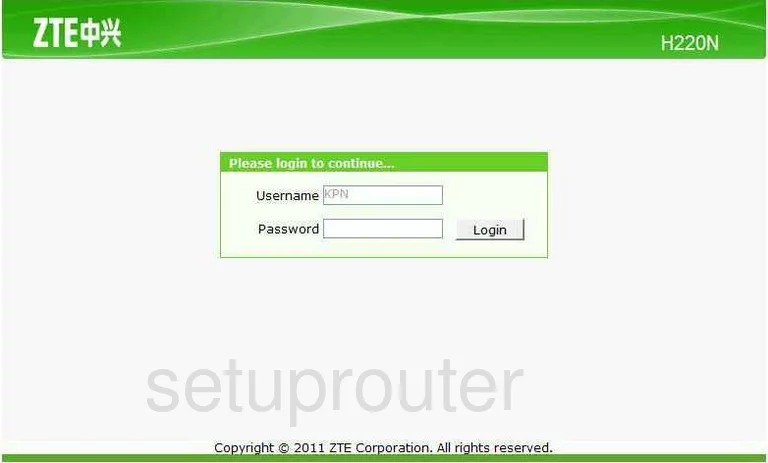
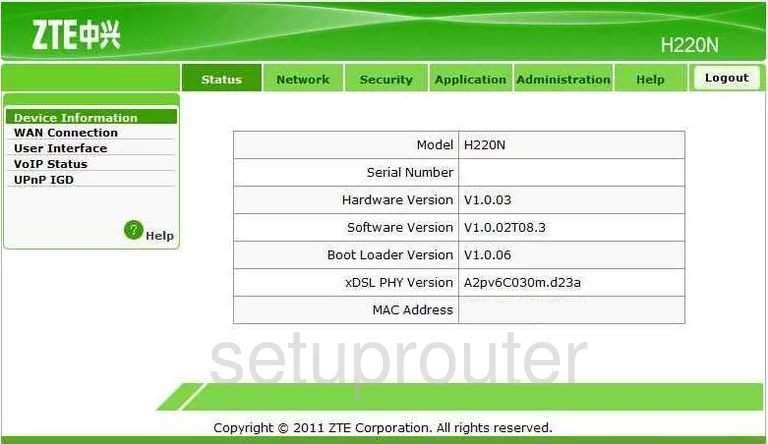
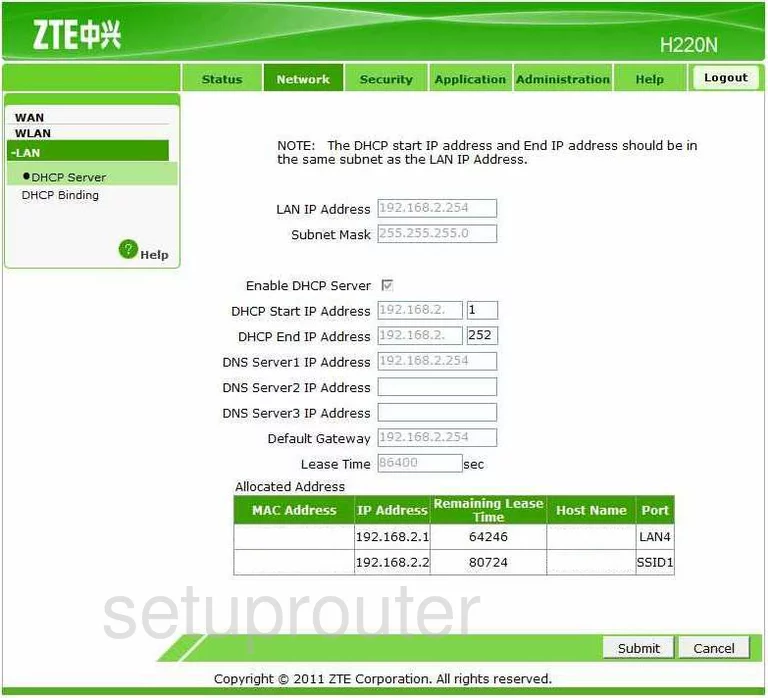
H220N (4 screens)
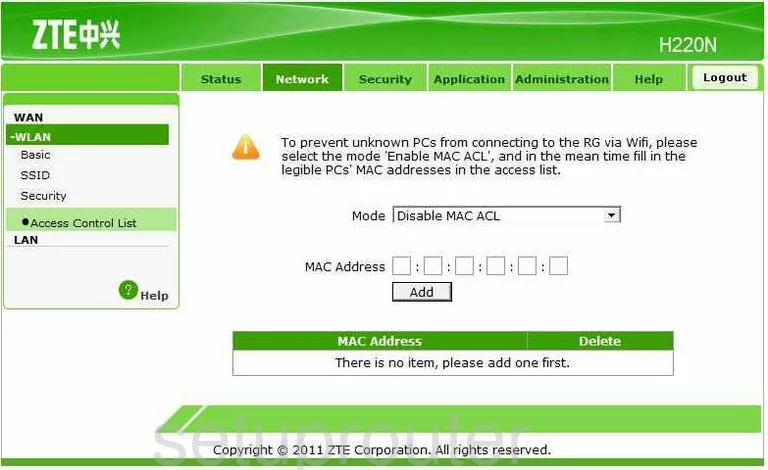
H268A (3 screens)
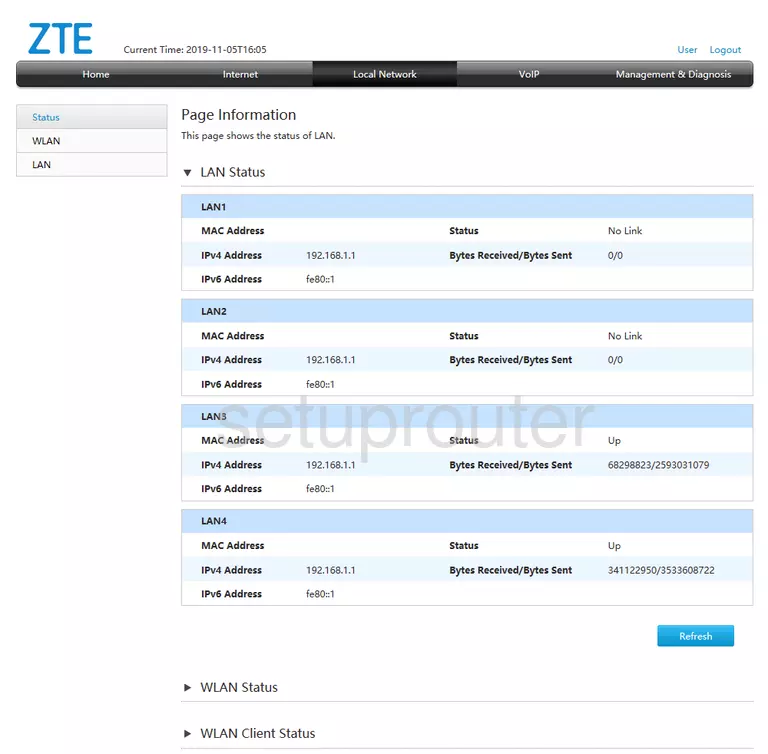
H368N (4 screens)
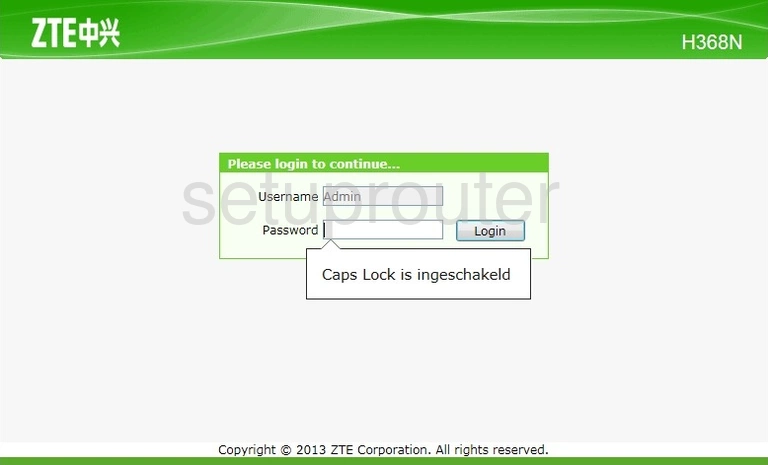
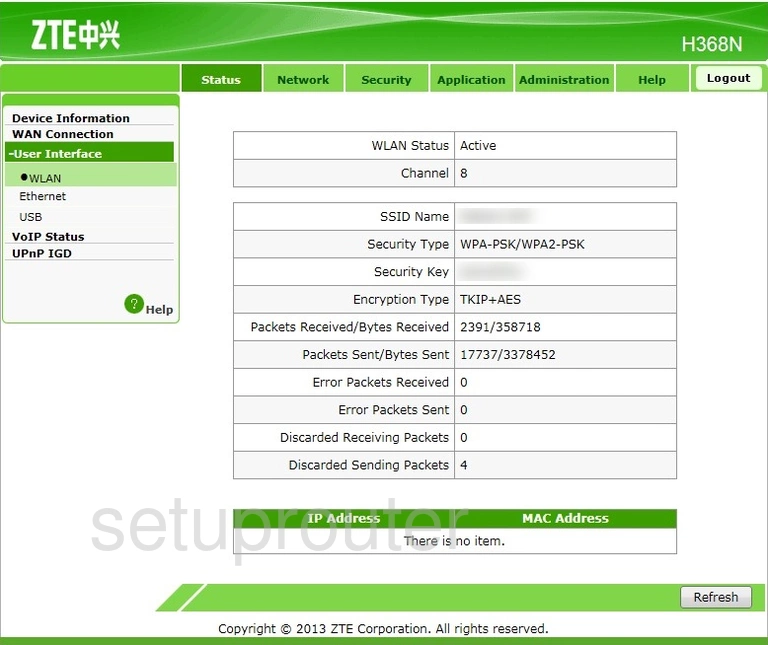
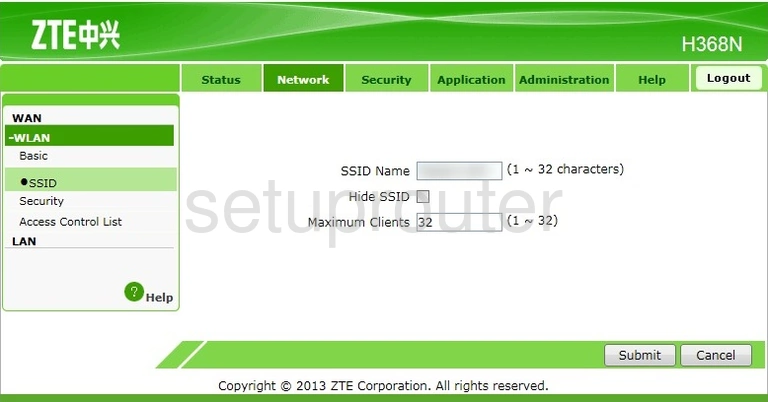
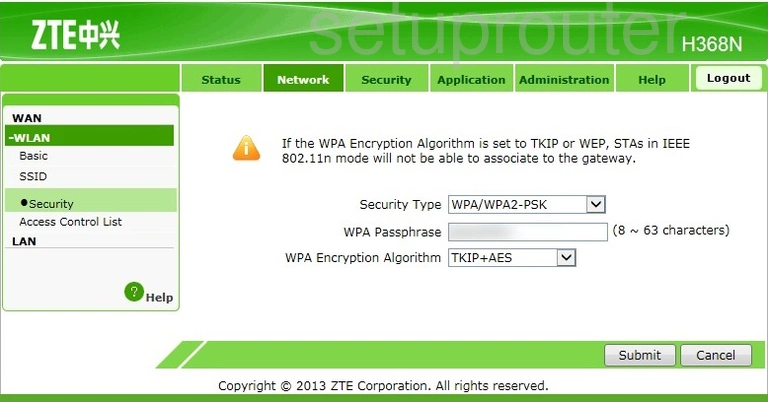
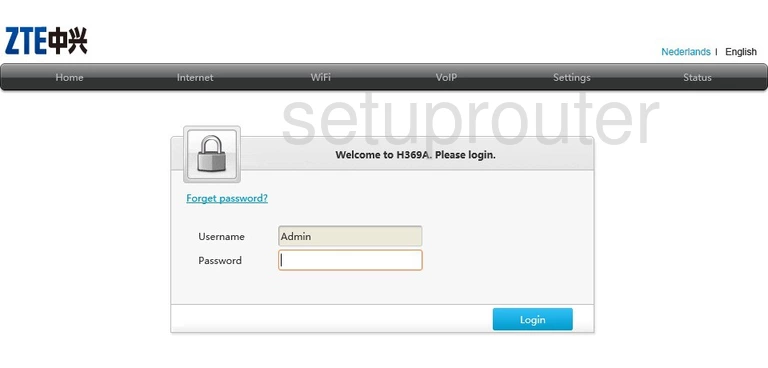
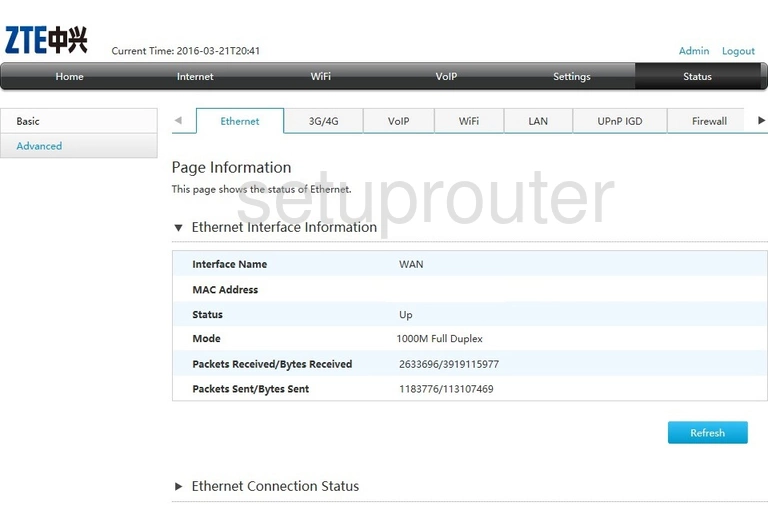
H369A (4 screens)
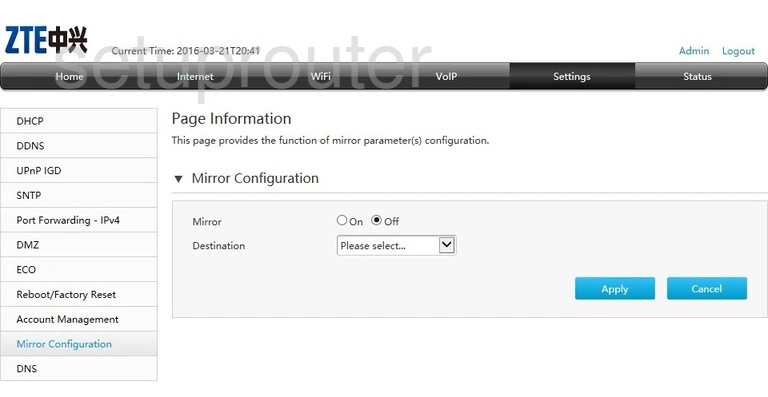
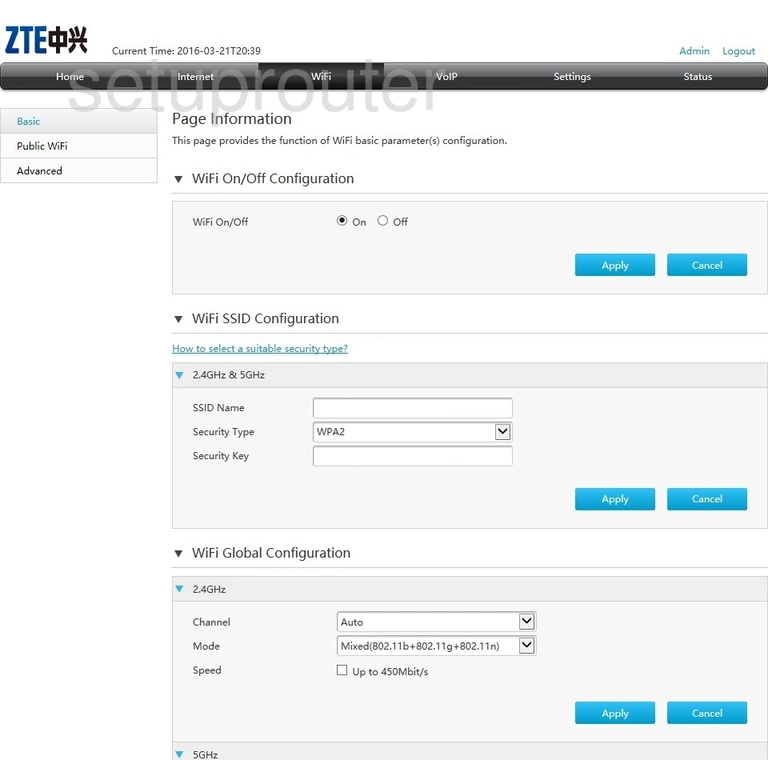
IX380 Wateen (2 screens)
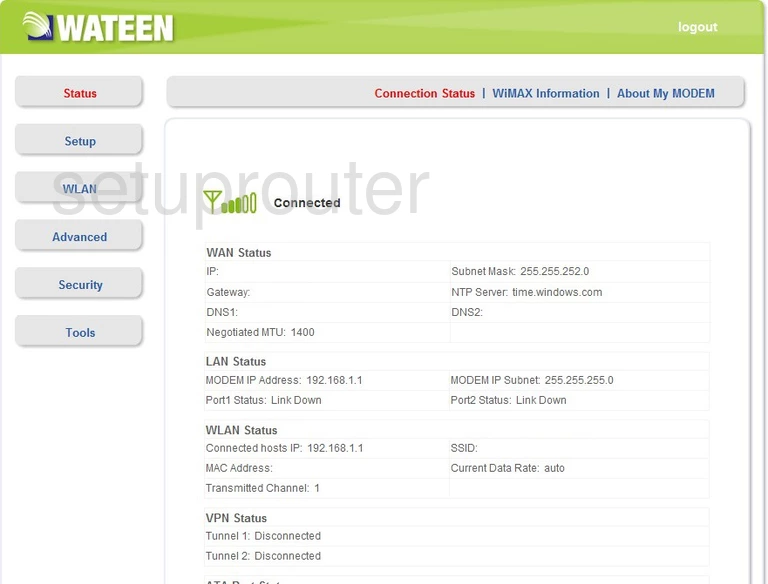
MF275R (4 screens)
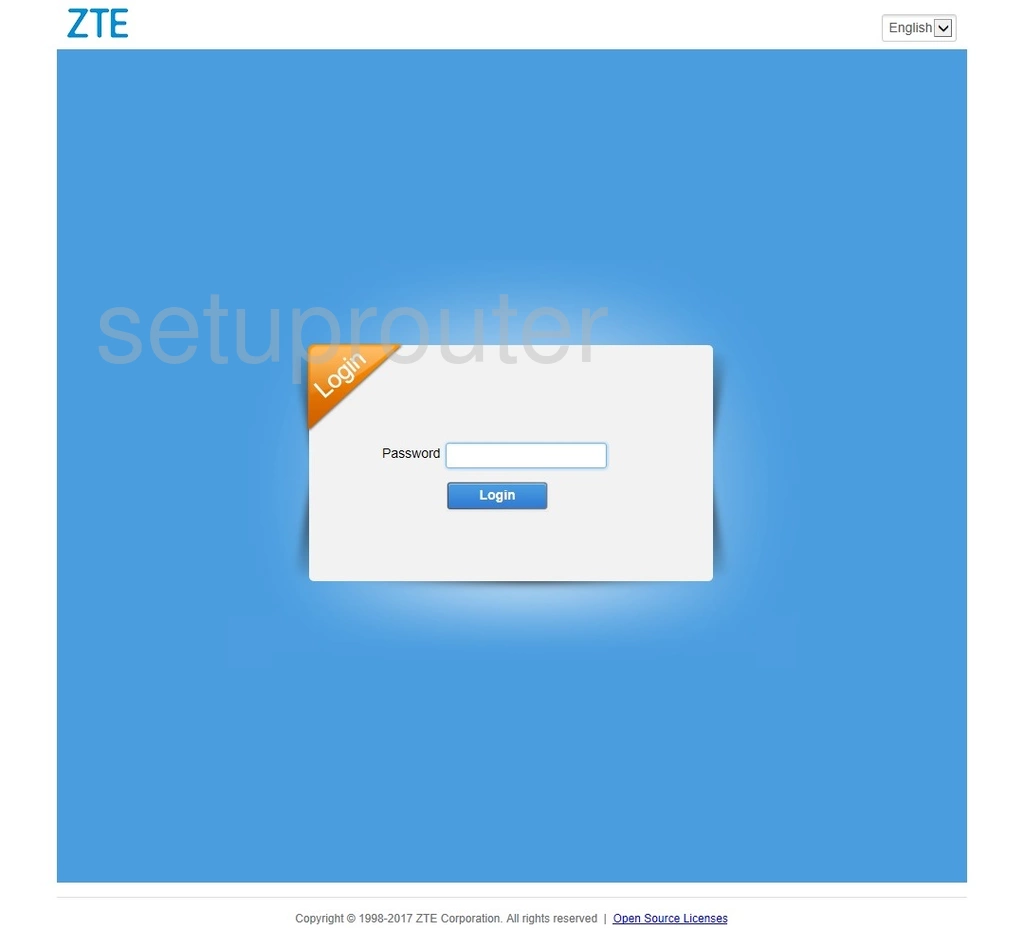
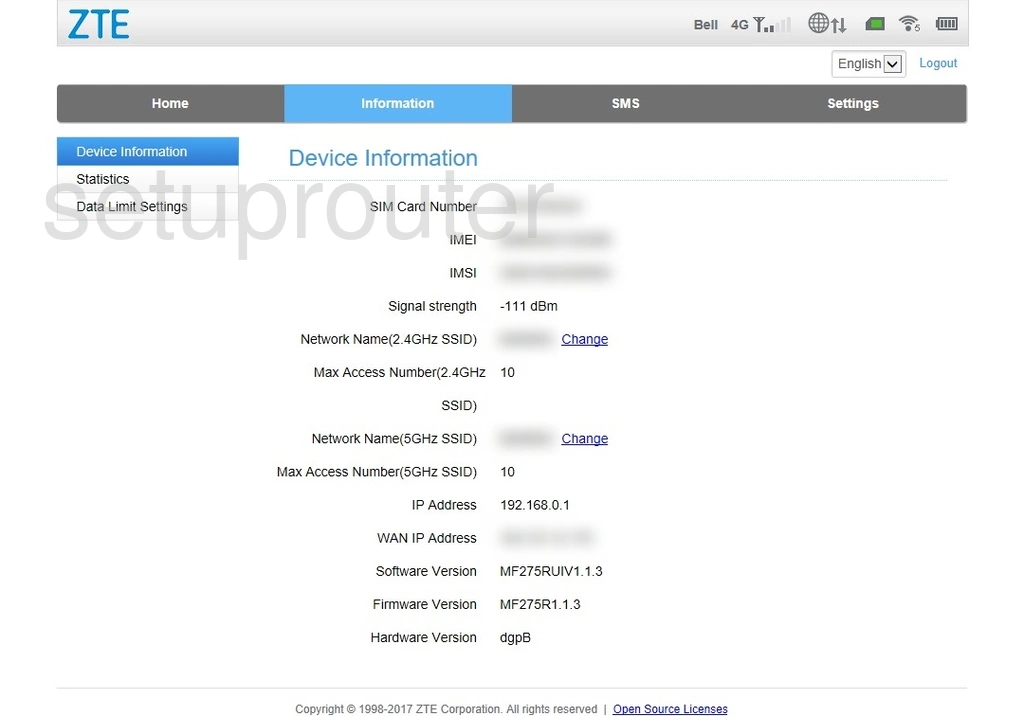
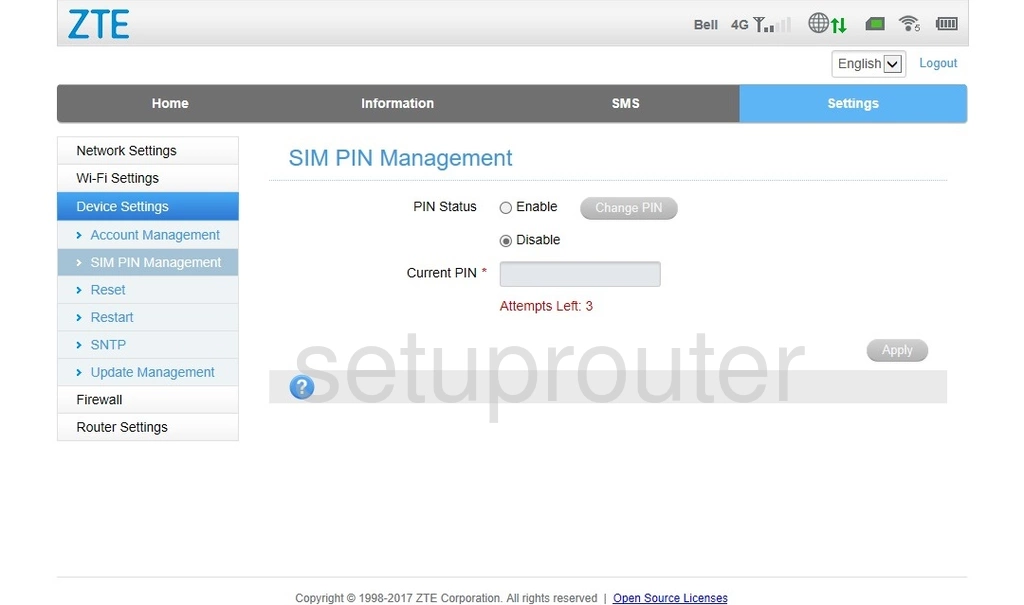
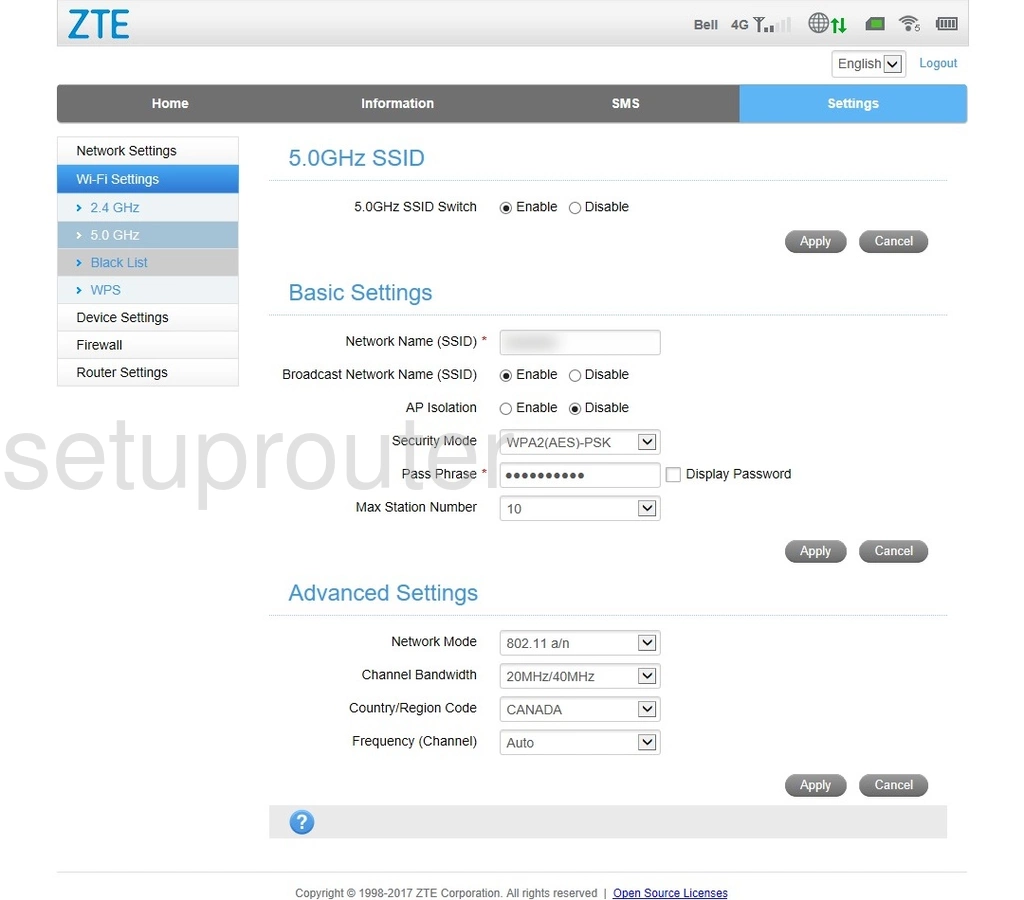
MF279 (4 screens)
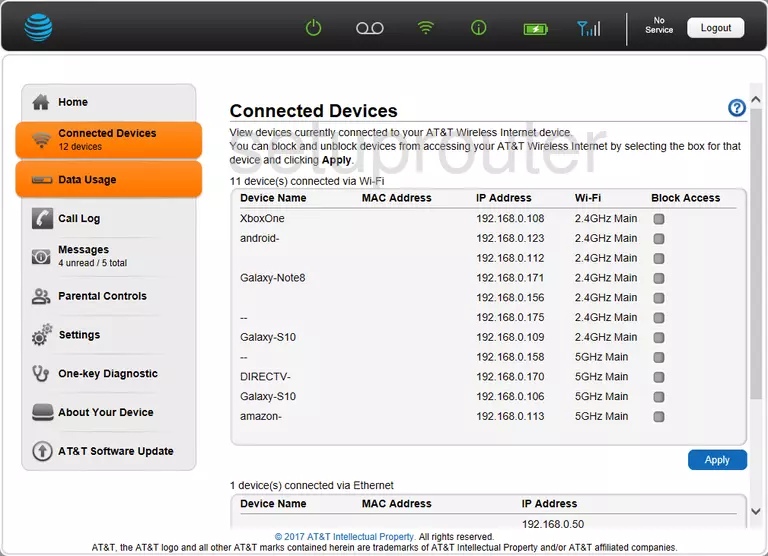
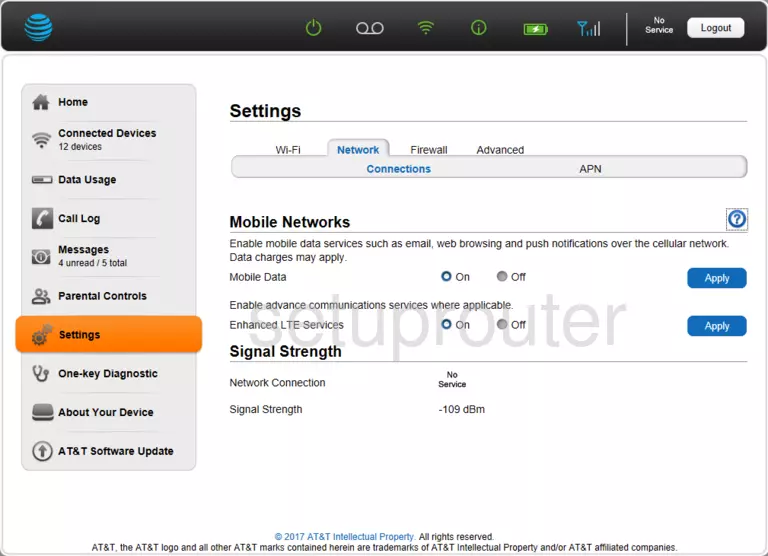
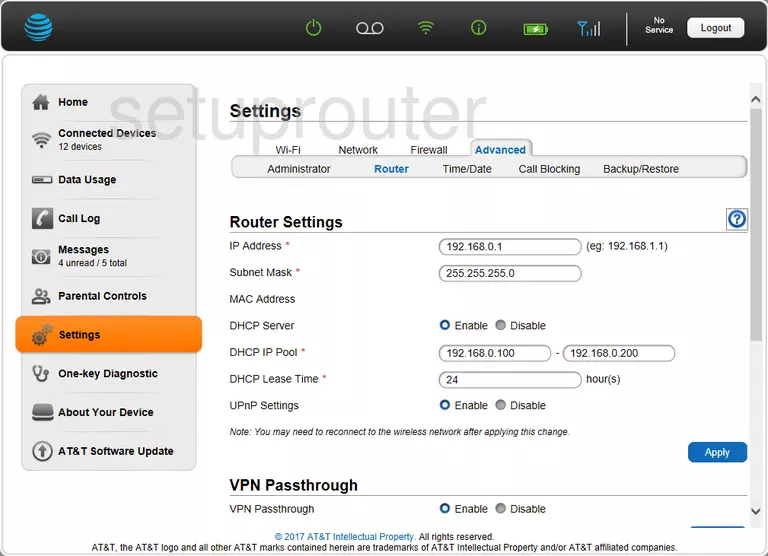
MF279T (2 screens)
MF283 (4 screens)
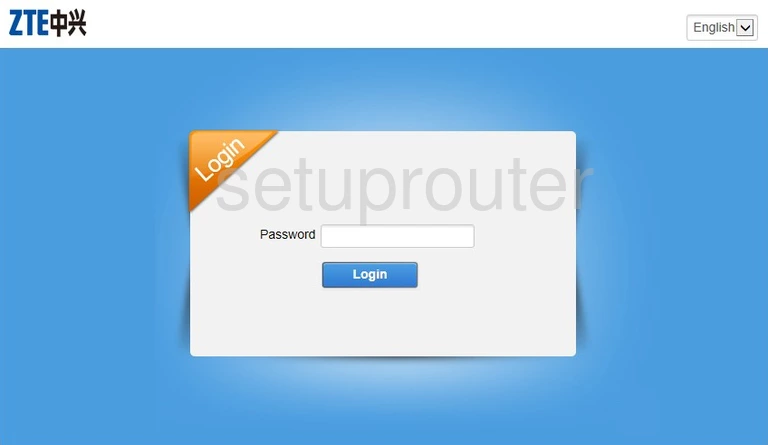
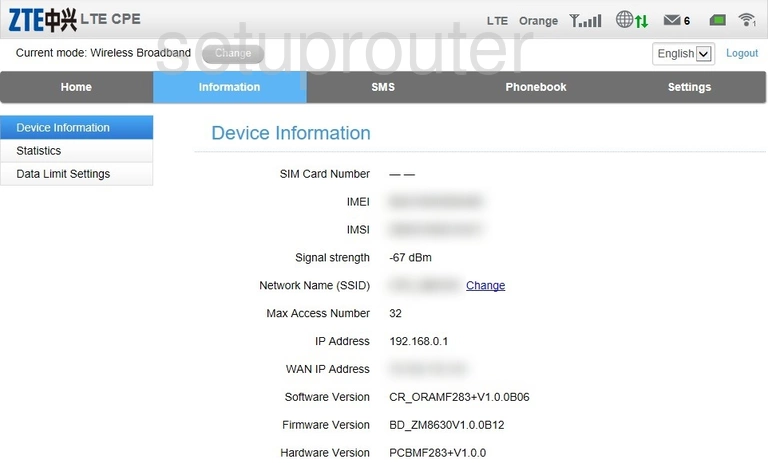
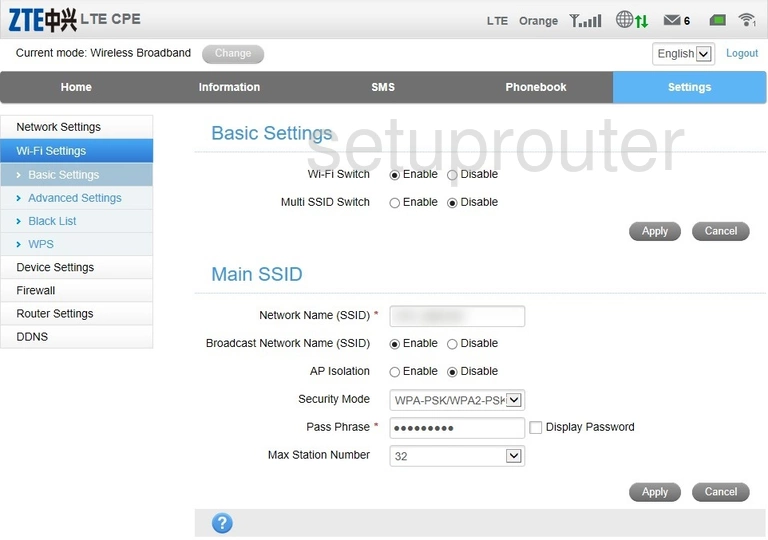
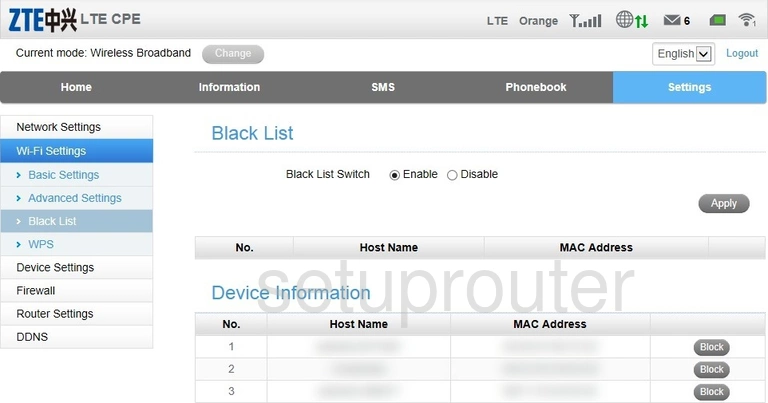
MF283+ (1 screens)
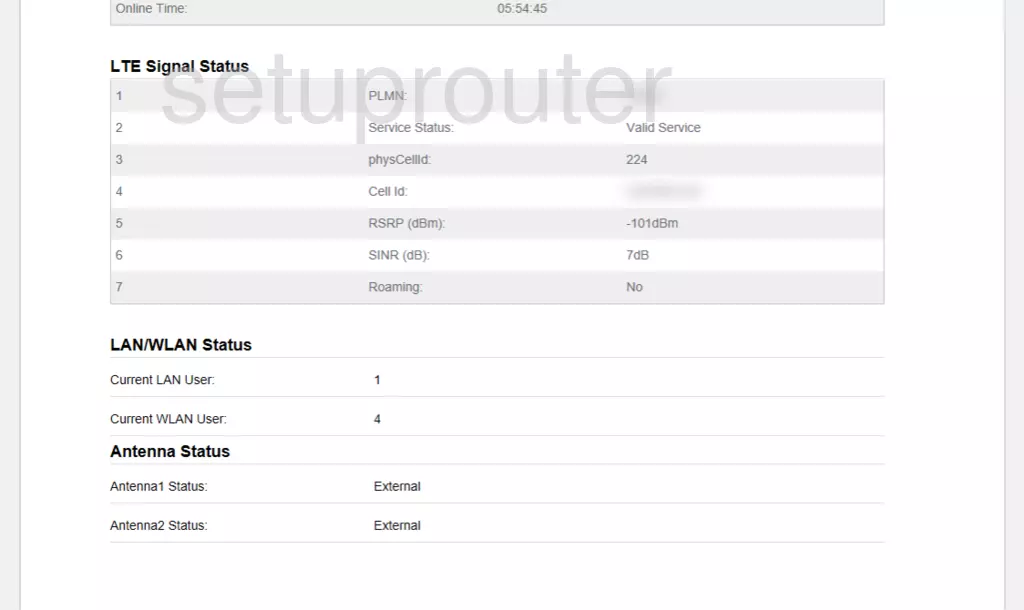
MF283V (2 screens)
MF286 (4 screens)
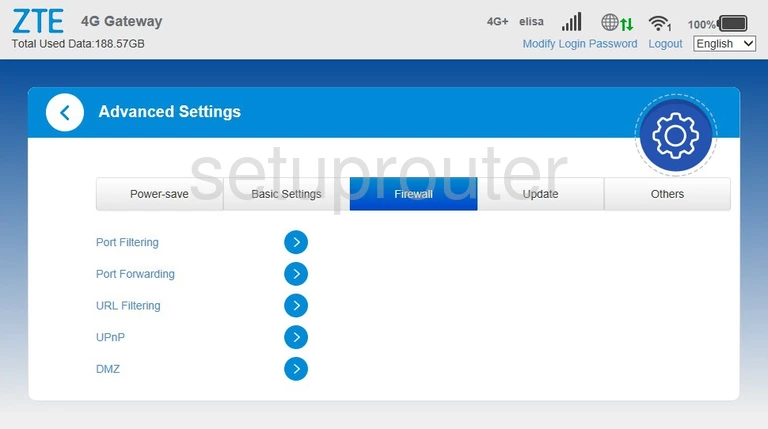
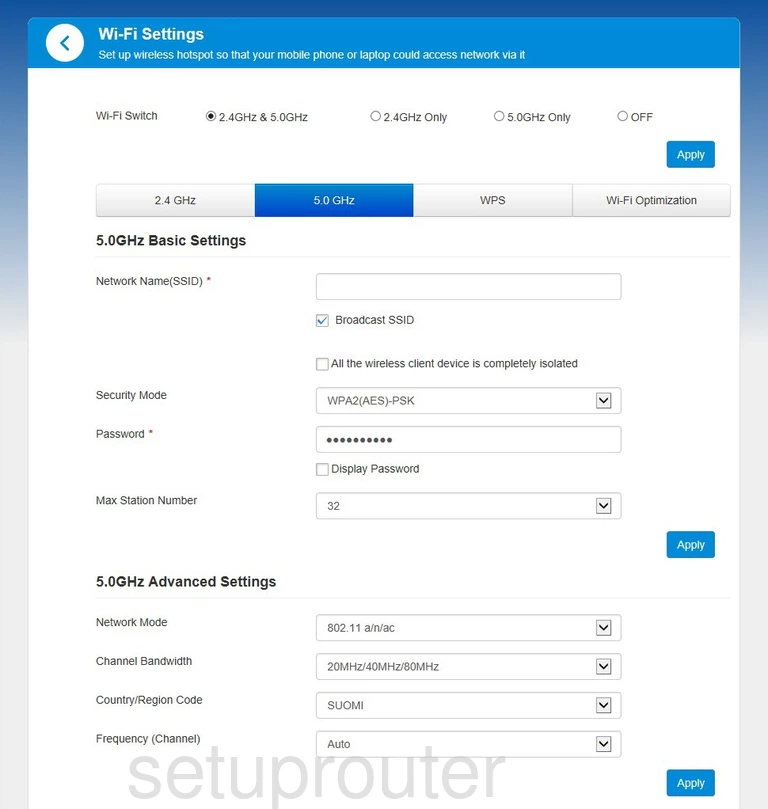
MF28B (4 screens)
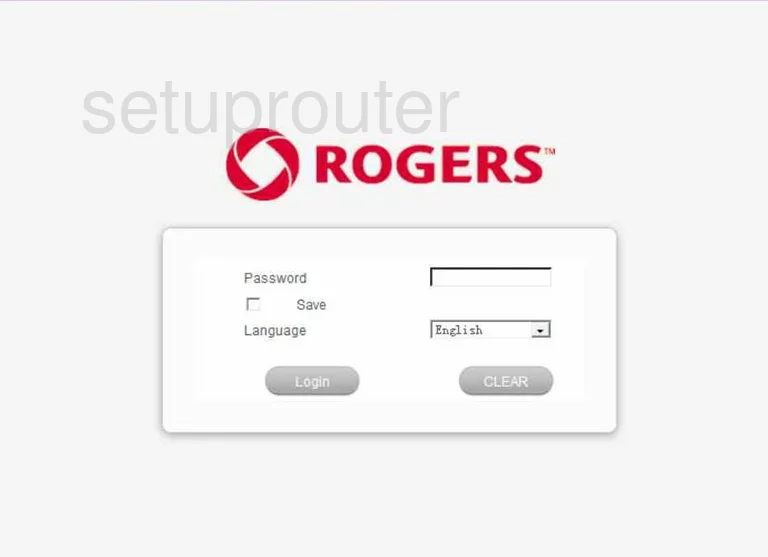
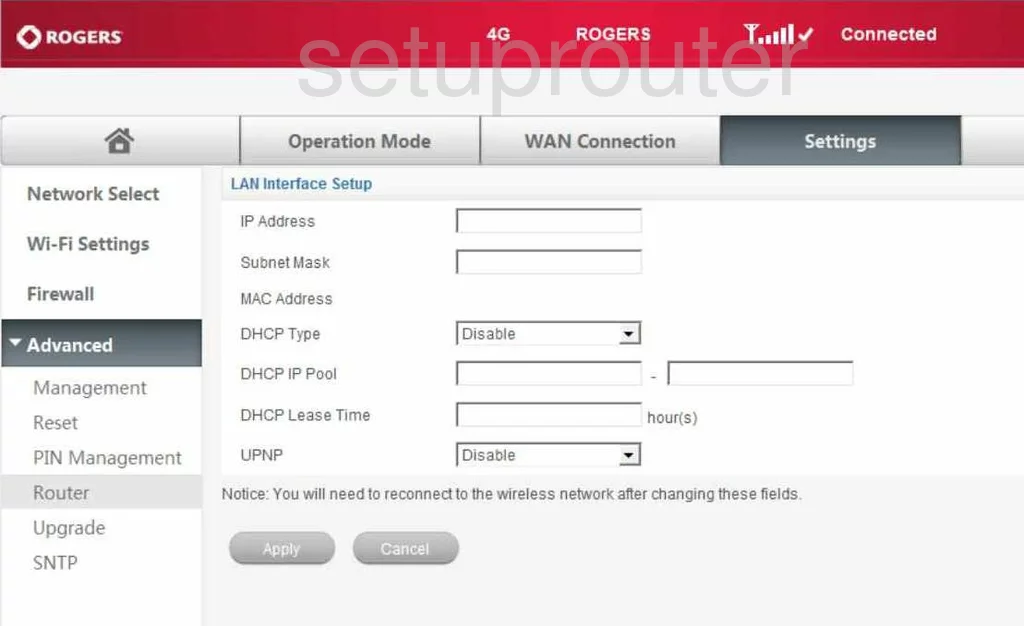
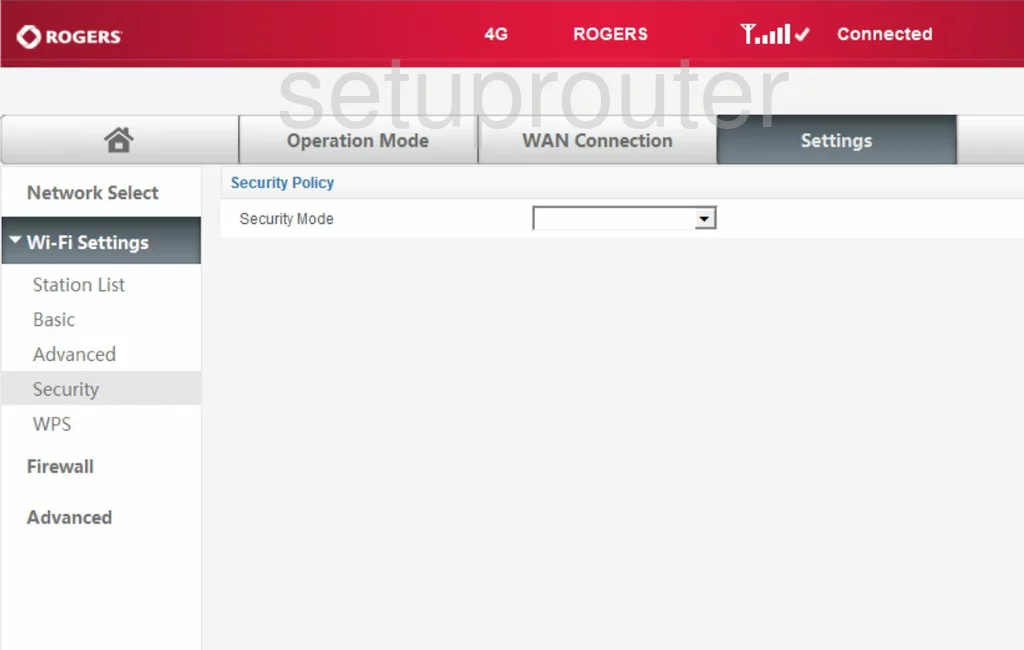
MF29A (4 screens)
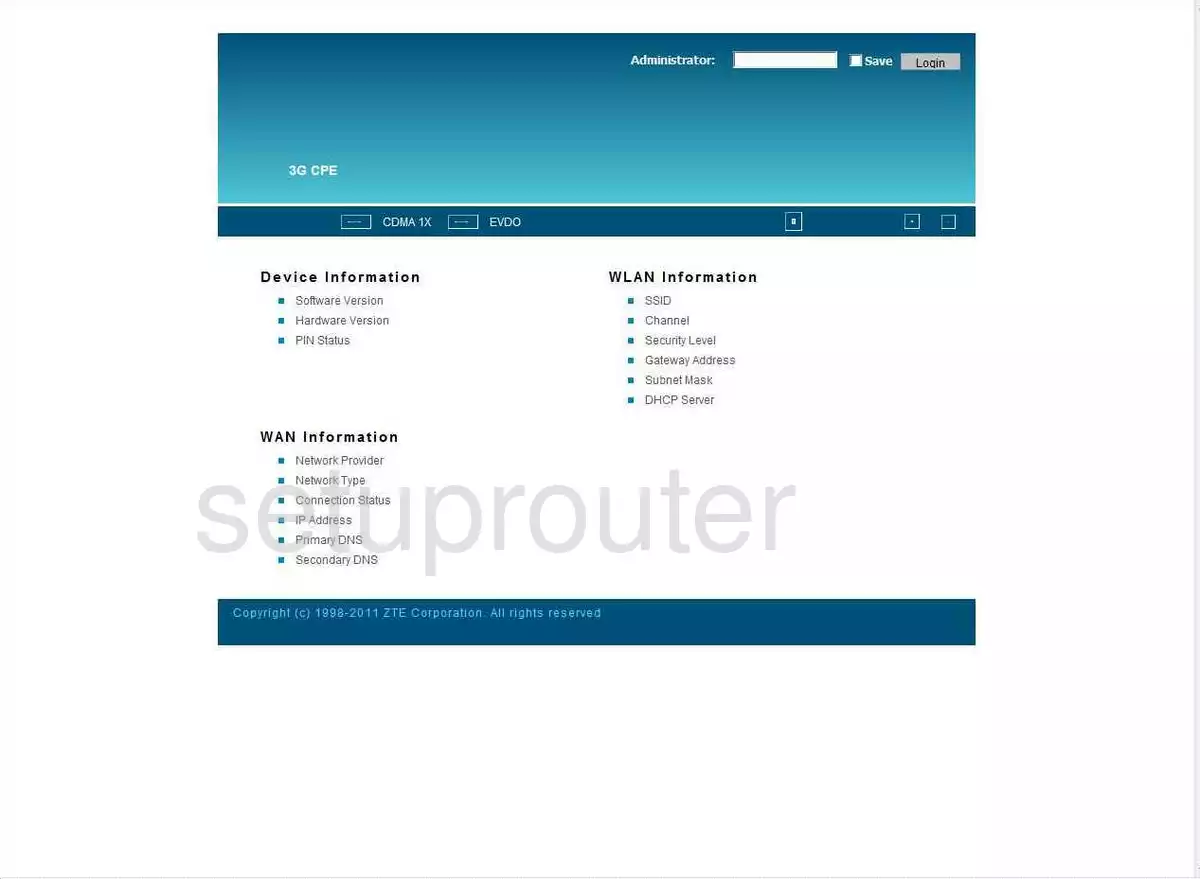
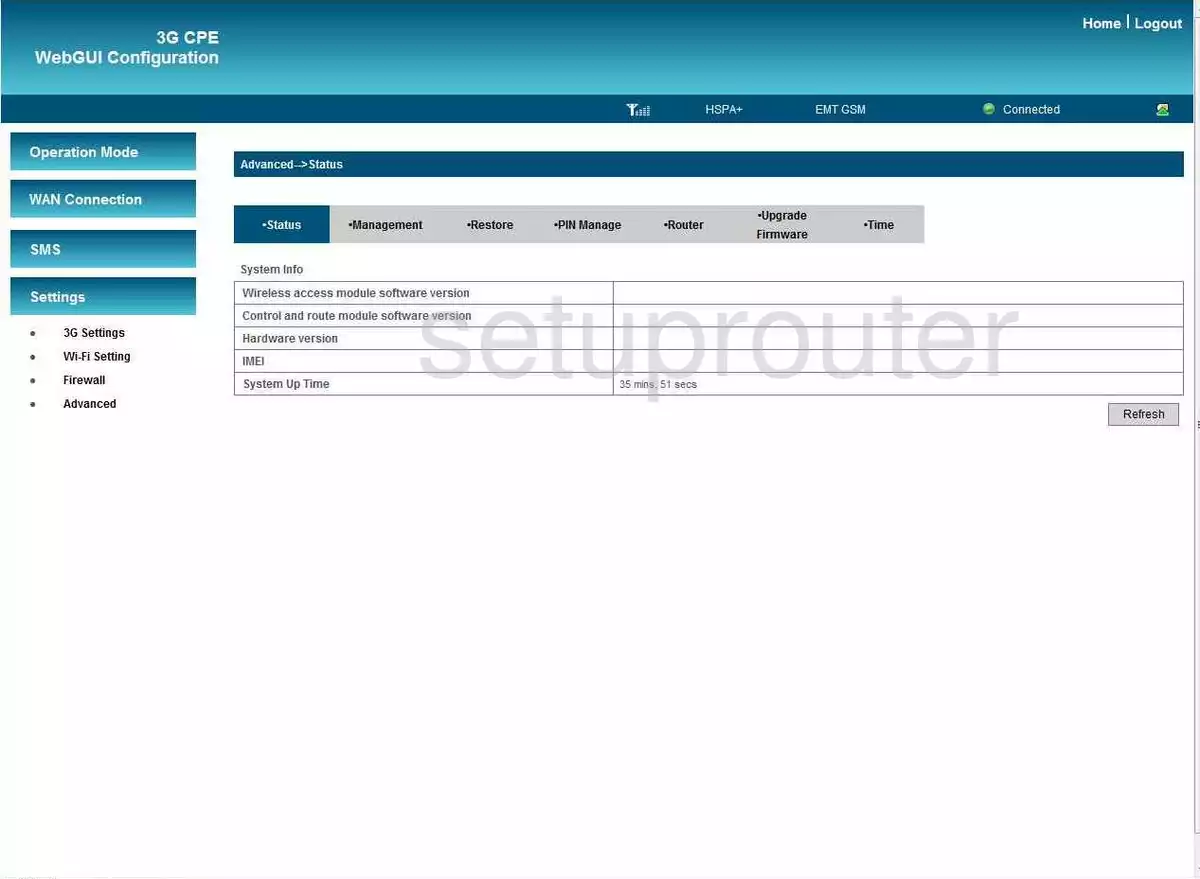
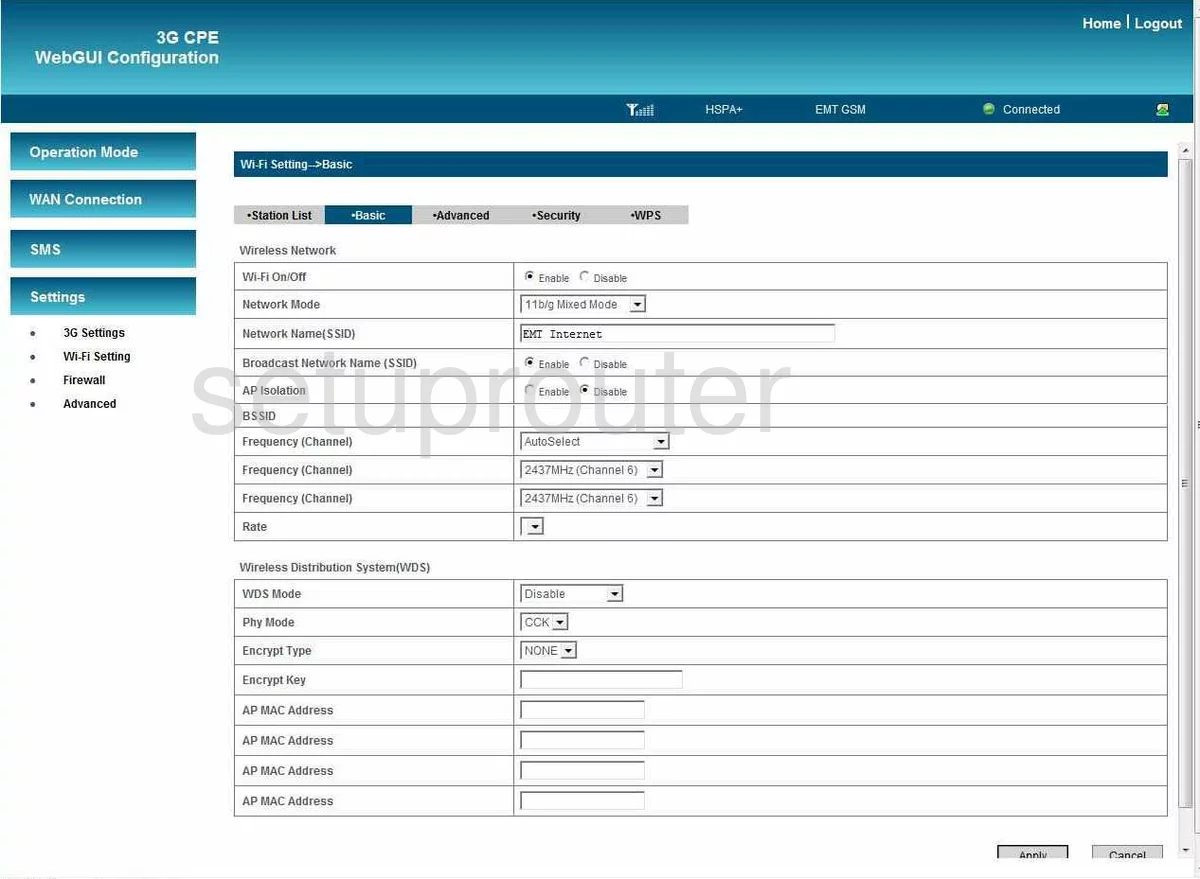
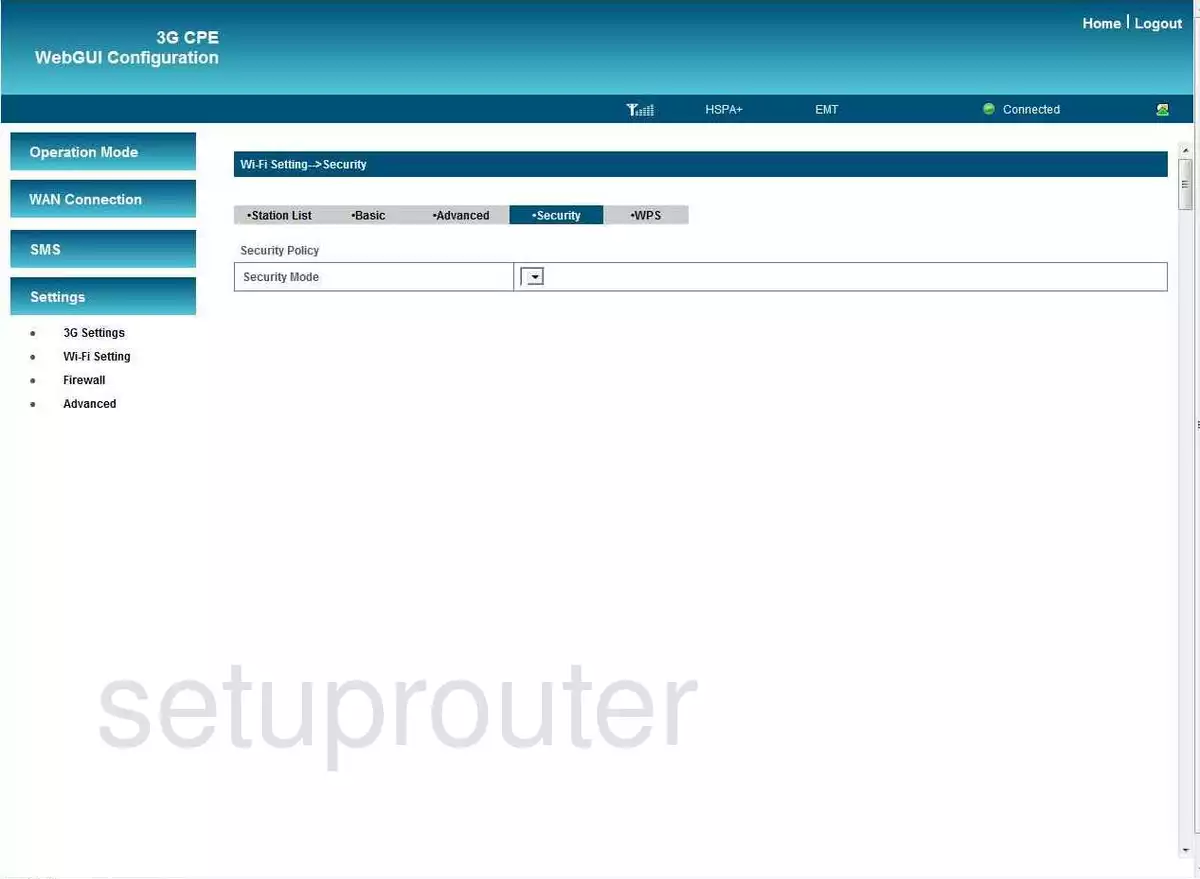
MF612 (4 screens)
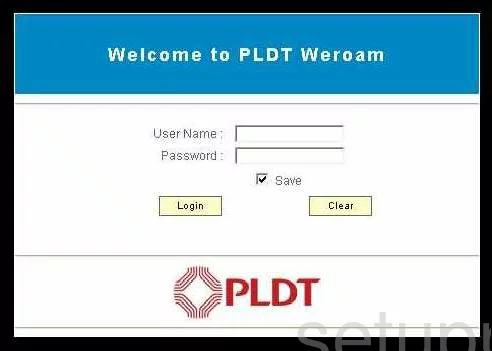
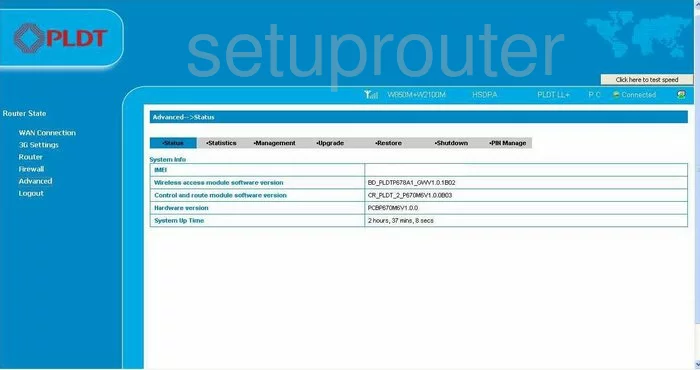
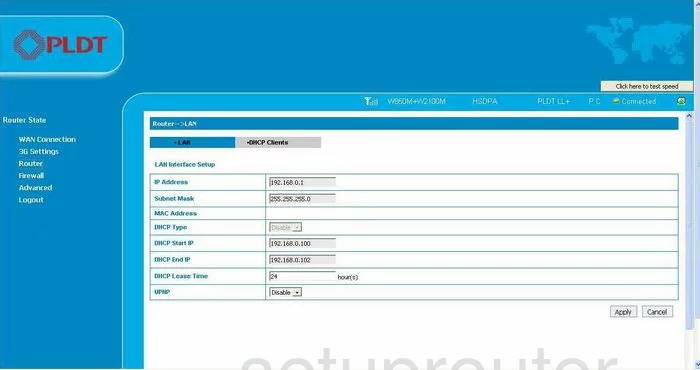
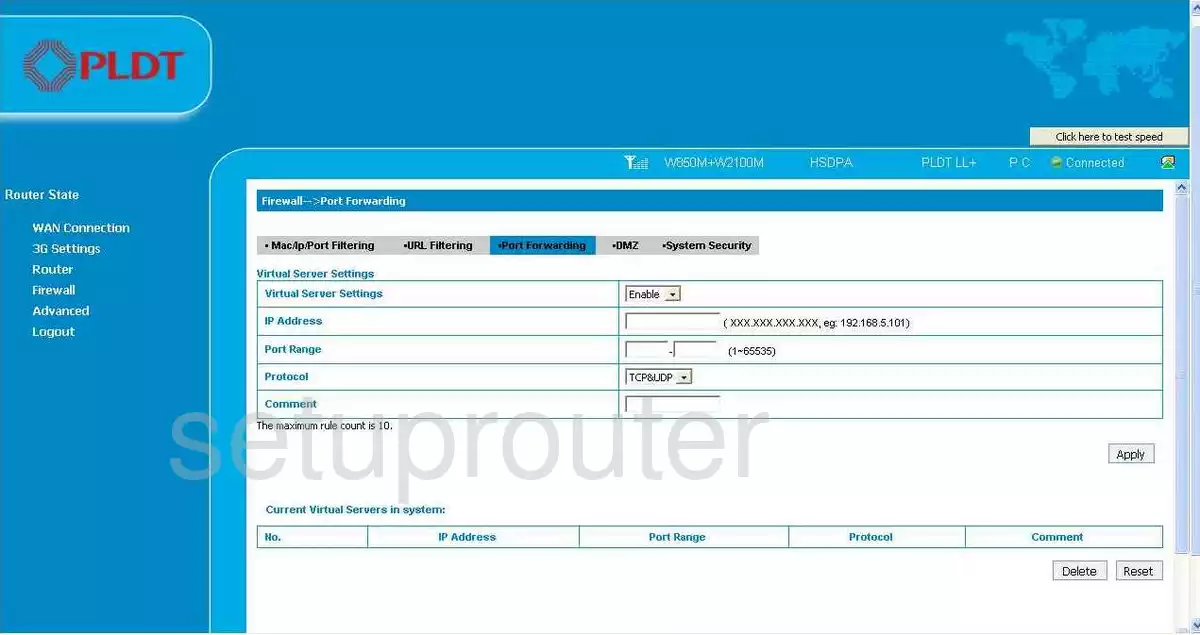
MF65 (4 screens)
MF65M (4 screens)
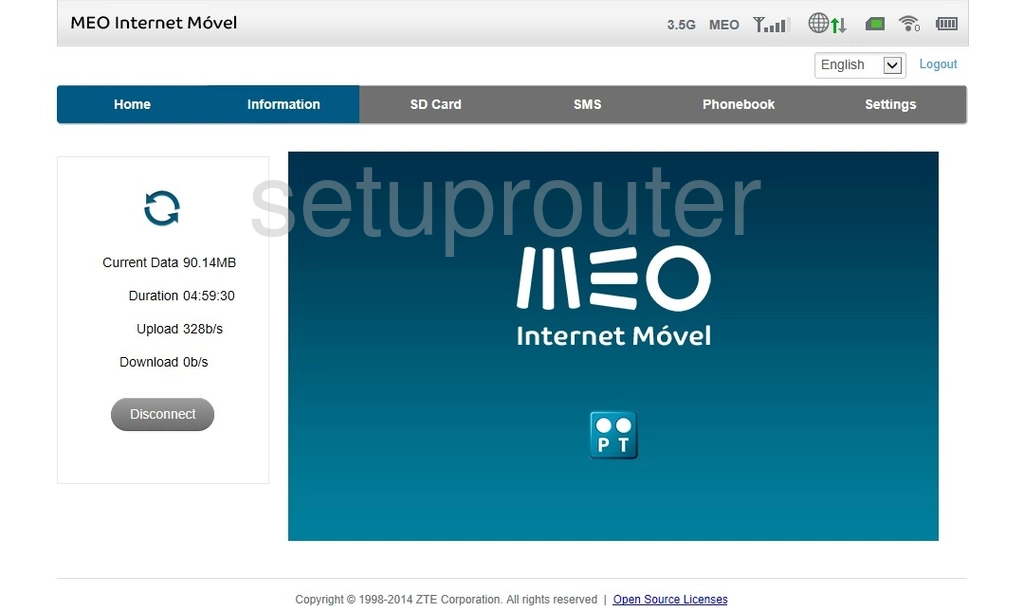
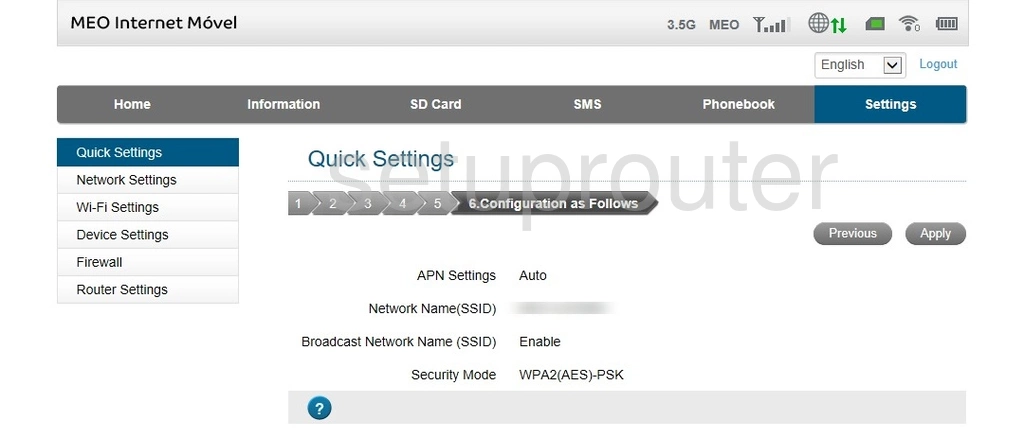
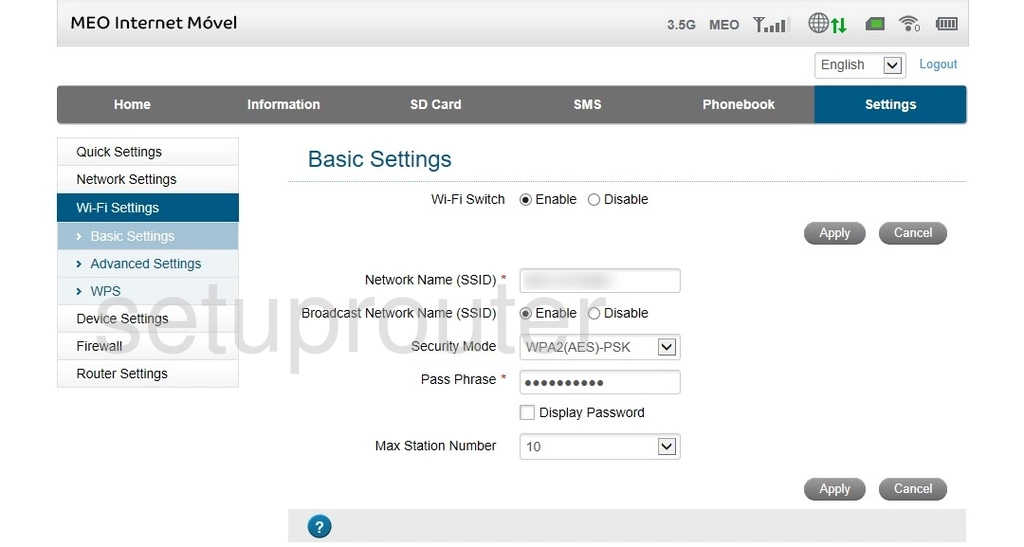
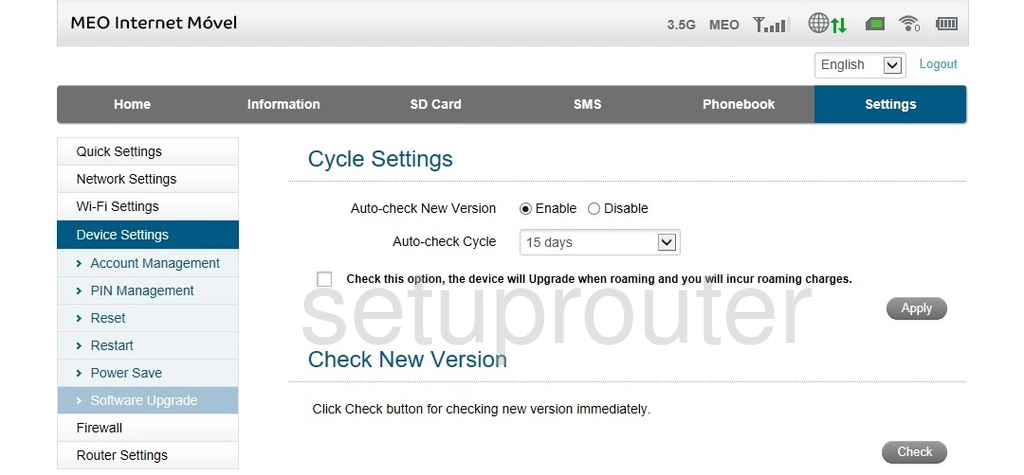
MF90 (4 screens)
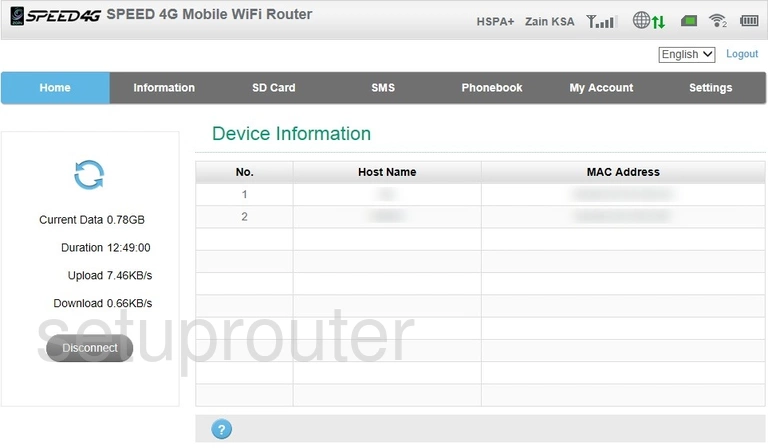
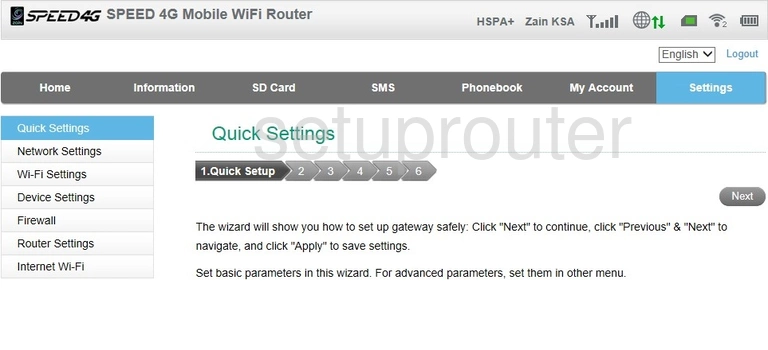
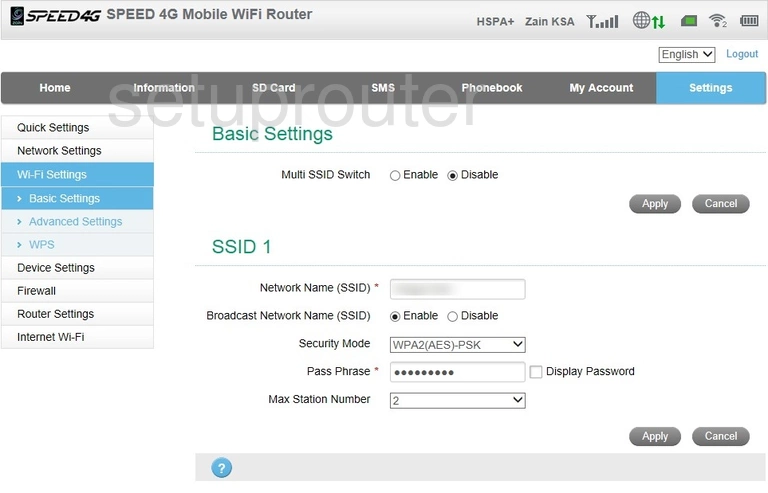
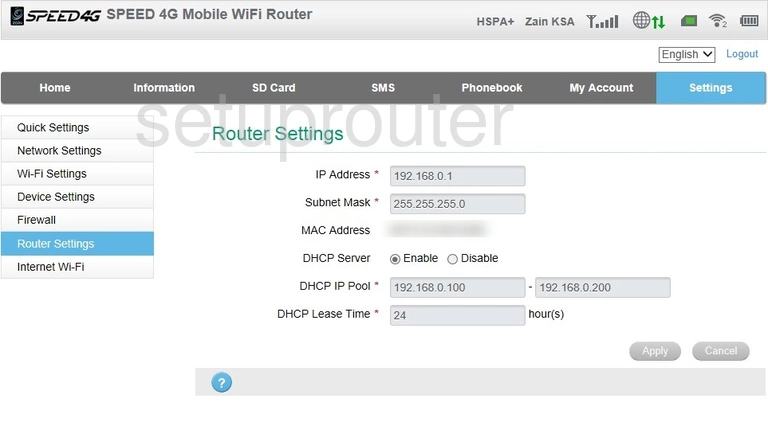
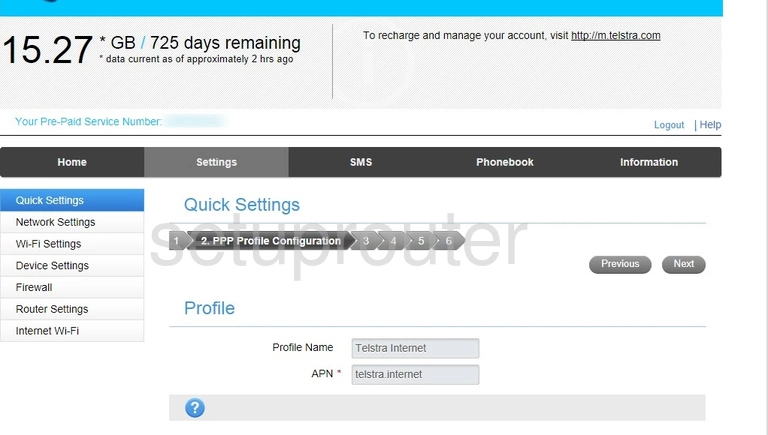
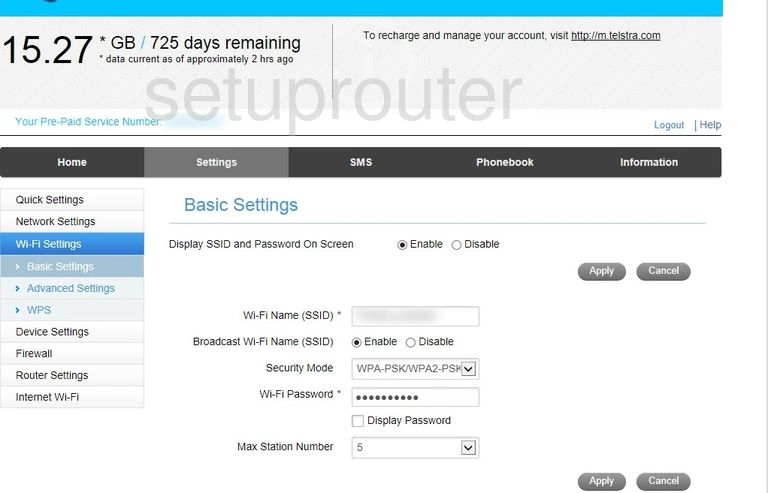
MF910 (4 screens)
MF910V (4 screens)
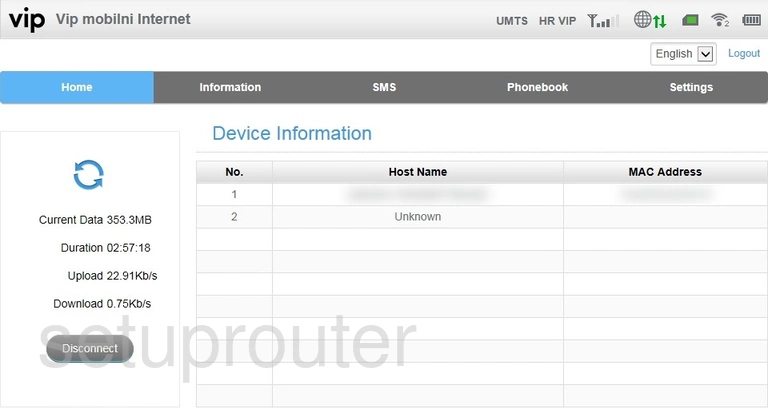
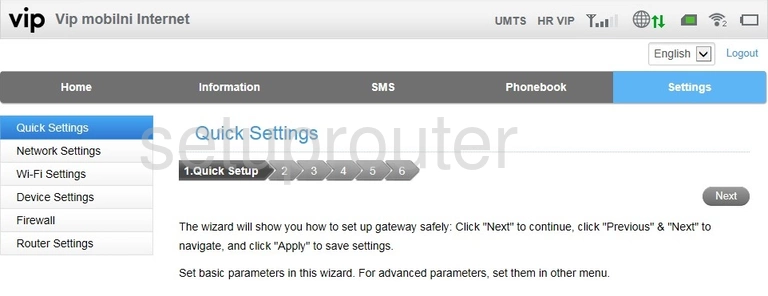
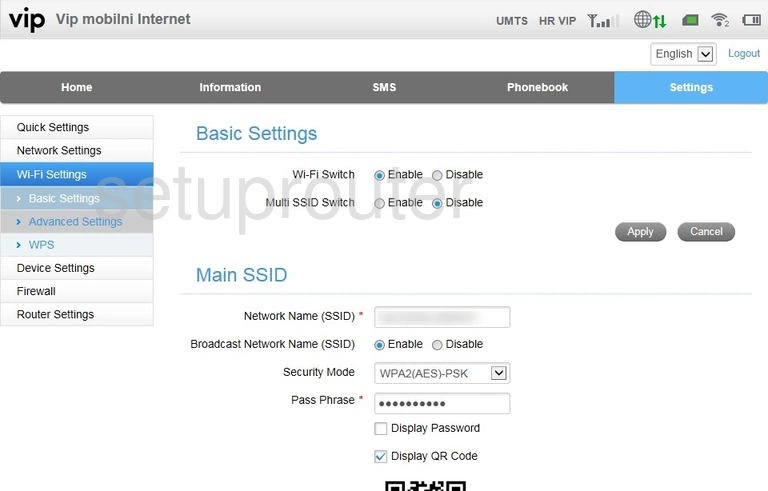
MF923 (4 screens)
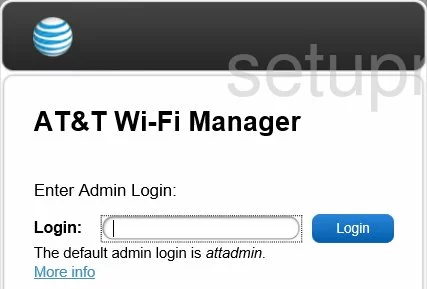
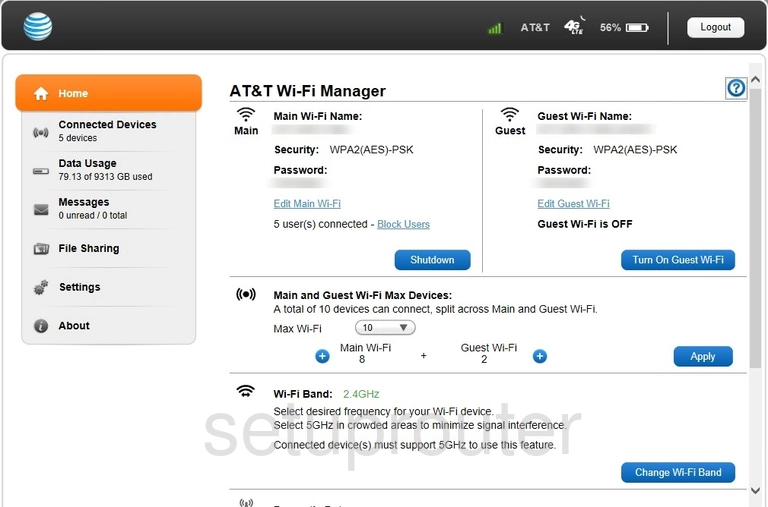
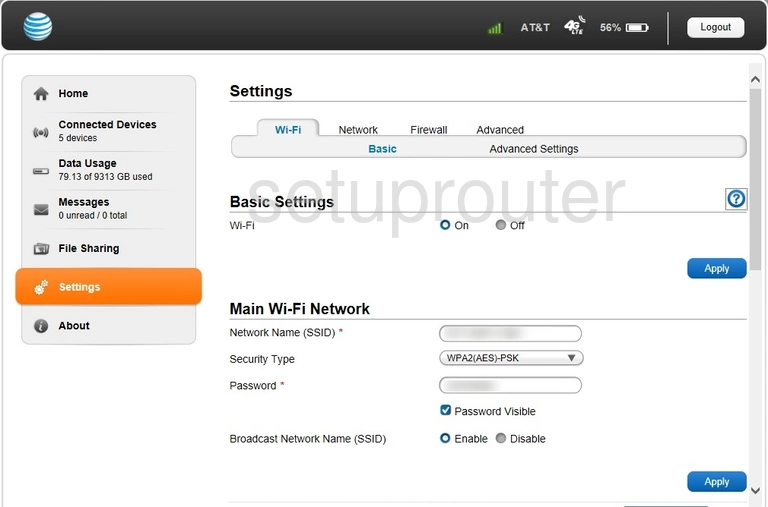
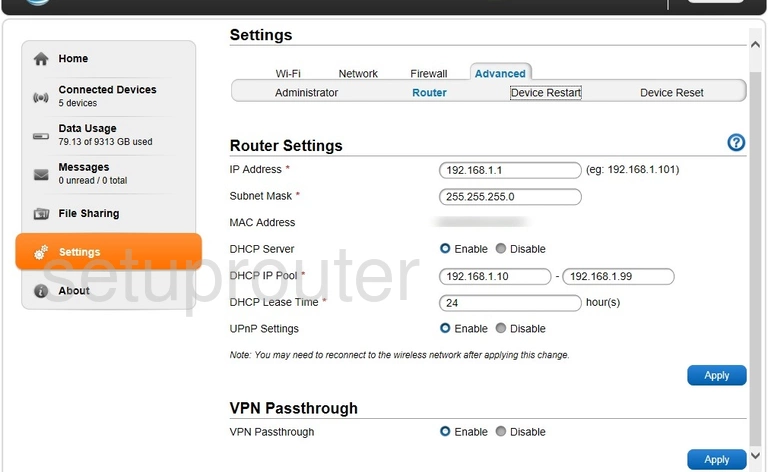
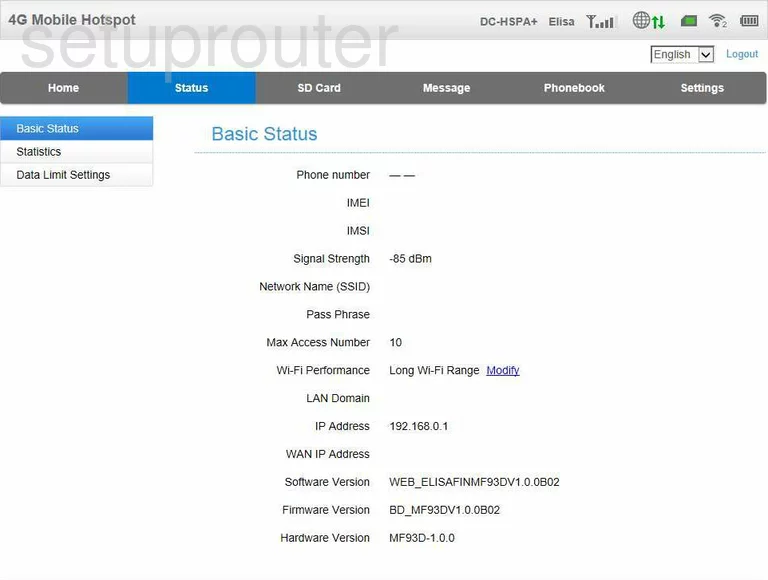
MF93D (3 screens)
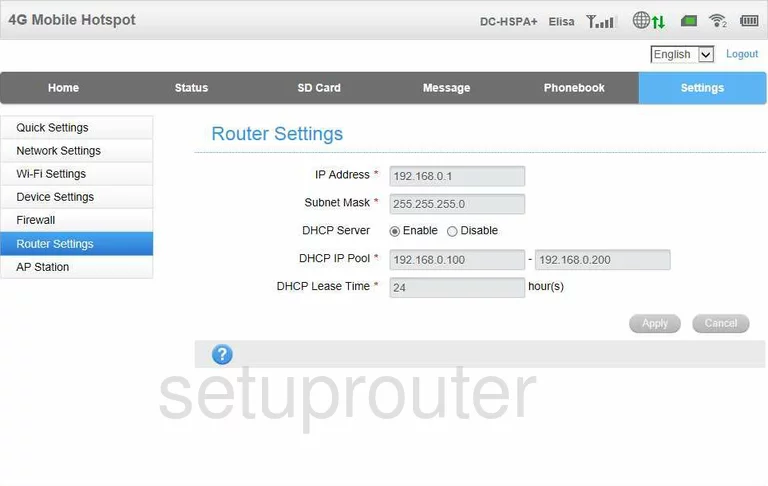
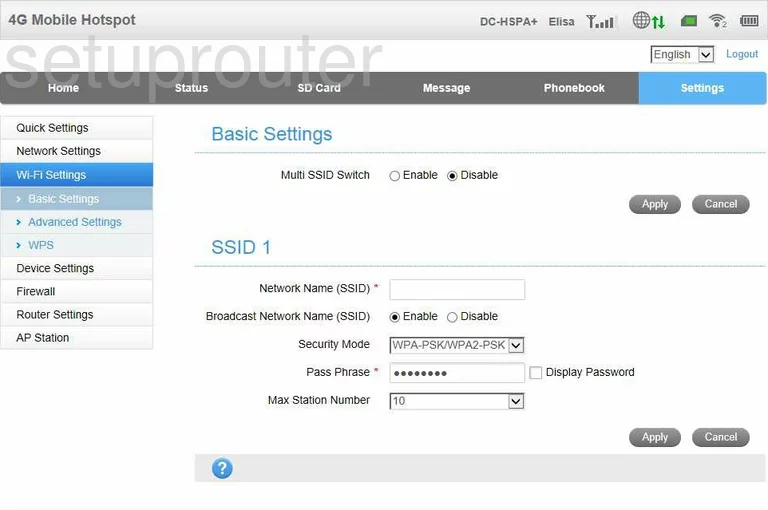
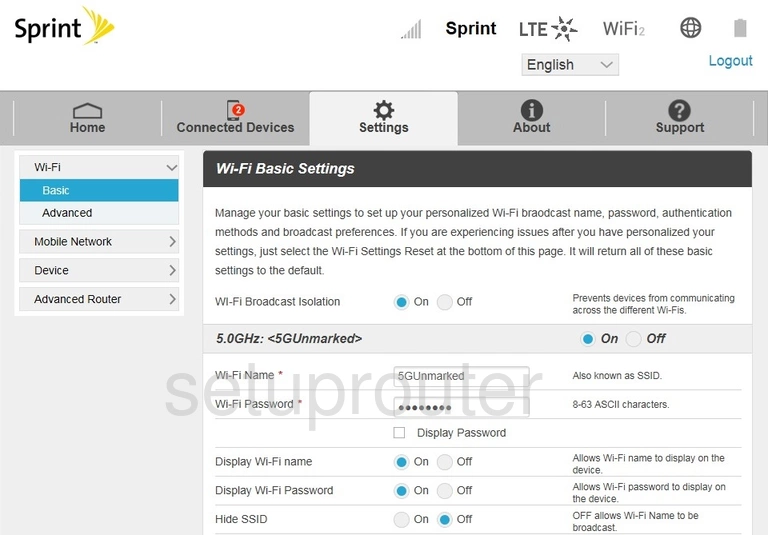
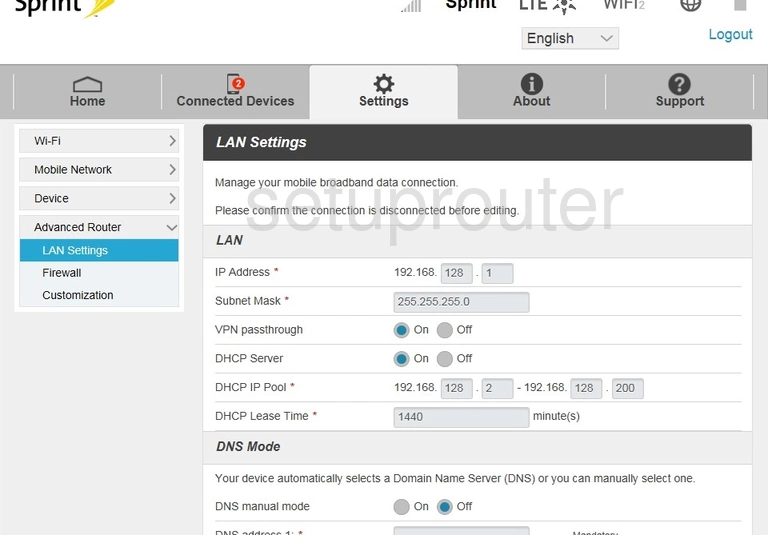
MF975S Sprint (4 screens)
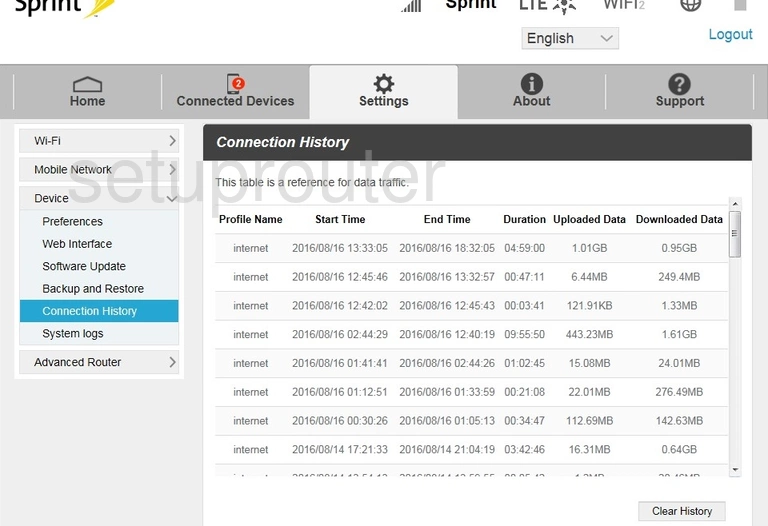
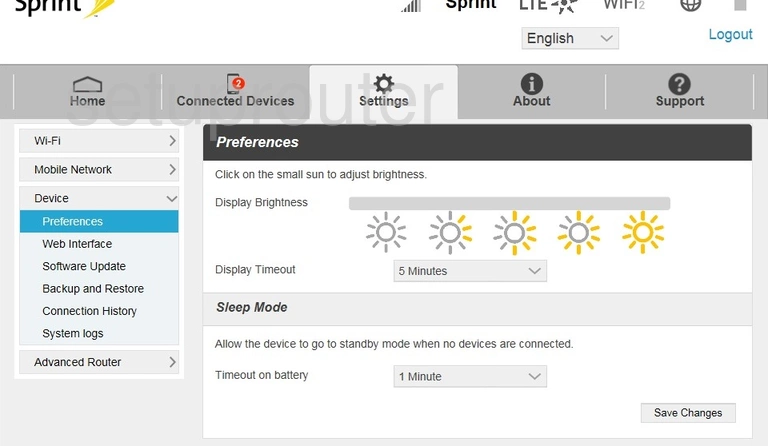
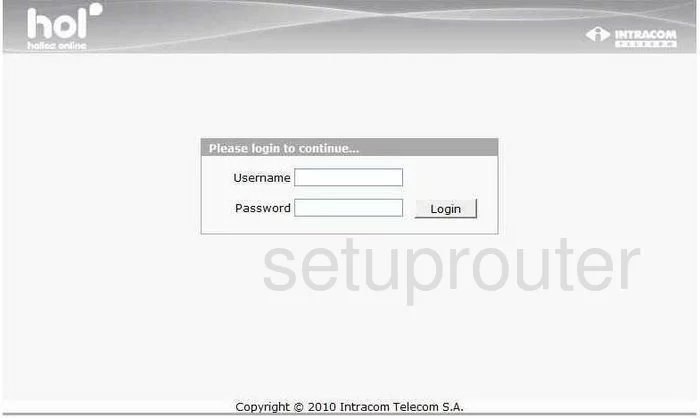
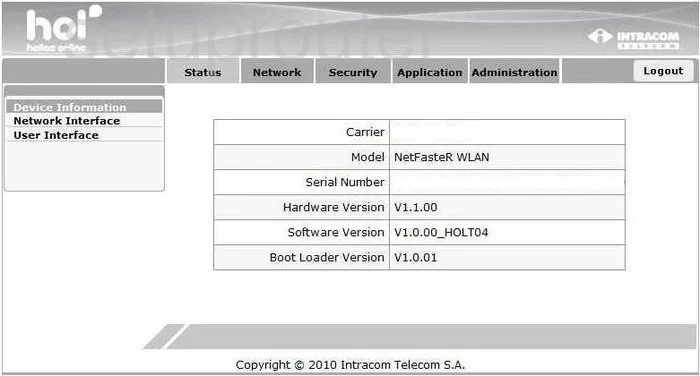
NetFasteR WLAN (4 screens)
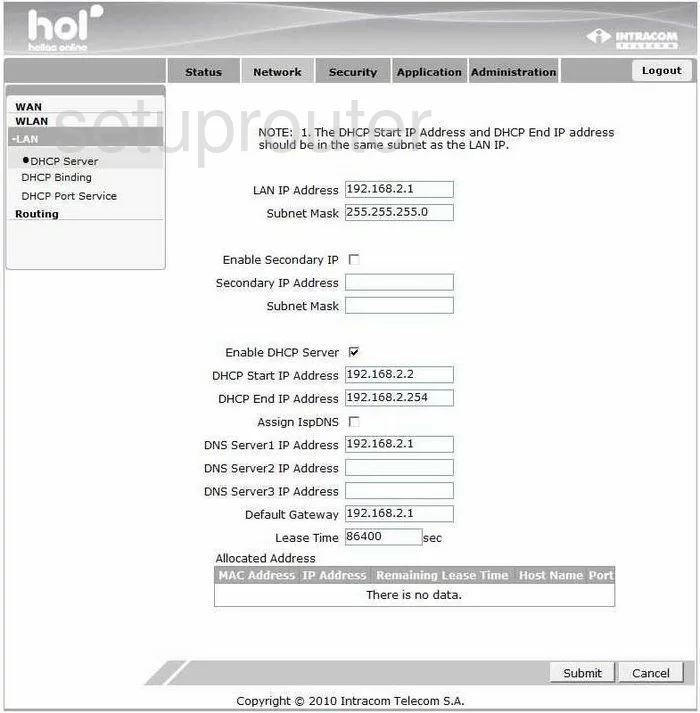
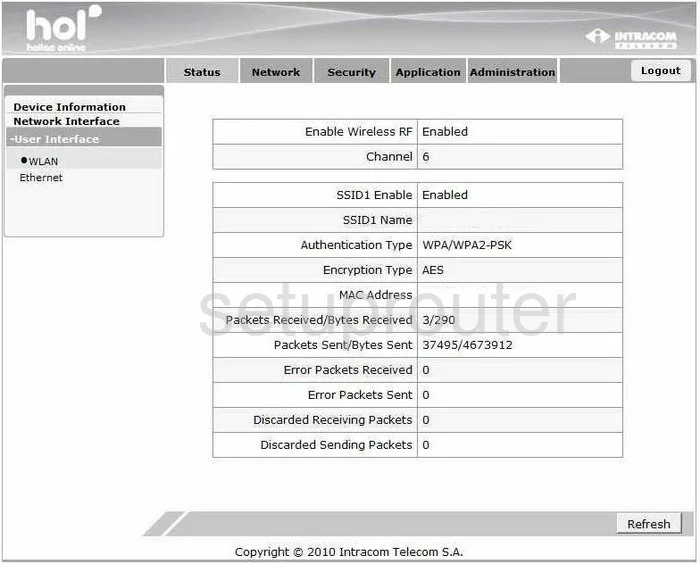
Speedport Entry 2i (4 screens)
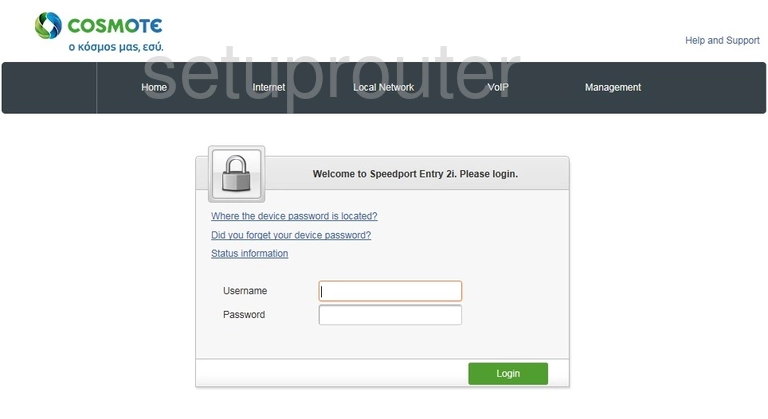
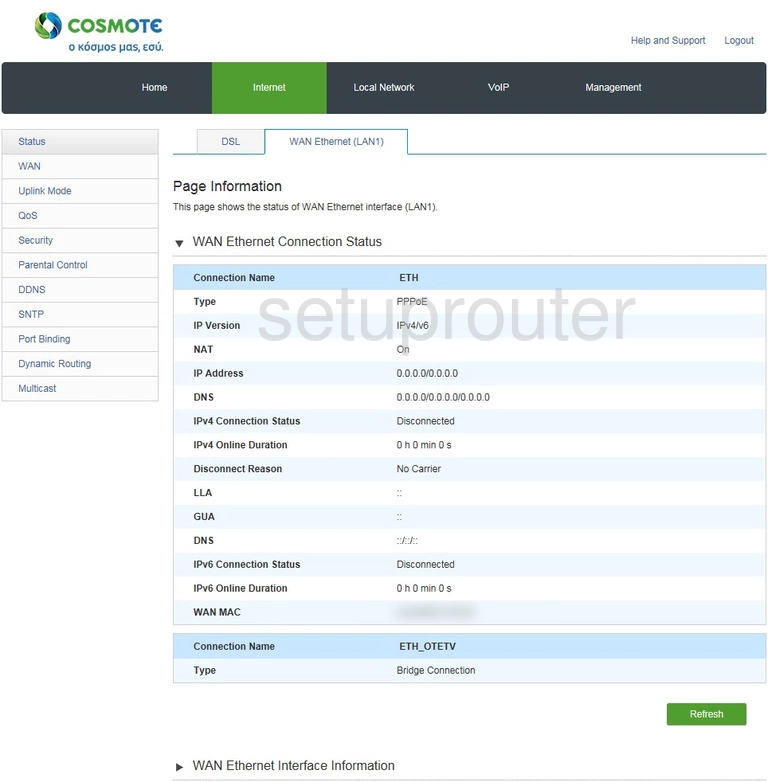
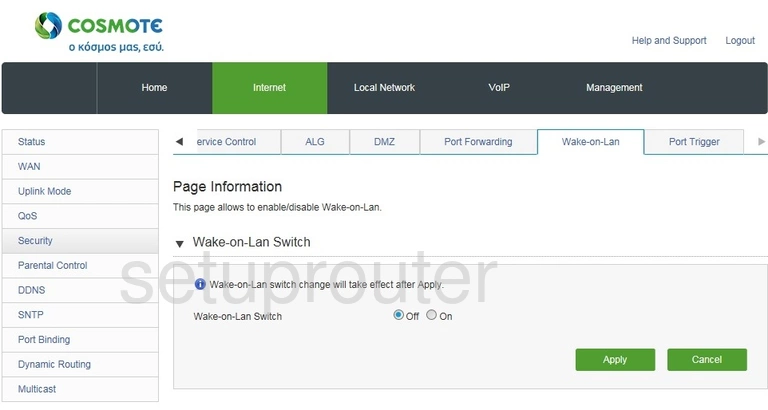
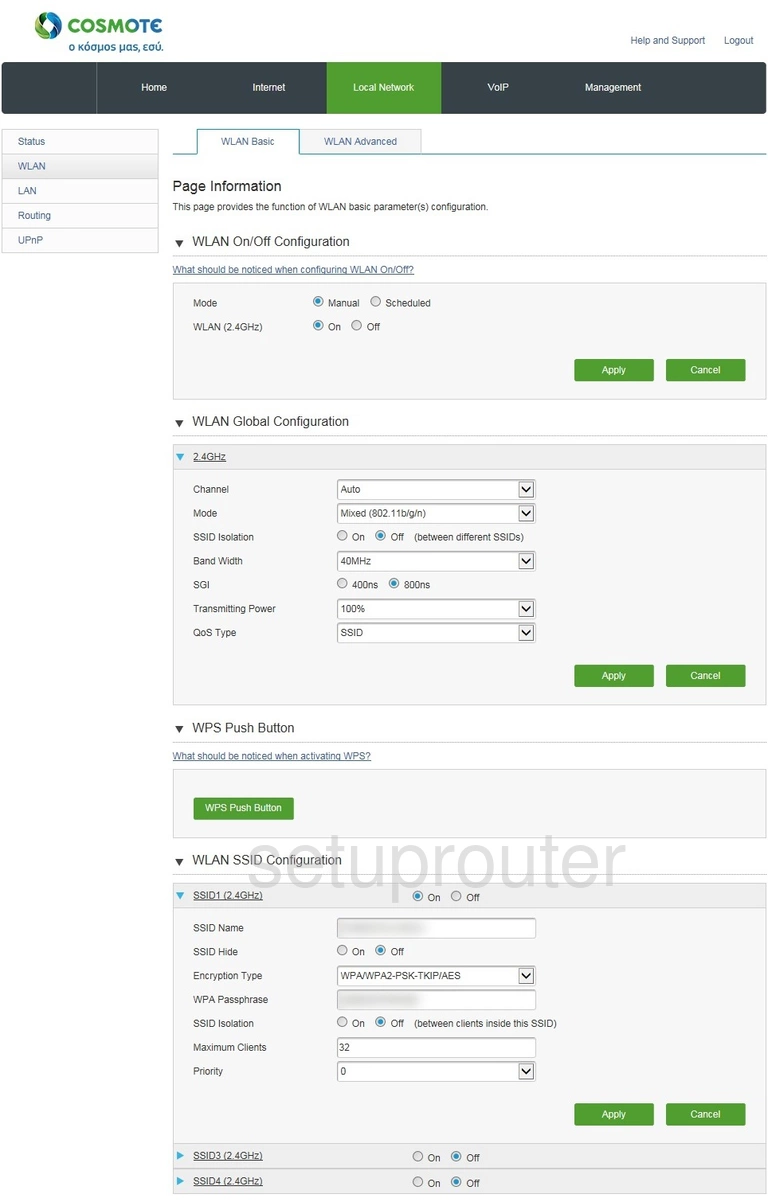
Unite US (4 screens)
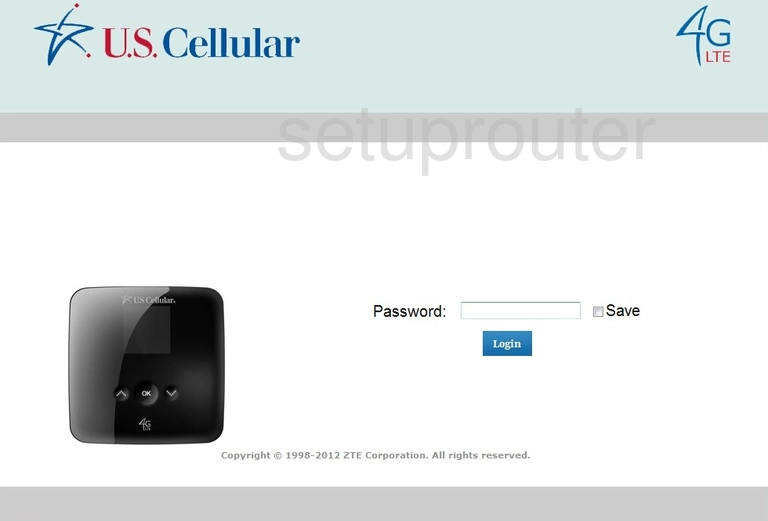
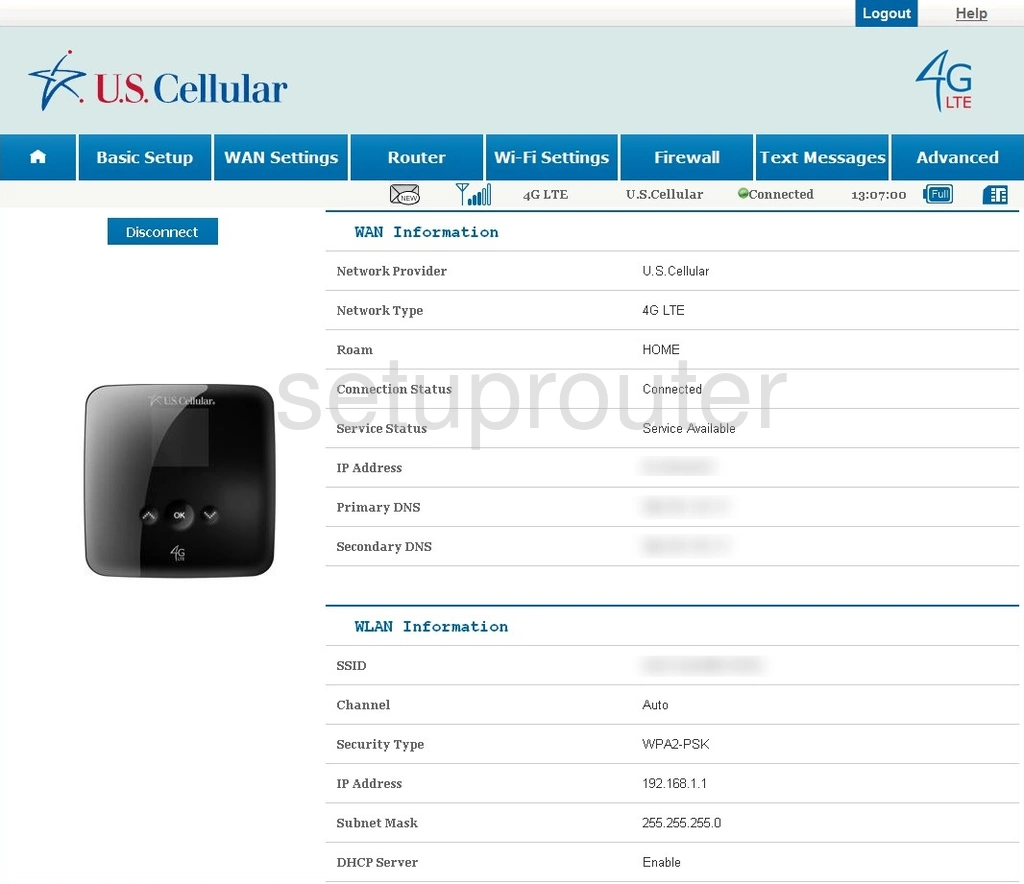
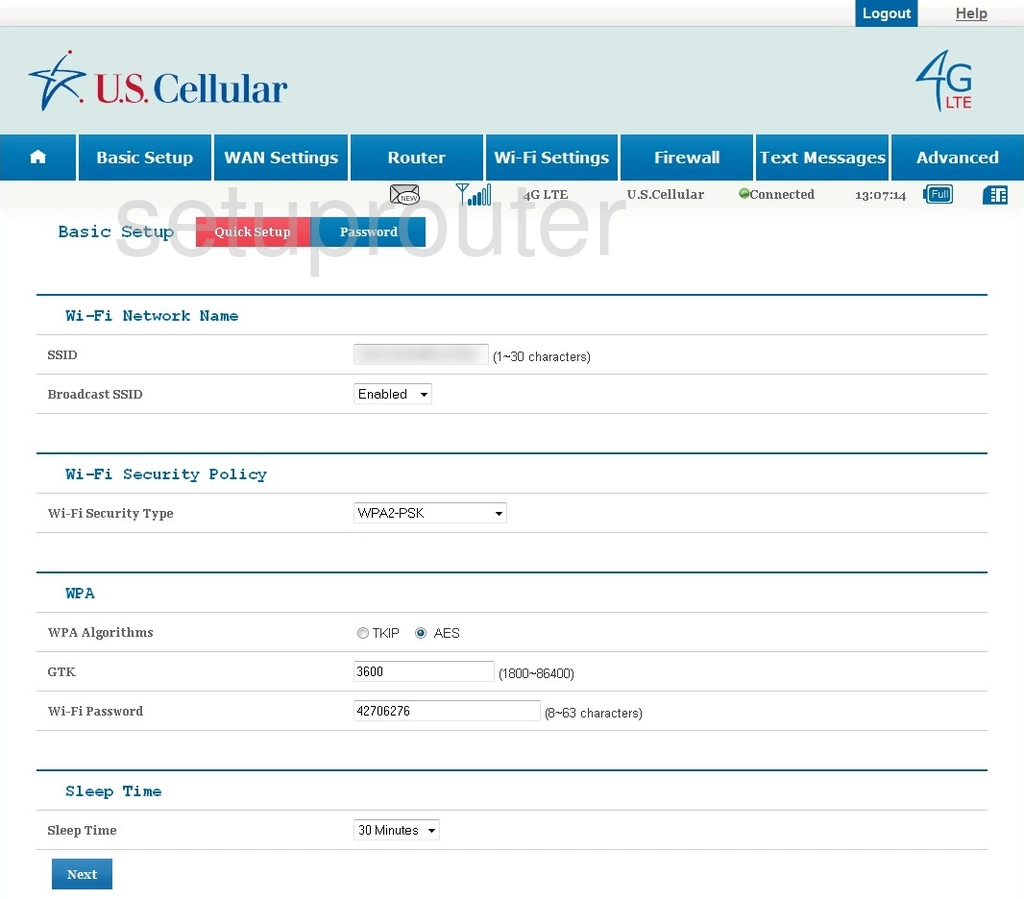
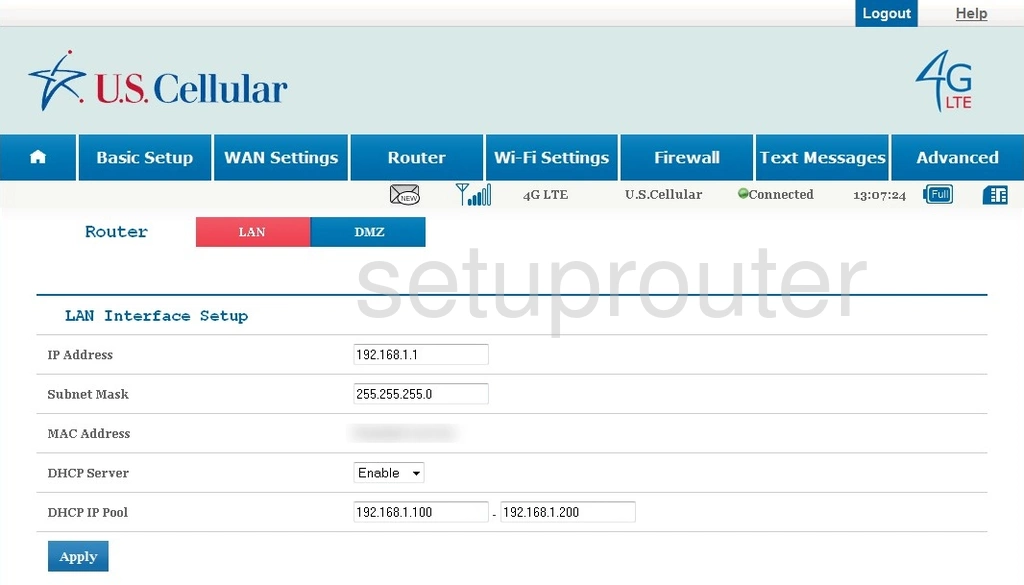
WIXFMM-130 (2 screens)
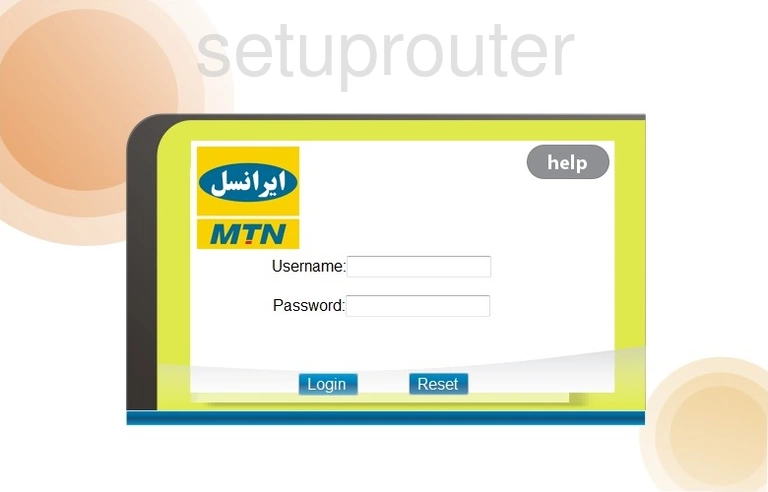
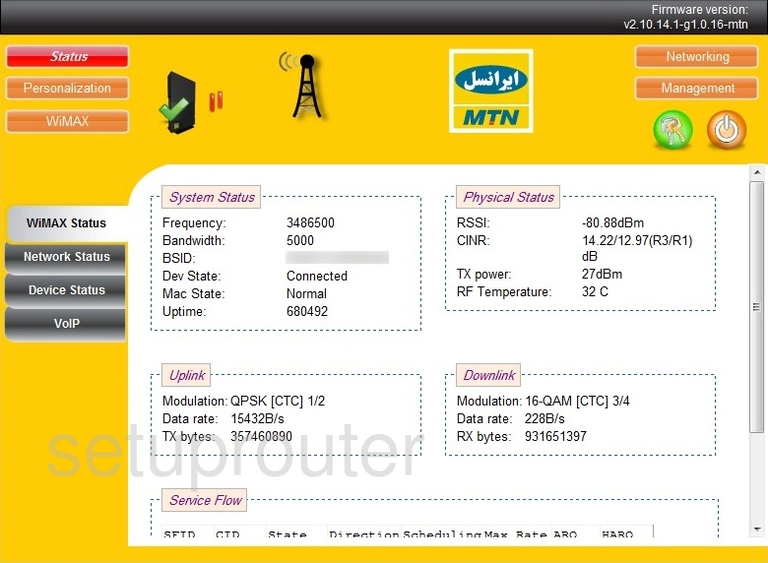
Z-917 (4 screens)
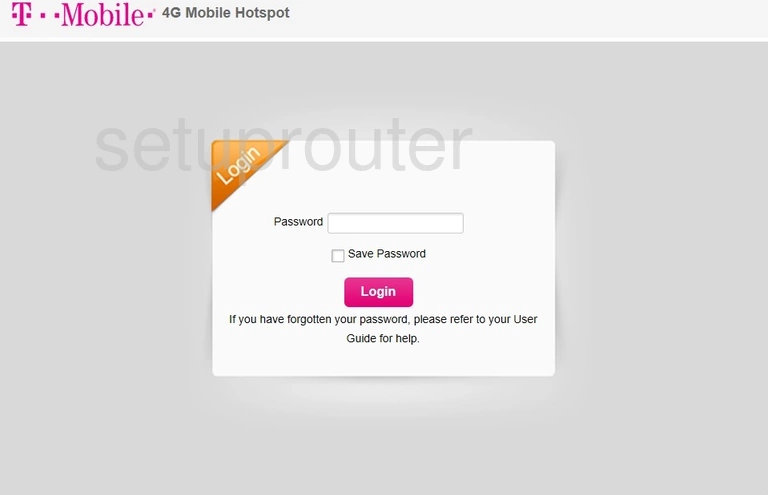
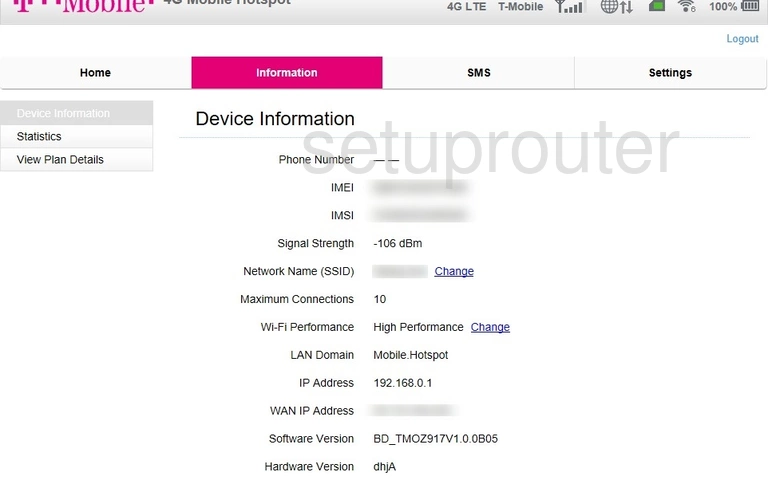
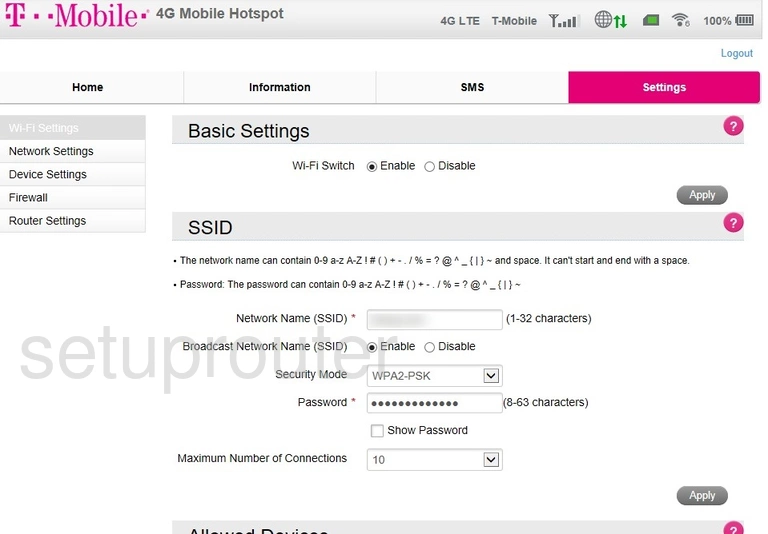
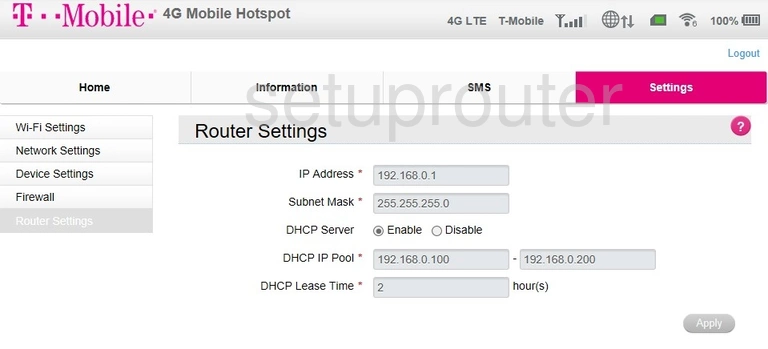
Z288L (4 screens)
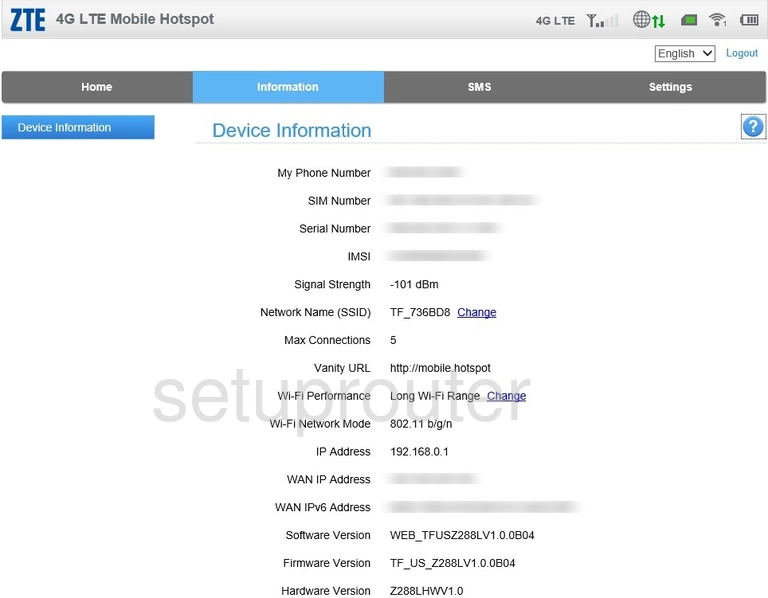
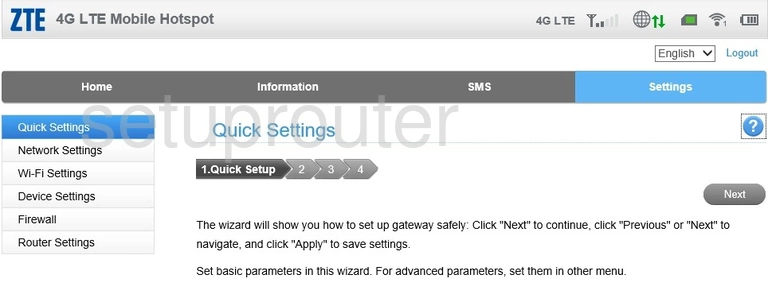
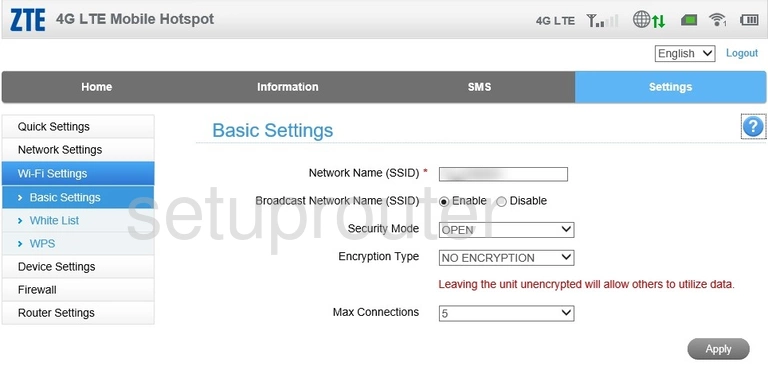
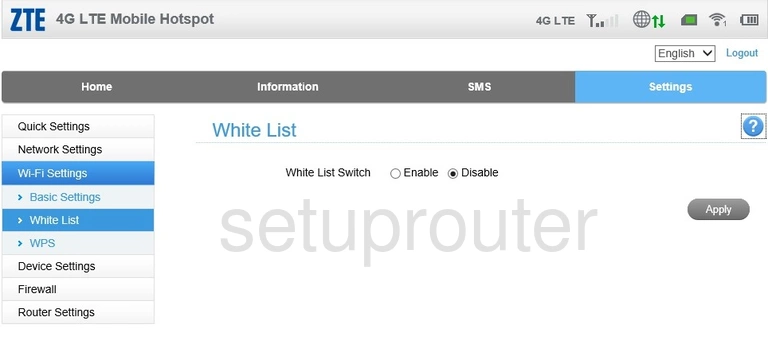
Z700A (4 screens)
ZXDSL 531B (4 screens)
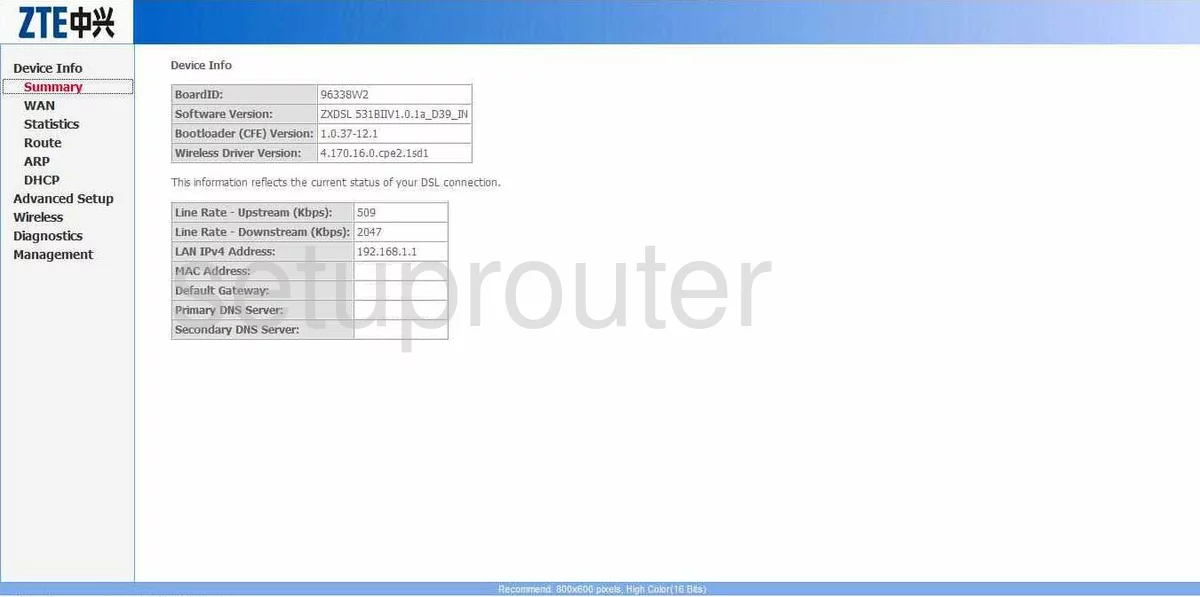
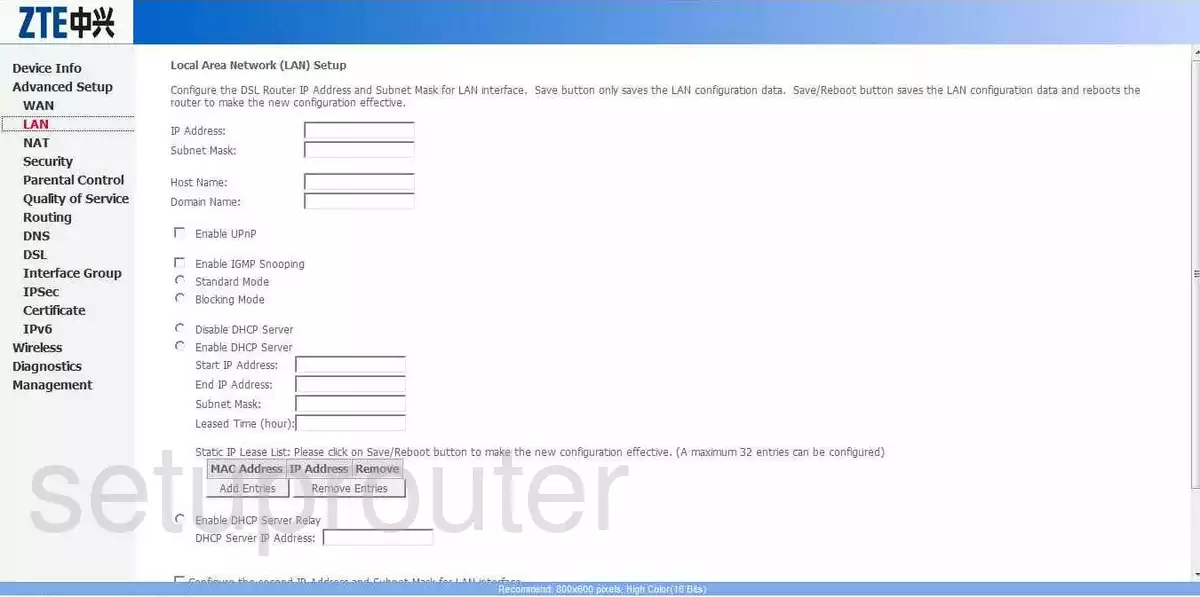
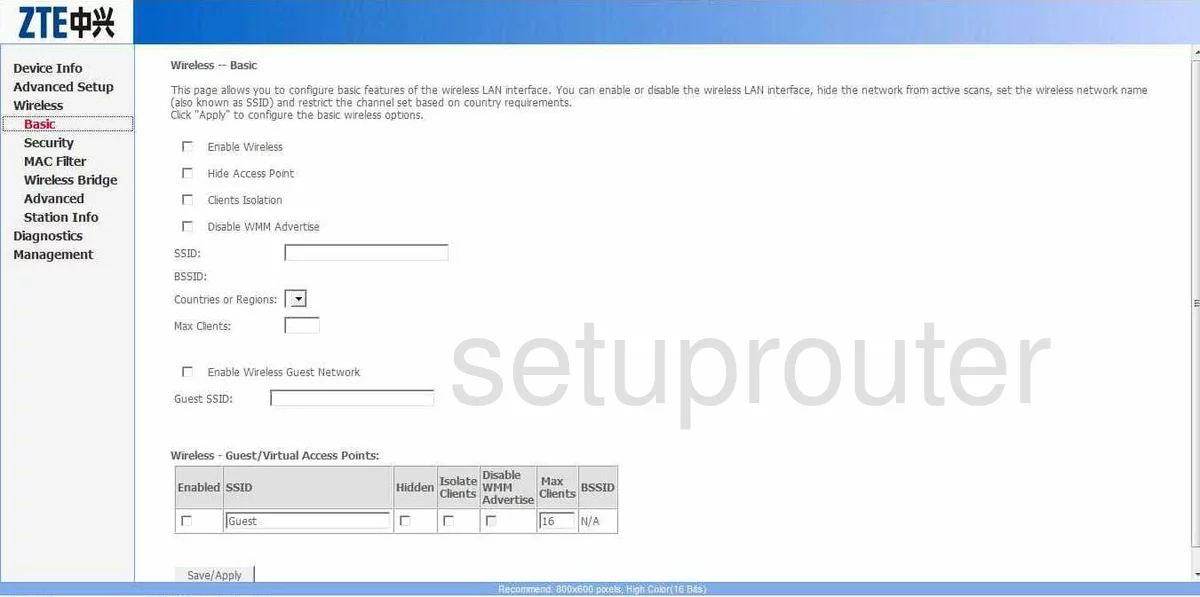
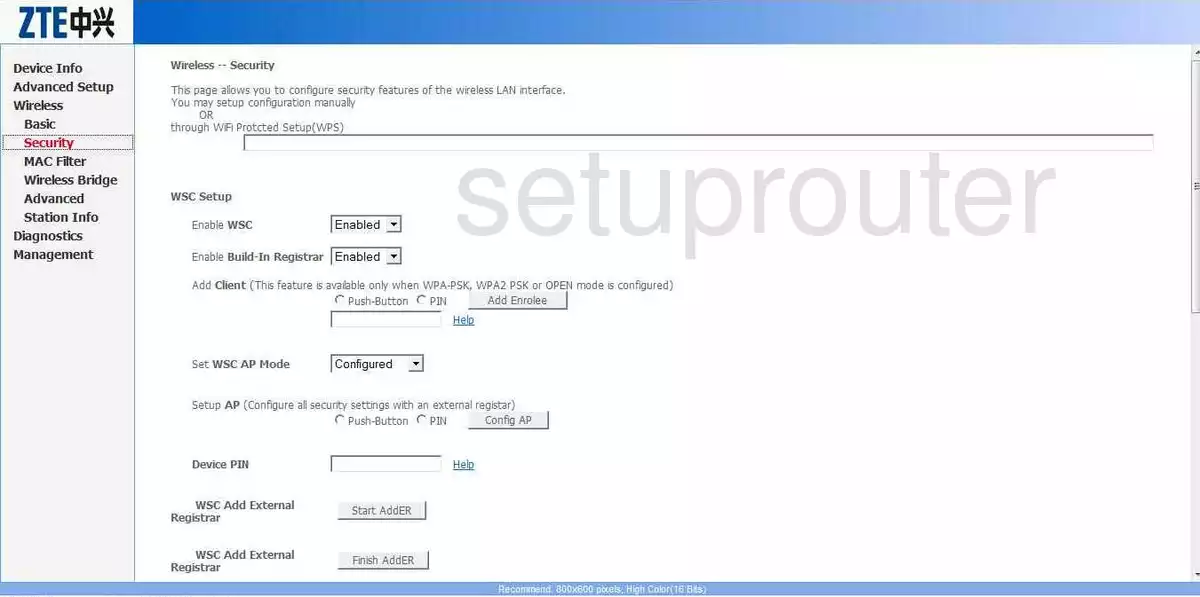
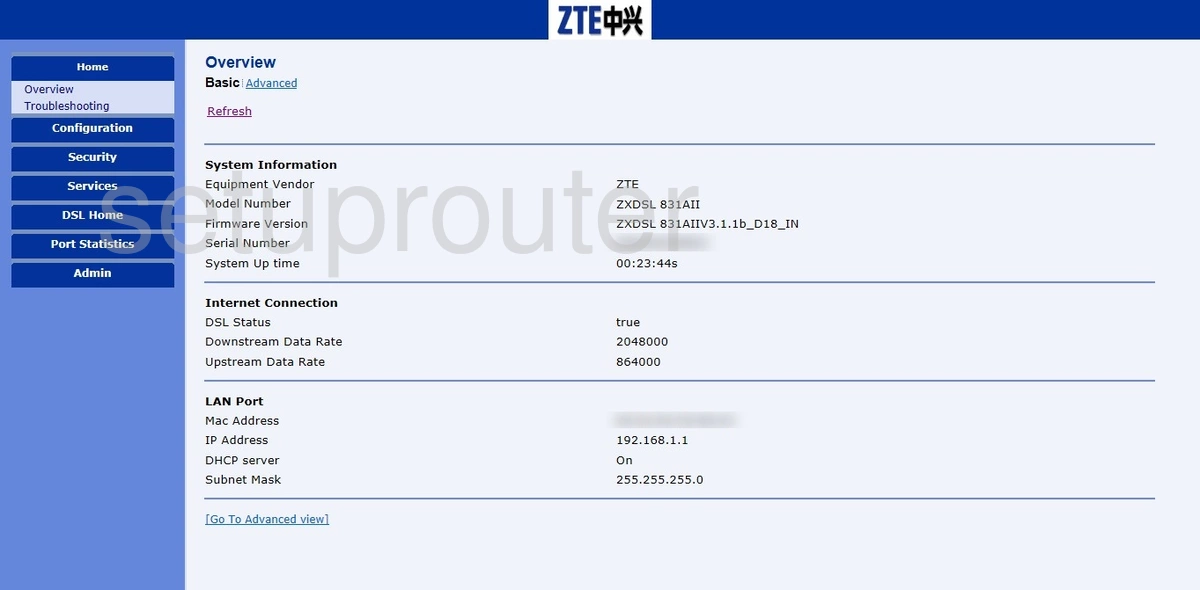
ZXDSL 831AIIv3 (1 screens)
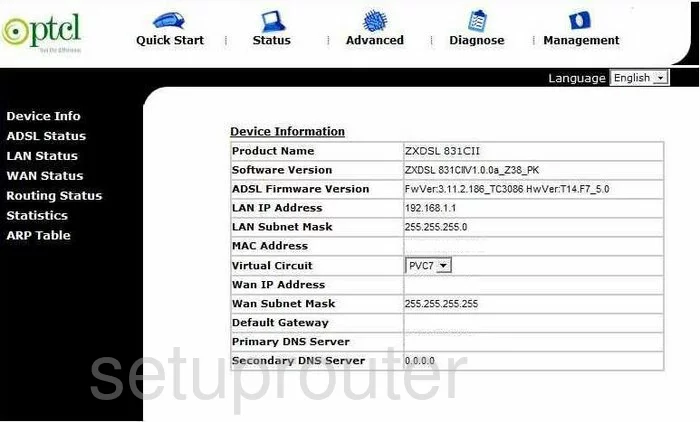
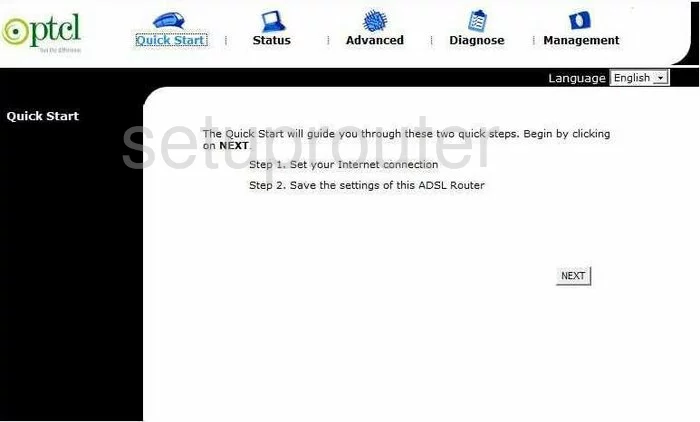
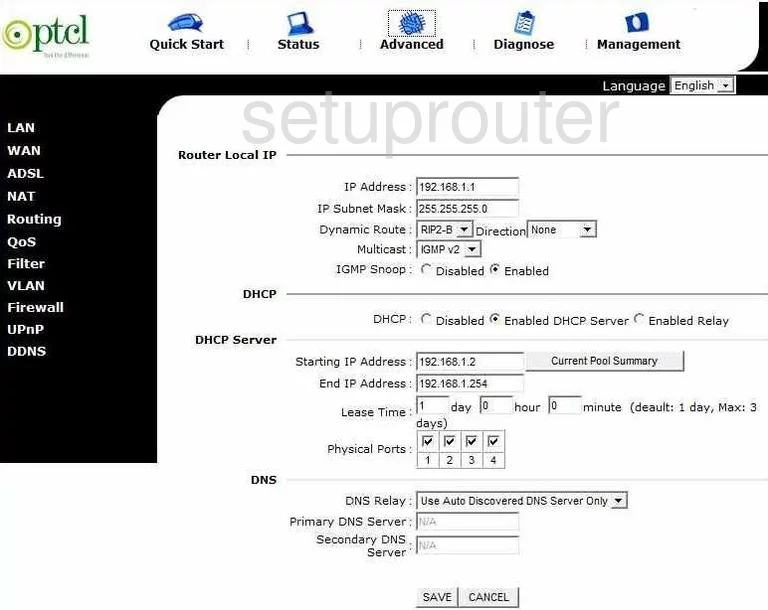
ZXDSL 831CII (4 screens)
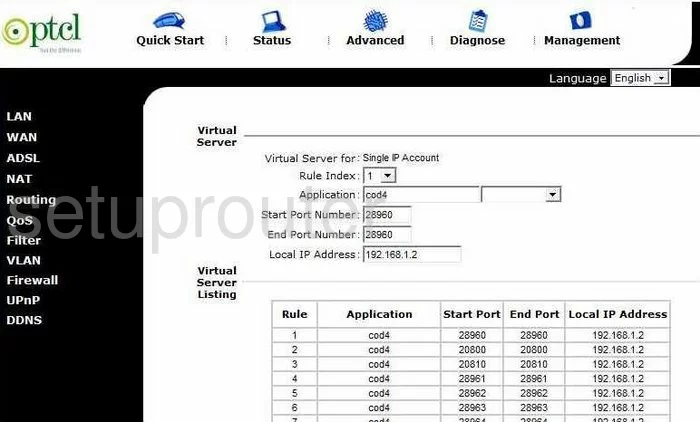
ZXDSL 931VII (4 screens)
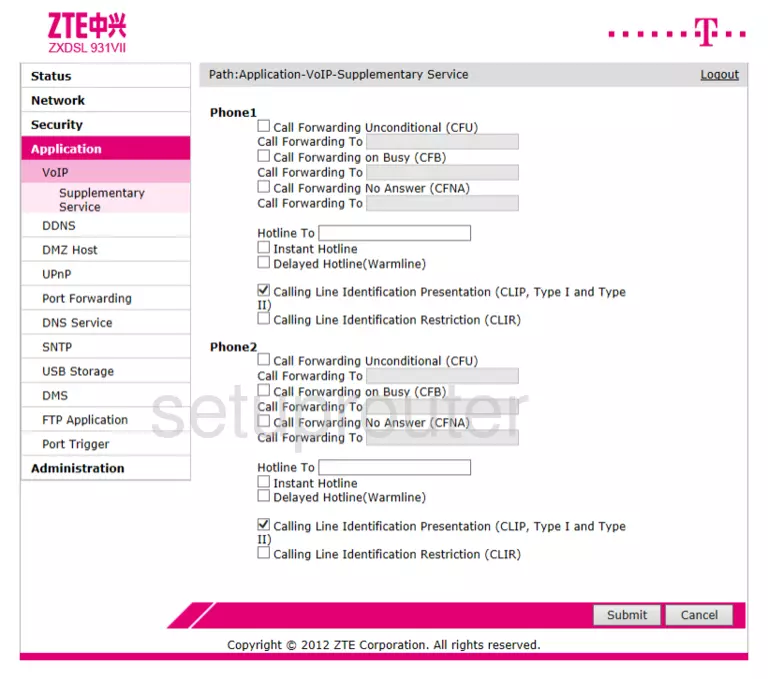
ZXDSL 931VII Netvigator (4 screens)
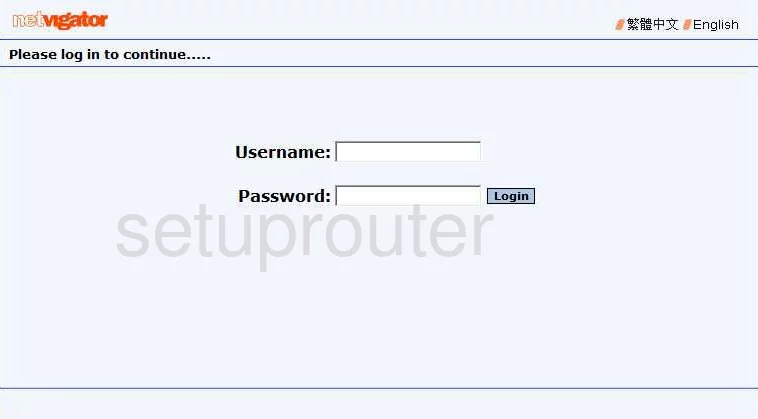
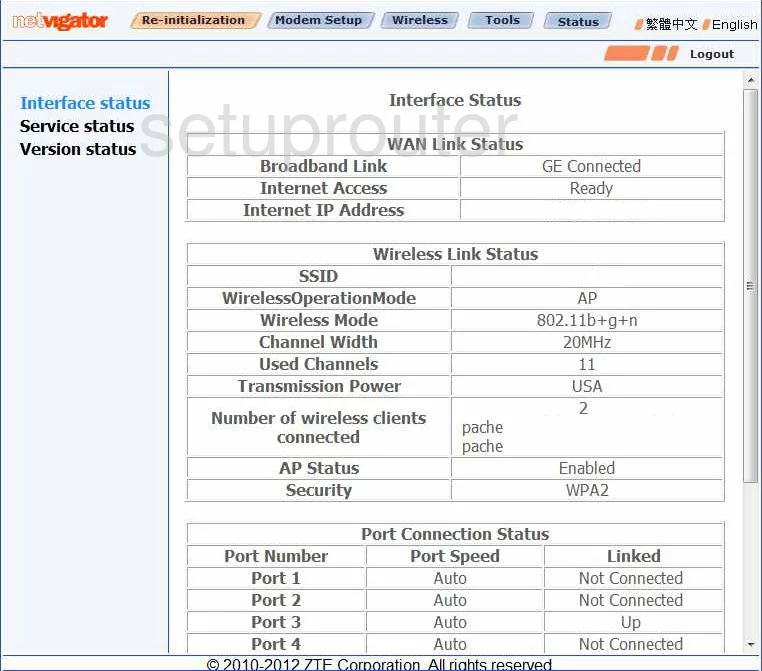
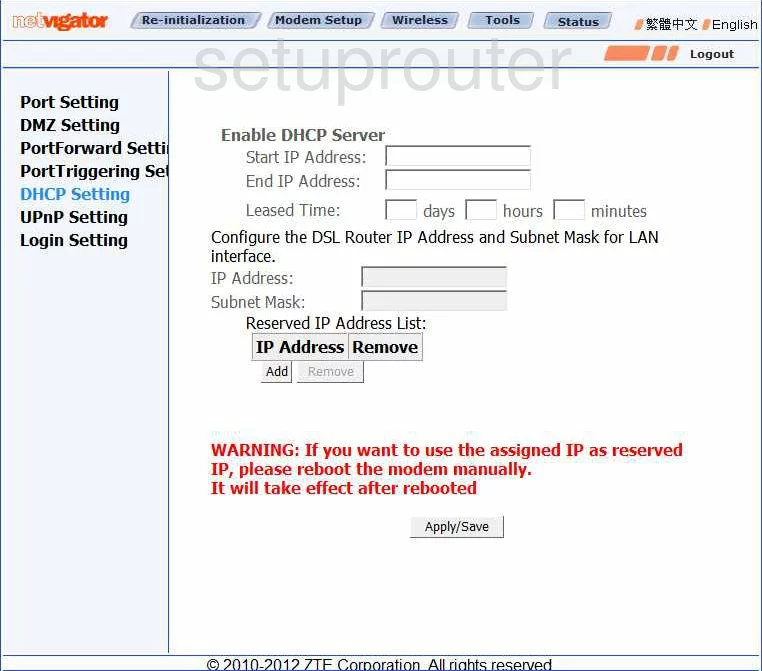
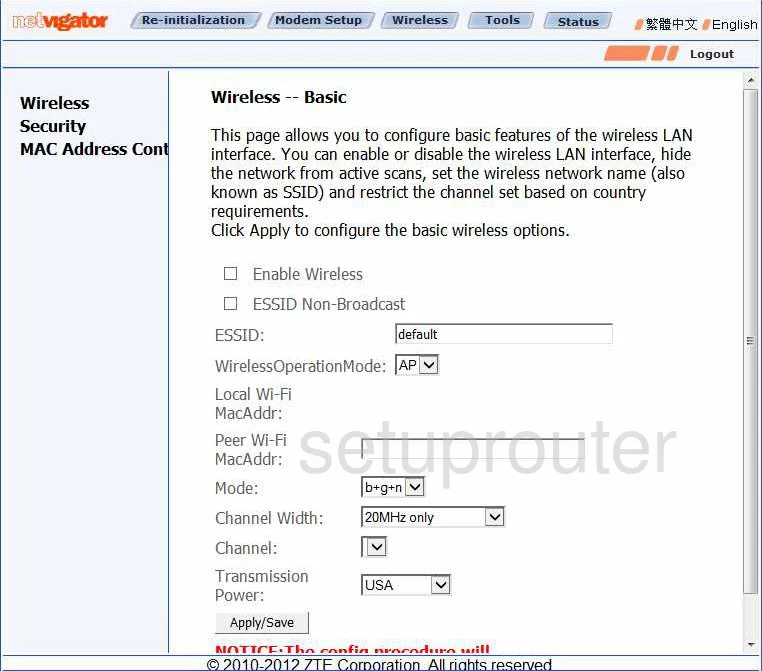
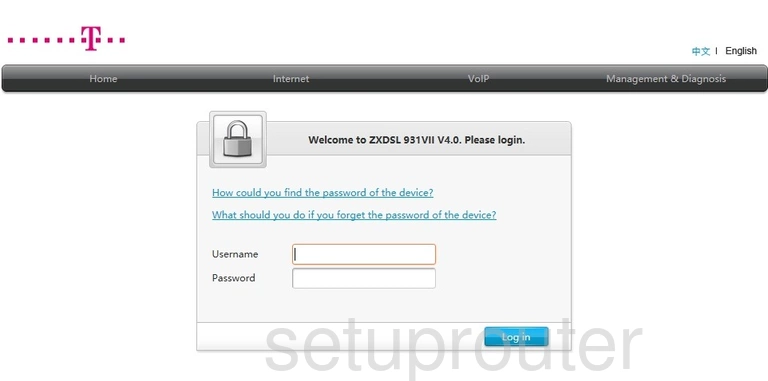
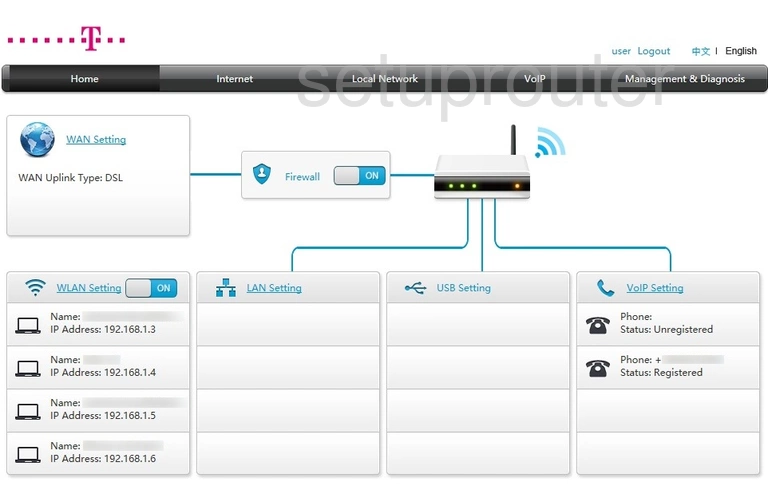
ZXDSL 931VII T-Mobile (2 screens)
ZXDSL-831AII (4 screens)
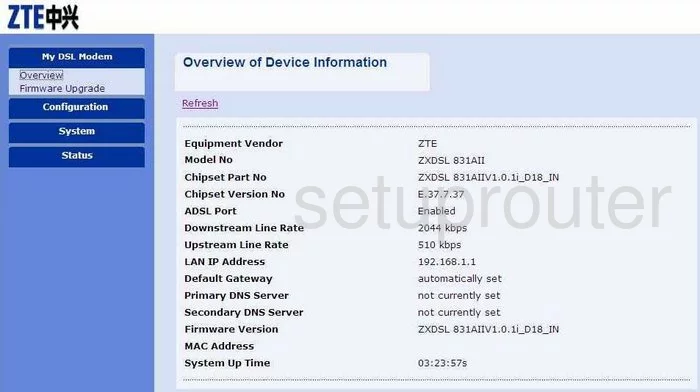
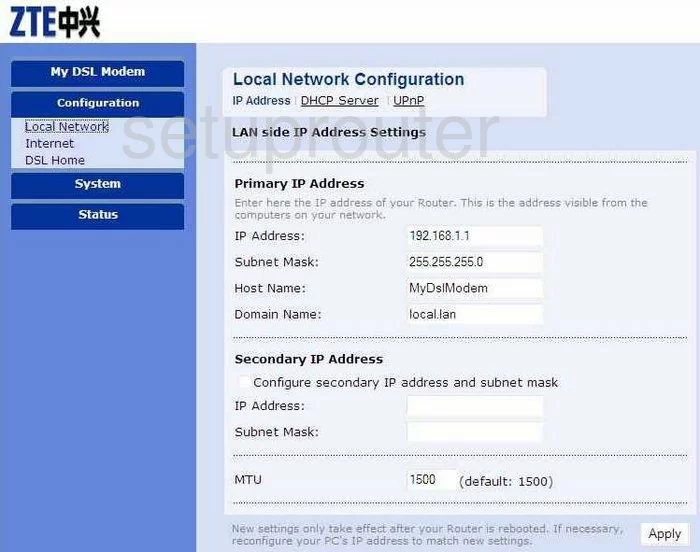
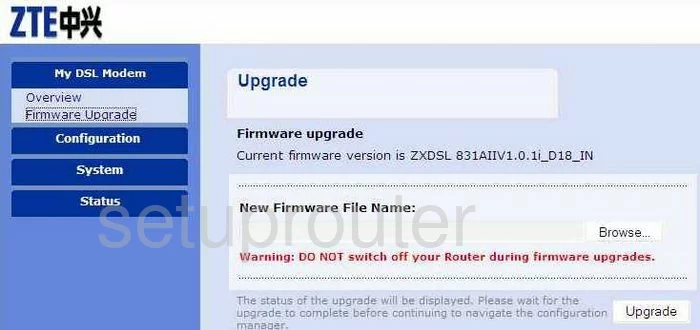
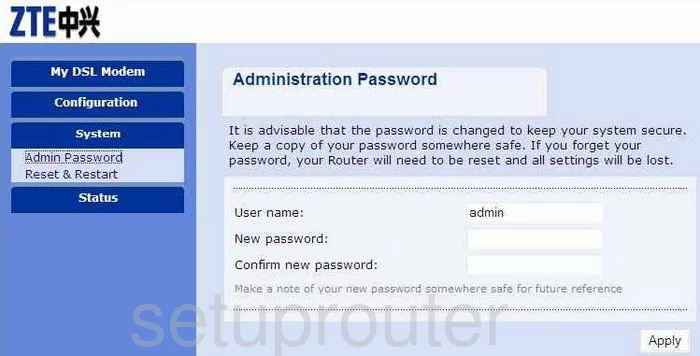
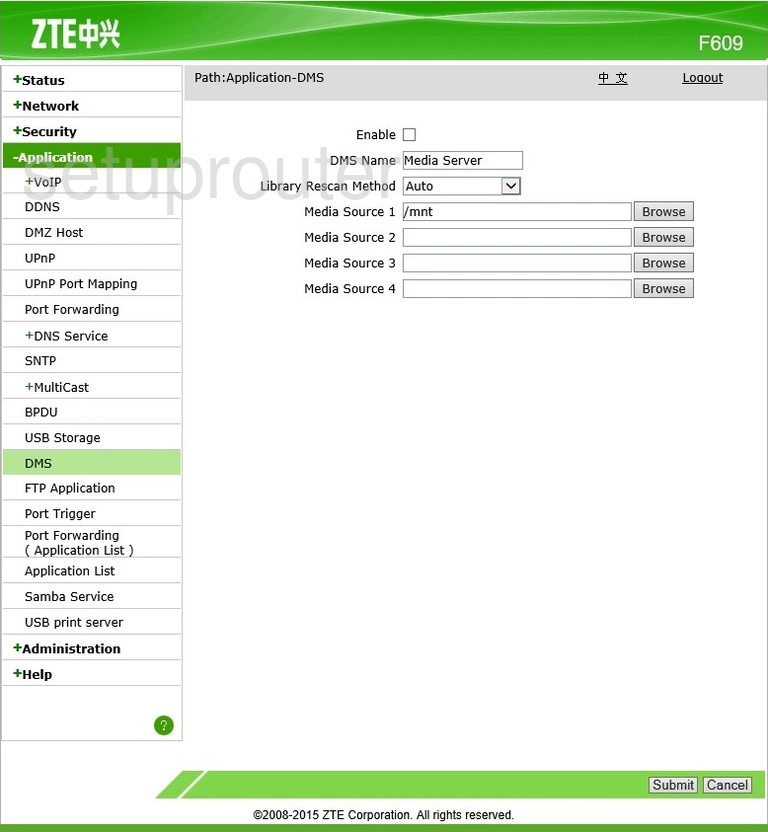
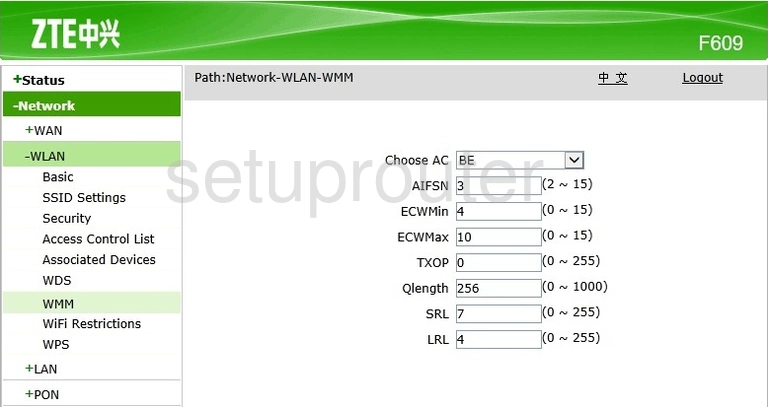
ZXHN F609 (4 screens)
ZXHN F620 (4 screens)
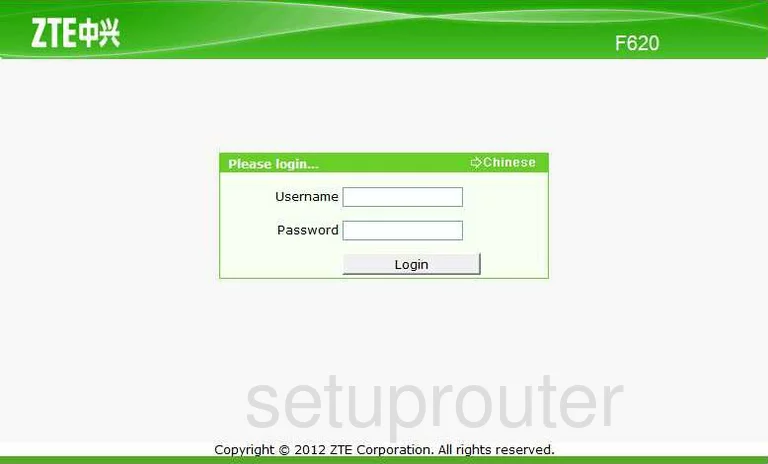
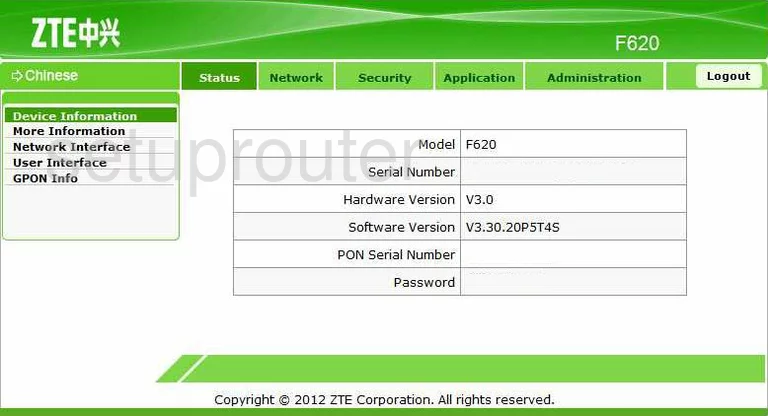
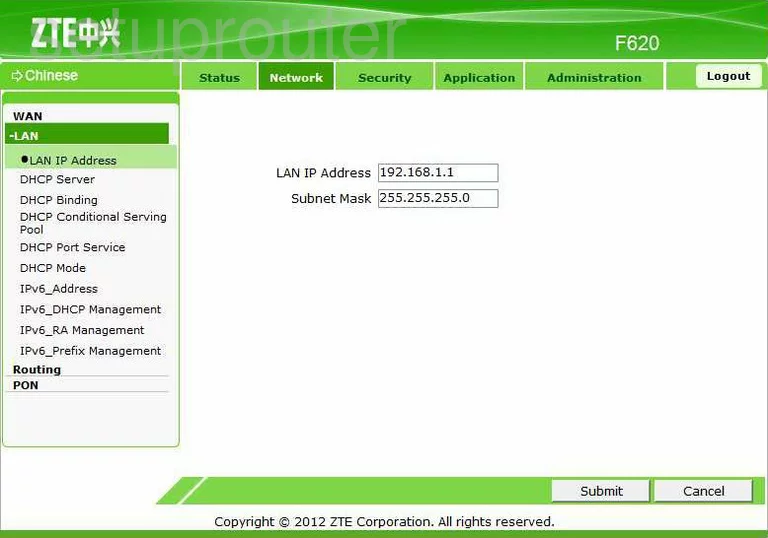
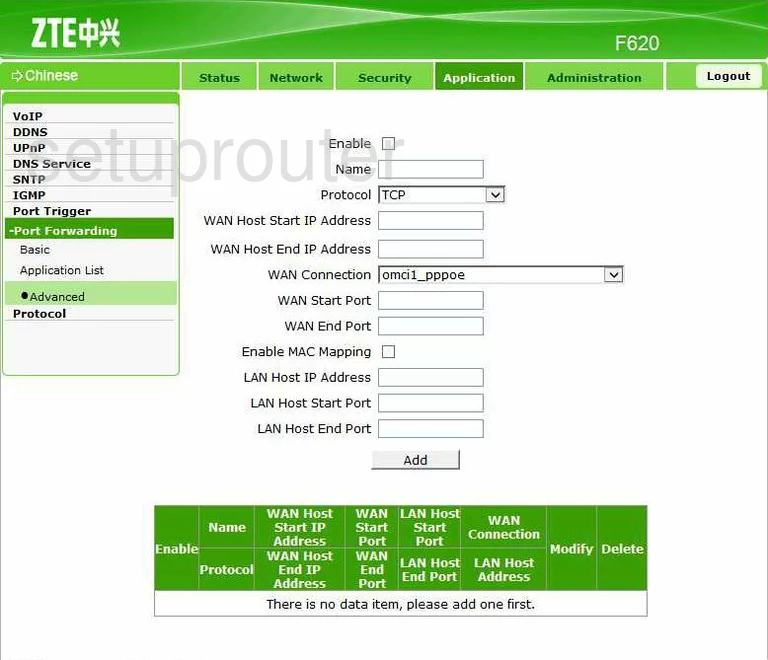
ZXHN H108L (4 screens)
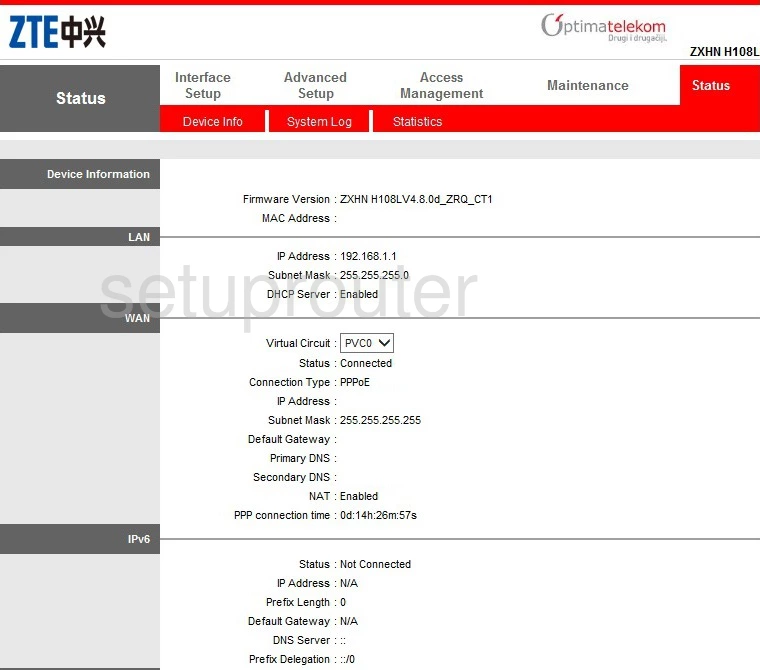
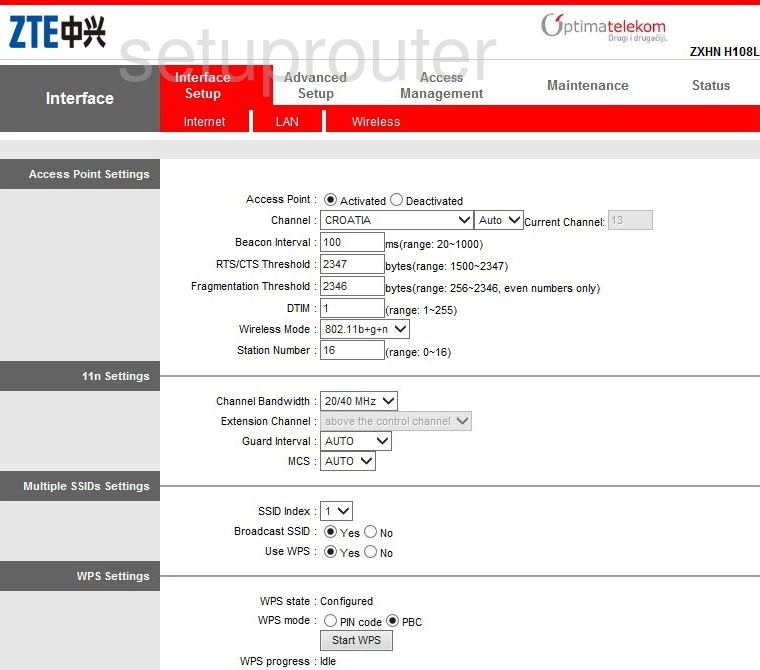
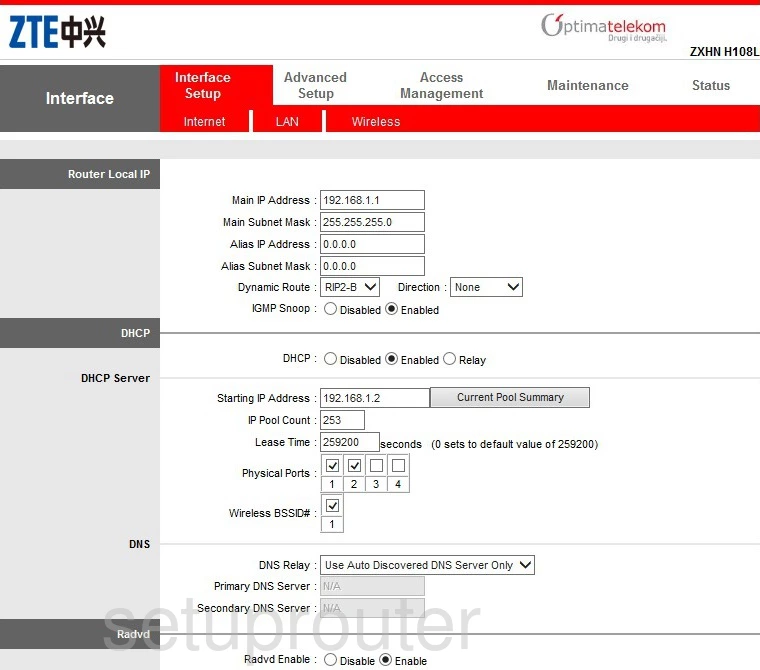
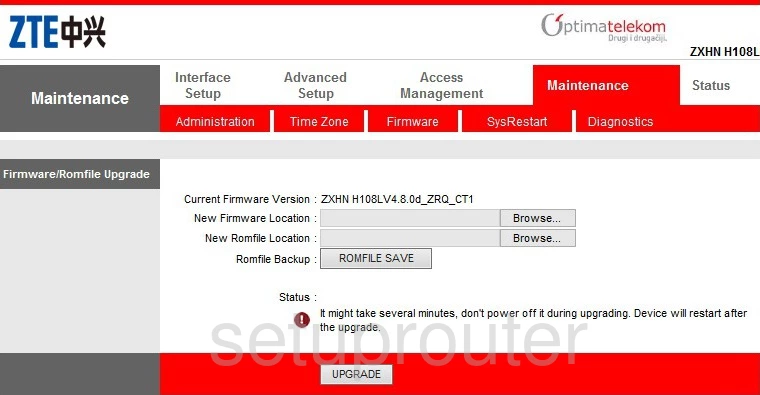
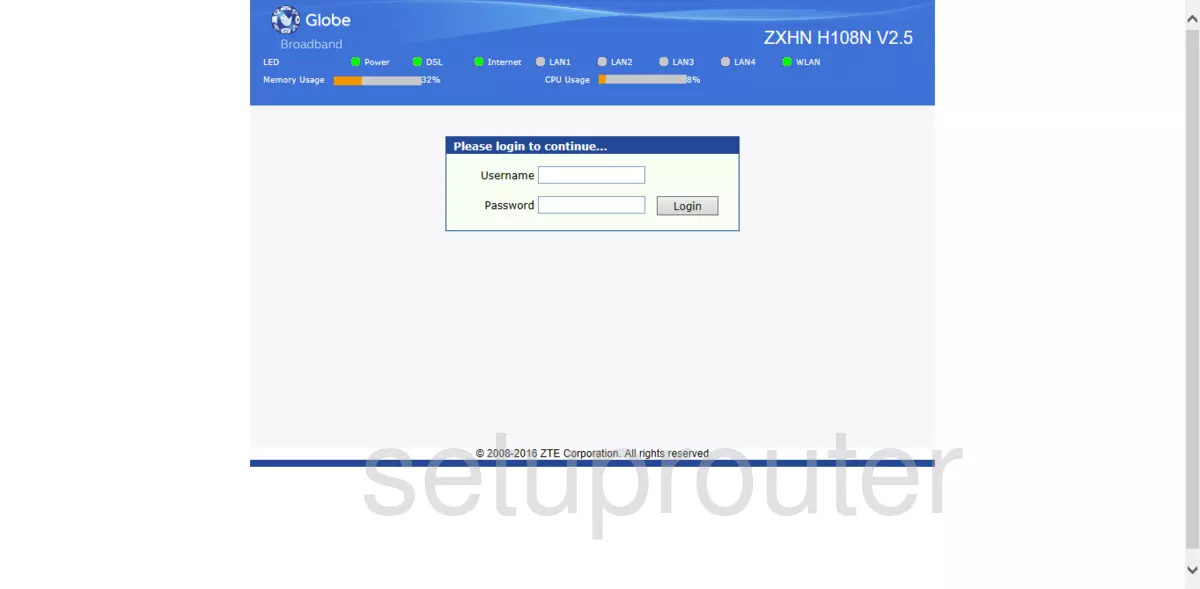
ZXHN H108N (4 screens)
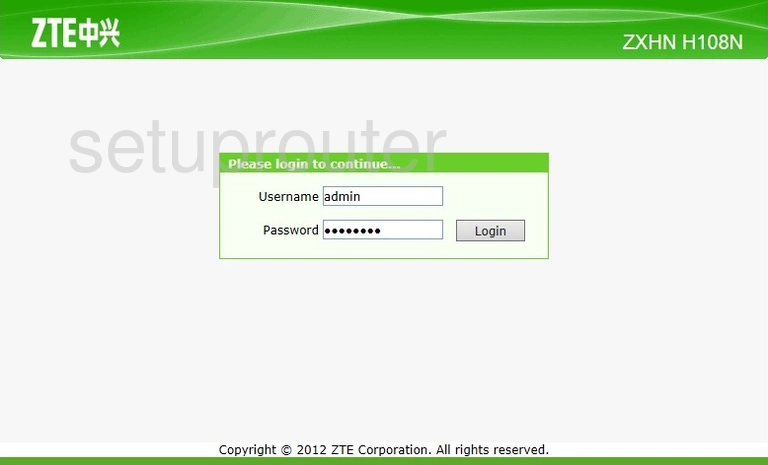
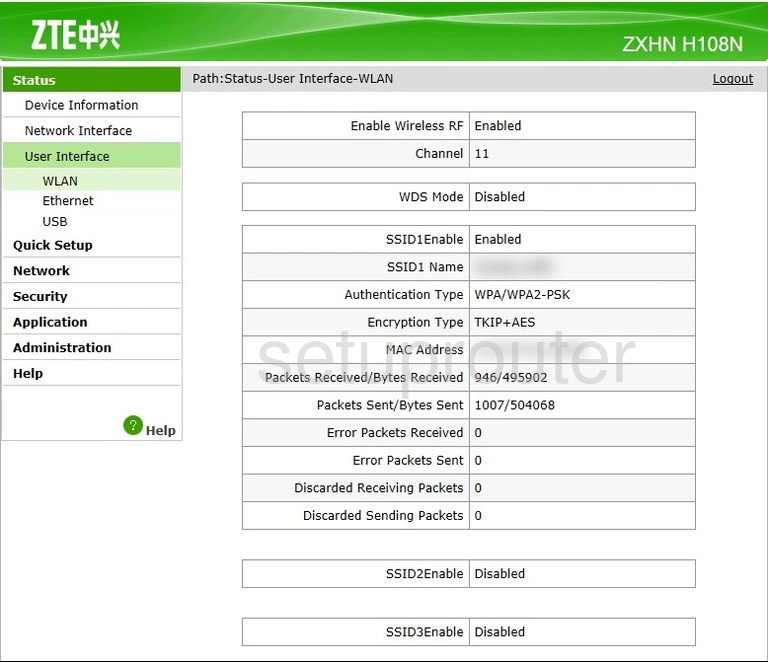
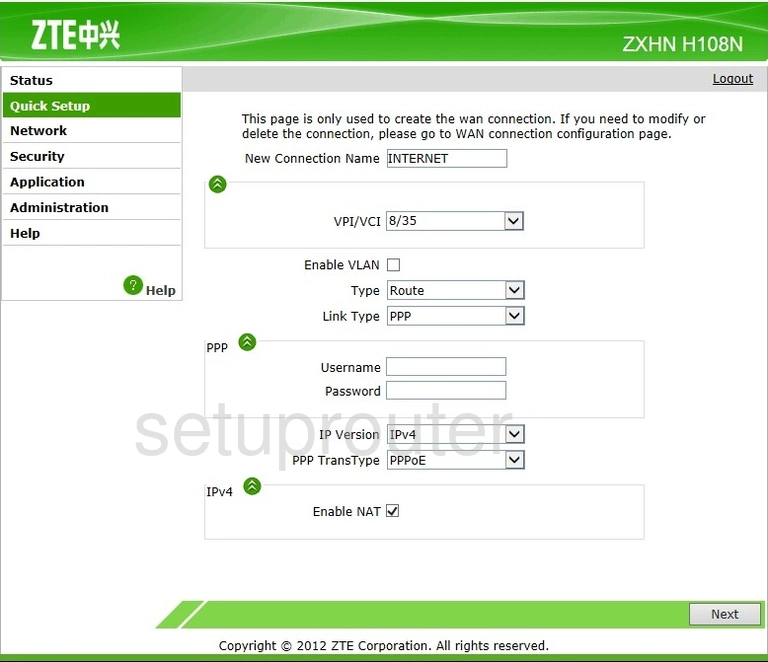
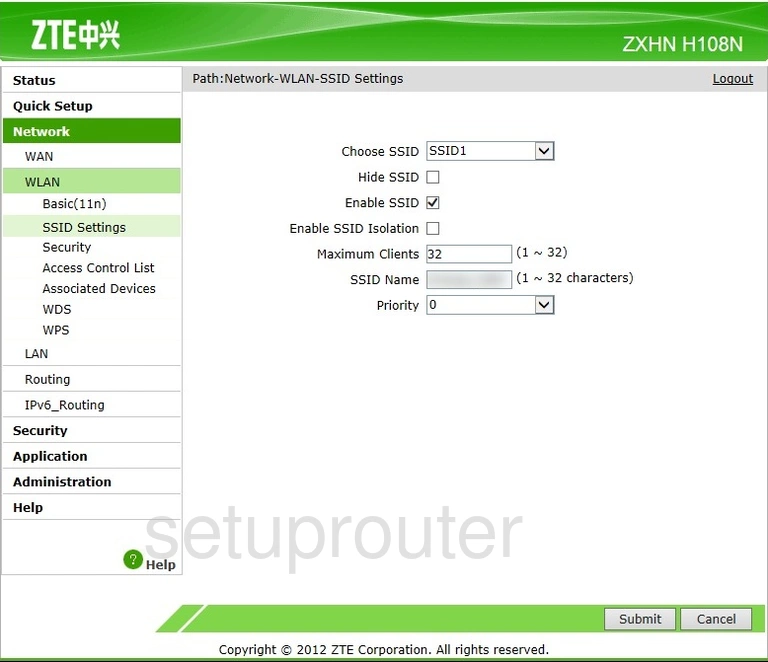
ZXHN H108N Bayan (3 screens)
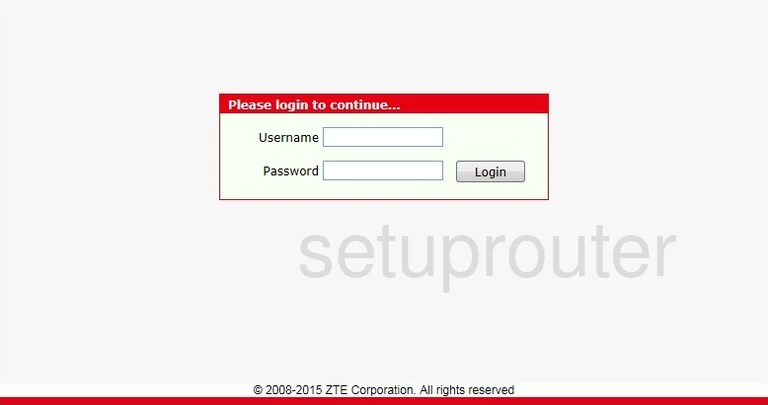
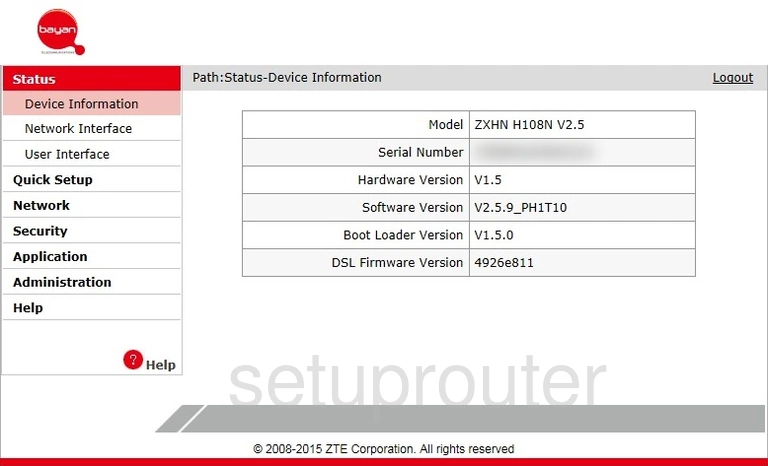
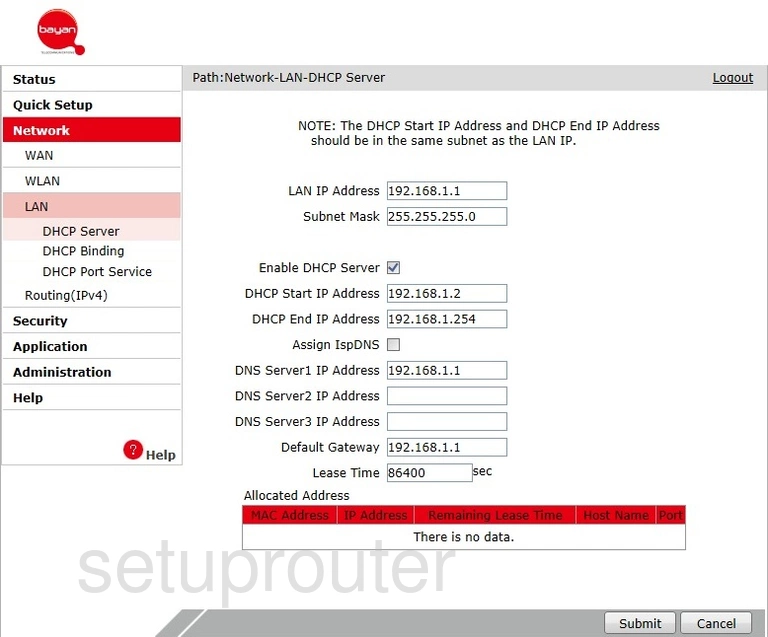
ZXHN H108N Telkom (4 screens)
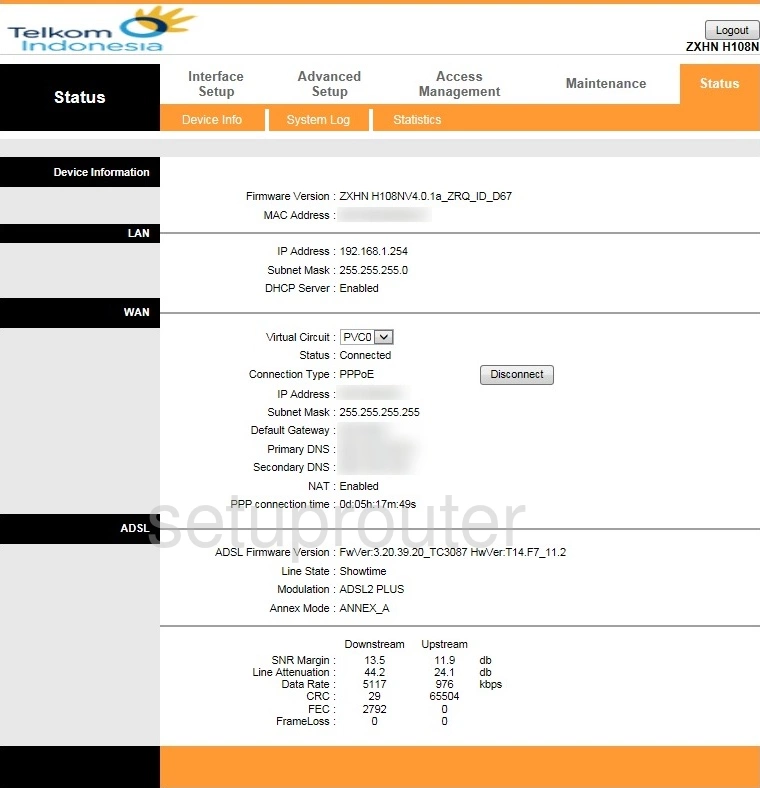
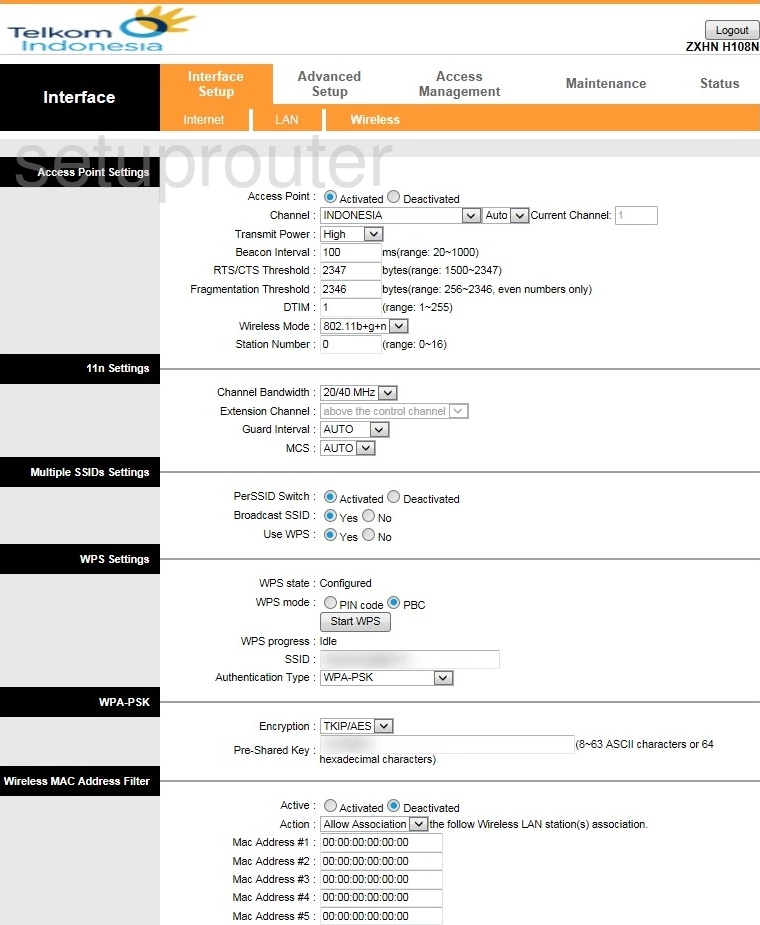
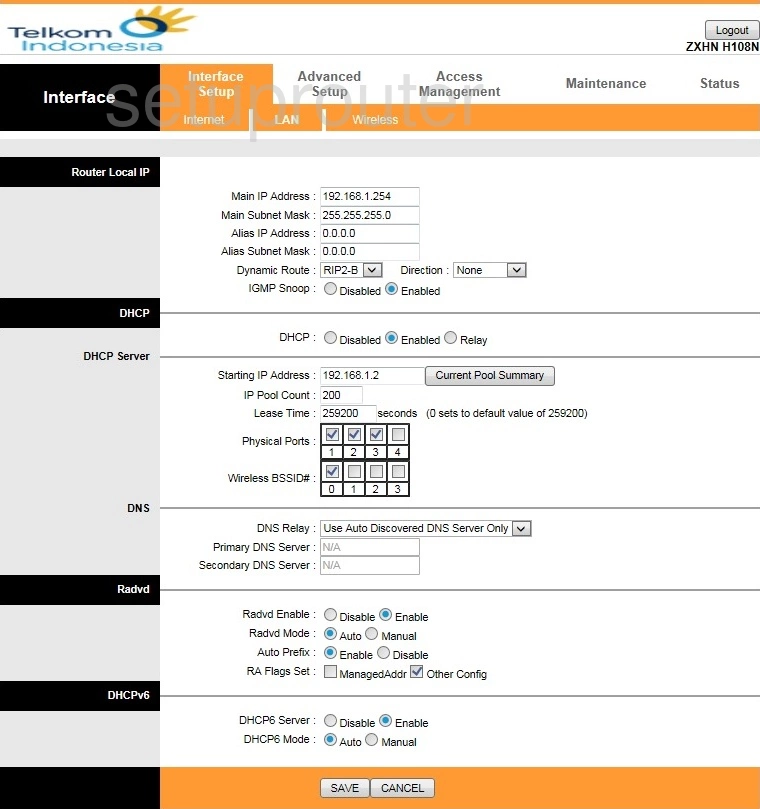
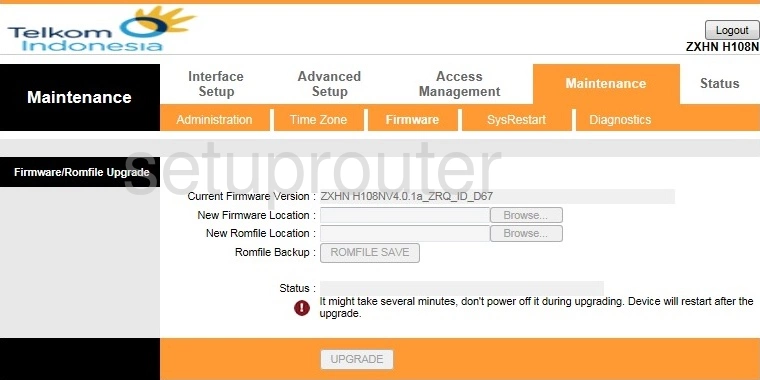
ZXHN H108N v2 TE Data (1 screens)
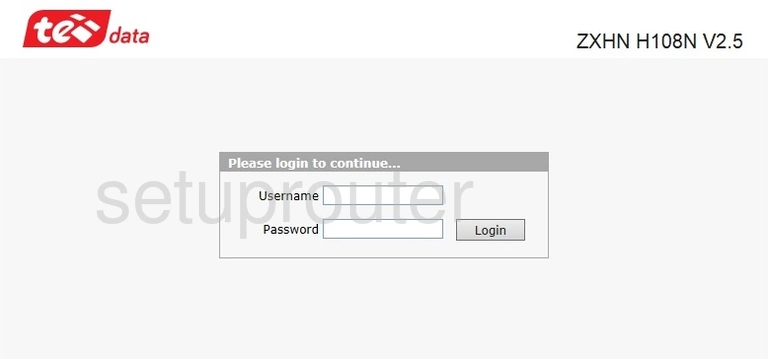
ZXHN H108N v2.5 (1 screens)
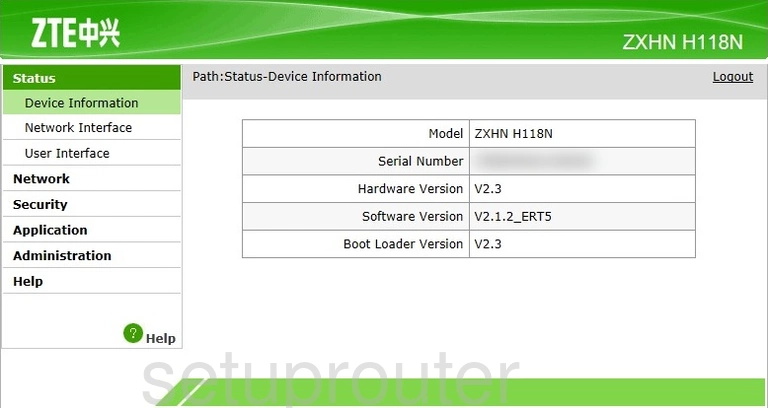
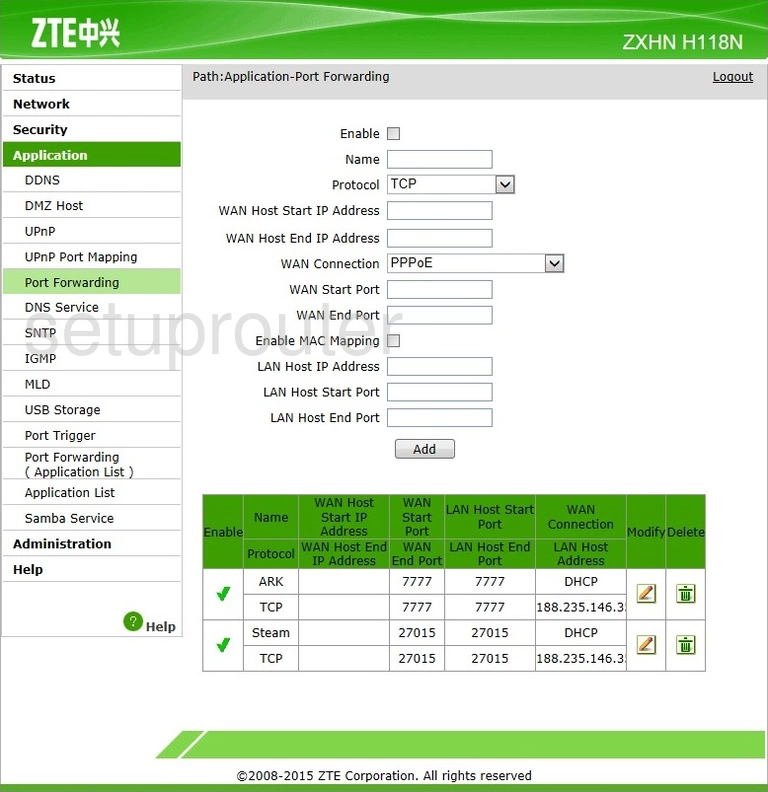
ZXHN H118N (4 screens)
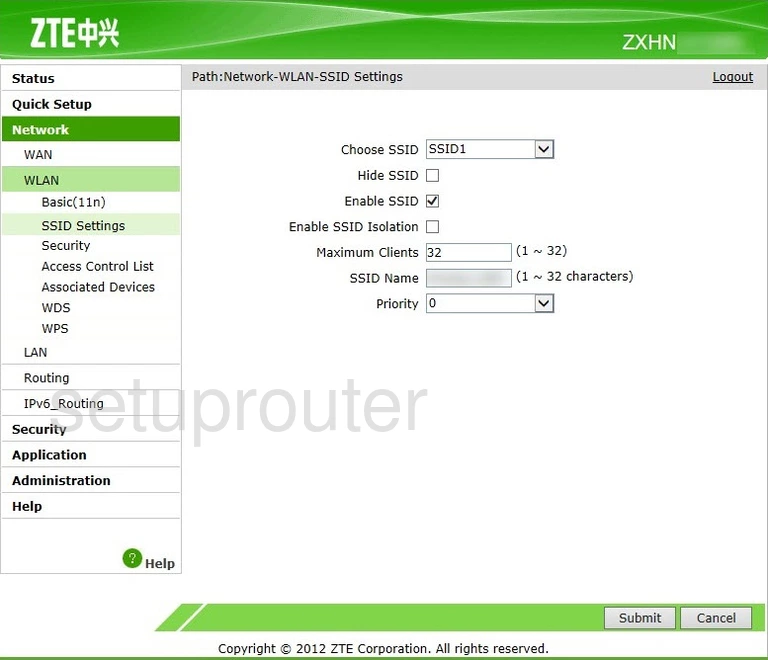
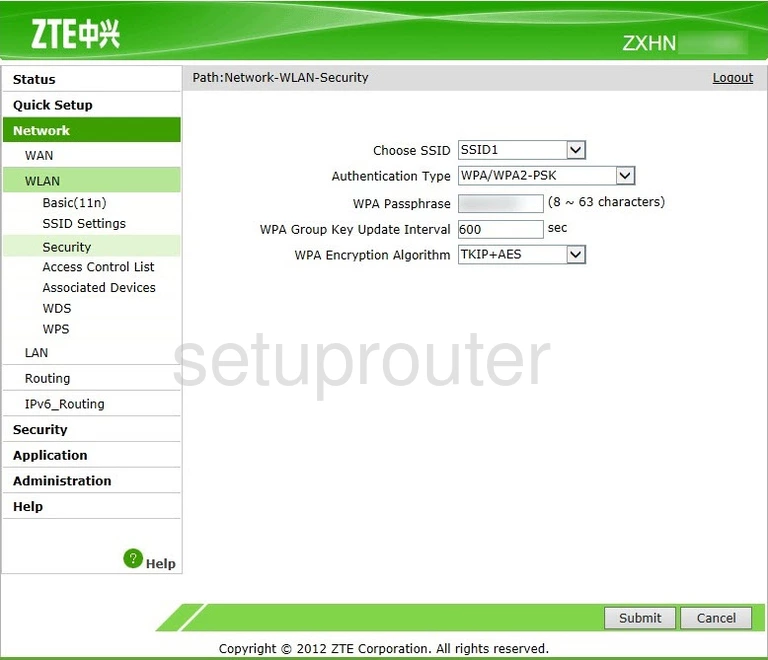
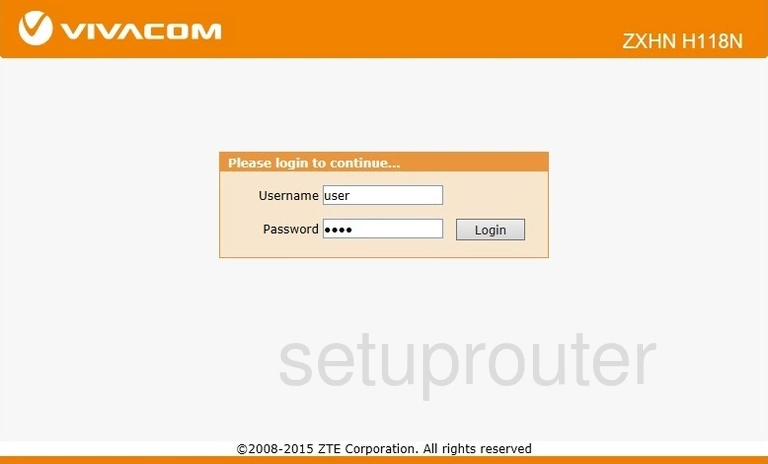
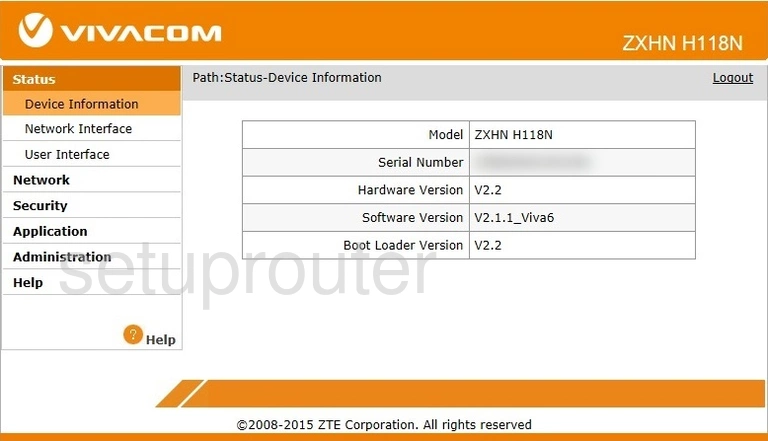
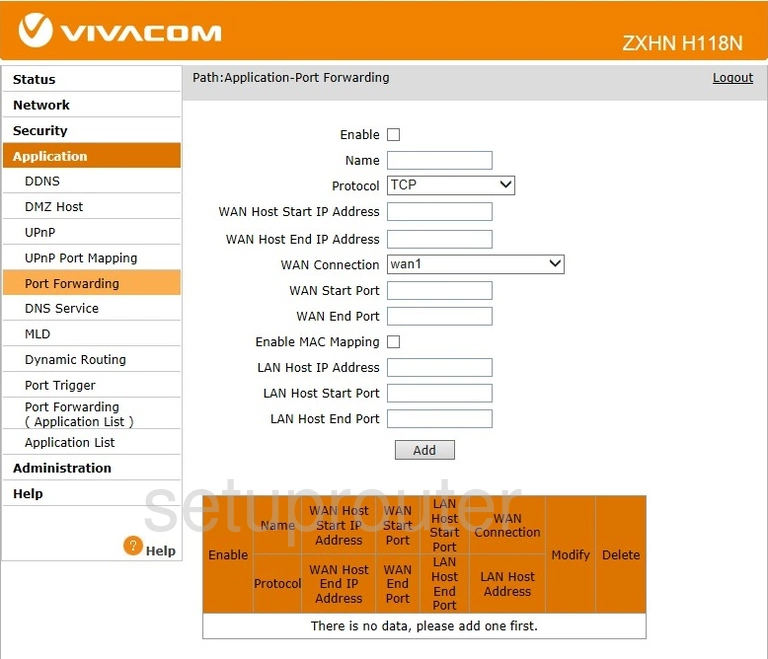
ZXHN H118N Vivacom (3 screens)
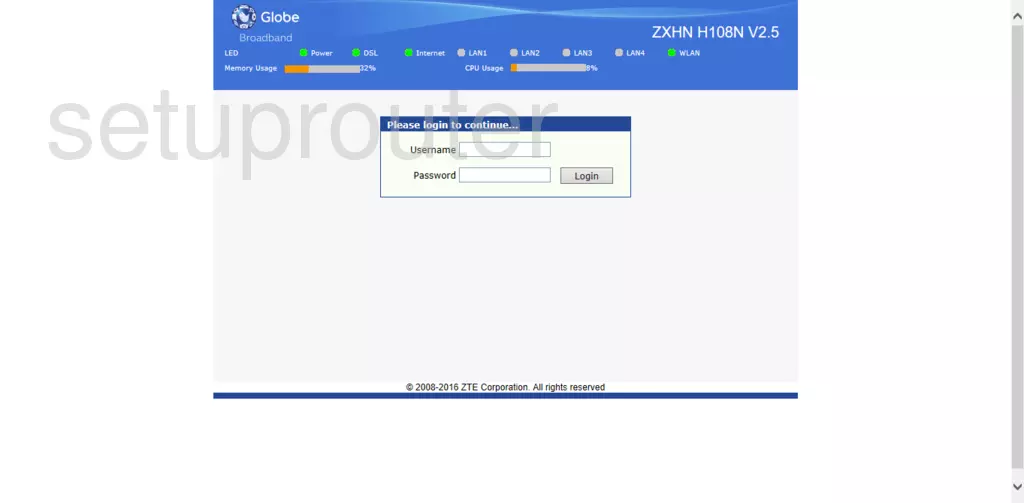
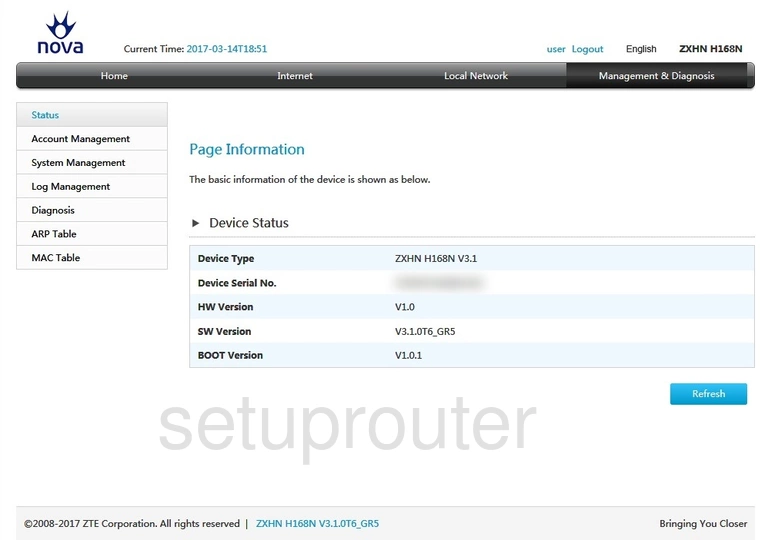
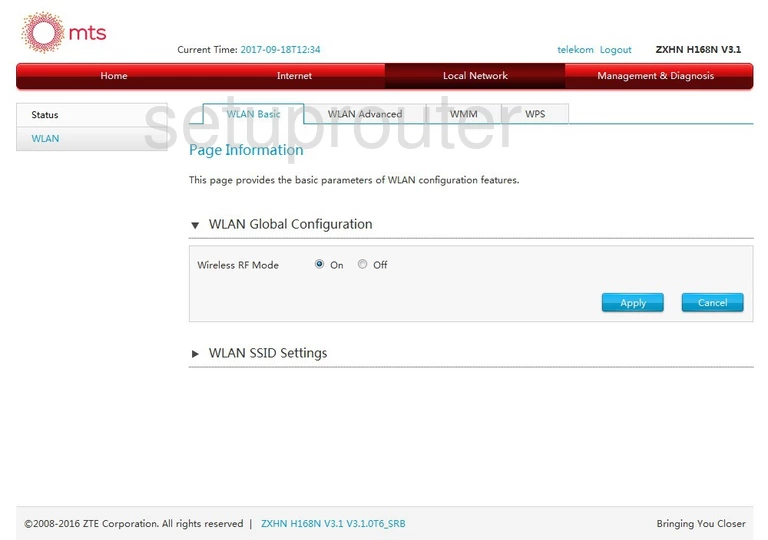
ZXHN H168N (3 screens)
ZXHN H198A v3.0 (2 screens)
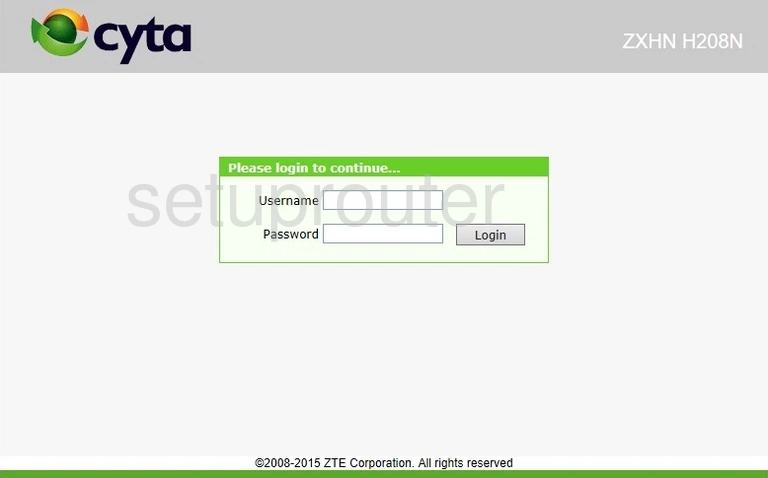
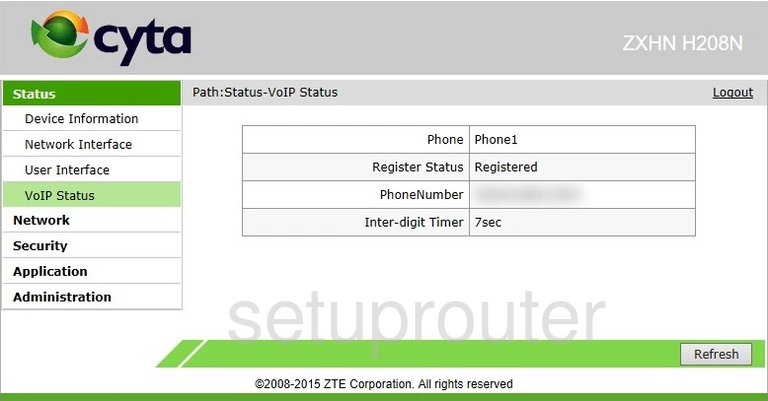
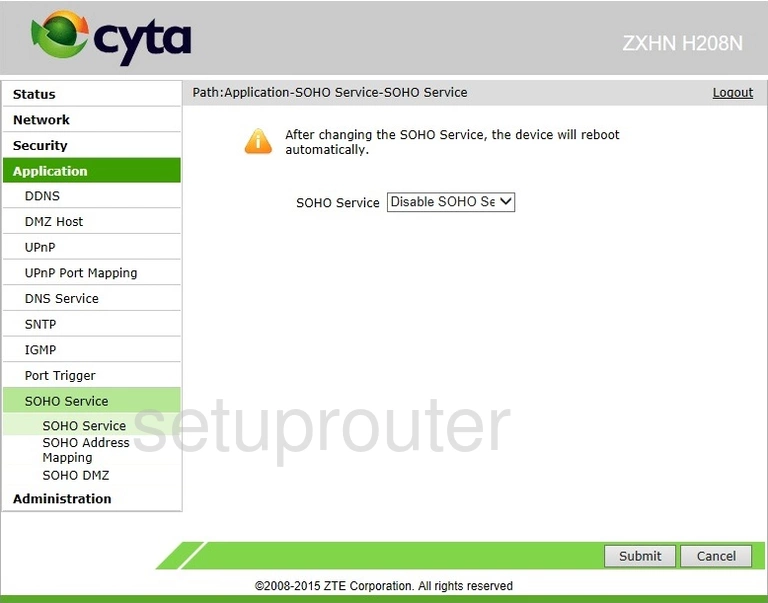
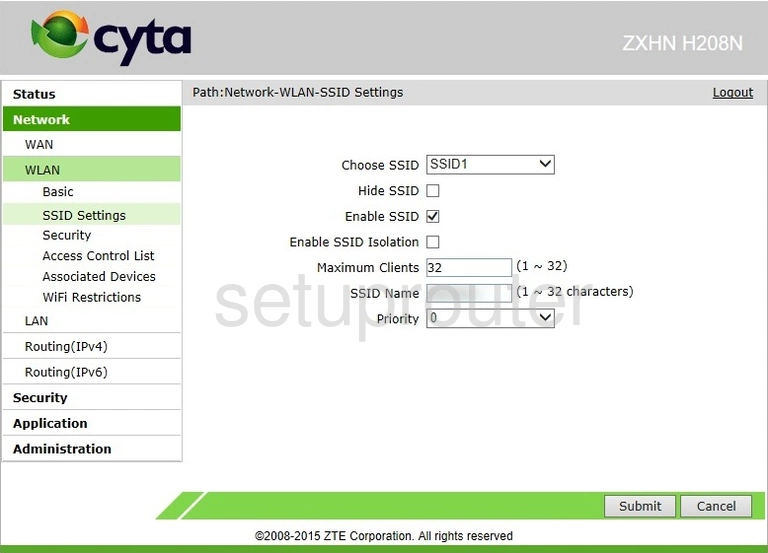
ZXHN H208N (4 screens)
ZXHN H267A (3 screens)
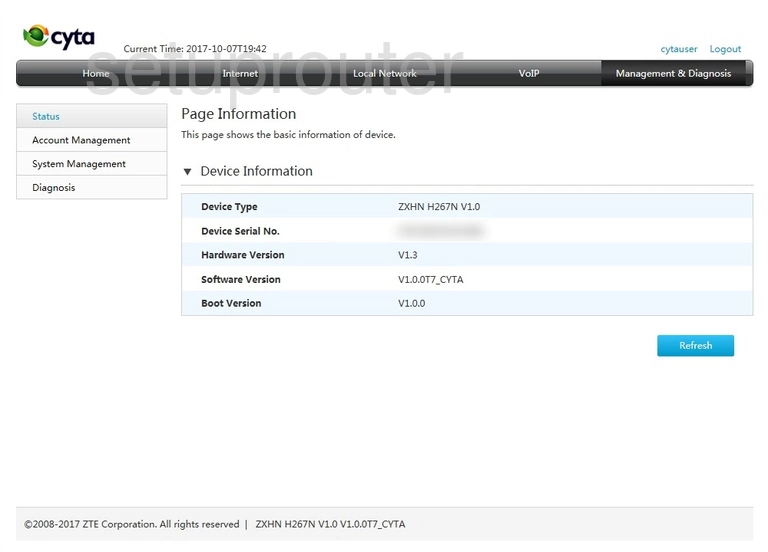
ZXHN H267N (4 screens)
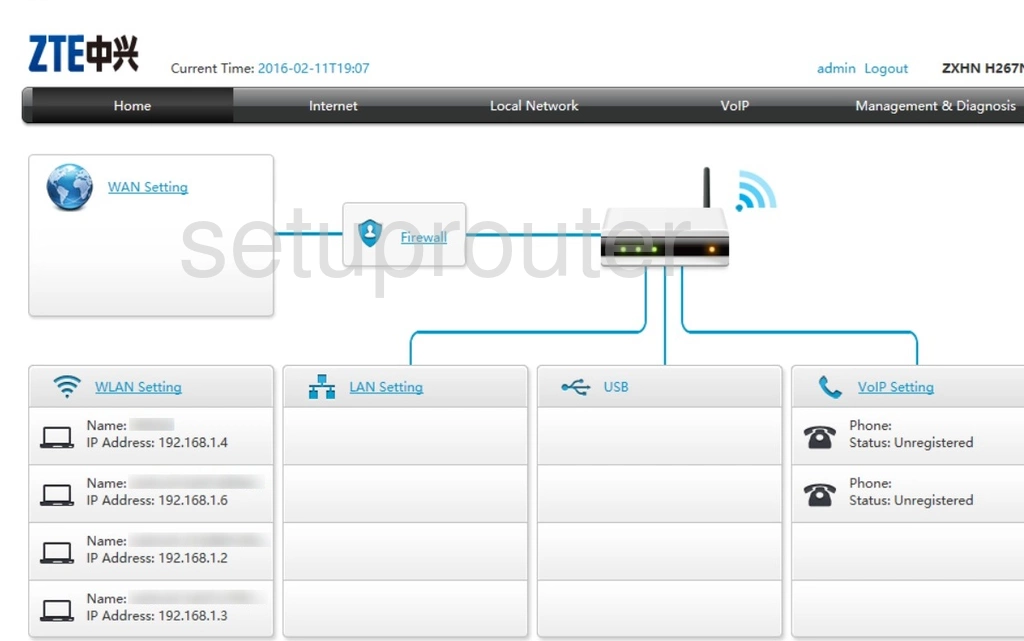
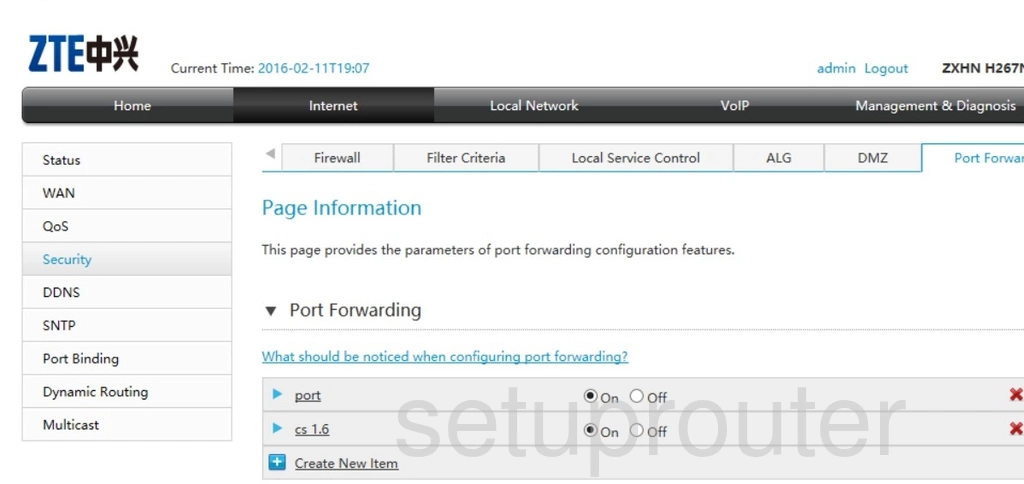
ZXHN H268A (2 screens)
ZXHN H298A v1.1 (1 screens)
ZXHN H298N (4 screens)
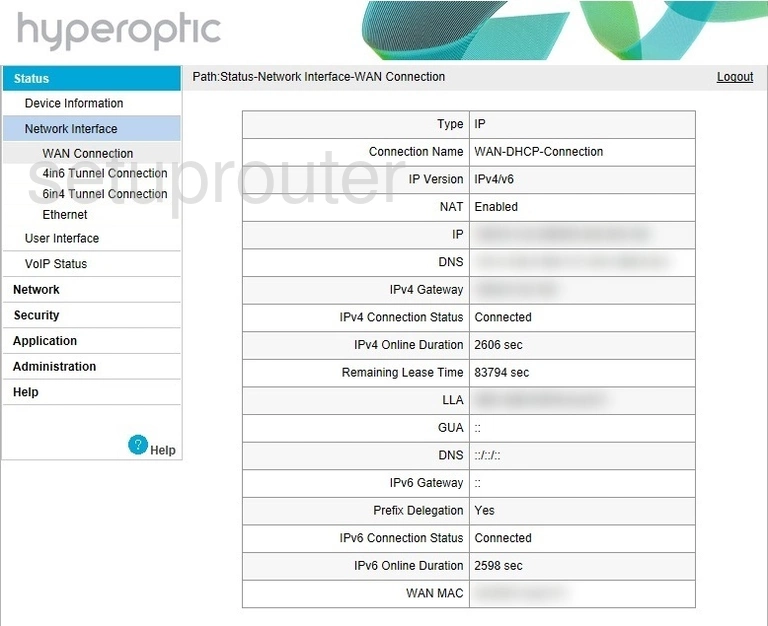
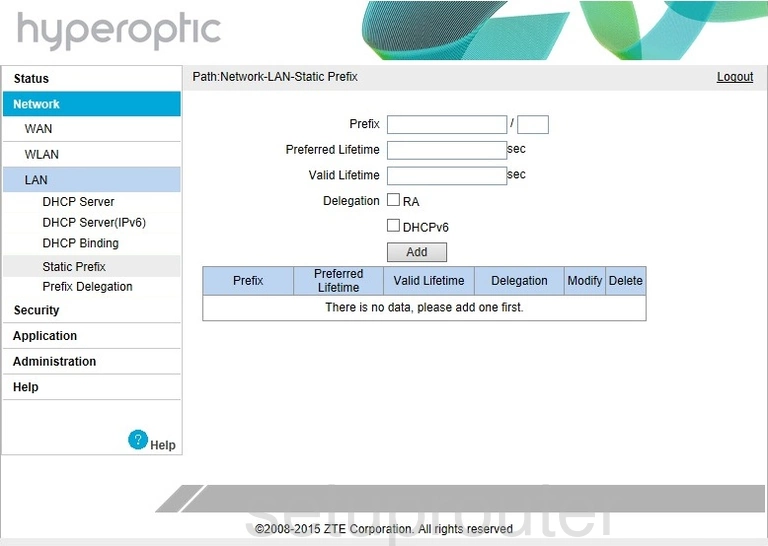
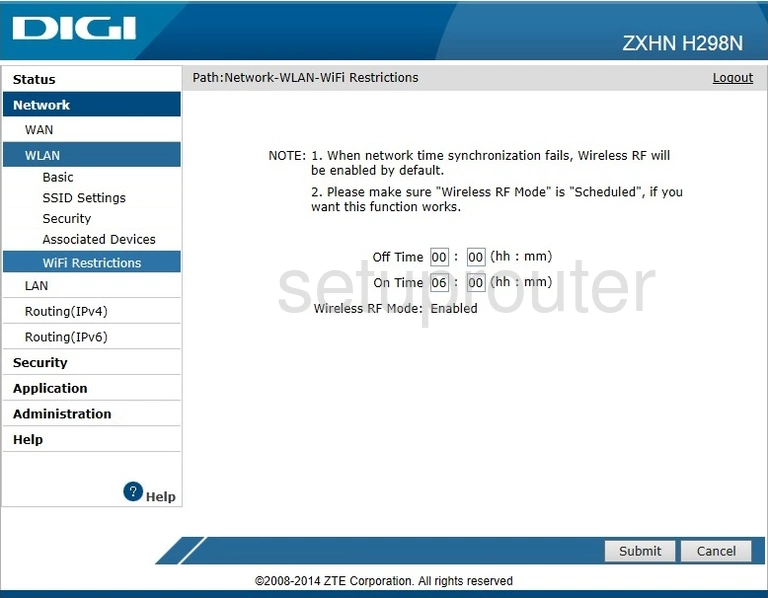
ZXHN H367A v1.0 (1 screens)
ZXHN H367N (4 screens)
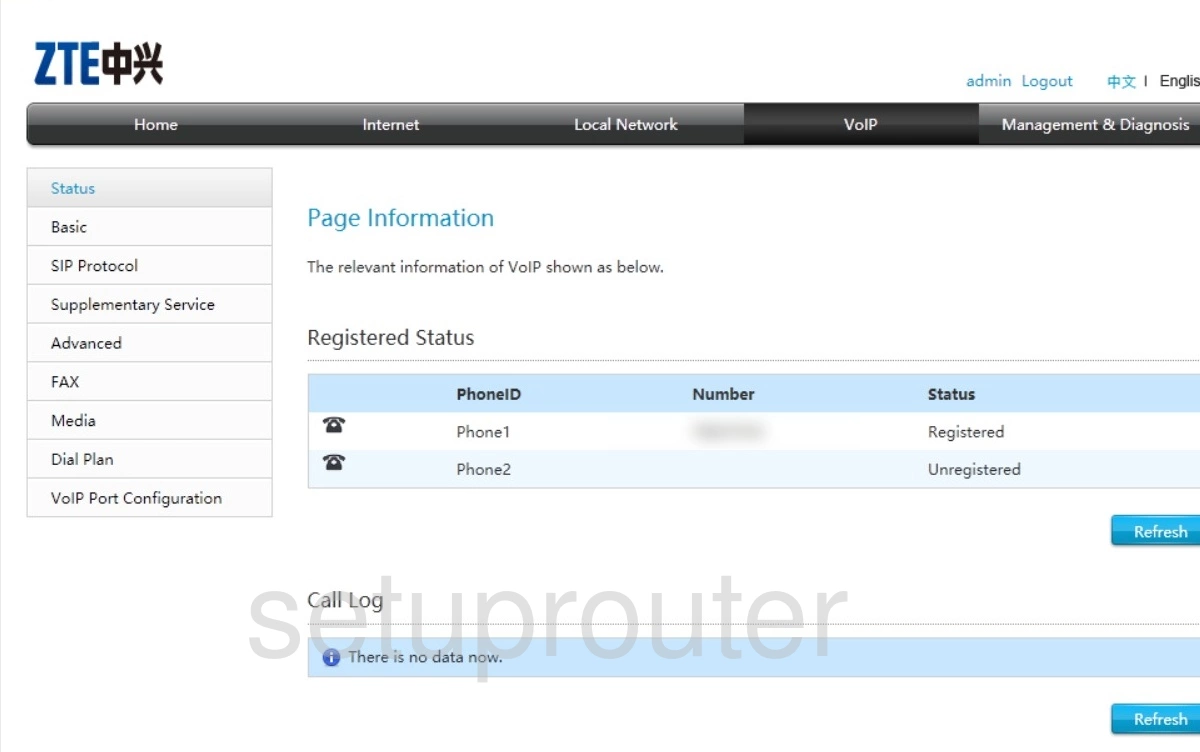
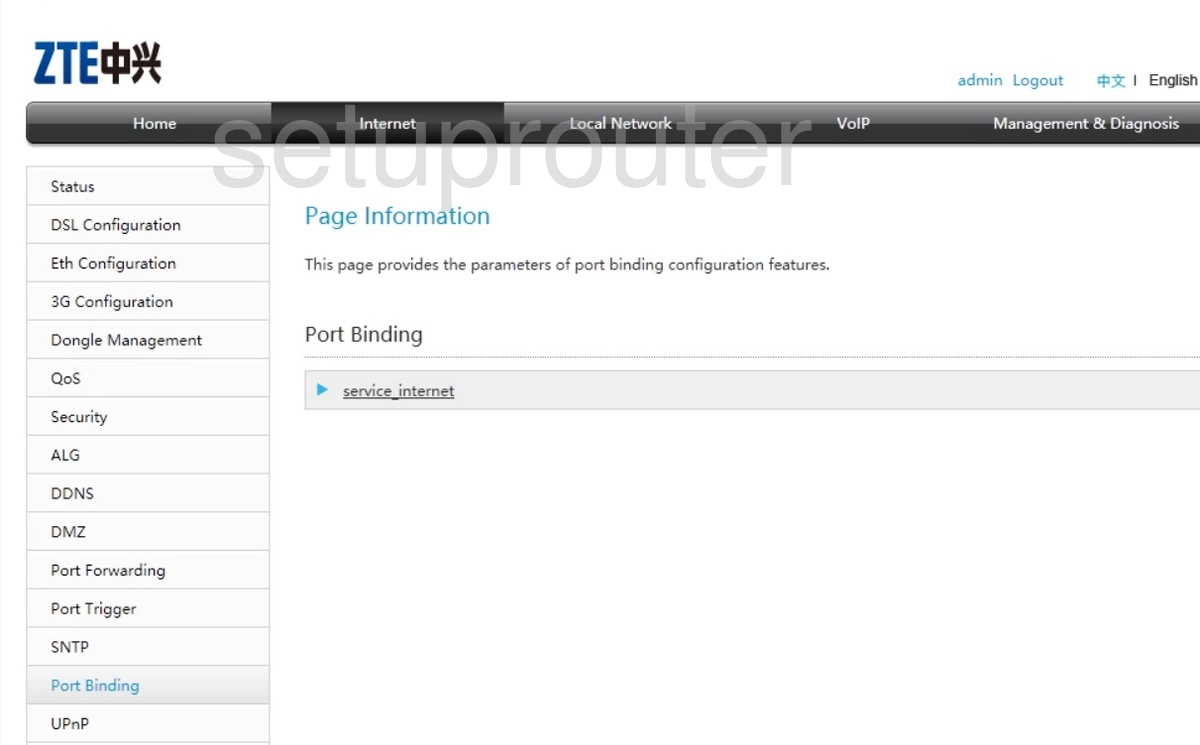
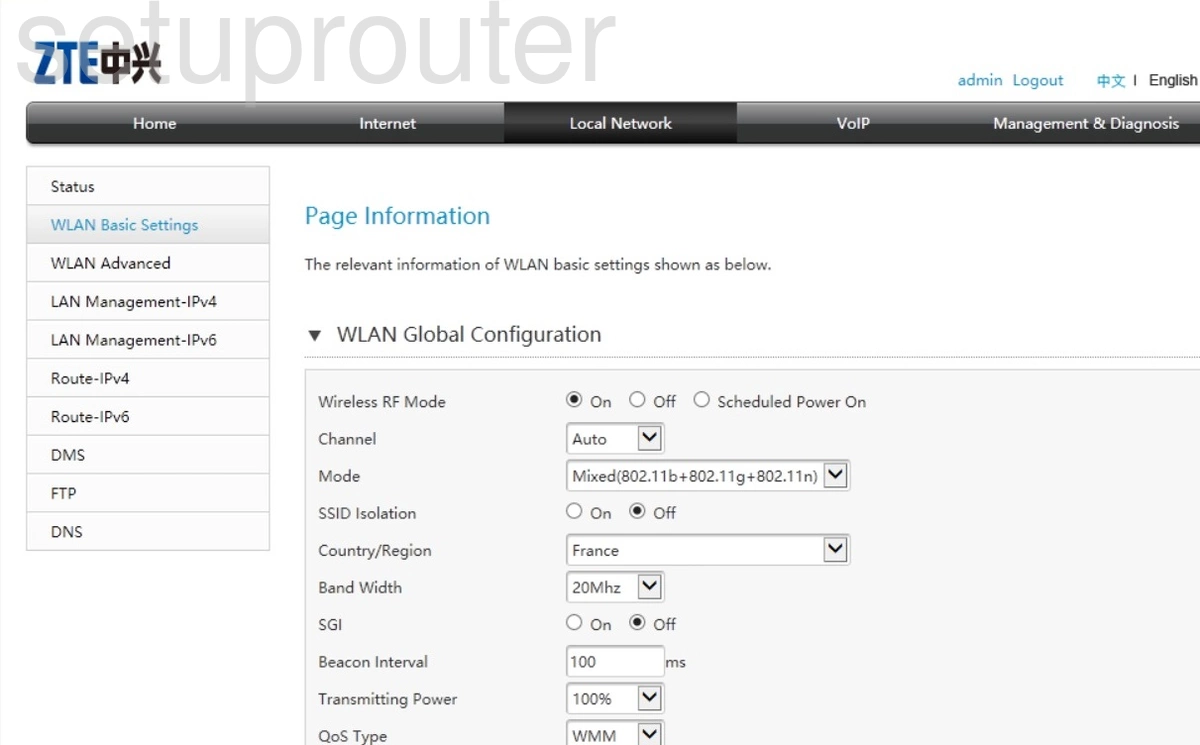
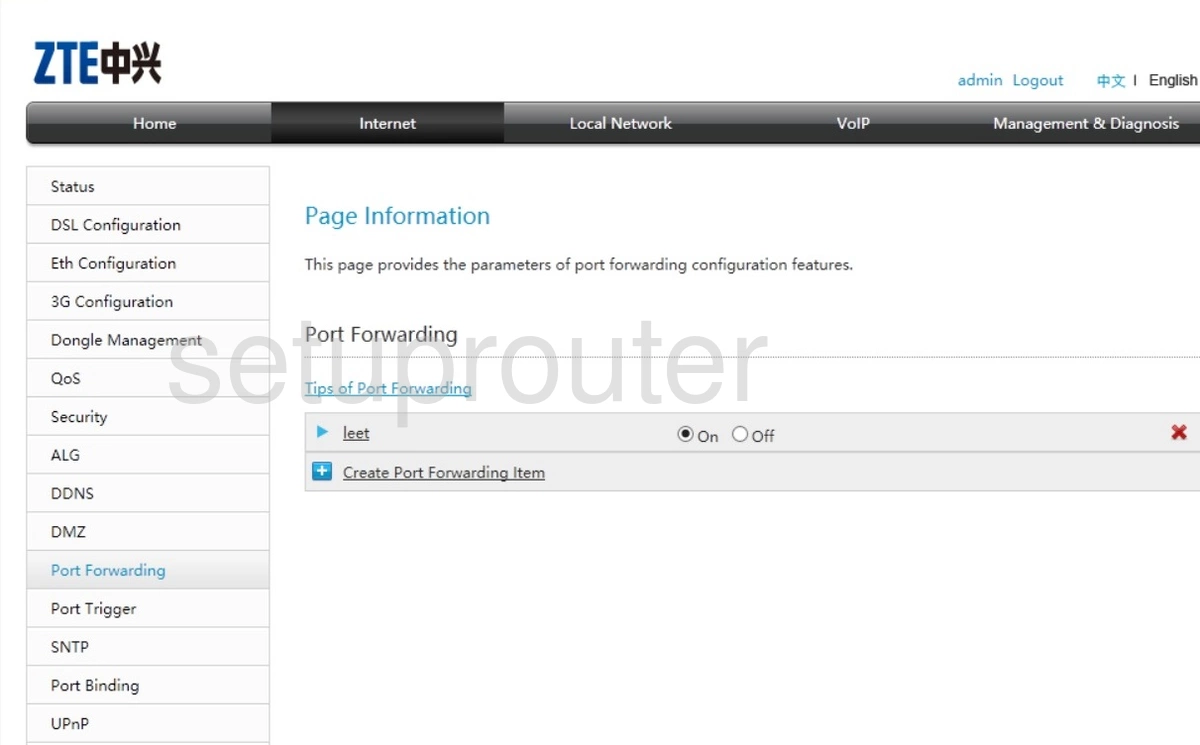
ZXHN H368C (4 screens)
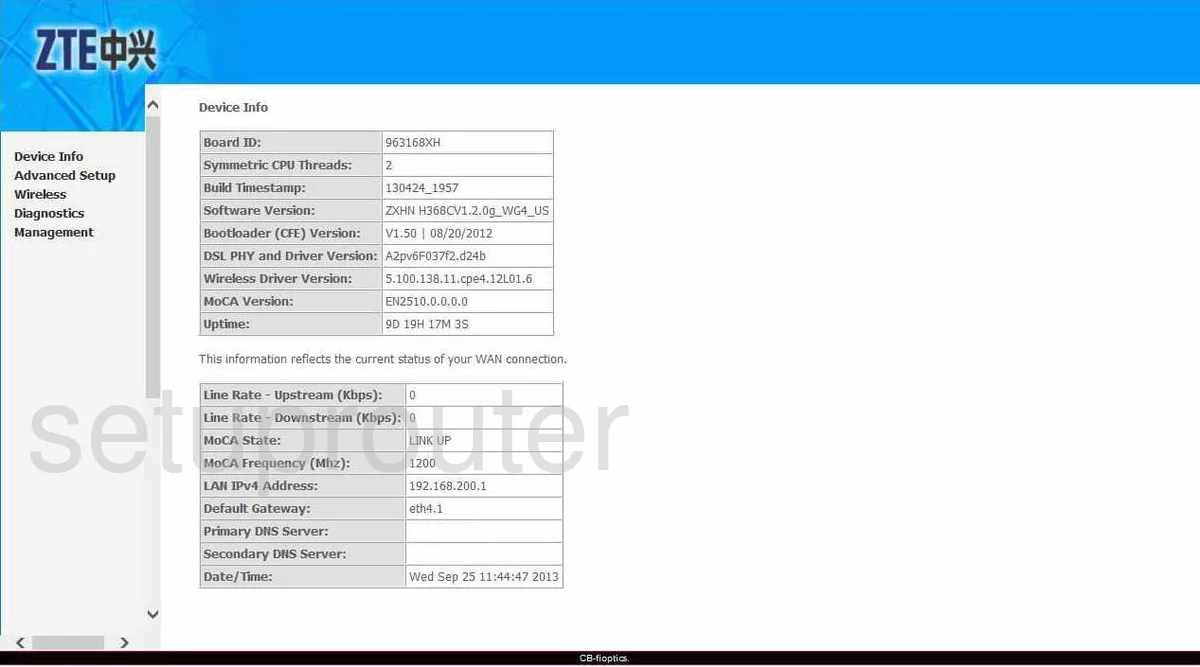
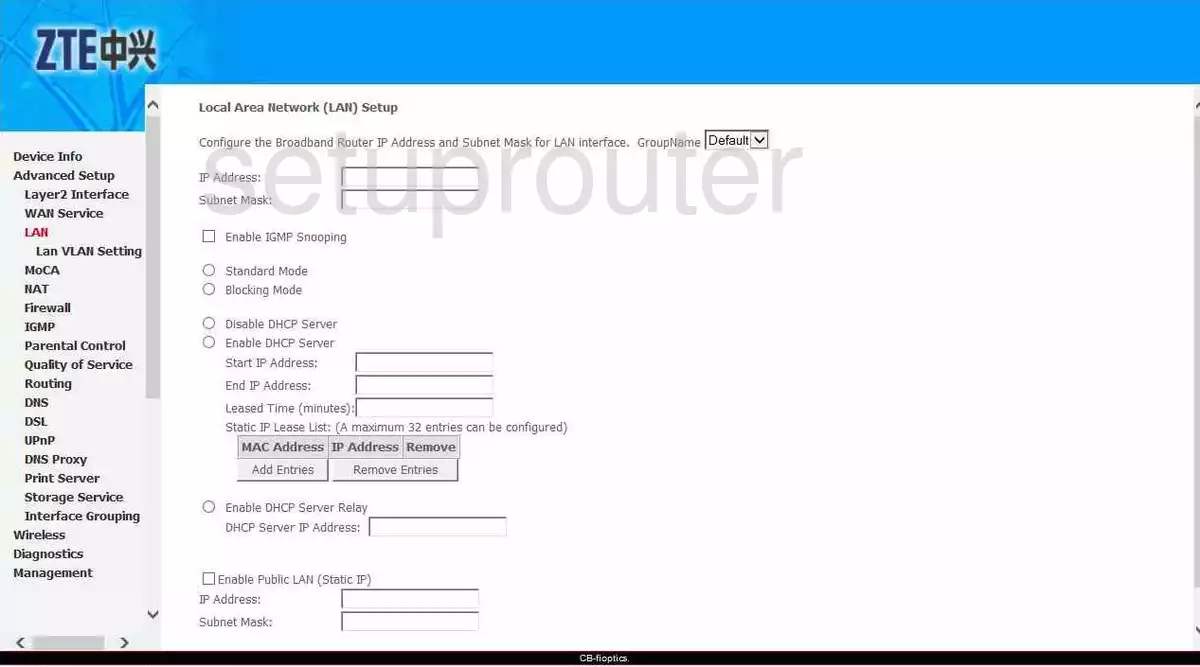
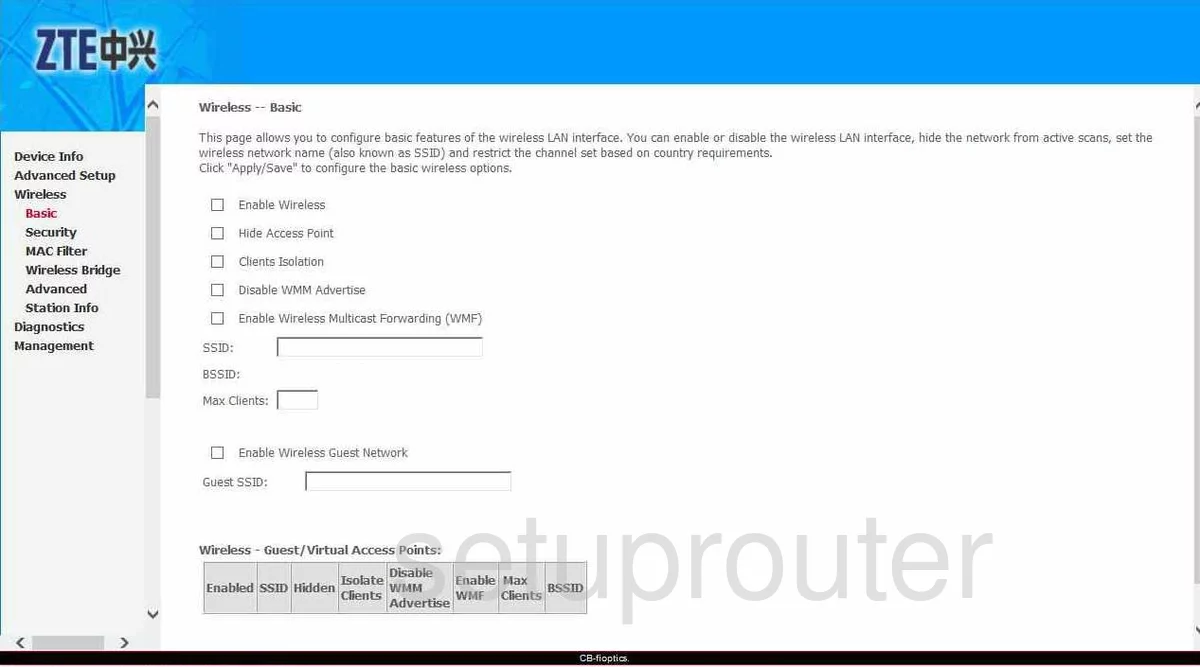
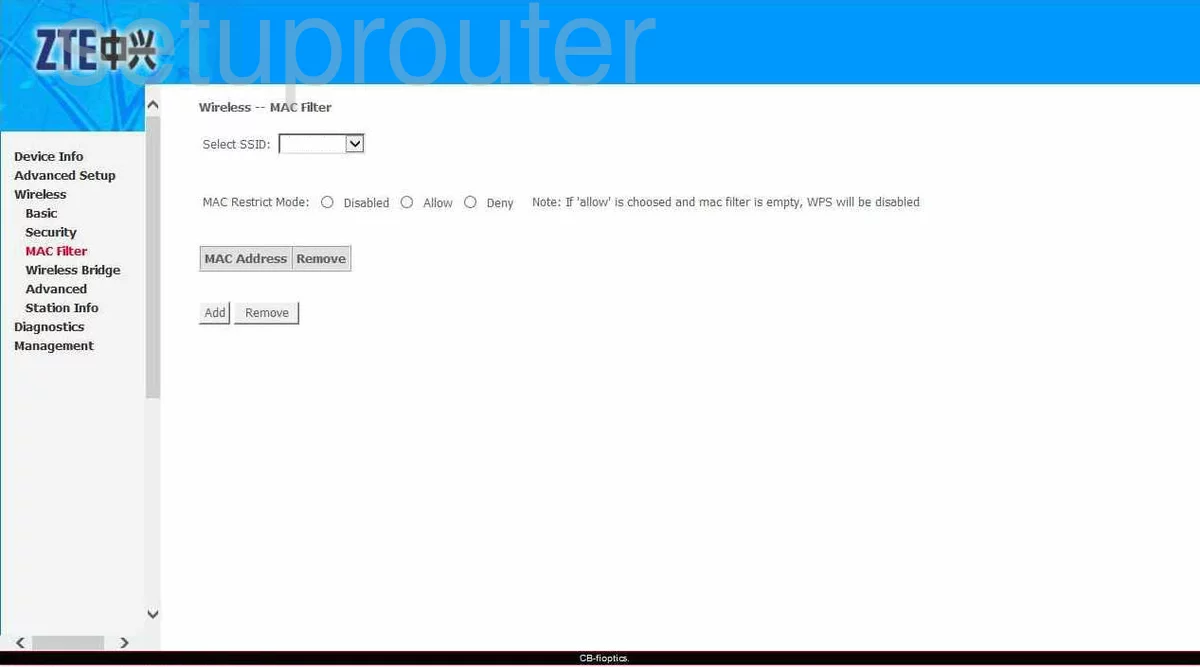
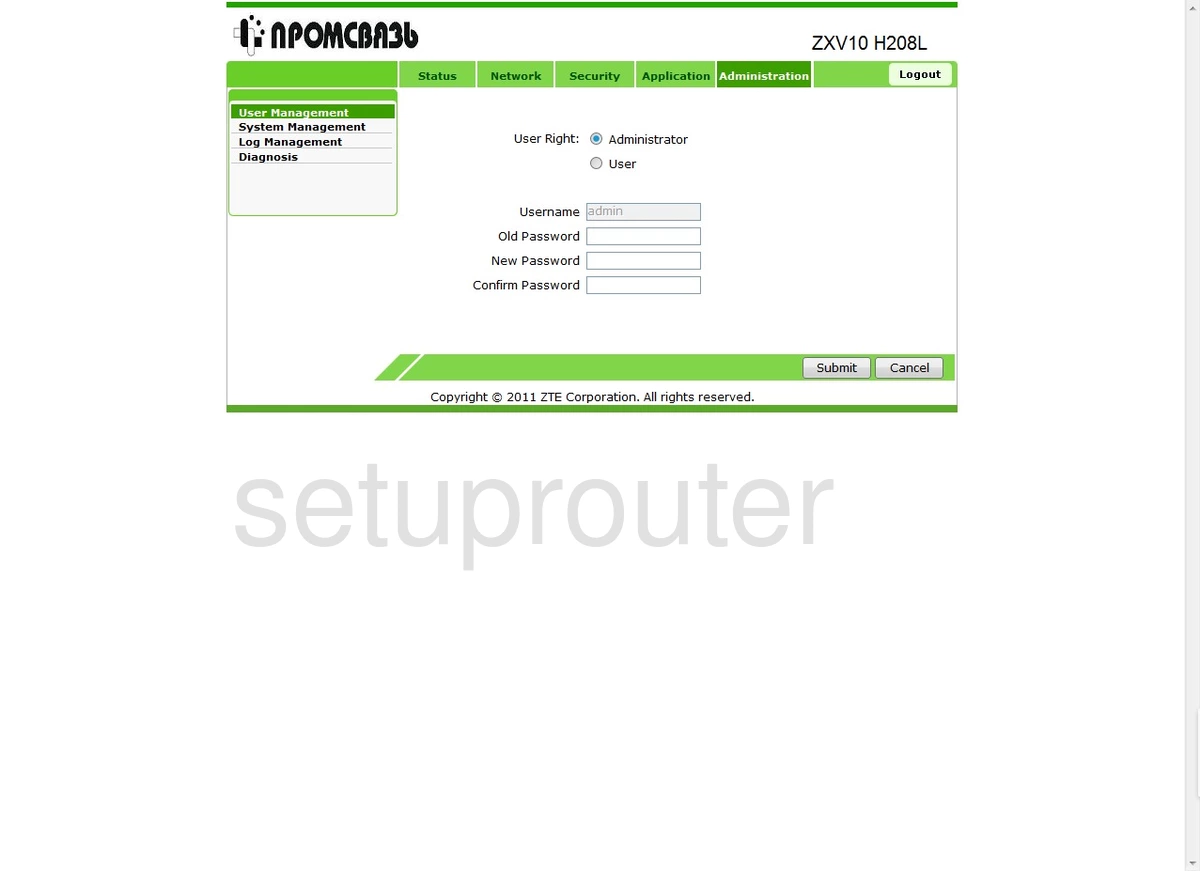
ZXV10 H208L (3 screens)
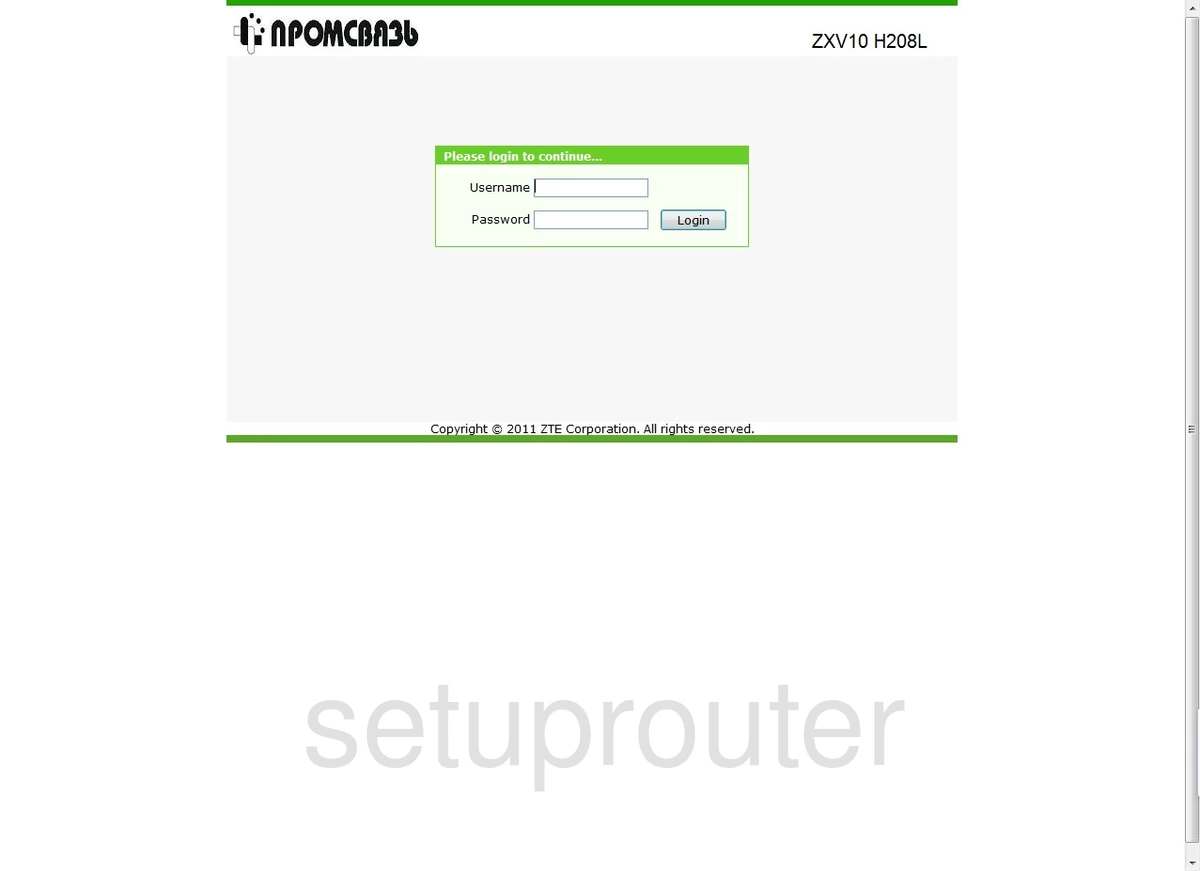
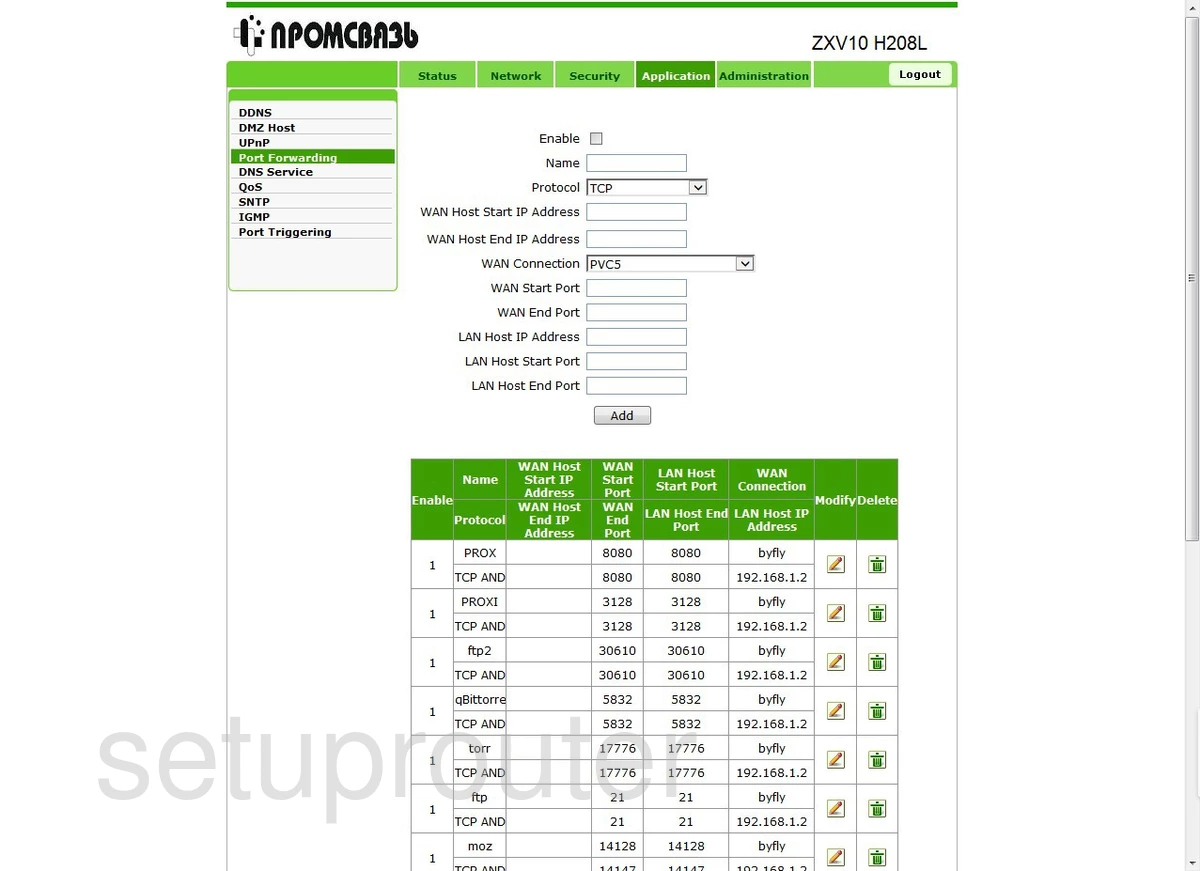
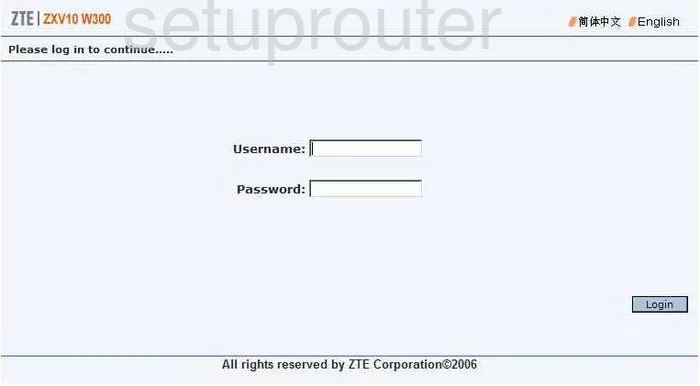
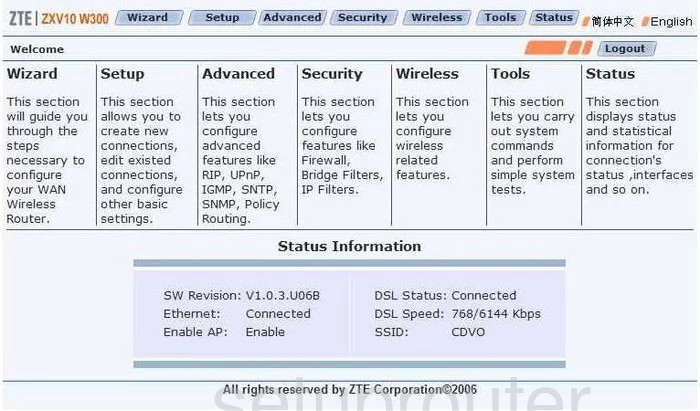
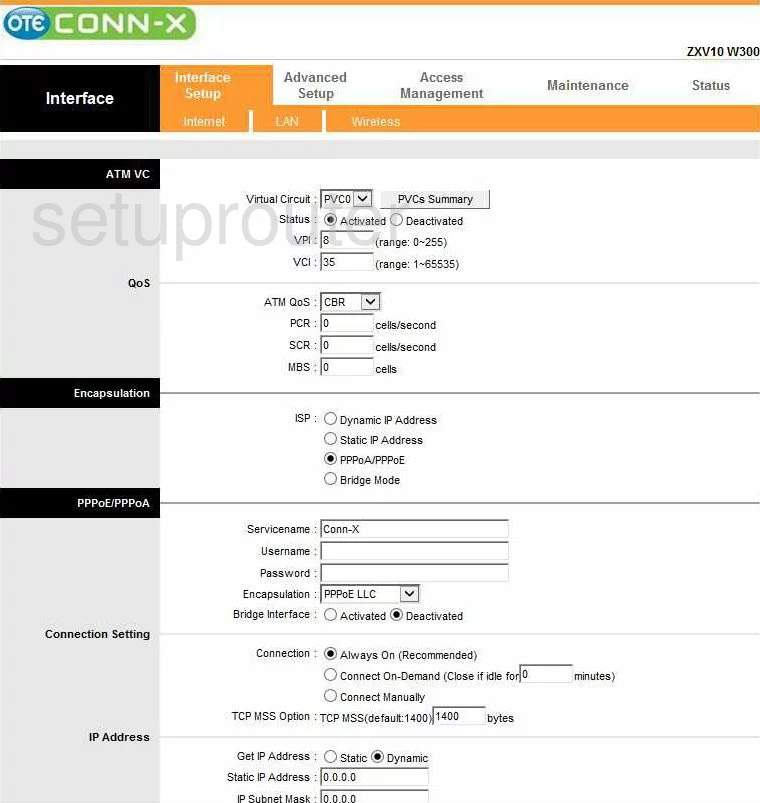
ZXV10 W300 (4 screens)
ZTE Router Manuals
- ZTE AC30 user manual (manual-922)
- ZTE Bavo ZXV10-W300 user manual (manual-1069)
- ZTE F660 user manual (manual-2018)
- ZTE F668 user manual (manual-2278)
- ZTE H220N user manual (manual-923)
- ZTE H368N user manual (manual-2046)
- ZTE IX380 Wateen user manual (manual-2526)
- ZTE MF275R user manual (manual-2541)
- ZTE MF29A user manual (manual-1799)
- ZTE MF612 user manual (manual-924)
- ZTE MF65 user manual (manual-2019)
- ZTE MF65M user manual (manual-2326)
- ZTE MF90 user manual (manual-2049)
- ZTE MF910 user manual (manual-1930)
- ZTE MF910V user manual (manual-2352)
- ZTE MF923 user manual (manual-2151)
- ZTE MF93D user manual (manual-1300)
- ZTE MF975S Sprint user manual (manual-2269)
- ZTE NetFasteR WLAN user manual (manual-925)
- ZTE Speedport Entry 2i user manual (manual-2504)
- ZTE Unite US user manual (manual-1974)
- ZTE Z-917 user manual (manual-2227)
- ZTE Z288L user manual (manual-2199)
- ZTE Z700A user manual (manual-2527)
- ZTE ZXDSL 531B user manual (manual-928)
- ZTE ZXDSL 831AIIv3 user manual (manual-1918)
- ZTE ZXDSL 831CII user manual (manual-927)
- ZTE ZXDSL 931VII Netvigator user manual (manual-1301)
- ZTE ZXDSL 931VII T-Mobile user manual (manual-2528)
- ZTE ZXDSL-831AII user manual (manual-926)
- ZTE ZXHN H108L user manual (manual-1931)
- ZTE ZXHN H108N user manual (manual-2050)
- ZTE ZXHN H108N Telkom user manual (manual-1975)
- ZTE ZXHN H208N user manual (manual-2529)
- ZTE ZXHN H267N user manual (manual-2530)
- ZTE ZXV10 W300 user manual (manual-1070)
- ZTE ZXV10 W300 user manual (manual-1302)