


Here's how to log in to an Actiontec gateway.
Step 1: Connect
Connect to the gateway's WiFi (the defaults are on the label) or plug in a network cable.
Step 2: Open the Login Page
- CenturyLink, Frontier and Windstream: http://192.168.0.1
- Verizon MI424WR: http://192.168.1.1
- Telus and Bell: http://192.168.1.254
See the Actiontec IP address page.
Step 3: Sign In
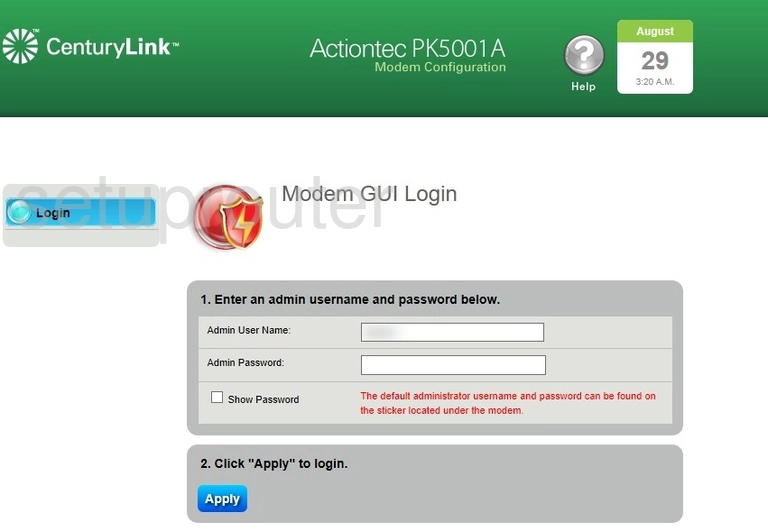
- CenturyLink and Frontier gateways: username admin, password printed on the label as Admin Password (or Admin Key). Some older models have no login on the status pages.
- Verizon MI424WR: username admin, password password (newer units have their password on the label).
- Telus and Bell gateways: username admin, and the password on the label.
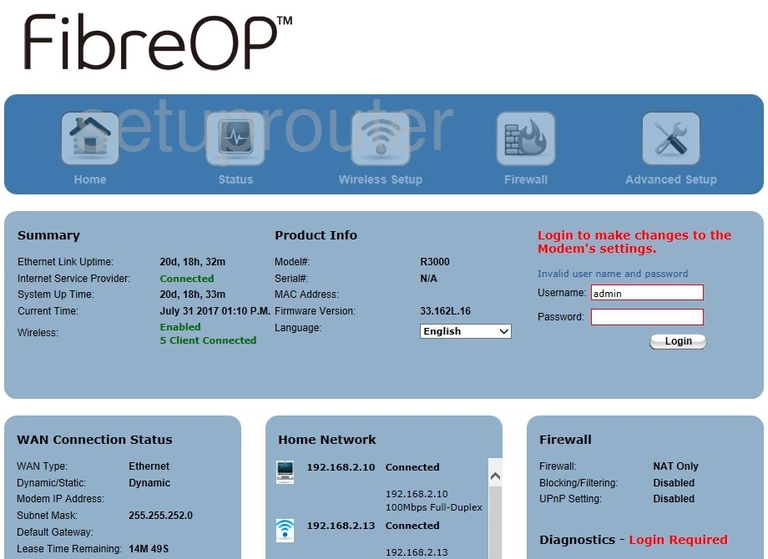
See all defaults on the Actiontec passwords page.
Actiontec Login Problems
The password is rejected. Check the label carefully: the admin password is different from the WiFi key. If someone changed it, reset the gateway, but check with your ISP first.
The page won't load. Check that you're using the address for your ISP. If you have your own router behind the gateway, connect directly to the Actiontec.
Actiontec Router Screenshots
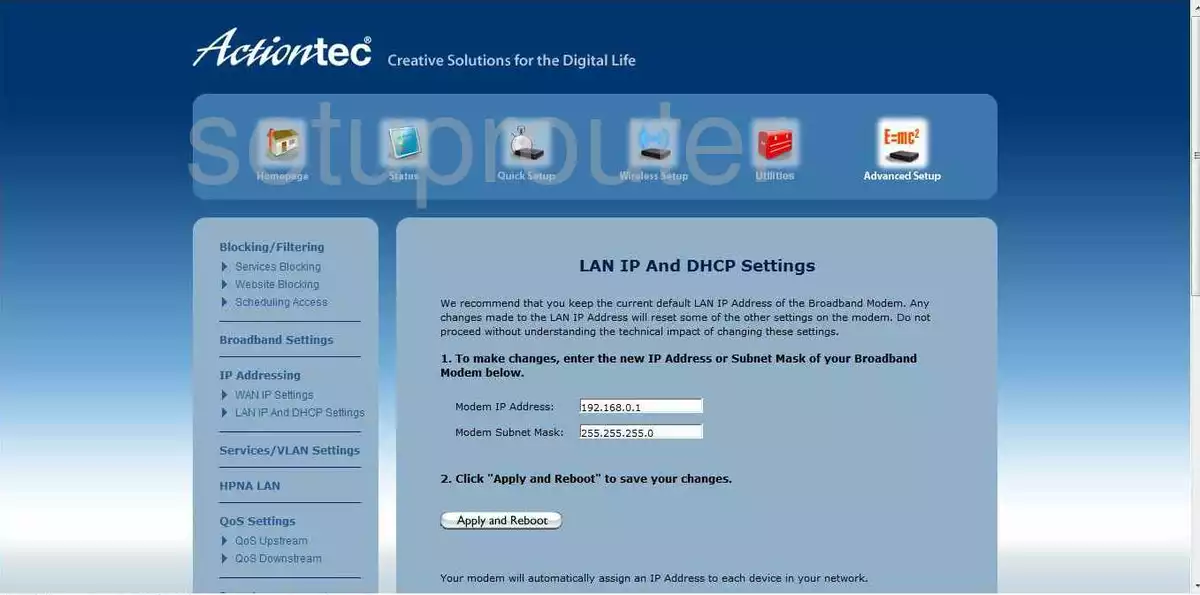
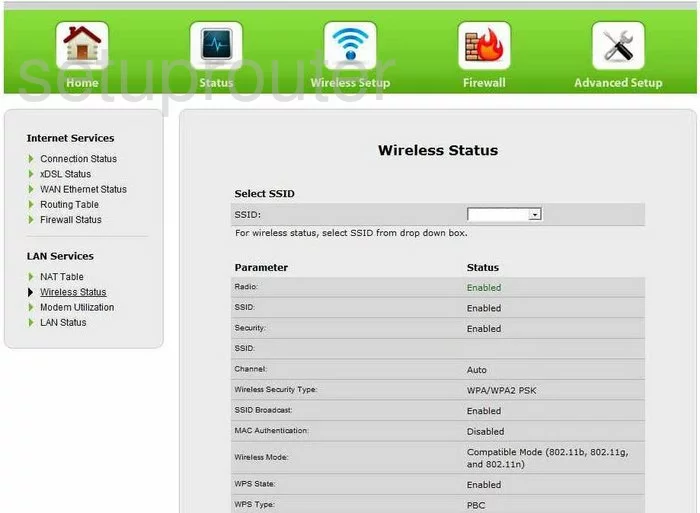
Screens from the Actiontec routers we have. Click a model to open it.
C1000A (4 screens)
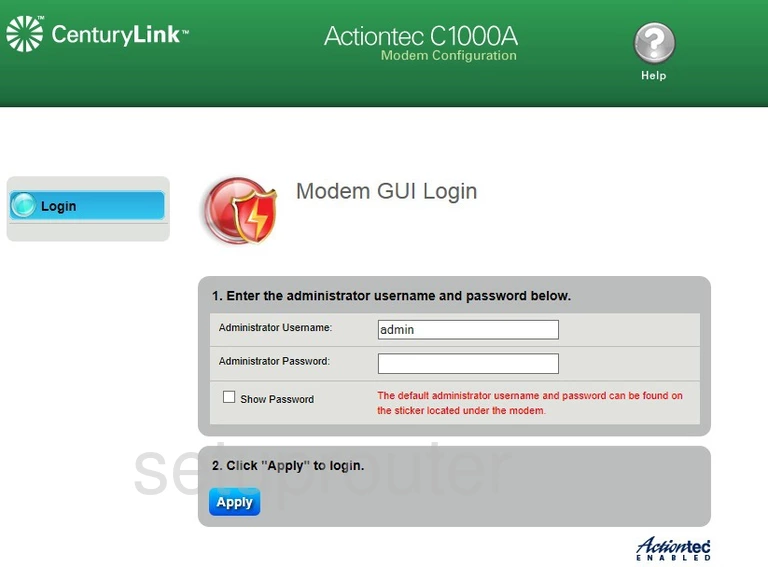
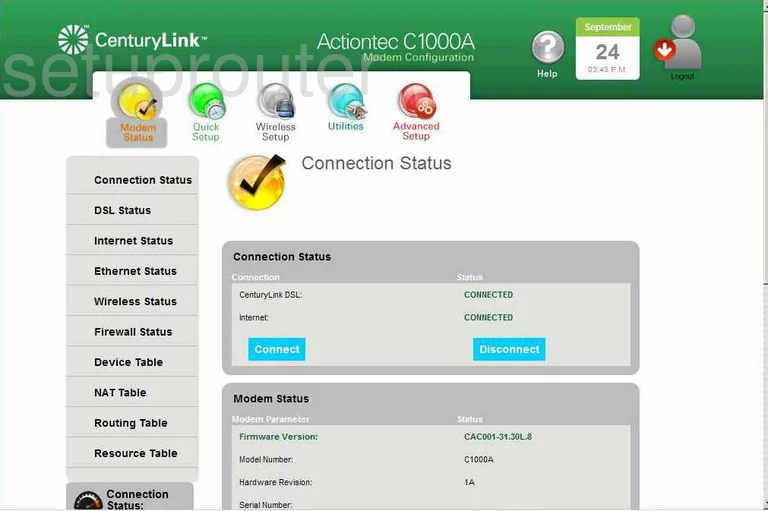
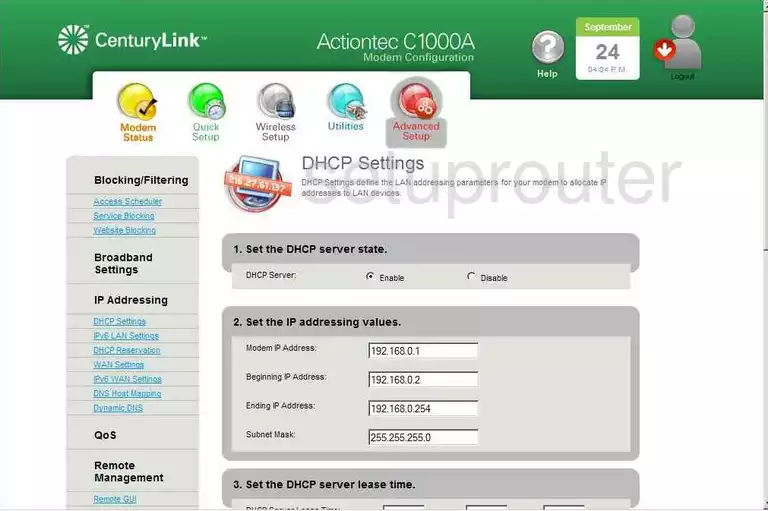
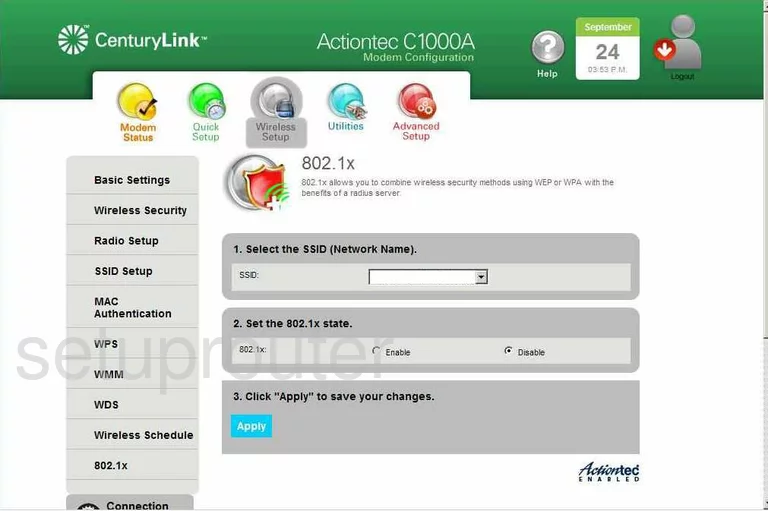
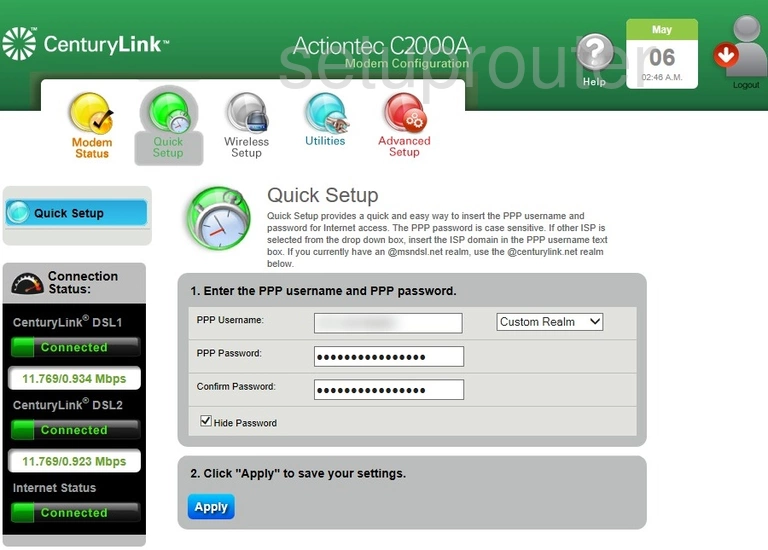
C2000A CenturyLink (3 screens)
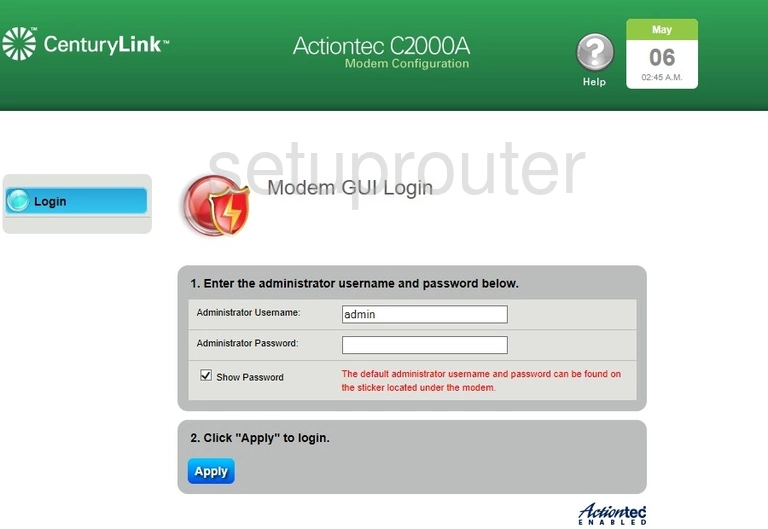
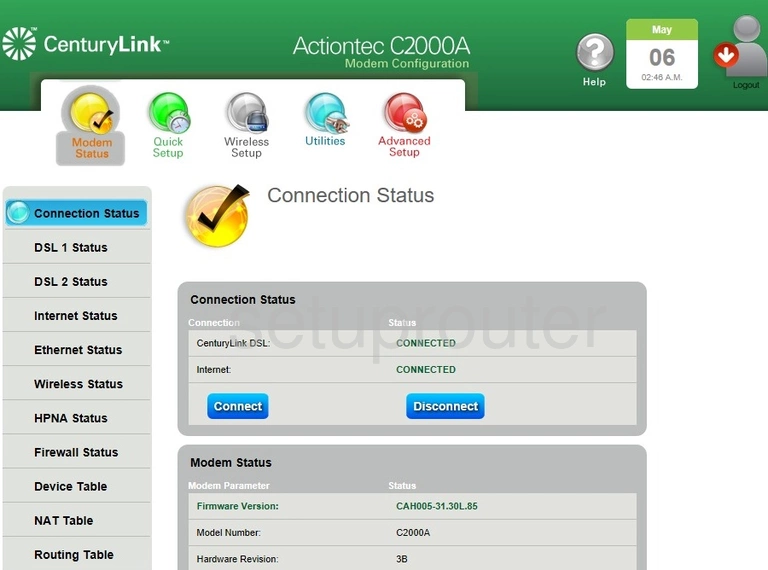
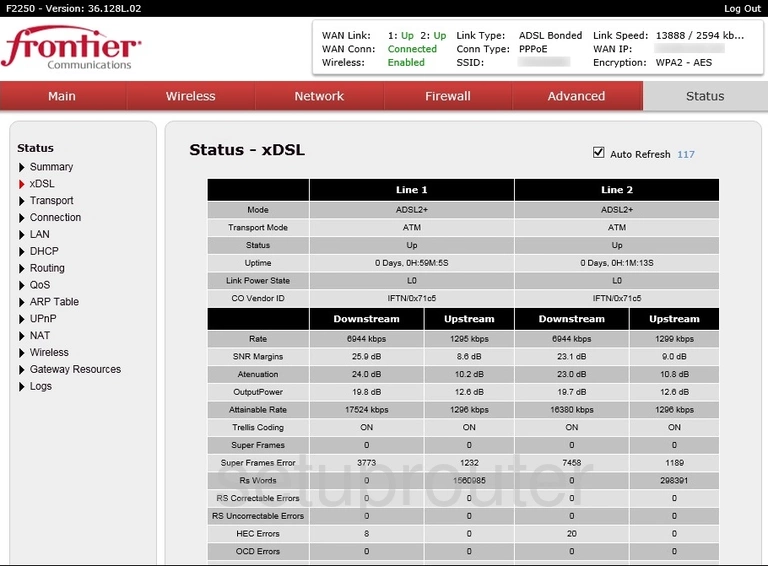
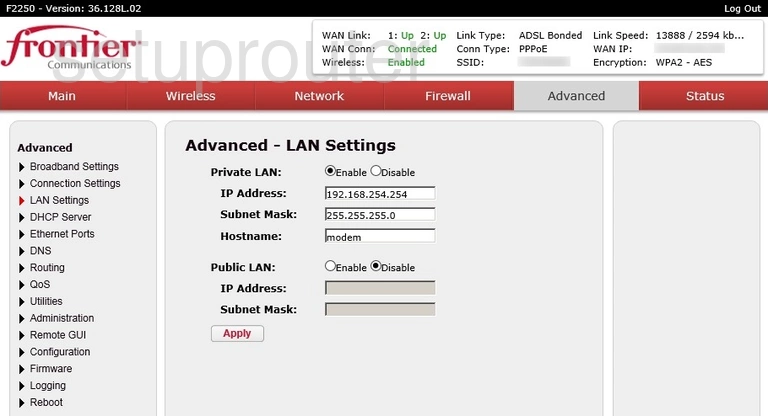
F2250 (4 screens)
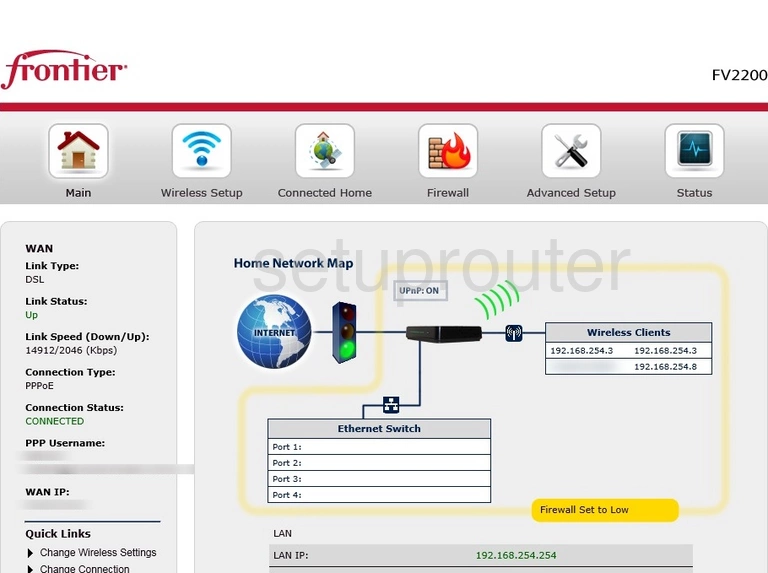
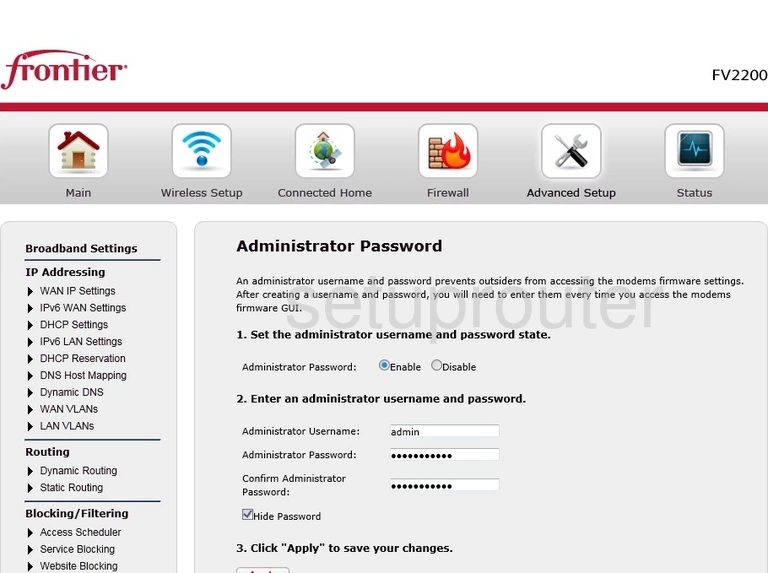
FV2200 Frontier (2 screens)
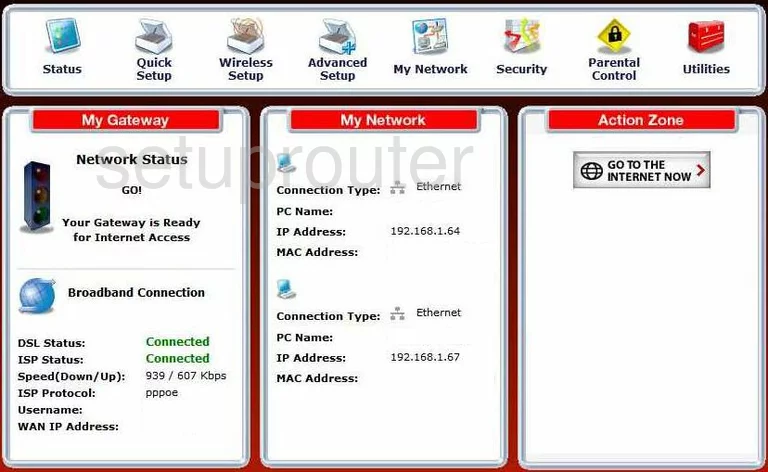
GT704-WG (4 screens)
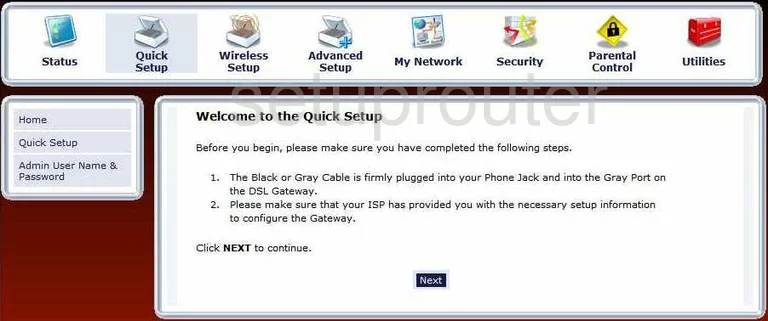
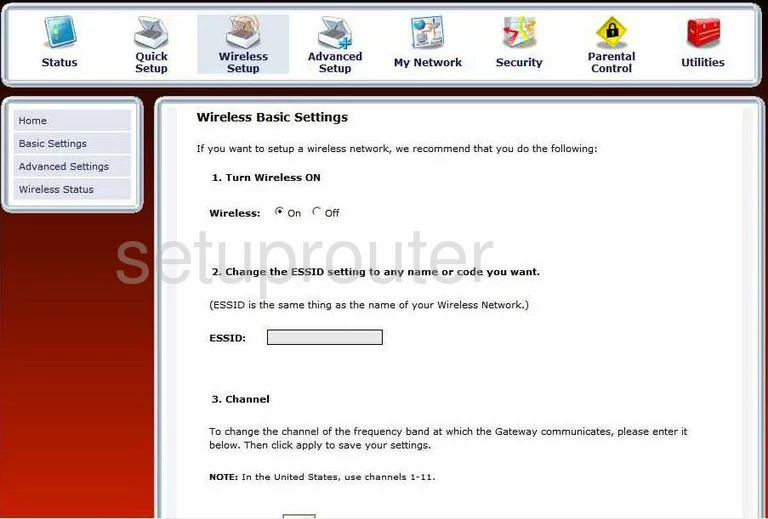
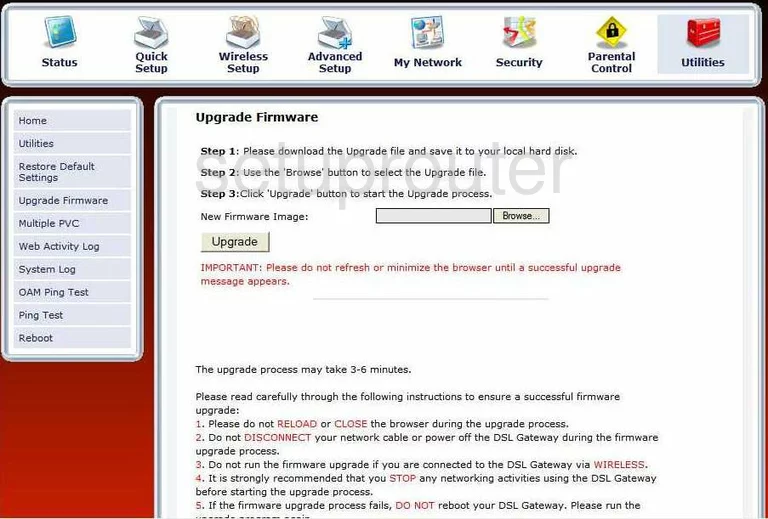
GT724WG (4 screens)
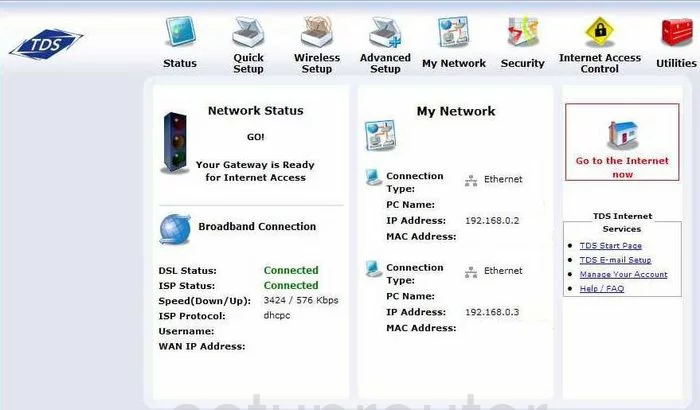
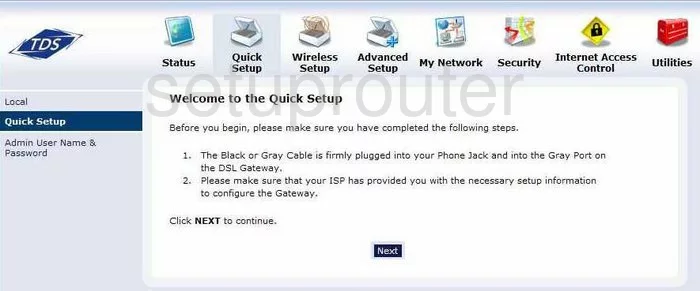
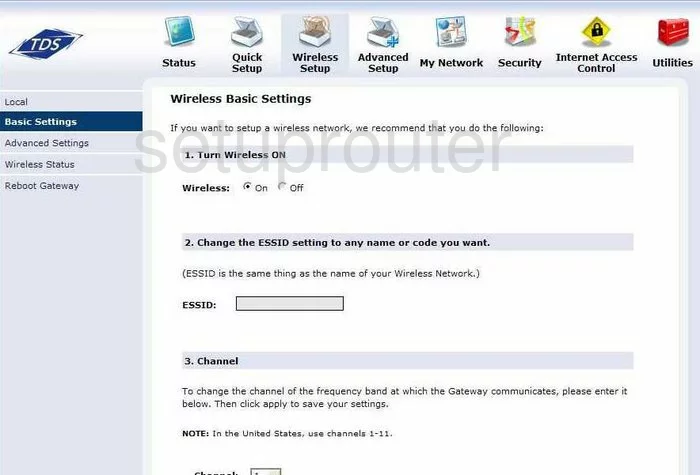
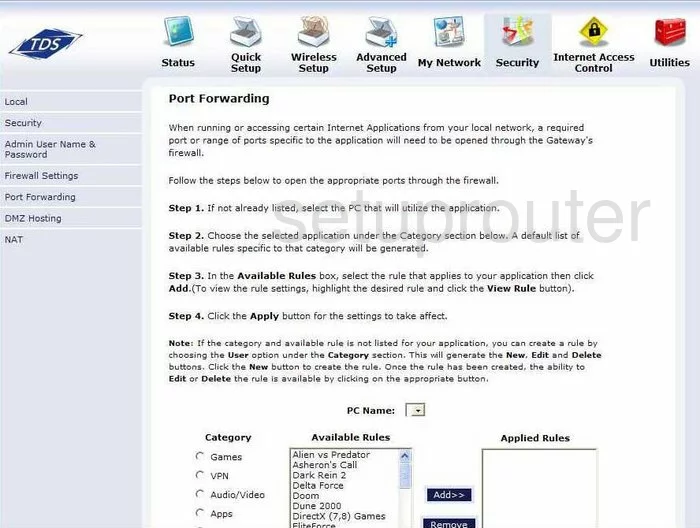
GT784WN (4 screens)
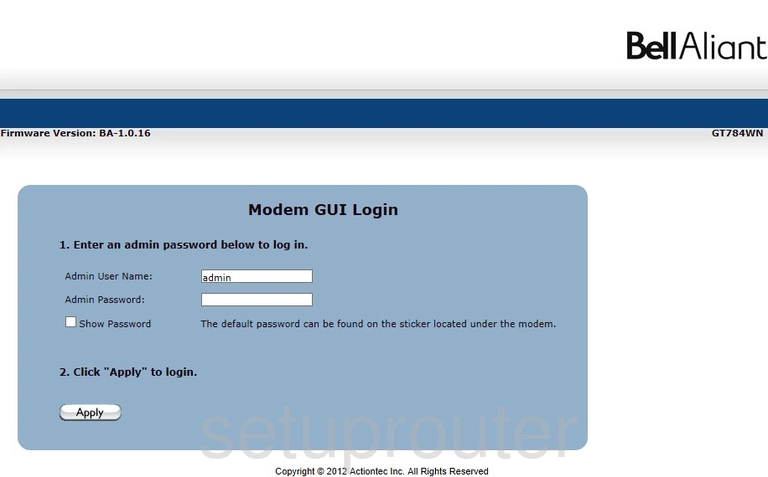
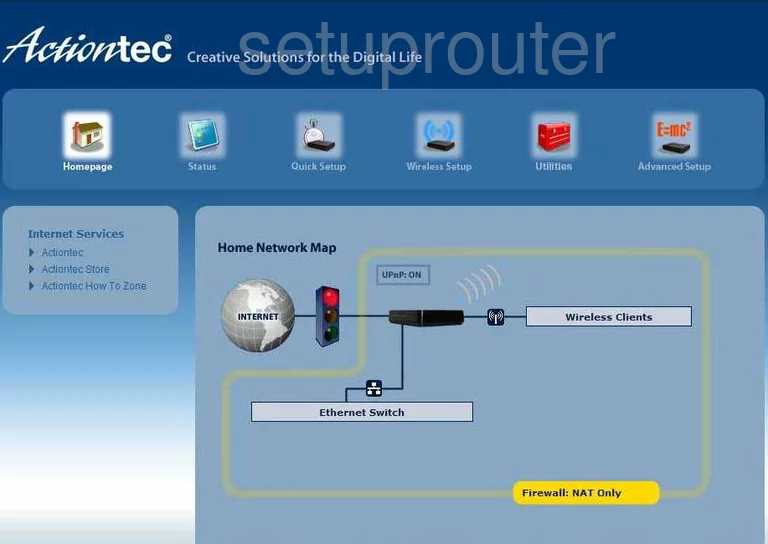
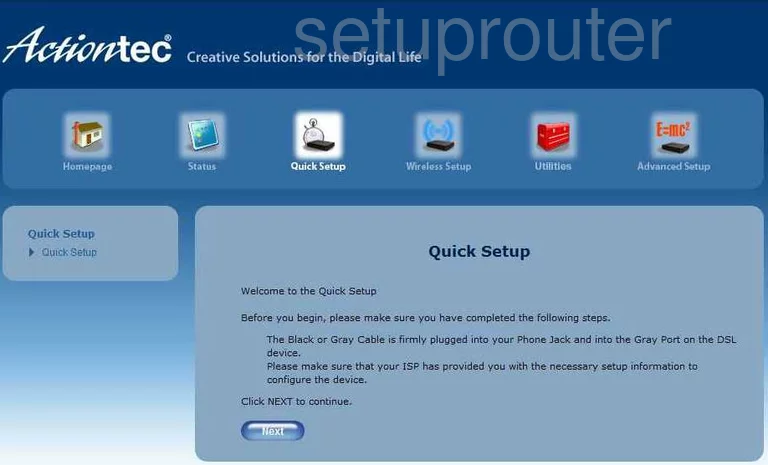
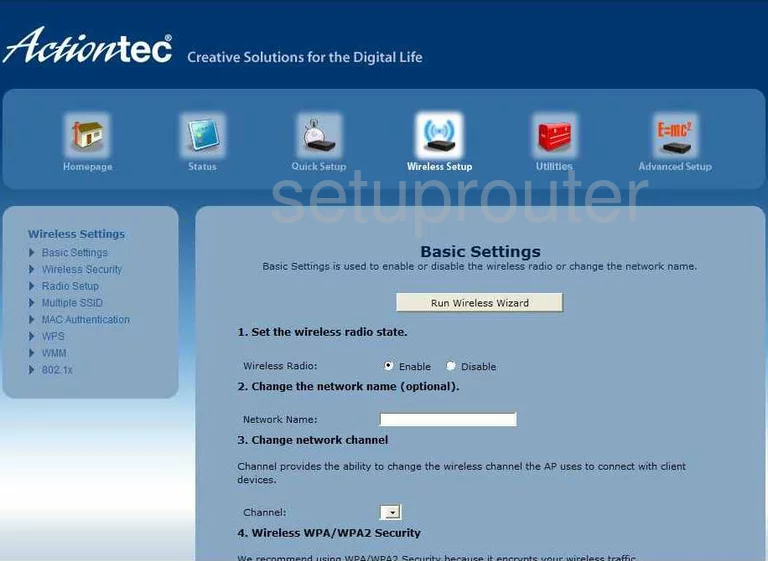
GT784WN TDS (4 screens)
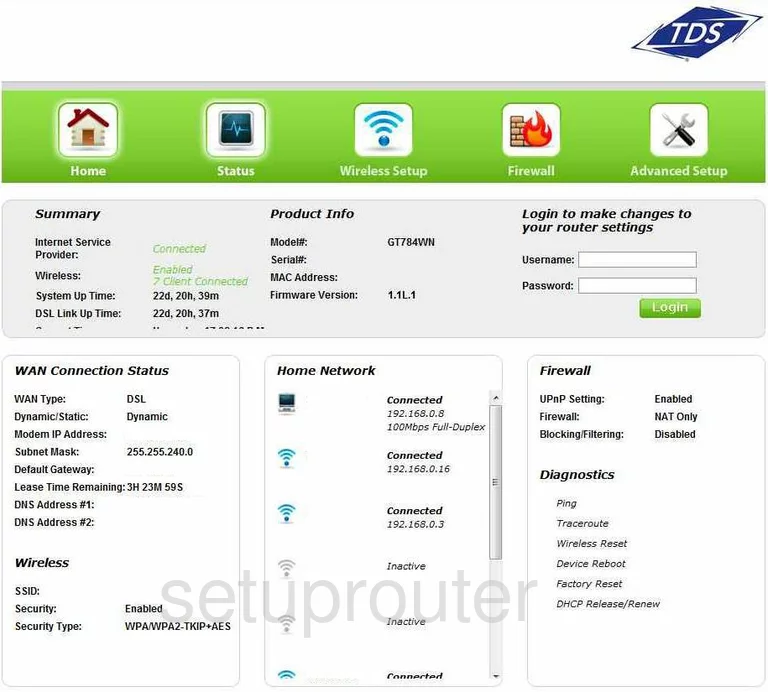
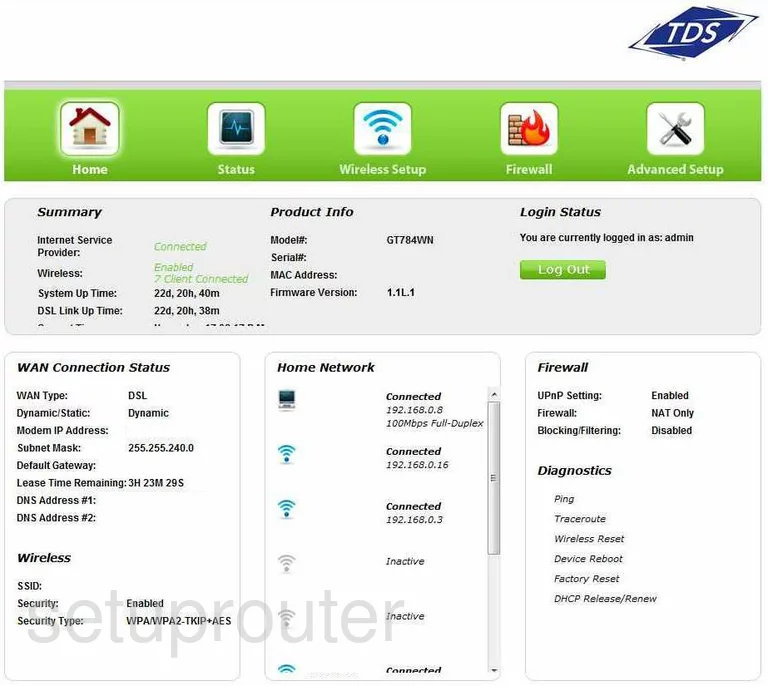
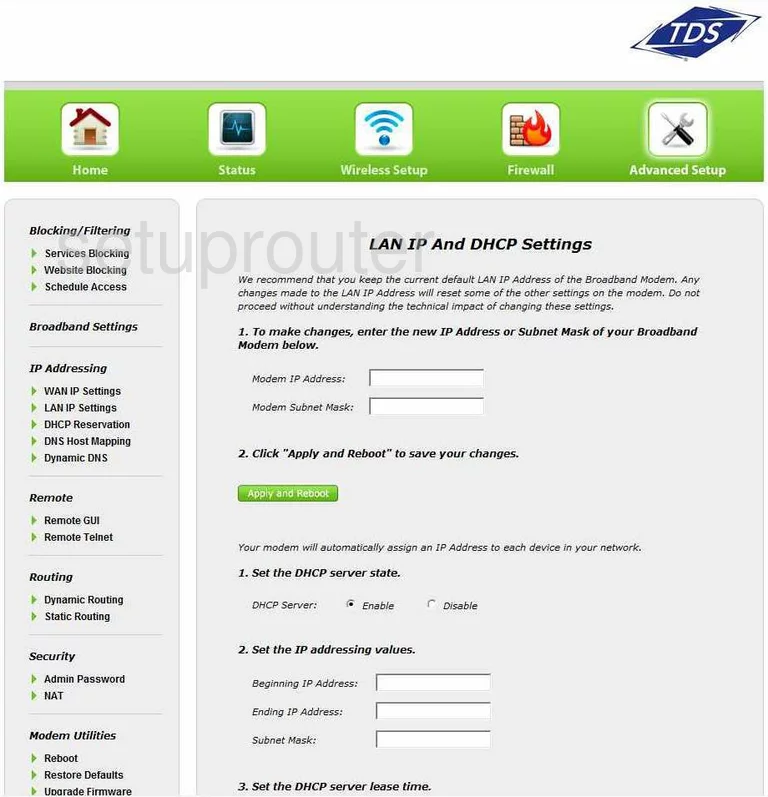
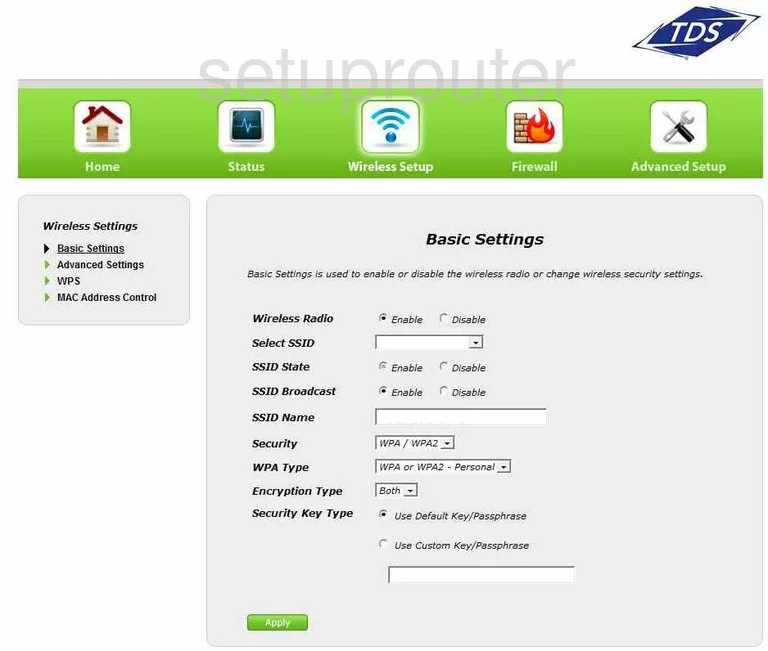
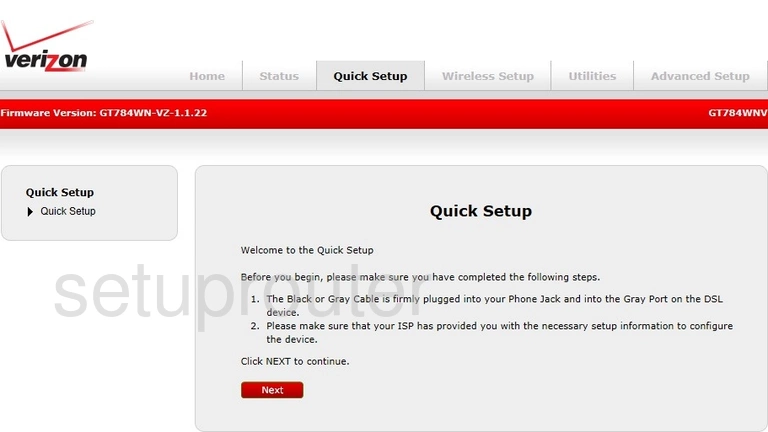
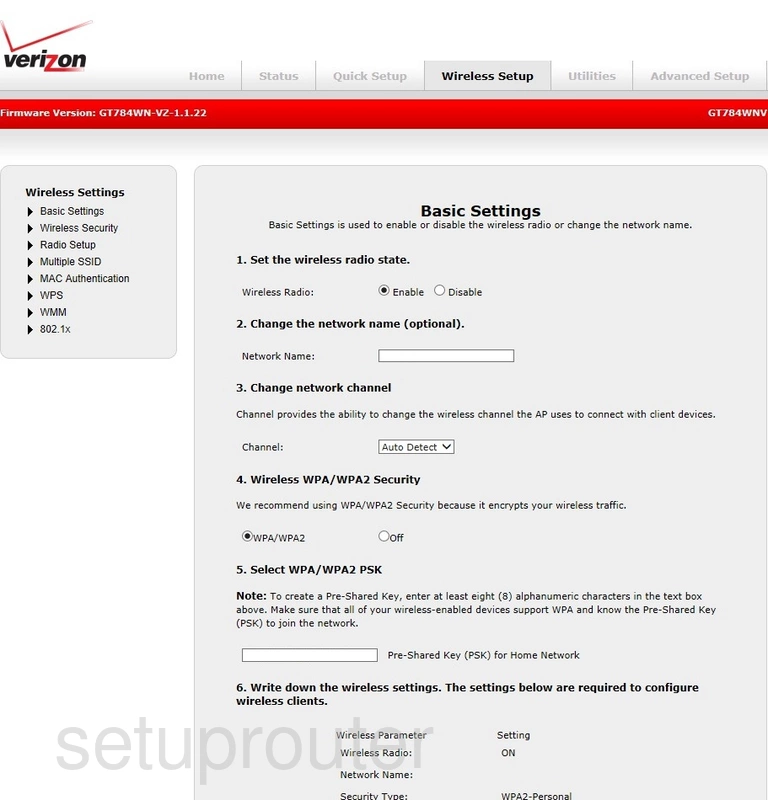
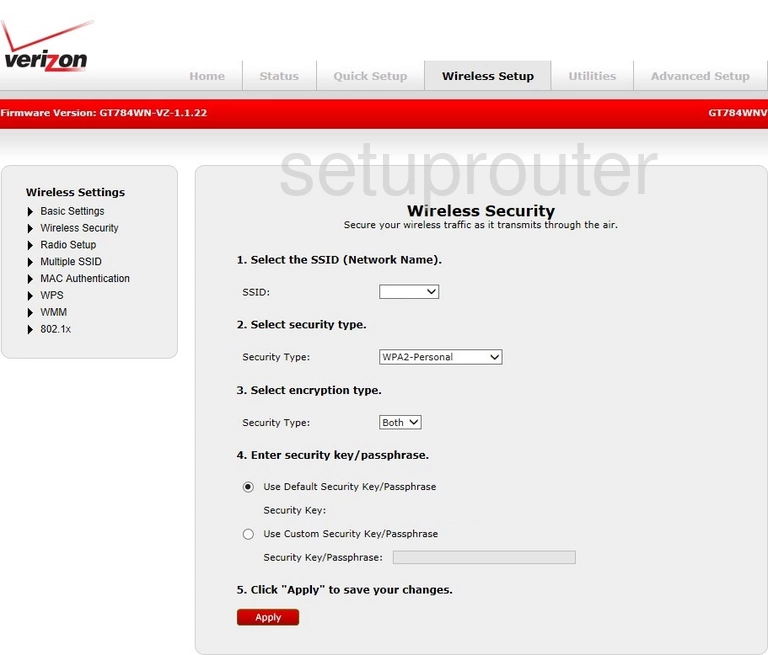
GT784WNV (4 screens)
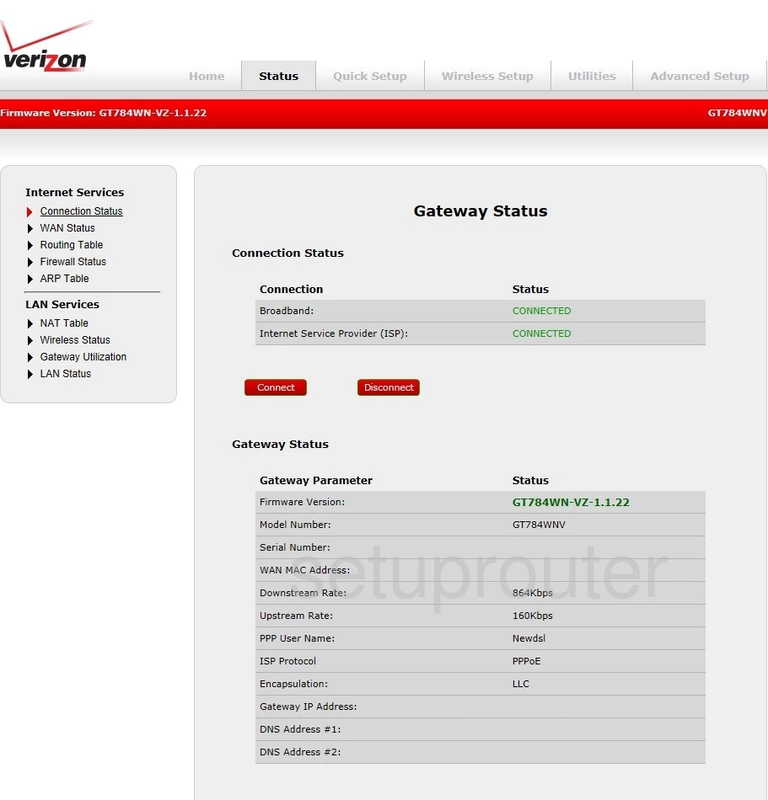
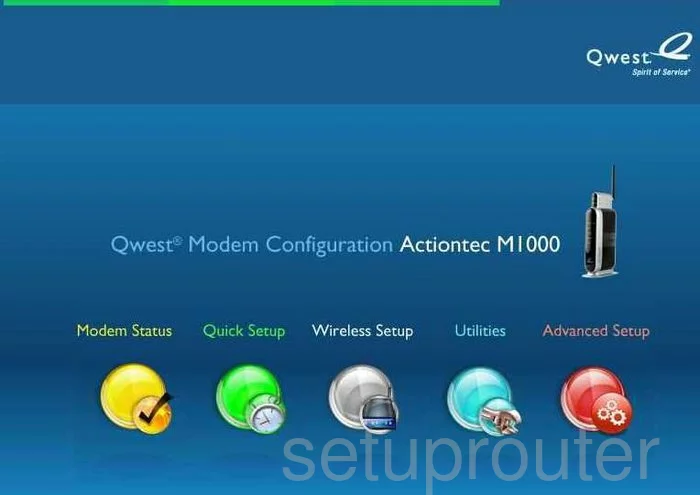
M1000 Qwest (4 screens)
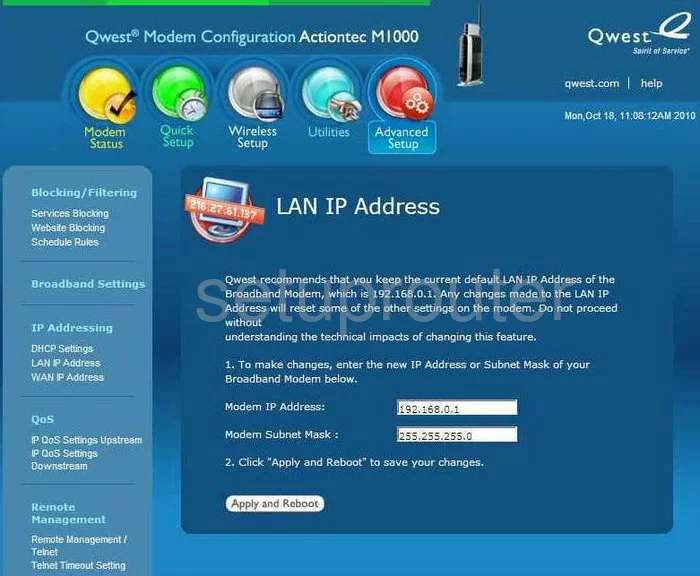
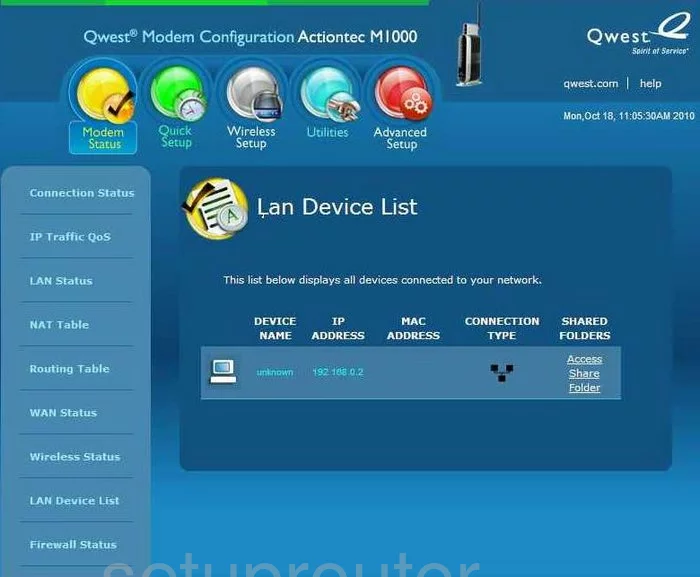
MI424WR (4 screens)
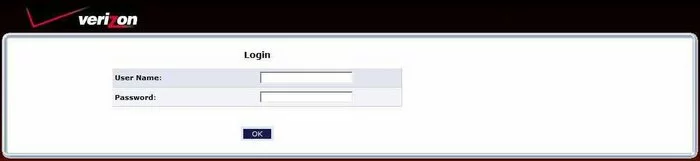
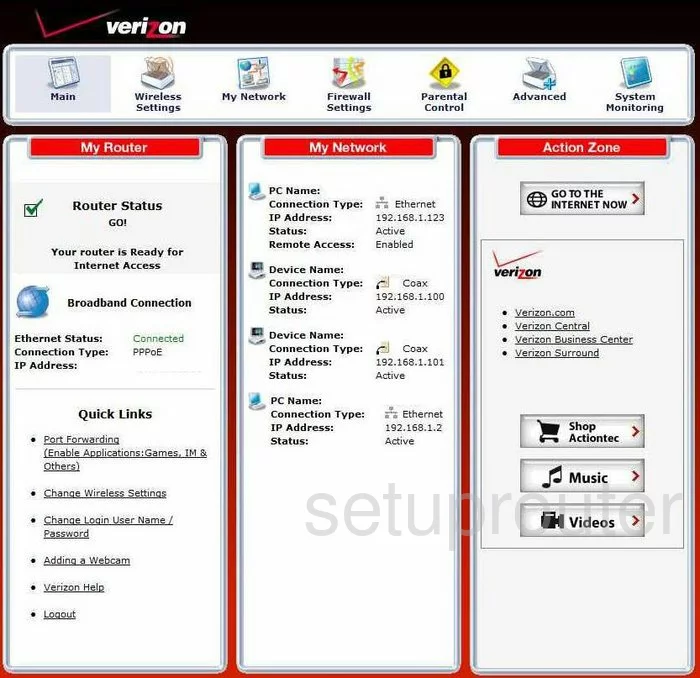
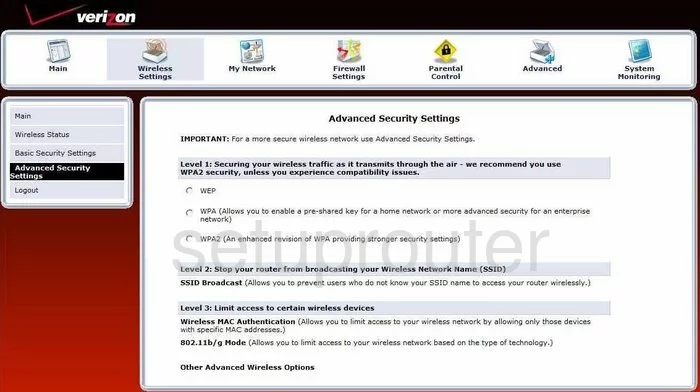

MI424WR GEN3I (4 screens)
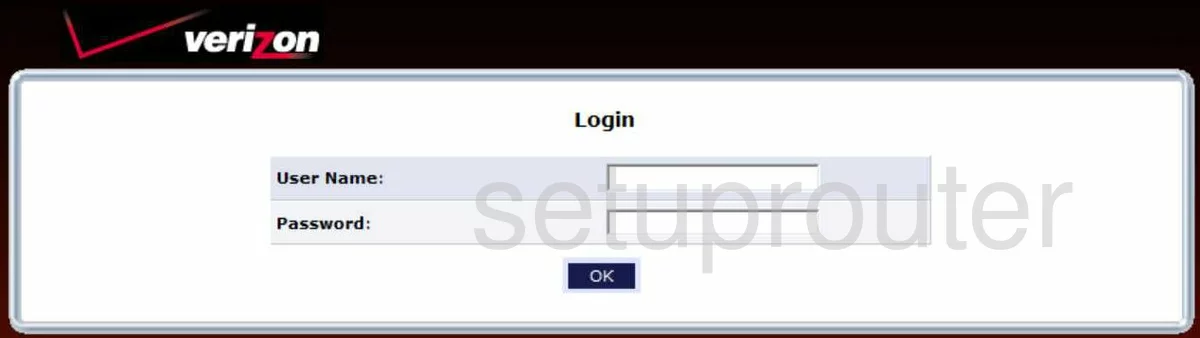
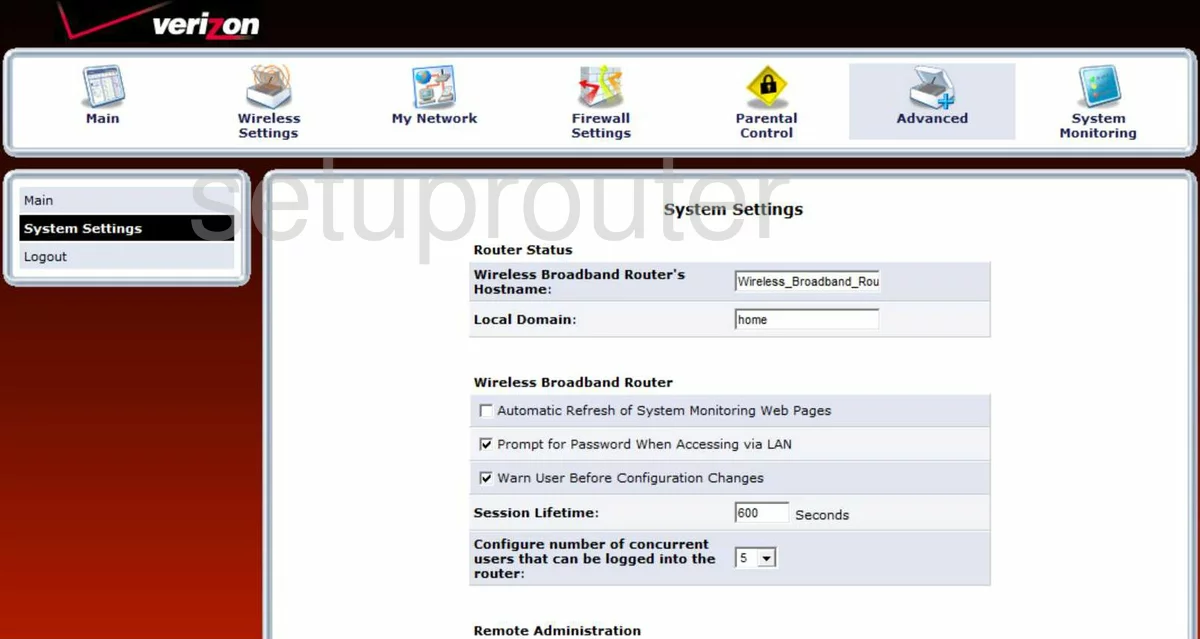
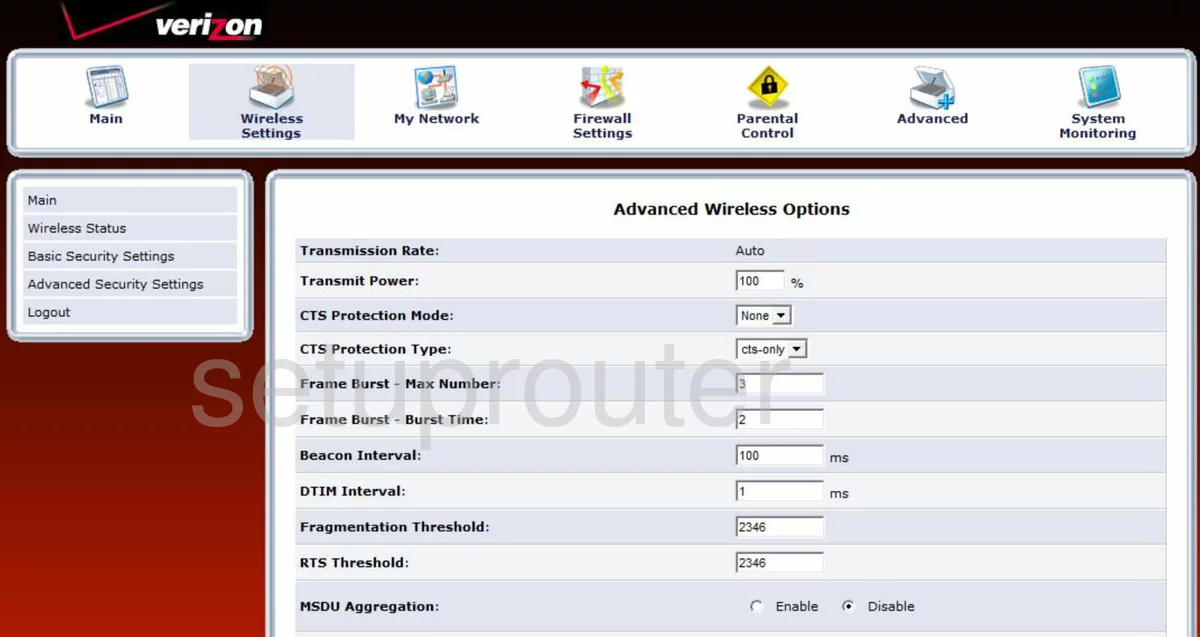
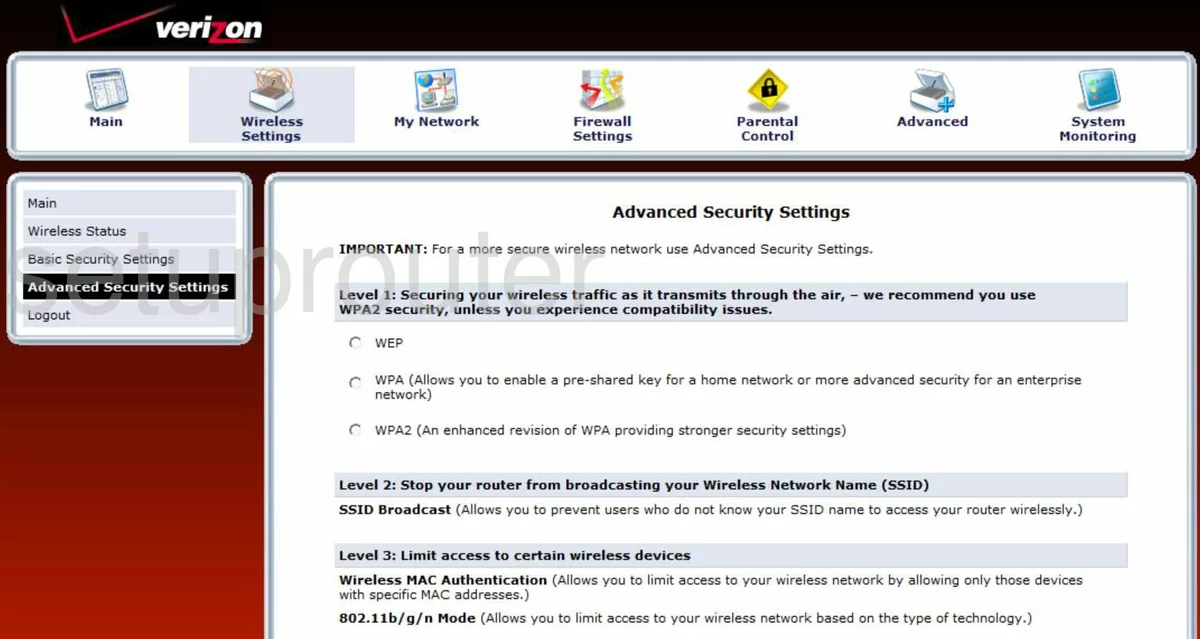
MI424WR-GEN2 (4 screens)
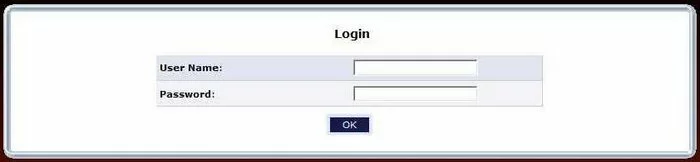
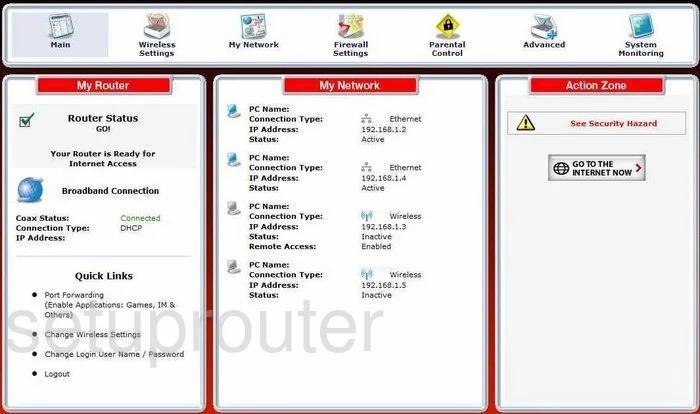
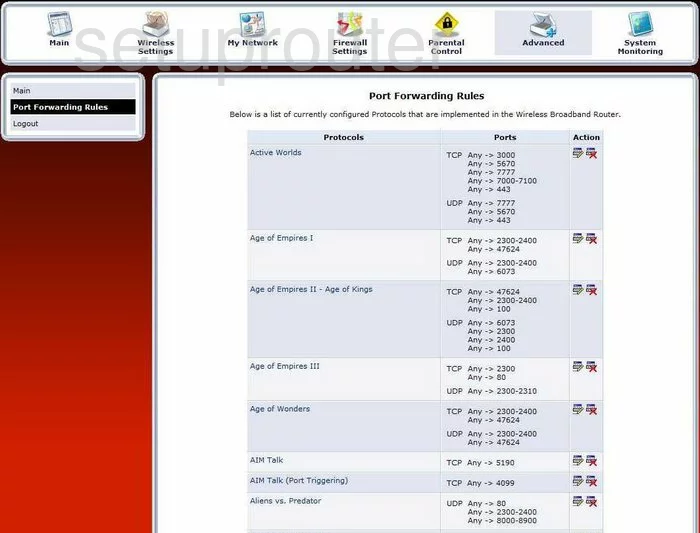
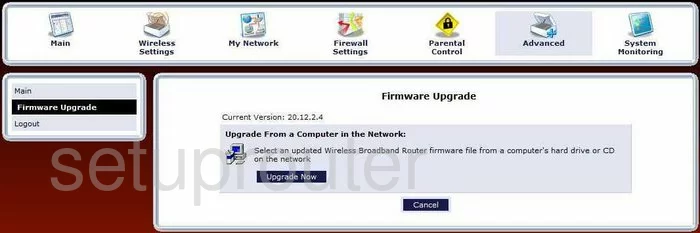
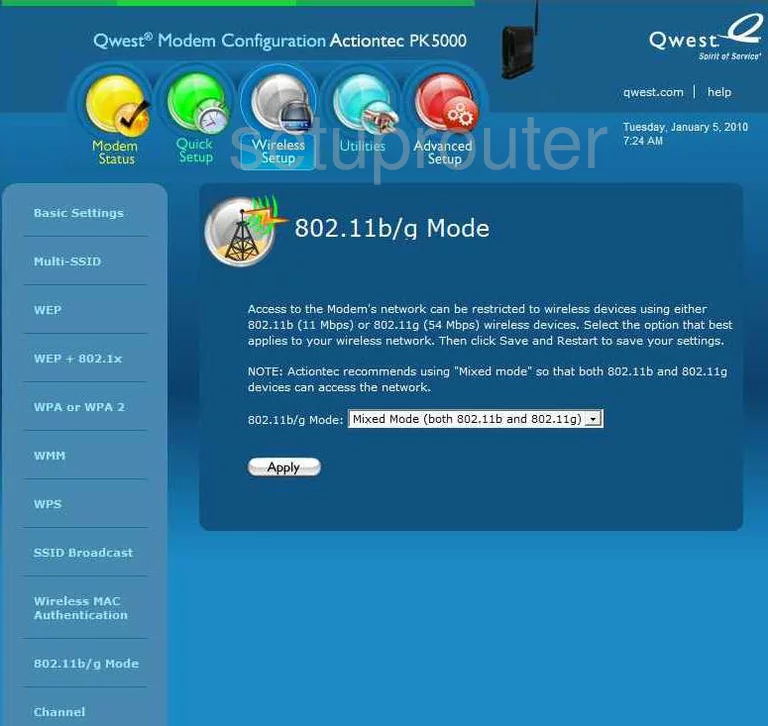
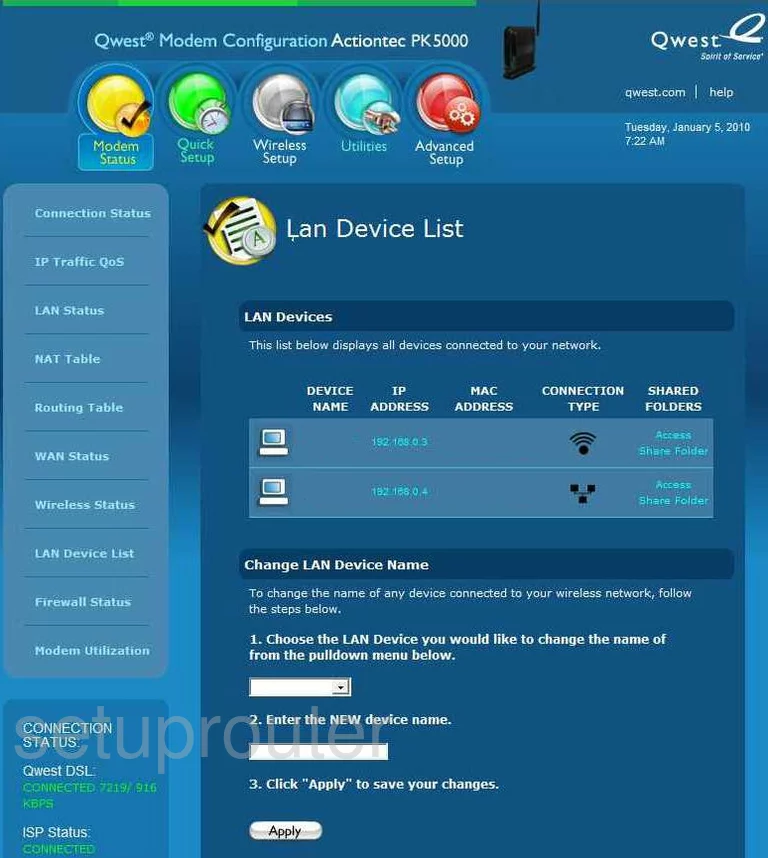
PK5000 (4 screens)
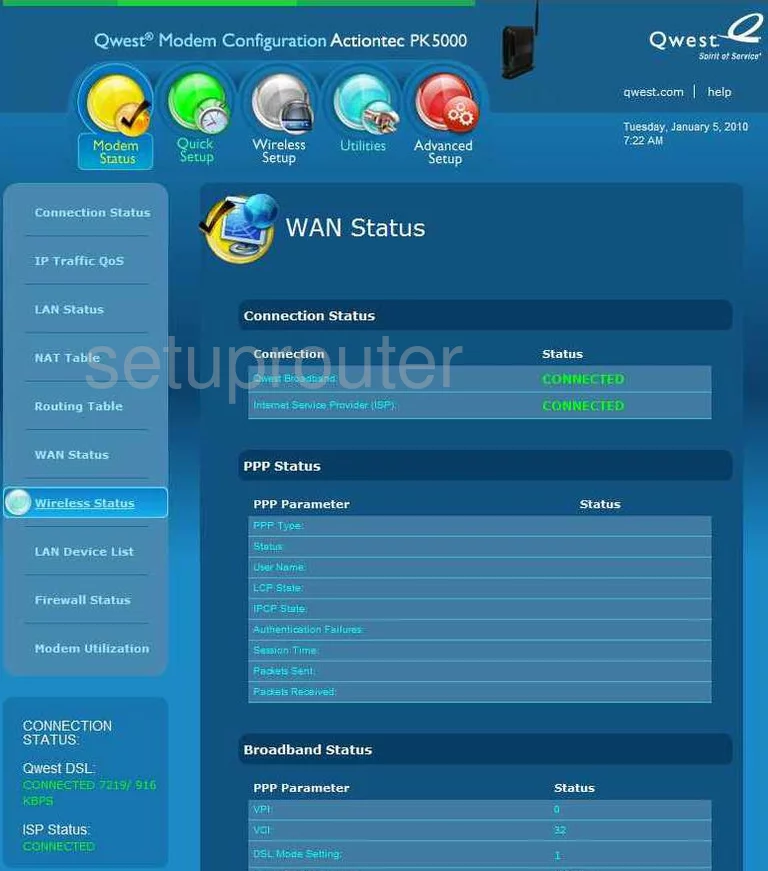
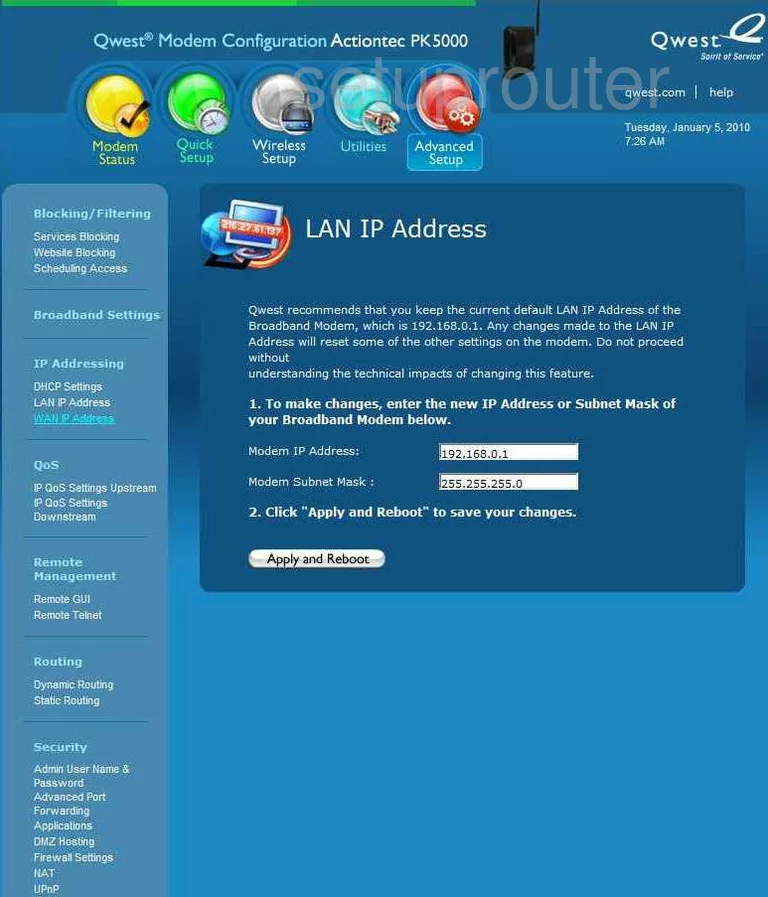
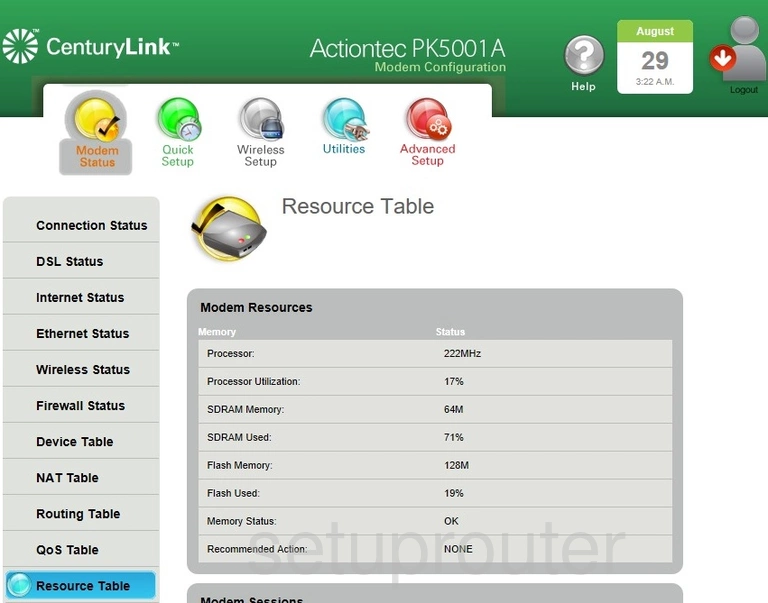
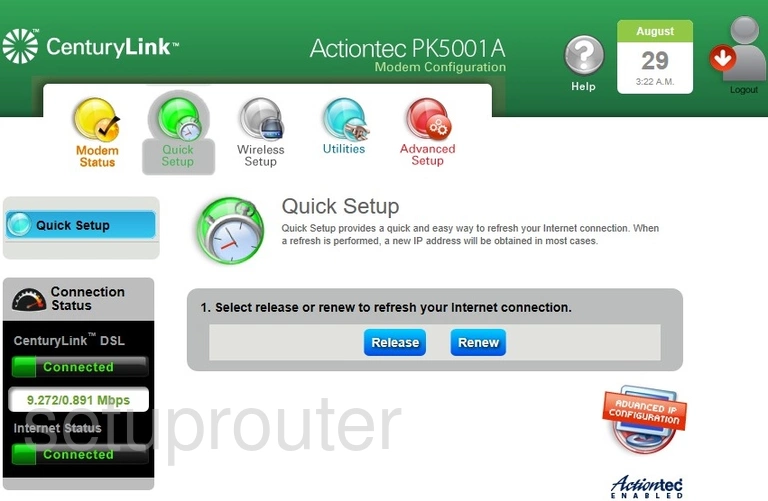
PK5001A (4 screens)
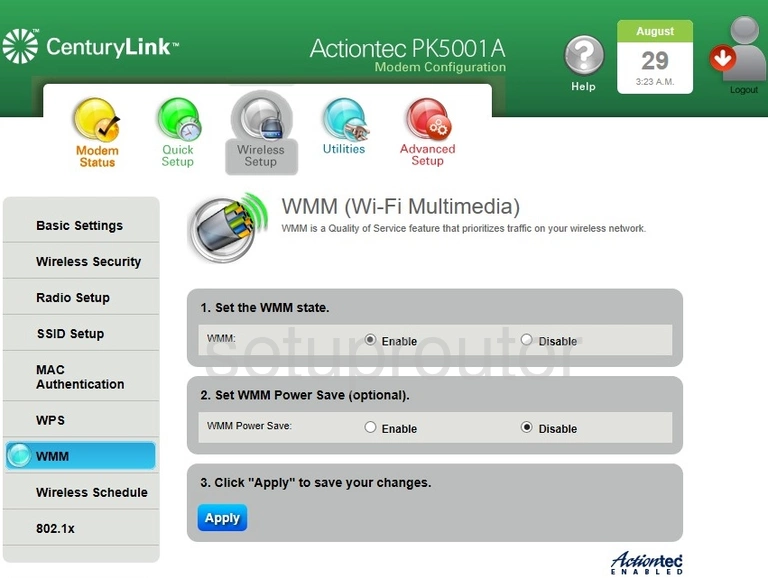
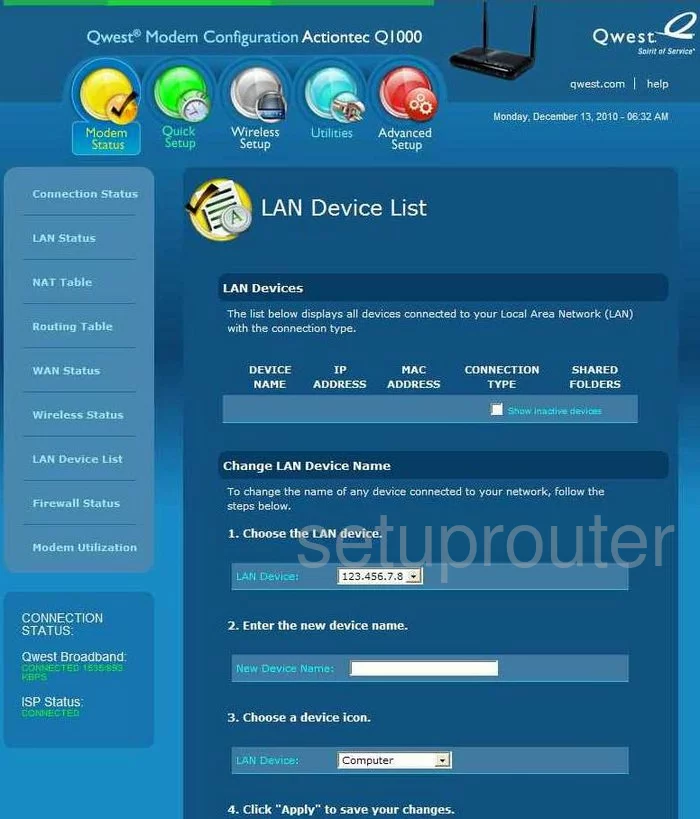
Q1000 Qwest (4 screens)
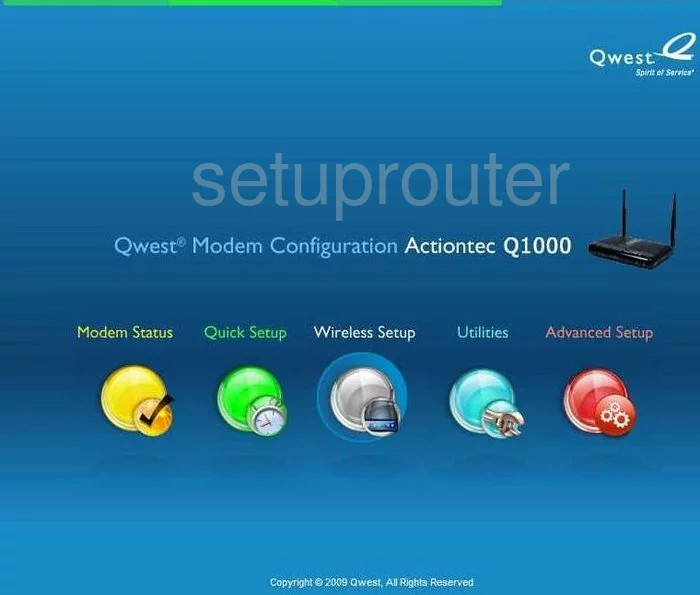
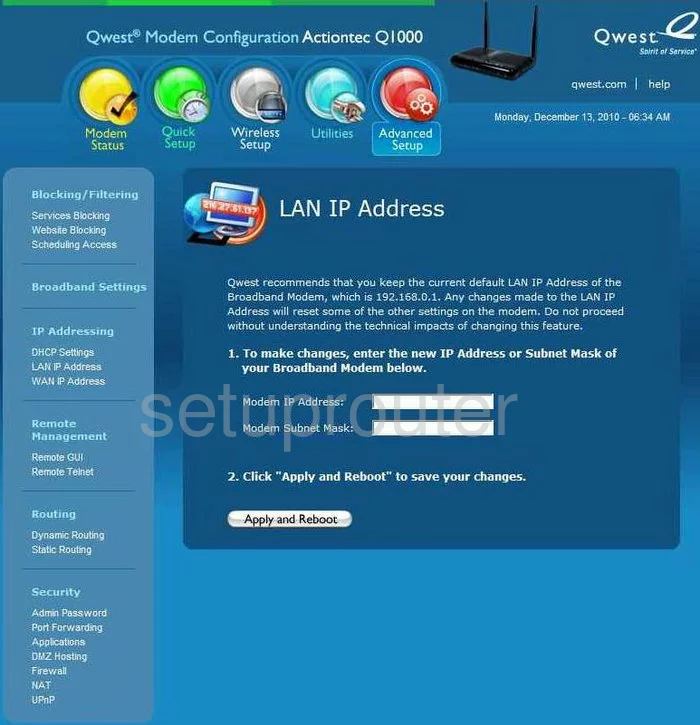
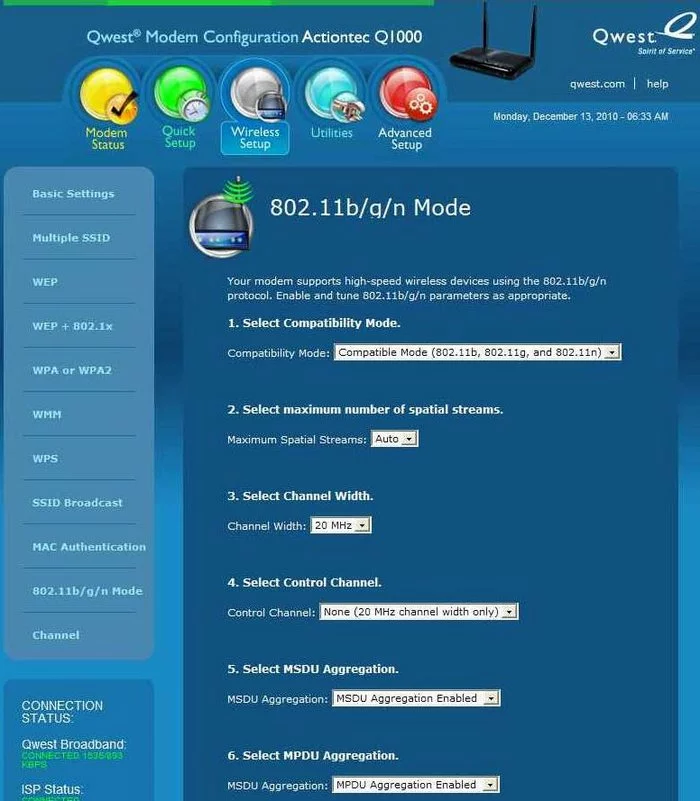
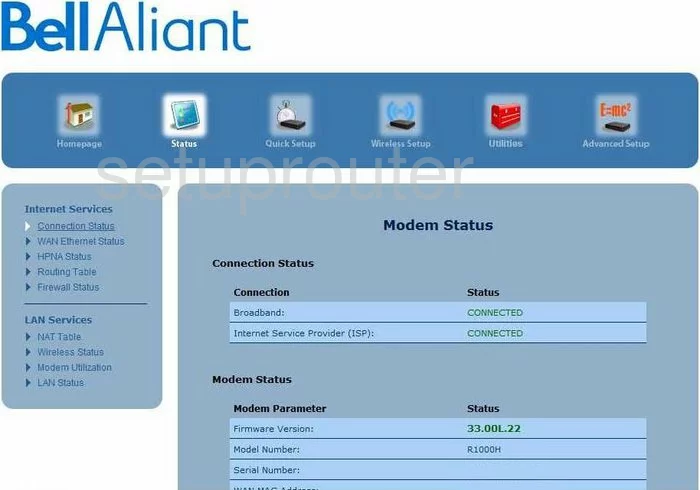
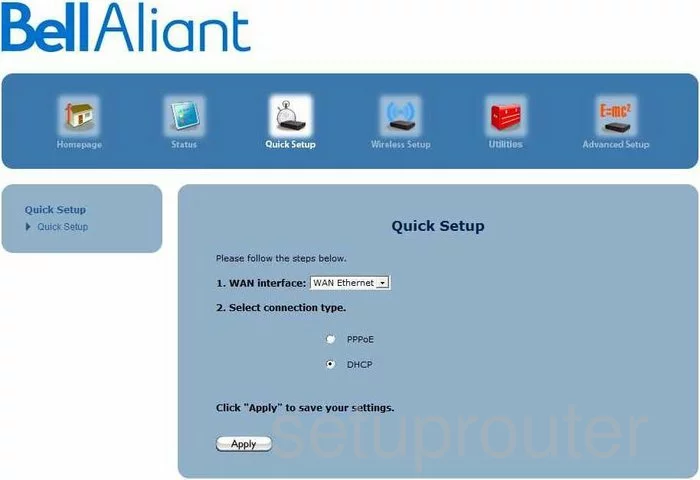
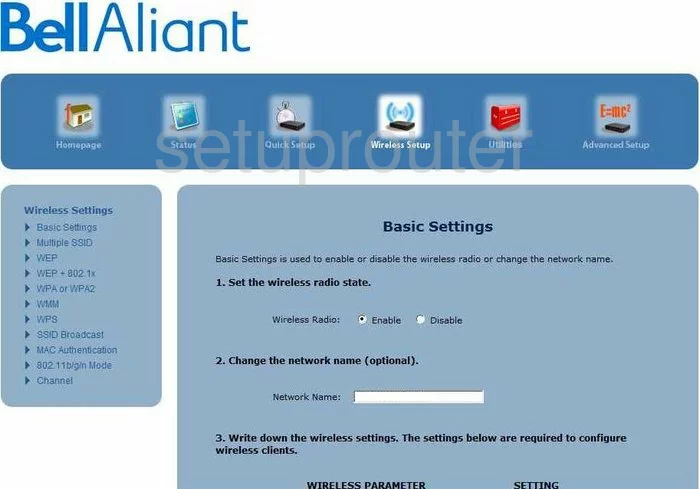
R1000H (4 screens)

R3000 (4 screens)
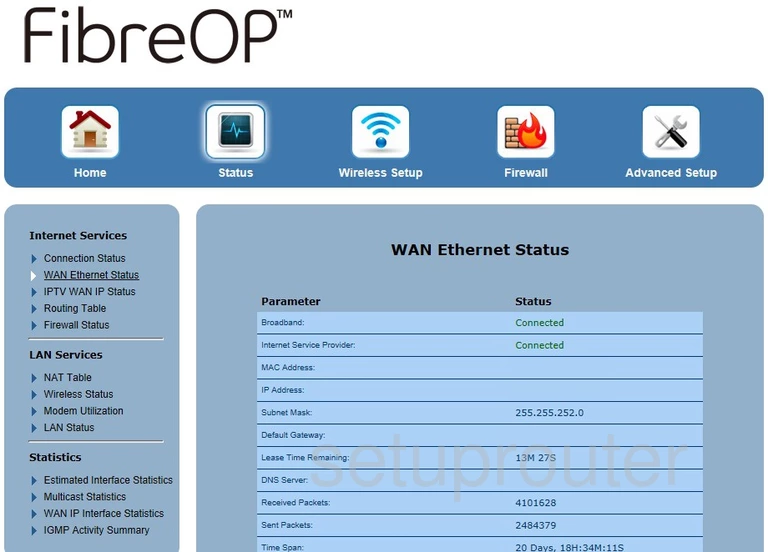
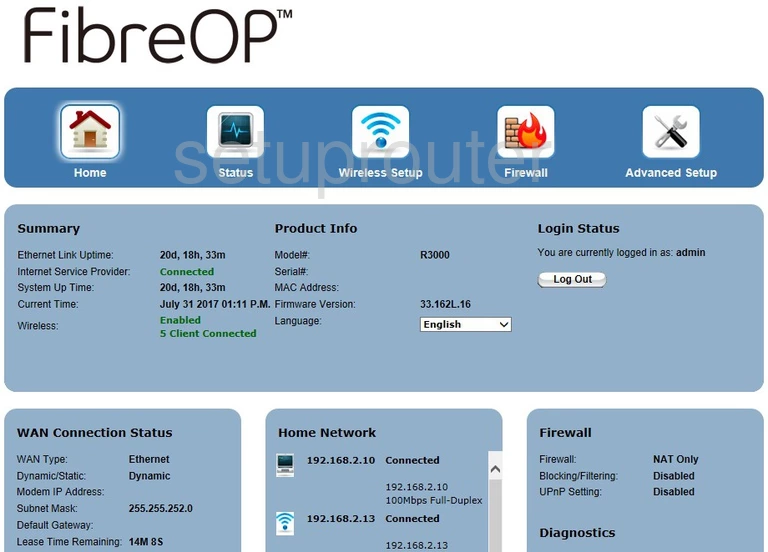
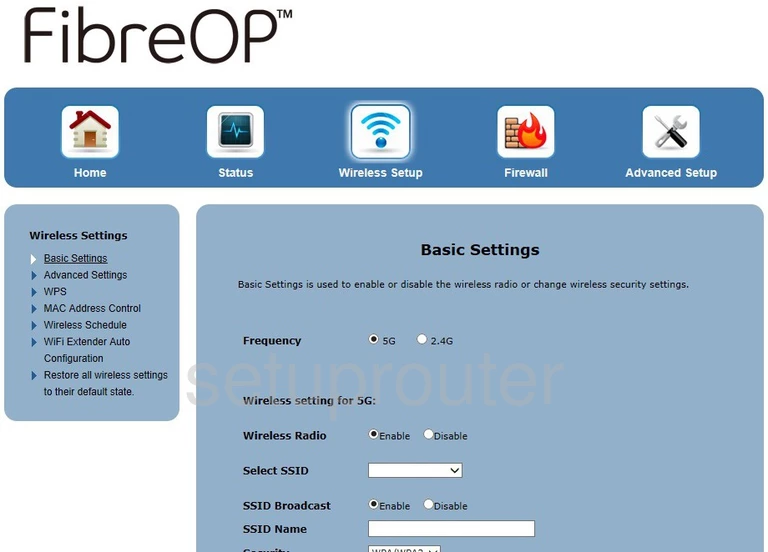
T1200H (3 screens)
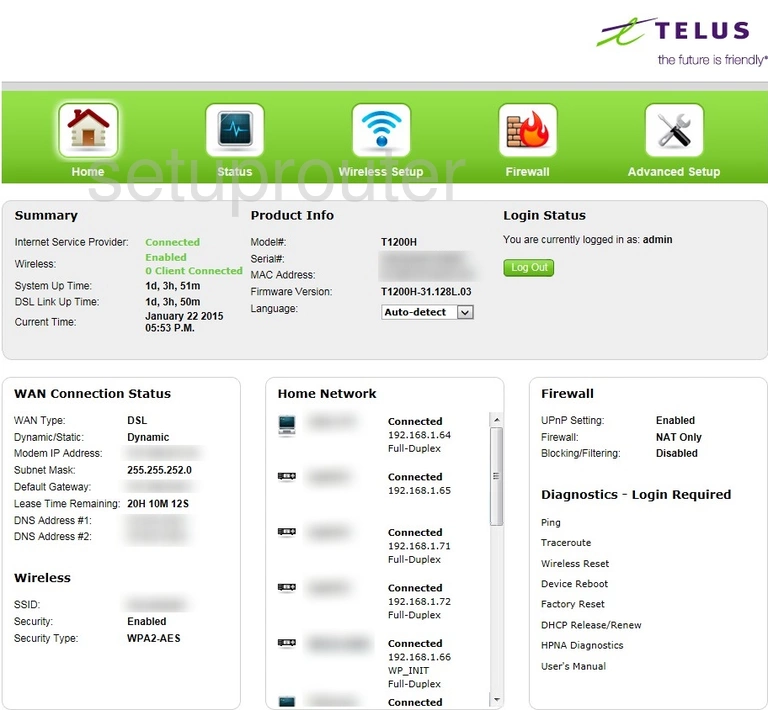
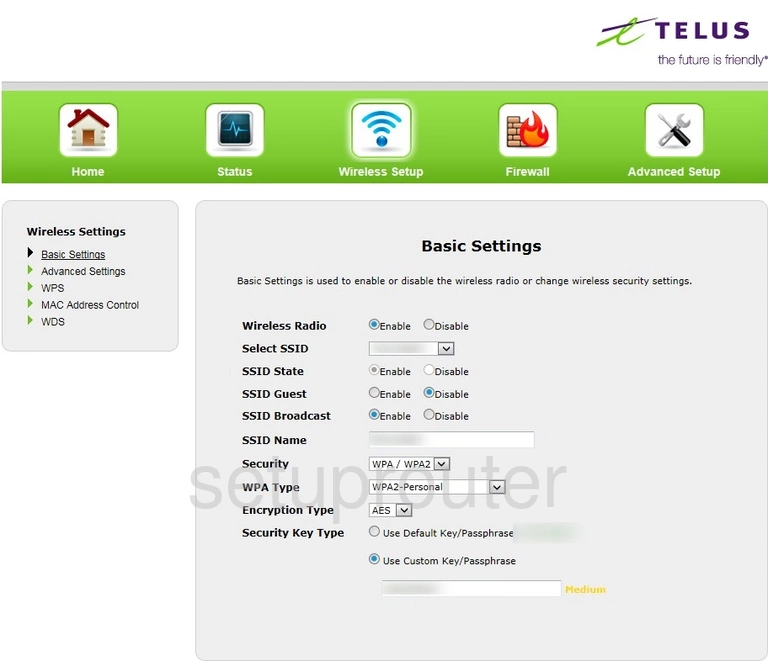
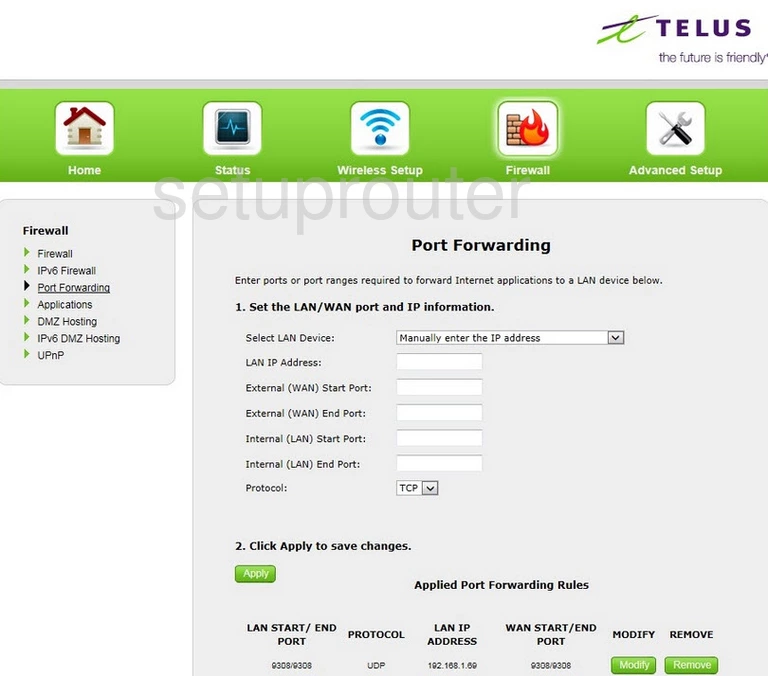
T1200H Telus (4 screens)
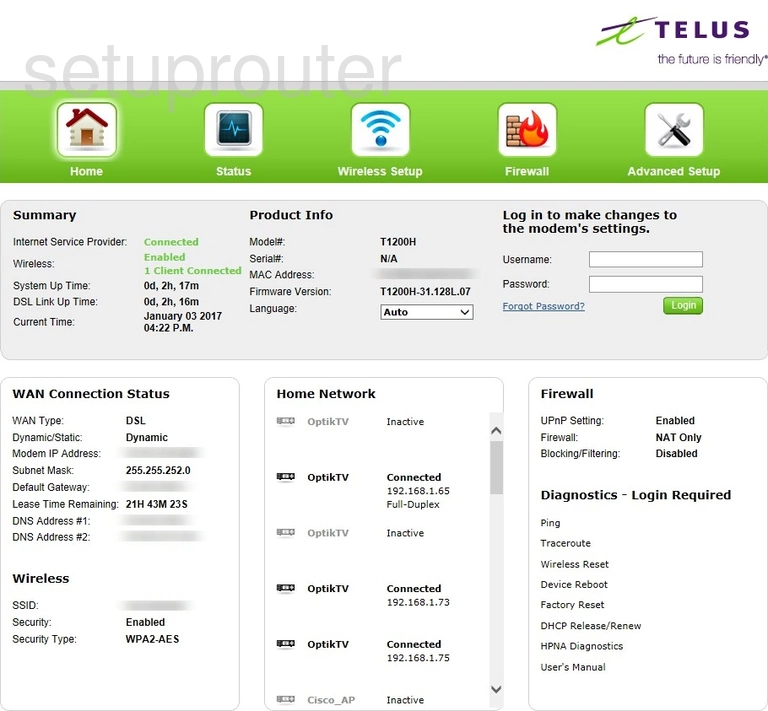
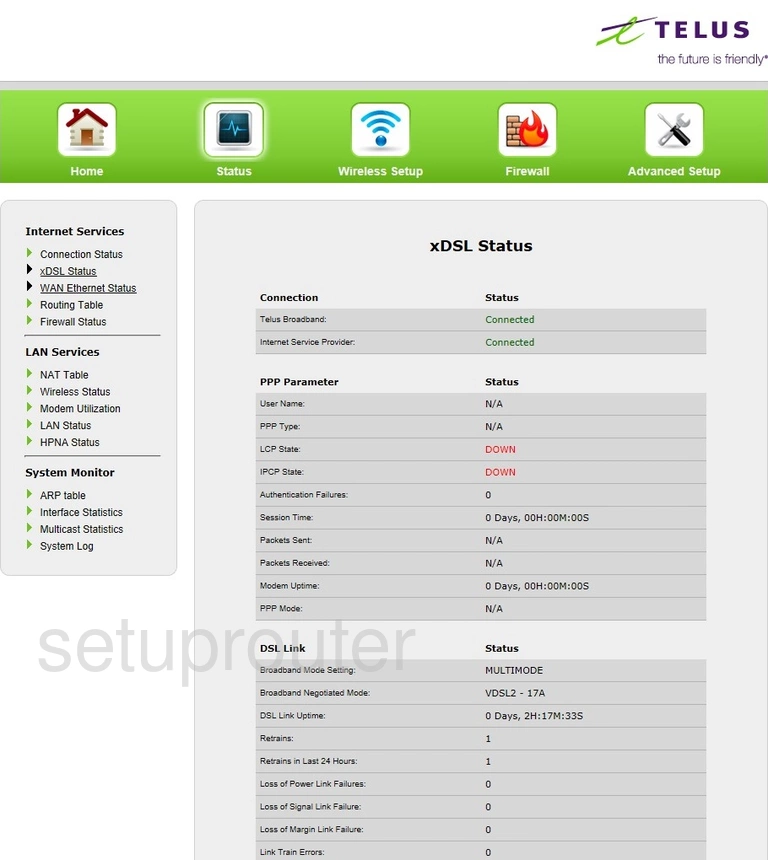
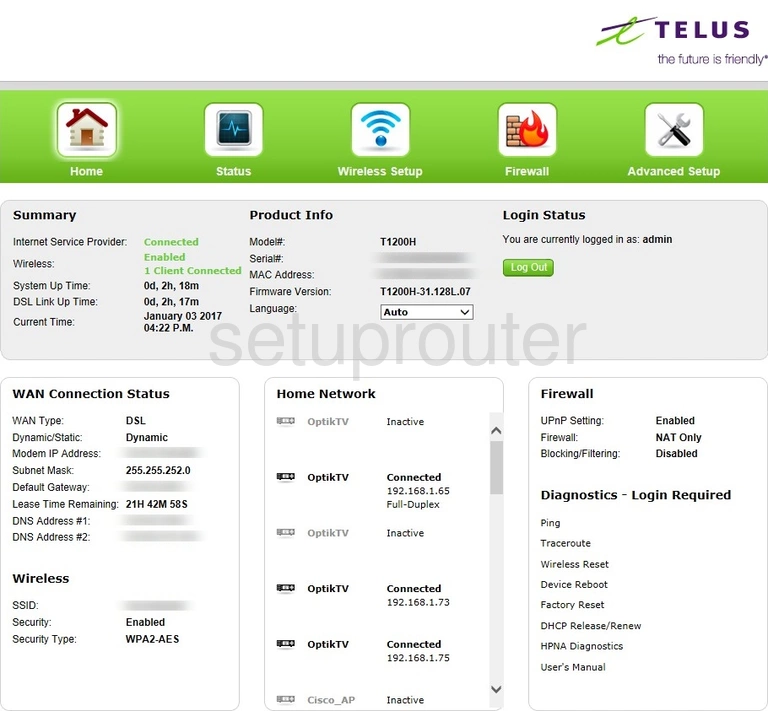
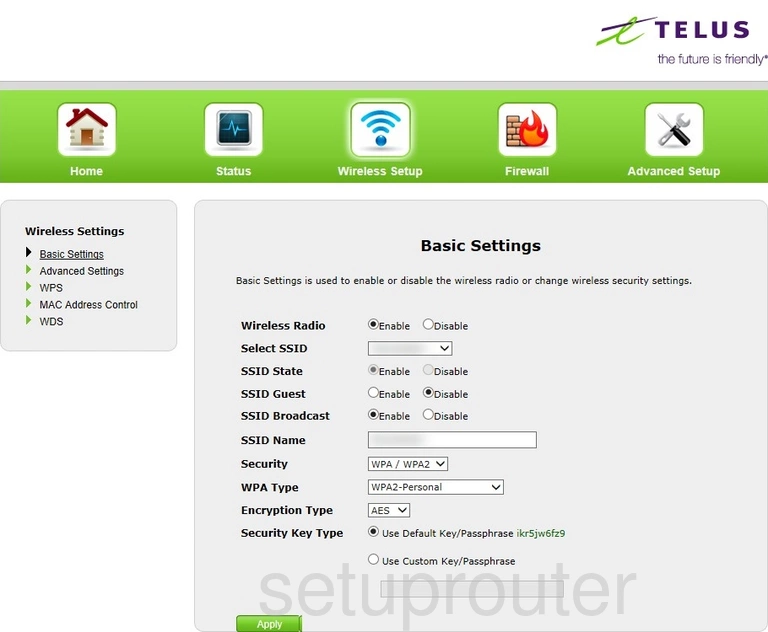
T2200H (4 screens)
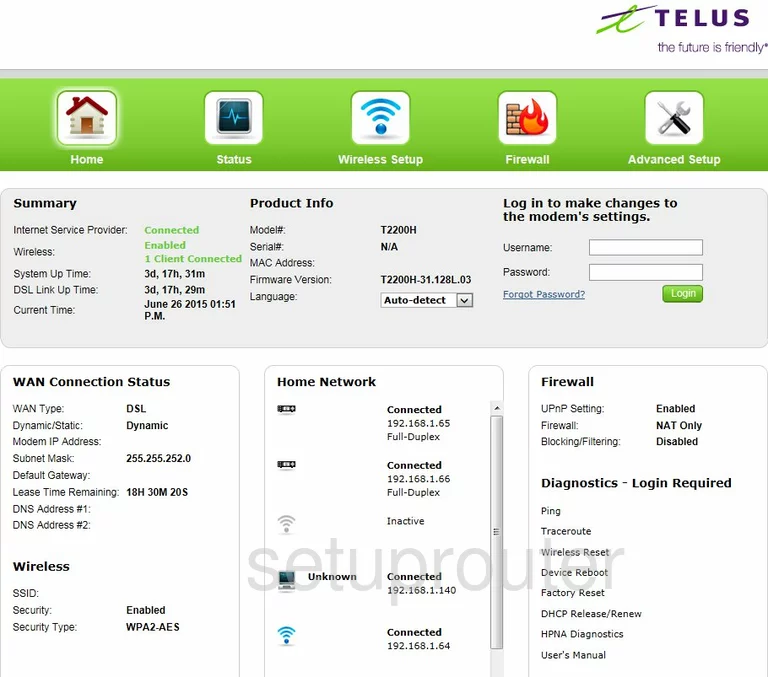
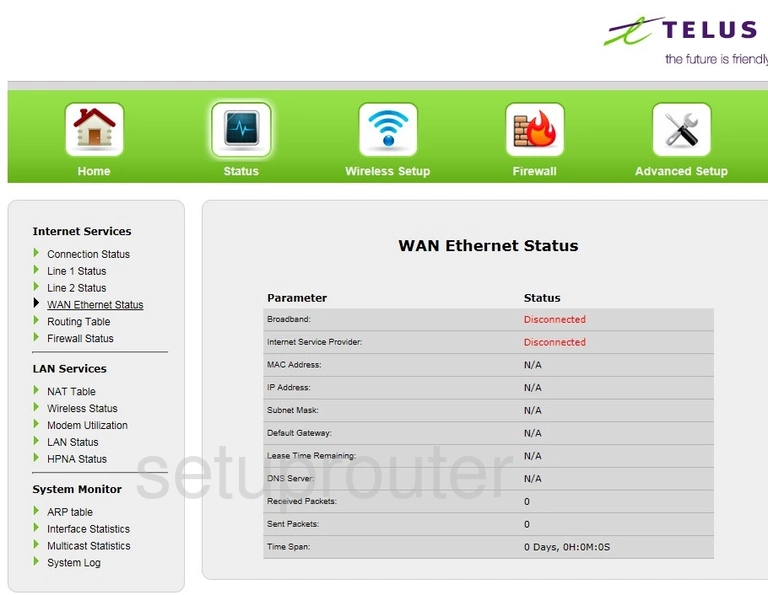
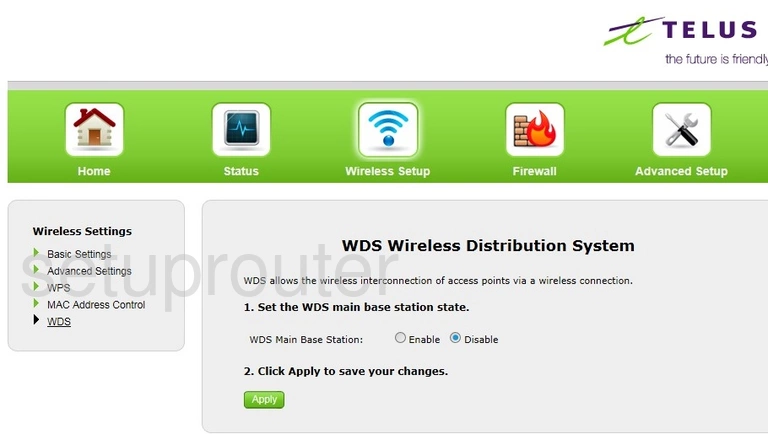
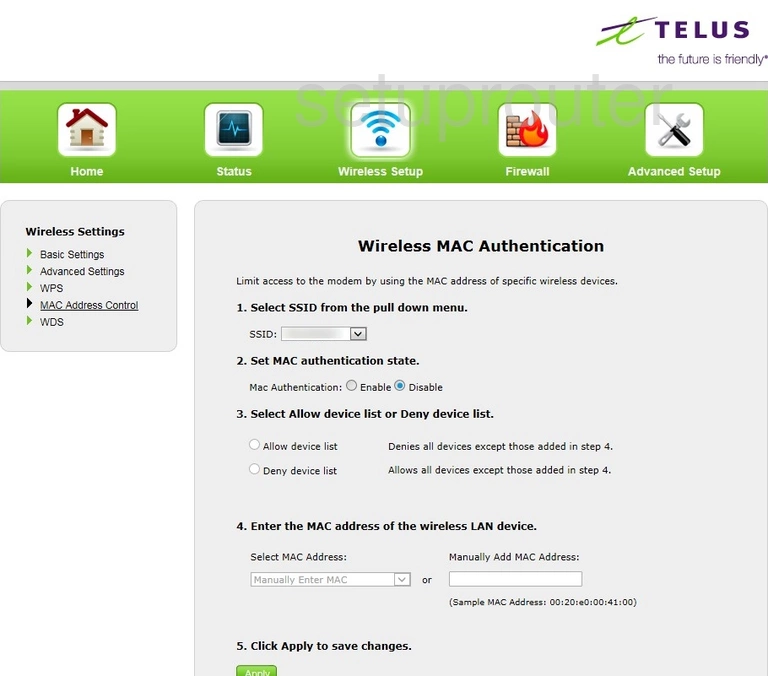
T3200 (4 screens)
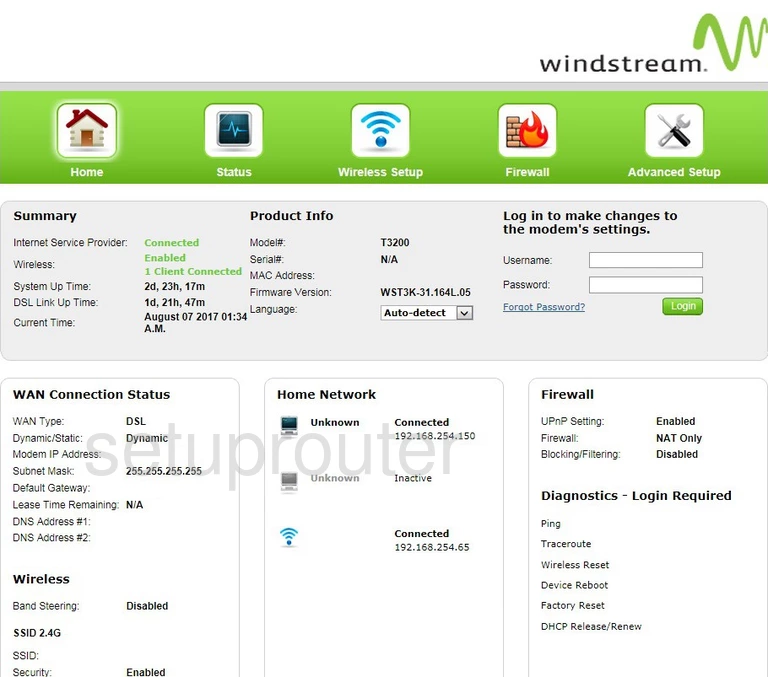
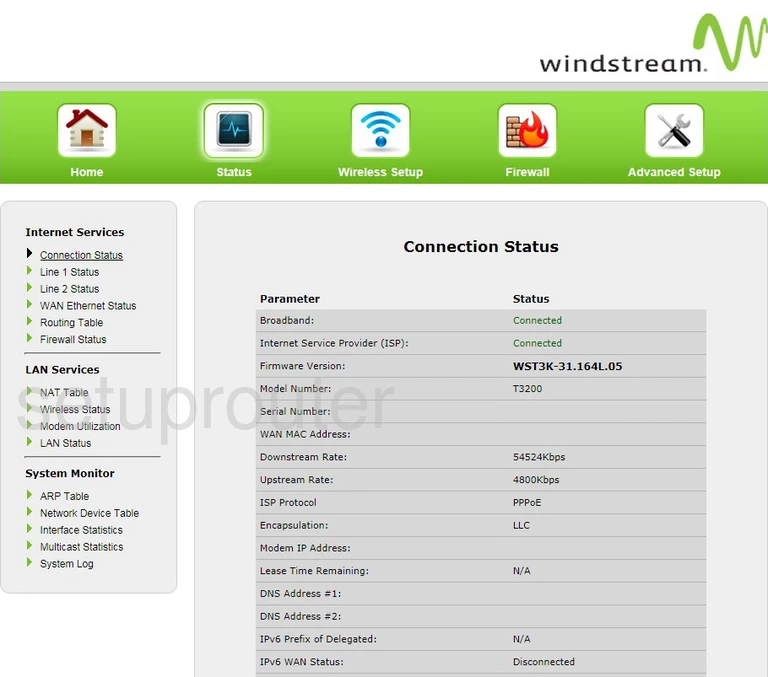
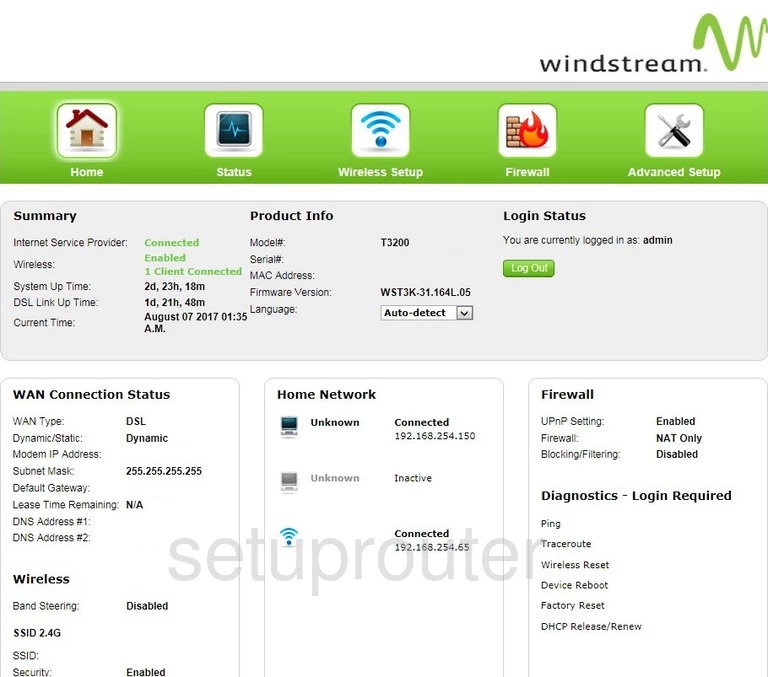
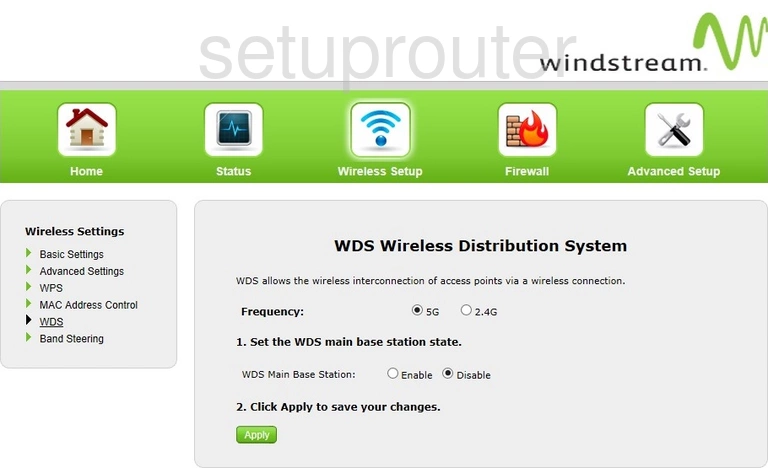
T3200M (4 screens)
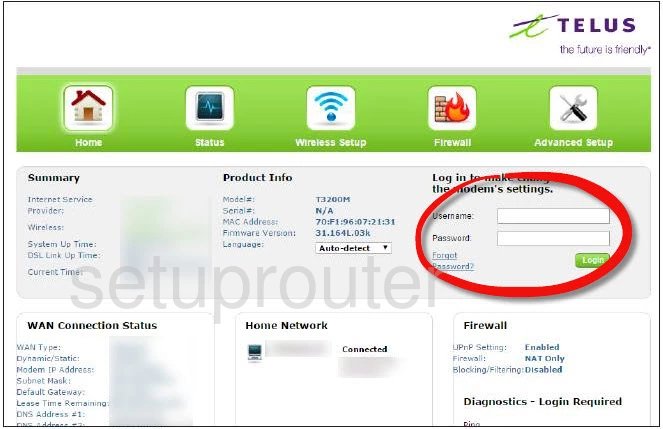
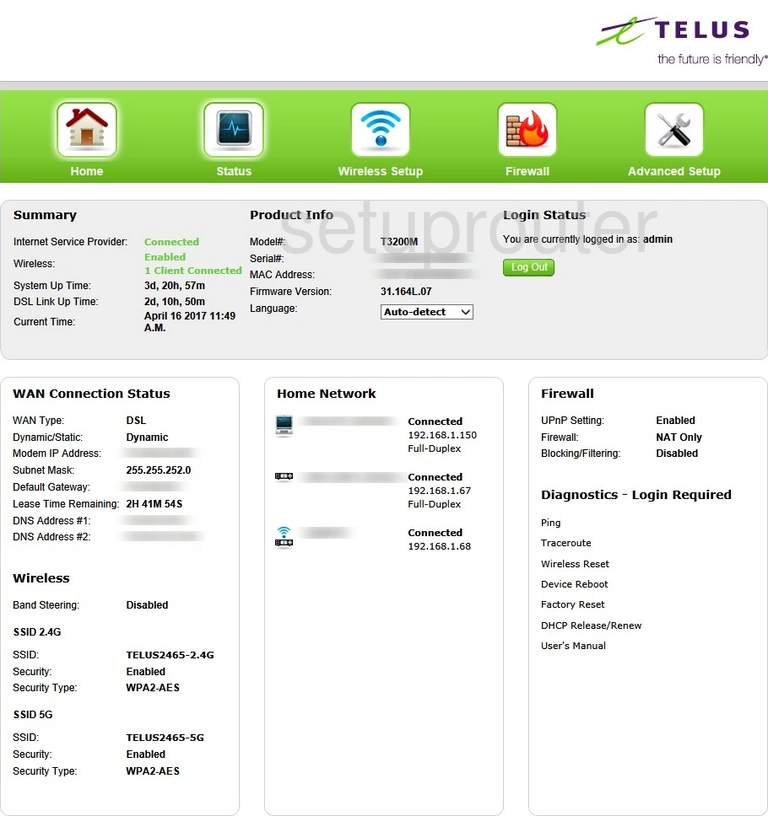
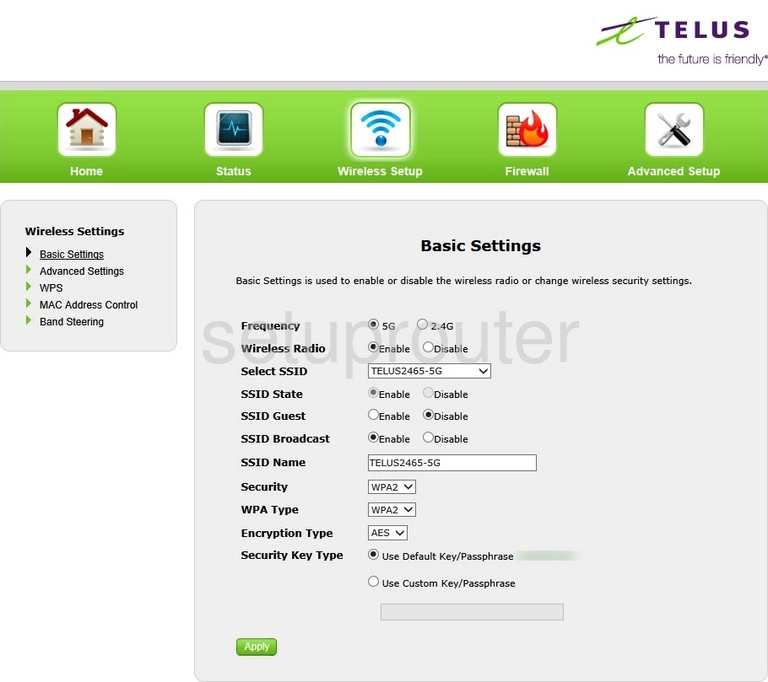
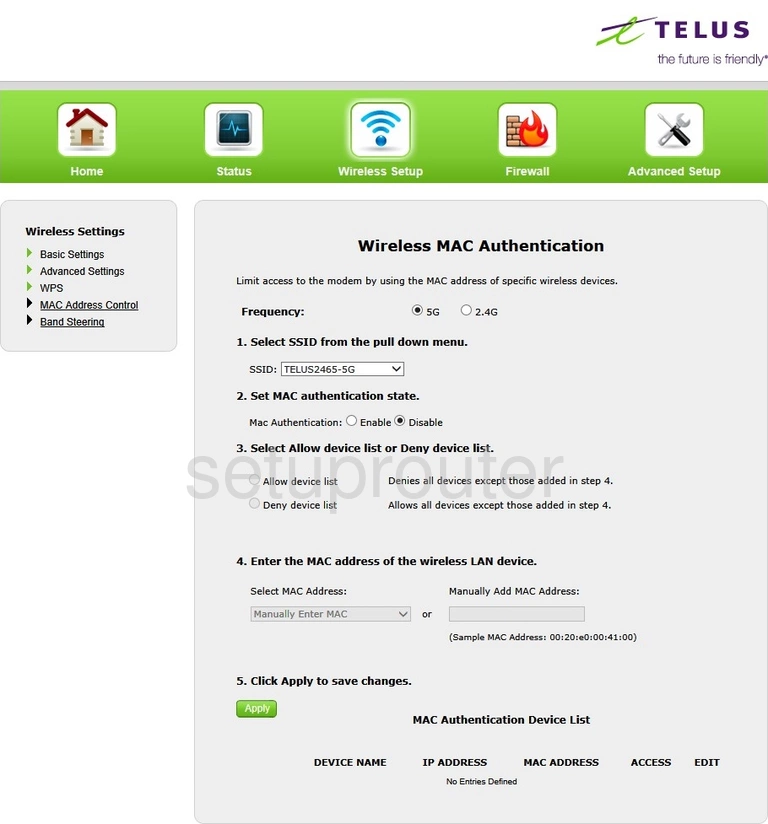
TDSGT784WN (4 screens)
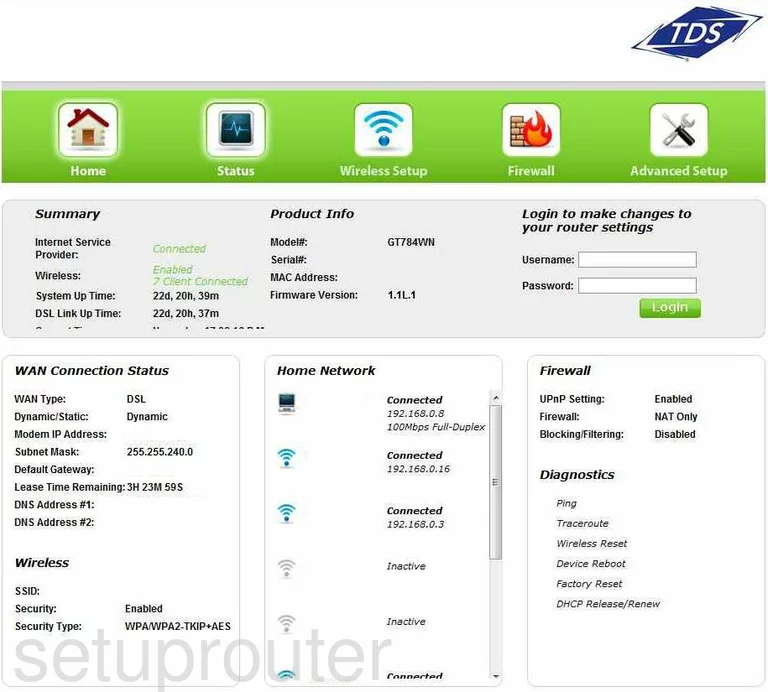
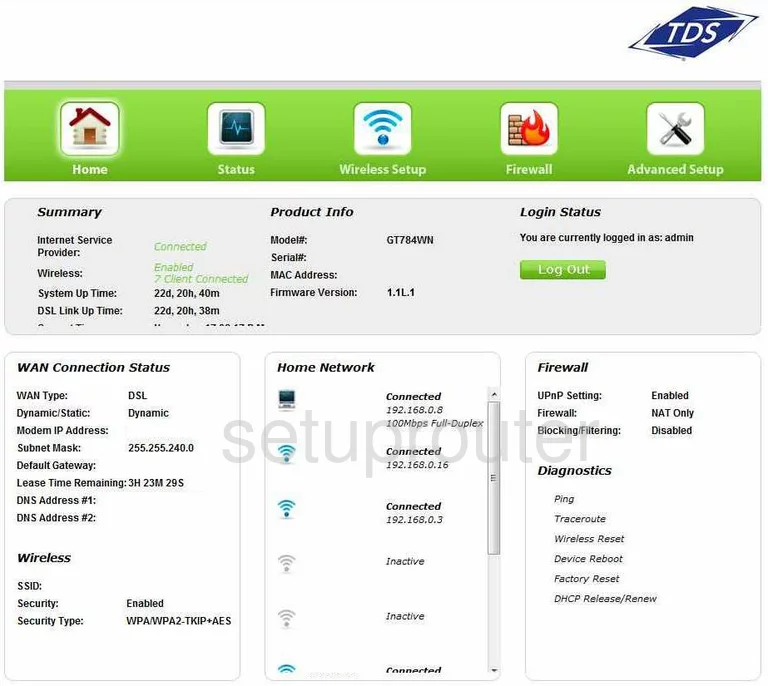
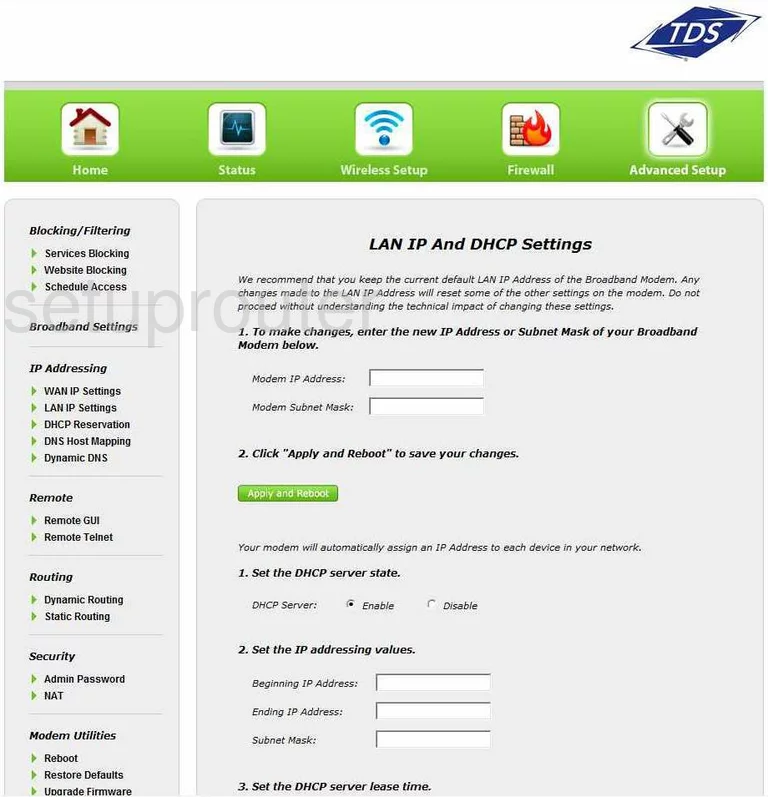
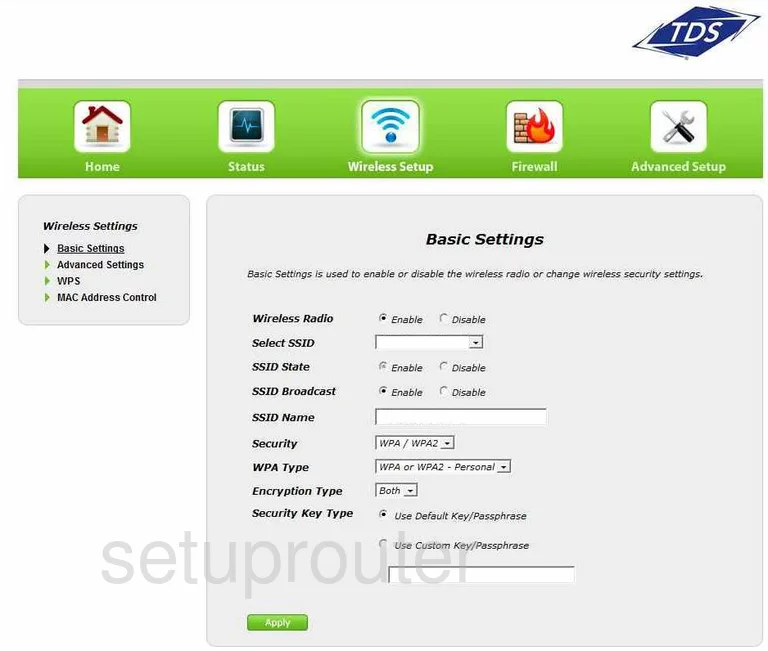
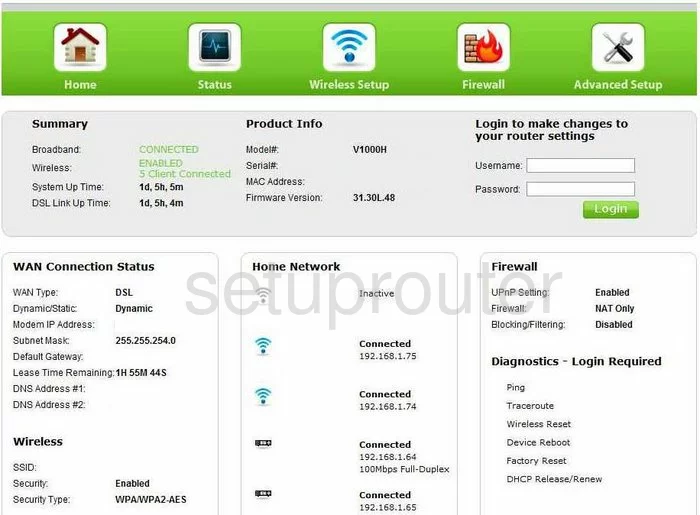
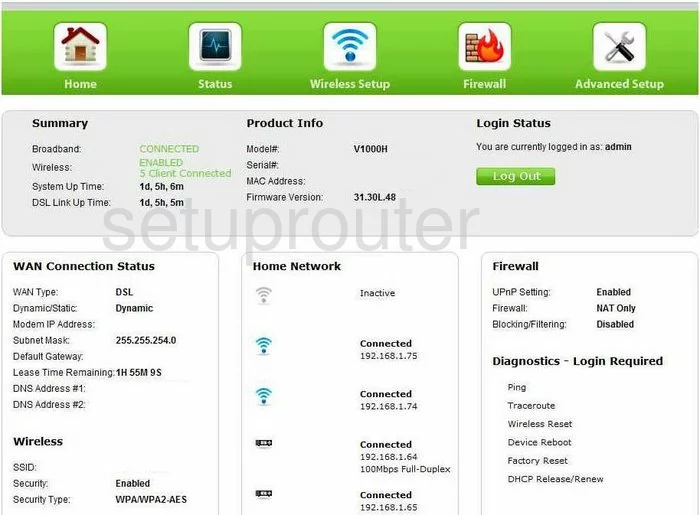
V1000H (4 screens)
Actiontec Router Manuals
- Actiontec C1000A user manual (manual-1081)
- Actiontec C2000A CenturyLink user manual (manual-2174)
- Actiontec F2250 user manual (manual-1808)
- Actiontec GT704-WG user manual (manual-1337)
- Actiontec GT724WG user manual (manual-1338)
- Actiontec GT784WN user manual (manual-1339)
- Actiontec GT784WN user manual (manual-2353)
- Actiontec GT784WN TDS user manual (manual-1340)
- Actiontec GT784WNV user manual (manual-1341)
- Actiontec M1000 Qwest user manual (manual-1342)
- Actiontec MI424WR user manual (manual-1343)
- Actiontec MI424WR user manual (manual-1344)
- Actiontec MI424WR user manual (manual-1345)
- Actiontec MI424WR GEN3I user manual (manual-1347)
- Actiontec MI424WR-GEN2 user manual (manual-1346)
- Actiontec PK5000 user manual (manual-2165)
- Actiontec PK5001A user manual (manual-2486)
- Actiontec T1200H user manual (manual-1809)
- Actiontec T1200H Telus user manual (manual-2359)
- Actiontec T2200H user manual (manual-1873)
- Actiontec T3200M user manual (manual-2440)
- Actiontec TDSGT784WN user manual (manual-1348)
- Actiontec V1000H user manual (manual-1349)
- Actiontec V1000H user manual (manual-1350)
- Actiontec V1000H user manual (manual-1351)