


Arcadyan builds gateways for Internet providers. You'll rarely see the Arcadyan name on the front. Instead the device carries the ISP's brand, for example the Verizon Fios Router G3100, Vodafone EasyBox, Telstra Smart Modem, KPN Experia Box, Orange Livebox, Vivo Power Box, Salt Fiber Box and Sky hubs. Check the label underneath for "Arcadyan". These guides cover how to log in and reset the gateway.
Arcadyan Guides
- How to Login to an Arcadyan Router
- How to Reset an Arcadyan Router
- Arcadyan Router Passwords
- Arcadyan Router IP Addresses
Default Arcadyan Login Details
The address and login depend on your ISP:
- Verizon Fios G3100: http://192.168.1.1 or http://mynetworksettings.com. Username admin, and the password on the label.
- Vodafone EasyBox and many European versions: http://192.168.2.1 or 192.168.1.1, with the password on the label.
- Telstra Smart Modem: http://192.168.0.1, admin, and the password on the label (older units: telstra).
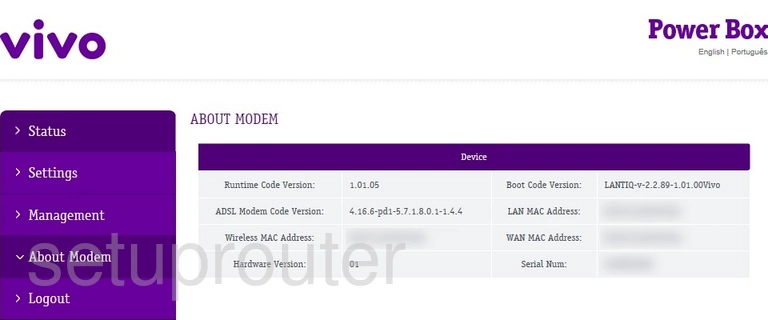
- Vivo Power Box: http://192.168.15.1.
- Salt Fiber Box: https://salt.box.
See the Arcadyan passwords and Arcadyan IP address pages.
More Than Router Guides
To forward ports on an Arcadyan gateway, see our sister site: Arcadyan port forwarding guides on Portforward.com.
Arcadyan Models We Cover
ARV7519, ARV7519RW22-A-LT, BR440, Fiber Box, G3100, LH1000, Meteor2, NH20A, PRV3399B, PRV3399B-B-LT, PRV65B444A-S-TS, Smart Modem 2, VGV7518, VGV7519, VRV7006AW22-A-GR Vivo, VRV9510KWAC23, VRV9517