


Here's how to log in to a DrayTek Vigor router.
Step 1: Connect
Plug a computer into one of the LAN ports, or connect to the router's WiFi.
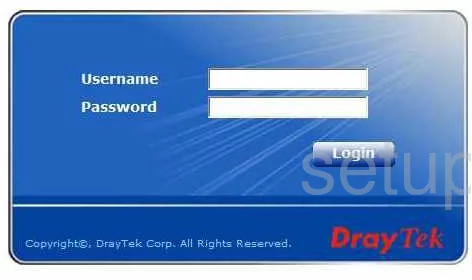
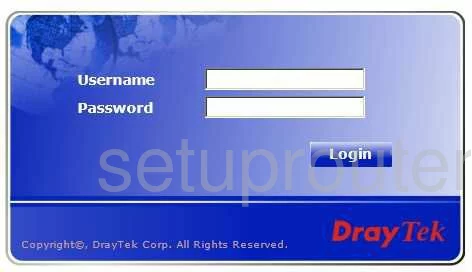
Step 2: Open the Login Page
Type http://192.168.1.1 into your browser's address bar. Newer firmware may switch you to https://192.168.1.1. Accept the certificate warning, because the router signs its own certificate. See the DrayTek IP address page.
Step 3: Sign In
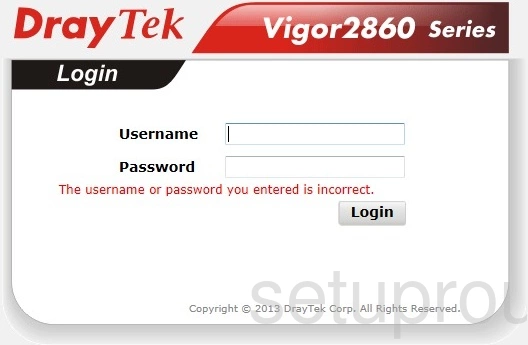
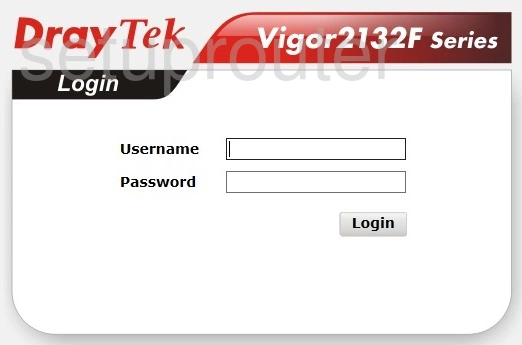
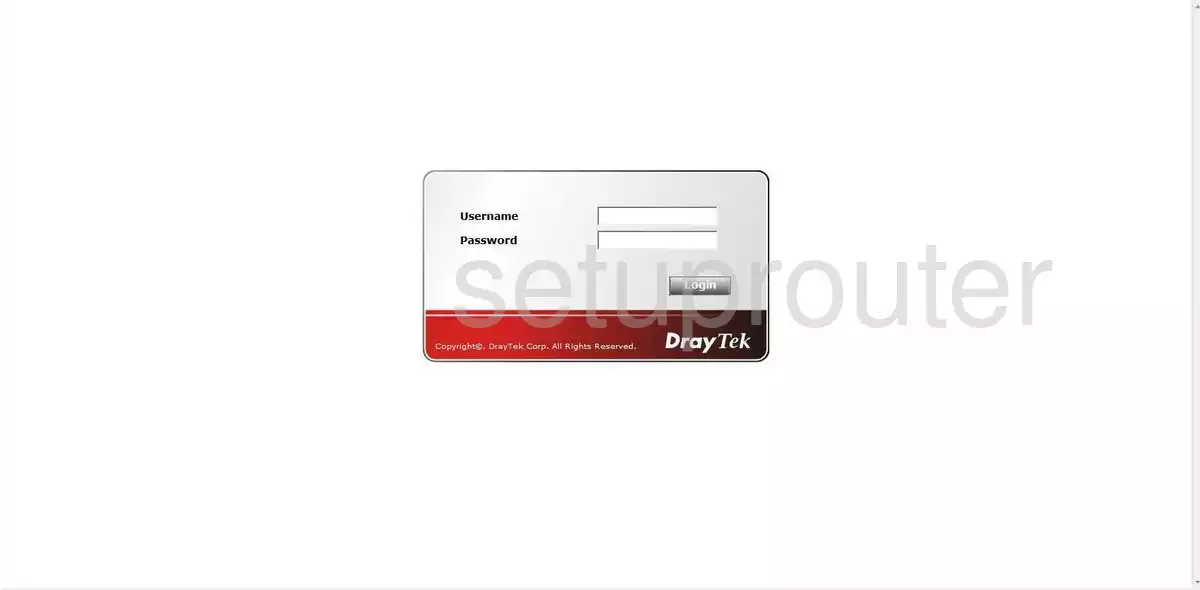
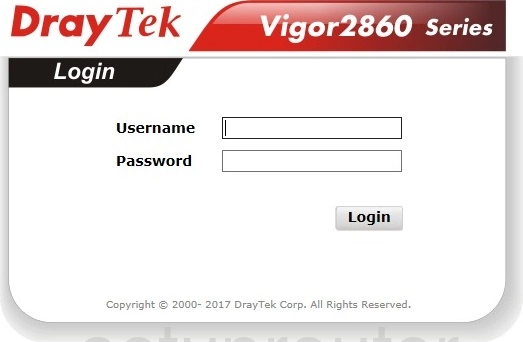
Enter the username admin and the password admin. On older models, leave both boxes blank. Newer firmware asks you to set a new password after your first login.
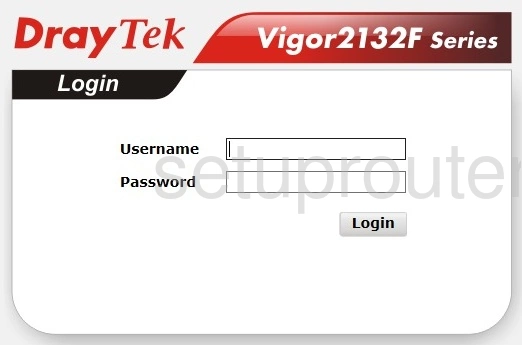
See all defaults on the DrayTek passwords page.
Login Problems
Locked out after a few tries? Vigor routers block logins for a while after repeated failures. Wait a few minutes.
Forgot the password? Reset the router.
Draytek Router Screenshots
Screens from the Draytek routers we have. Click a model to open it.
Vigor 2130 (4 screens)
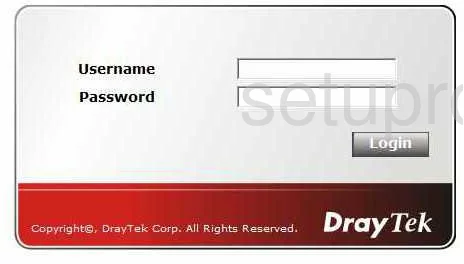
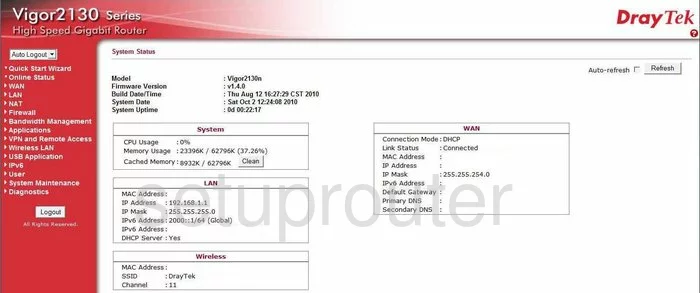
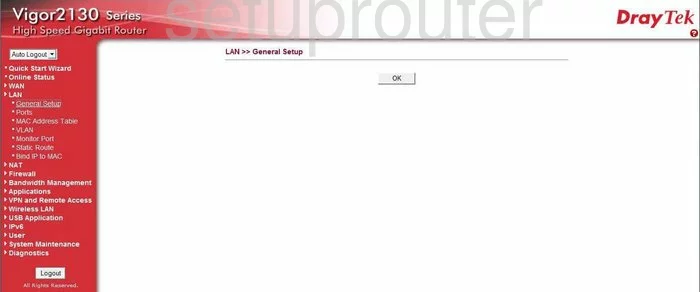
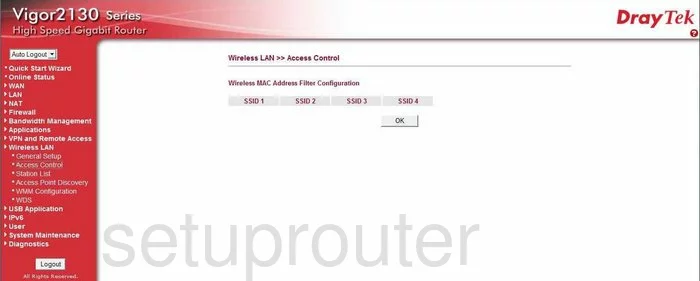
Vigor 2130n (4 screens)
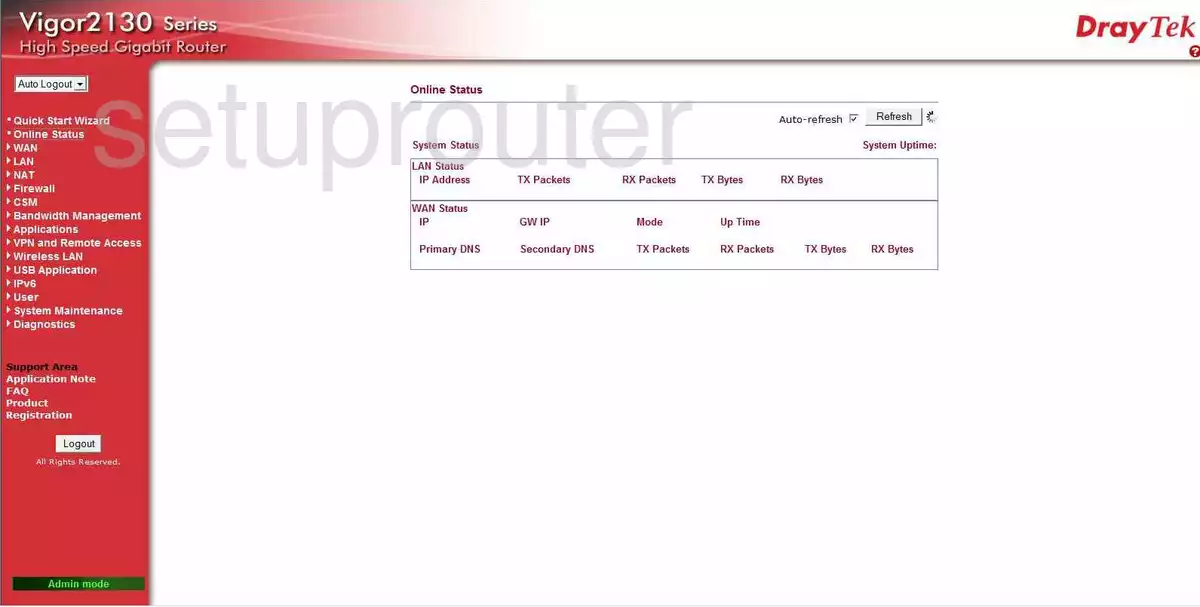
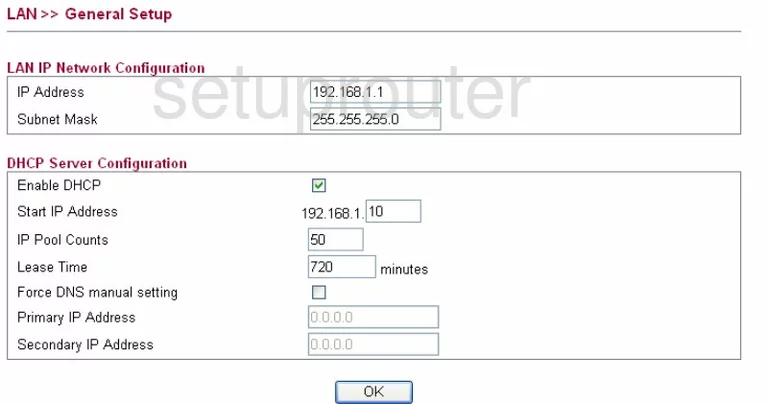
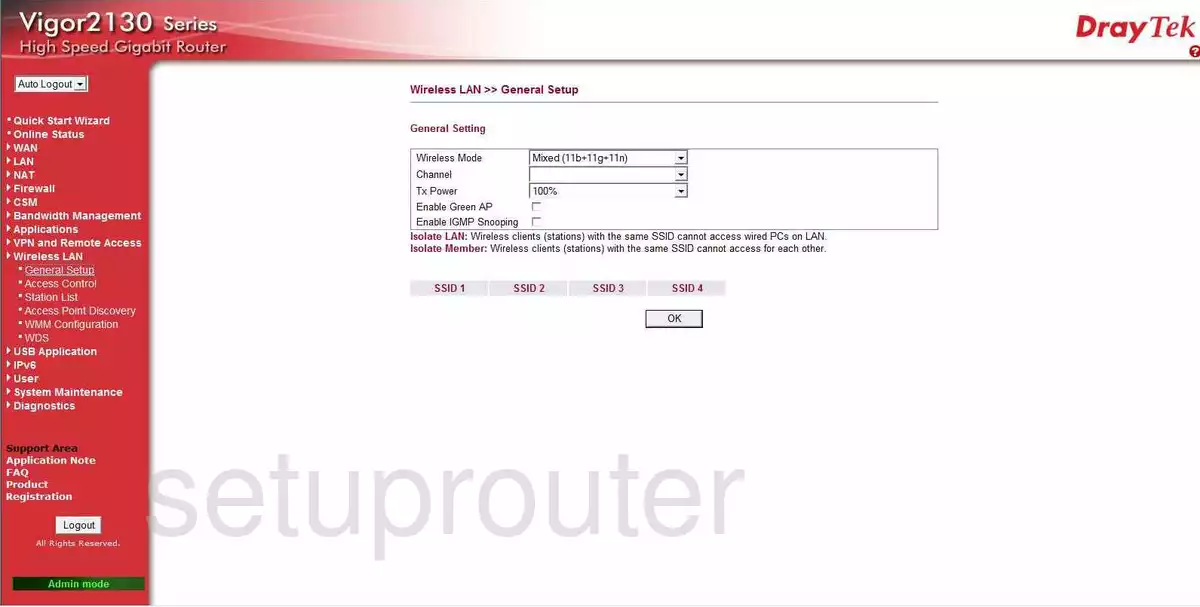
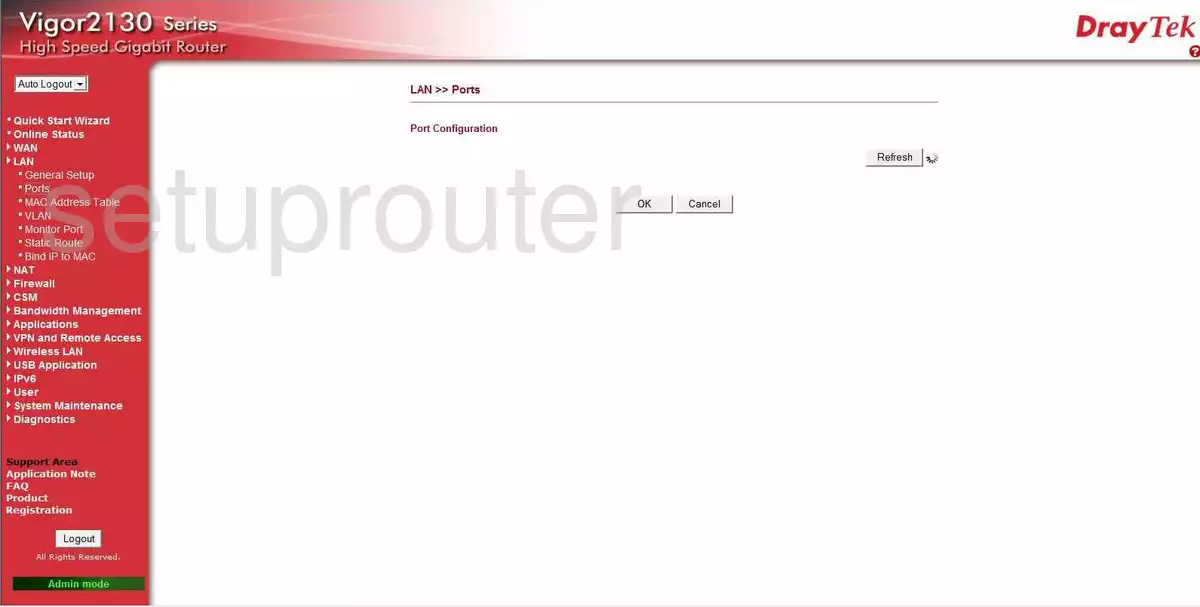
Vigor 2132F (4 screens)
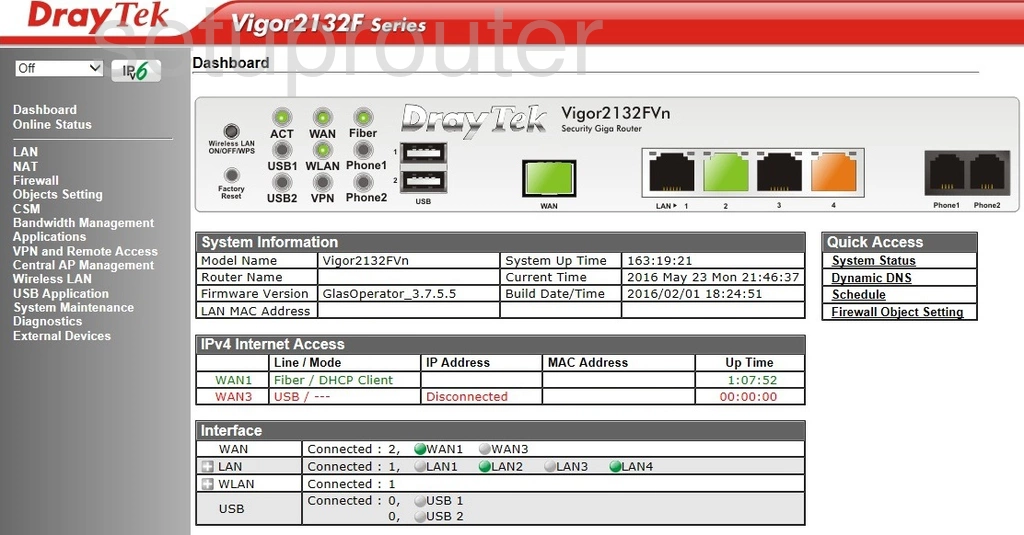
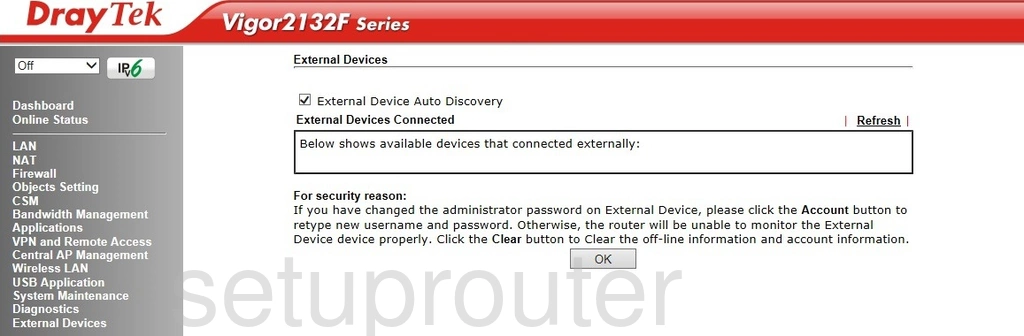
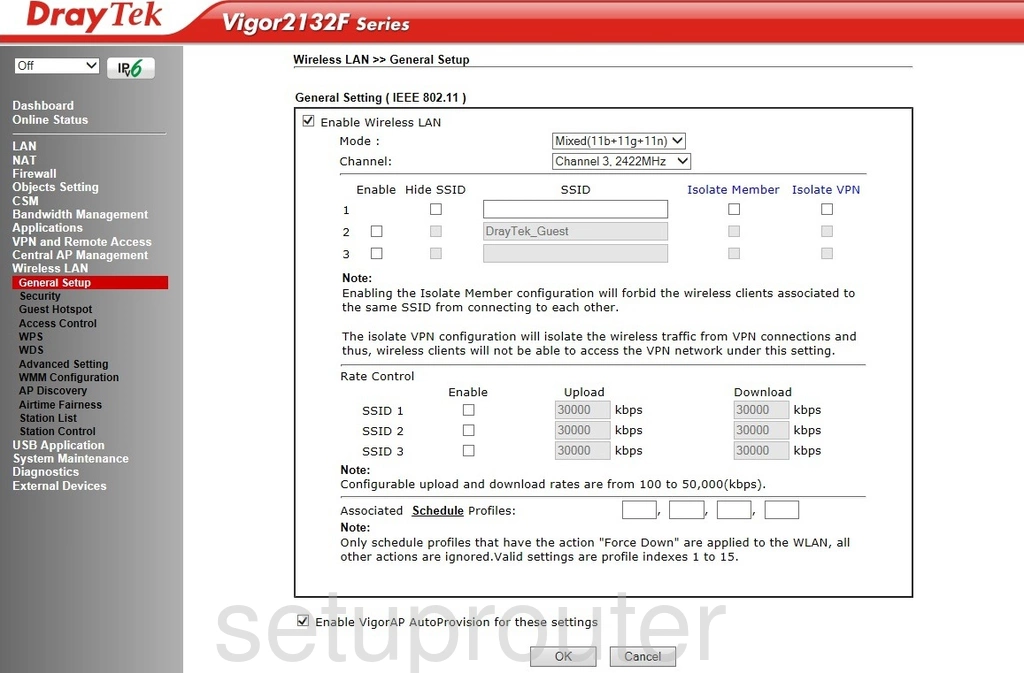
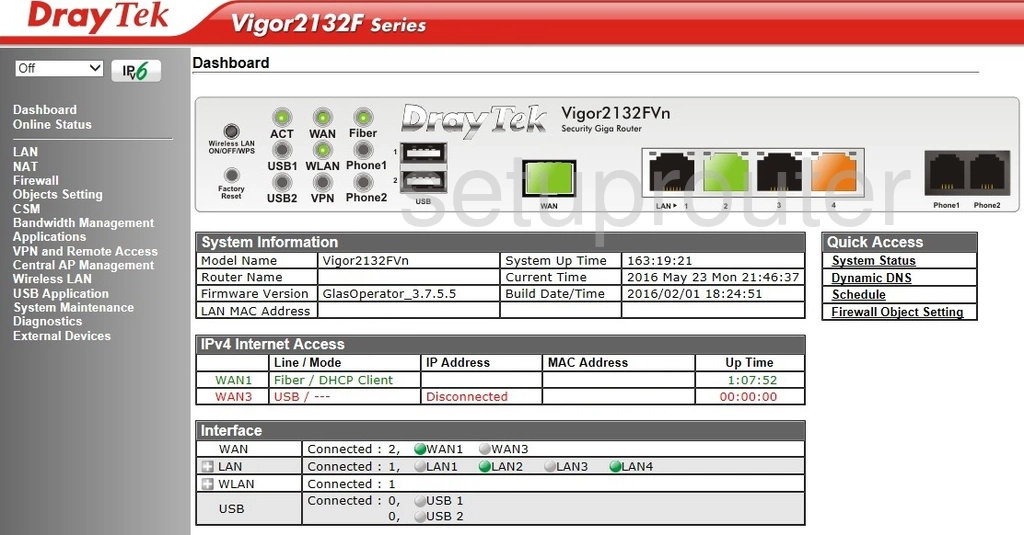
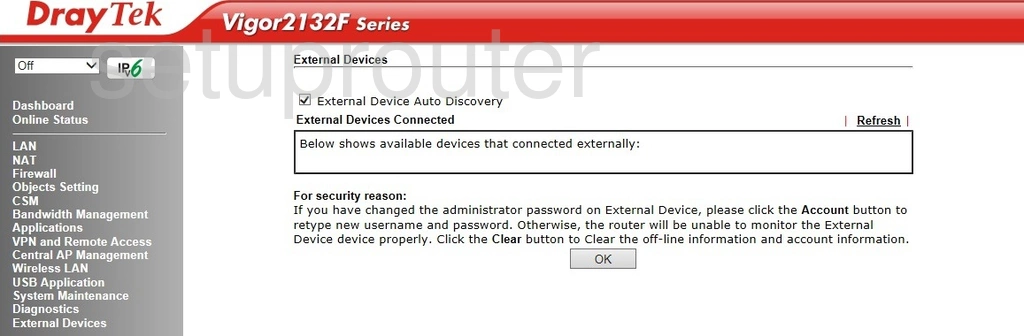
Vigor 2132FVn (4 screens)
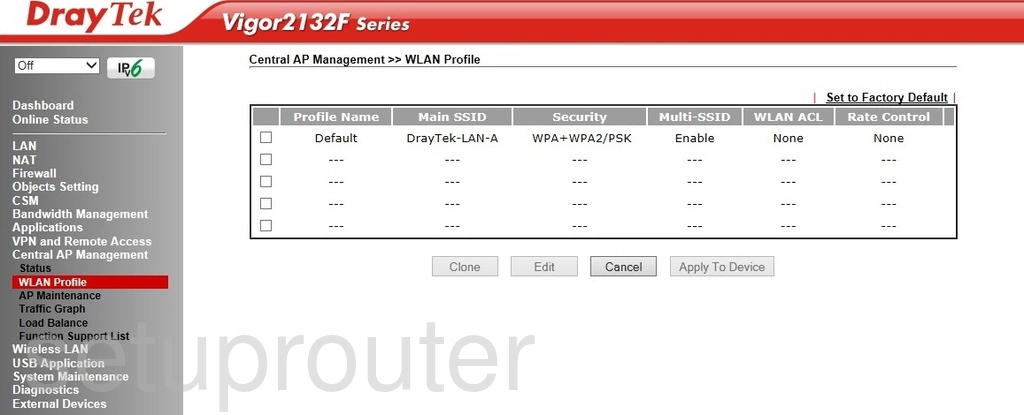
Vigor 2800G (4 screens)
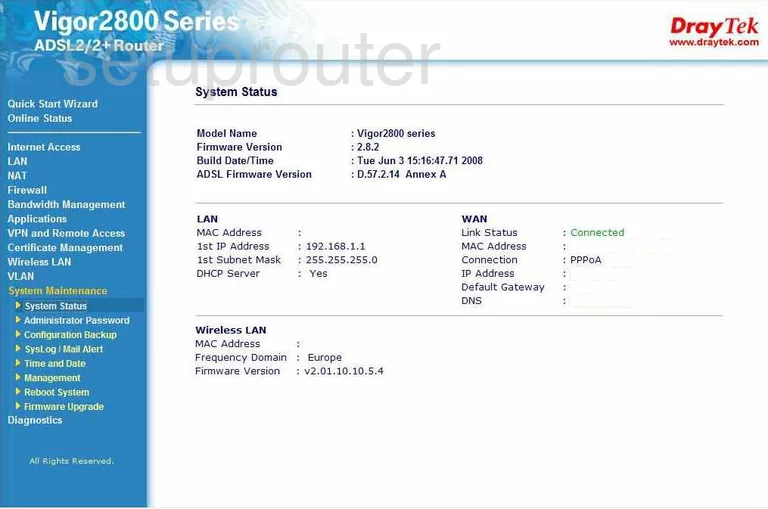
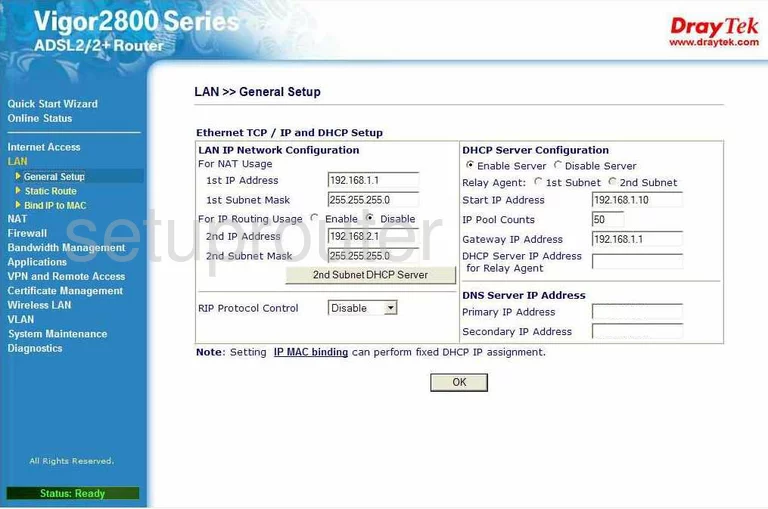
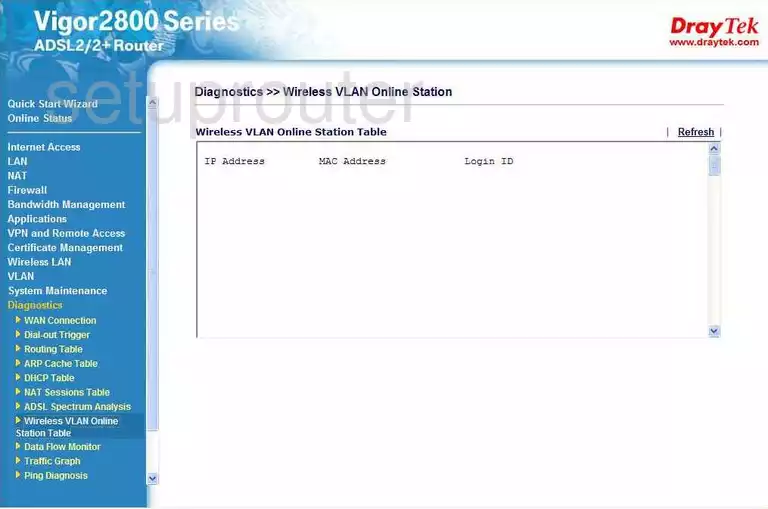
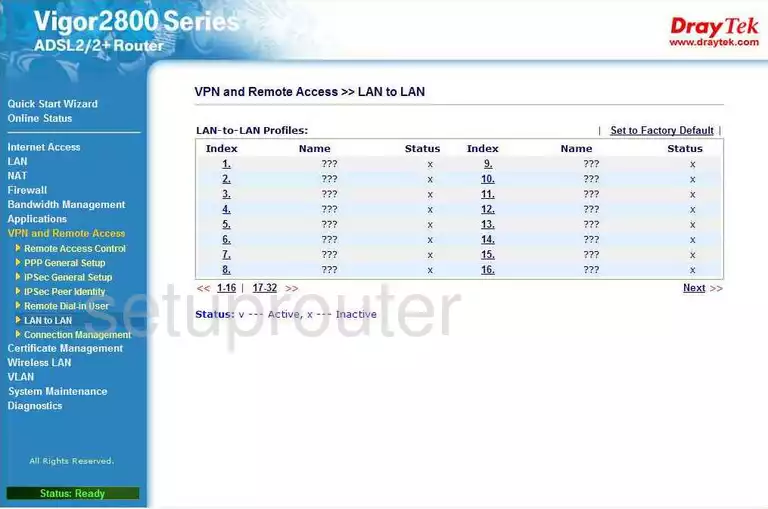
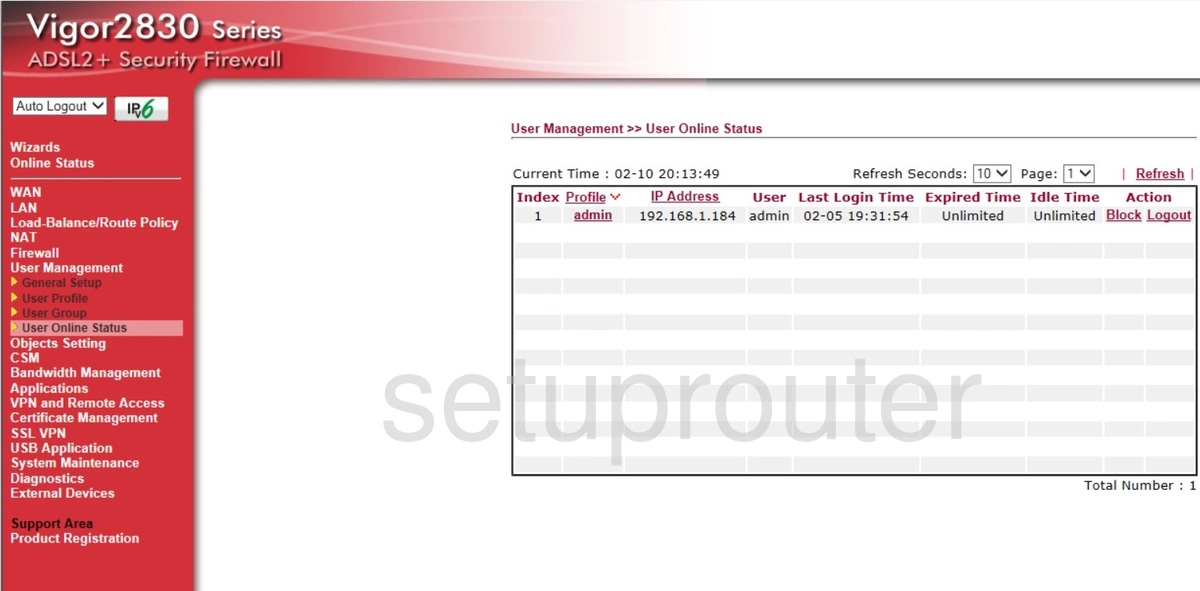
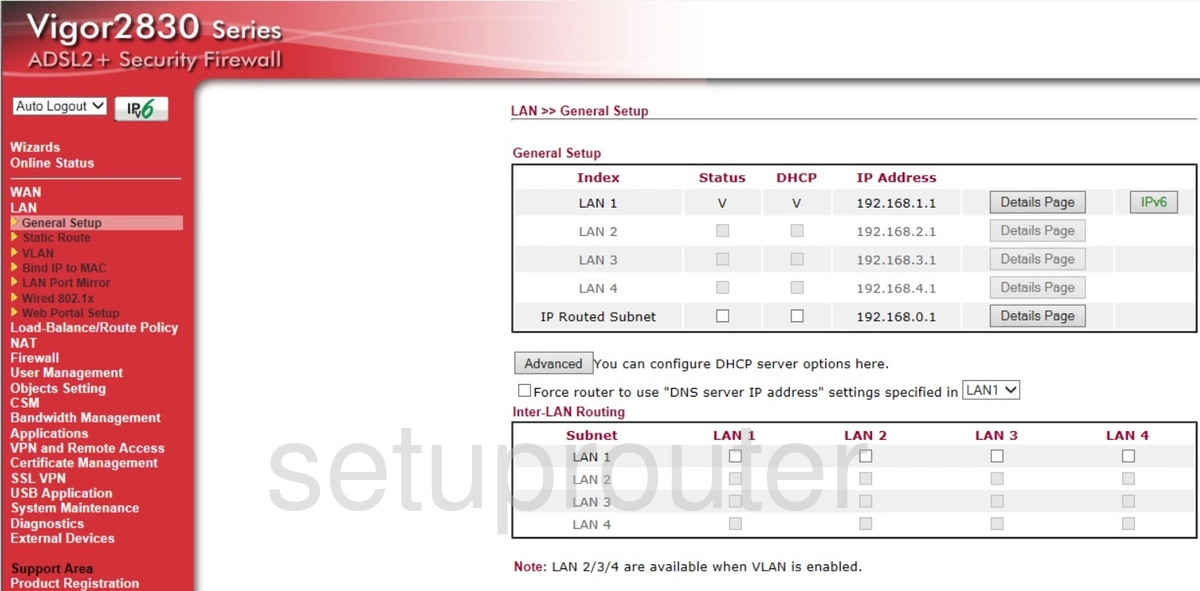
Vigor 2830 (4 screens)
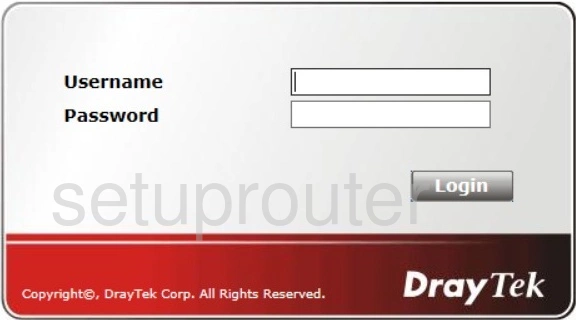
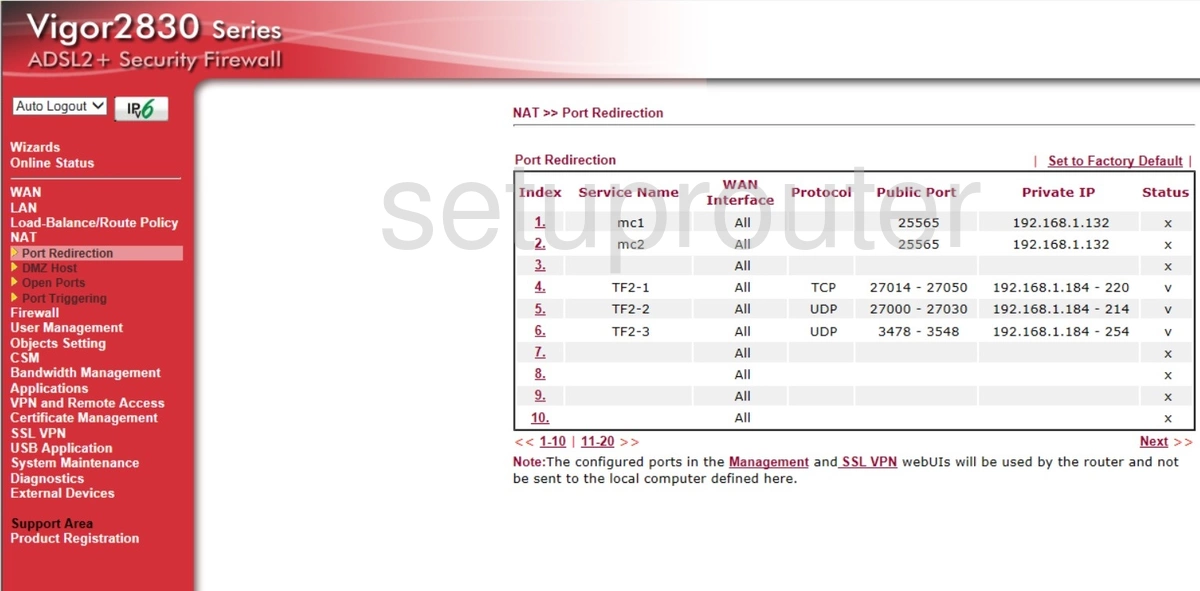
Vigor 2900V (3 screens)
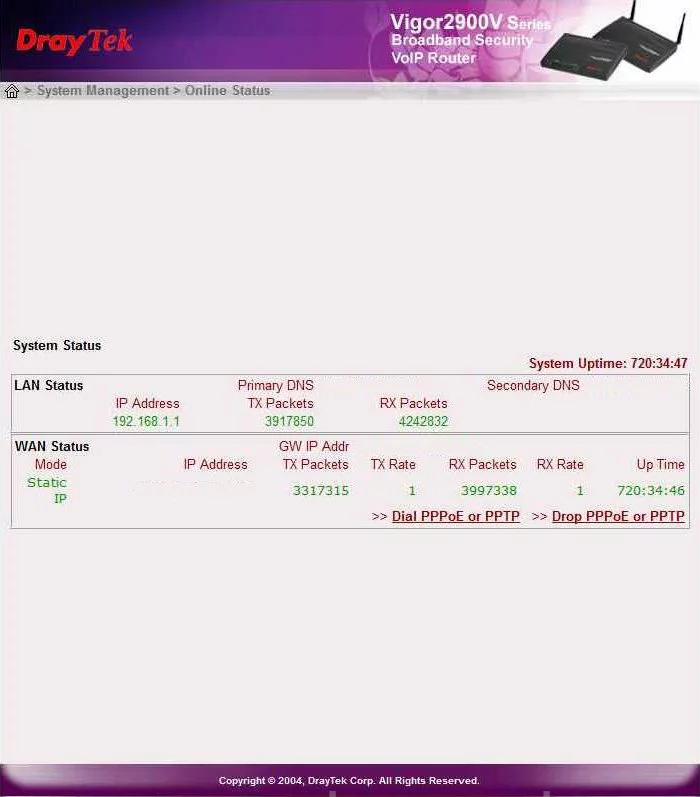
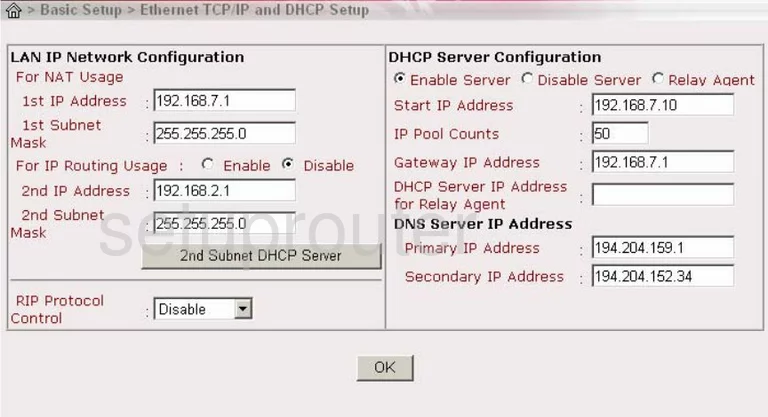
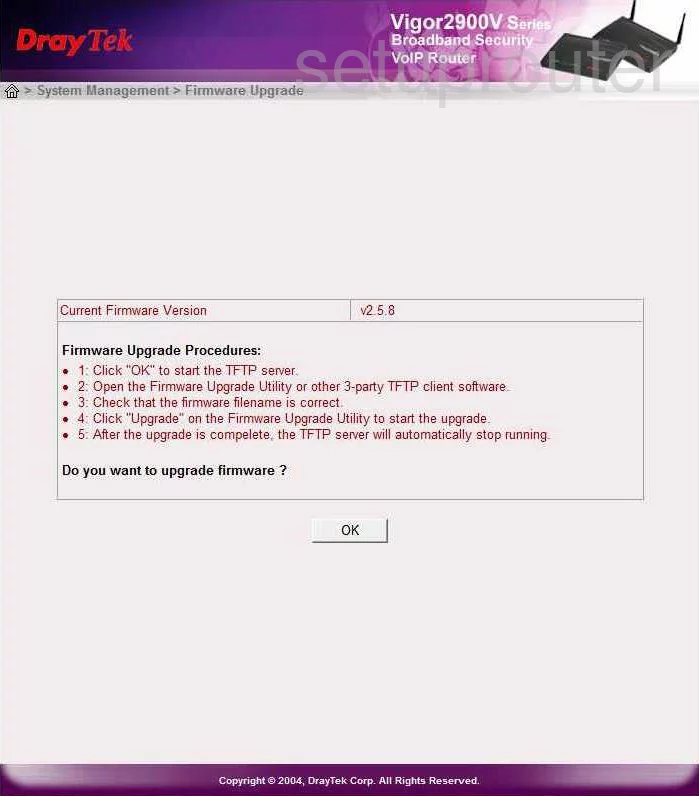
Vigor 2930 (4 screens)
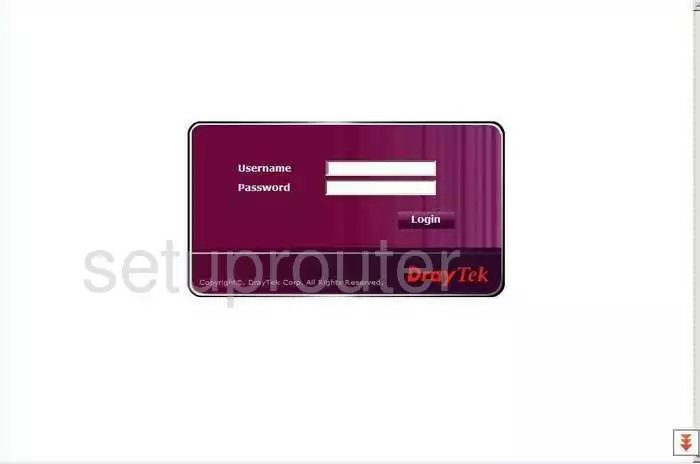
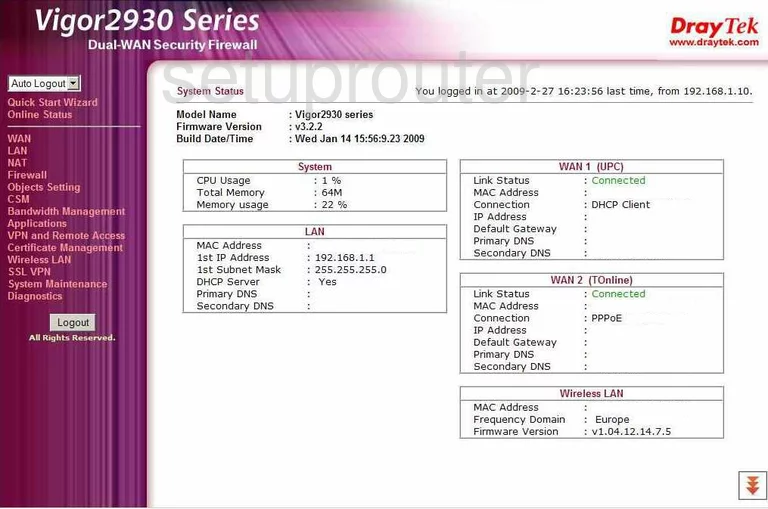
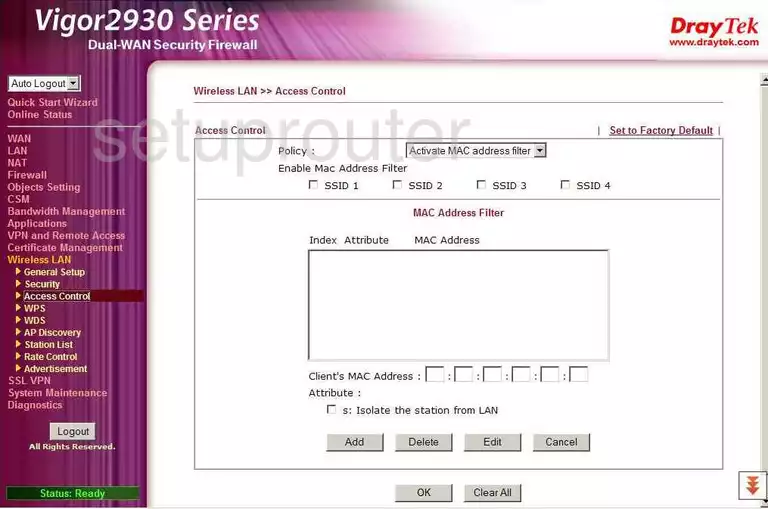
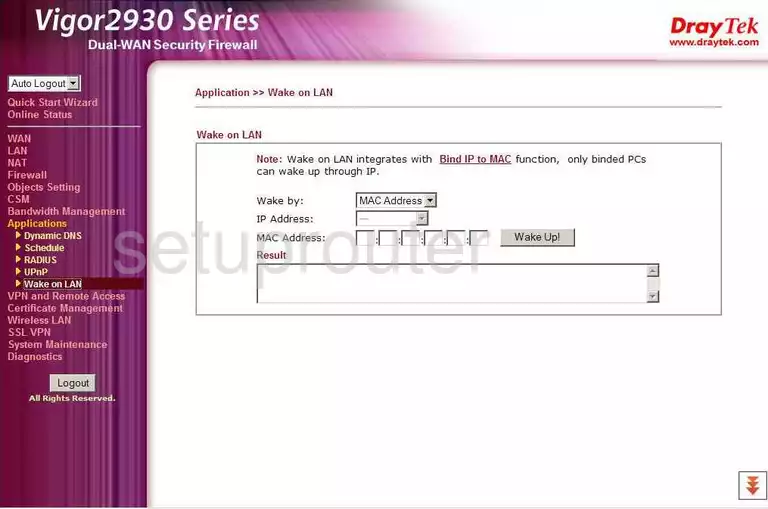
Vigor 2930n (4 screens)
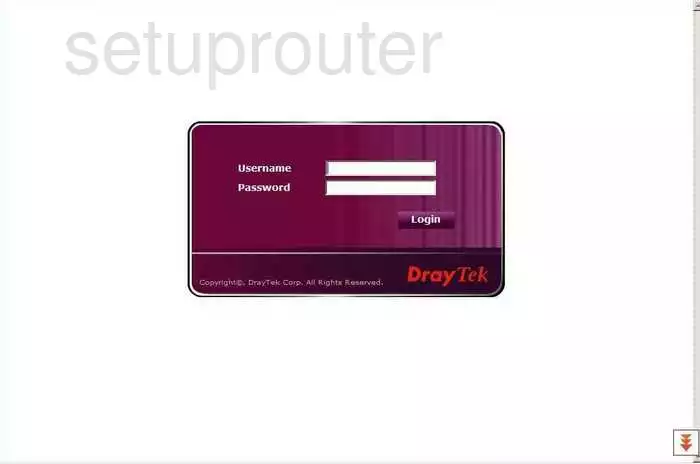
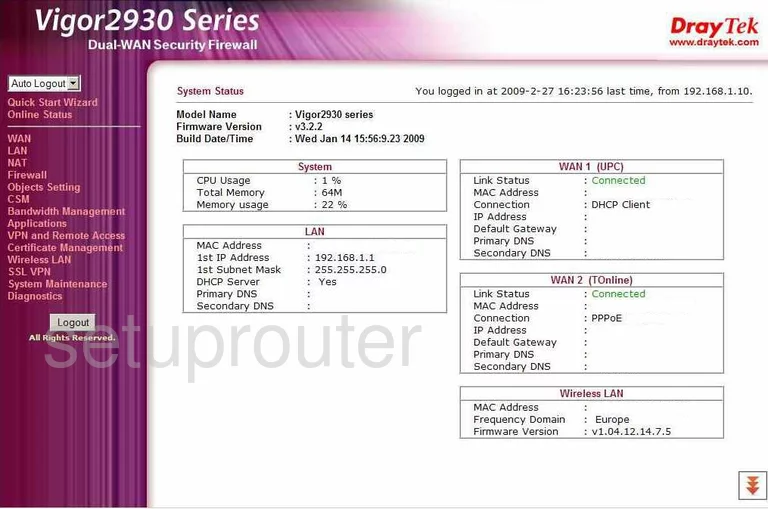
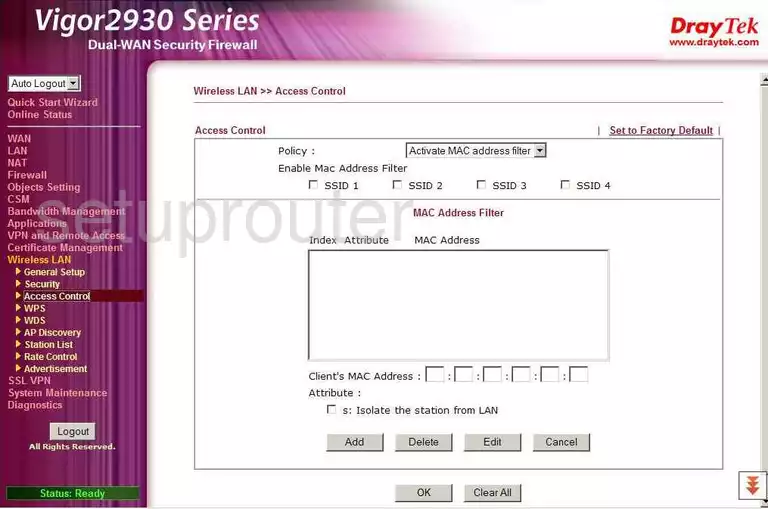
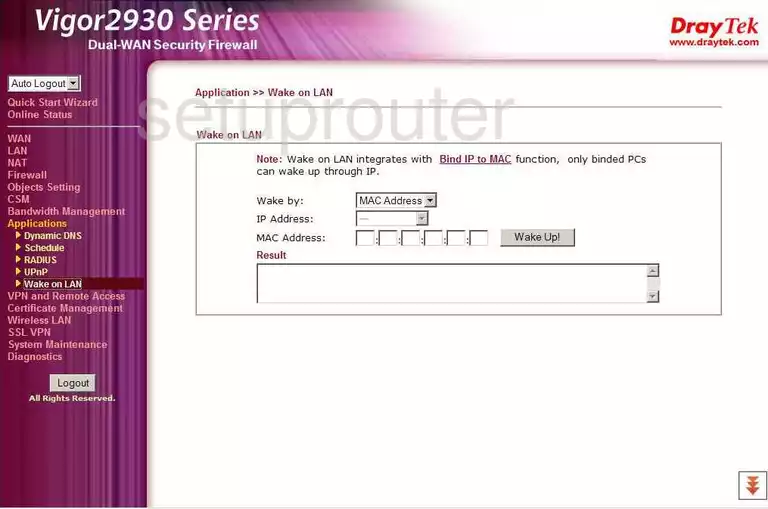
Vigor-2110 (4 screens)
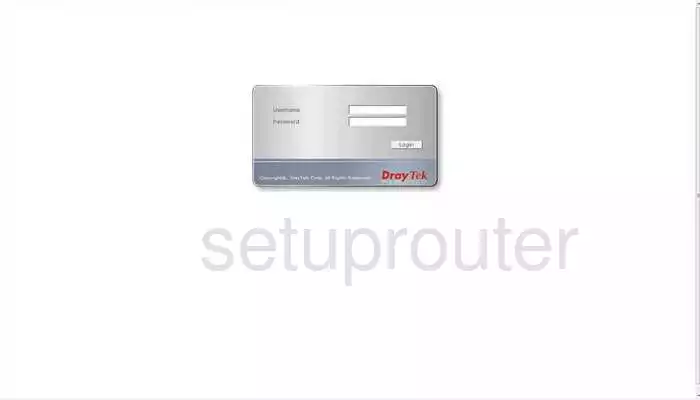
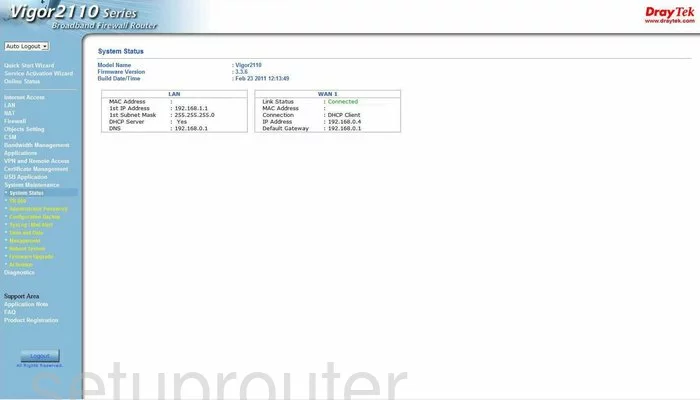
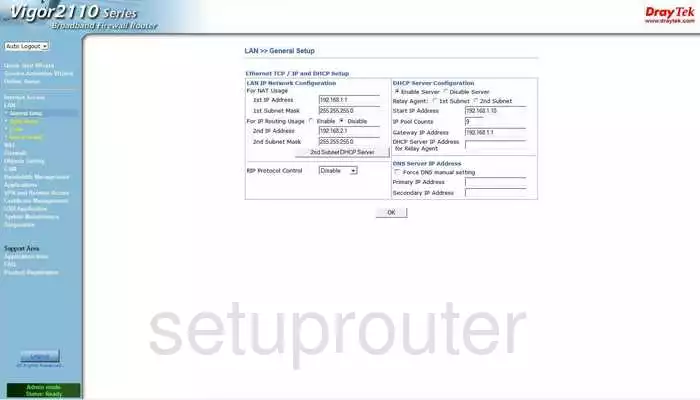
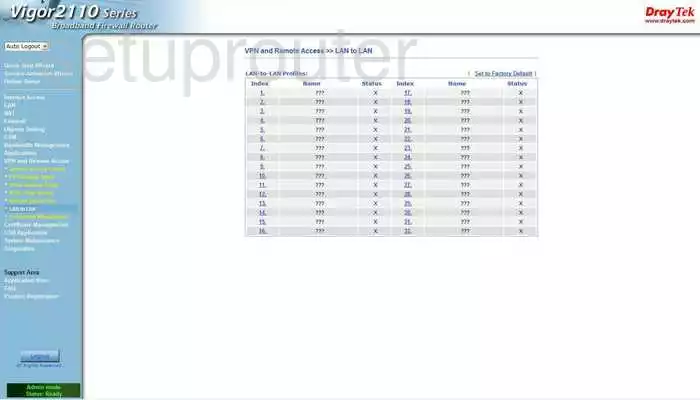
Vigor-2710 (4 screens)
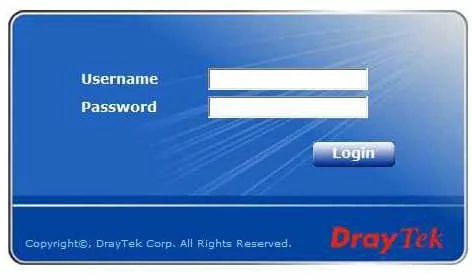
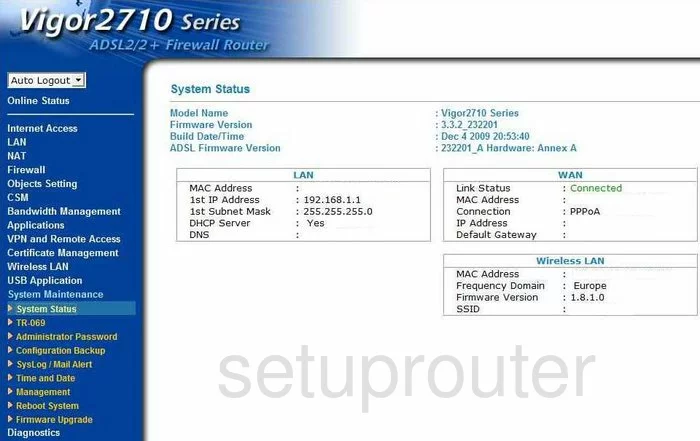
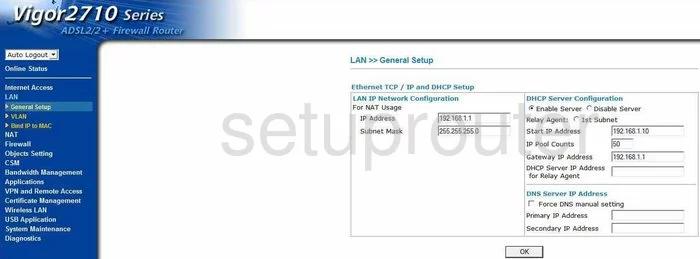
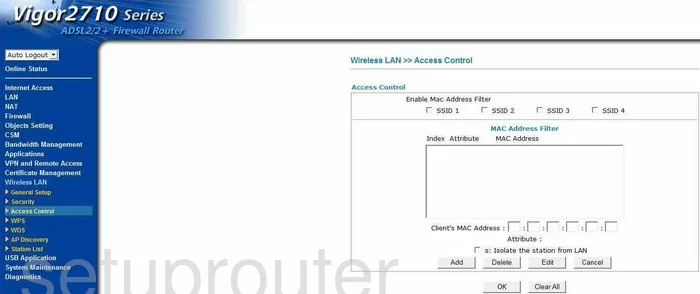
Vigor-2710n (4 screens)
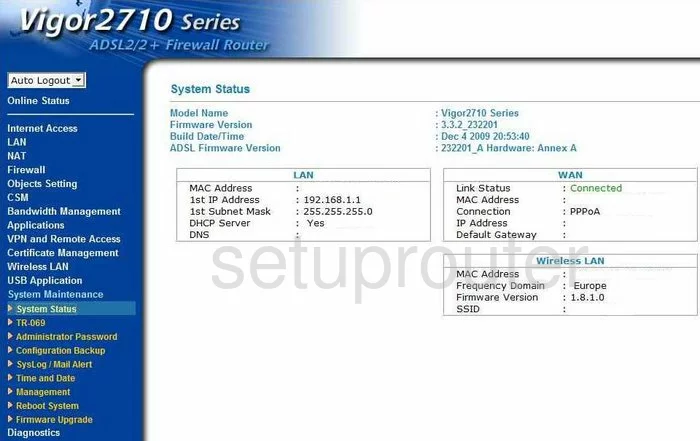
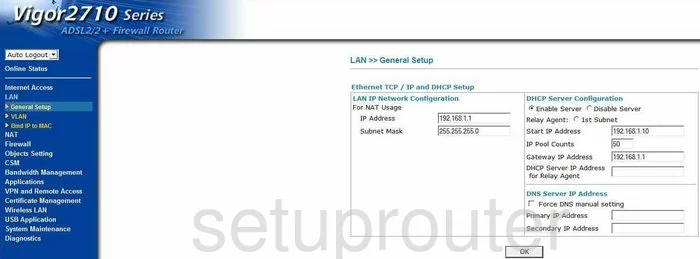
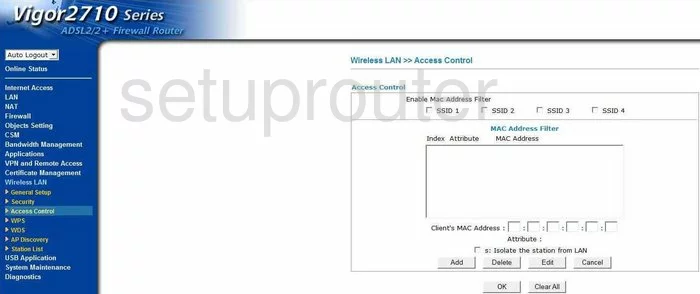
Vigor-2820n (4 screens)
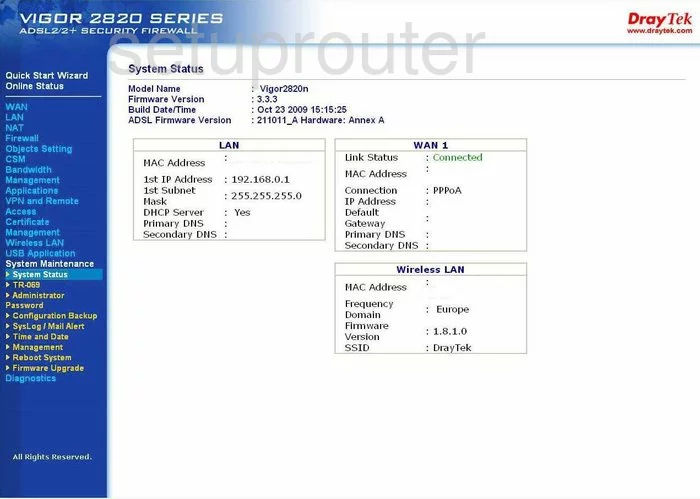
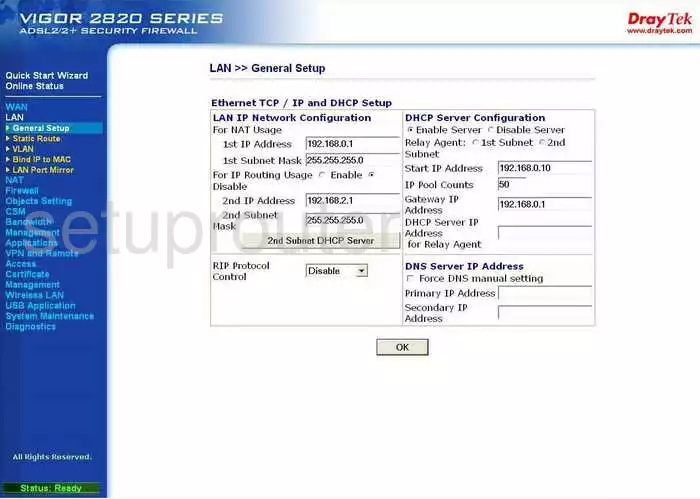
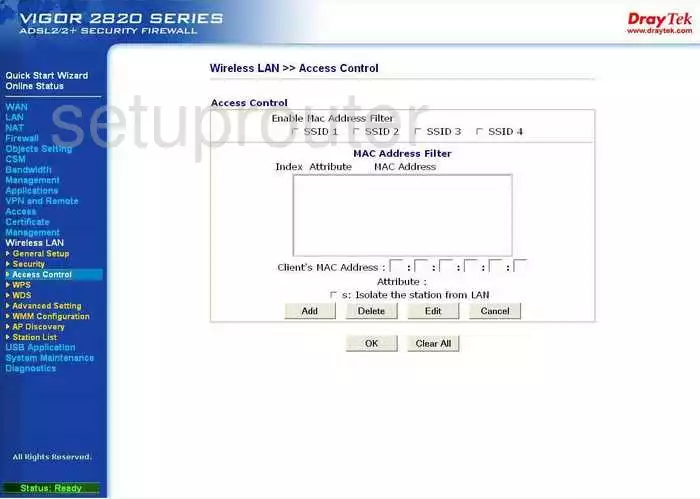
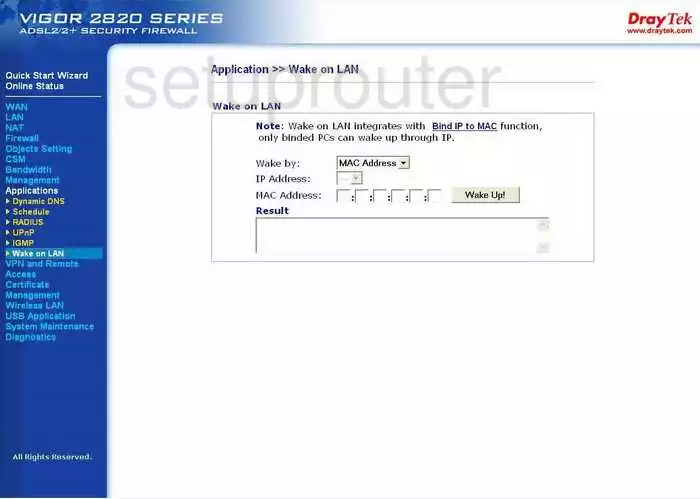
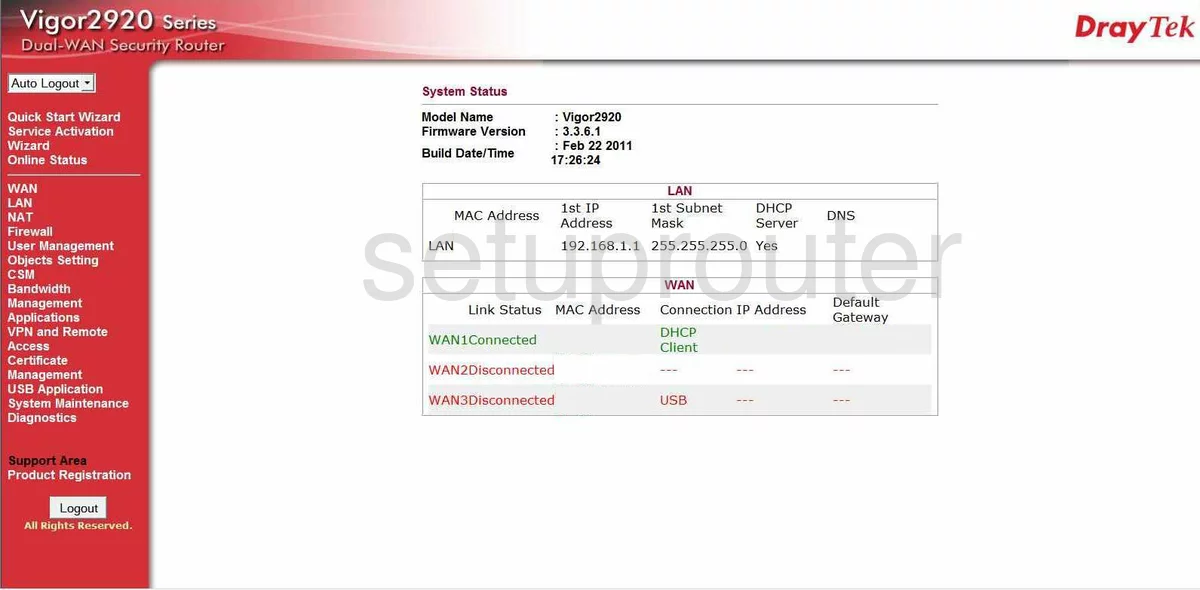
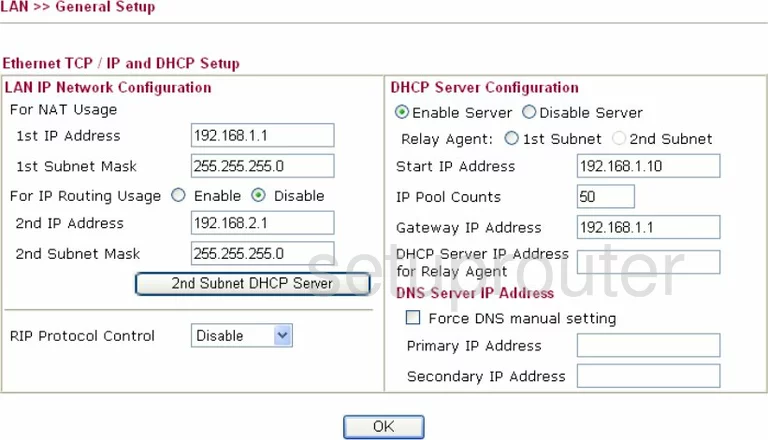
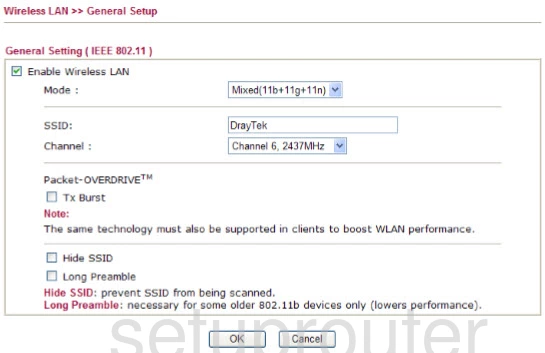
Vigor-2920 (4 screens)
Vigor2860n-plus (4 screens)
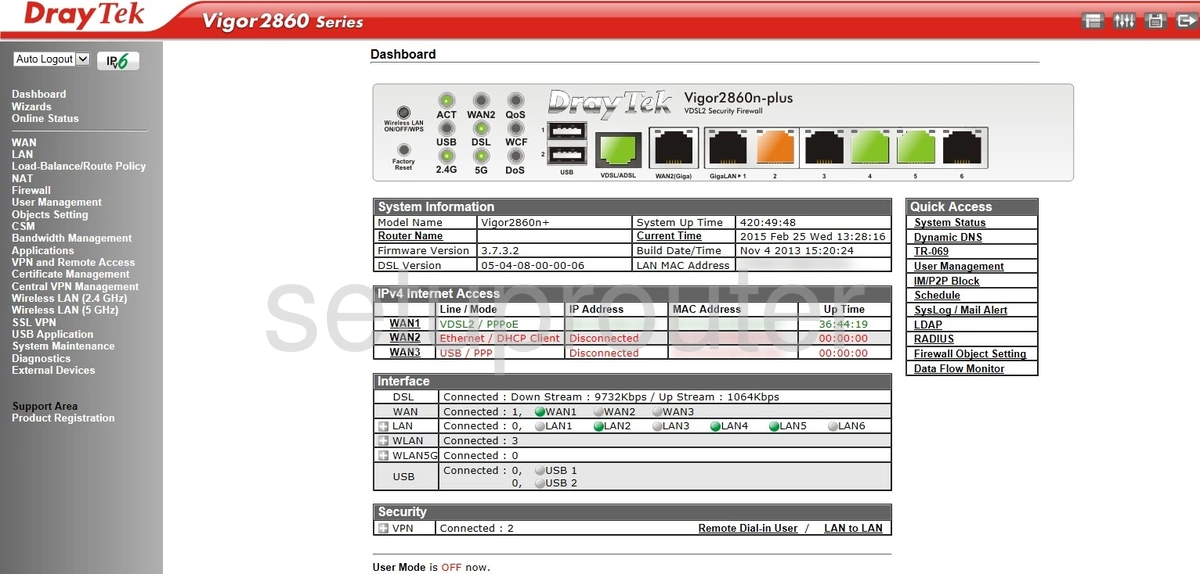
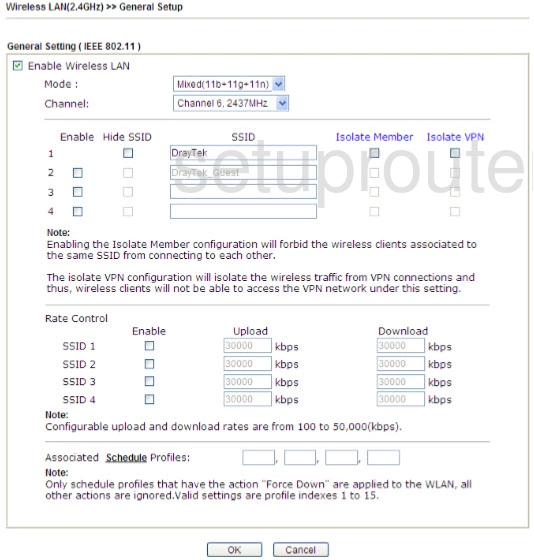
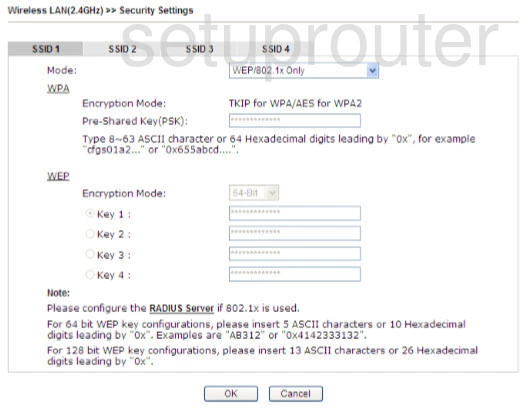
Vigor2860Vn-plus (4 screens)
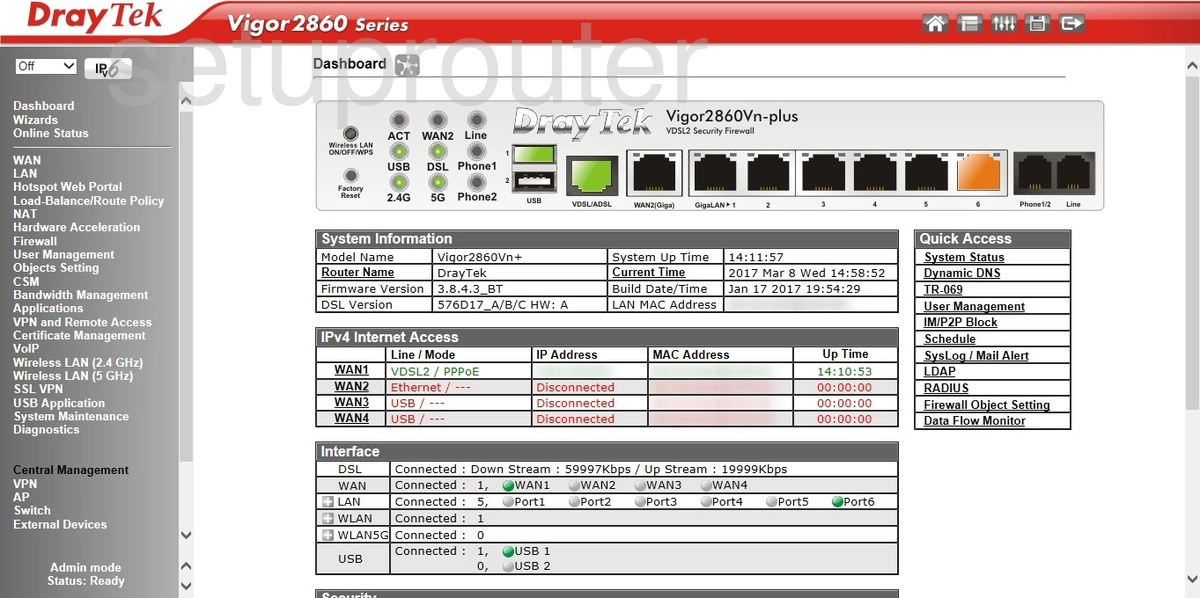
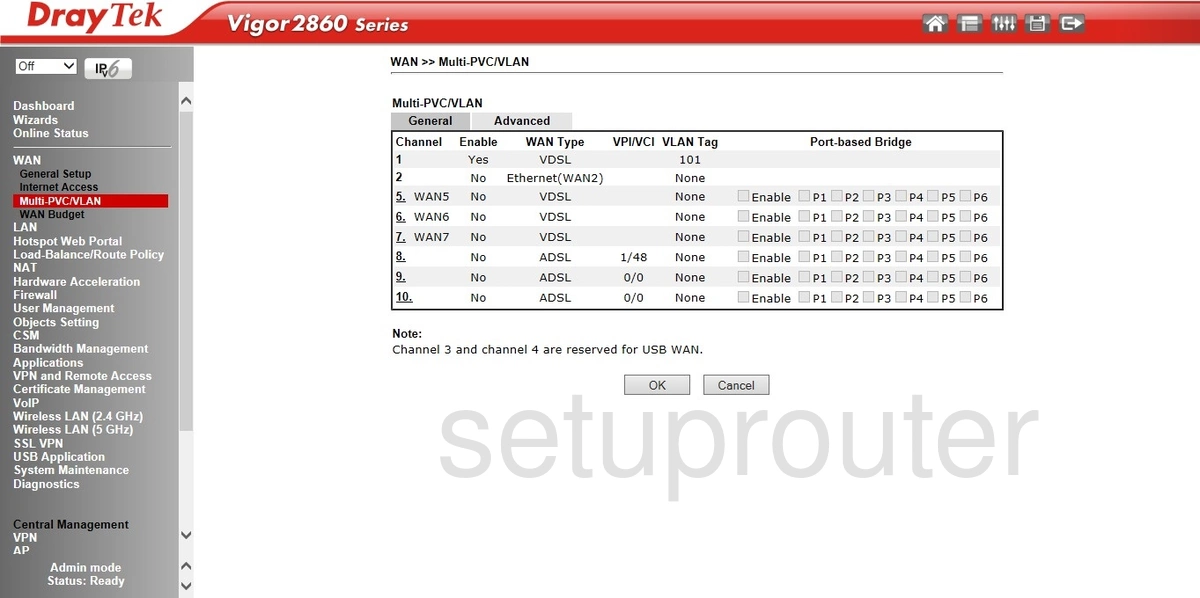
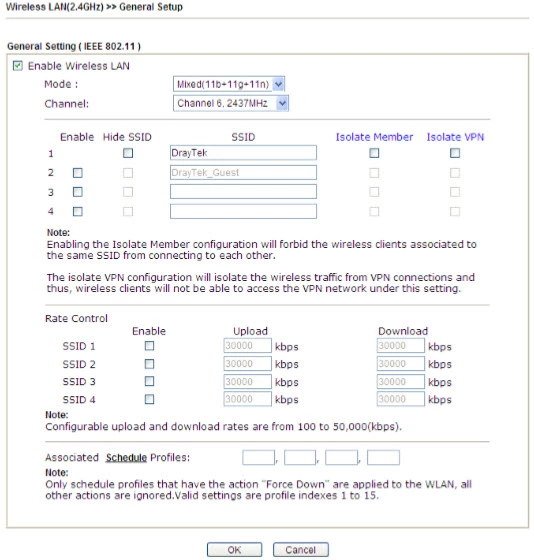
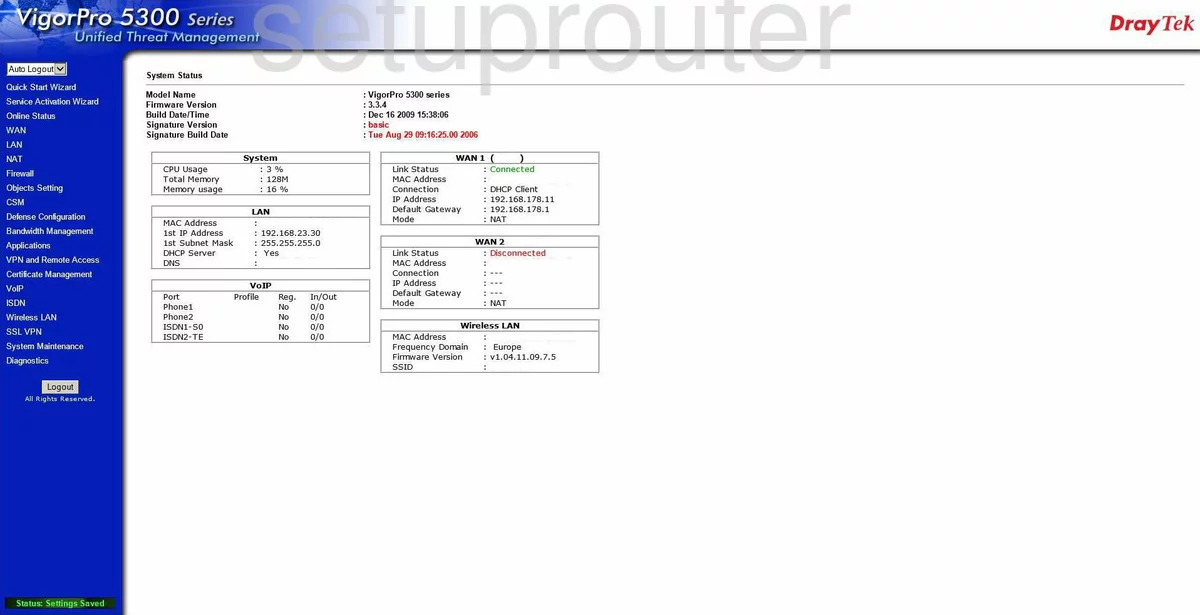
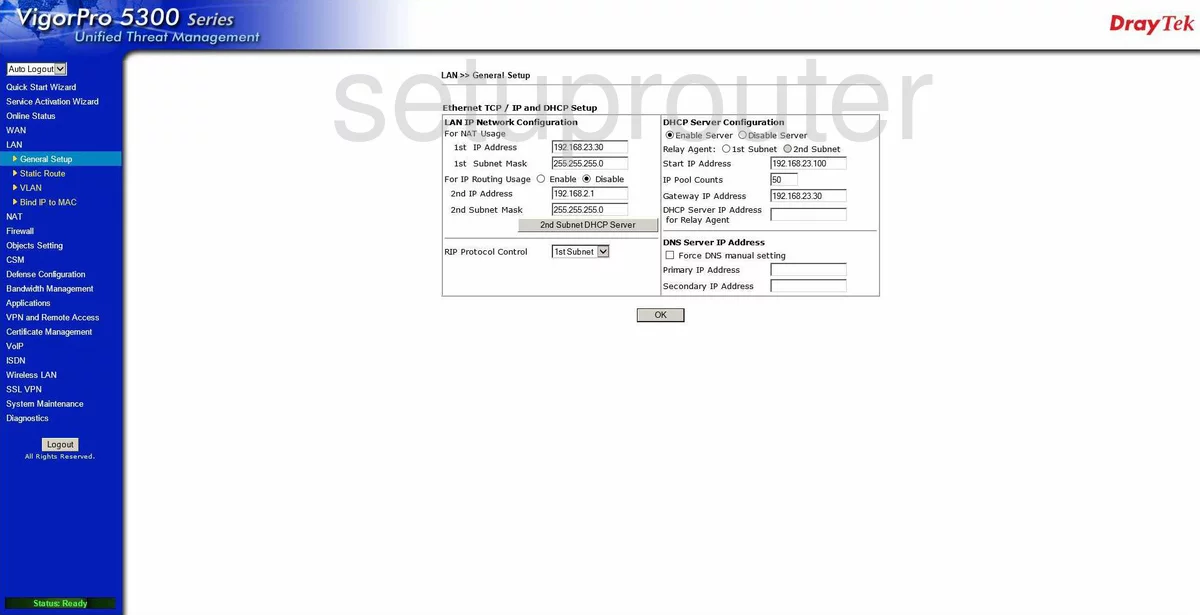
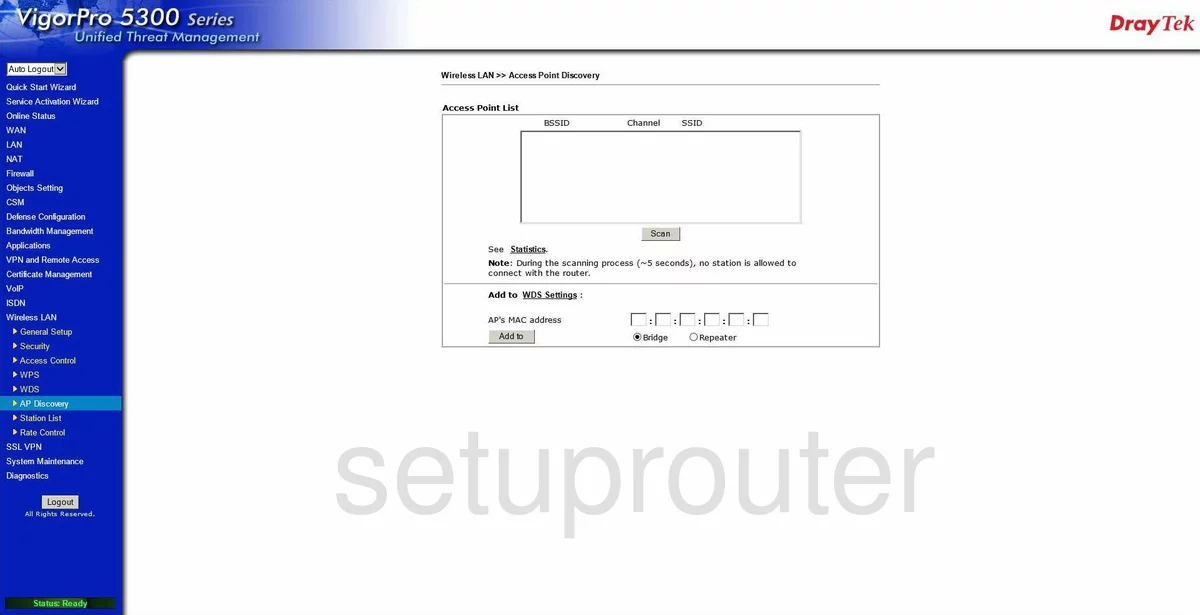
VigorPro 5300 (4 screens)
Draytek Router Manuals
- Draytek Vigor 2130 user manual (manual-84)
- Draytek Vigor 2130n user manual (manual-92)
- Draytek Vigor 2132F user manual (manual-2107)
- Draytek Vigor 2132FVn user manual (manual-2108)
- Draytek Vigor 2800G user manual (manual-87)
- Draytek Vigor 2830 user manual (manual-1881)
- Draytek Vigor 2900V user manual (manual-89)
- Draytek Vigor 2930 user manual (manual-1022)
- Draytek Vigor 2930n user manual (manual-1023)
- Draytek Vigor-2110 user manual (manual-82)
- Draytek Vigor-2110 user manual (manual-83)
- Draytek Vigor-2710 user manual (manual-85)
- Draytek Vigor-2710n user manual (manual-86)
- Draytek Vigor-2820n user manual (manual-88)
- Draytek Vigor-2920 user manual (manual-90)
- Draytek Vigor-2920 user manual (manual-91)
- Draytek Vigor2860n-plus user manual (manual-1882)
- Draytek Vigor2860Vn-plus user manual (manual-1883)
- Draytek VigorPro 5300 user manual (manual-1172)