


Here's how to log in to a Hitron cable gateway.
Step 1: Connect
Connect to the gateway's WiFi (the default network name and key are on the label) or plug in a network cable.
Step 2: Open the Login Page
Type http://192.168.0.1 into your browser's address bar. Some ISP versions use 10.0.0.1 or 192.168.1.1. See the Hitron IP address page.
Step 3: Sign In
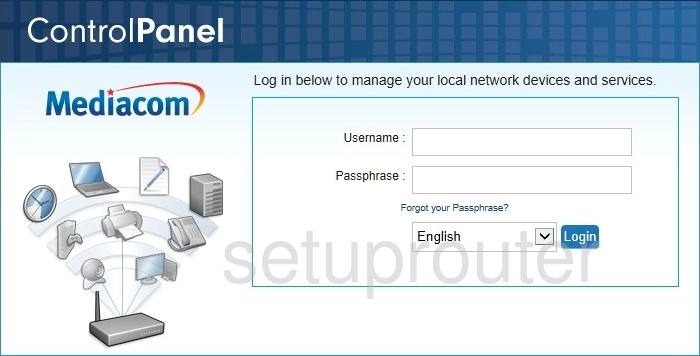
- ISP versions (Rogers, Shaw, Mediacom and others): username cusadmin. The password is password, or the one printed on the label. On many Rogers gateways it's the default WiFi key.
- Retail CODA models: username admin, password password. You're asked to change it the first time you log in.
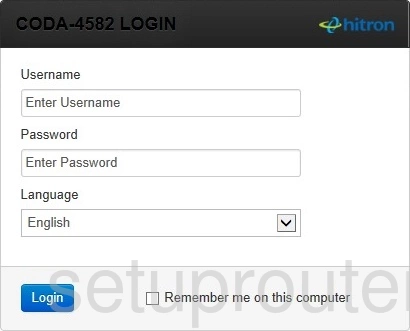
All known defaults are on the Hitron passwords page.
Step 4: You're In
You'll see the Status page. Next: change the IP address.
Hitron Login Problems
The password is rejected. Try password, the label password, and the WiFi key. Some ISPs reset the gateway's password from their side, so check your ISP's app too.
192.168.0.1 doesn't load. Make sure you're connected to the Hitron and not your own router behind it. If the gateway is in bridge mode, its management page may only be reachable from a device plugged straight into it.
You're locked out. A factory reset puts the default password back.
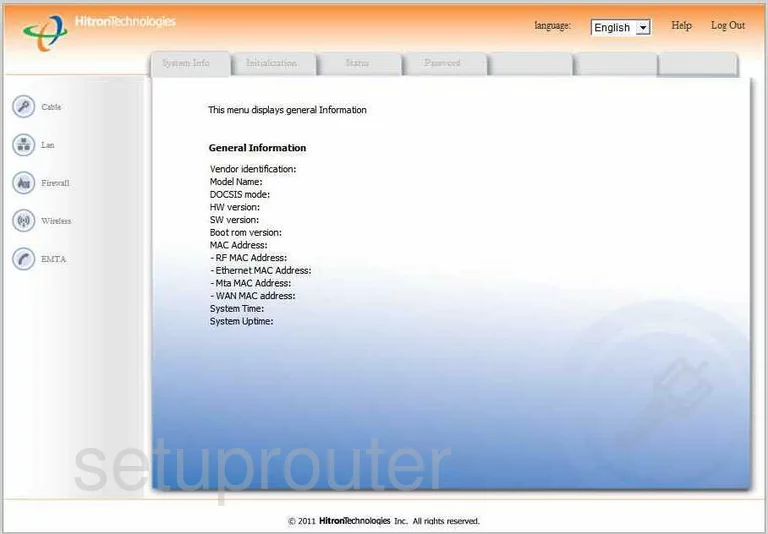
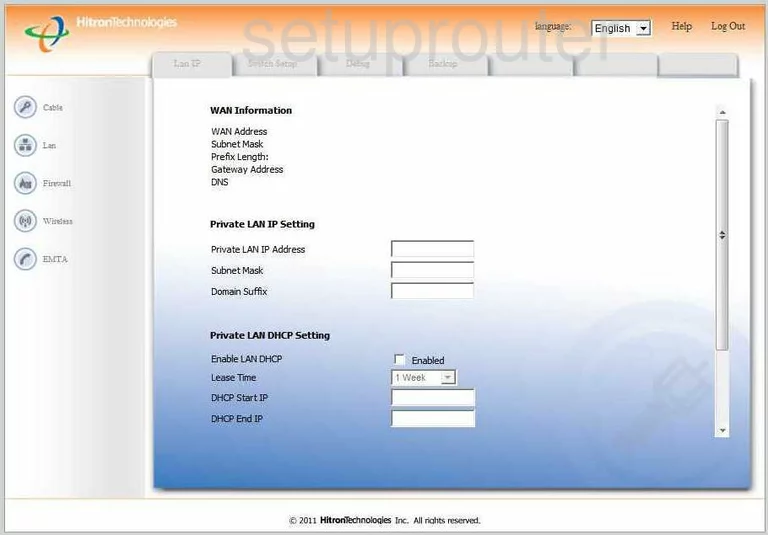
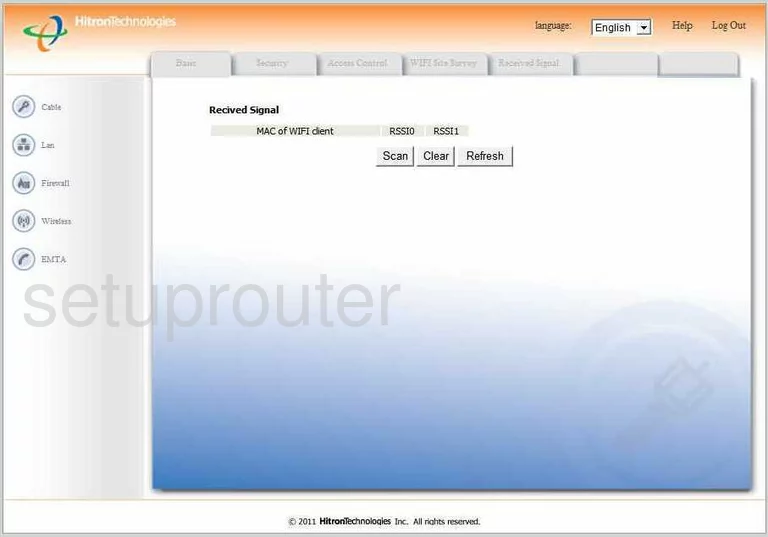
Hitron Technologies Router Screenshots
Screens from the Hitron Technologies routers we have. Click a model to open it.
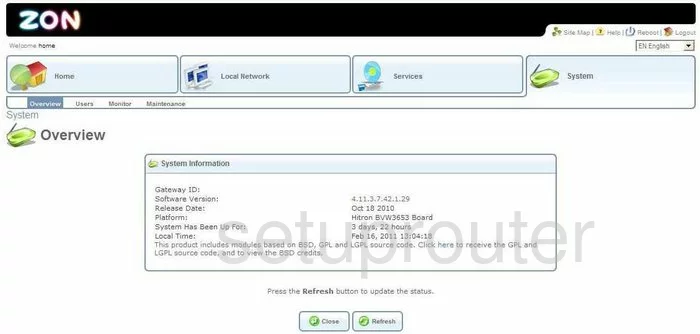
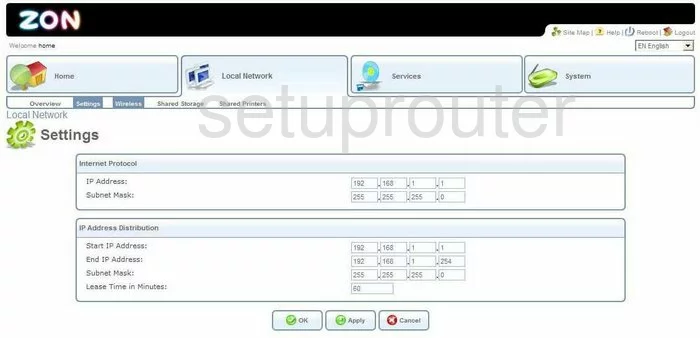
BVW-3653 (3 screens)
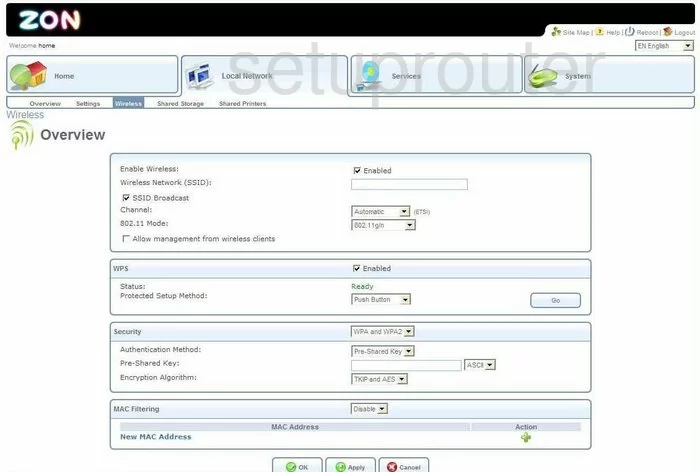
BWG-35302 (4 screens)
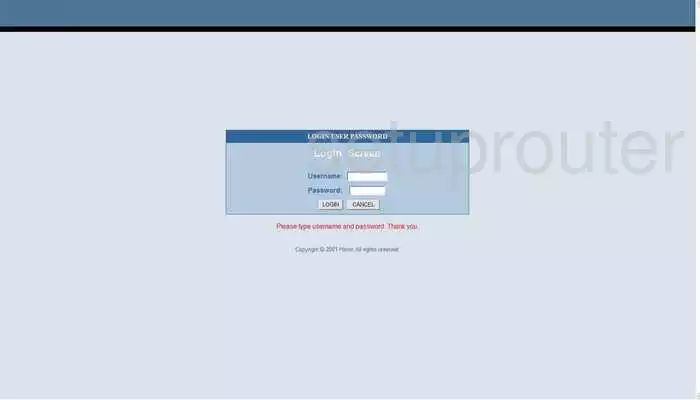
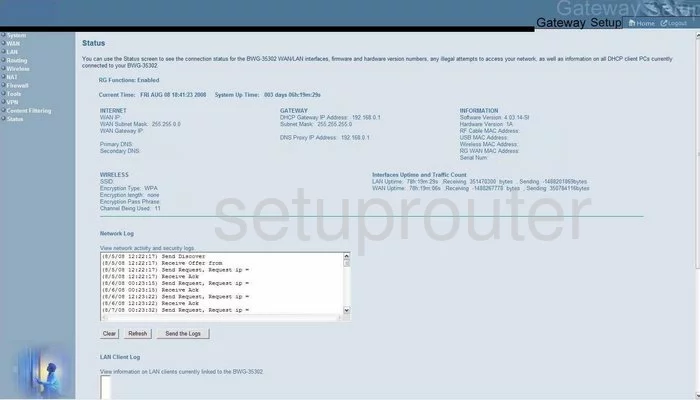
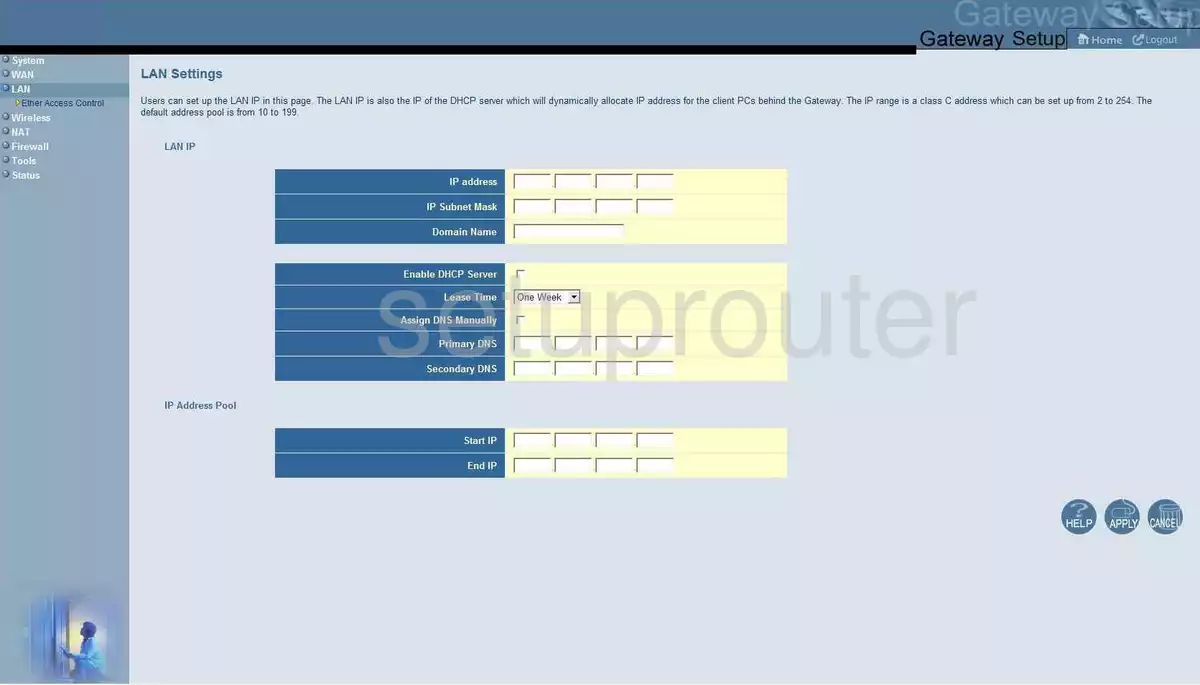
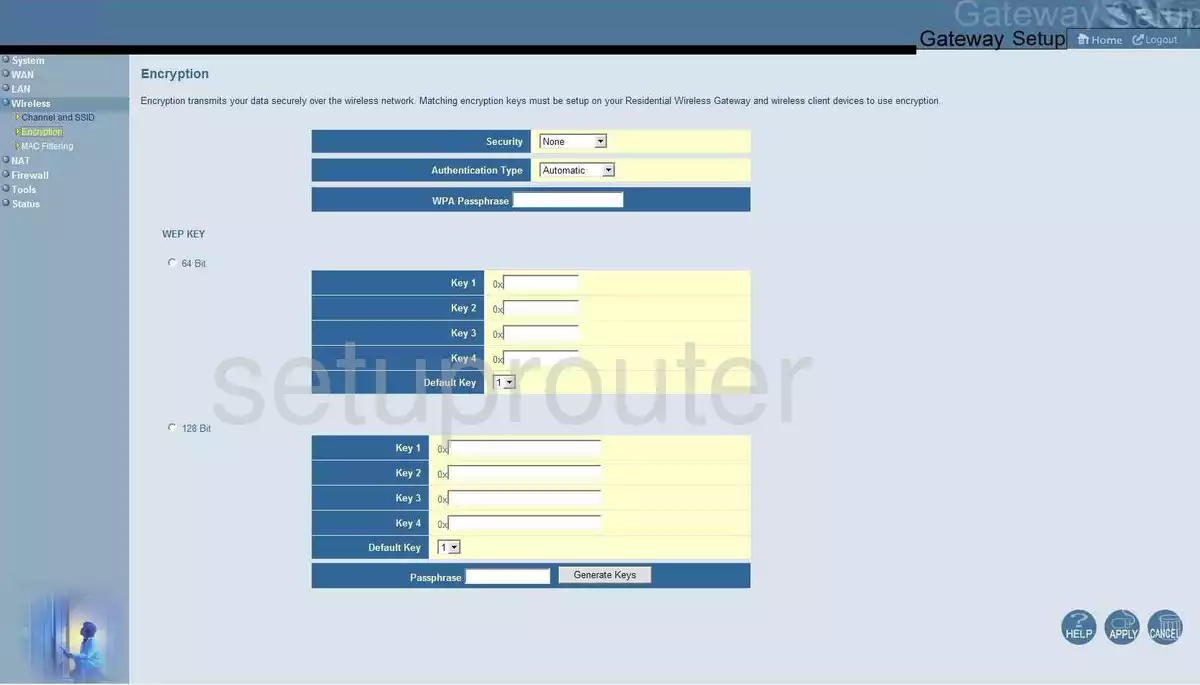
CGN (4 screens)
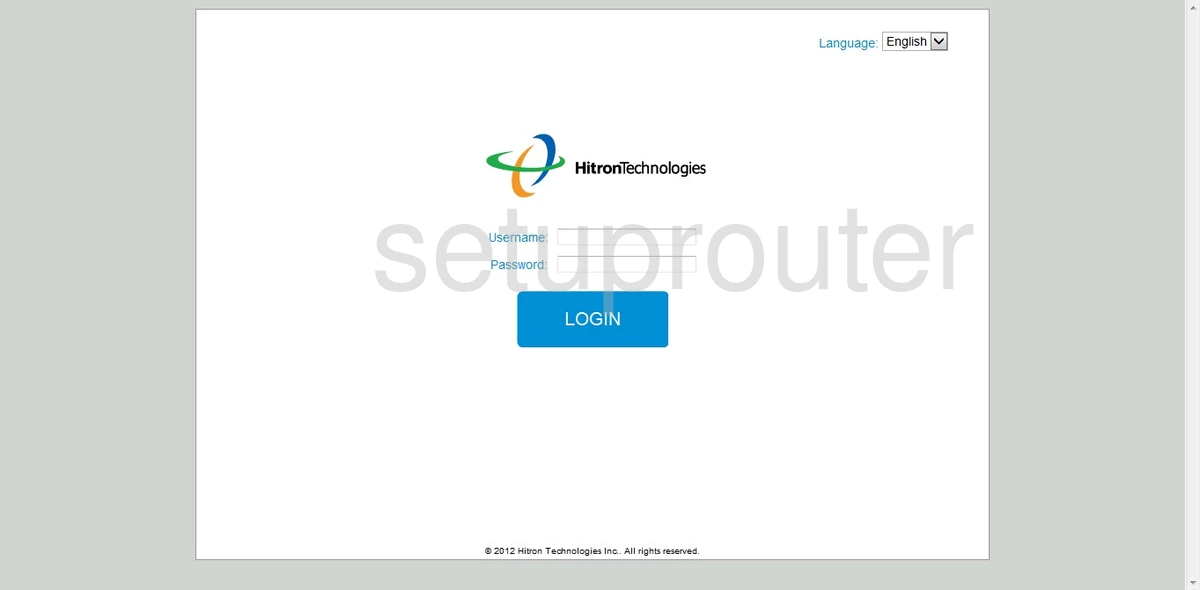
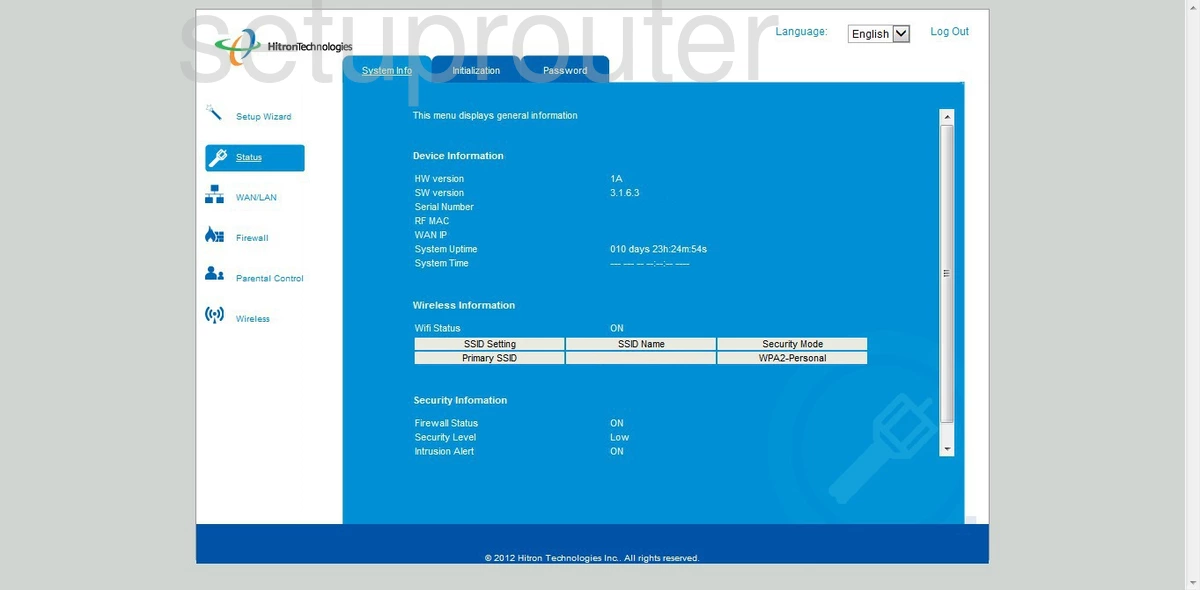
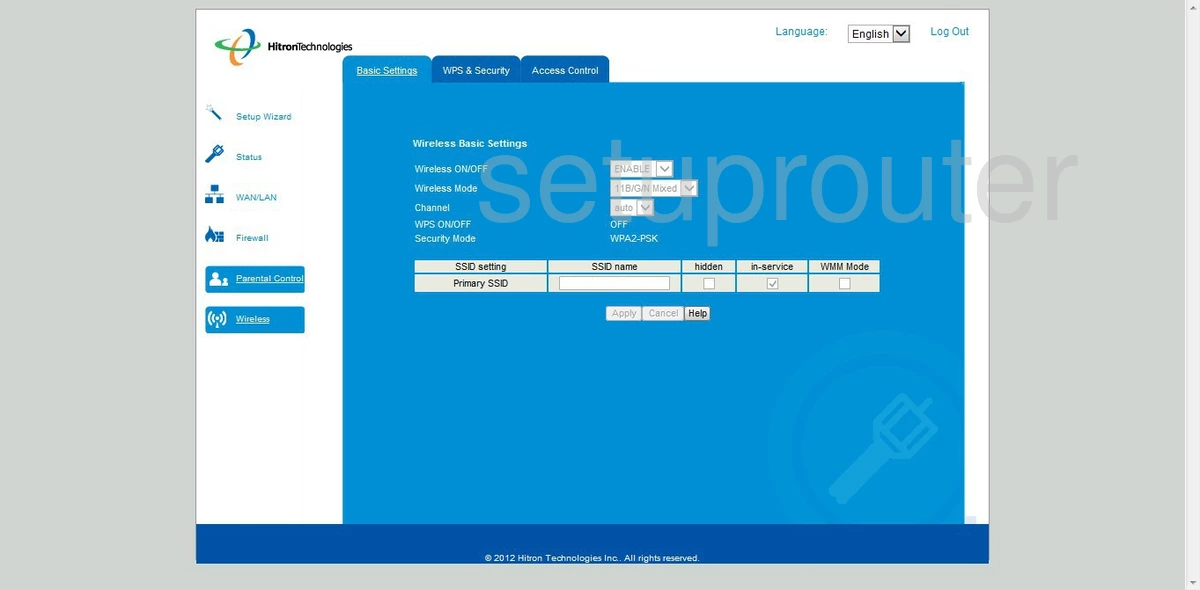
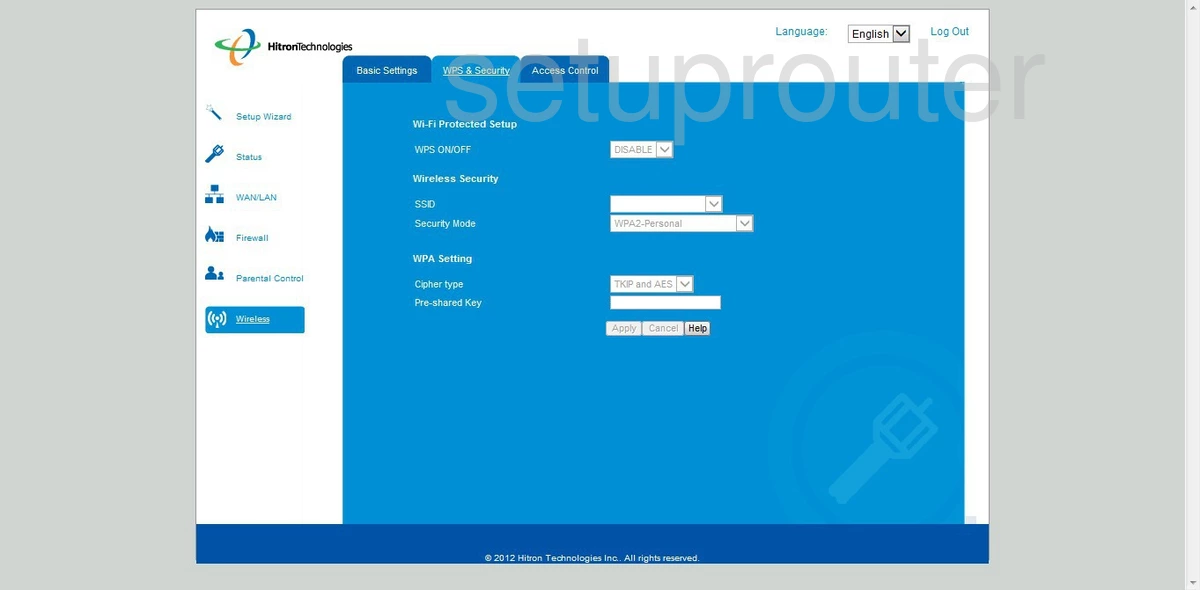
CGN-AP (4 screens)
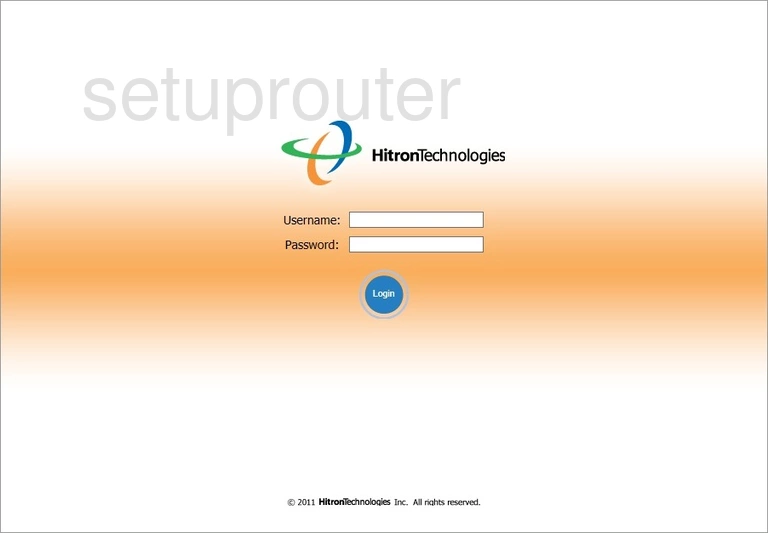
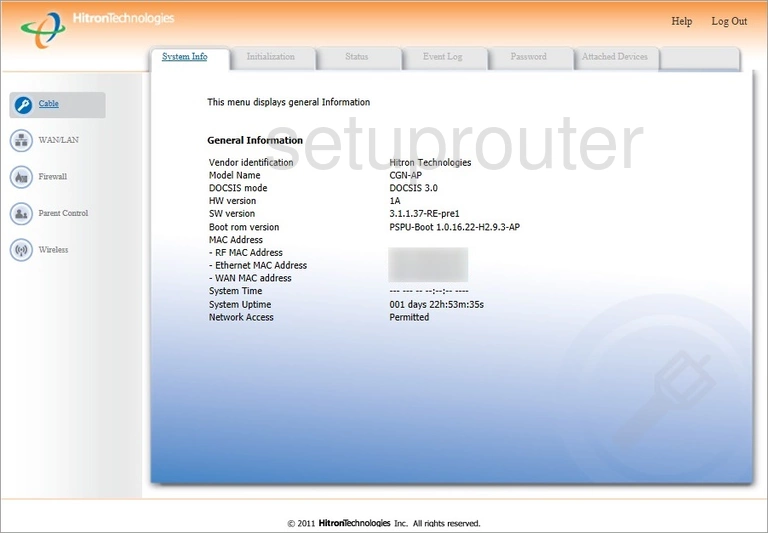
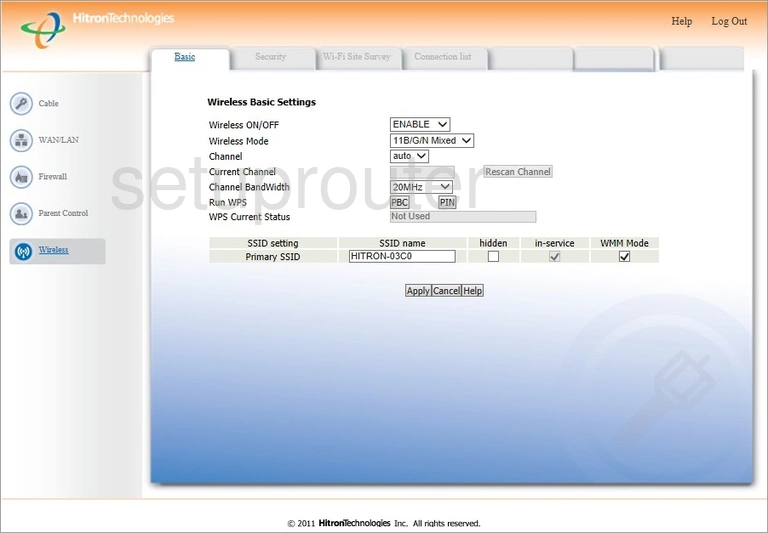
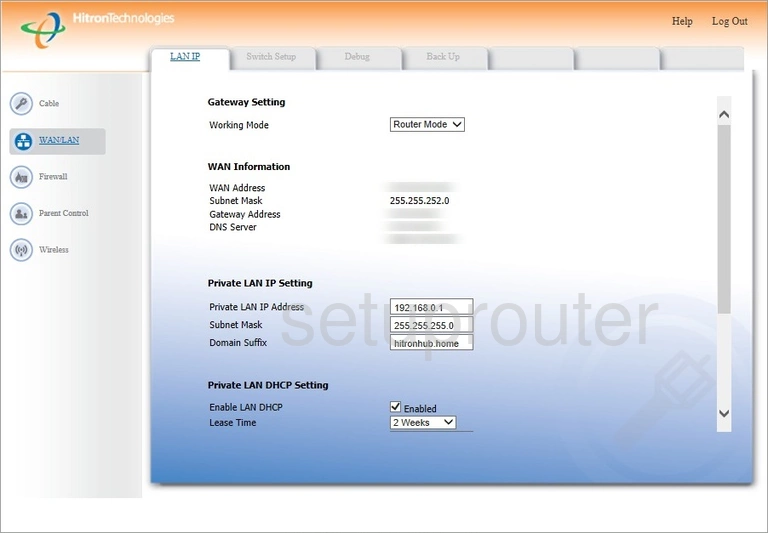
CGN2-RES (4 screens)
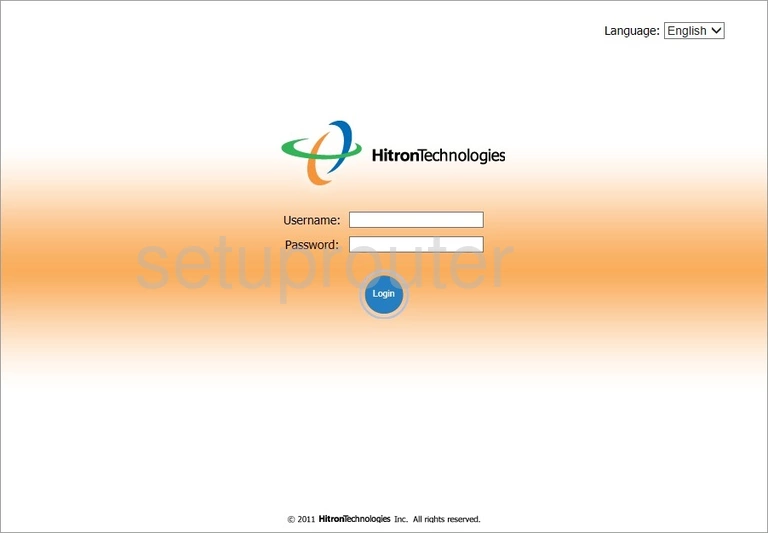
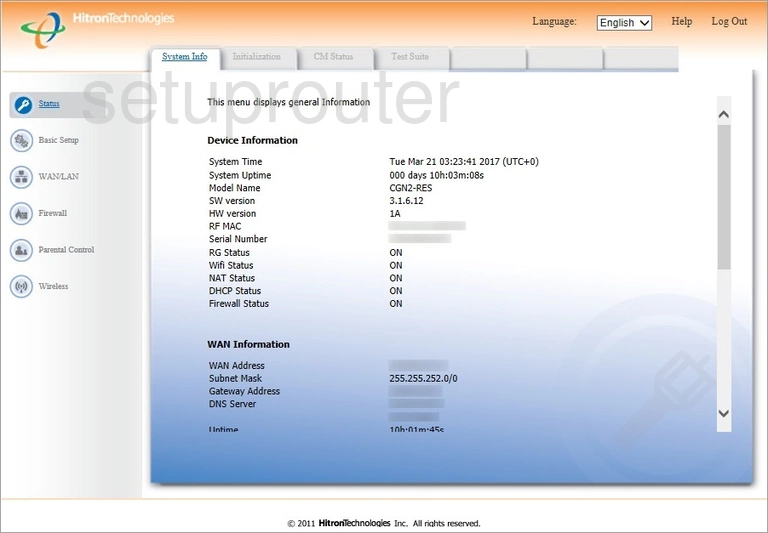
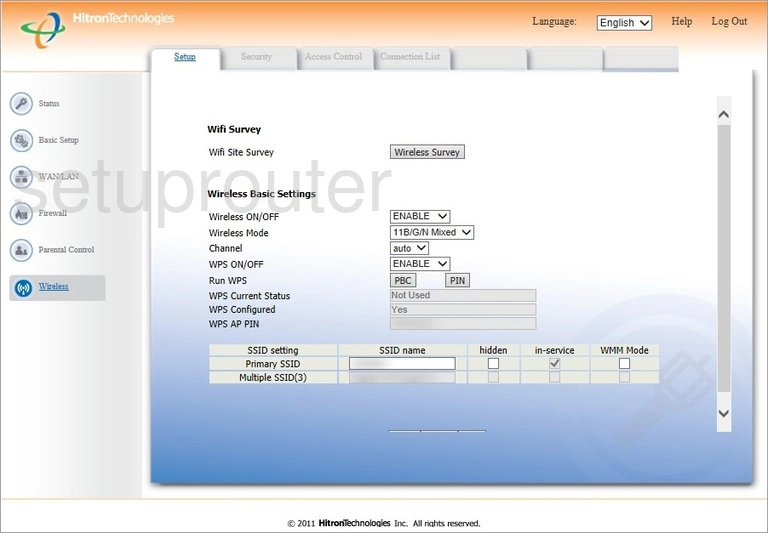
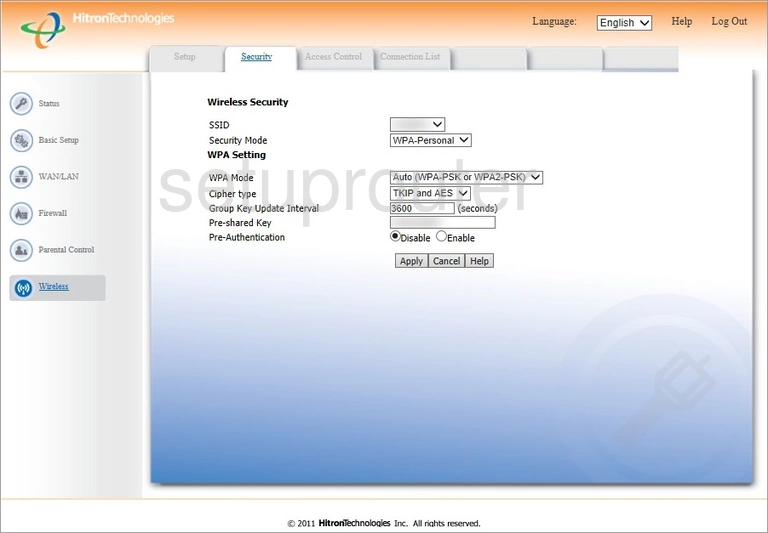
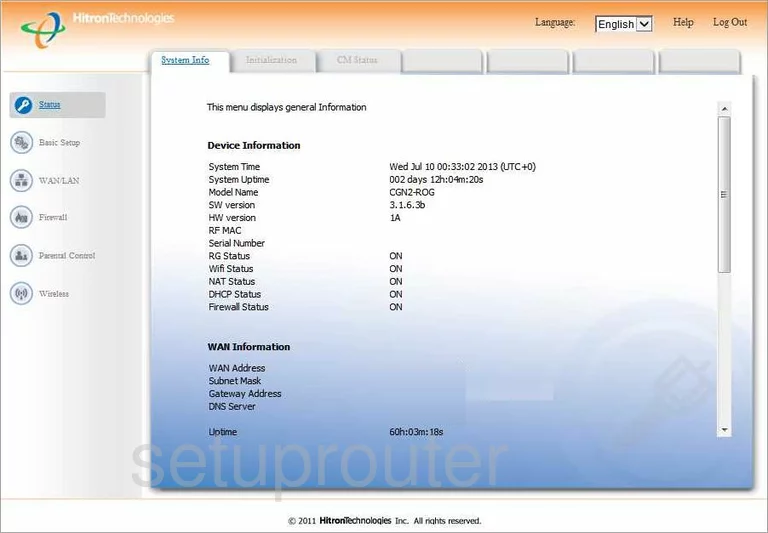
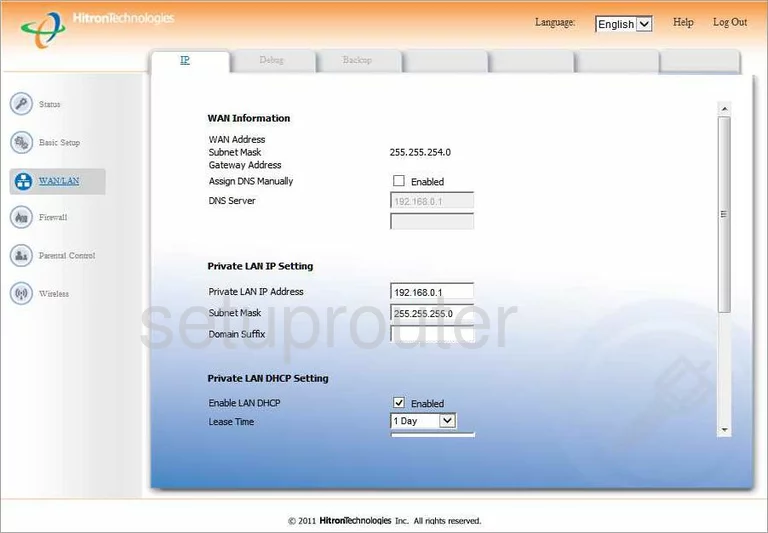
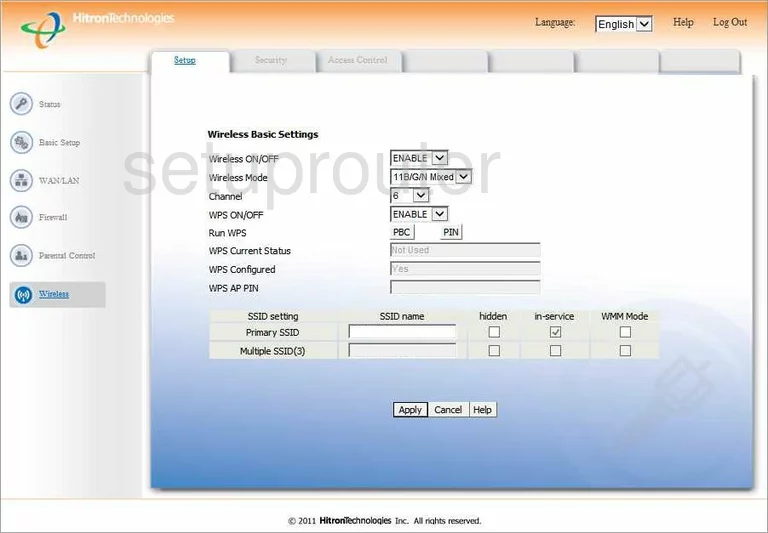
CGN2-ROG (4 screens)
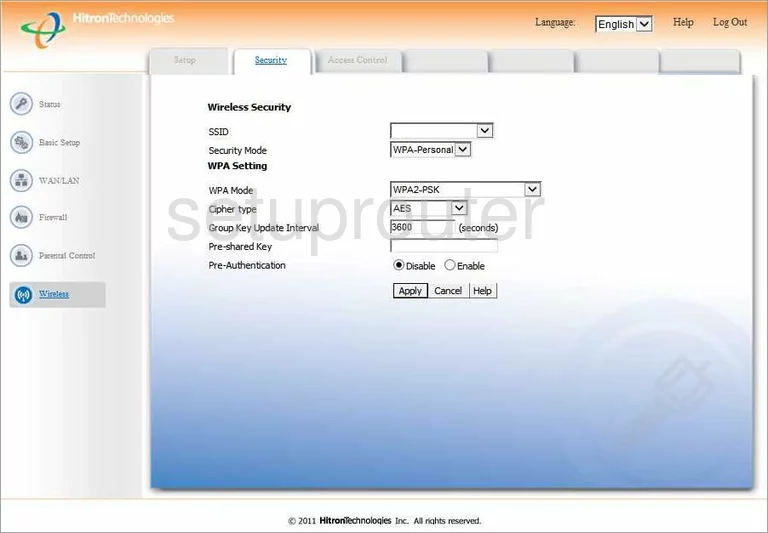
CGN3 (4 screens)
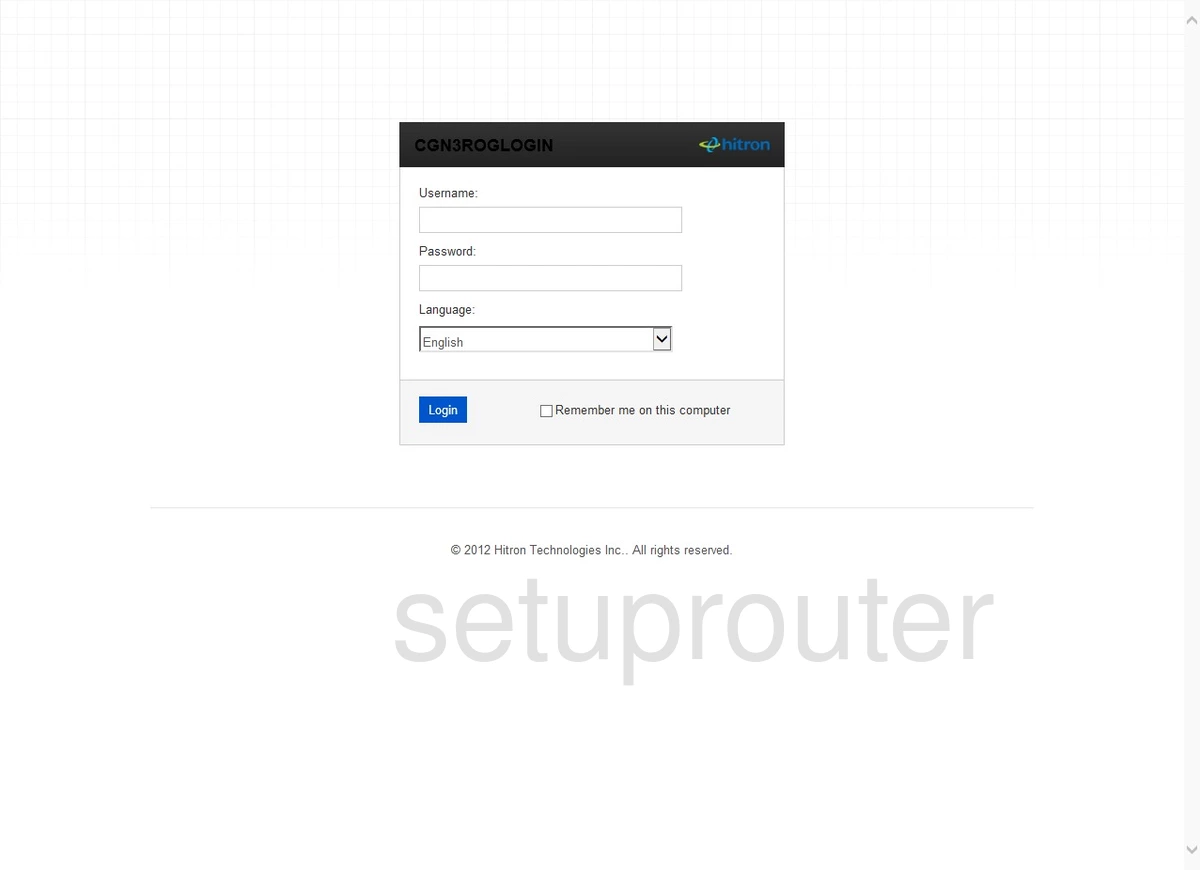
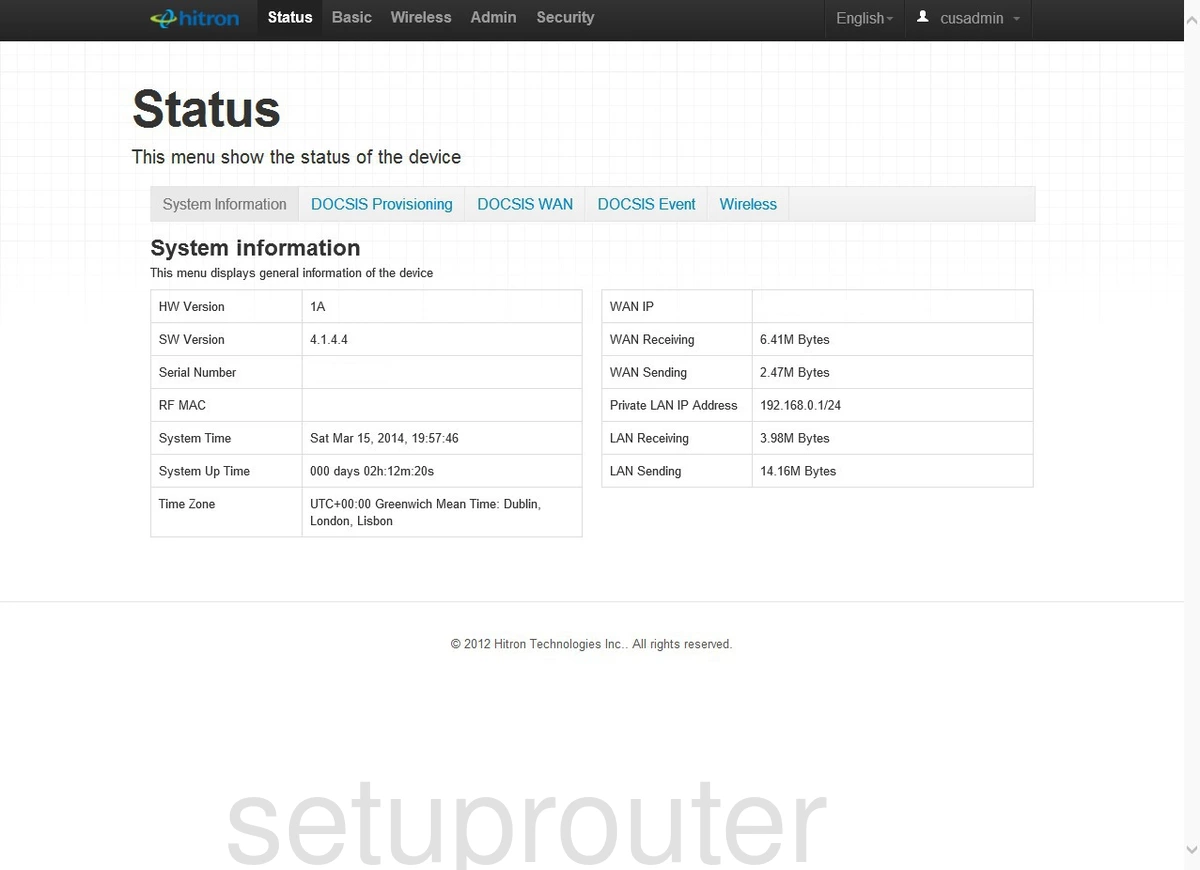
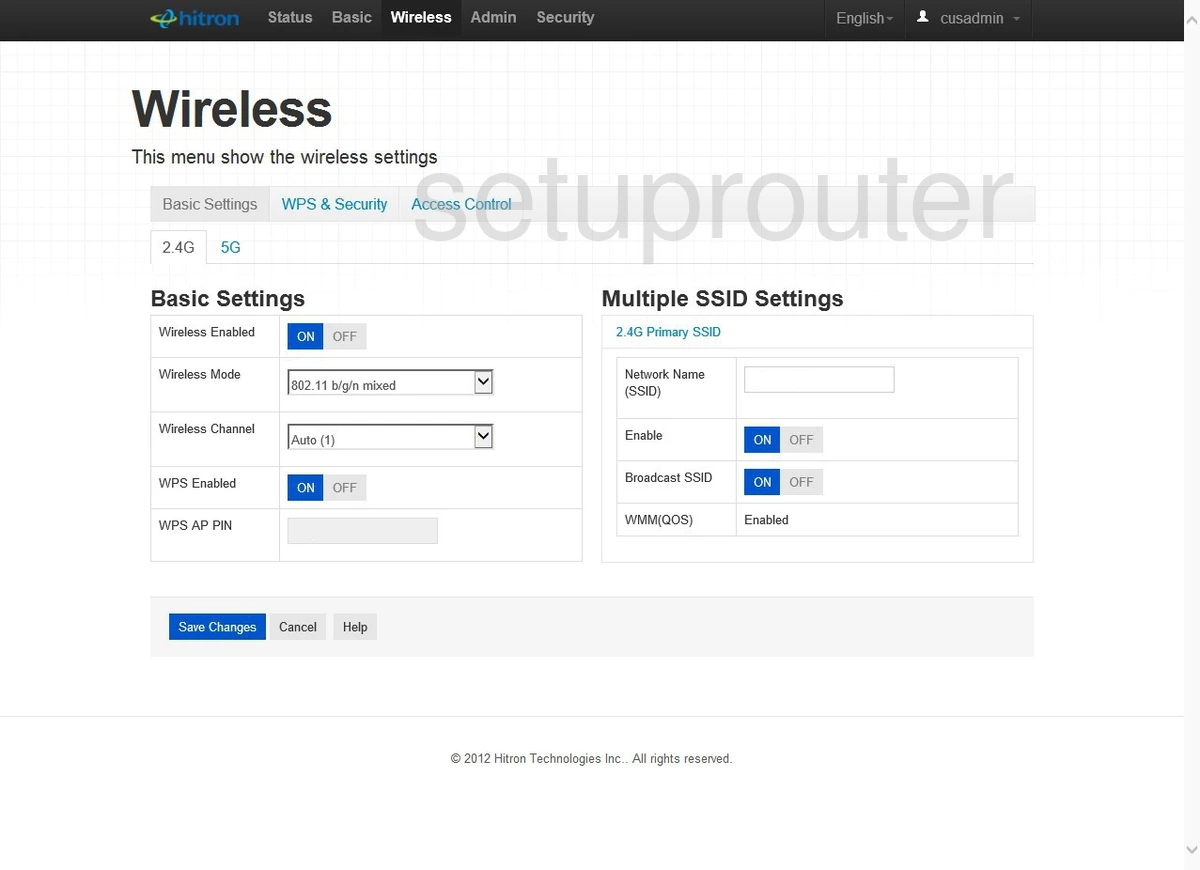
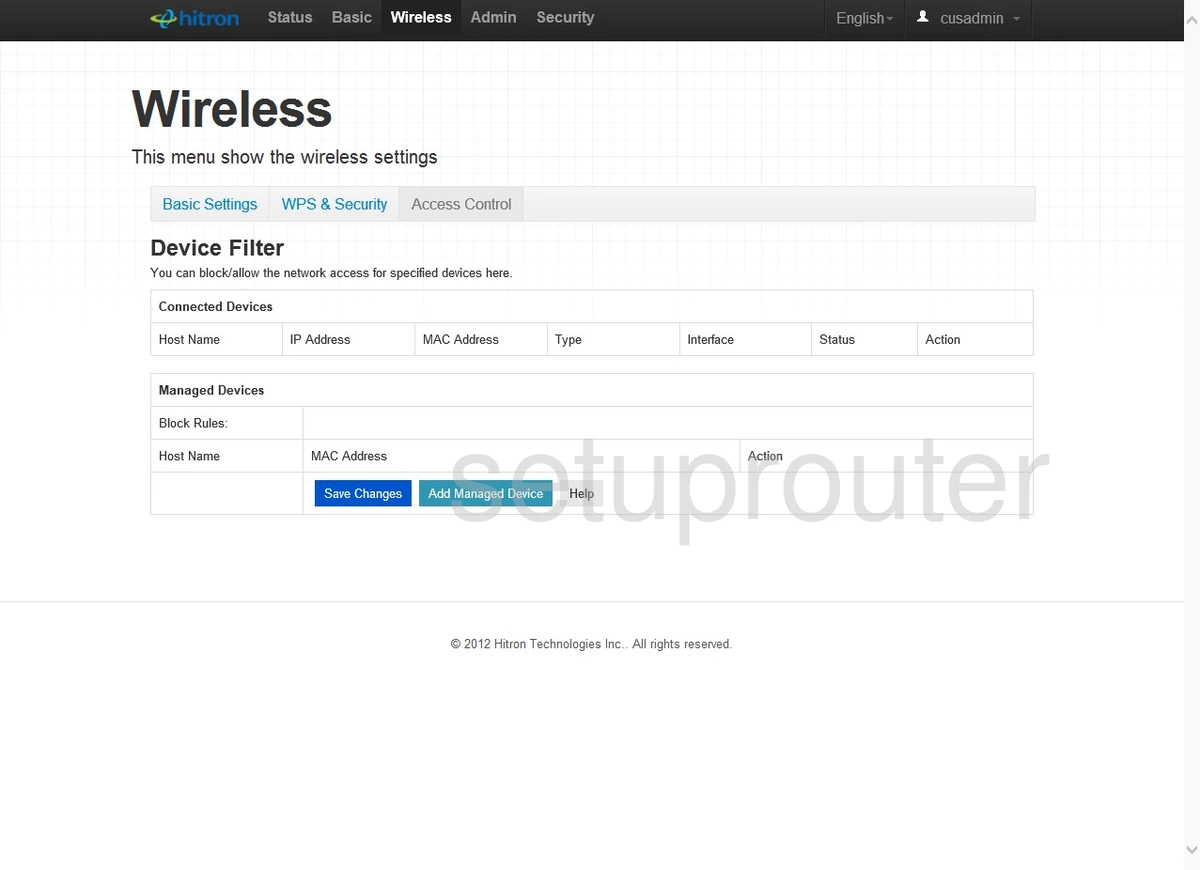
CGN3 ROG (4 screens)
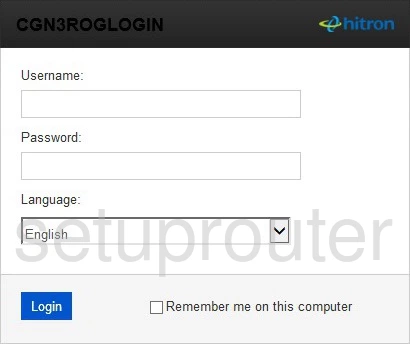
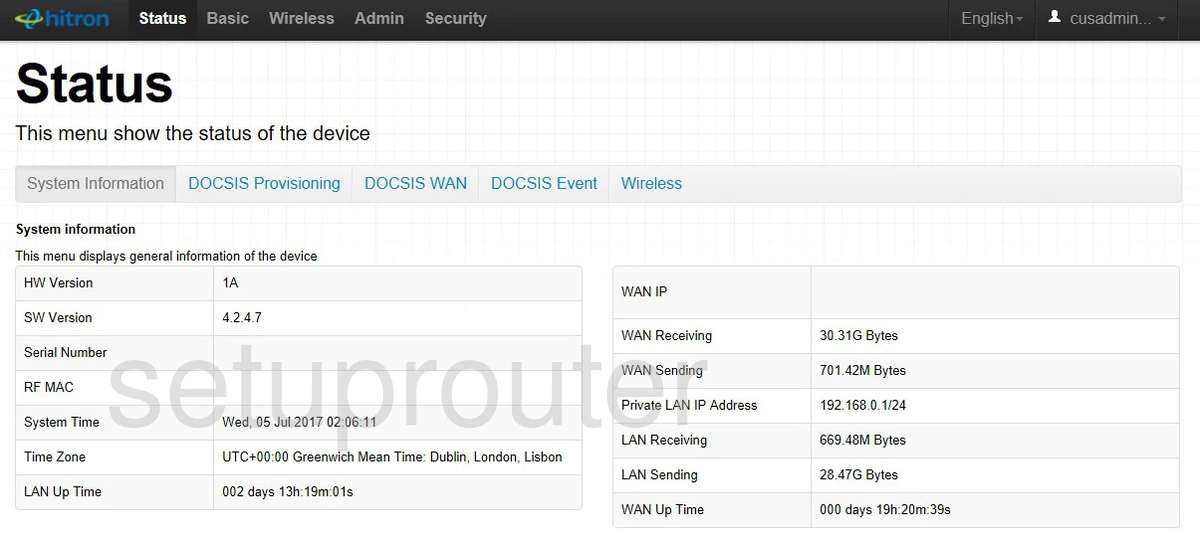
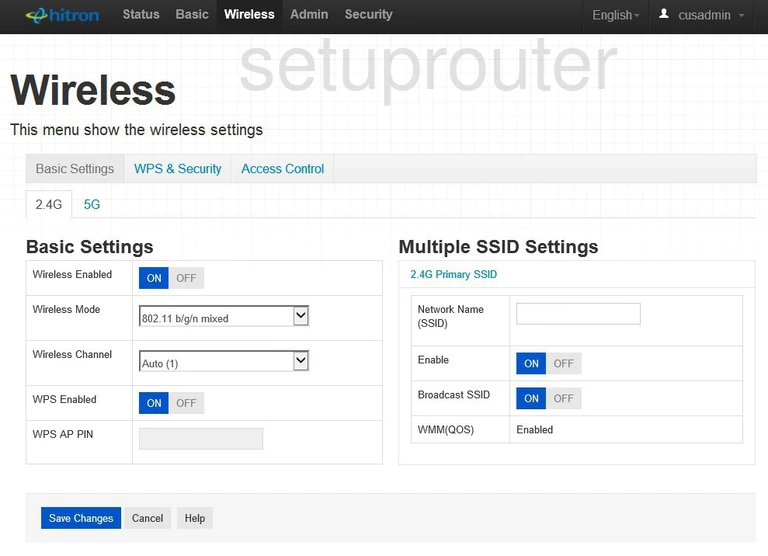
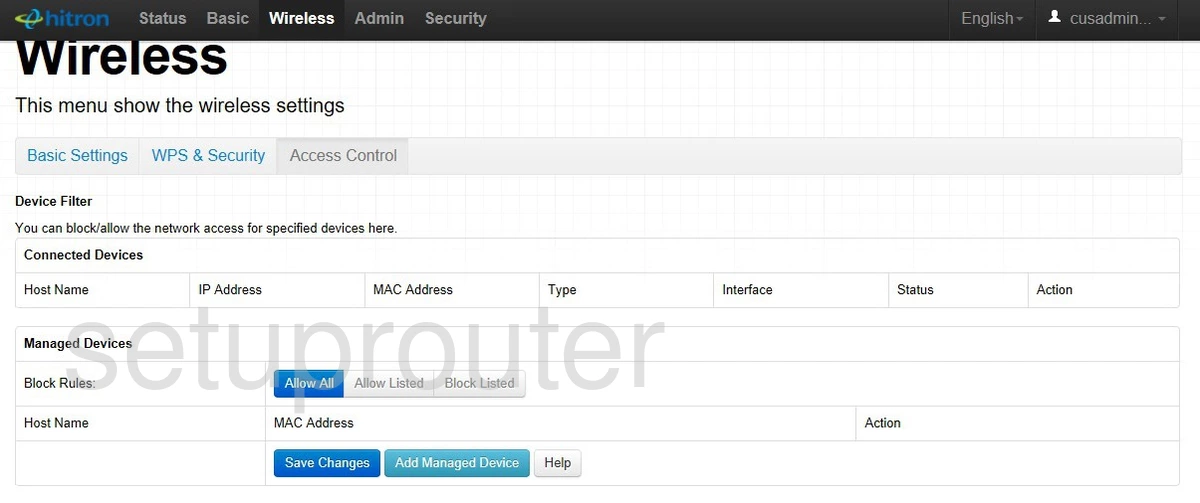
CGN3552 (4 screens)
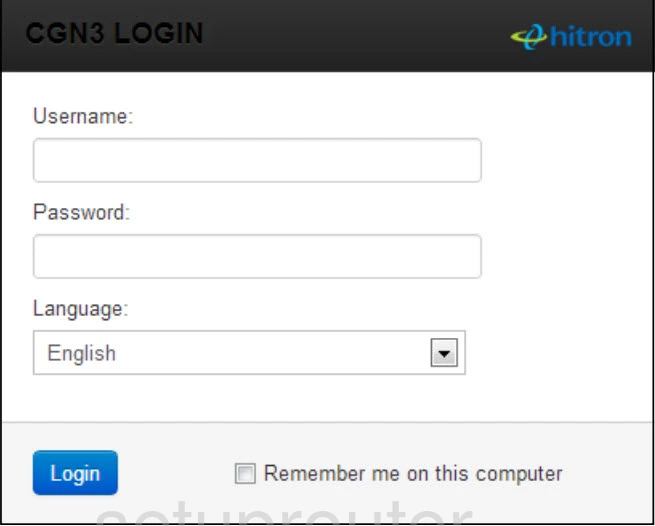
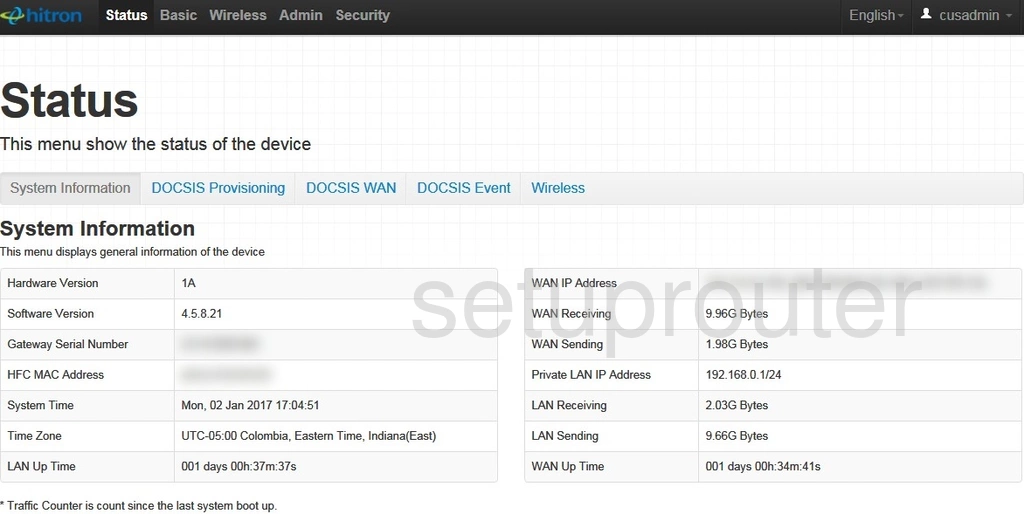
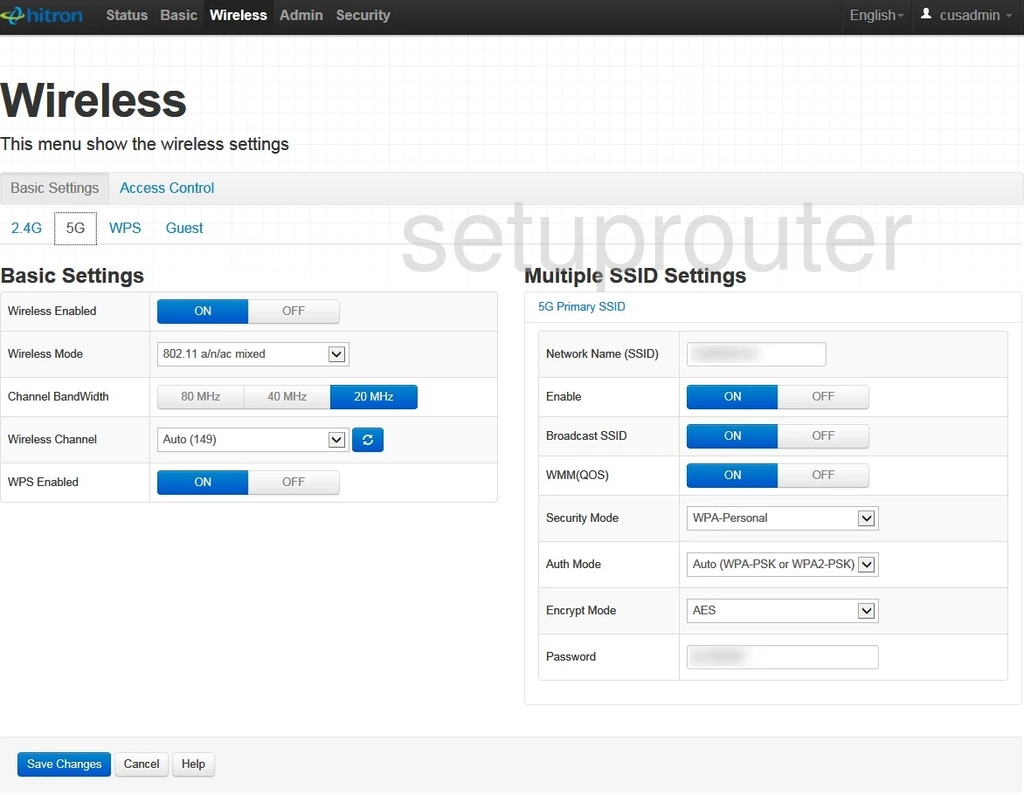
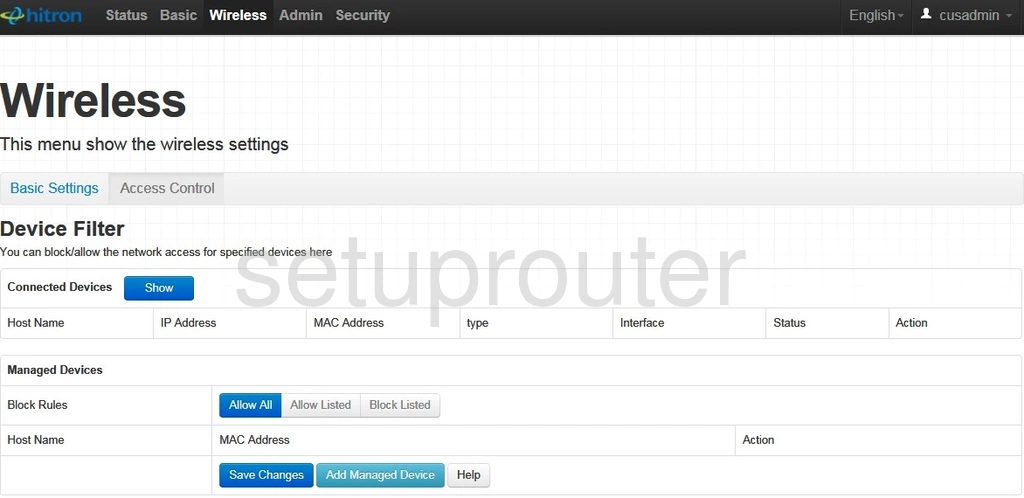
CGN3ACR (4 screens)
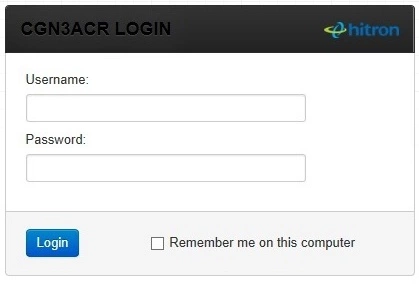
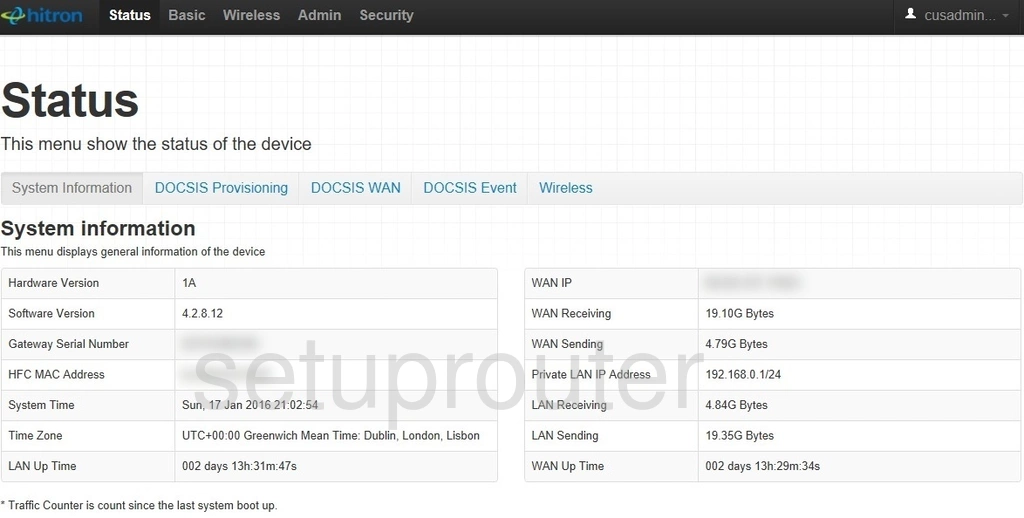
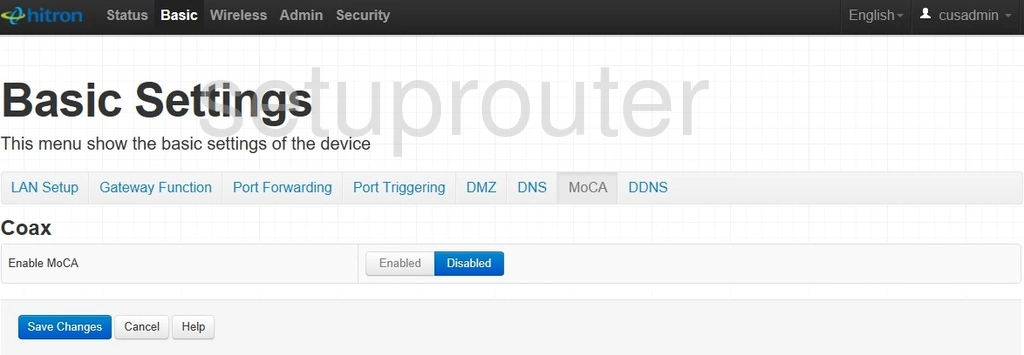
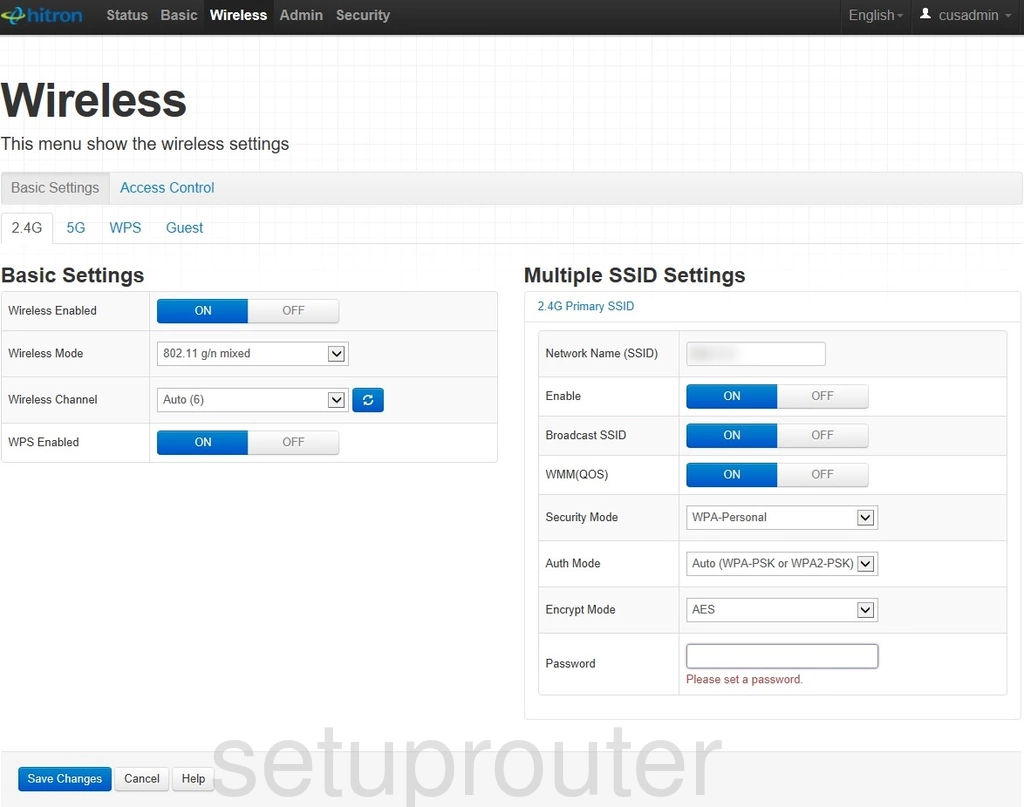
CGN3ACSMR (4 screens)
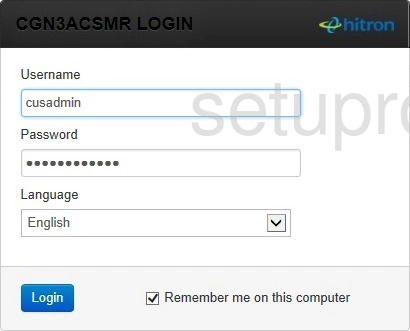
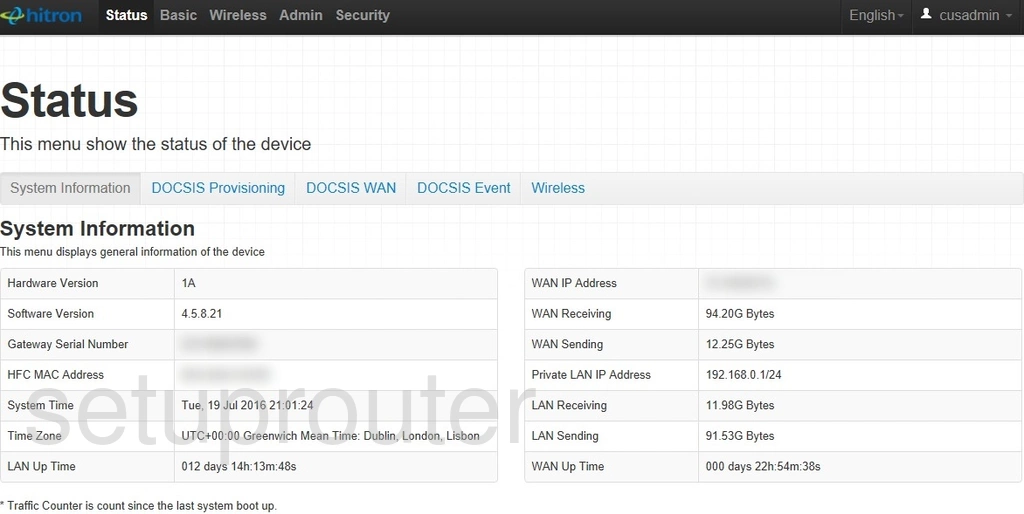
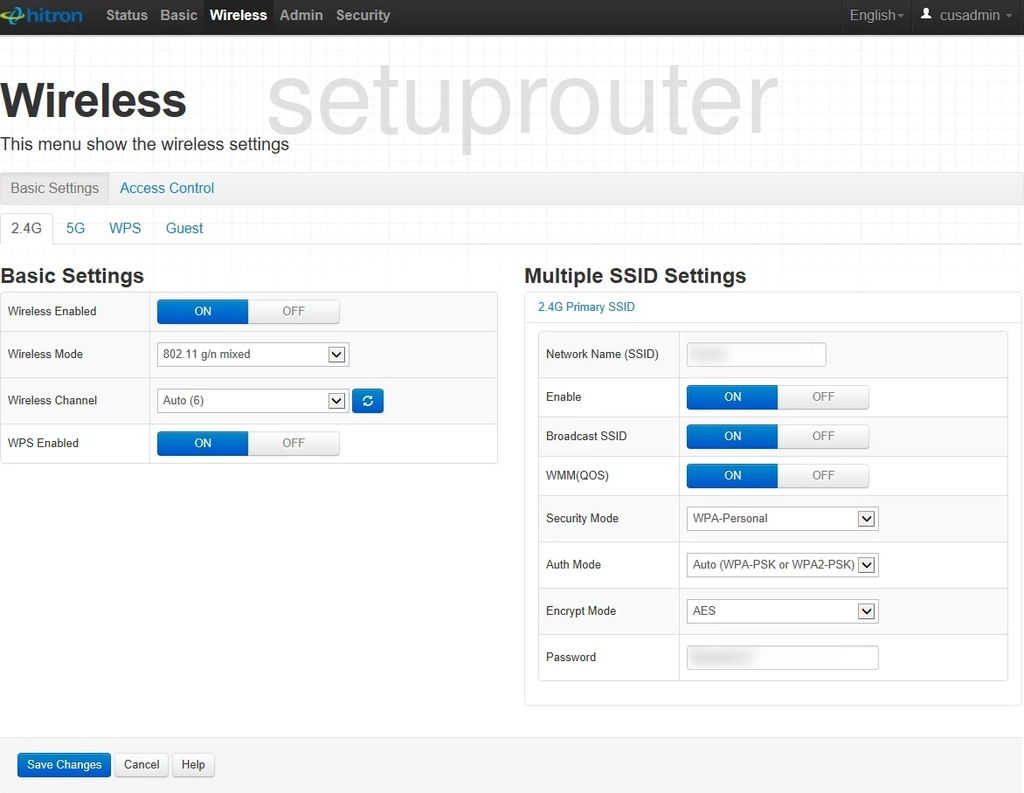
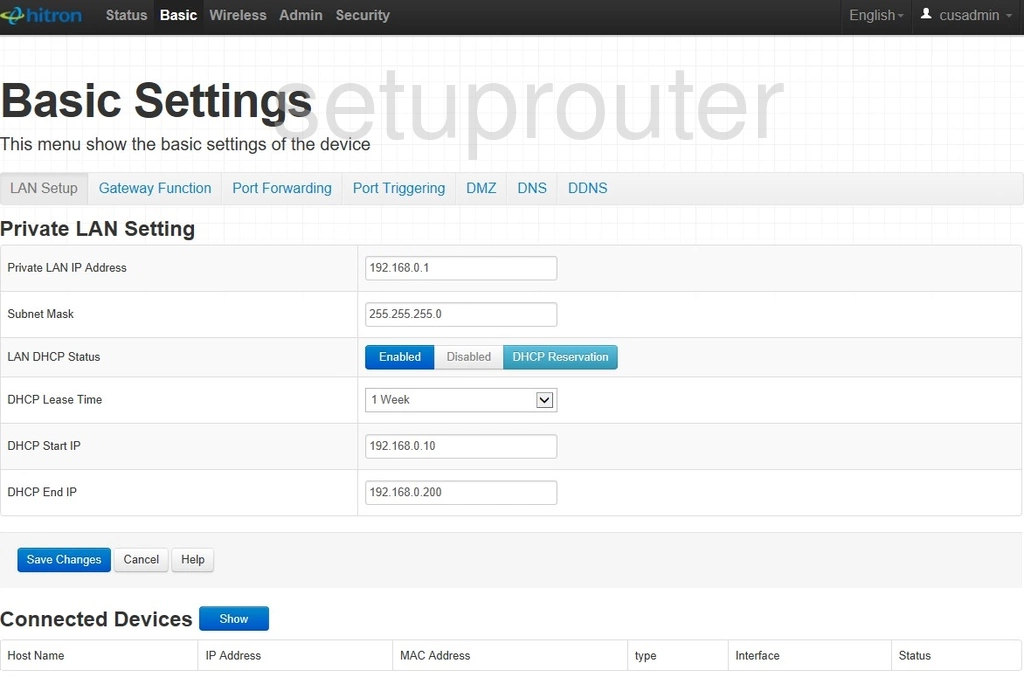
CGN3U (1 screens)
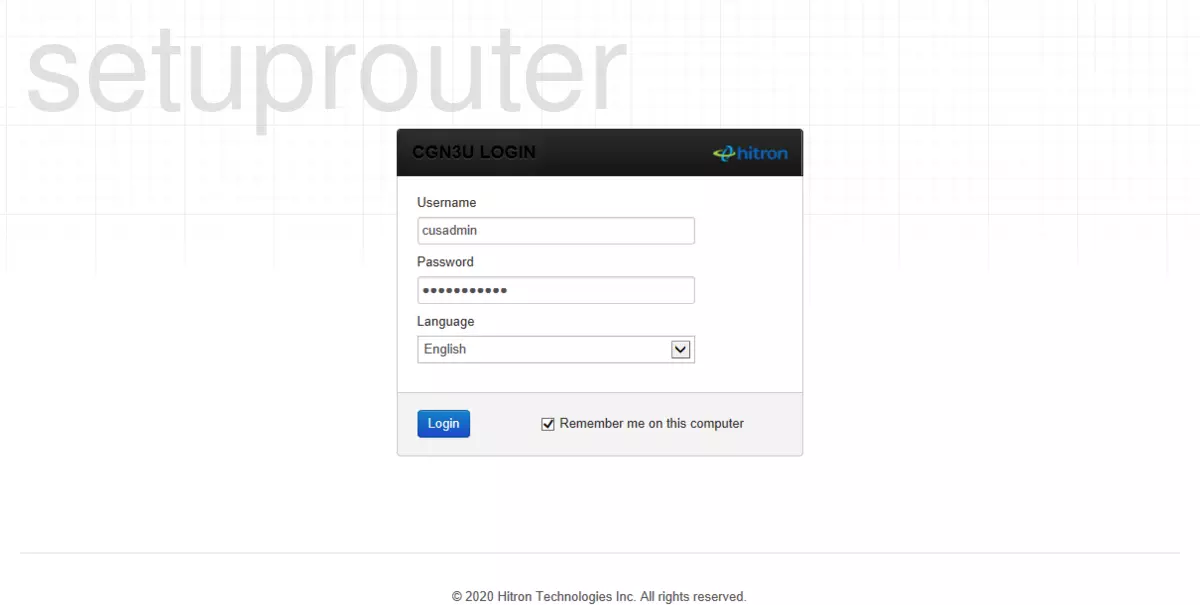
CGNM-2250-SHW (4 screens)
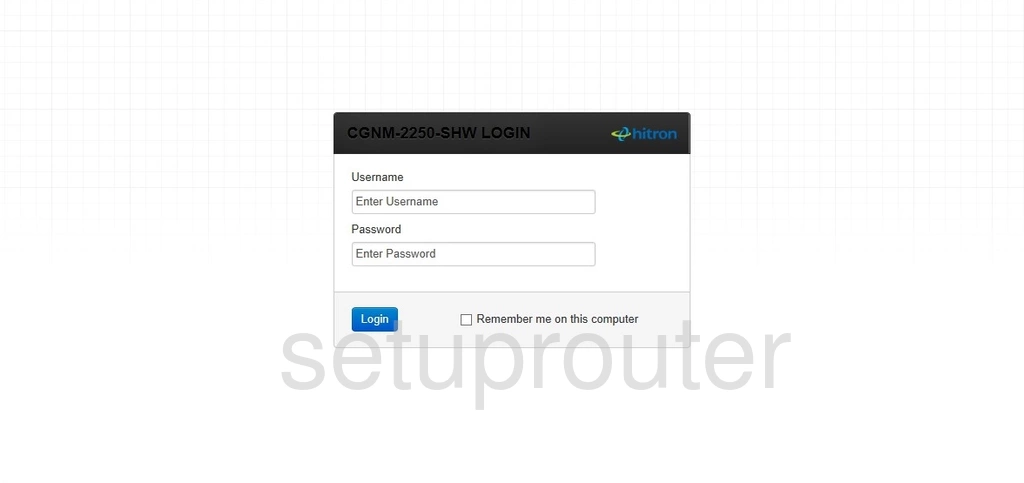
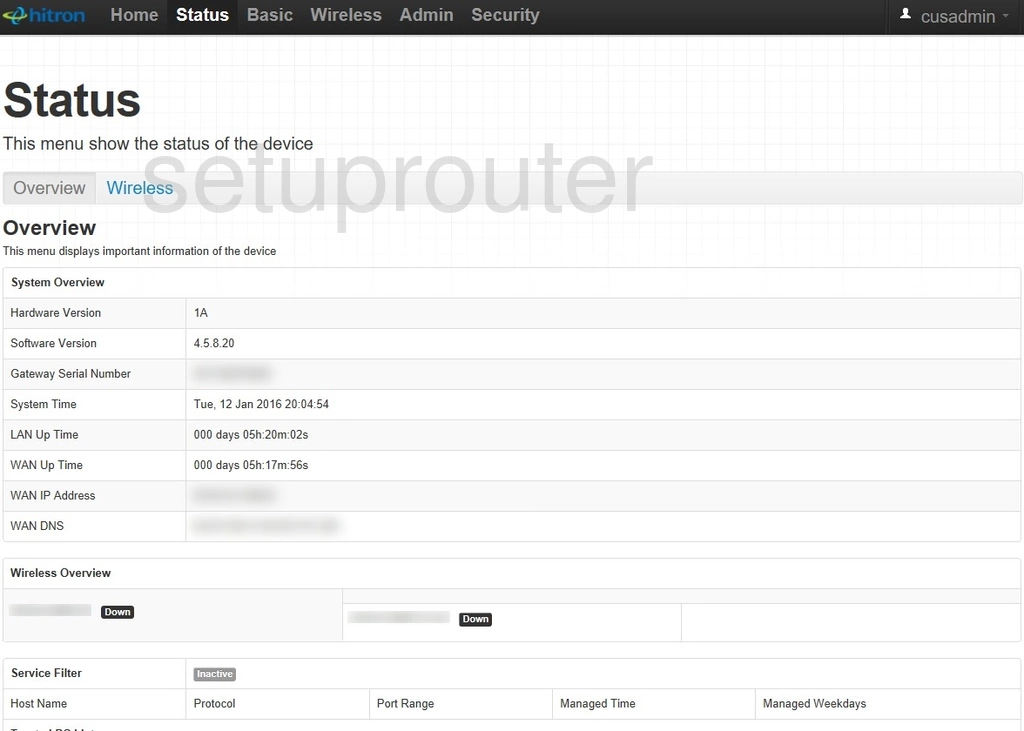
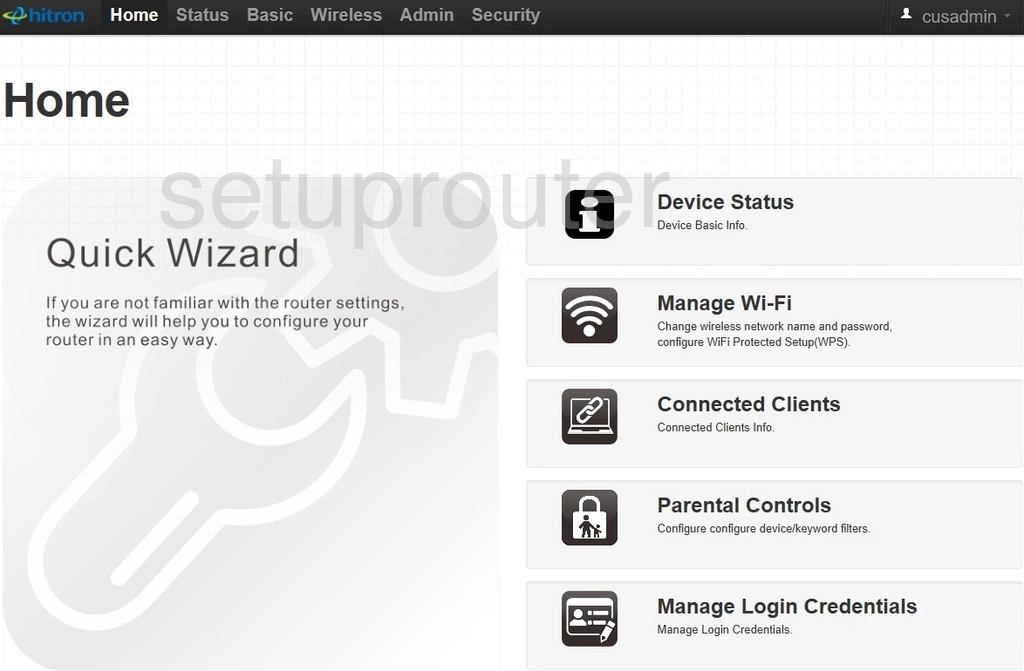
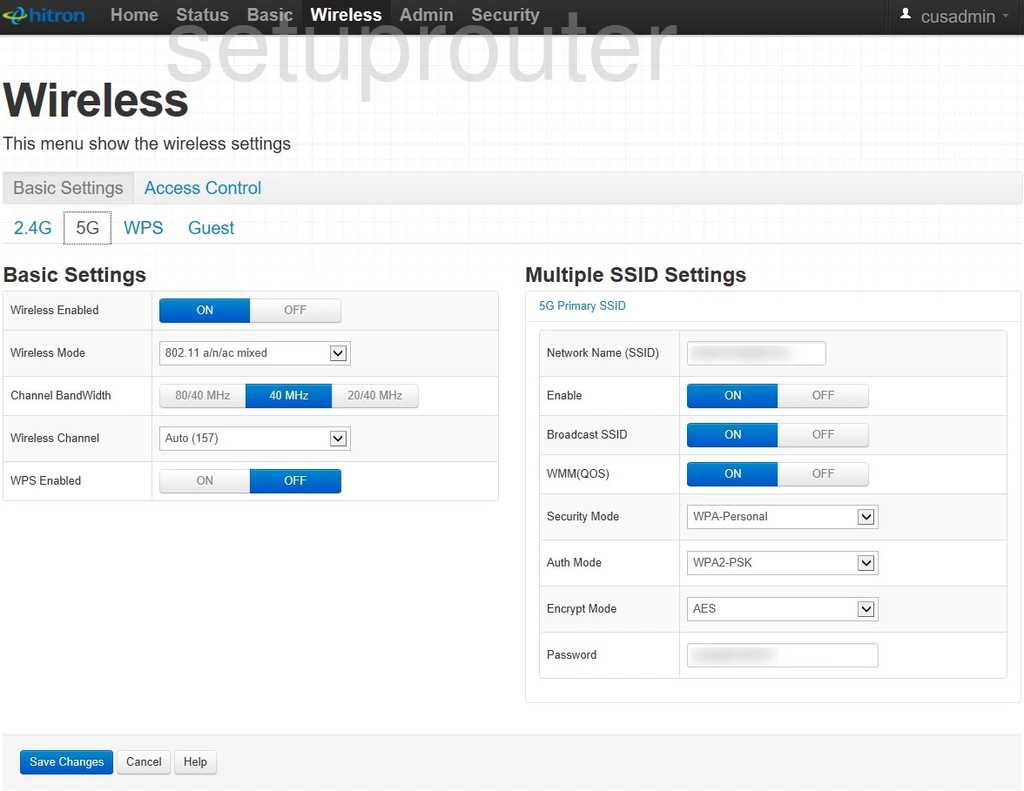
CGNM-2252 (4 screens)
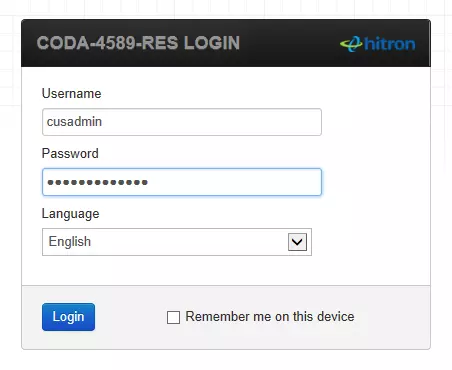
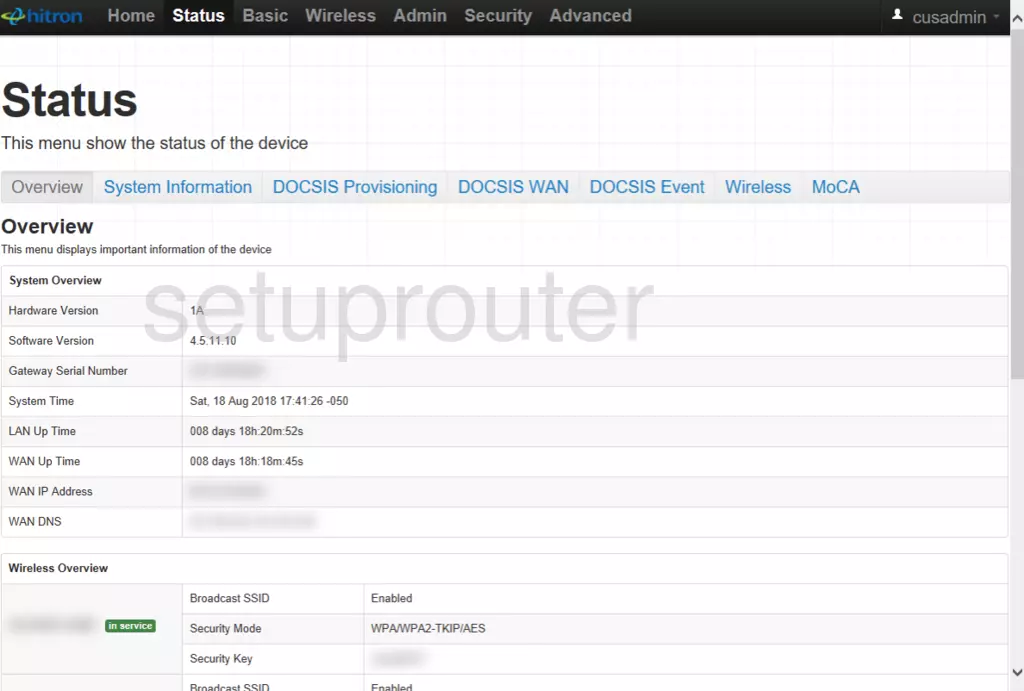
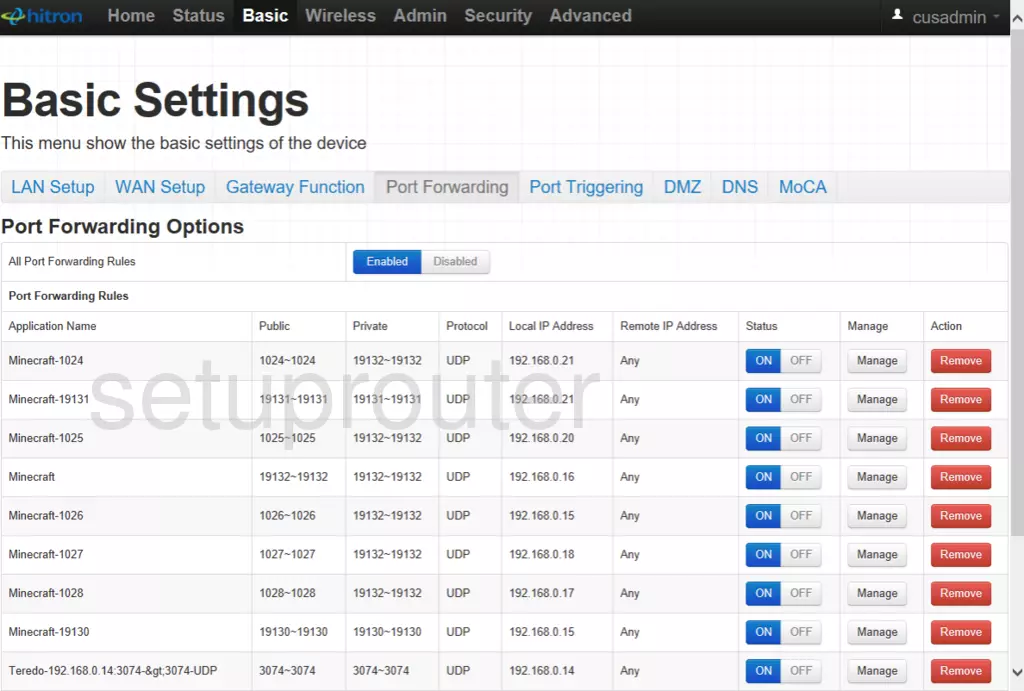
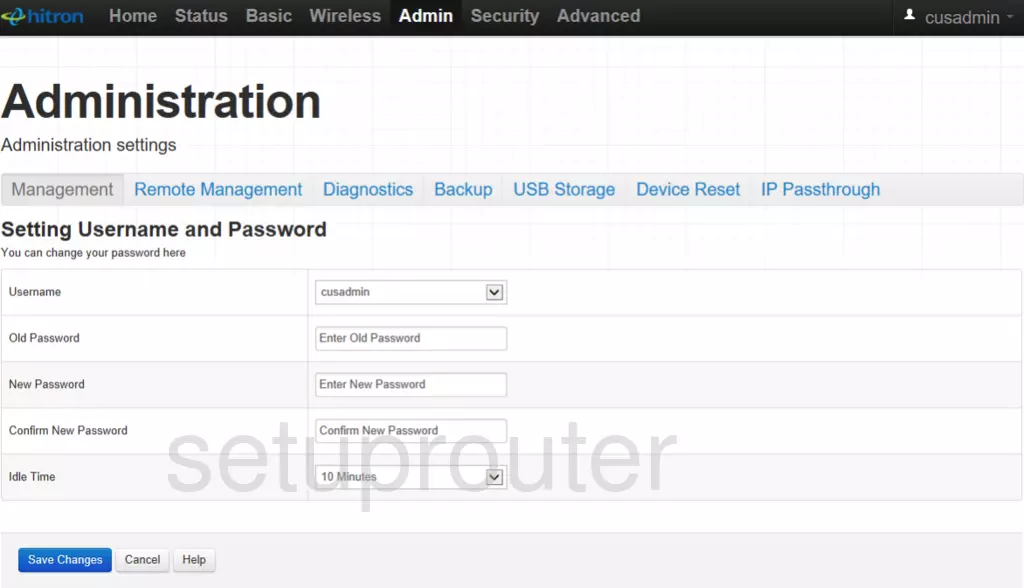
CGNM-3552-ROG (4 screens)
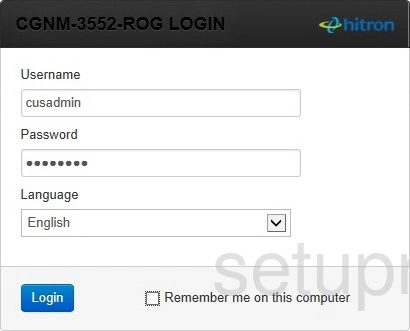
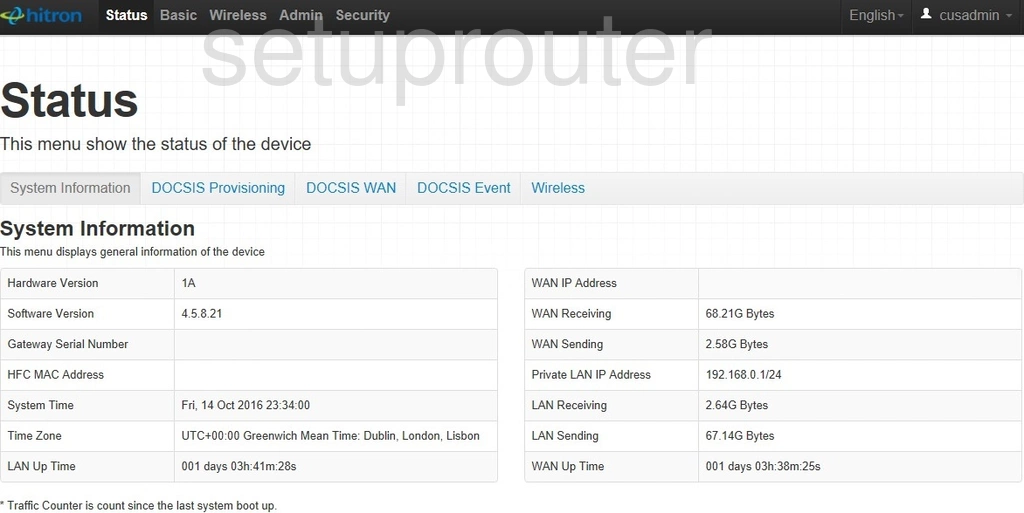
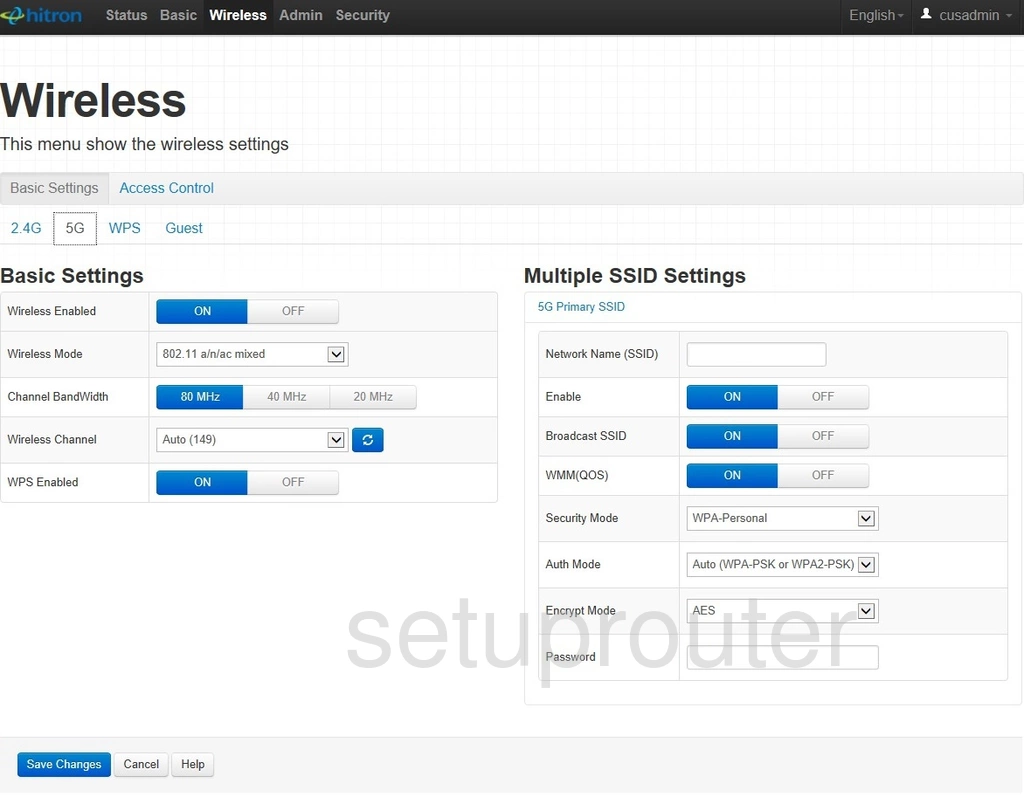
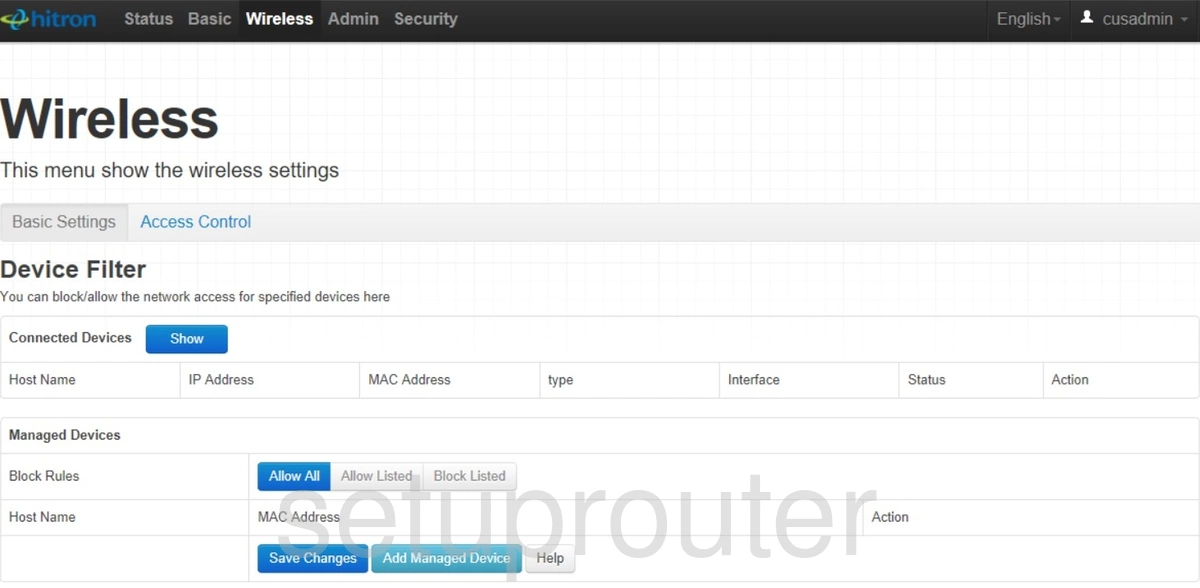
CGNM-RES (4 screens)
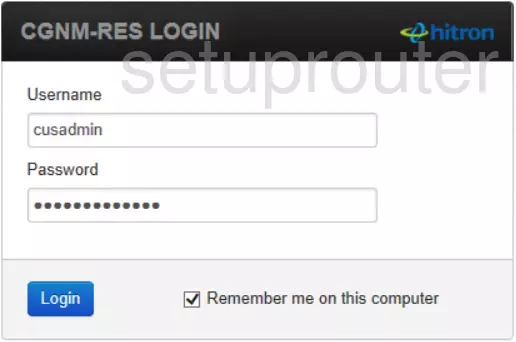
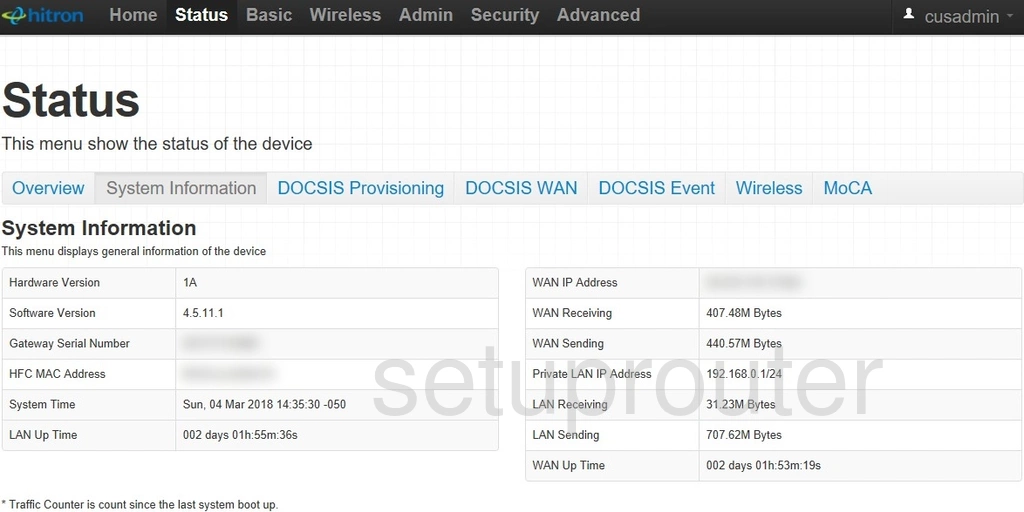
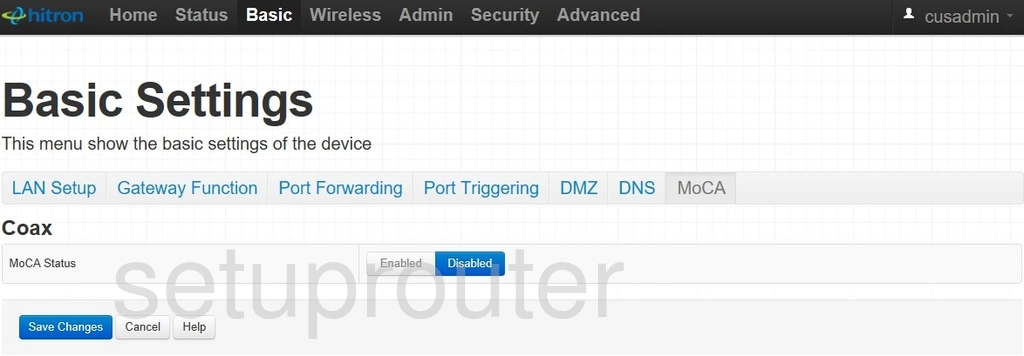
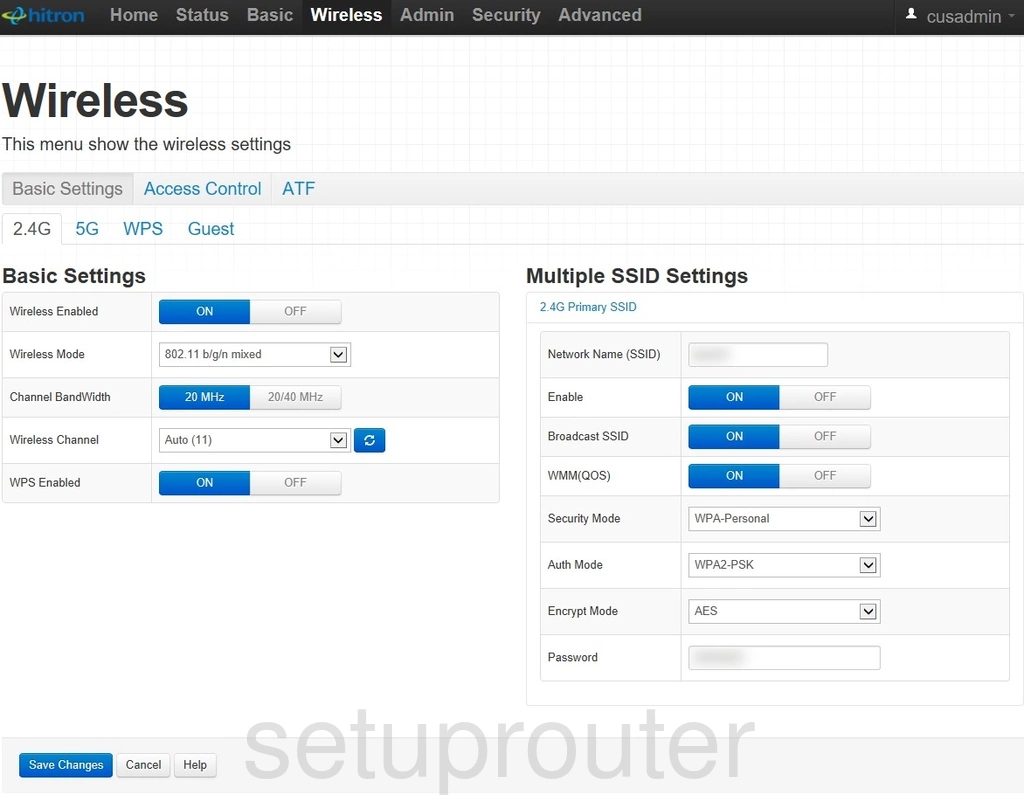
CGNV2 (2 screens)
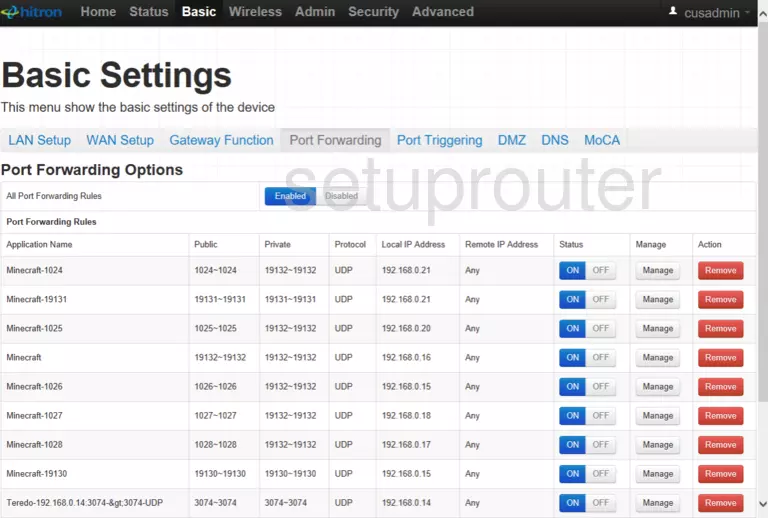
CGNV4-BIZ (4 screens)
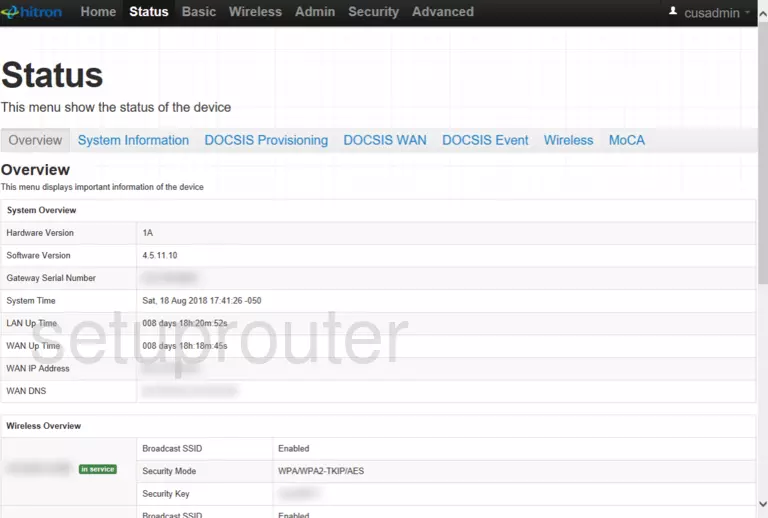
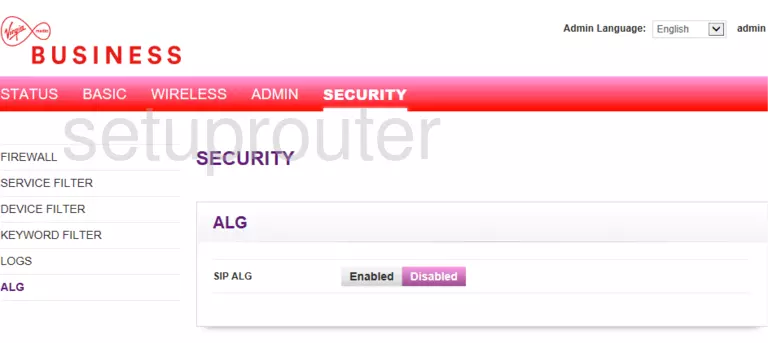
CGNVM-2559 (3 screens)
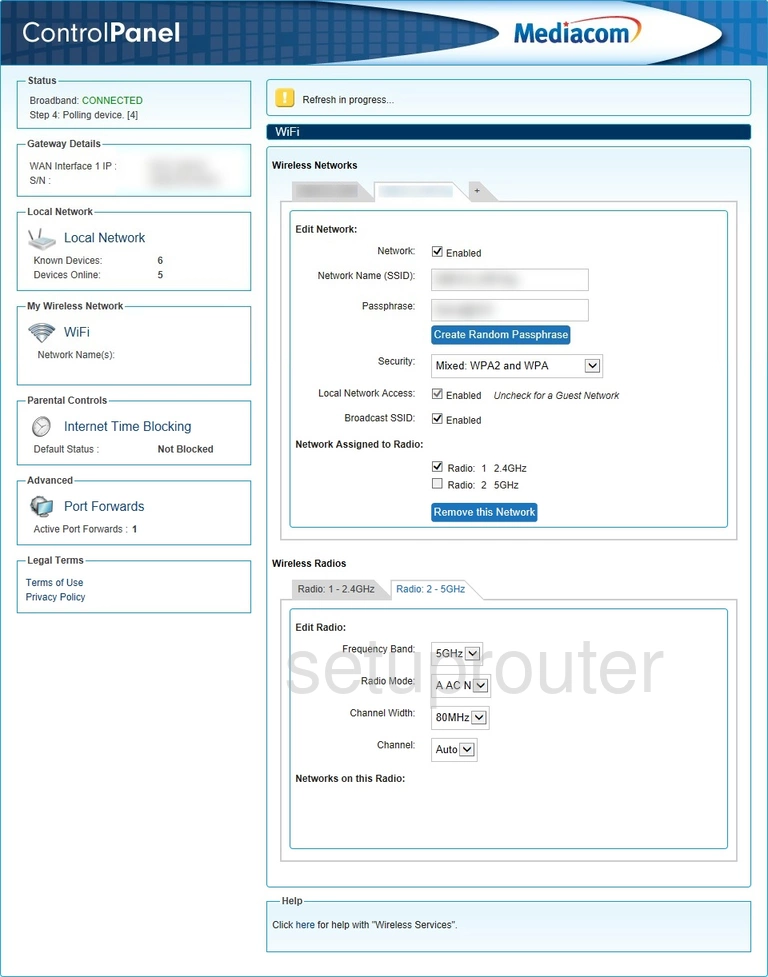
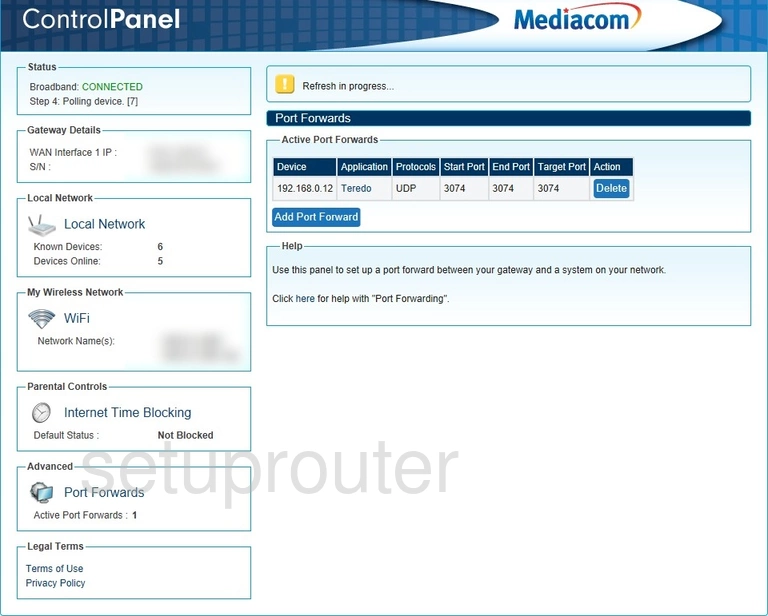
CGNVM-3582 (1 screens)
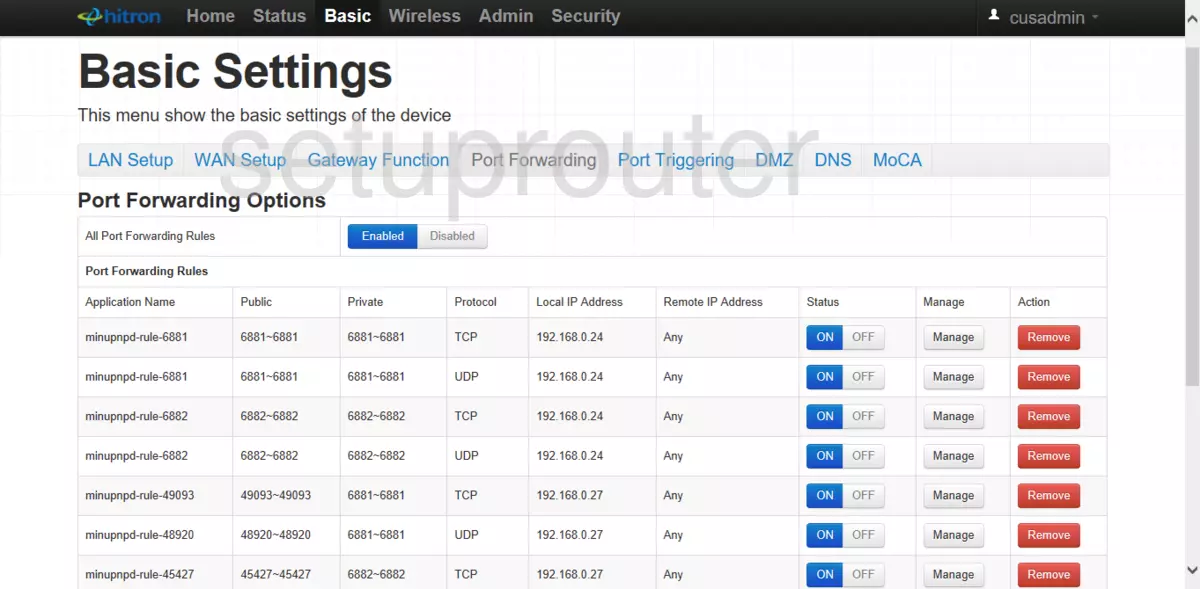
CODA-4582 (4 screens)
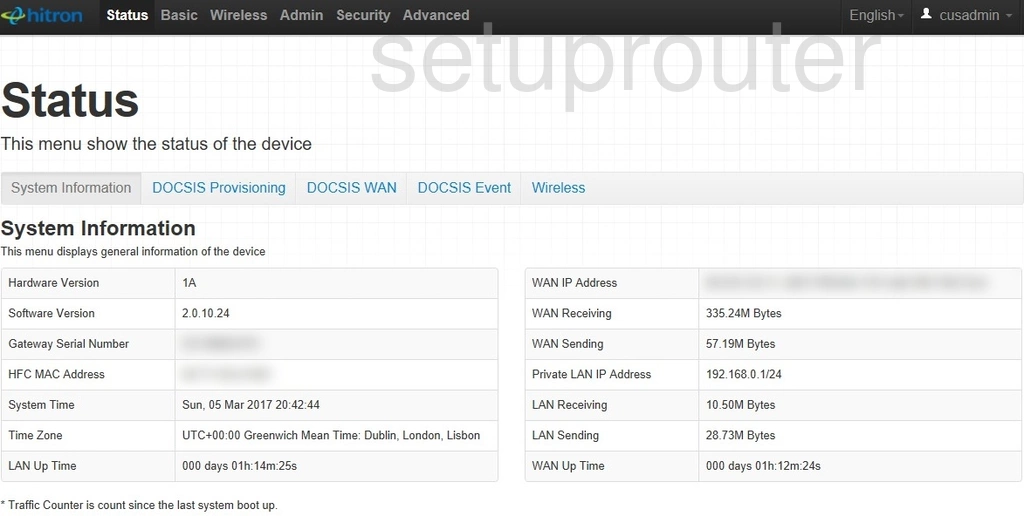
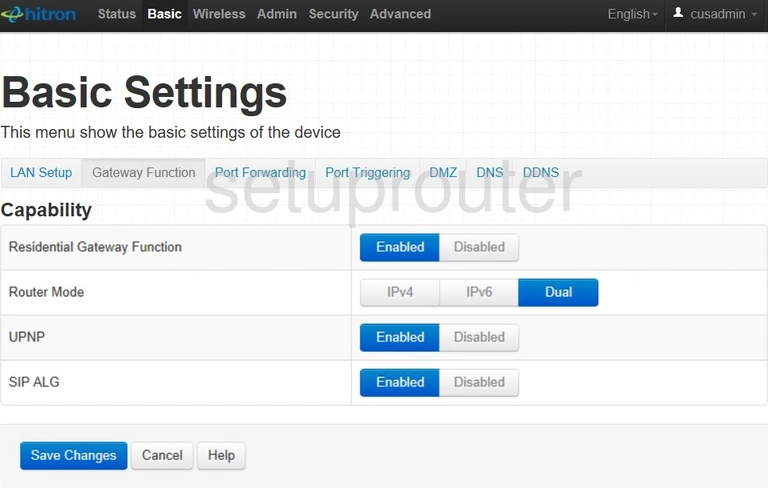
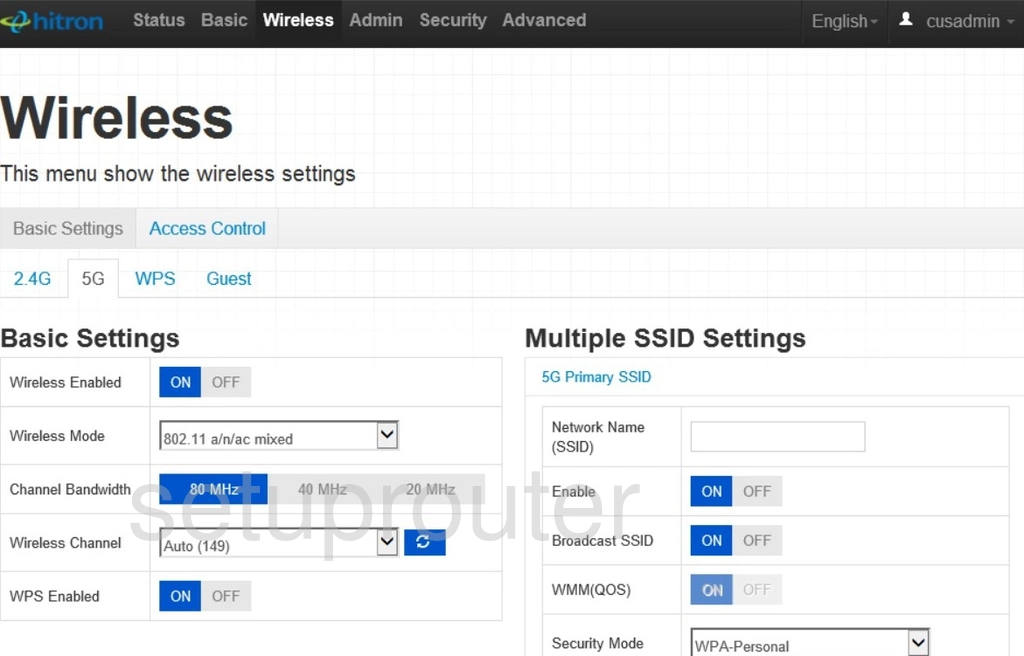
CODA-4582-ONE (4 screens)
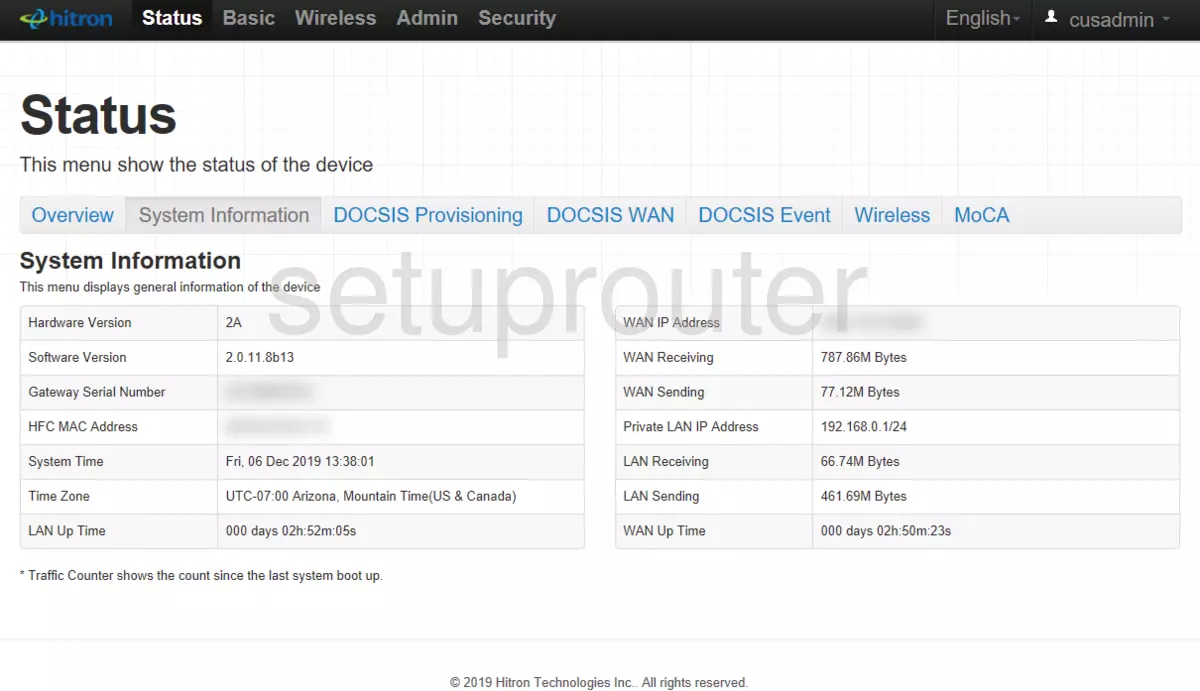
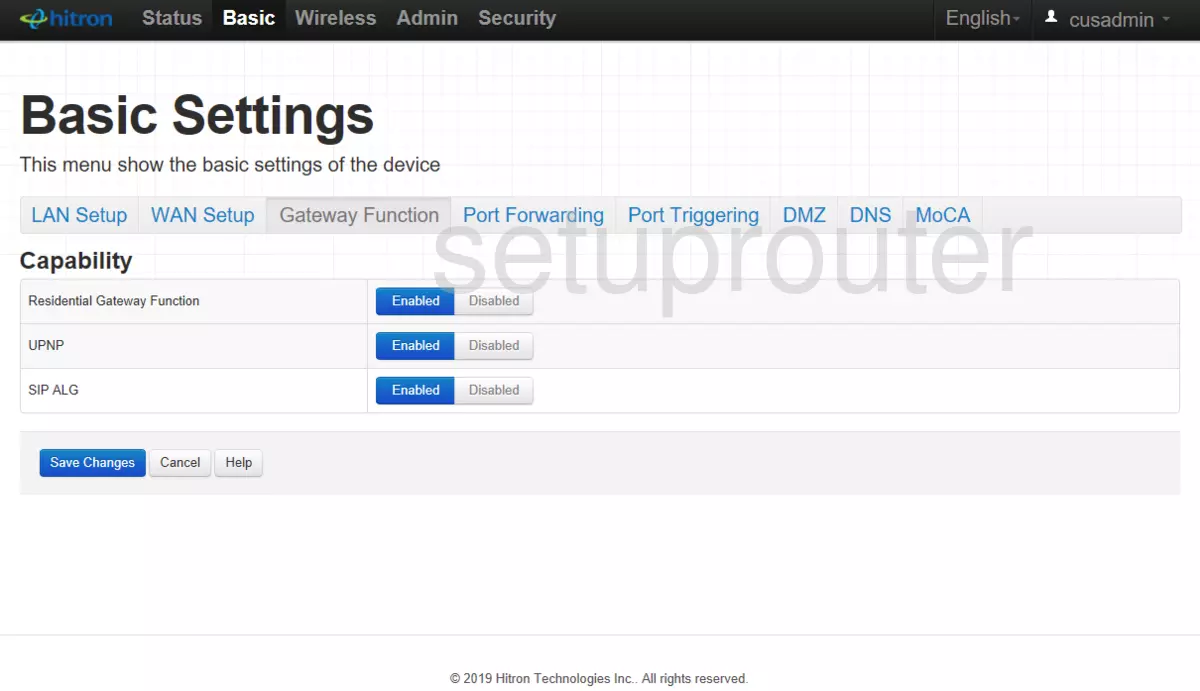
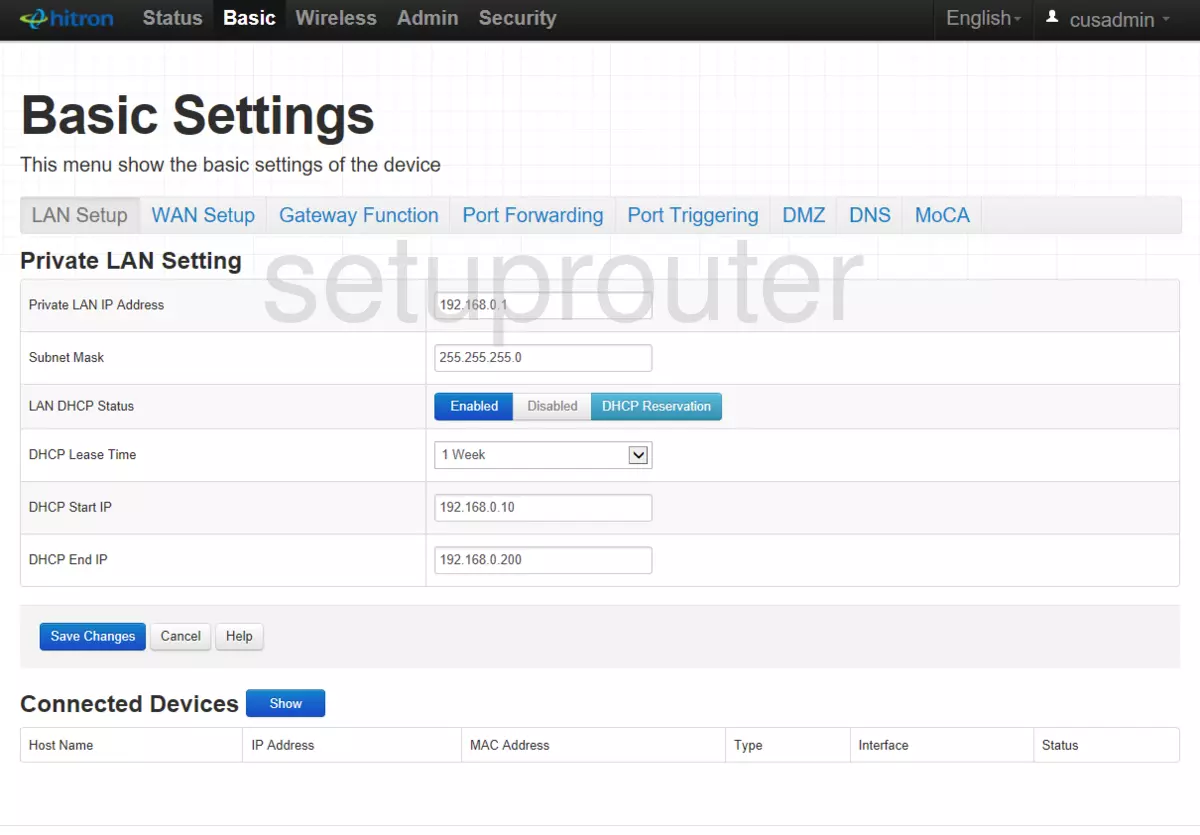
CODA-4582U (4 screens)
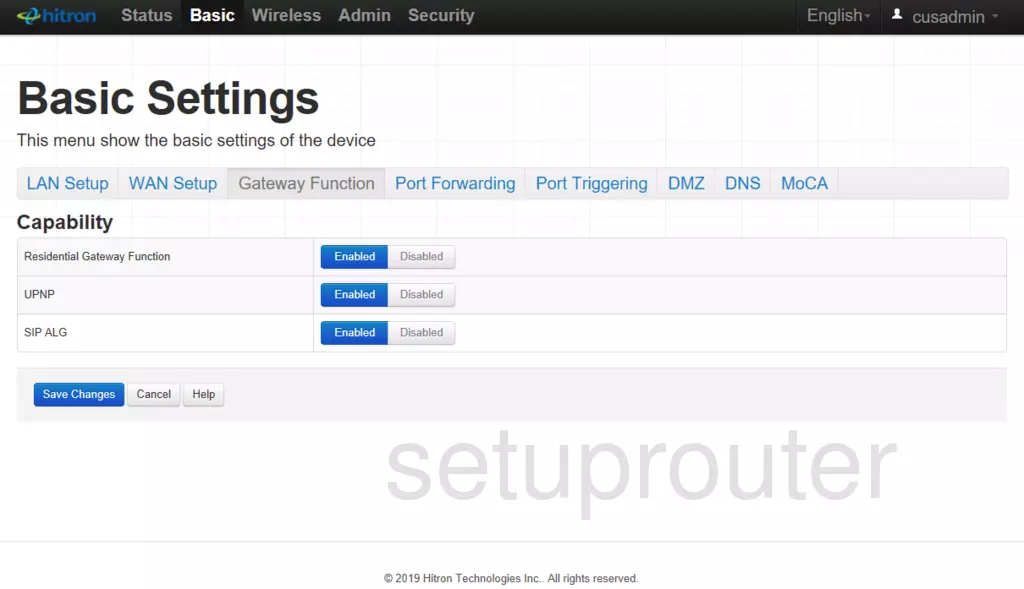
CODA-4589-RES (2 screens)
CVE-30360 (4 screens)
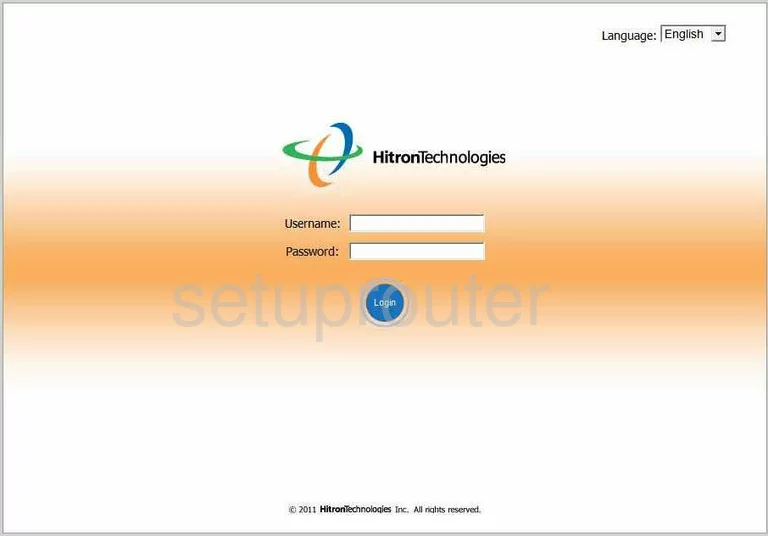
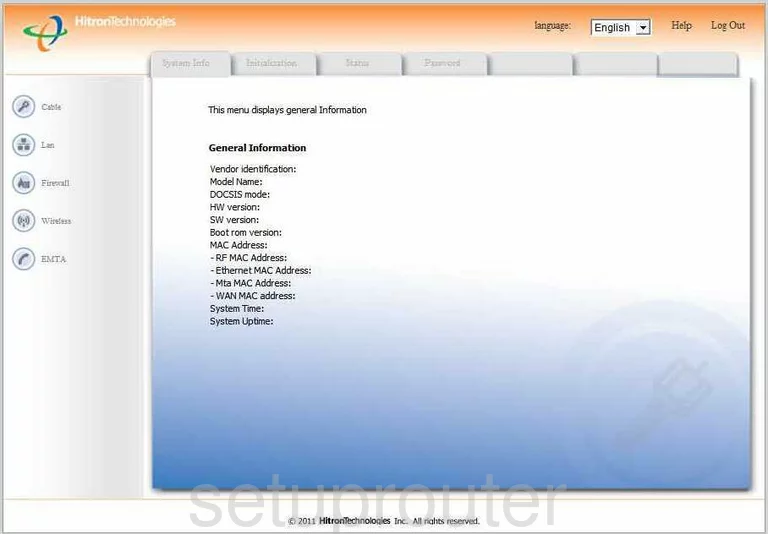
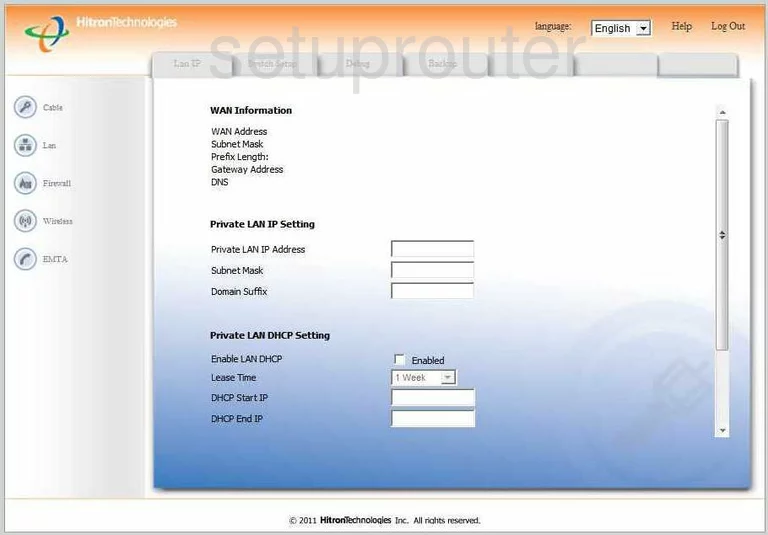
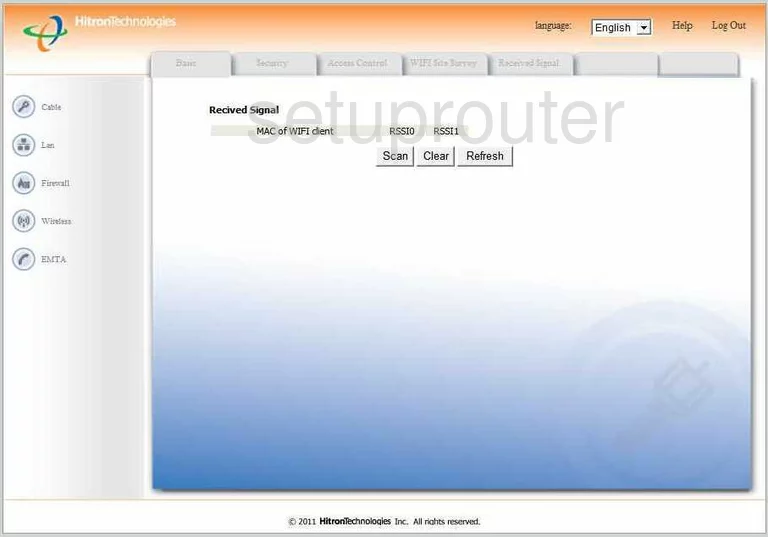
CVE30360 ZON (4 screens)
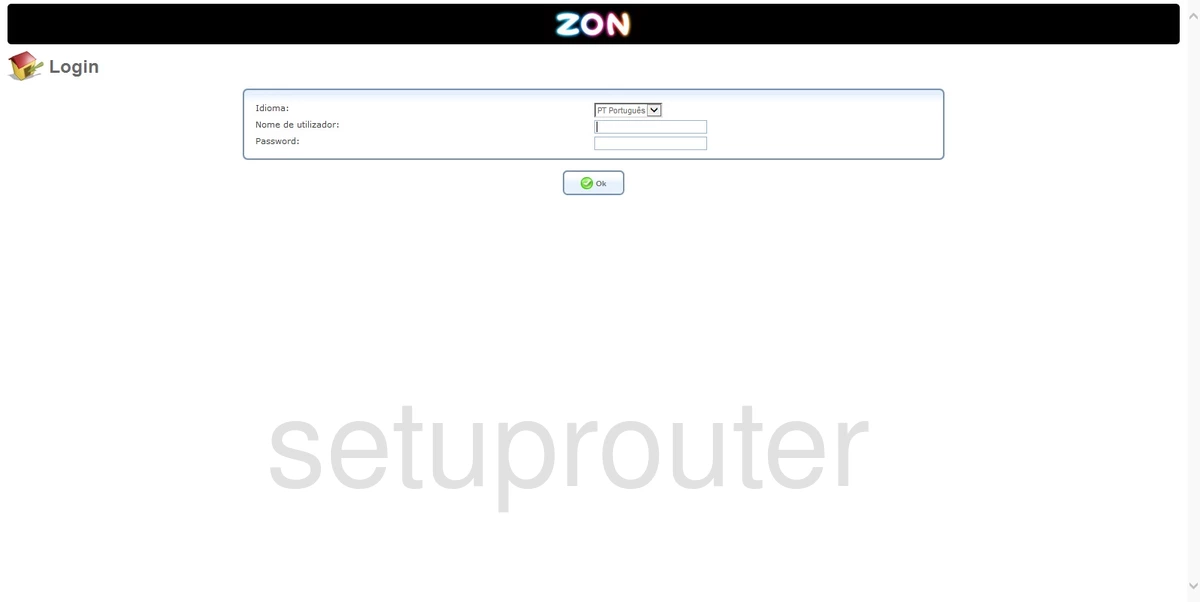
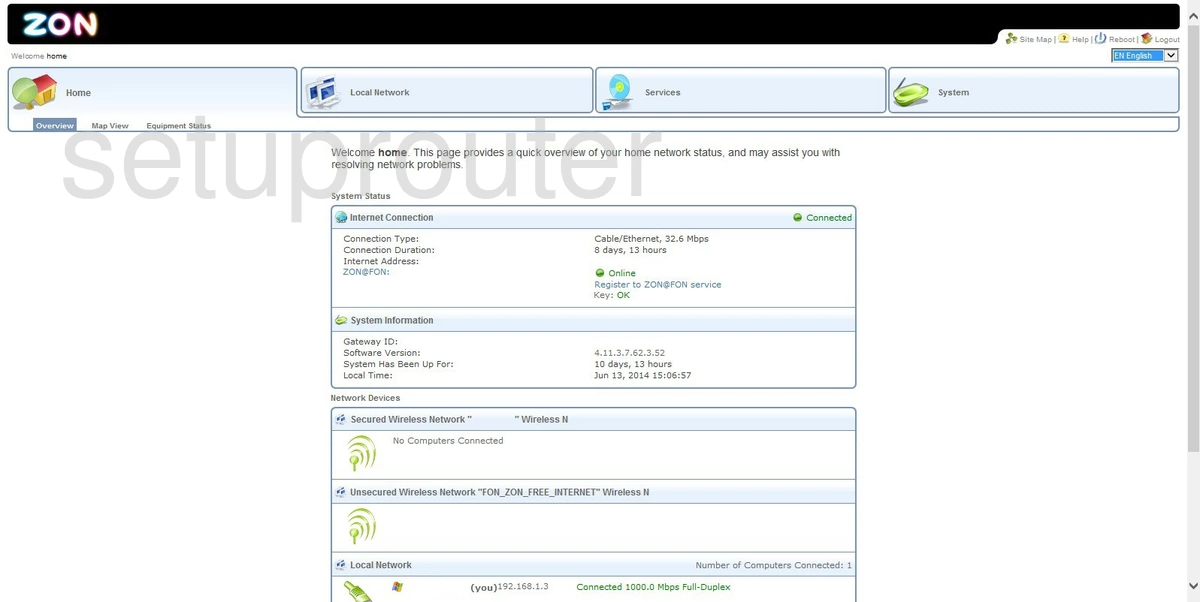
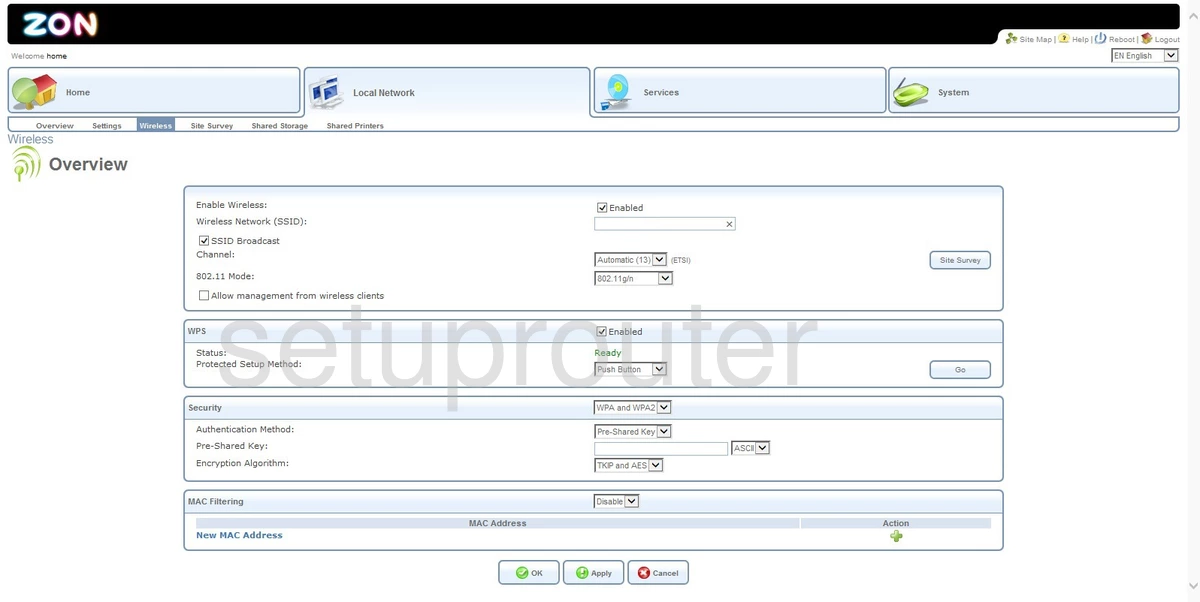
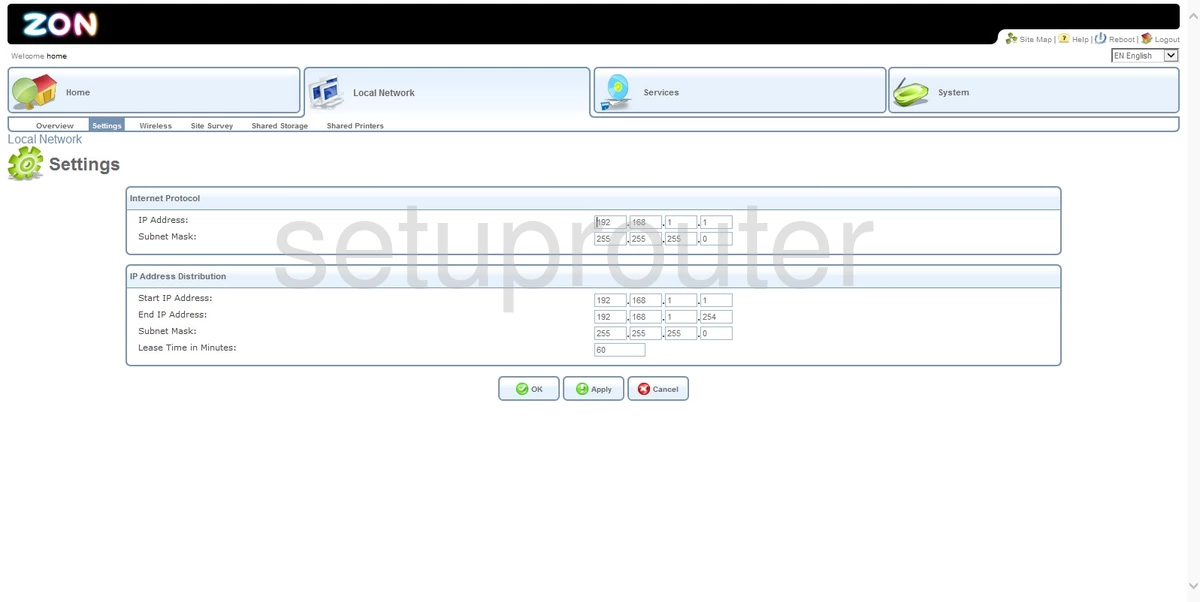
CVW-30360 (4 screens)
Hitron Technologies Router Manuals
- Hitron Technologies BVW-3653 user manual (manual-135)
- Hitron Technologies CGN user manual (manual-1727)
- Hitron Technologies CGN2-RES user manual (manual-2399)
- Hitron Technologies CGN2-ROG user manual (manual-1028)
- Hitron Technologies CGN3 user manual (manual-1728)
- Hitron Technologies CGN3 ROG user manual (manual-1729)
- Hitron Technologies CGN3552 user manual (manual-2293)
- Hitron Technologies CGN3ACR user manual (manual-2079)
- Hitron Technologies CGN3ACSMR user manual (manual-2244)
- Hitron Technologies CGNM-3552-ROG user manual (manual-2343)
- Hitron Technologies CGNM-3552-ROG user manual (manual-2344)
- Hitron Technologies CODA-4582 user manual (manual-2400)
- Hitron Technologies CVE-30360 user manual (manual-136)
- Hitron Technologies CVE30360 ZON user manual (manual-2166)
- Hitron Technologies CVE30360 ZON user manual (manual-2167)
- Hitron Technologies CVW-30360 user manual (manual-1029)