


Here's how to log in to a Ubee cable gateway.
Step 1: Connect
Connect to the gateway's WiFi (the default name and key are on the label) or plug in a network cable.
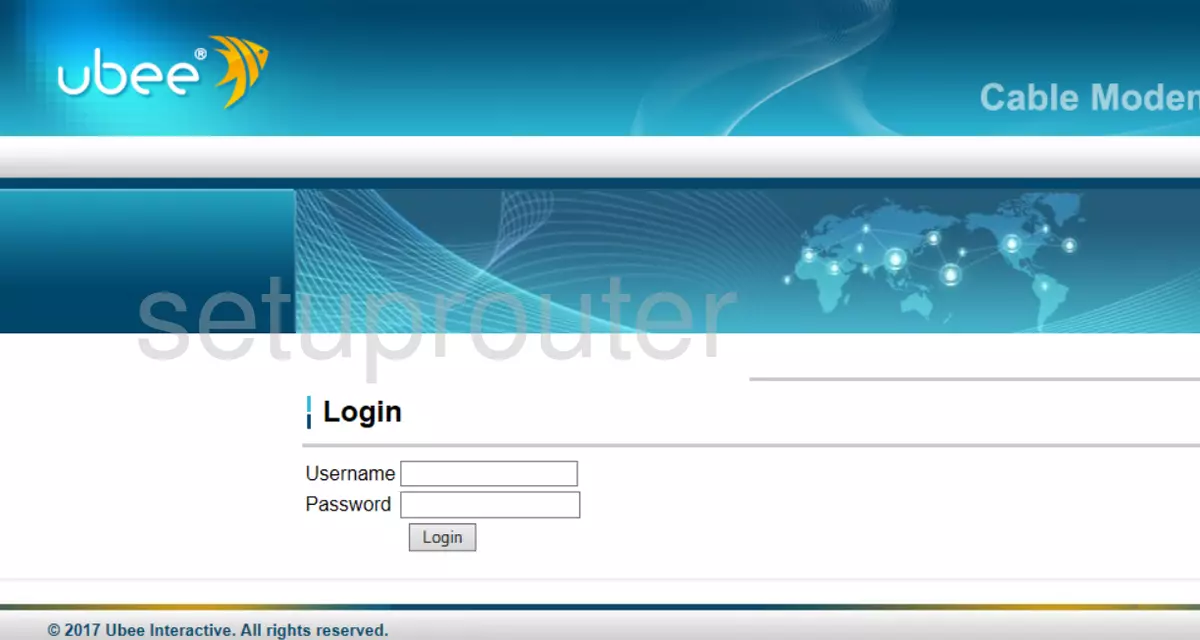
Step 2: Open the Login Page
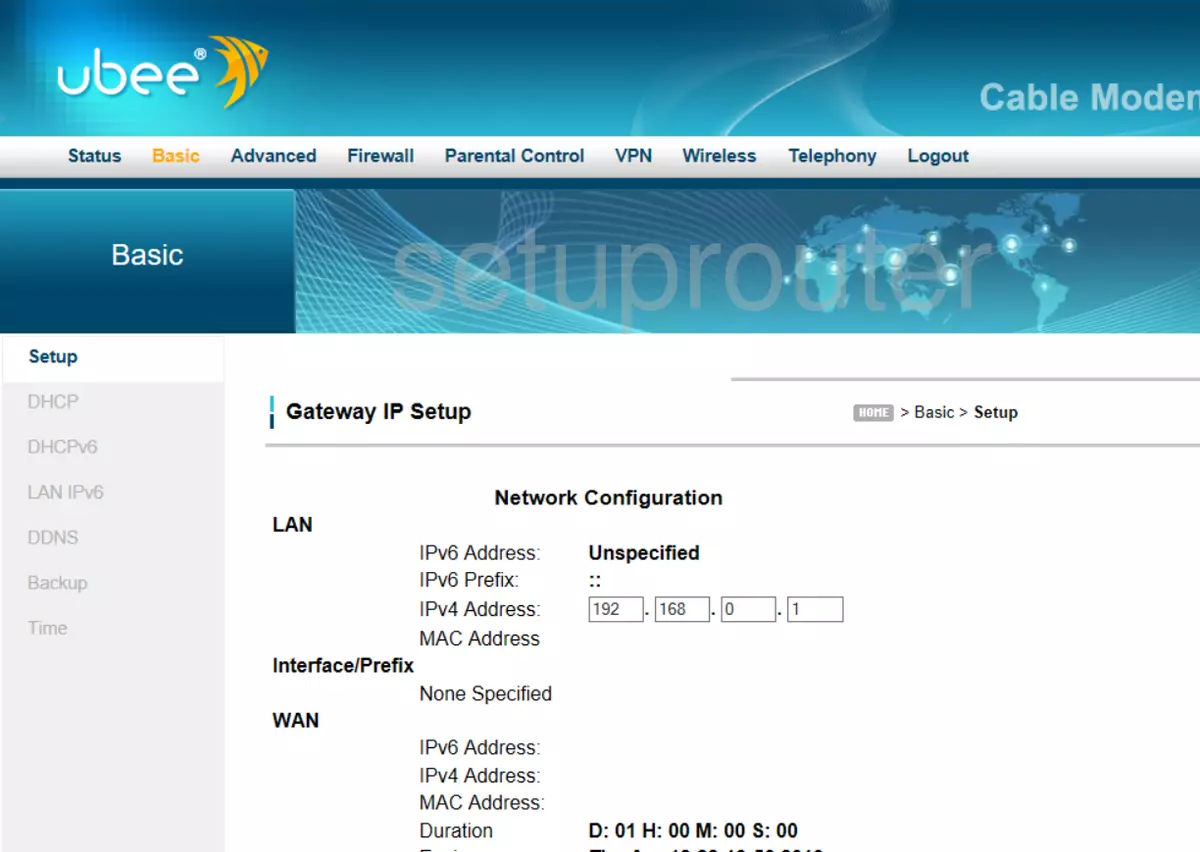
Type http://192.168.0.1 into your browser's address bar. A few ISP versions use 192.168.1.1 or 192.168.178.1. See the Ubee IP address page.
Step 3: Sign In
- Most Ubee gateways: username user, password user.
- Newer models: username admin, and the password printed on the label (under GUI password).
- Ziggo versions: username ziggo, password draadloos.
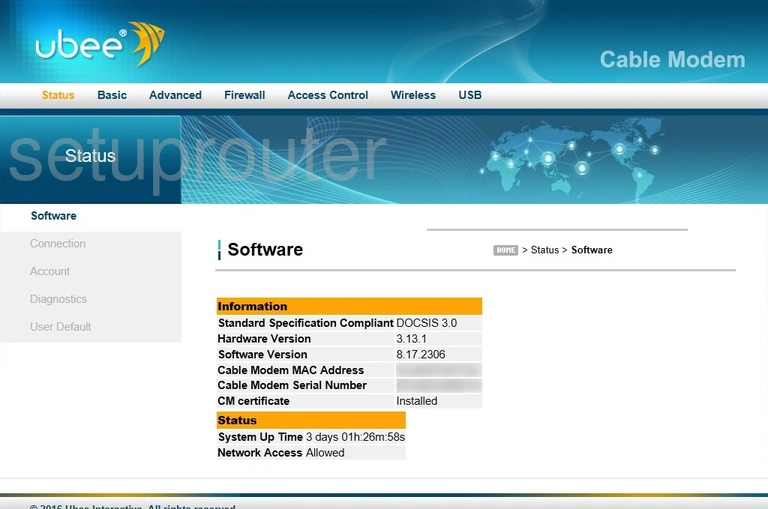
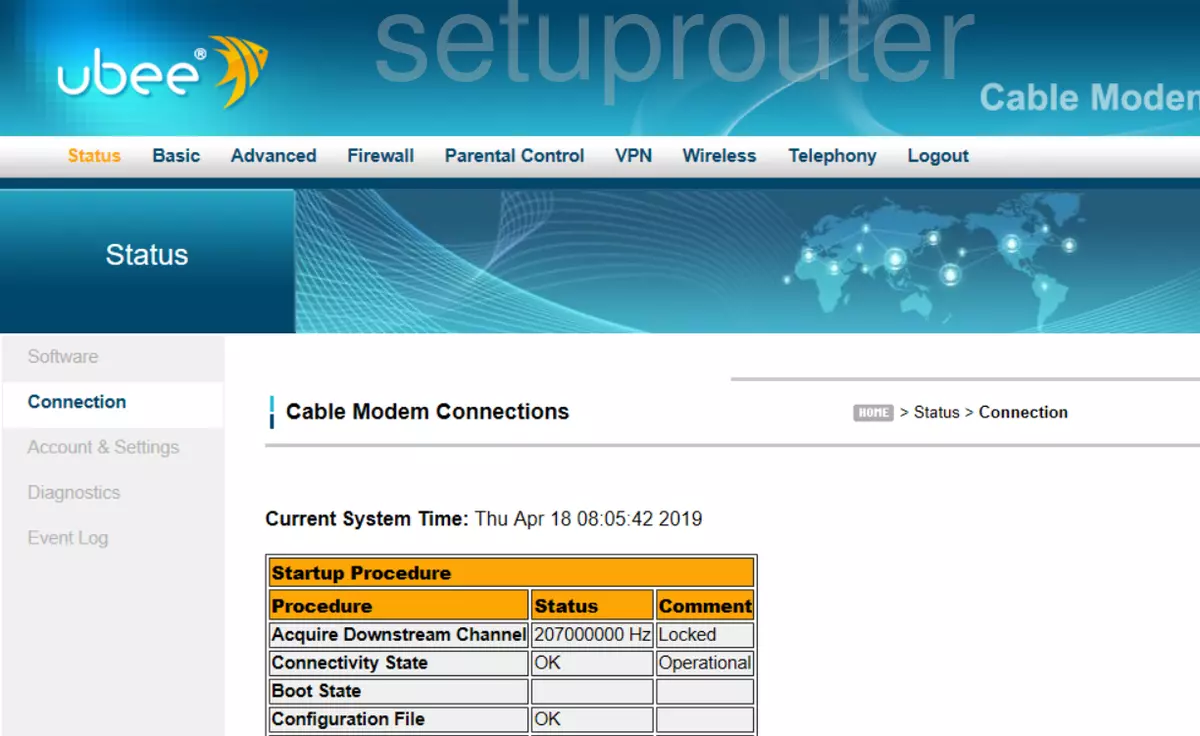
You'll see the Status page. See all defaults on the Ubee passwords page.
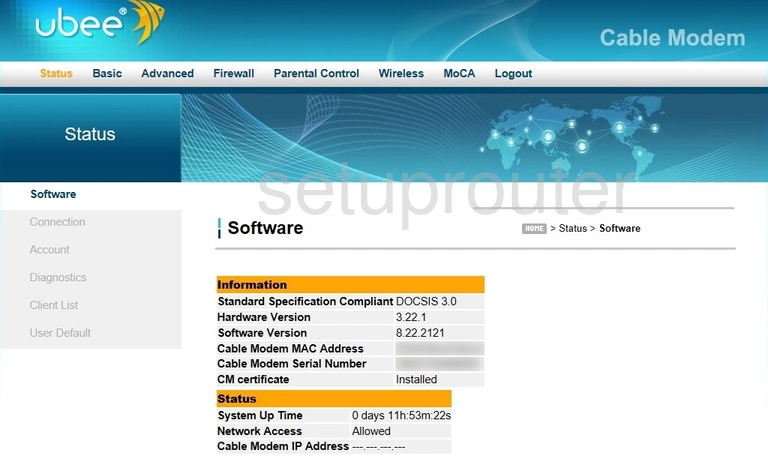
Ubee Login Problems
The password is rejected. Try each default and check the label. Your ISP may have changed it, so ask them, or reset the gateway.
The page won't load. Make sure you're connected to the Ubee, not your own router behind it. In bridge mode, only the status page at 192.168.100.1 works.
Ubee Router Screenshots
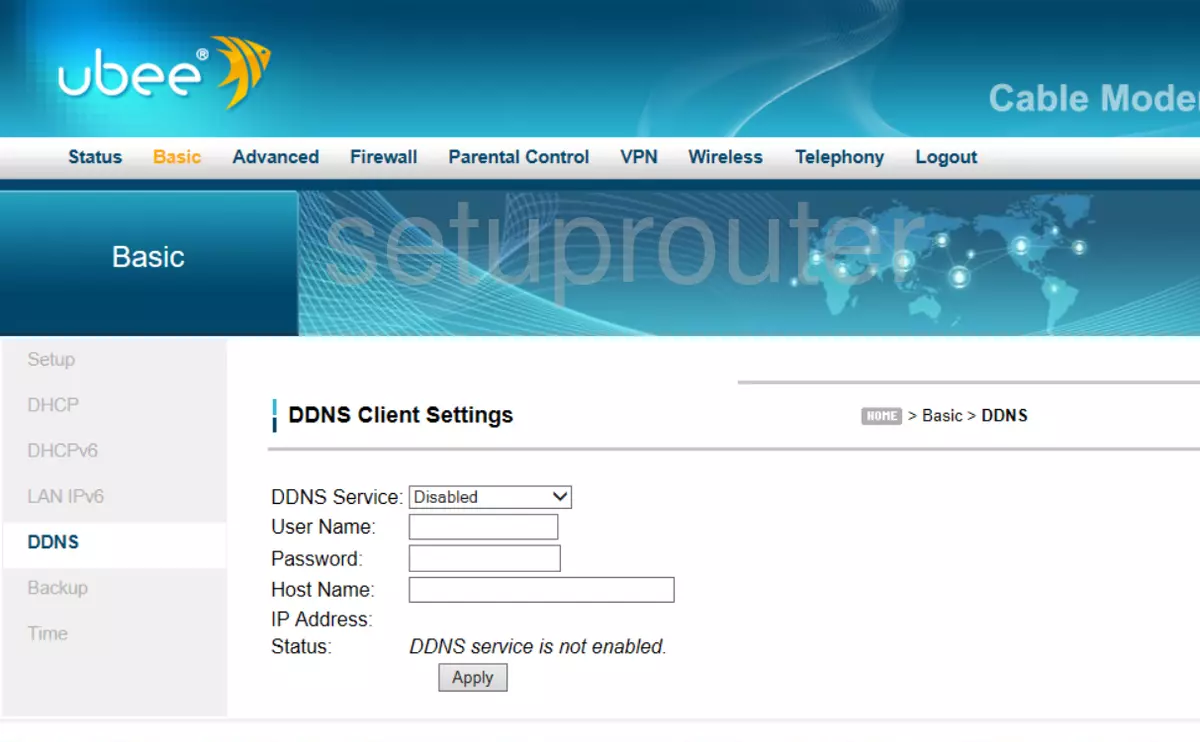
Screens from the Ubee routers we have. Click a model to open it.
Ambit U10C022 (4 screens)
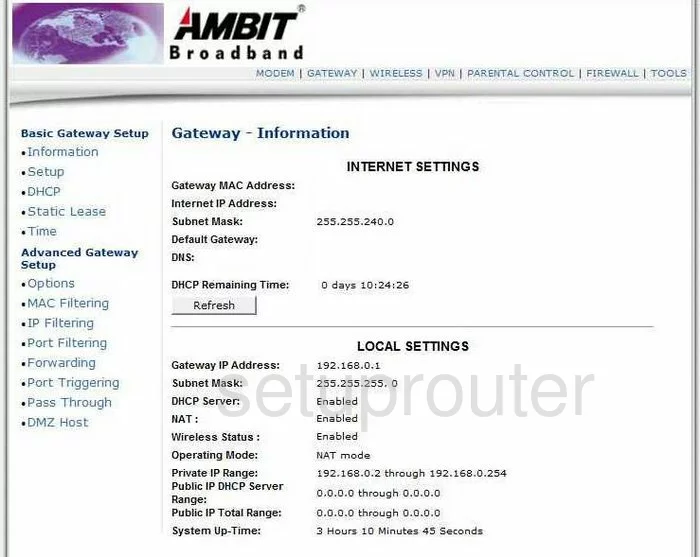
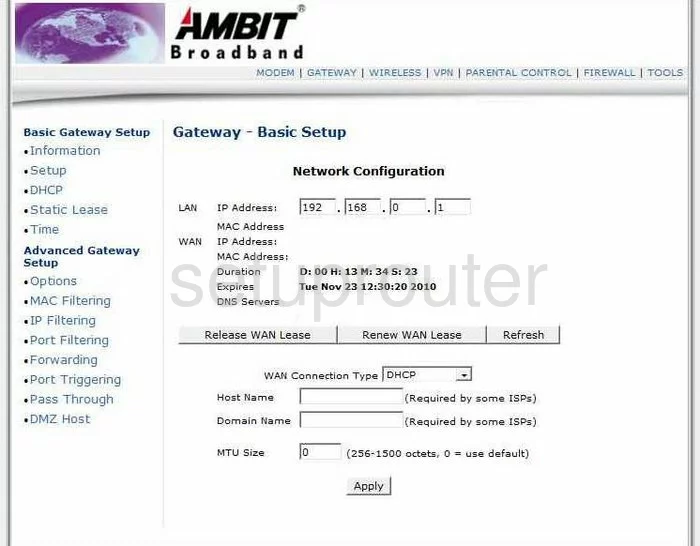
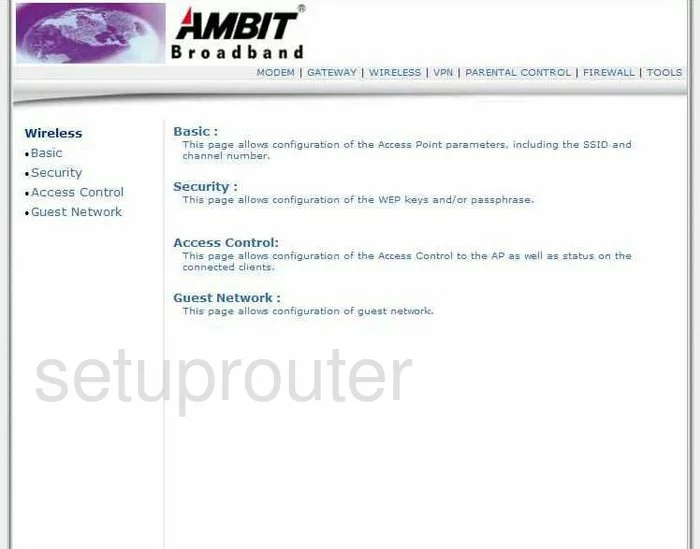
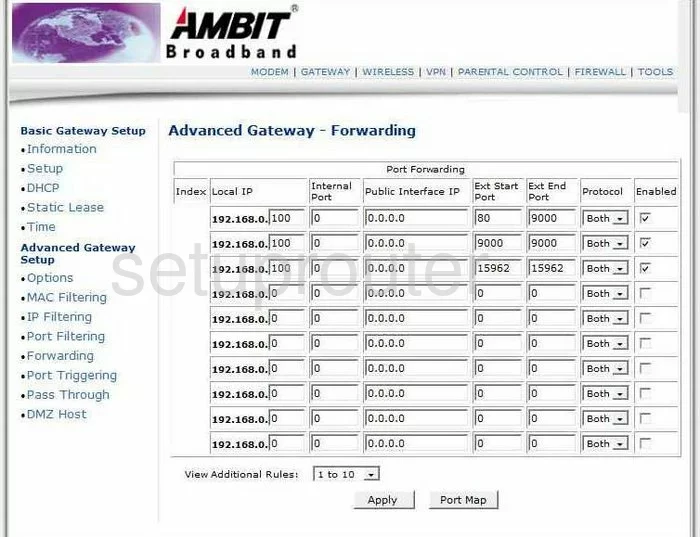
Ambit U10C037 (4 screens)
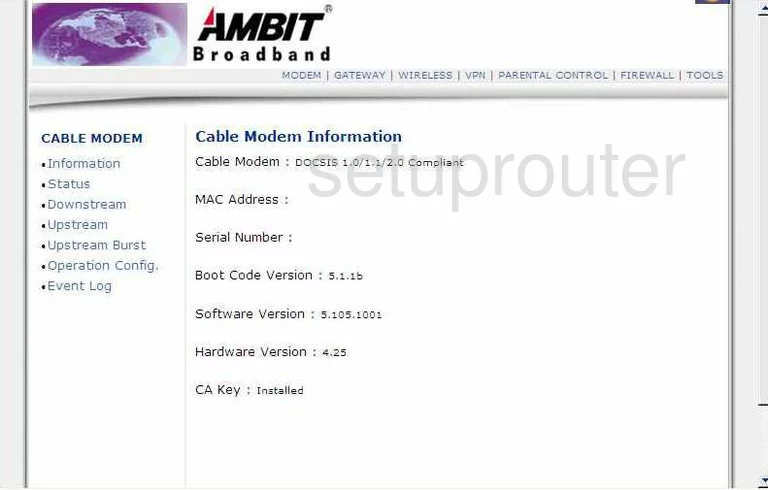
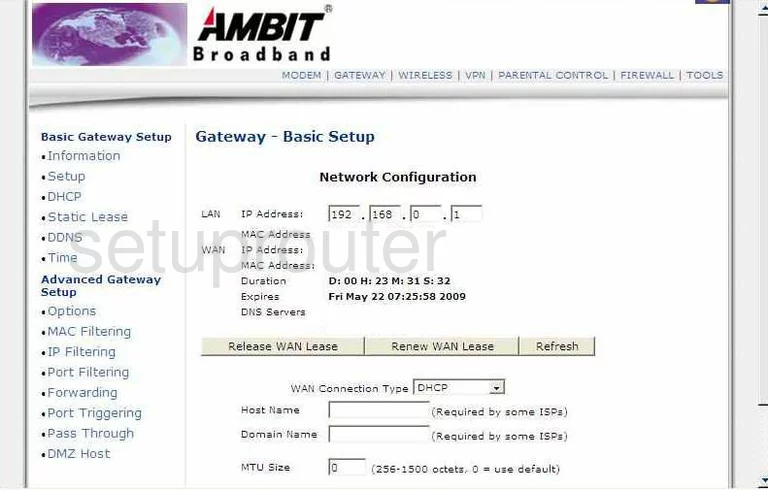
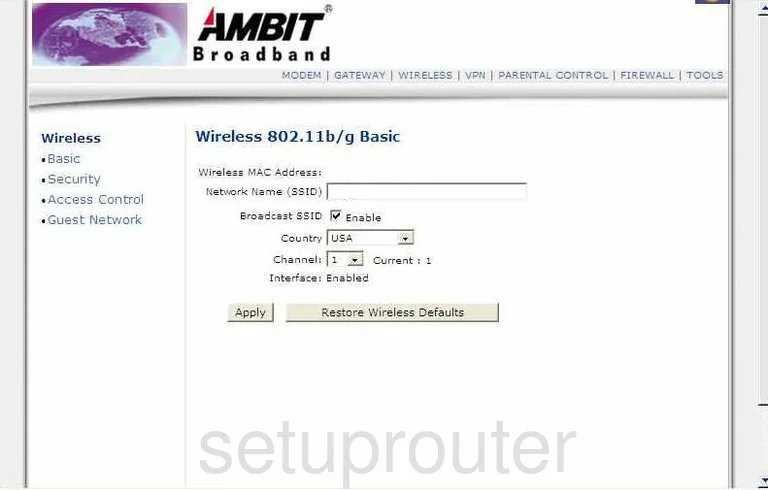
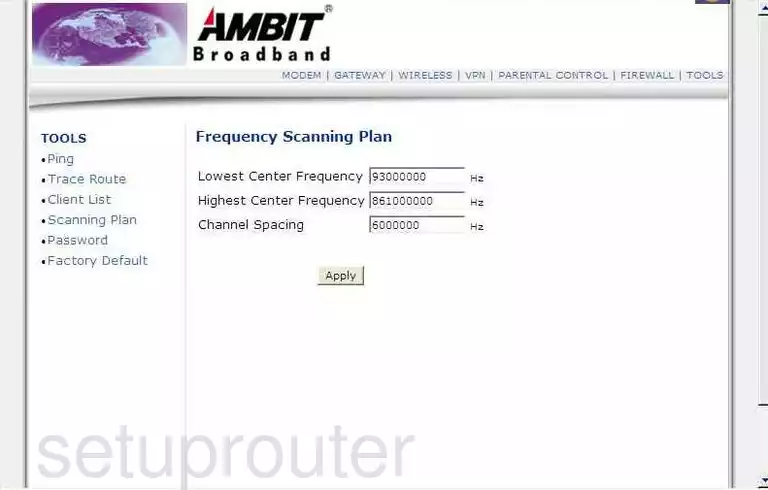
DDW 336 (4 screens)
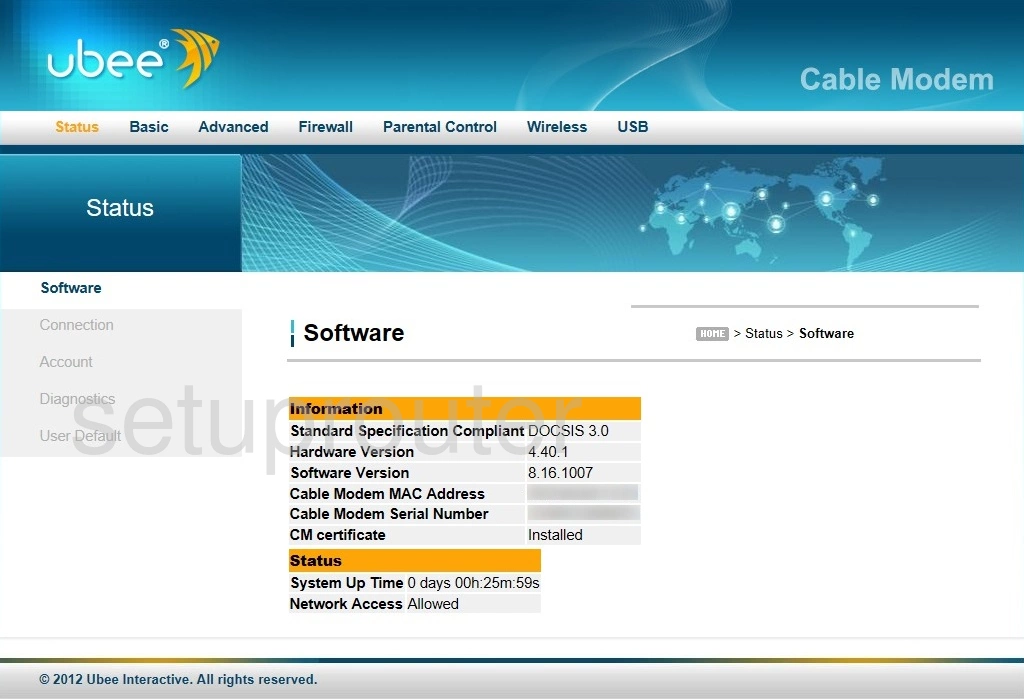
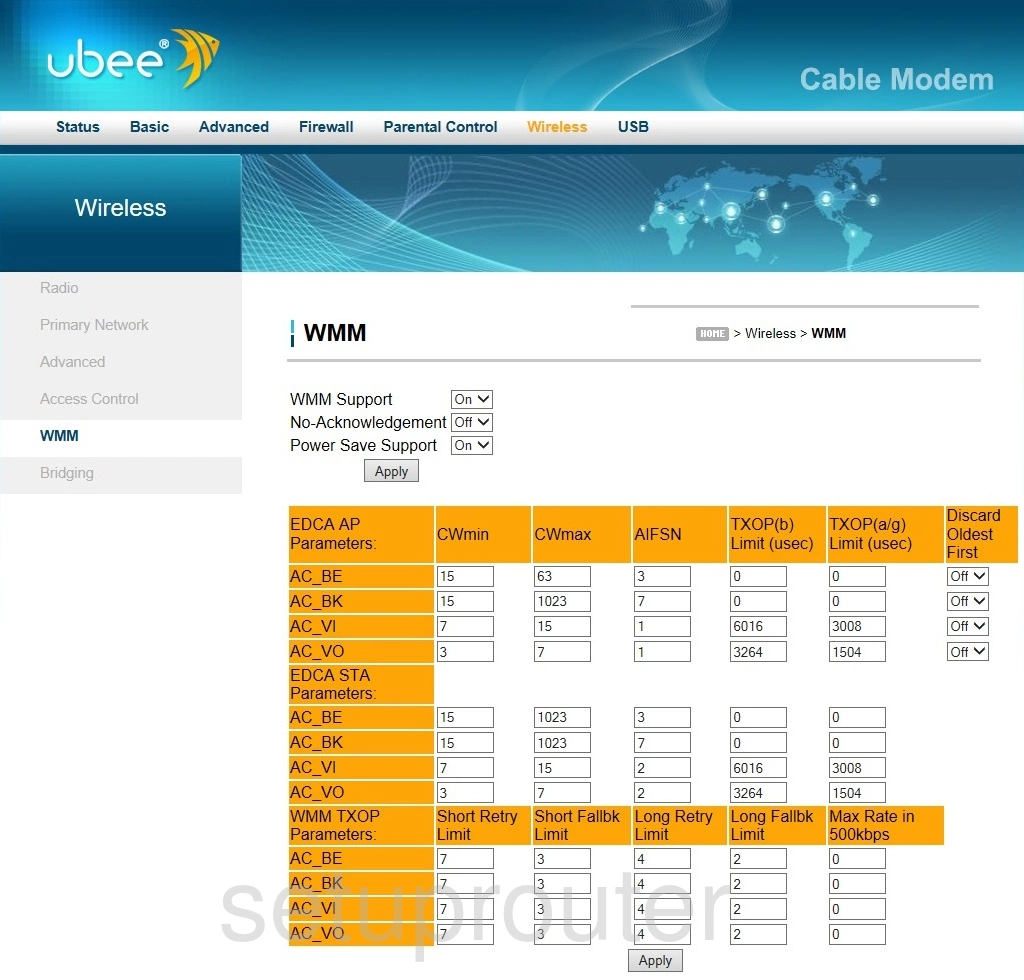
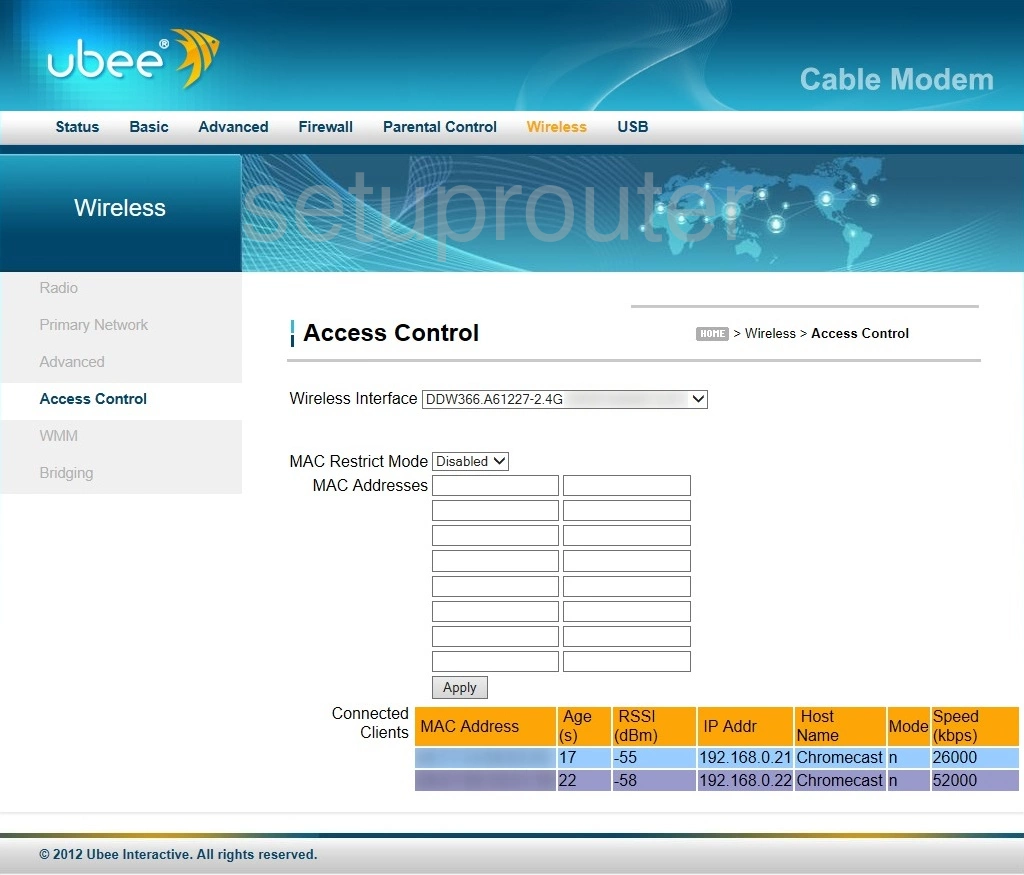
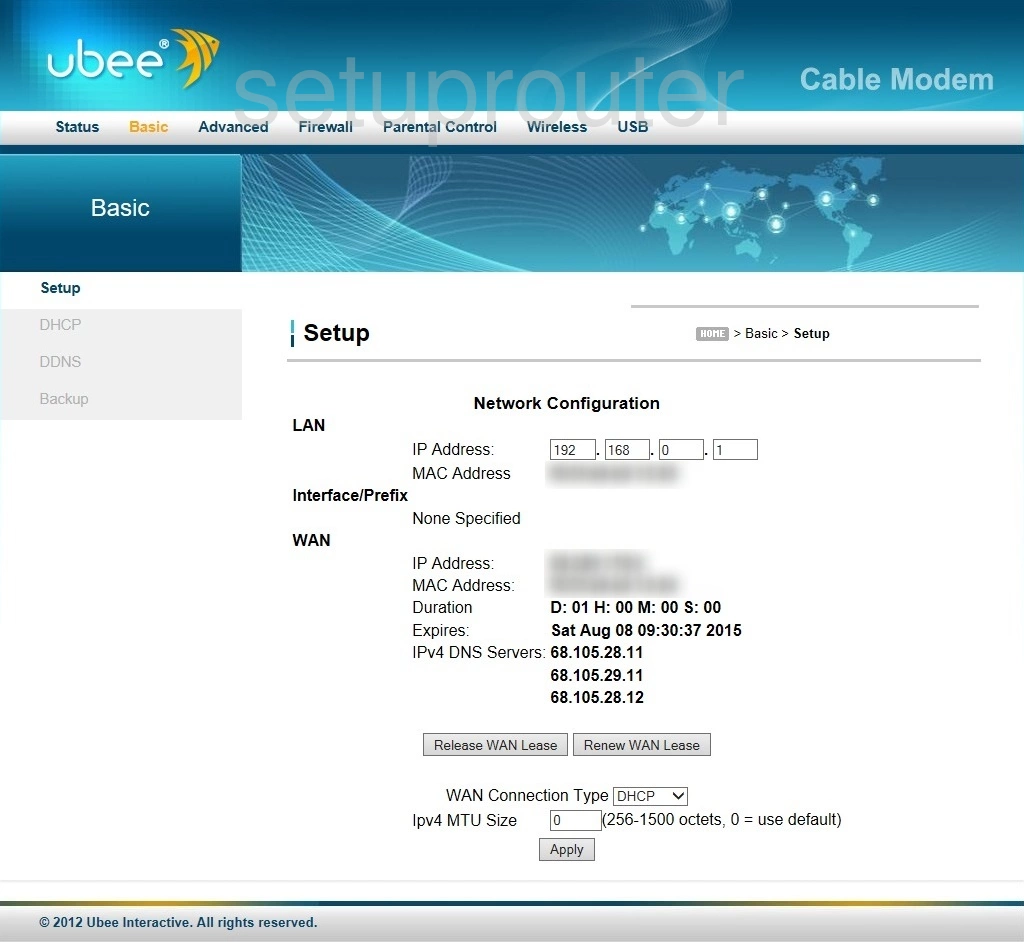
DDW 3610 (4 screens)
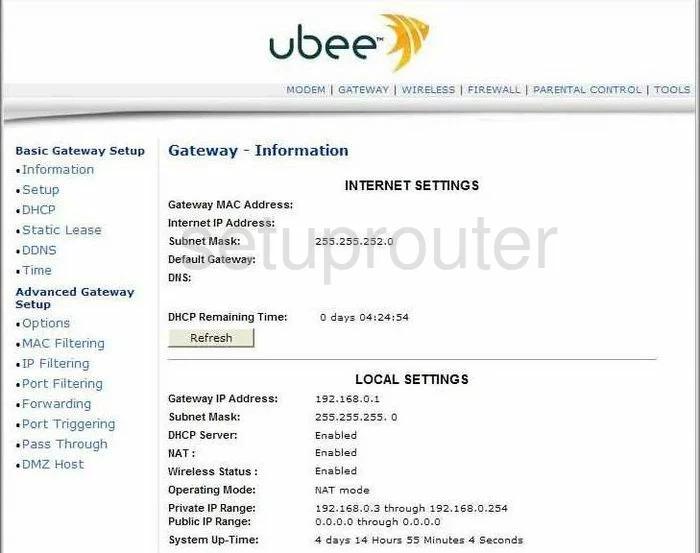
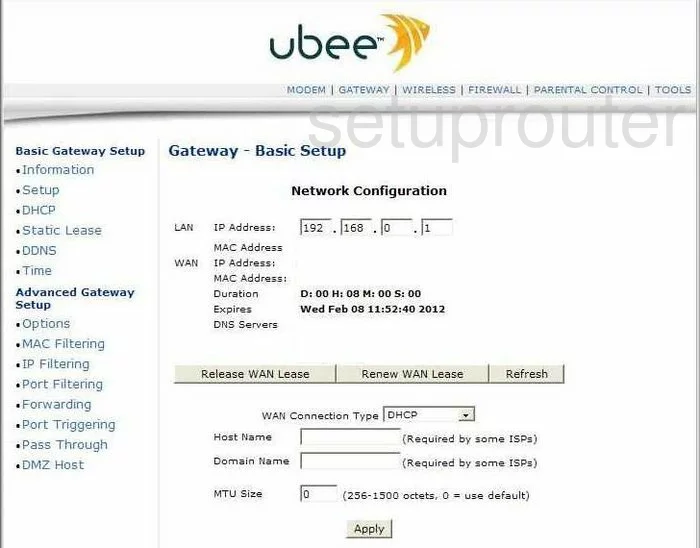
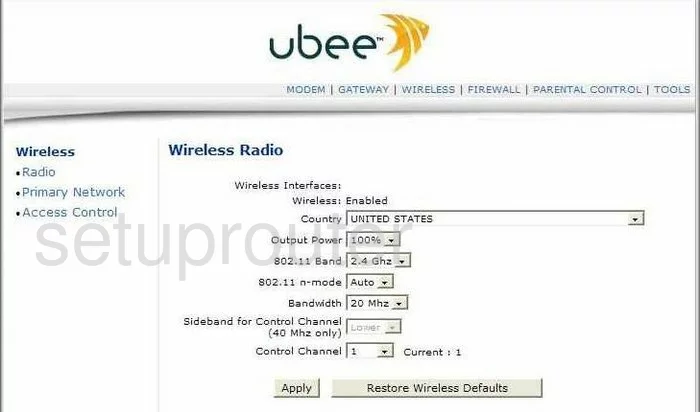
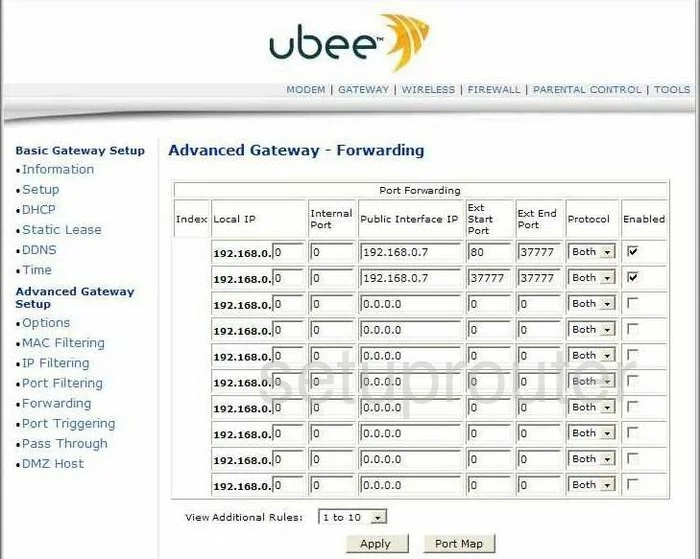
DDW 3611 (4 screens)
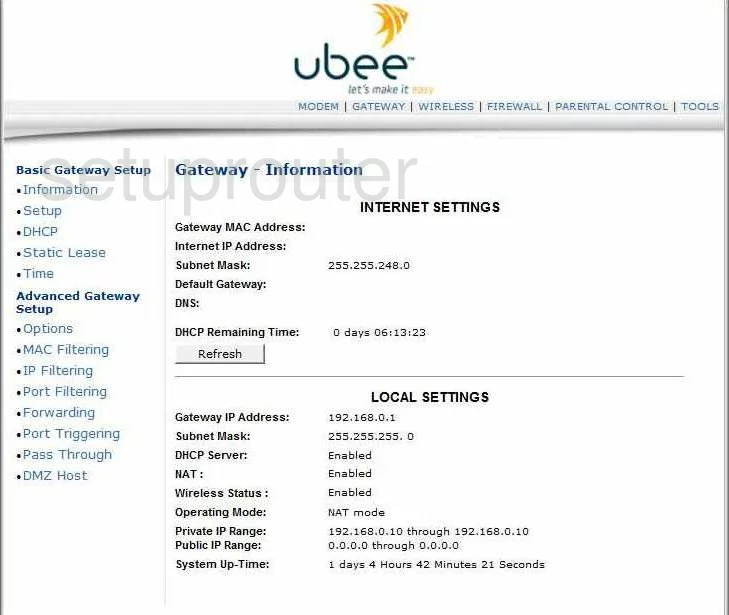
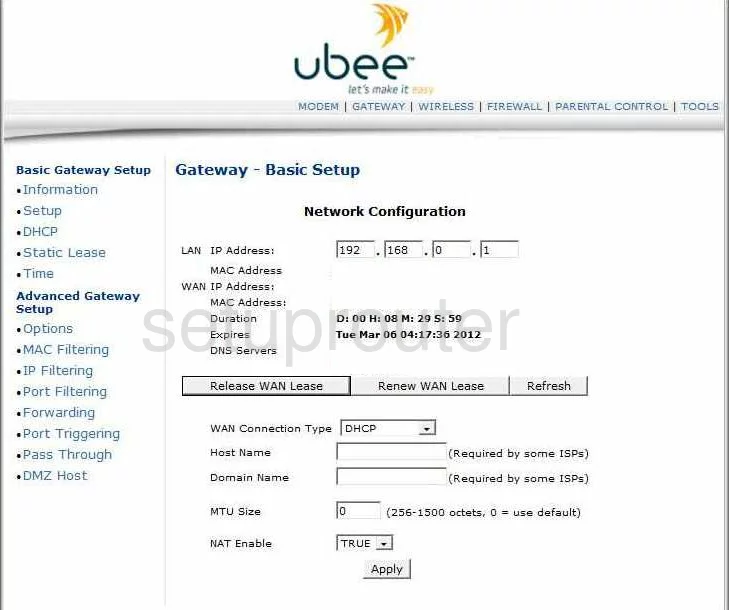
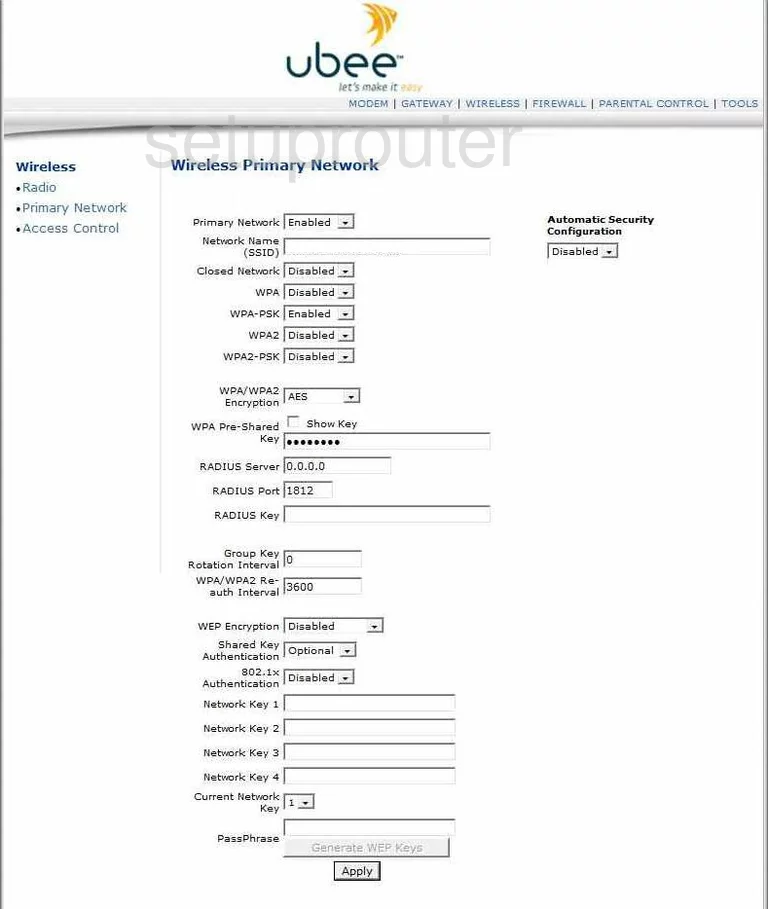
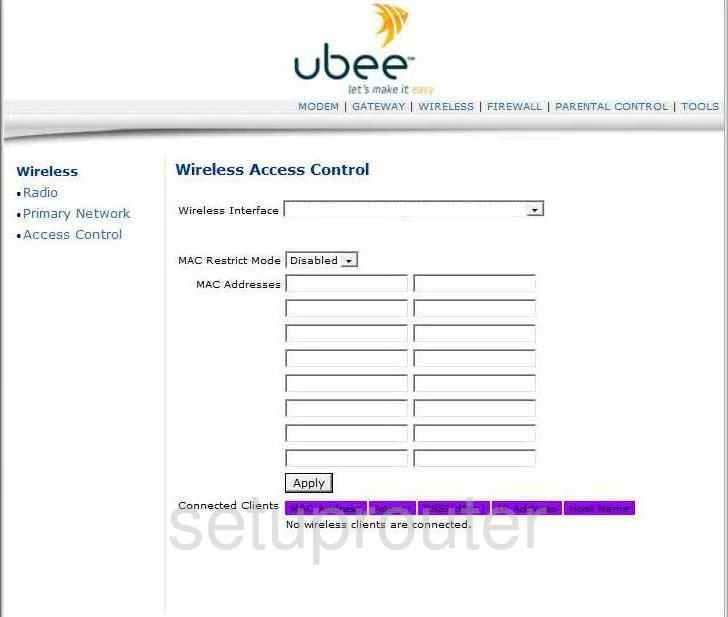
DDW 365 (4 screens)
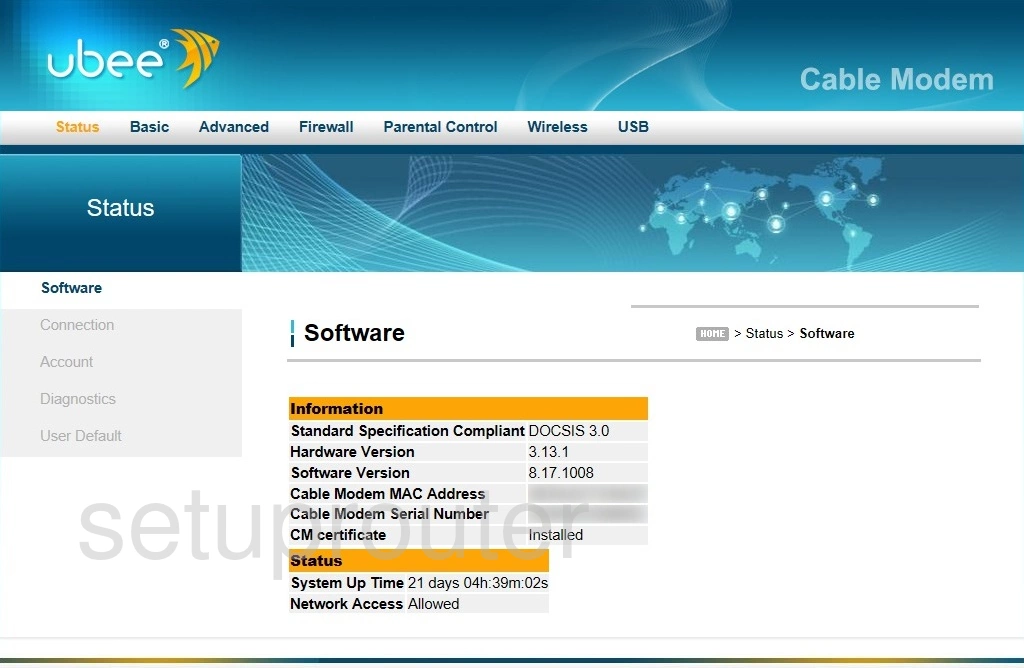
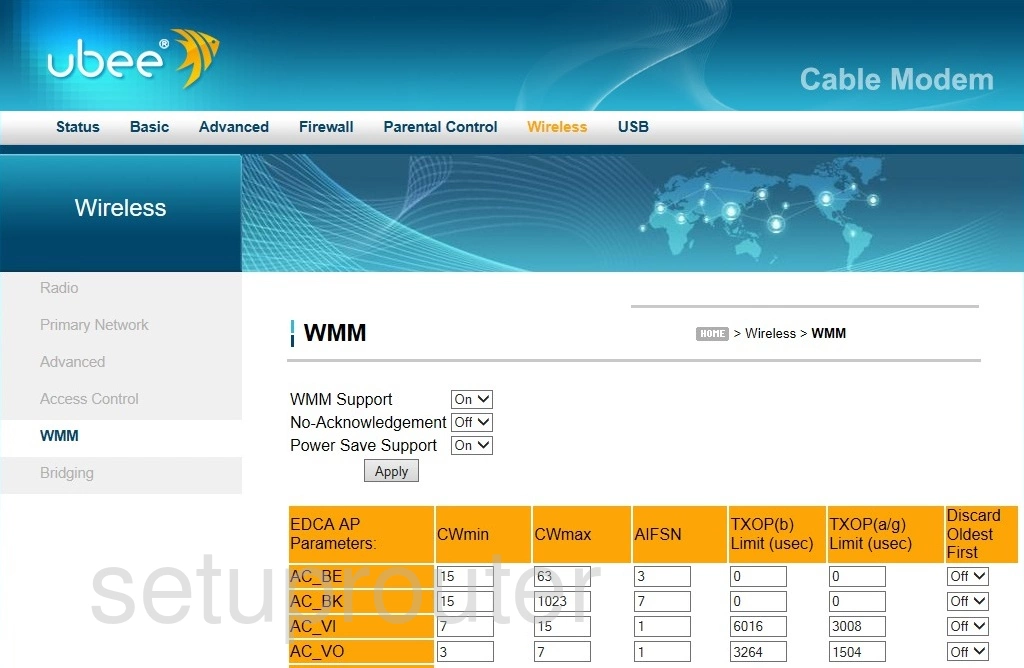
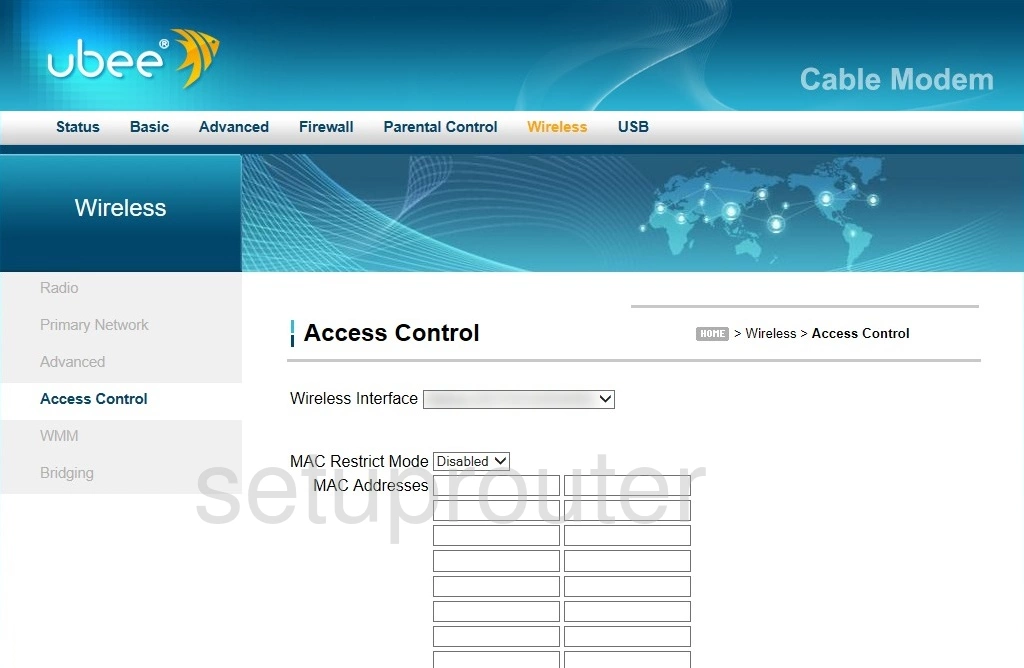
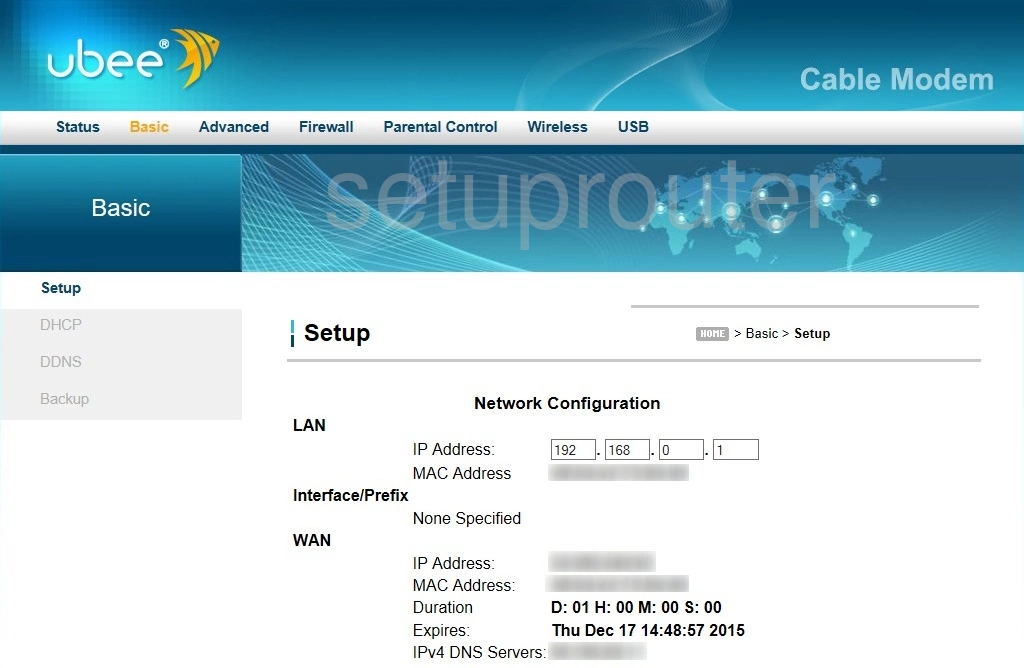
DDW 366 (4 screens)
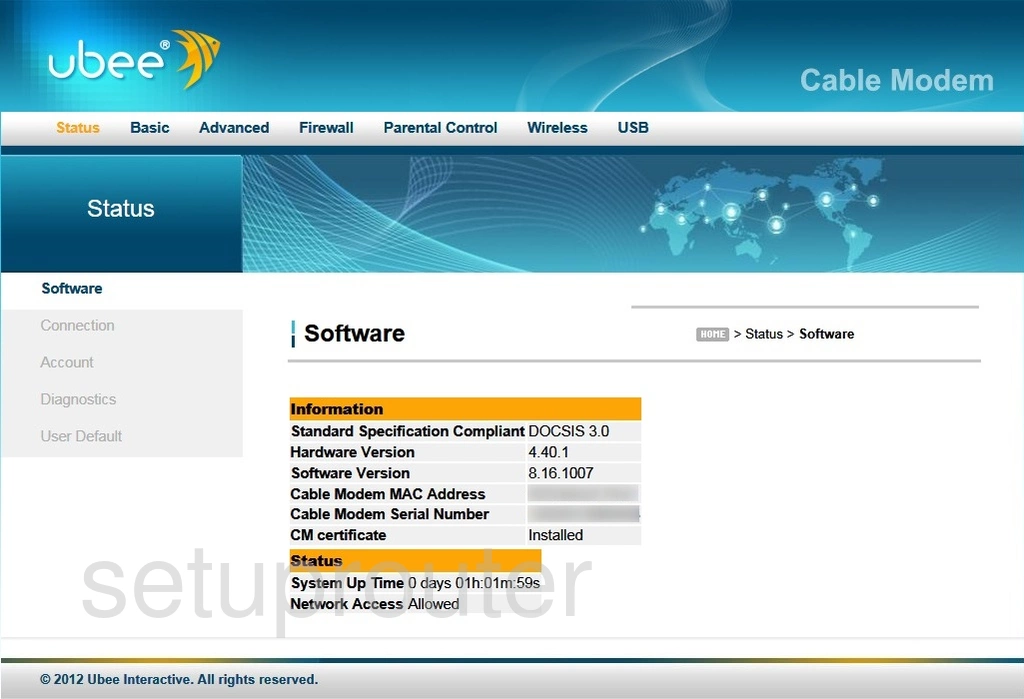
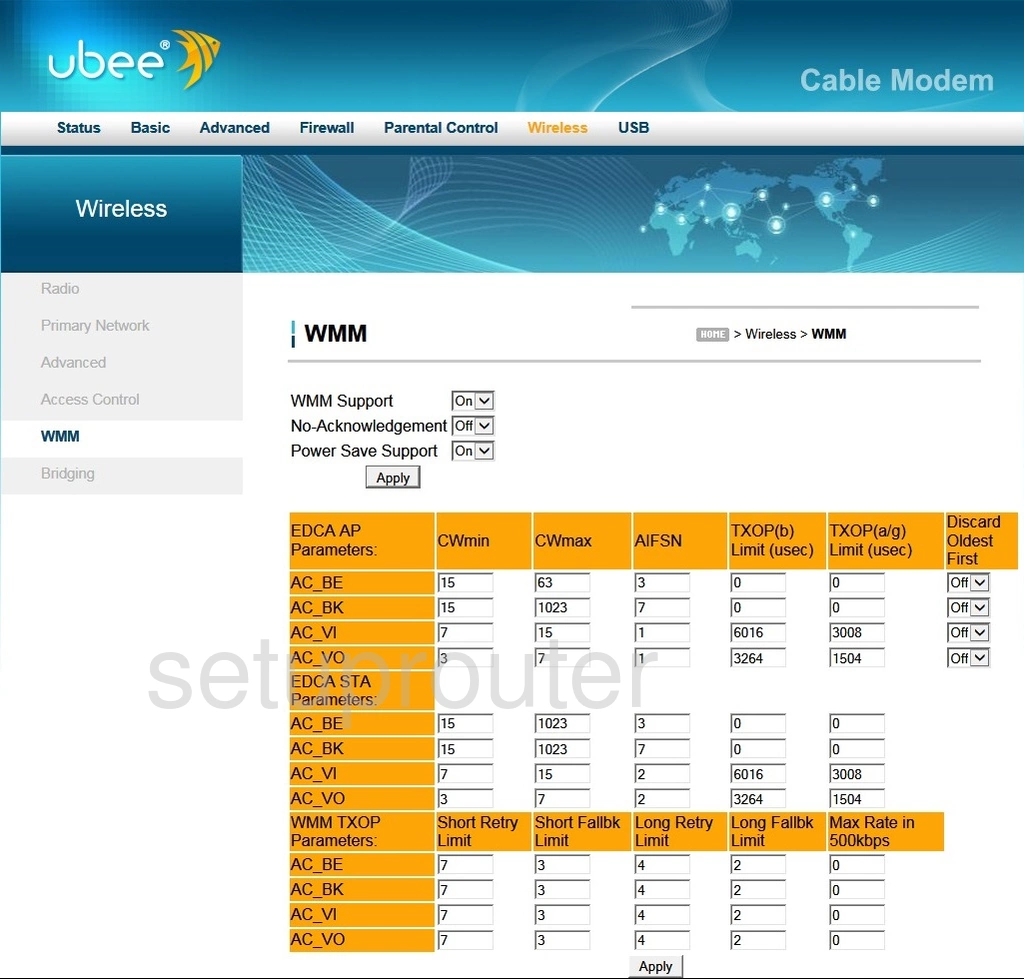
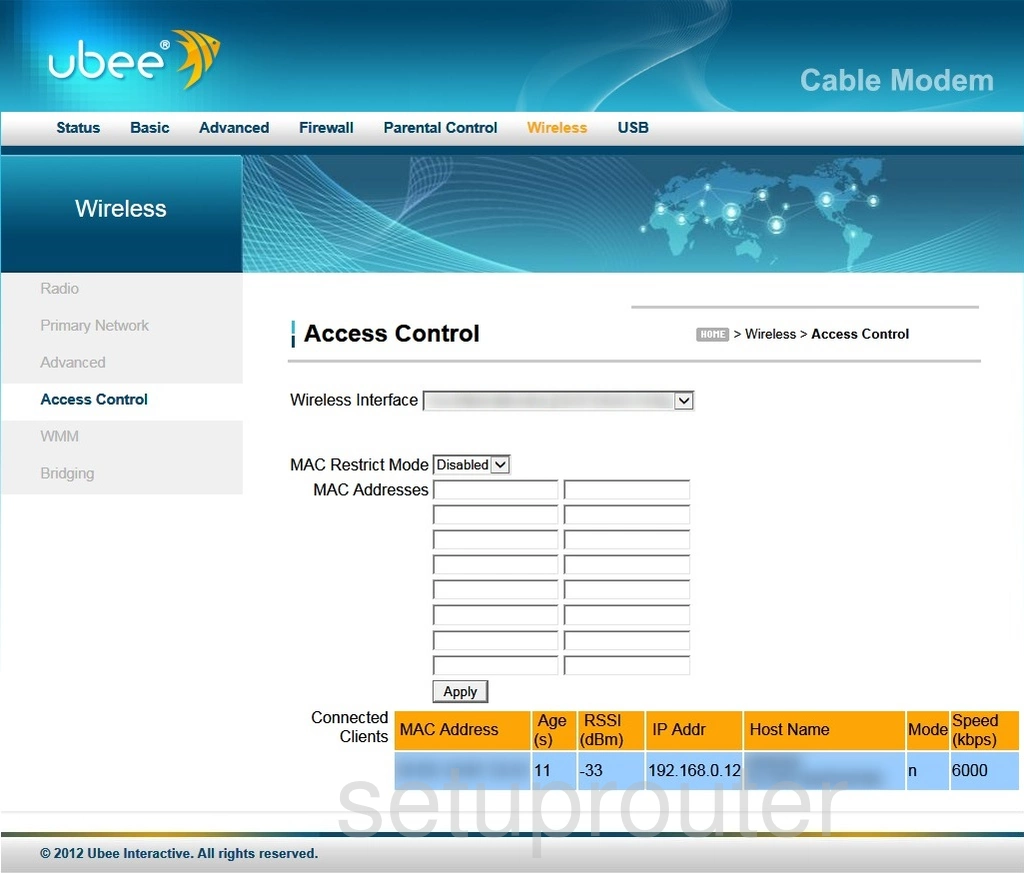
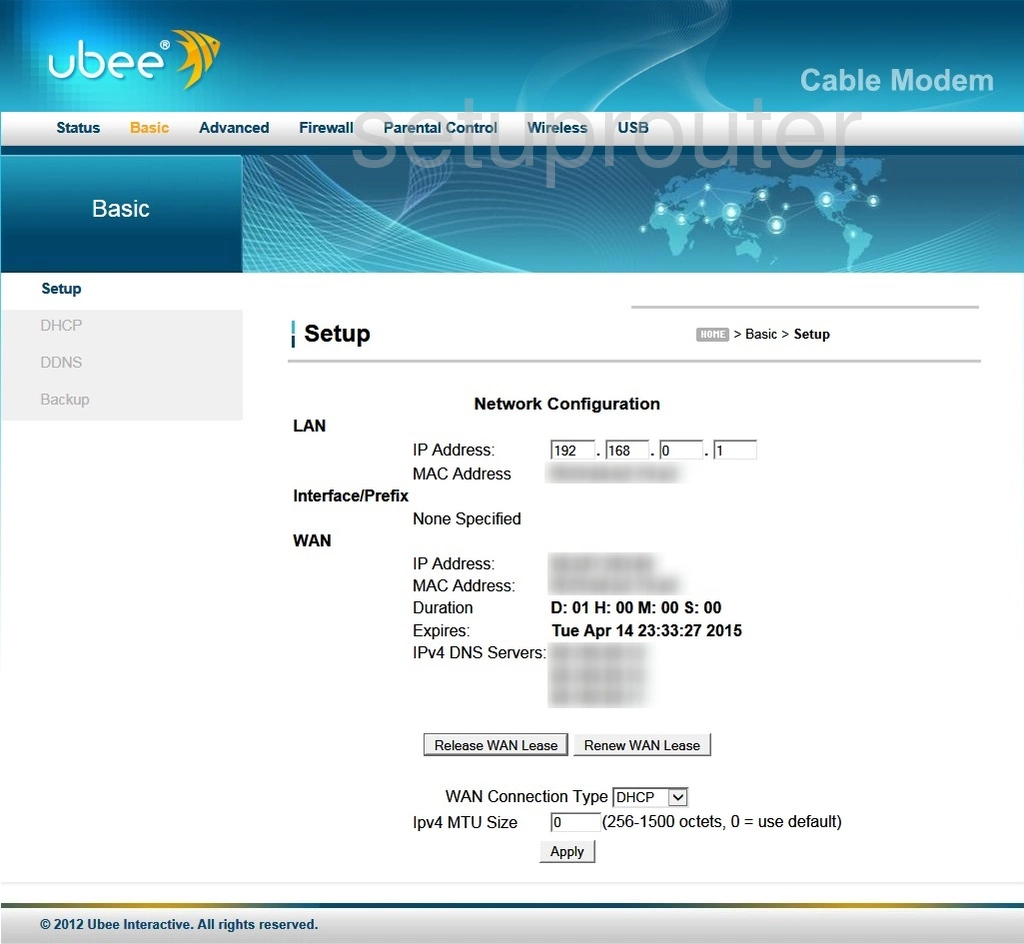
DDW 36C (4 screens)
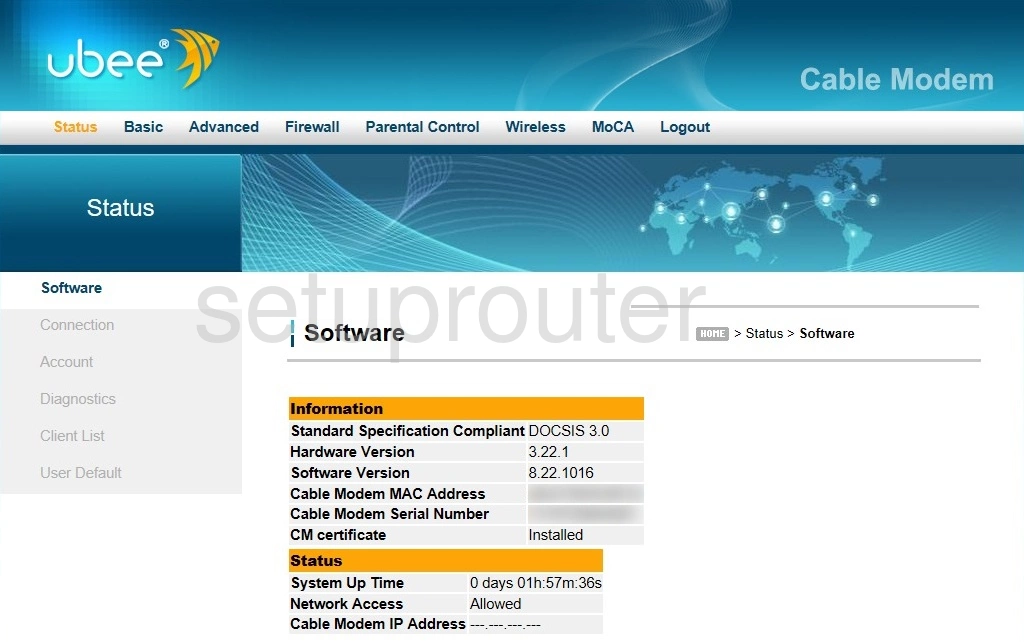
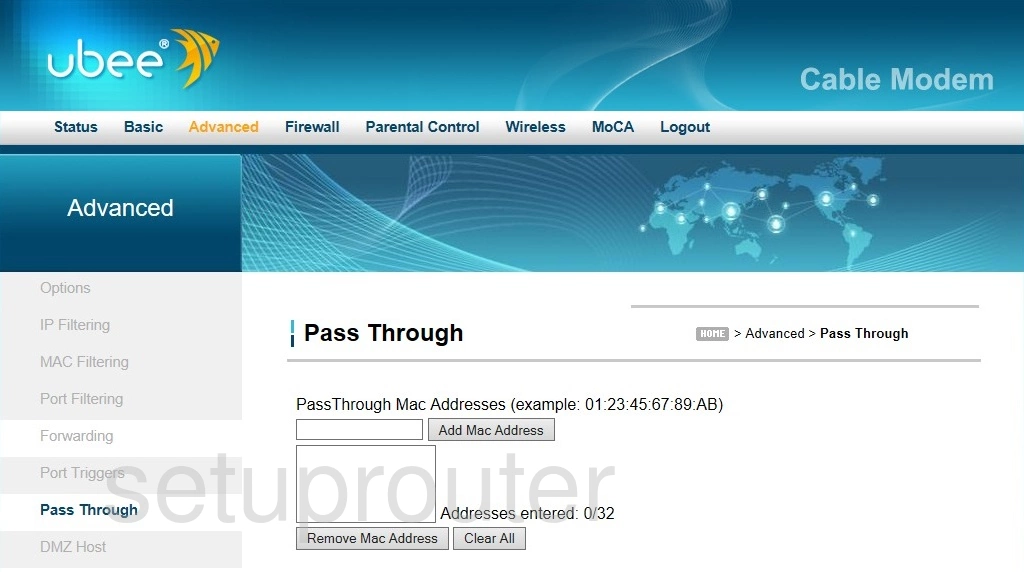
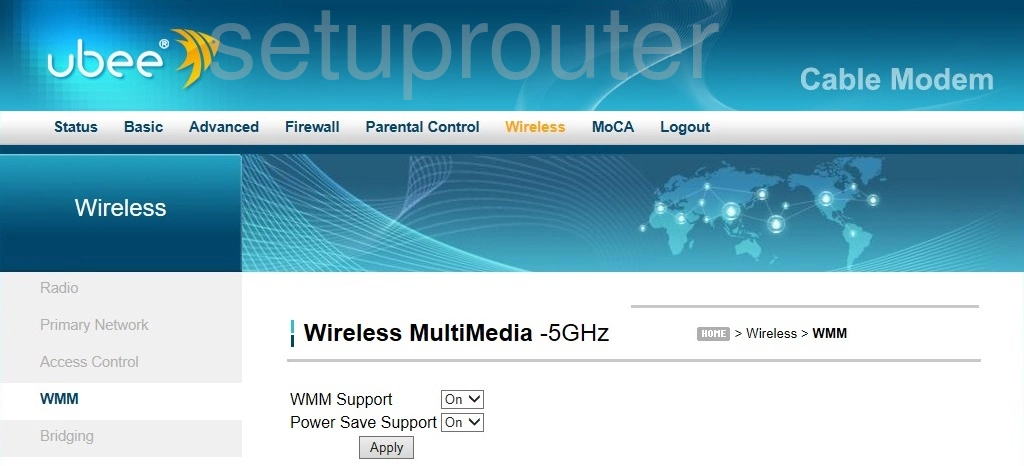
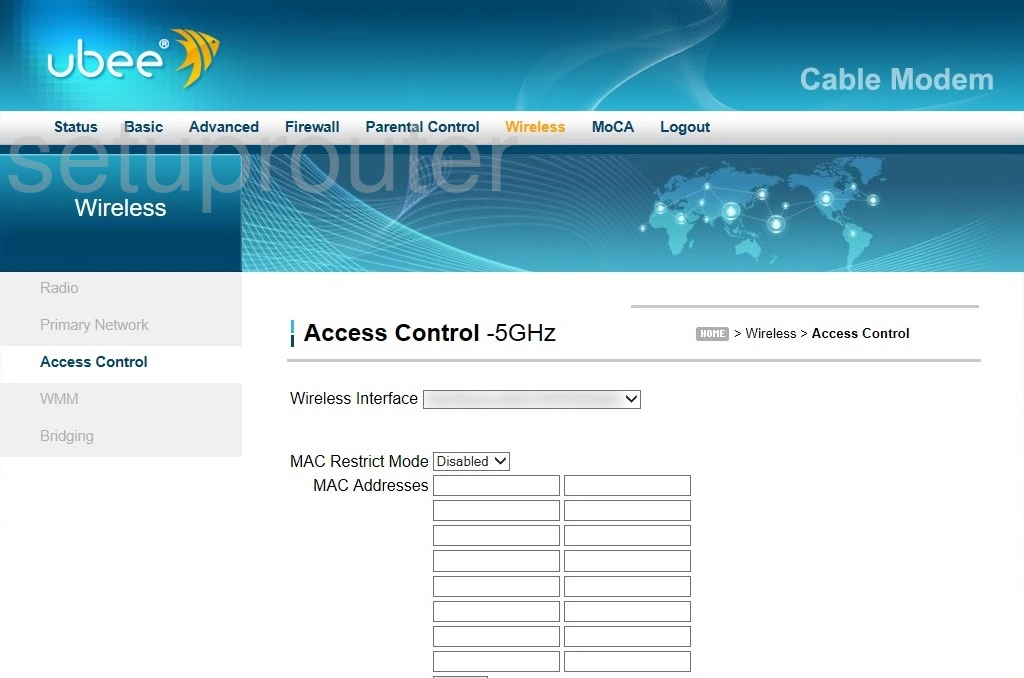
DDW3650 (4 screens)
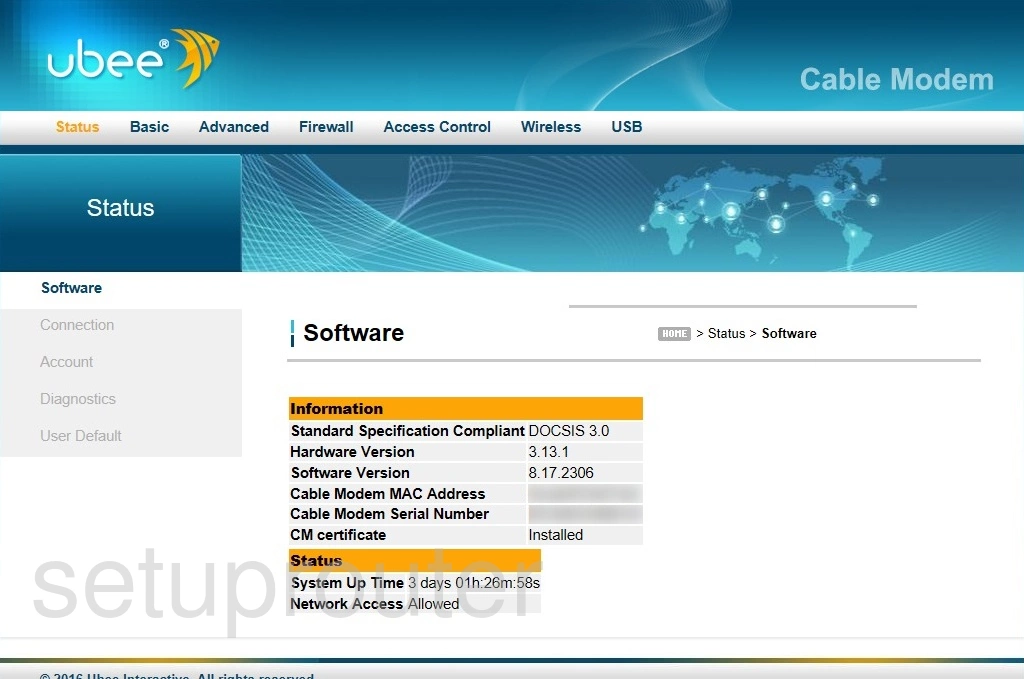
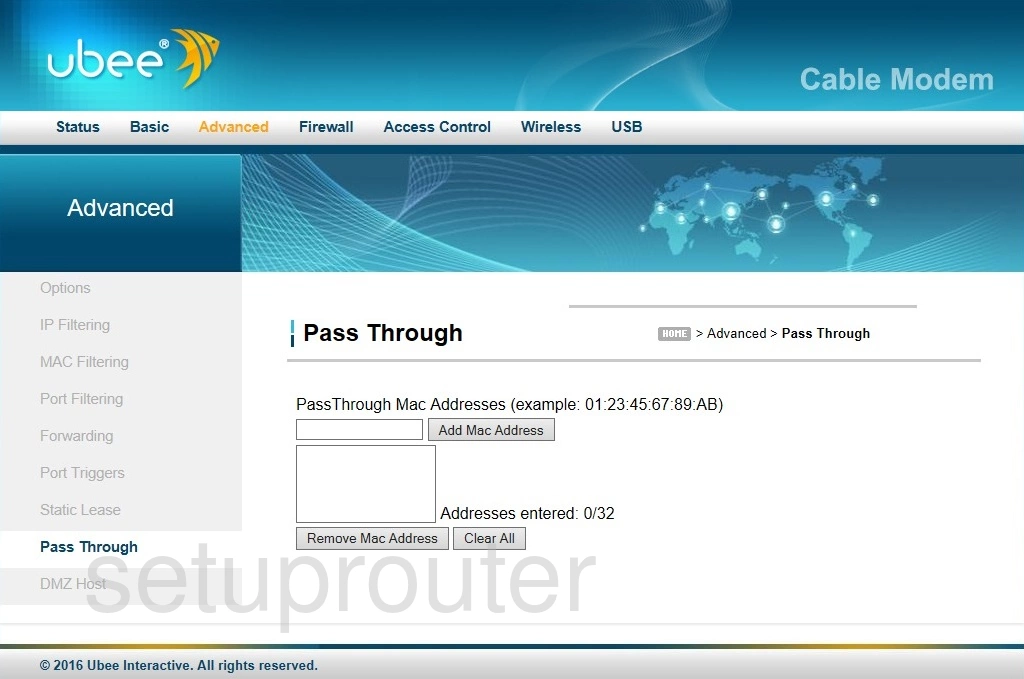
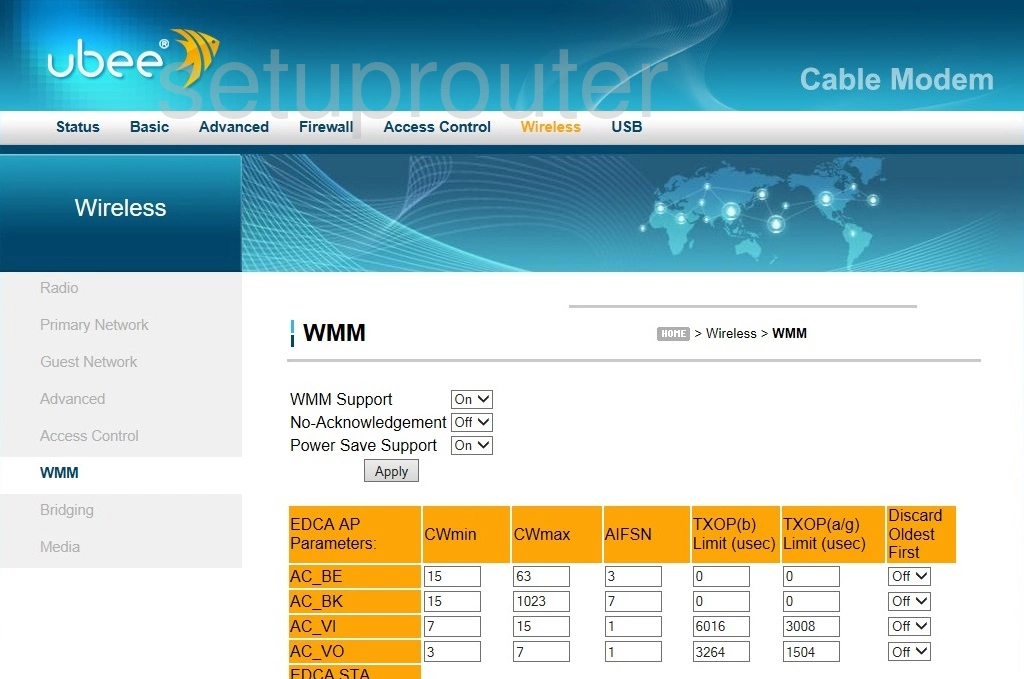
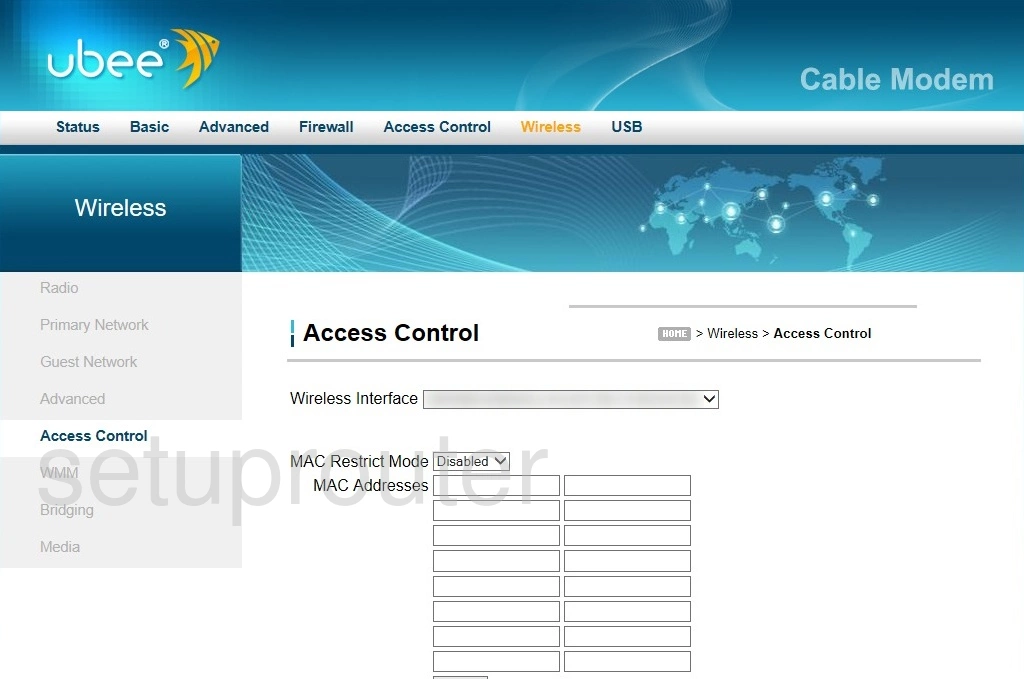
DDW36C1 (4 screens)
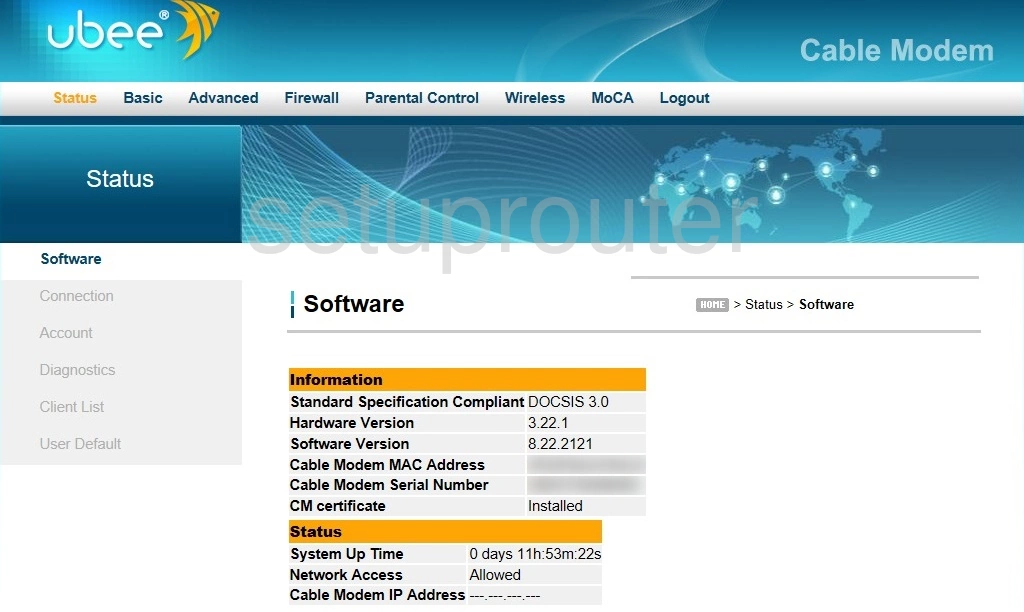
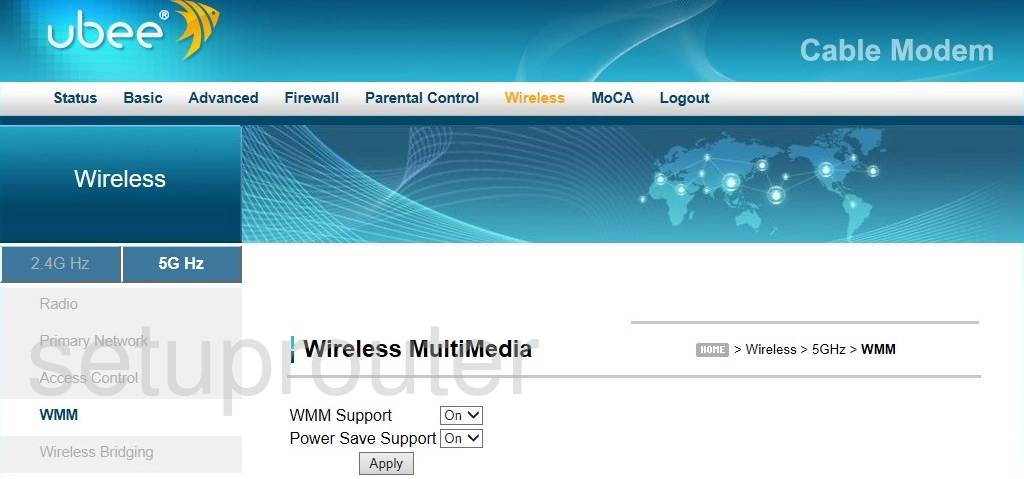
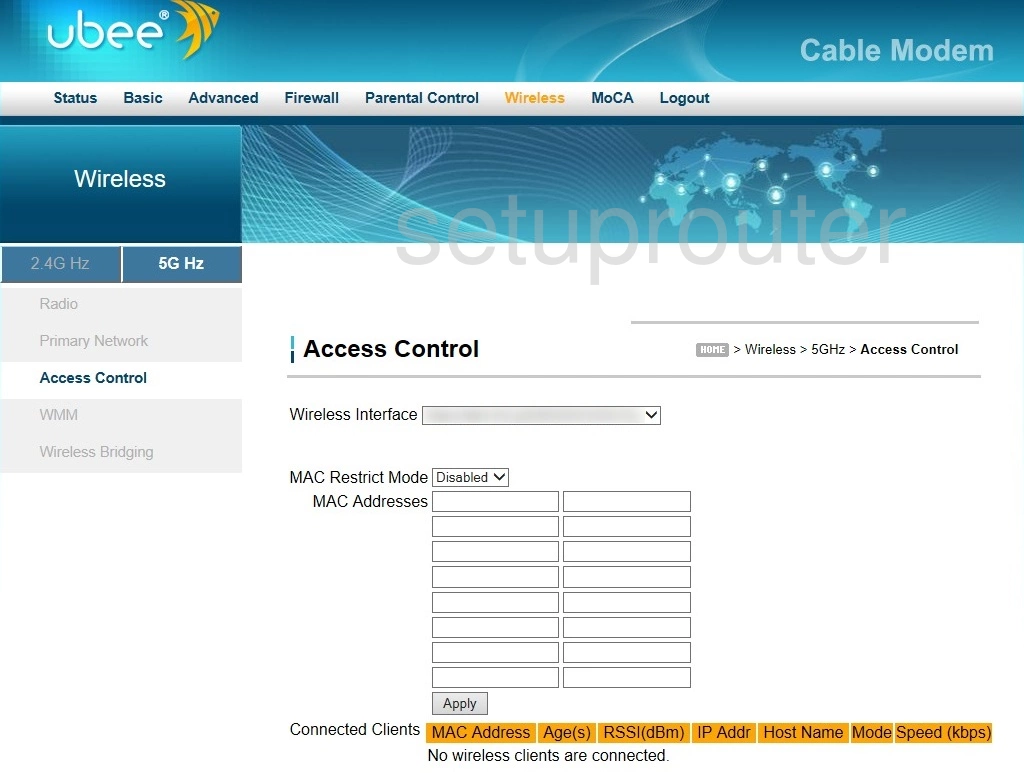
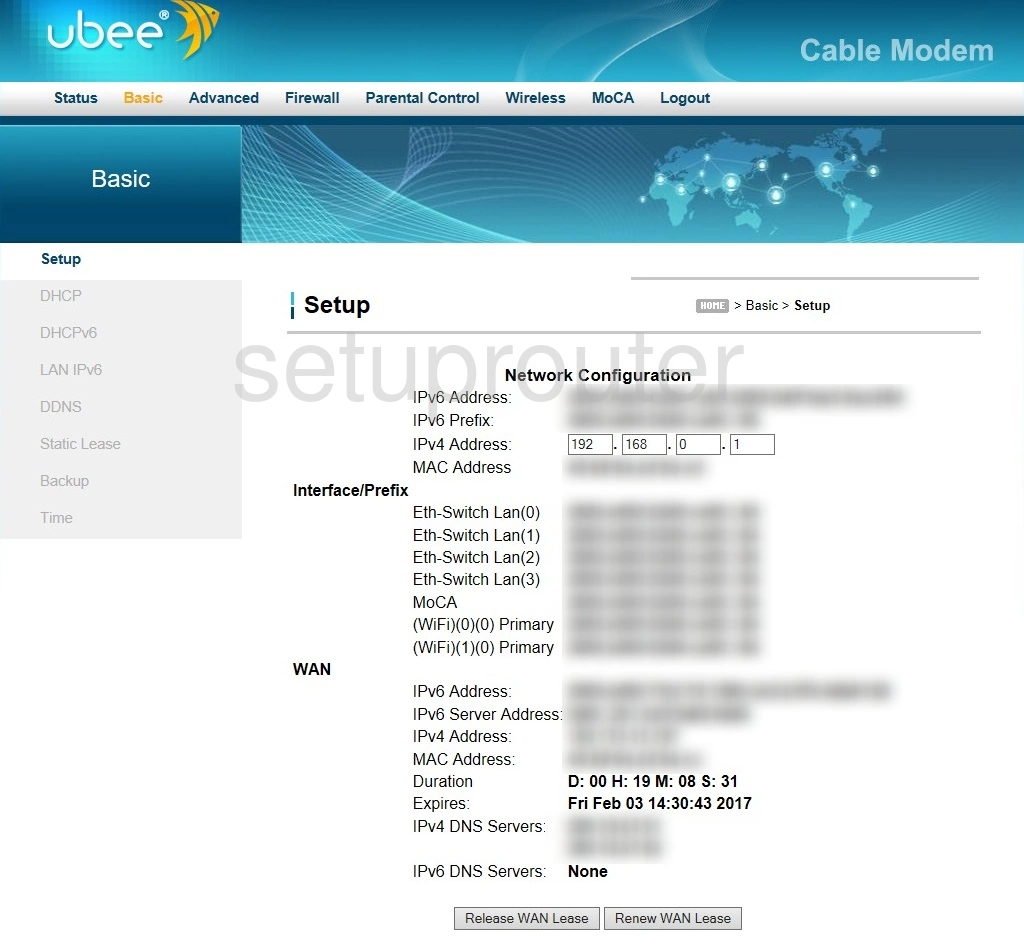
DVW 3102B (4 screens)
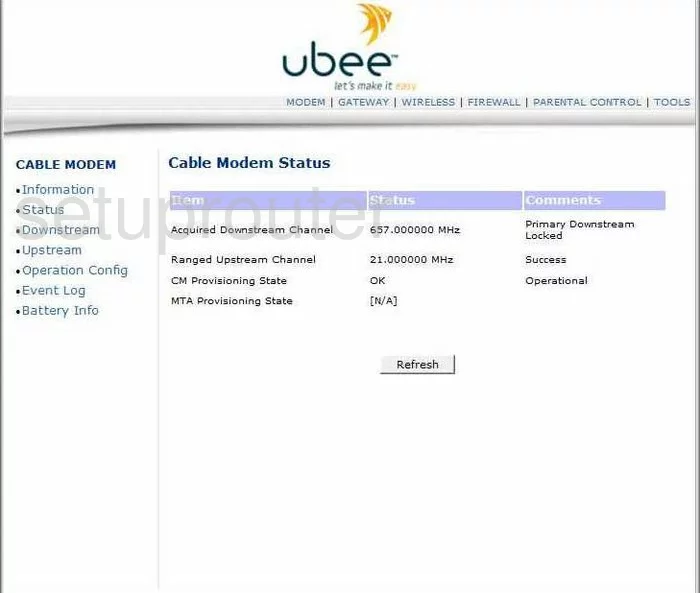
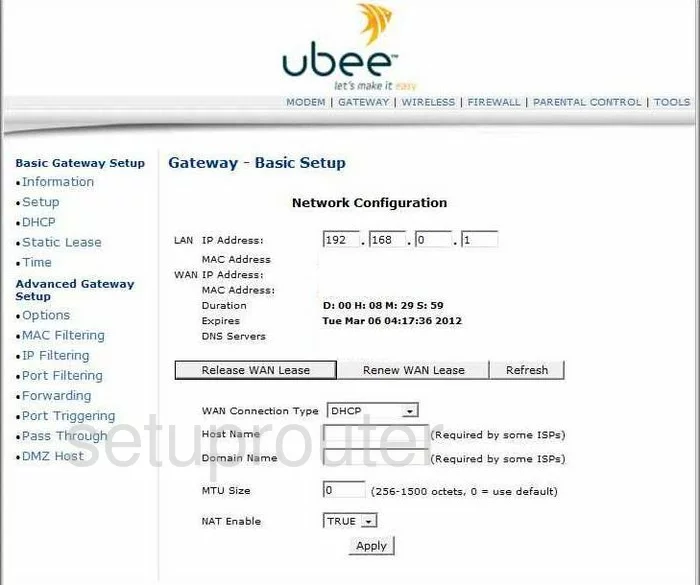
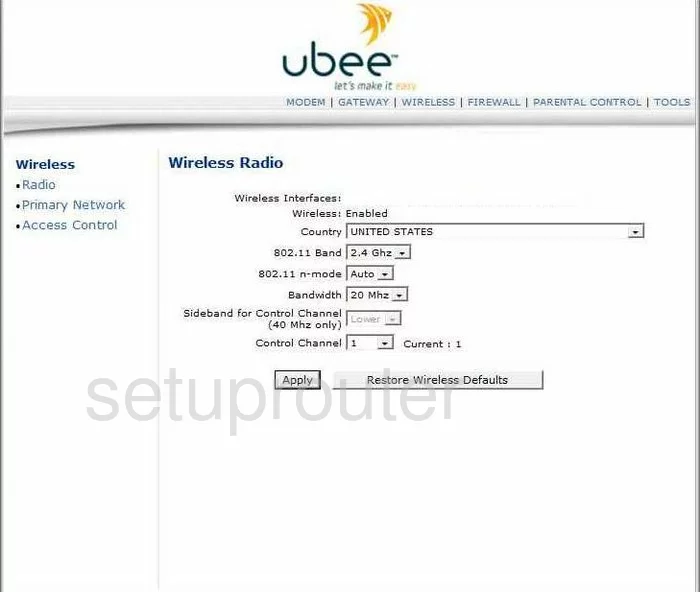
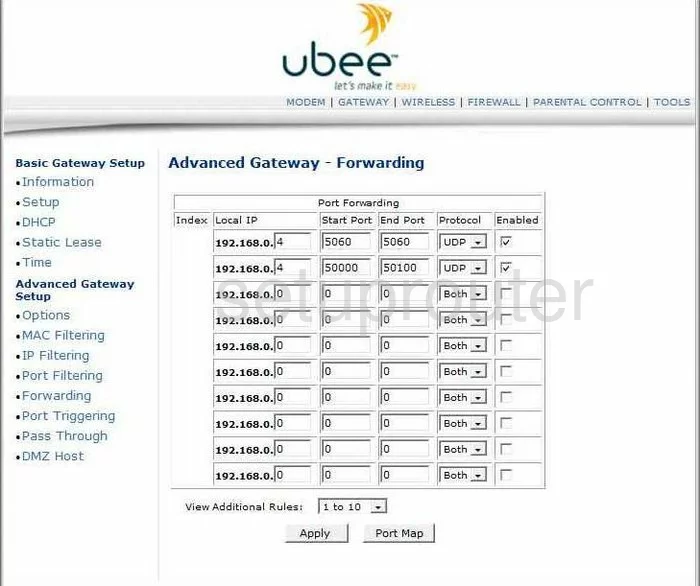
DVW 326 (4 screens)
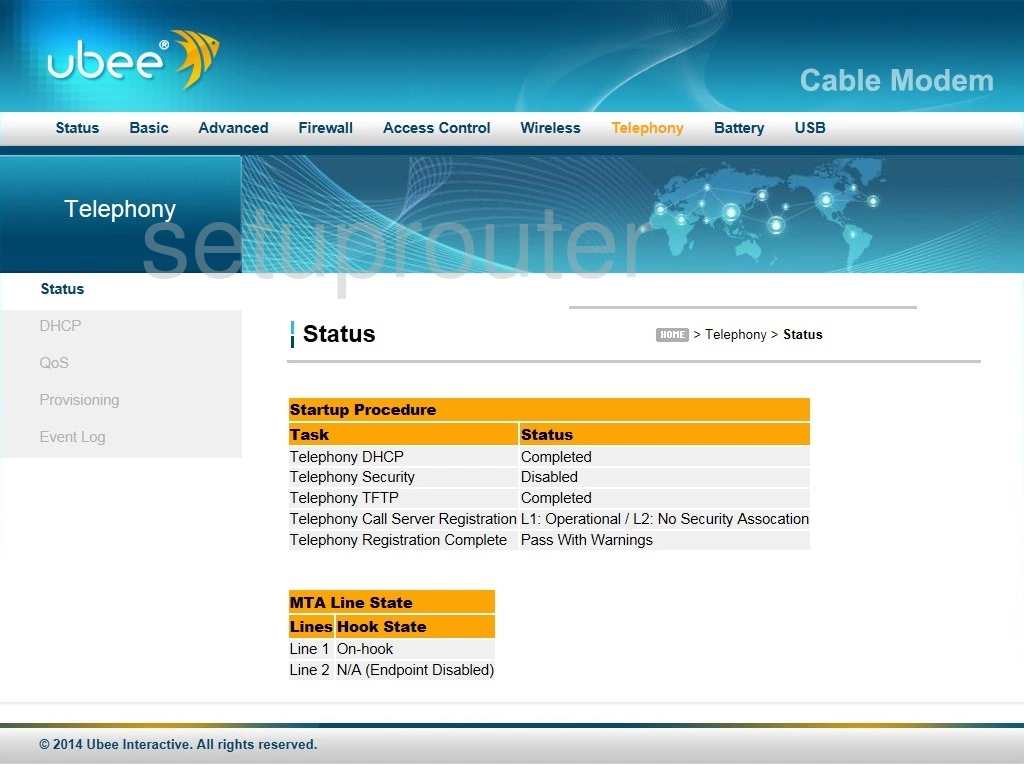
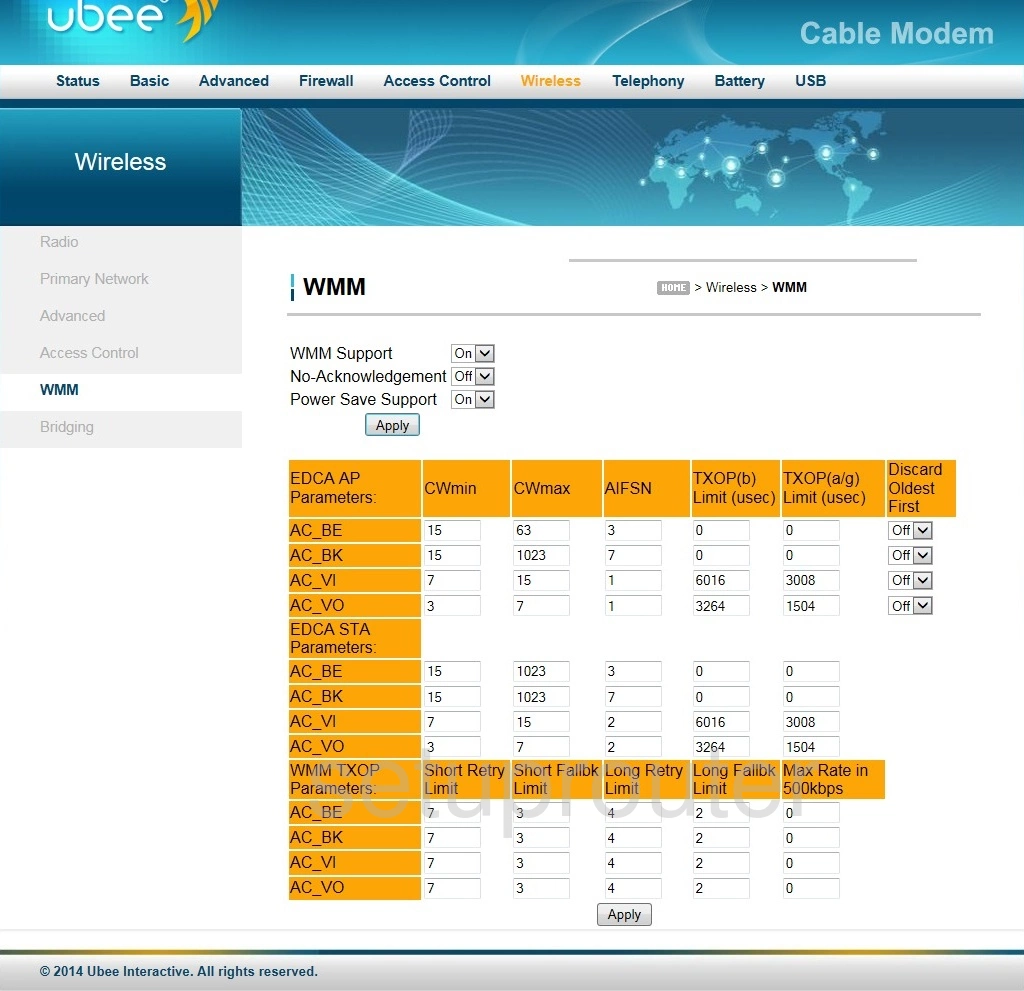
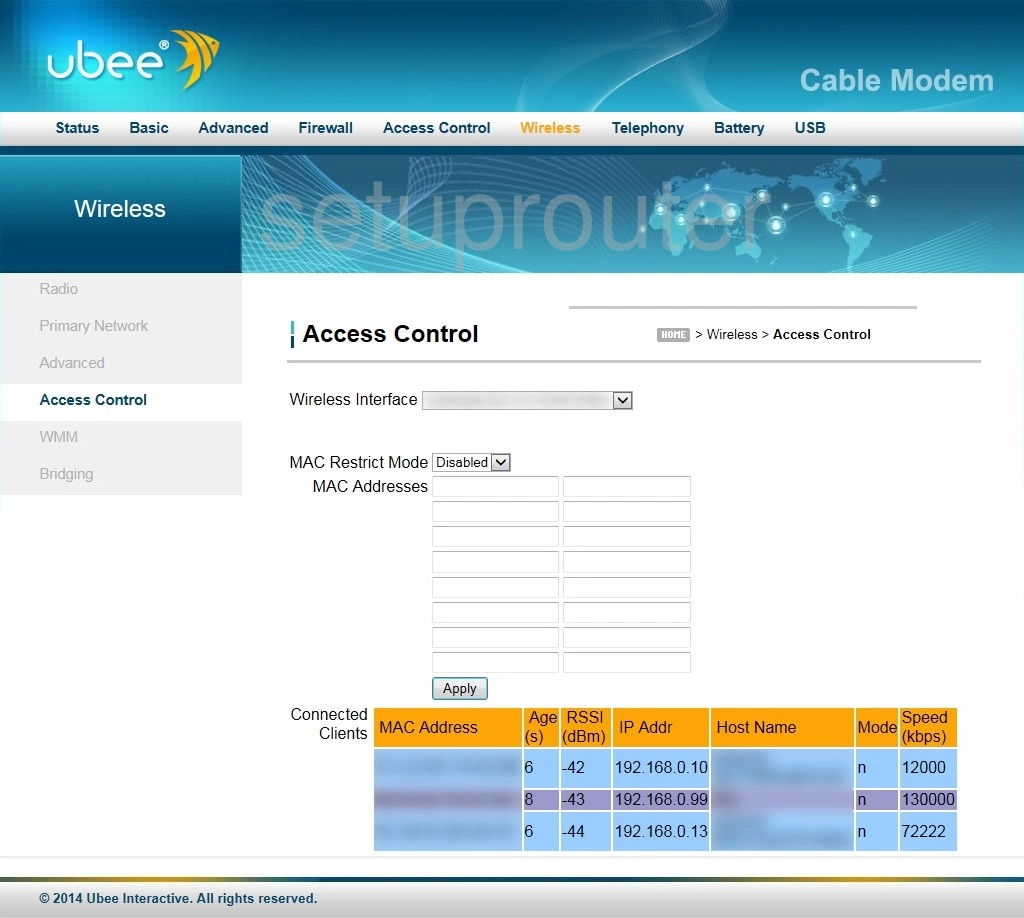
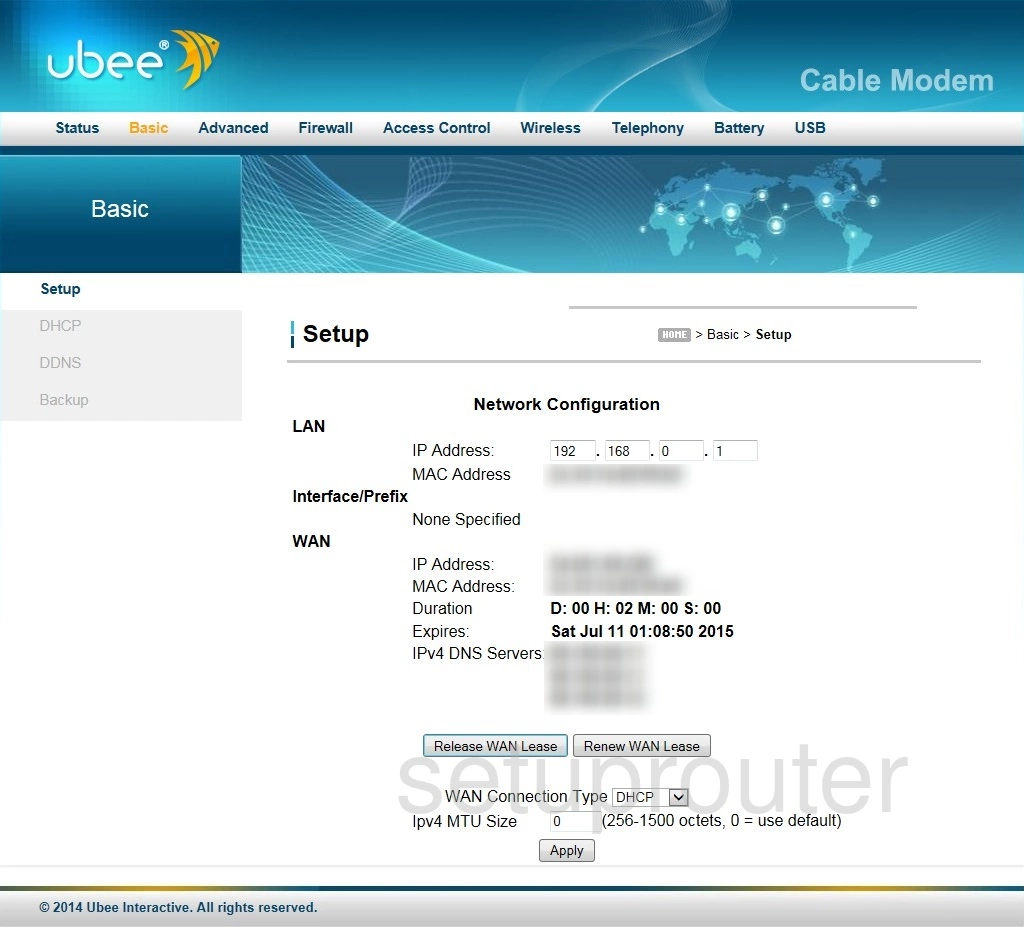
DVW 326B (4 screens)
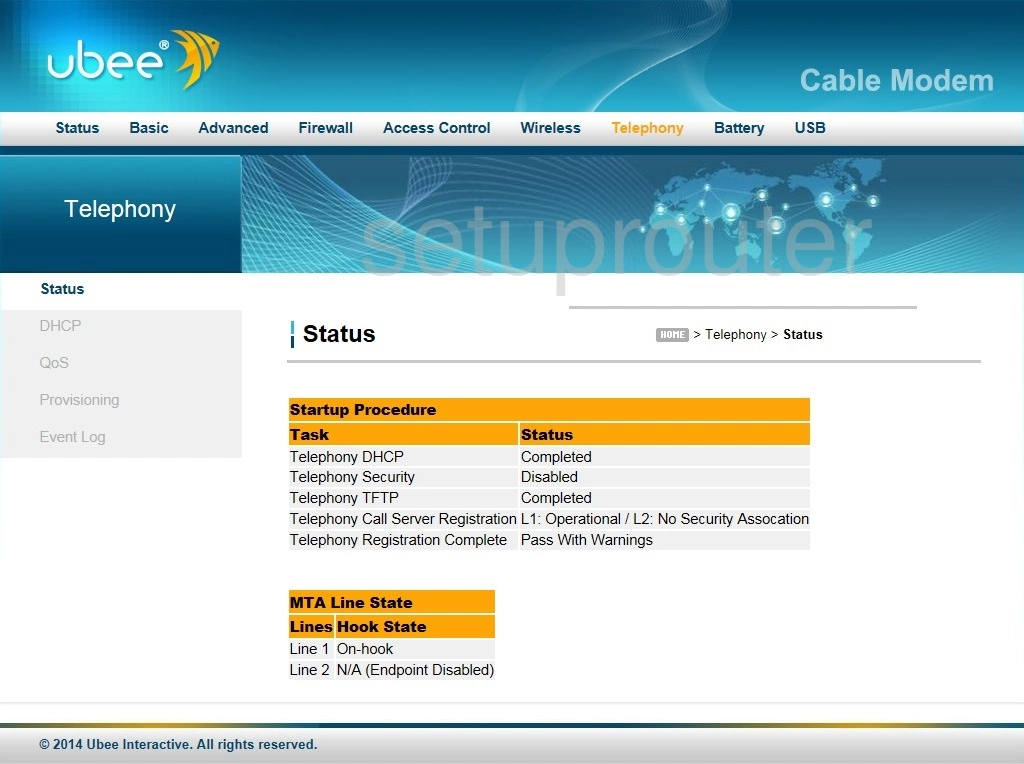
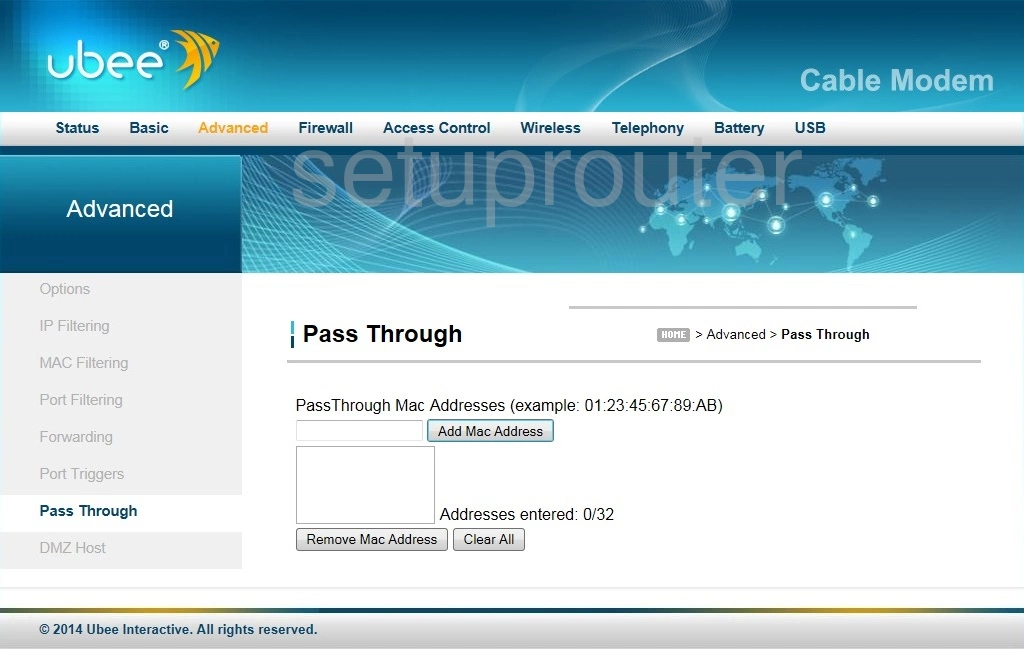
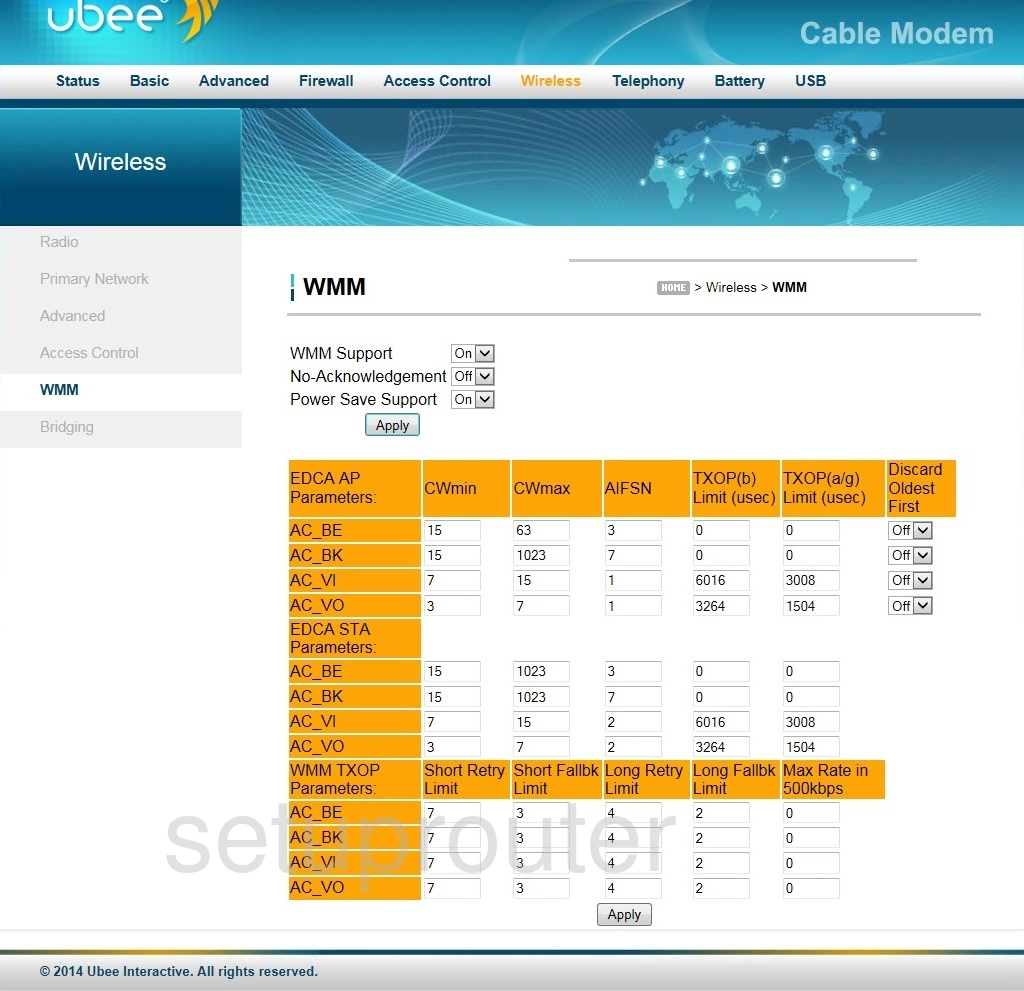
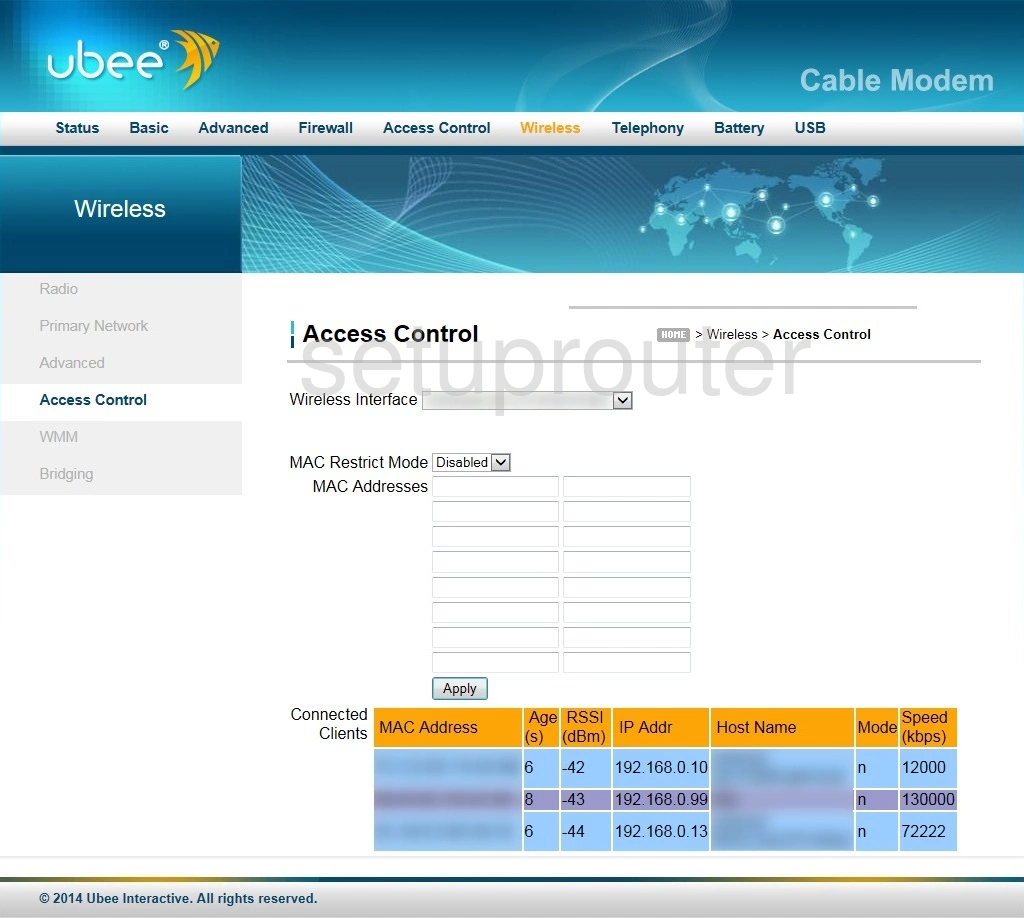
DVW 32C (4 screens)
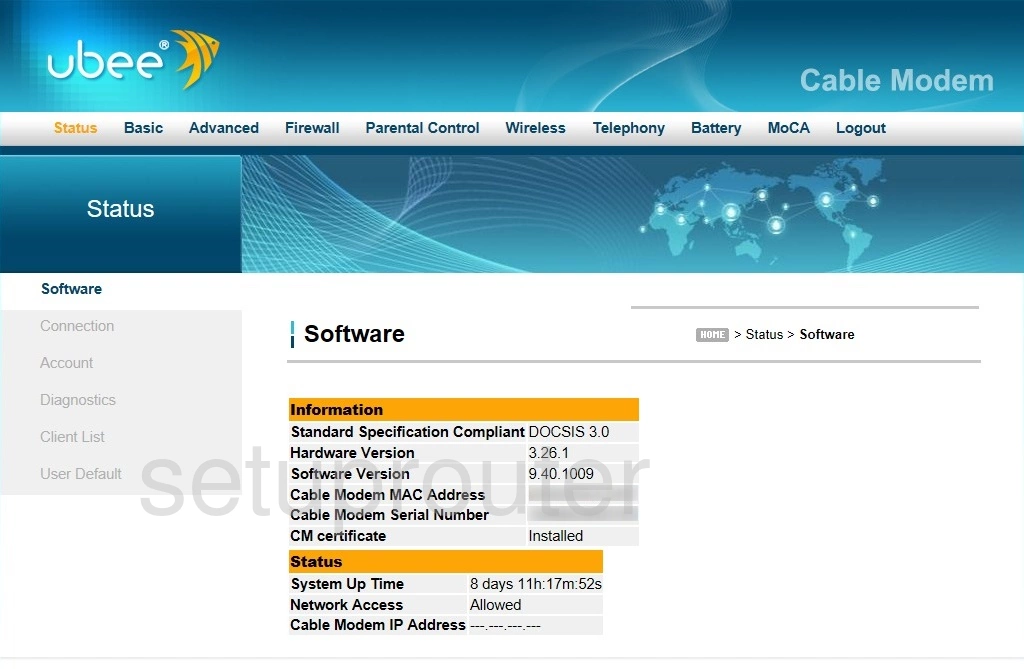
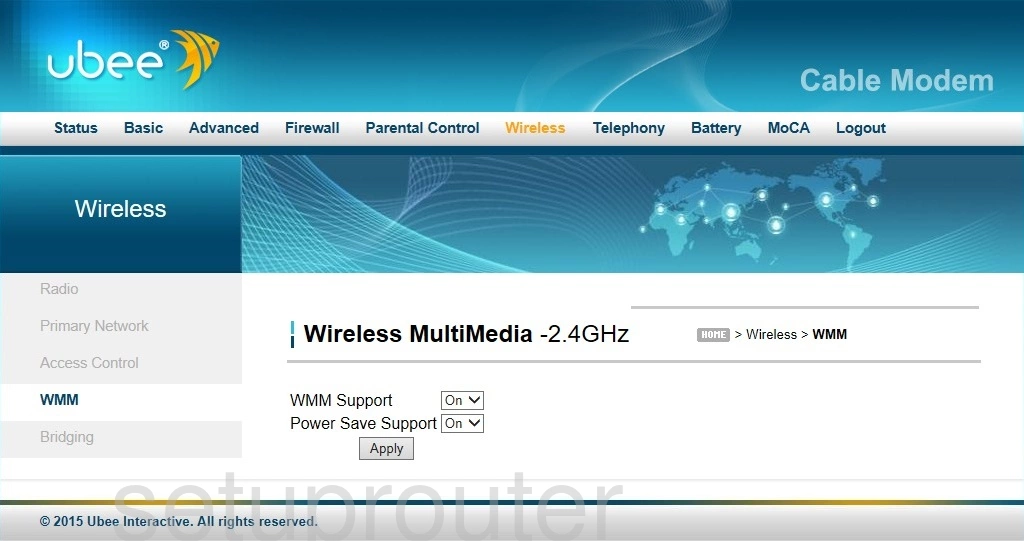
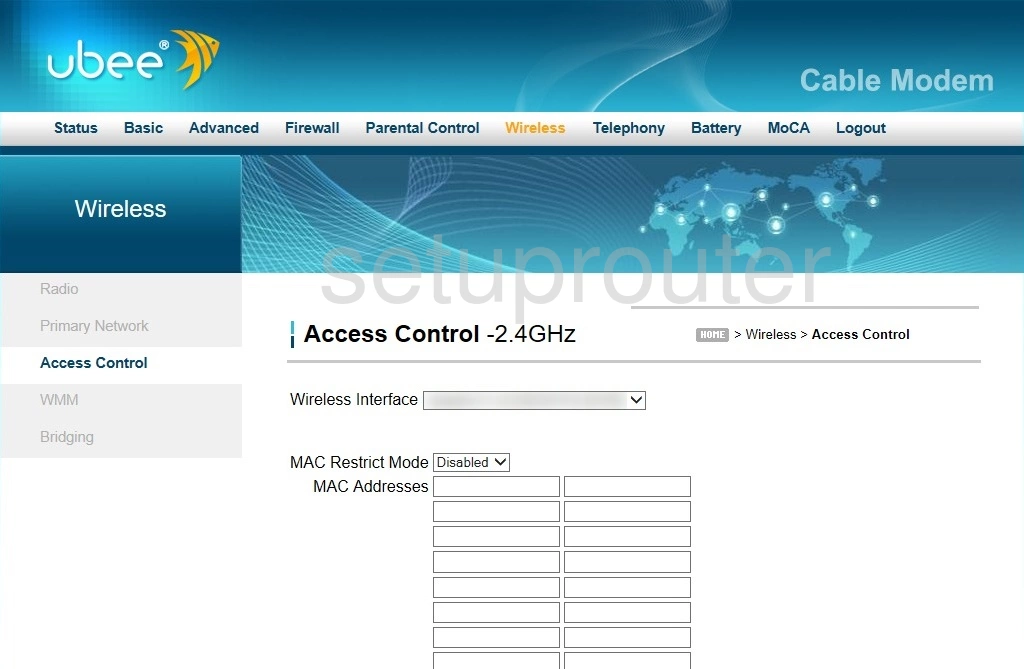
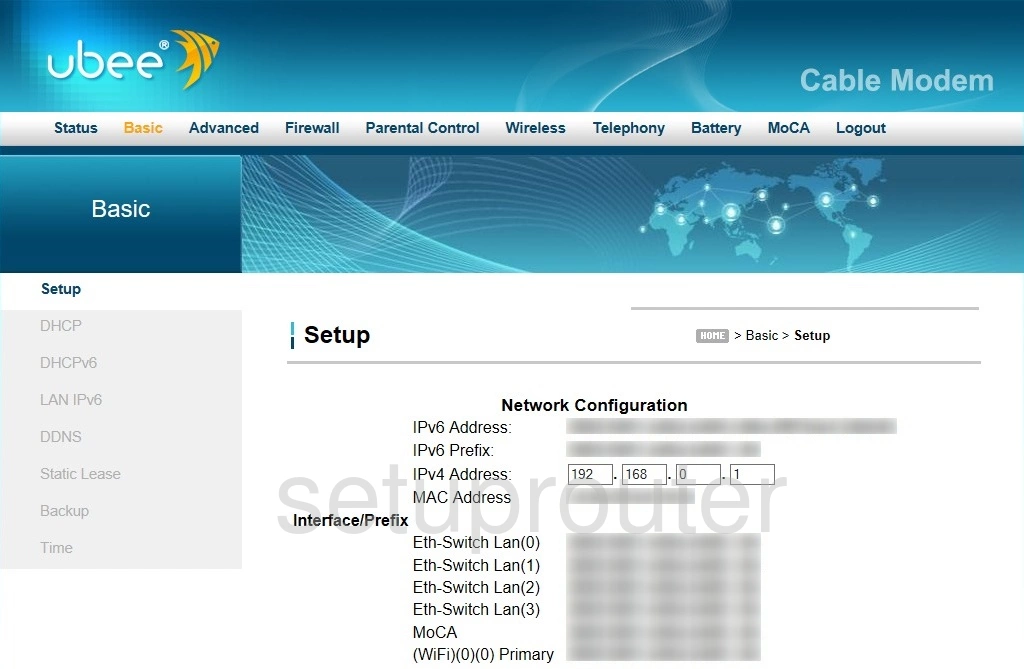
DVW 32C1 (4 screens)
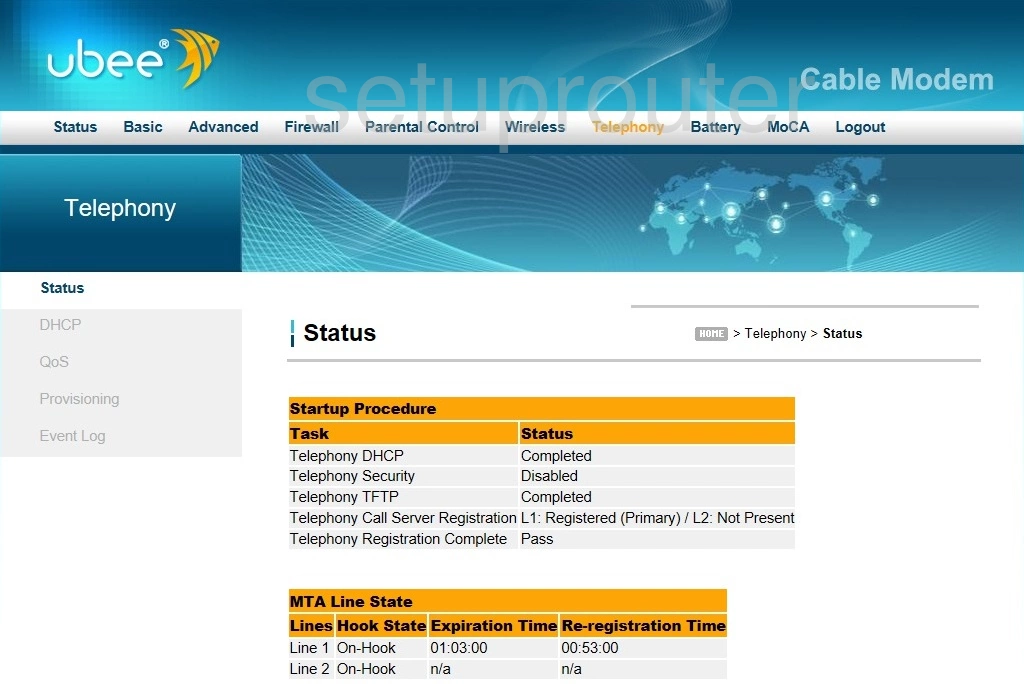
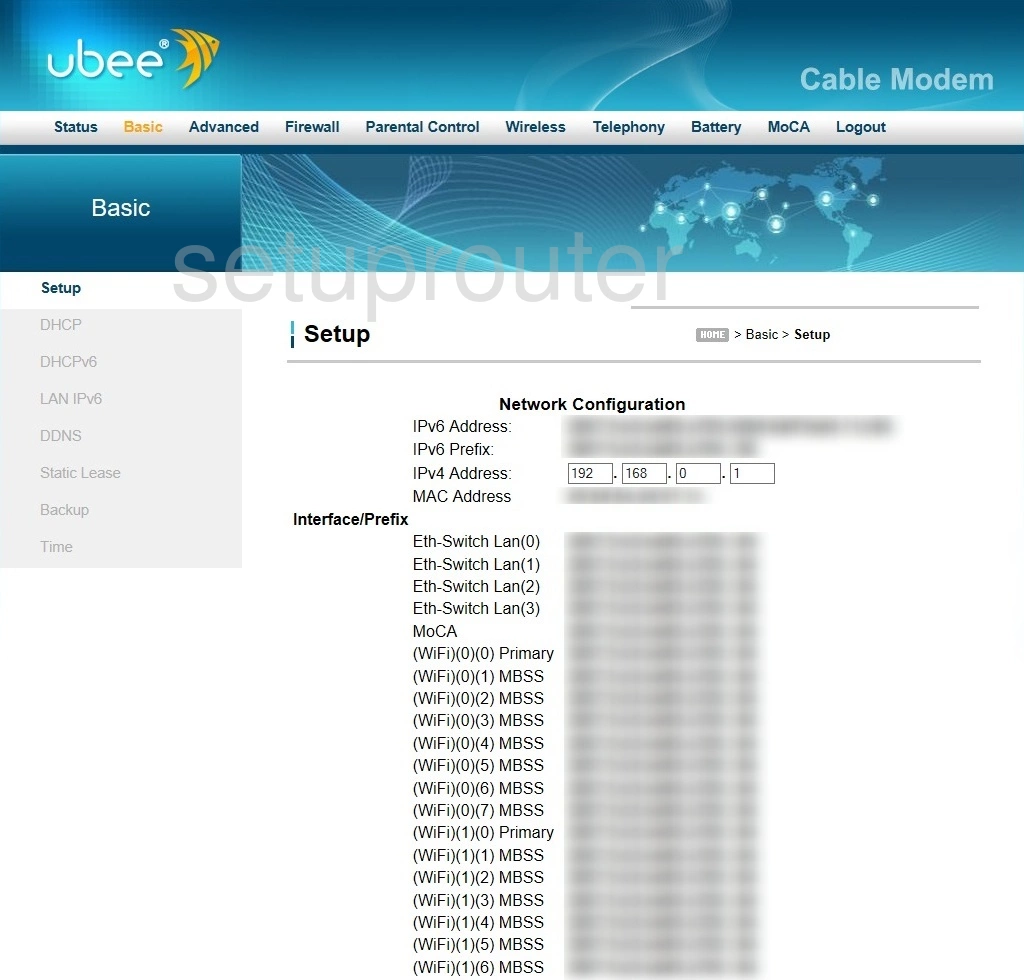
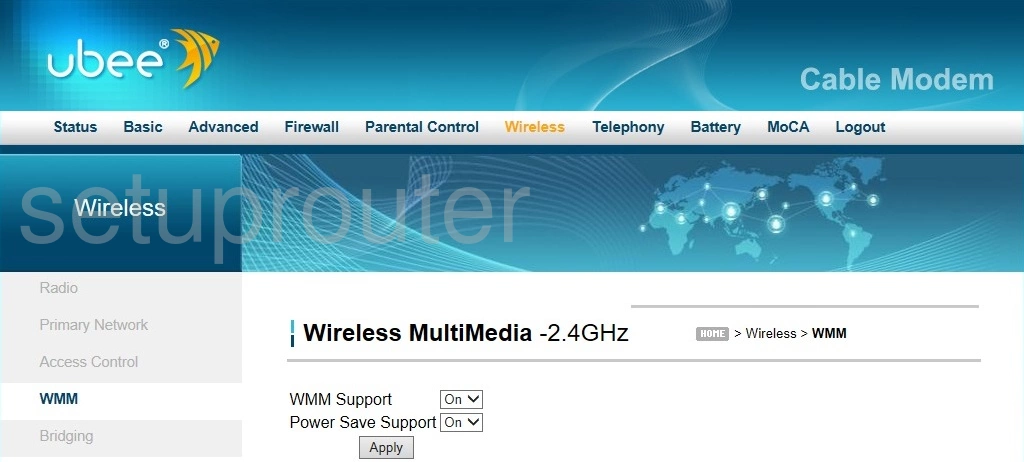
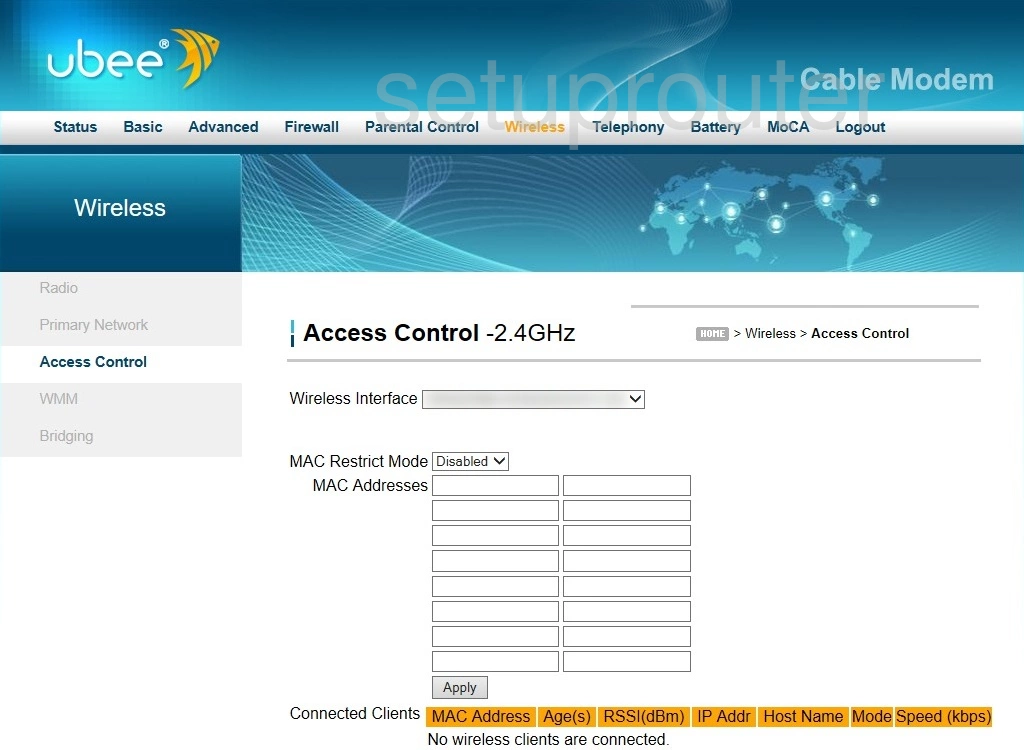
DVW 32CB (4 screens)
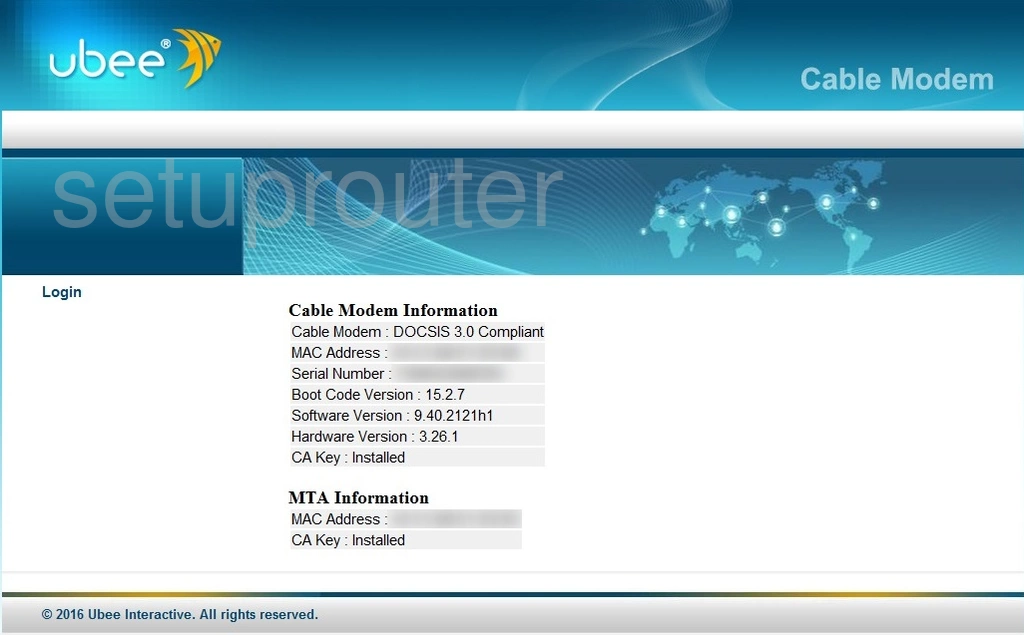
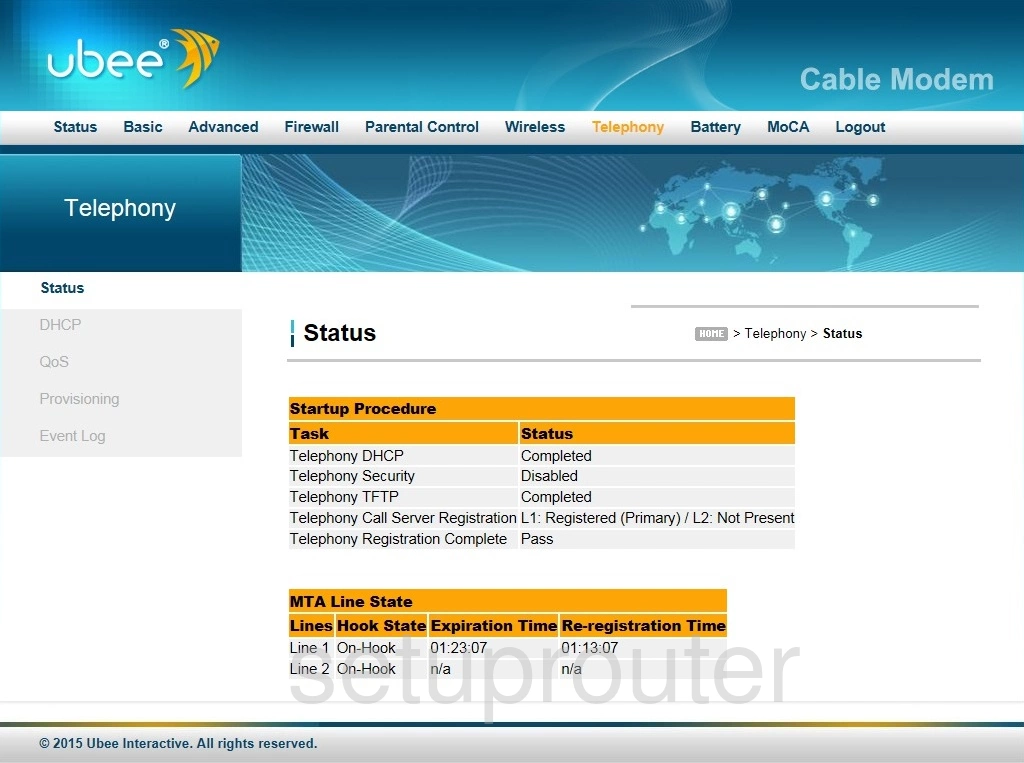
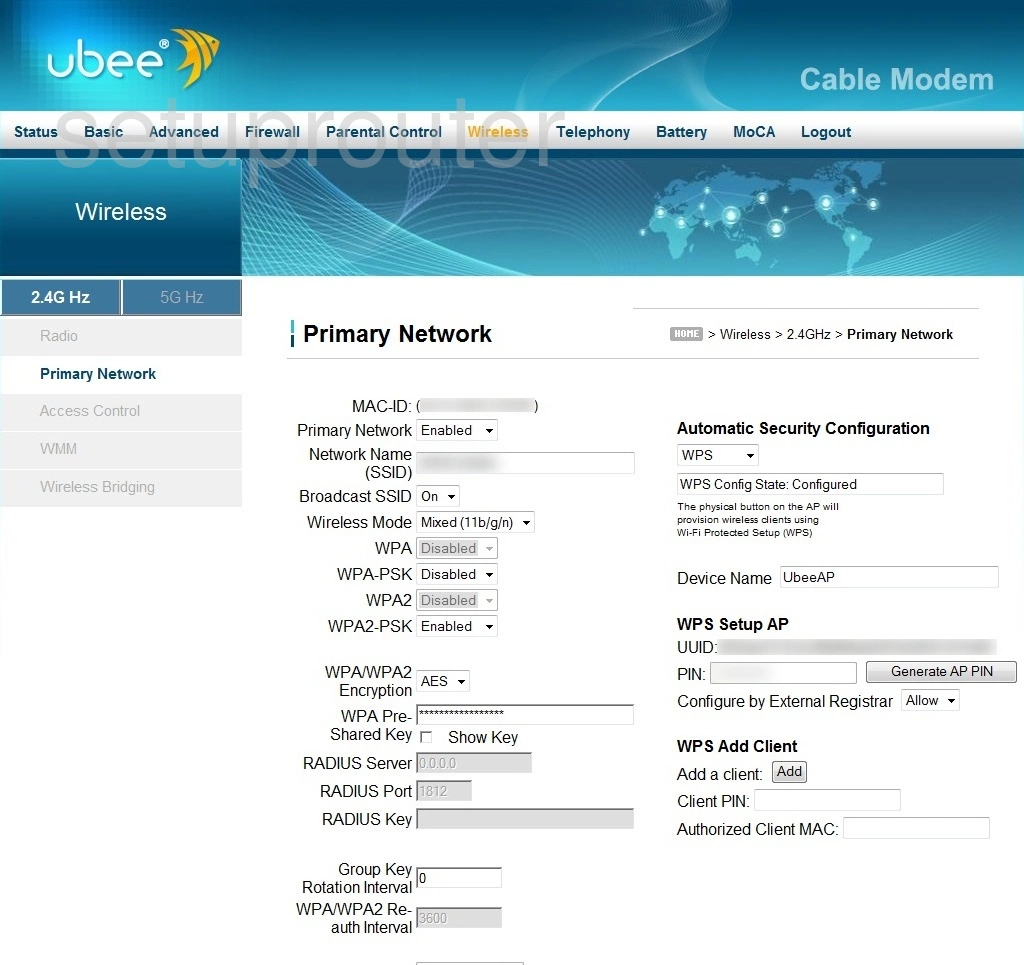
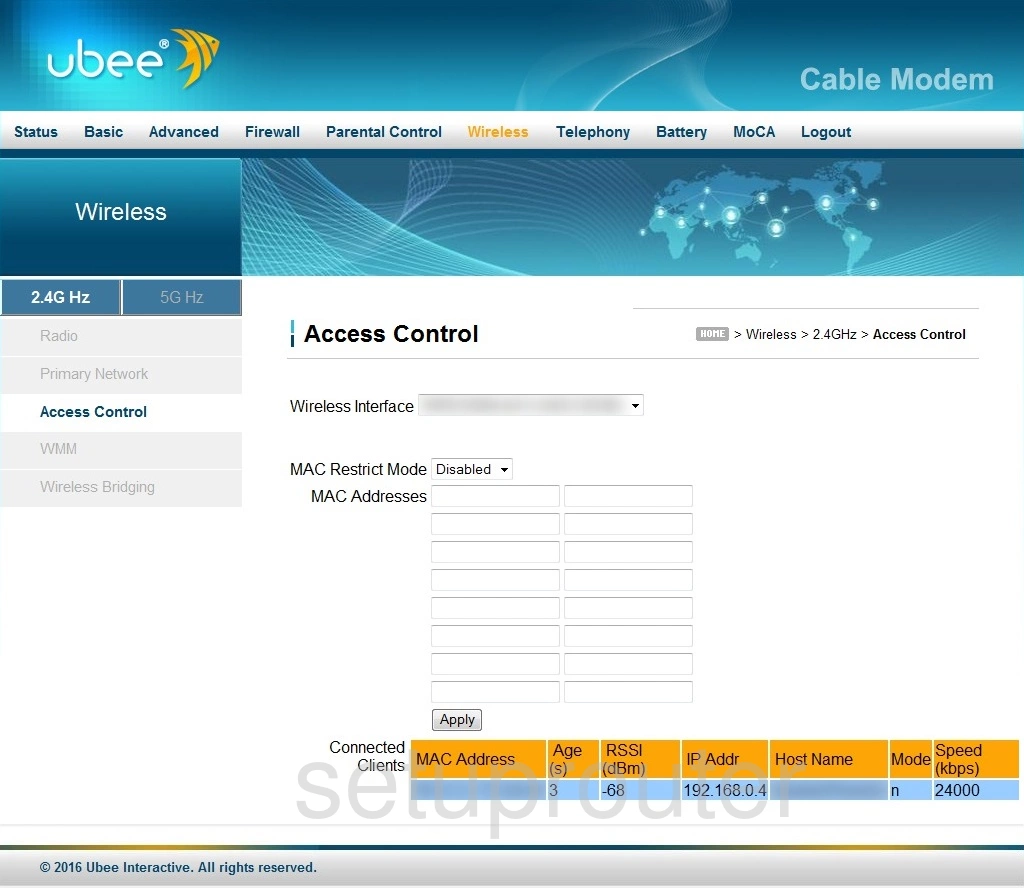
DVW3201B (4 screens)
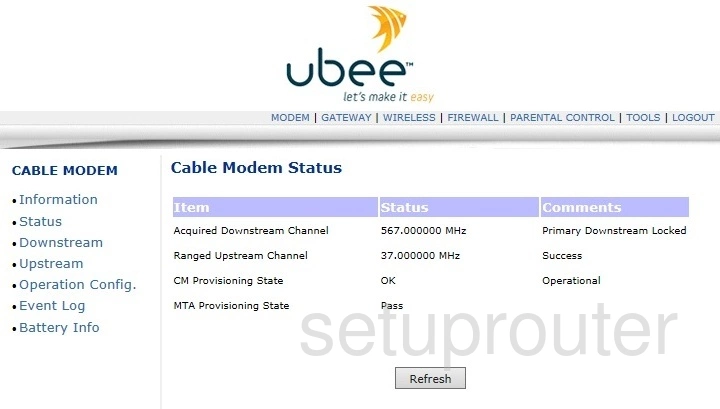
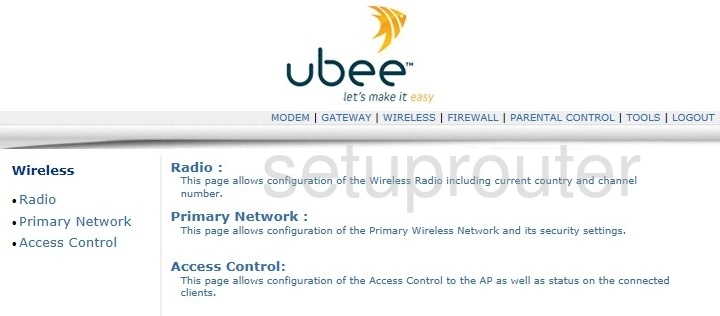
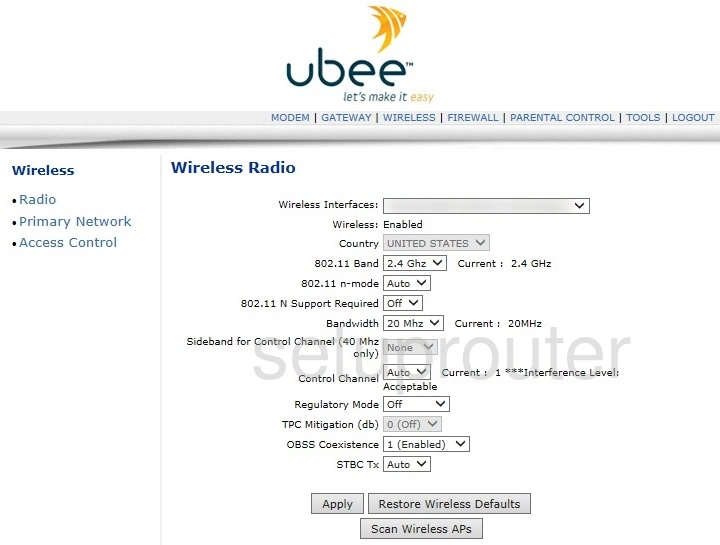
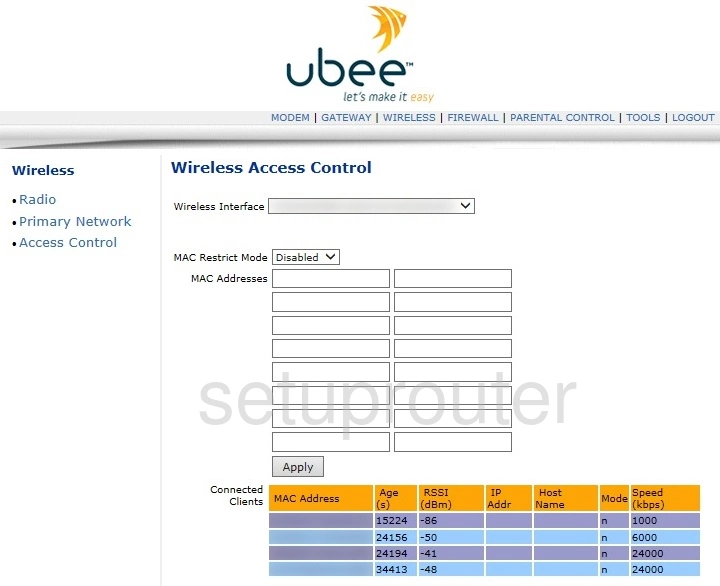
DVW32CB (1 screens)
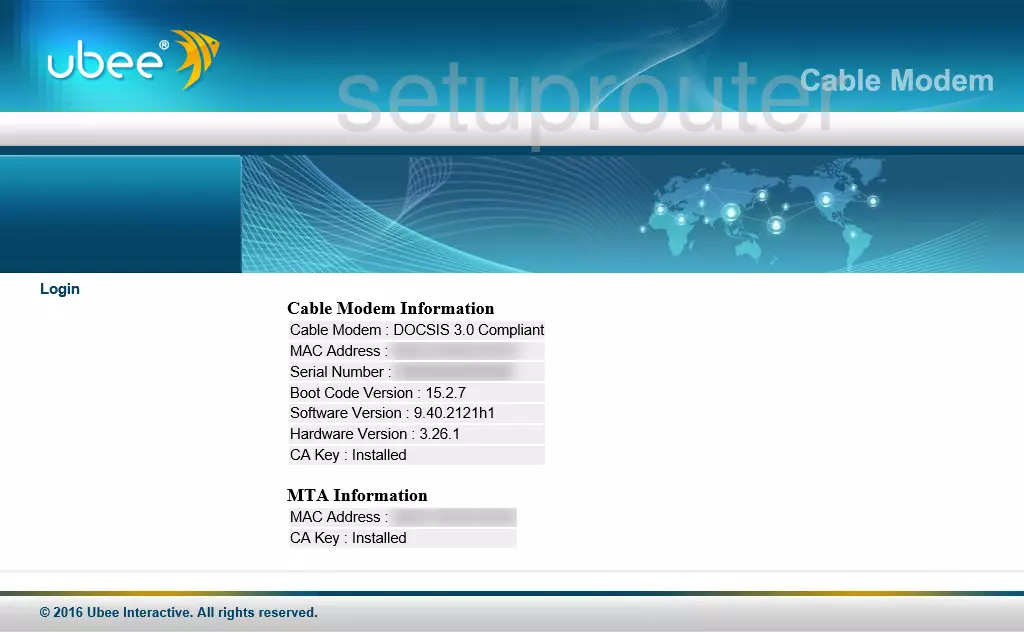
E31U2V1 (1 screens)
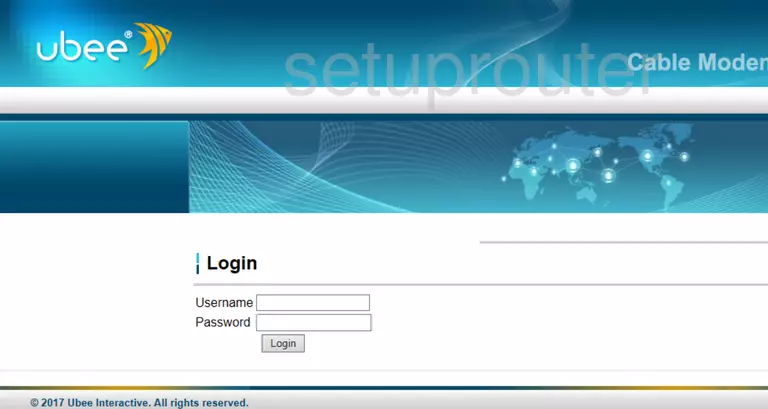
EVW 3226 upc (4 screens)
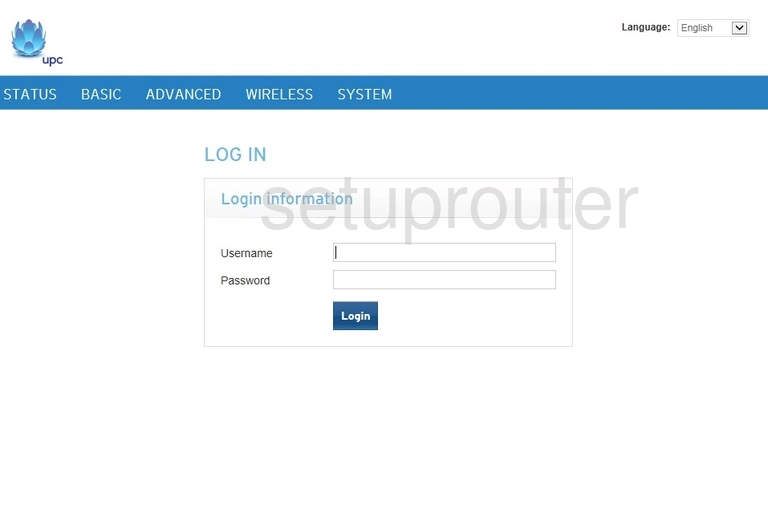
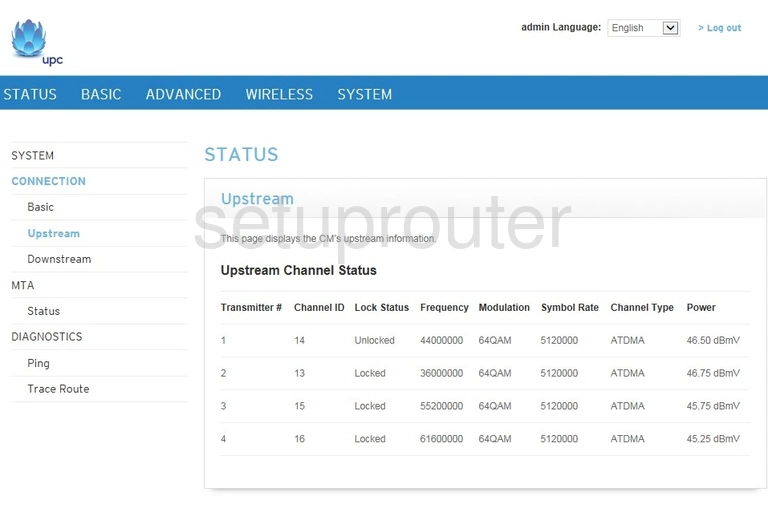
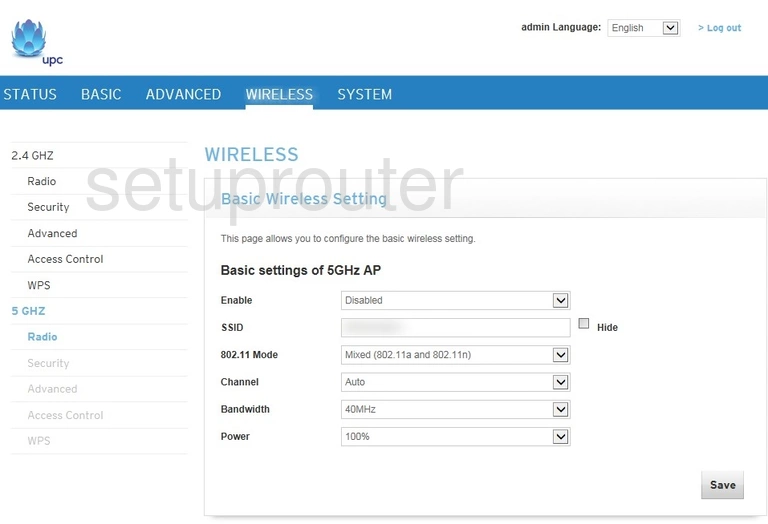
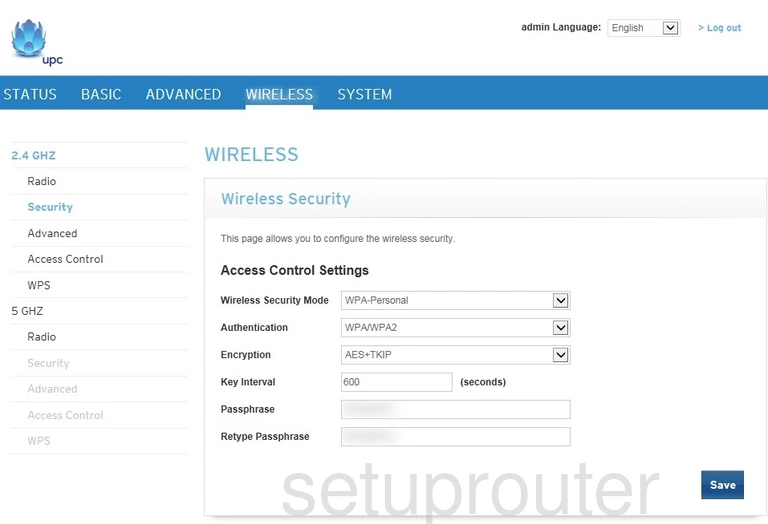
EVW320 (4 screens)
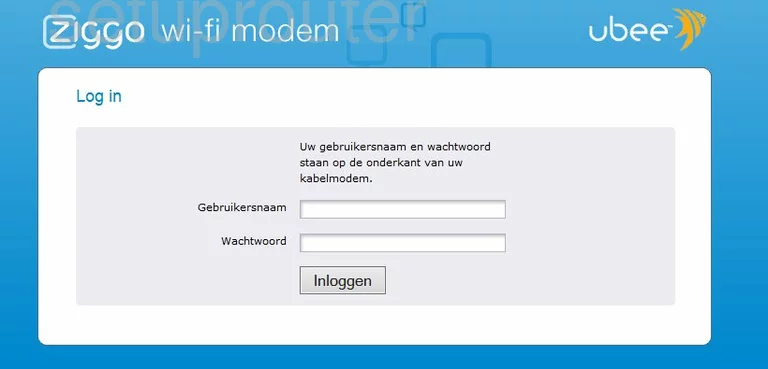
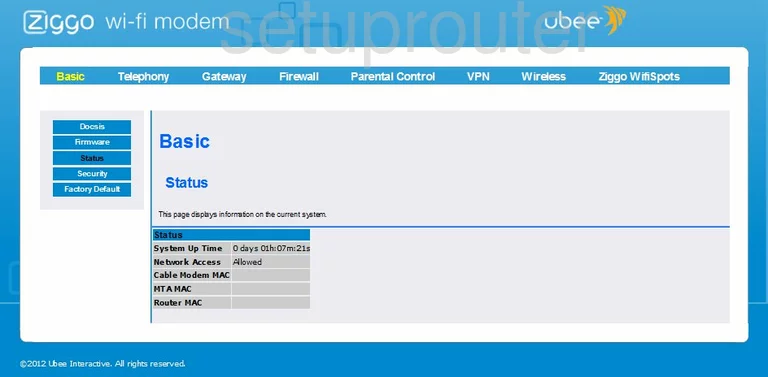
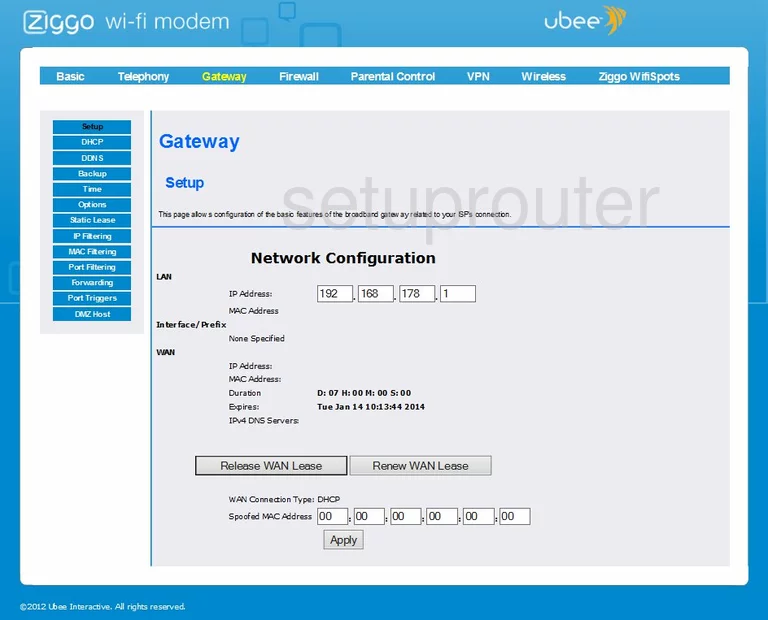
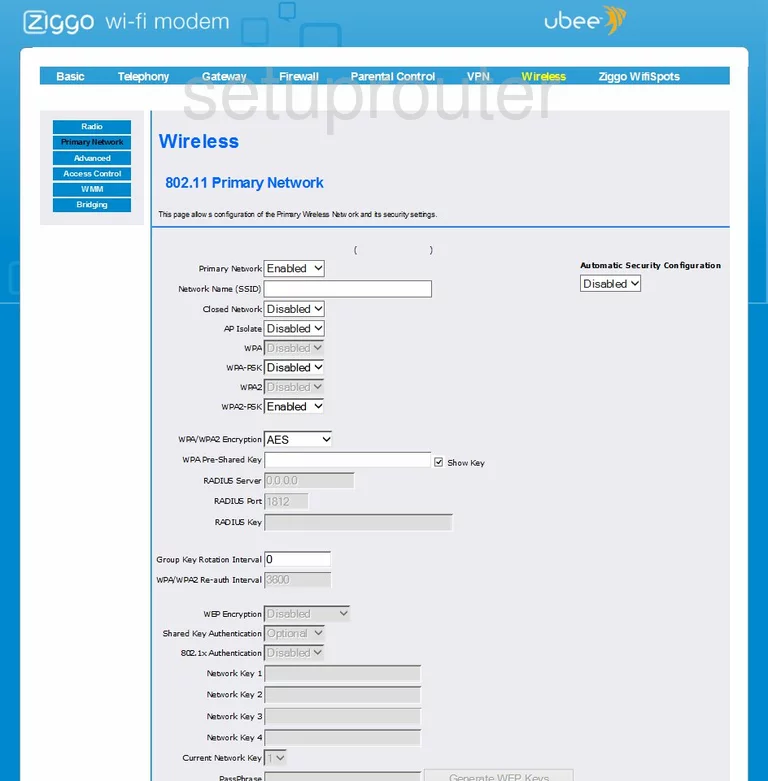
EVW321B (4 screens)
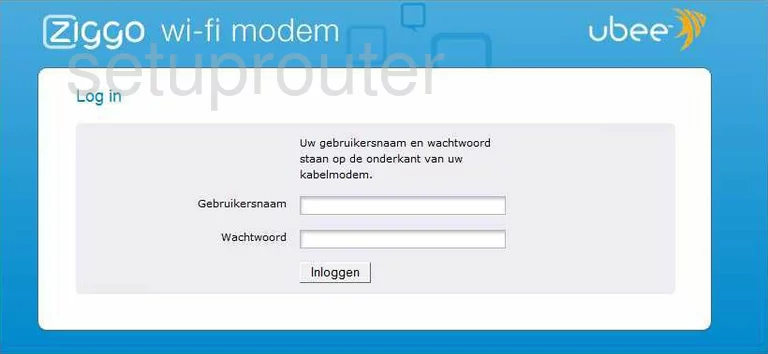
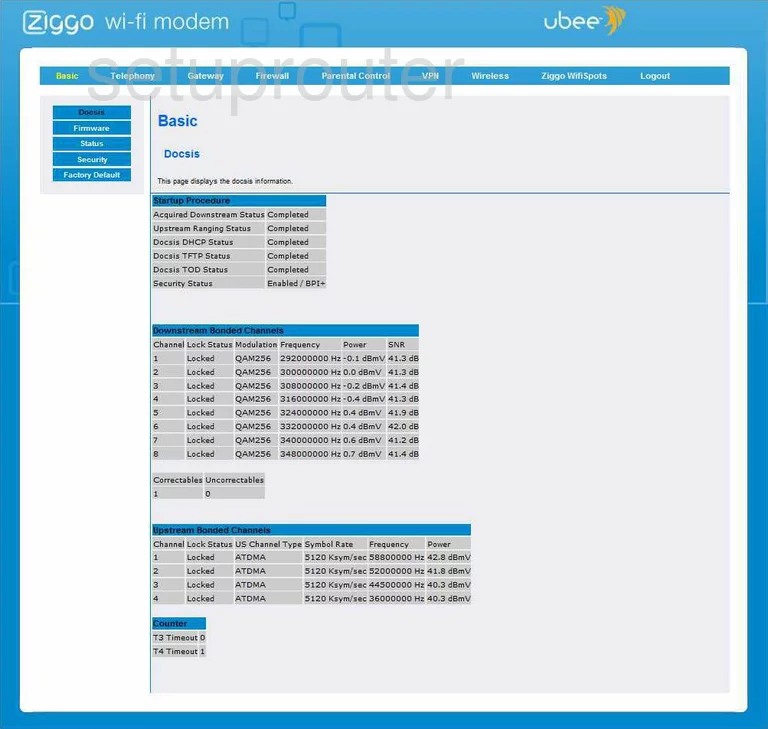
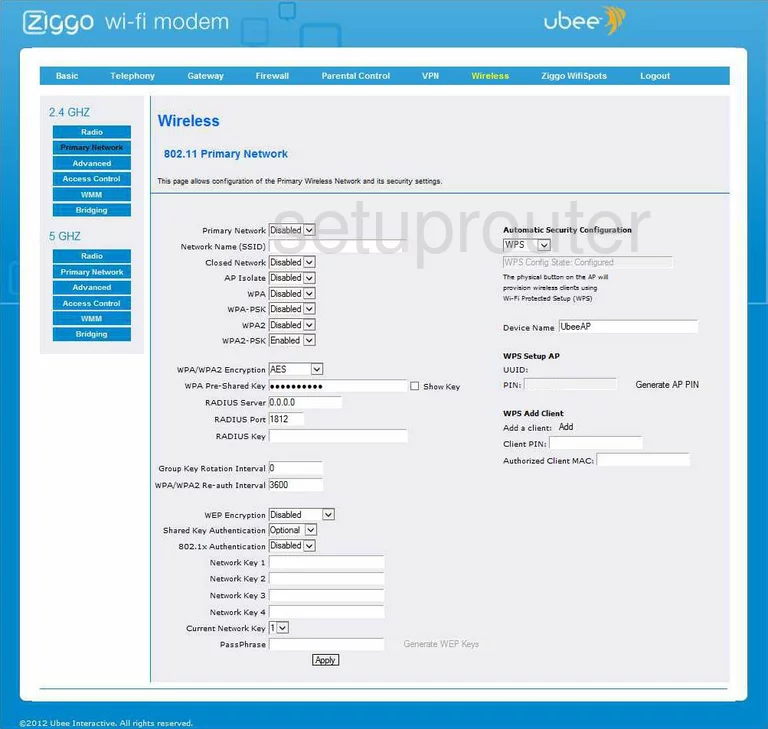
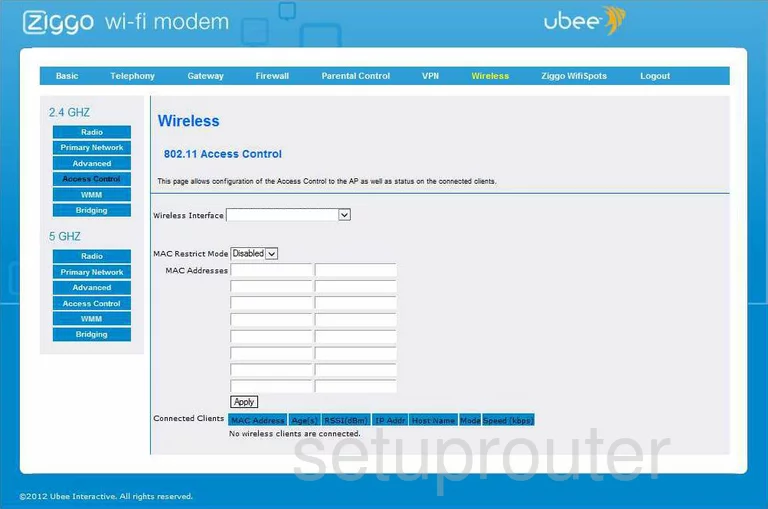
EWV 3200 (4 screens)
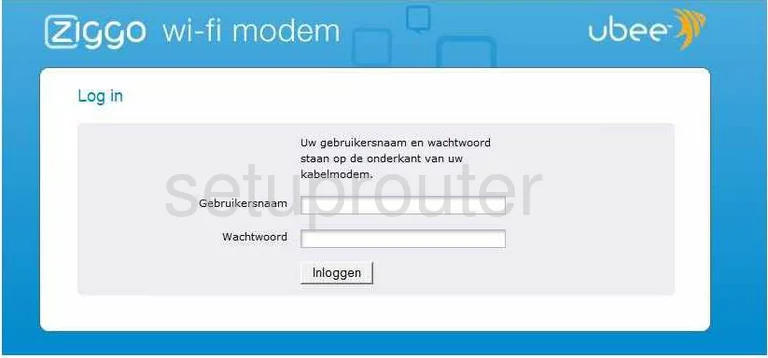
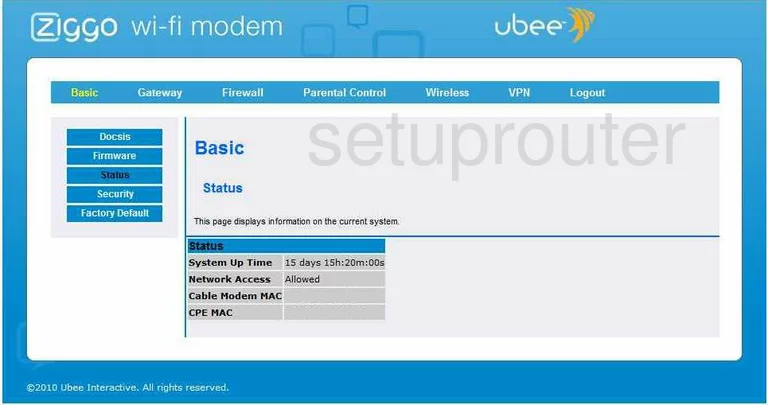
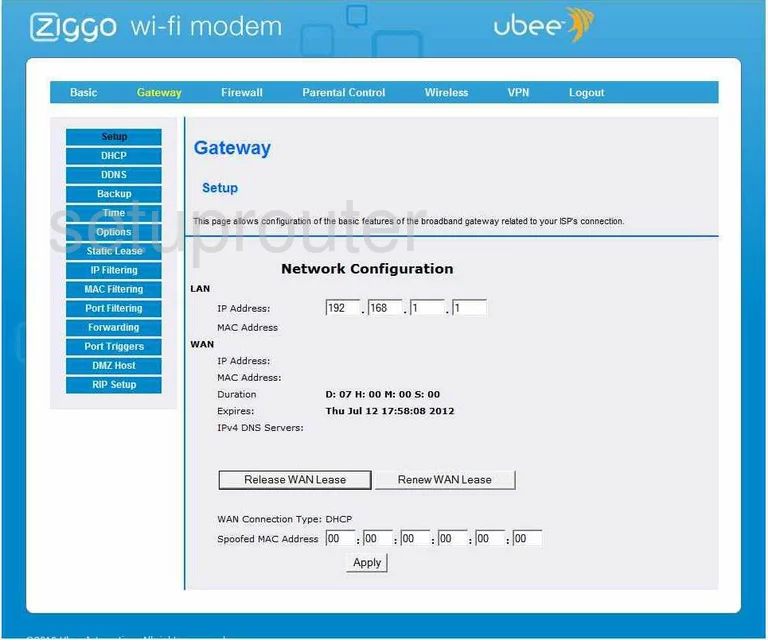
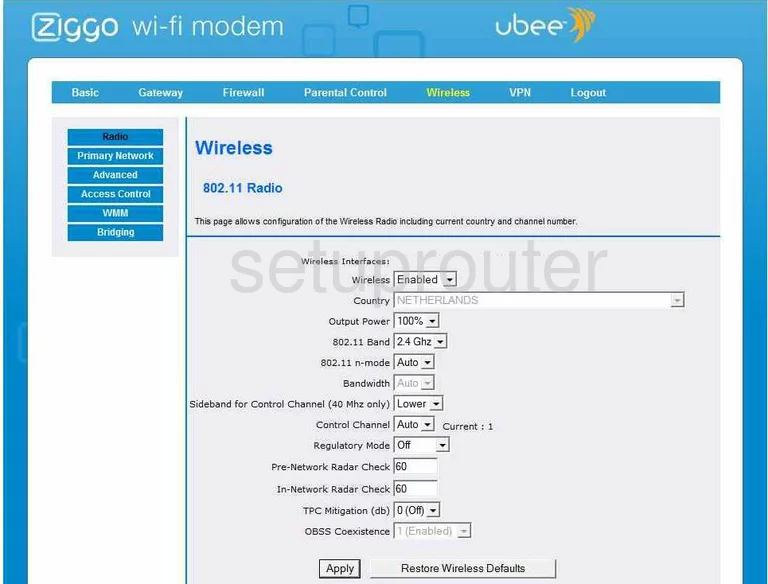
U10C019 (3 screens)
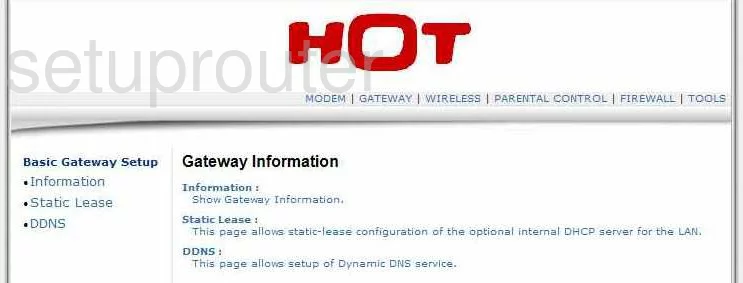
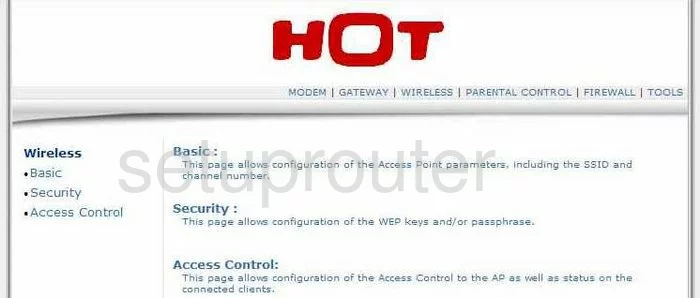
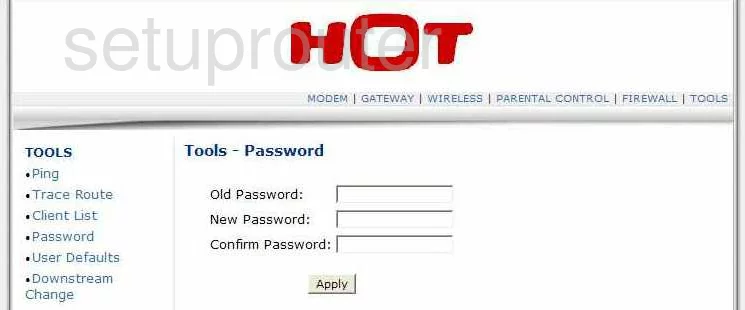
U10C022 (4 screens)
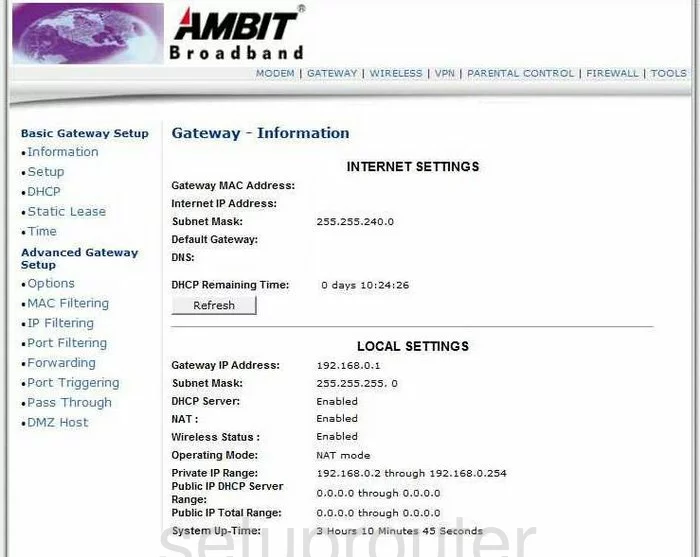
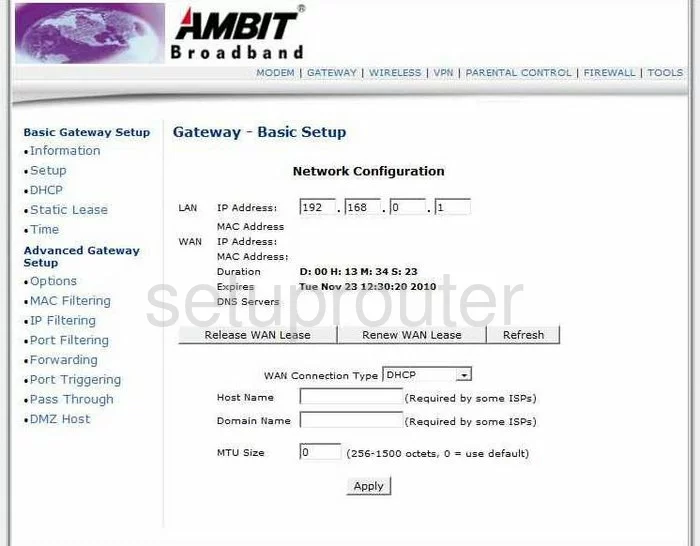
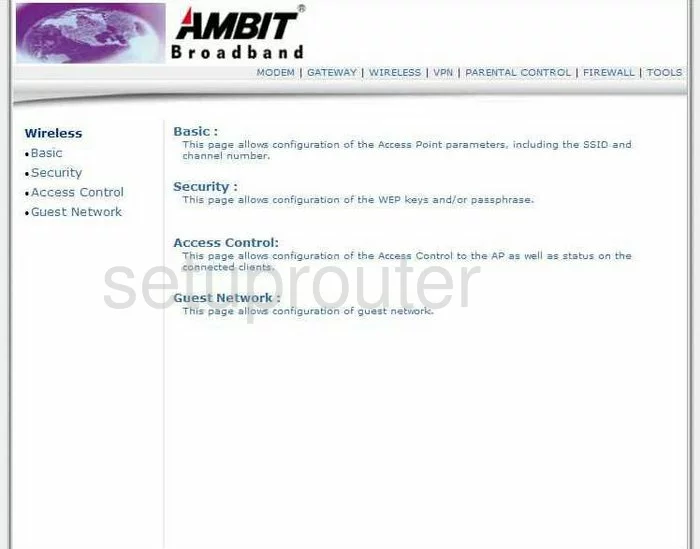
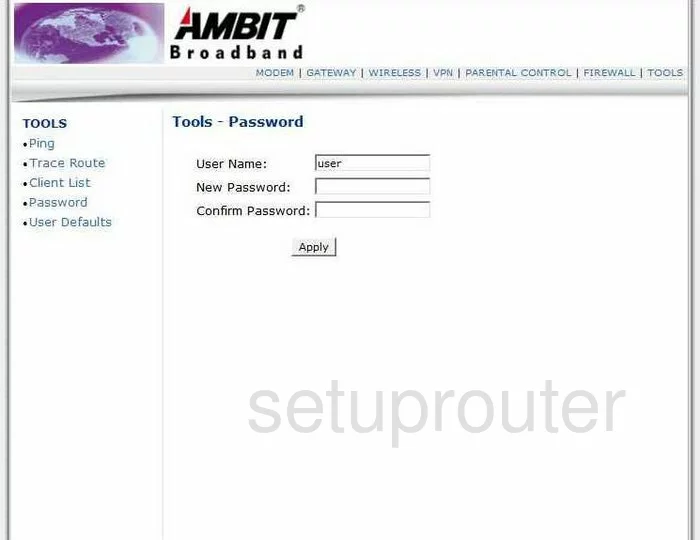
U10C037 (4 screens)
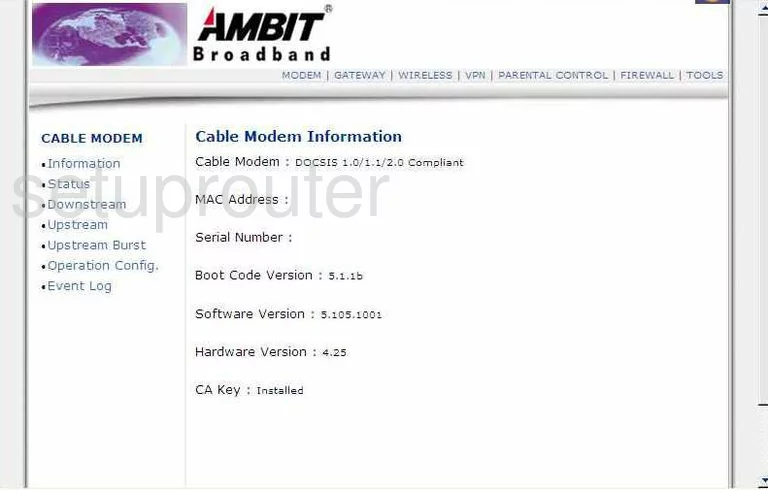
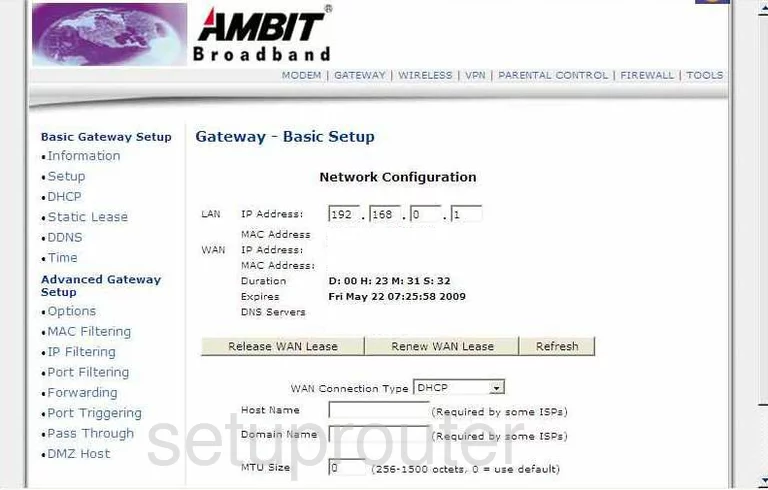
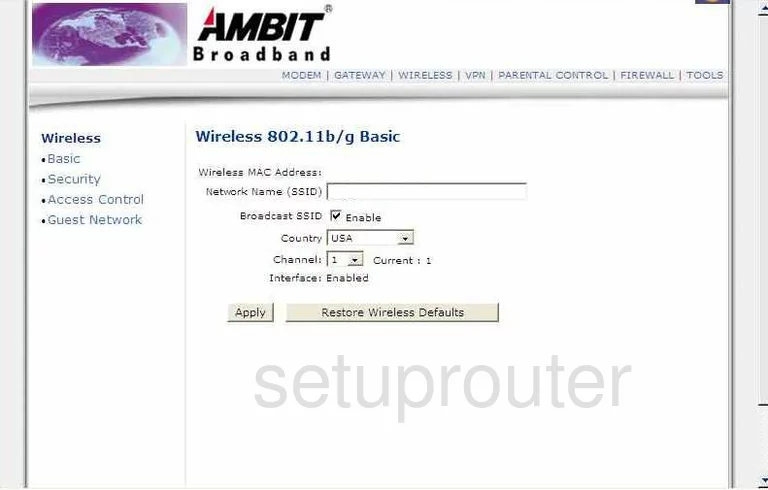
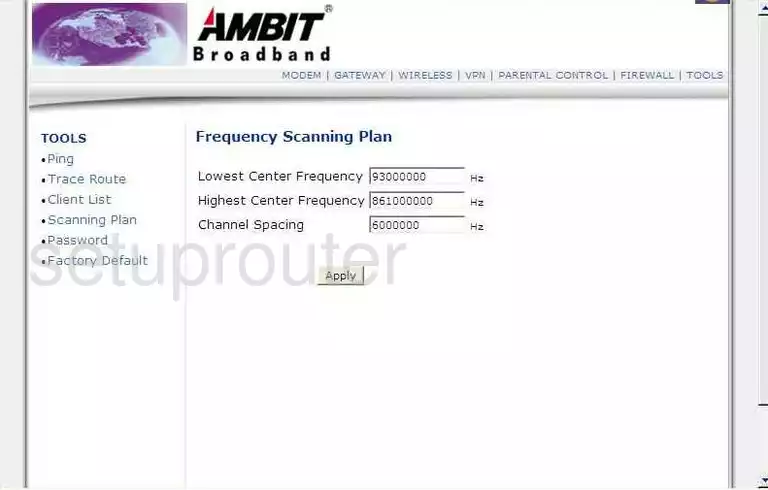
UBC1310 (4 screens)
Ubee Router Manuals
- Ubee Ambit U10C022 user manual (manual-873)
- Ubee Ambit U10C037 user manual (manual-874)
- Ubee DDW 336 user manual (manual-1915)
- Ubee DDW 3610 user manual (manual-869)
- Ubee DDW 3611 user manual (manual-1291)
- Ubee DDW 365 user manual (manual-2074)
- Ubee DDW 366 user manual (manual-2022)
- Ubee DDW 36C user manual (manual-2226)
- Ubee DVW 3102B user manual (manual-870)
- Ubee DVW 326 user manual (manual-2024)
- Ubee DVW 326B user manual (manual-2134)
- Ubee DVW 32CB user manual (manual-2016)
- Ubee DVW3201B user manual (manual-2052)
- Ubee EVW 3226 upc user manual (manual-1897)
- Ubee EVW320 user manual (manual-1292)
- Ubee EVW321B user manual (manual-1293)
- Ubee EWV 3200 user manual (manual-872)
- Ubee U10C019 user manual (manual-1362)
- Ubee U10C022 user manual (manual-1693)
- Ubee U10C037 user manual (manual-1694)