


Here's how to log in to an ARRIS gateway, router or cable modem.
Step 1: Connect
Connect to the gateway's WiFi (the default network name and password are on the label) or with a network cable.
Step 2: Open the Right Address
- SURFboard gateways and routers, Touchstone gateways: http://192.168.0.1
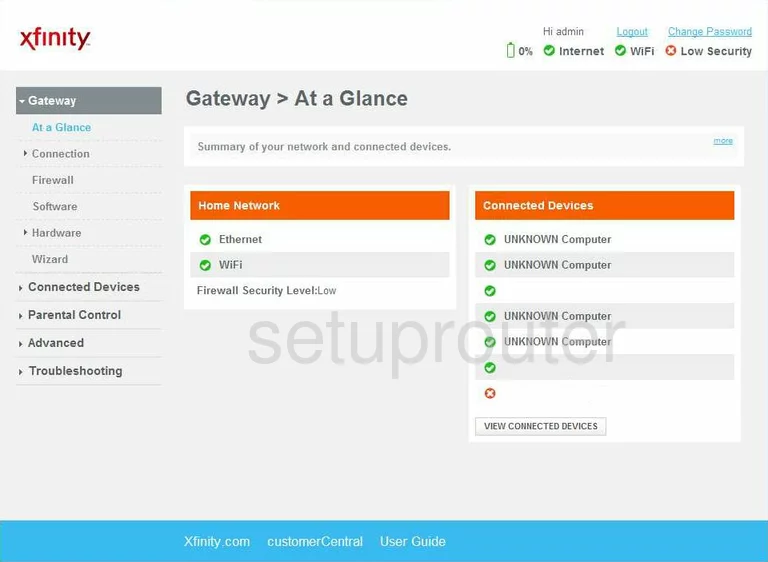
- Xfinity ARRIS gateways: http://10.0.0.1
- NVG DSL gateways (AT&T, Frontier): http://192.168.1.254
- SURFboard cable modems (no WiFi): http://192.168.100.1
Find your model on the ARRIS IP address page.
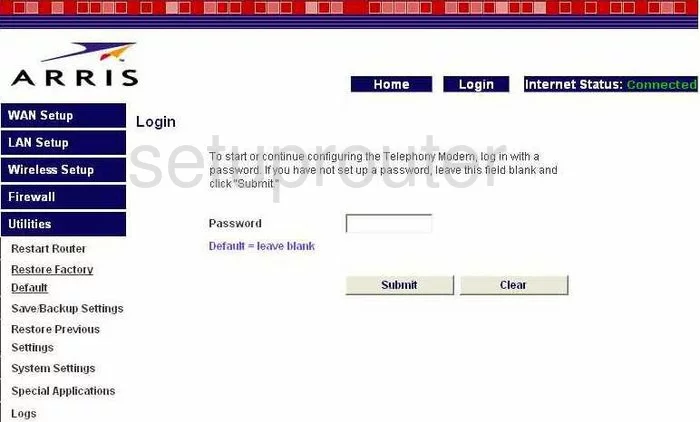
Step 3: Sign In
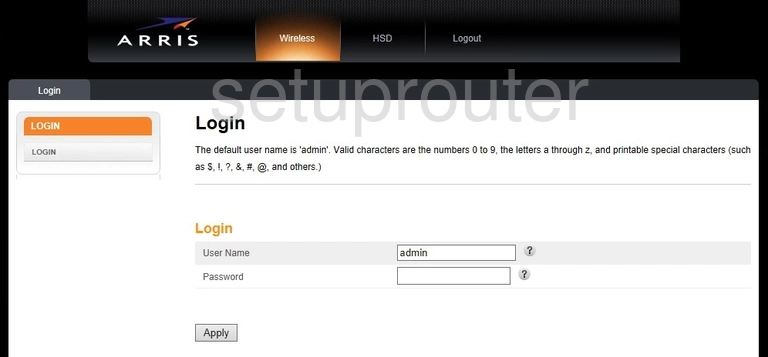
- SURFboard and Touchstone gateways: username admin, password password. Some cable ISPs use cusadmin / password, or a password printed on the label.
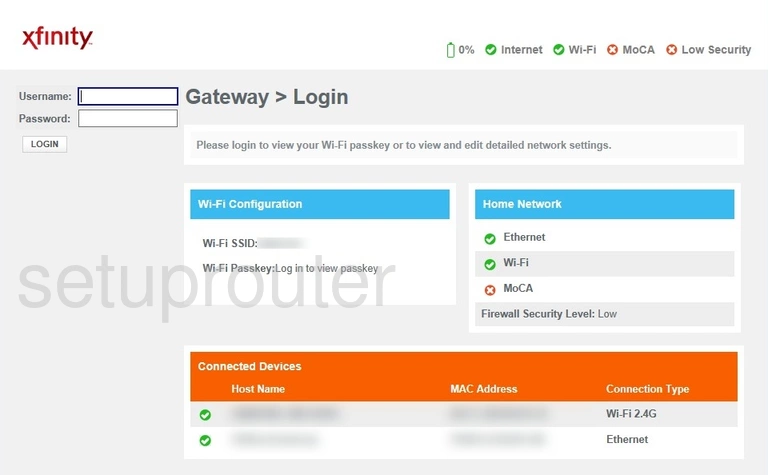
- Xfinity gateways: username admin, password password, unless you changed it in the Xfinity app.
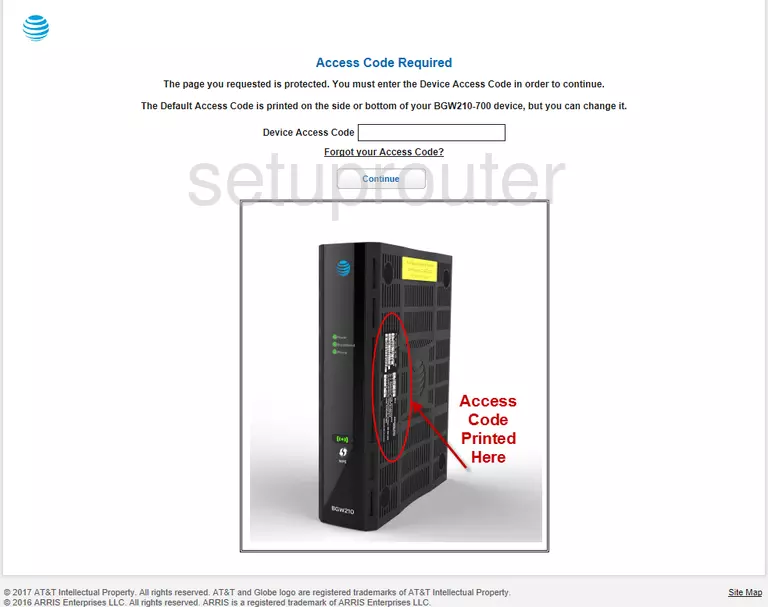
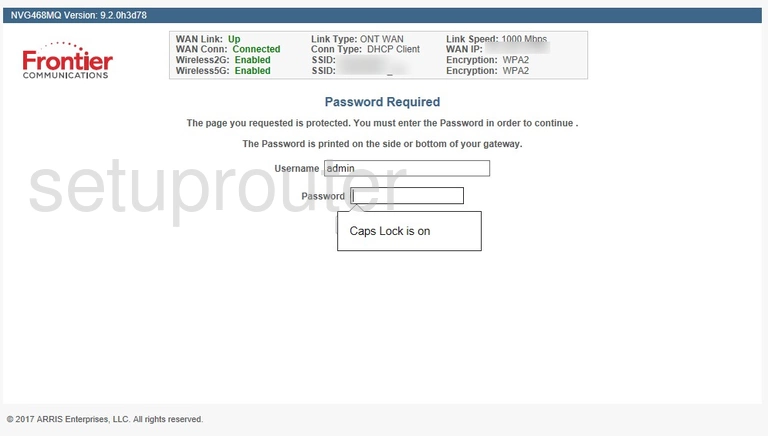
- NVG gateways: there's no login page until you change a setting. Then it asks for the Device Access Code printed on the label.
- SURFboard cable modems: username admin. The password is password on older models, and the last 8 characters of the serial number on newer ones.
See all known defaults on the ARRIS passwords page.
ARRIS Login Problems
The page won't load. Check the address for your type of device. If you use your own router behind an ARRIS modem, you can only reach the modem's page at 192.168.100.1.
The password is rejected. Cable ISPs often set their own password. Try the label, then the defaults. Xfinity customers can see and reset the admin password in the Xfinity app.
Settings are missing or greyed out. Many ISP gateways lock settings such as DNS or firmware updates. Some can only be changed through your ISP's app or account page.
Nothing works. A factory reset puts the default password back. You may need to call your ISP afterward to reactivate the gateway.
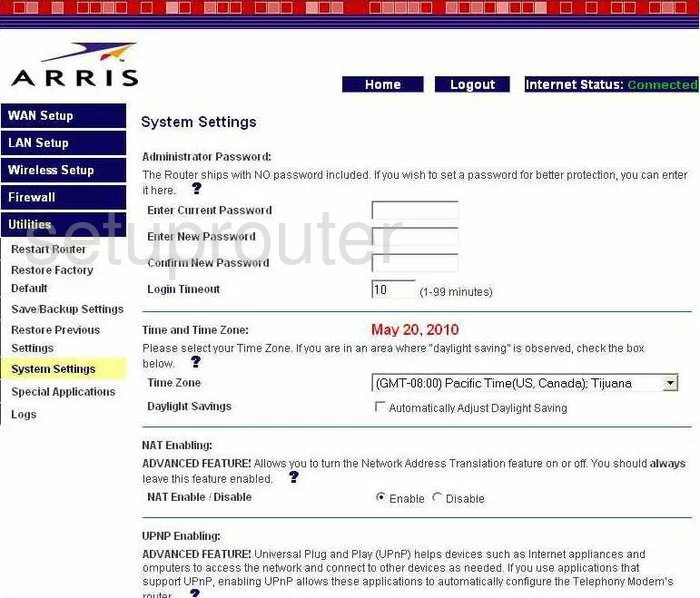
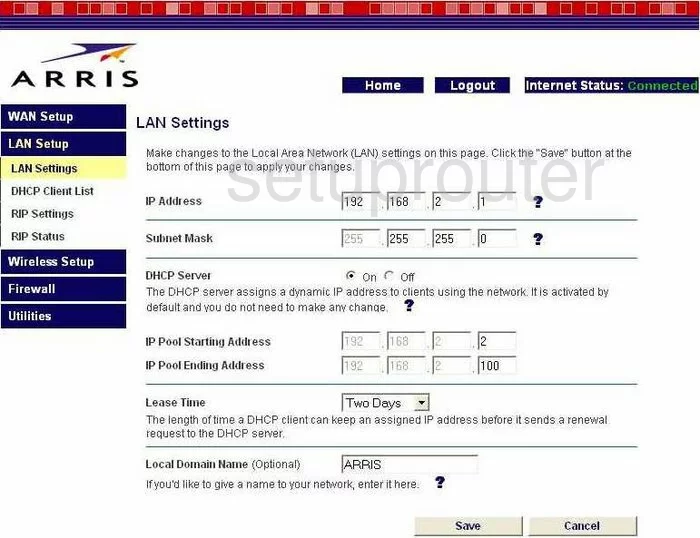
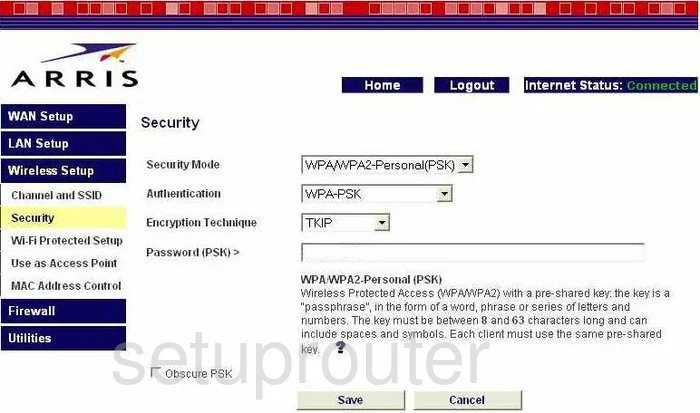
Arris Router Screenshots
Screens from the Arris routers we have. Click a model to open it.
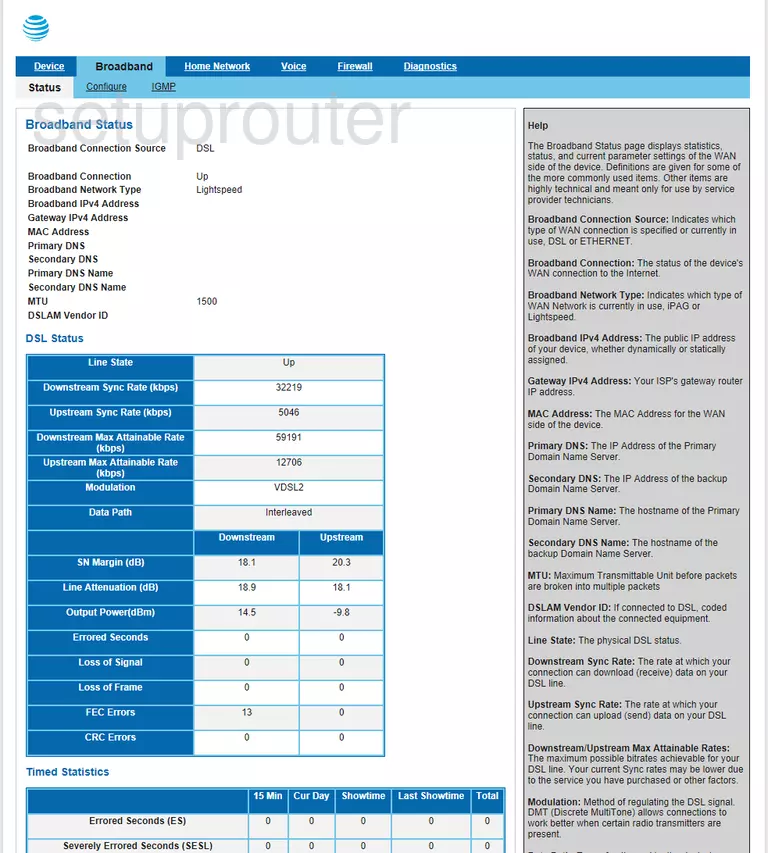
BGW210-700 (4 screens)
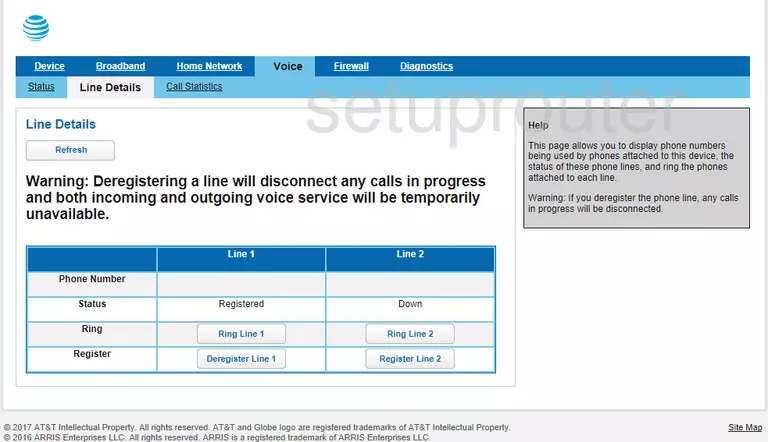
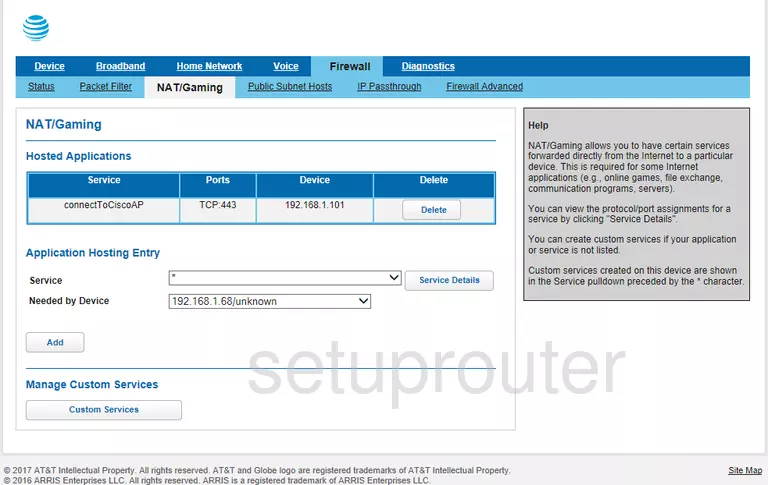
BGW210-700 ATT (4 screens)
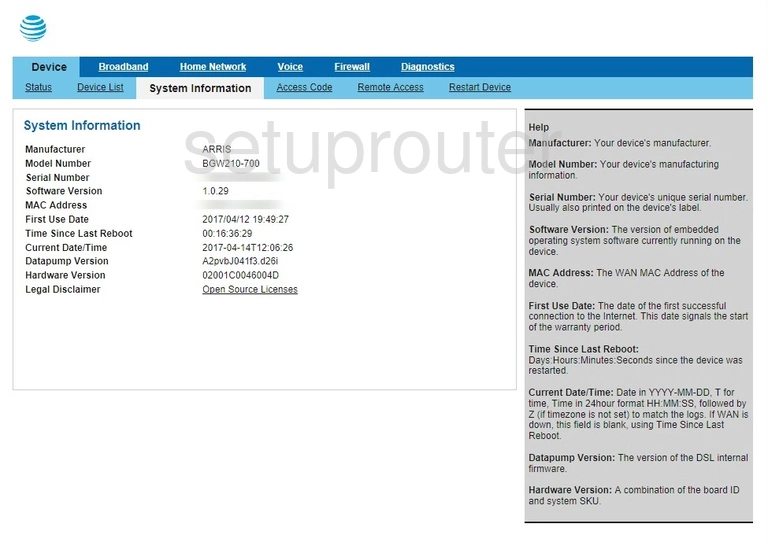
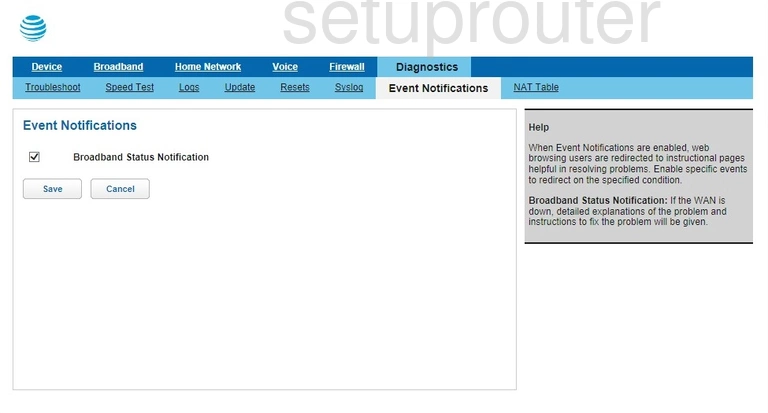
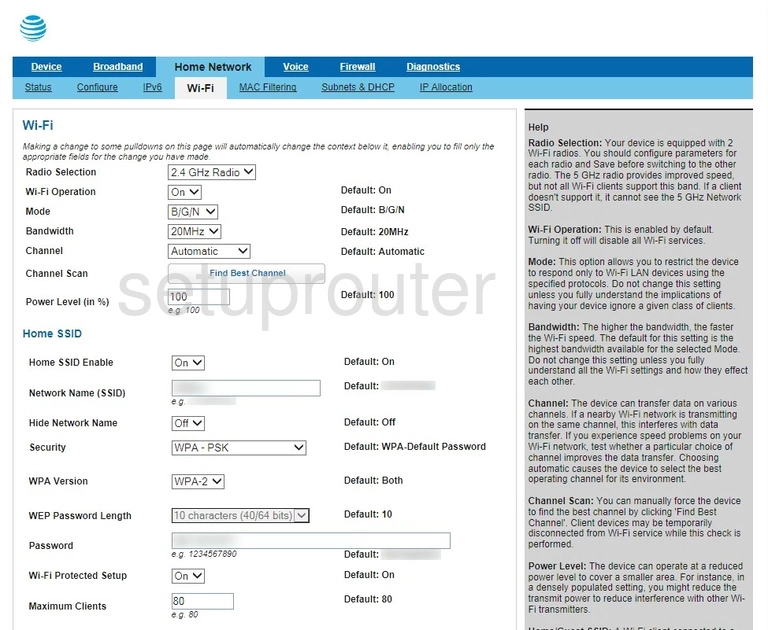
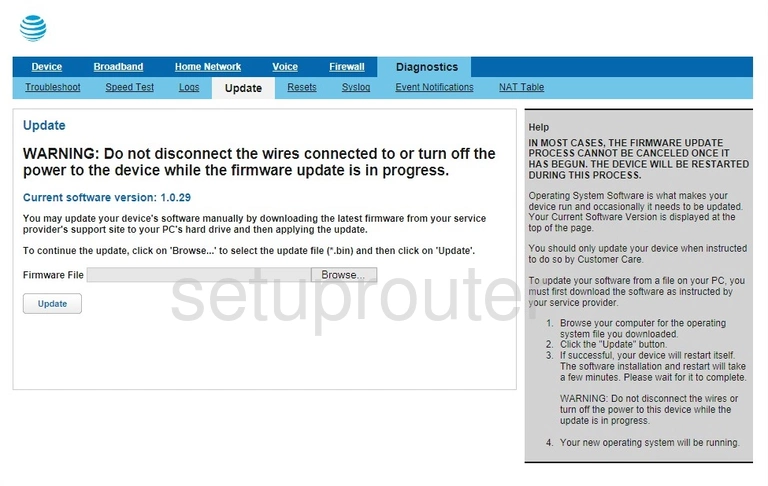
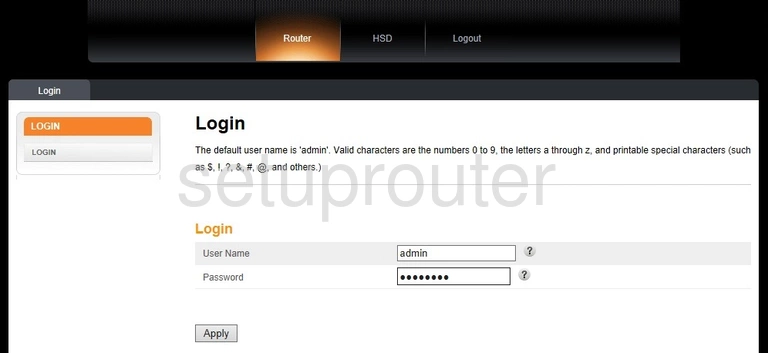
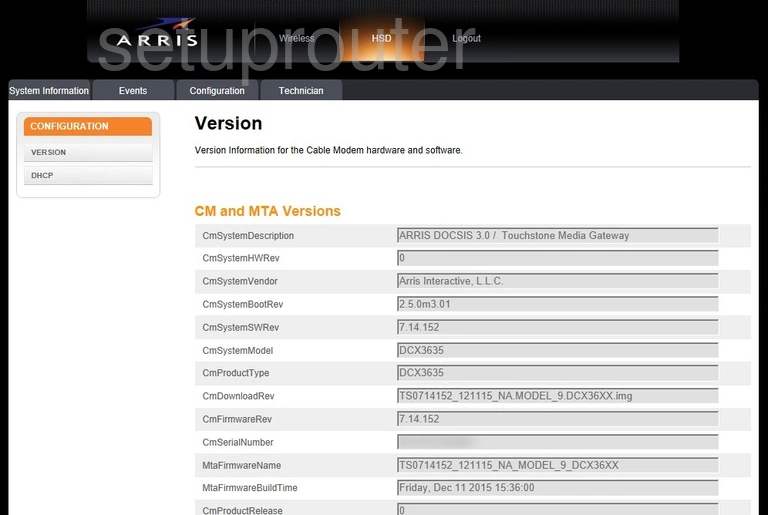
DCX3635 (4 screens)
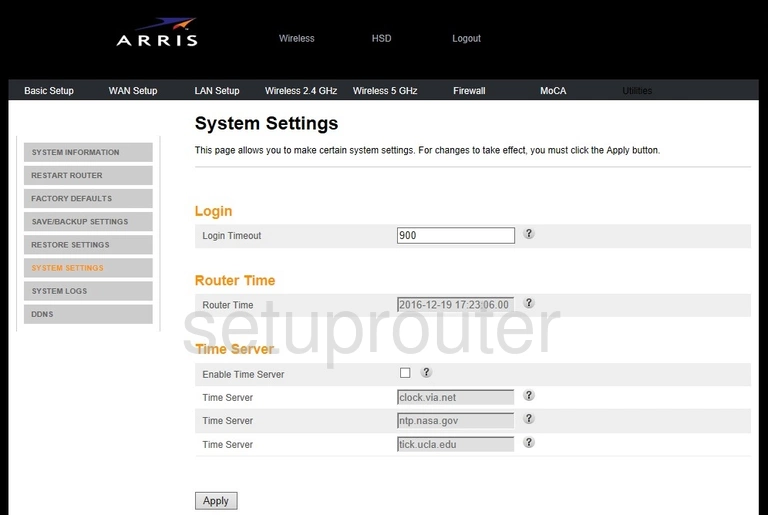
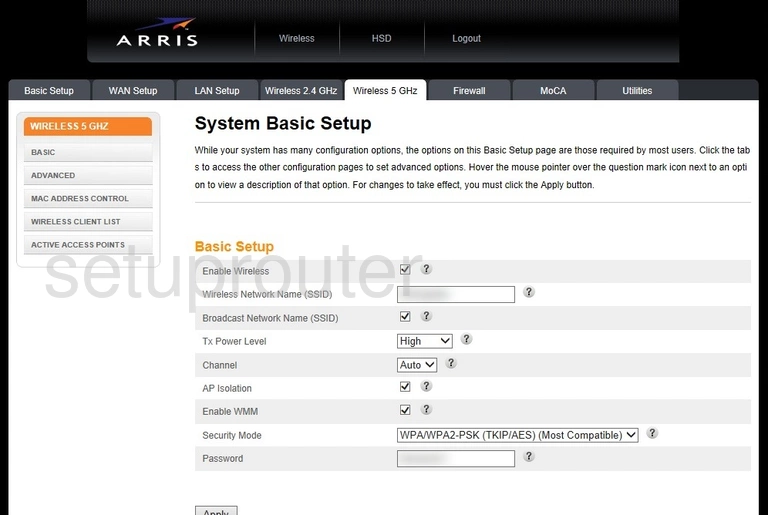
DG1660A (4 screens)
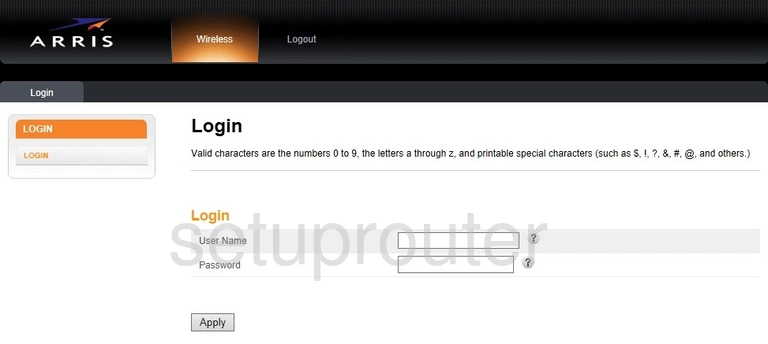
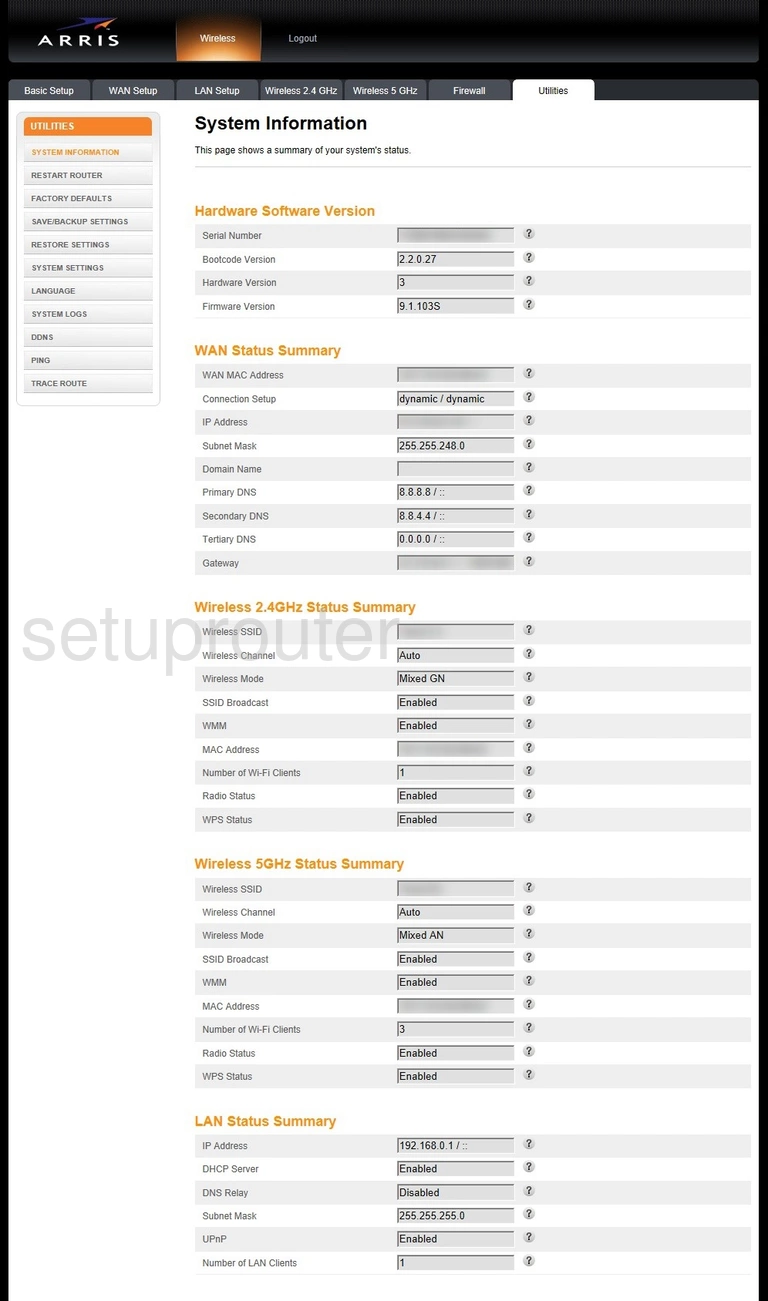
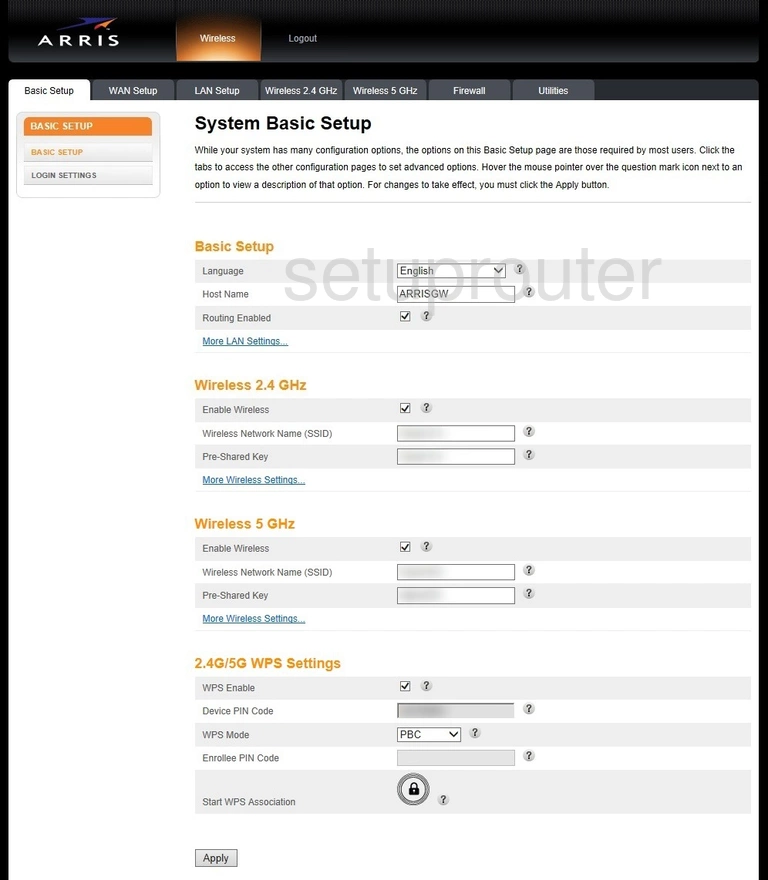
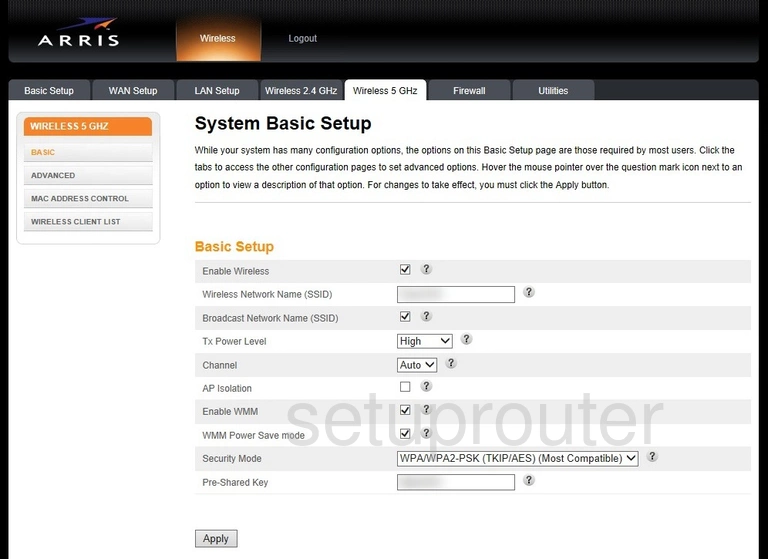
DG1670 (4 screens)
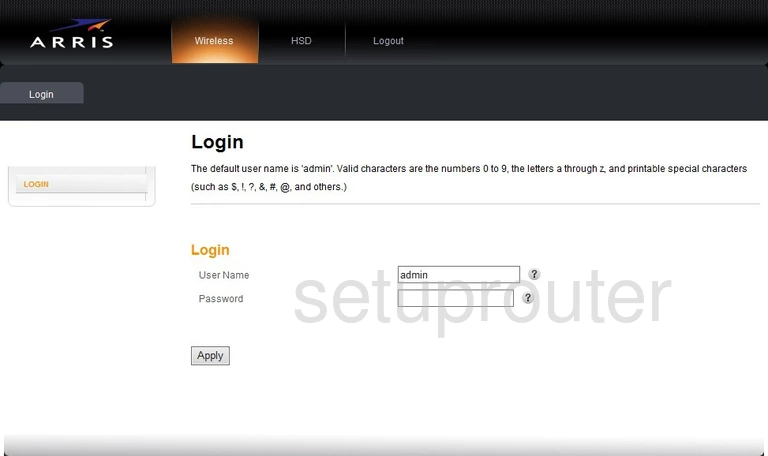
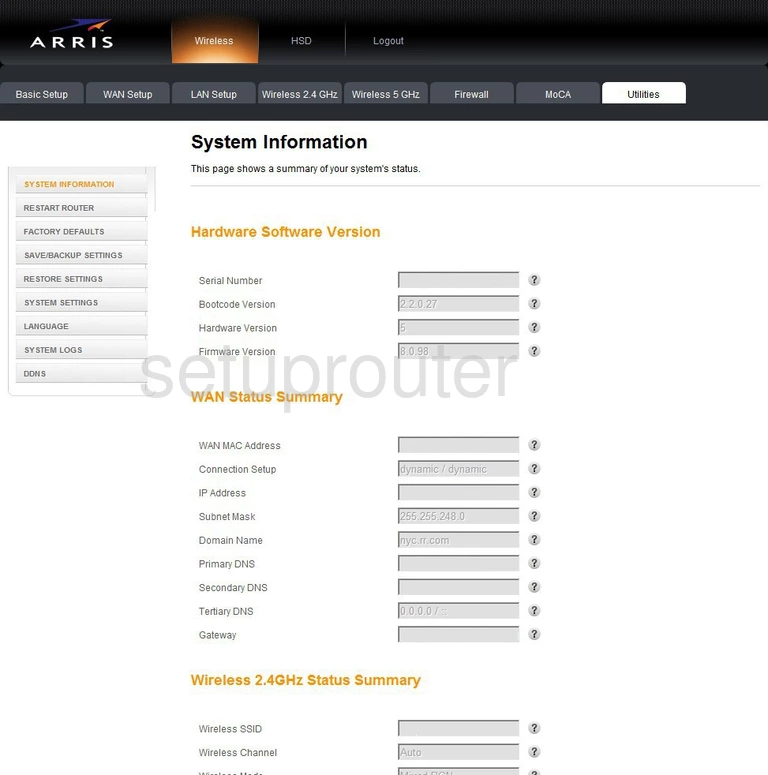
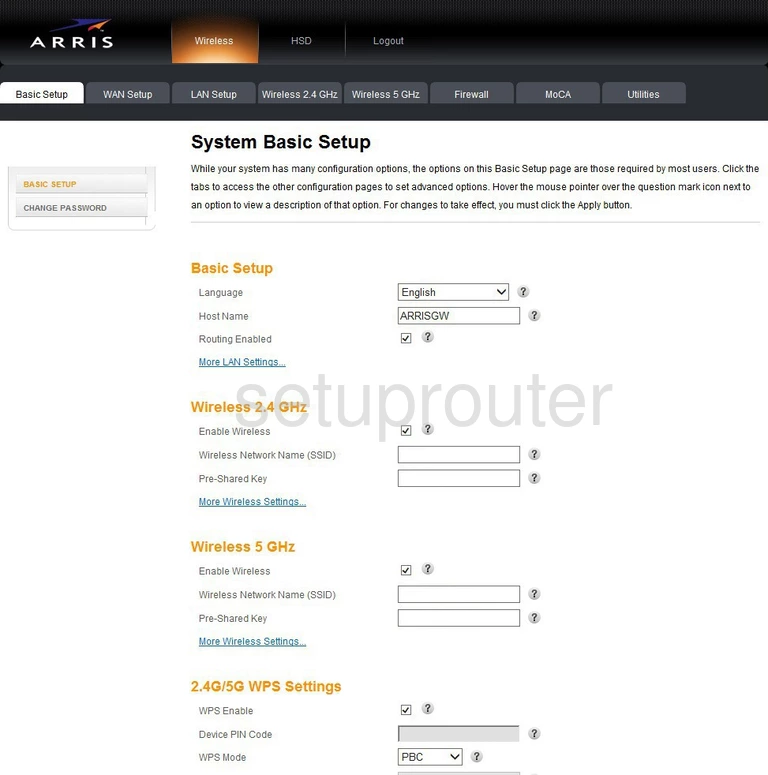
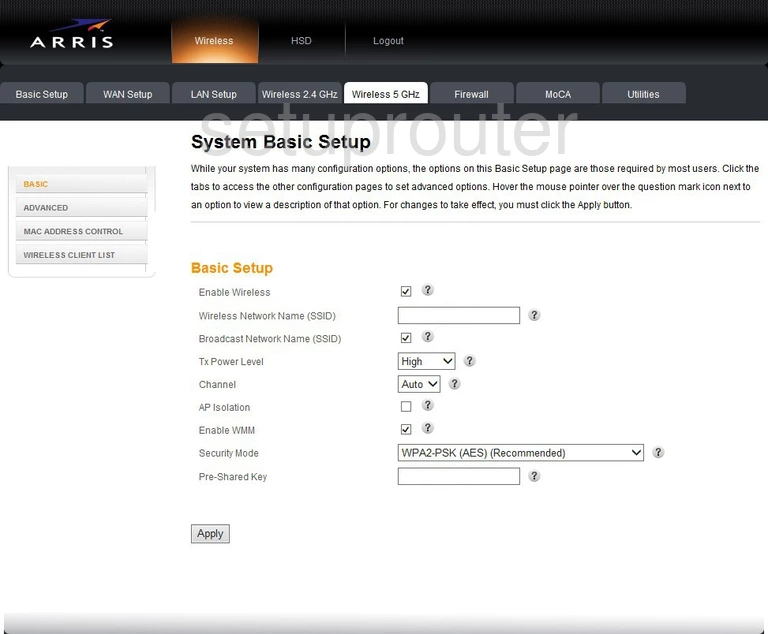
DG1670A (2 screens)
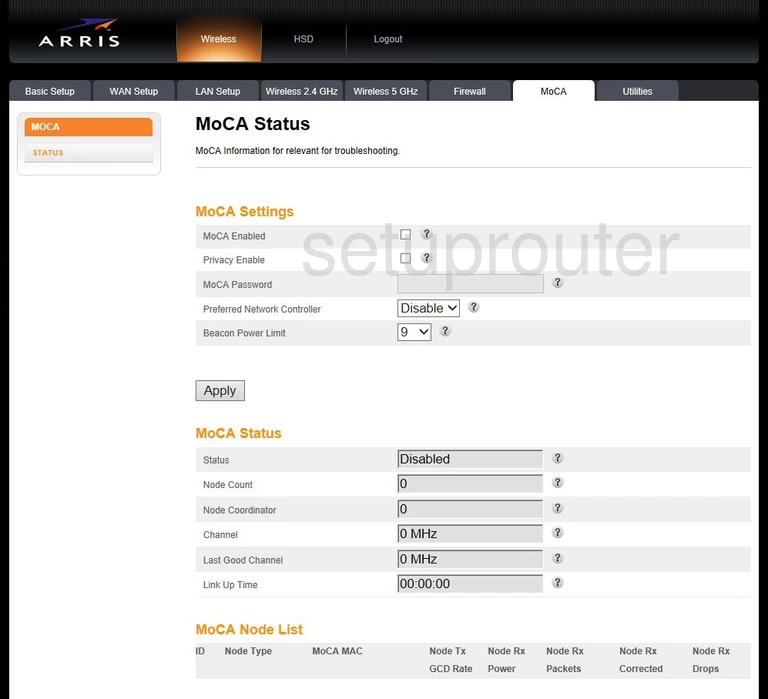
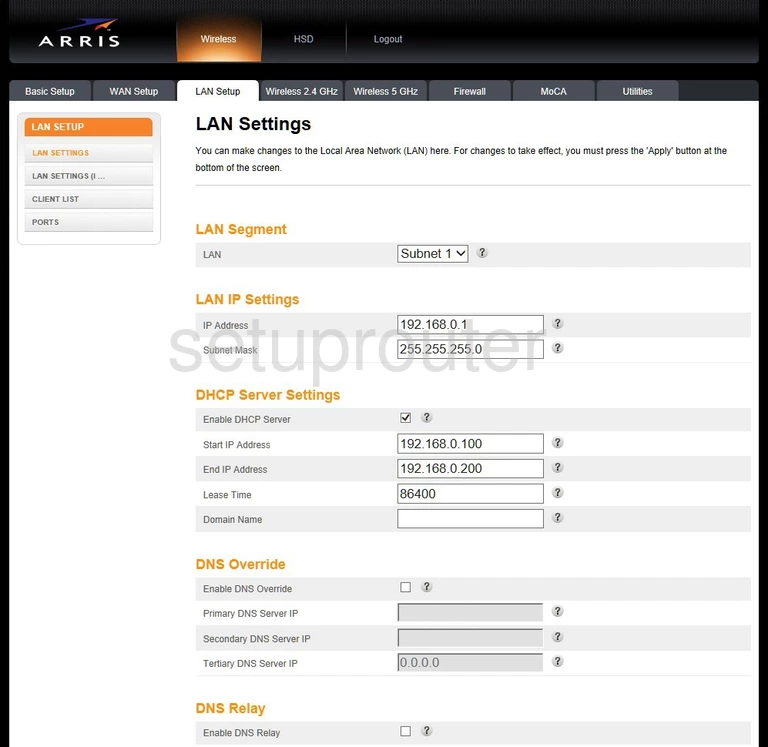
DG167A (4 screens)
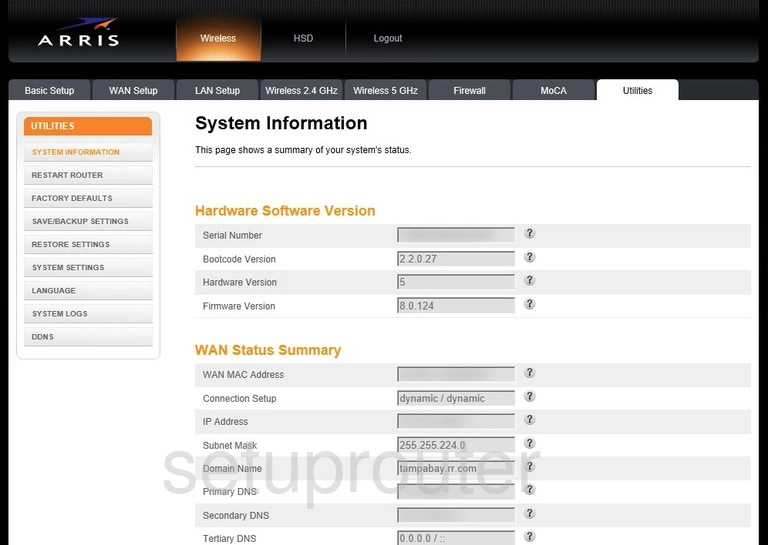
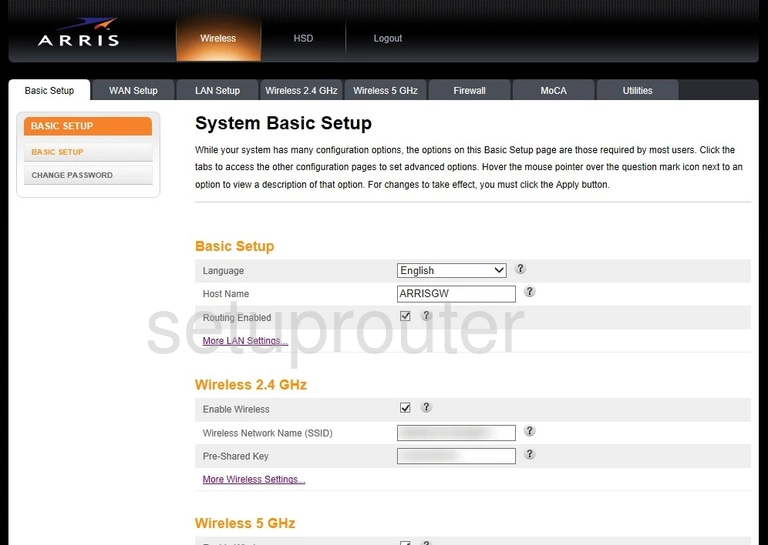
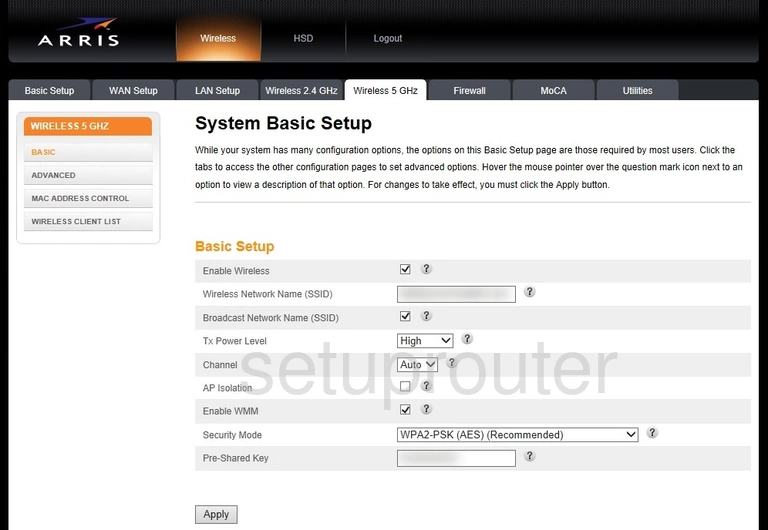
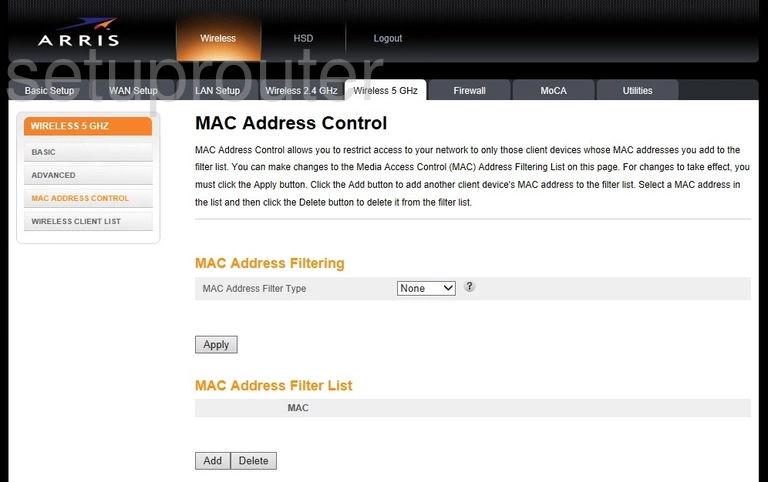
DG3270 (4 screens)
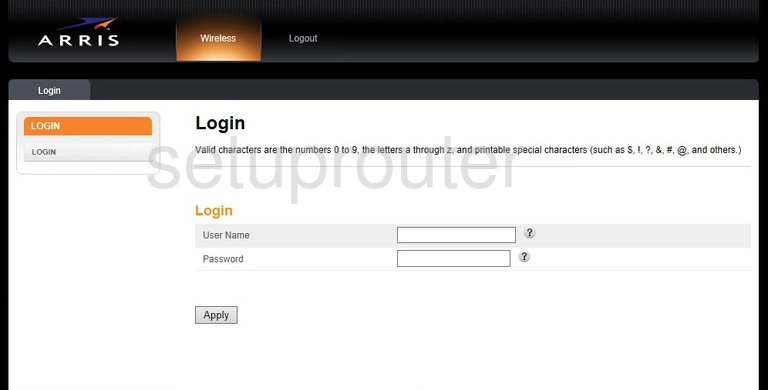
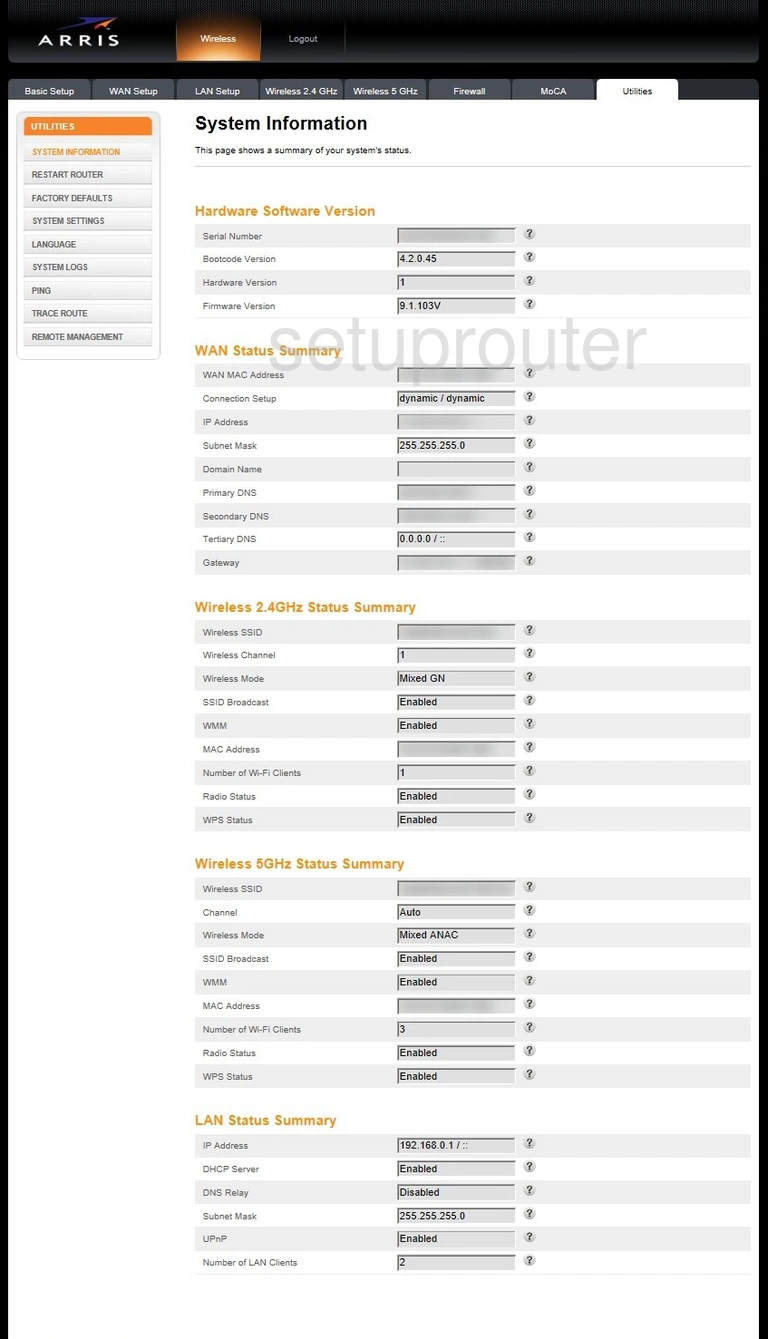
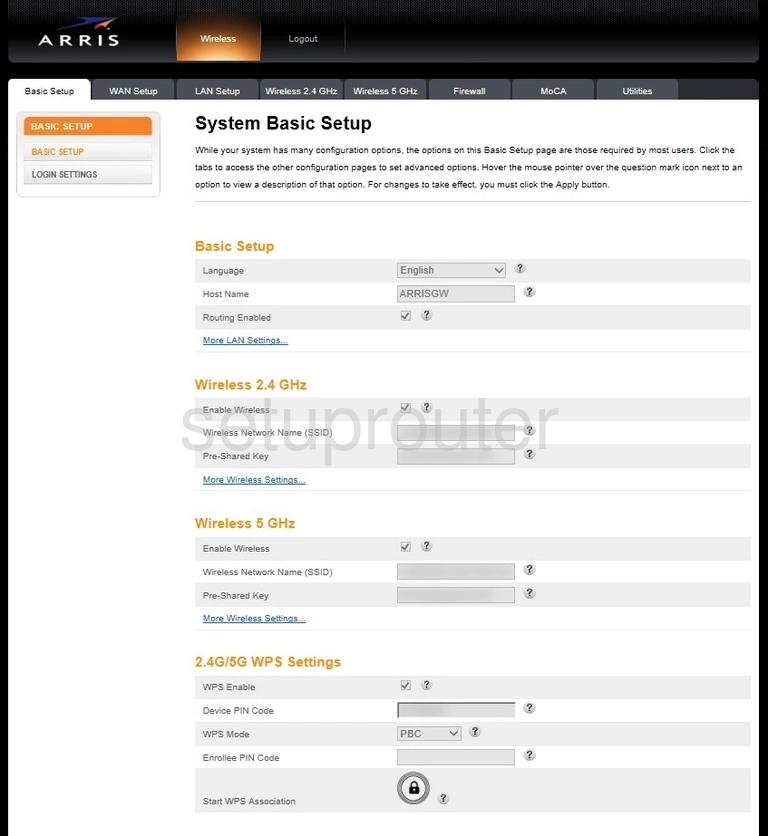
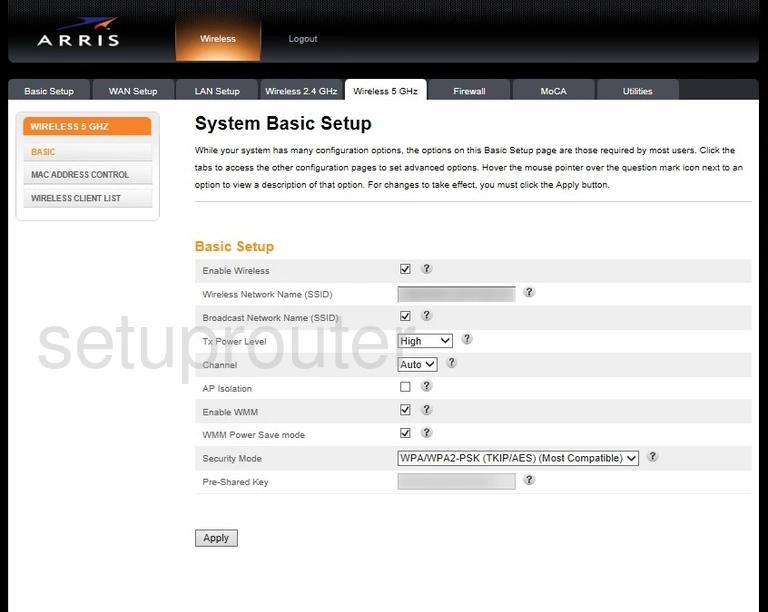
DG3450A (4 screens)
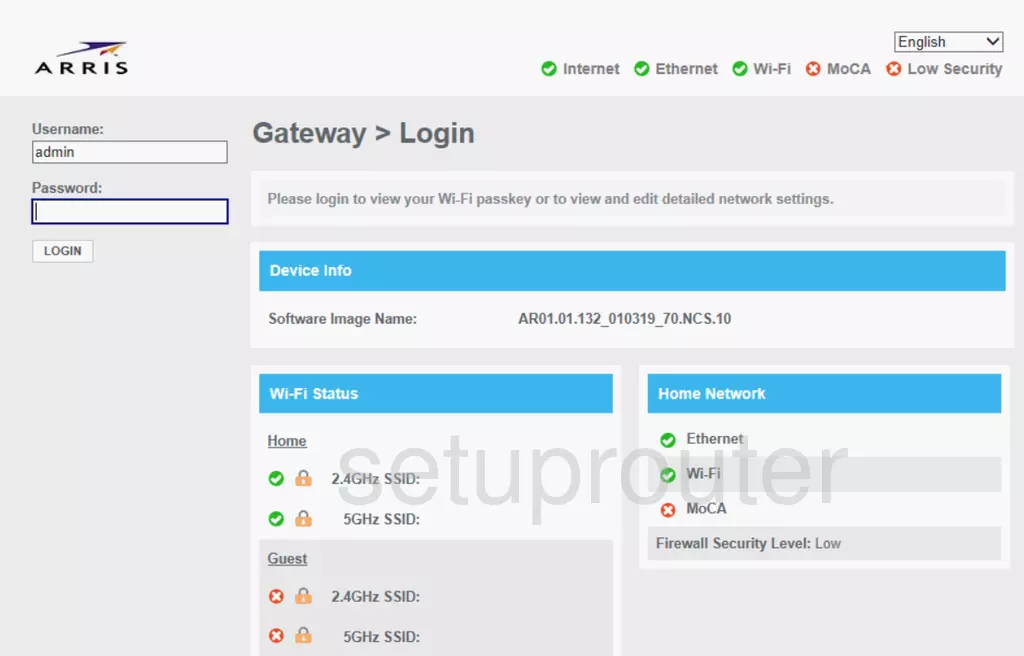
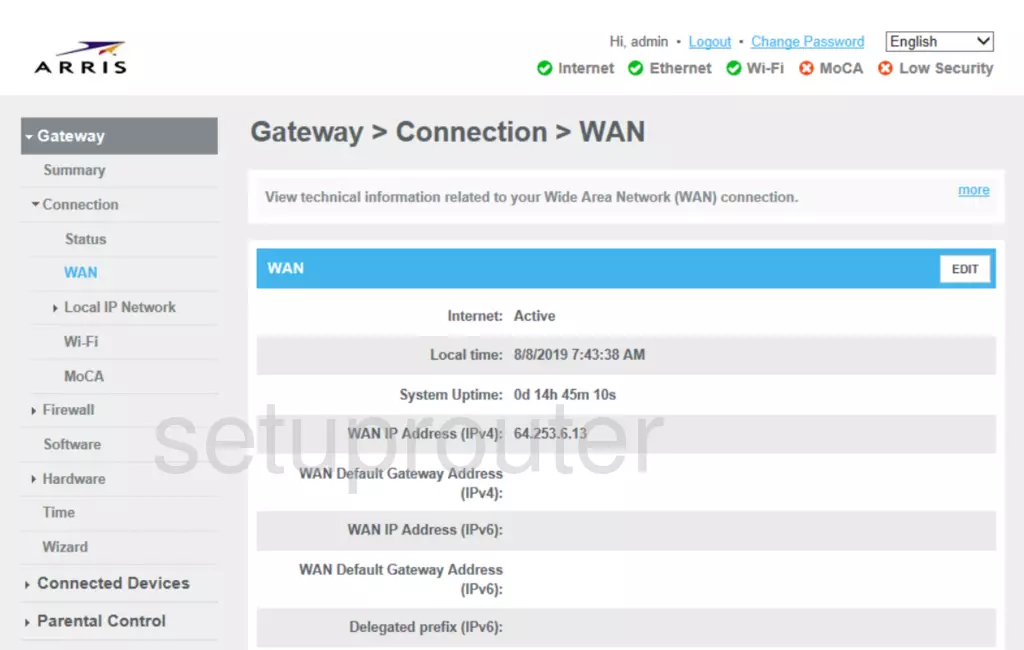
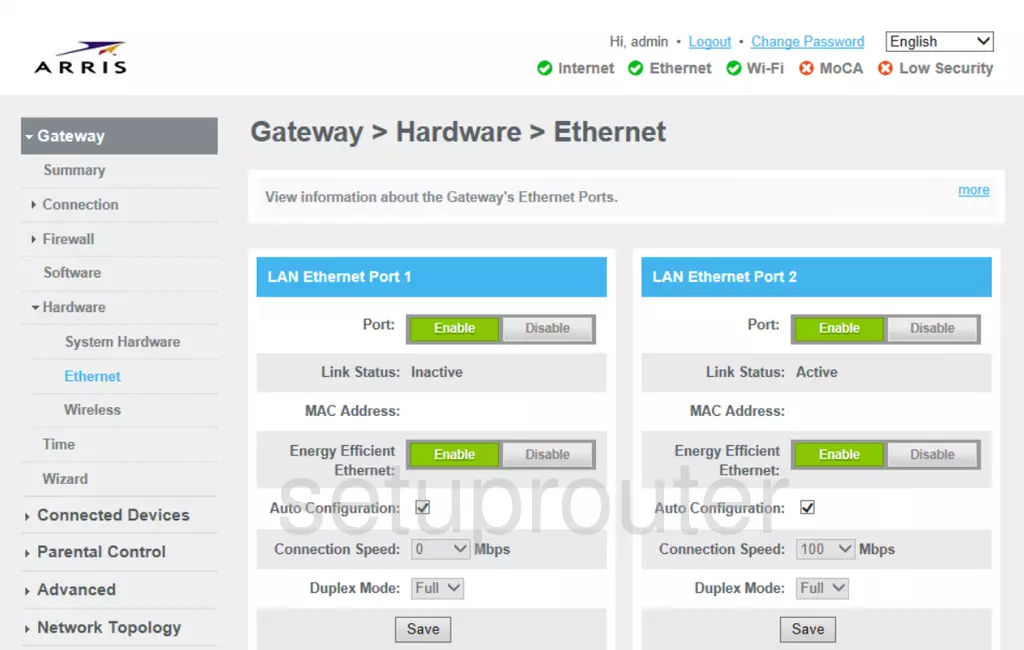
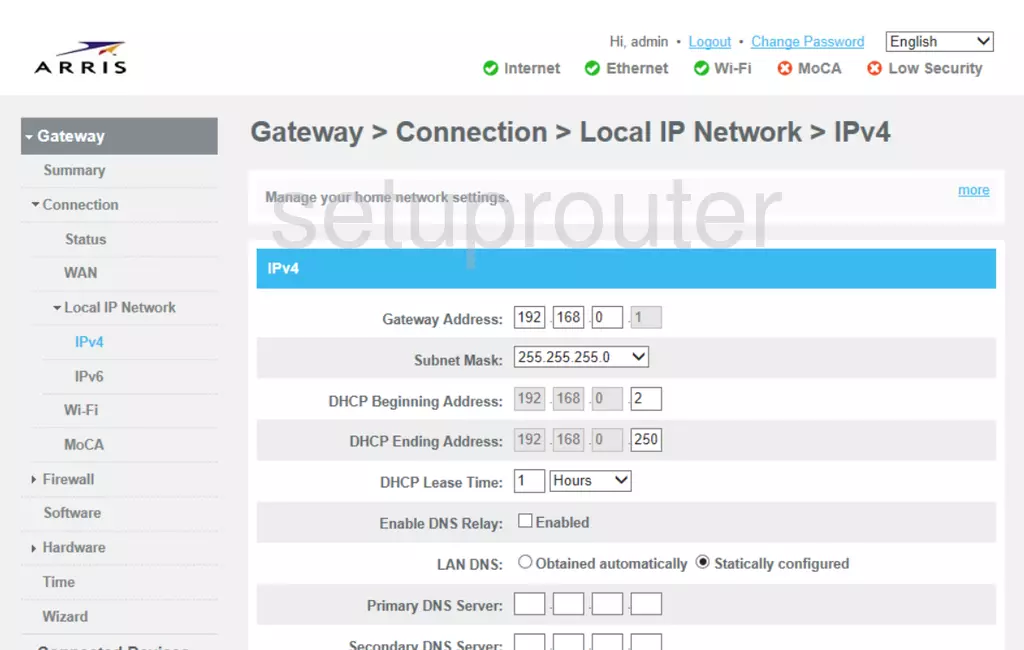
DG860A (4 screens)
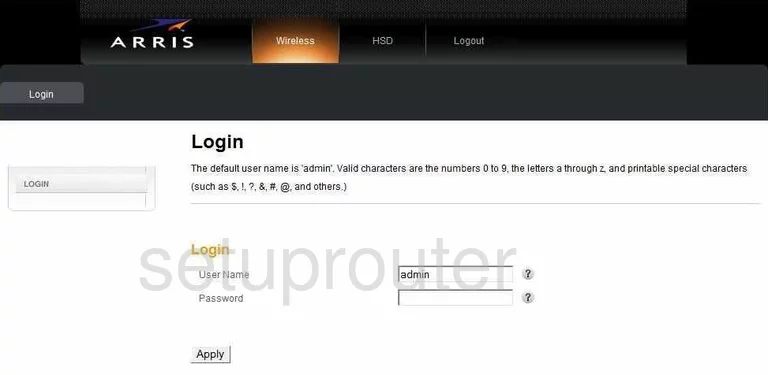
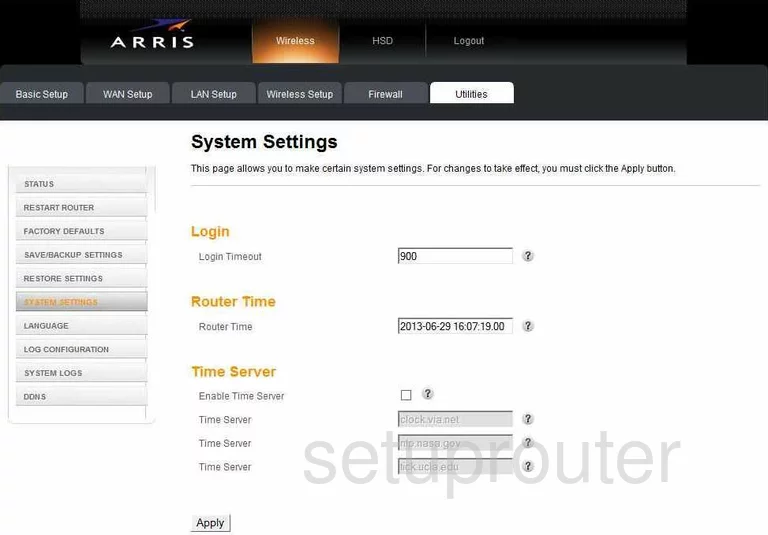
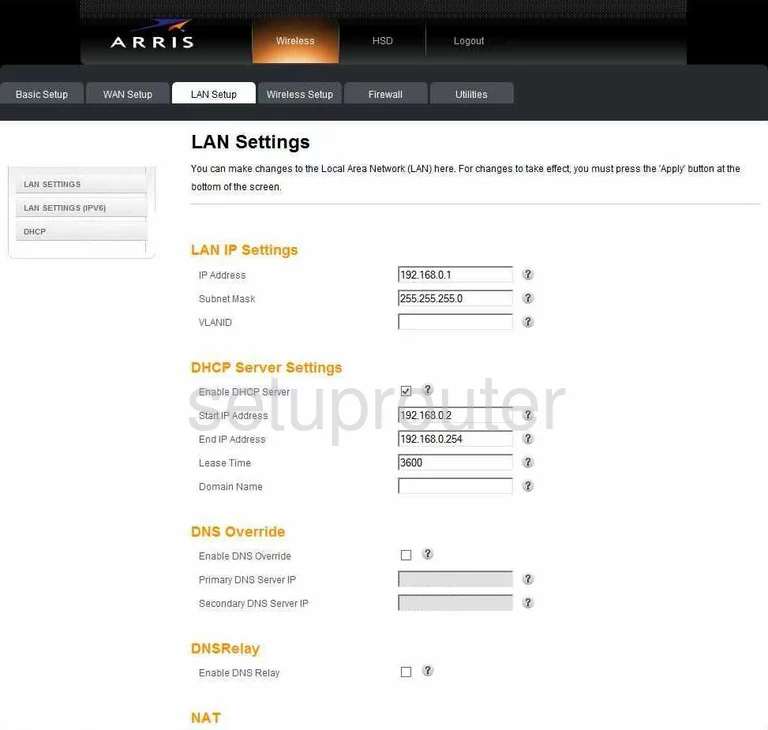
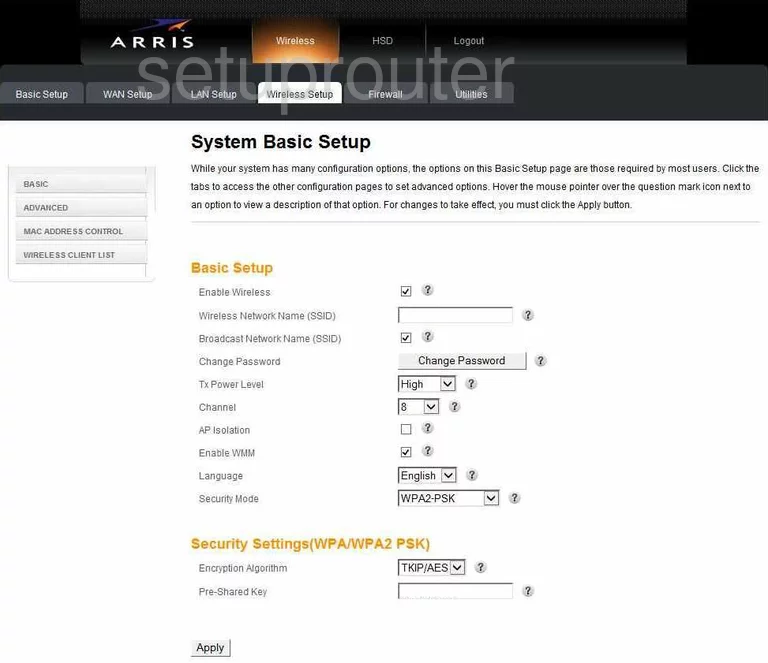
DG860P2 (4 screens)
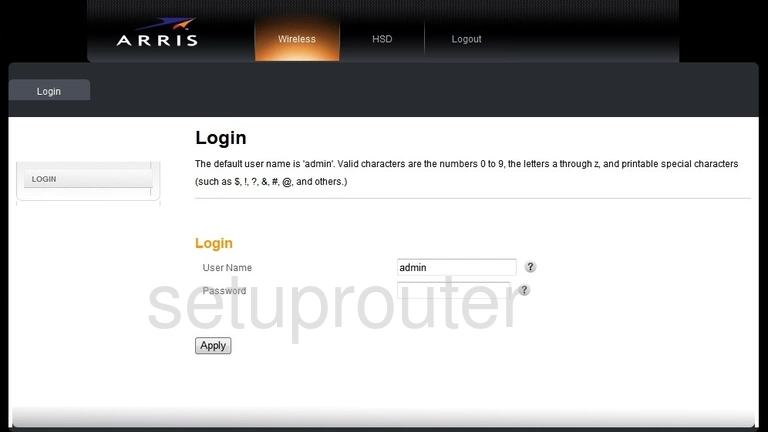
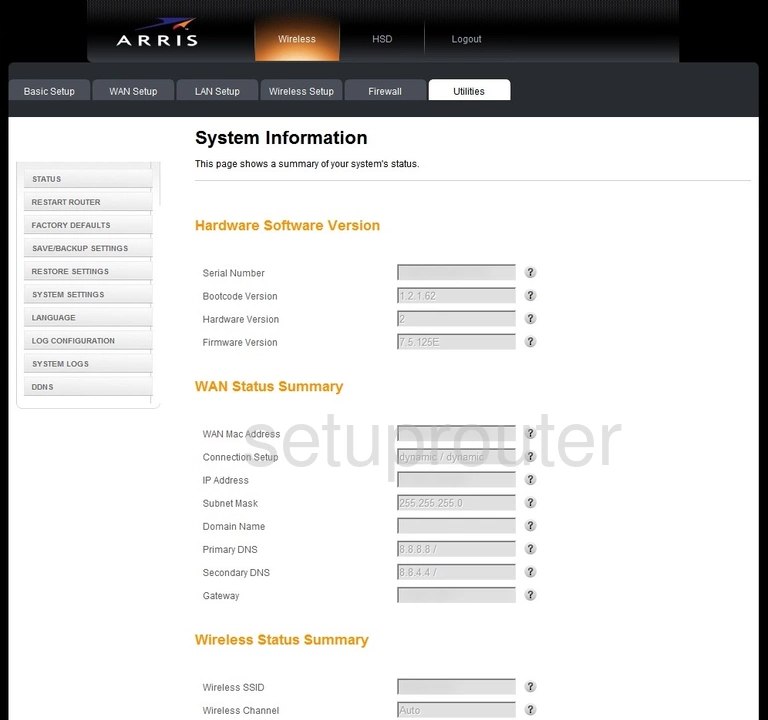
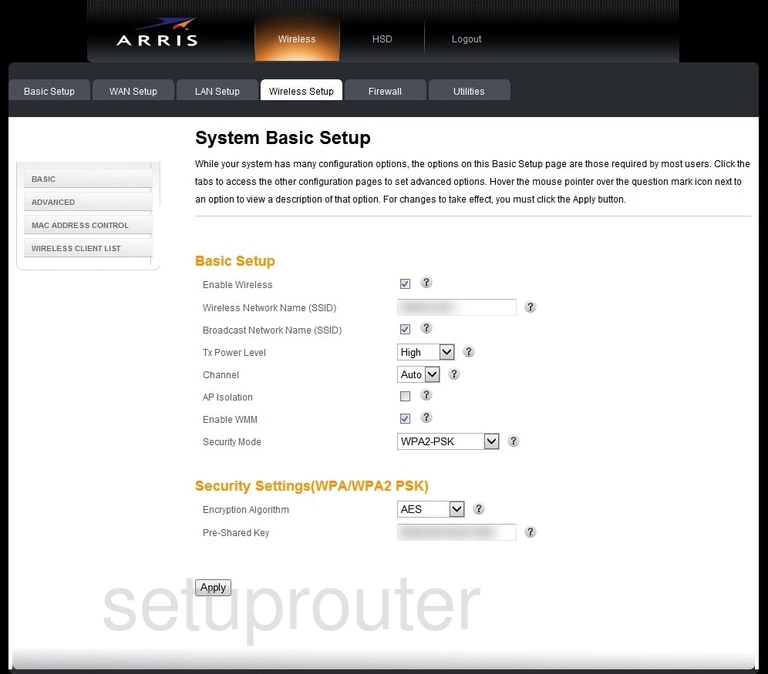
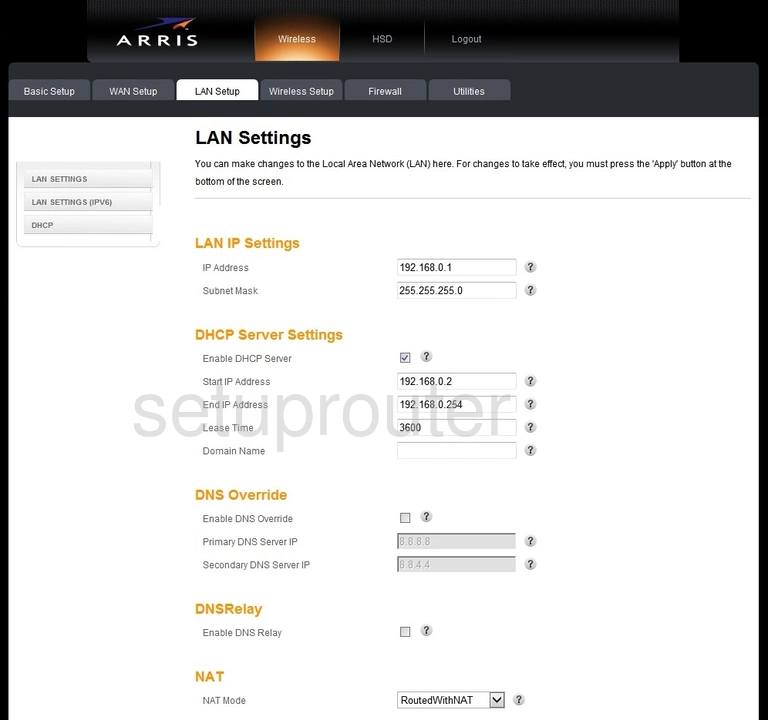
DG950 (2 screens)
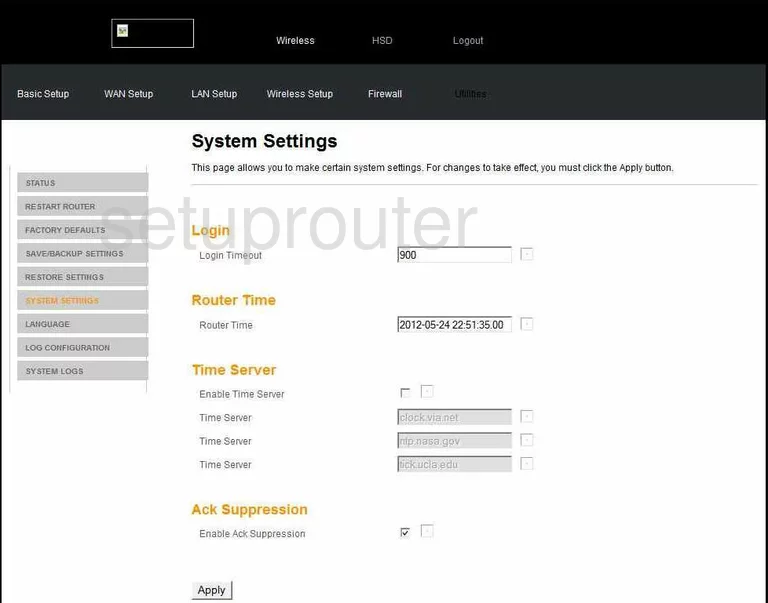
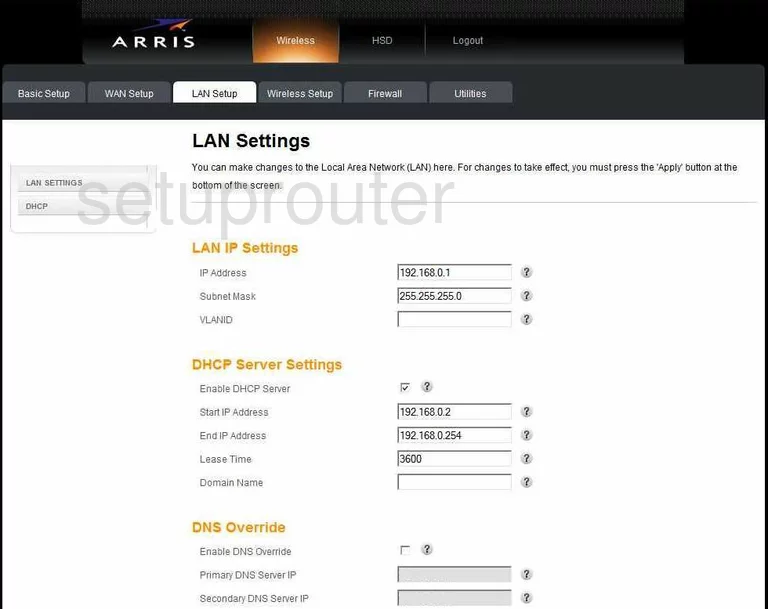
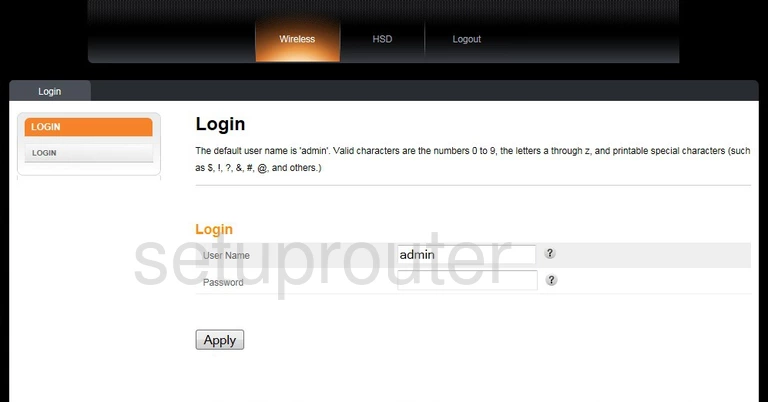
MG5225GNA (1 screens)
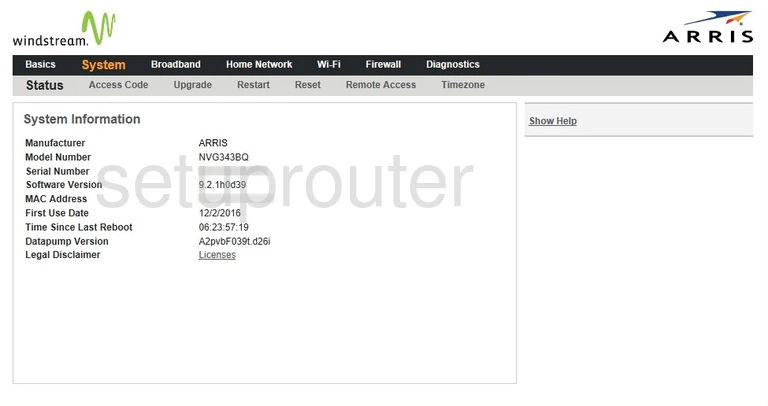
NVG343BQ Windstream (1 screens)
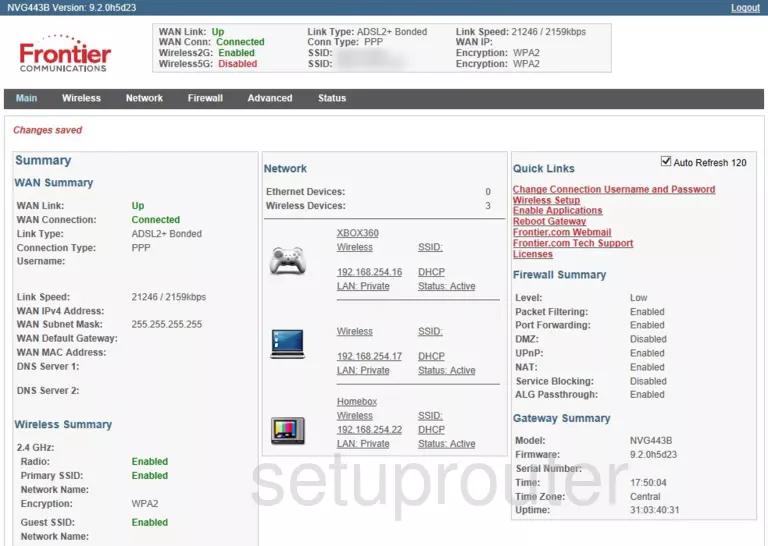
NVG443B (3 screens)
NVG468MQ (4 screens)
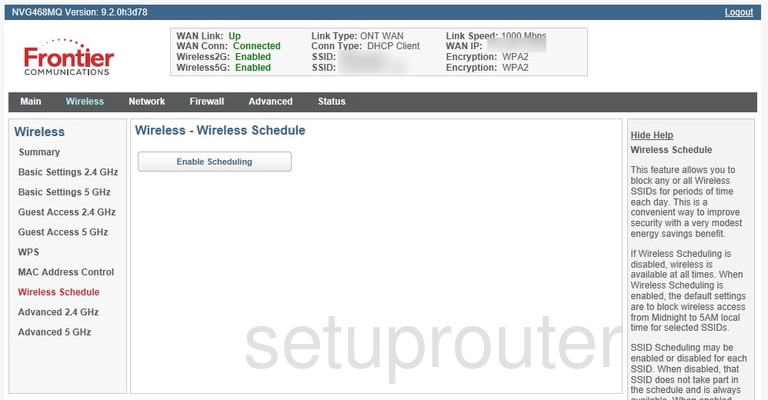
NVG589 (2 screens)
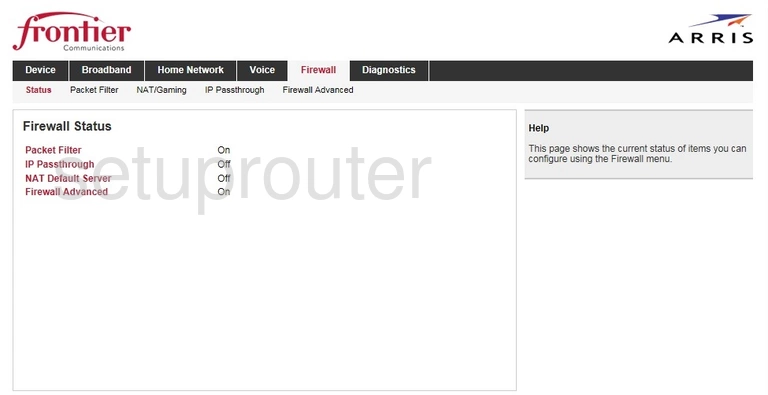
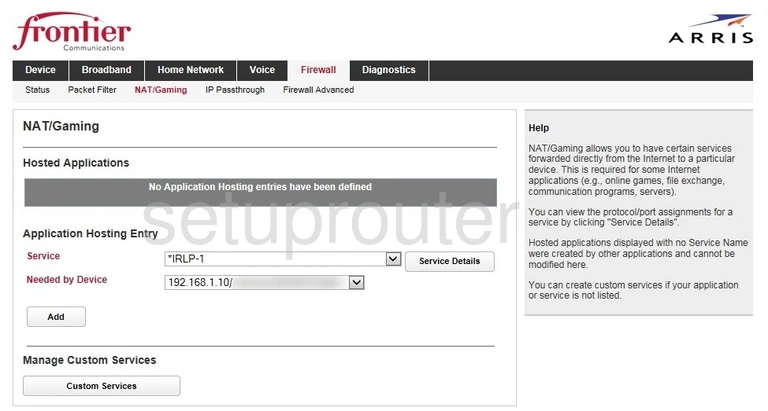
NVG589 ATT (4 screens)
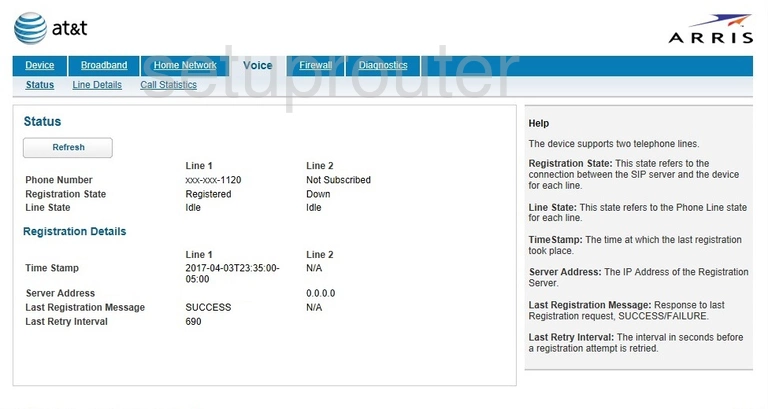
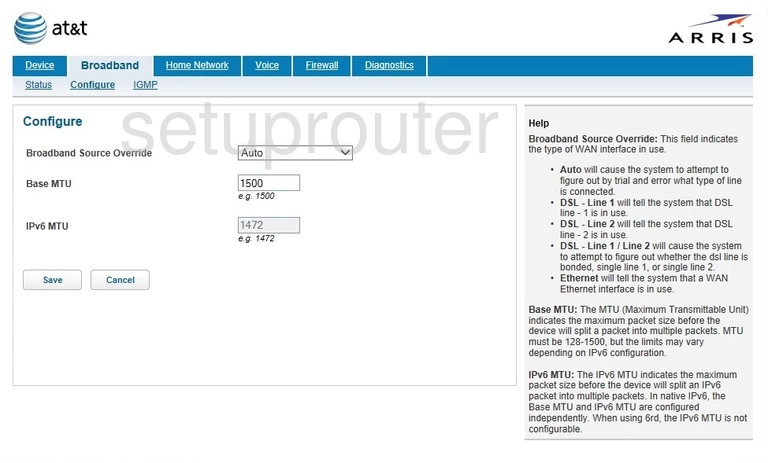
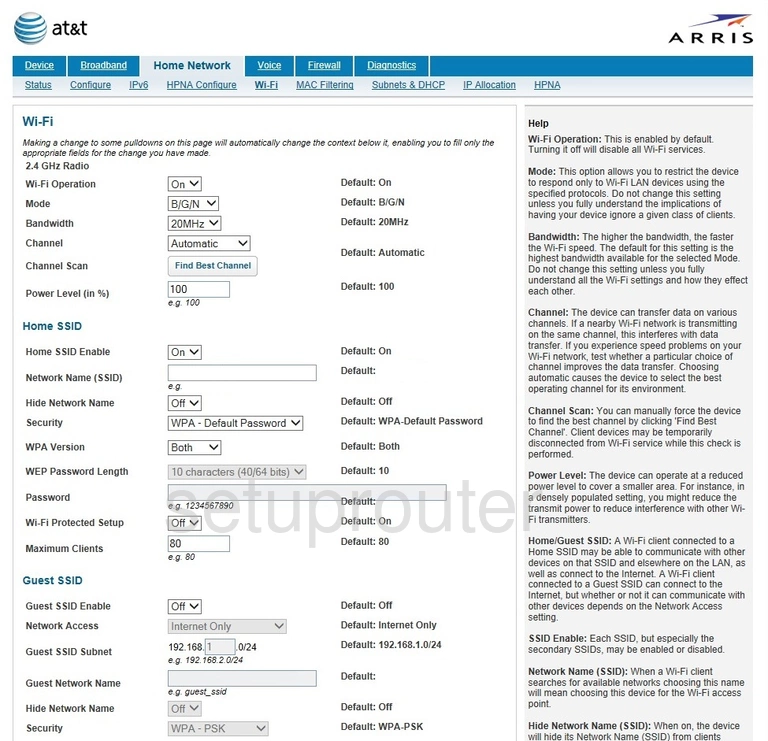
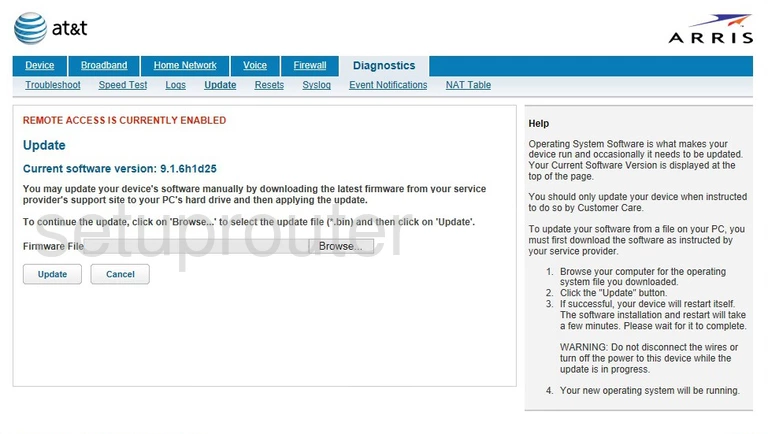
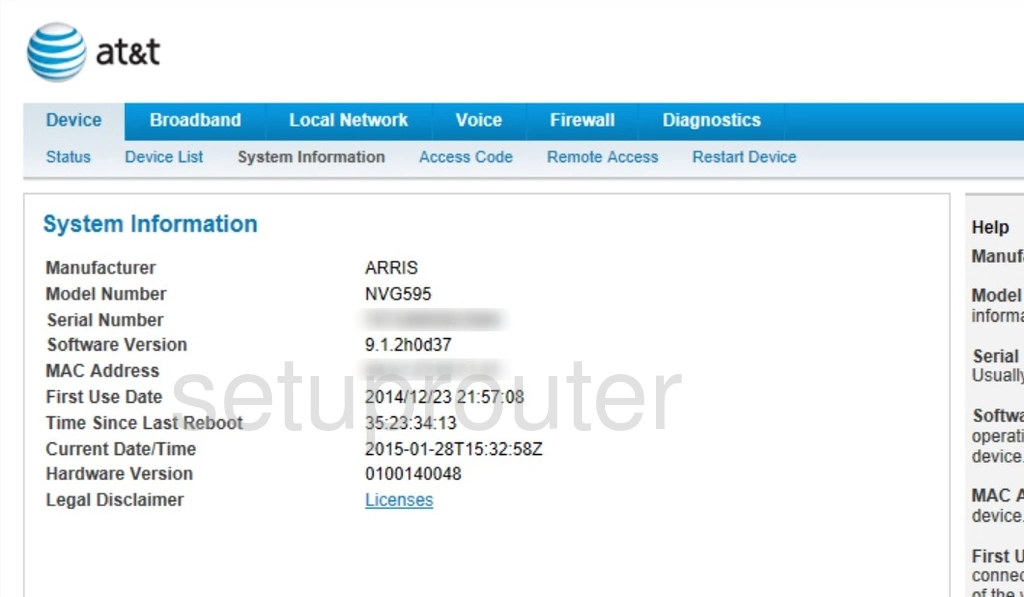
NVG595 (4 screens)
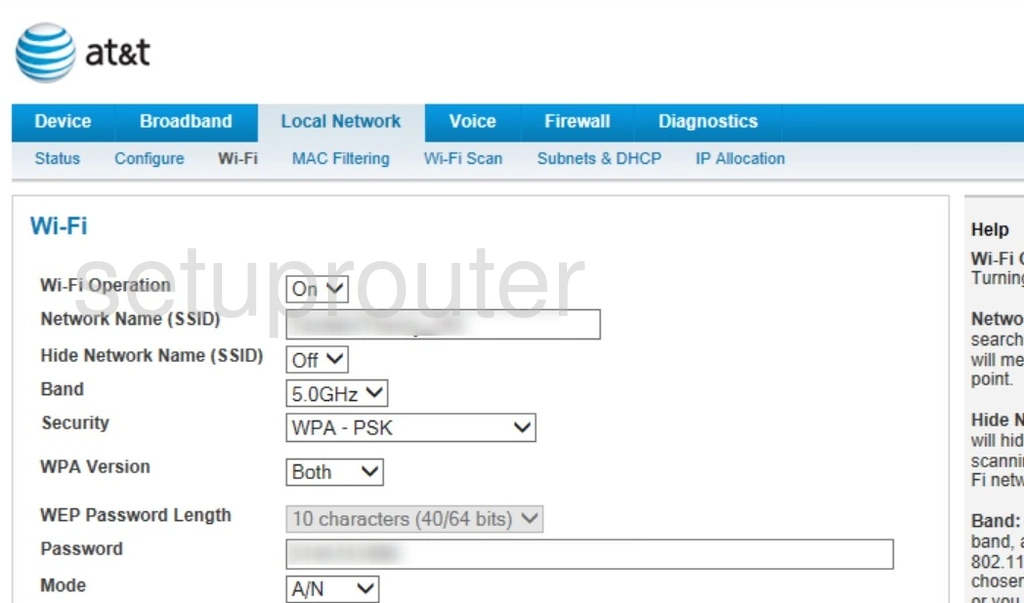
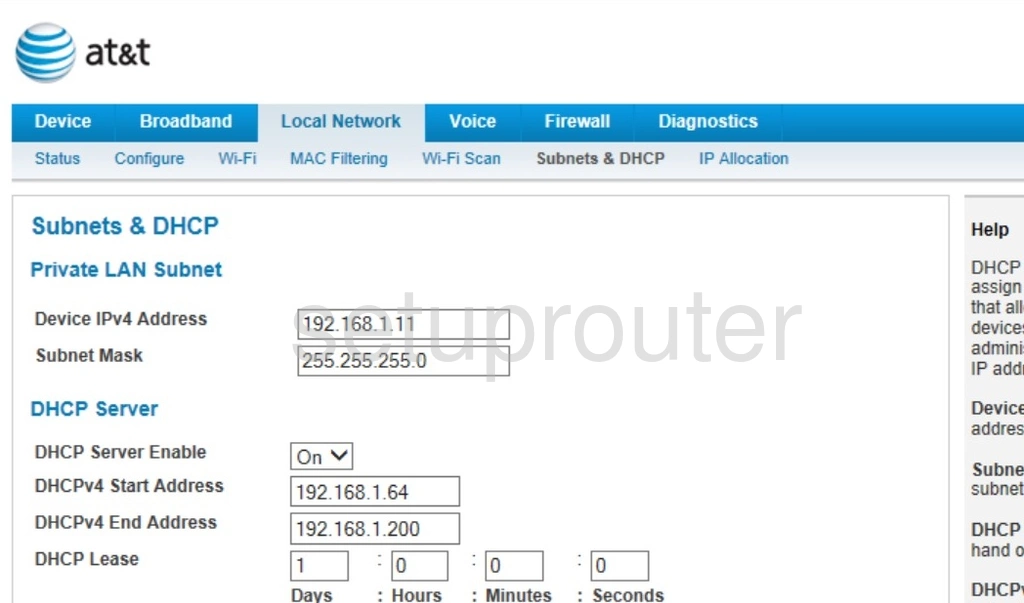
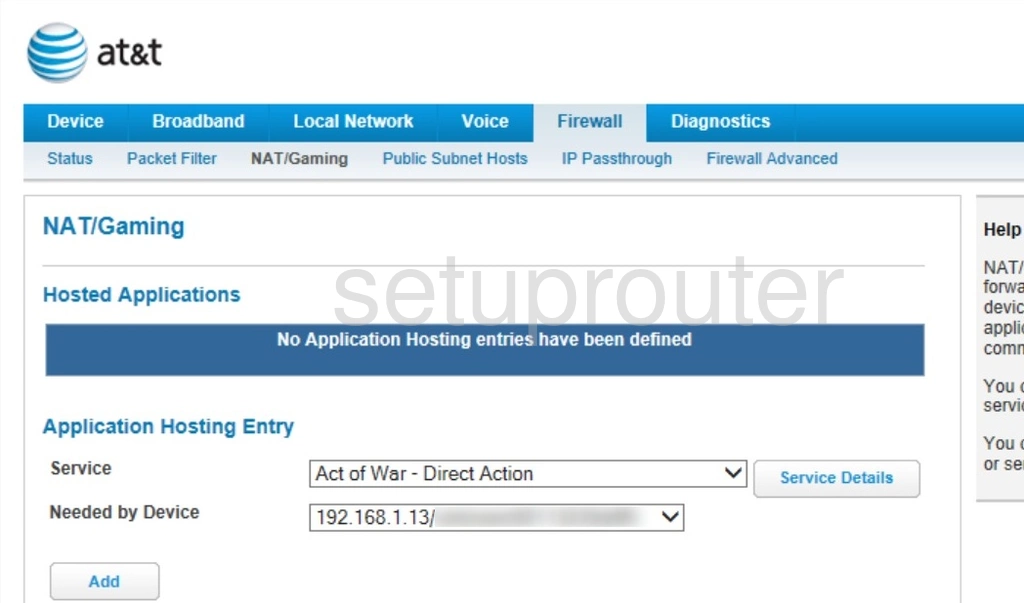
NVG599 (4 screens)
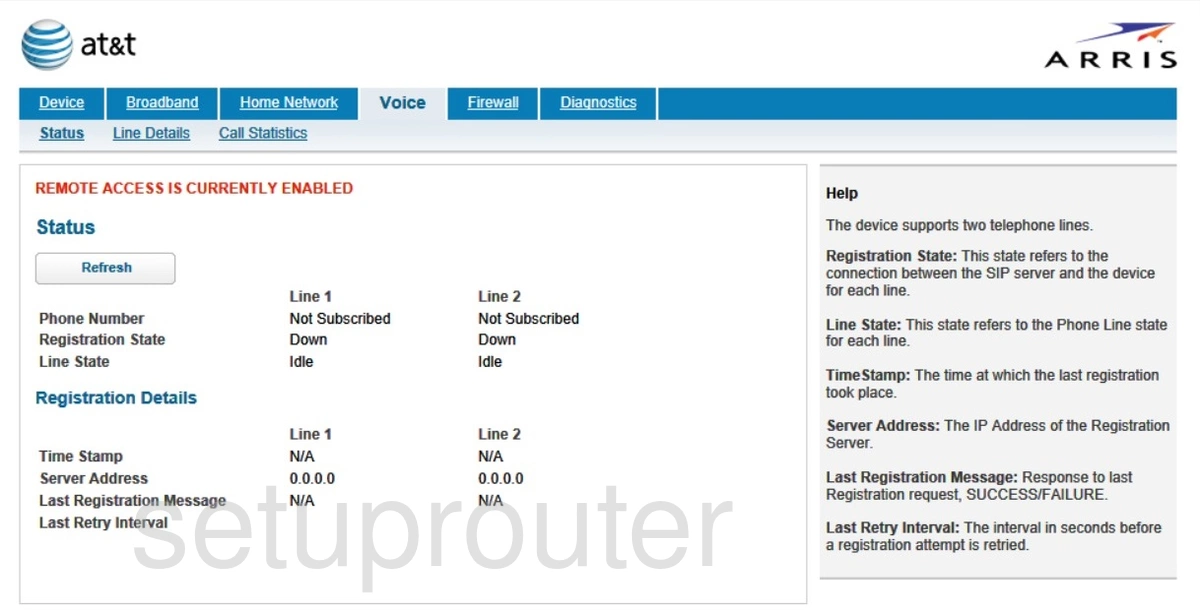
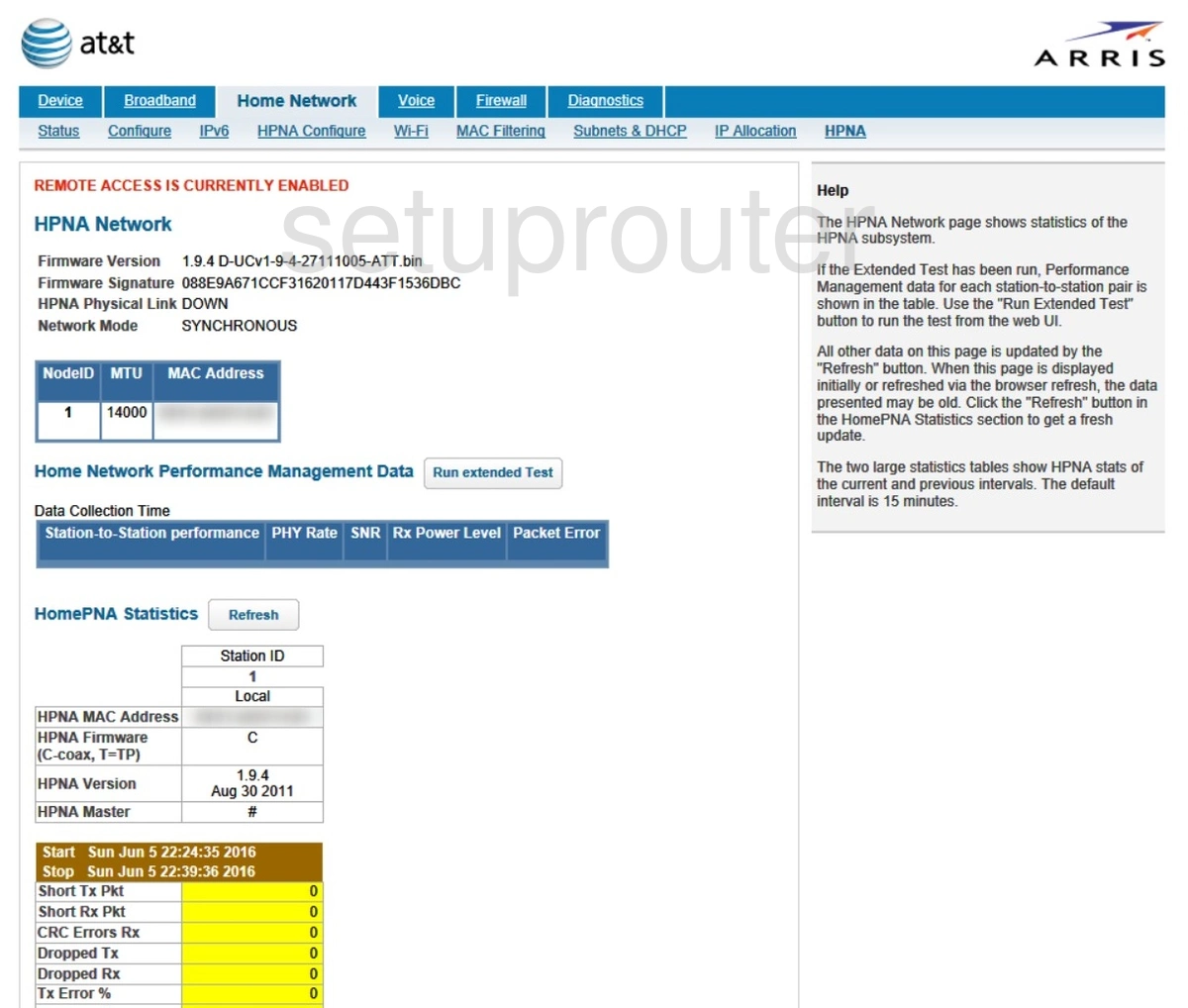
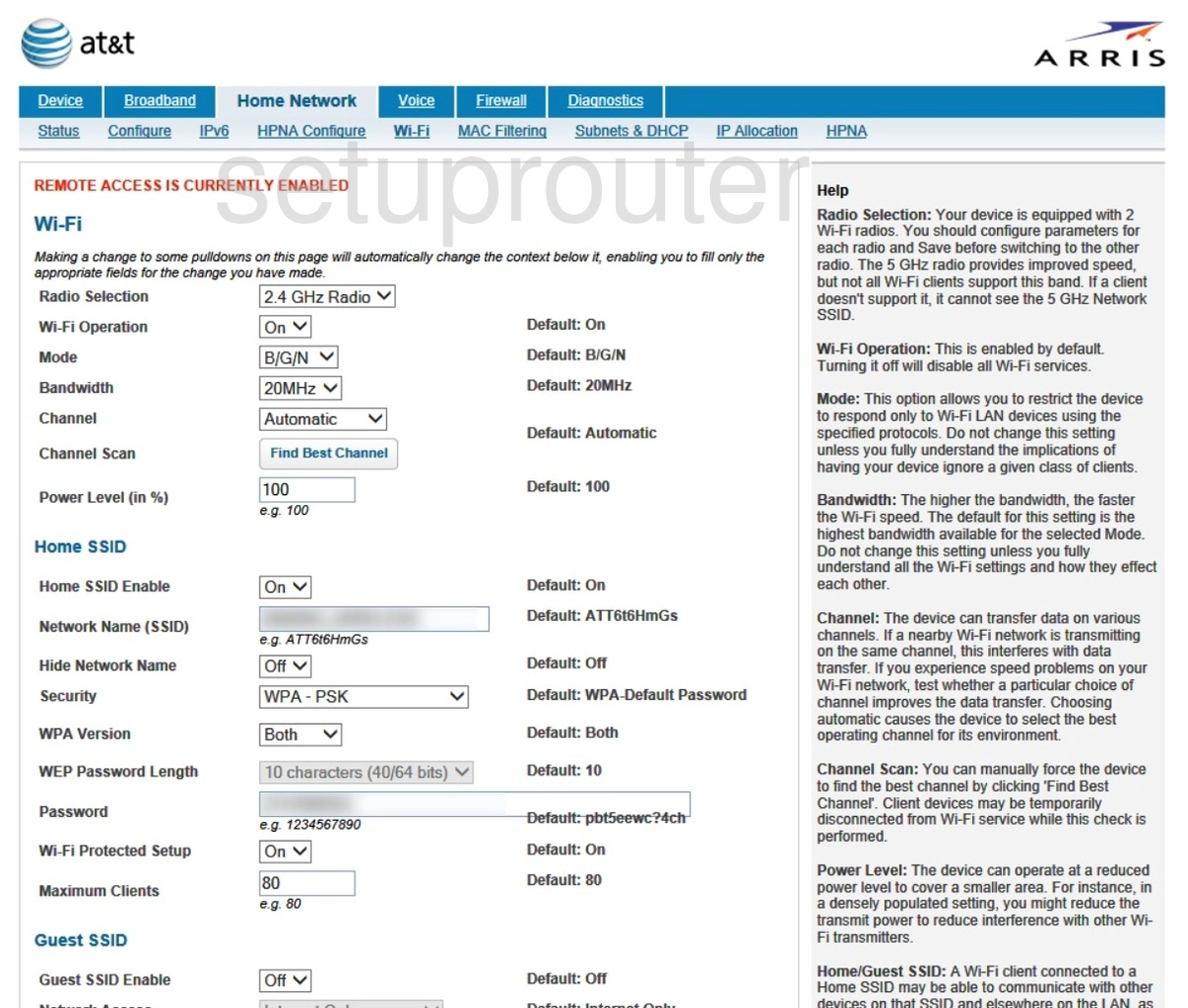
SB6121 (2 screens)
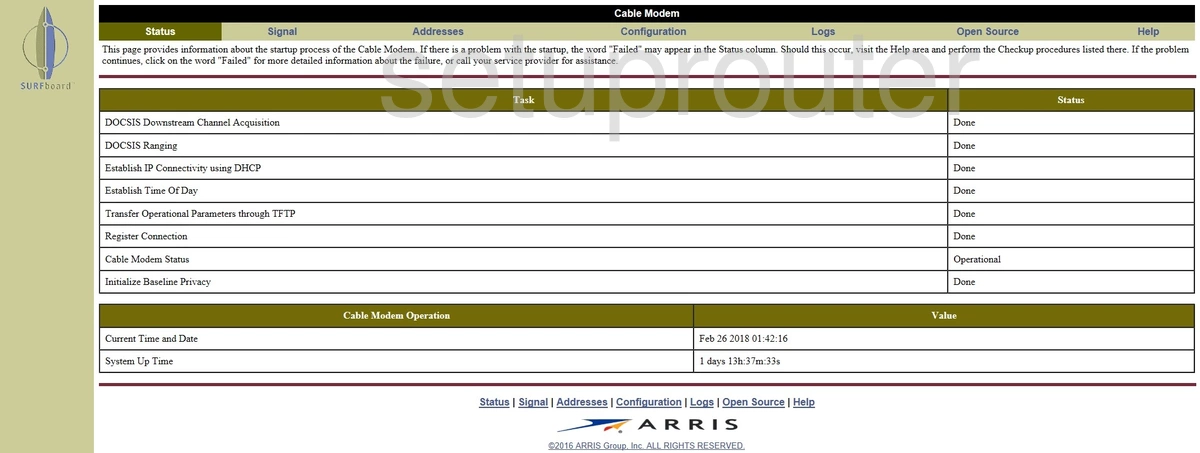
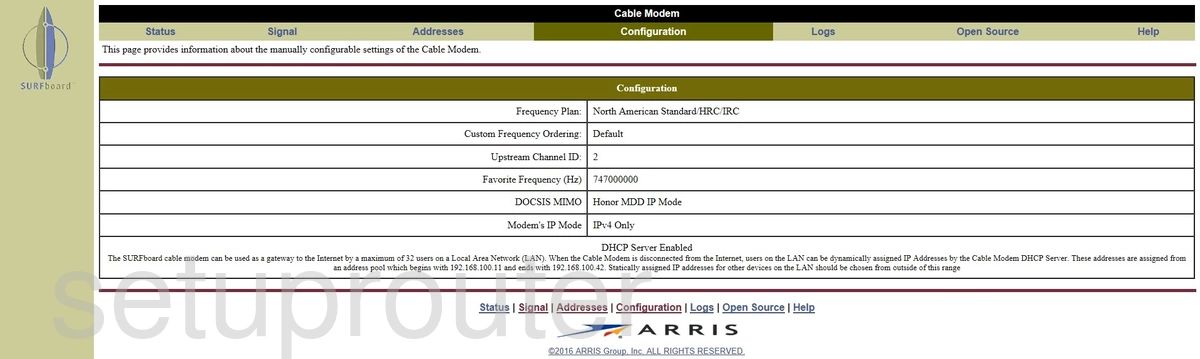
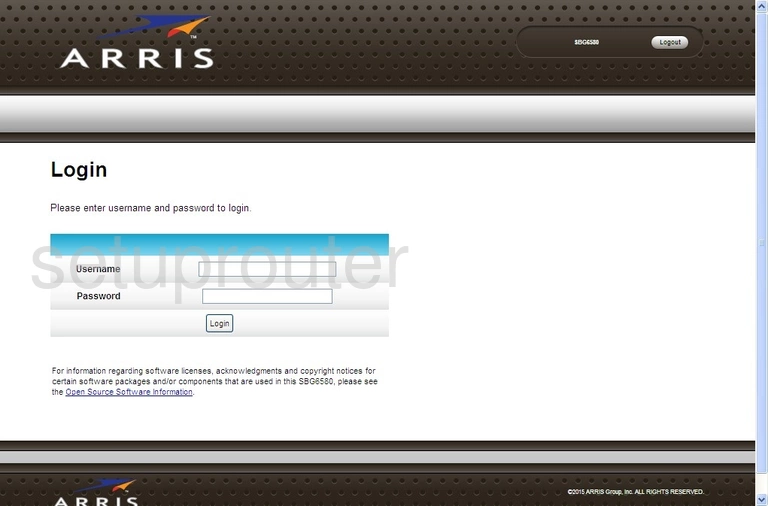
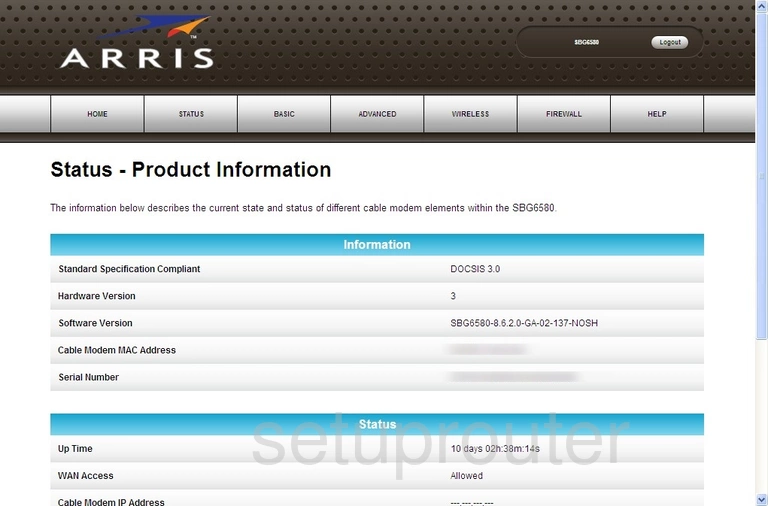
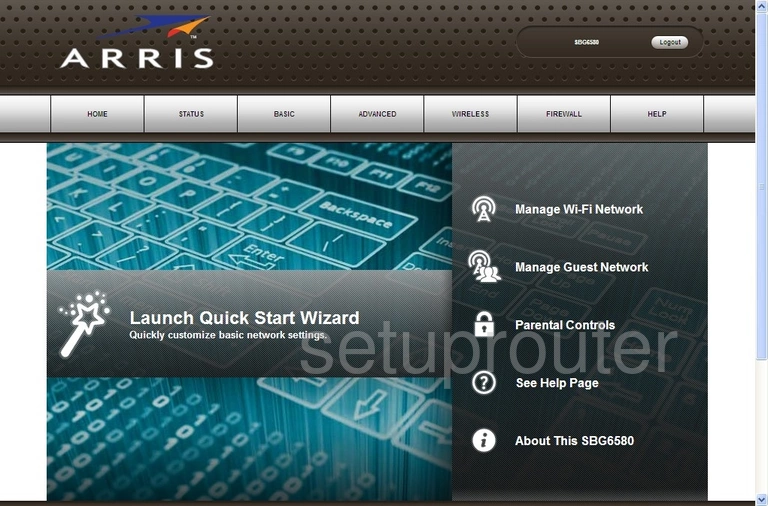
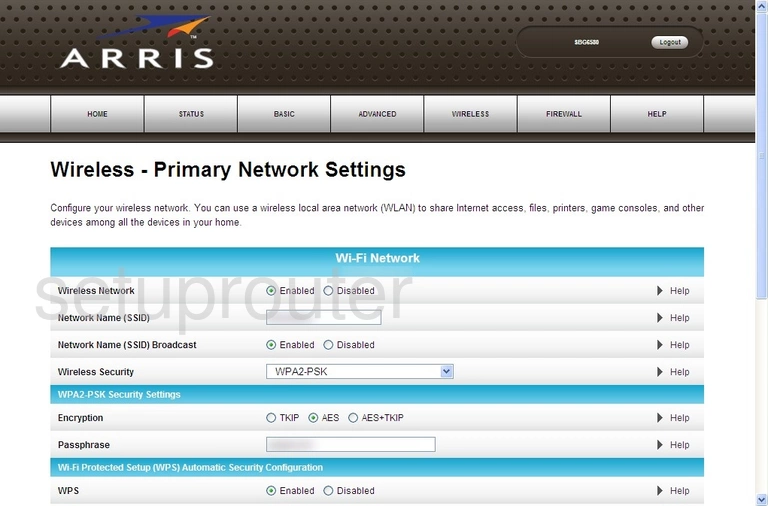
SBG6580 (4 screens)
SBG6700-AC (4 screens)
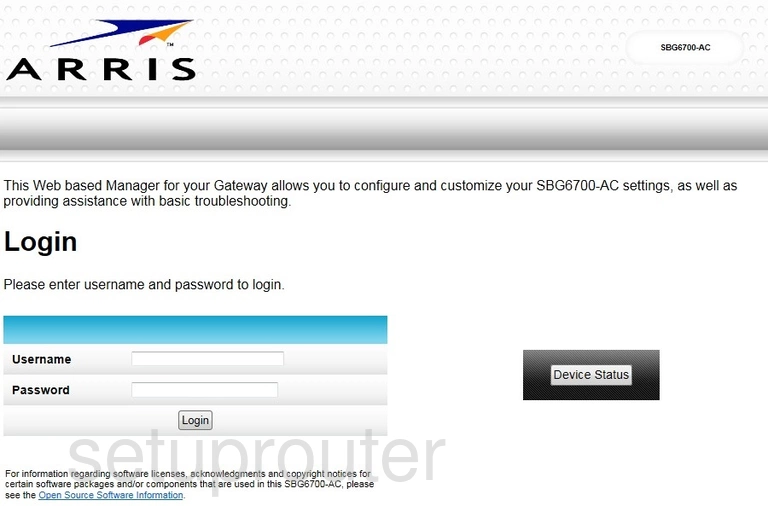
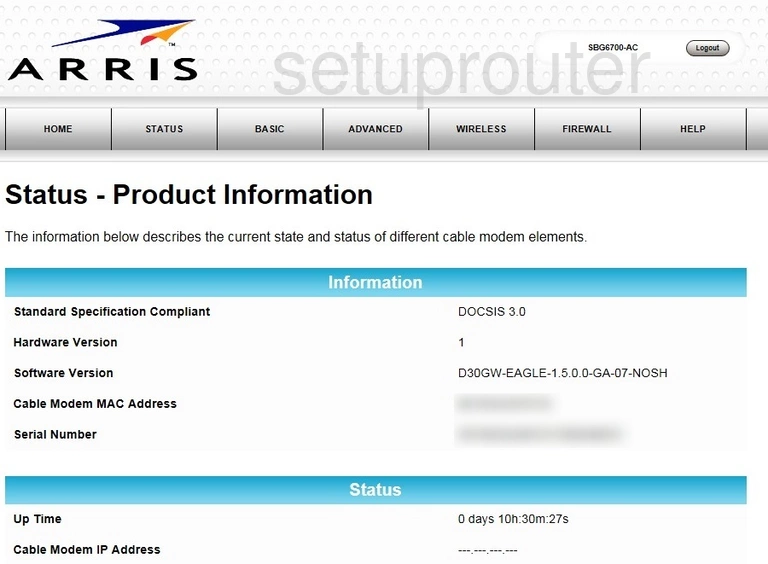
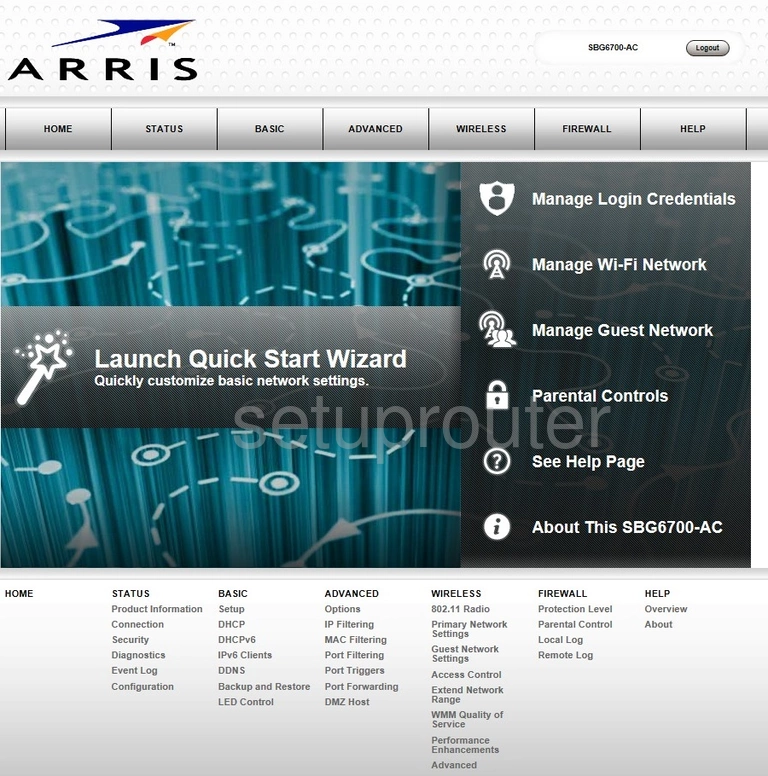
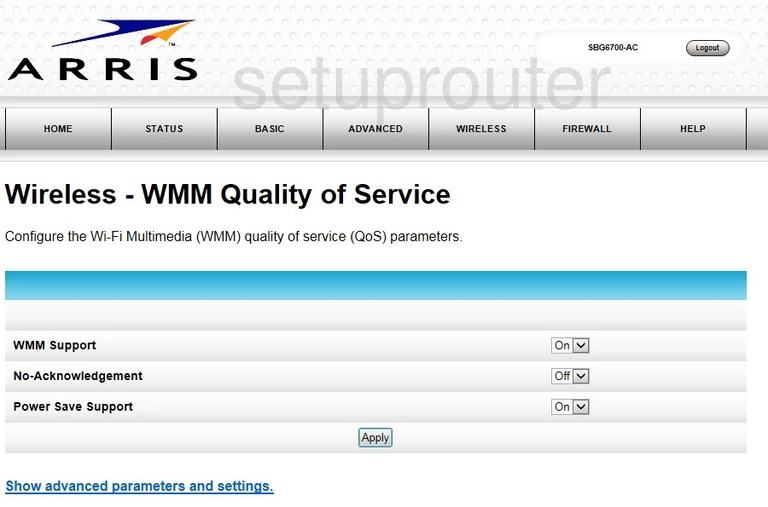
SBG6782-AC (4 screens)
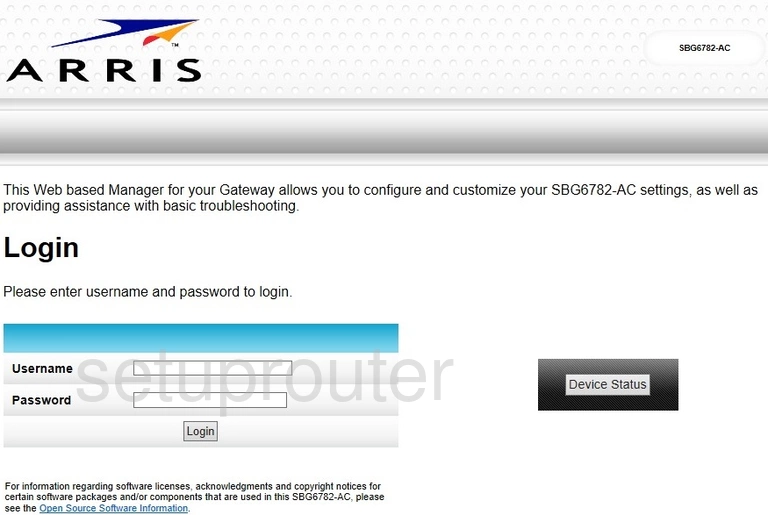
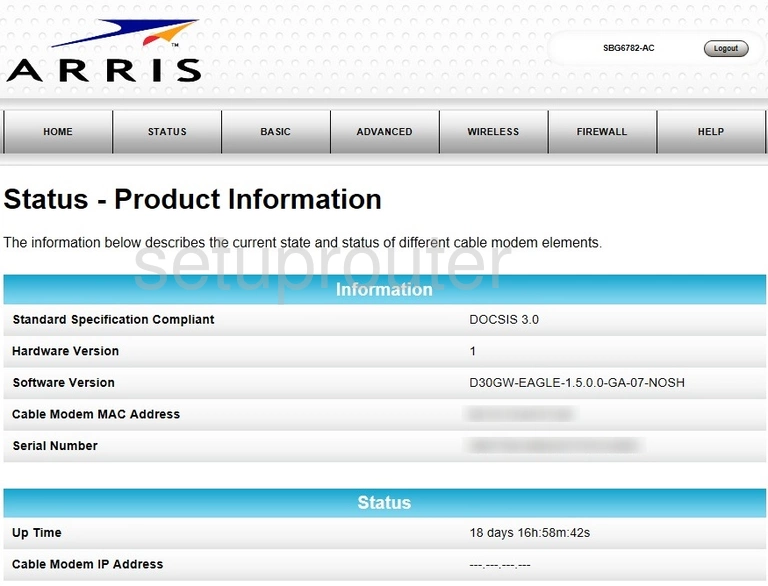
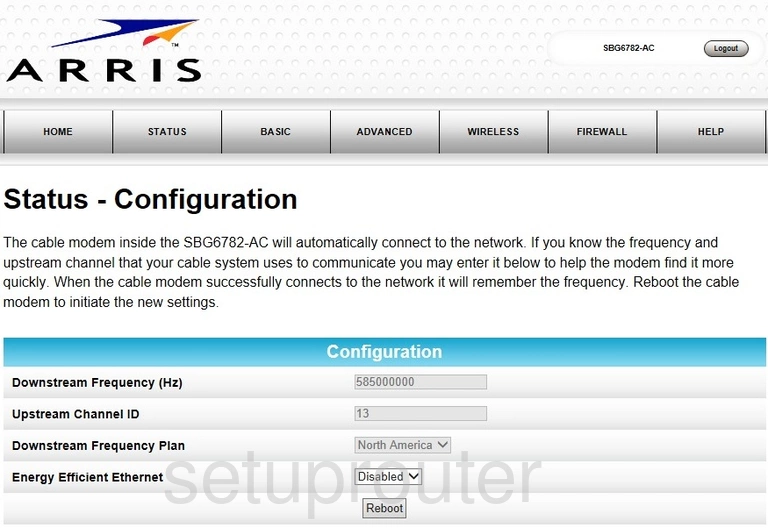
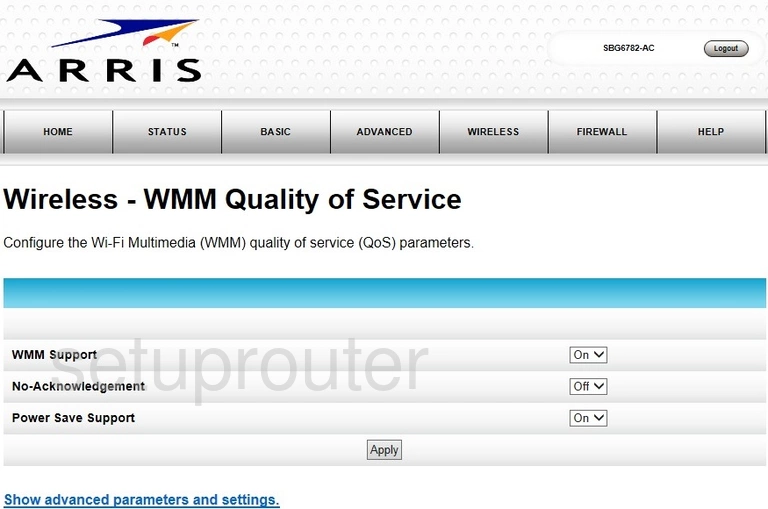
SBG6900-AC (4 screens)
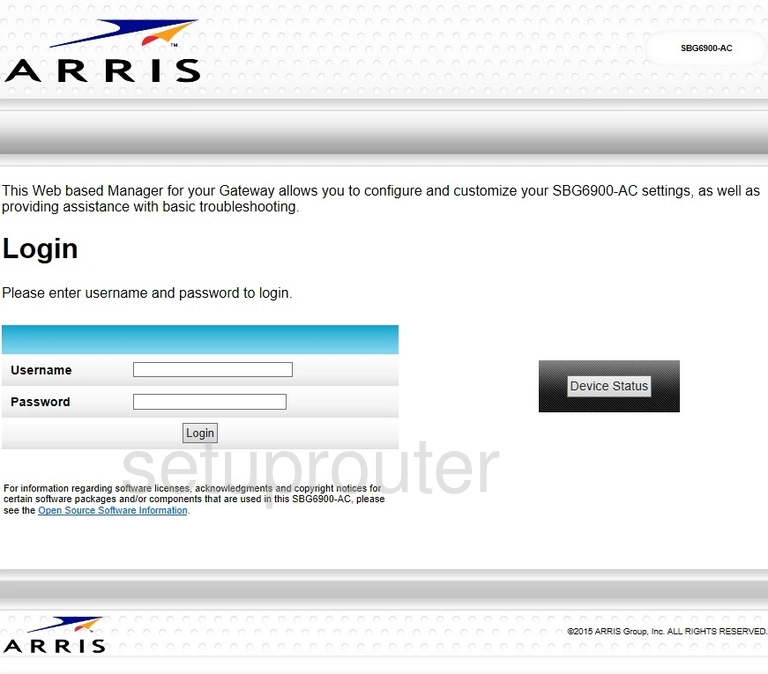
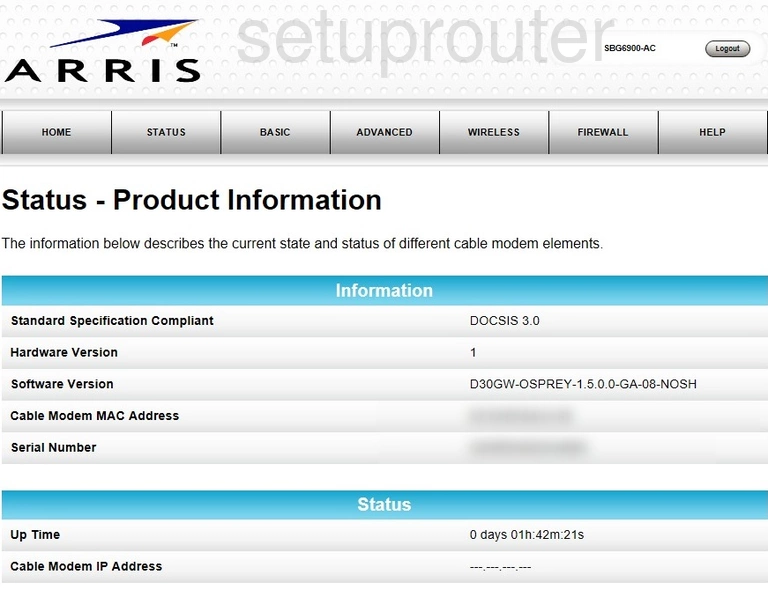
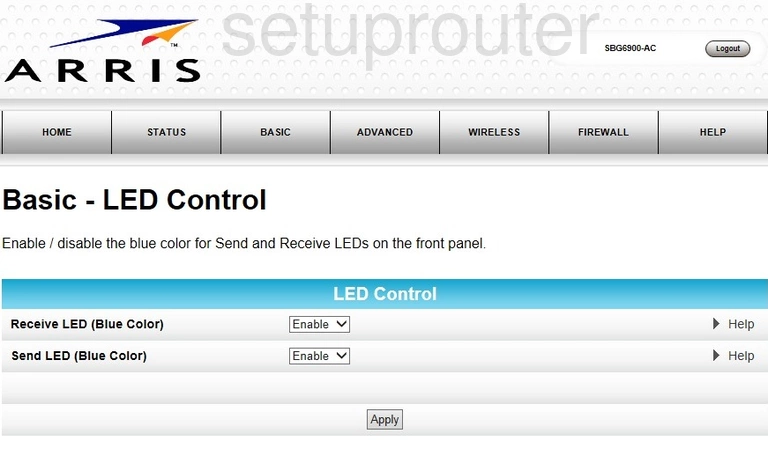
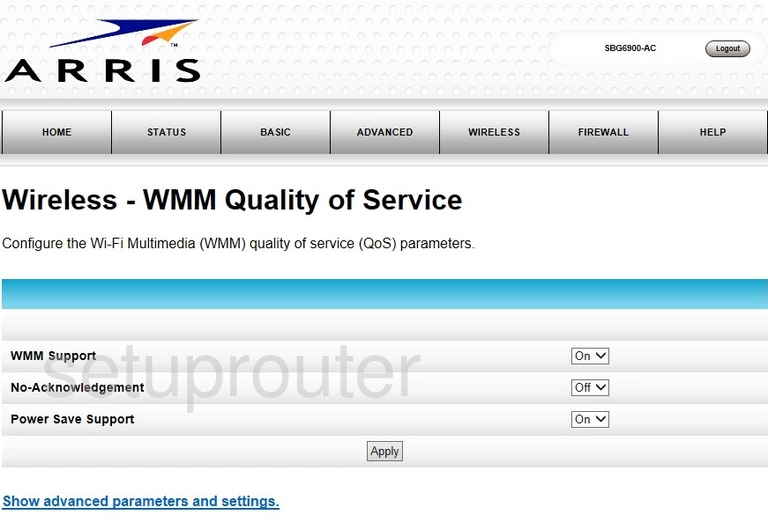
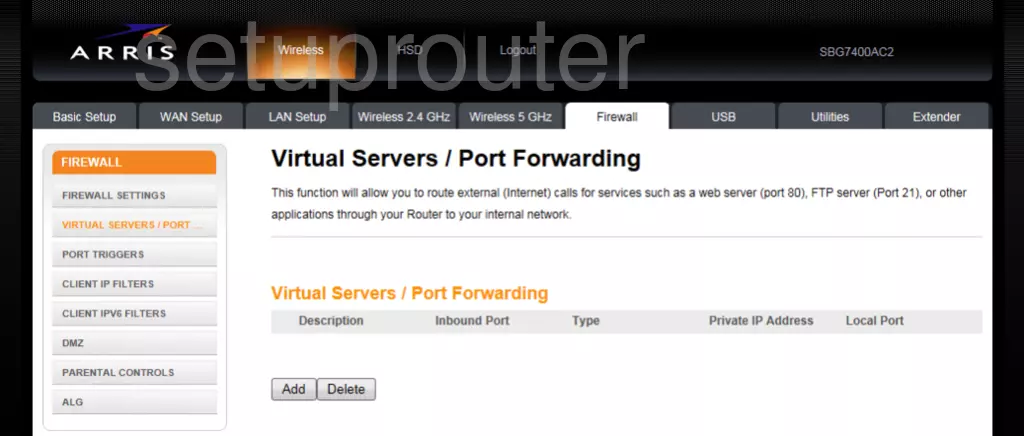
SBG7400AC2 (1 screens)
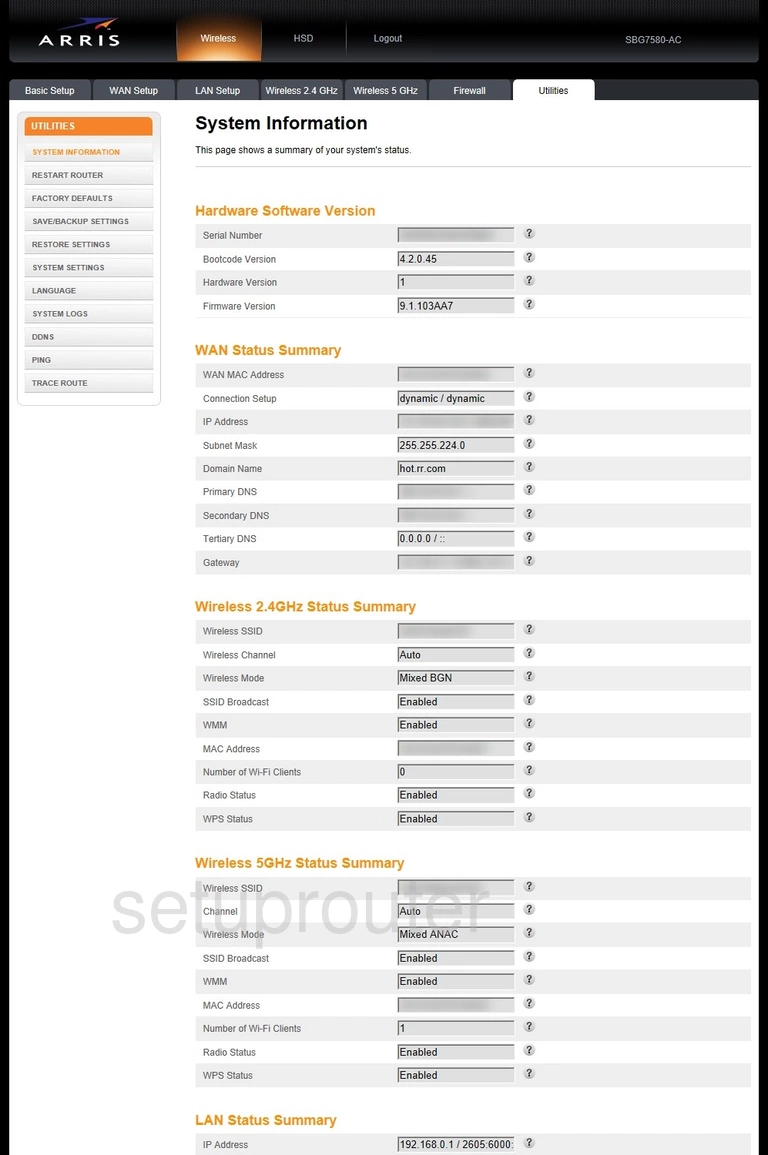
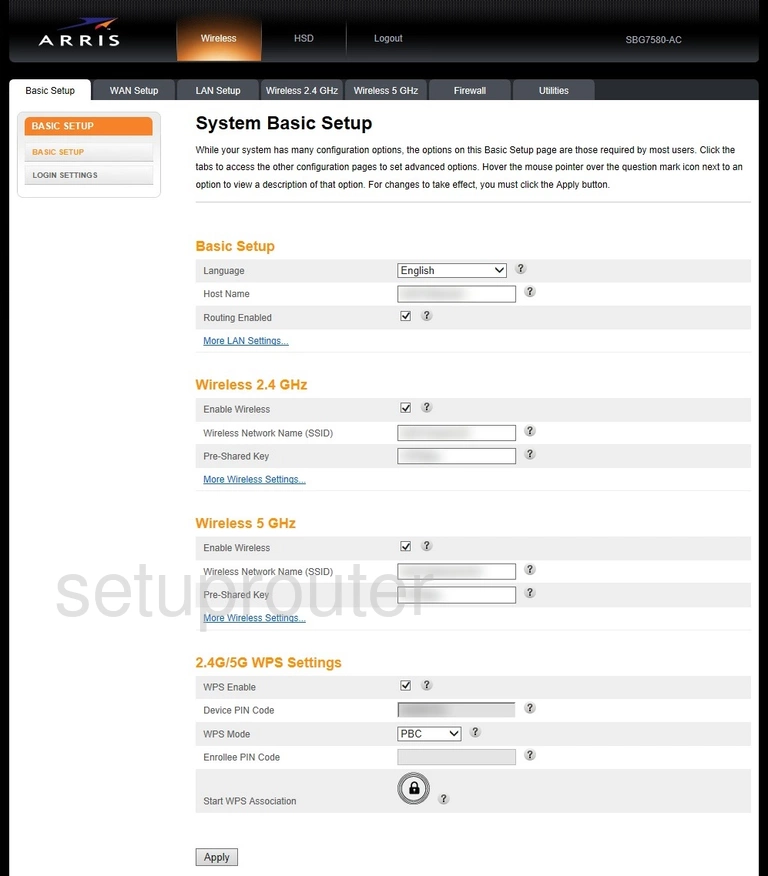
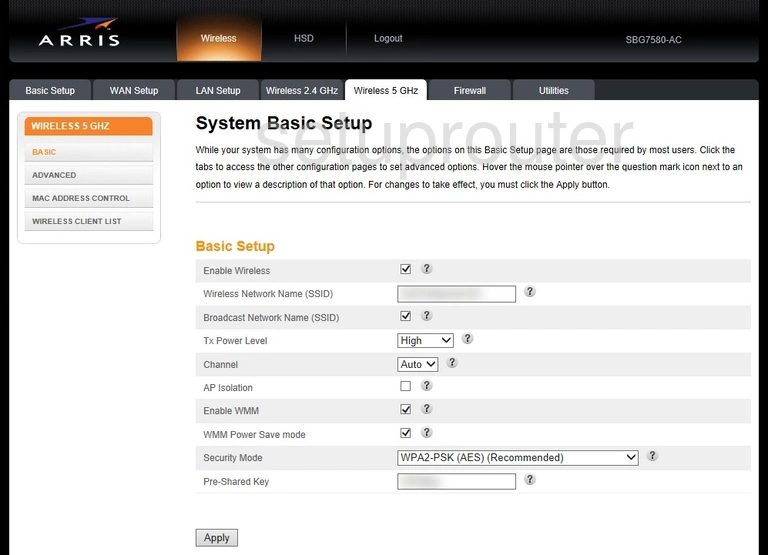
SBG7580-AC (4 screens)
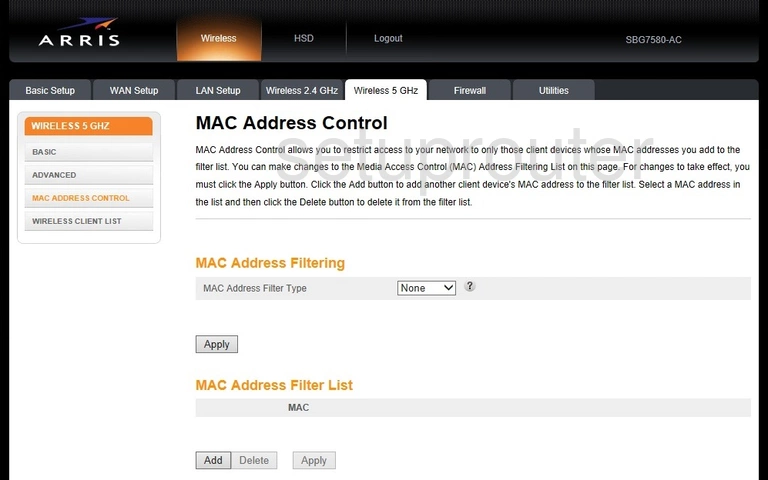
SBG8300 (1 screens)
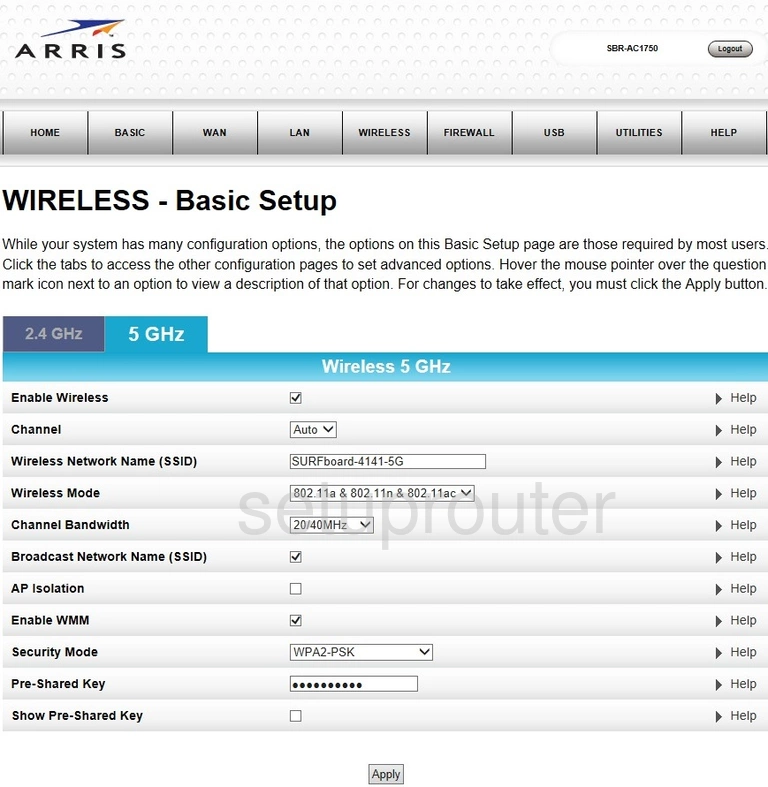
SBR-AC1750 (4 screens)
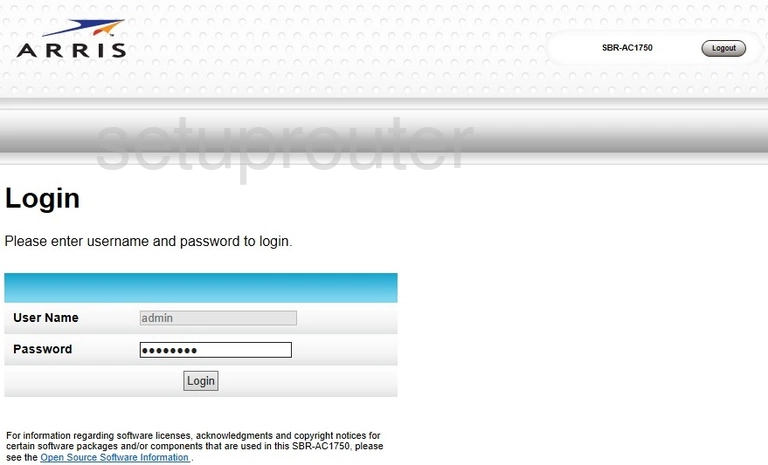
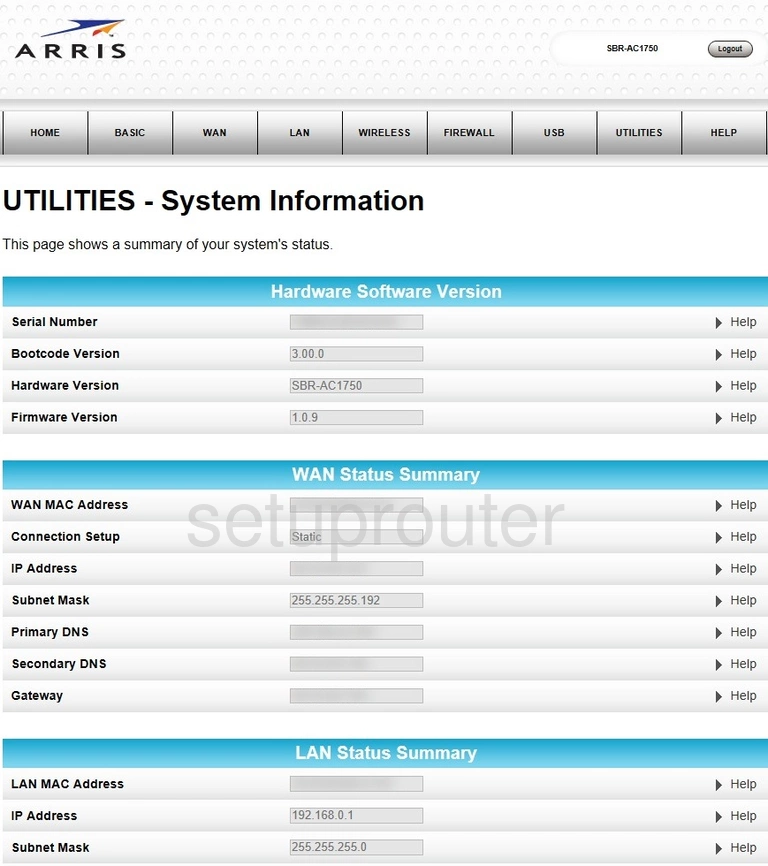
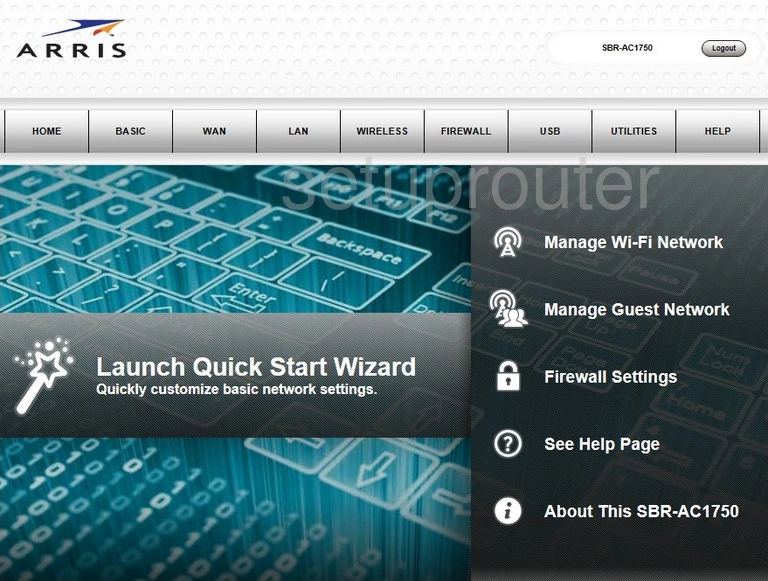
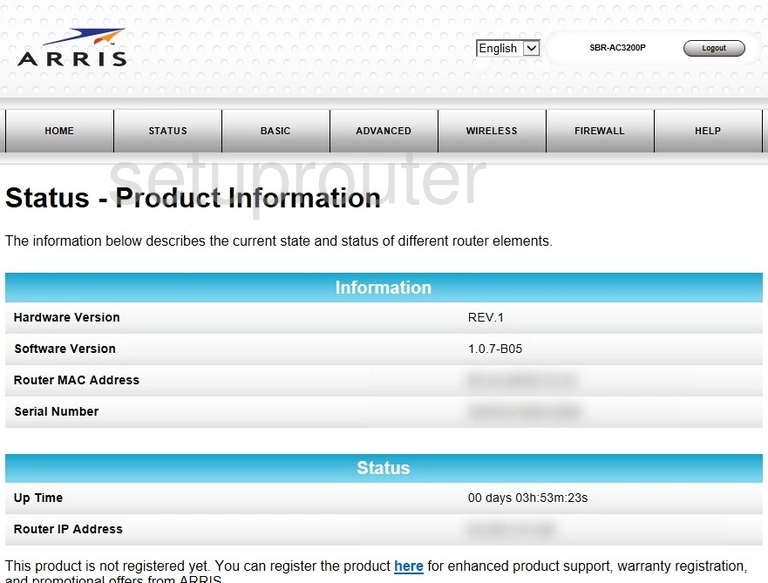
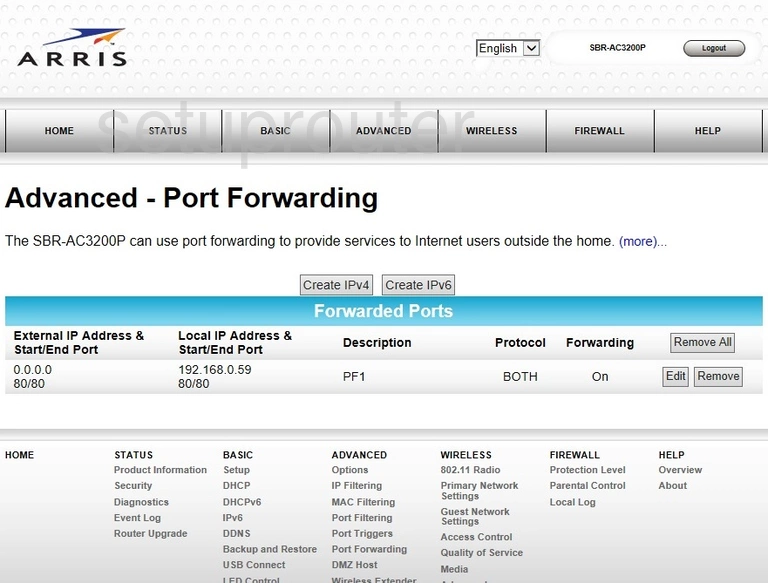
SBR-AC3200P (4 screens)
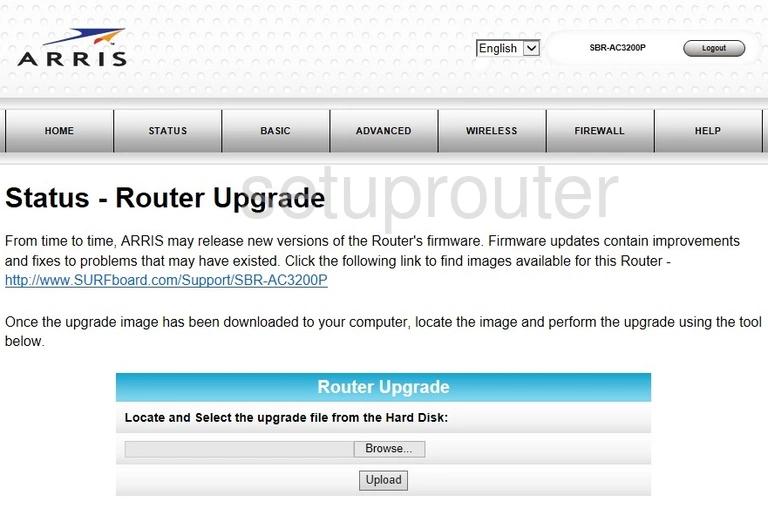
SVG2482AC (2 screens)
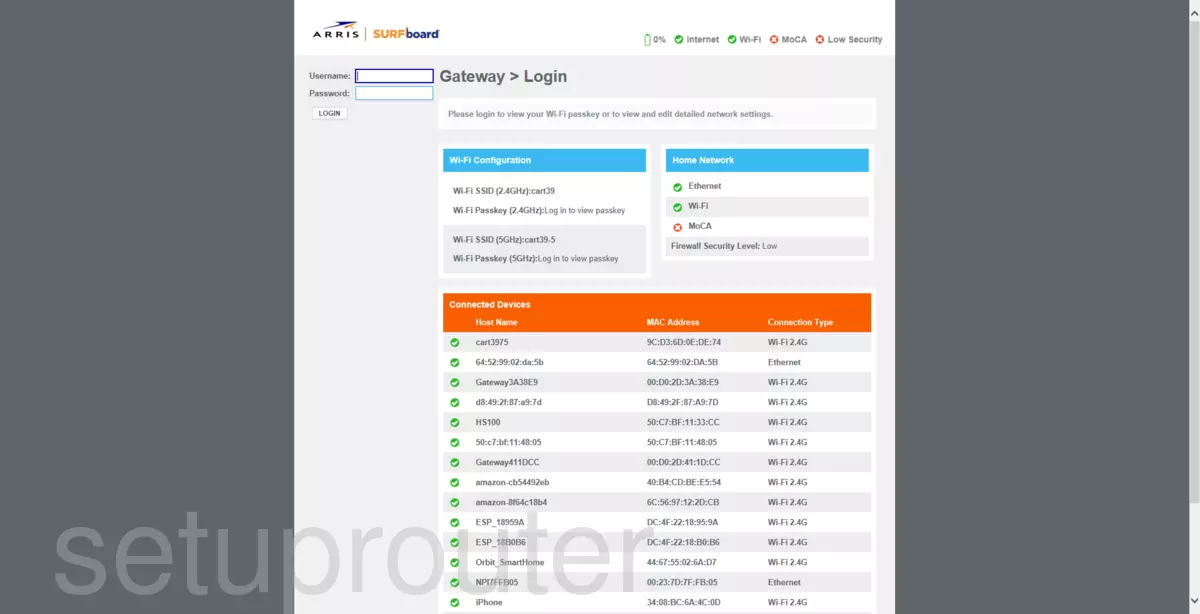
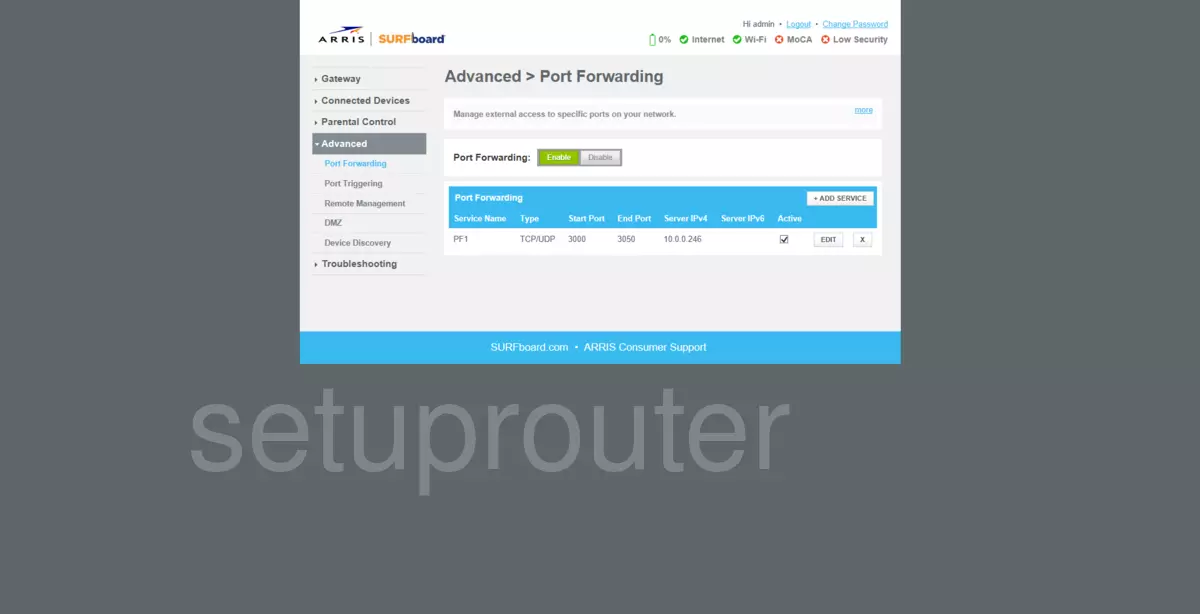
TG1662G (2 screens)
TG1672G (4 screens)
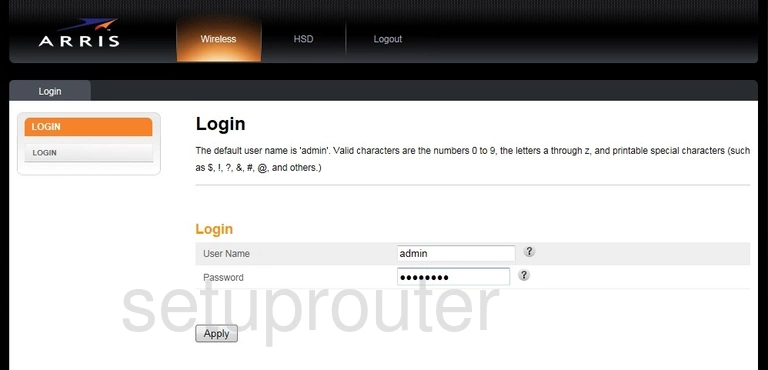
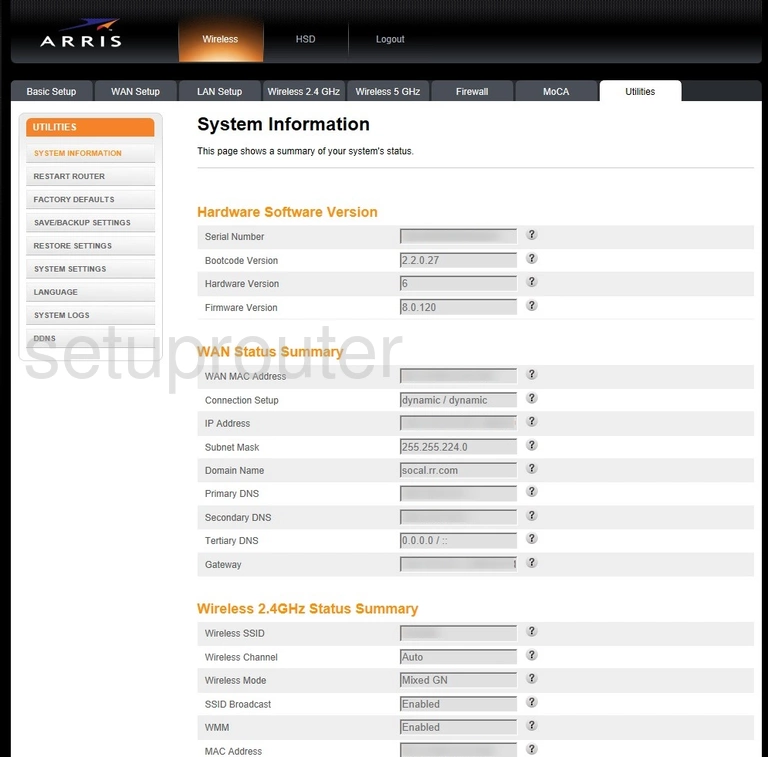
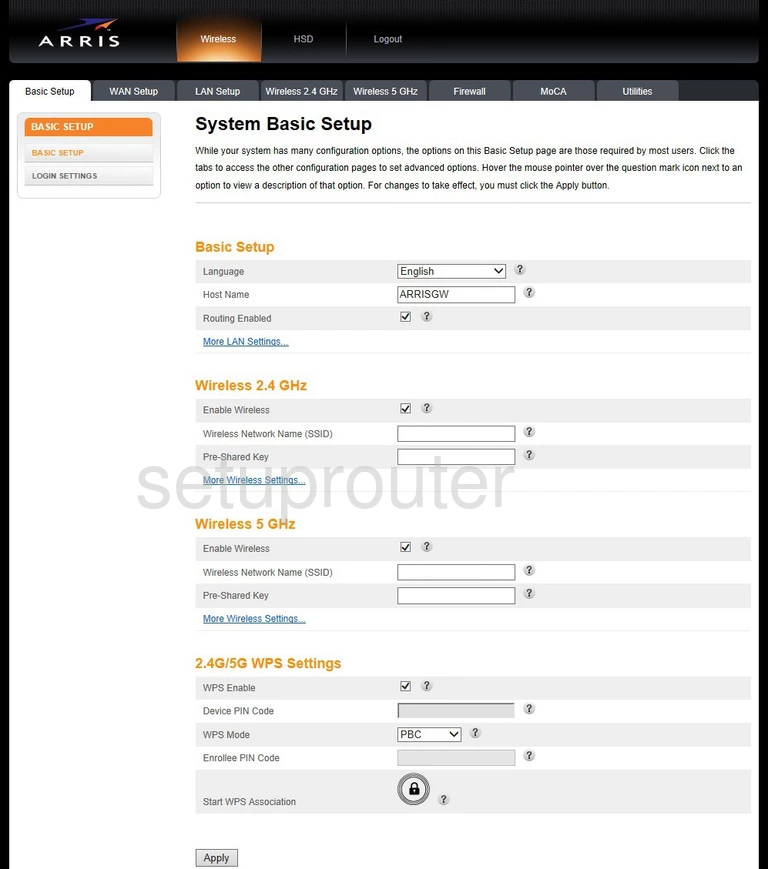
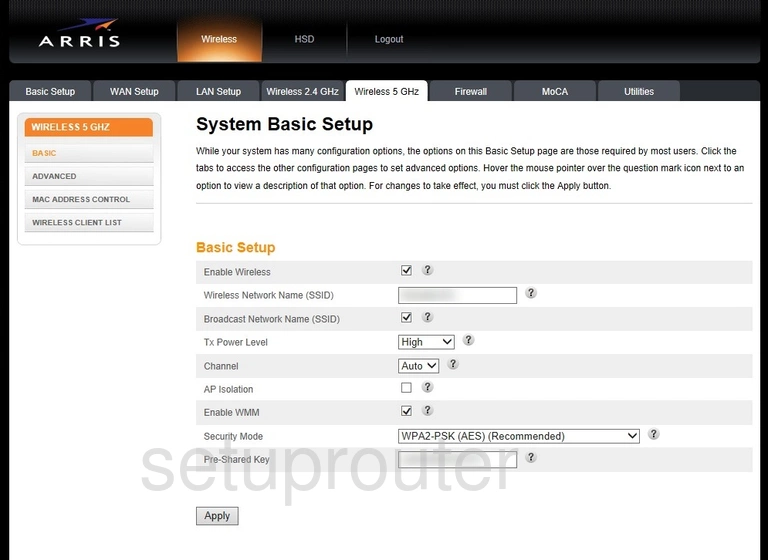
TG1672G72 (4 screens)
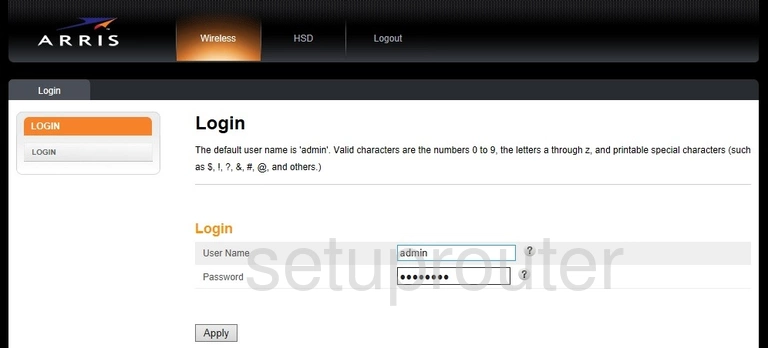
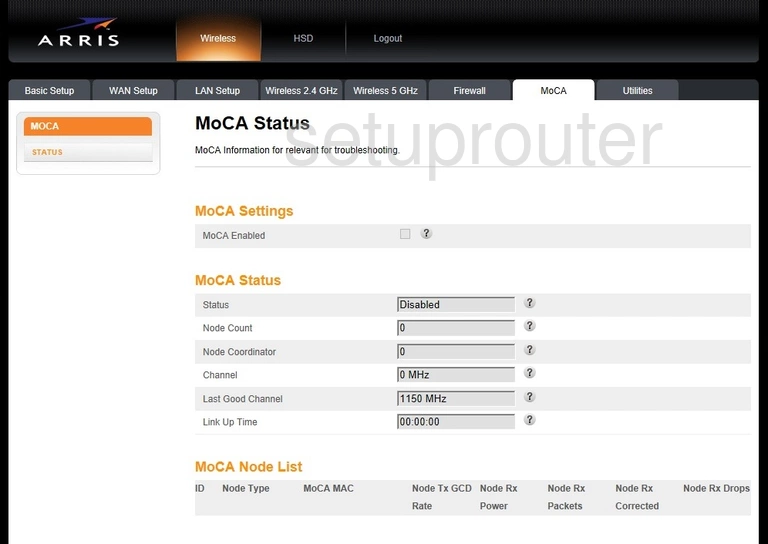
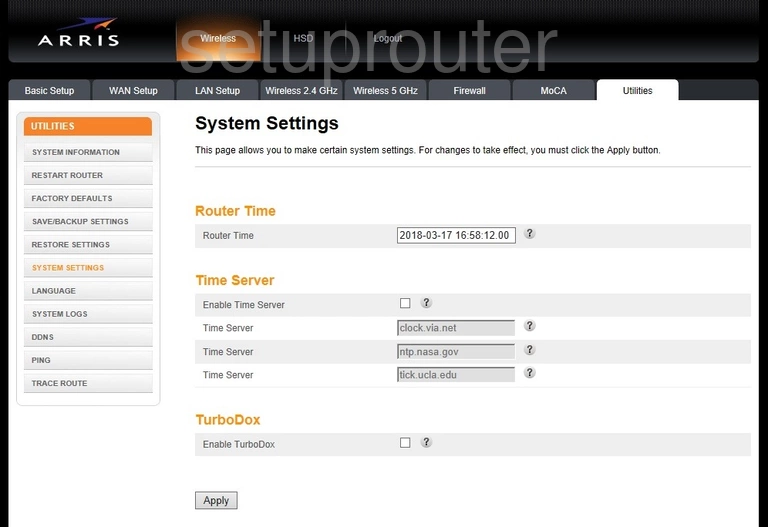
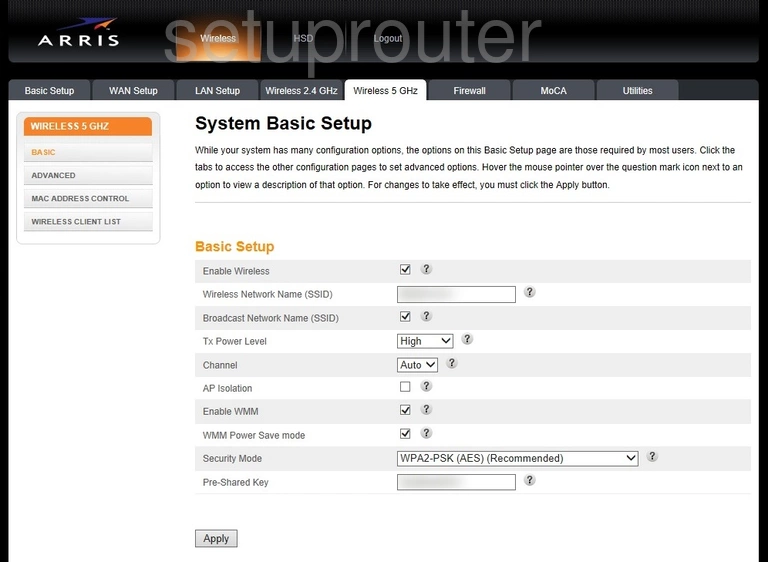
TG1682G (4 screens)
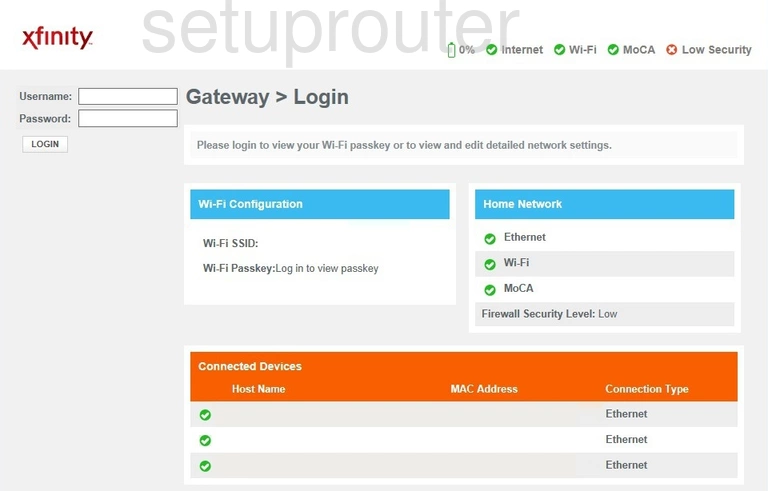
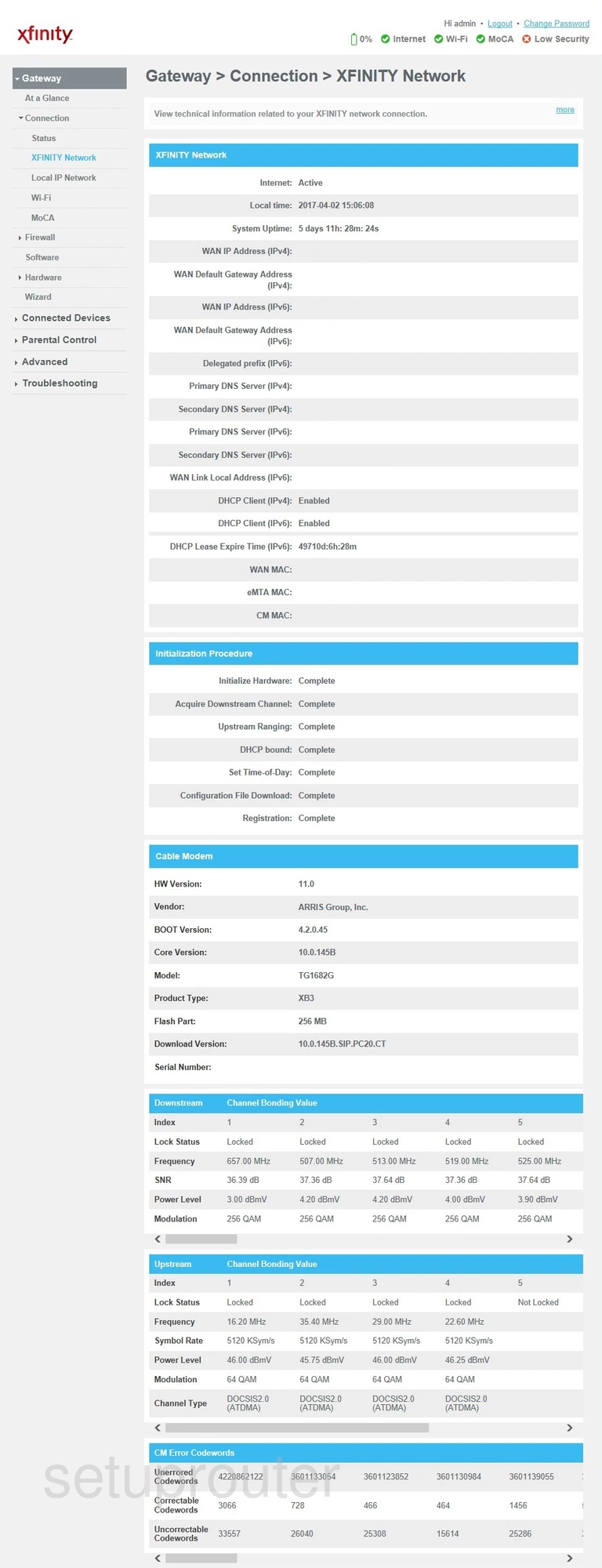
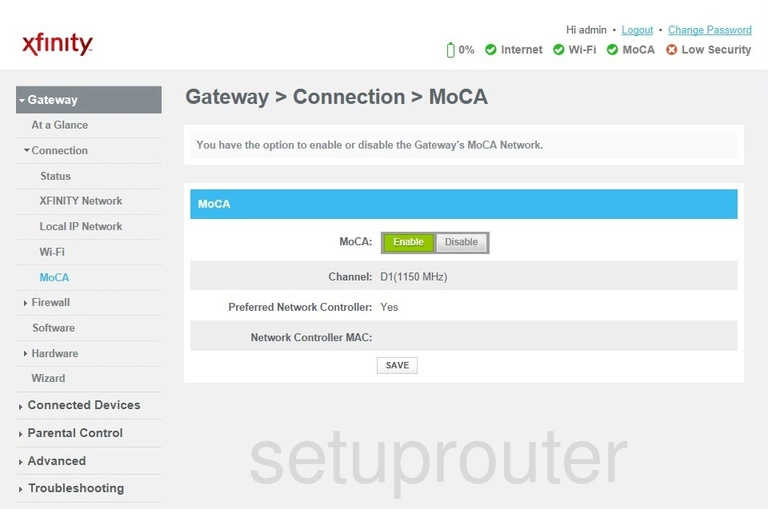
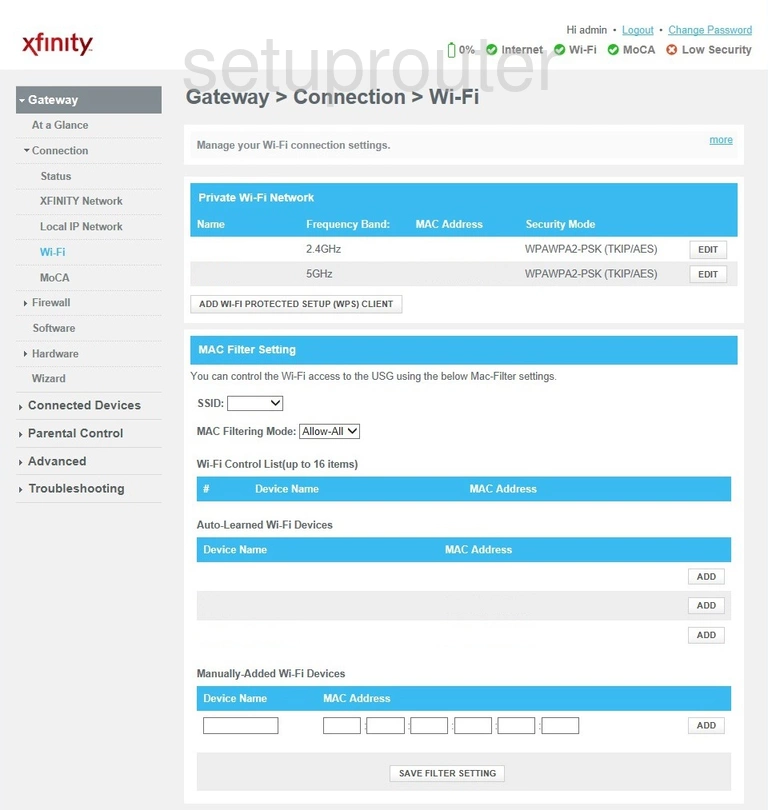
TG1692A (2 screens)
TG2472G (4 screens)
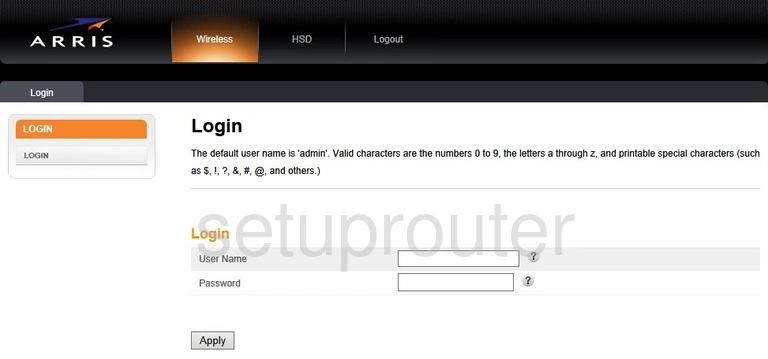
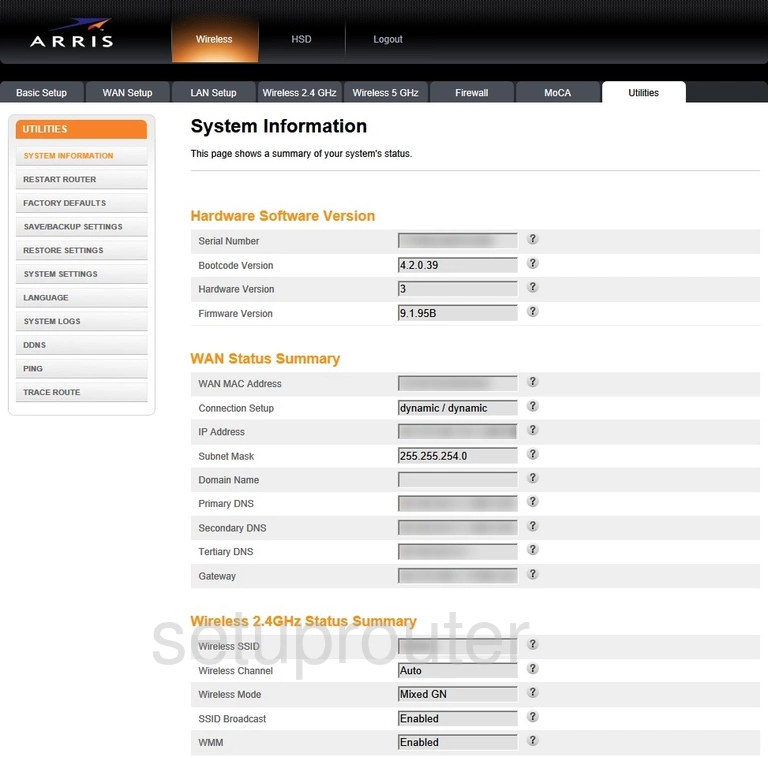
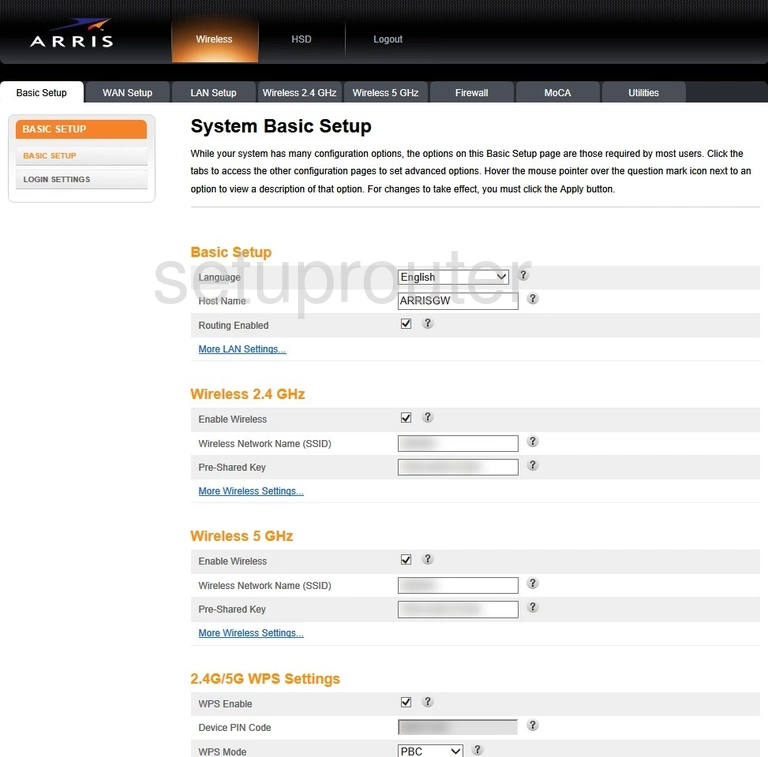
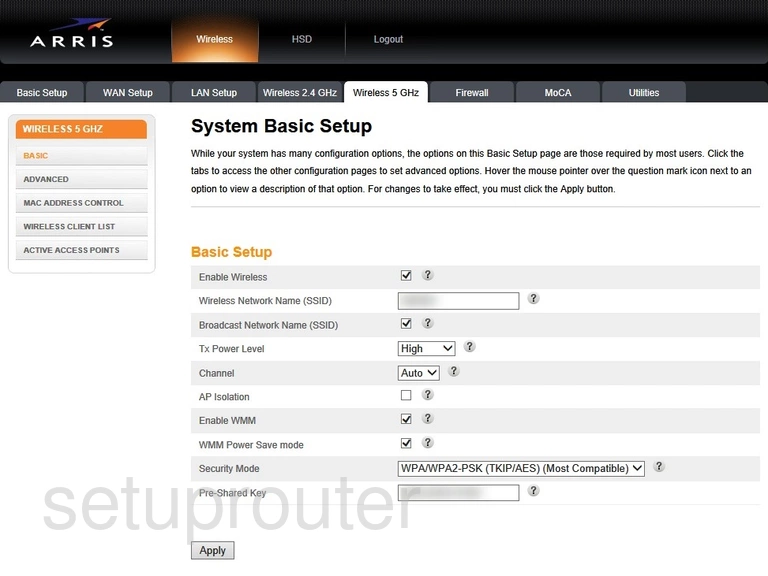
TG2482A (4 screens)
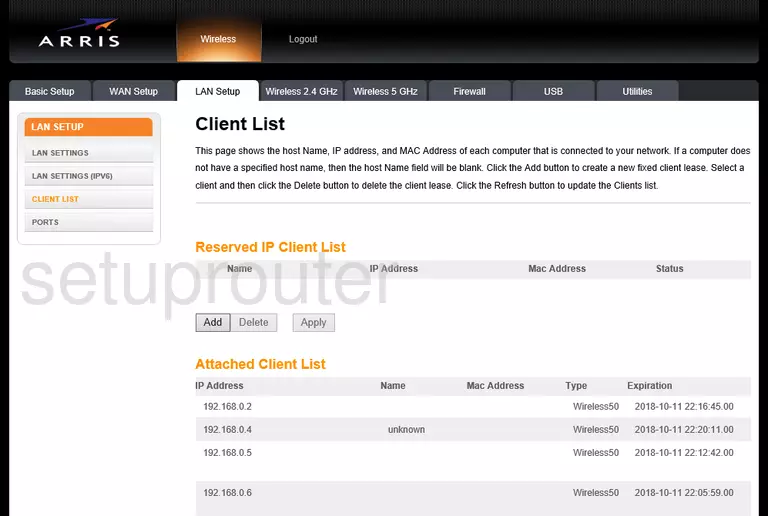
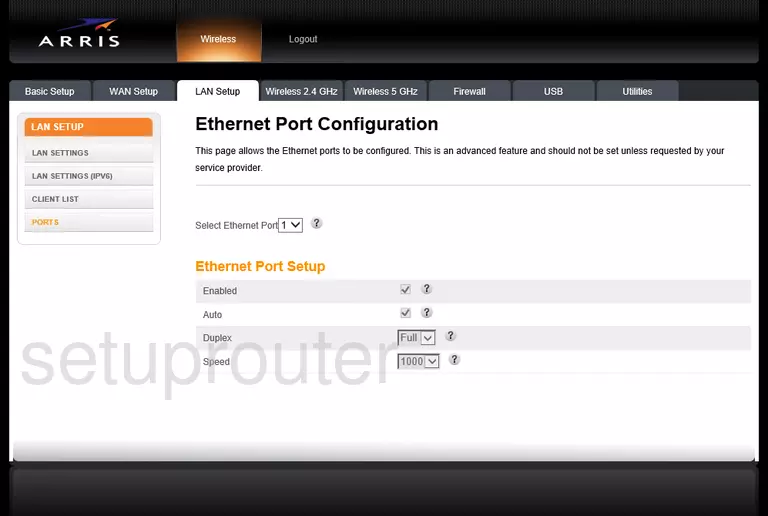
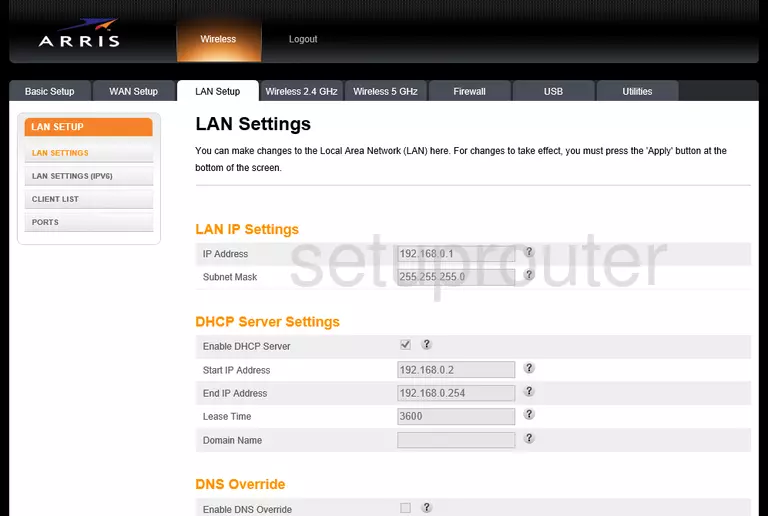
TG2492LG-LIB (3 screens)
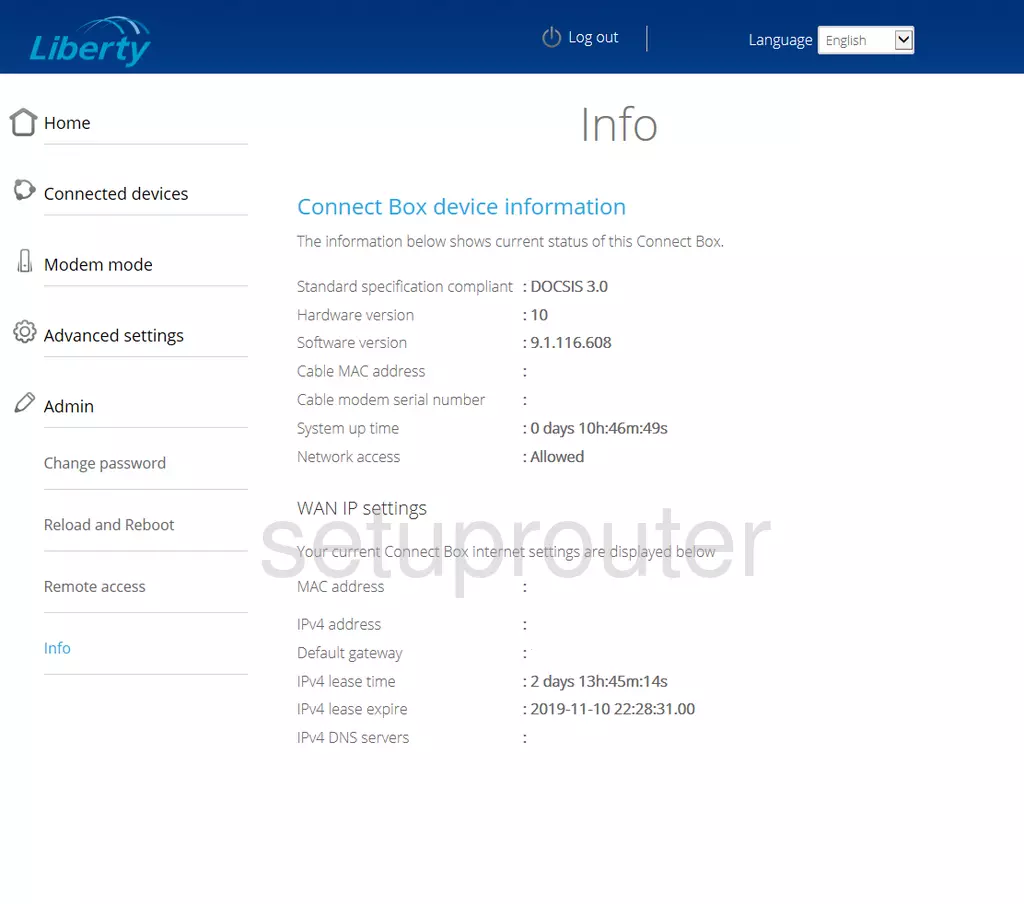
TG2492LG-VM (4 screens)
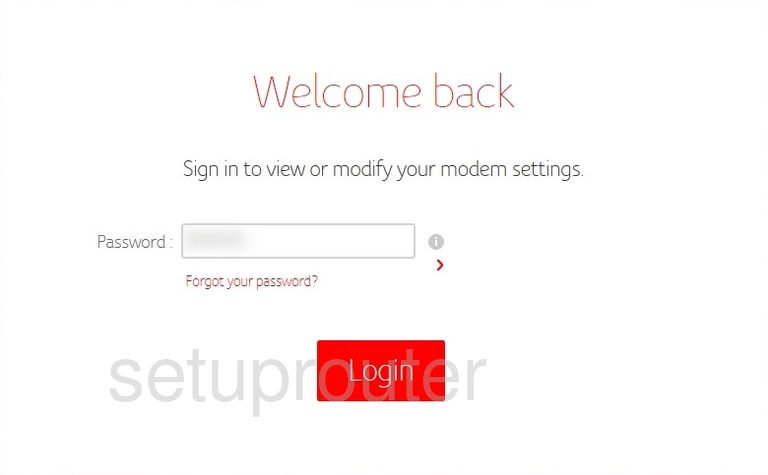
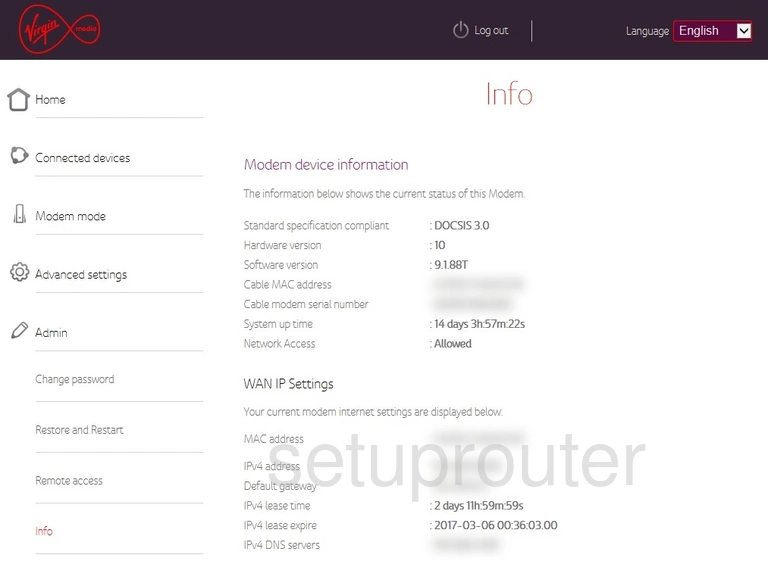
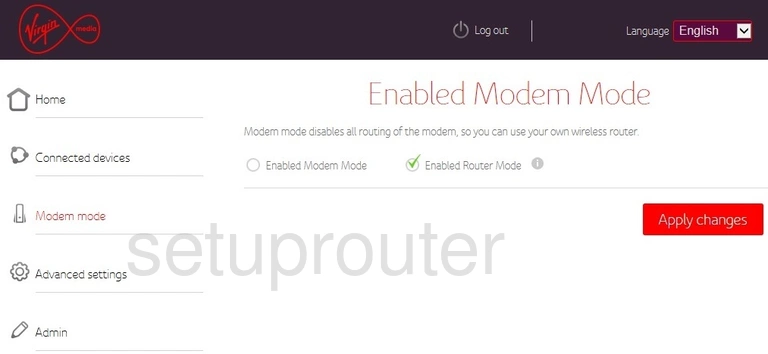
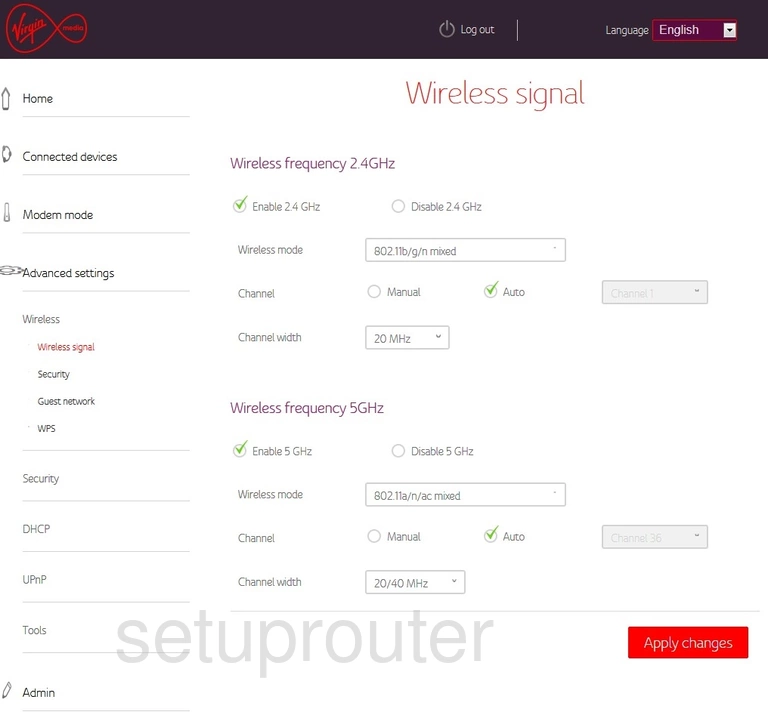
TG249LG-NA Liberty (3 screens)
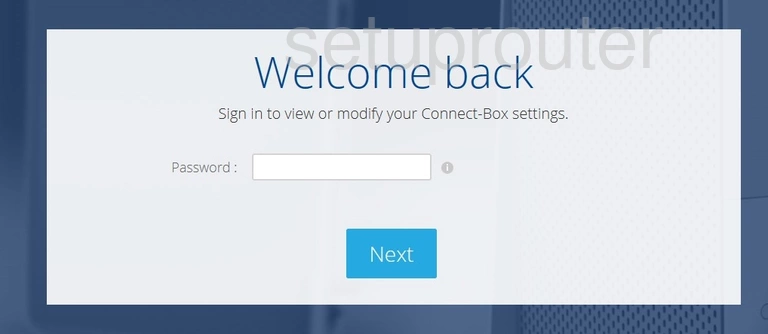
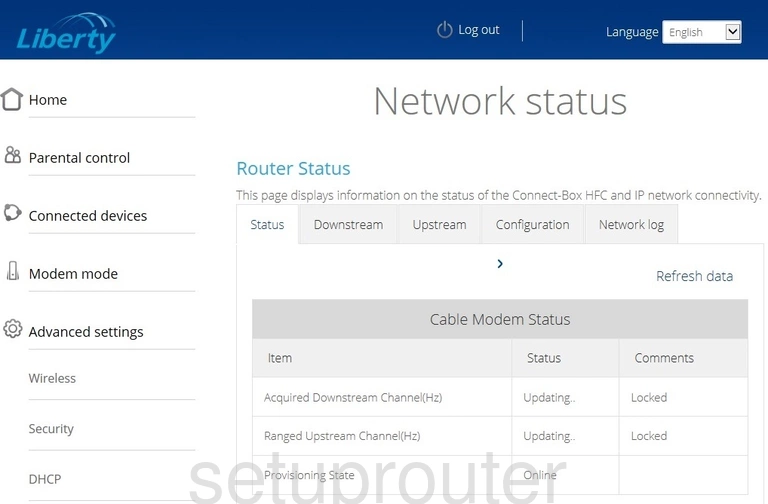
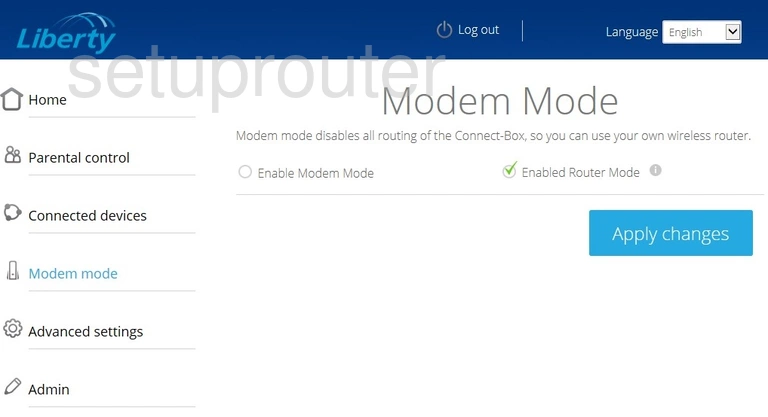
TG3442DE (4 screens)
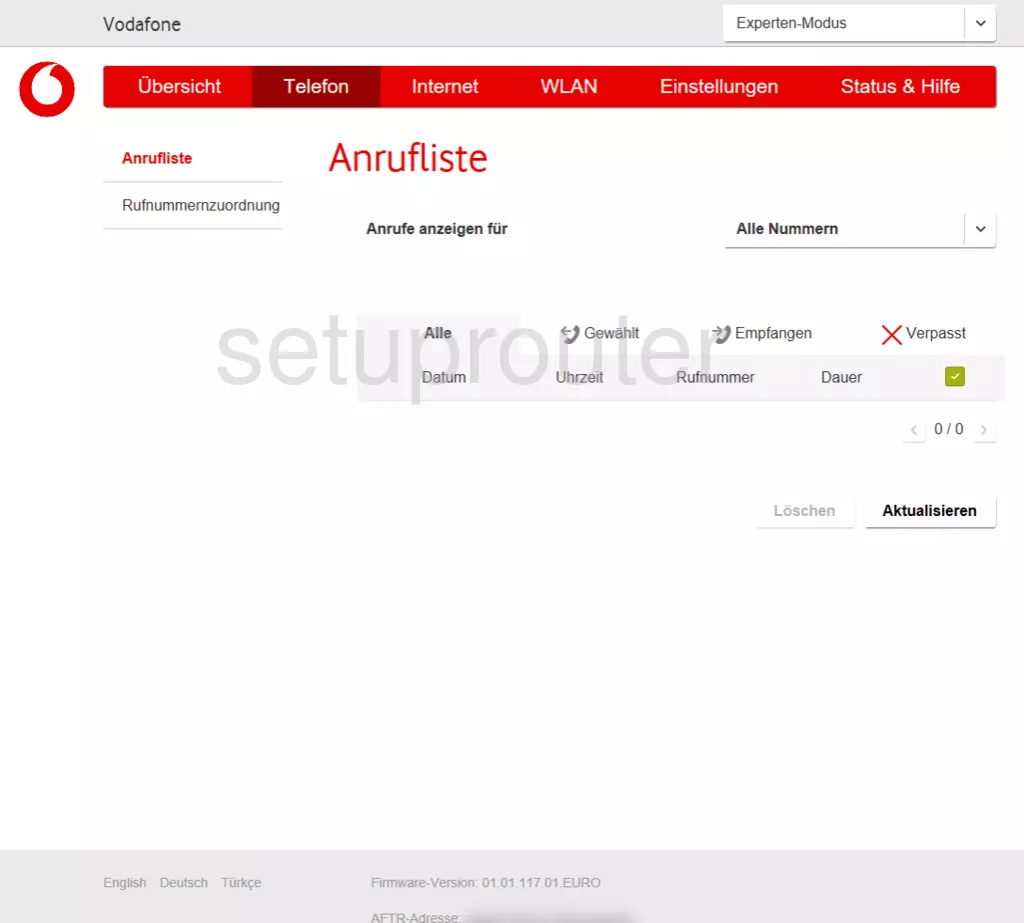
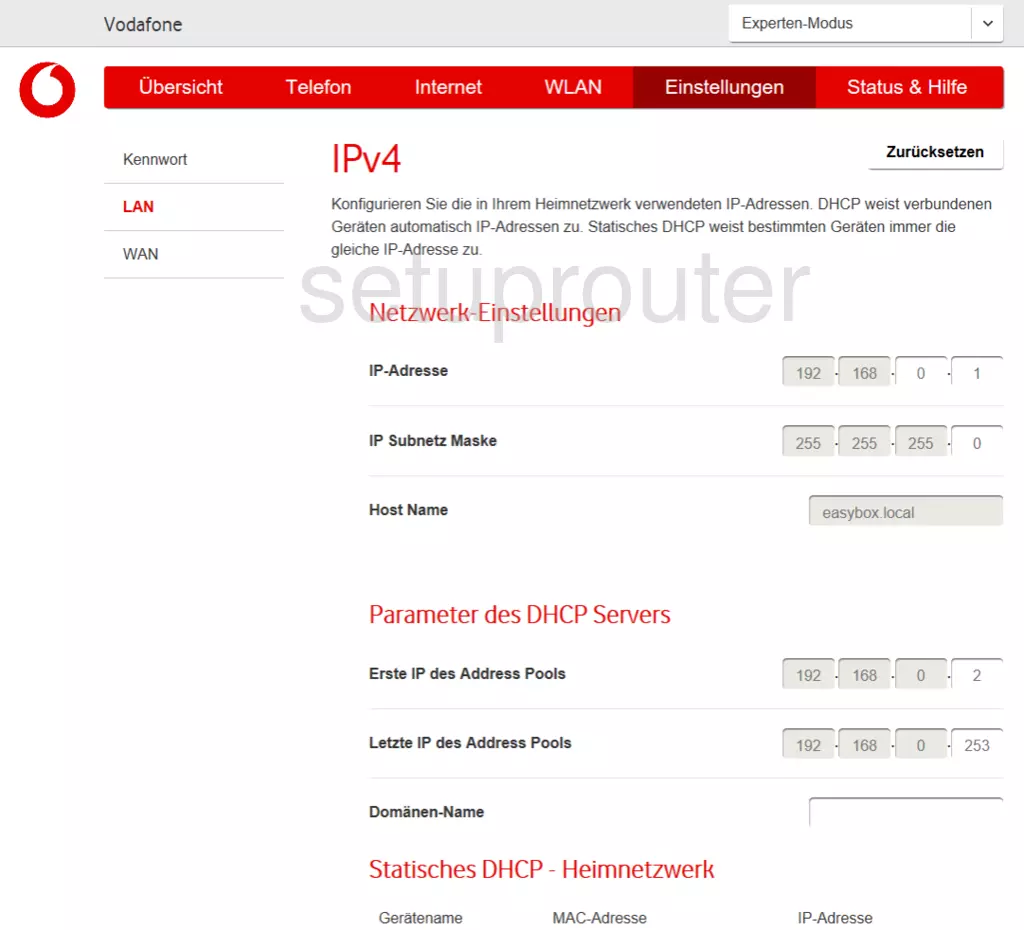
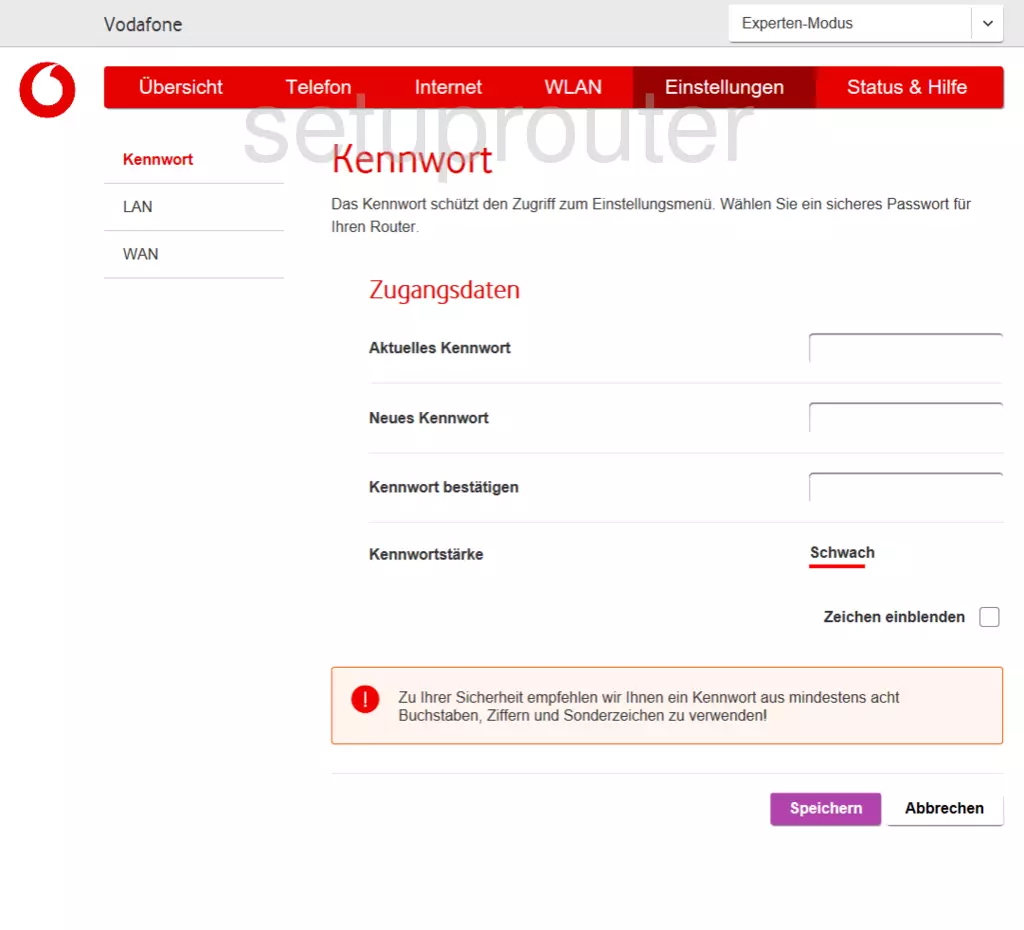
TG3452A (1 screens)
TG3482G (4 screens)
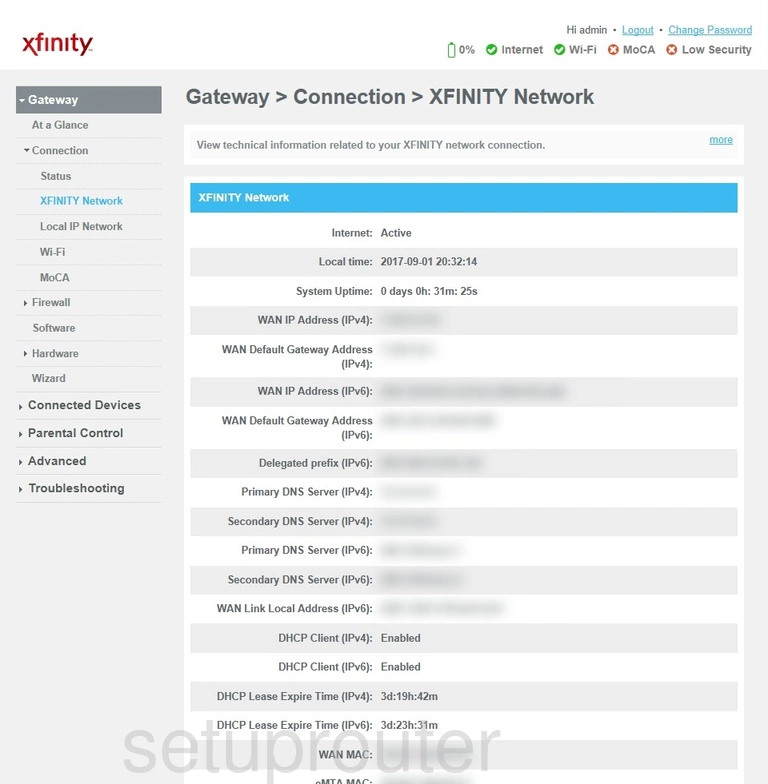
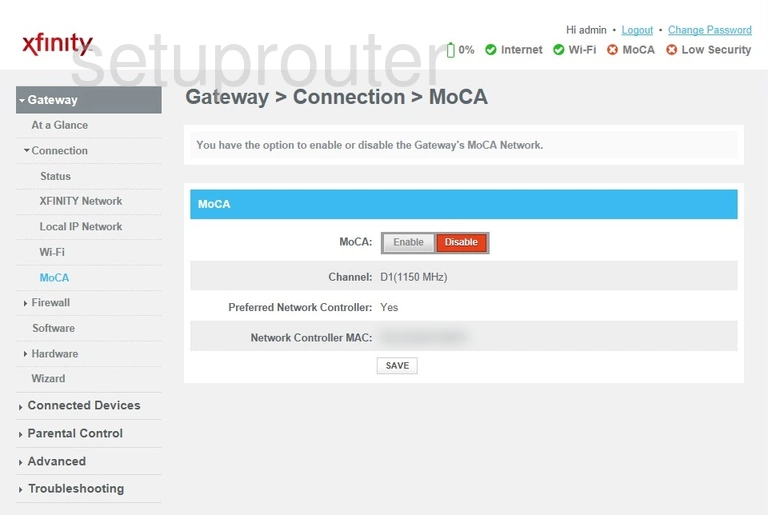
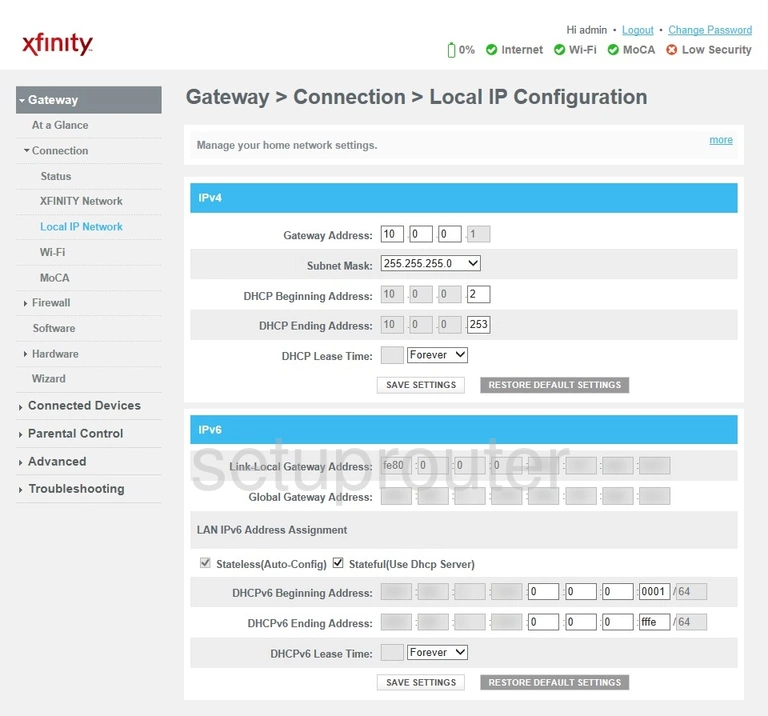
TG852 (3 screens)
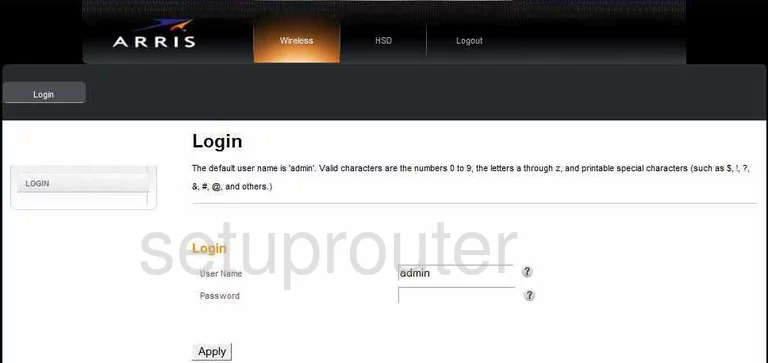
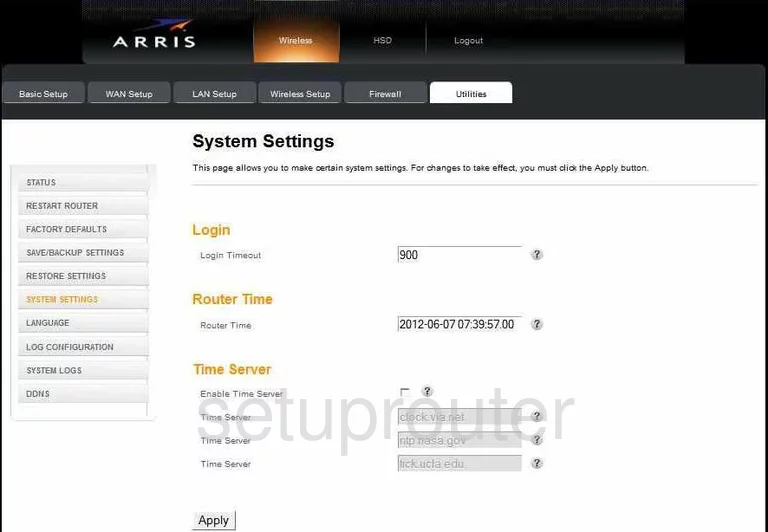
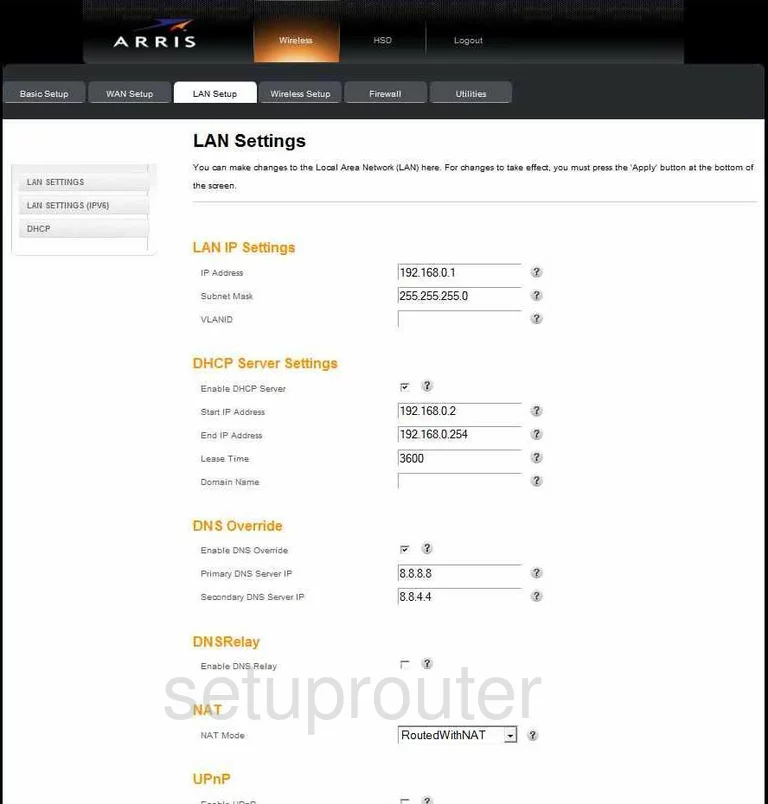
TG852G (4 screens)
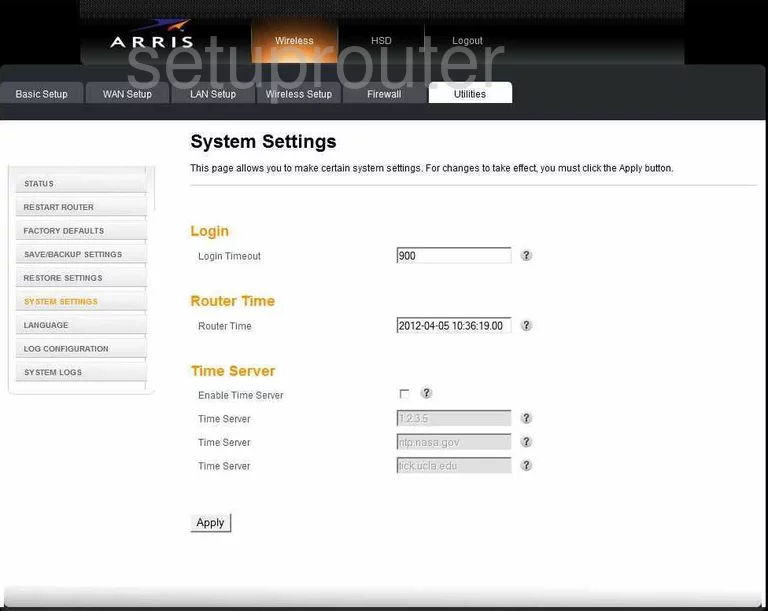
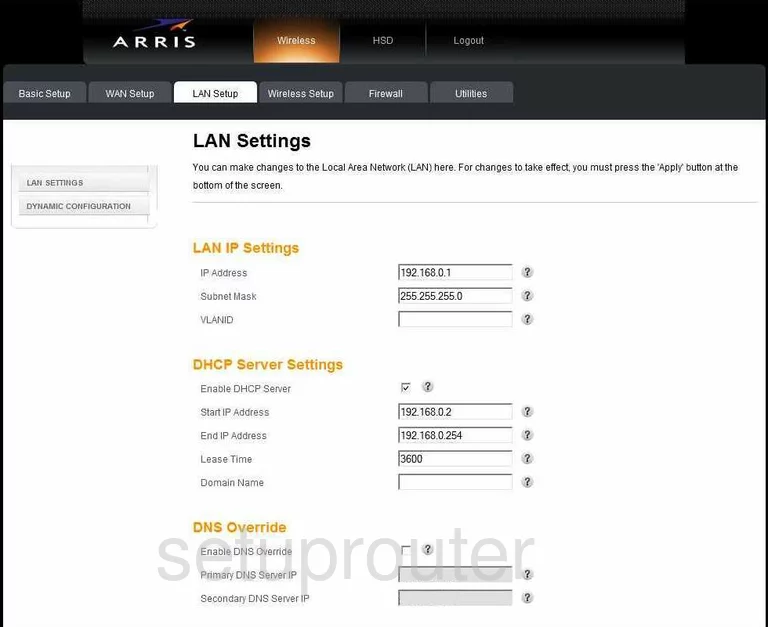
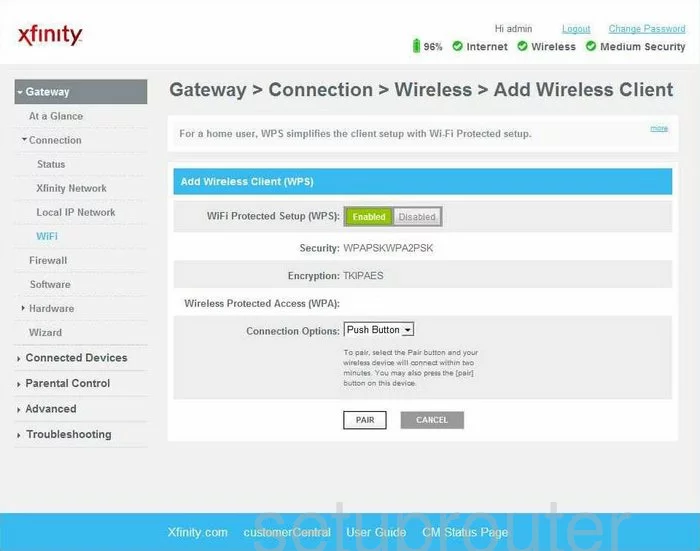
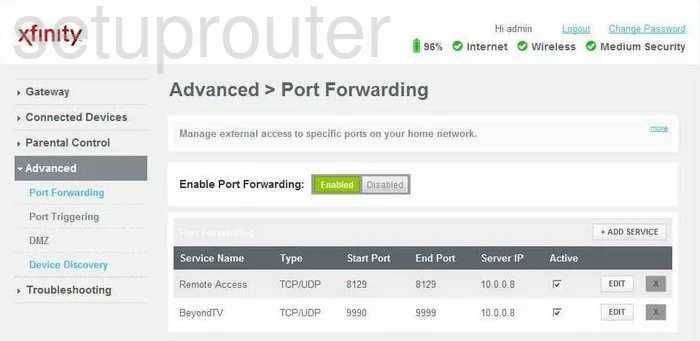
TG852GCT Xfinity (4 screens)
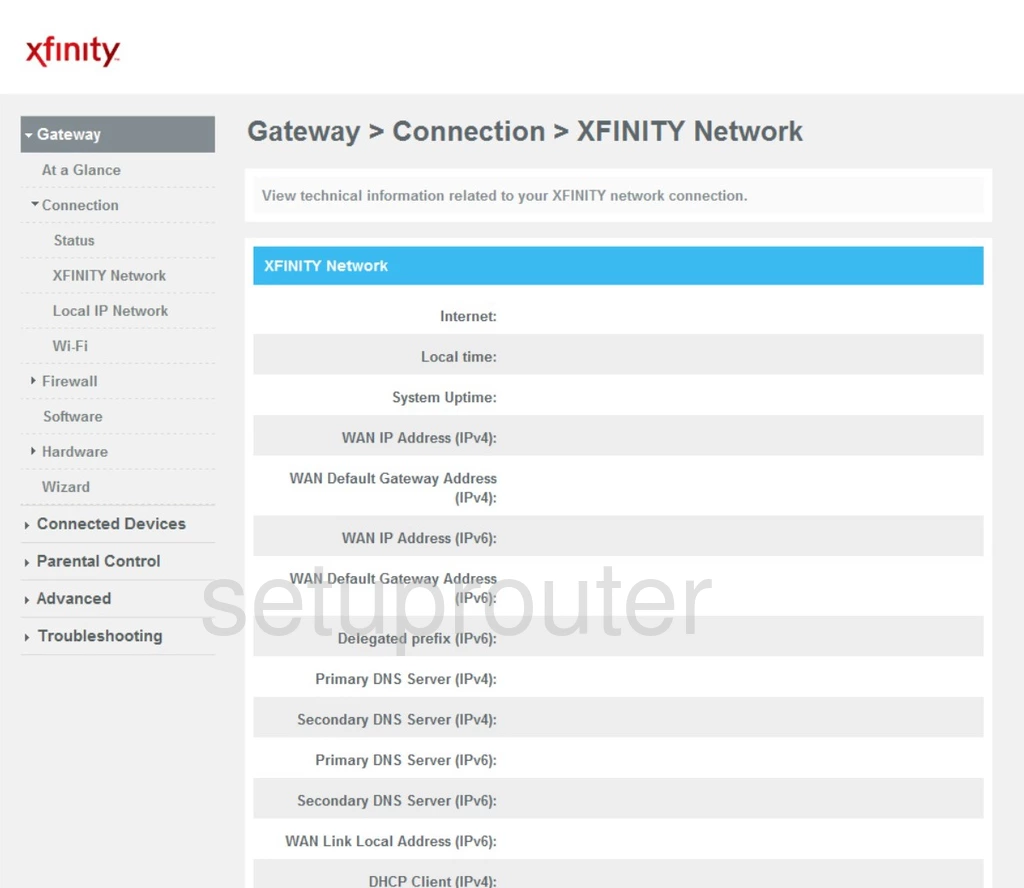
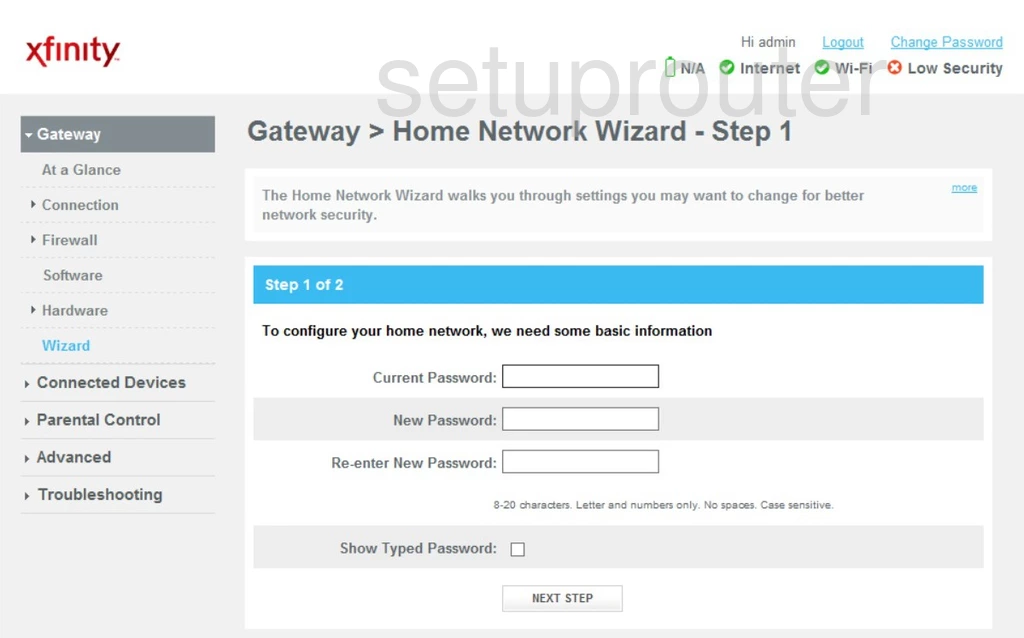
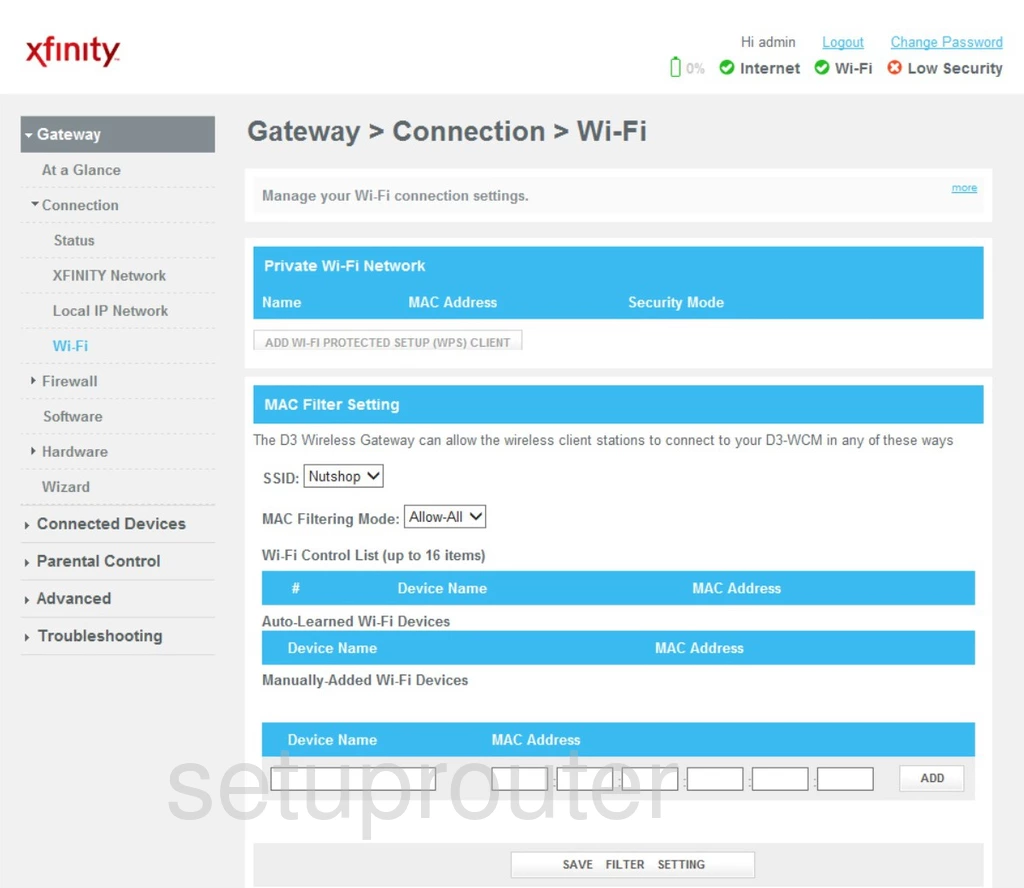
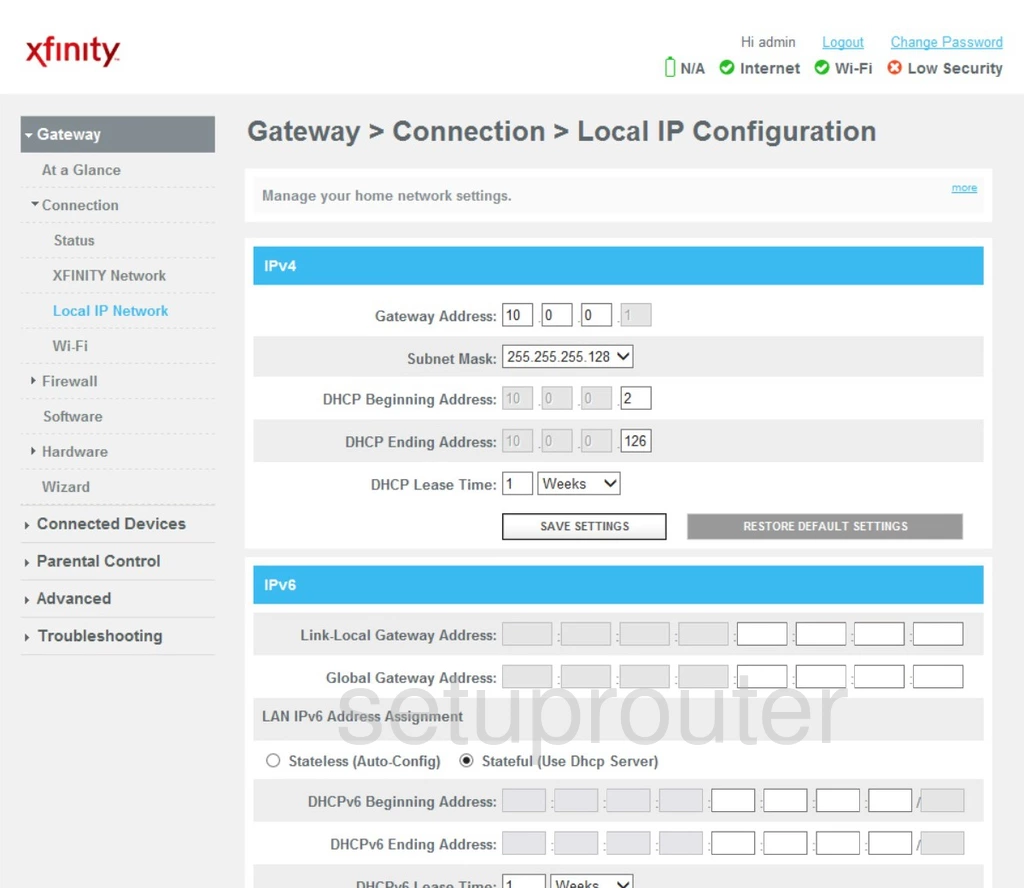
TG862 (4 screens)
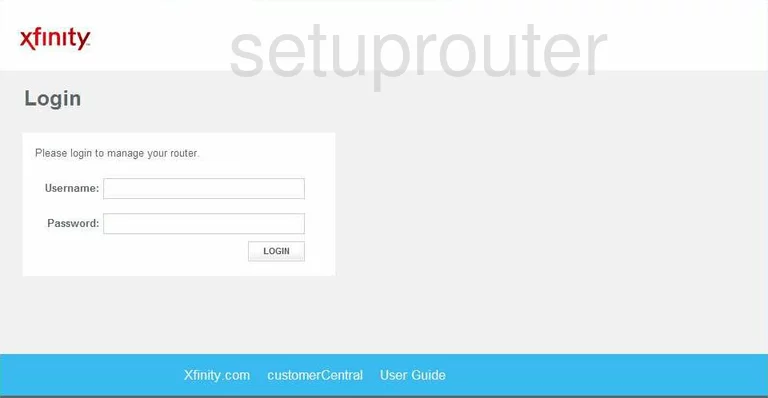
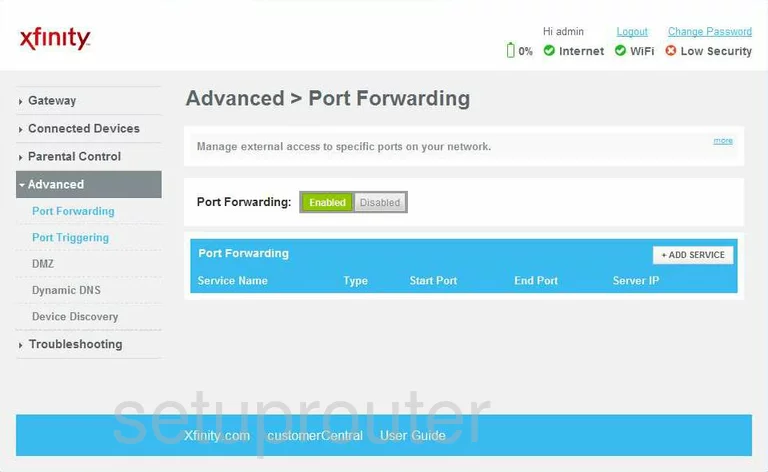
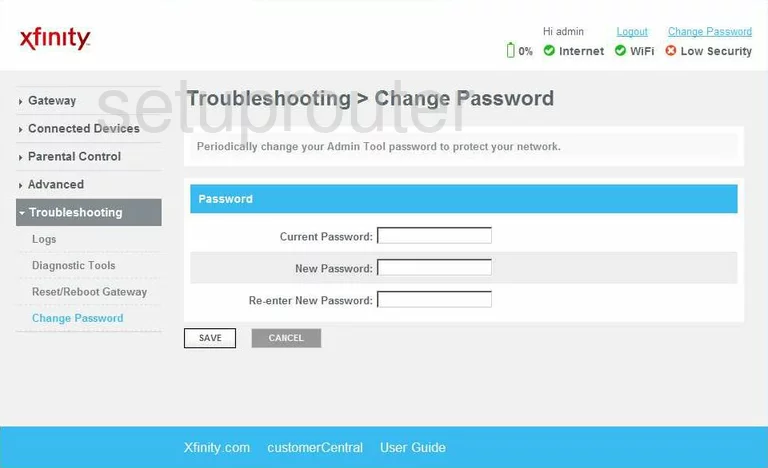
TG862A (4 screens)
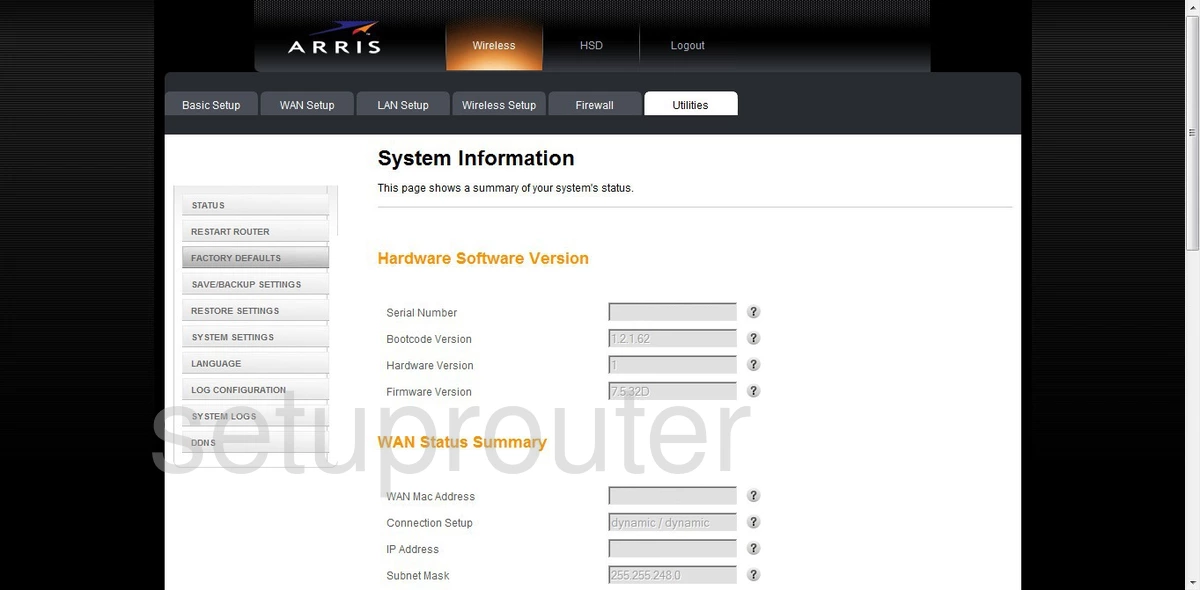
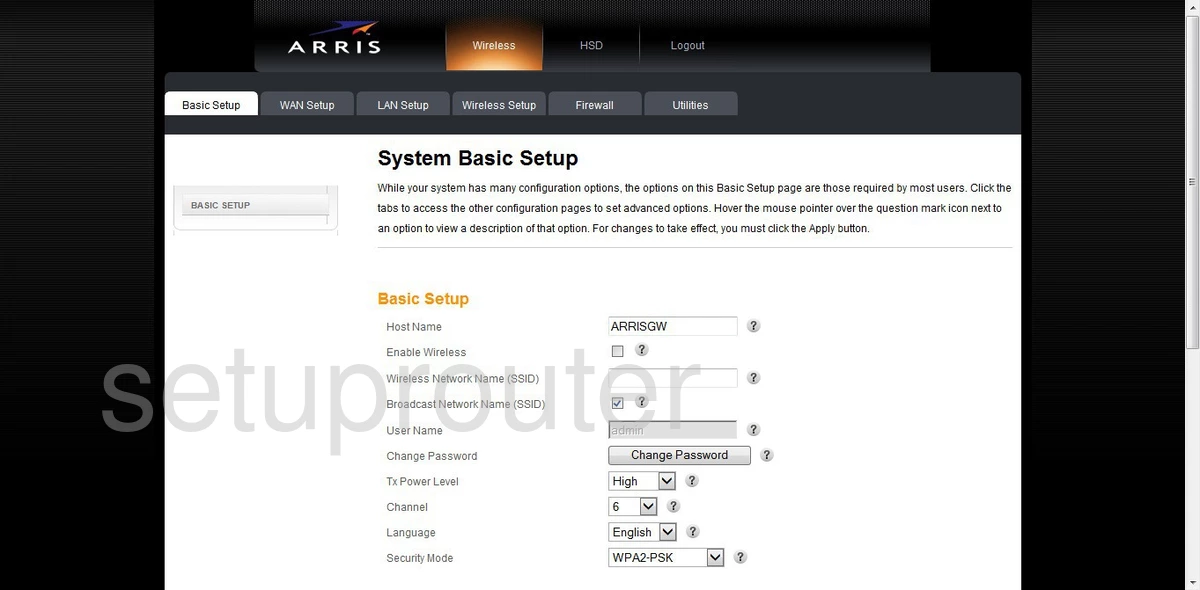
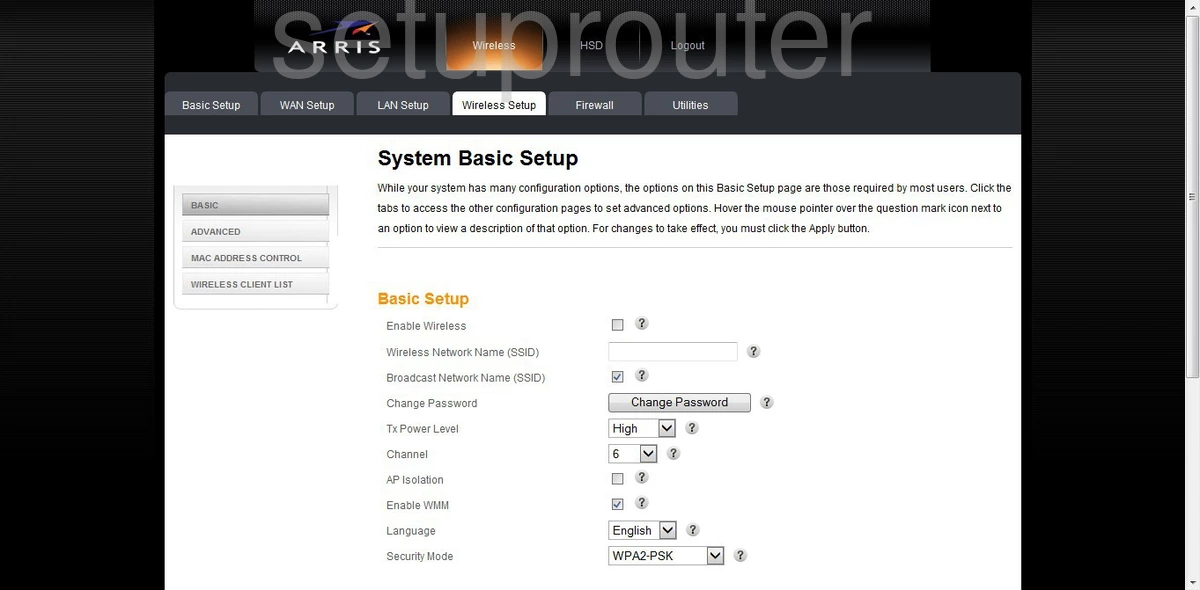
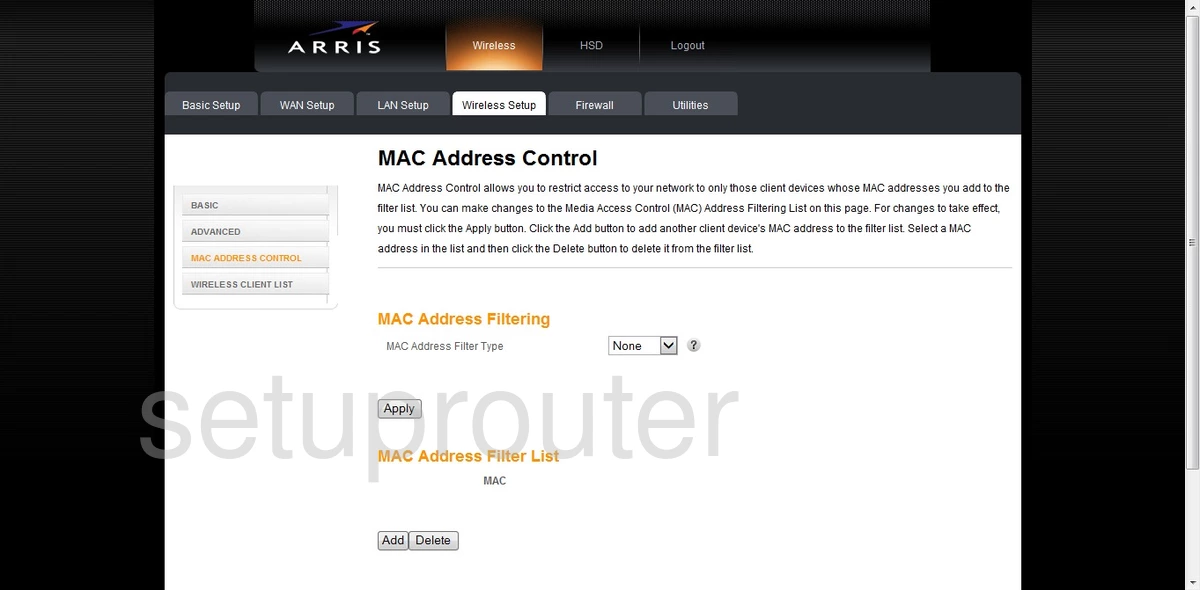
TG862G (4 screens)
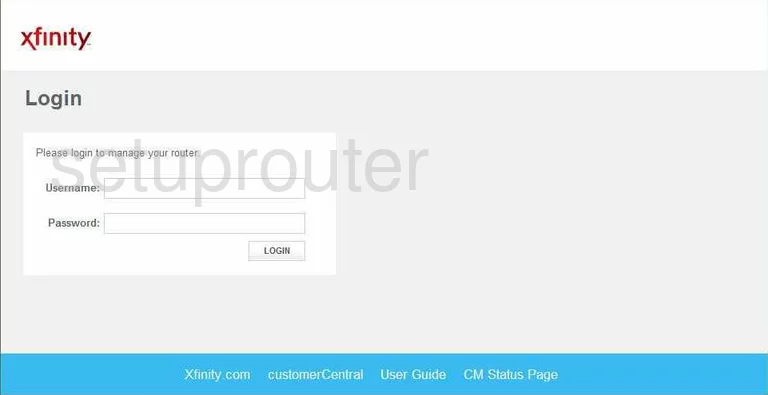
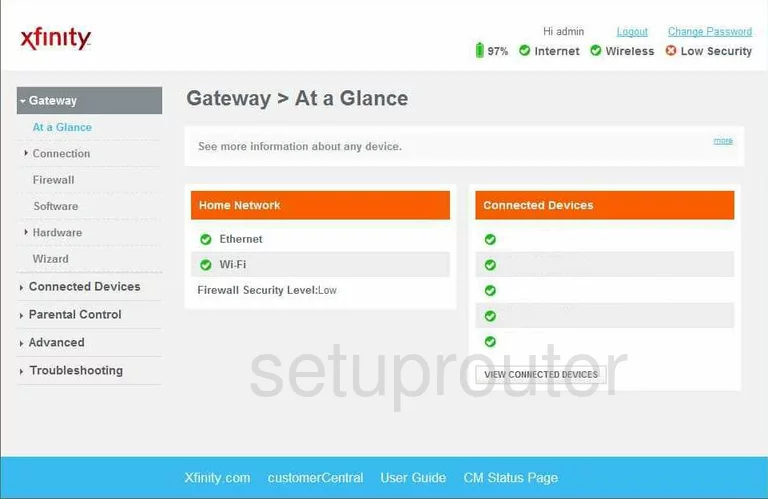
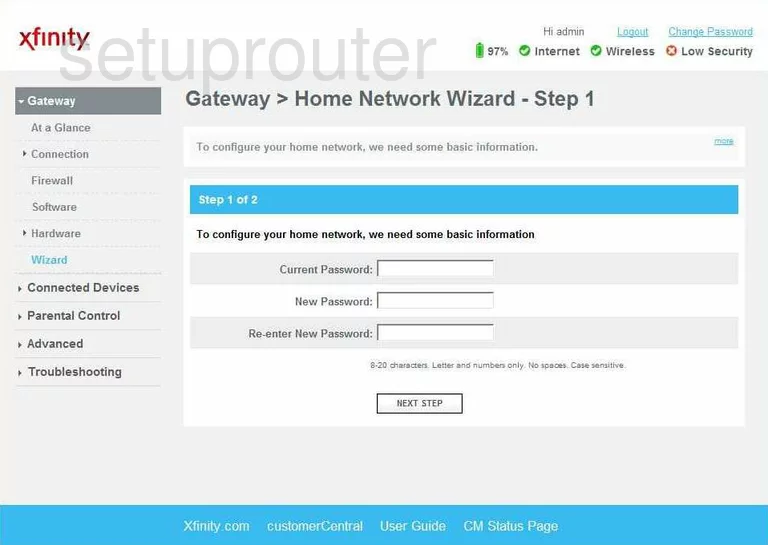
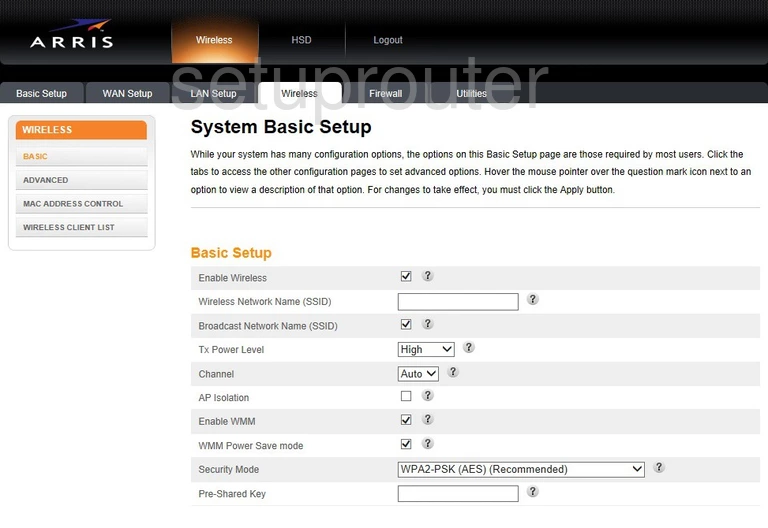
TG862G-CT (4 screens)
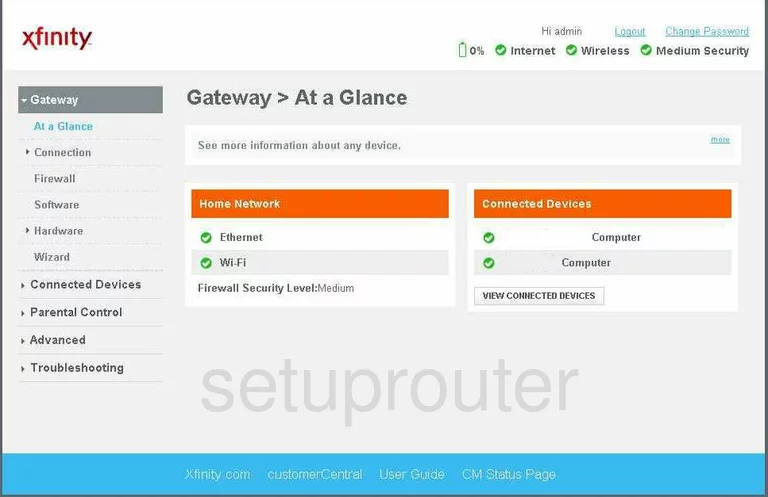
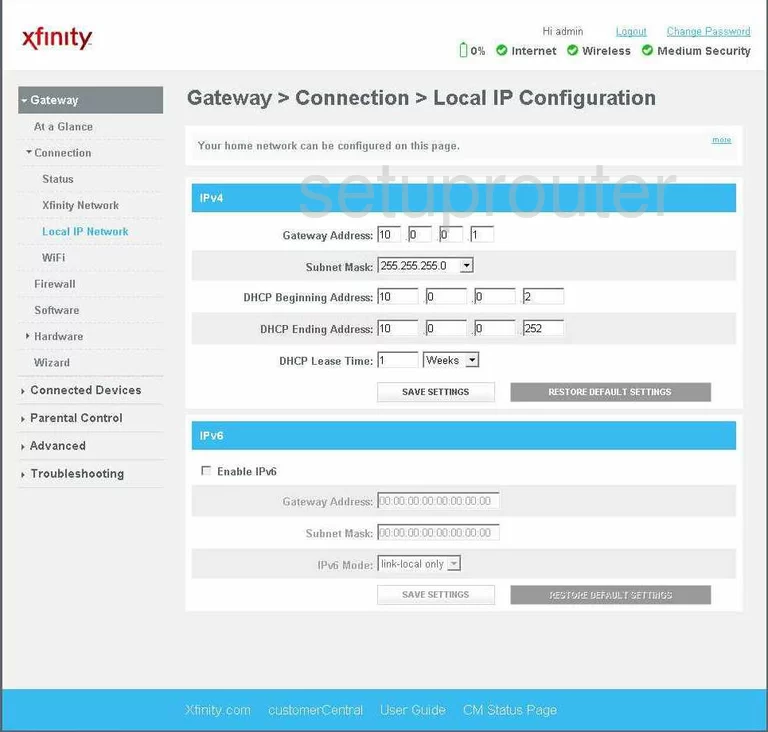
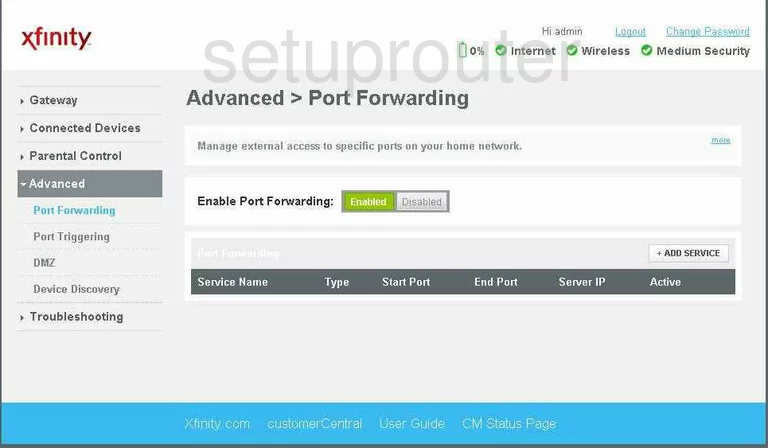
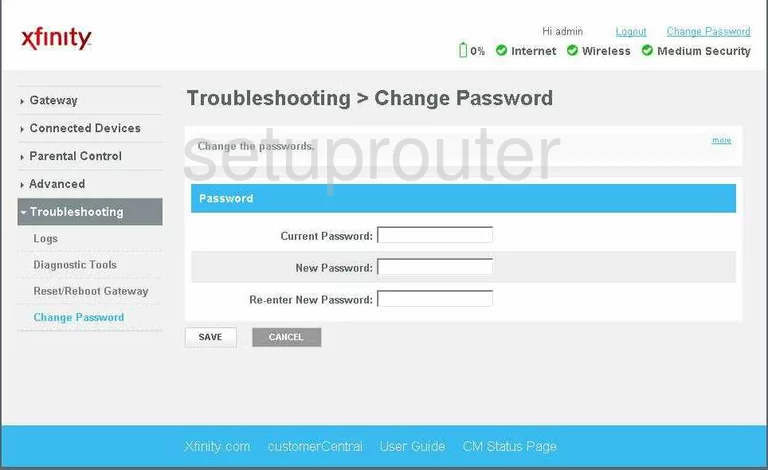
TG862G-NA (4 screens)
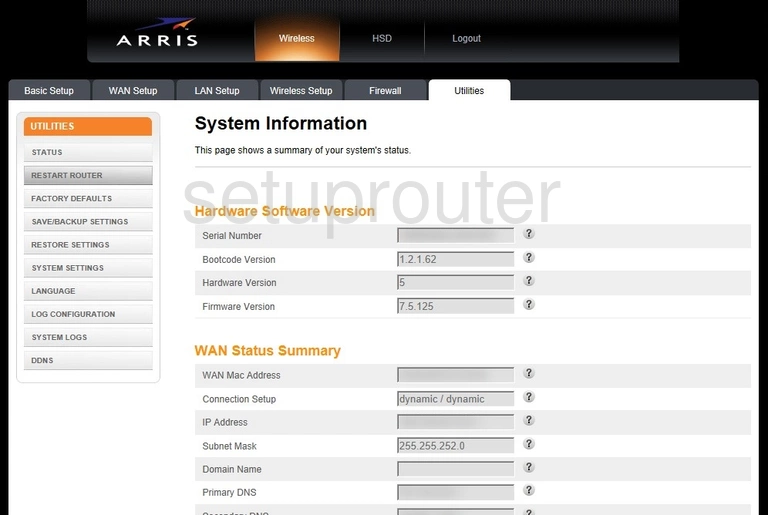
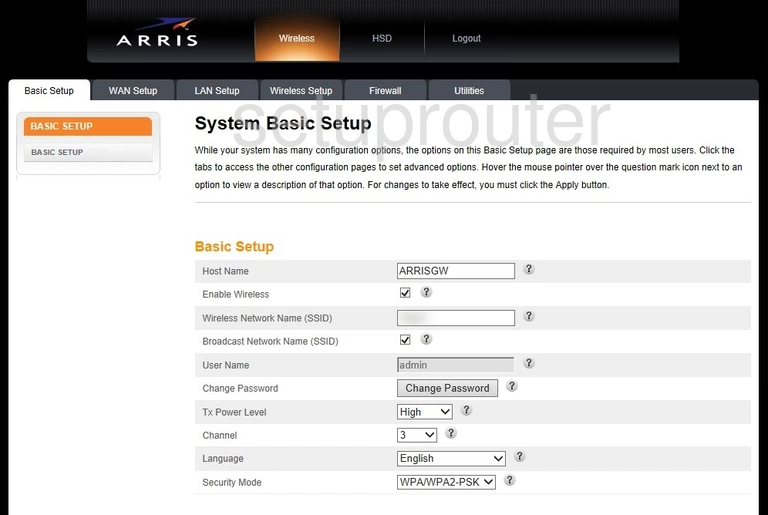
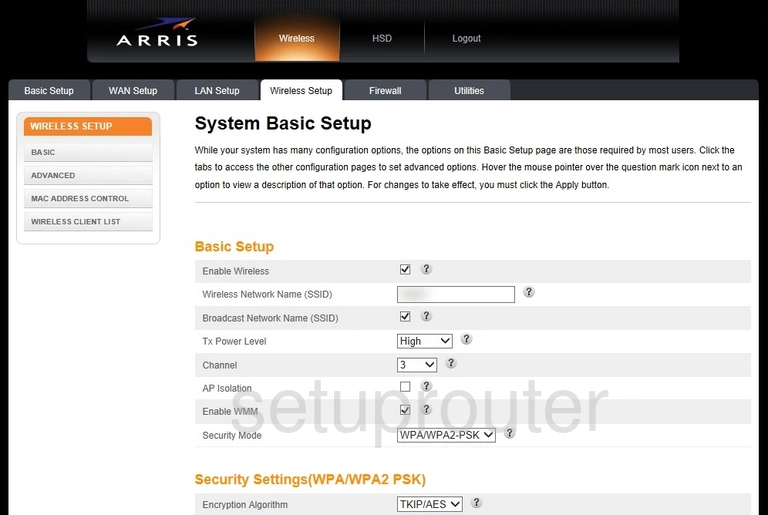
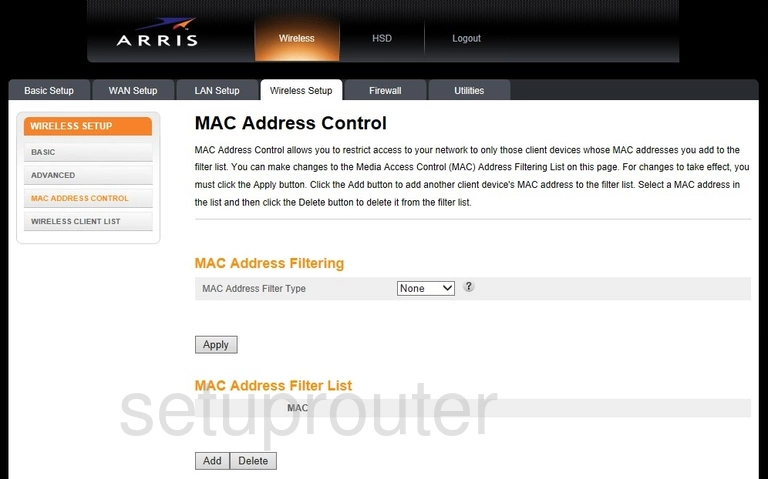
TG862GCT (4 screens)
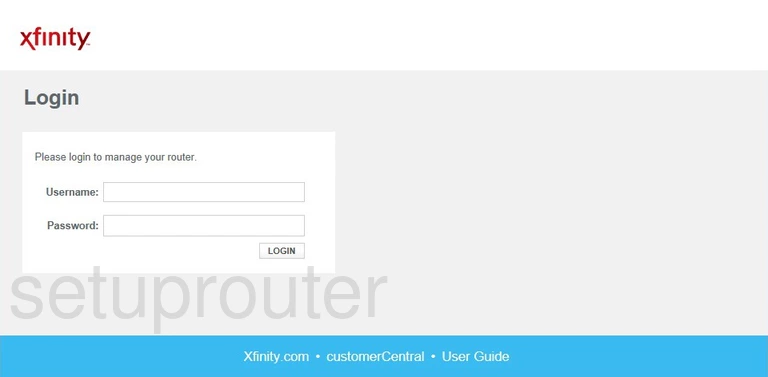
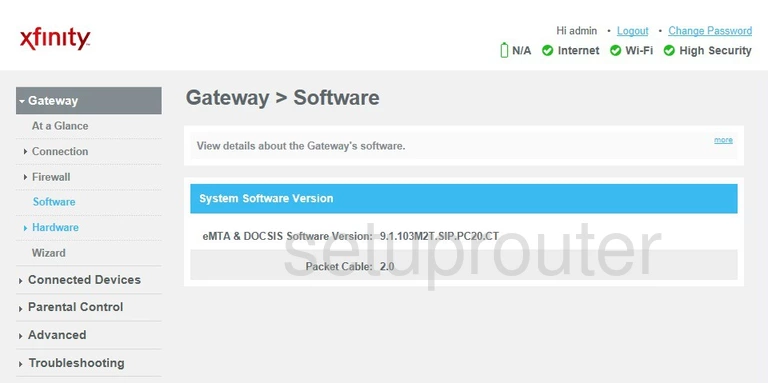
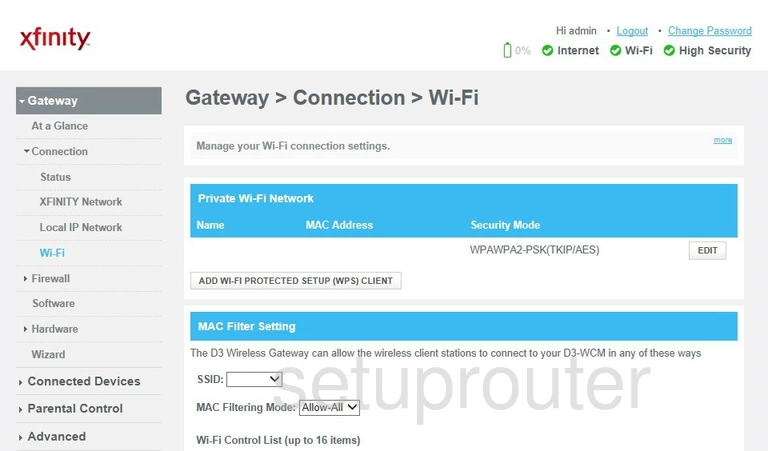
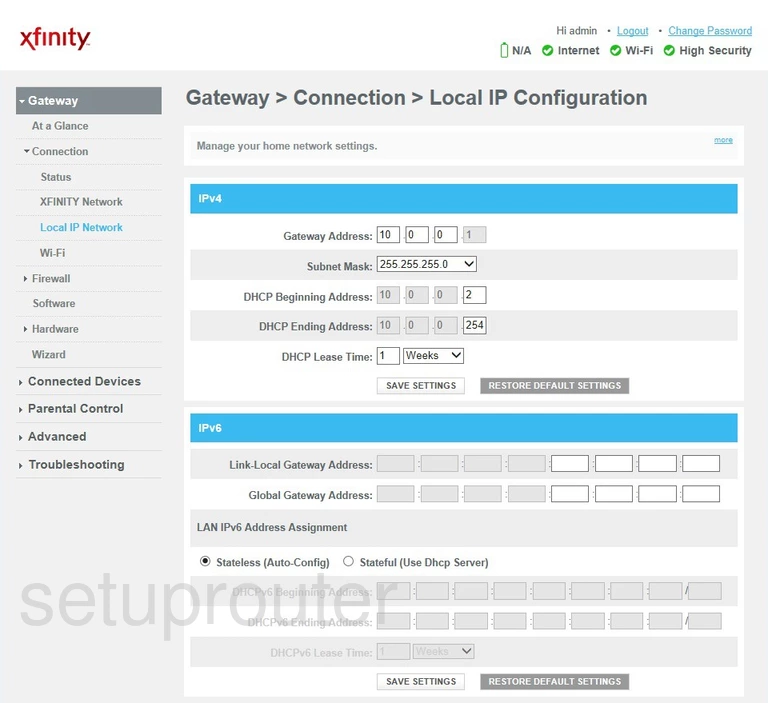
TG862S (4 screens)
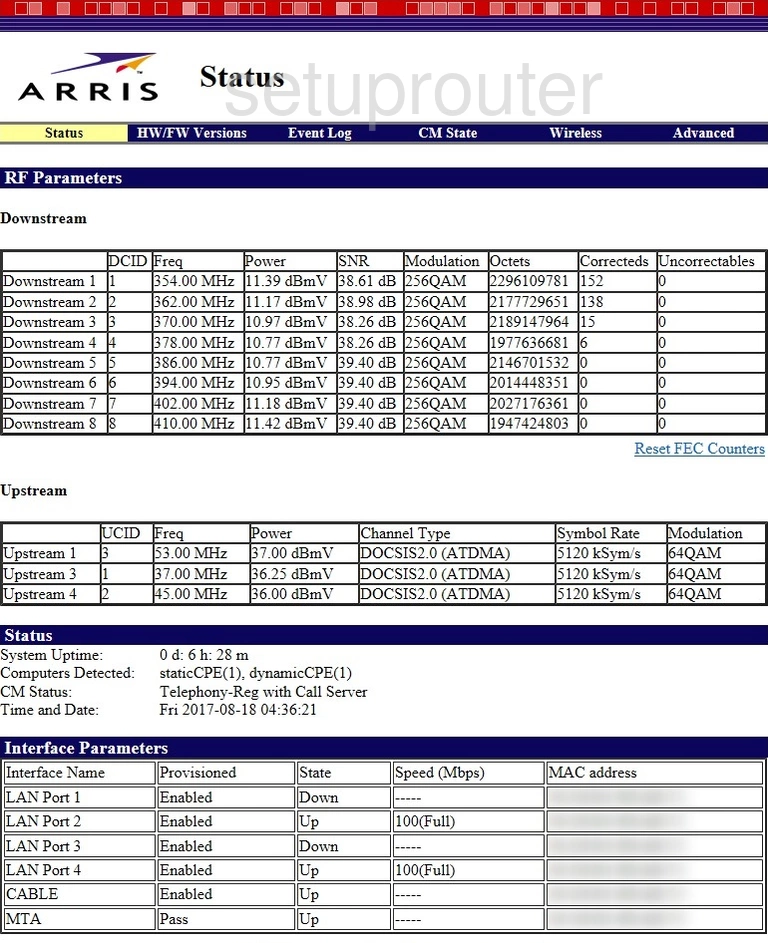
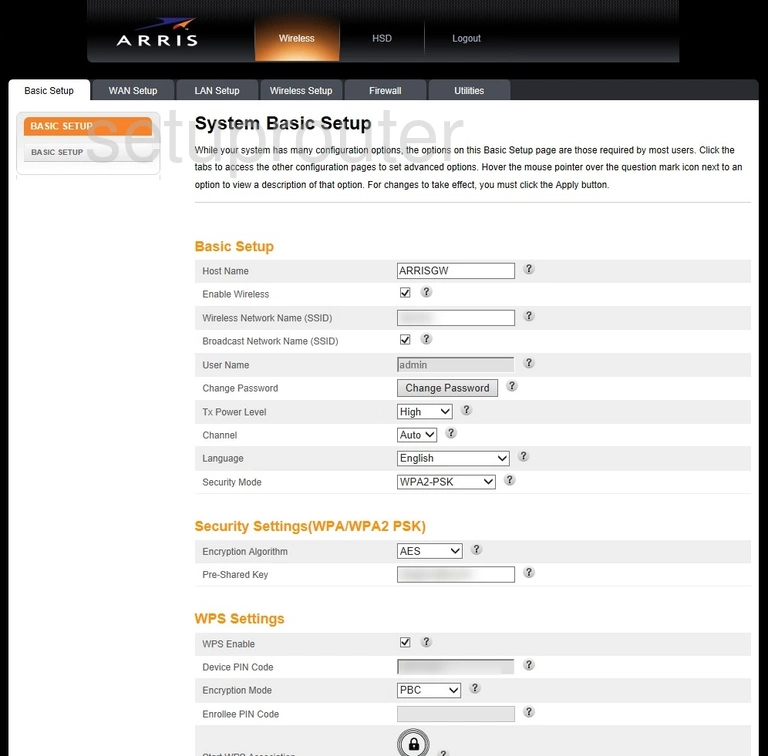
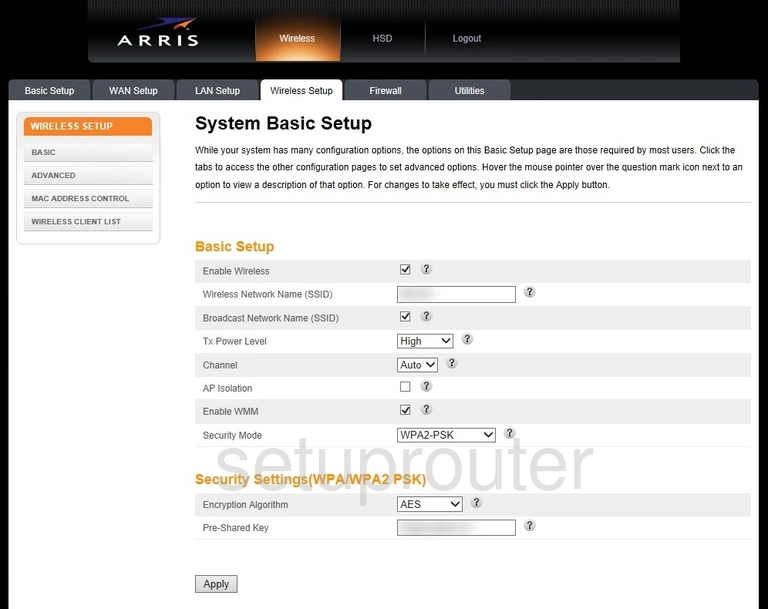
TM1602 (4 screens)
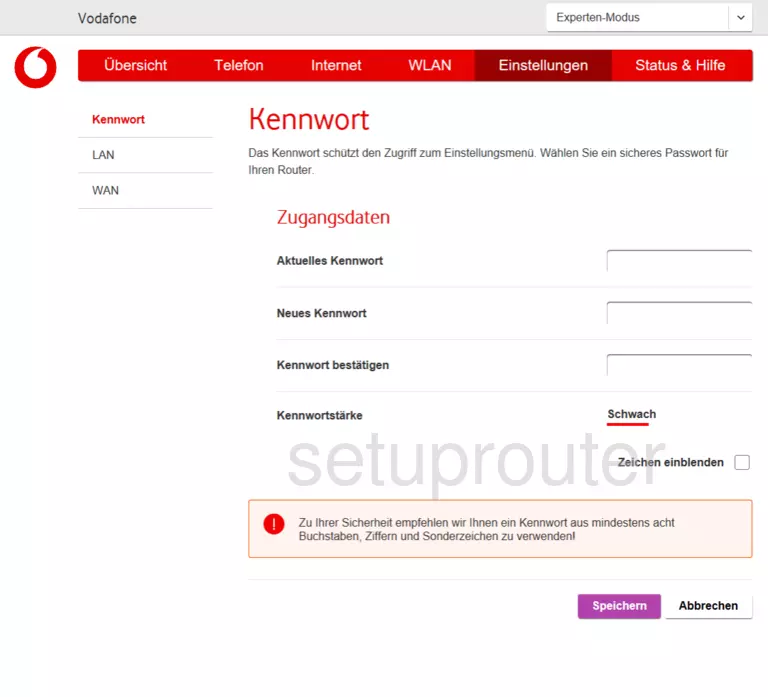
VMDG505 (4 screens)
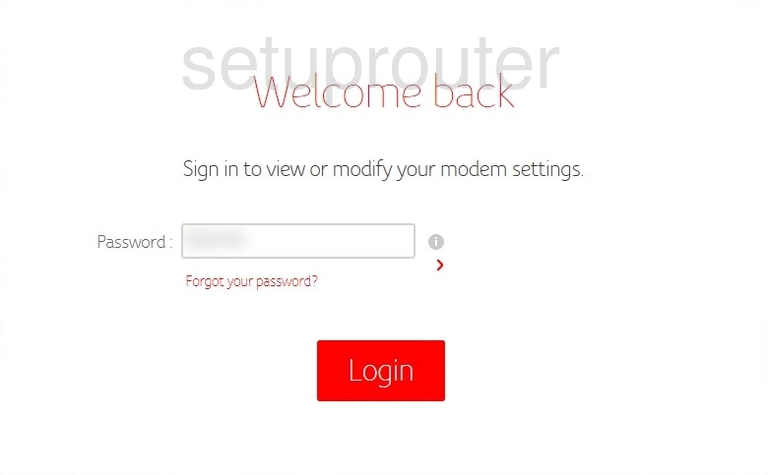
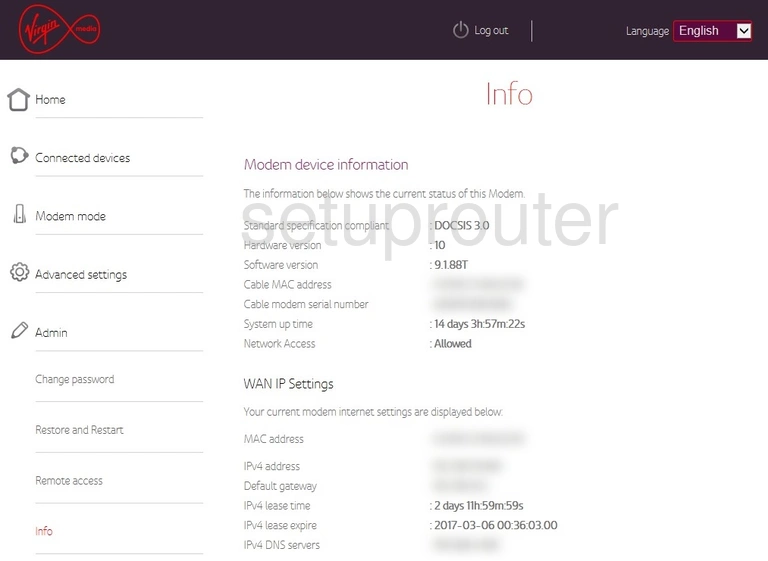
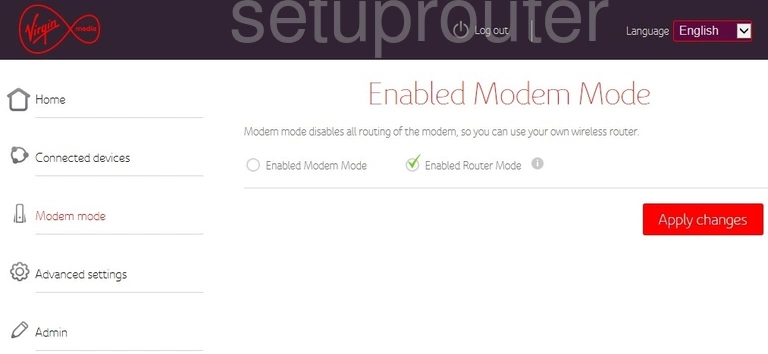
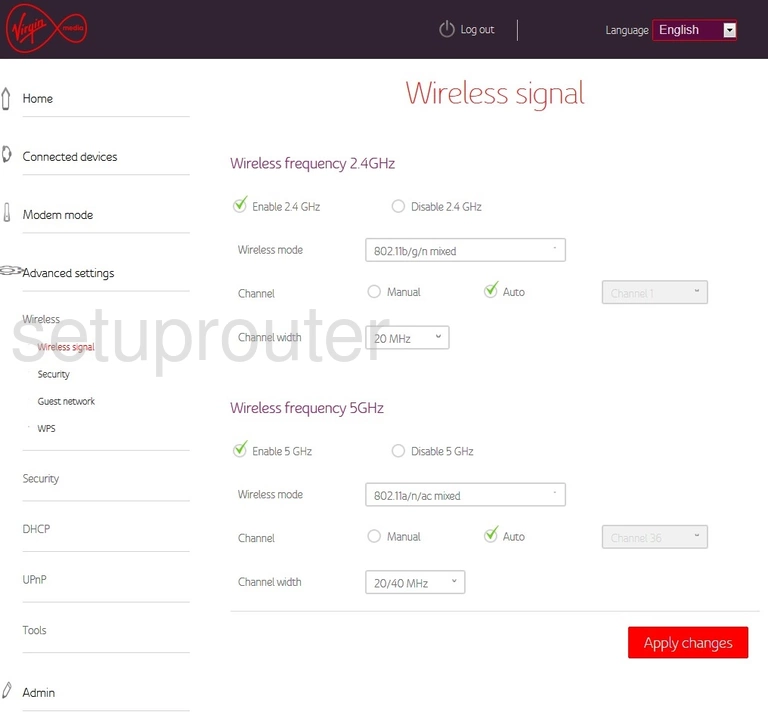
WTM552 (4 screens)
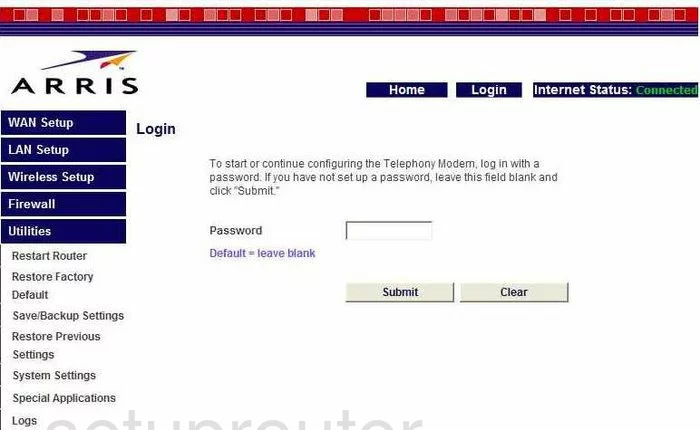
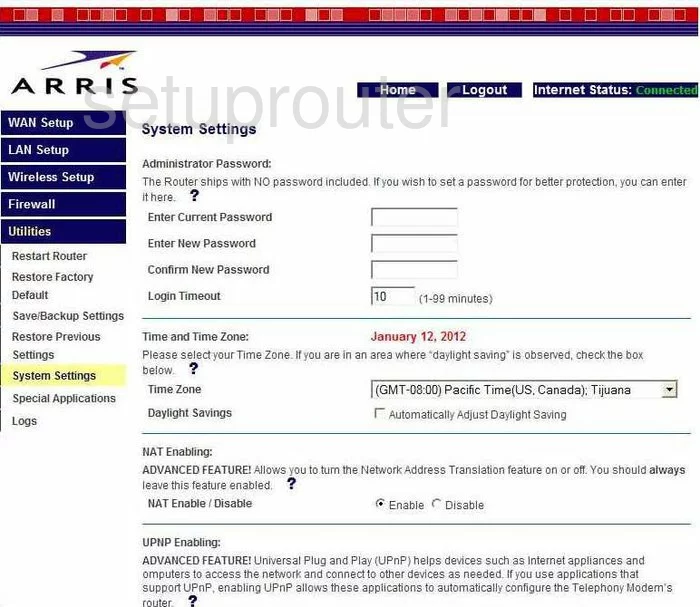
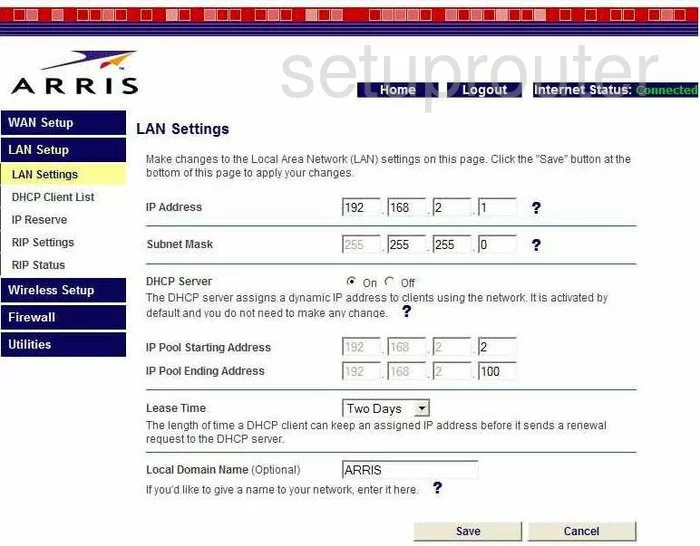
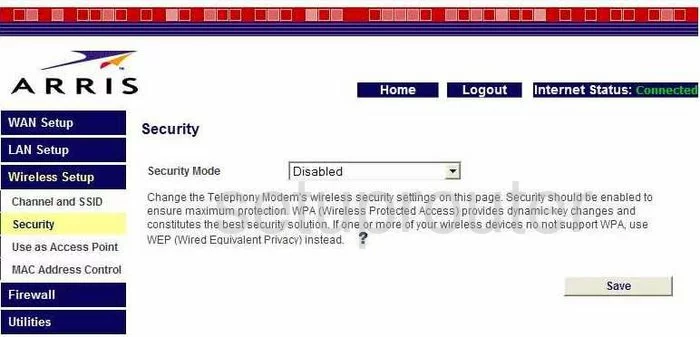
WTM552G (4 screens)
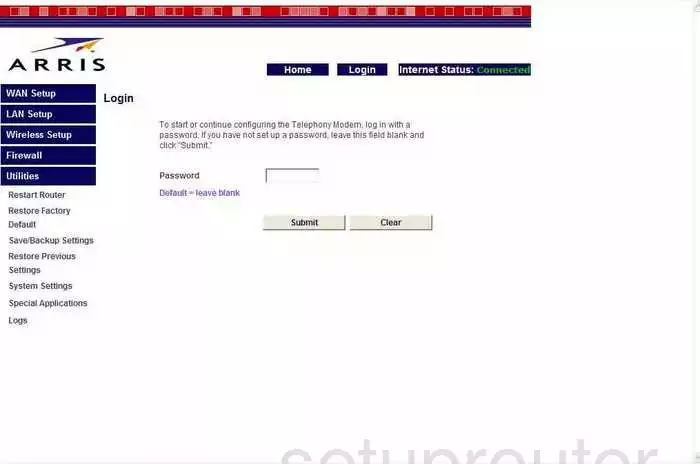
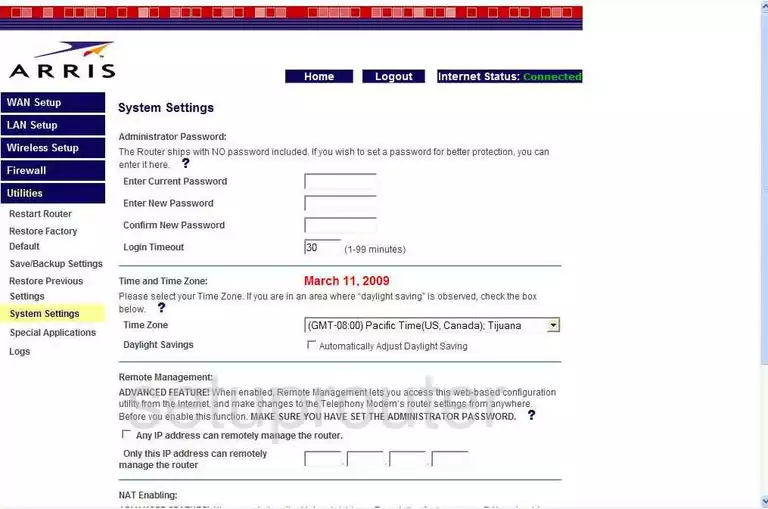
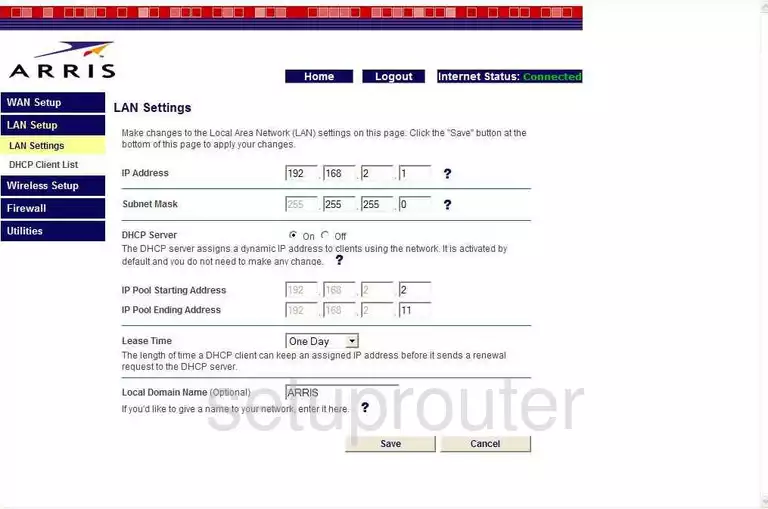
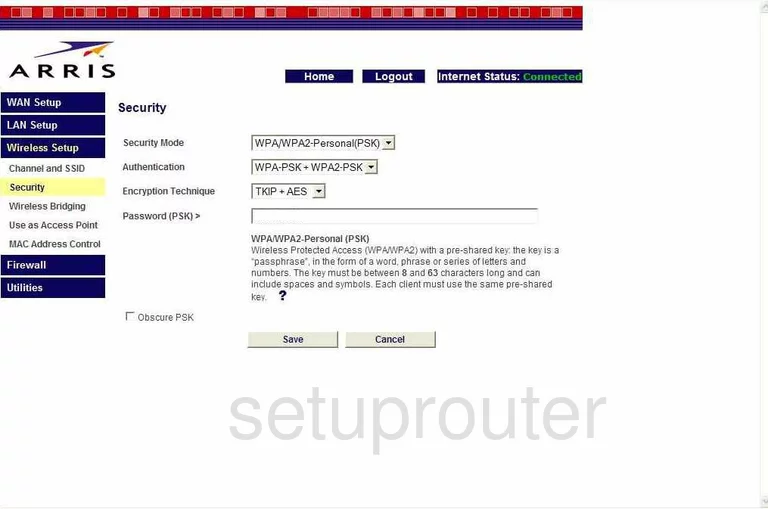
WTM652 (4 screens)
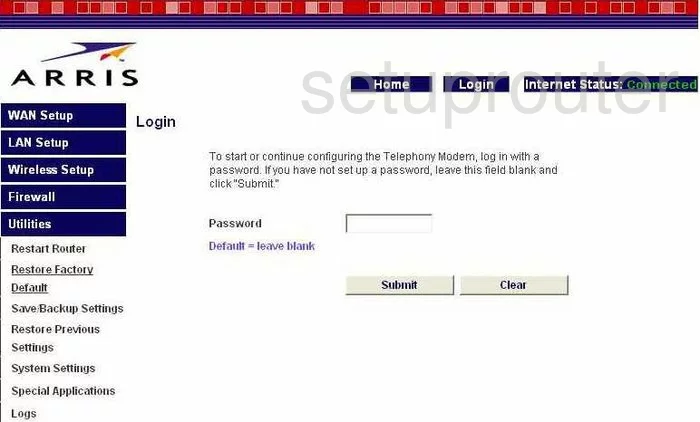
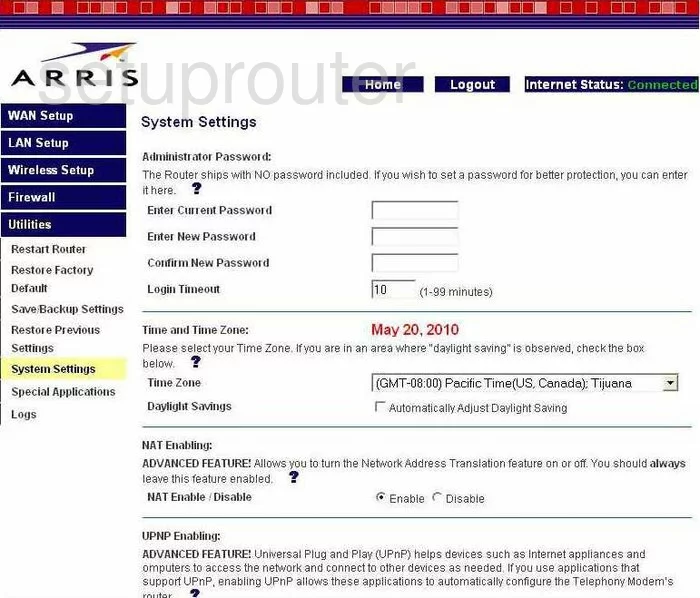
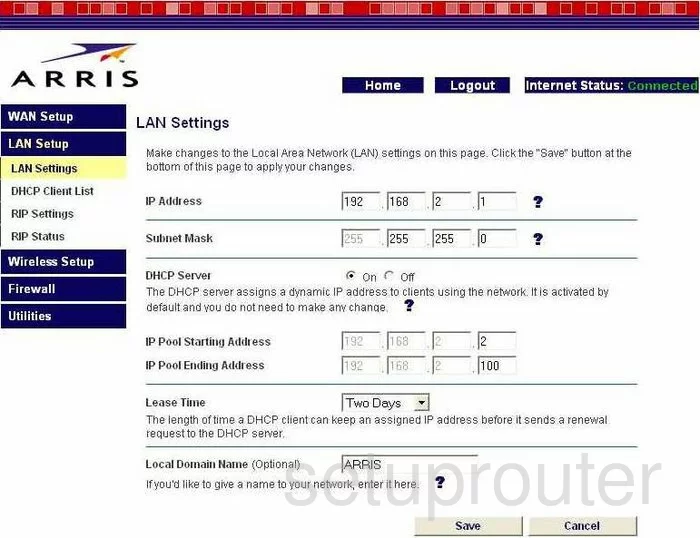
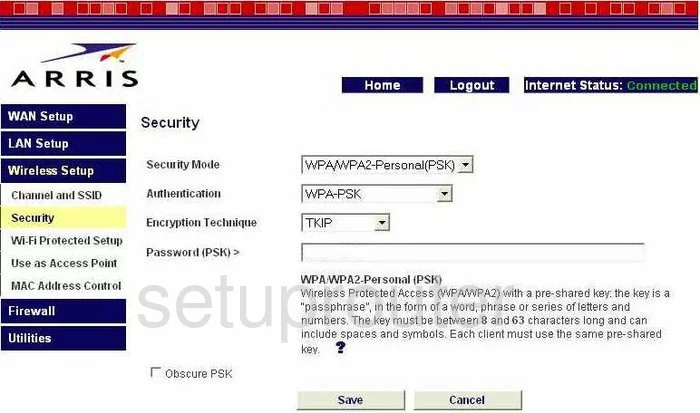
WTM652G (4 screens)
Arris Router Manuals
- Arris BGW210-700 ATT user manual (manual-2538)
- Arris DG1660A user manual (manual-2110)
- Arris DG1670 user manual (manual-1708)
- Arris DG1670A user manual (manual-2473)
- Arris DG167A user manual (manual-2360)
- Arris DG3270 user manual (manual-2489)
- Arris DG860A user manual (manual-1365)
- Arris DG860P2 user manual (manual-2361)
- Arris DG950 user manual (manual-1366)
- Arris NVG589 user manual (manual-2331)
- Arris NVG589 ATT user manual (manual-2539)
- Arris NVG595 user manual (manual-1811)
- Arris NVG599 user manual (manual-2200)
- Arris SBG6580 user manual (manual-2138)
- Arris SBG6700-AC user manual (manual-1935)
- Arris SBG6782-AC user manual (manual-2123)
- Arris SBG6900-AC user manual (manual-2175)
- Arris SBG7580-AC user manual (manual-2286)
- Arris SBR-AC1750 user manual (manual-2176)
- Arris SBR-AC3200P user manual (manual-2542)
- Arris TG1672G user manual (manual-1812)
- Arris TG1682G user manual (manual-1977)
- Arris TG1682G user manual (manual-2363)
- Arris TG2472G user manual (manual-2129)
- Arris TG249LG-NA Liberty user manual (manual-2362)
- Arris TG852 user manual (manual-1367)
- Arris TG852G user manual (manual-1368)
- Arris TG852G user manual (manual-1369)
- Arris TG852GCT Xfinity user manual (manual-2385)
- Arris TG862 user manual (manual-1370)
- Arris TG862A user manual (manual-1704)
- Arris TG862G user manual (manual-1371)
- Arris TG862G-CT user manual (manual-1372)
- Arris TG862G-NA user manual (manual-2219)
- Arris TG862GCT user manual (manual-2372)
- Arris WTM552 user manual (manual-1373)
- Arris WTM552G user manual (manual-1374)
- Arris WTM652 user manual (manual-1375)
- Arris WTM652G user manual (manual-1376)