


Logging in to an ASUS router opens the ASUSWRT web interface. From there you can change WiFi, set up AiMesh, forward ports and update the firmware.
Step 1: Connect
Connect to the ASUS router's WiFi or plug a computer into one of its LAN ports (not the blue WAN port).
Step 2: Open the Login Page
Type one of these into your browser's address bar:
- http://router.asus.com: works on any current ASUS router.
- http://192.168.1.1: most ASUS routers.
- http://192.168.50.1: many newer RT-AX, GT-AX and ZenWiFi models.
See every default on the ASUS IP address page.
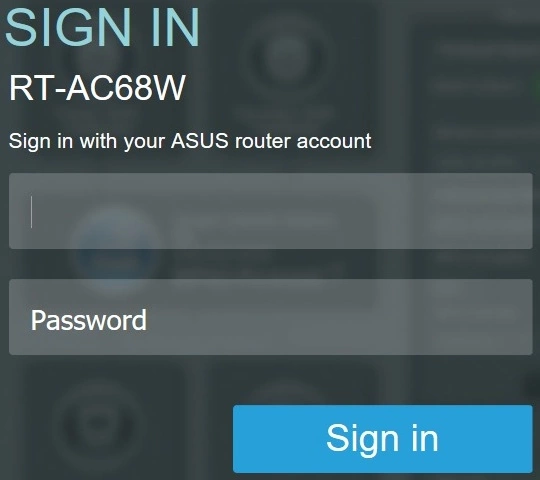
Step 3: Sign In
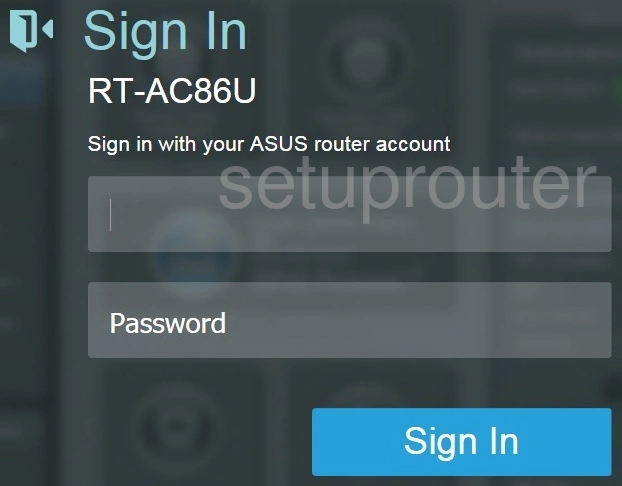
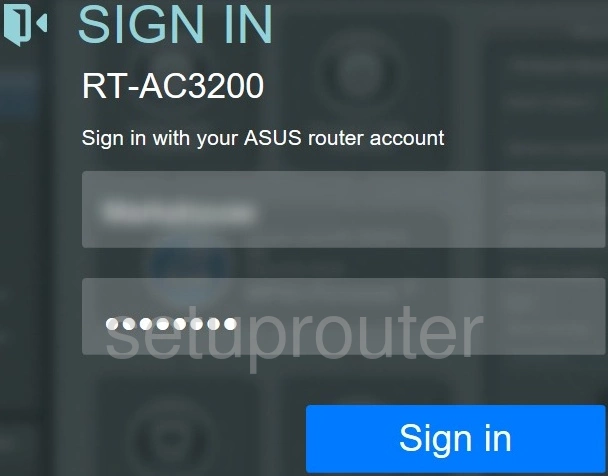
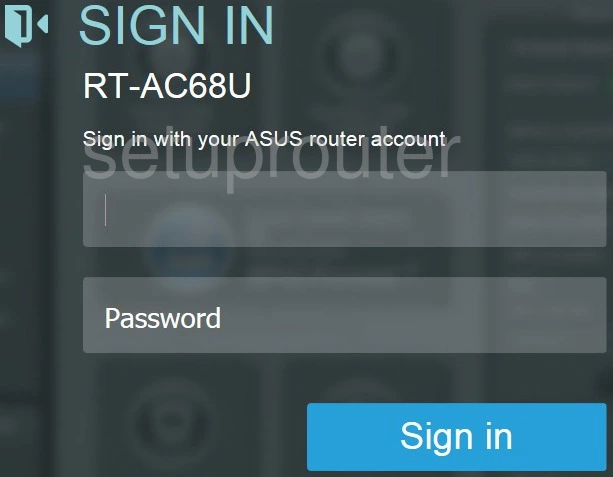
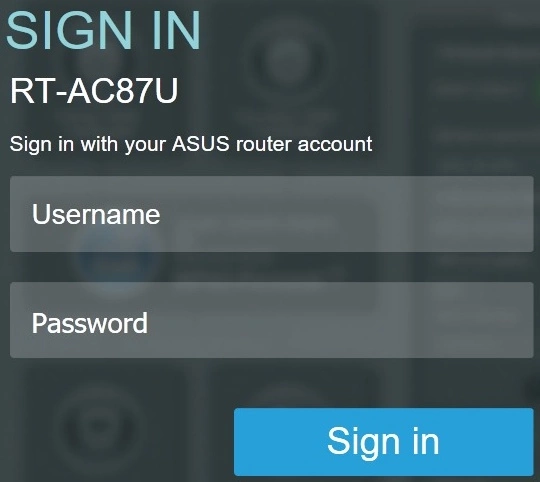
- Newer ASUS routers: use the username and password you created in the Quick Internet Setup. ASUS asks you to set them the first time you use the router.
- Older ASUS routers: the username is admin and the password is admin.
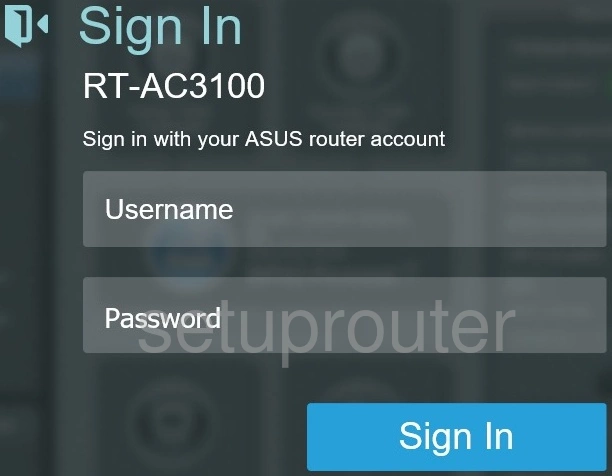
You can also manage most settings with the ASUS Router app. The full list of defaults is on the ASUS passwords page.
Step 4: The Network Map
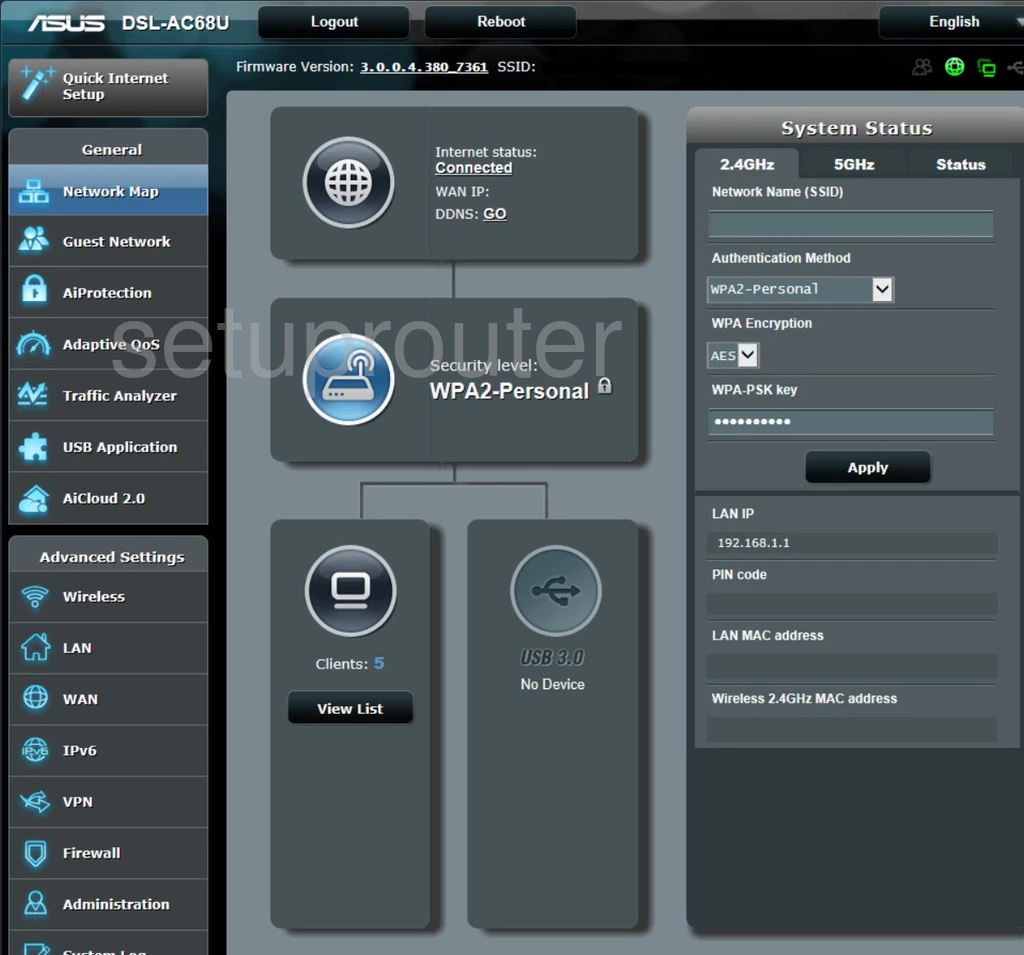
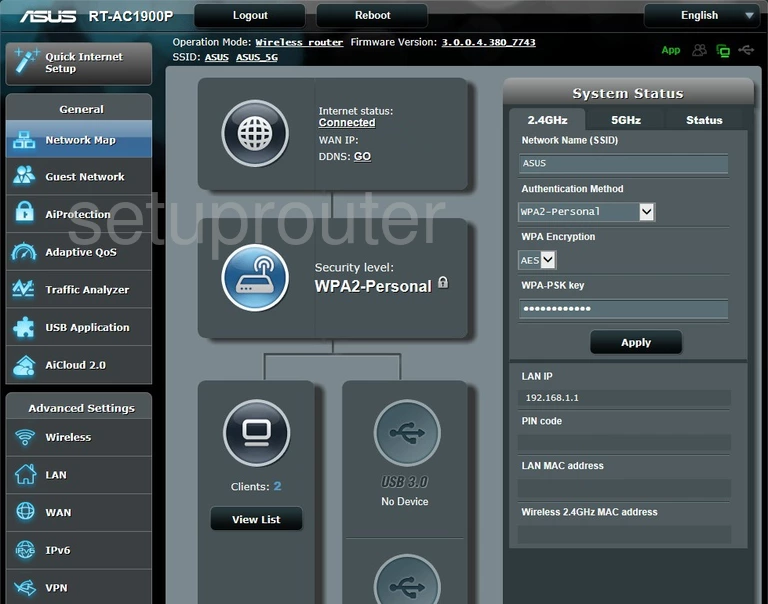
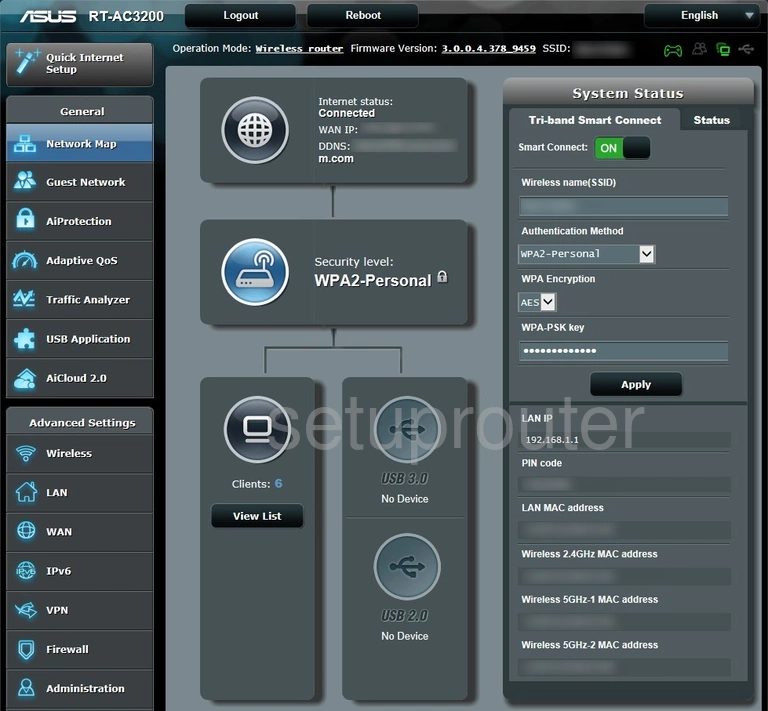
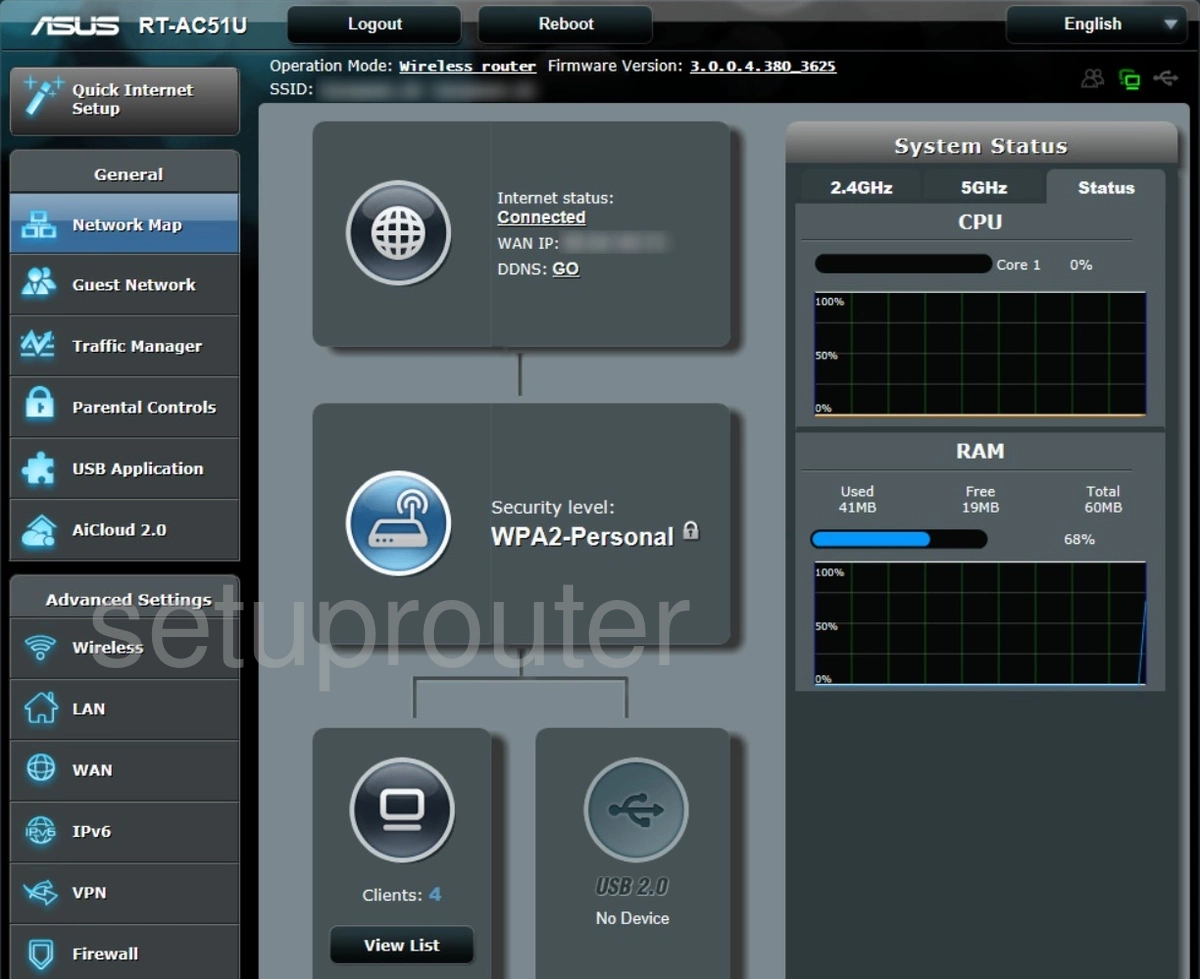
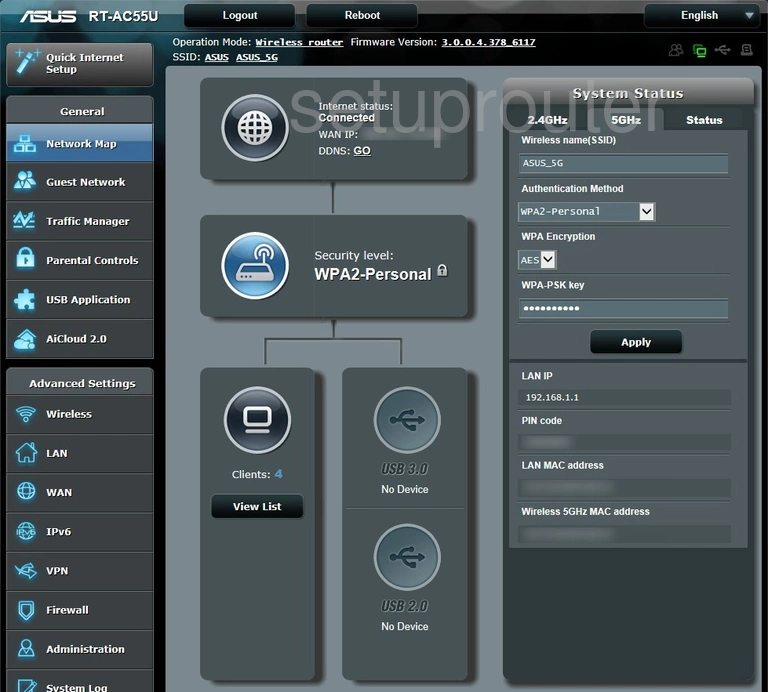
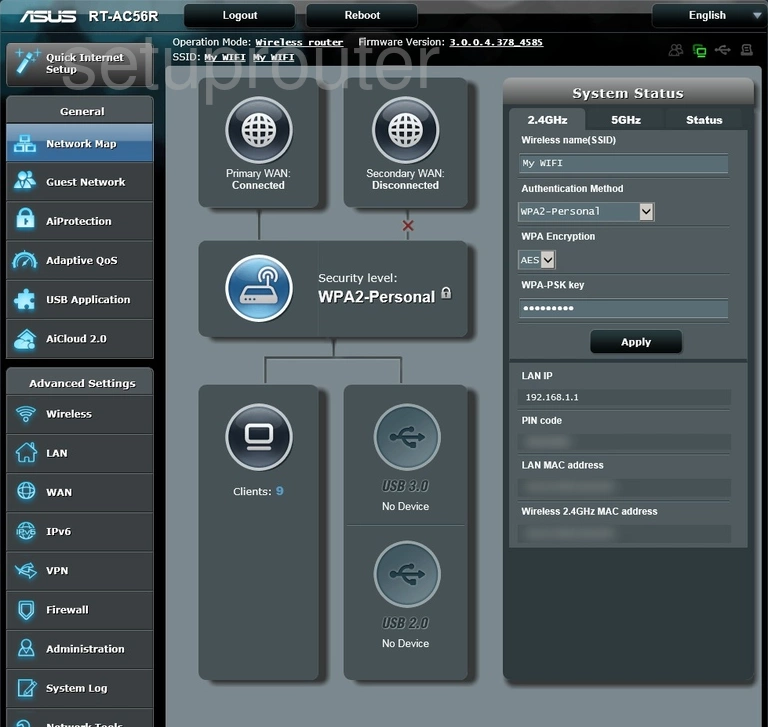
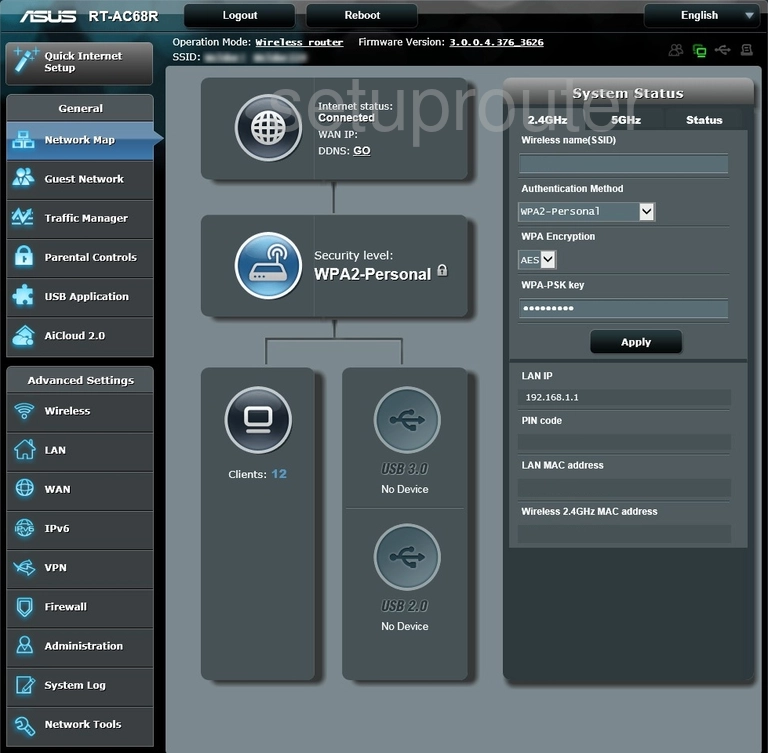
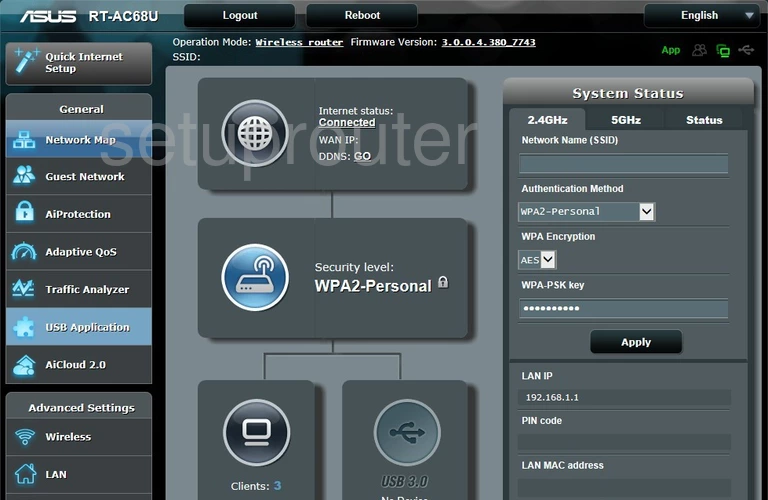
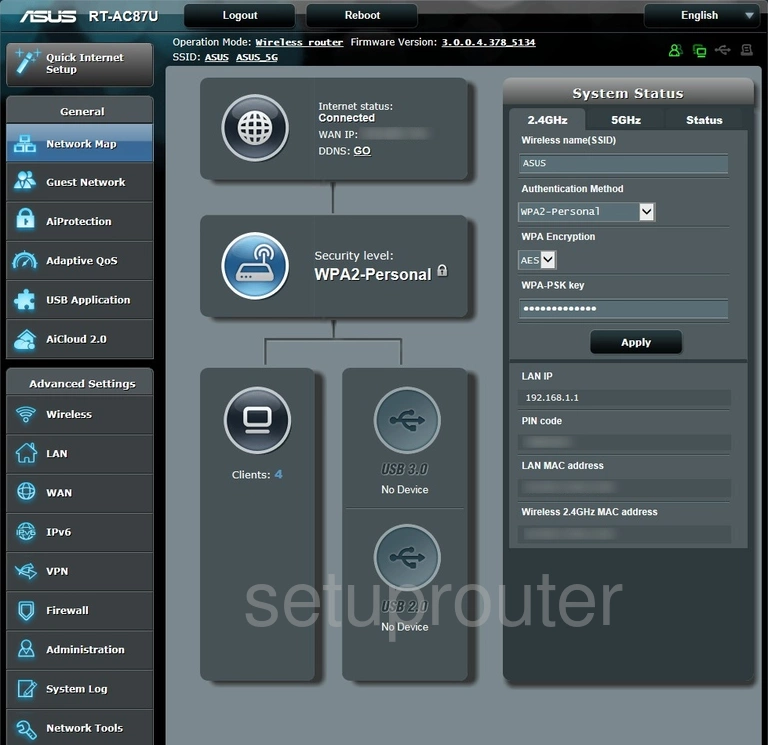
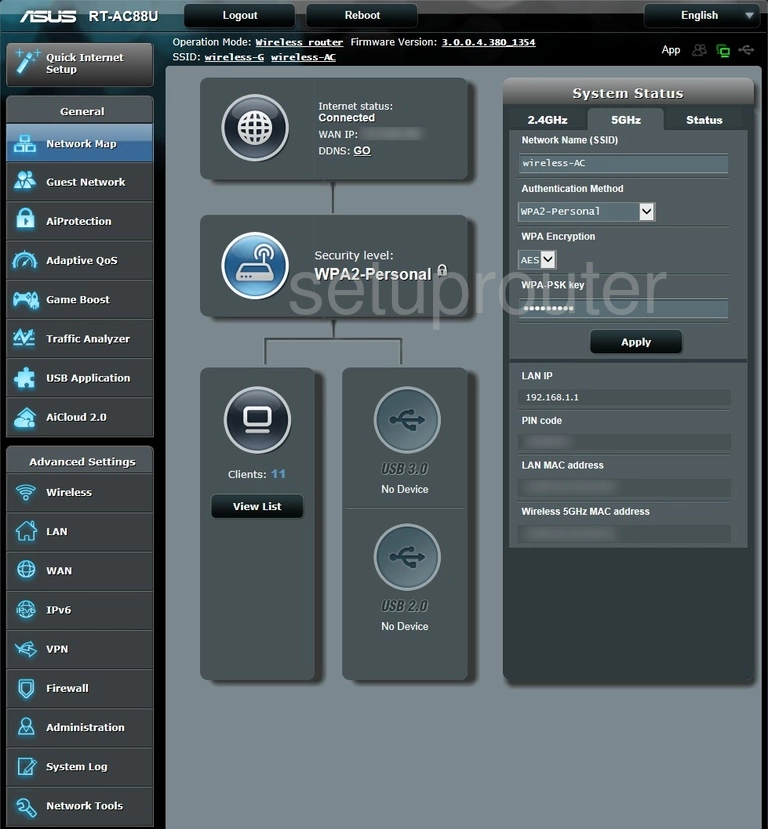
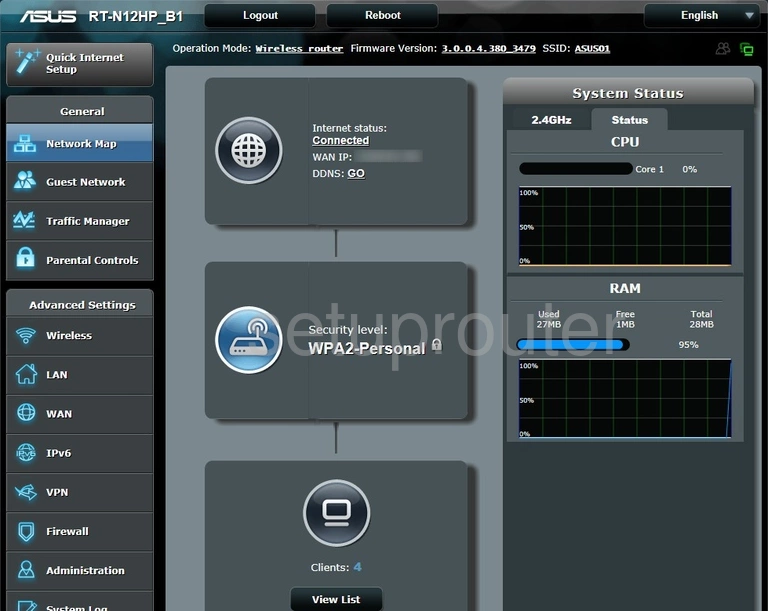
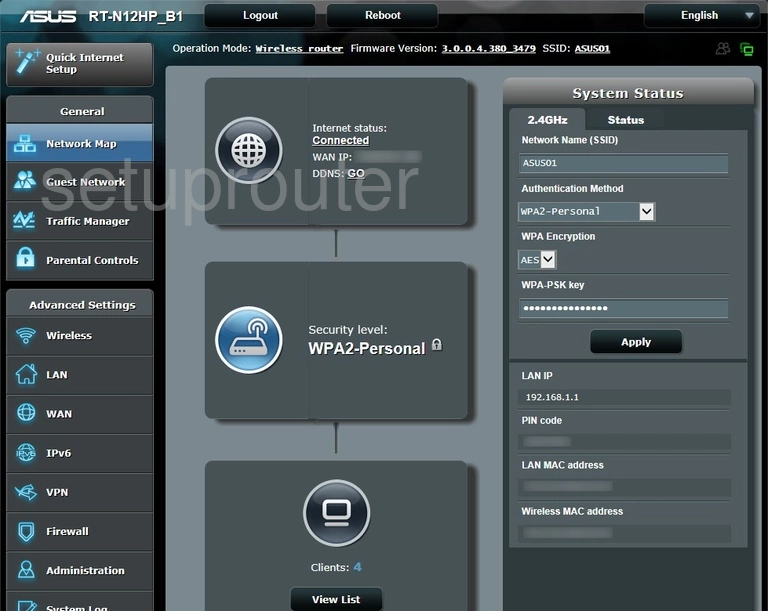
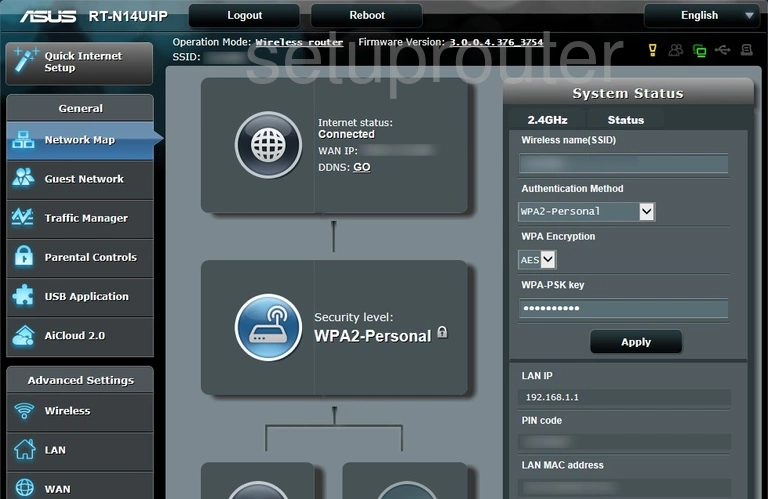
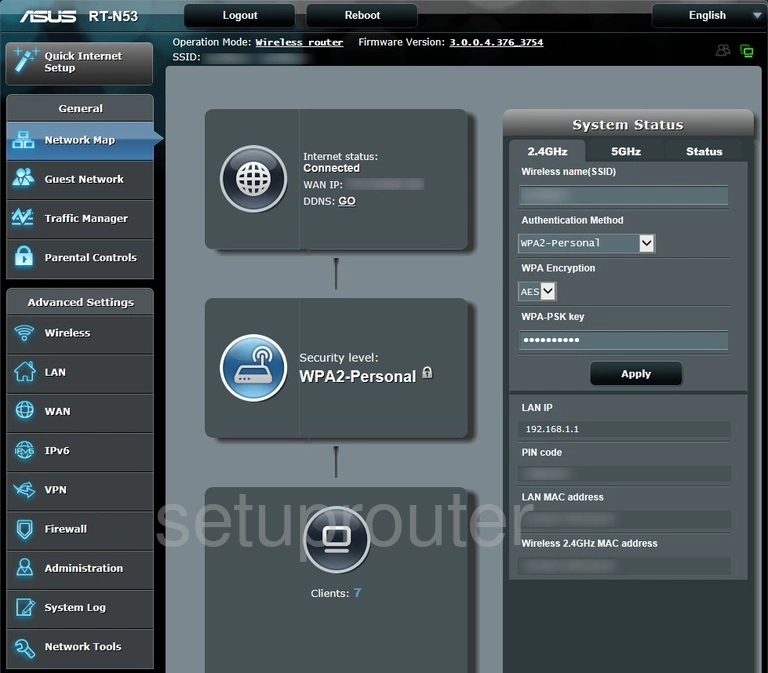
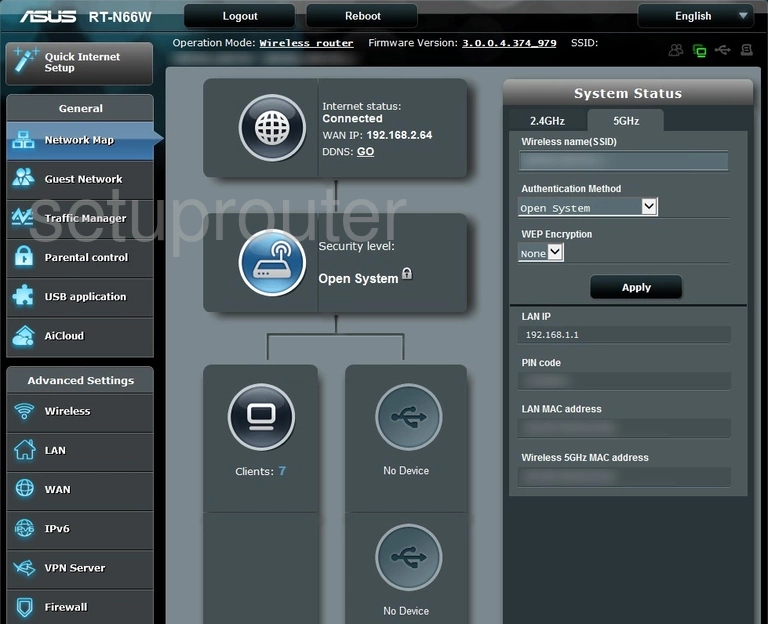
After signing in you'll see the Network Map, with your Internet status, clients and system status.
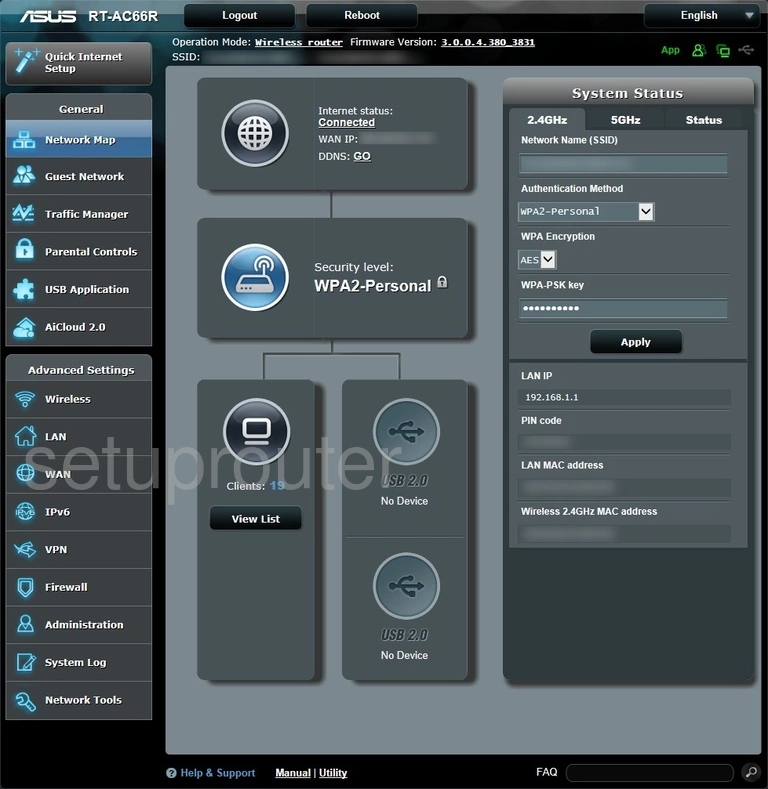
Next: change the router's IP address.
ASUS Login Problems
router.asus.com goes to the ASUS website. Your device isn't connected to the ASUS router, or the browser cached the address. Connect to the router and try 192.168.1.1 or 192.168.50.1.
admin / admin is rejected. Newer firmware requires a new login during setup, so the default no longer works. If you've forgotten what you set, reset the router.
"You cannot log in, someone else is logged in". ASUSWRT allows one administrator at a time. Log out on the other device, or wait a few minutes.
Too many failed attempts. ASUSWRT locks the login for a few minutes after repeated failures.
Asus Router Screenshots
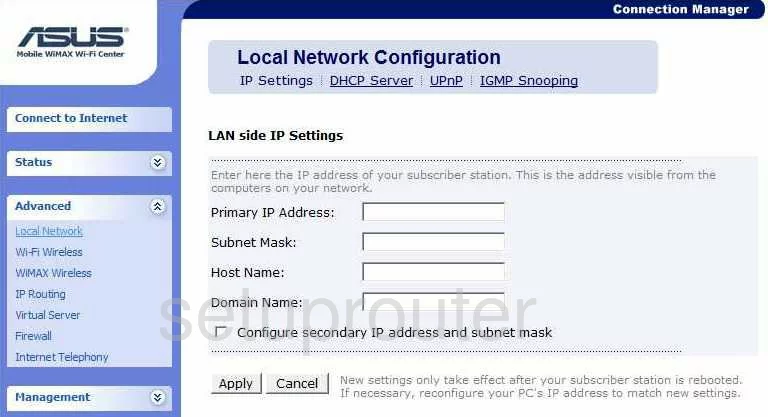
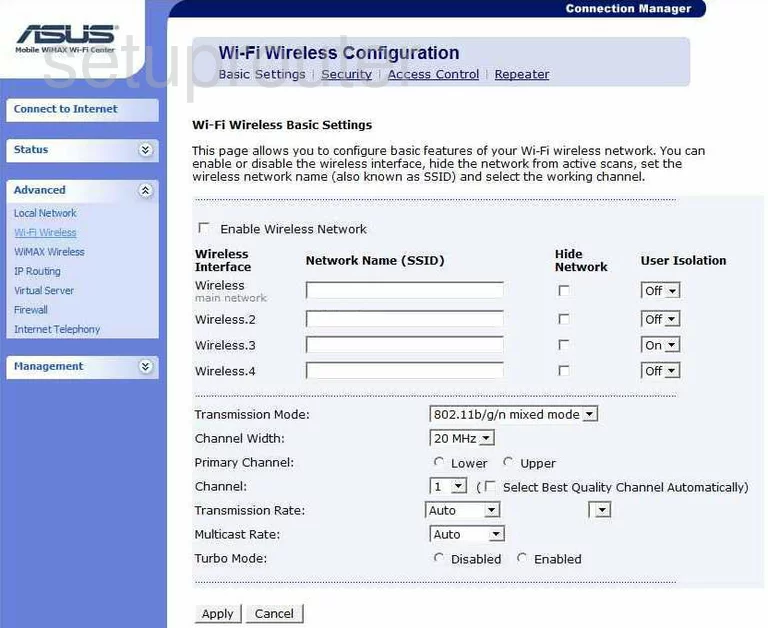
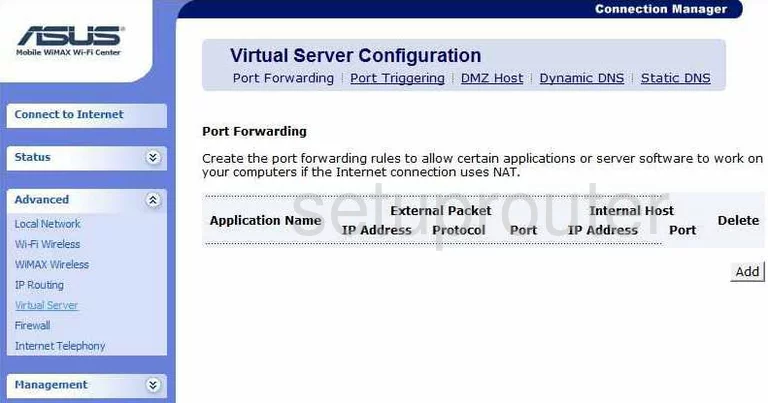
Screens from the Asus routers we have. Click a model to open it.
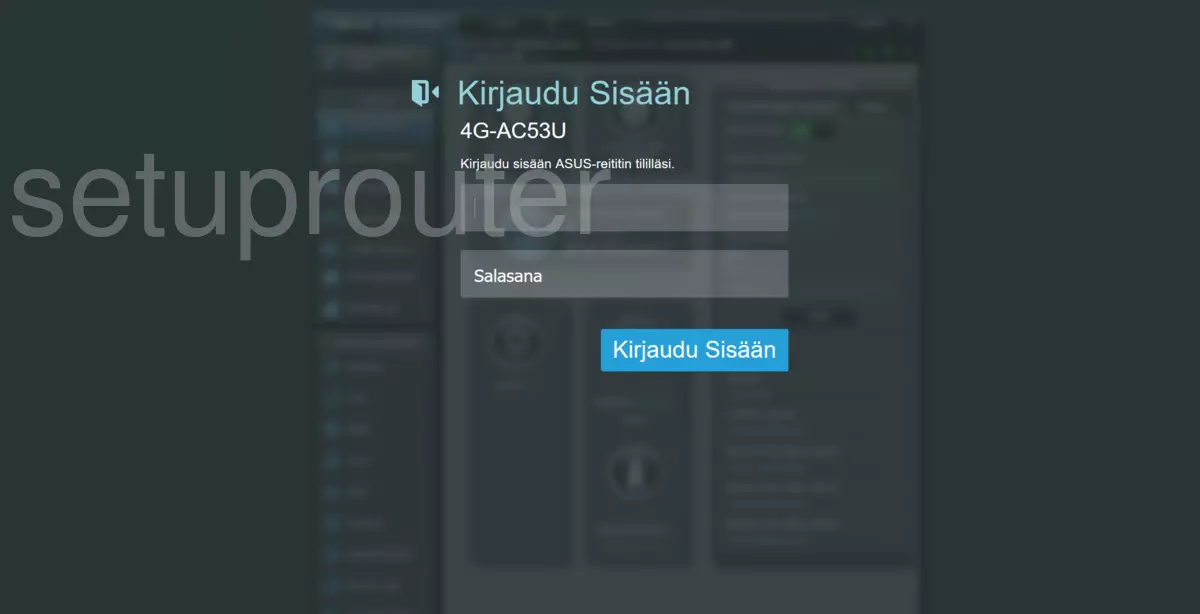
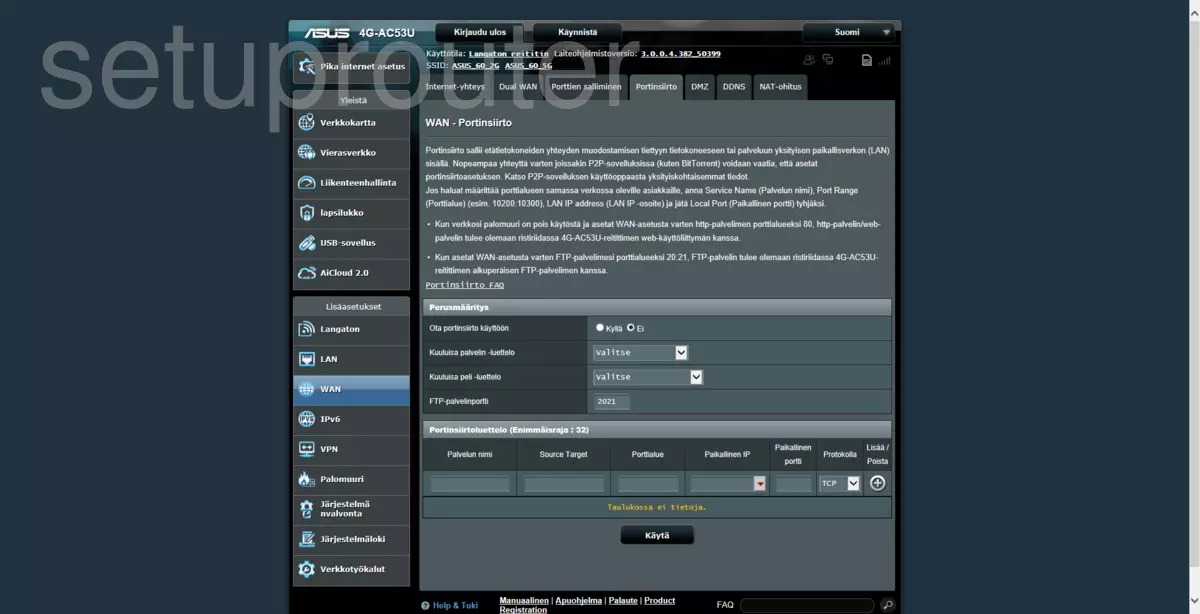
4G-AC53U (2 screens)
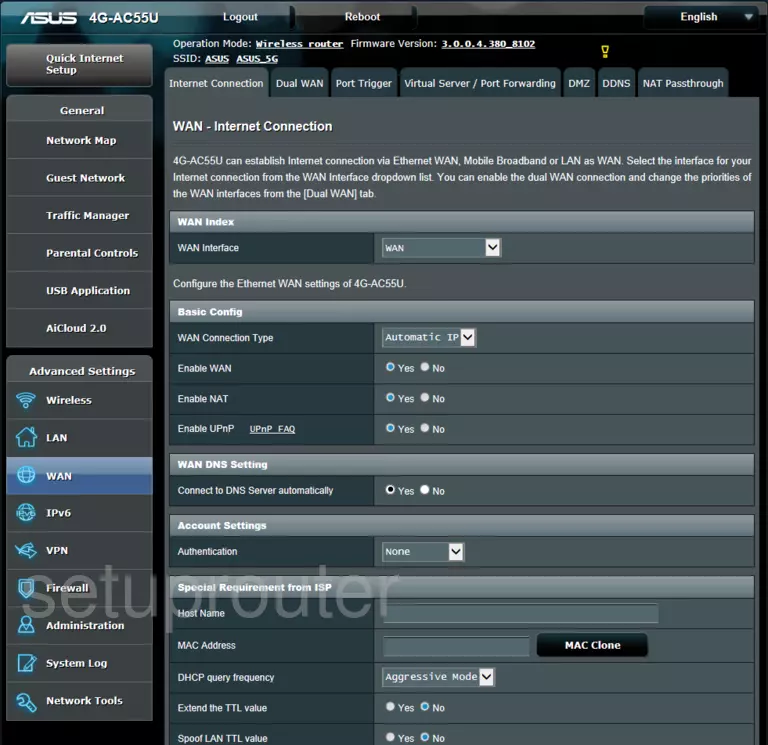
4G-AC55U (3 screens)
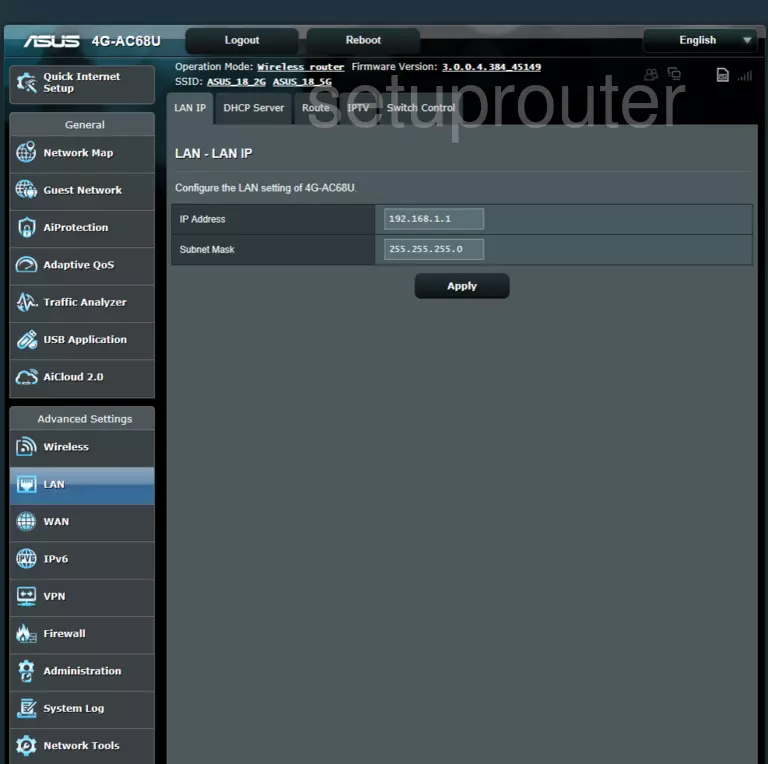
4G-AC68U (4 screens)
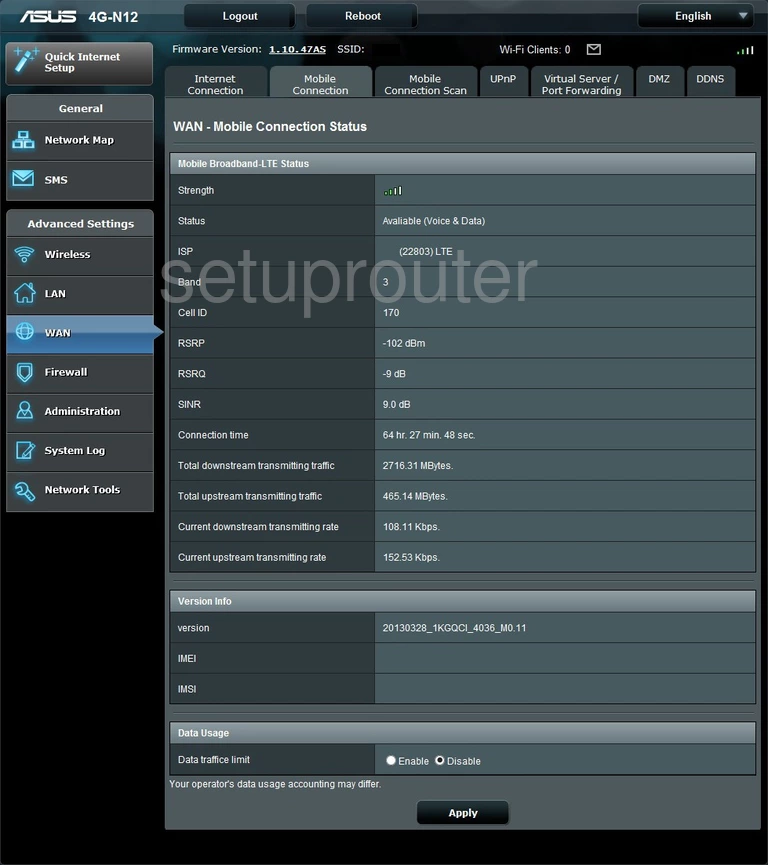
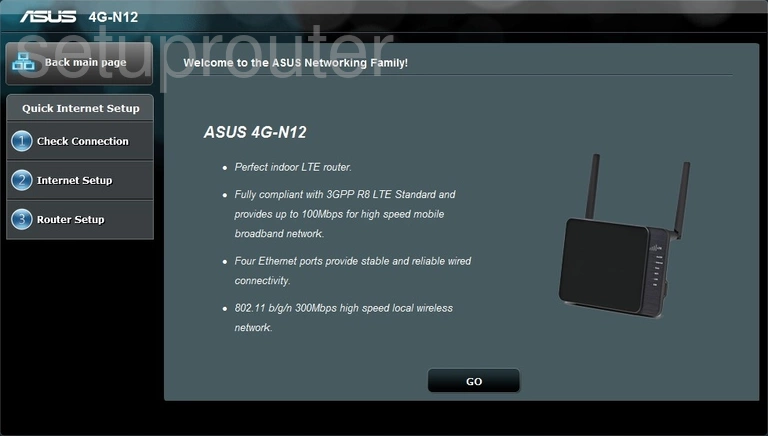
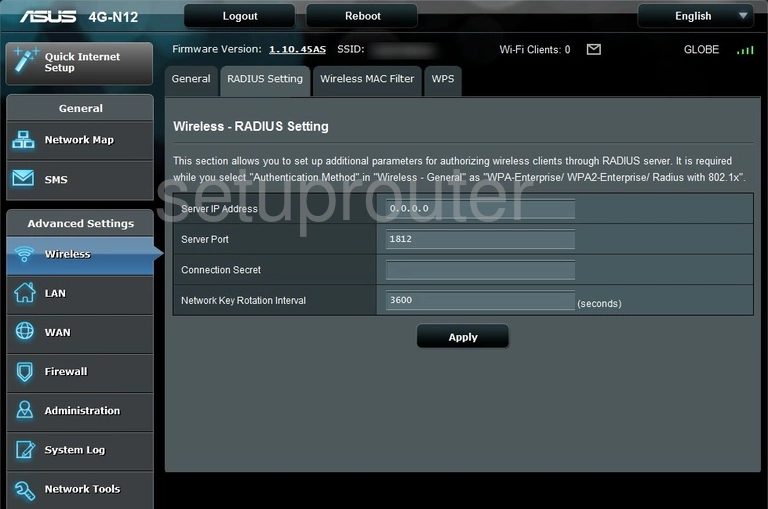
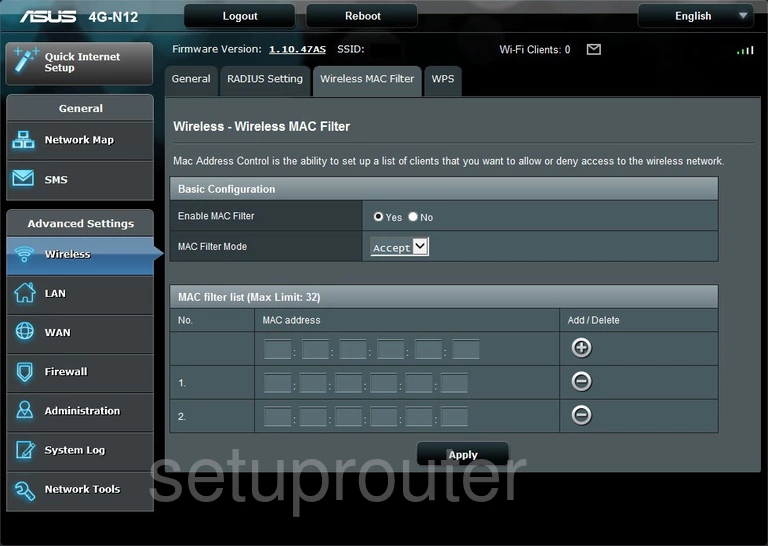
4G-N12 (4 screens)
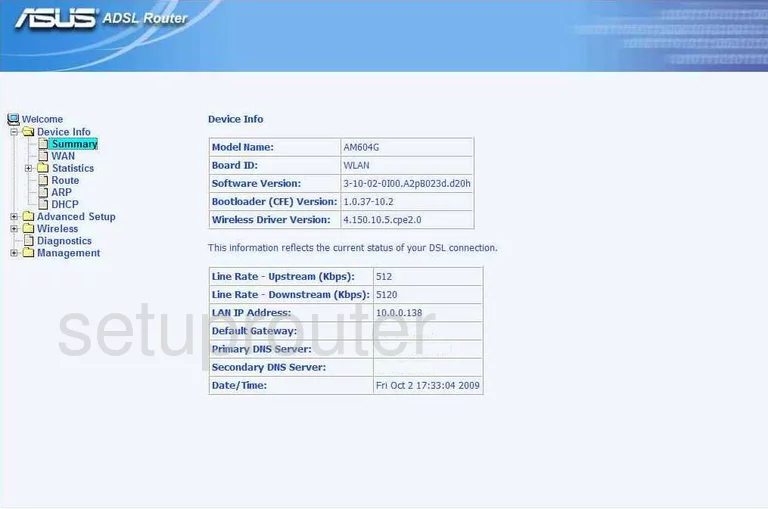
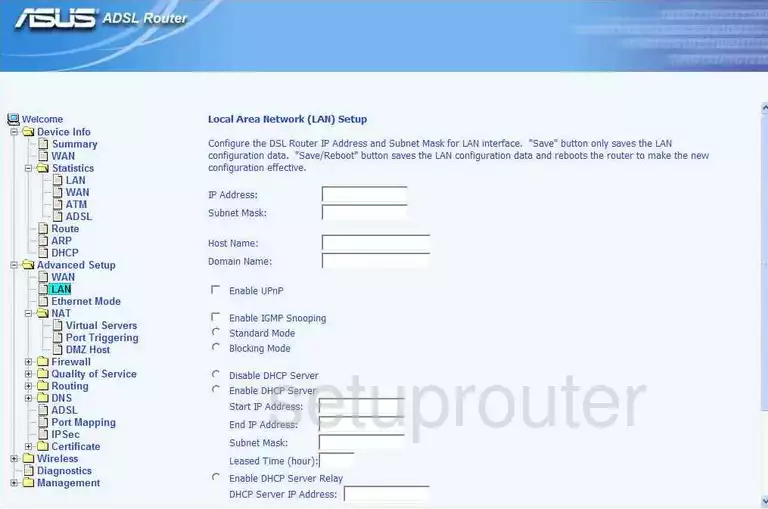
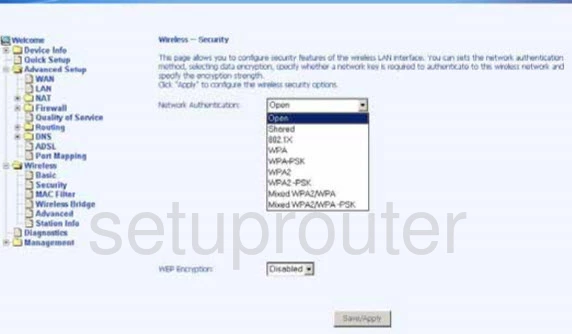
AM604G (4 screens)
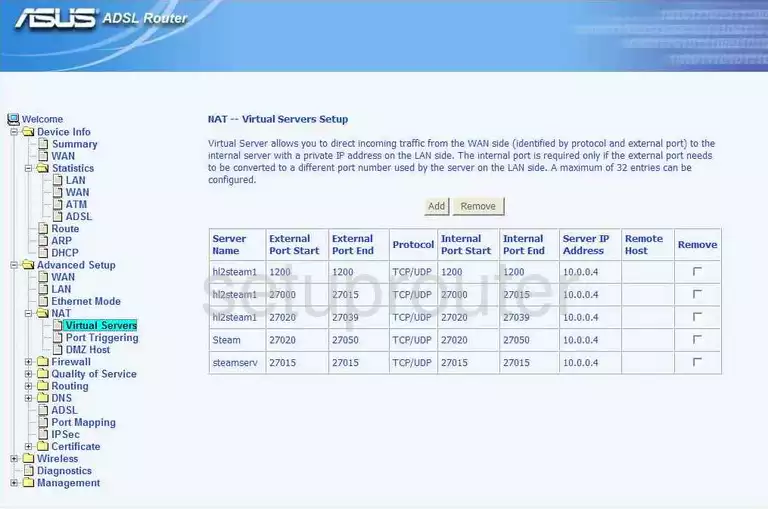
CM-32_AC2600 (1 screens)
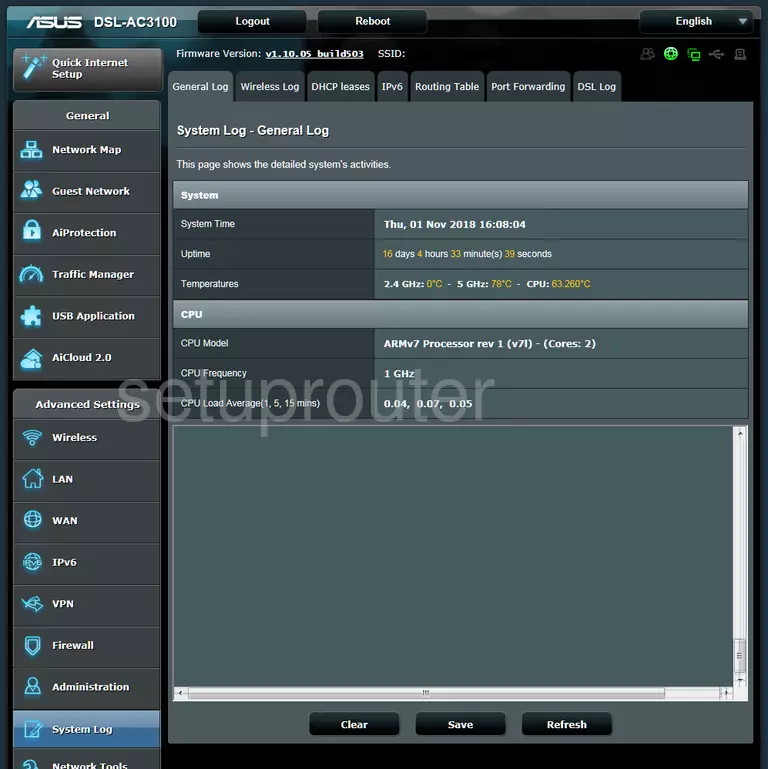
DSL-AC3100 (4 screens)
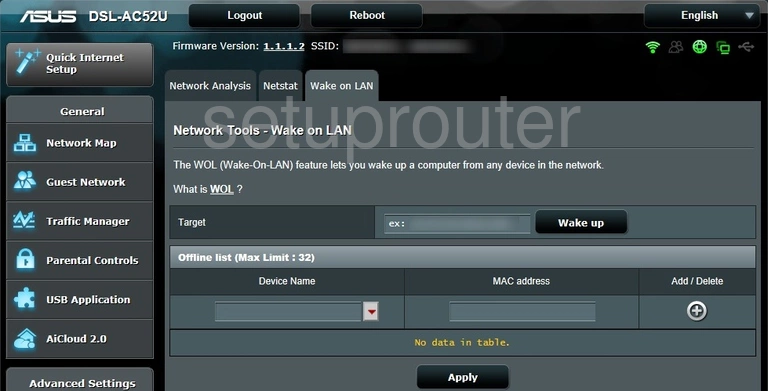
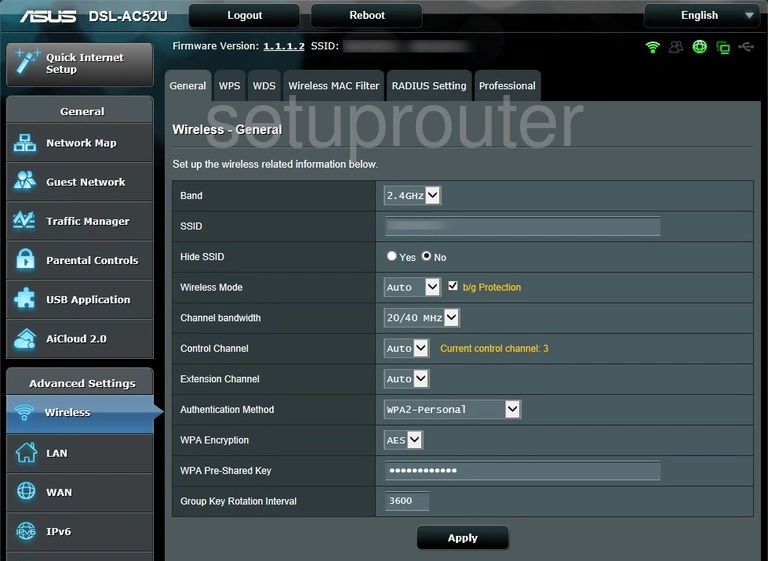
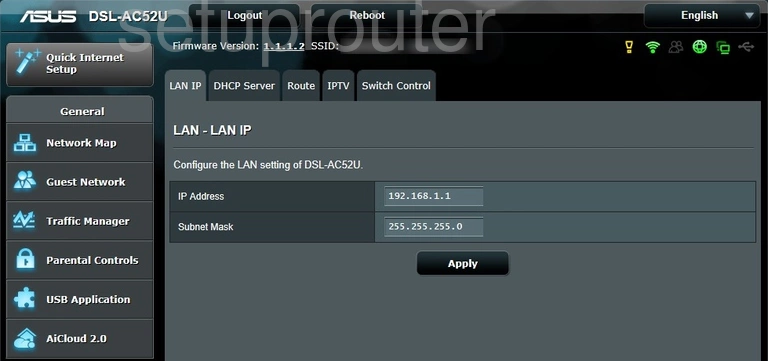
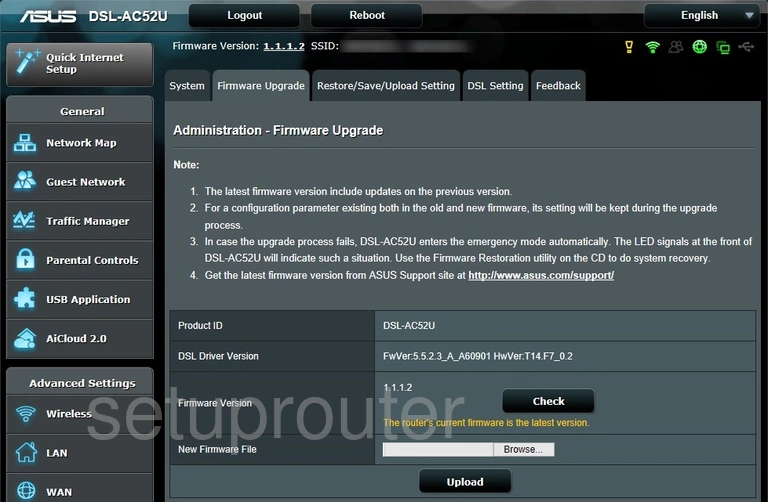
DSL-AC52U (4 screens)
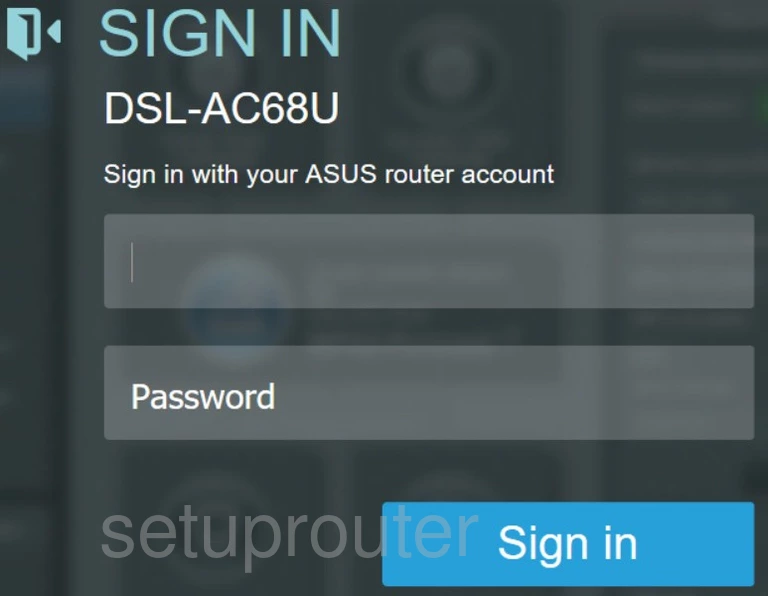
DSL-AC68U (2 screens)
DSL-N12E_C1 (2 screens)
DSL-N12HP (1 screens)
DSL-N12U B1 (4 screens)
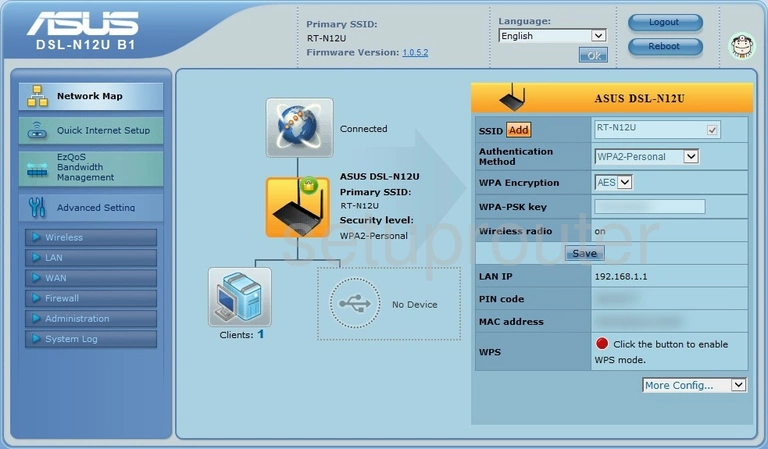
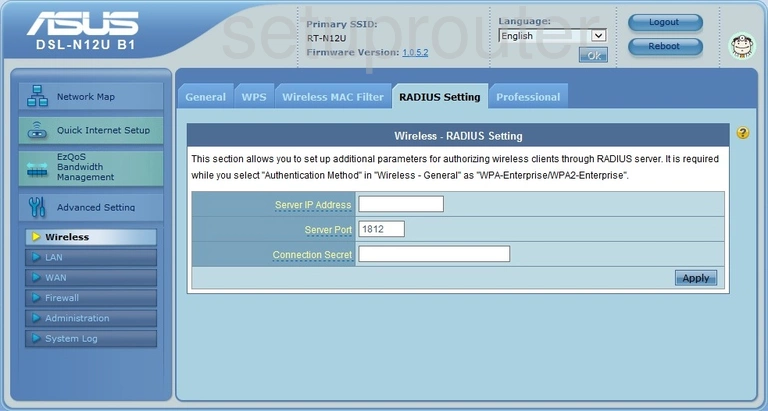
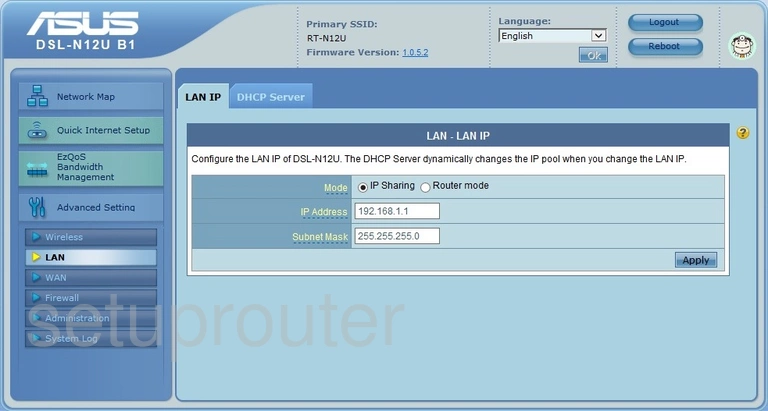
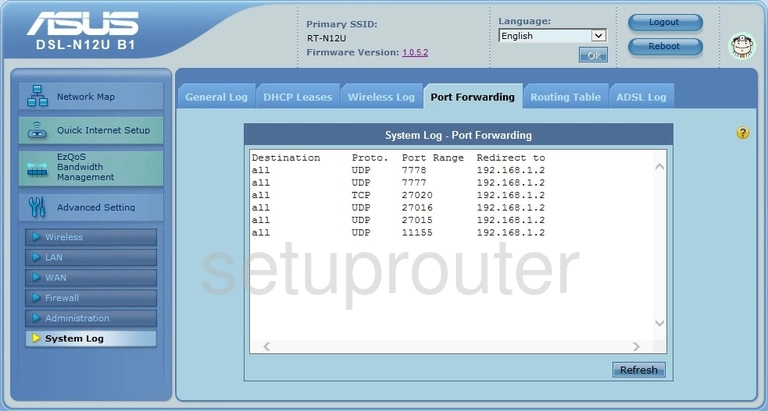
DSL-N13 (4 screens)
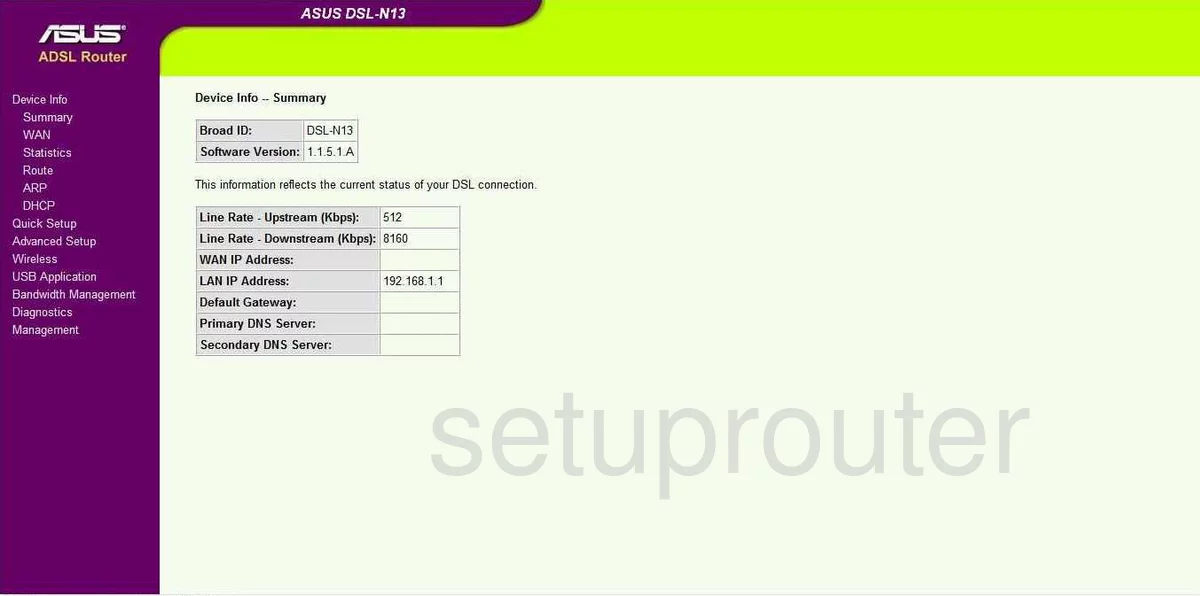
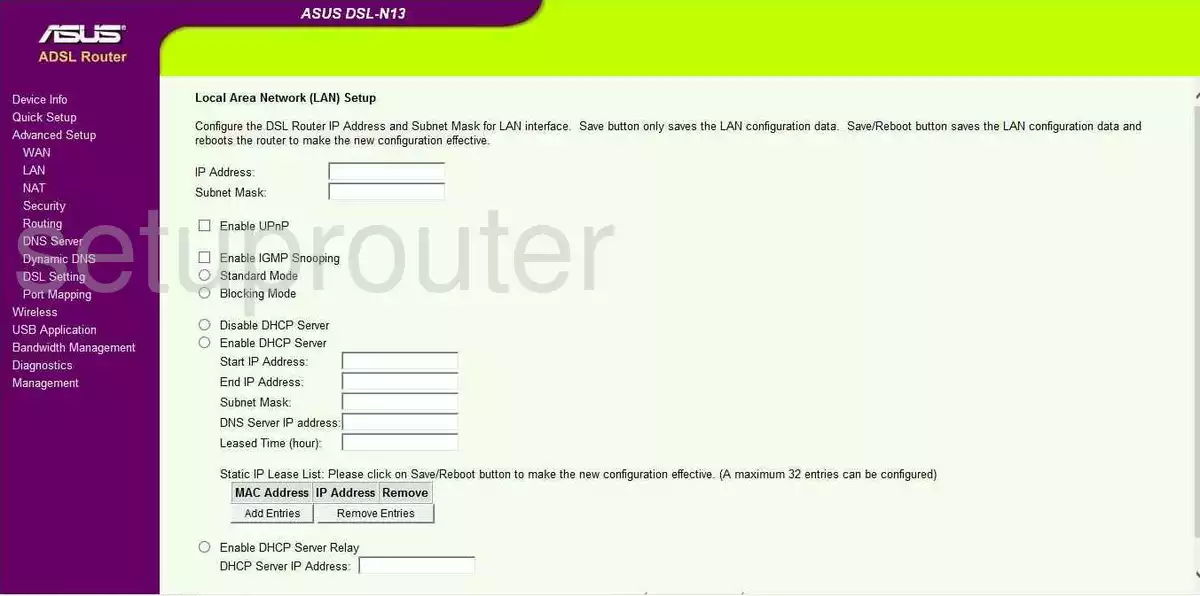
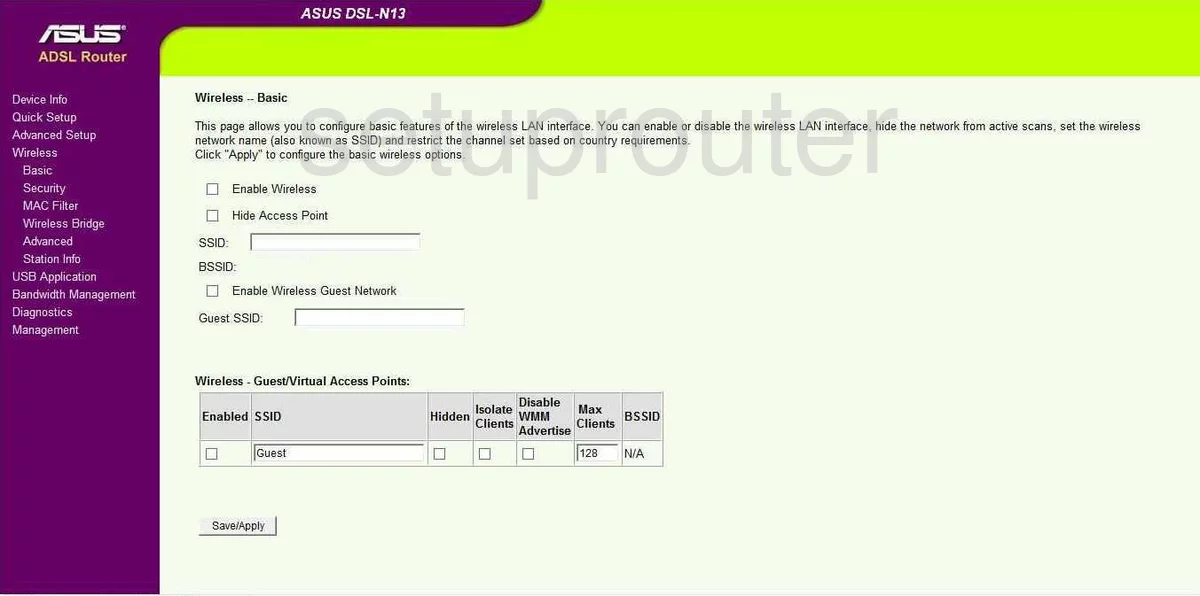
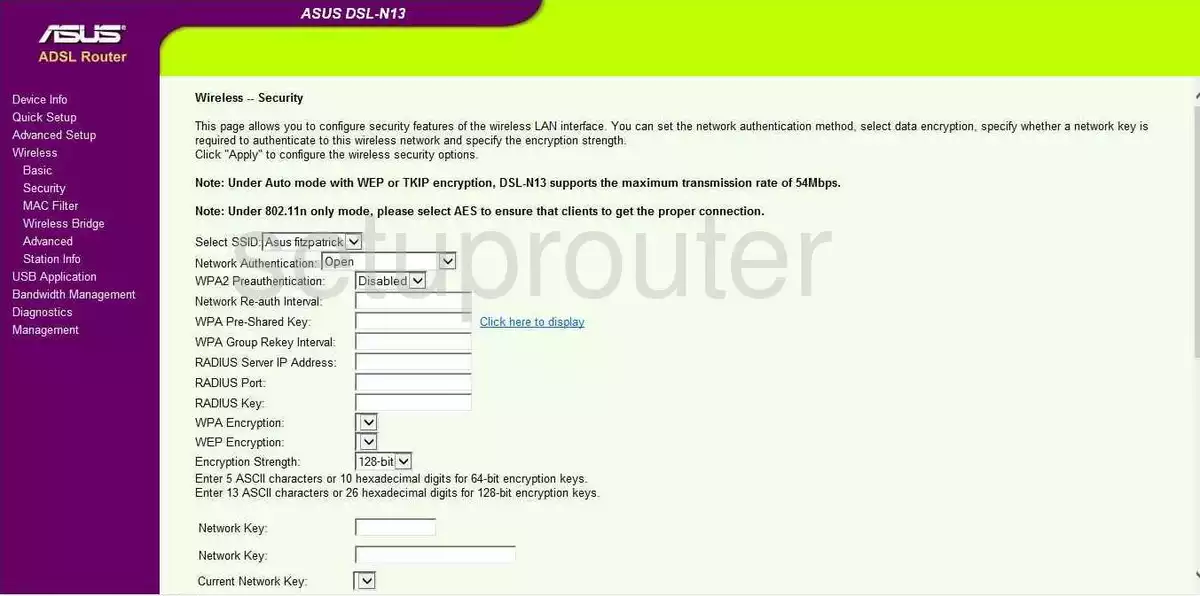
DSL-N14U B1 (2 screens)
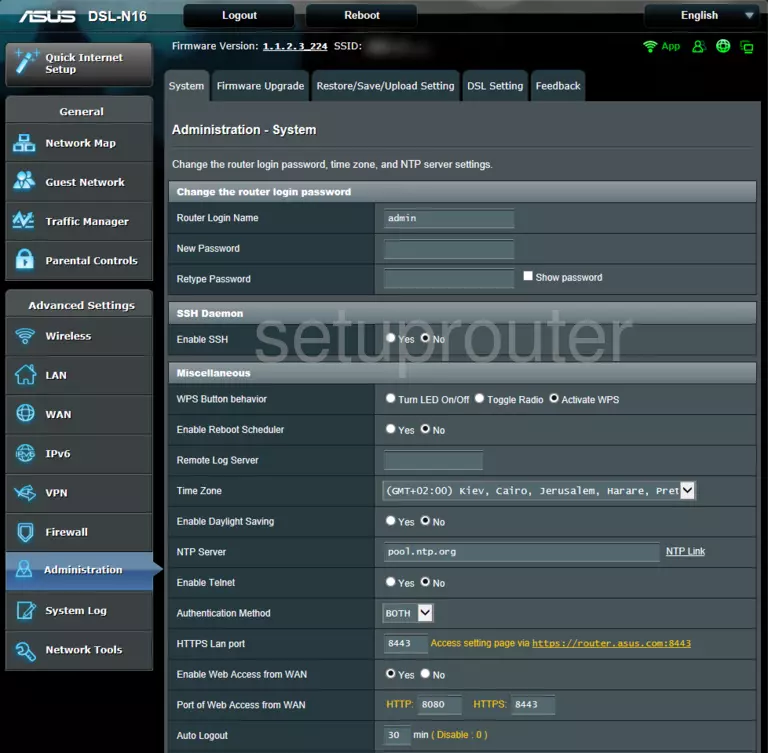
DSL-N16 (2 screens)
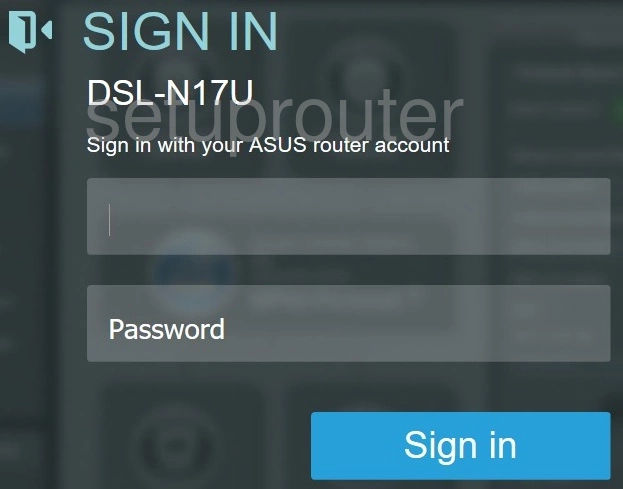
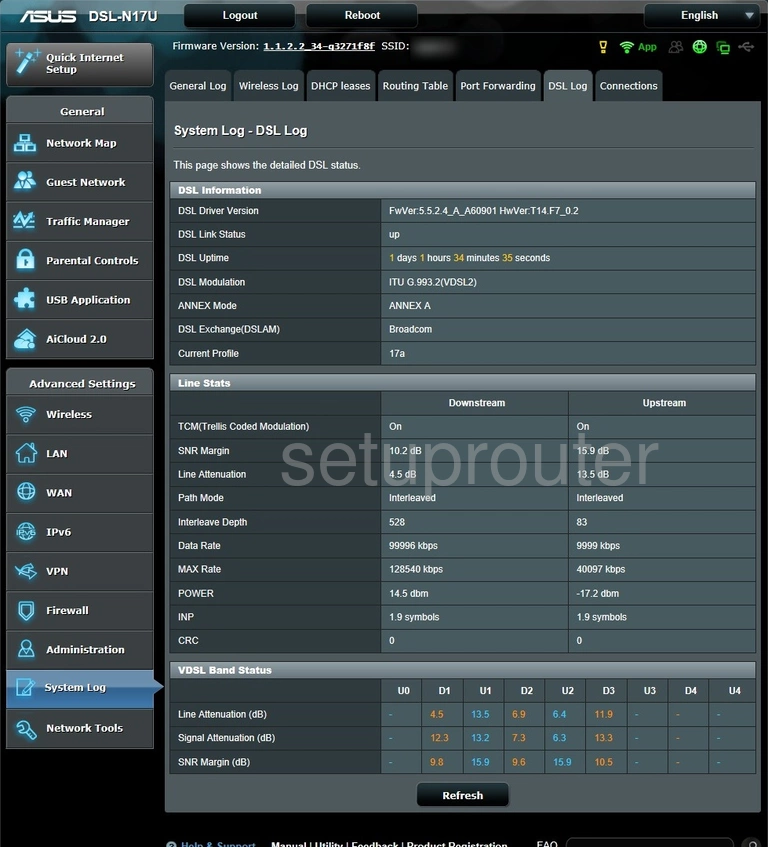
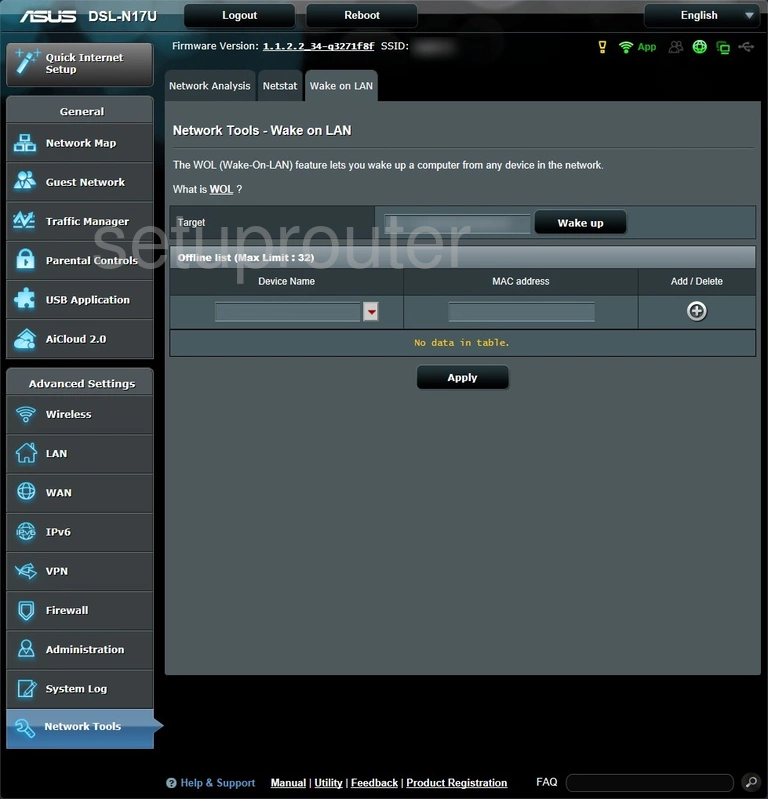
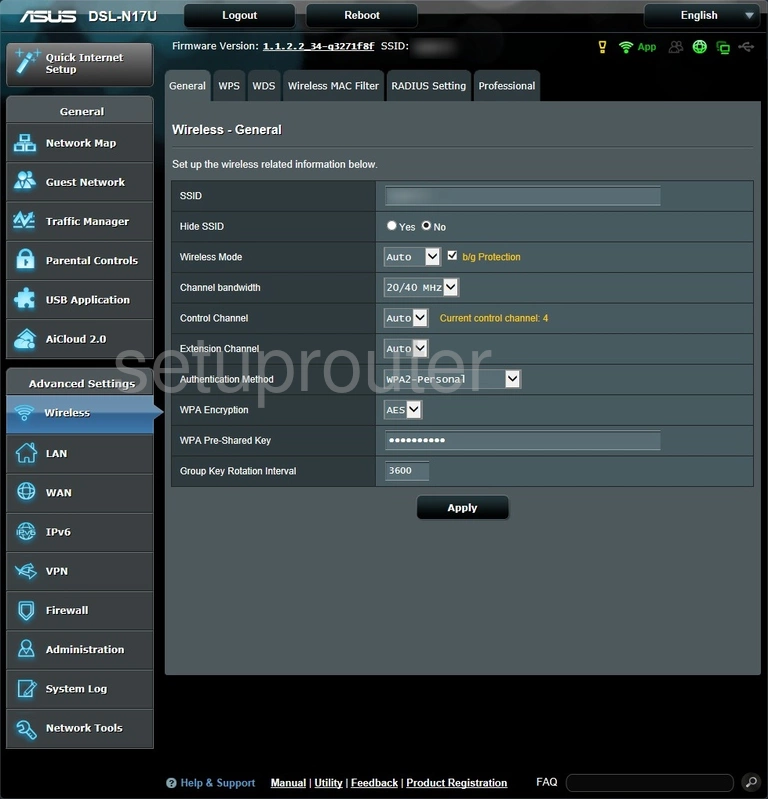
DSL-N17U (4 screens)
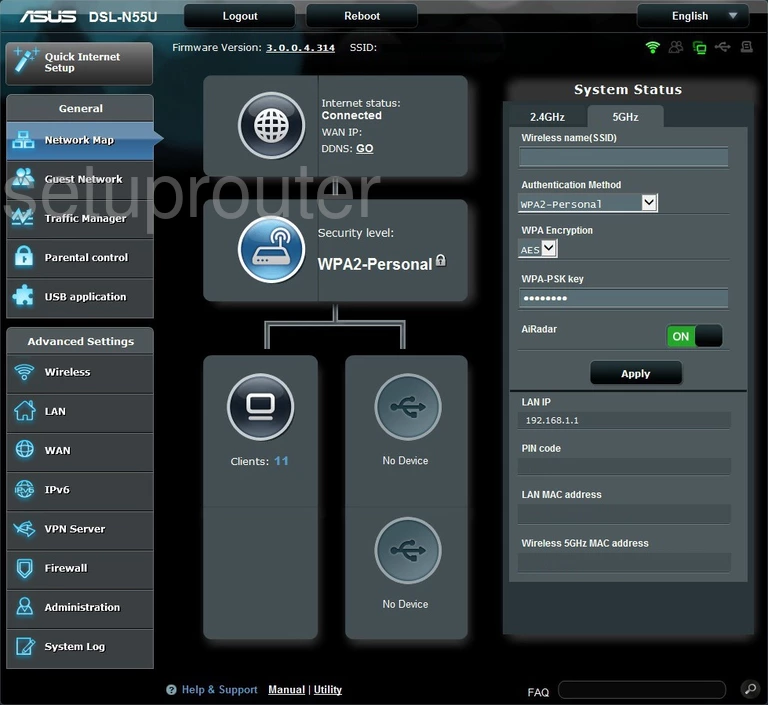
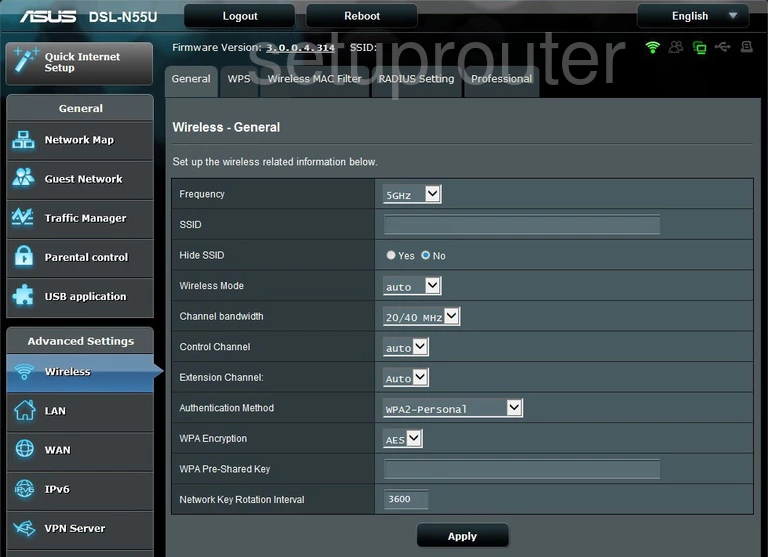
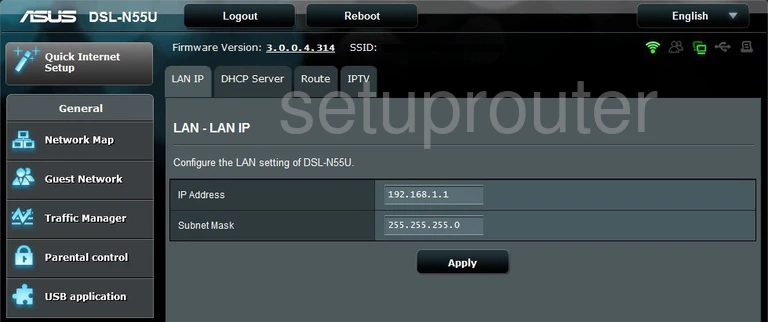
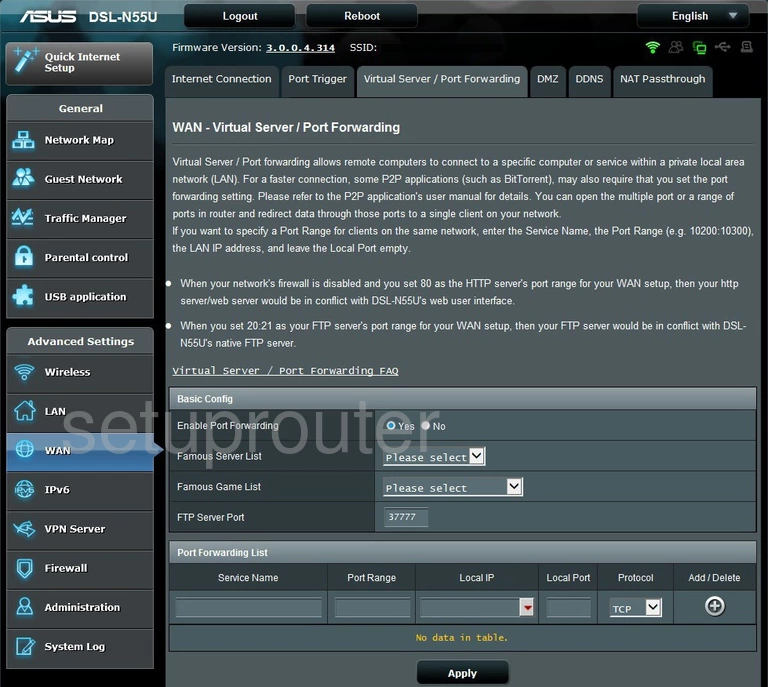
DSL-N55U (4 screens)
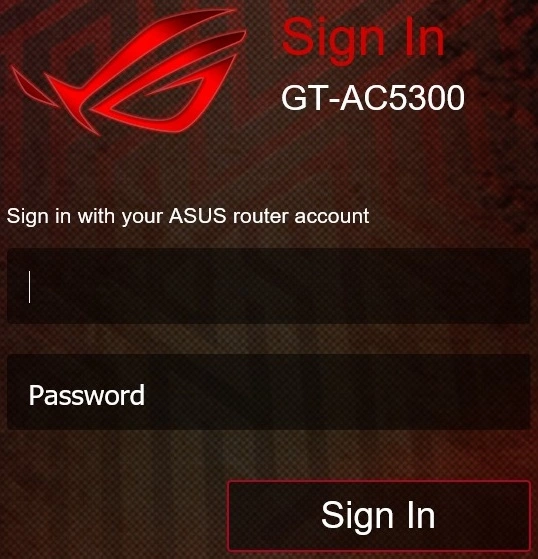
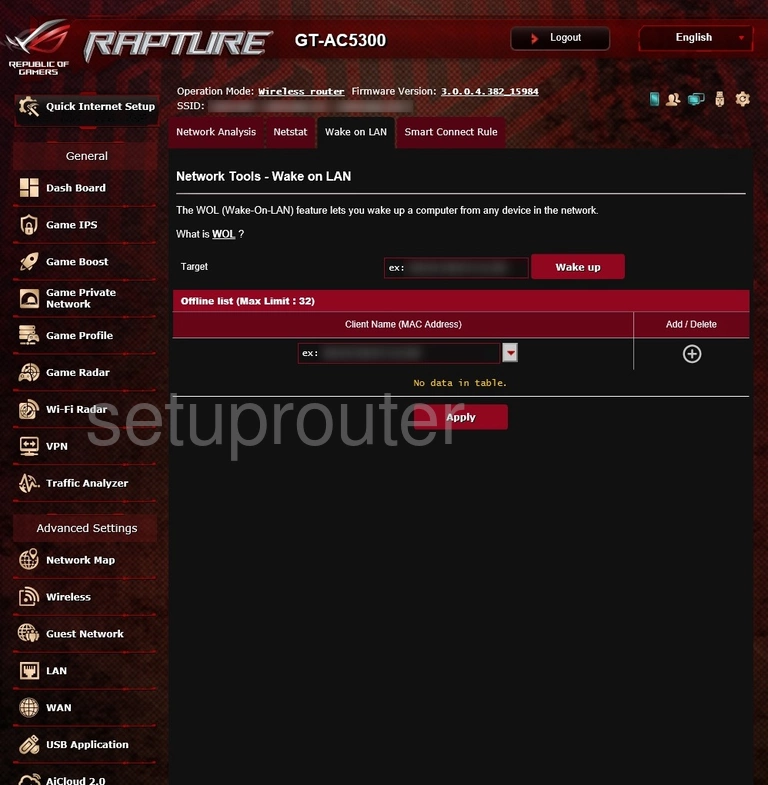
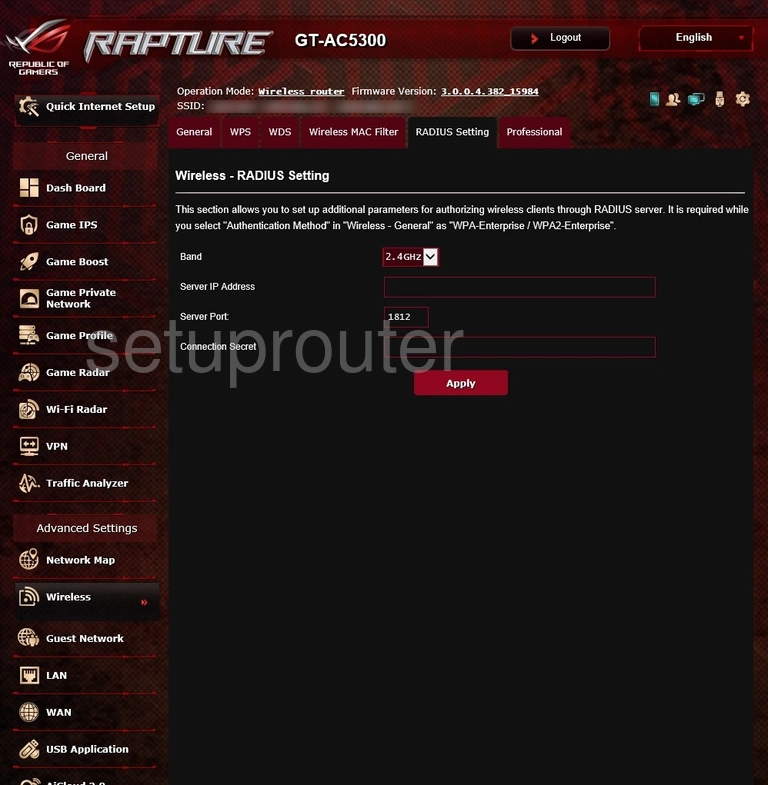
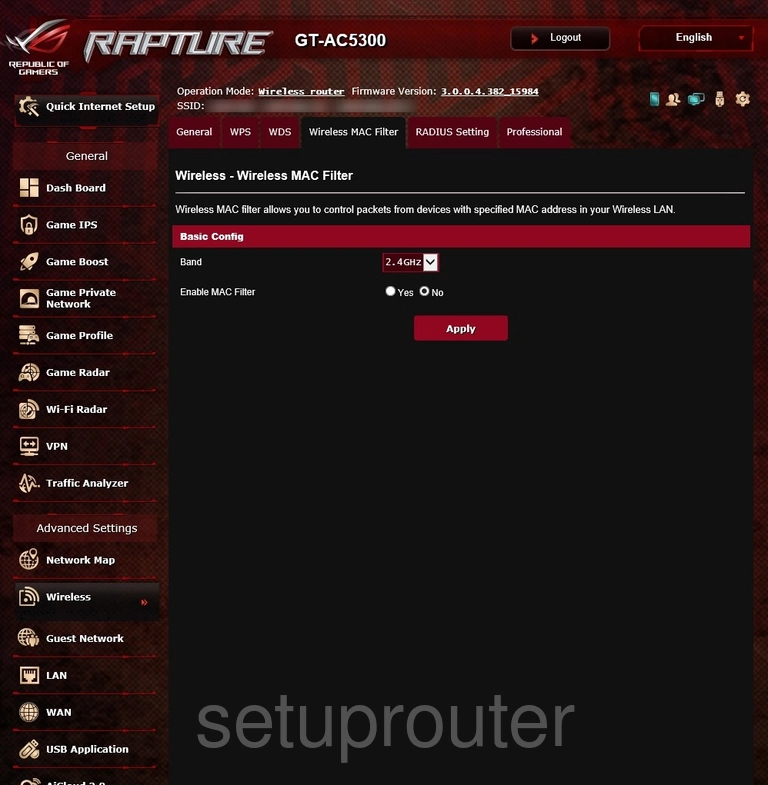
GT-AC5300 (4 screens)
GT-AX11000 (1 screens)
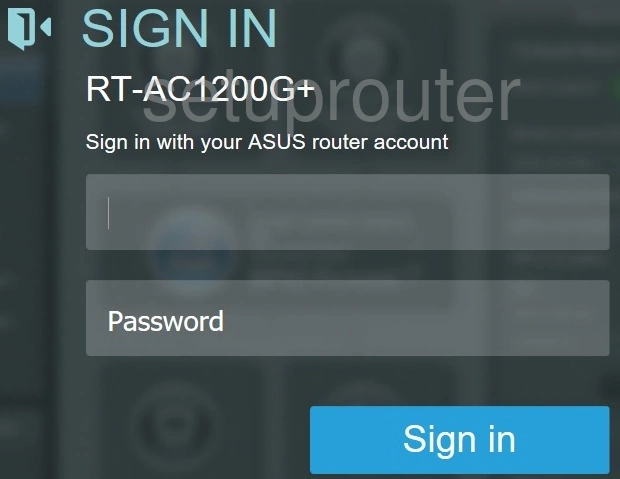
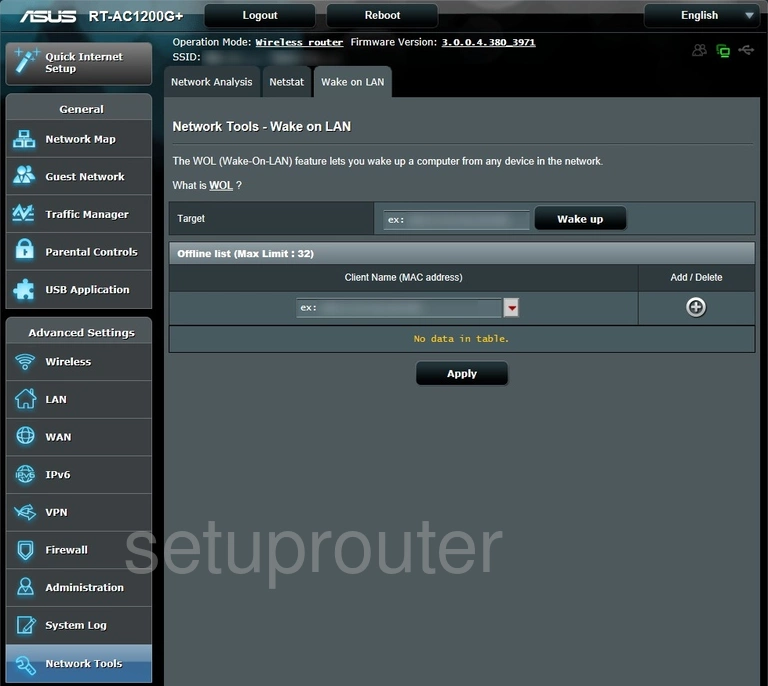
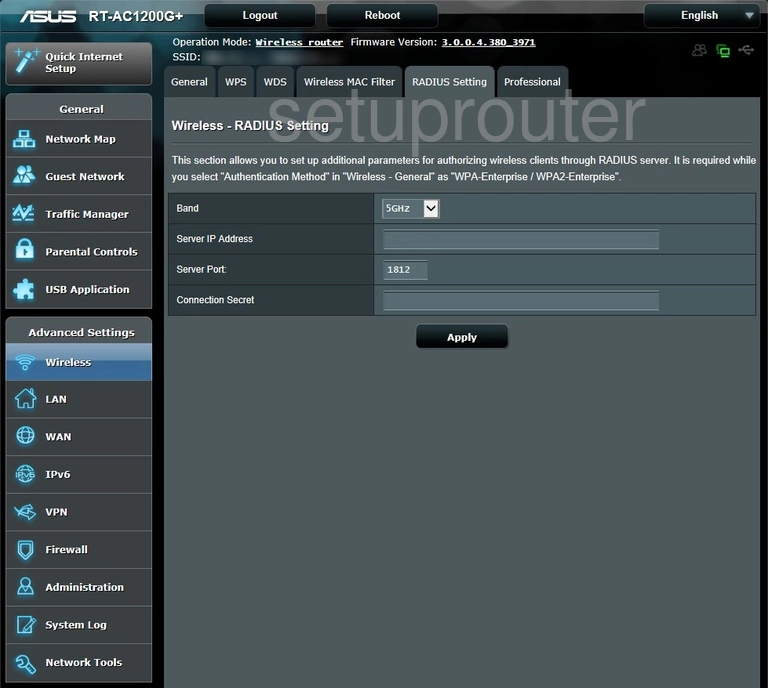
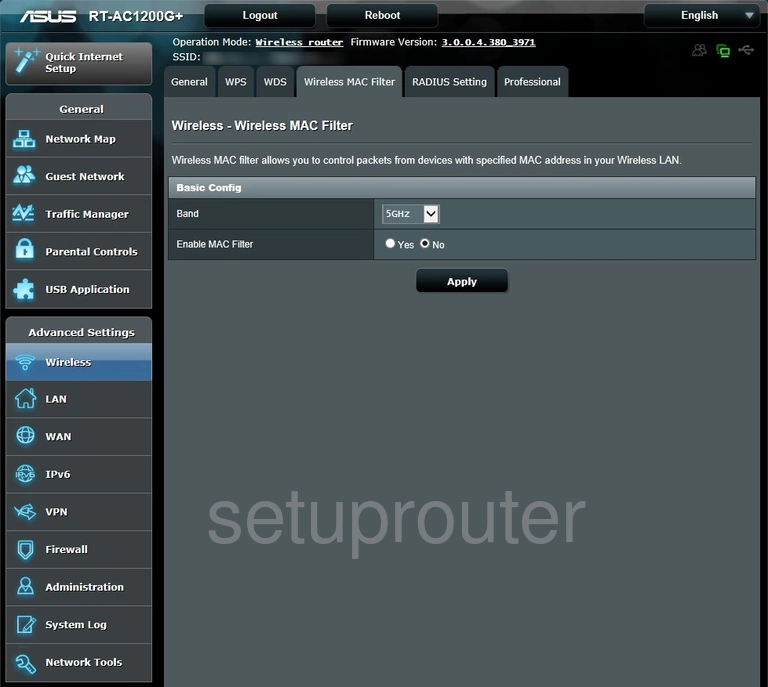
RT-AC1200G+ (4 screens)
RT-AC1750 (2 screens)
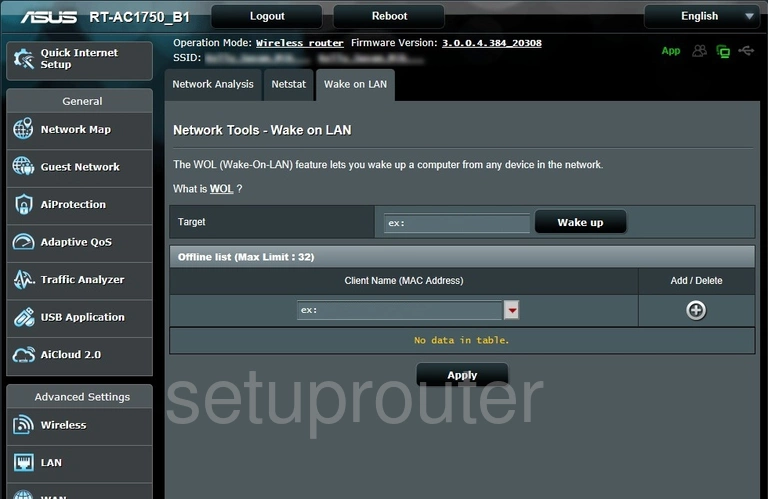
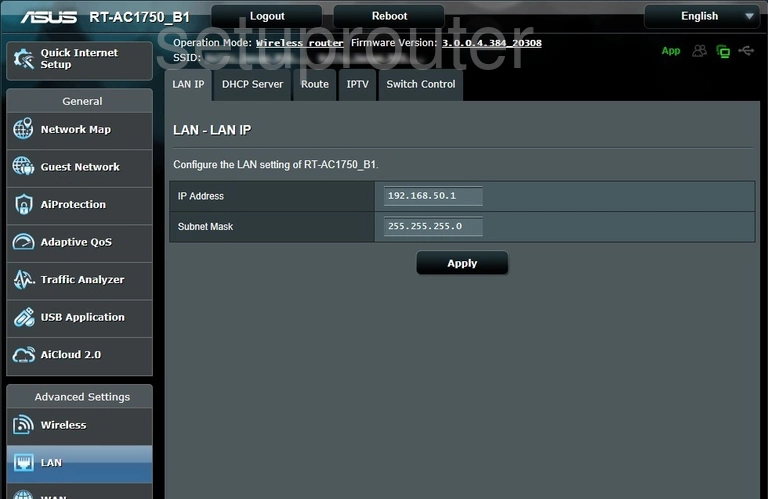
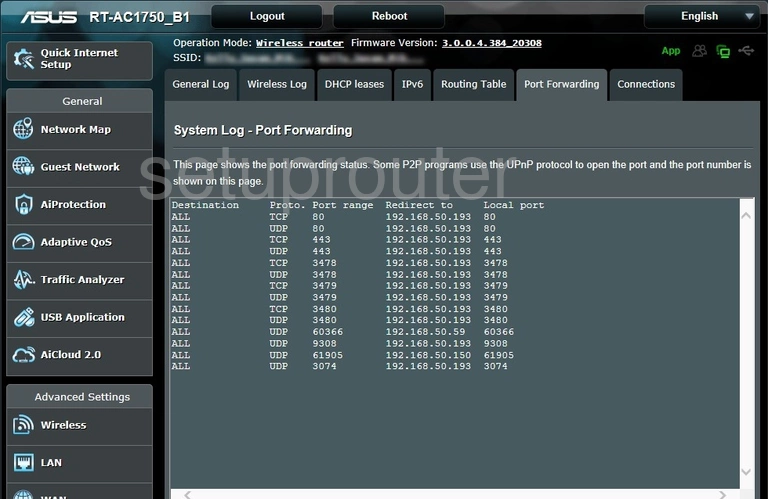
RT-AC1750_B1 (4 screens)
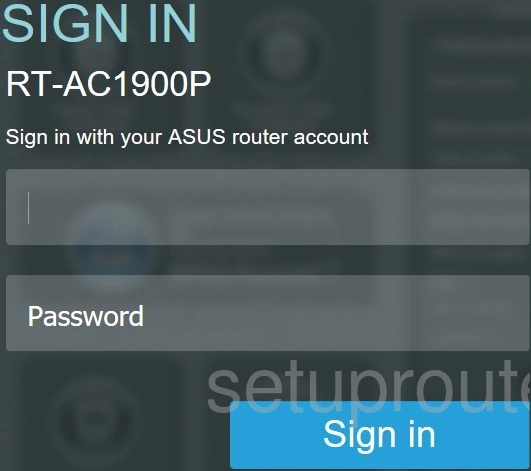
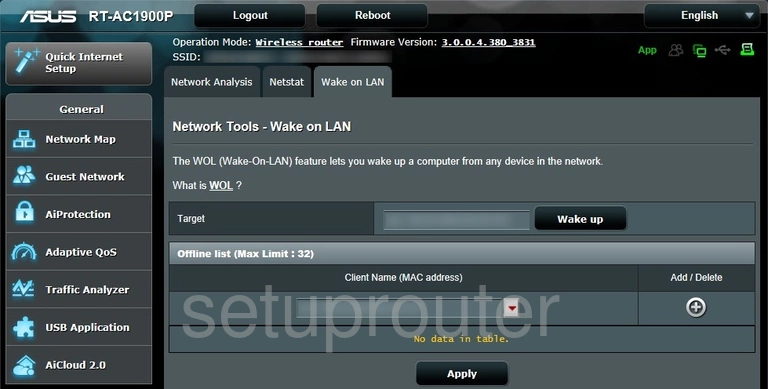
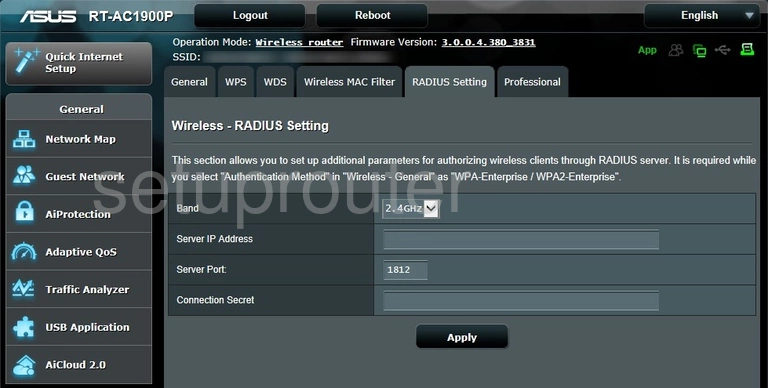
RT-AC1900P (4 screens)
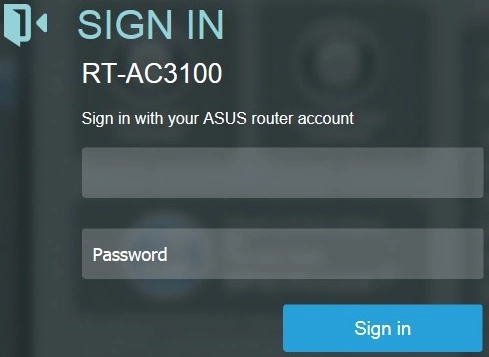
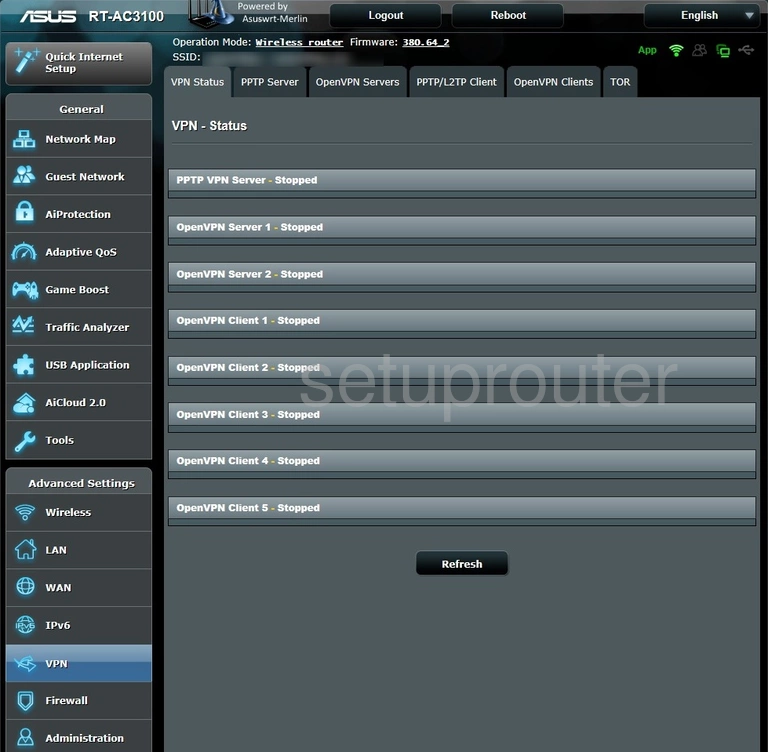
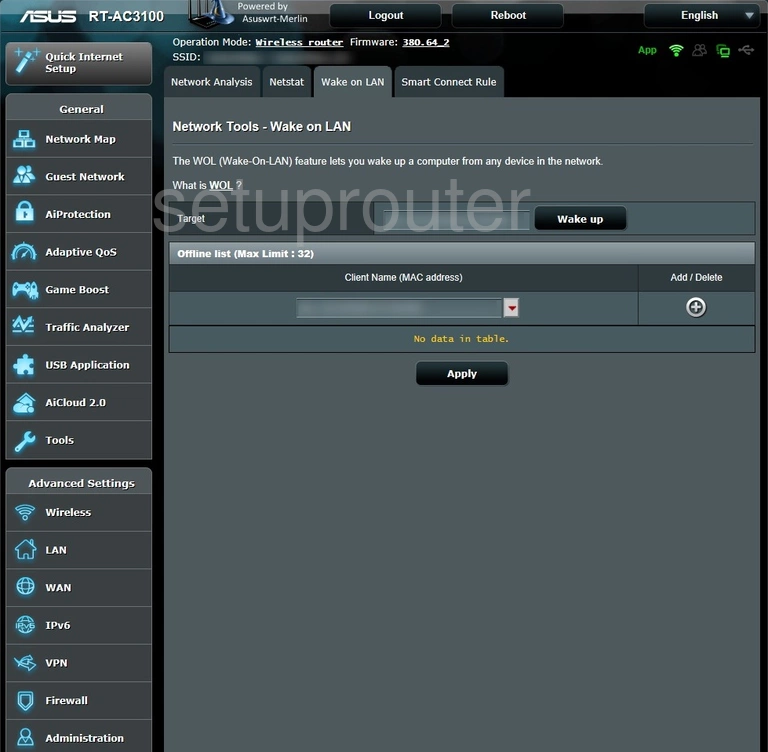
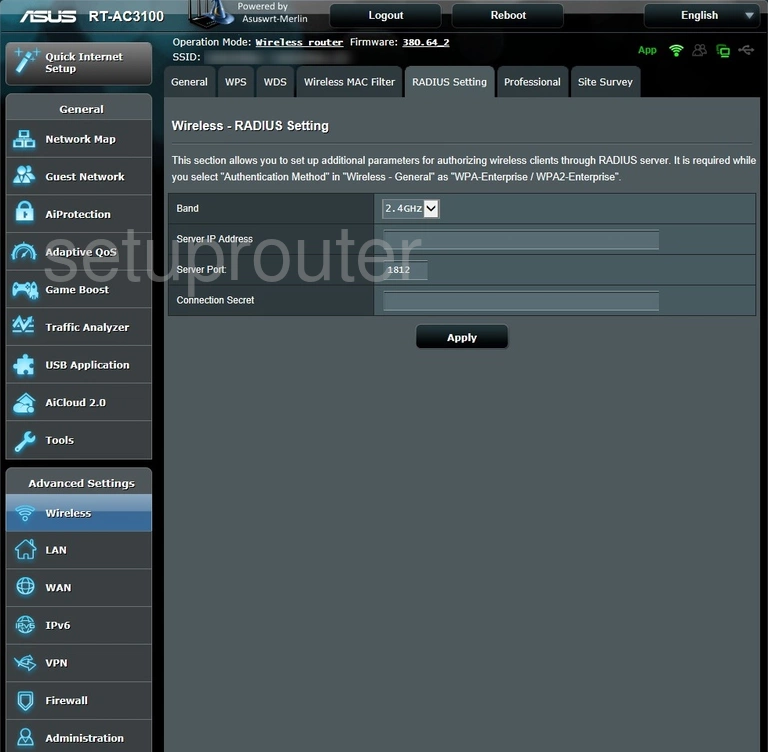
RT-AC3100 (4 screens)
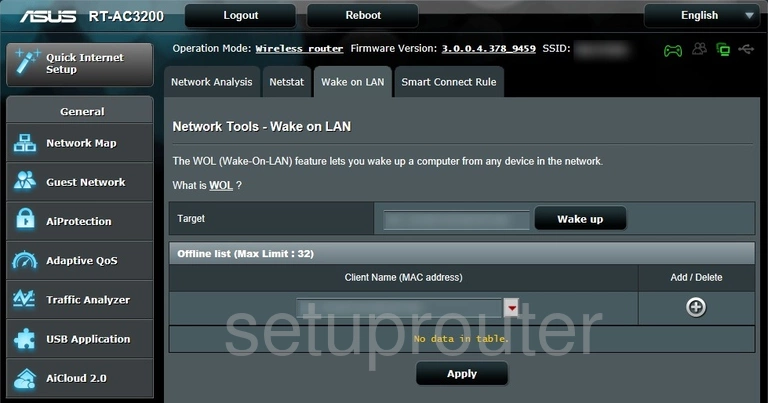
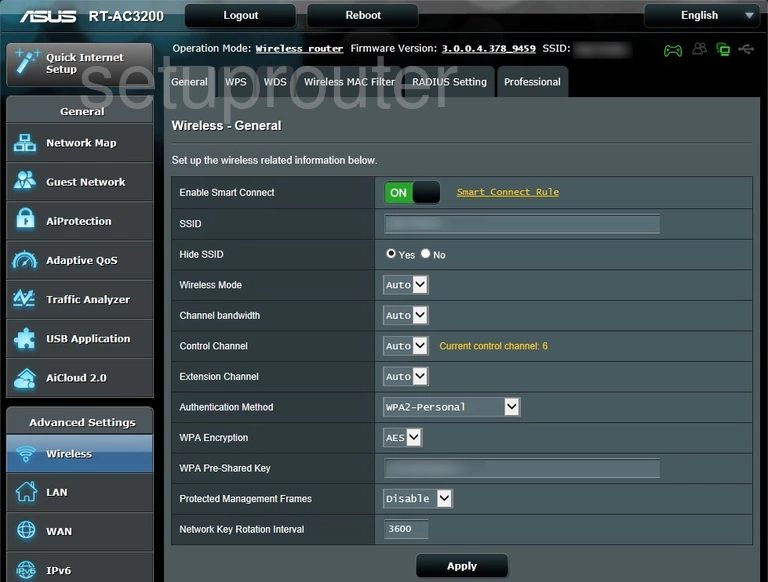
RT-AC3200 (4 screens)
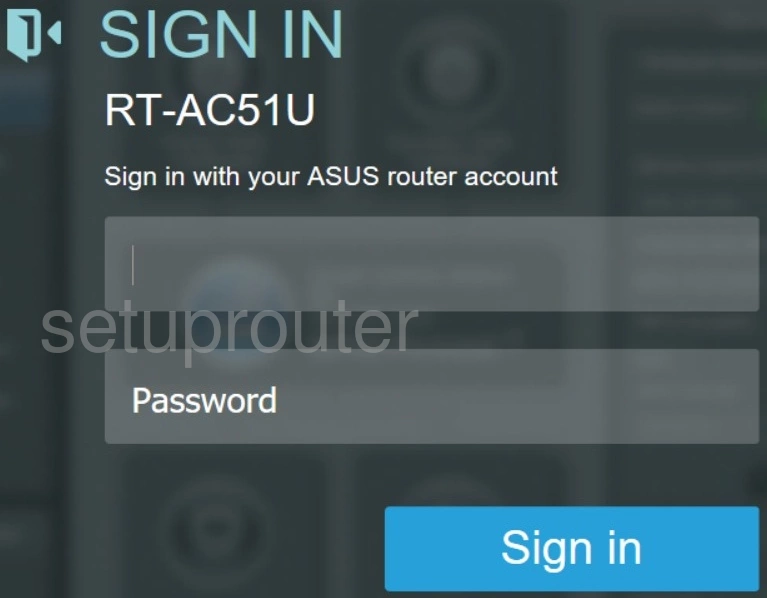
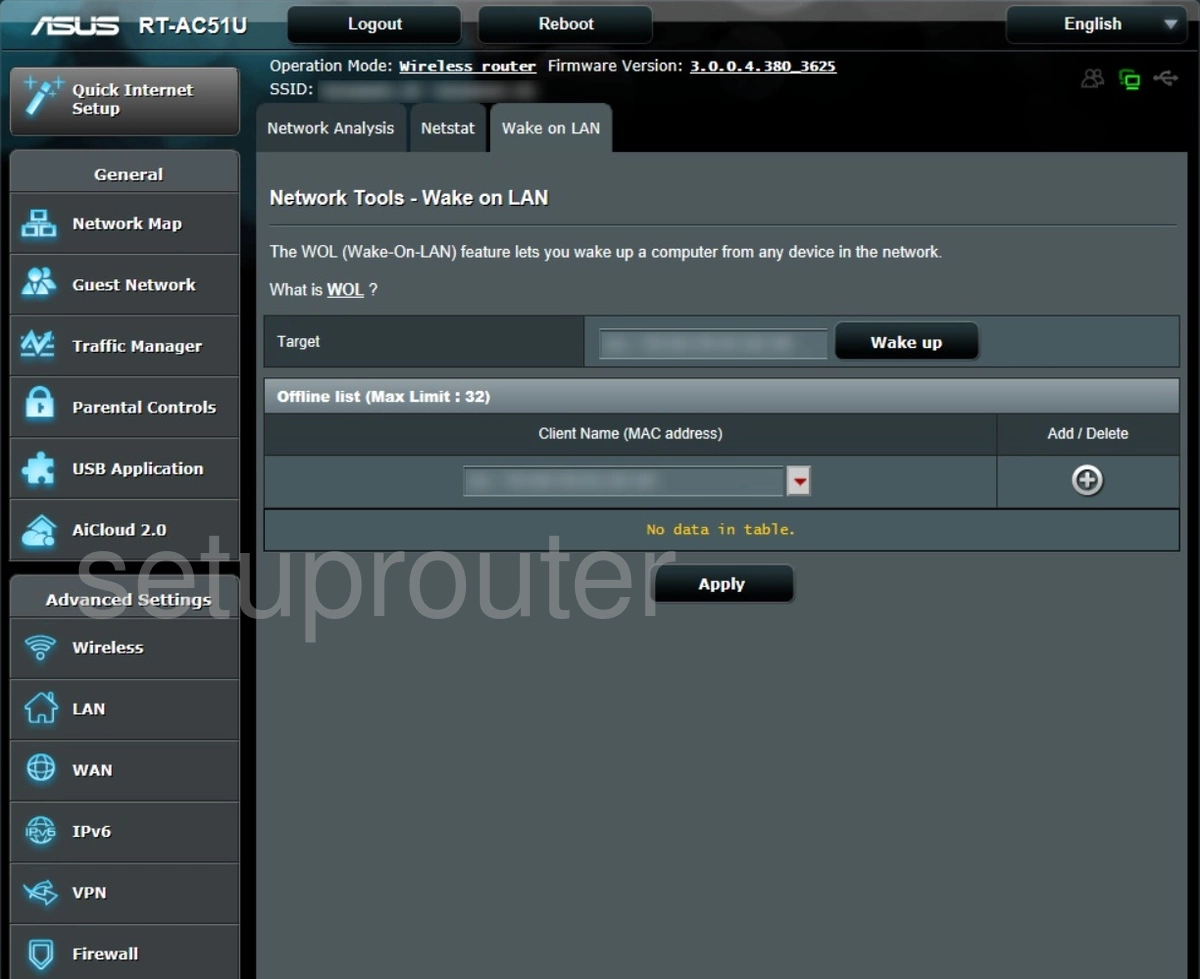
RT-AC51U (4 screens)
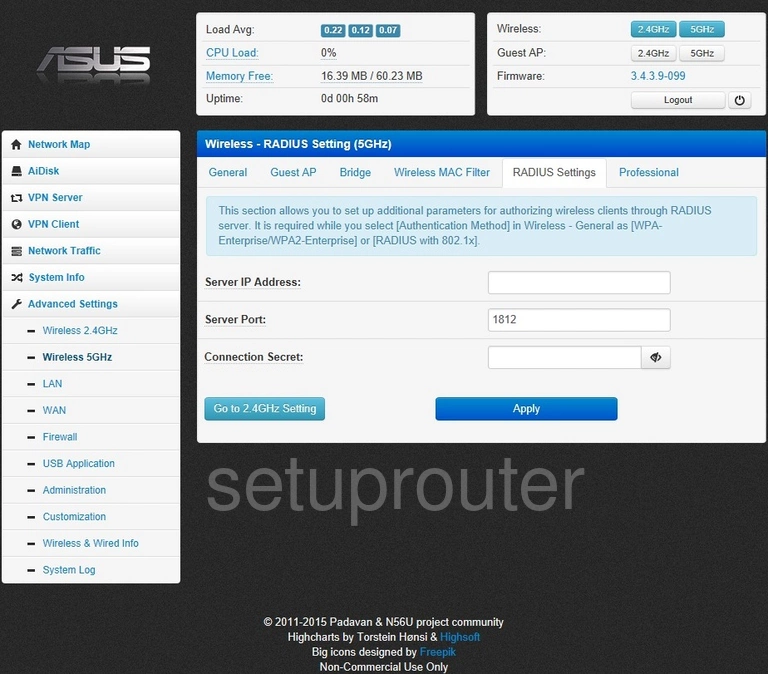
RT-AC52U (2 screens)
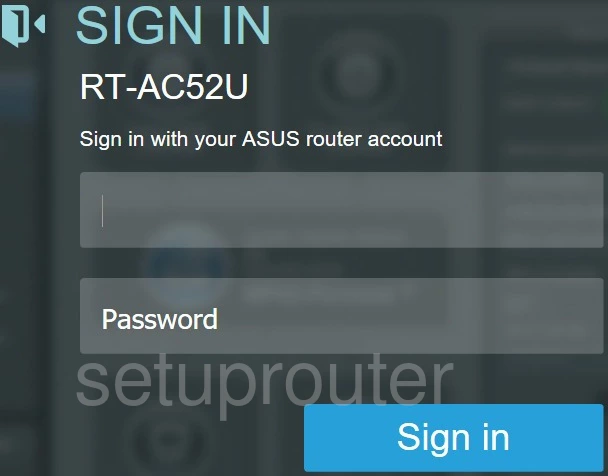
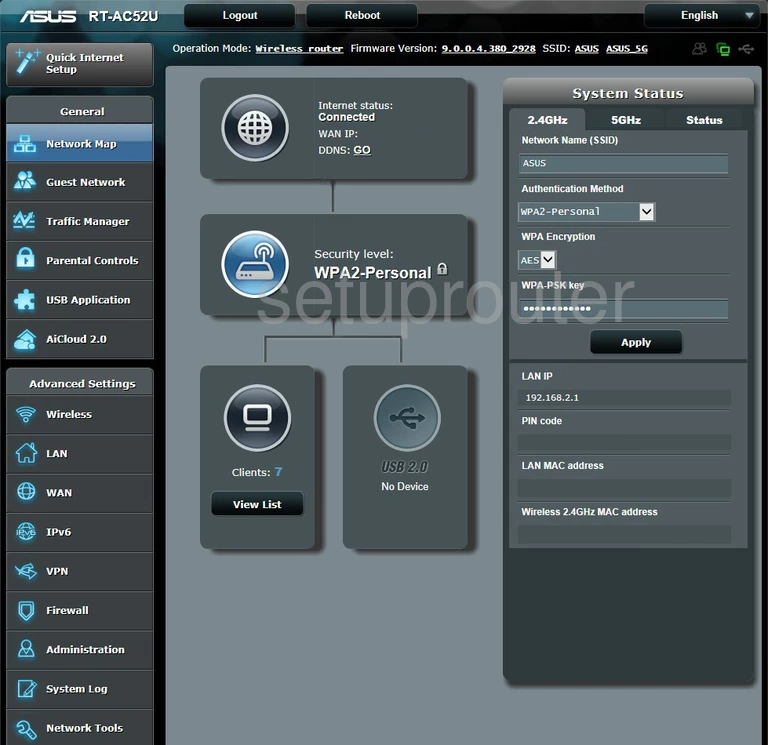
RT-AC5300 (4 screens)
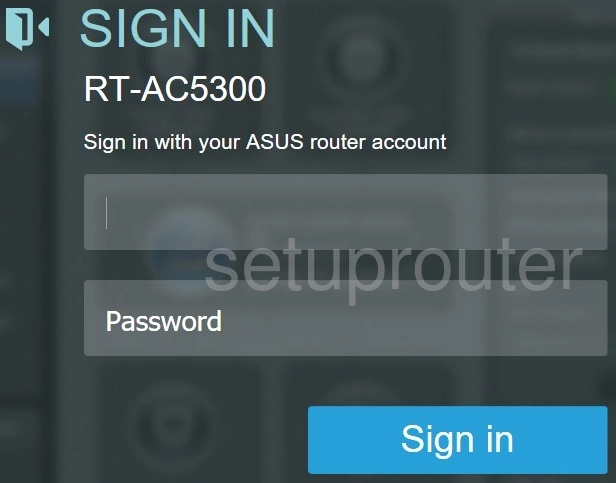
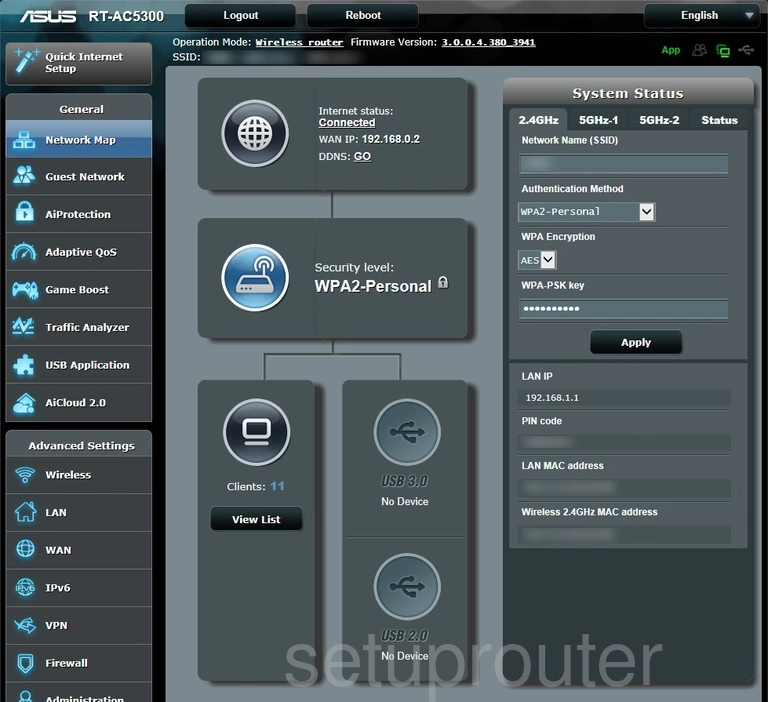
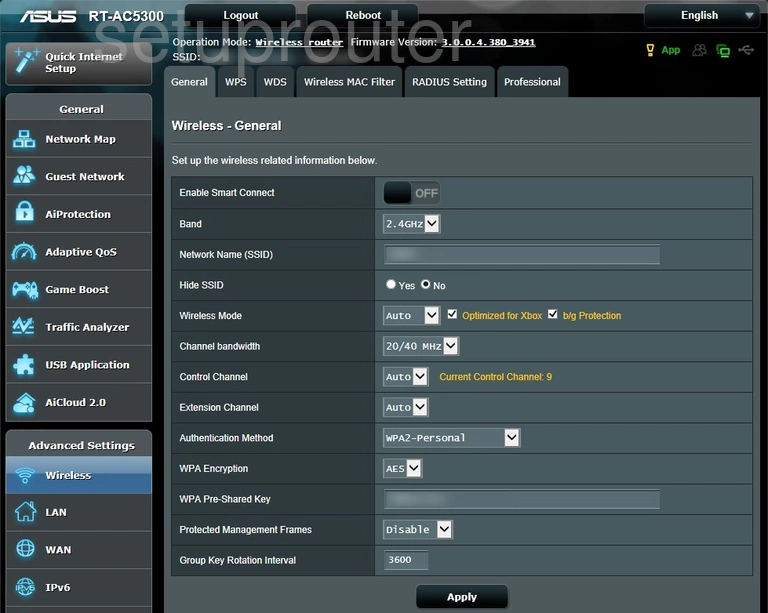
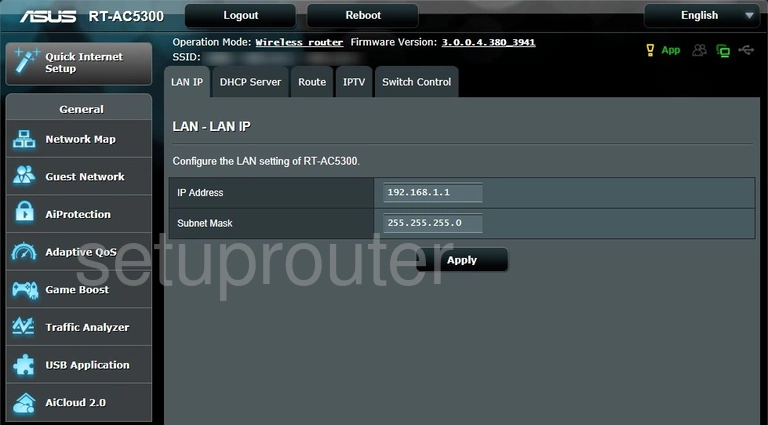
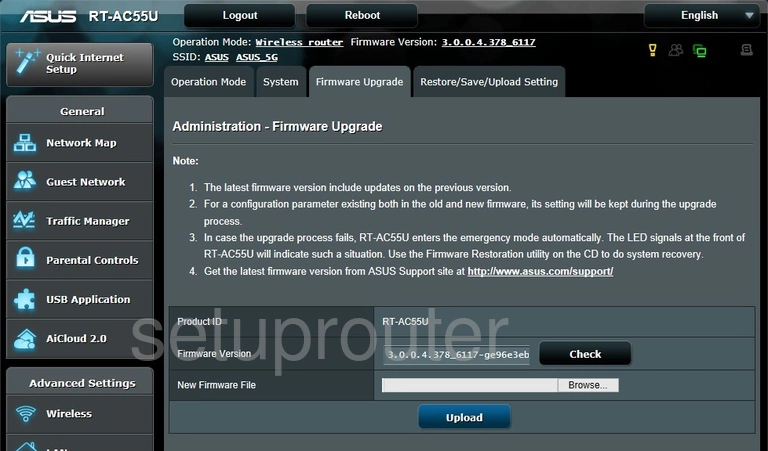
RT-AC55U (3 screens)
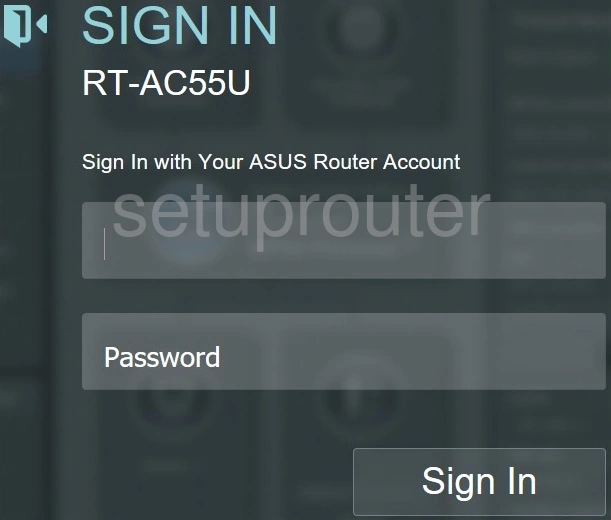
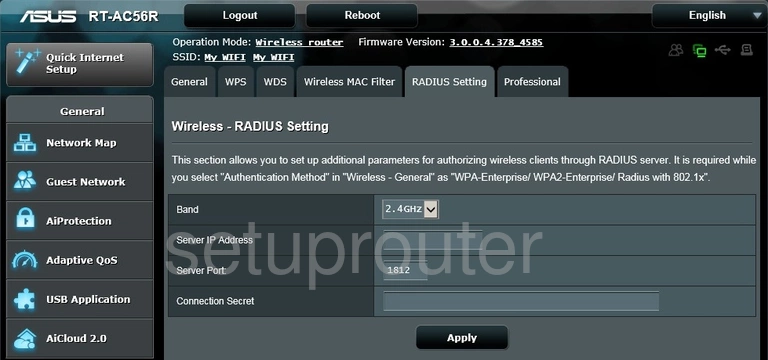
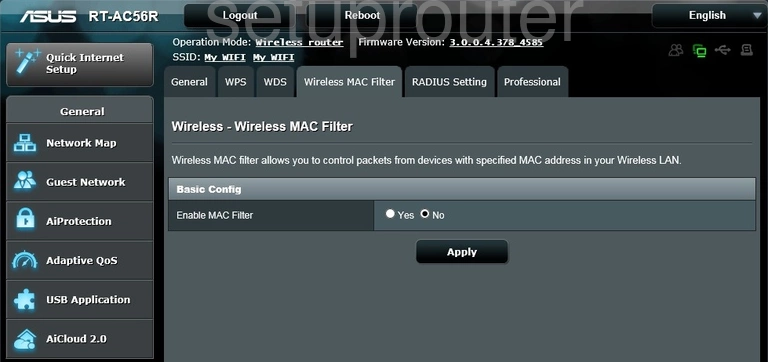
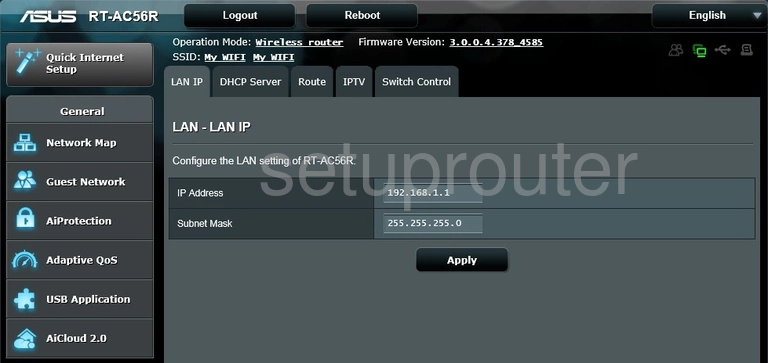
RT-AC56R (4 screens)
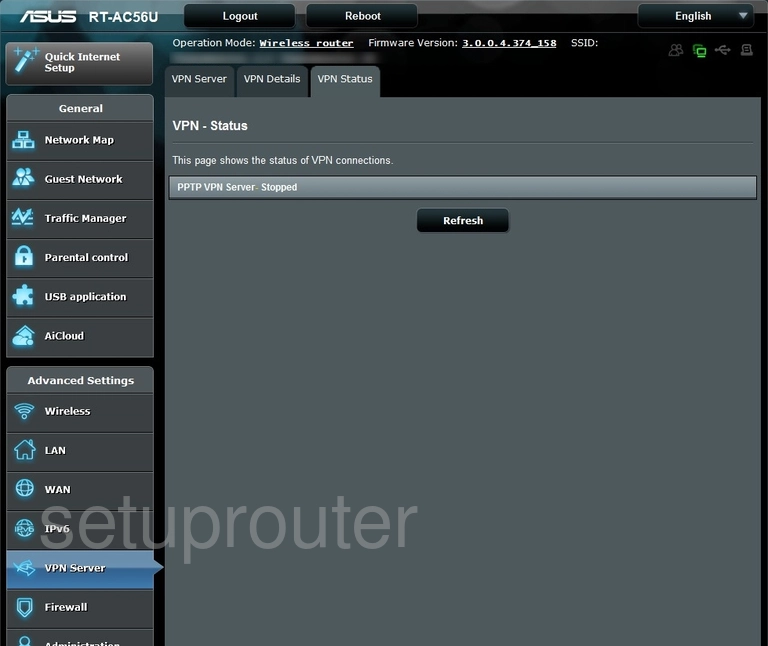
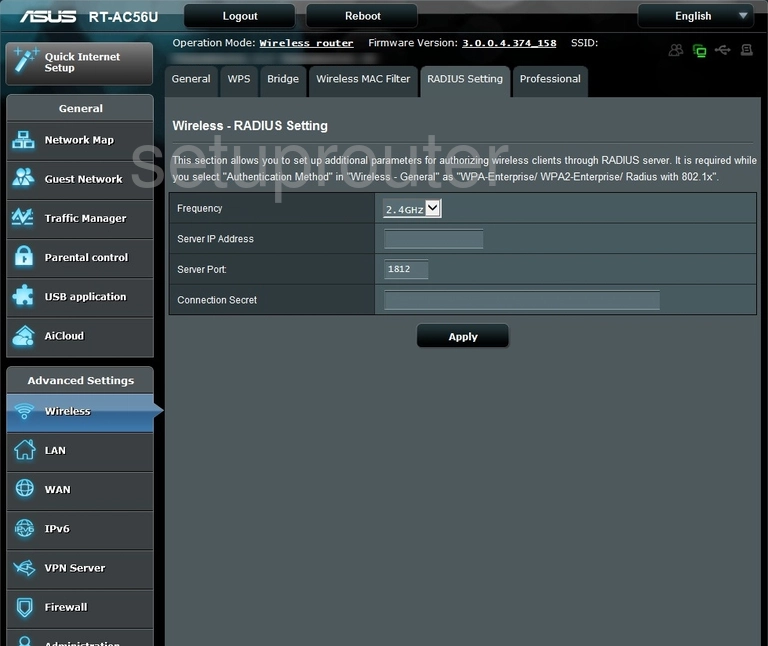
RT-AC56U (4 screens)
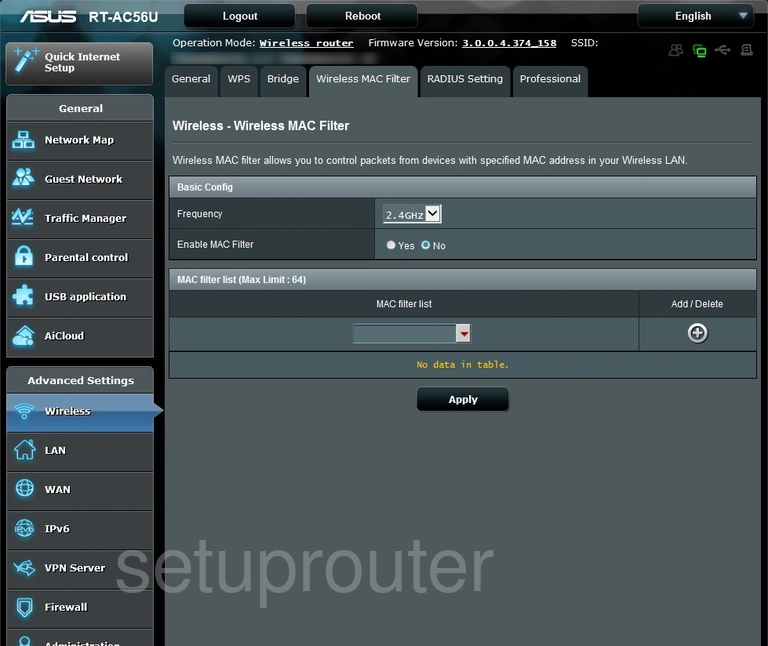
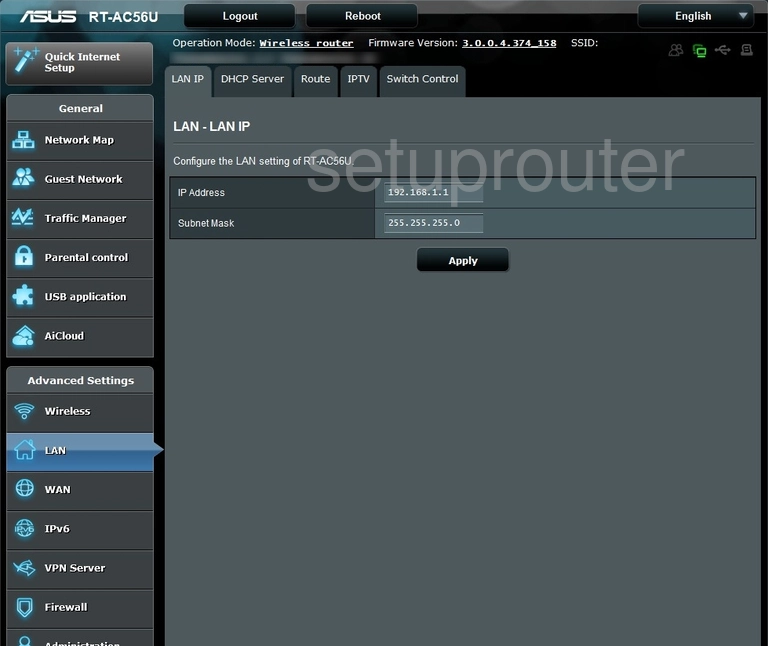
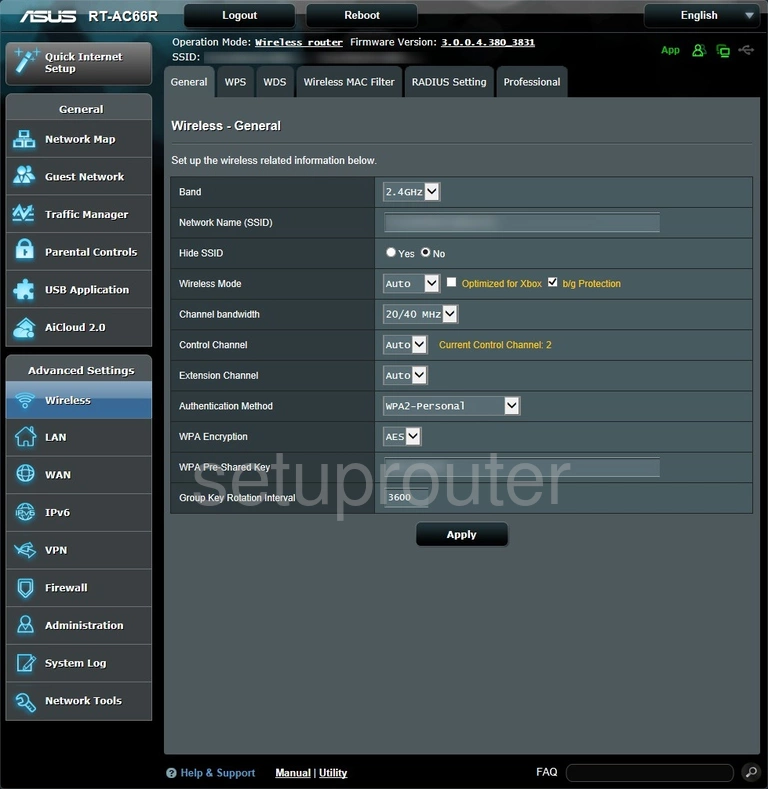
RT-AC66R (4 screens)
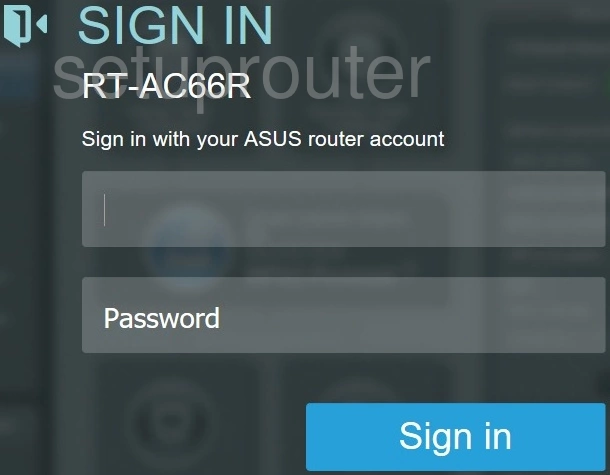
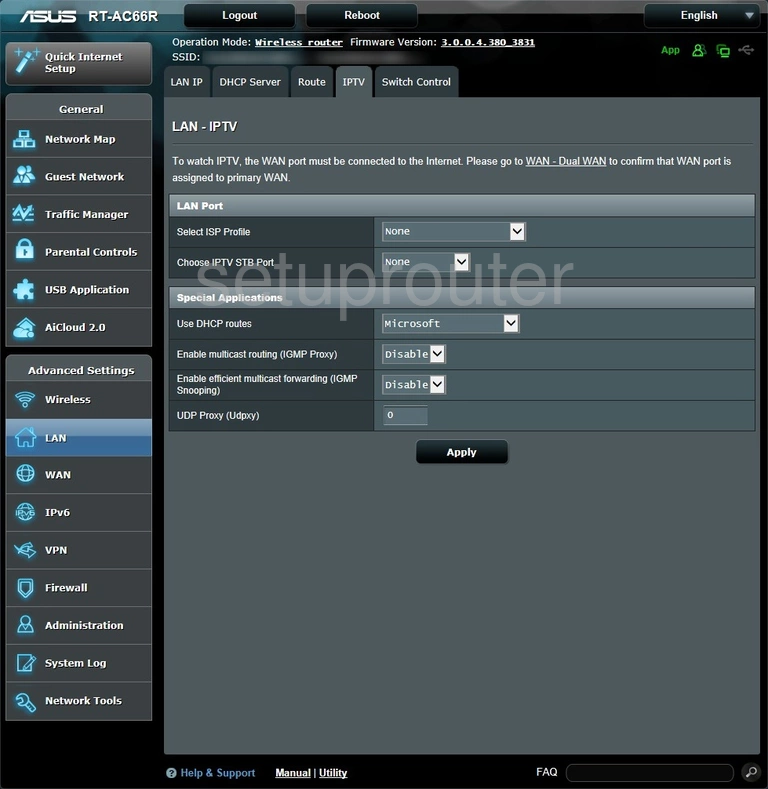
RT-AC66U (4 screens)
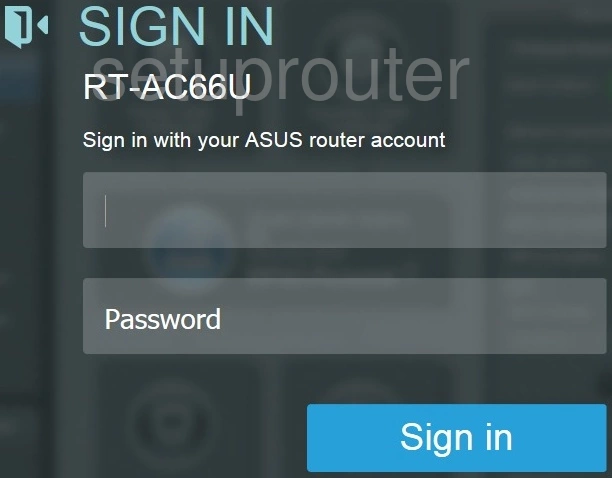
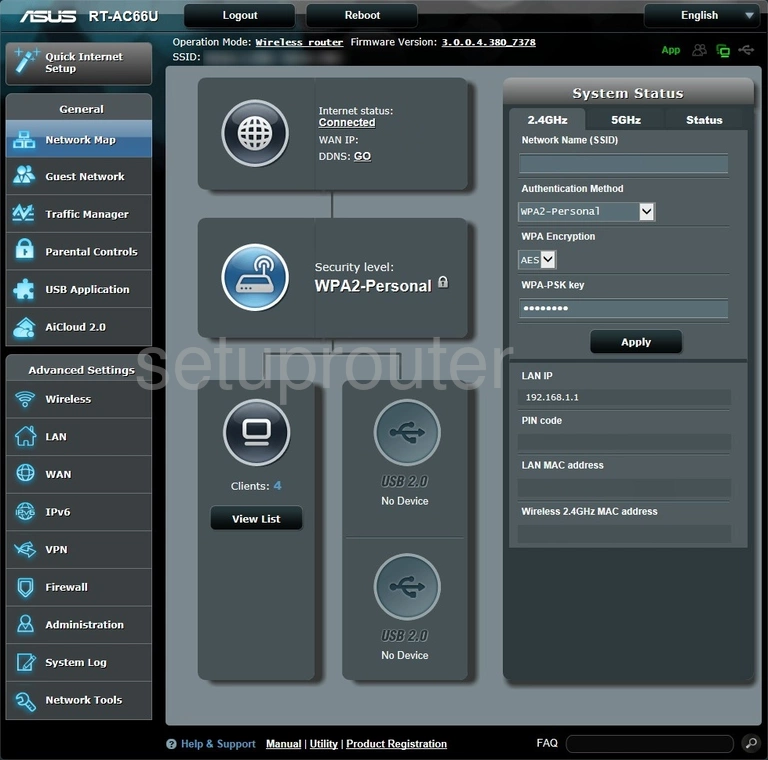
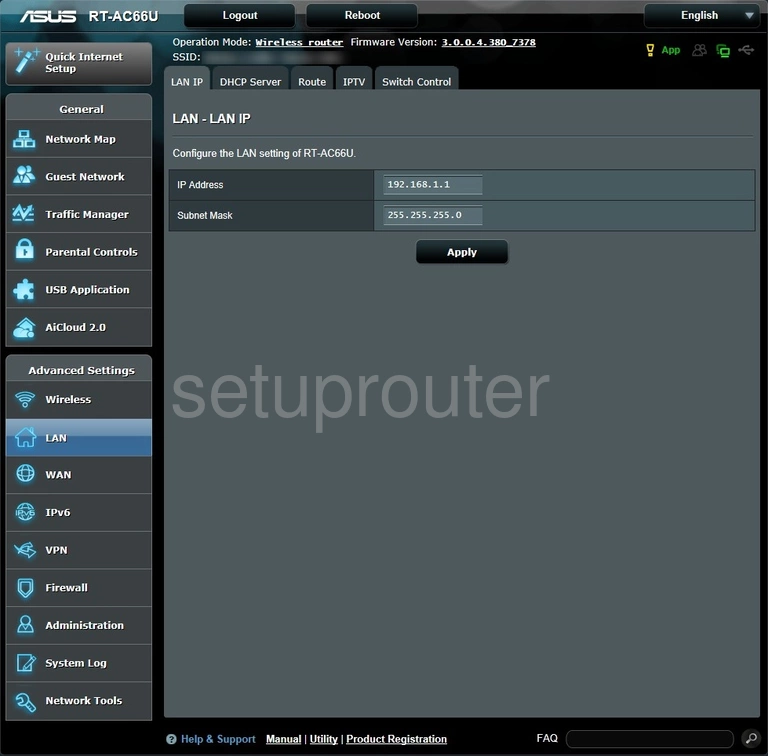
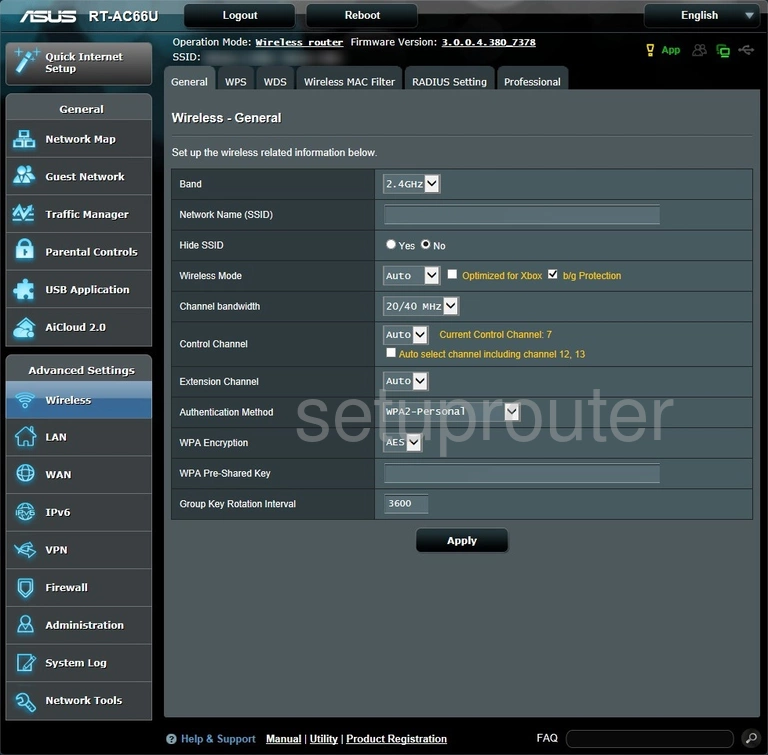
RT-AC66U_B1 (1 screens)
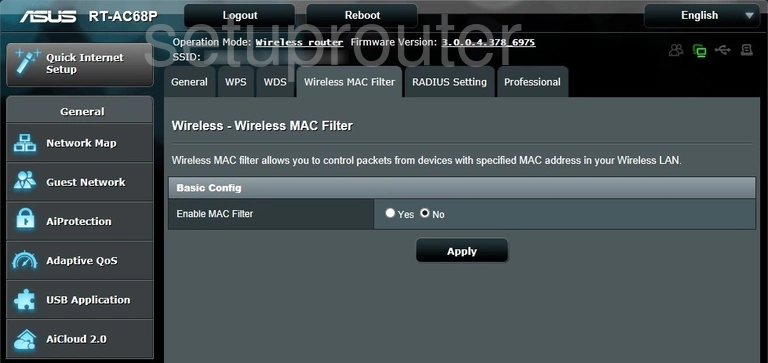
RT-AC68P (4 screens)
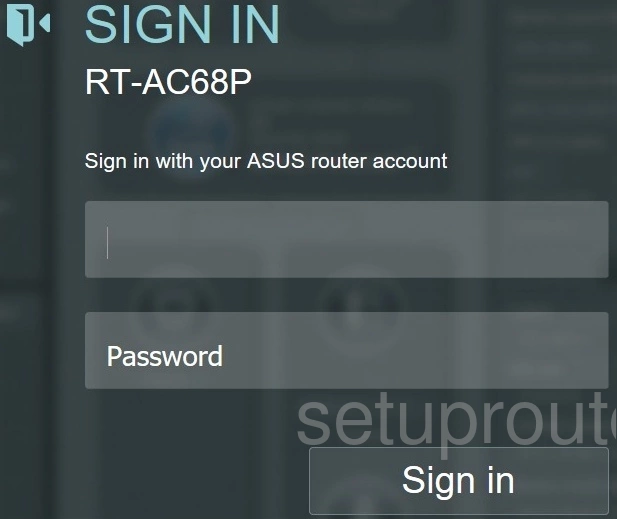
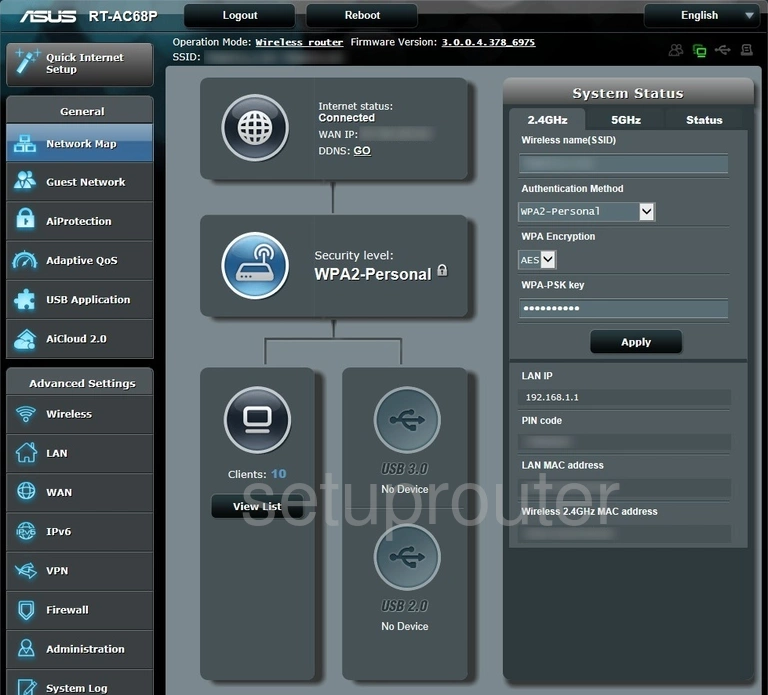
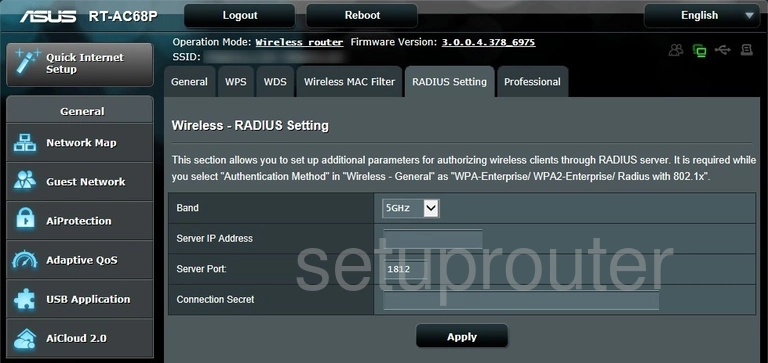
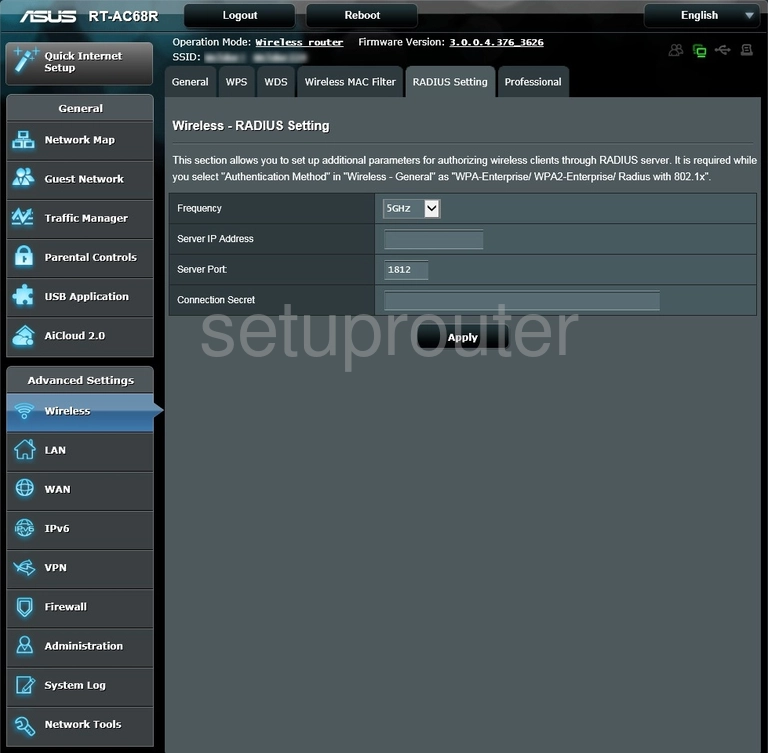
RT-AC68R (4 screens)
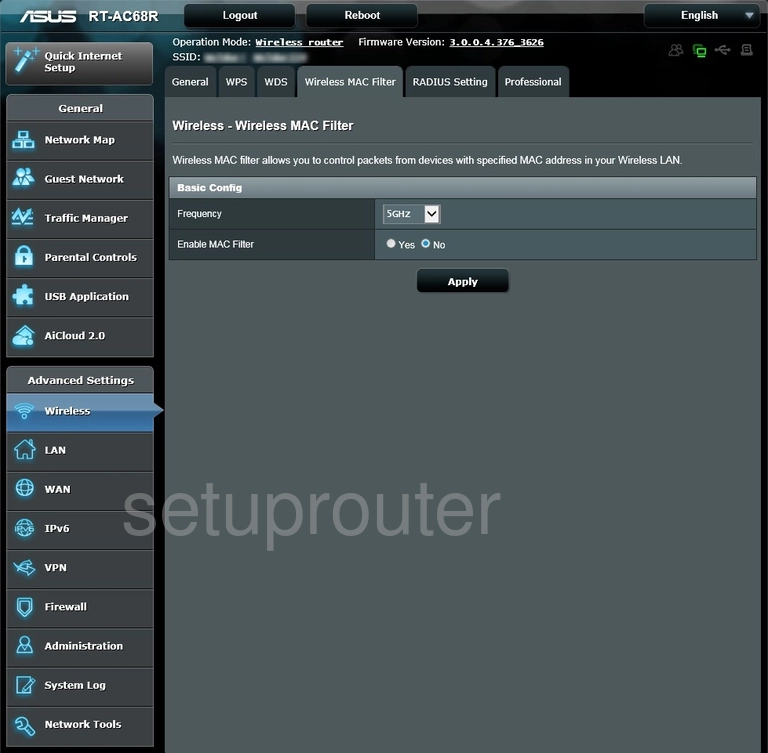
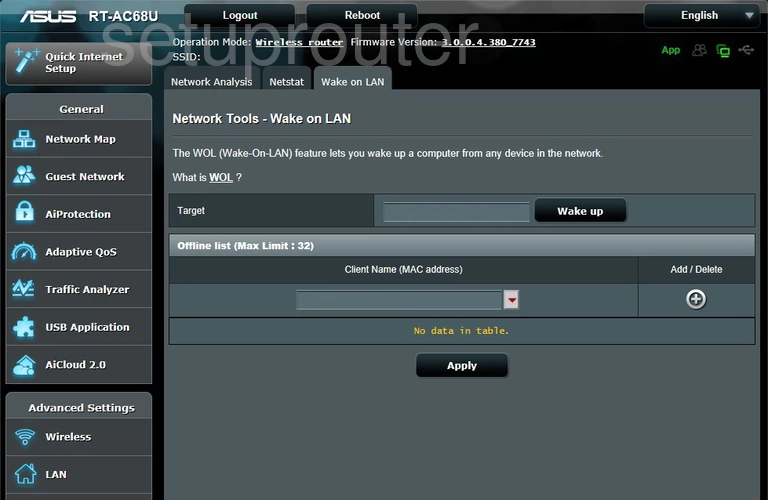
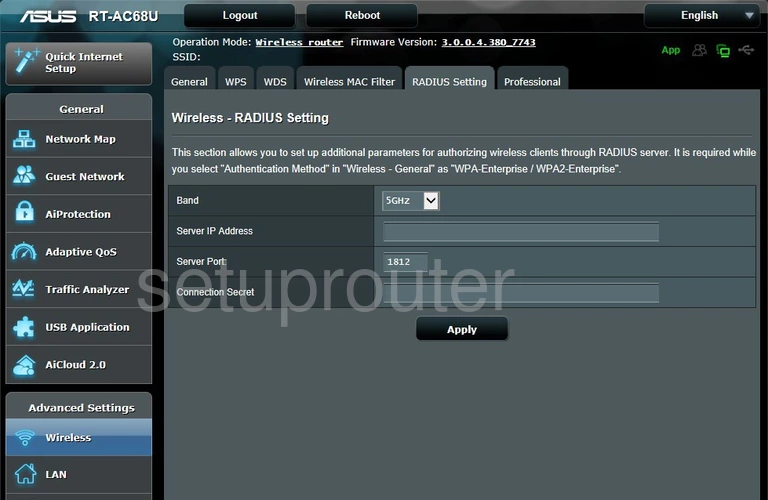
RT-AC68U (4 screens)
RT-AC68U C1 (4 screens)
RT-AC68W (3 screens)
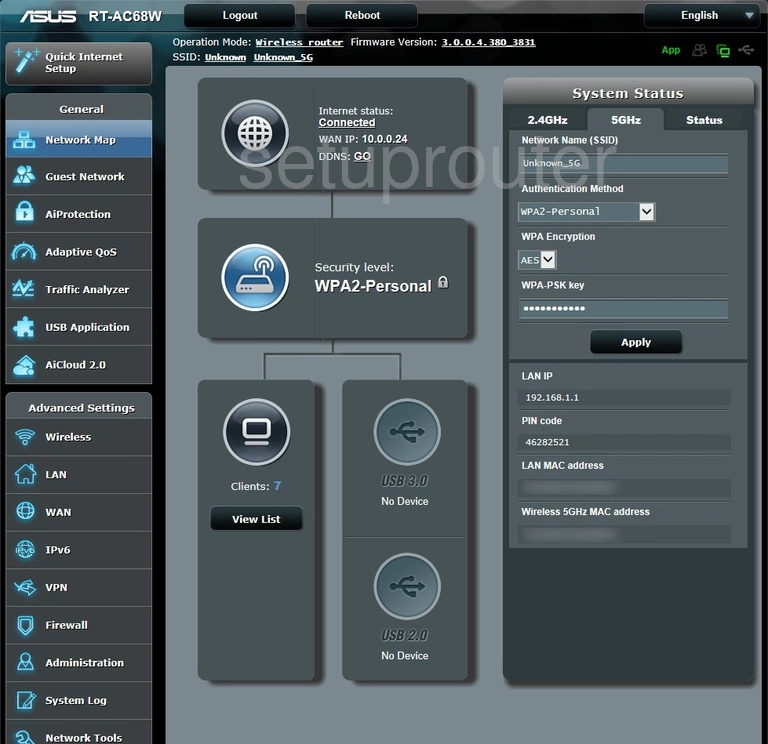
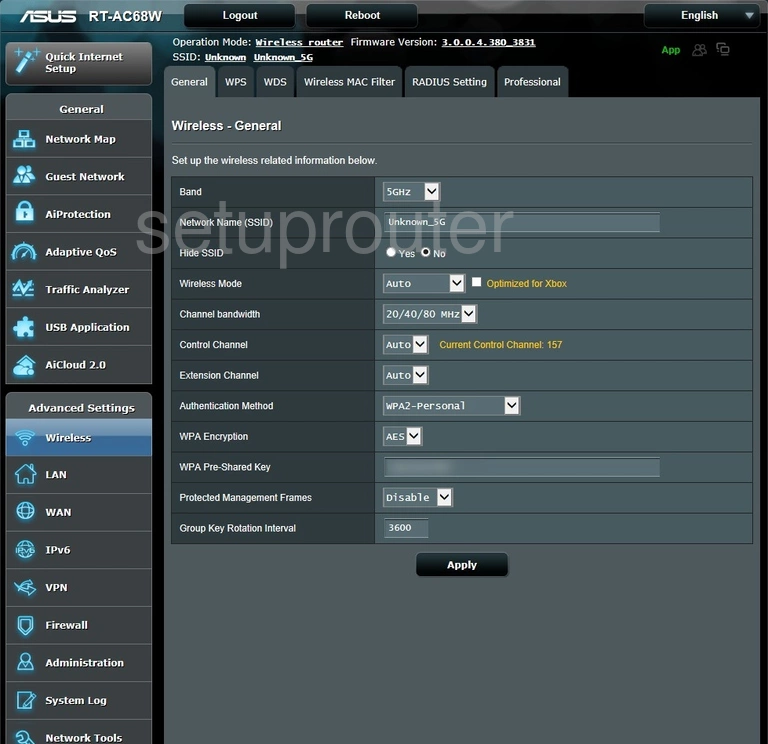
RT-AC86U (4 screens)
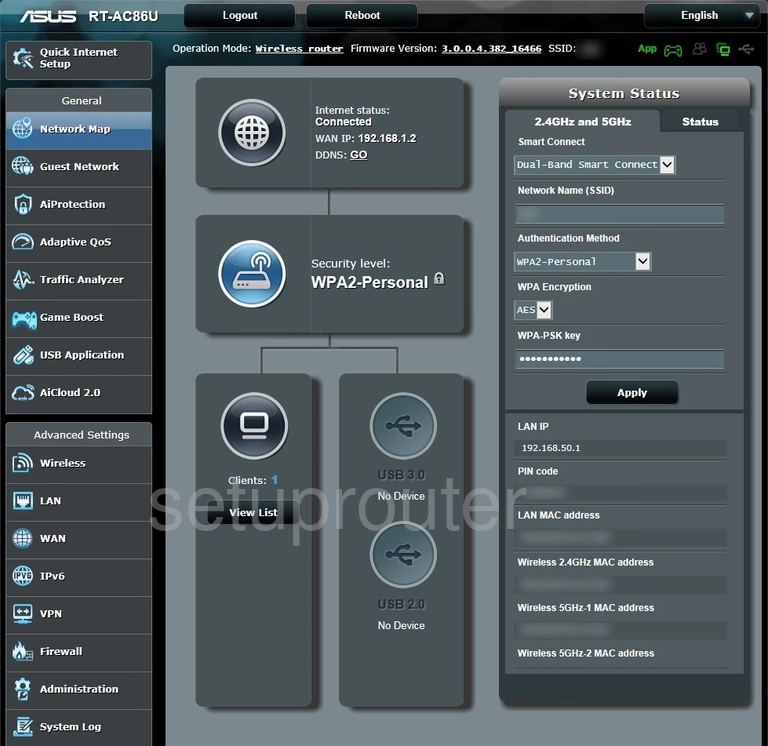
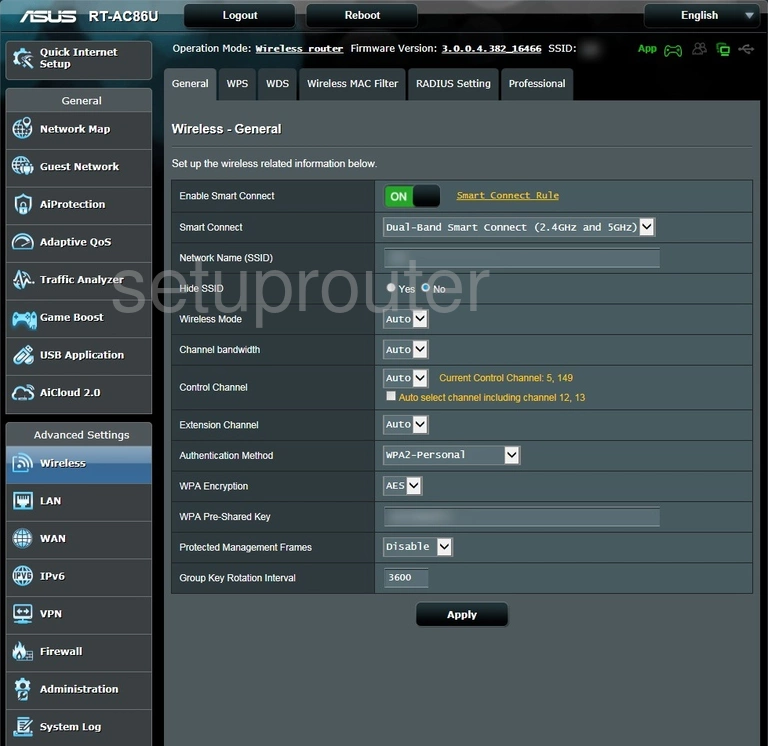
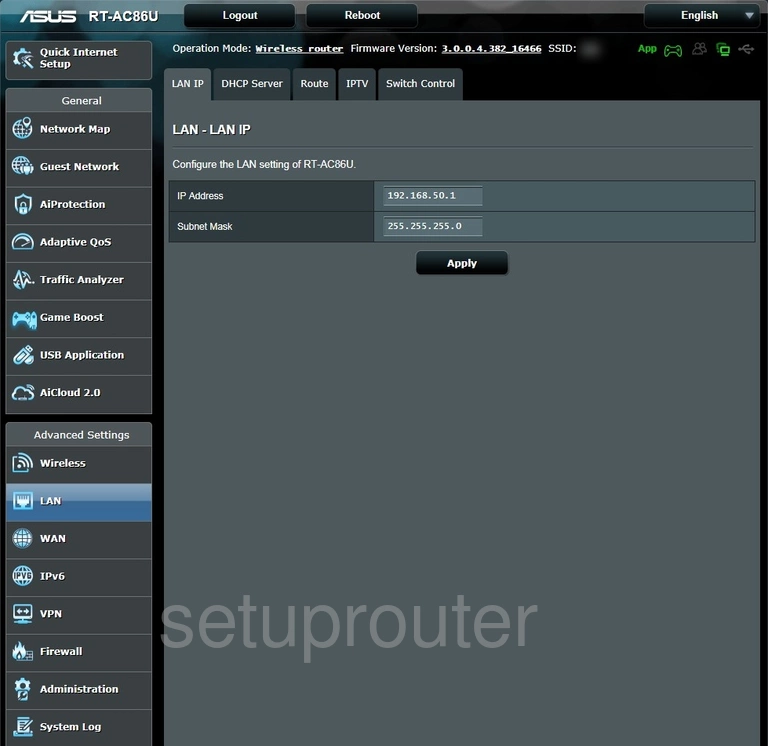
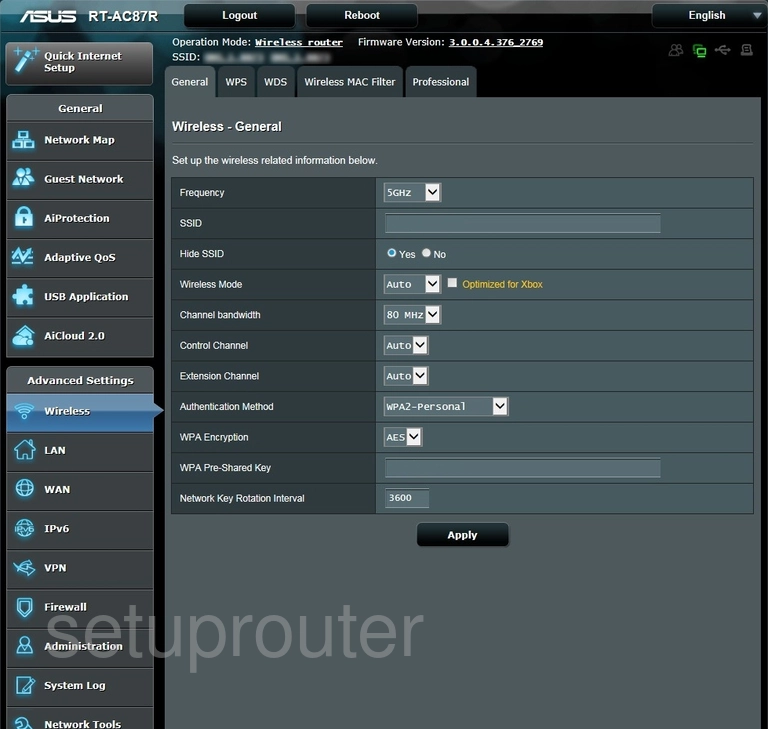
RT-AC87R (4 screens)
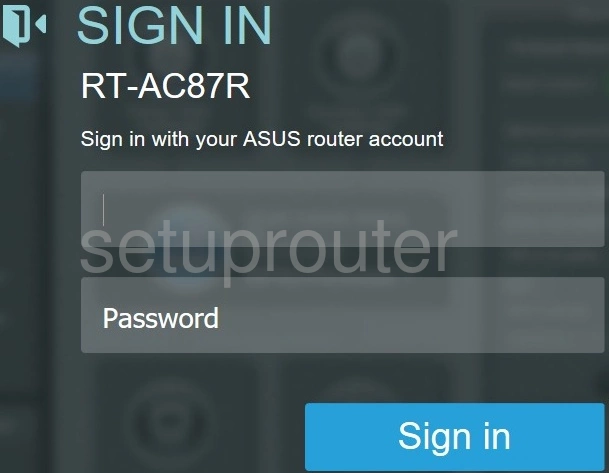
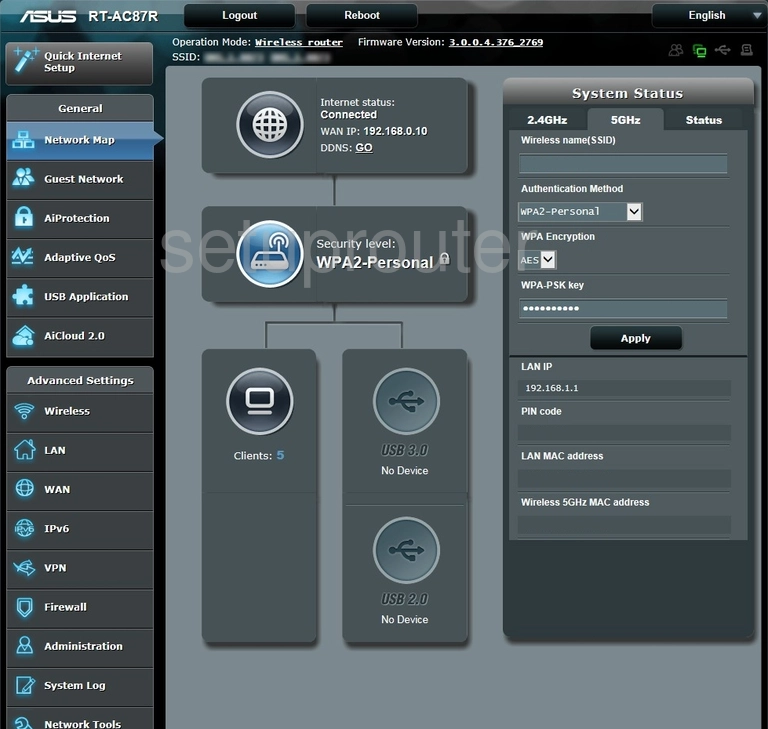
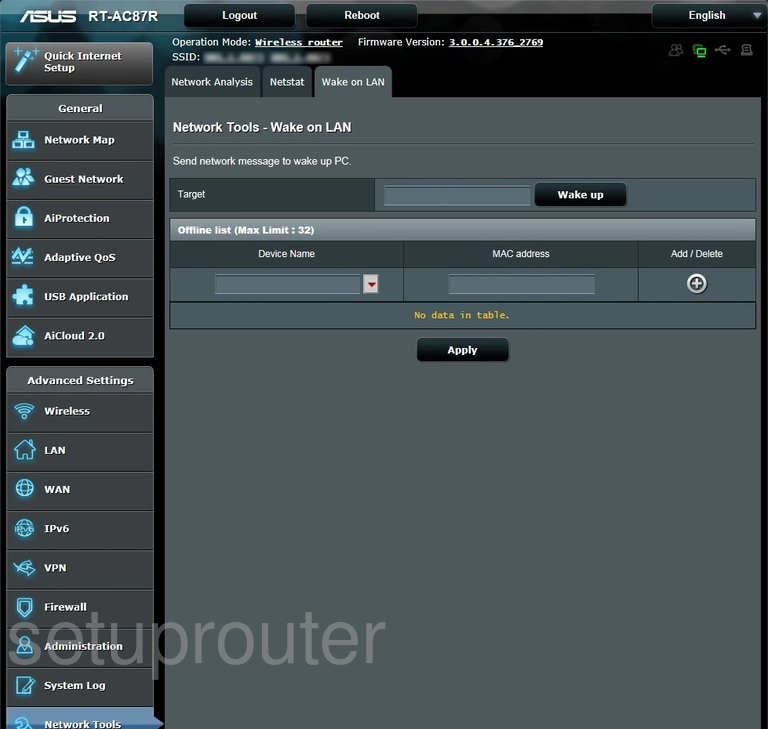
RT-AC87U (4 screens)
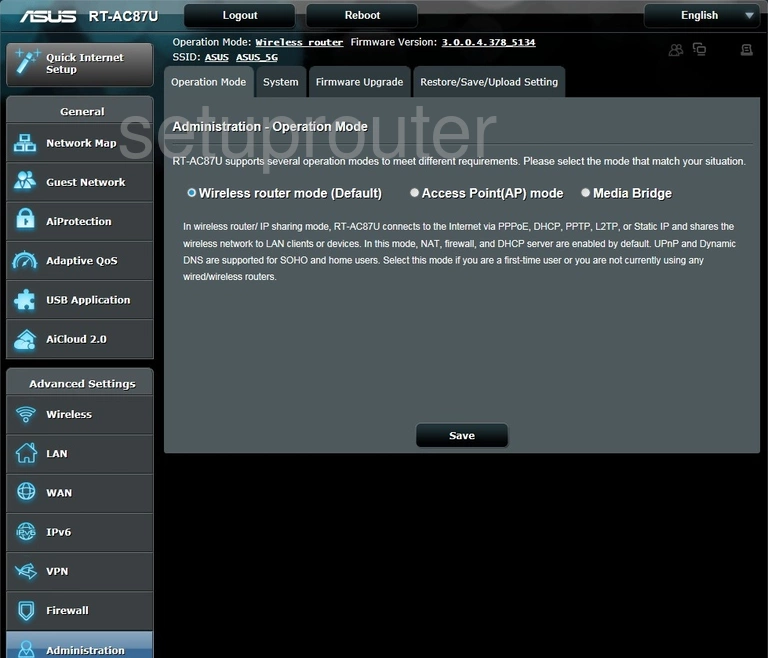
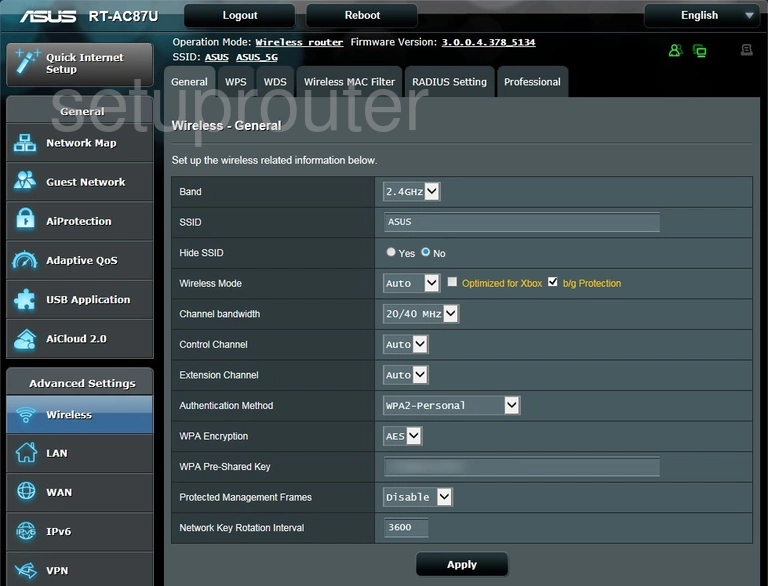
RT-AC88U (4 screens)
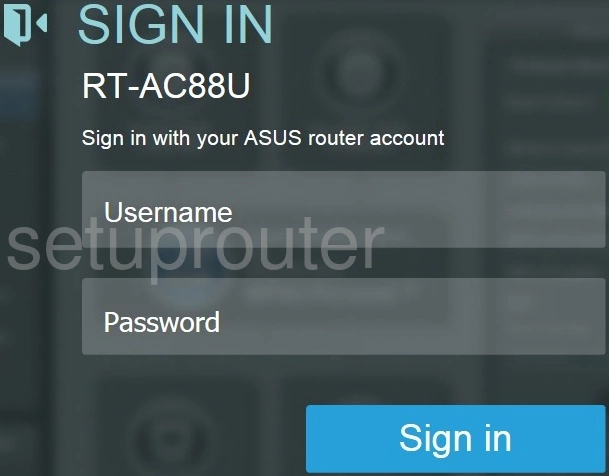
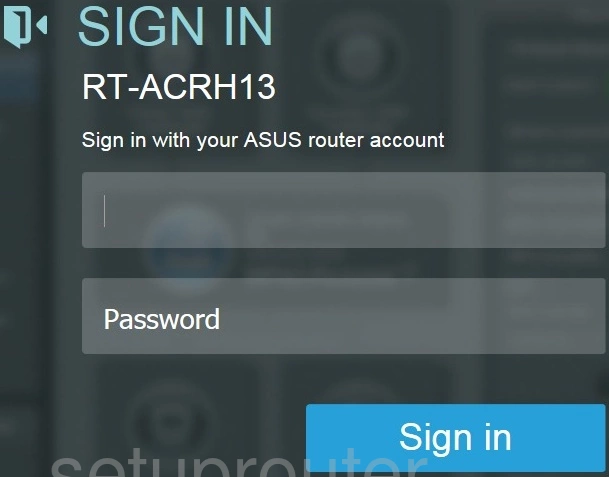
RT-ACRH13 (2 screens)
RT-ACRH17 (1 screens)
RT-ARCH13 (4 screens)
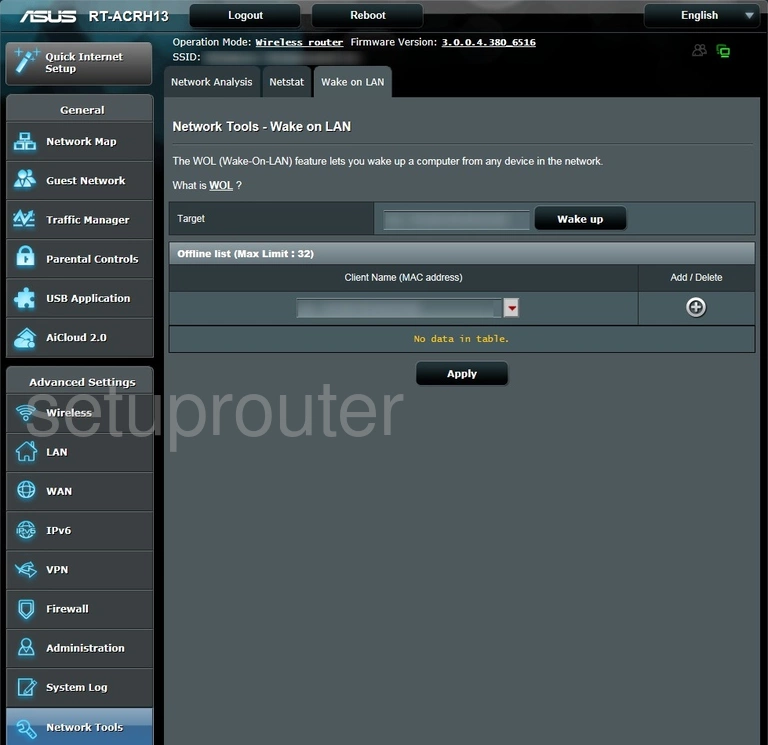
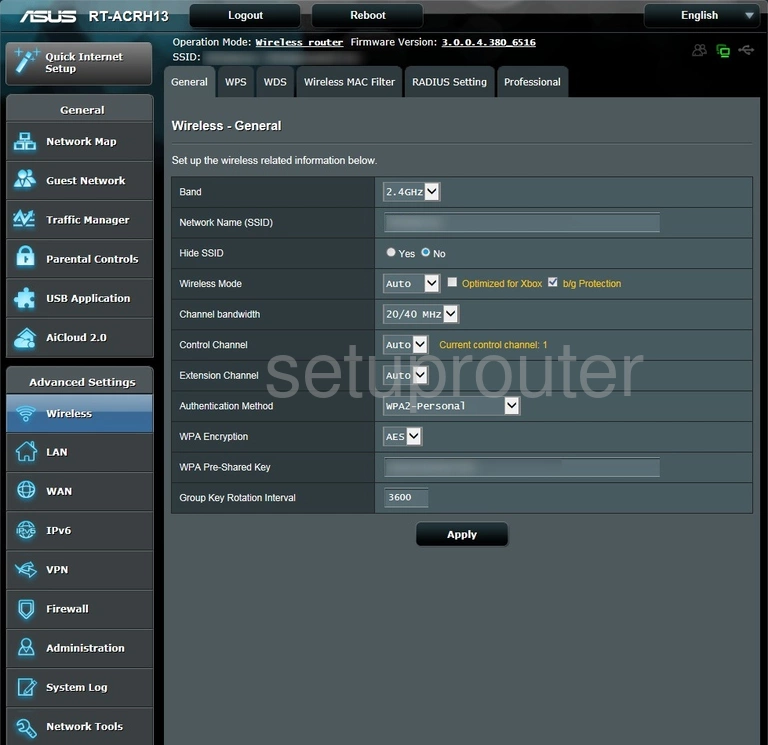
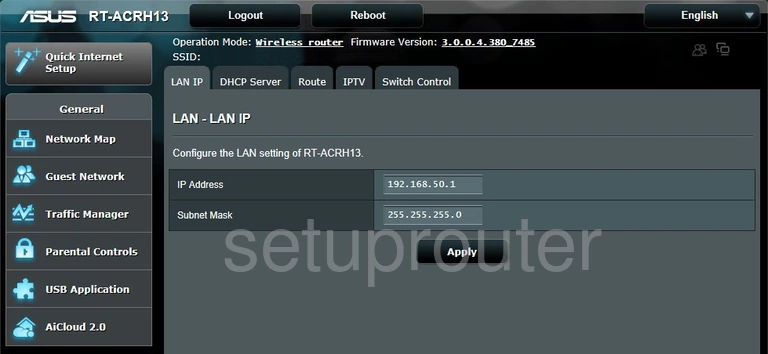
RT-N10 (4 screens)
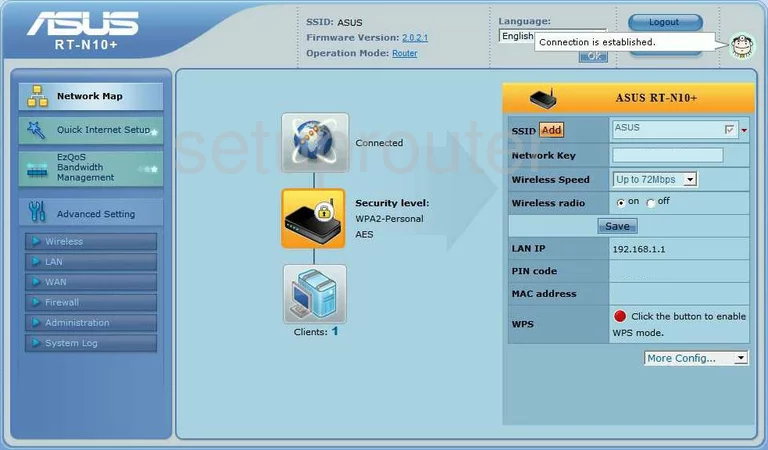
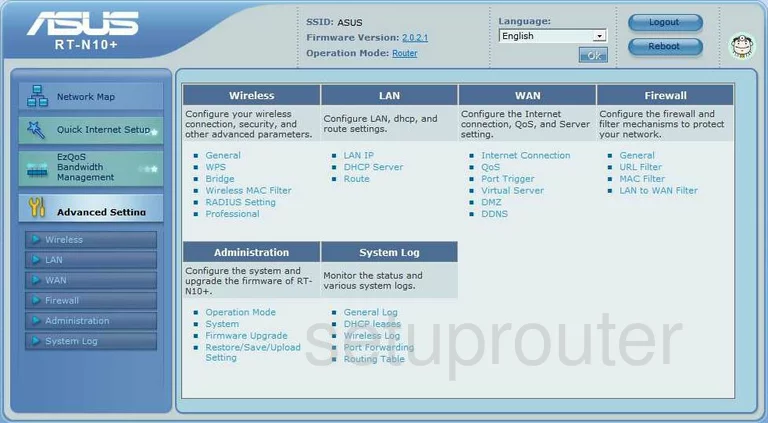
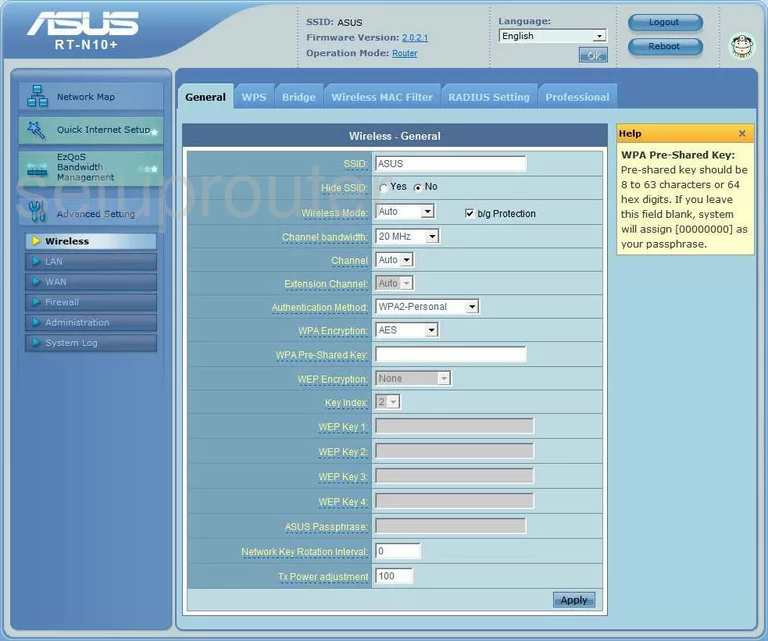
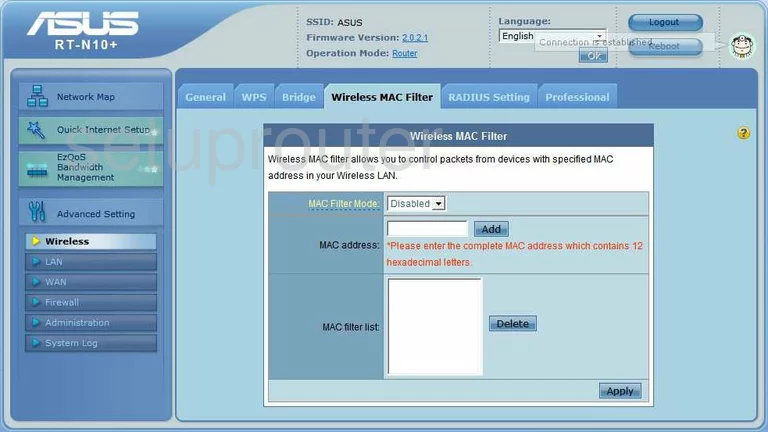
RT-N10E (4 screens)
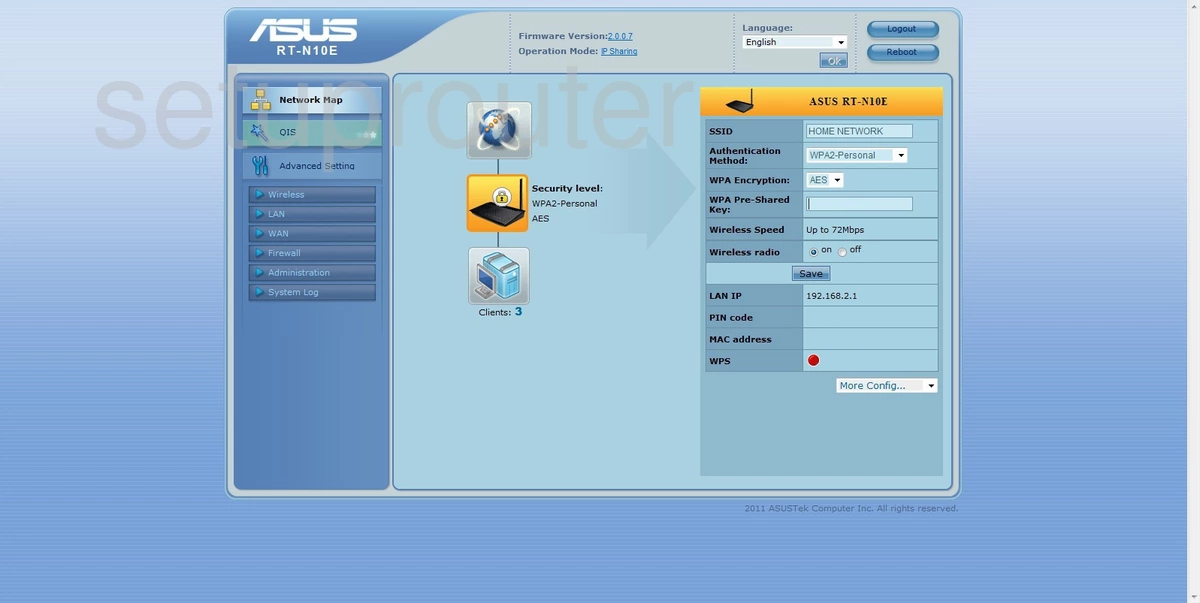
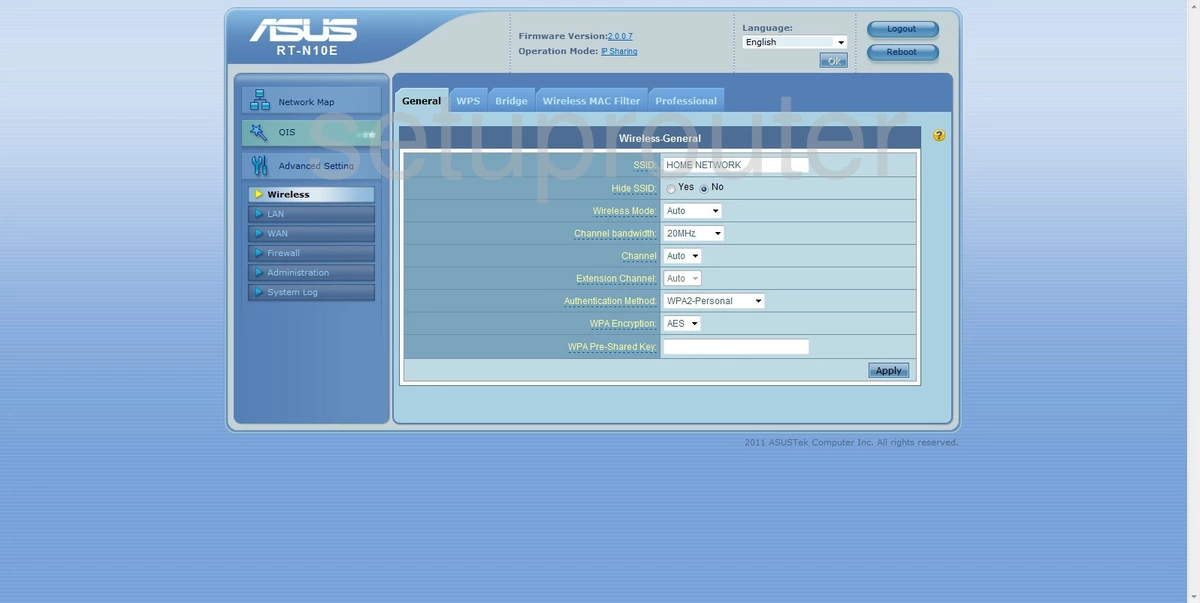
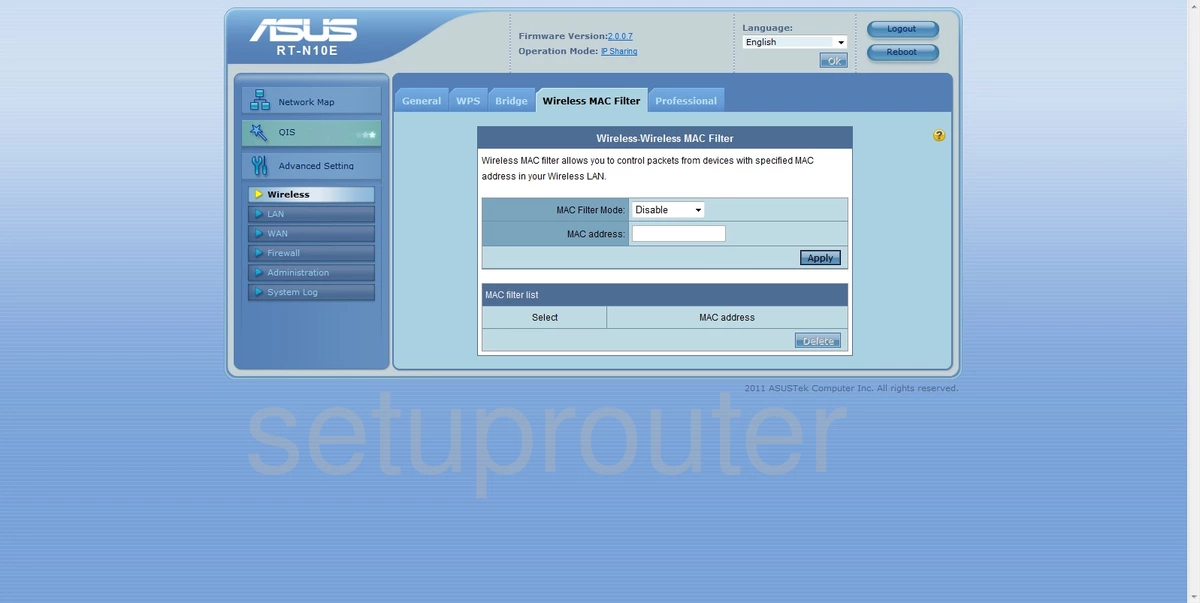
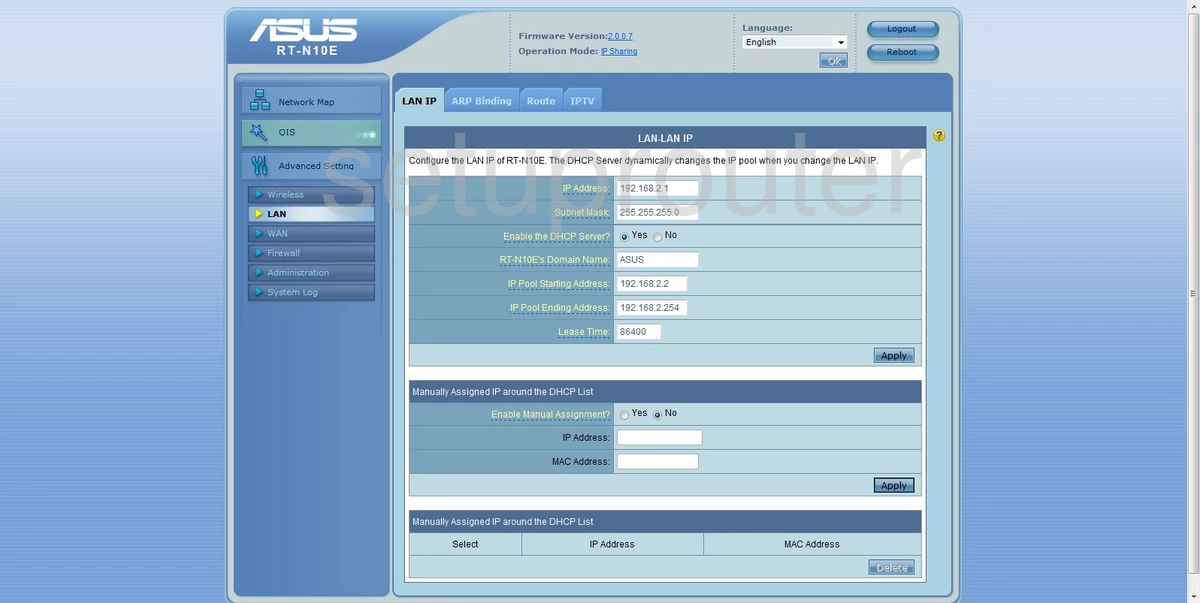
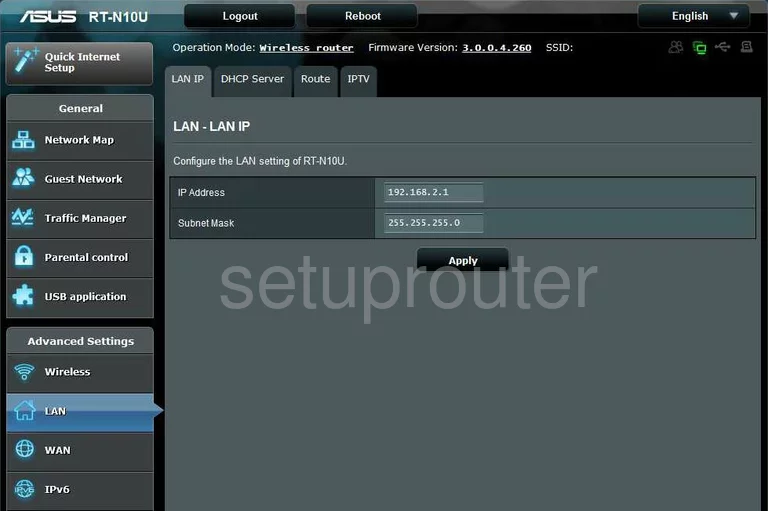
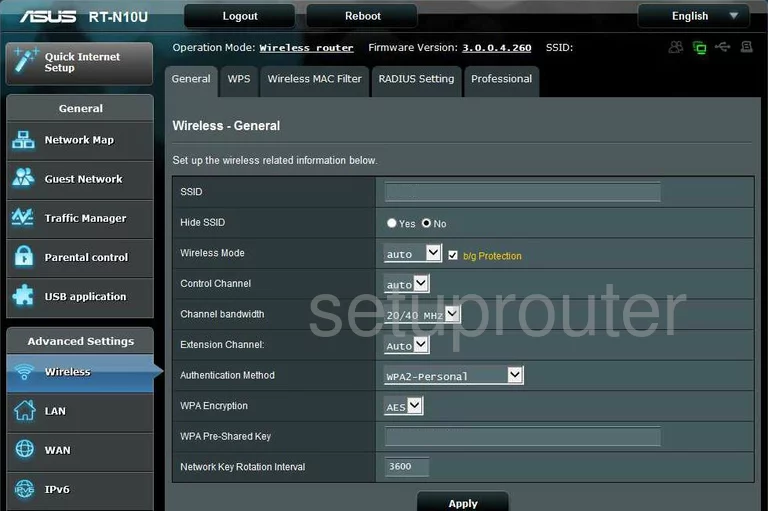
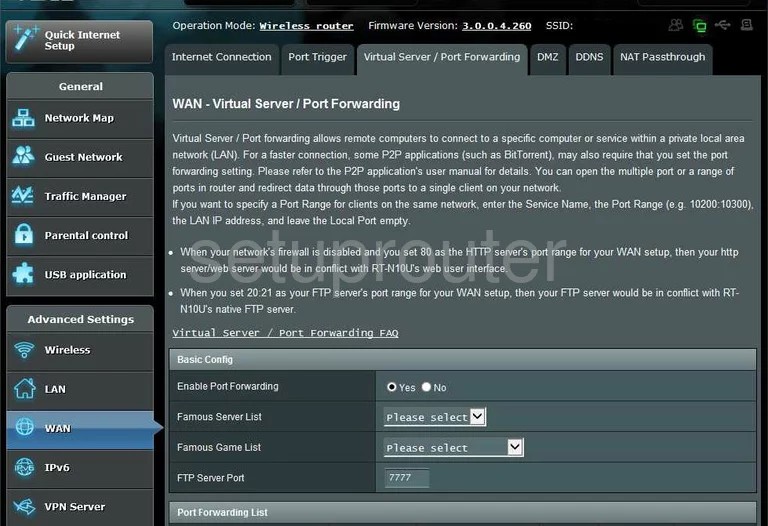
RT-N10U (4 screens)
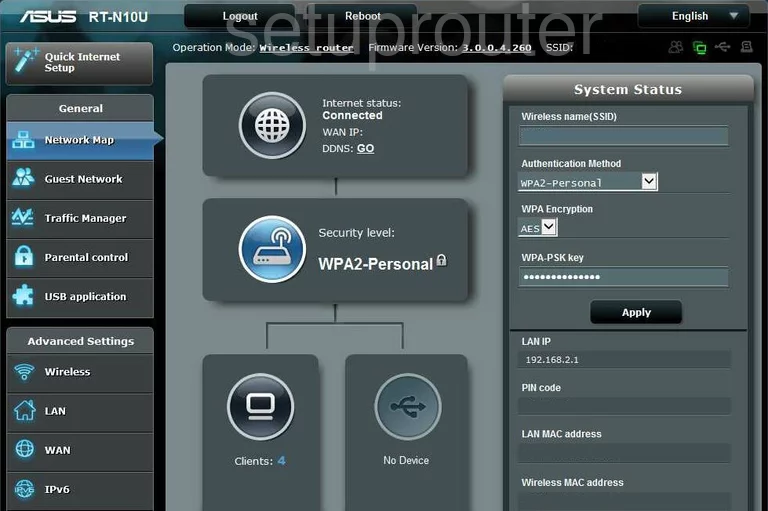
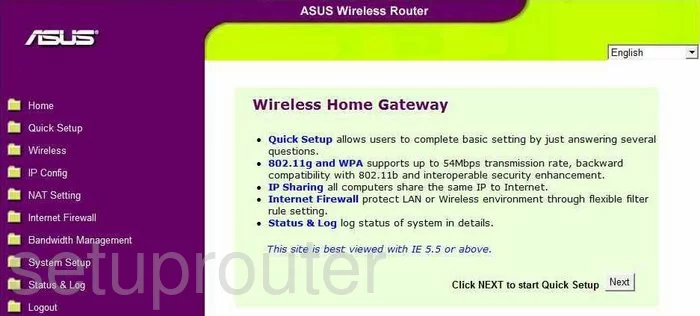
RT-N11 (4 screens)
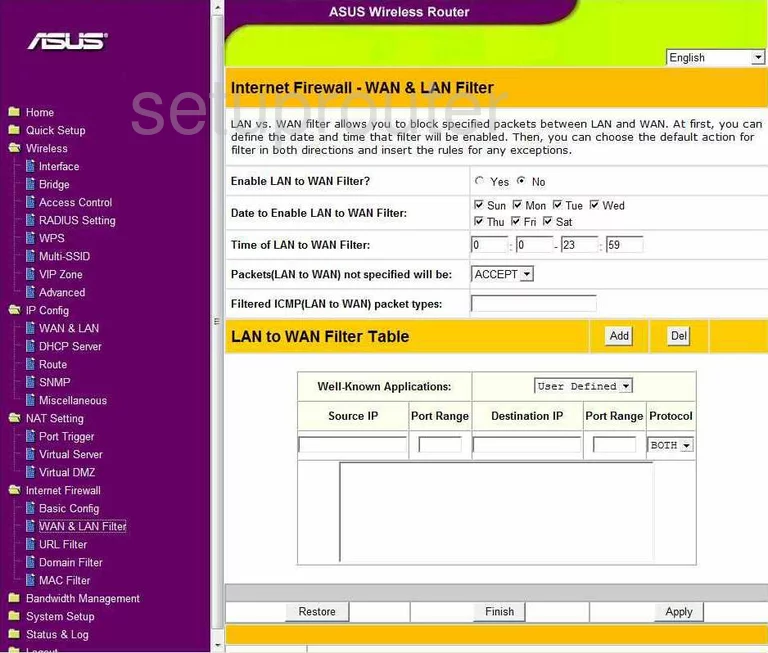
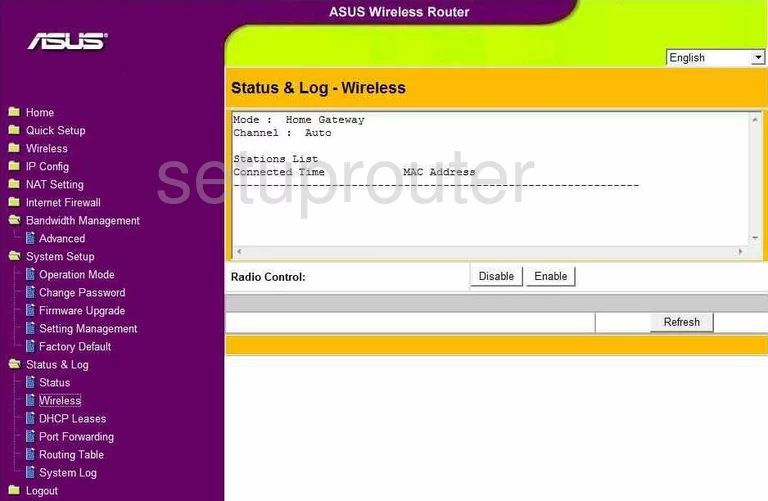
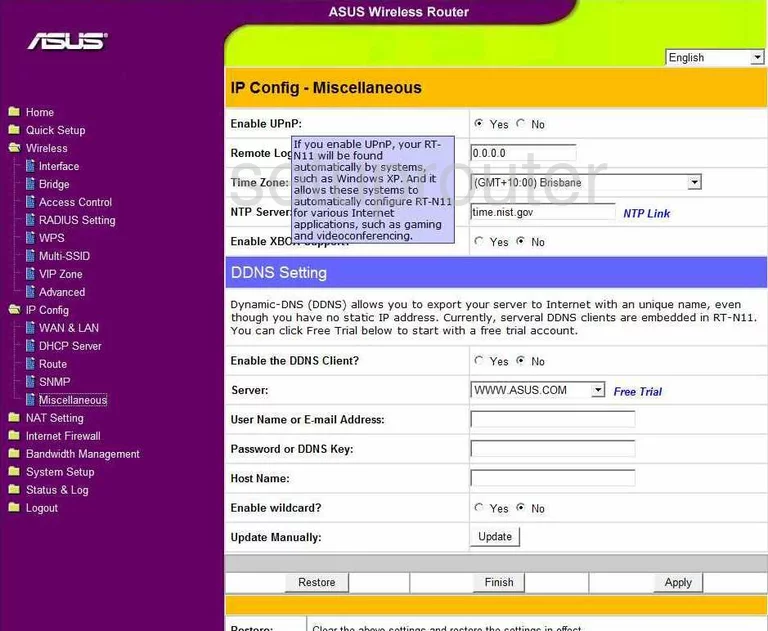
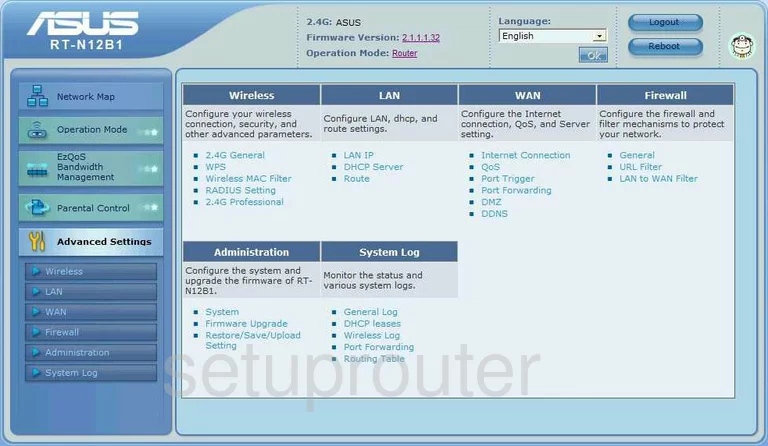
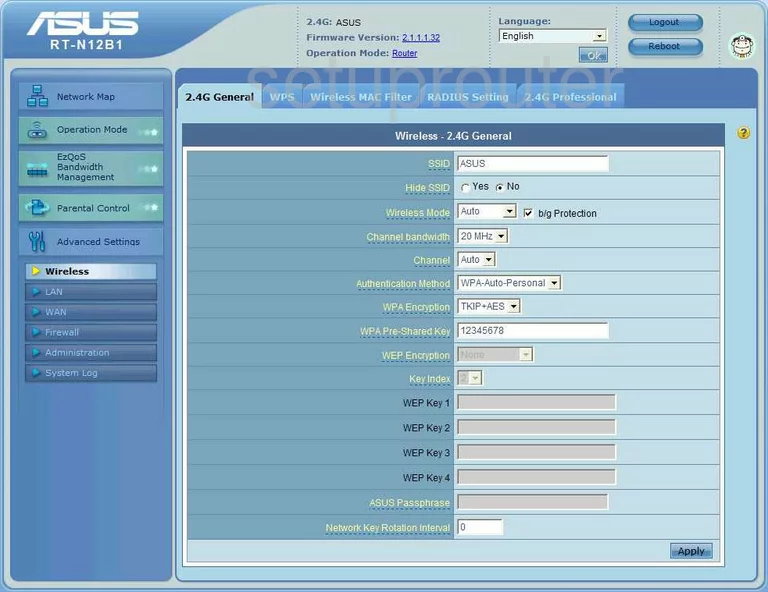
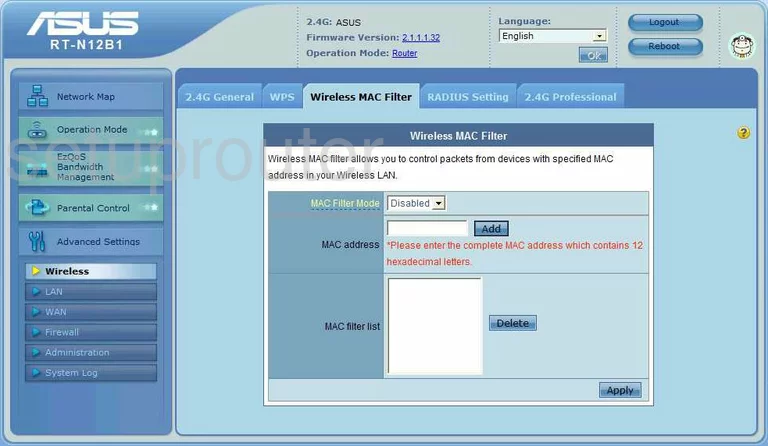
RT-N12B1 (4 screens)
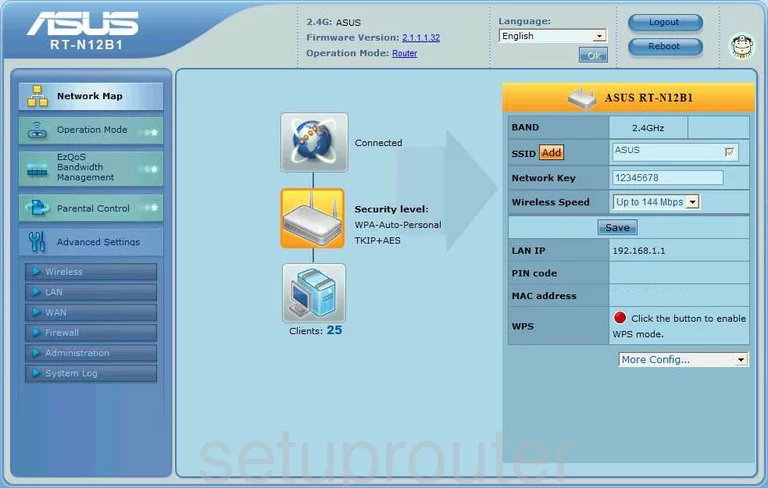
RT-N12D1 (2 screens)
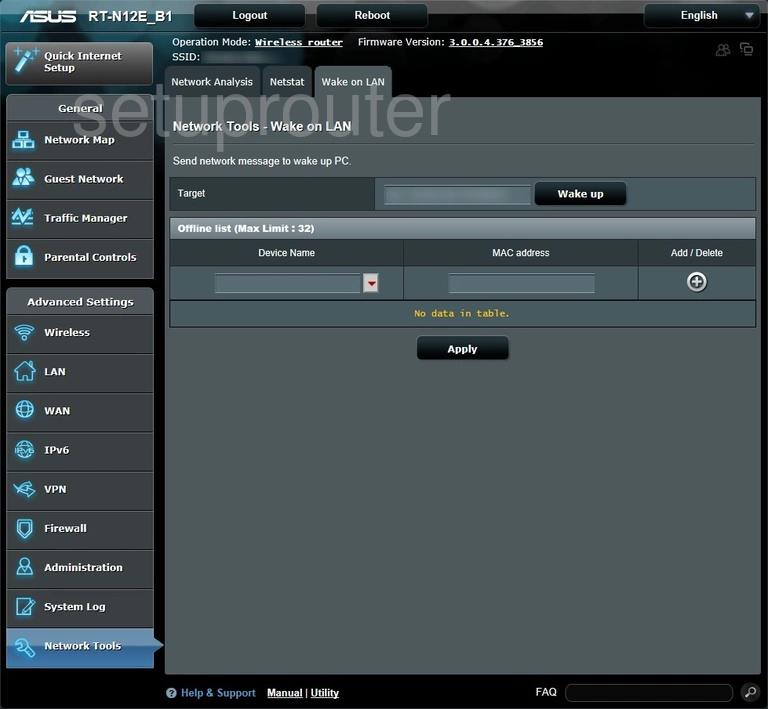
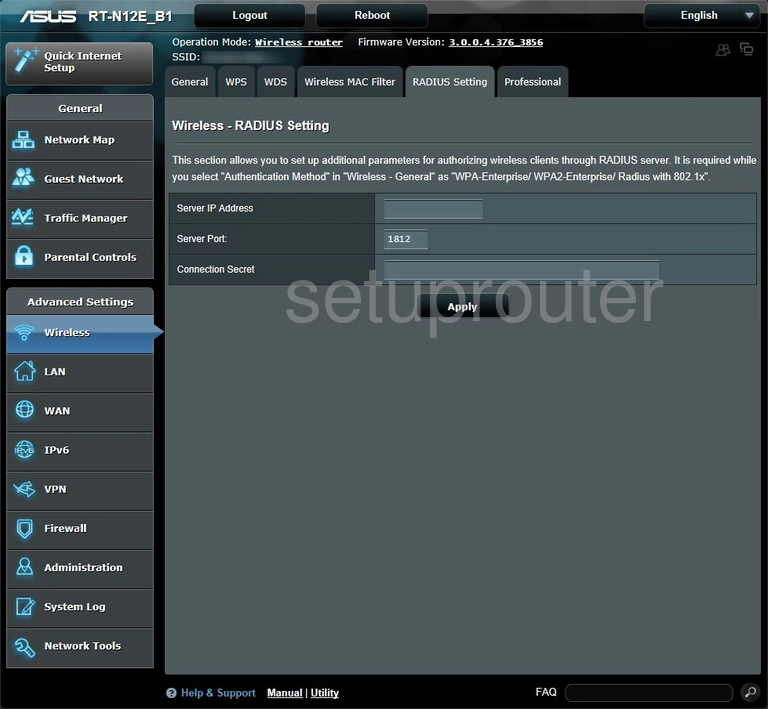
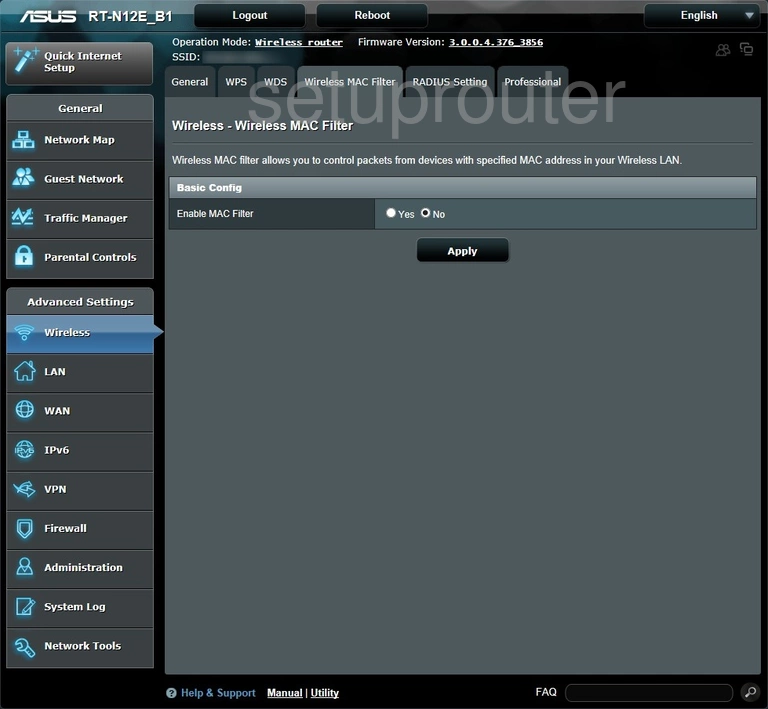
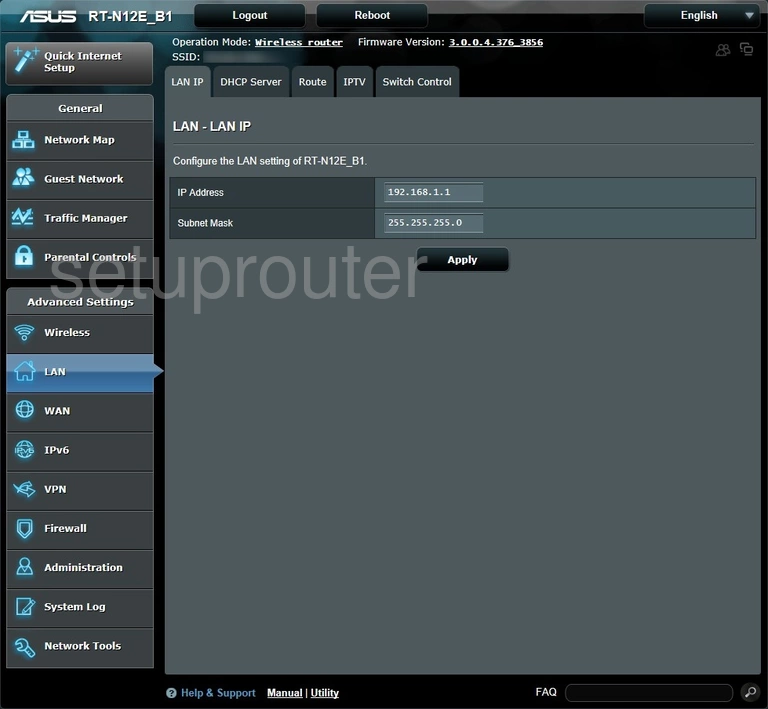
RT-N12E_B1 (4 screens)
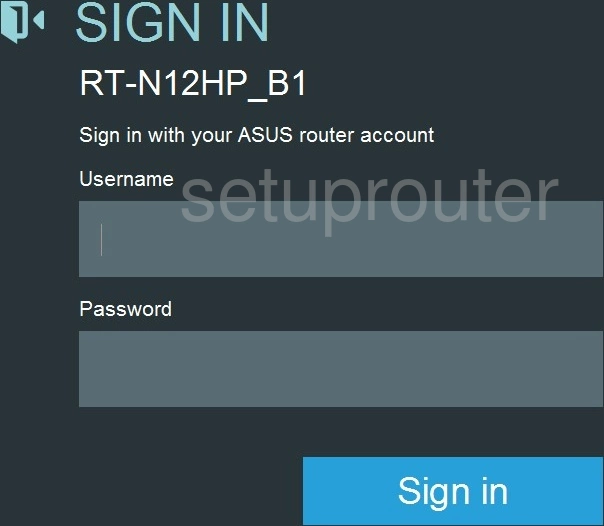
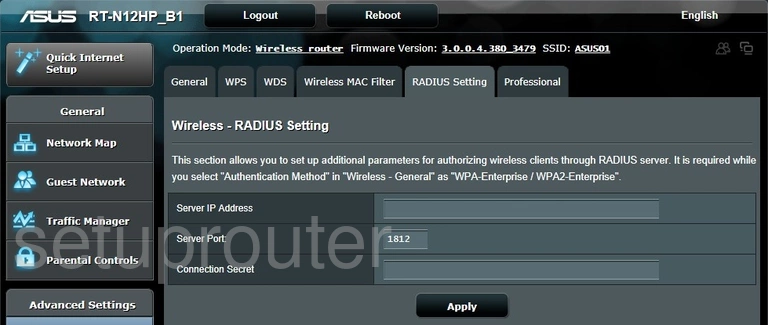
RT-N12HP_B1 (4 screens)
RT-N12VP (2 screens)
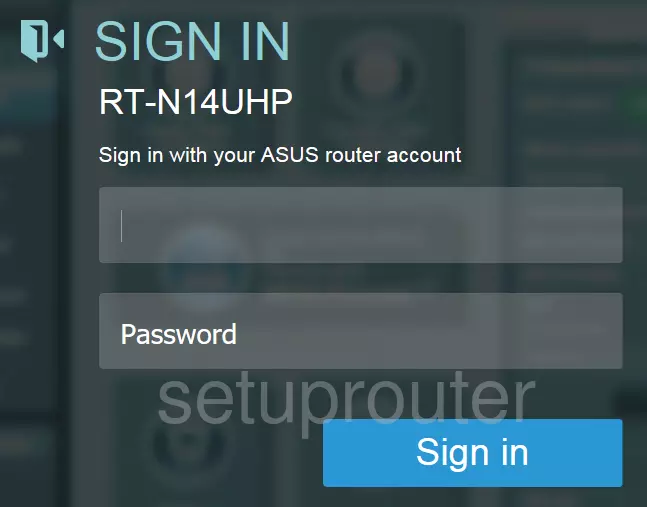
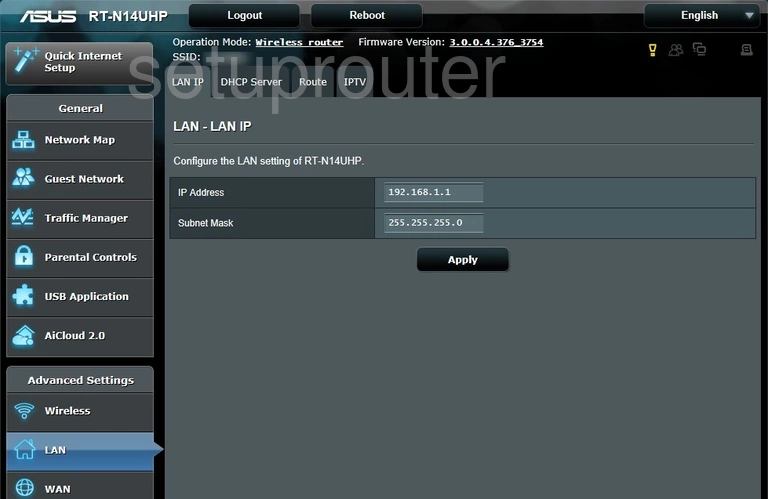
RT-N14UHP (4 screens)
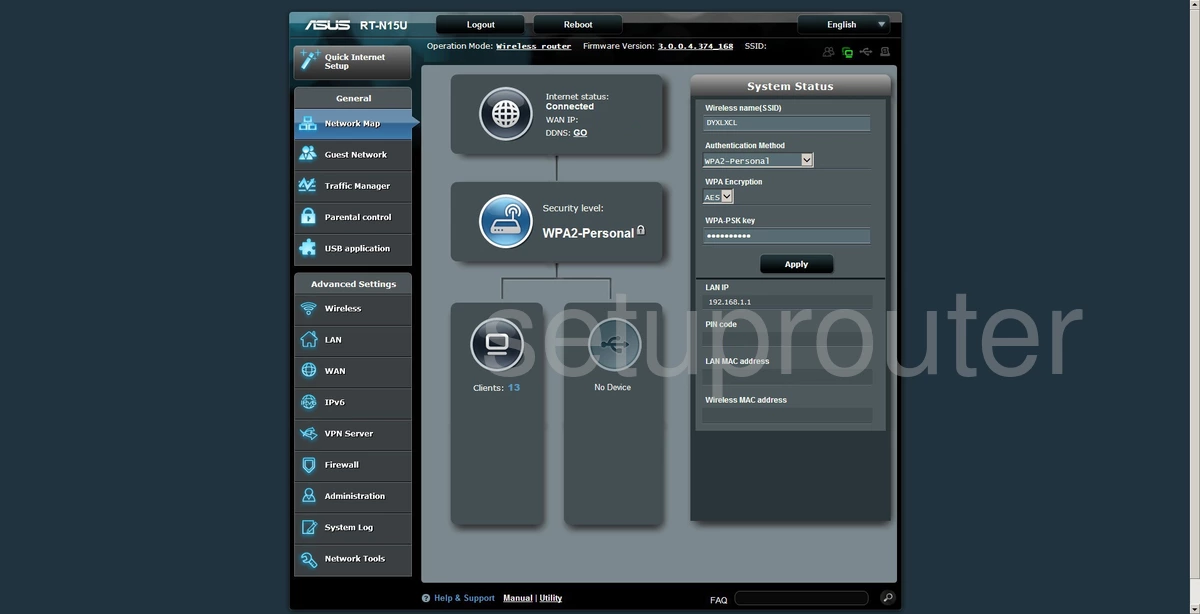
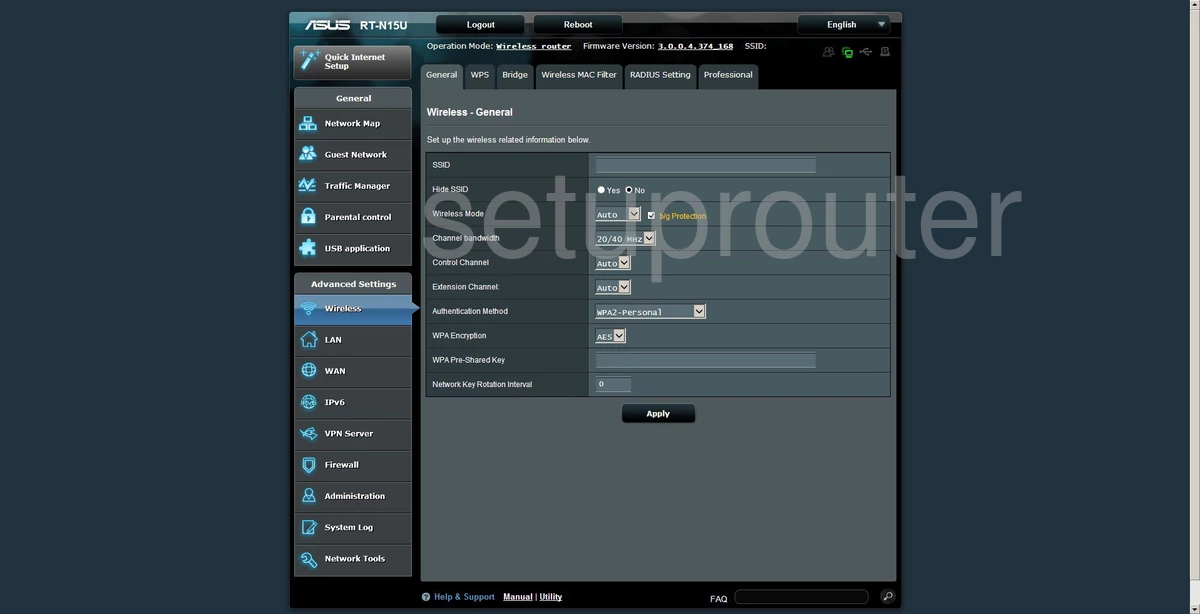
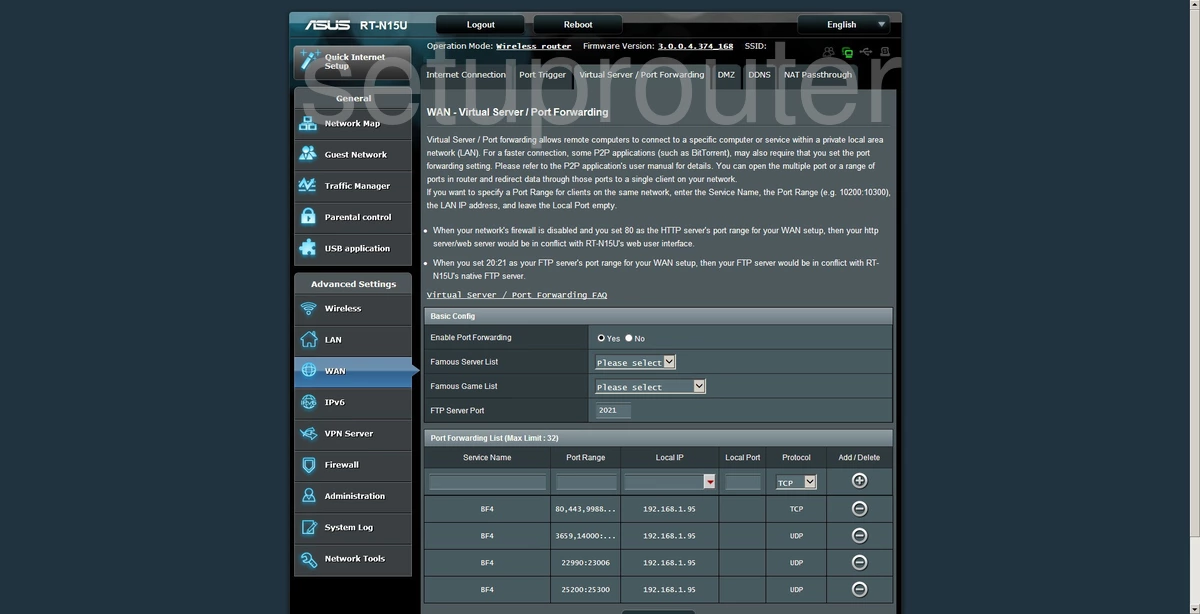
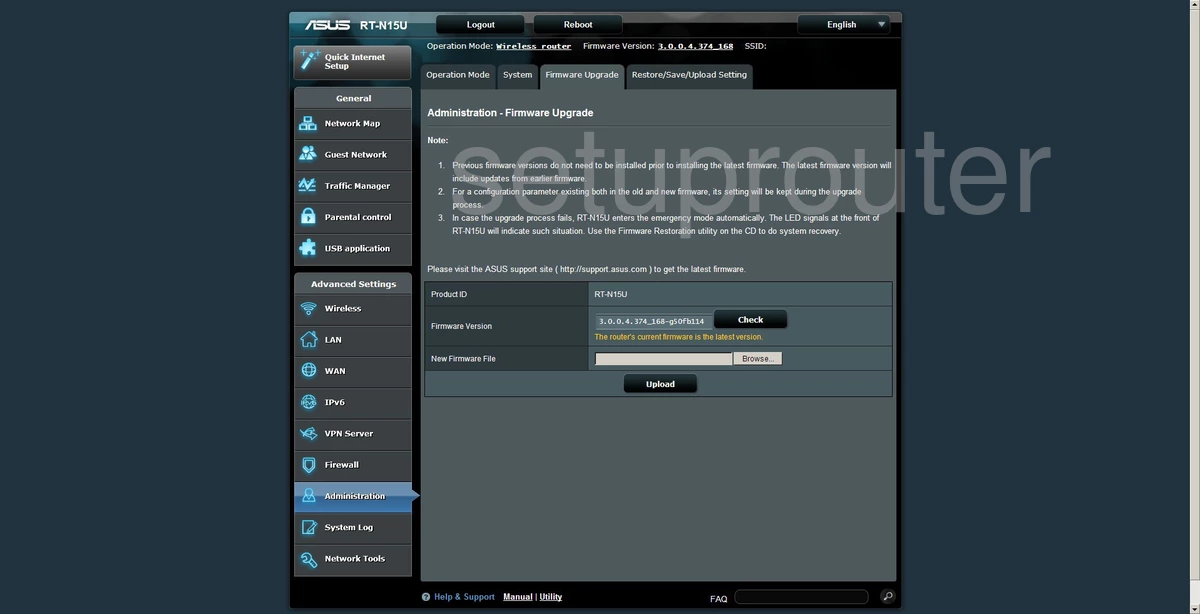
RT-N15U (4 screens)
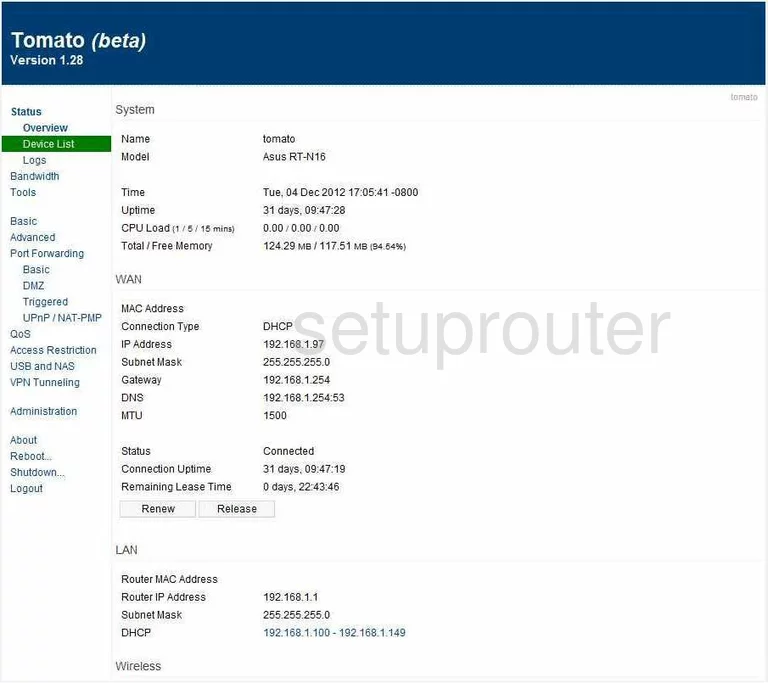
RT-N16 (4 screens)
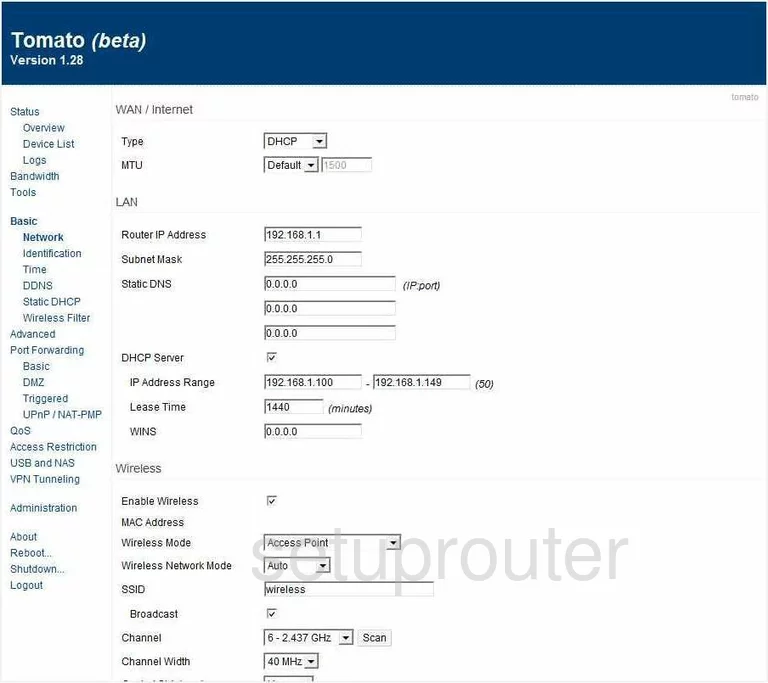
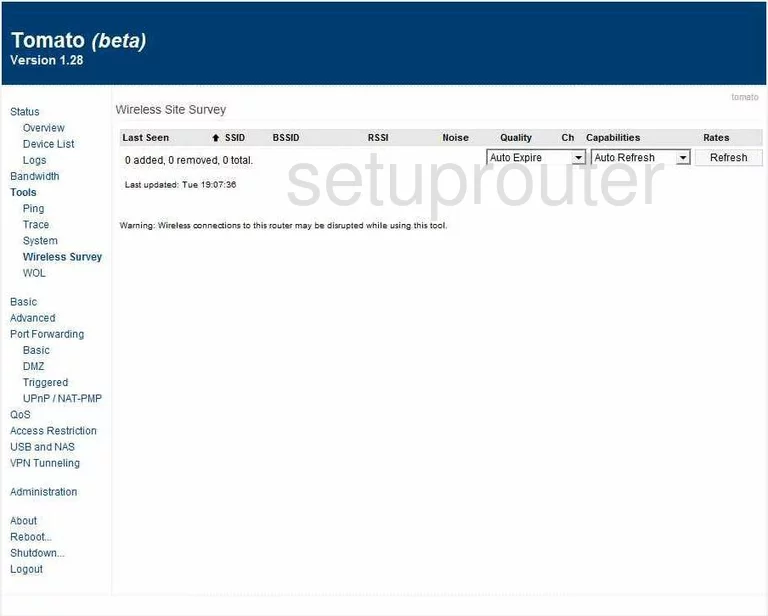
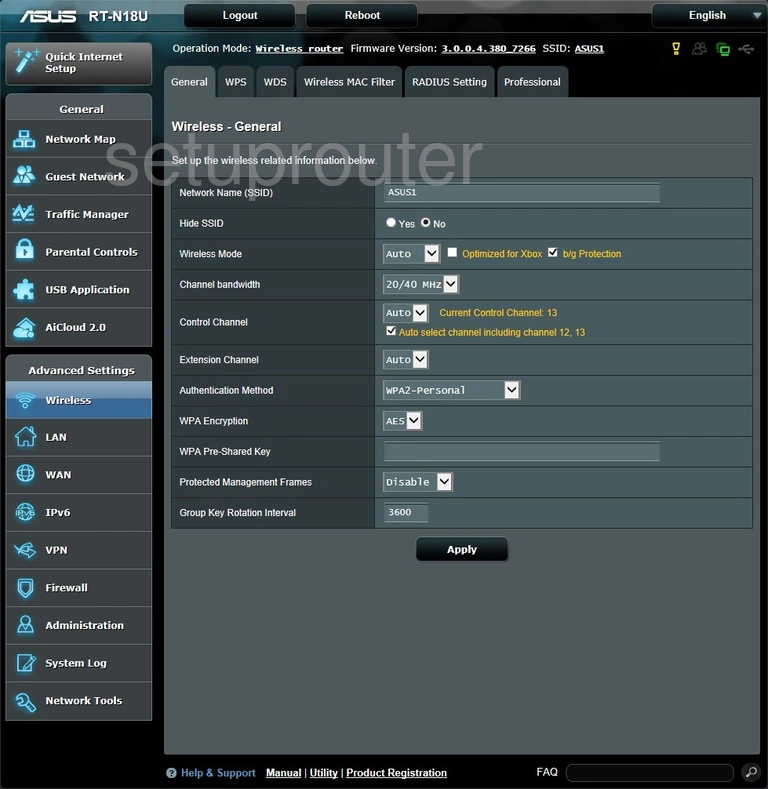
RT-N18U (4 screens)
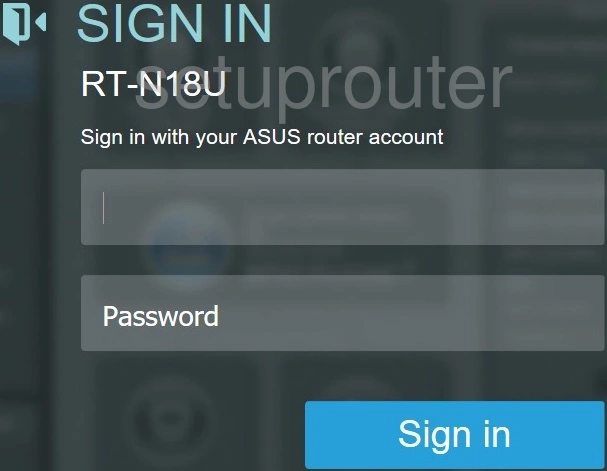
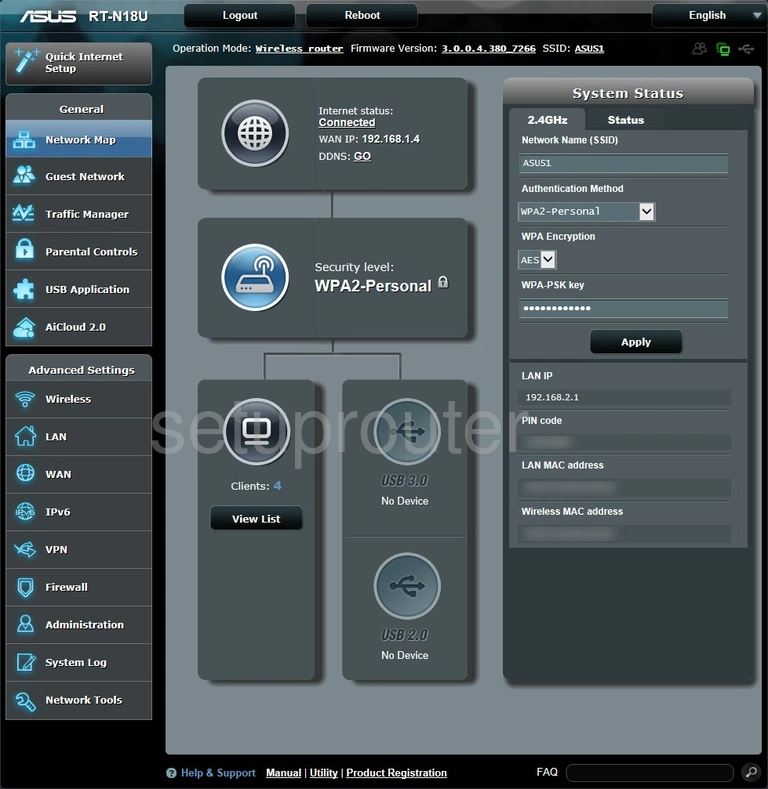
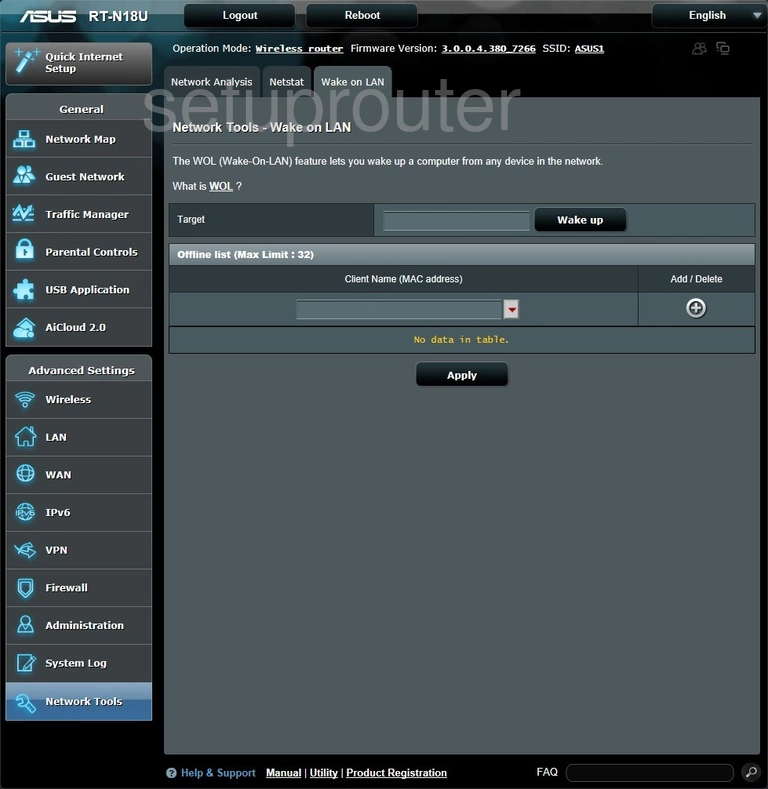
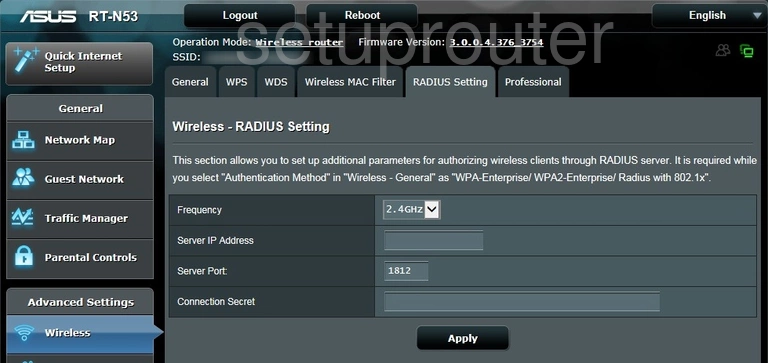
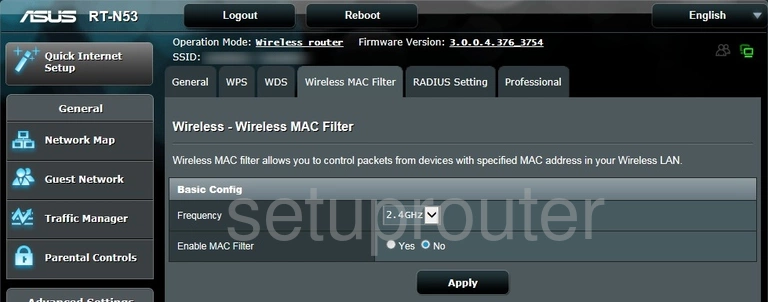
RT-N53 (4 screens)
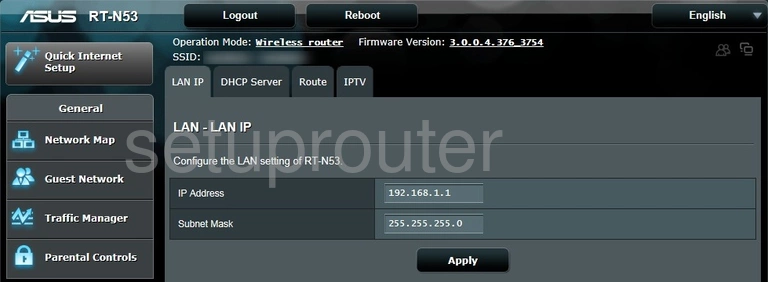
RT-N56U (4 screens)
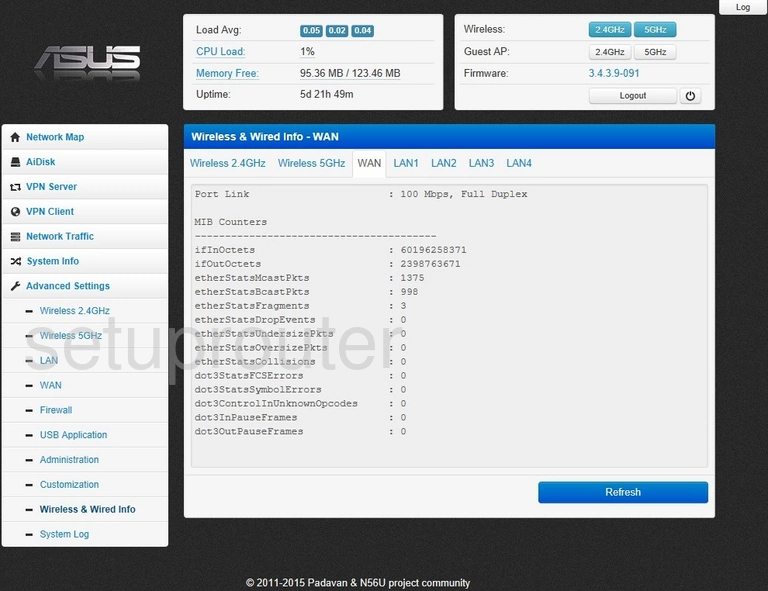
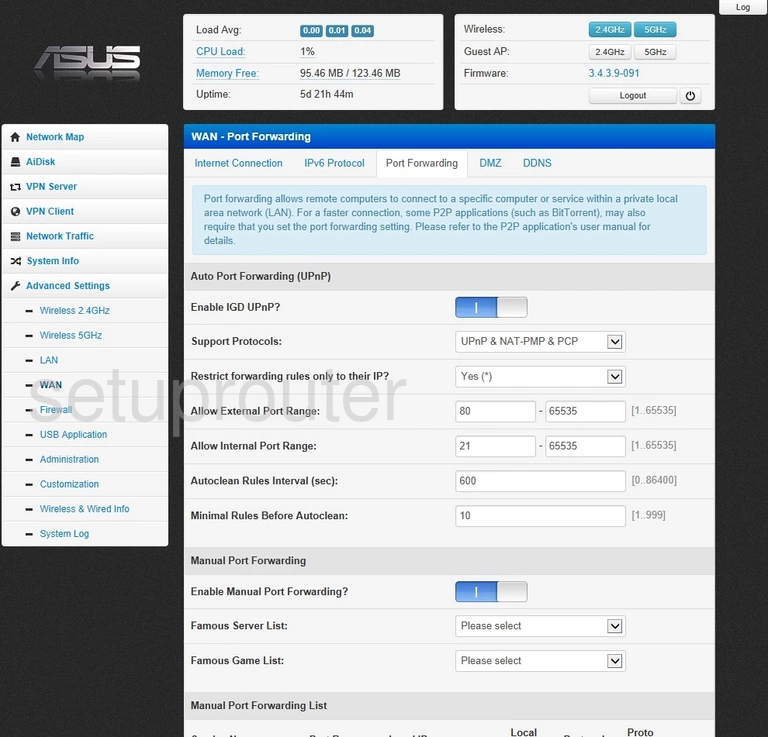
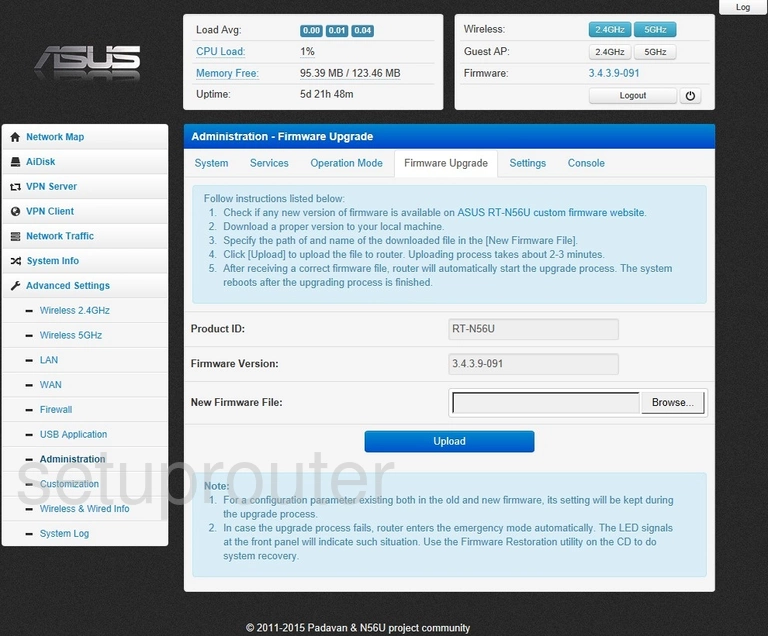
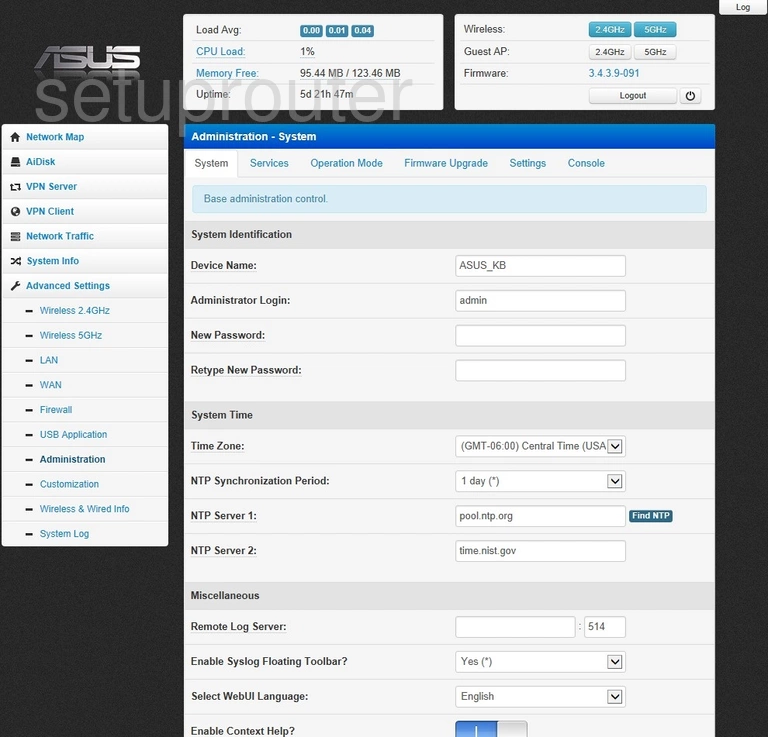
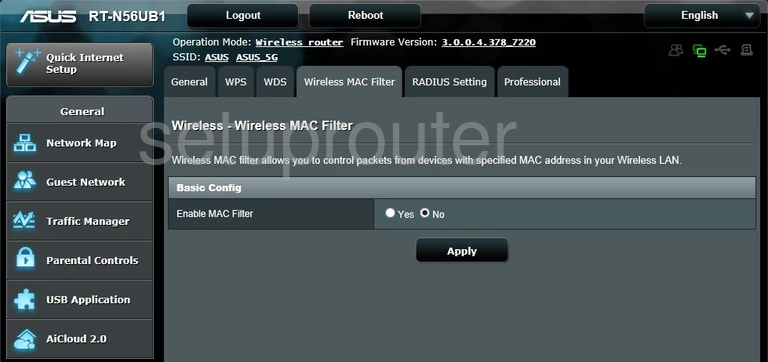
RT-N56UB1 (4 screens)
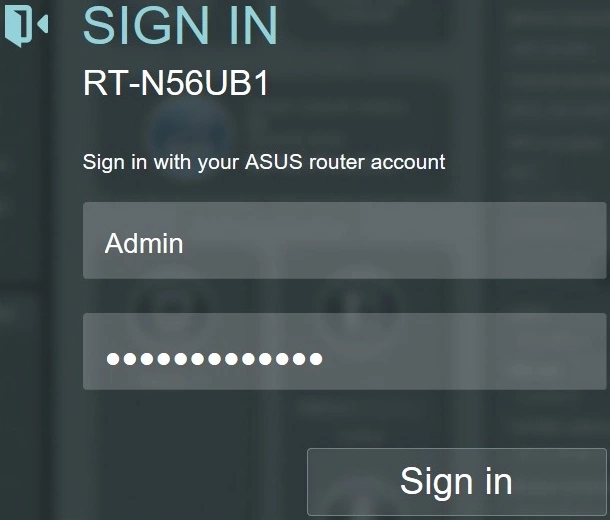
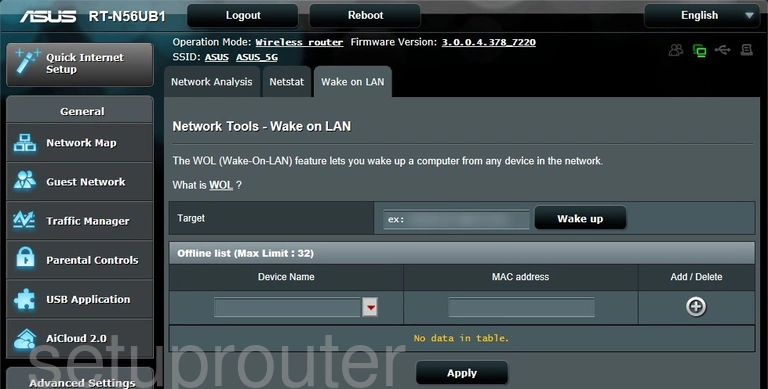
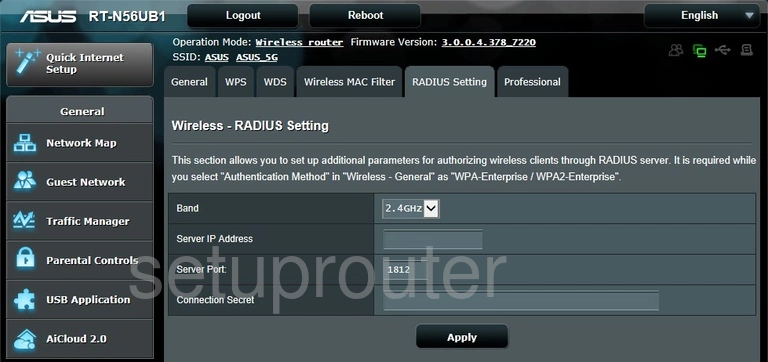
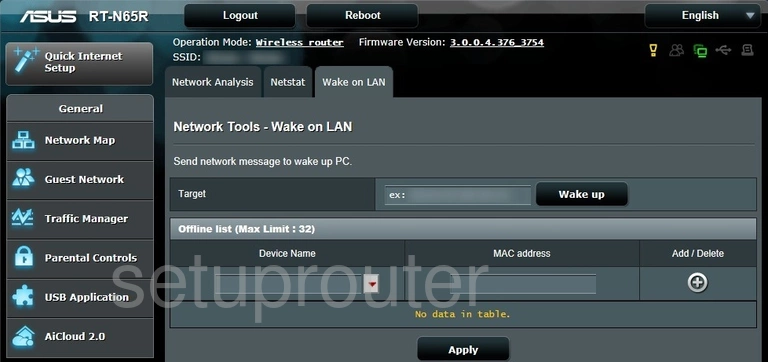
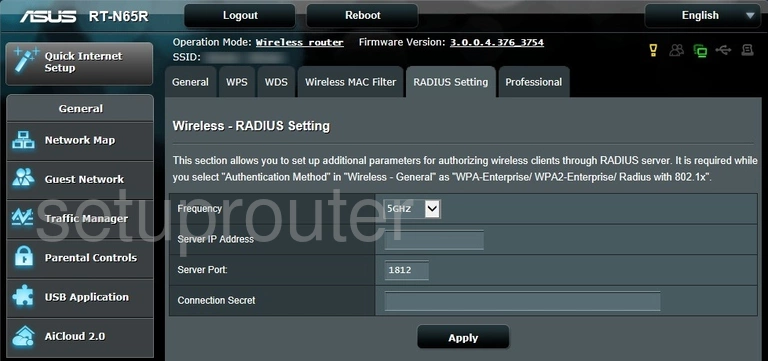
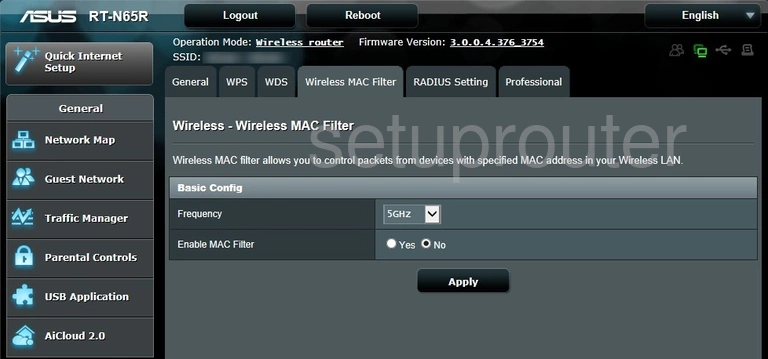
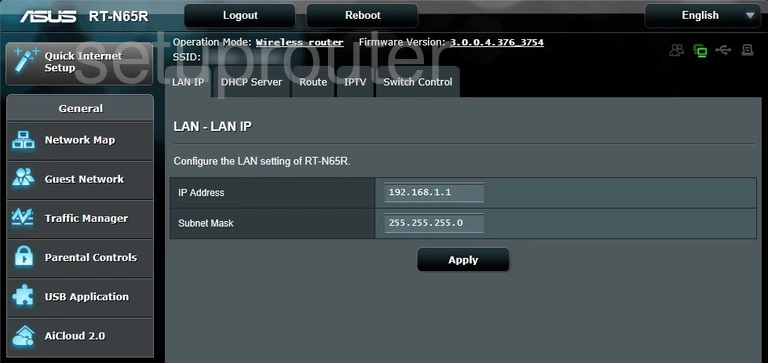
RT-N65R (4 screens)
RT-N66R (4 screens)
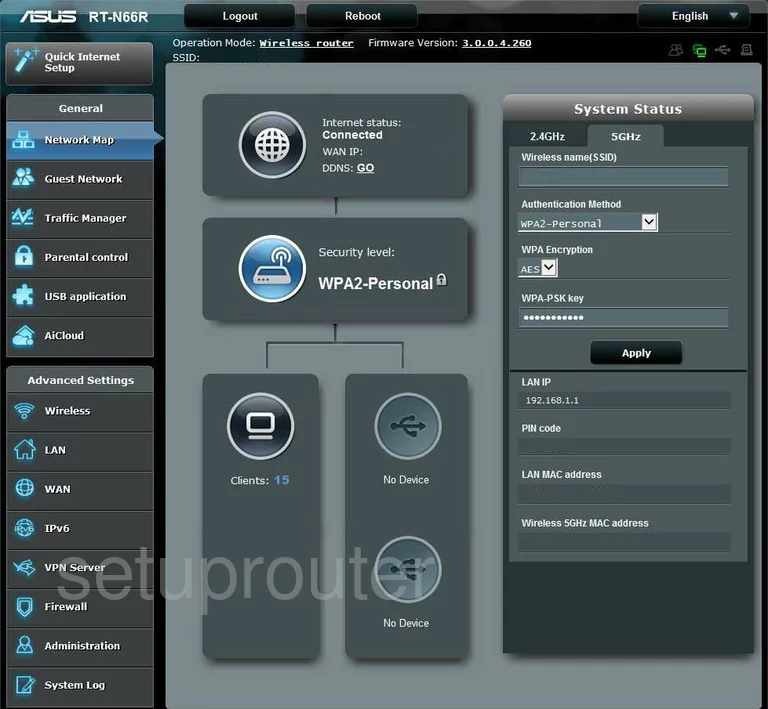
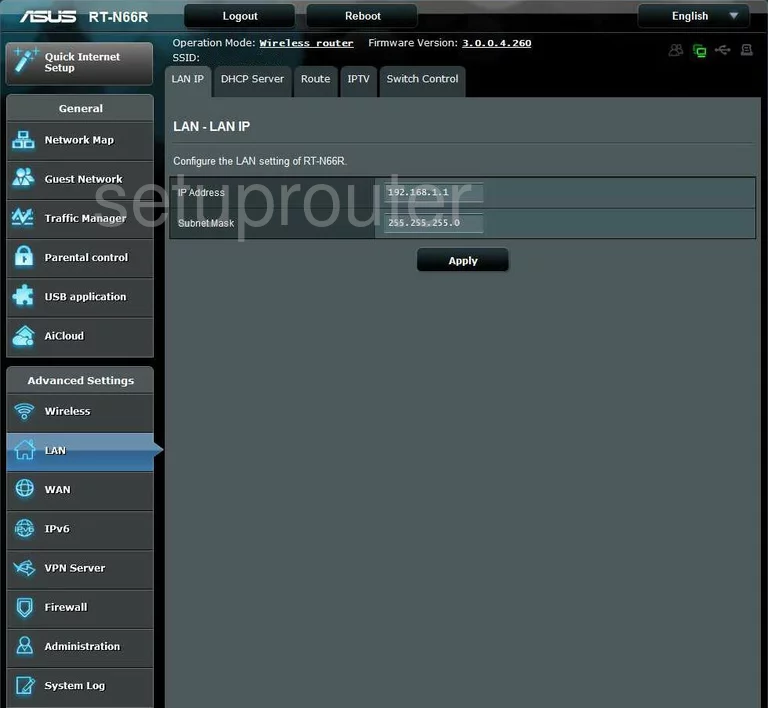
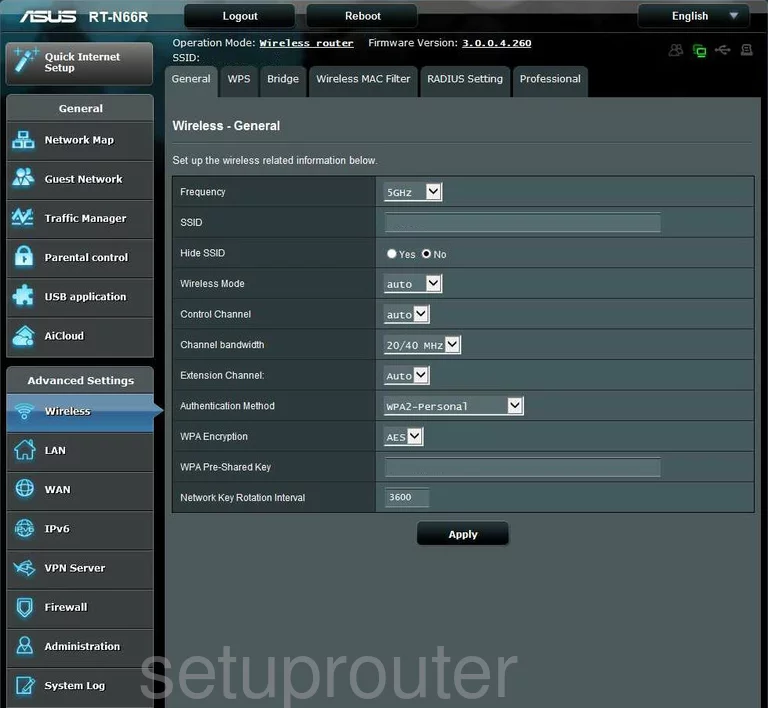
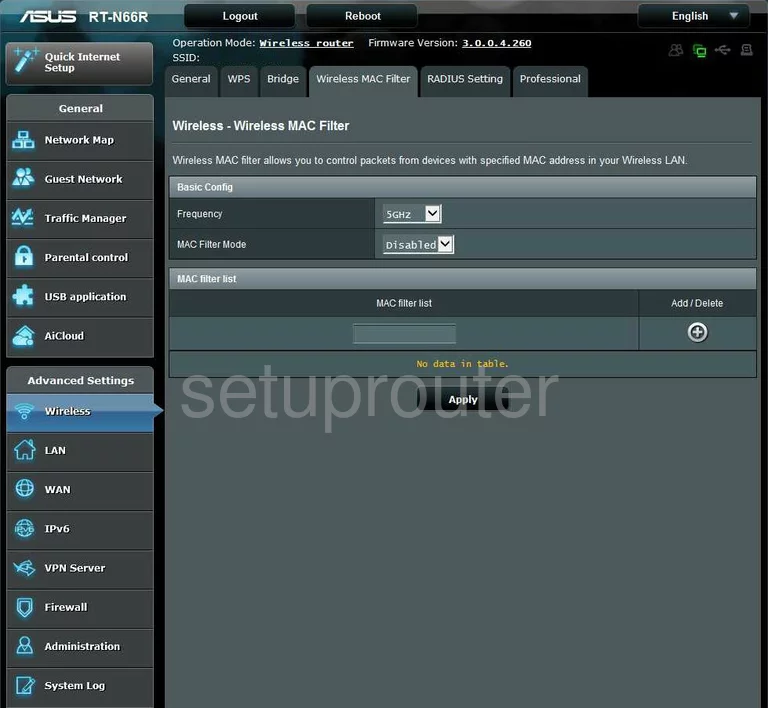
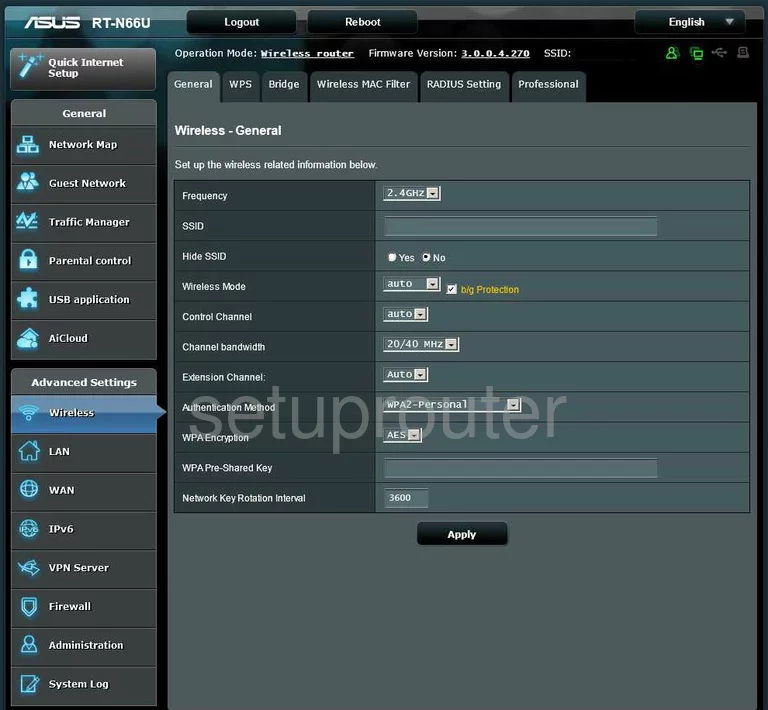
RT-N66U (4 screens)
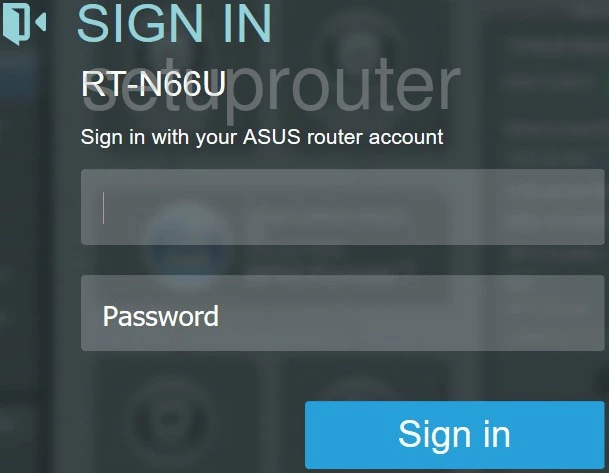
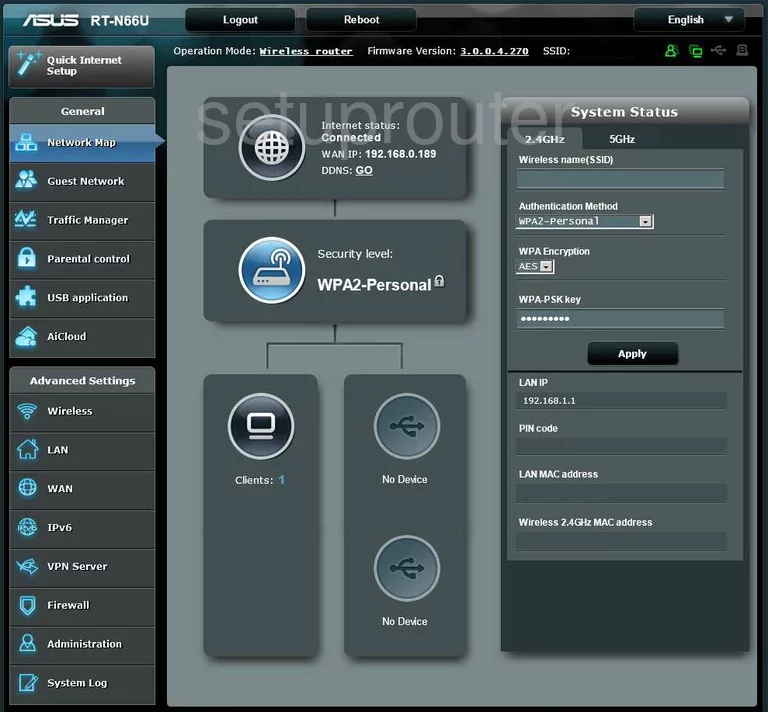
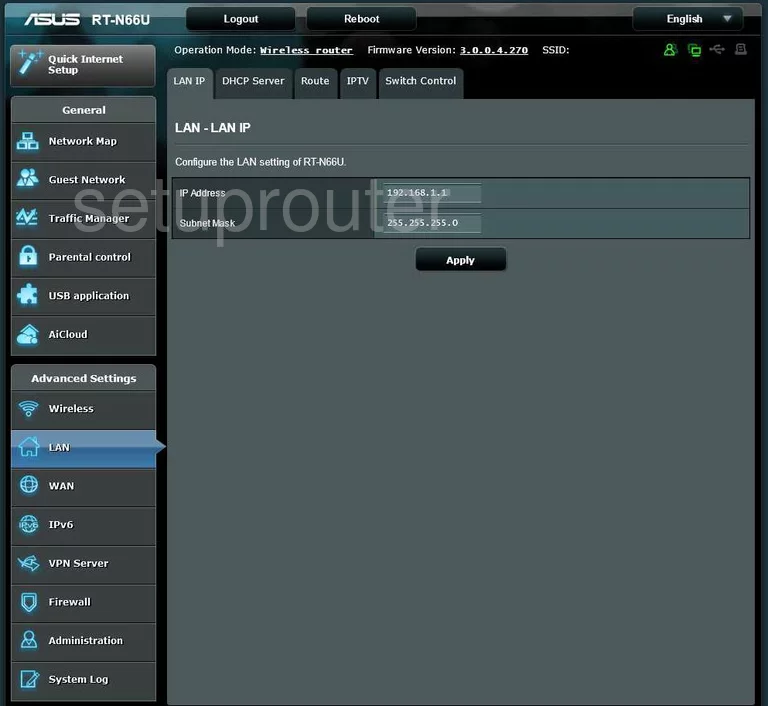
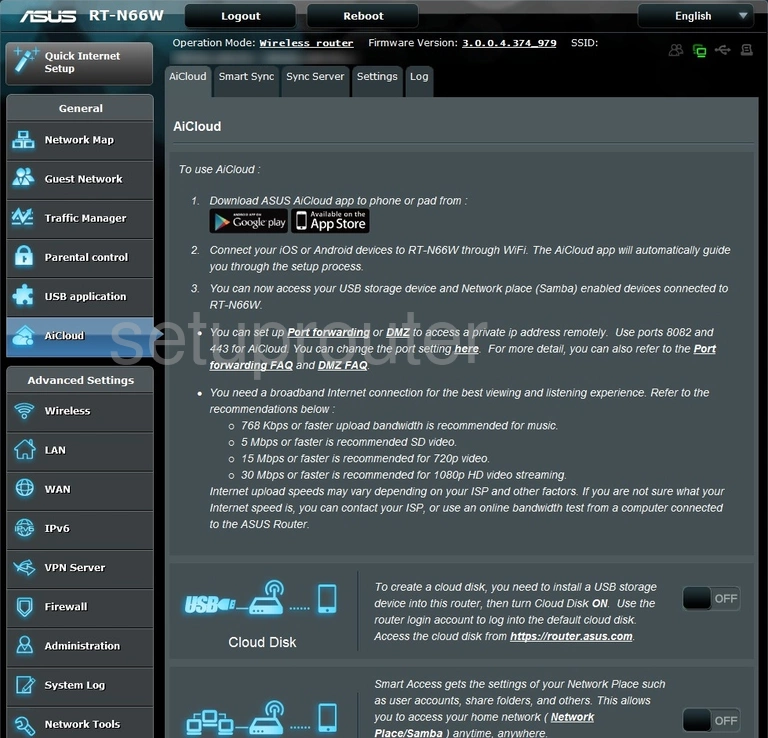
RT-N66W (3 screens)
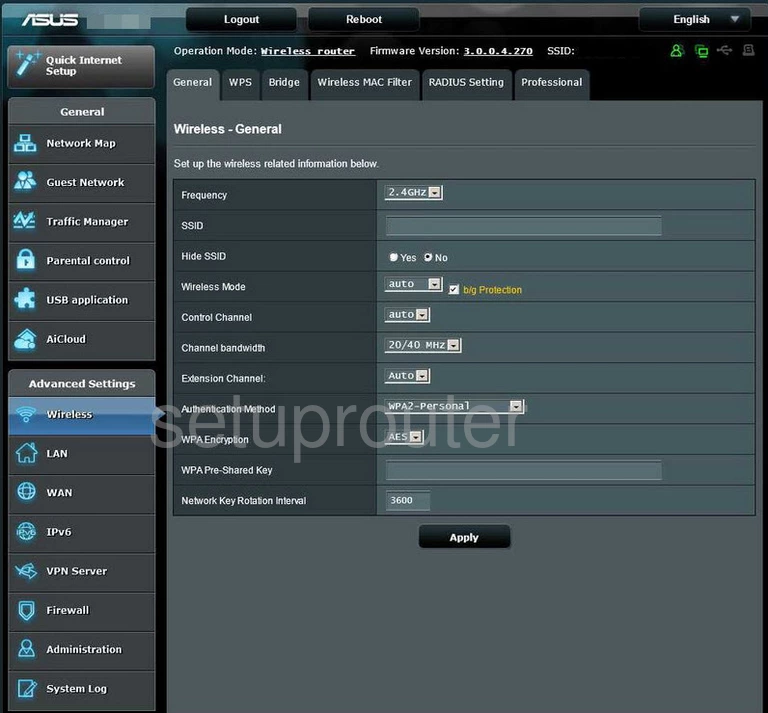
SP-AC2015 (3 screens)
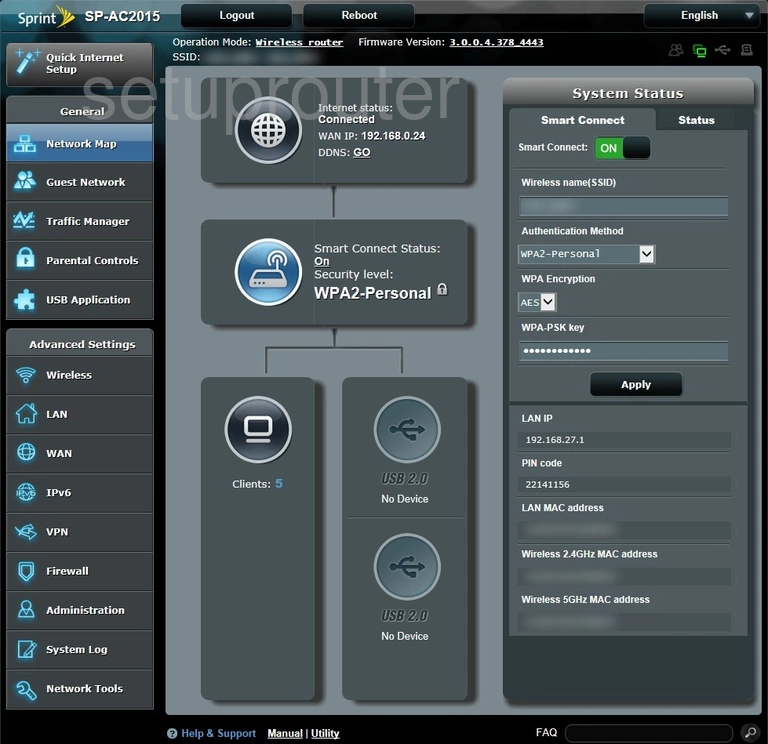
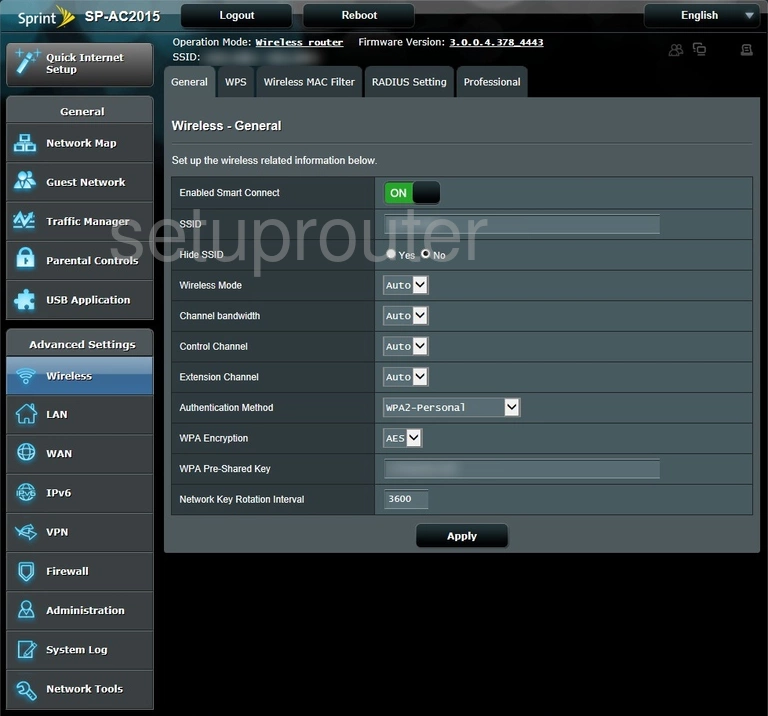
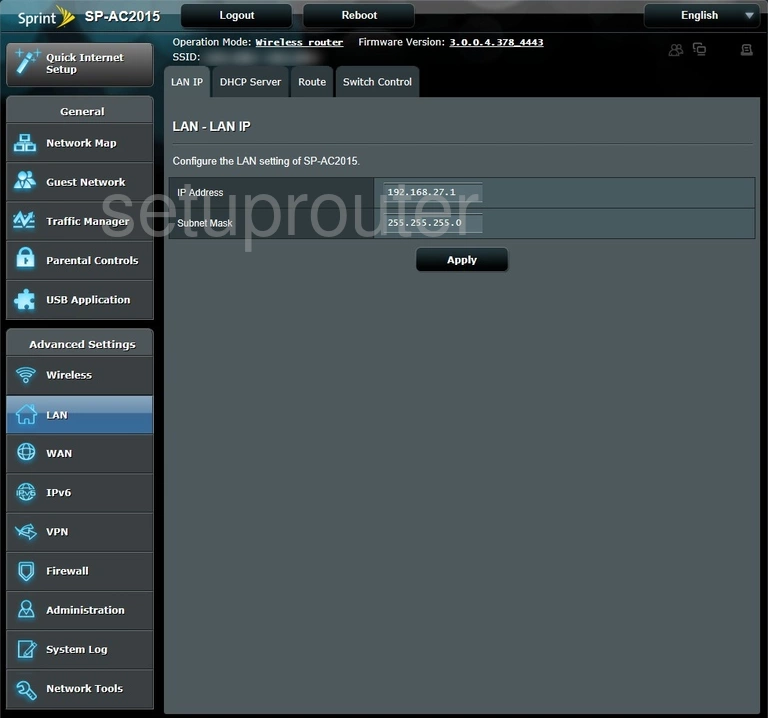
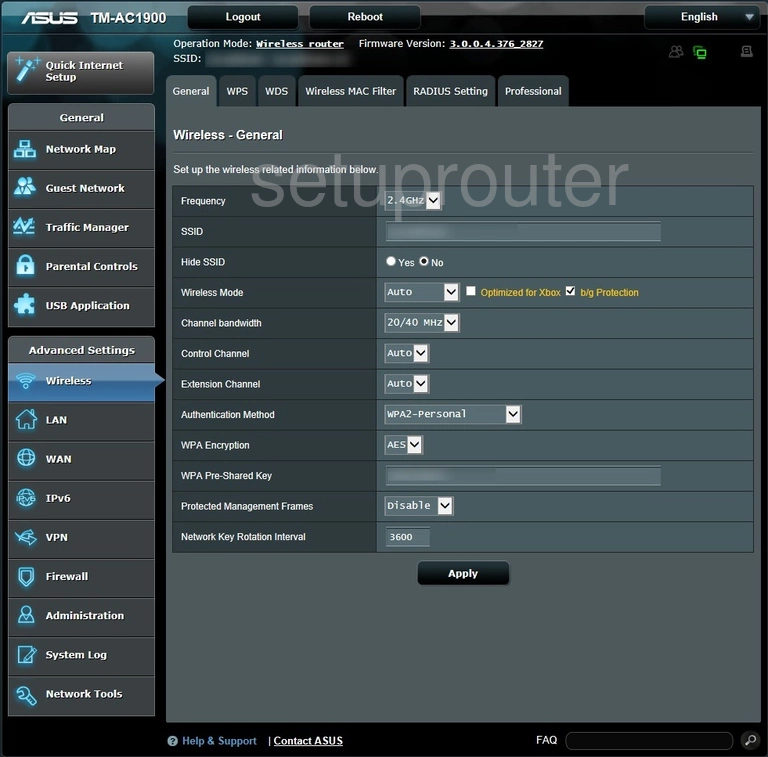
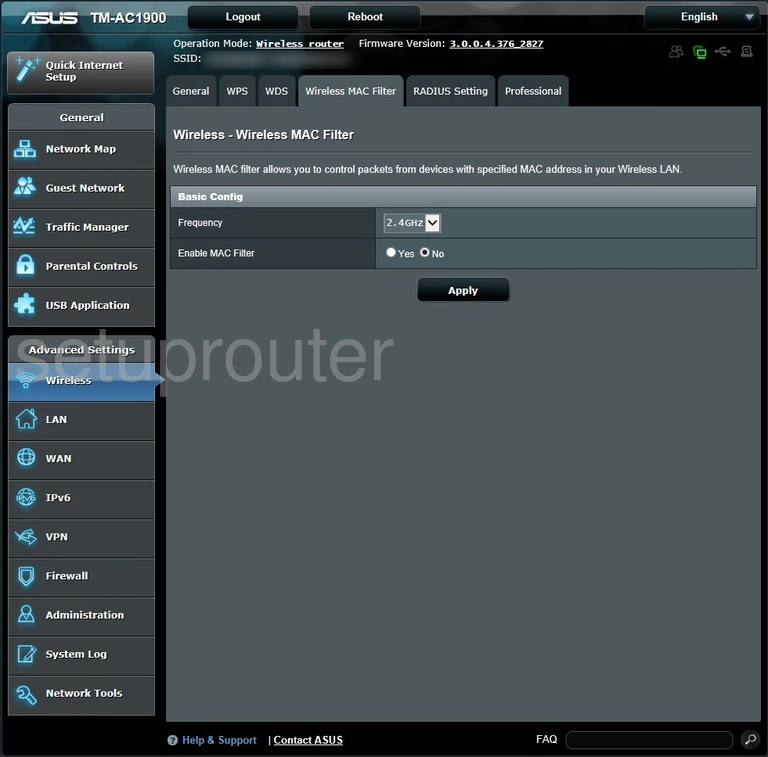
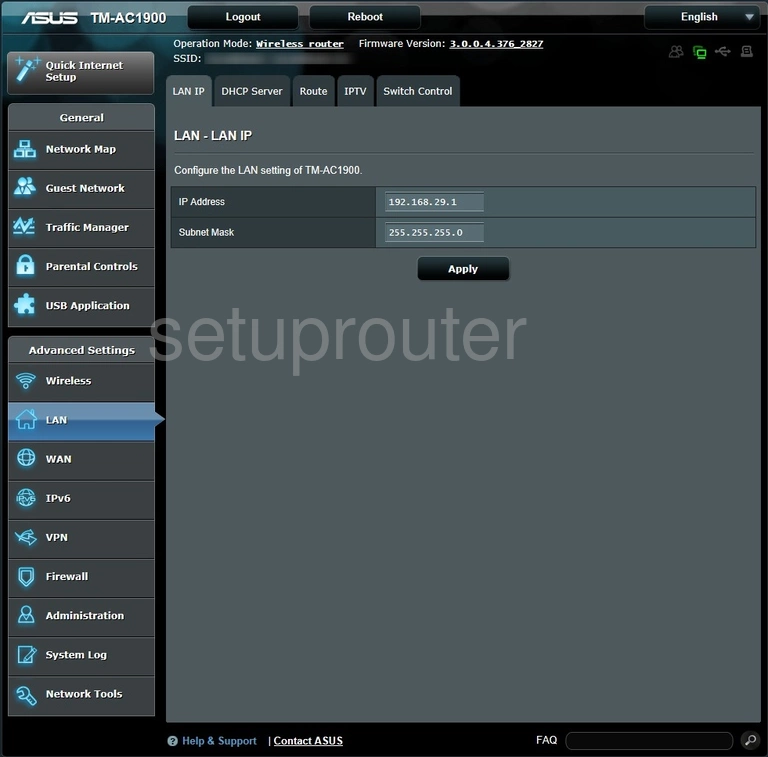
TM-AC1900 (4 screens)
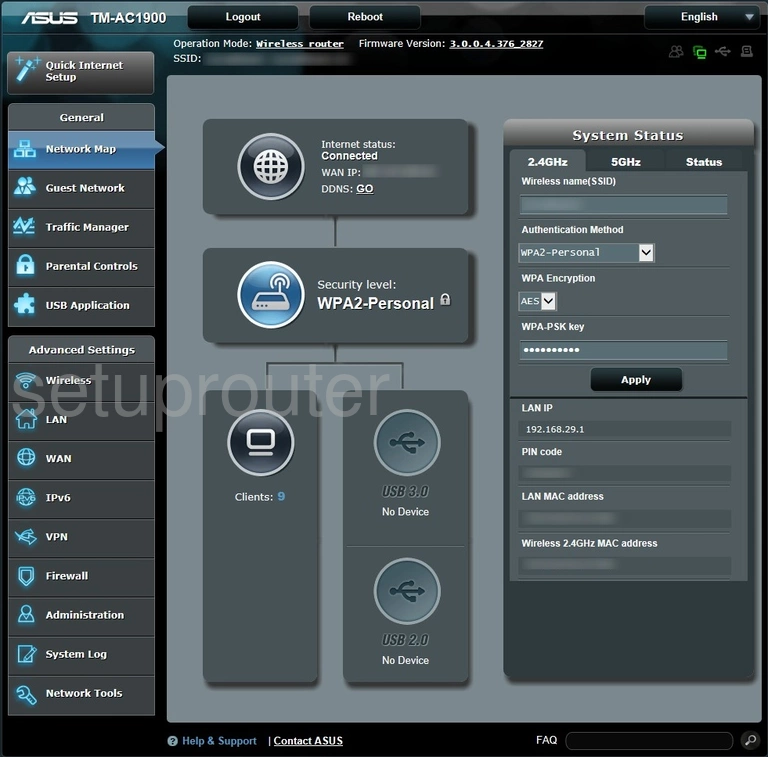
WL-500G (4 screens)
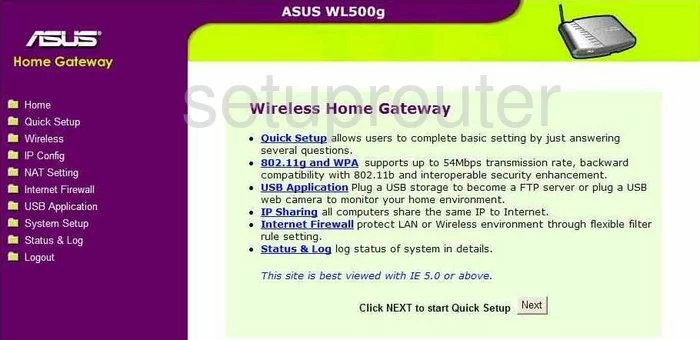
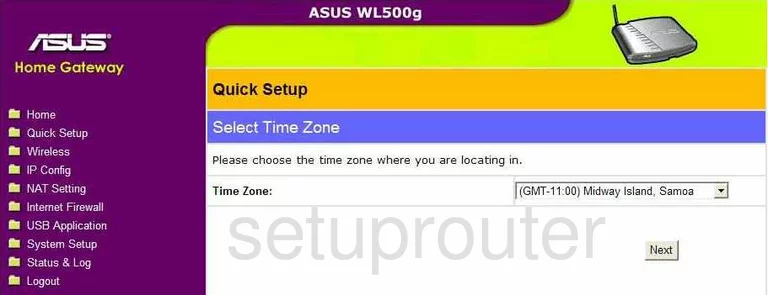
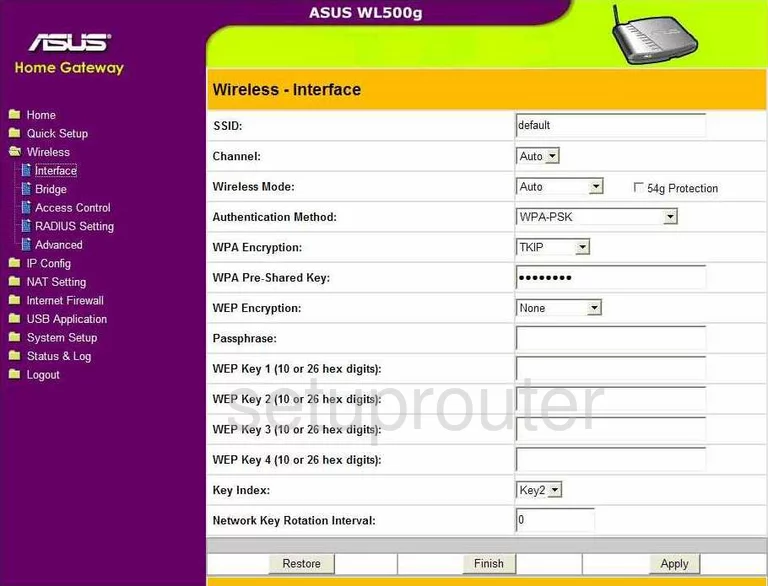
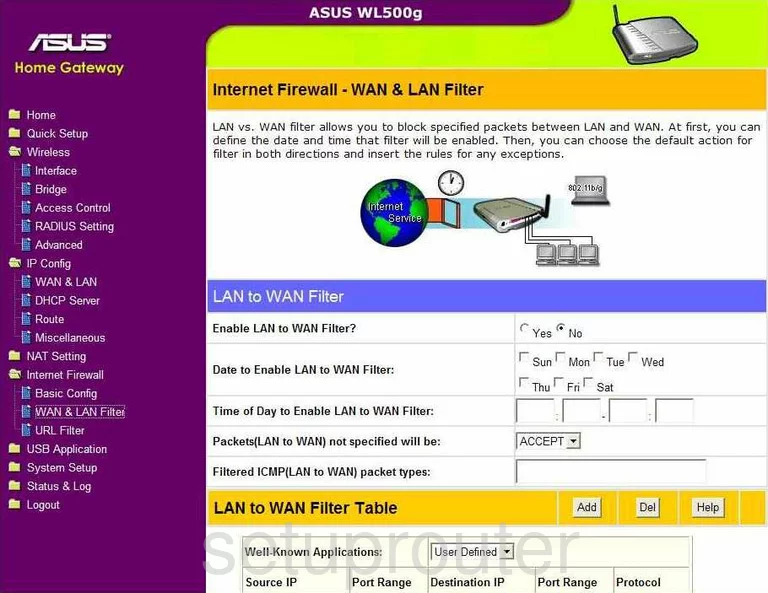
WL-500W (4 screens)
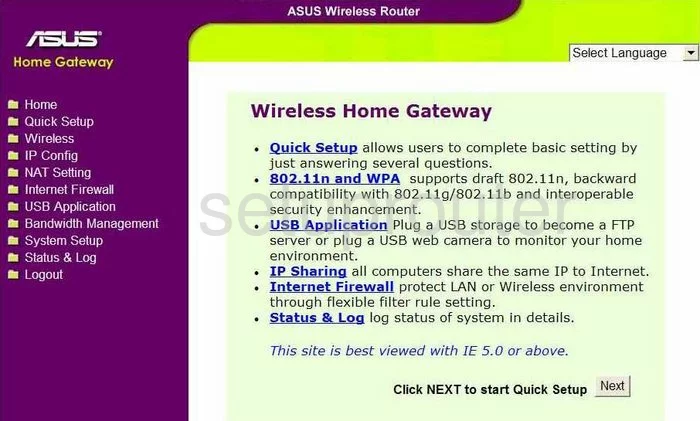
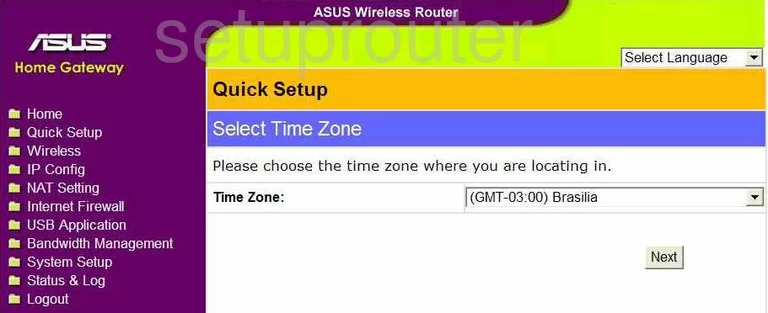
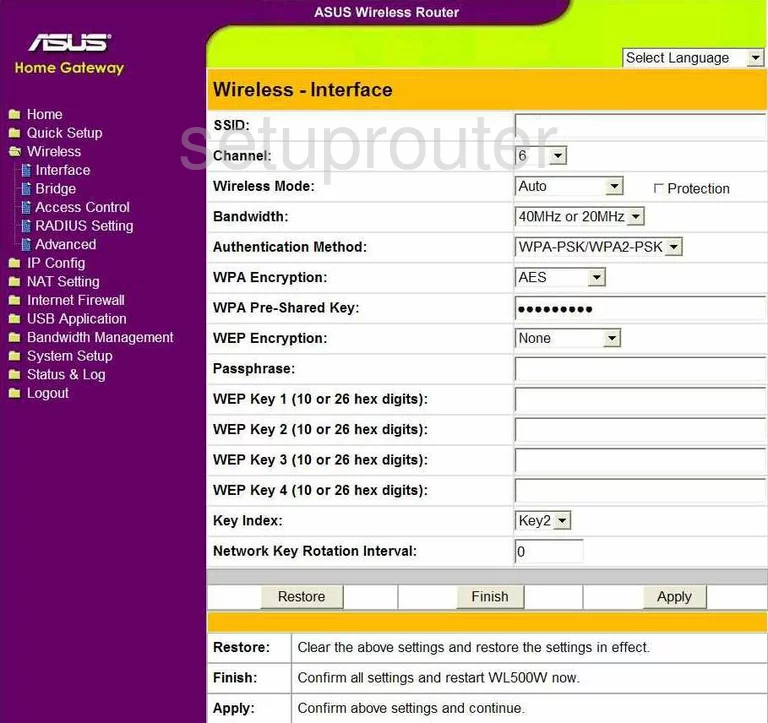
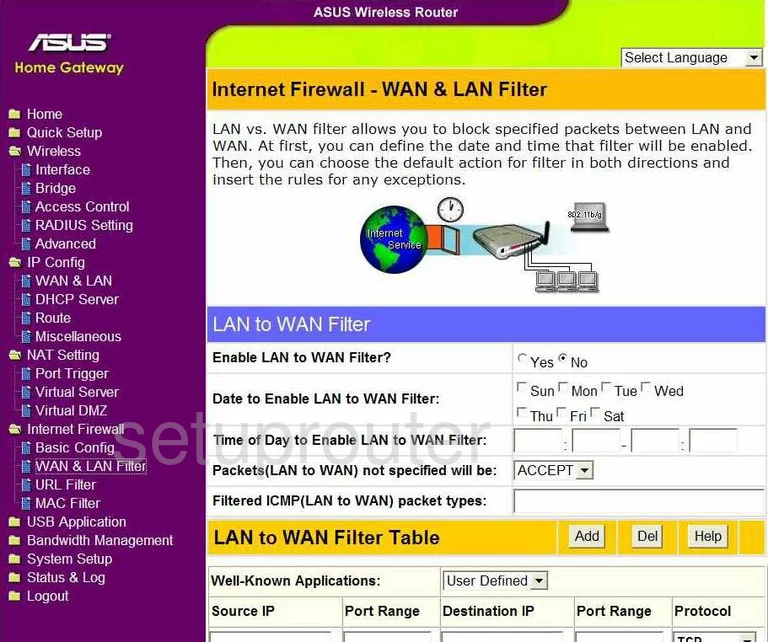
WL-520GC (4 screens)
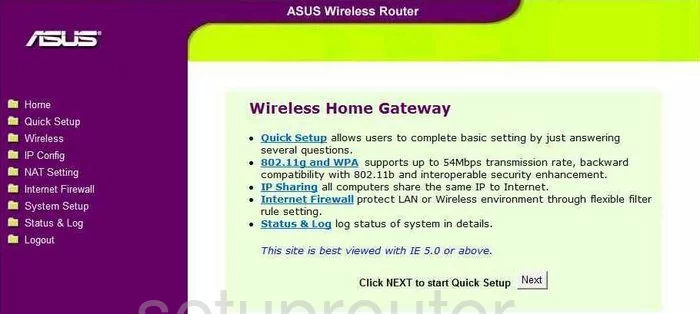
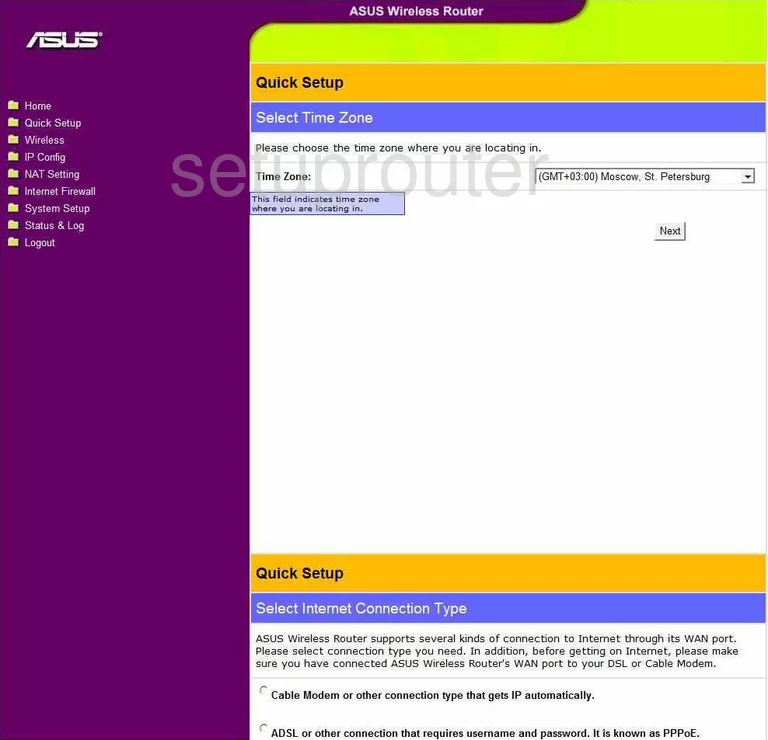
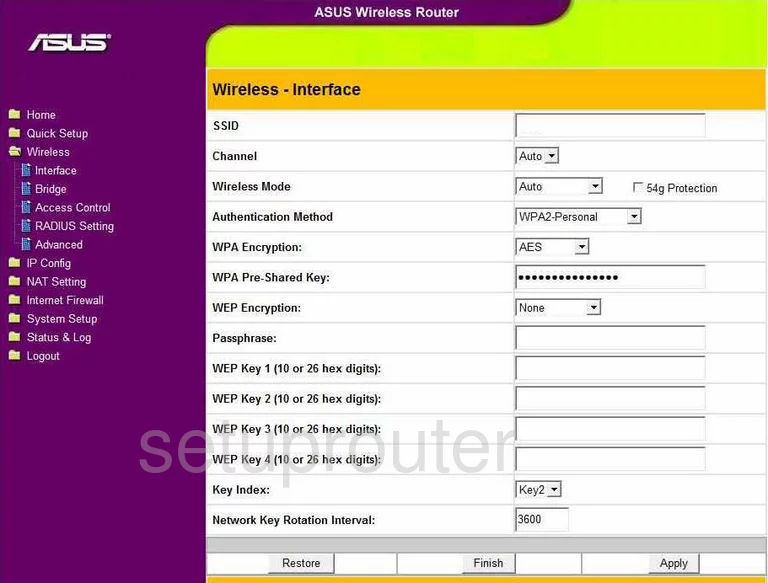
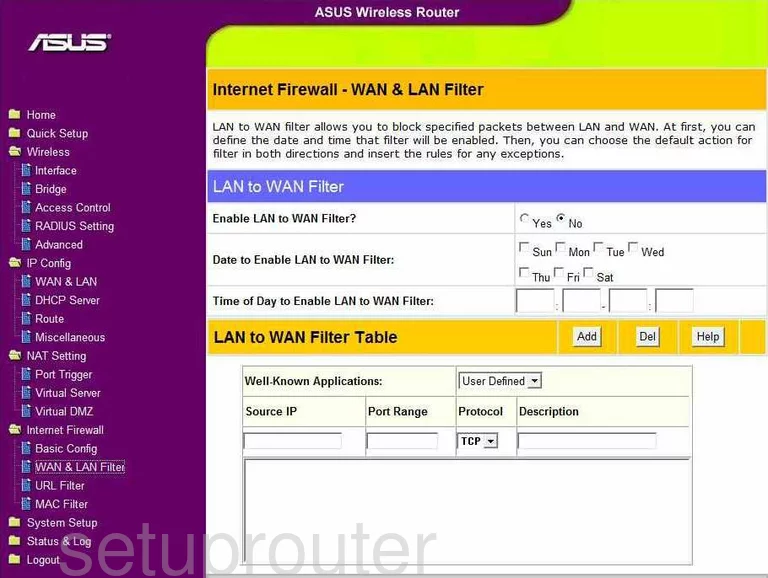
WL-530g (4 screens)
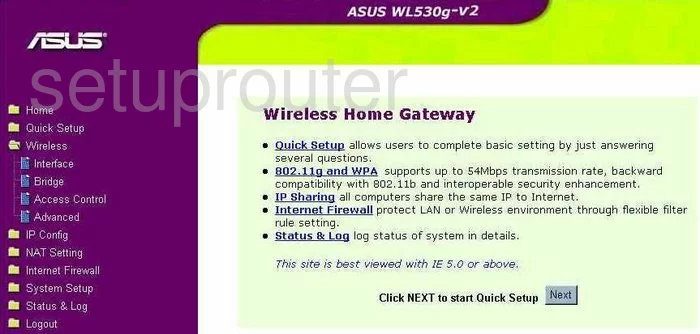
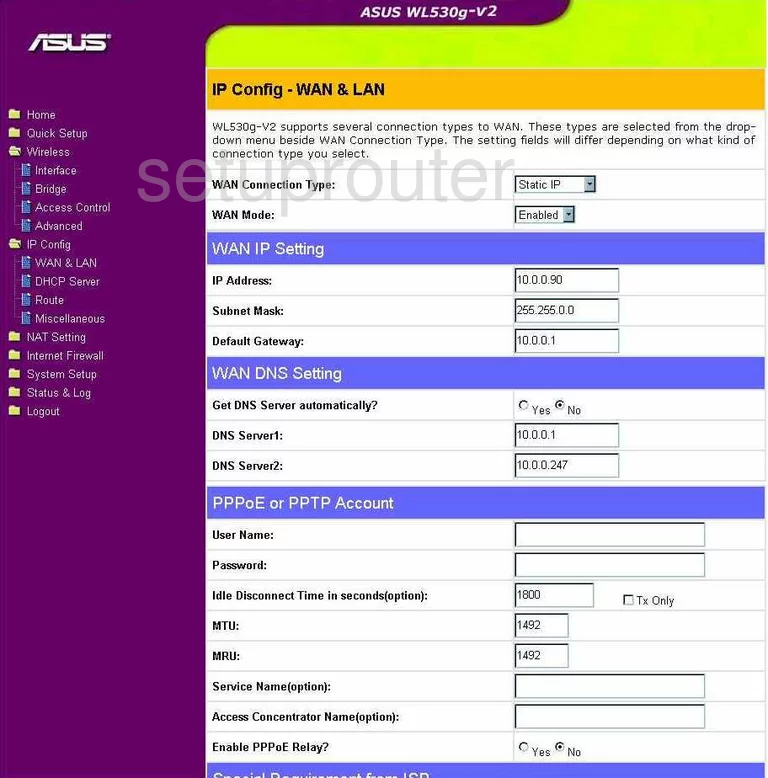
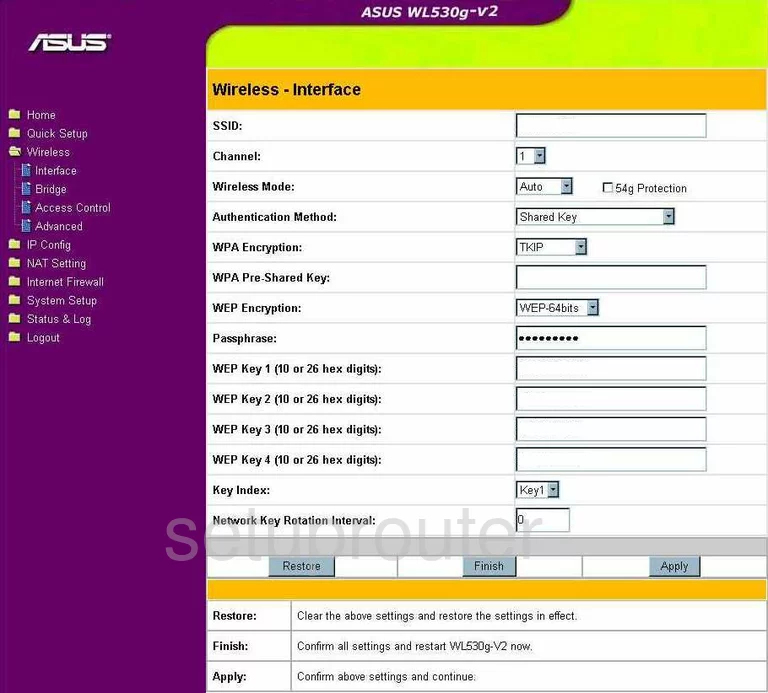
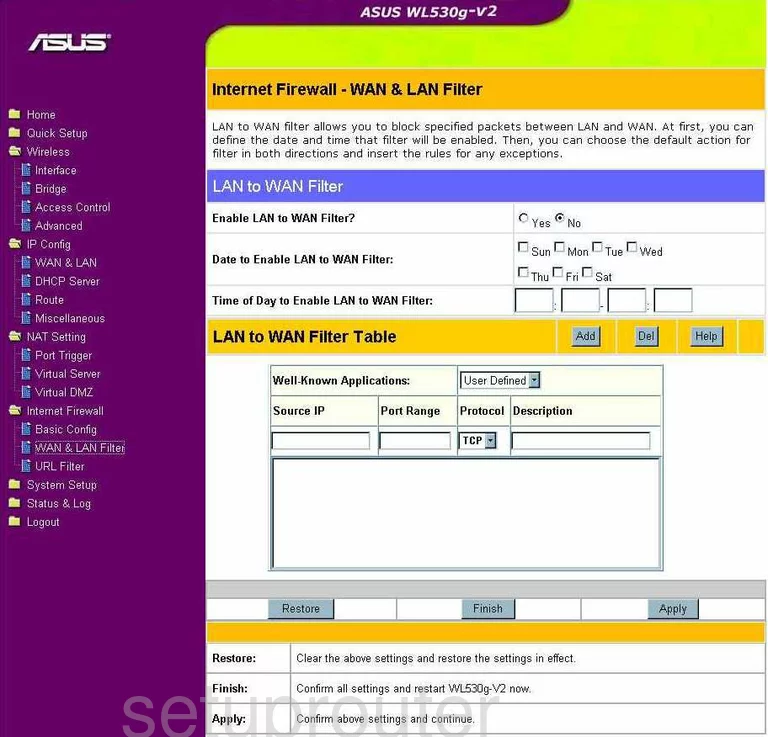
WL500g Deluxe (4 screens)
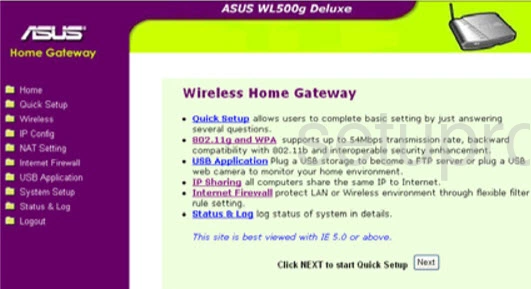
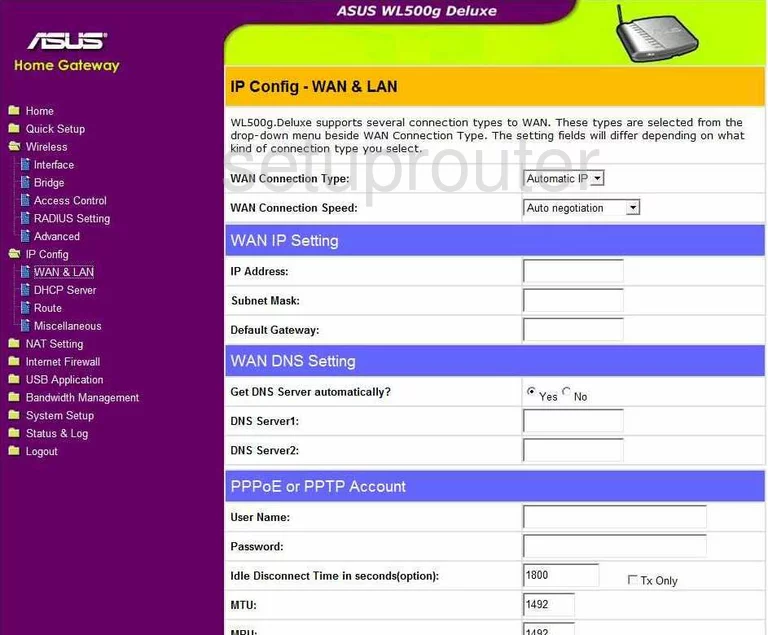
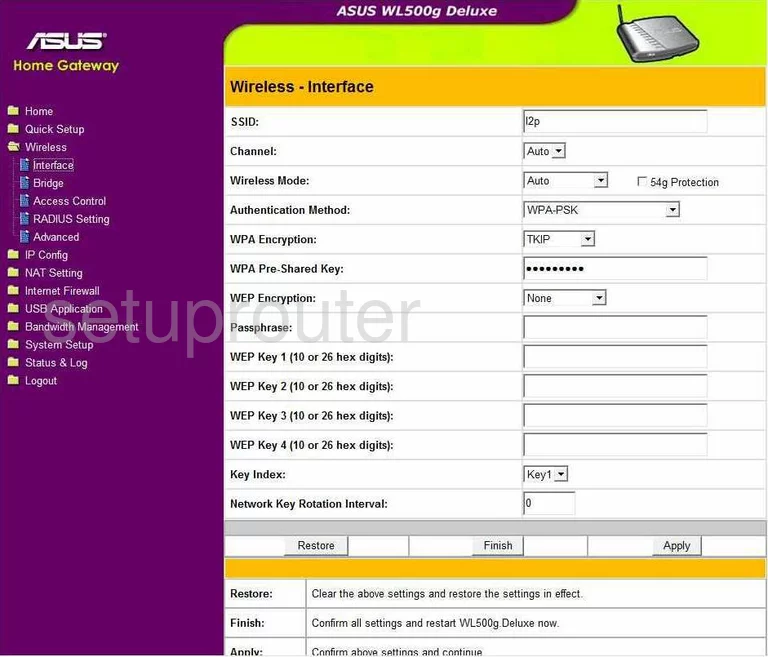
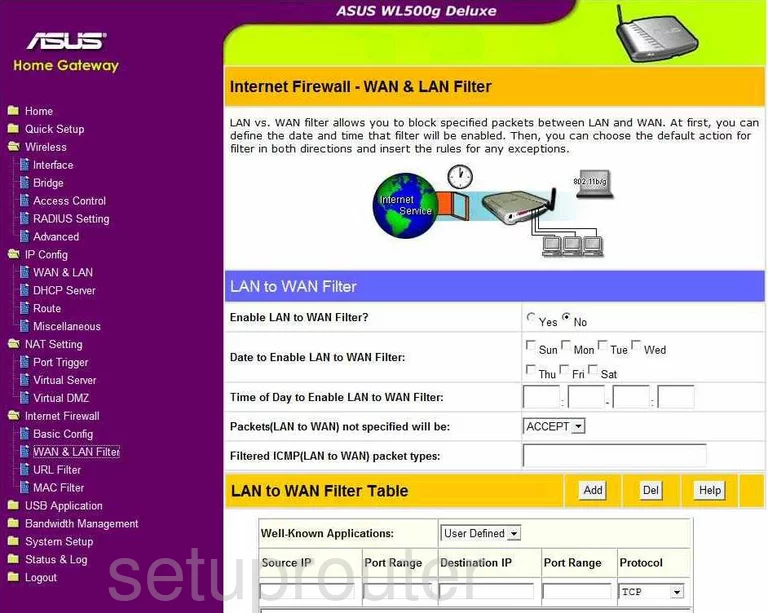
WL500GP (4 screens)
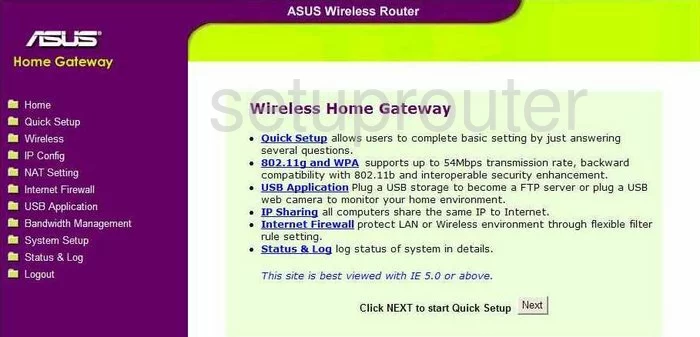
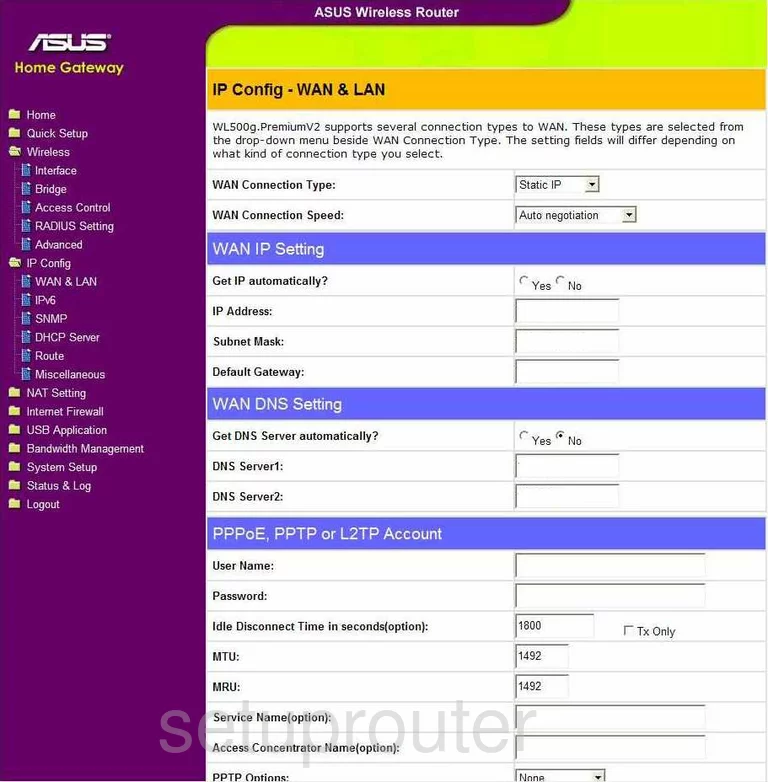
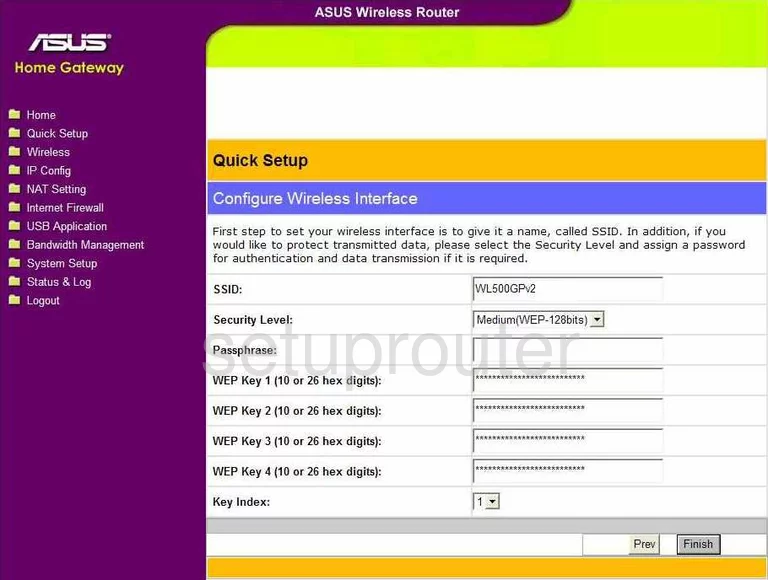
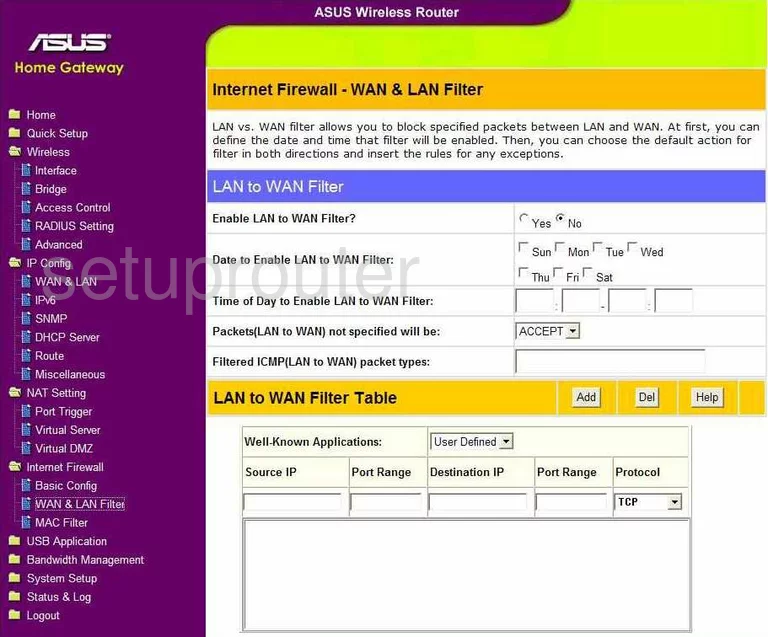
WL520GU (4 screens)
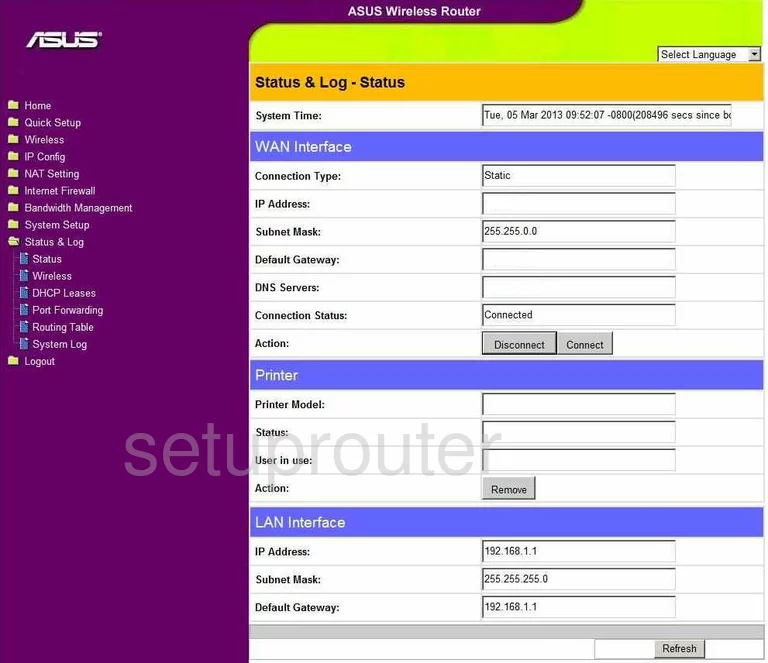
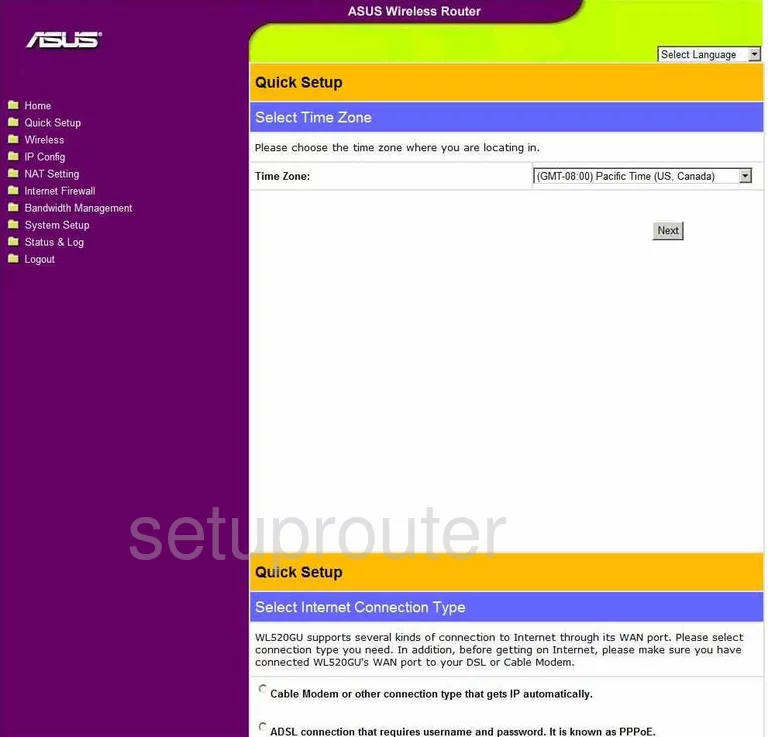
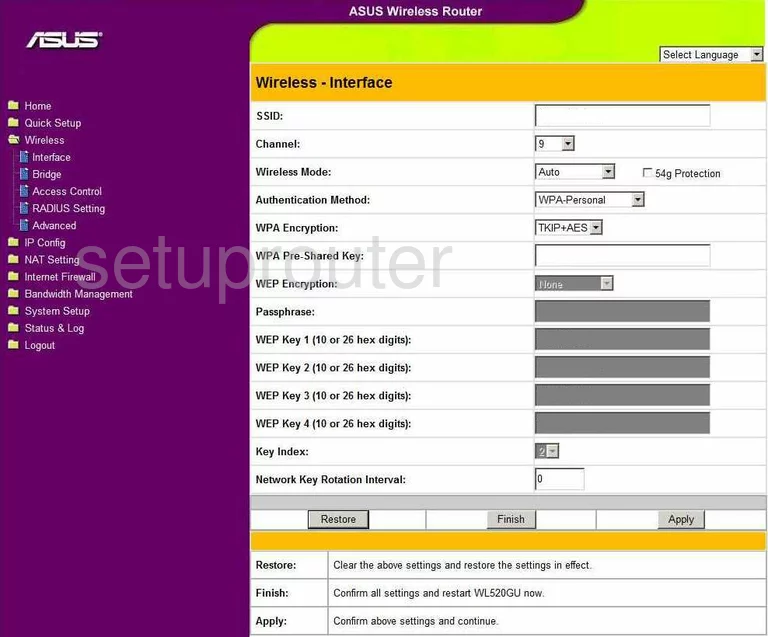
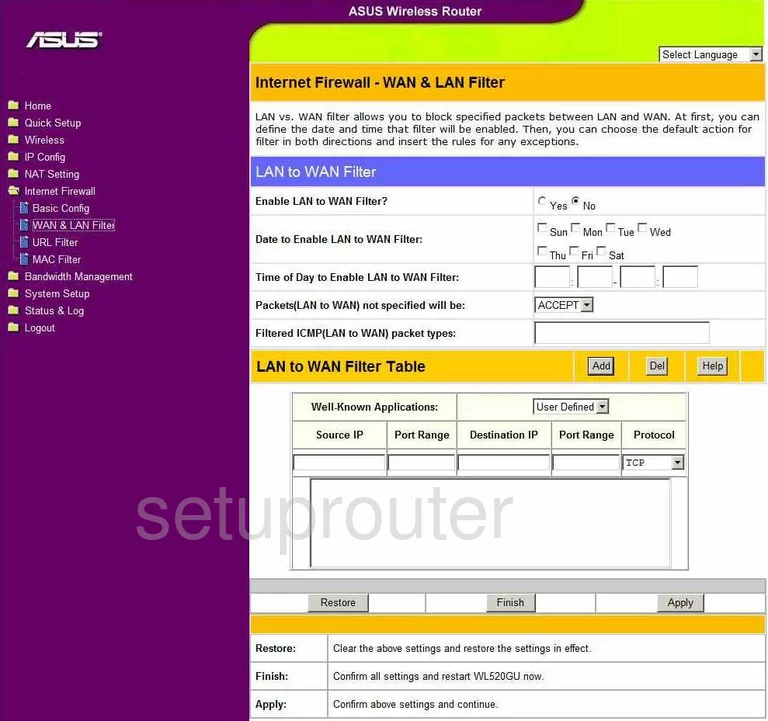
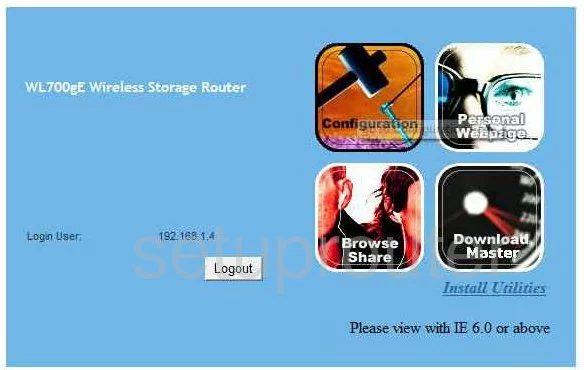
WL700gE (4 screens)
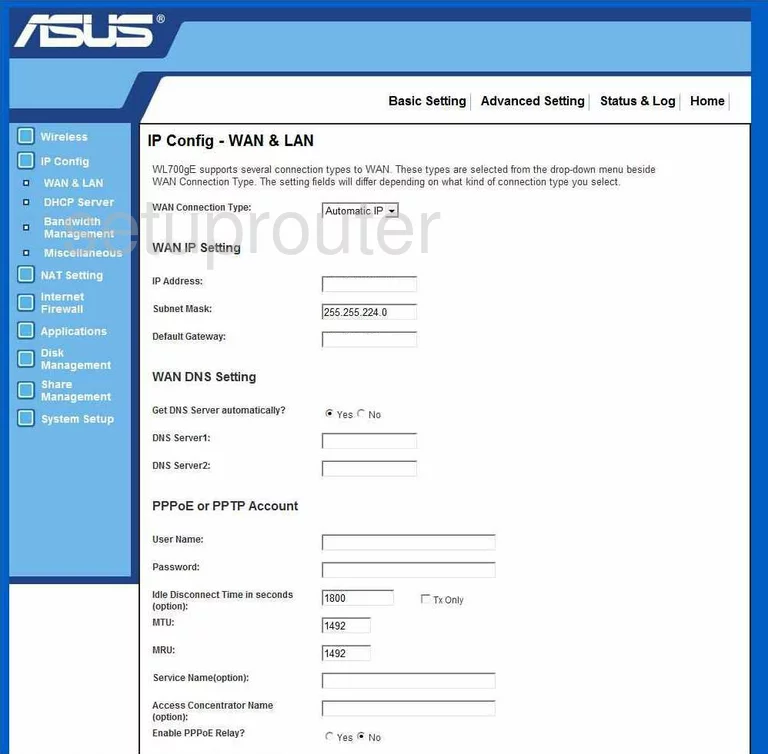
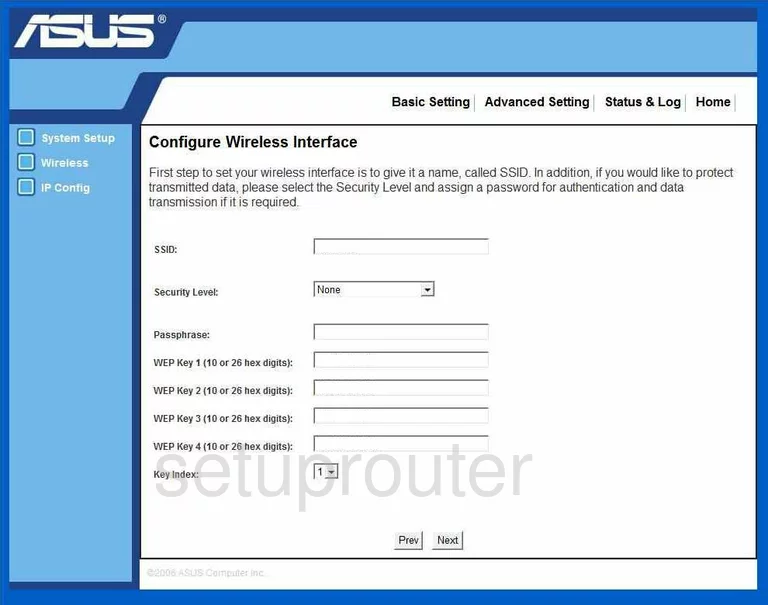
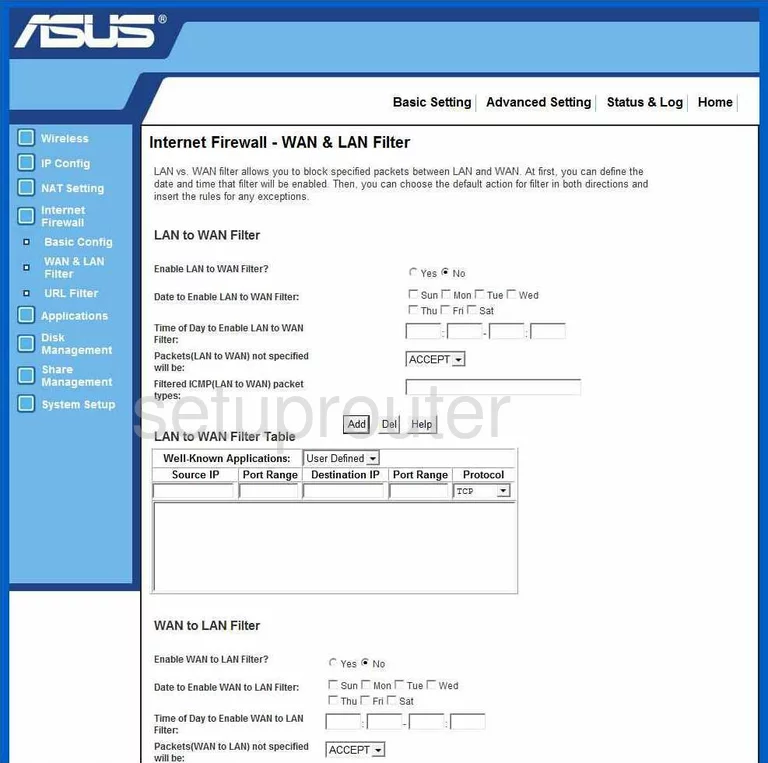
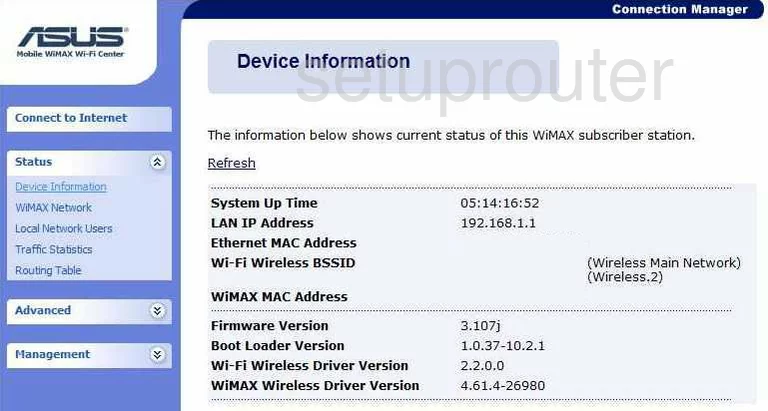
WMVN25E2+ (4 screens)
Asus Router Manuals
- Asus 4G-N12 user manual (manual-2287)
- Asus AM604G user manual (manual-1377)
- Asus DSL-AC52U user manual (manual-2251)
- Asus DSL-AC68U user manual (manual-2364)
- Asus DSL-N12U B1 user manual (manual-2490)
- Asus DSL-N13 user manual (manual-1093)
- Asus DSL-N17U user manual (manual-2365)
- Asus DSL-N55U user manual (manual-1705)
- Asus GT-AC5300 user manual (manual-2491)
- Asus RT-AC1200G+ user manual (manual-2366)
- Asus RT-AC1900P user manual (manual-2240)
- Asus RT-AC3100 user manual (manual-2367)
- Asus RT-AC3100 user manual (manual-2492)
- Asus RT-AC3200 user manual (manual-2119)
- Asus RT-AC51U user manual (manual-2368)
- Asus RT-AC51U user manual (manual-2493)
- Asus RT-AC52U user manual (manual-2369)
- Asus RT-AC55U user manual (manual-2288)
- Asus RT-AC56U user manual (manual-1813)
- Asus RT-AC66U user manual (manual-1094)
- Asus RT-AC68P user manual (manual-1978)
- Asus RT-AC68R user manual (manual-1814)
- Asus RT-AC68U user manual (manual-1706)
- Asus RT-AC68W user manual (manual-2289)
- Asus RT-AC86U user manual (manual-2494)
- Asus RT-AC86U user manual (manual-2495)
- Asus RT-AC87U user manual (manual-1901)
- Asus RT-AC88U user manual (manual-2120)
- Asus RT-ACRH13 user manual (manual-2290)
- Asus RT-ARCH13 user manual (manual-2370)
- Asus RT-N10 user manual (manual-1095)
- Asus RT-N10E user manual (manual-1758)
- Asus RT-N10U user manual (manual-1096)
- Asus RT-N11 user manual (manual-1378)
- Asus RT-N12B1 user manual (manual-1097)
- Asus RT-N12HP_B1 user manual (manual-2371)
- Asus RT-N15U user manual (manual-1707)
- Asus RT-N16 user manual (manual-972)
- Asus RT-N18U user manual (manual-1815)
- Asus RT-N53 user manual (manual-1989)
- Asus RT-N56U user manual (manual-1816)
- Asus RT-N56UB1 user manual (manual-2357)
- Asus RT-N66R user manual (manual-1098)
- Asus RT-N66U user manual (manual-1379)
- Asus RT-N66W user manual (manual-2147)
- Asus TM-AC1900 user manual (manual-1980)
- Asus WL-500G user manual (manual-1380)
- Asus WL-500W user manual (manual-1381)
- Asus WL-520GC user manual (manual-973)
- Asus WL-530g user manual (manual-1382)
- Asus WL500g Deluxe user manual (manual-1099)
- Asus WL500GP user manual (manual-1383)
- Asus WL520GU user manual (manual-1384)
- Asus WL700gE user manual (manual-1385)
- Asus WL700gE user manual (manual-1709)
- Asus WMVN25E2+ user manual (manual-1386)