


Here's how to log in to a Billion BiPAC router.
Step 1: Connect
Connect to the router's WiFi or plug a computer into one of its LAN ports.
Step 2: Open the Login Page
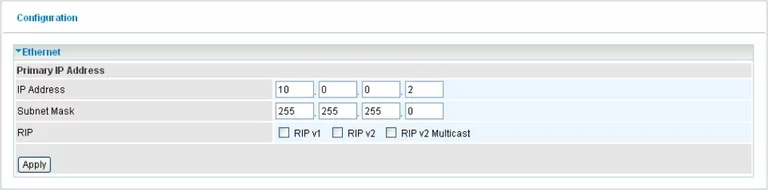
Type http://192.168.1.254 into your browser's address bar. A few models use 10.0.0.2 or 192.168.1.1. See the Billion IP address page.
Step 3: Sign In
Enter the username admin and the password admin.
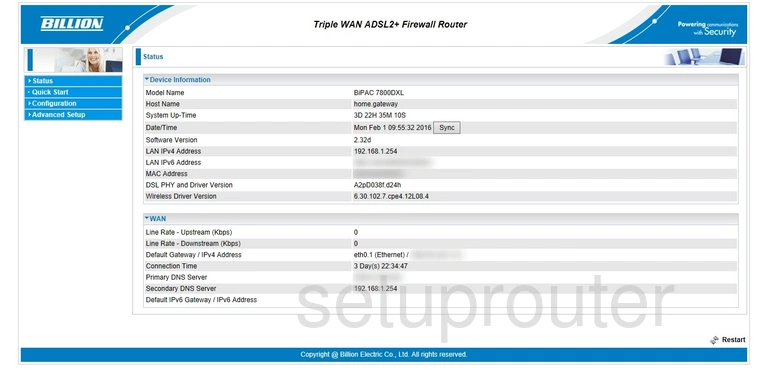
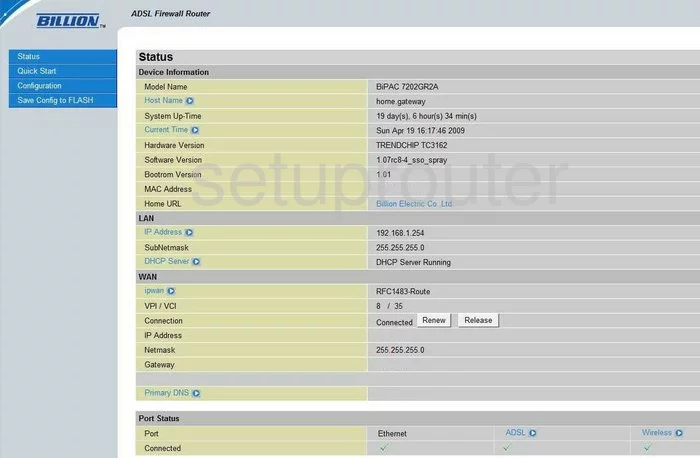
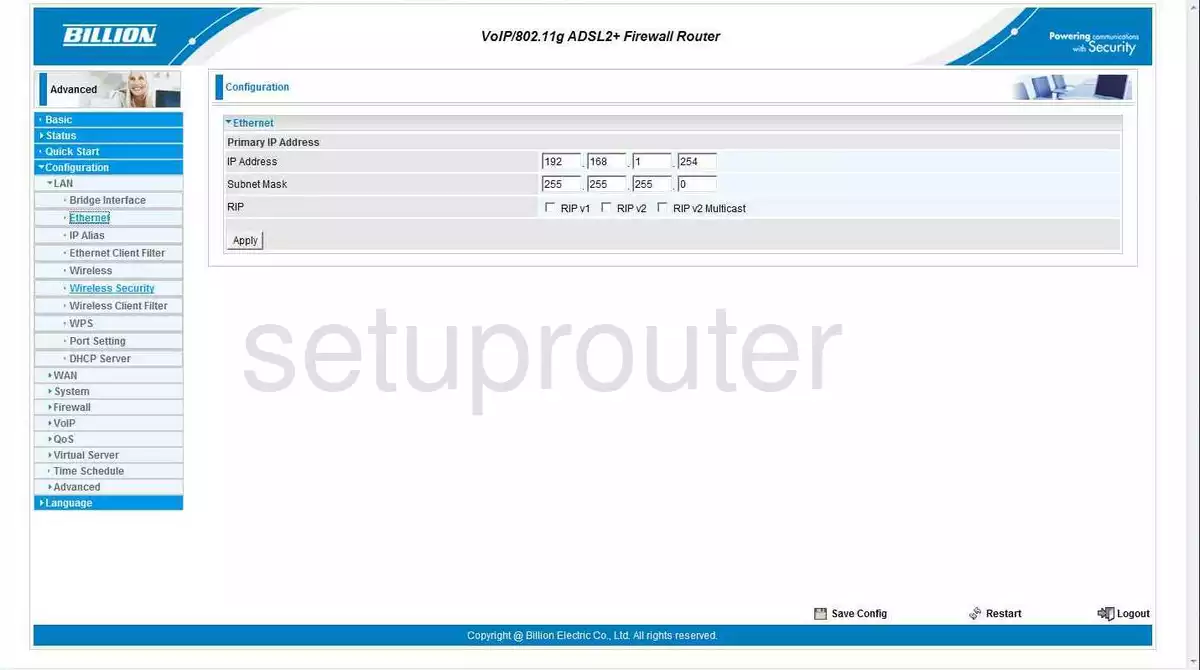
You'll see the Status page. Next: change the IP address.
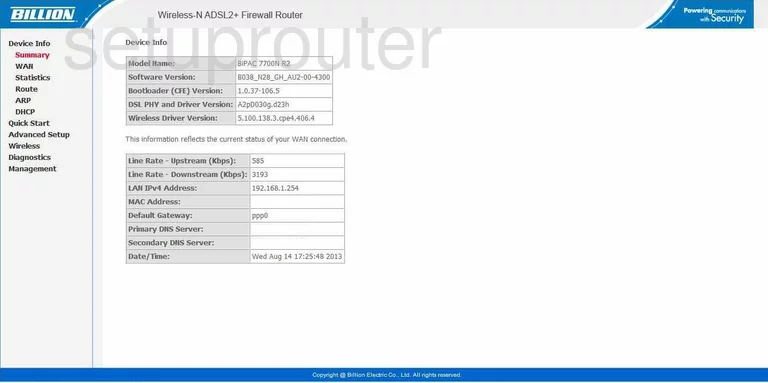
See all known defaults on the Billion passwords page.
Login Problems
If admin / admin doesn't work, someone has changed it. Reset the router to get the default back. If the page doesn't load, check that you're connected to the Billion and using 192.168.1.254.
Billion Router Screenshots
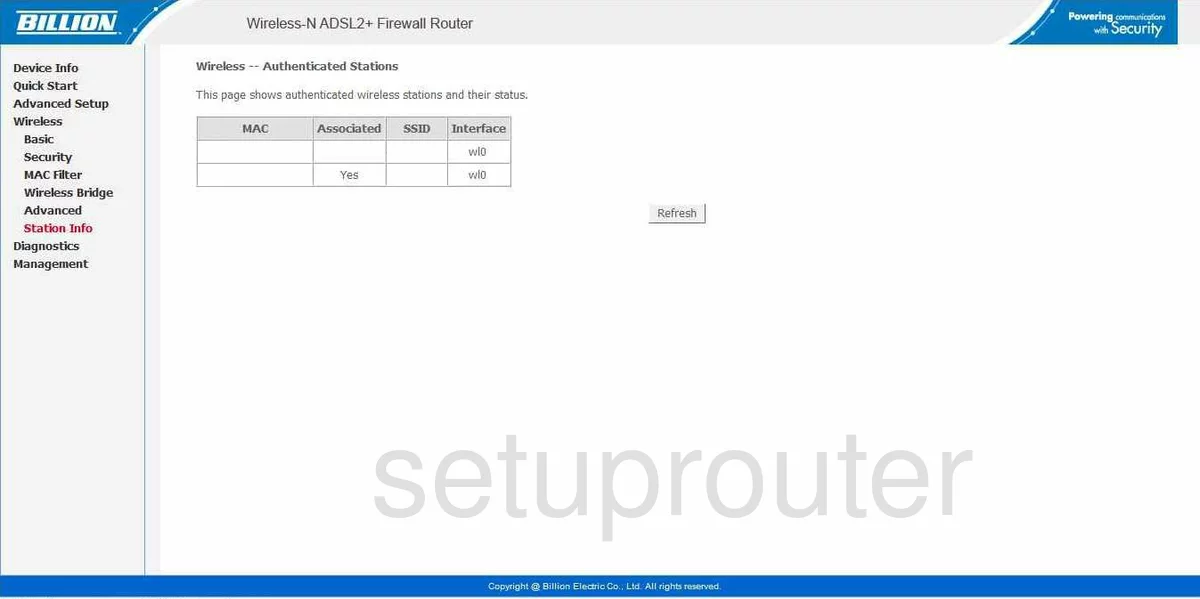
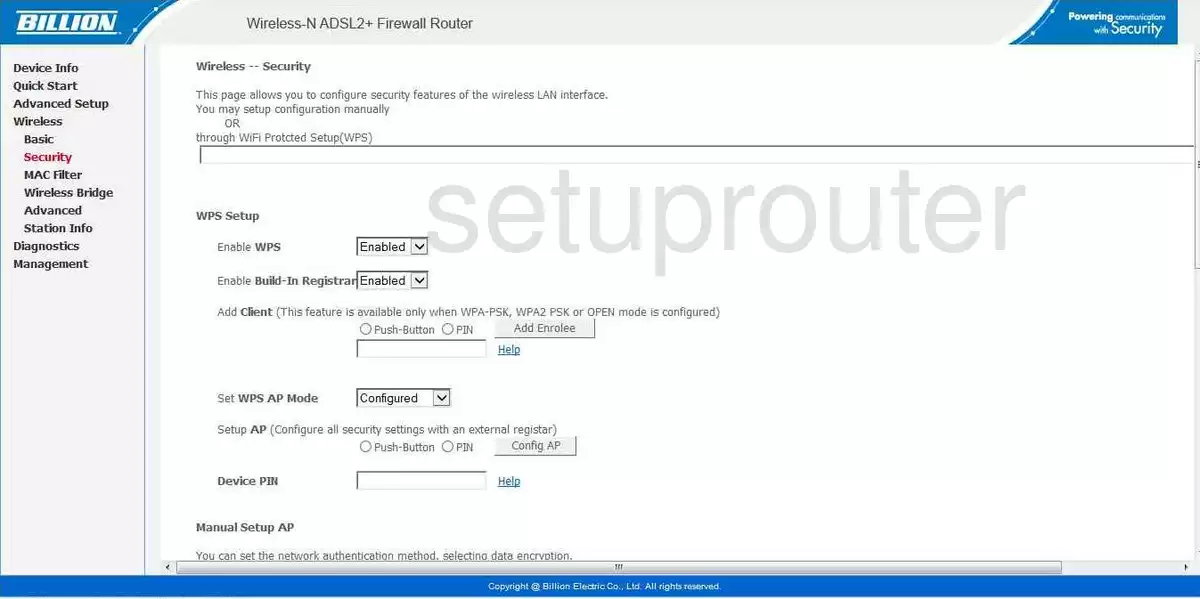
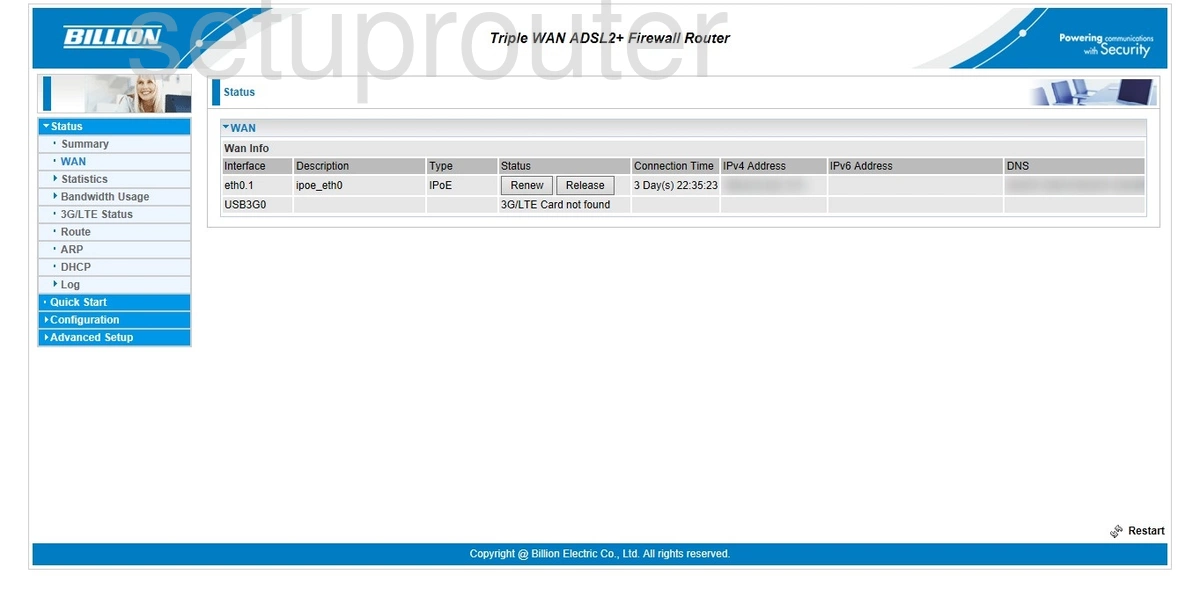
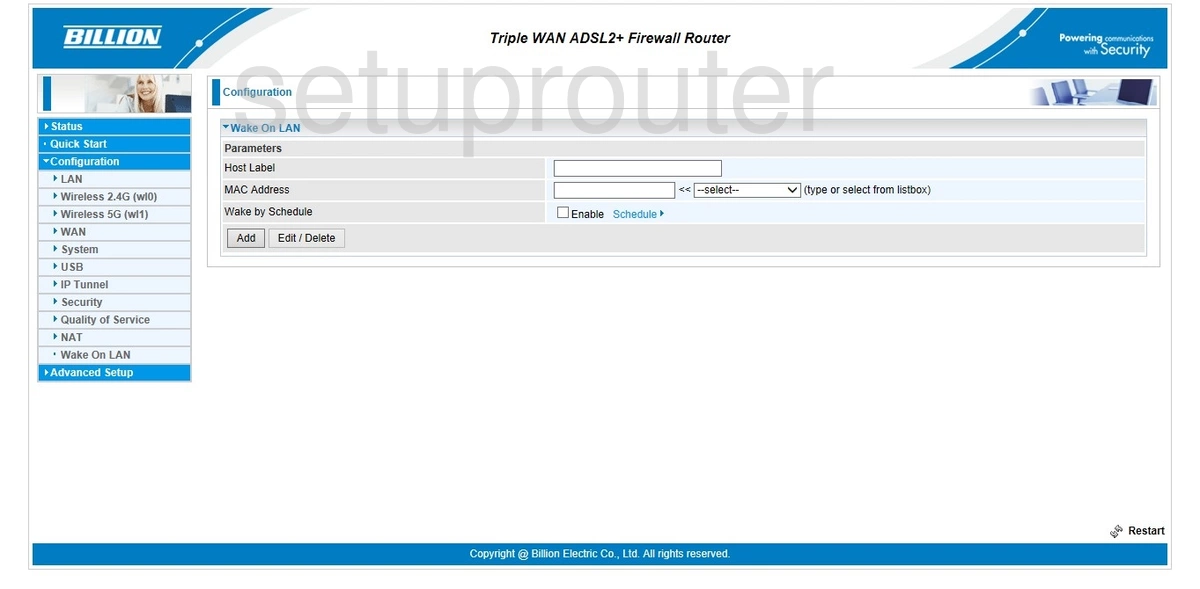
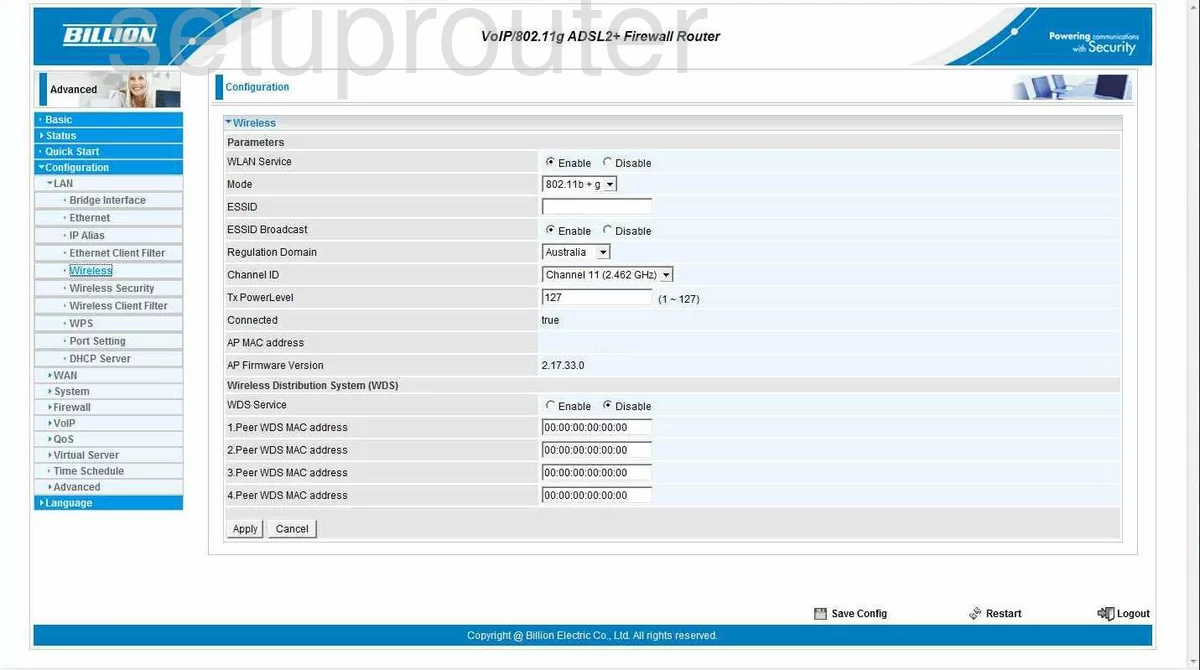
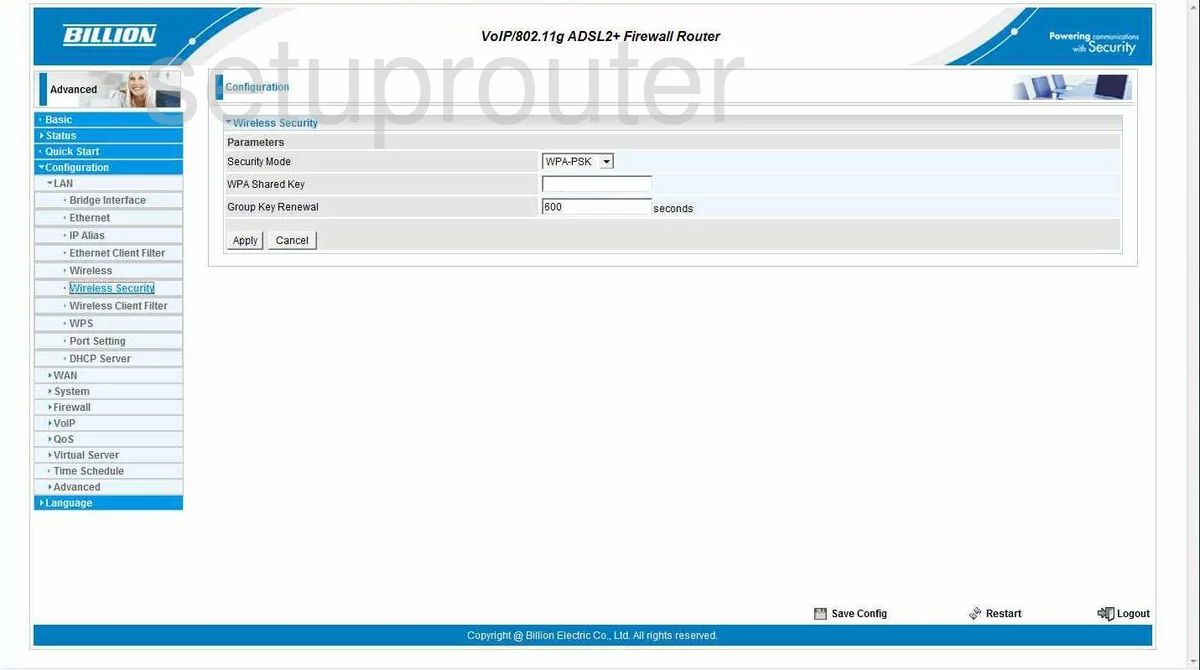
Screens from the Billion routers we have. Click a model to open it.
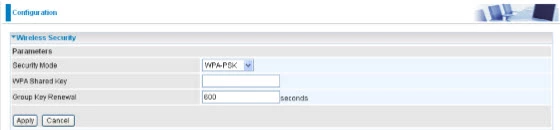
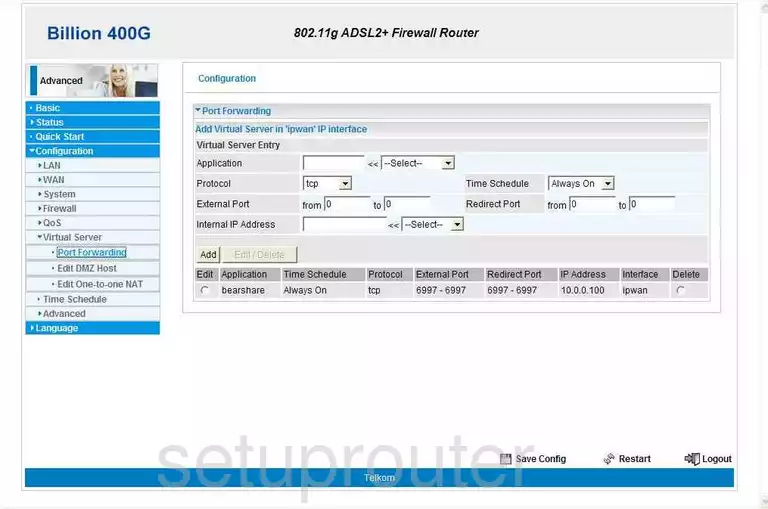
400G (4 screens)
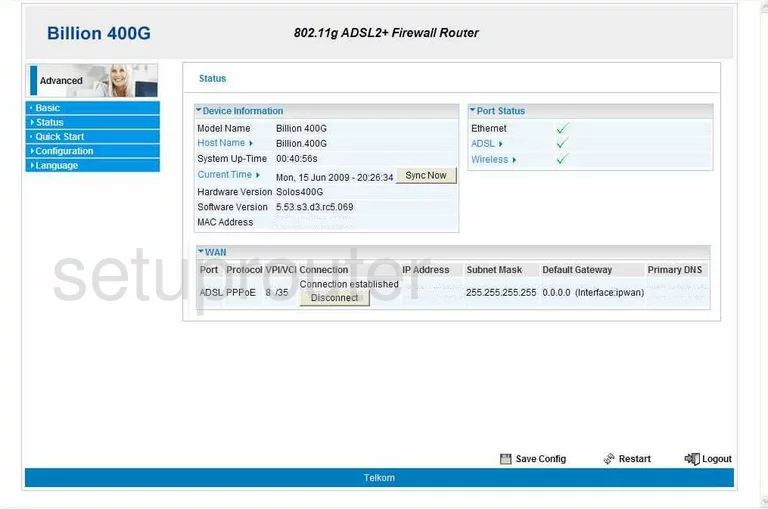
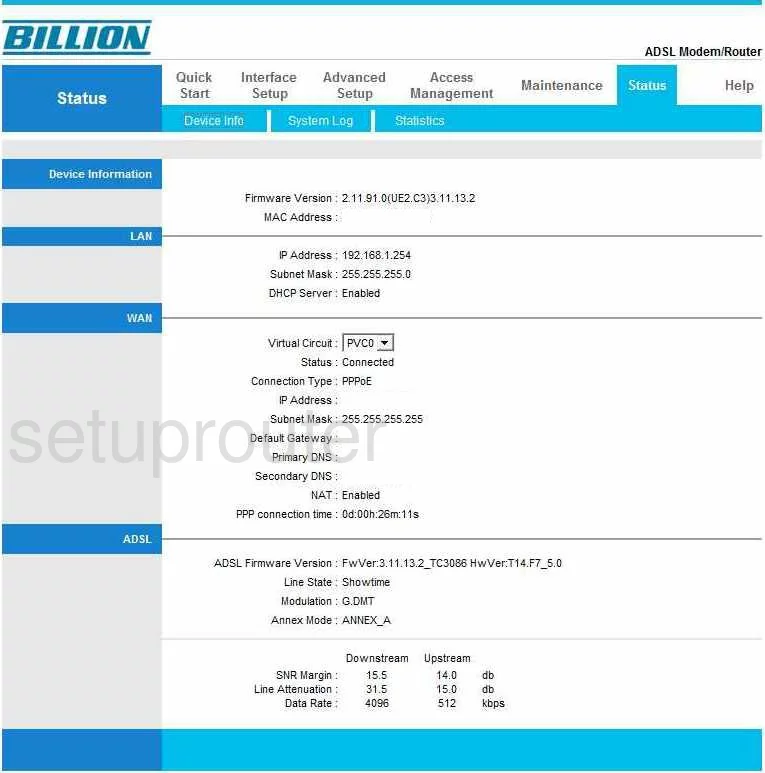
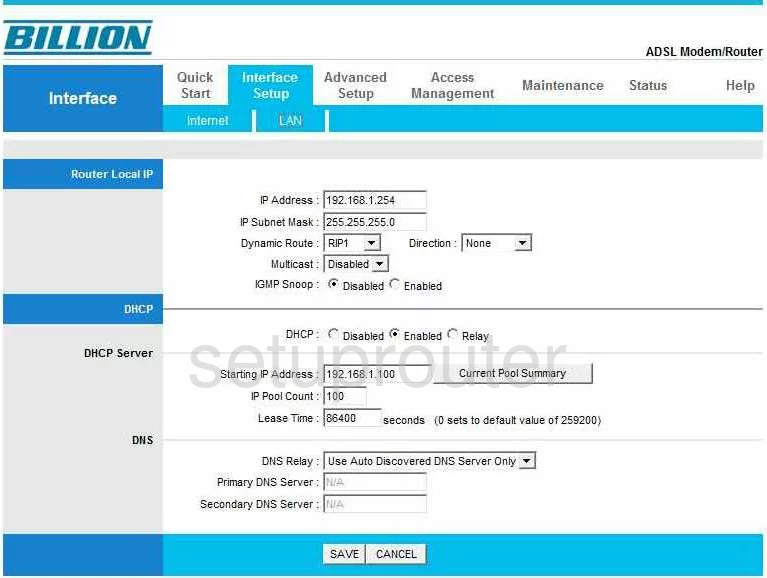
5102G (4 screens)
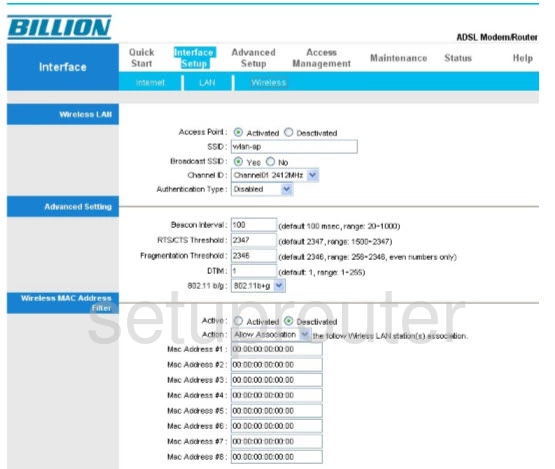
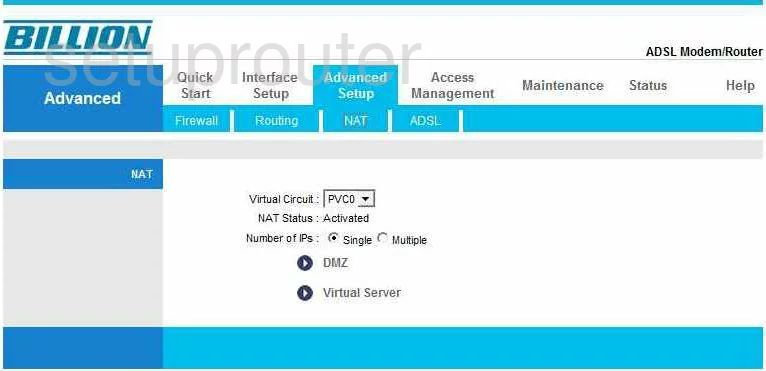
5200S (4 screens)
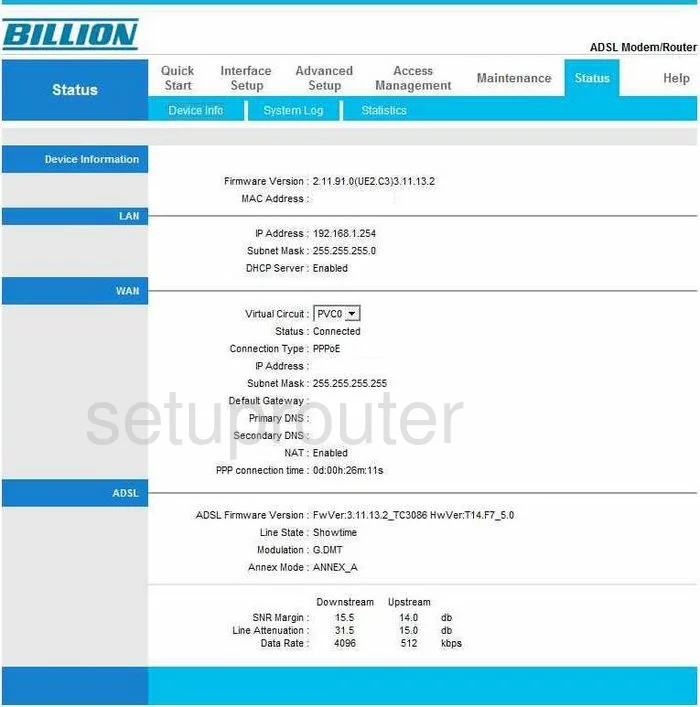
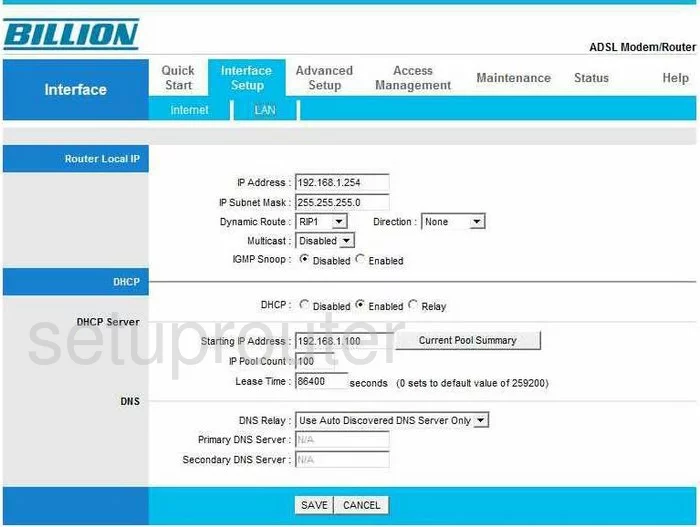
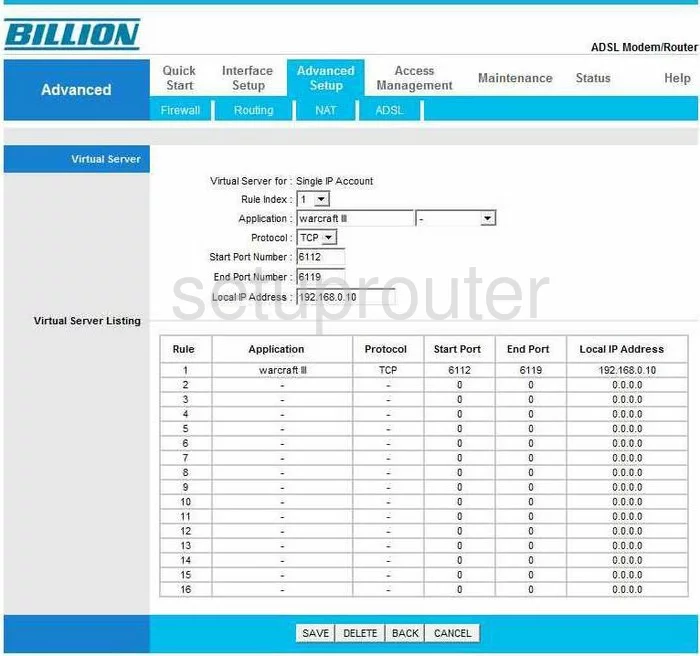
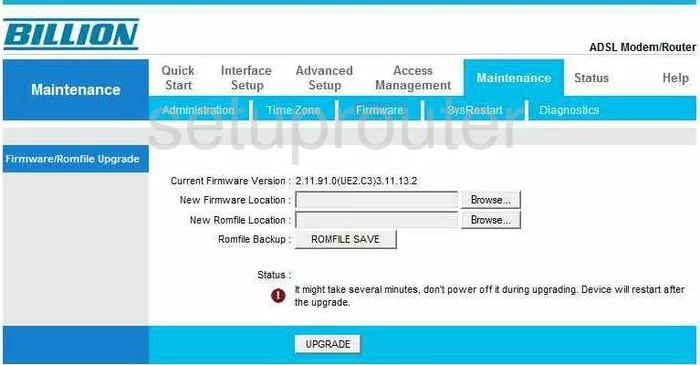
7204W (4 screens)
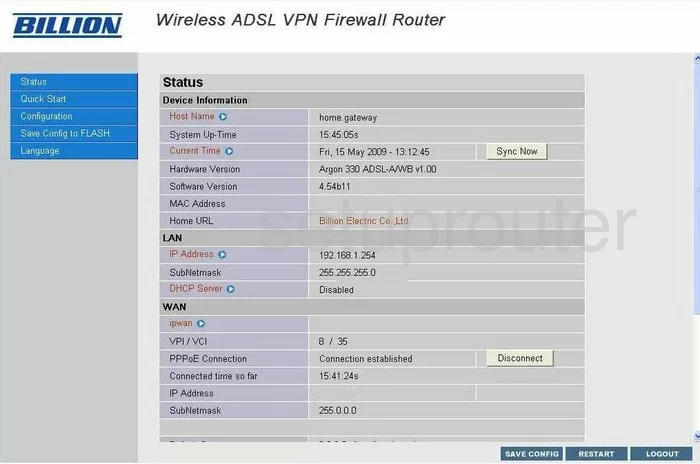
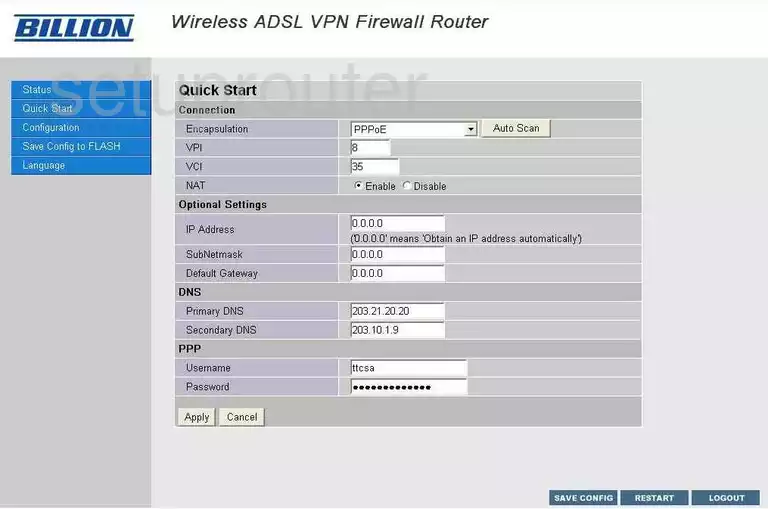
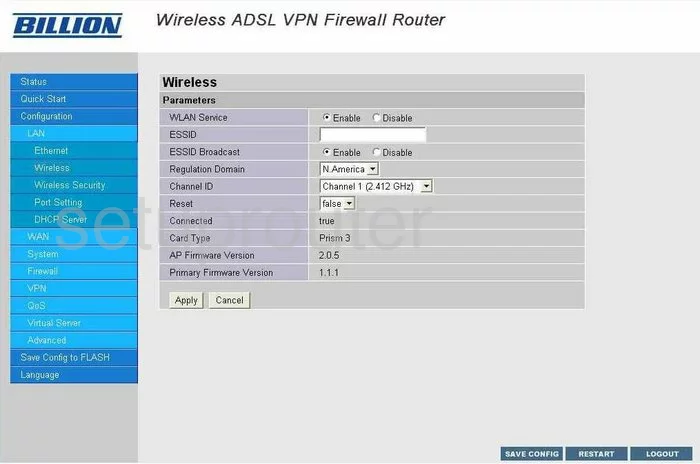
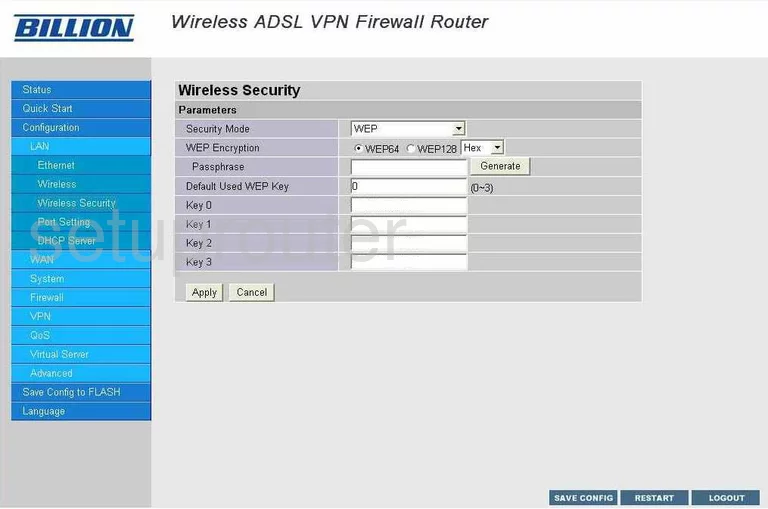
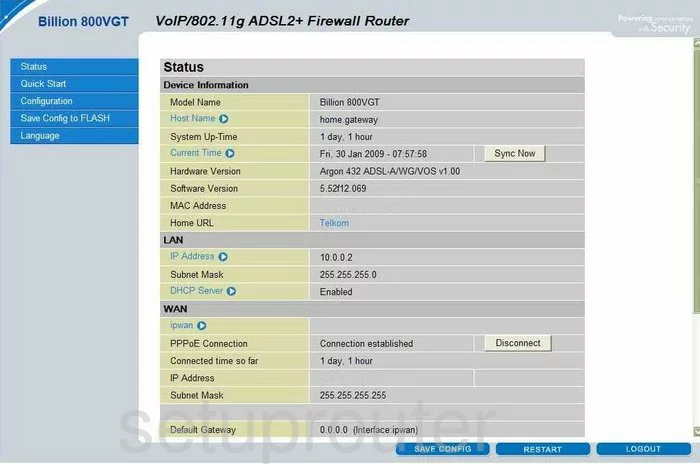
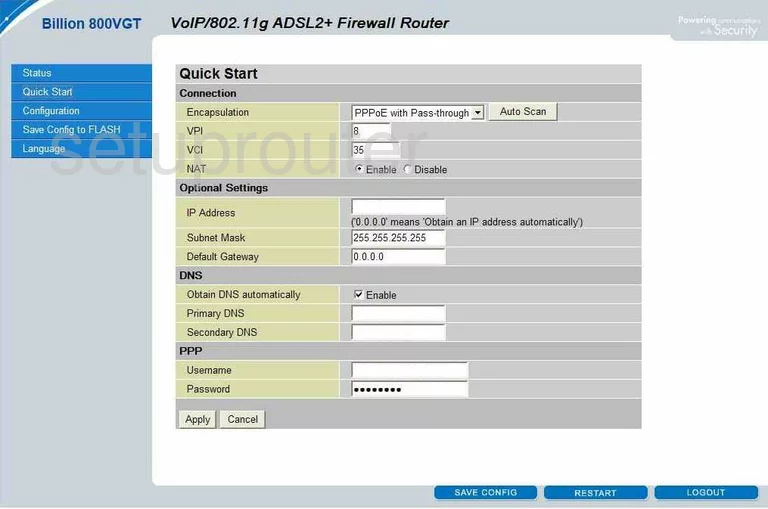
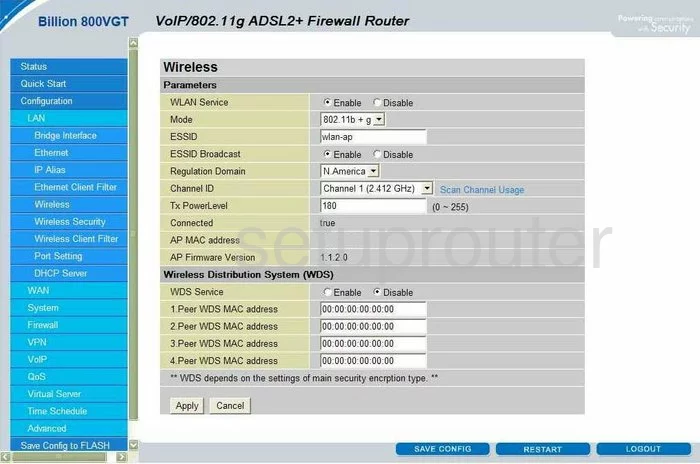
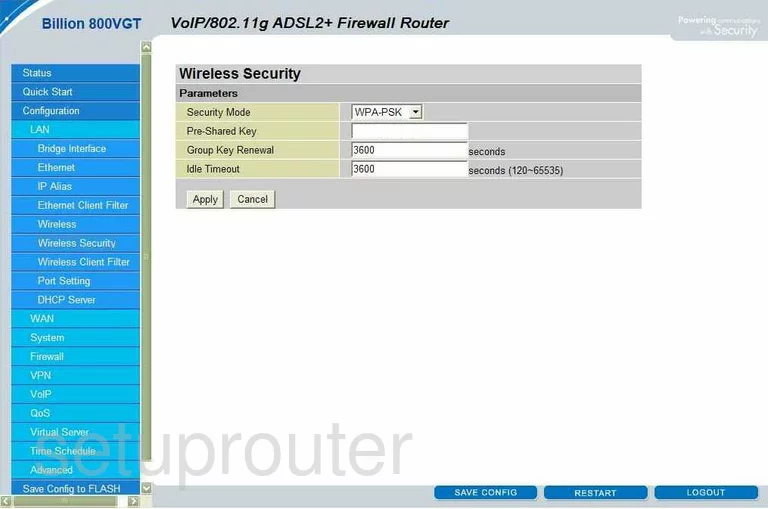
800VGT (4 screens)
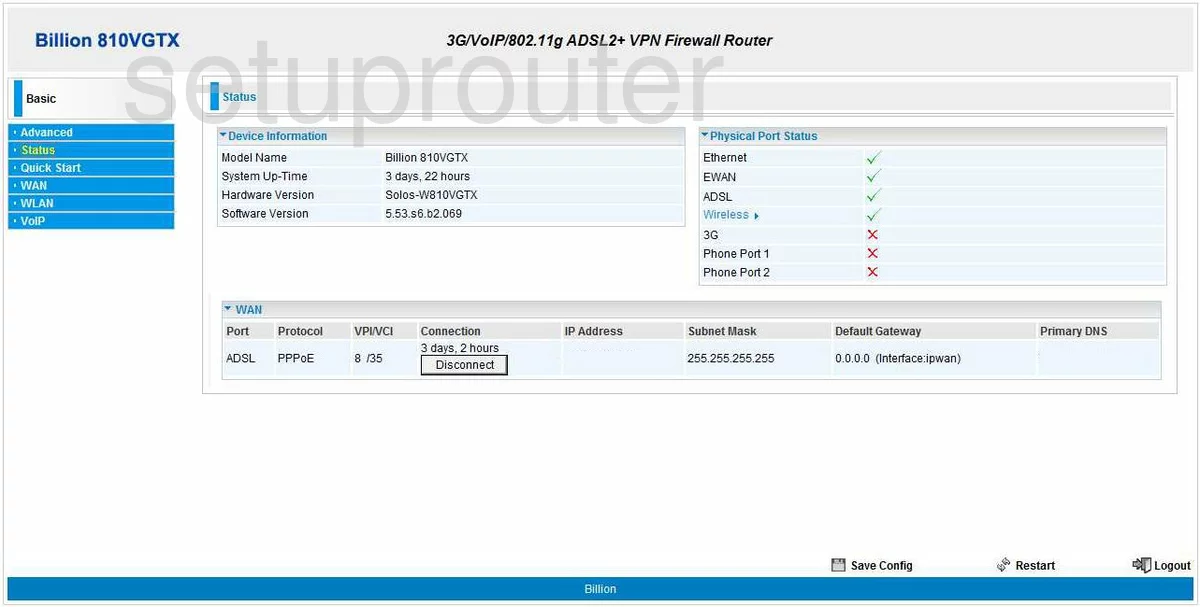
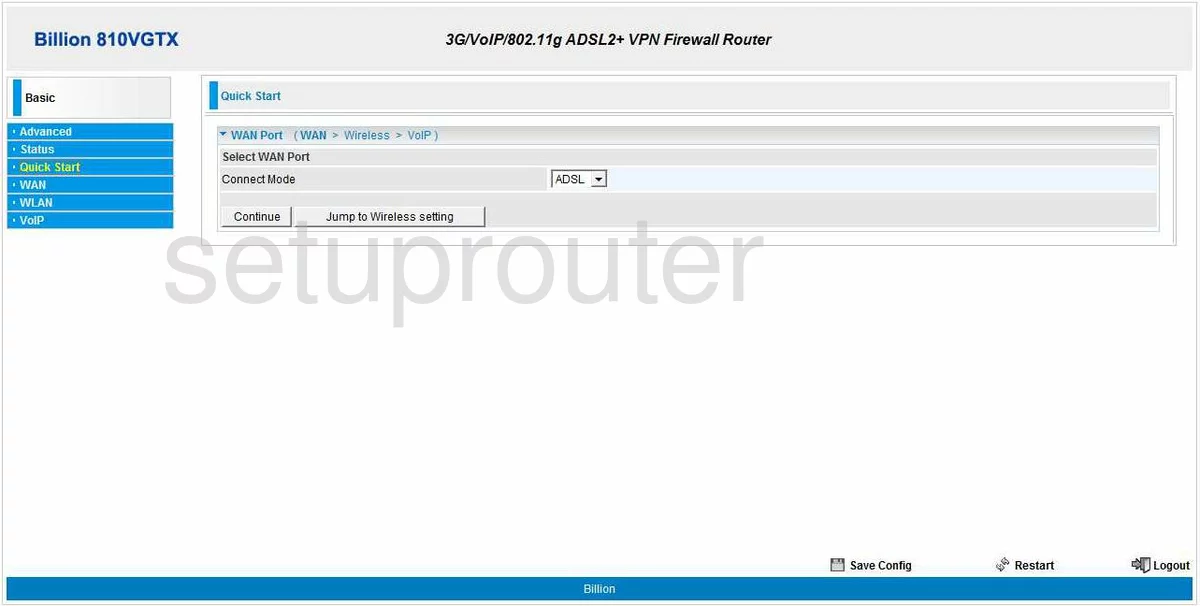
810VGTX (4 screens)
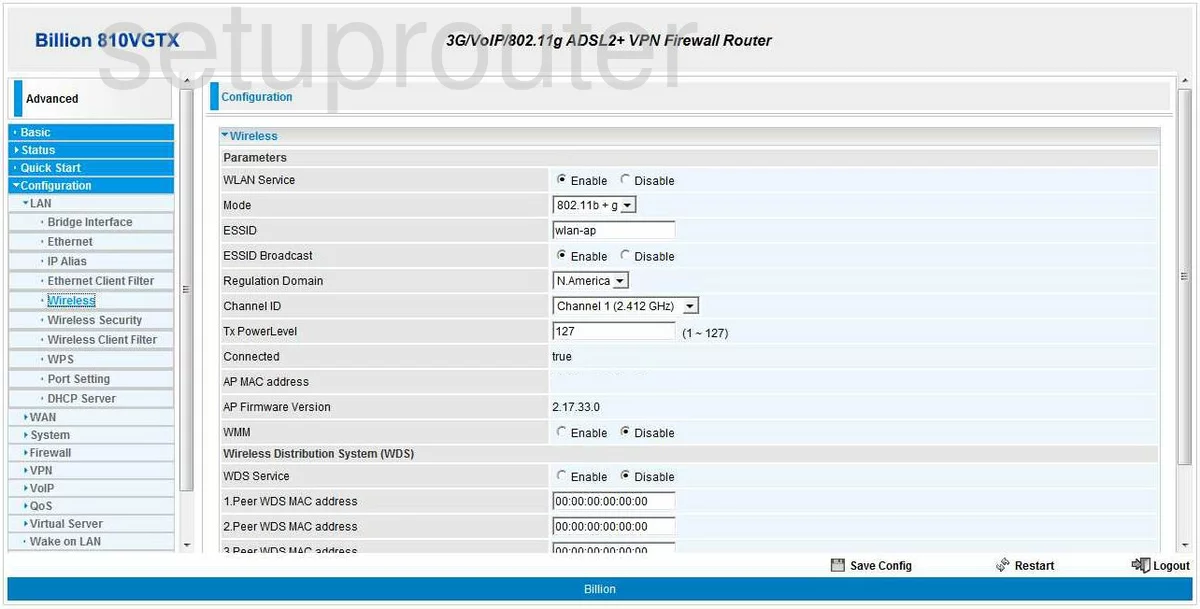
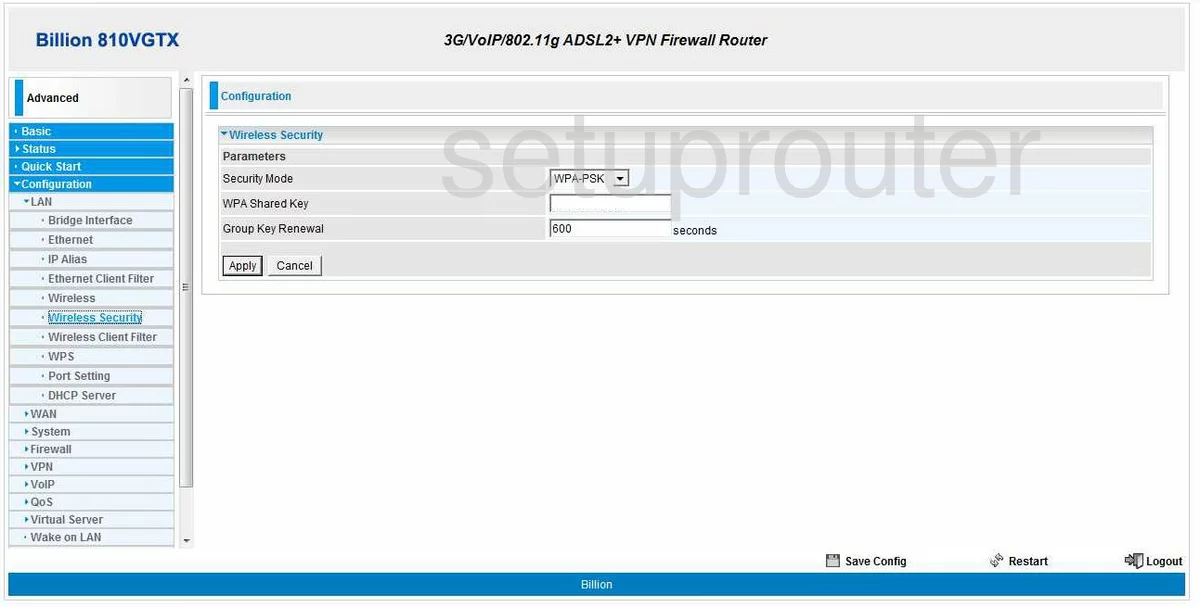
Bipac 5112S (4 screens)
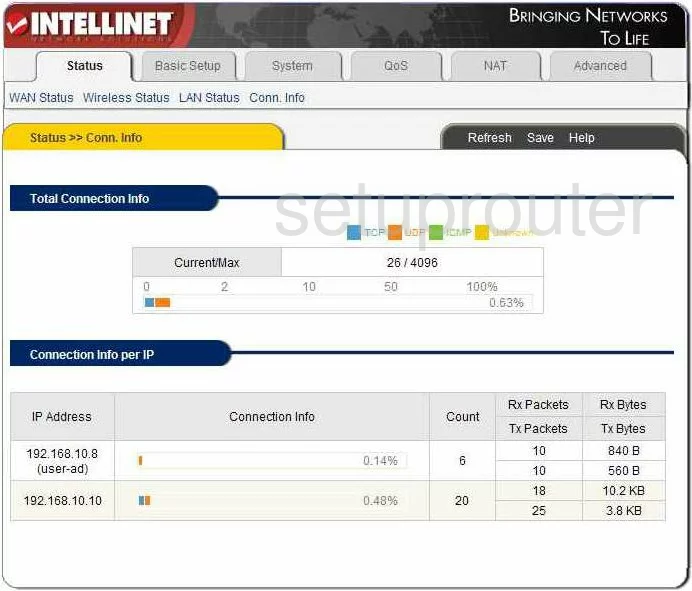
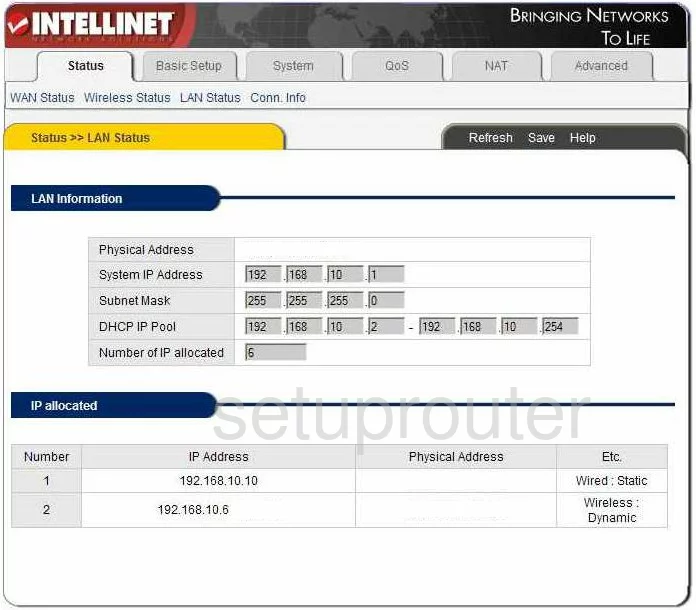
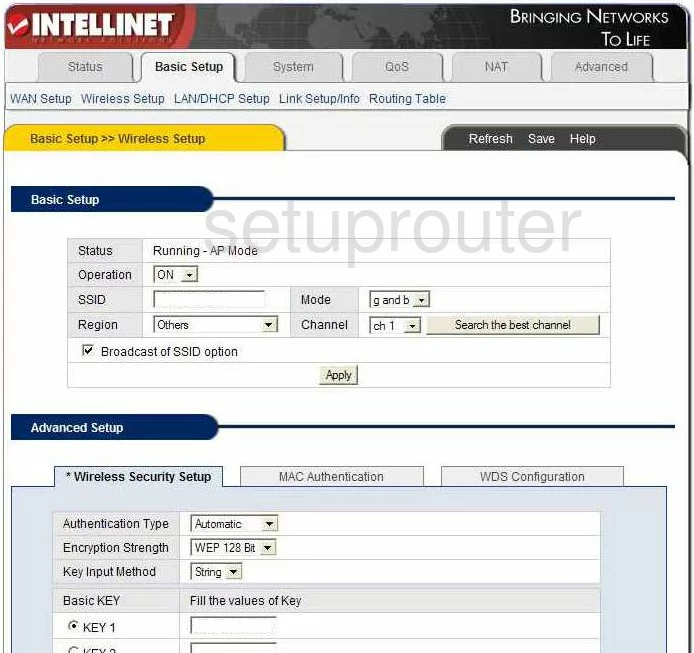
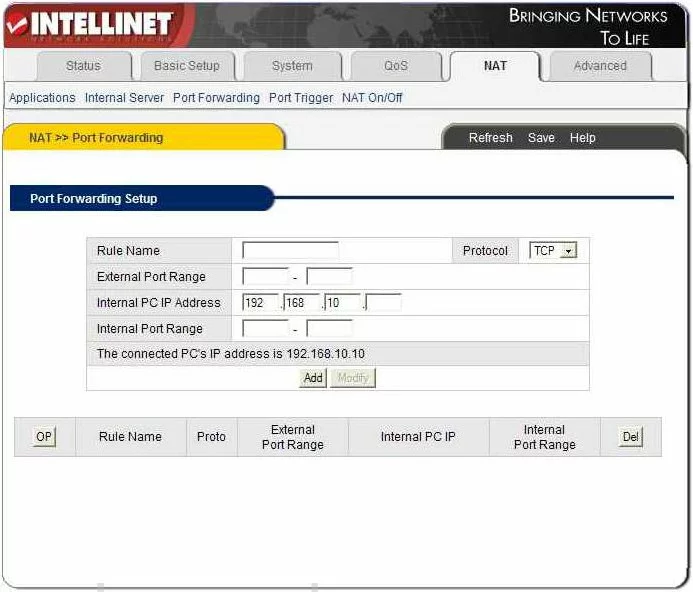
Bipac 5210S (4 screens)
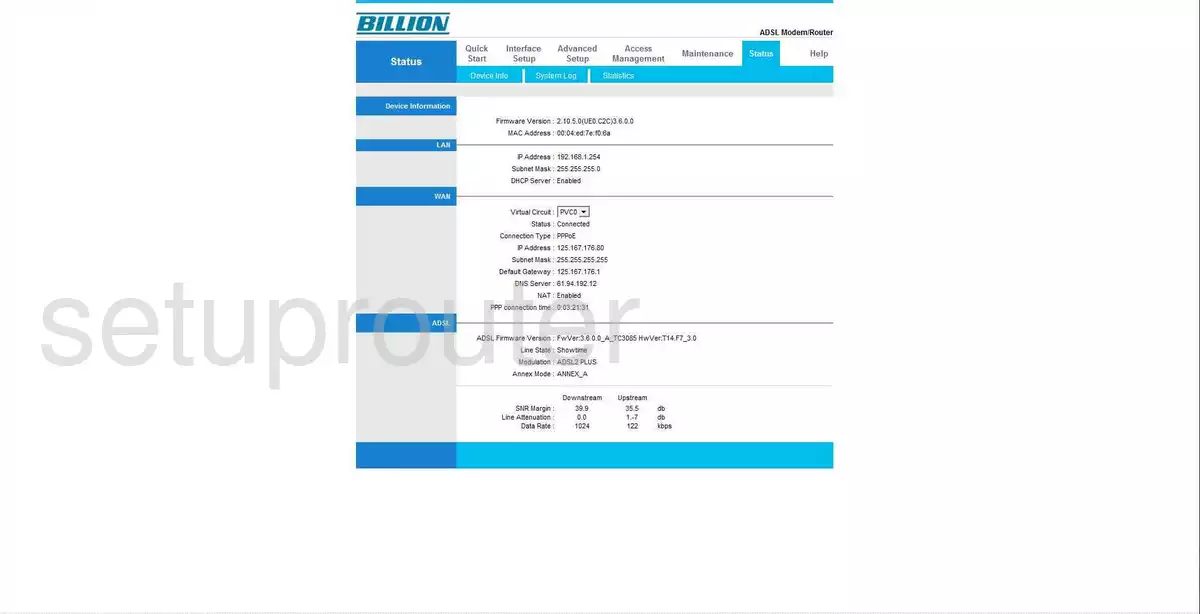
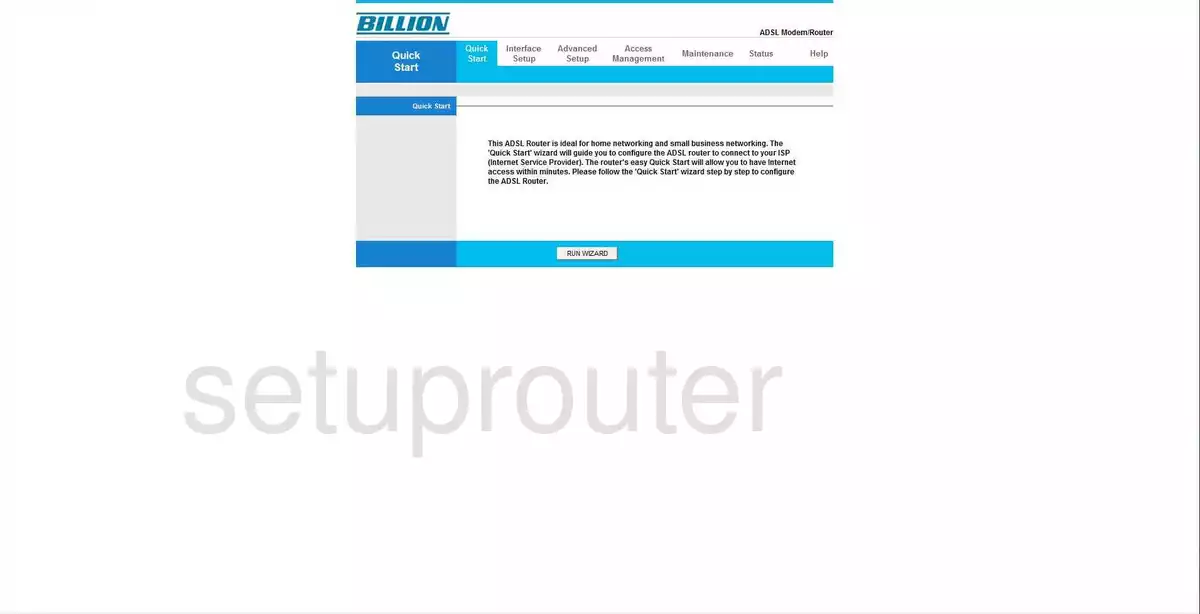
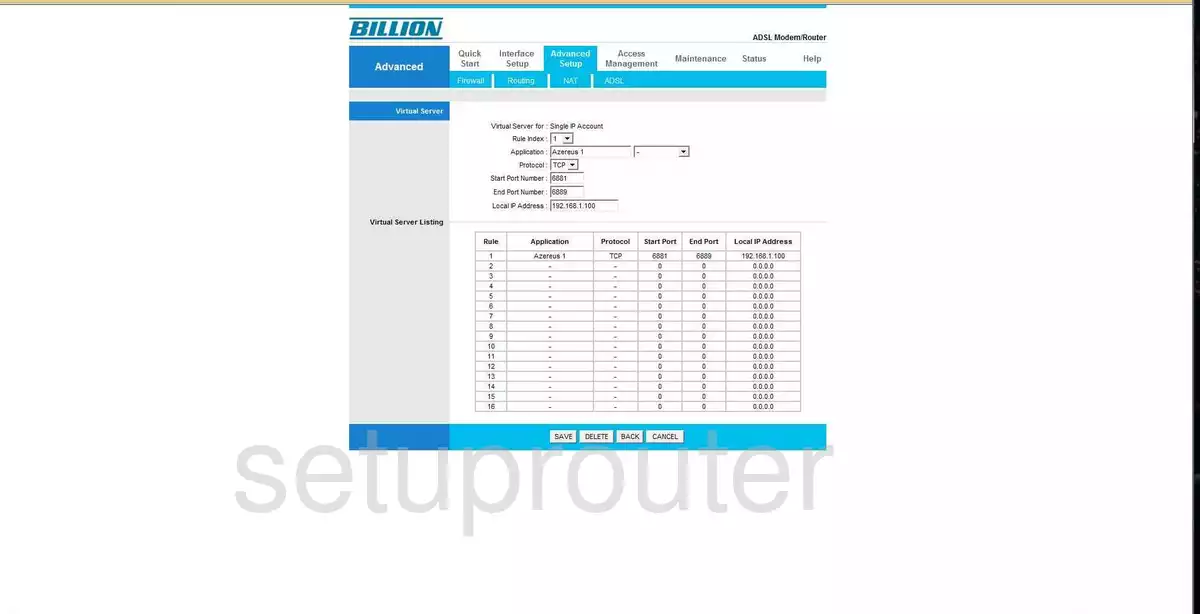
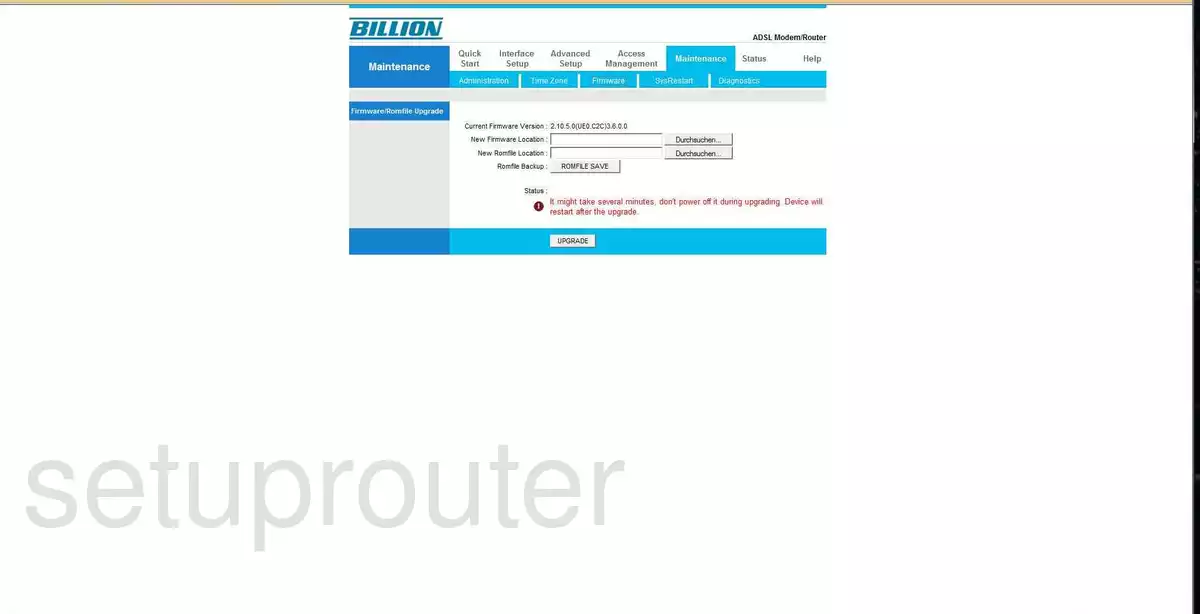
Bipac 7202GR2A (4 screens)
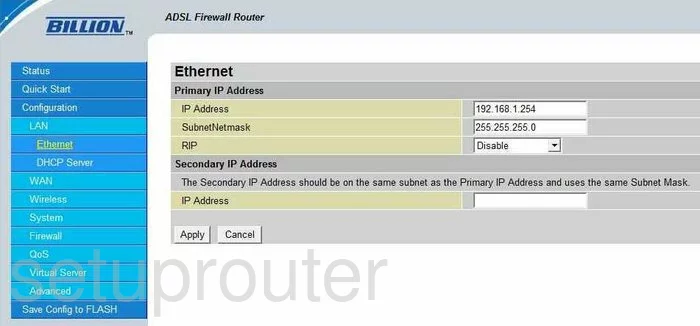
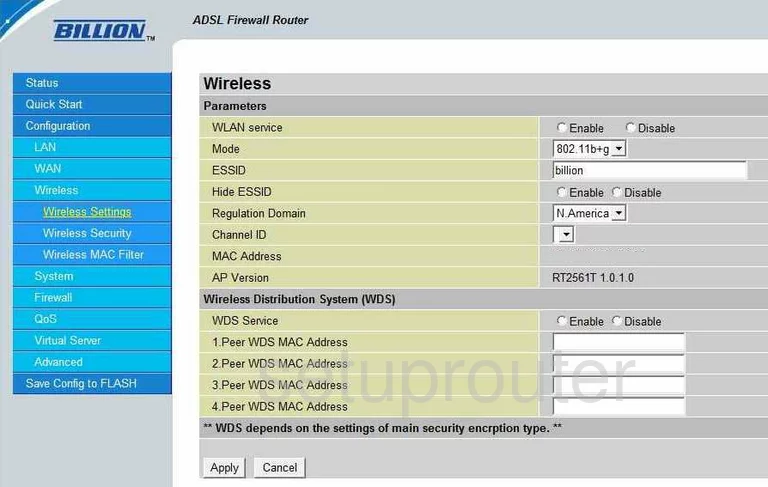
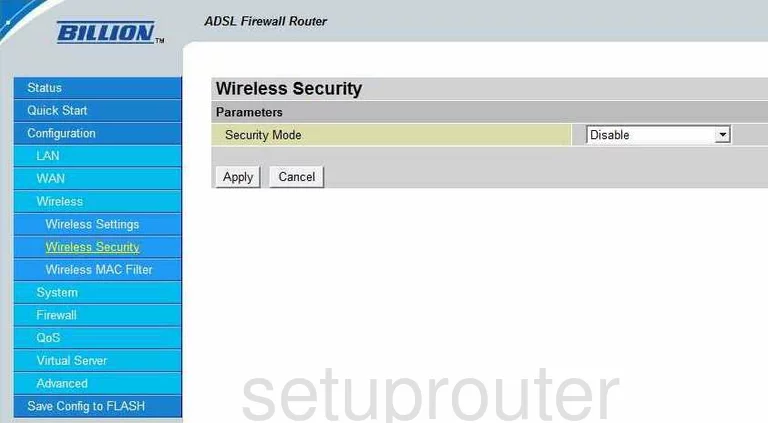
Bipac 7300G RA (4 screens)
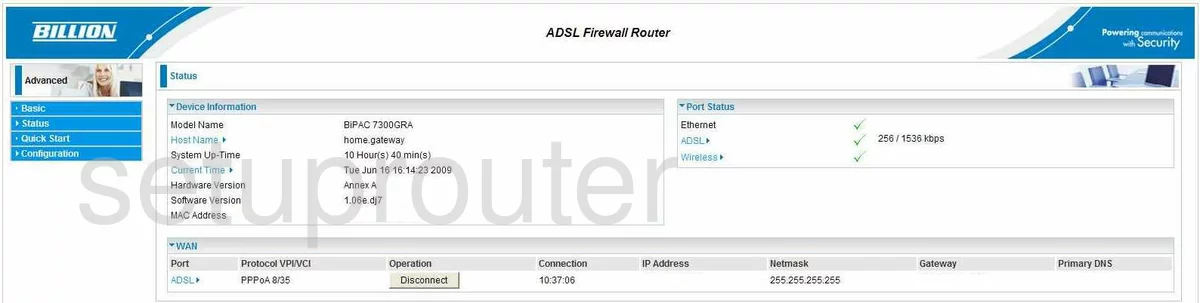
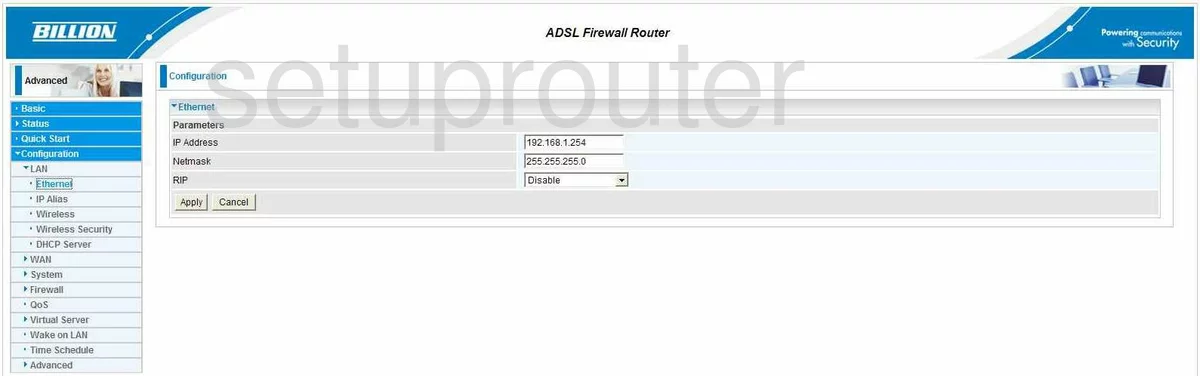
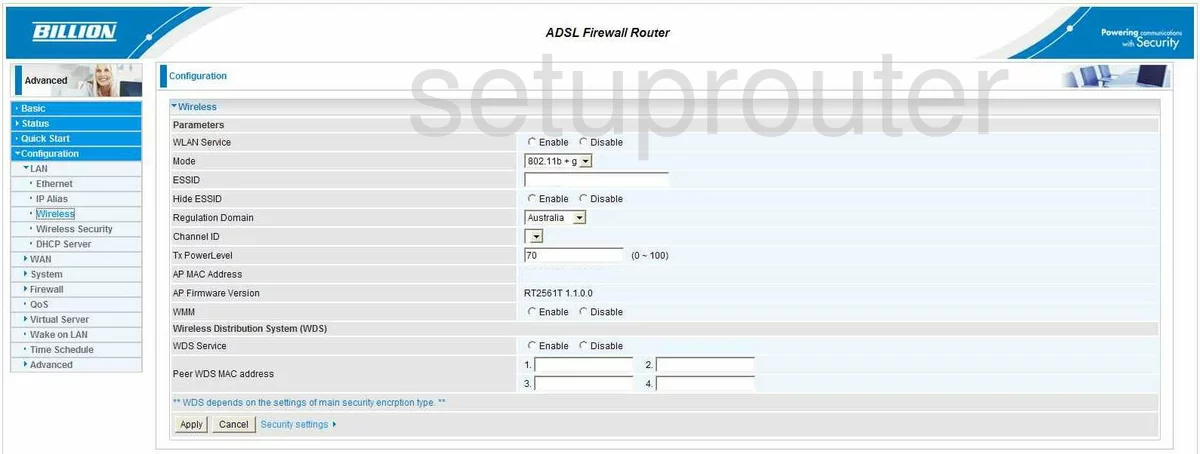
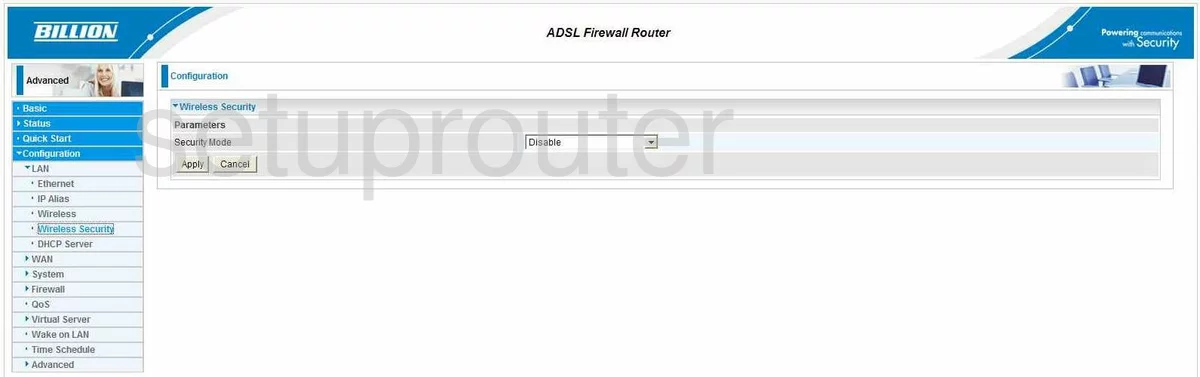
Bipac 7300GX (4 screens)
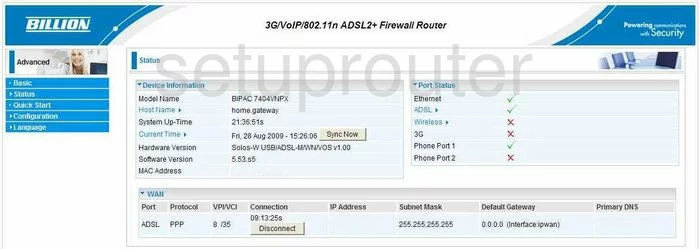
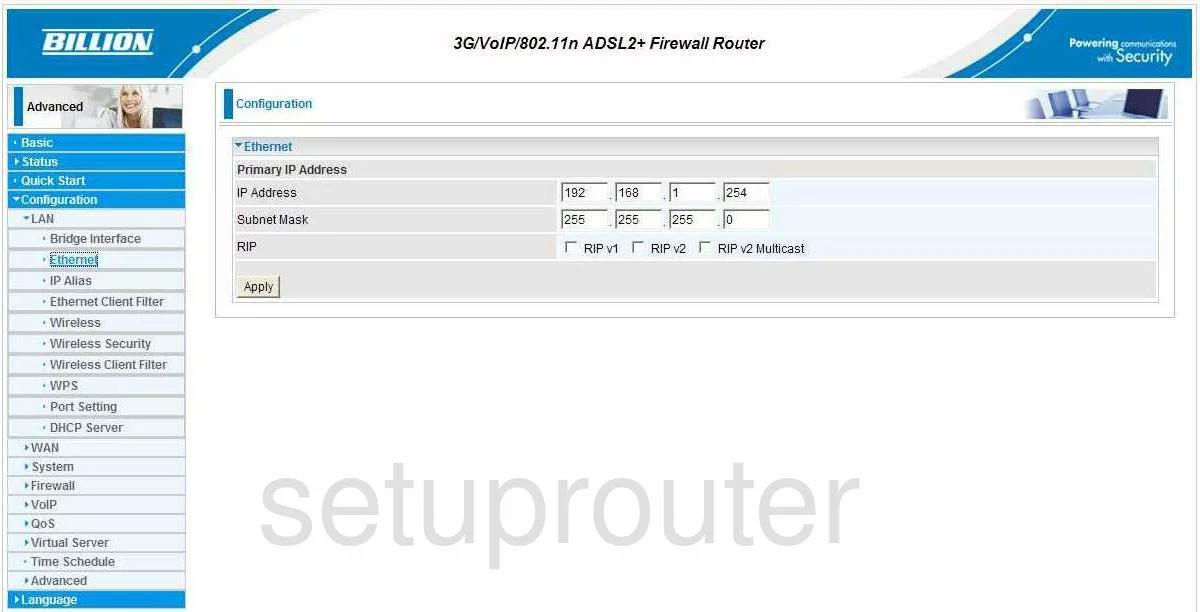
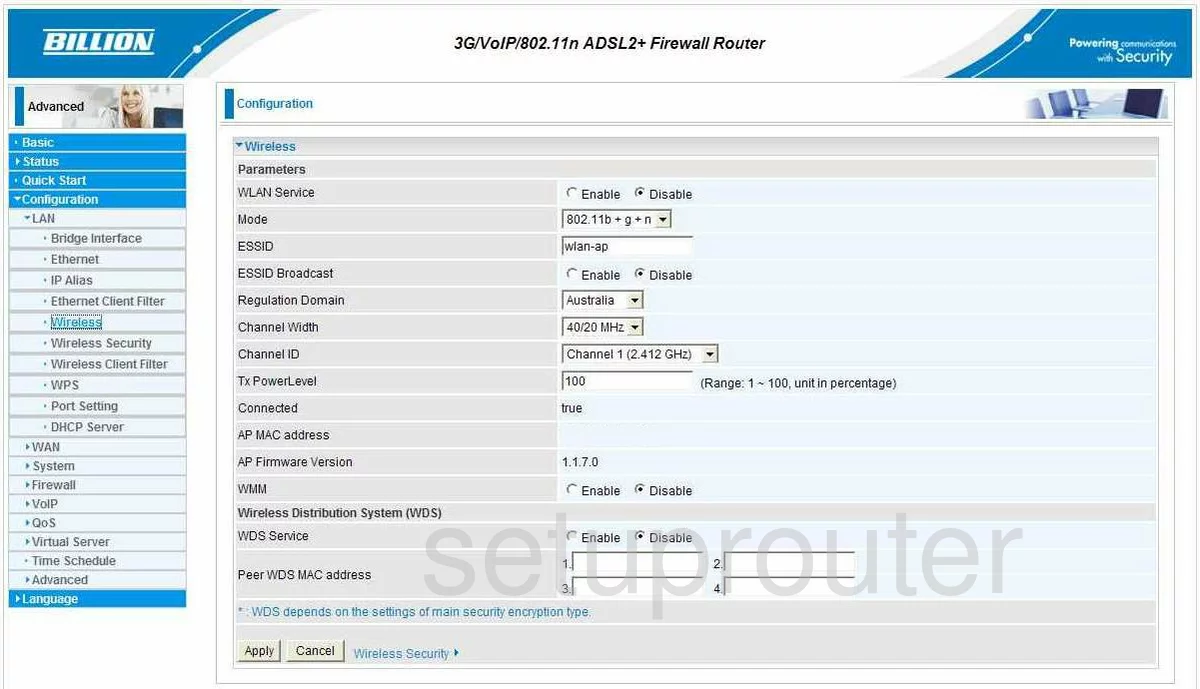
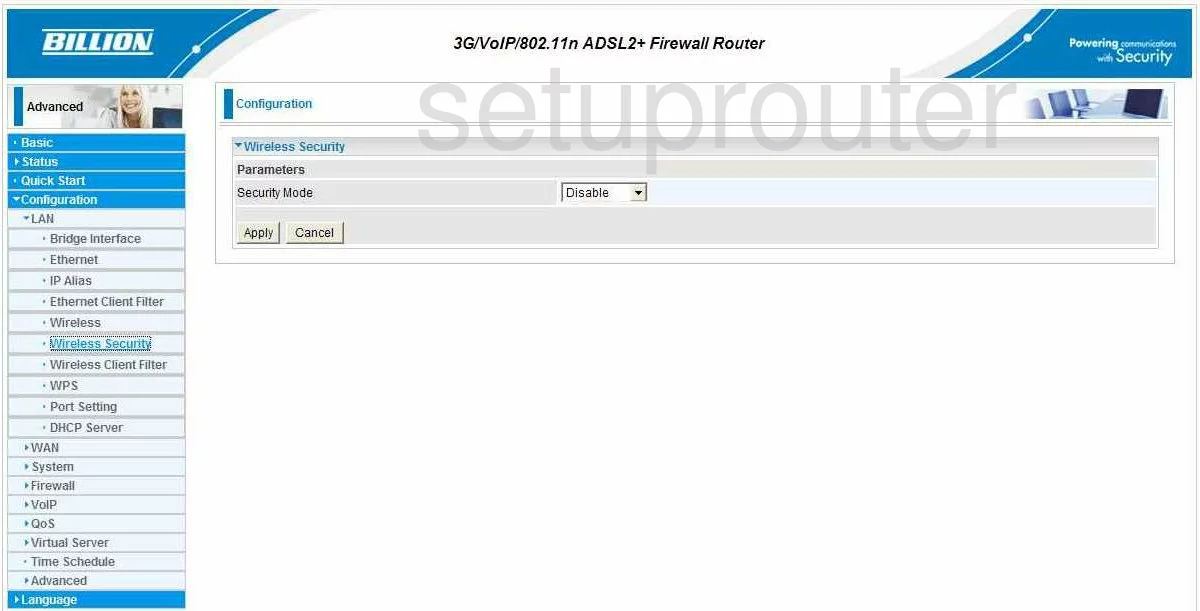
BiPAC 7300NX (4 screens)
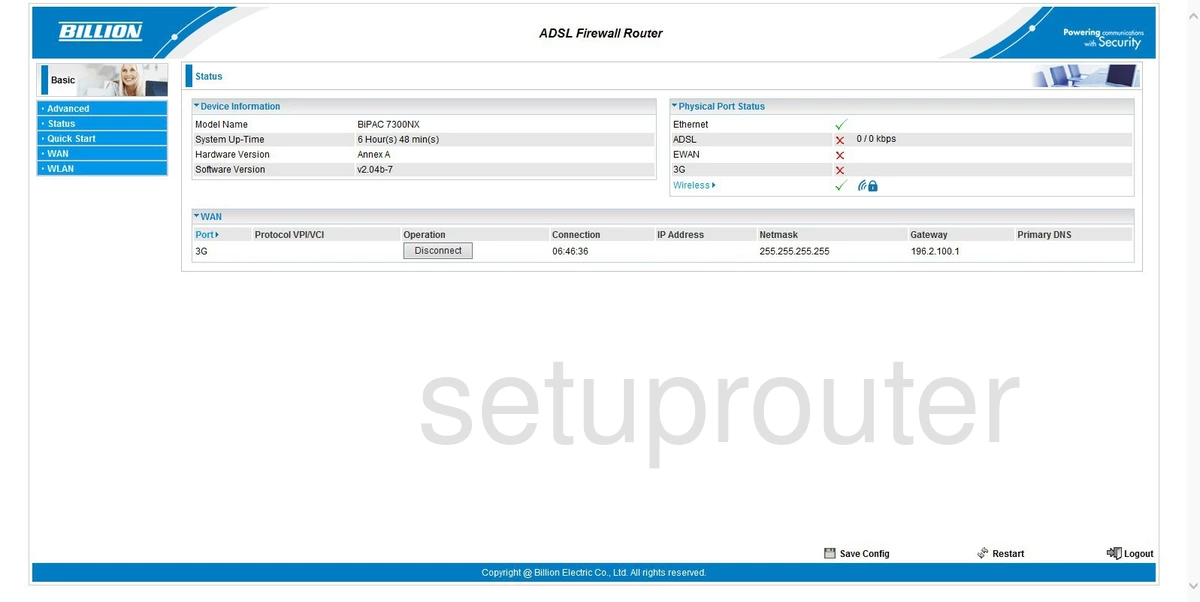
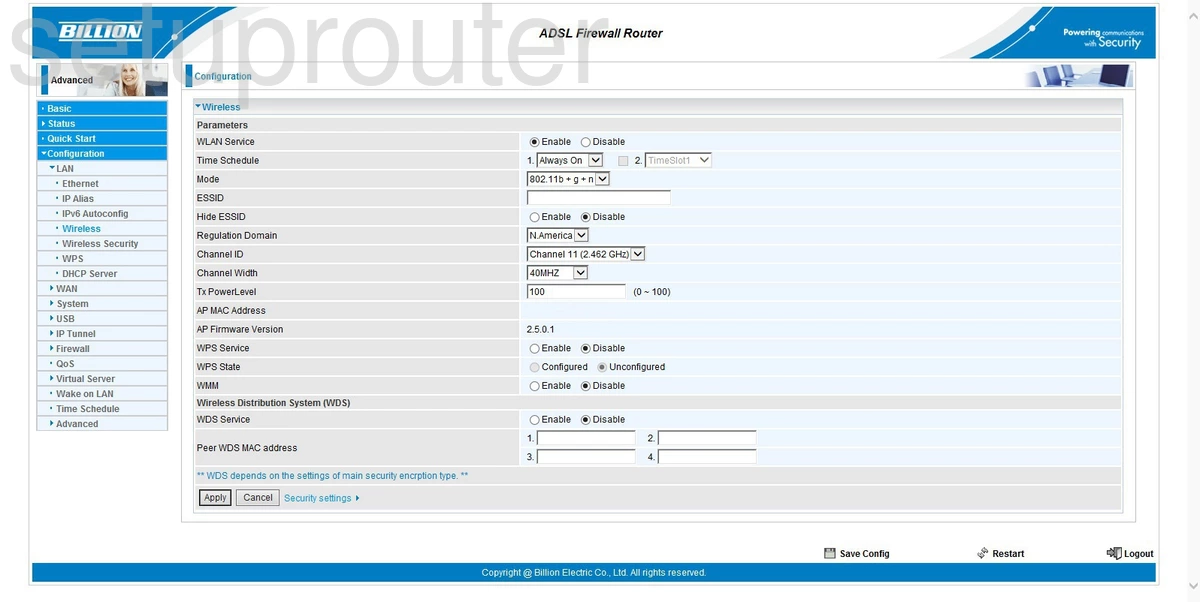
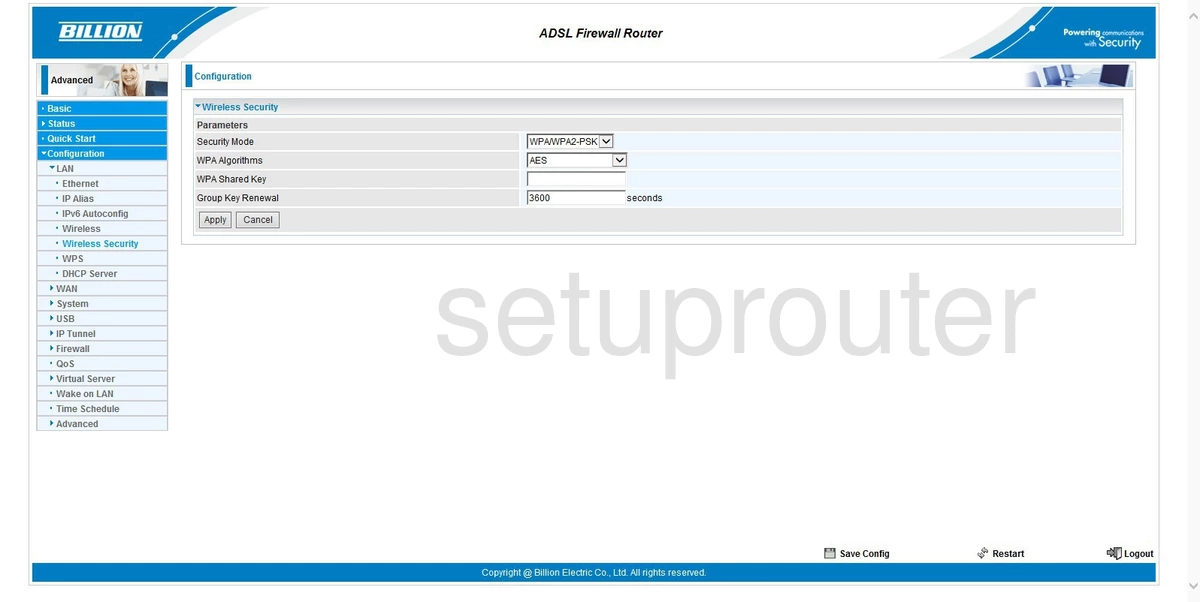
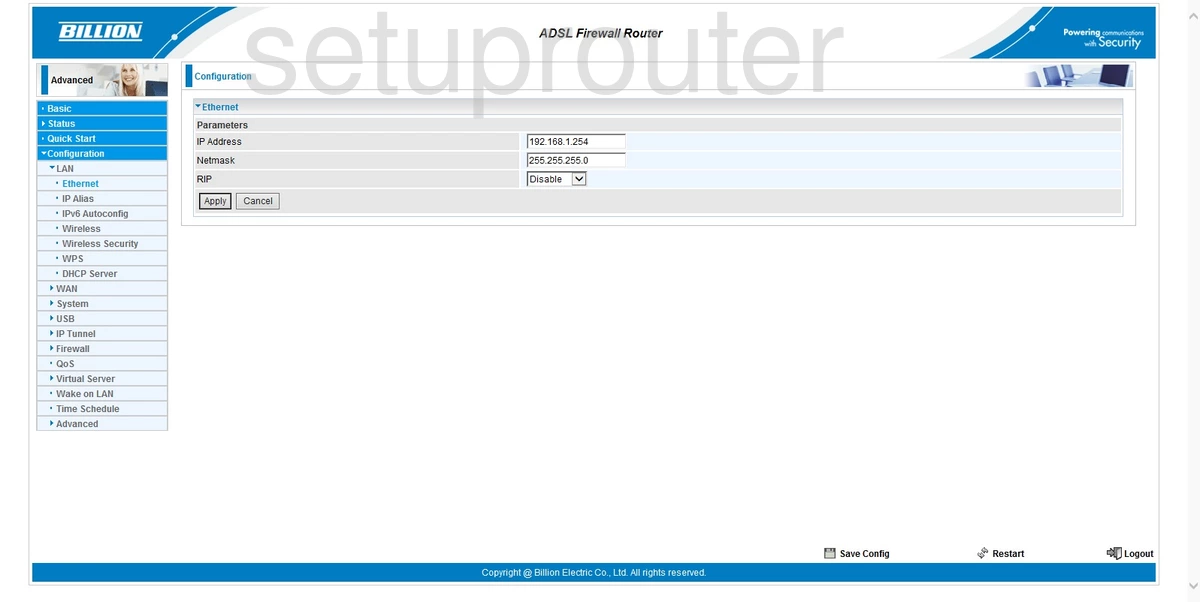
Bipac 7300W (4 screens)
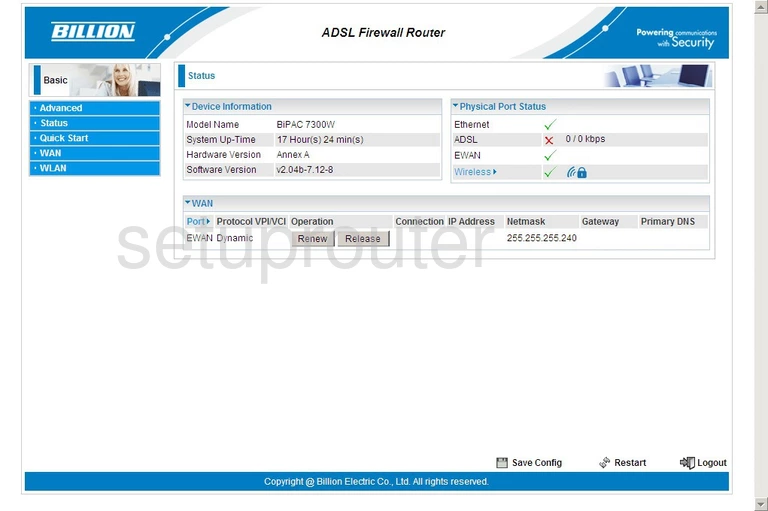
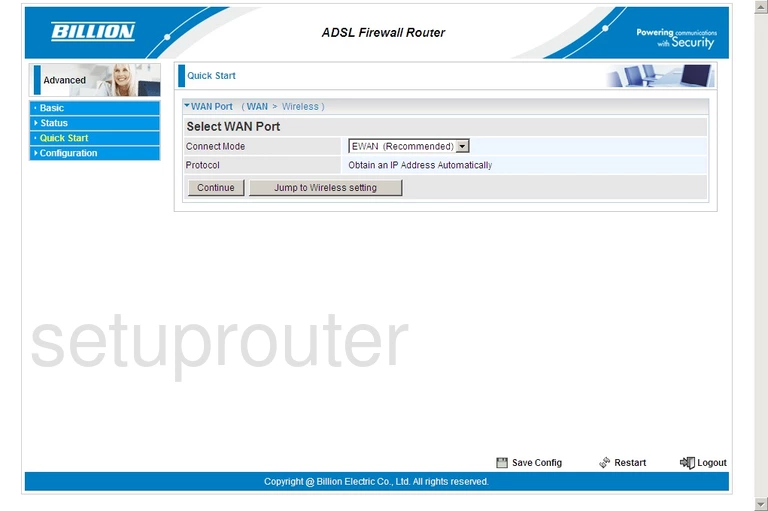
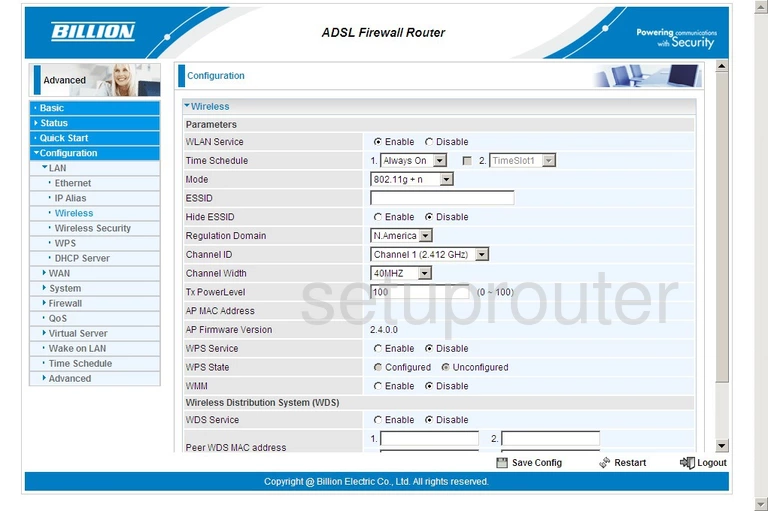
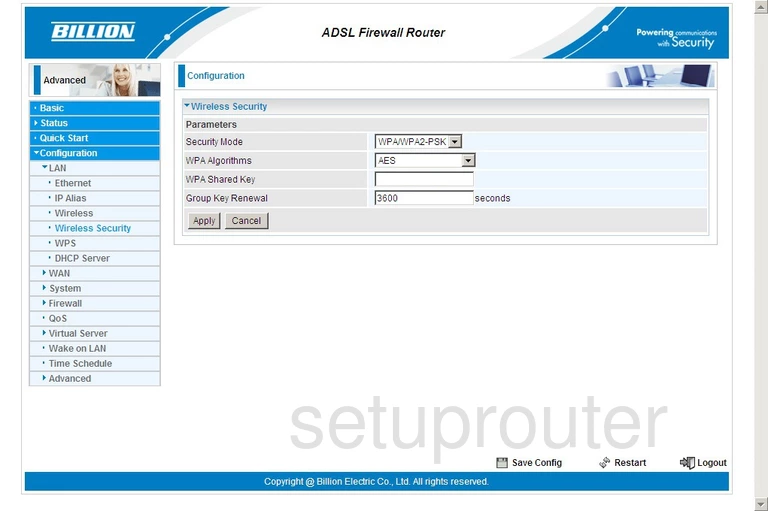
Bipac 7401VGP (4 screens)
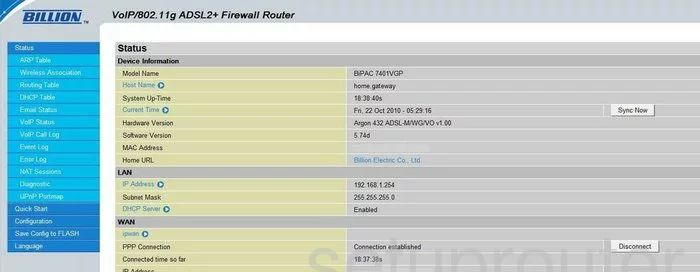
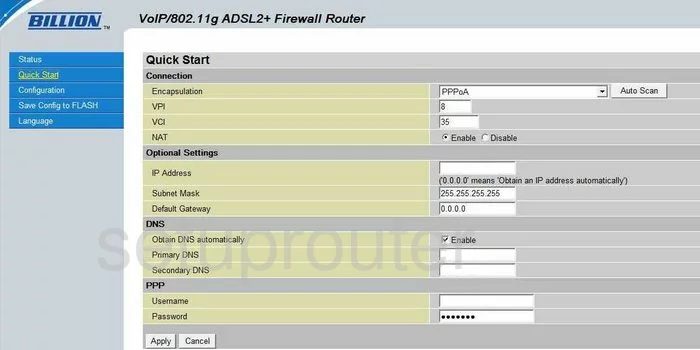
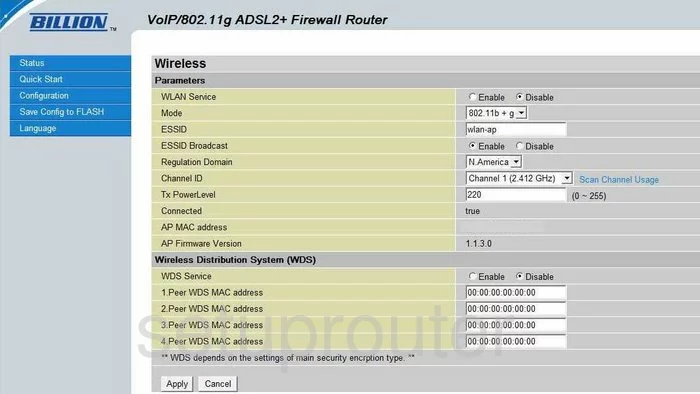
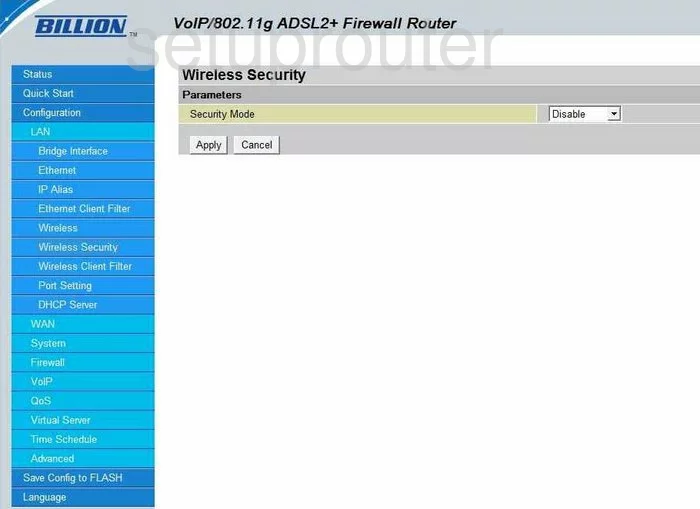
Bipac 7401VGPR3 (4 screens)
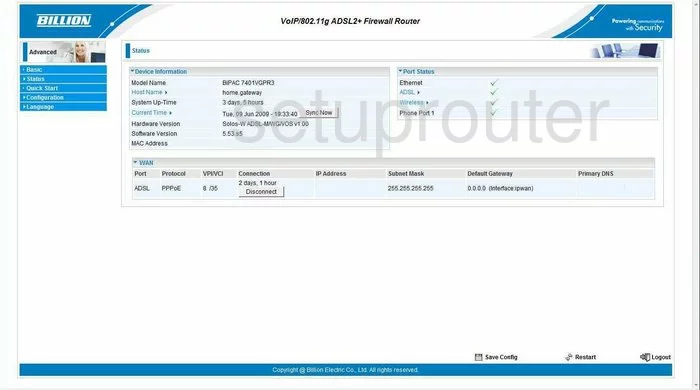
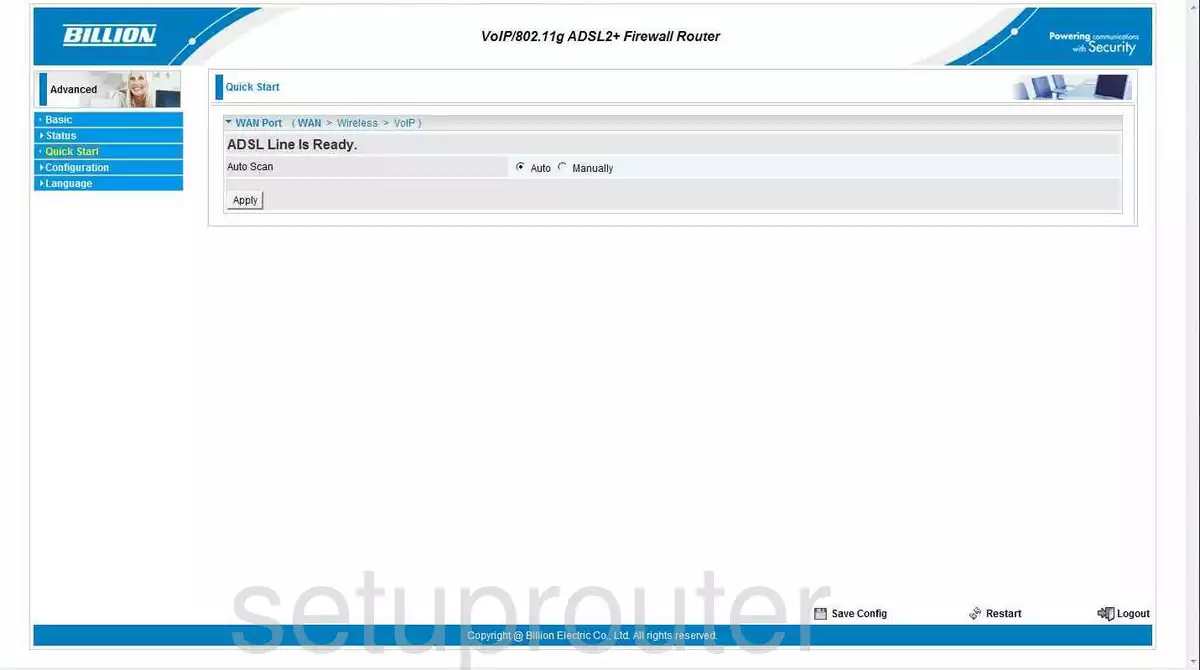
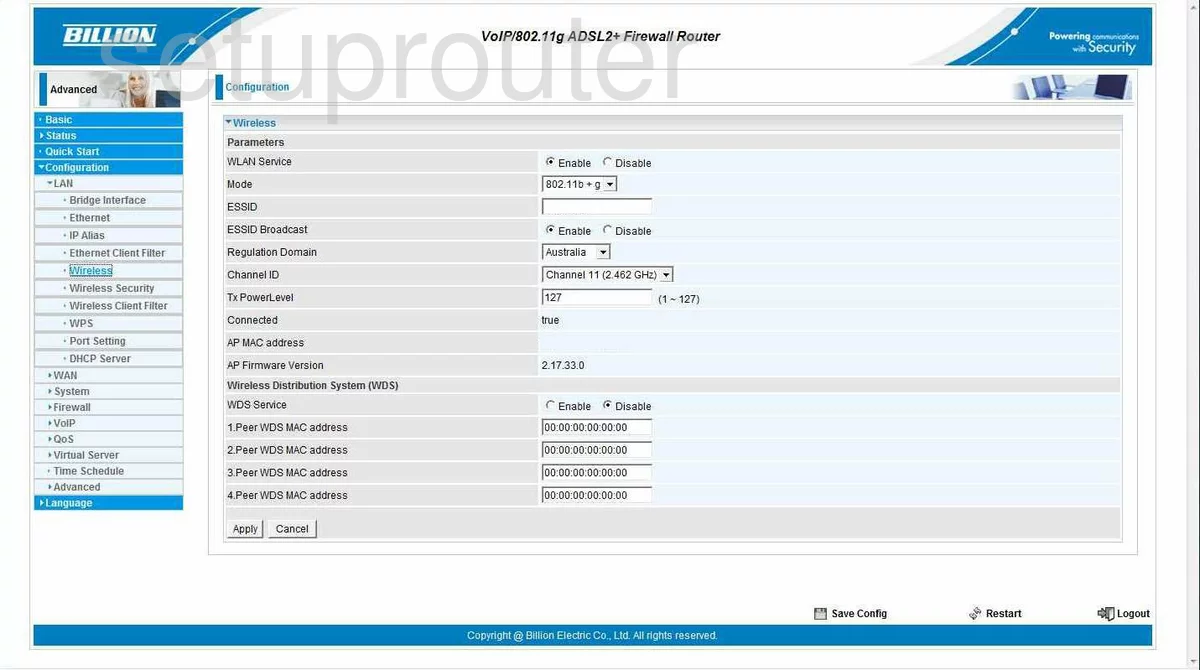
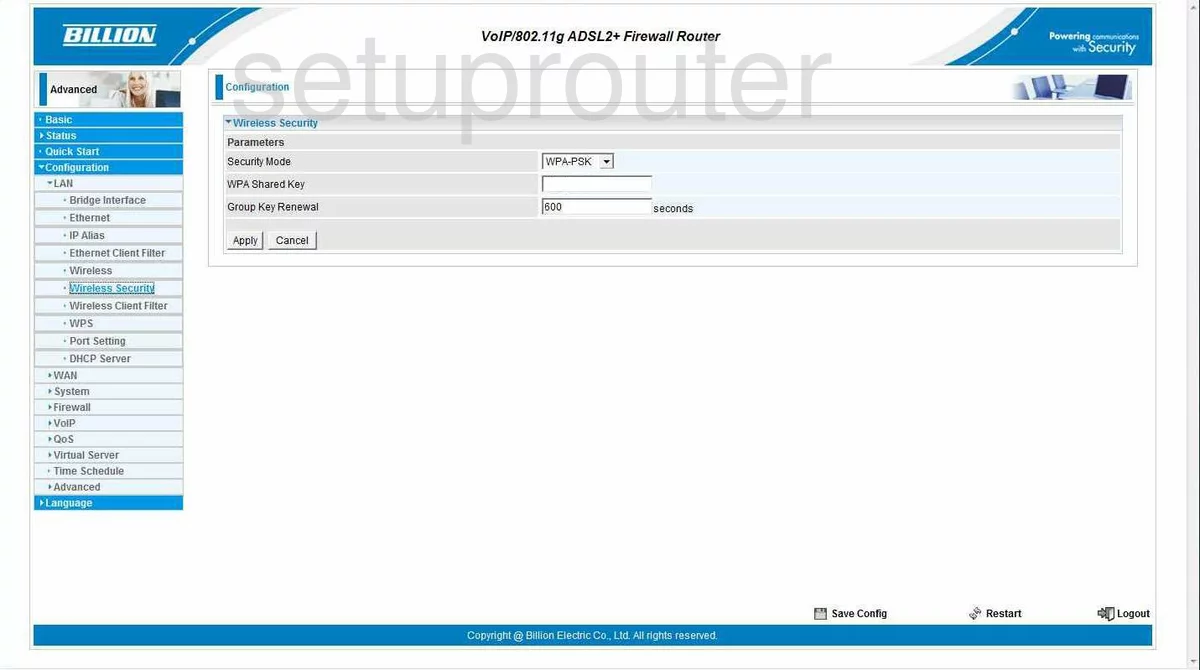
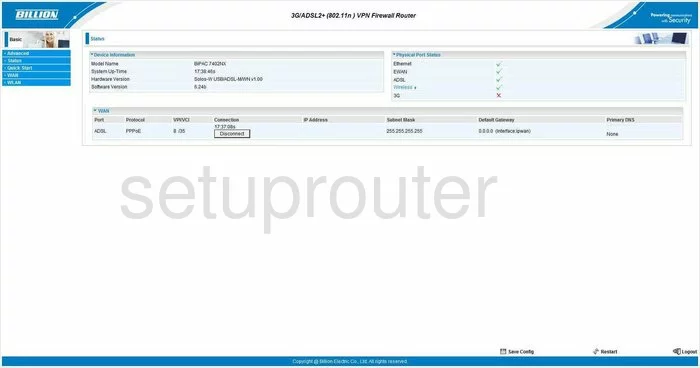
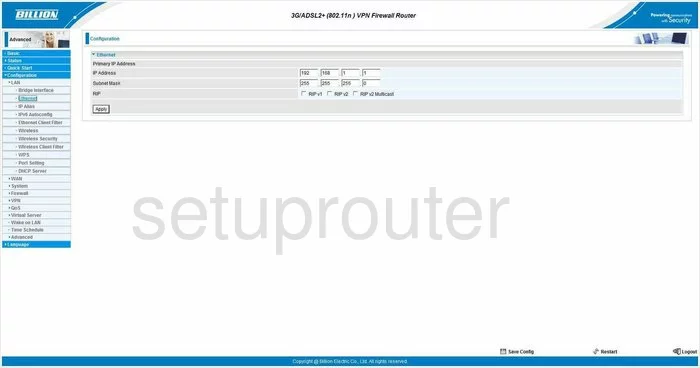
Bipac 7402NX (4 screens)
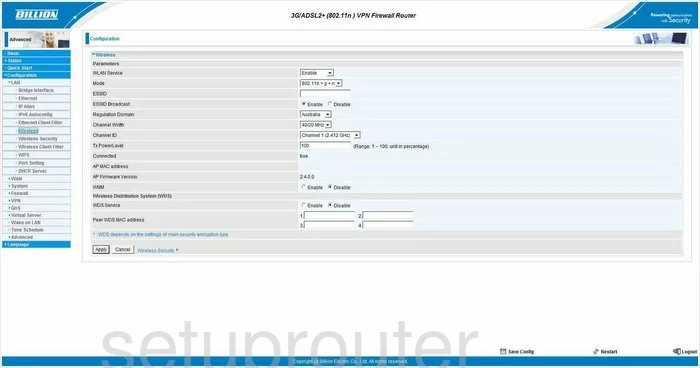
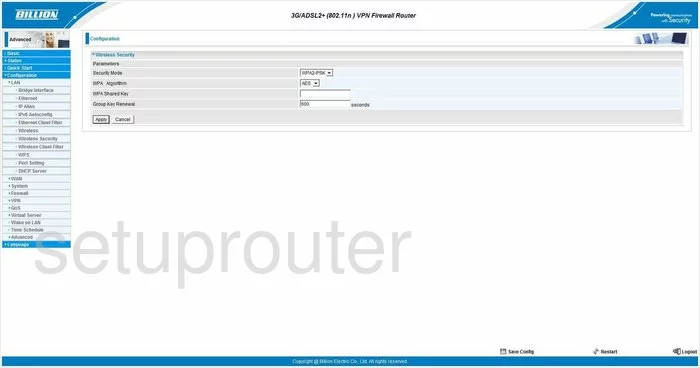
Bipac 7404VGO (4 screens)
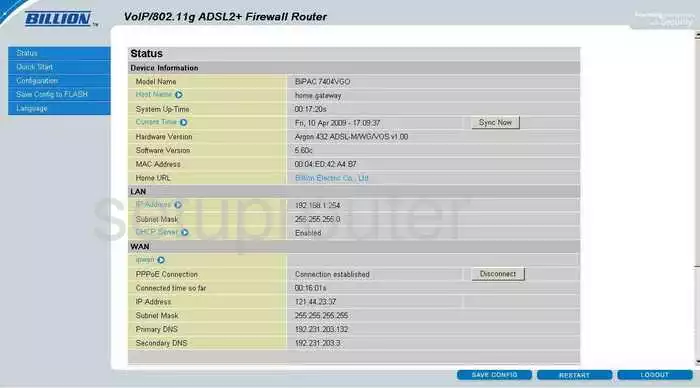
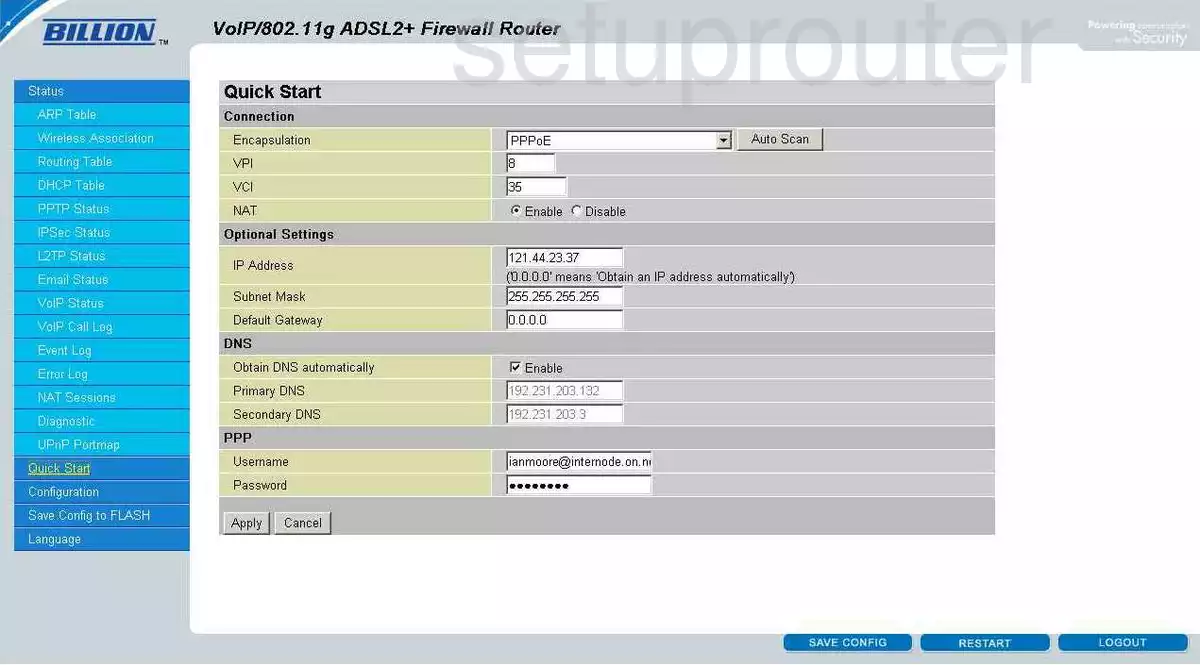
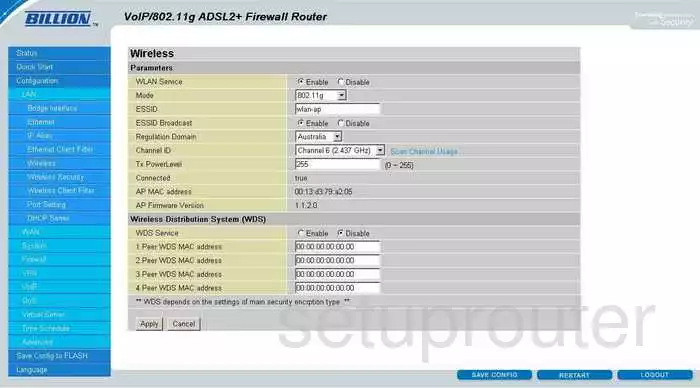
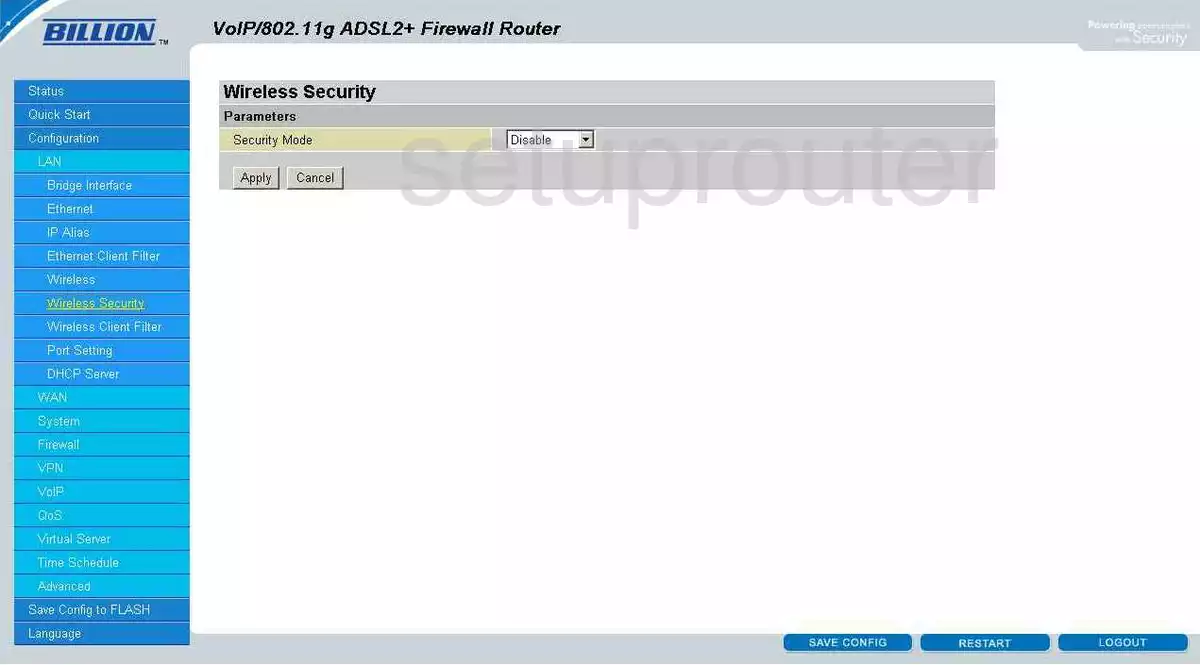
Bipac 7404VGOX (4 screens)
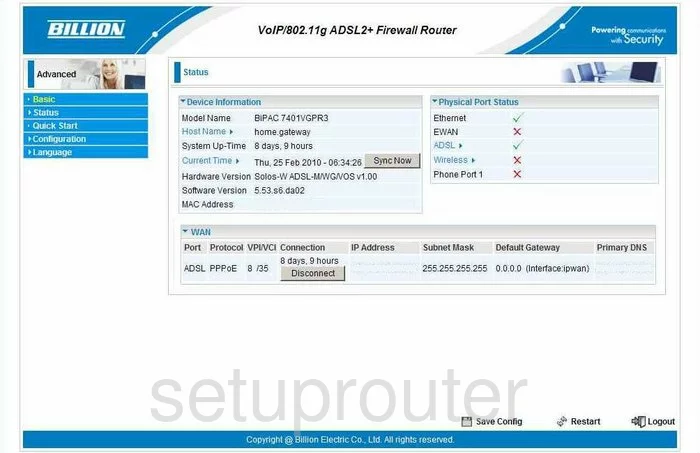
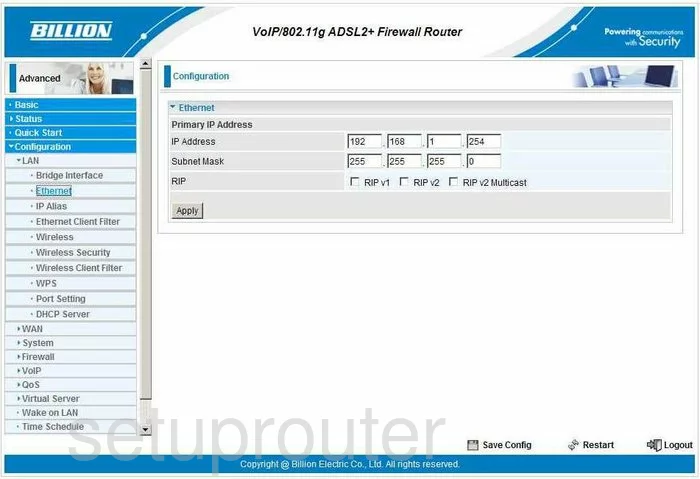
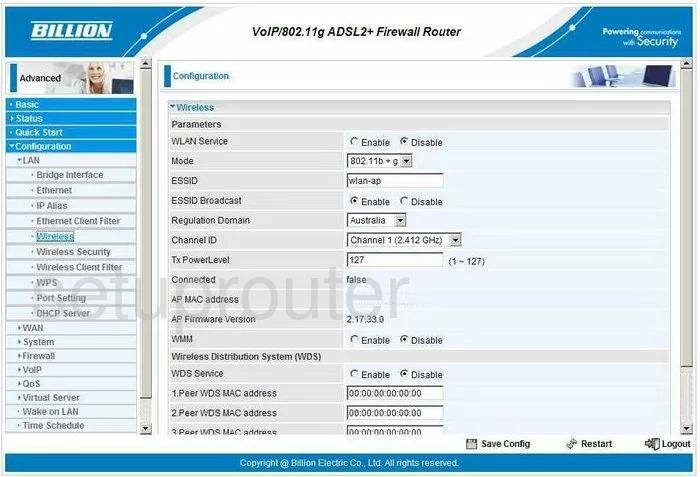
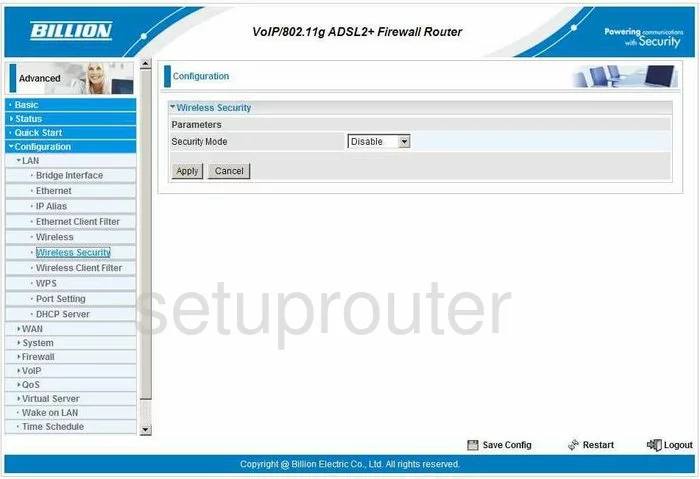
Bipac 7404VNOX (4 screens)
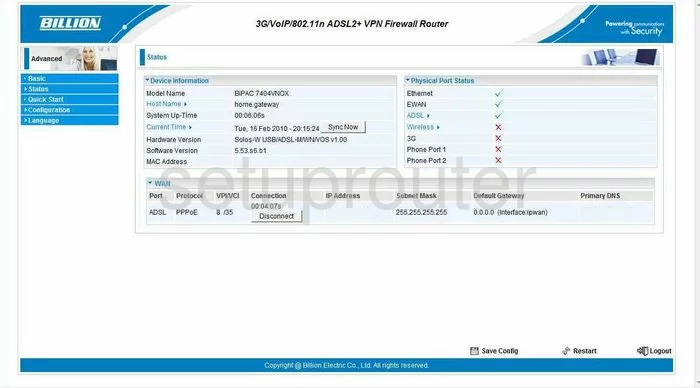
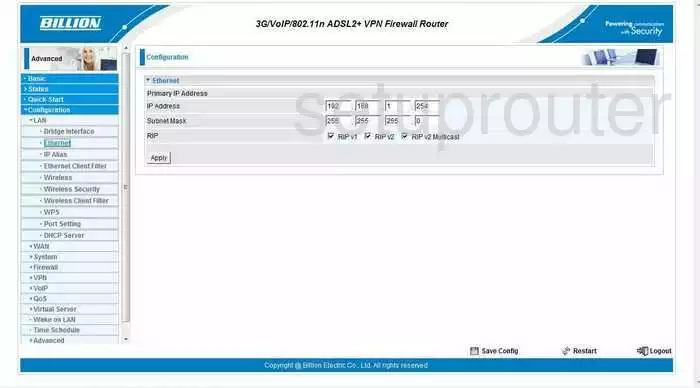
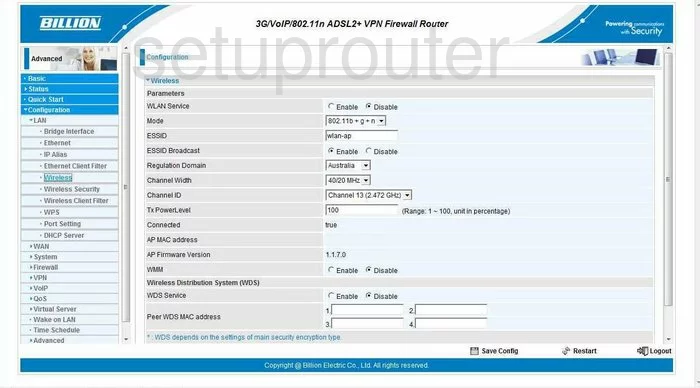
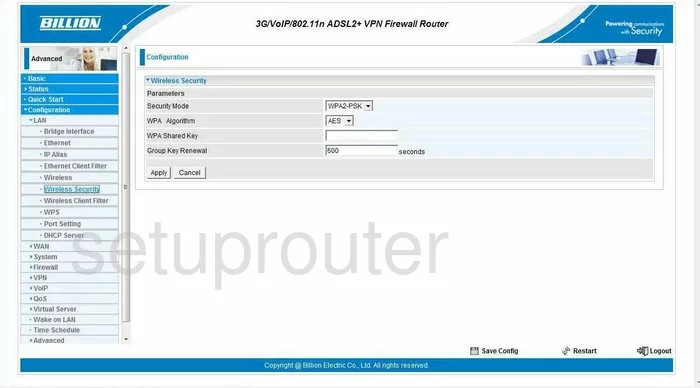
Bipac 7404VPNX (4 screens)
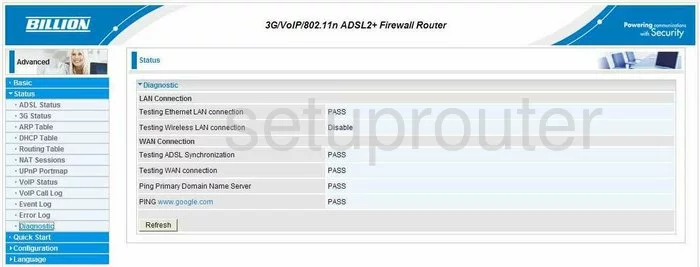
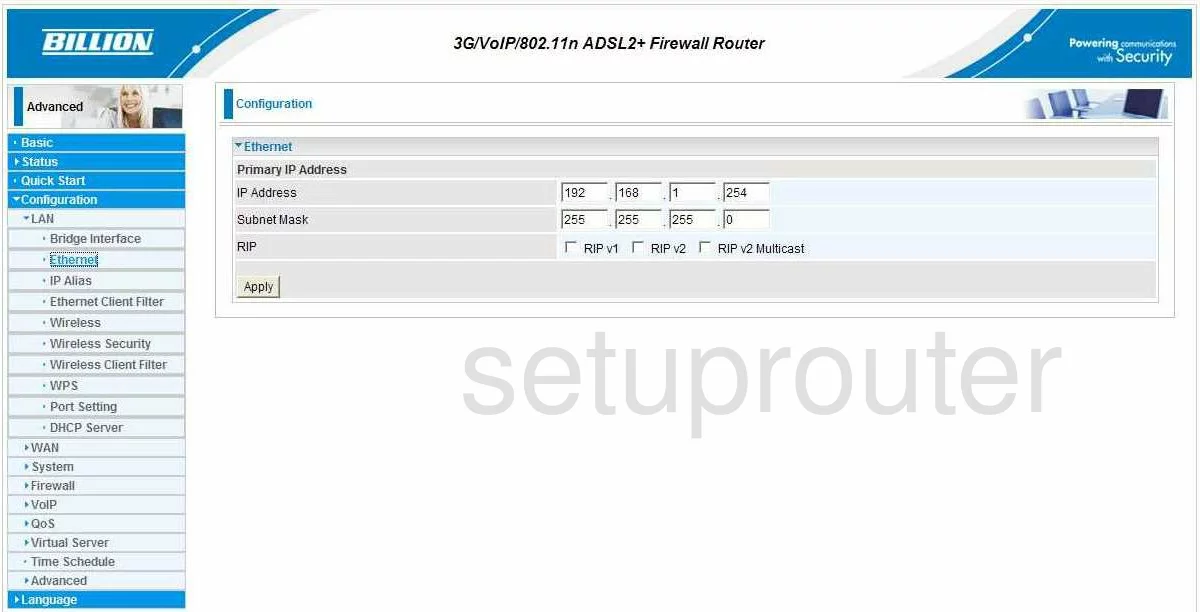
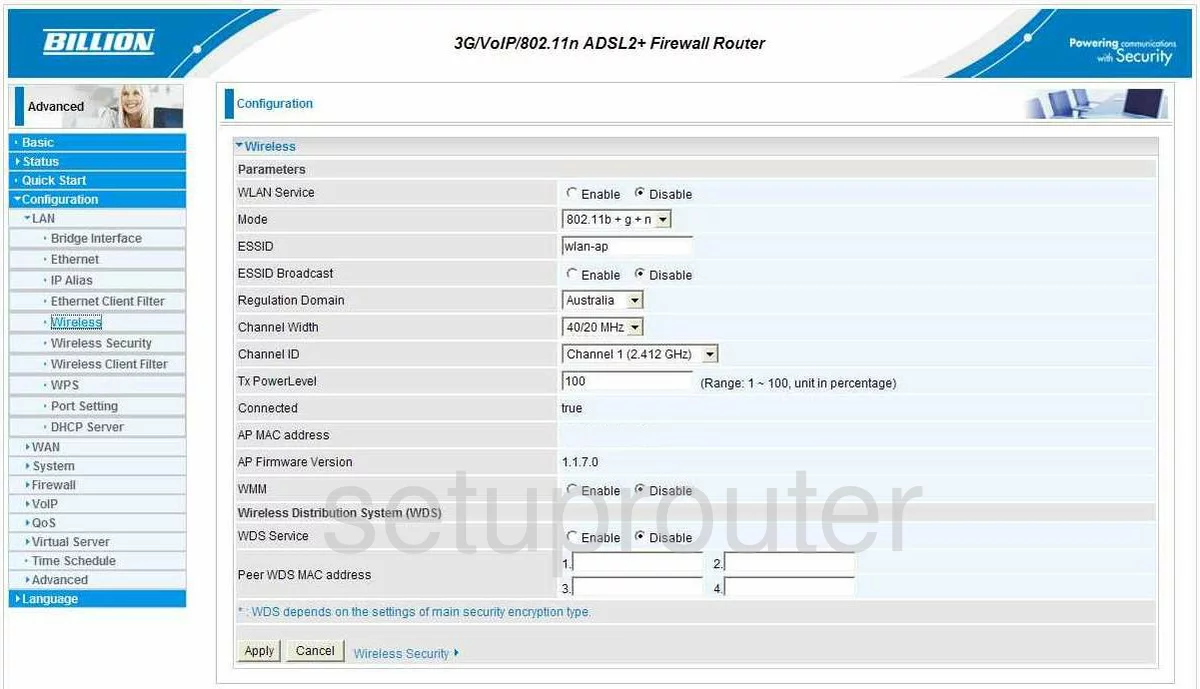
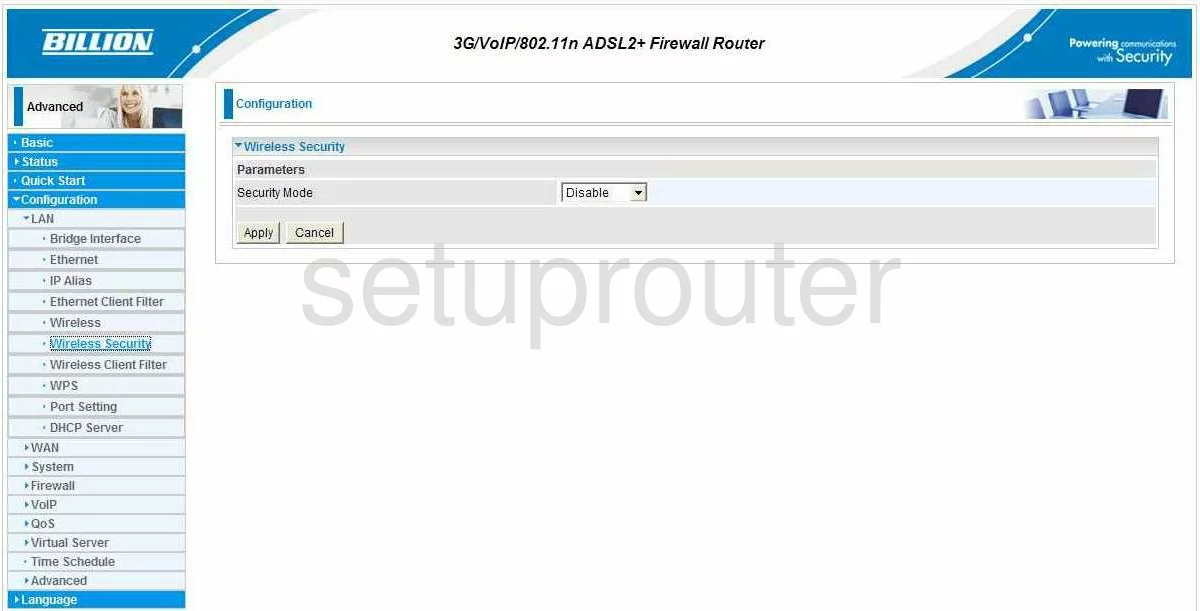
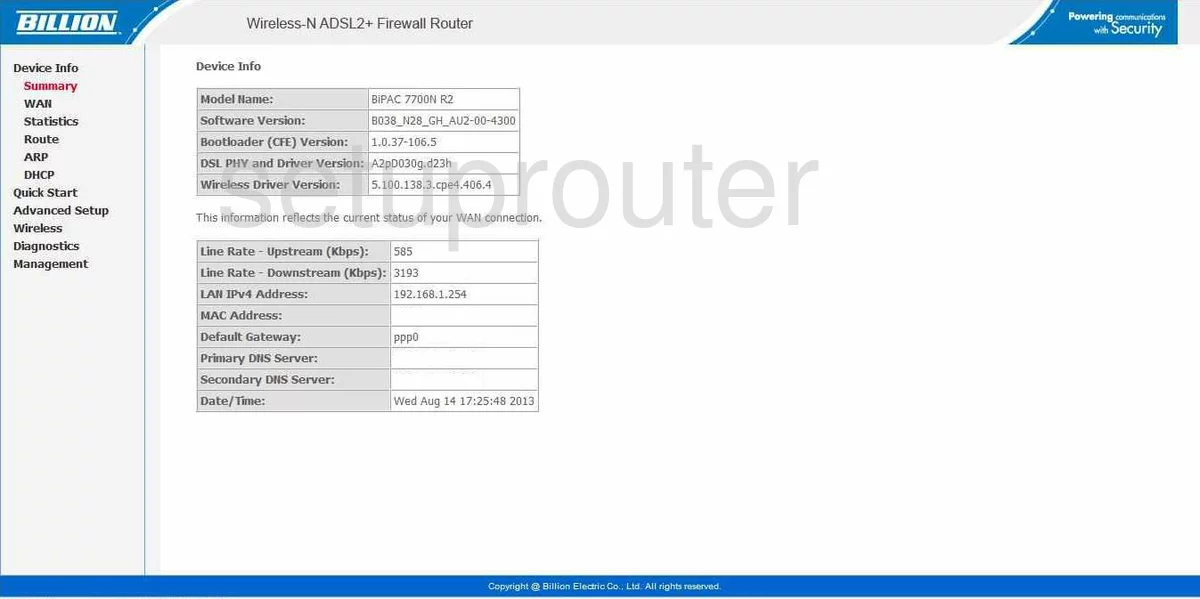
Bipac 7700N R2 (4 screens)
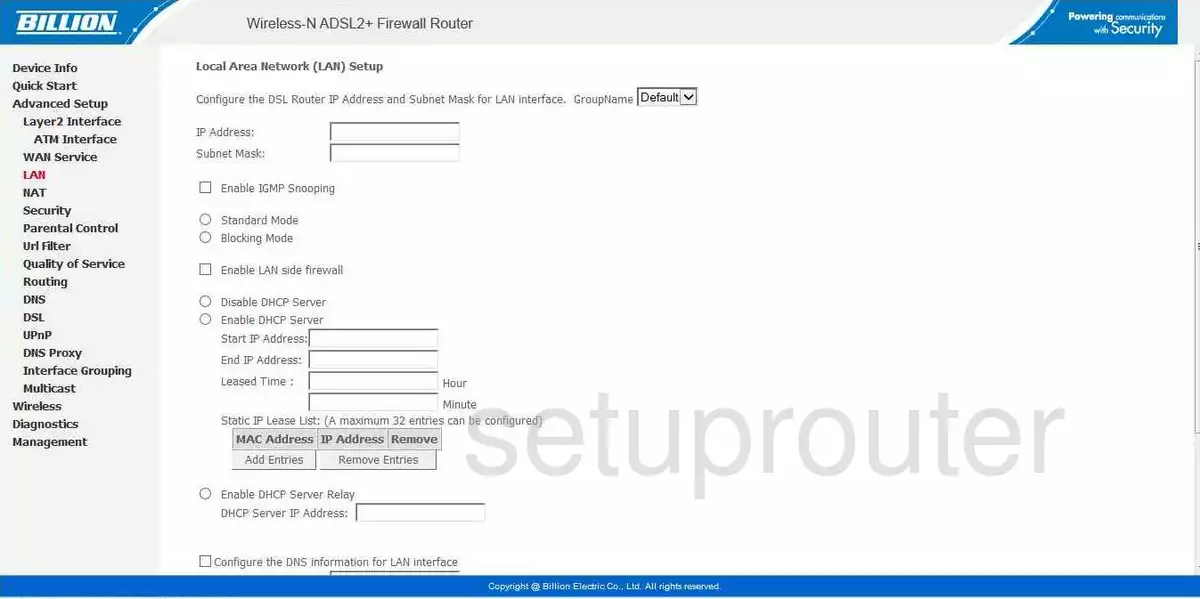
BiPAC 7800DXL (4 screens)
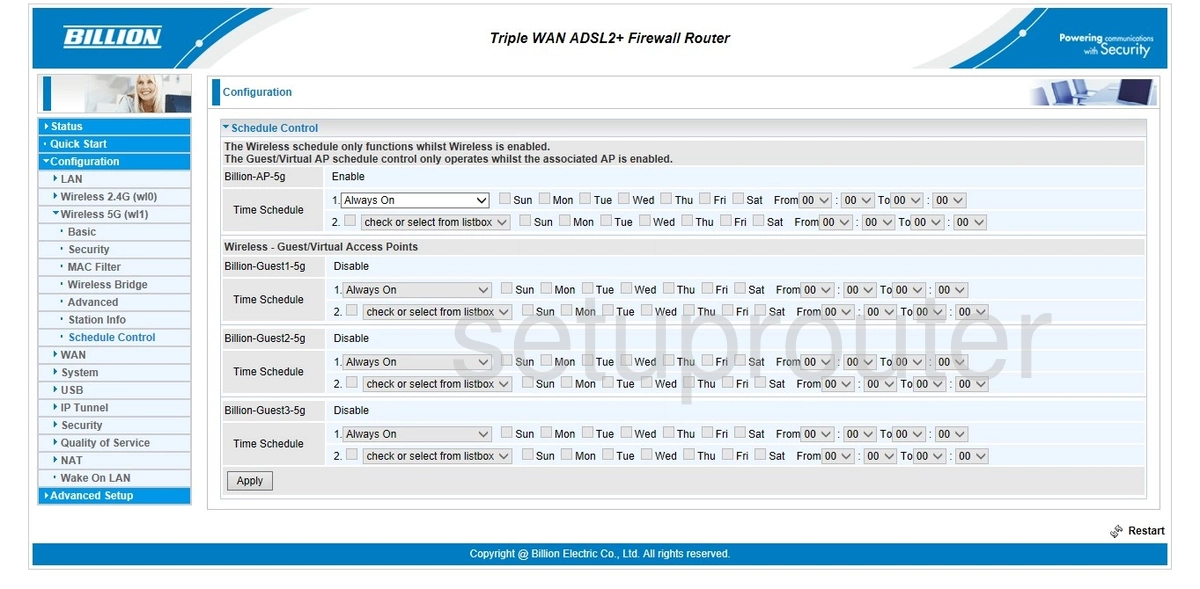
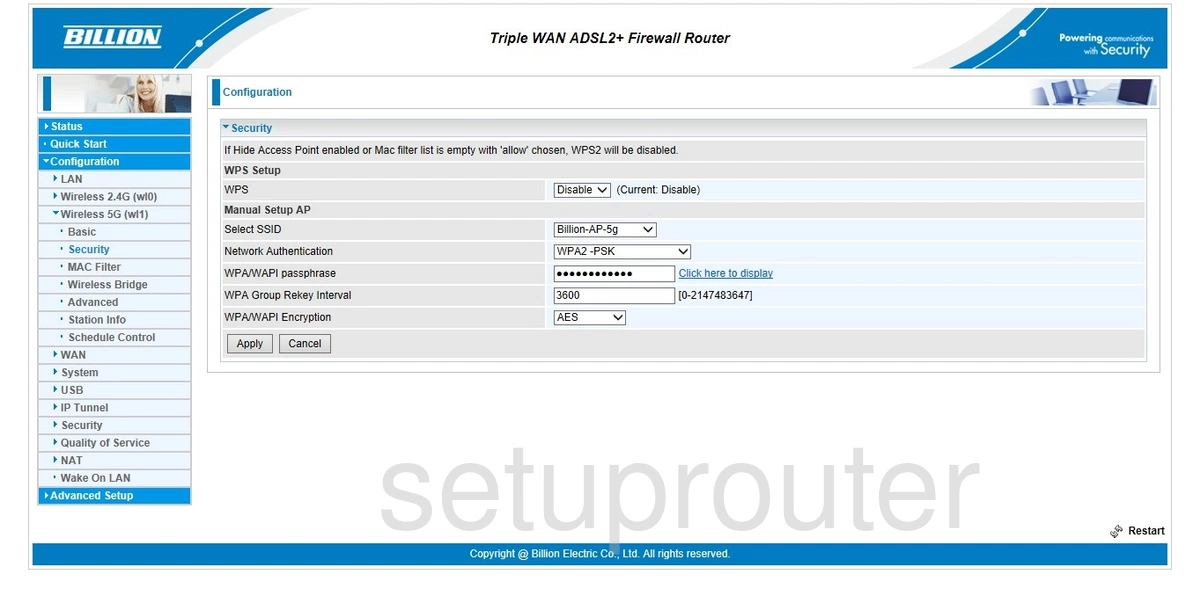
Bipac 7800N (4 screens)
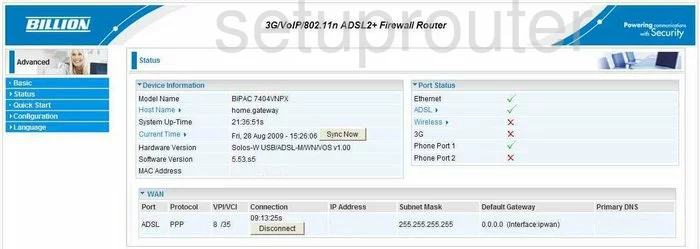
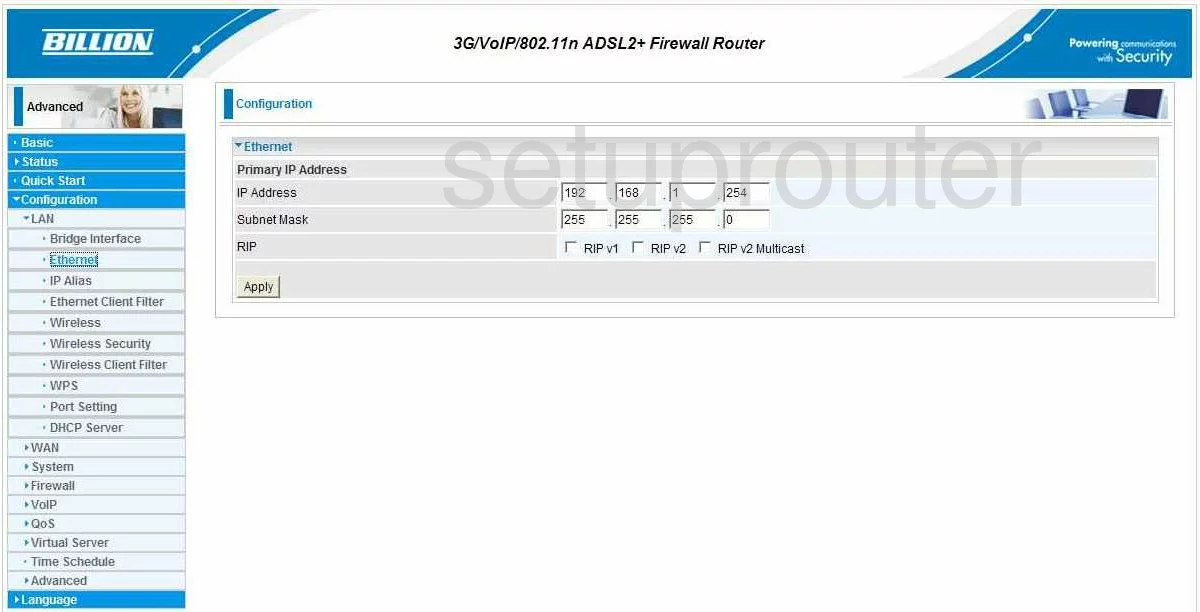
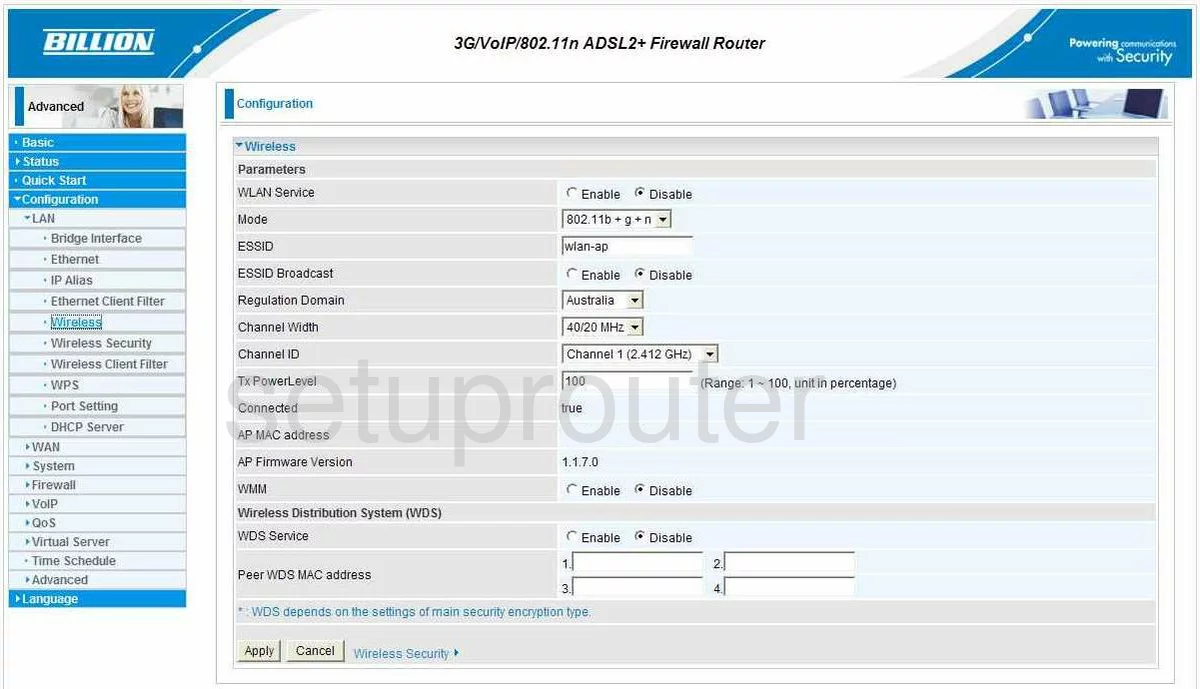
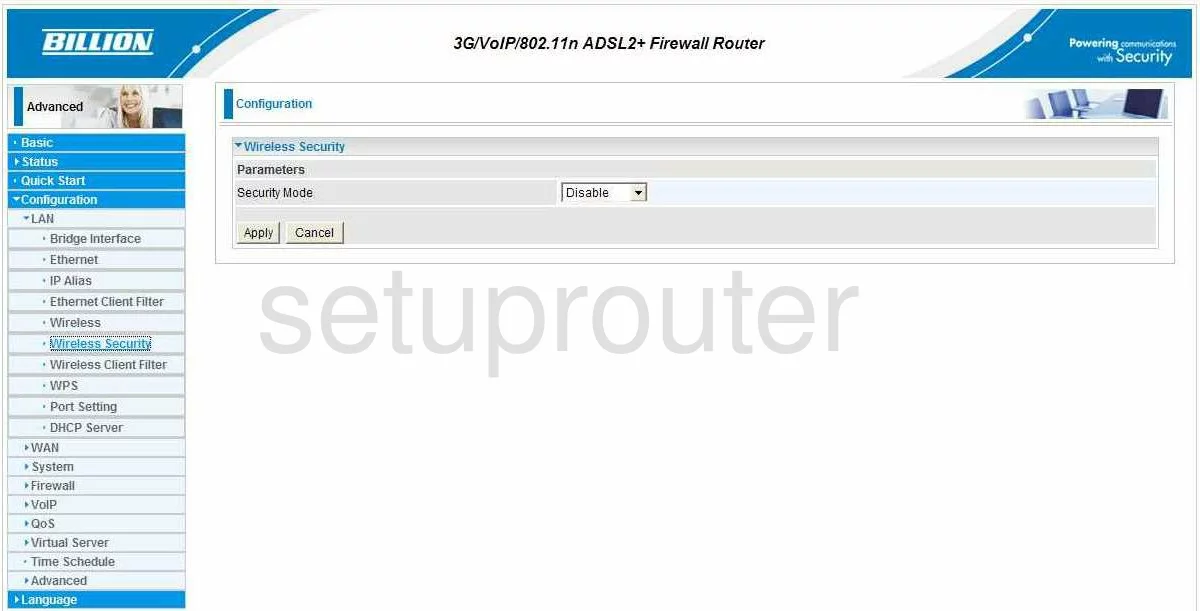
Bipac 7800NL (4 screens)
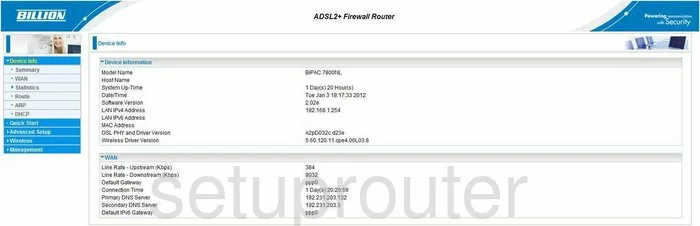
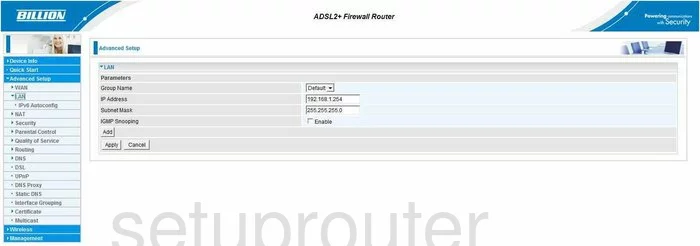
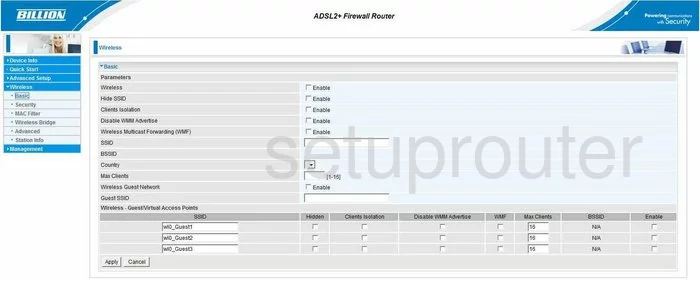
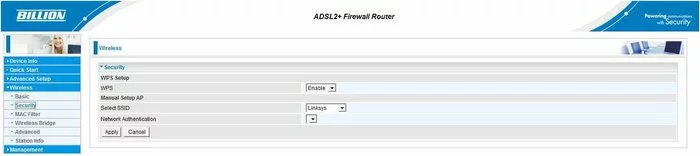
BiPAC 7800NXL (4 screens)
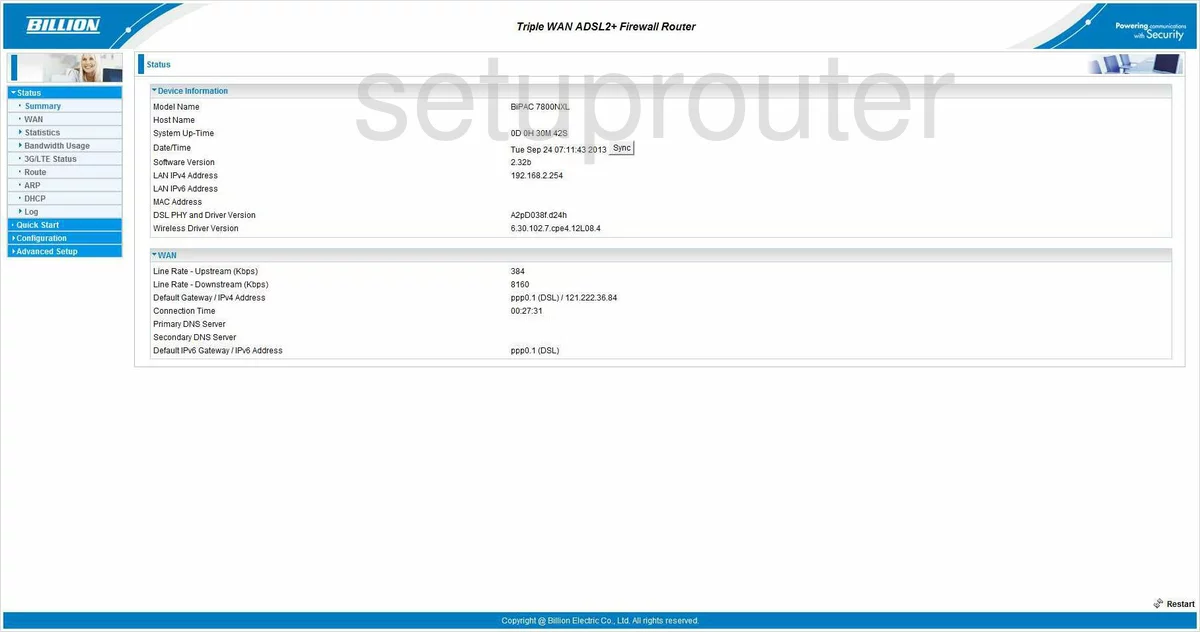
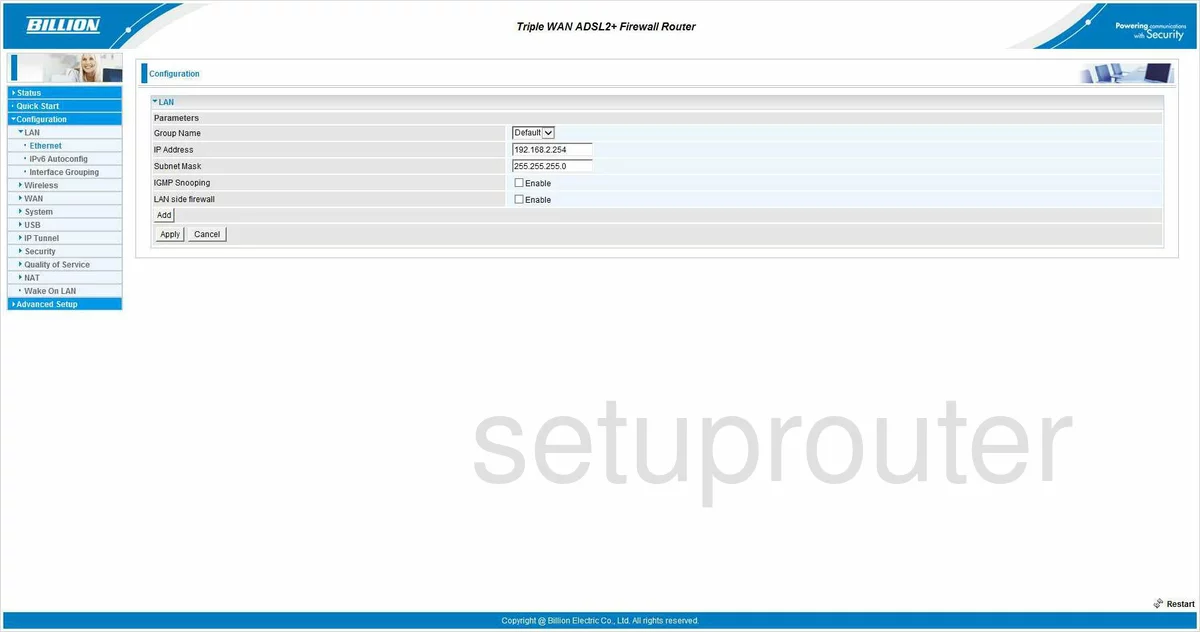
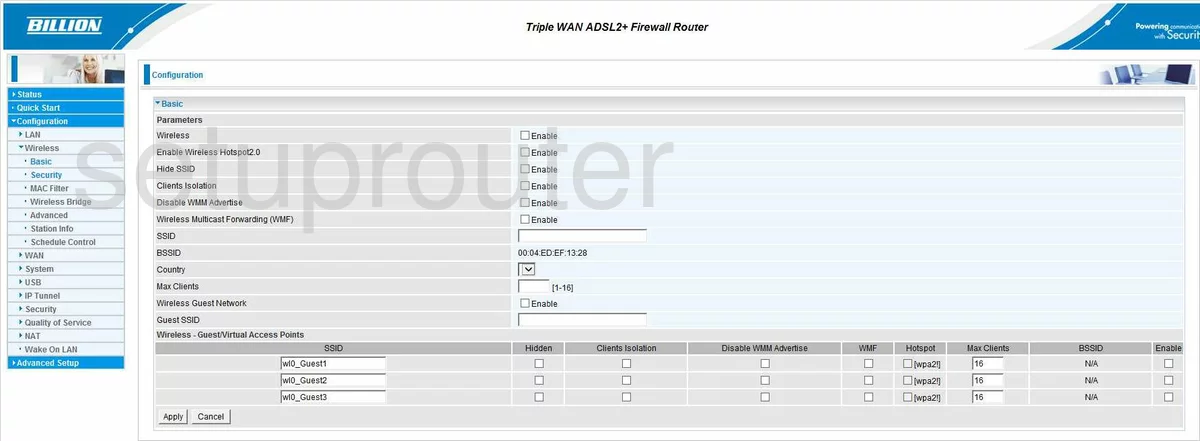
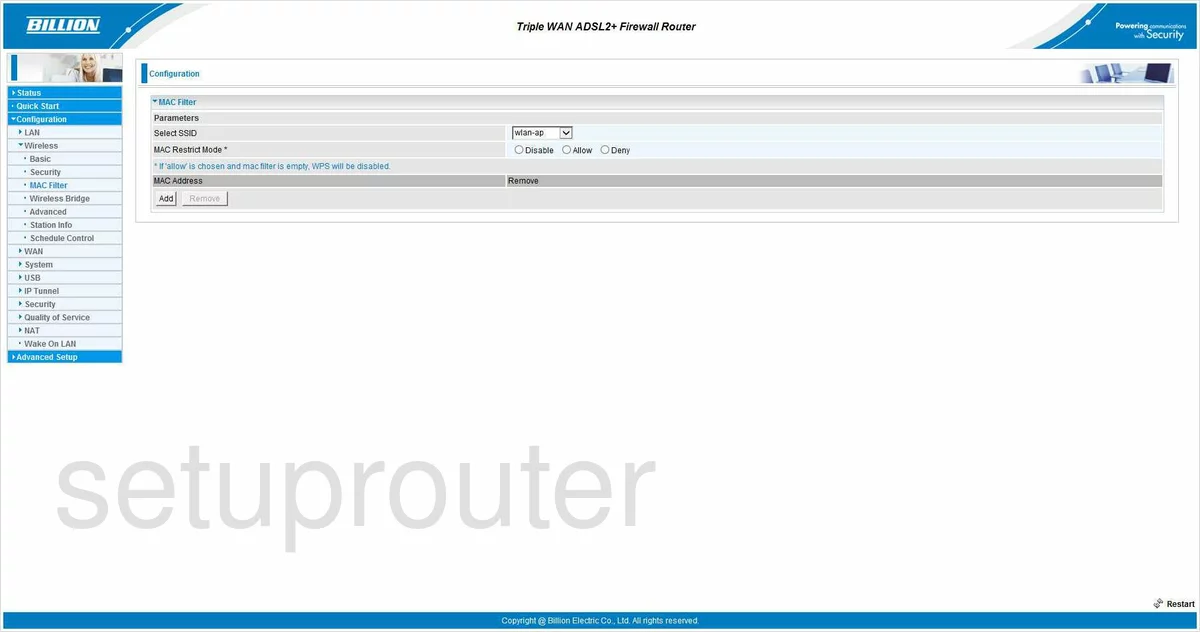
BiPAC 7800VDOX (4 screens)
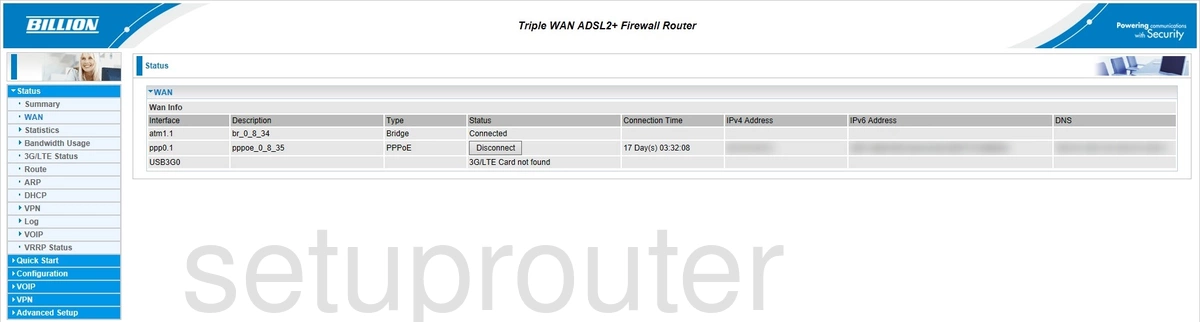
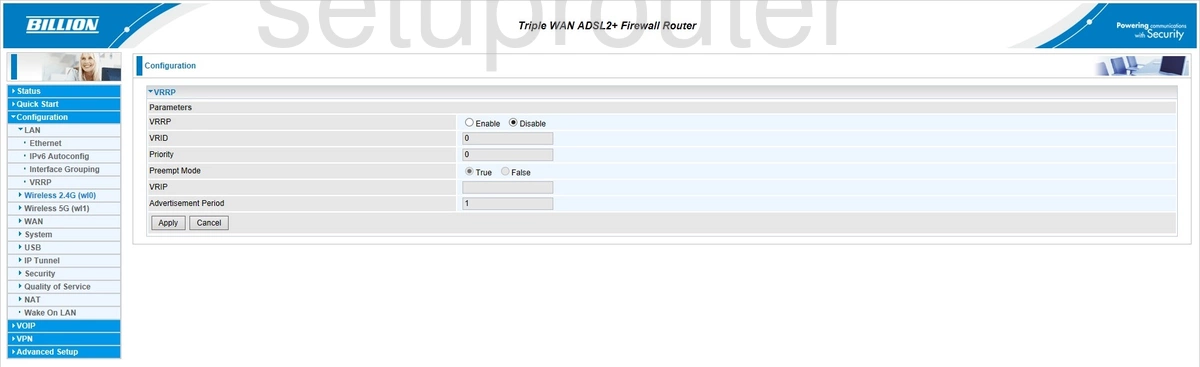
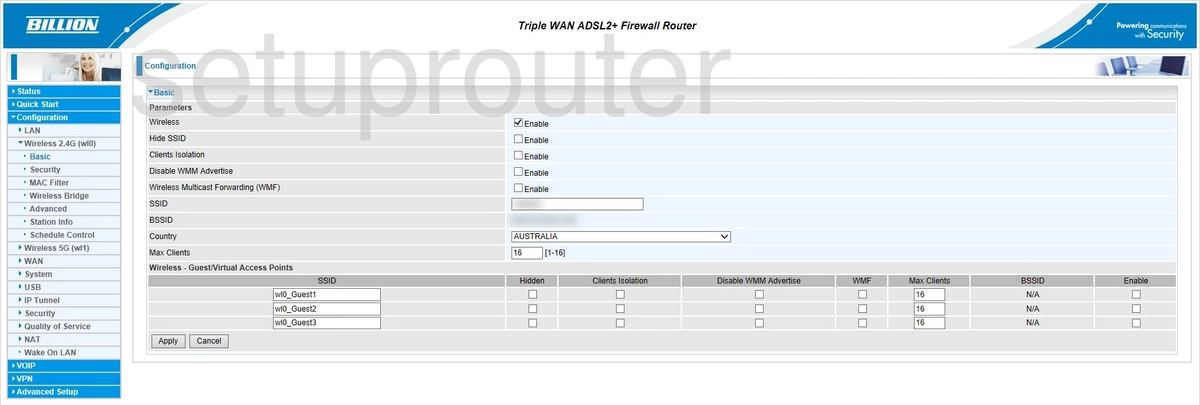
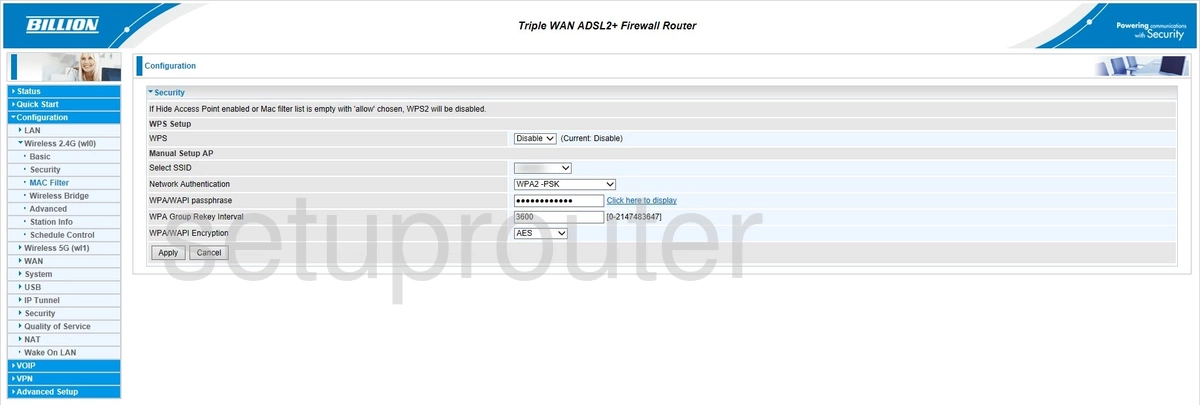
BiPAC 8800AXL R2 (1 screens)
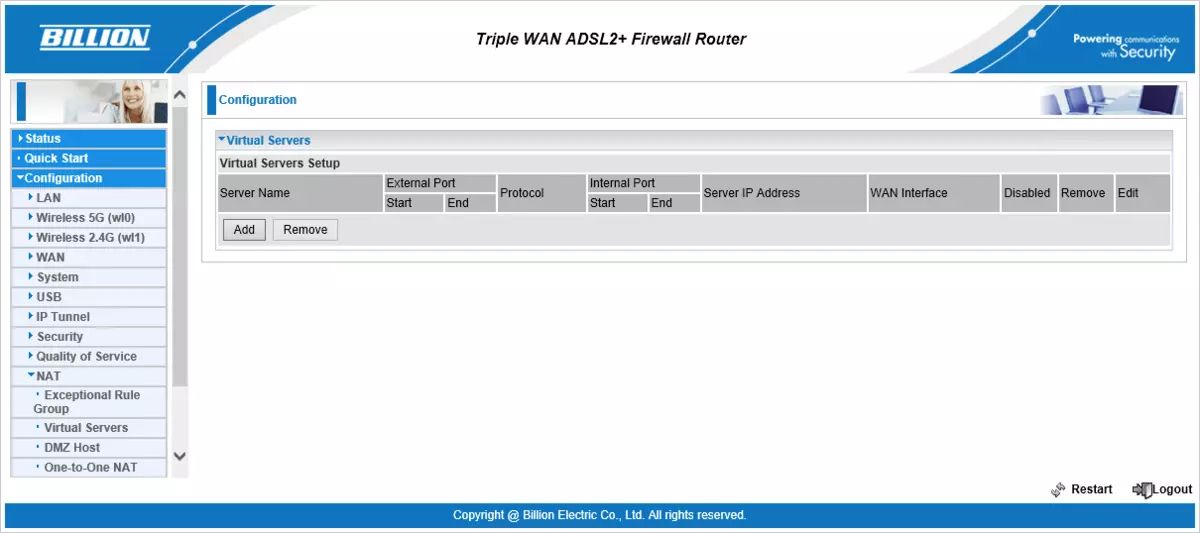
BiPAC 8800NL (1 screens)
BiPAC-7401VGP-R3 (4 screens)
Billion Router Manuals
- Billion 400G user manual (manual-1466)
- Billion 5102G user manual (manual-1114)
- Billion 5200S user manual (manual-1467)
- Billion 7204W user manual (manual-1468)
- Billion 800VGT user manual (manual-1469)
- Billion 810VGTX user manual (manual-1470)
- Billion Bipac 5112S user manual (manual-986)
- Billion Bipac 5210S user manual (manual-1471)
- Billion Bipac 7202GR2A user manual (manual-987)
- Billion Bipac 7300G RA user manual (manual-988)
- Billion Bipac 7300GX user manual (manual-989)
- Billion BiPAC 7300NX user manual (manual-1712)
- Billion Bipac 7300W user manual (manual-1713)
- Billion Bipac 7401VGP user manual (manual-1472)
- Billion Bipac 7401VGPR3 user manual (manual-1138)
- Billion Bipac 7402NX user manual (manual-990)
- Billion Bipac 7404VGO user manual (manual-1075)
- Billion Bipac 7404VGOX user manual (manual-991)
- Billion Bipac 7404VNOX user manual (manual-992)
- Billion Bipac 7404VPNX user manual (manual-994)
- Billion Bipac 7700N R2 user manual (manual-995)
- Billion BiPAC 7800DXL user manual (manual-2102)
- Billion Bipac 7800N user manual (manual-996)
- Billion Bipac 7800NL user manual (manual-997)
- Billion BiPAC 7800NXL user manual (manual-1129)
- Billion BiPAC 7800VDOX user manual (manual-2076)
- Billion BiPAC-7401VGP-R3 user manual (manual-1473)